Get 20% OFF All Premium 3D & STL Models!

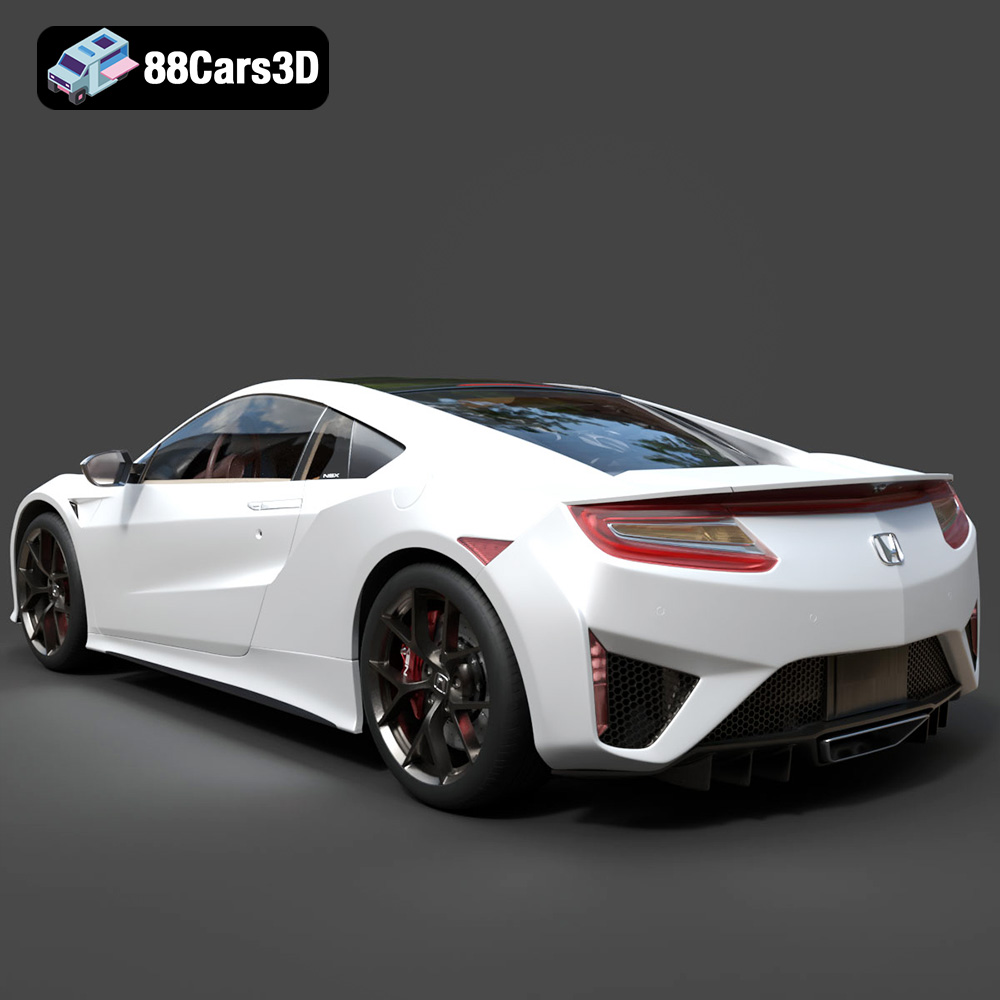
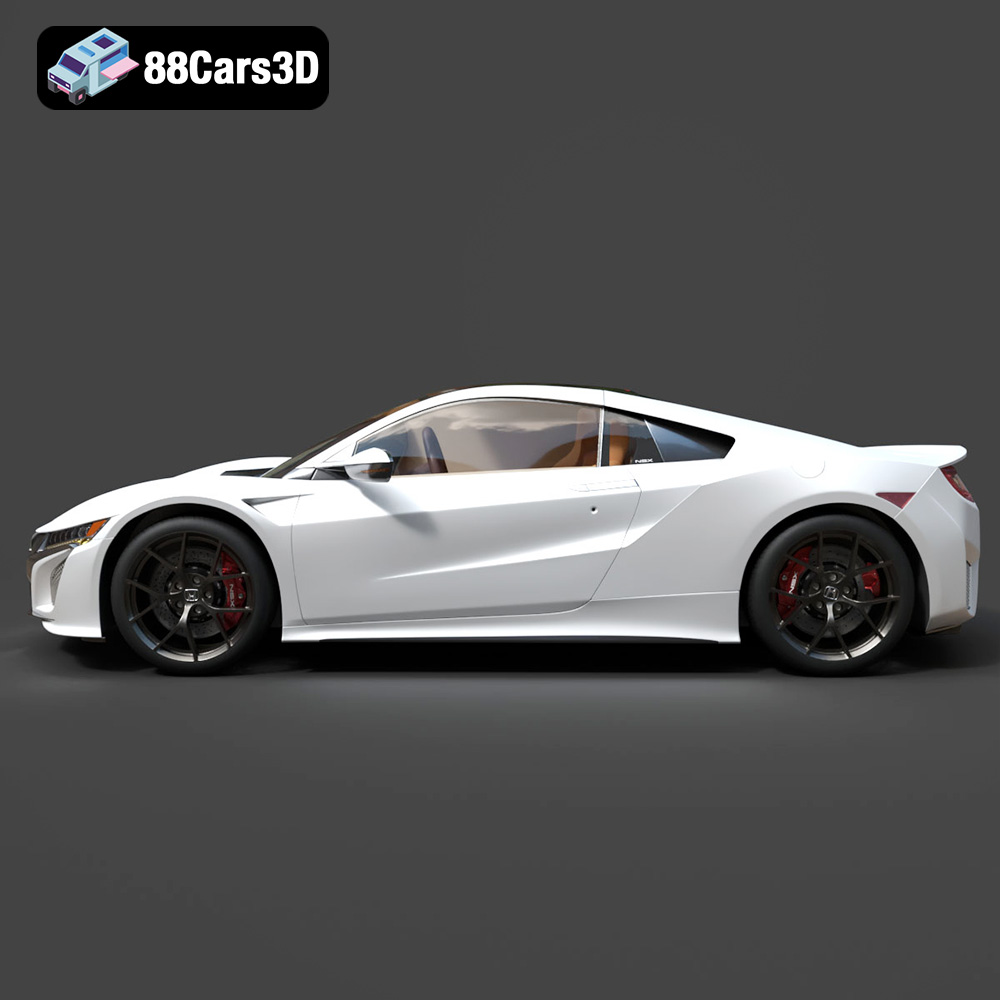
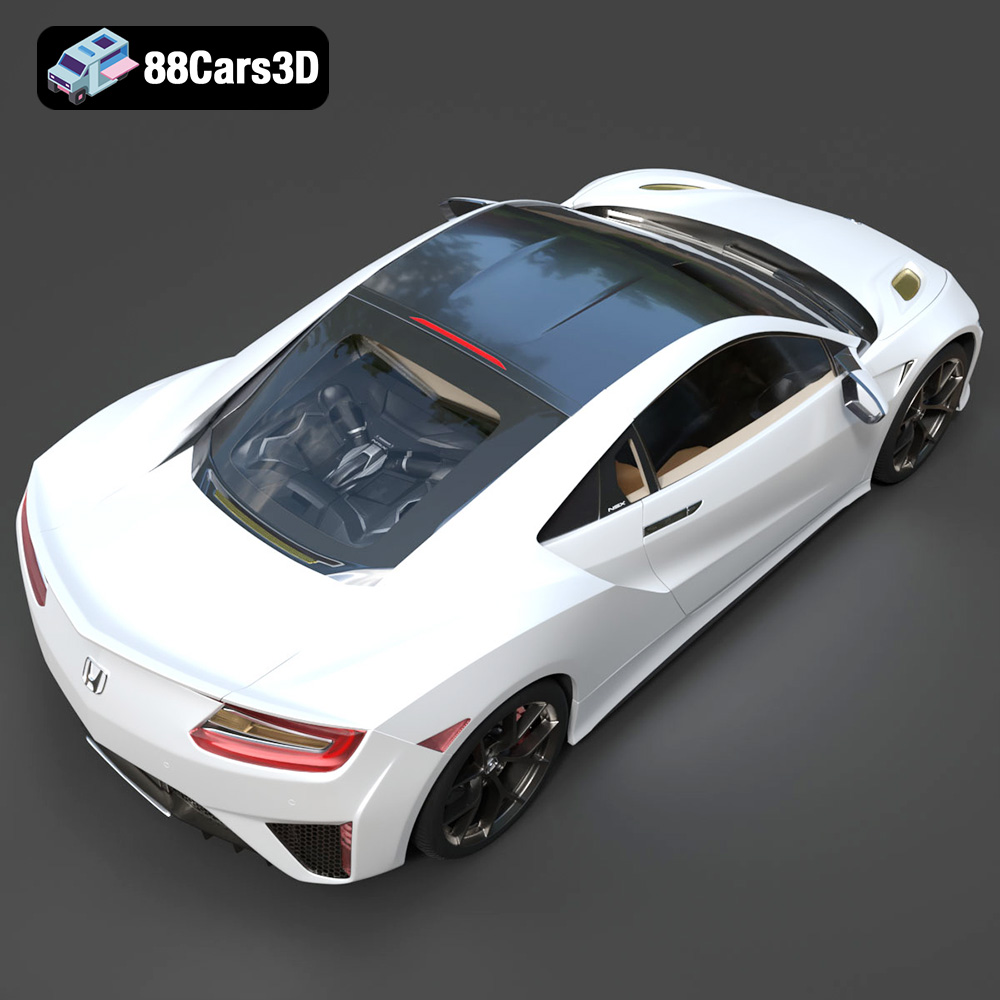
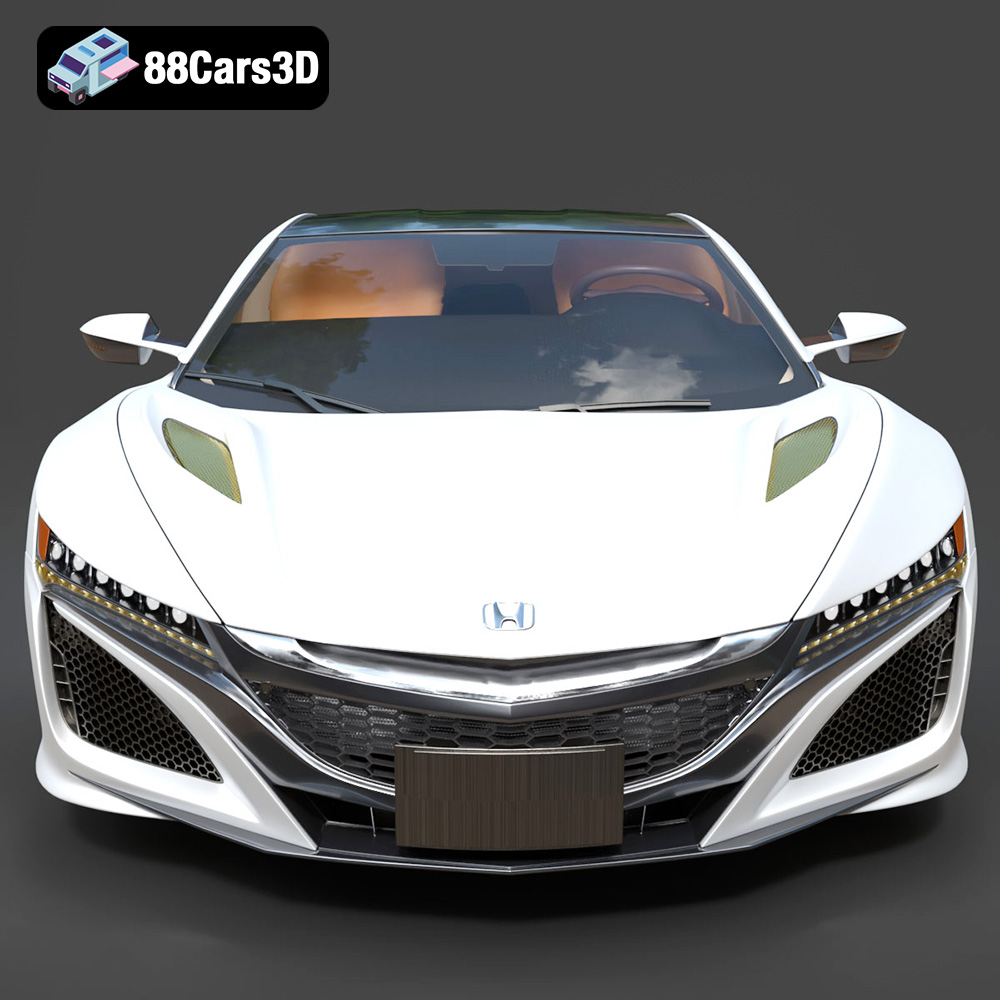
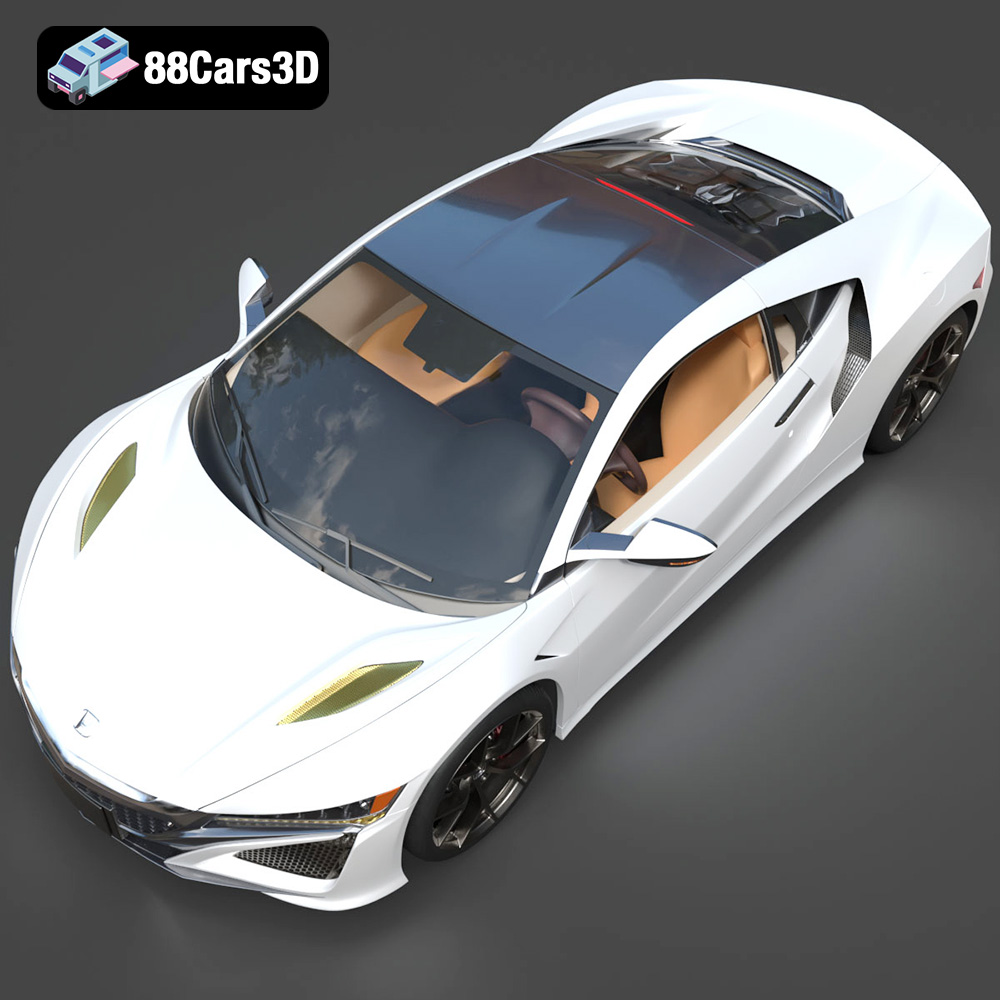
The Honda NSX 2017 – a modern marvel of engineering and design. Now, imagine holding a miniature, perfectly replicated version of this iconic sports car in your hands. Thanks to the advancements in 3D printing and the availability of high-quality 3D models from marketplaces like 88cars3d.com, that dream is now a reality. This guide will take you through the intricate process of 3D printing the Honda NSX 2017 3D model, ensuring a stunning final product that captures the essence of this legendary vehicle.
Before diving into the specifics of printing the Honda NSX 2017 3D model, it’s crucial to understand the different file formats available and their suitability for additive manufacturing. The 88cars3d.com product page lists a variety of formats, each designed for specific purposes. However, for 3D printing, one format reigns supreme: .stl.
The .stl (stereolithography) file format is the workhorse of the 3D printing world. It represents the surface geometry of a 3D object as a collection of triangles. This simplicity makes it universally compatible with virtually all 3D printing slicing software. When you download the Honda NSX 2017 3D model, the .stl file will be your go-to for preparing the model for printing.
While .stl files are ubiquitous, they only contain information about the shape of the object; they don’t include color, texture, or material properties. This means your 3D printed NSX will be a single color determined by the filament you choose.
While .stl is the primary format for printing, understanding the other formats offered is still valuable:
* **.obj:** This format is more versatile than .stl, as it can store color and texture information. If you were to eventually paint your 3D printed NSX model, you could use the .obj file as a reference for the original color scheme.
* **.ply:** .ply files can store even more detailed information than .obj, including vertex normals and other properties. This makes them suitable for high-detail meshes but can be overkill for 3D printing, as the slicer will ultimately triangulate the model for processing.
* **.blend:** This is the native file format for Blender, a popular open-source 3D modeling software. If you want to make modifications to the NSX model before printing (e.g., adding personalized details or splitting it into smaller, easier-to-print parts), having the .blend file is invaluable.
* **.fbx:** Commonly used for game development, .fbx files support animations and other complex features. While not directly used for 3D printing, the .fbx file can give you a good representation of how the model is intended to be used.
* **.glb:** .glb files are designed for AR/VR applications. They are efficient and can be easily viewed on various devices. While not relevant for printing, the .glb can be used to preview the model.
* **.max:** This is the native file format for 3ds Max. Similar to .blend, this format allows the user to modify the model for desired print results.
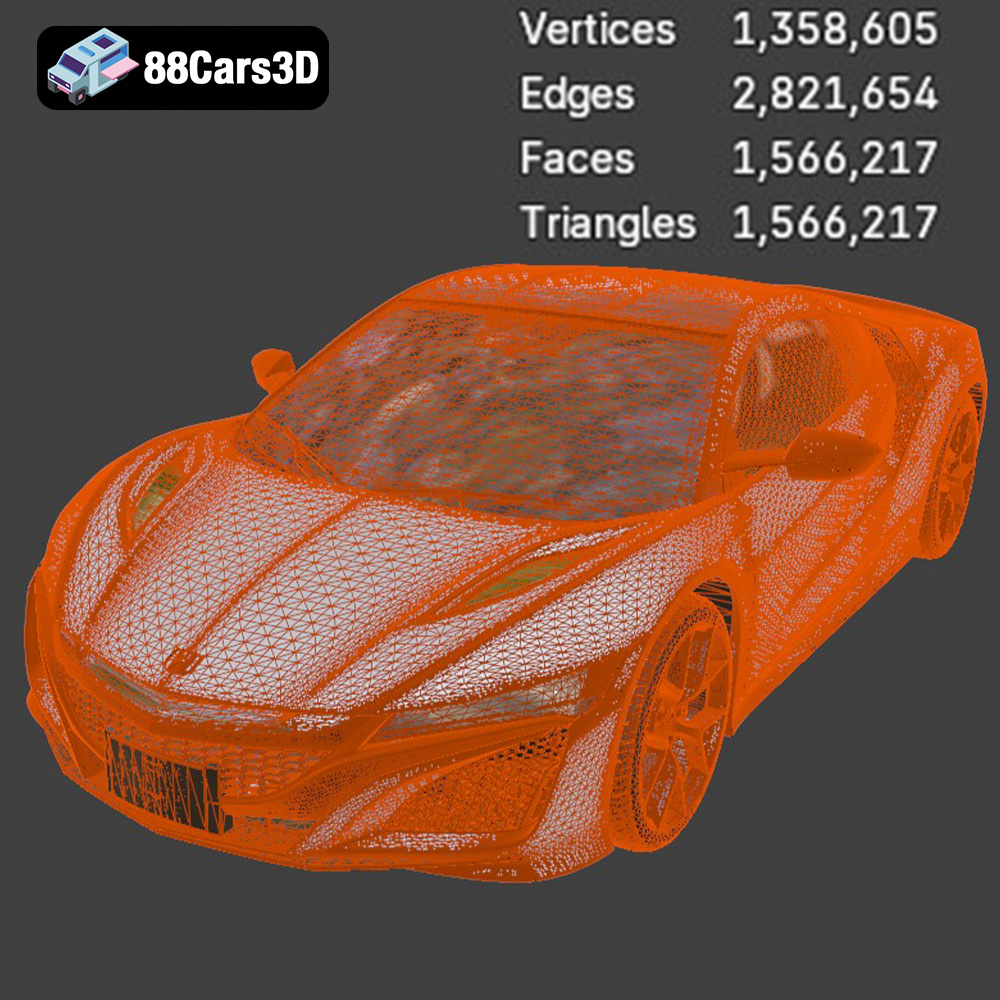
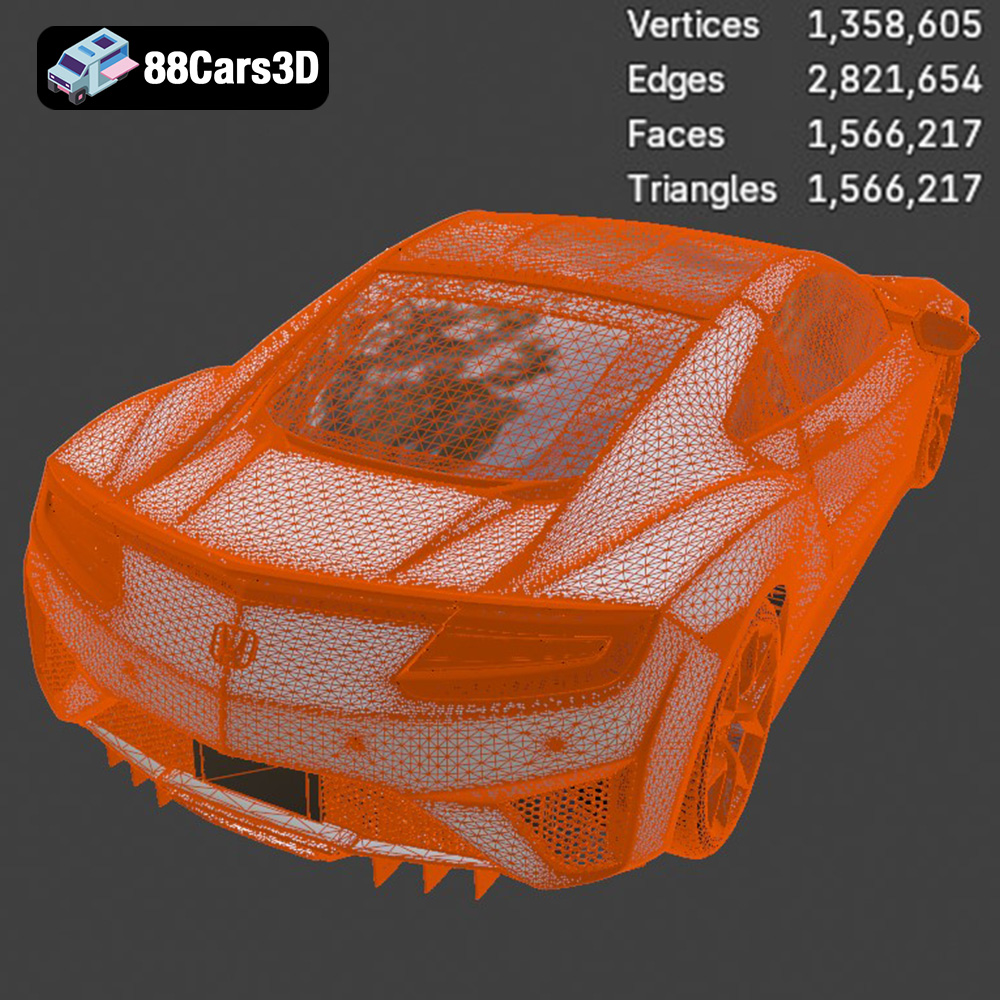
Regardless of the initial format, the .stl file used for 3D printing needs to have a well-defined and properly constructed mesh. Slicing software interprets the mesh data to generate the instructions for the 3D printer. Issues like non-manifold geometry (where edges are not properly connected) or self-intersecting faces can cause problems during slicing and printing.
Before slicing the Honda NSX 2017 3D model, it’s always a good idea to import the .stl file into a mesh repair tool like Meshmixer or Netfabb. These tools can automatically identify and fix common mesh errors, ensuring a smooth and successful printing process. Most slicing software also includes basic mesh repair features.
Proper preparation is paramount for achieving a high-quality 3D printed Honda NSX 2017. This involves several crucial steps, from scaling and orientation to support structure design.
* **Scaling:** Consider the size of your 3D printer’s build volume and your desired level of detail. The Honda NSX 2017 3D model might need to be scaled down to fit your printer. However, be mindful that reducing the size excessively can compromise intricate details. A good starting point is to aim for a model length of around 150-200mm, but adjust based on your printer’s capabilities and desired outcome.
* **Orientation:** The orientation of the model on the print bed significantly impacts print quality, support requirements, and overall print time. For the NSX, consider printing the body with the roof facing upwards. This minimizes the need for supports on the more visible surfaces, such as the hood and side panels. The chassis can be printed flat on the bed for maximum adhesion and stability.
* **Slicing Software:** Popular choices include Cura, PrusaSlicer, Simplify3D, and IdeaMaker. Each offers a range of settings and features, so experiment to find what works best for your printer and material.
* **Layer Height:** A lower layer height (e.g., 0.1mm to 0.15mm) results in finer details and smoother surfaces, which is crucial for capturing the sleek lines of the NSX. However, it also increases print time. A layer height of 0.2mm to 0.25mm provides a good balance between quality and speed.
* **Infill Density:** Infill affects the model’s strength and weight. For a display model, a low infill density (10-15%) is sufficient. If you plan to handle the model frequently, consider increasing the infill to 20-25% for added durability.
* **Support Structures:** Given the NSX’s complex geometry, supports will likely be necessary, especially for overhangs. Experiment with different support patterns (e.g., tree supports, linear supports) and densities to minimize material usage and improve surface finish. Pay close attention to areas like the wheel wells, rear spoiler, and side mirrors.
The choice of material greatly influences the final look and feel of your 3D printed Honda NSX 2017. Several options are available, each with its own set of advantages and disadvantages.
* **Pros:** PLA is the most common and easiest-to-print filament. It’s biodegradable, relatively inexpensive, and available in a wide range of colors.
* **Cons:** PLA is not as strong or heat-resistant as other materials. It can also be brittle and prone to cracking under stress.
* **Recommendation:** PLA is a good choice for a static display model that won’t be subjected to high temperatures or rough handling.
* **Pros:** PETG offers a better balance of strength, flexibility, and heat resistance than PLA. It’s also more impact-resistant and less prone to warping.
* **Cons:** PETG can be slightly more challenging to print than PLA, requiring higher temperatures and potentially more precise calibration.
* **Recommendation:** PETG is a great option if you want a more durable model that can withstand some handling and exposure to sunlight.
* **Pros:** Resin printing offers exceptional detail and smooth surfaces, making it ideal for replicating intricate features of the NSX.
* **Cons:** Resin printers are typically more expensive than FDM printers, and resin itself can be costly. Resin printing also requires more post-processing, including washing and curing.
* **Recommendation:** If you prioritize detail and surface finish above all else, and you have access to a resin printer, this is the best choice.
Achieving a flawless 3D printed Honda NSX 2017 requires fine-tuning your printer settings. Here are some key parameters to consider:
* **Print Temperature:** Follow the manufacturer’s recommendations for your chosen filament. PLA typically prints between 190-220°C, while PETG usually requires 230-250°C.
* **Bed Temperature:** A heated bed is essential for good adhesion. PLA typically requires 60-70°C, while PETG benefits from 70-80°C.
* **Print Speed:** A slower print speed (e.g., 40-60 mm/s) generally results in better quality, especially for intricate details. Consider reducing the speed further for the first few layers to ensure good adhesion.
* **Retraction Distance:** Adjust the retraction distance to minimize stringing and oozing. A good starting point is 5-7mm for direct drive extruders and 6-8mm for Bowden extruders.
* **Retraction Speed:** Experiment with retraction speeds between 25-40 mm/s to find the optimal setting for your printer and filament.
* **Part Cooling Fan:** Adequate cooling is crucial for PLA to prevent warping and ensure crisp details. PETG, on the other hand, often benefits from reduced cooling. Adjust the fan speed based on the filament manufacturer’s recommendations.
Once the printing is complete, the real work begins. Post-processing is essential for refining the surface finish, removing support structures, and assembling the final model.
* **Support Removal:** Carefully remove the support structures using pliers, a hobby knife, or a specialized support removal tool. Take your time to avoid damaging the model.
* **Sanding:** Start with coarse-grit sandpaper (e.g., 220-grit) to remove any remaining support marks and imperfections. Gradually move to finer grits (e.g., 400-grit, 600-grit, 800-grit) to smooth the surface. Wet sanding can further enhance the finish.
* **Priming:** Apply a thin coat of primer to the model to create a smooth surface for painting.
* **Painting:** Use acrylic paints or spray paints to achieve the desired color scheme. Apply multiple thin coats for best results. Consider using masking tape to create clean lines and separate different colored areas.
* **Clear Coating:** A clear coat adds a protective layer and enhances the glossiness of the paint.
* **Assembly:** If the model was printed in multiple parts, carefully assemble them using glue or epoxy.
Even with careful preparation, 3D printing can sometimes present challenges. Here are some common issues and their solutions:
* **Warping:** Ensure proper bed adhesion by cleaning the print bed with isopropyl alcohol and using a heated bed. Applying a brim or raft can also help.
* **Stringing:** Adjust retraction settings, reduce print temperature, and ensure the filament is dry.
* **Layer Separation:** Increase print temperature, reduce print speed, and ensure the filament is properly calibrated.
* **Elephant’s Foot:** Reduce the bed temperature or adjust the initial layer height.
By understanding these potential issues and their solutions, you can overcome obstacles and achieve a stunning 3D printed Honda NSX 2017. Remember to check out 88cars3d.com for more high-quality 3D models to fuel your additive manufacturing passion.
Experience unparalleled realism with the Honda NSX 2017 3D Model. Meticulously crafted to capture the sleek, aerodynamic lines and iconic stance of this legendary hybrid sports car, this model delivers exceptional detail for all your digital projects.
$39.99
.arvr
.blend
.car3dmodel
.fbx
.gameasset
.glb
.honda
.max
.nsx
.obj
.ply
.rendering
.simulation
.sportsCar
.stl
.supercar
.unreal