Get 20% OFF All Premium 3D & STL Models!

The world of digital visualization is accelerating at an unprecedented pace, driven by demand for increasingly realistic experiences across automotive design, game development, virtual reality, and architectural visualization. At the heart of this revolution are meticulously crafted 3D models, serving as the foundational building blocks for everything from cinematic renders to interactive simulations. These assets are more than just digital sculptures; they are complex technical blueprints that embody design intent, engineering precision, and artistic vision.
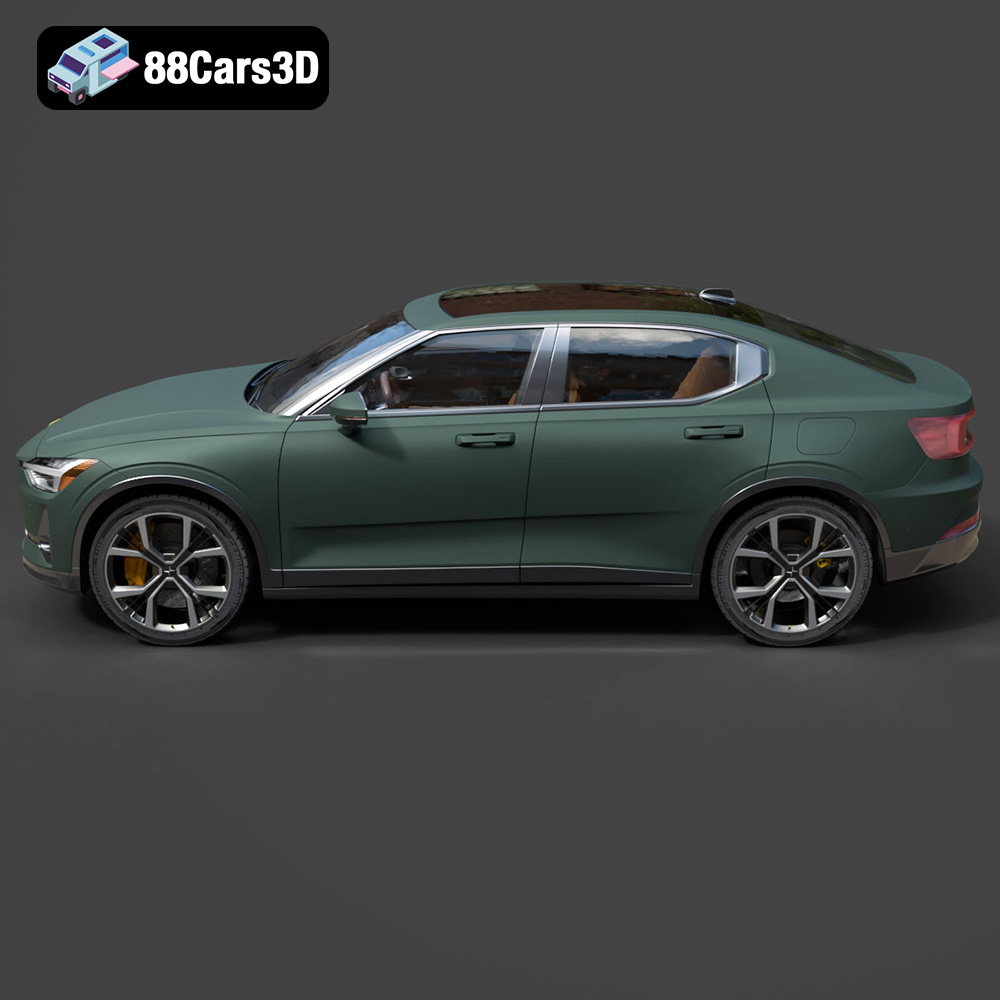
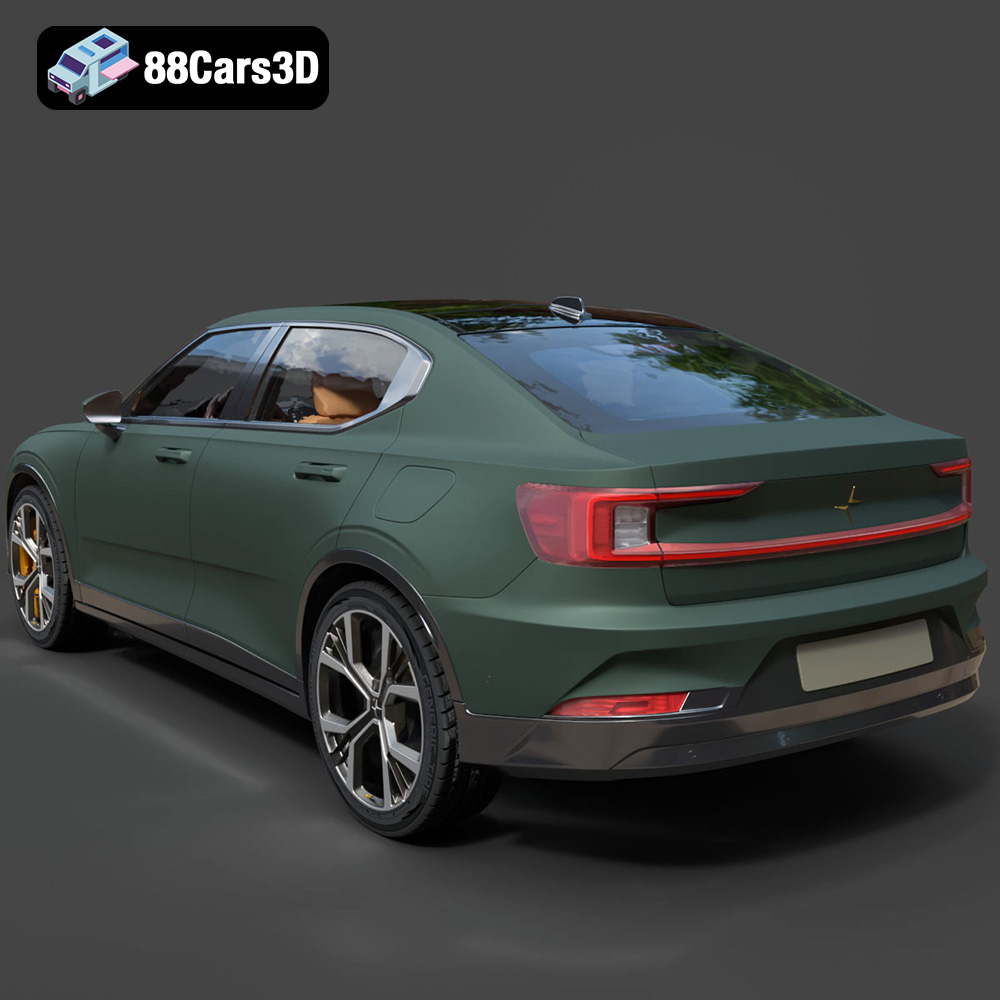
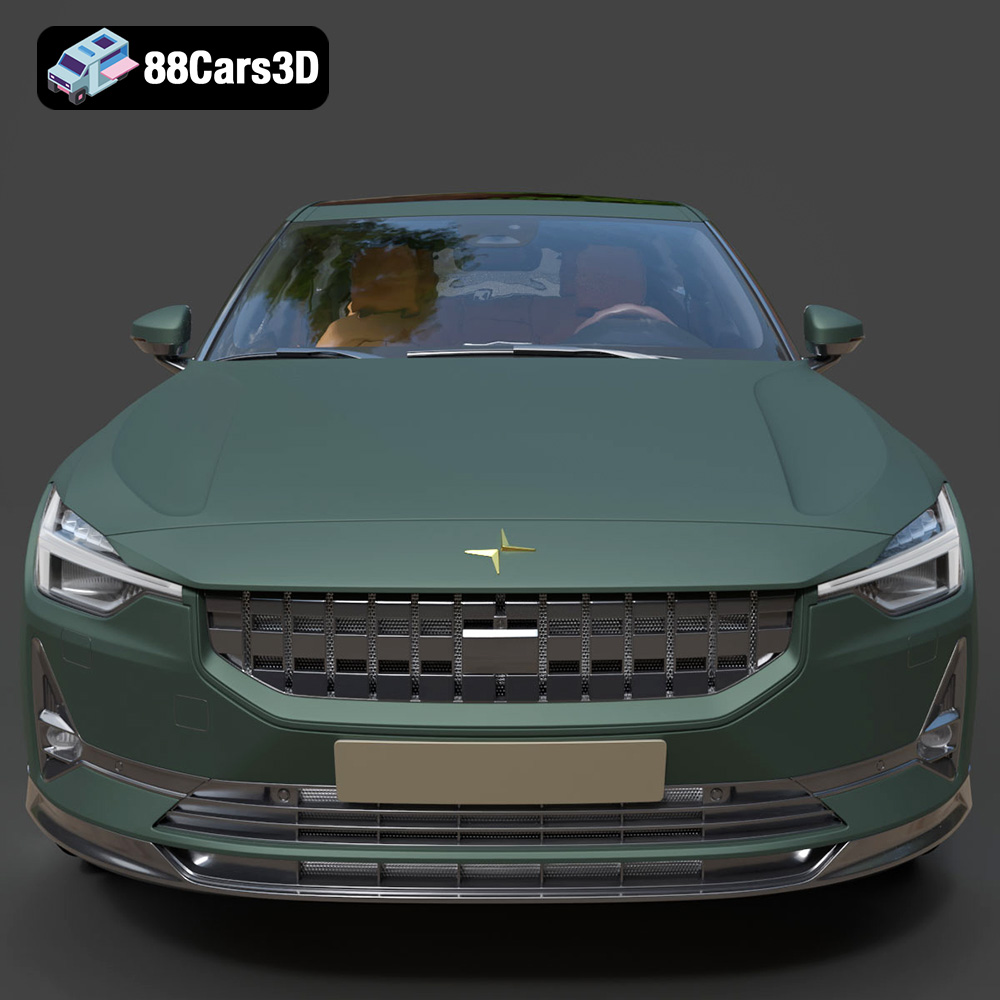
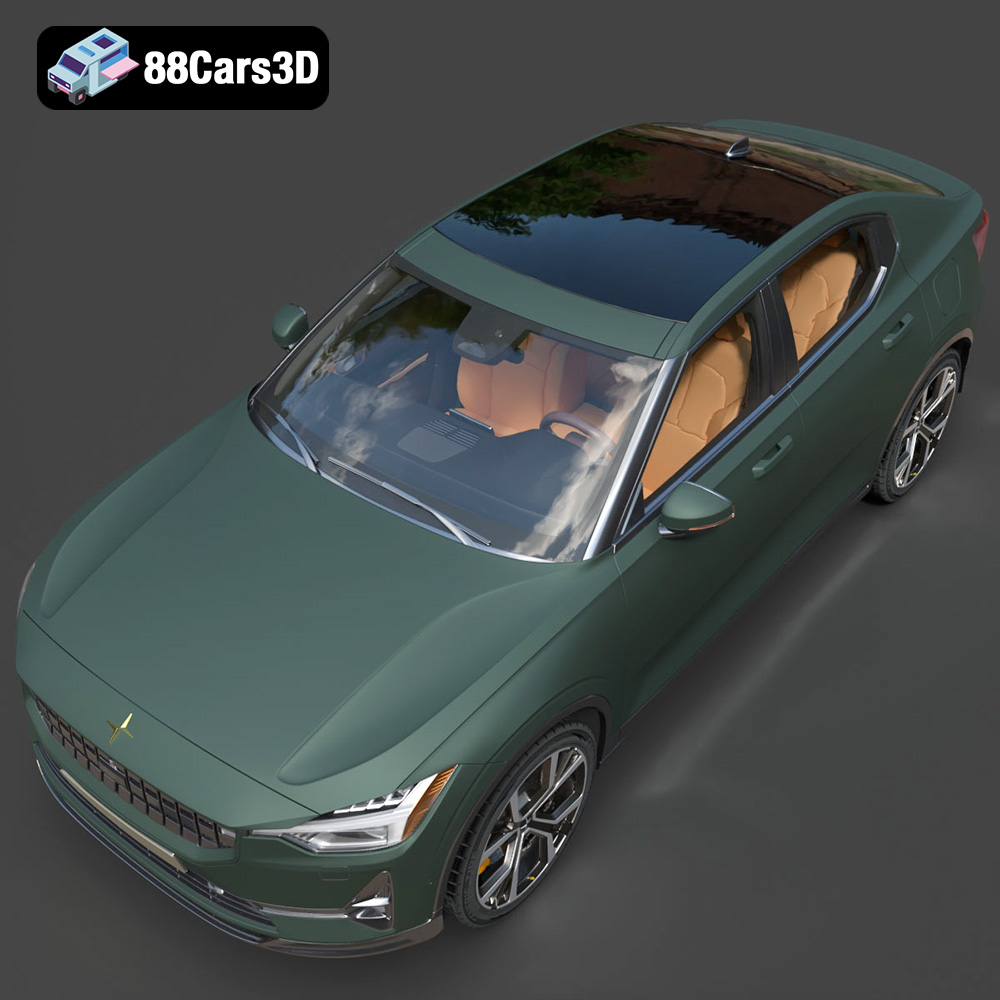
In this dynamic landscape, the Polestar 2 2020 stands out as a beacon of modern automotive design – an all-electric fastback that blends Scandinavian minimalism with cutting-edge sustainable performance. Its distinctive aesthetic, characterized by signature pixel LED headlights, a striking full-width taillight blade, and a sleek aerodynamic profile, makes it an ideal subject for exploration in the 3D realm. A high-fidelity 3D model of the Polestar 2 2020, like the one available on 88cars3d.com, offers designers, developers, and artists an invaluable resource to integrate this iconic vehicle into their projects, pushing the boundaries of what’s possible in digital creation.
This comprehensive guide delves into the intricate details of professional 3D car modeling, focusing on how a product like the Polestar 2 2020 3D Model empowers creators. We’ll explore the critical role of various file formats, the technical nuances of automotive asset creation, and practical applications across diverse industries, from game development to advanced visualization and even 3D printing.
Selecting the correct 3D model file format is not merely a technicality; it is a critical decision that dictates compatibility, functionality, and performance across different software environments and applications. For a versatile asset like the Polestar 2 2020 3D Model, understanding the strengths and weaknesses of each format provided is paramount for professional workflows. Let’s delve into the specifics of the formats you’ll typically encounter when working with high-quality 3D car models.
The .blend format is the native file type for Blender, the powerful open-source 3D creation suite. When you receive a .blend file, you’re getting a fully editable Blender scene. This means it includes not just the mesh geometry, but also all materials (including complex node setups), textures, lighting, cameras, animations, rigging, modifiers, and even the scene’s physics simulations. For artists primarily working in Blender, this is often the preferred format as it offers maximum flexibility for customization and direct manipulation within their primary software. You can easily adjust the vehicle’s materials, modify its geometry, or integrate it into existing Blender scenes without any translation issues.
FBX (Filmbox) is arguably the most widely used proprietary 3D exchange format, developed by Autodesk. It’s an ideal choice for pipelines involving real-time engines like Unreal Engine and Unity, as well as for transferring assets between different DCC (Digital Content Creation) software. FBX excels at preserving a wide range of data, including mesh geometry, PBR (Physically Based Rendering) materials, textures, animations, skinning, and camera data. Its robust support for skeletal animations and complex scene hierarchies makes it indispensable for game development and cinematics. When importing the Polestar 2 3D Model as an .fbx, you can expect a well-preserved asset ready for rigging, animating, and immediate use in game environments with its materials largely intact.
OBJ (or .obj) is a simple, universal 3D geometry definition file format that has been around for decades. It’s an excellent choice for cross-software compatibility when you primarily need to transfer mesh data. An .obj file typically stores vertex positions, UV coordinates, normals, and face information. While it can reference external material files (.mtl), its support for complex material properties, animations, or rigging is limited compared to FBX. For basic model import into almost any 3D software for static renders or initial sculpting work, .obj remains a reliable and highly compatible option. It ensures that the core geometry of the Polestar 2 3D Model is accessible regardless of your software.
GLB (GL Transmission Format Binary) is the binary version of glTF, an open-standard format designed for efficient transmission and loading of 3D scenes and models by engines and applications. GLB packs all asset data—geometry, materials, textures, animations—into a single, compact file. This optimization makes it perfect for AR (Augmented Reality), VR (Virtual Reality), and browser-based display applications where file size and load times are critical. Integrating the Polestar 2 3D Model into a virtual showroom on a website or a mobile AR experience is significantly streamlined using the .glb format due to its performance-oriented design and widespread support in web browsers and mobile platforms.
STL (STereoLithography) is the most common file format used for 3D printing. It represents a 3D model as a series of connected triangles, describing only the surface geometry of the object. Unlike other formats, .stl files do not contain color, texture, or material information. They are purely for defining the physical shape for additive manufacturing. When preparing the Polestar 2 3D Model for physical replication, the .stl file ensures that the geometry is watertight and ready for slicing software. This format is crucial for hobbyists, engineers, or designers looking to create a tangible replica of the digital car.
PLY (Polygon File Format) is another format used to store 3D data, particularly from 3D scanners. It can store a variety of properties including color, transparency, normals, texture coordinates, and even reliability information for each vertex. PLY is often favored in fields requiring high precision, such as CAD (Computer-Aided Design), scientific visualization, and analysis of scanned objects. While less common for general DCC workflows, its ability to store detailed mesh properties can be valuable for specific engineering or reverse-engineering tasks related to the Polestar 2 3D Model.
The .unreal format implies an asset specifically packaged and optimized for direct import and use within Unreal Engine. This often means the model has already been configured with Unreal-specific material setups, collision meshes, LODs (Levels of Detail), and other engine-specific properties. Using an .unreal file for the Polestar 2 3D Model significantly reduces setup time for game developers and real-time visualization artists working in Unreal Engine, allowing for immediate integration and interaction within their projects without extensive manual configuration.
The .max format is the native file type for Autodesk 3ds Max, a leading software for 3D modeling, animation, rendering, and visualization. Similar to .blend, a .max file contains the complete scene, including geometry, complex material networks (e.g., V-Ray, Corona), lighting, cameras, rigging, and animation data. For professionals entrenched in the 3ds Max ecosystem, the .max file offers the highest level of detail and editability, enabling them to leverage all the advanced features of the software for high-fidelity automotive rendering and animation projects involving the Polestar 2 3D Model.
The provision of such a comprehensive array of file formats for the Polestar 2 2020 3D Model underscores its versatility and the commitment of marketplaces like 88cars3d.com to support a broad spectrum of professional and hobbyist applications. Choosing the right format ensures that the high-quality asset serves its intended purpose effectively, whether for real-time interaction, cinematic rendering, or physical fabrication.
Creating a high-quality 3D car model is a fusion of artistic skill and technical precision. It demands an understanding of industrial design, aerodynamics, material science, and optimization techniques. The Polestar 2 2020 3D Model exemplifies this intricate balance, offering a sophisticated asset designed for peak performance and visual fidelity across multiple platforms.
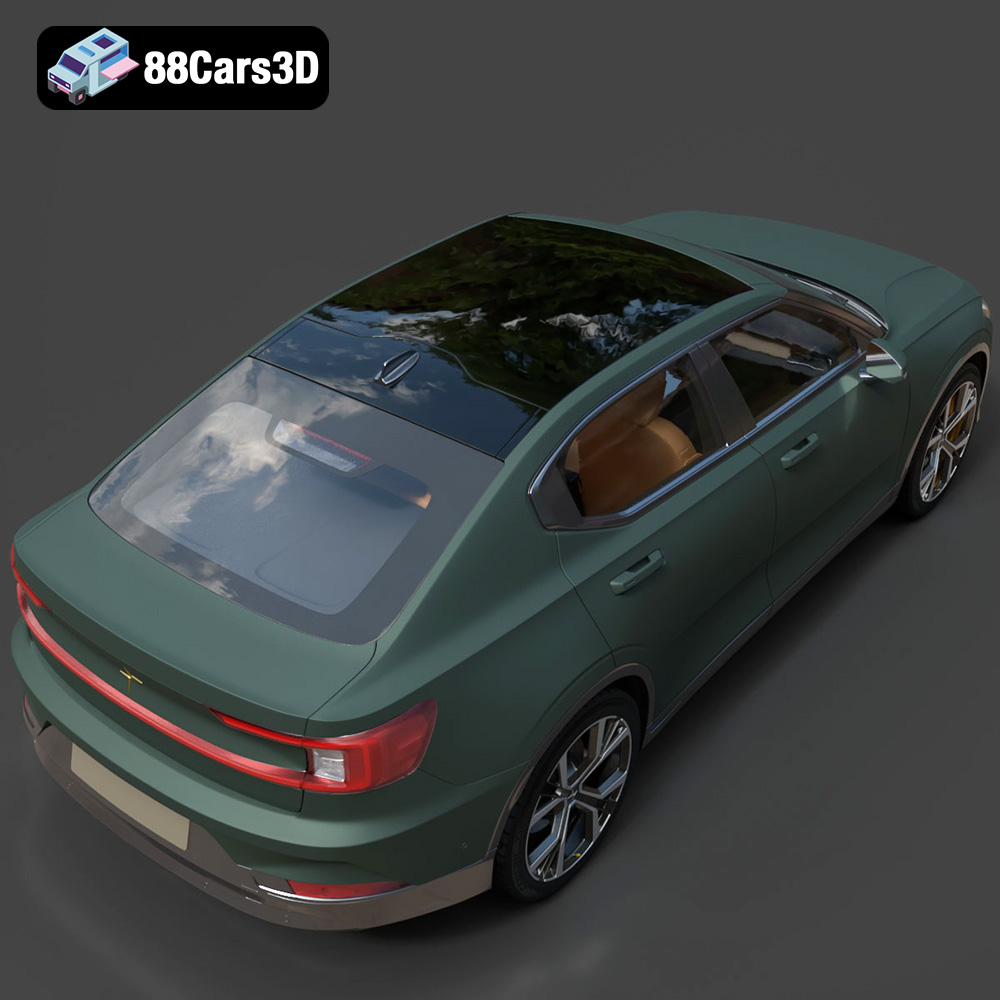
The exterior of any modern vehicle, especially an electric fastback like the Polestar 2, is a masterclass in form meeting function. The 3D model accurately captures the vehicle’s distinct silhouette, from its sleek aerodynamic proportions to its signature design elements. This includes the striking pixel LED headlights that define its front fascia and the continuous rear lightbar that spans the width of the vehicle, offering instant recognition. The frameless side mirrors and panoramic roof detailing are not just aesthetic choices but are meticulously recreated to reflect the real-world design. Crucially, for advanced simulations and animations, the model features separate components for wheels, suspension, and steering. This allows for realistic physics interactions in racing games or detailed mechanical demonstrations in engineering visualizations, where independent movement and articulation are essential.
The interior of the Polestar 2 is a testament to minimalist Scandinavian design, emphasizing sustainability with its vegan materials and uncluttered aesthetic. The 3D model faithfully reproduces this environment, providing an accurately modeled steering wheel, a detailed digital instrument cluster, and the prominent central portrait-oriented infotainment touchscreen display. The distinctive geometric gear selector on the center console is also meticulously detailed. For game developers, this level of interior detail is critical, especially for first-person POV (Point of View) experiences where the player interacts directly with the cockpit. The optimized geometry ensures that this rich detail doesn’t come at the cost of real-time performance, making it suitable for immersive VR walkthroughs and detailed in-game driving.
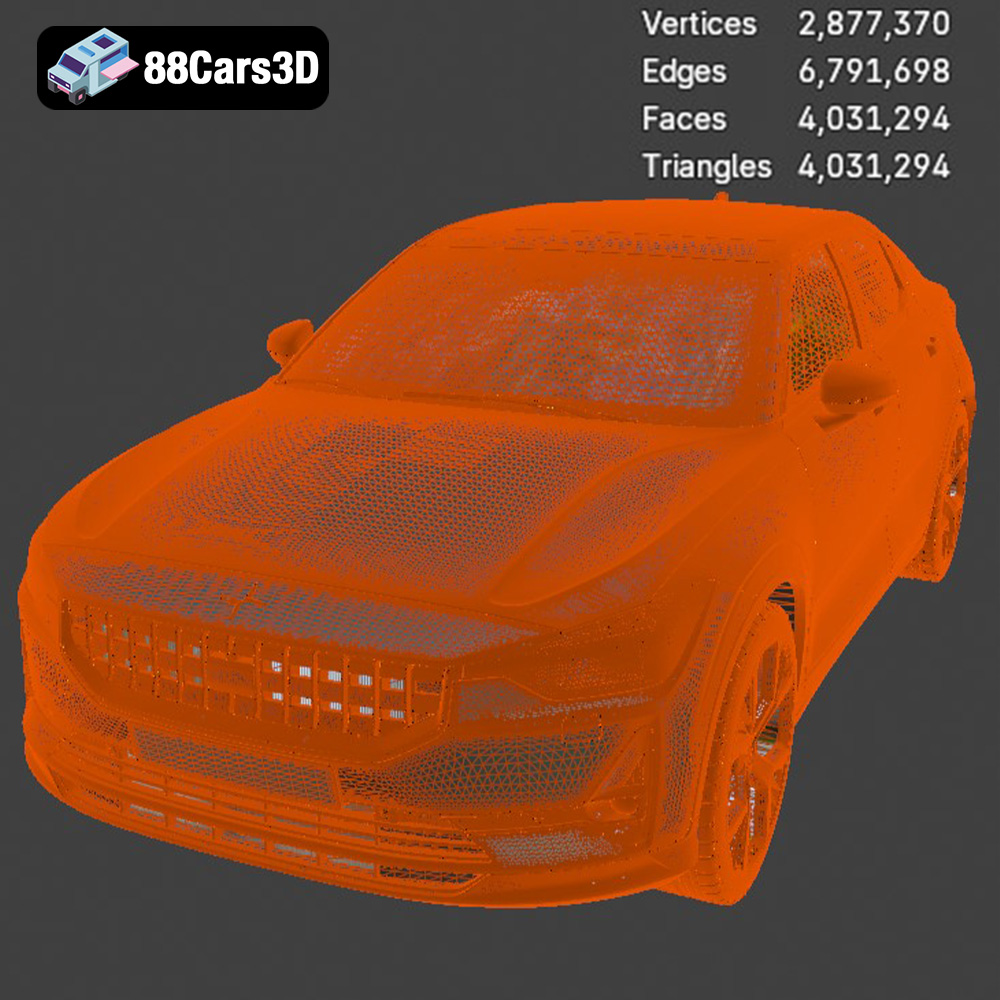
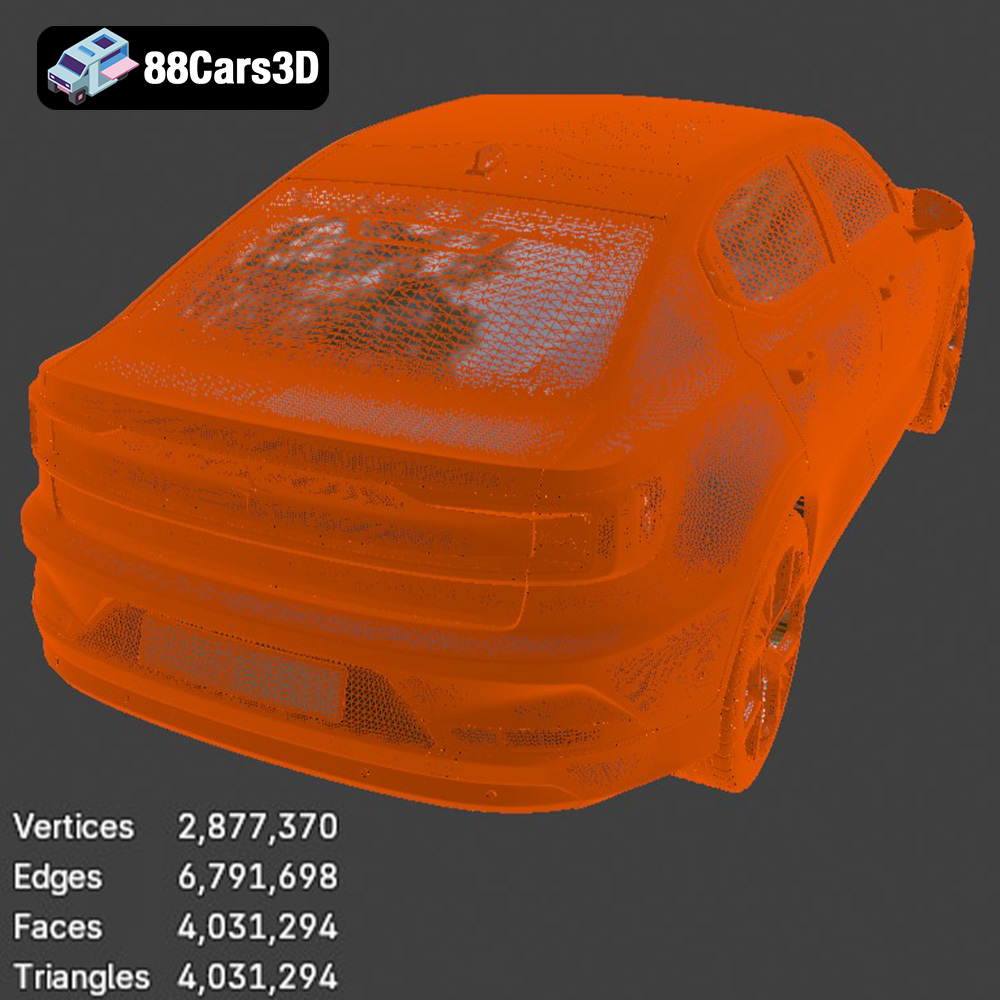
One of the most significant technical advantages of the Polestar 2 2020 3D Model is its optimized topology. With an estimated triangle count of ~120,000, it strikes a perfect balance. This polycount is sufficiently high to maintain high-end visual realism for close-up renders and detailed cinematics, capturing subtle curves and sharp edges without appearing blocky. Simultaneously, it remains “game-ready,” meaning it’s efficient enough for real-time engines like Unreal and Unity to render multiple instances without significant performance bottlenecks. Furthermore, the model is built with real-world scale accuracy, ensuring correct proportions when integrated into larger scenes, whether an architectural visualization or an open-world game map. Proper pivot setups for steering, wheel rotation, and suspension travel are pre-configured, drastically reducing setup time for animators and technical artists.
The true power of a versatile 3D asset like the Polestar 2 2020 3D Model lies in its seamless integration into various professional pipelines. From high-octane gaming to static architectural renders, the model offers robust support for diverse creative endeavors.
For game developers, the Polestar 2 3D Model is a prime candidate for integration into a variety of titles, particularly open-world games, racing simulators, and immersive driving experiences. Its optimized polycount of ~120,000 triangles is perfect for real-time rendering, allowing for multiple vehicles on screen without taxing the game engine. Developers can import the .fbx or the dedicated .unreal file directly into Unreal Engine or Unity. The process typically involves setting up PBR materials, configuring collision meshes, and potentially adding LODs (Levels of Detail) to optimize performance further across different viewing distances. Given its separate wheels, suspension, and steering components, animators can easily rig the vehicle for realistic driving mechanics, including independent wheel rotation, steering input, and suspension compression, making it ideal for creating dynamic and believable urban racing games or detailed driving simulators.
When the goal is photorealism for marketing campaigns, product showcases, or architectural visualizations, the Polestar 2 3D Model excels. Using the .max or .blend files, artists can leverage the full power of industry-leading renderers like V-Ray, Corona Renderer (in 3ds Max), or Cycles and Eevee (in Blender). The workflow involves setting up studio-quality lighting, integrating the vehicle into a realistic environment (e.g., a city street, a minimalist showroom, or a vast landscape), and configuring advanced materials. Artists can fine-tune paint finishes to mimic the vehicle’s authentic factory EV colors like Snow, Thunder, or Magnesium, experiment with different tire textures (all-season vs. performance variants), and adjust material properties like metallic flakes, gloss, and roughness. This allows for stunning, hyper-realistic still images and animations suitable for high-impact brand campaigns and lifestyle scenes.
The immersive potential of AR (Augmented Reality) and VR (Virtual Reality) is transforming how consumers interact with products, especially in the automotive sector. The Polestar 2 3D Model is perfectly suited for creating interactive virtual showrooms, mobile AR configurators, and immersive virtual test drives. Leveraging the .glb format, which is optimized for web and real-time deployment, developers can easily integrate the model into WebGL-based applications or dedicated AR/VR platforms. Imagine a prospective buyer using a smartphone to place a life-size Polestar 2 in their driveway via AR, changing its color and viewing its detailed interior. Or donning a VR headset to explore the minimalist cockpit in a fully interactive 360-degree environment. The model’s optimized geometry and detailed interior make these experiences truly compelling and highly engaging.
Beyond digital screens, high-quality 3D car models also bridge the gap into the physical world through 3D printing. The Polestar 2 2020 3D Model, with its inclusion of an .stl file, offers a fantastic opportunity for hobbyists, collectors, and designers to create tangible replicas.
The .stl file format is specifically designed for 3D printing, representing the model’s surface as a triangulated mesh. While the digital model is optimized for visual fidelity, preparing it for physical output requires consideration of specific print settings. Recommended scales for the Polestar 2 often range from 1:12 to 1:24, offering a good balance between detail and manageable print size. For capturing the fine details of the Polestar 2’s pixel LED headlights, frameless mirrors, and intricate interior, resin printing (SLA/DLP) is highly recommended over FDM, allowing for layer heights as fine as 0.04–0.12 mm. Crucial settings include wall thickness (1.2–2.0 mm for structural integrity) and infill (20–30% for a balance of strength and material usage). Supports are almost always required for overhangs and delicate parts like mirrors, lightblades, and the steering wheel, ensuring accuracy during the printing process. Proper print orientation, such as printing the main frame at an angle for structural strength and wheels separately, further optimizes the output.
Once printed, the physical model undergoes a crucial post-processing phase to achieve a professional finish. This typically involves removing supports, sanding the surface to eliminate layer lines or imperfections, and applying a primer. The choice of paint is vital for replicating the Polestar 2’s premium aesthetic. Authentic factory colors with metallic finishes, such as Snow, Thunder, or Magnesium, can be achieved using automotive-grade paints. The careful application of paint, often in multiple thin coats, followed by a clear coat, brings the printed model to life, mirroring the sleek appearance of the real vehicle. This process transforms a digital asset into a stunning physical display model, allowing enthusiasts to appreciate the design in a tangible form.
A truly professional 3D car model is not a rigid asset but a flexible foundation for creative expression. The Polestar 2 2020 3D Model provides extensive customization options, empowering artists and designers to tailor the vehicle to their specific project requirements and artistic vision.
One of the most immediate and impactful customization options is changing the body color. Artists are not limited to the standard factory EV colors; they can experiment with any hue or finish imaginable, from vibrant custom finishes to realistic paint chips and metallic effects. This flexibility is invaluable for marketing renders where specific brand palettes are required, or for game environments demanding a diverse fleet of vehicles. Similarly, modifying tire textures allows for a quick visual shift between all-season, performance, or even off-road variants, impacting the overall feel and context of the vehicle. Adjusting material finishes—switching between matte, gloss, or various metallic sheens—can drastically alter the perception of luxury, ruggedness, or sportiness. Furthermore, adapting the lighting for different environments is fundamental to creating compelling renders. Whether it’s a dramatic sunset, an urban night scene, or a brightly lit studio, the model’s robust material setup allows for accurate light interaction and realistic reflections. These customization options ensure that the Polestar 2 3D Model can be seamlessly integrated into virtually any scene or concept, offering unparalleled creative freedom to the user.
The digital realm continues to expand its influence across every industry, and the demand for high-quality 3D assets is at an all-time high. From the intricate details of automotive design to the dynamic environments of game development and the immersive experiences of AR/VR, precise and optimized 3D car models are indispensable tools for innovation and creativity. The Polestar 2 2020 3D Model exemplifies this necessity, offering a meticulously crafted asset that combines visual fidelity with technical versatility.
Its comprehensive file format support, ranging from game-ready .fbx and .unreal files to highly editable .blend and .max scenes, and even .stl for 3D printing, ensures that it fits seamlessly into any professional workflow. The attention to detail in replicating the Polestar 2’s iconic exterior and minimalist interior, coupled with its optimized polycount, makes it a valuable resource for artists and developers aiming for both realism and performance.
Whether you’re crafting the next generation of racing games, producing stunning automotive visualizations, designing interactive virtual showrooms, or even bringing a tangible model to life through 3D printing, high-quality 3D car models are the bedrock of success. Exploring resources like 88cars3d.com provides access to a curated selection of such assets, empowering creators to bring their most ambitious visions to reality. Investing in premium 3D models isn’t just about acquiring a digital file; it’s about unlocking a universe of creative possibilities and accelerating your project towards unparalleled excellence.
Discover the sleek and innovative Polestar 2 2020, a premium all-electric fastback that redefines Scandinavian minimalist design and sustainable performance. This cutting-edge EV features iconic visual elements such as signature pixel LED headlights, a striking full-width taillight blade, frameless mirrors, and a distinctively aerodynamic profile that sets it apart in the modern electric vehicle market. This premium 3D model boasts an optimized topology with an estimated triangle count of 120,000, striking the perfect balance between high-end visual fidelity and game-ready performance. Crafted with exceptional attention to detail, it is perfectly suited for high-end game development, interactive AR/VR experiences, animation, and hyper-realistic visualization. Perfect for urban racing games, sustainable tech showcases, architectural visualizations, and virtual showrooms.
$39.99
.blend
.ev
.fastback
.fbx
.glb
.max
.obj
.ply
.polestar
.rendering
.stl
.unreal
car-3d-model
electric-car
game asset
game-ready
low-poly
optimized
polestar-2
VR/AR