Get 20% OFF All Premium 3D & STL Models!

In the dynamic world of 3D visualization, game development, and immersive experiences, the quality of your digital assets is paramount. From breathtaking architectural renders to hyper-realistic game worlds, every detail contributes to the overall immersion and credibility of a scene. While much focus is often placed on the grand elements like buildings or vehicles, it’s the meticulously crafted props and subtle environmental details that truly elevate a project from good to exceptional.
This pursuit of digital perfection is precisely why specialized 3D models, such as the Wheelchair 08 3D Model, become indispensable. Far beyond being a mere prop, this model represents the dedication to realism and technical optimization required for today’s demanding production pipelines. It’s a testament to how even seemingly simple objects can become pivotal in creating believable hospital environments, rehabilitation simulations, or even urban game scenes. Available on marketplaces like 88cars3d.com, such assets empower artists and developers to populate their digital worlds with authenticity, ensuring that every element, from a high-performance sports car to a critical medical device, meets the highest standards of visual fidelity and technical readiness.
In professional 3D production, whether for film, games, or scientific visualization, the quality of a 3D model directly impacts the final output. Poorly constructed models can lead to unsightly shading artifacts, inefficient rendering times, and a general lack of realism that can detract from an otherwise well-designed scene. Conversely, a high-quality model, built with clean topology and optimized geometry, ensures seamless integration, efficient performance, and stunning visual results.
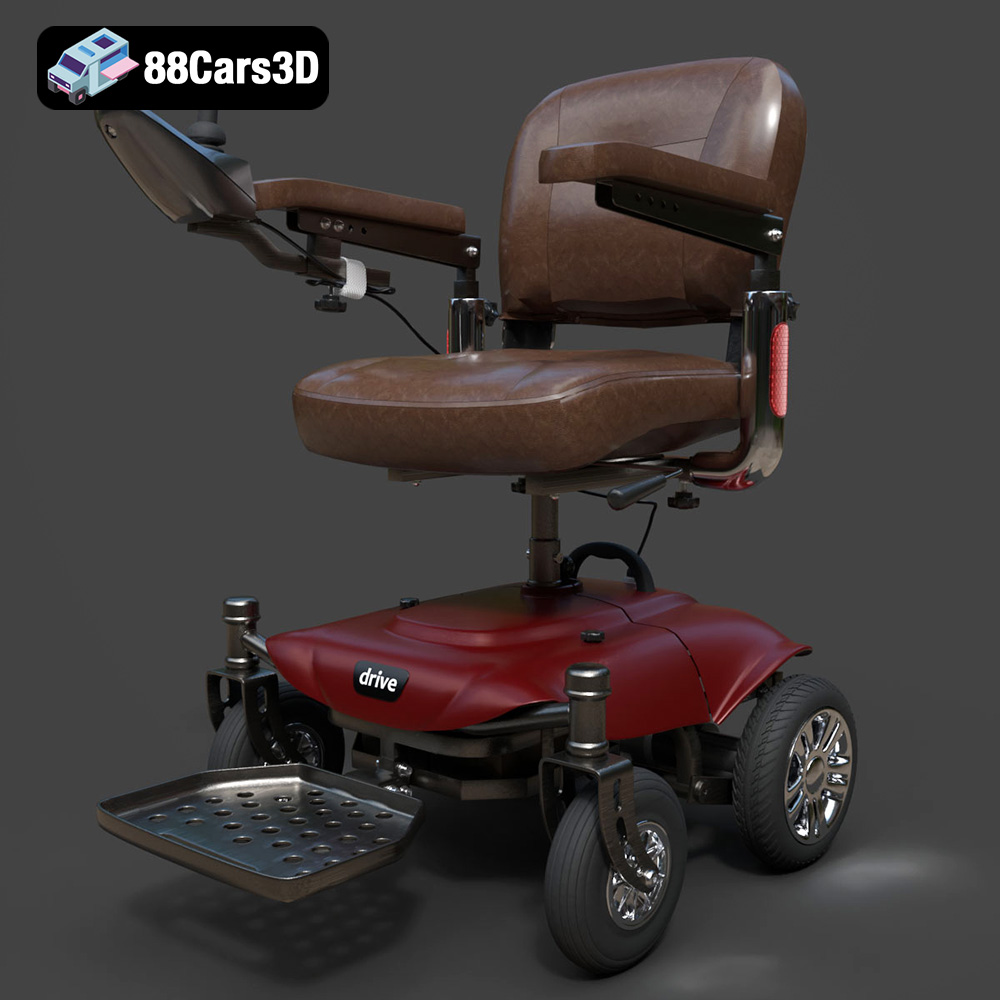
Today’s audiences, accustomed to photorealistic graphics, expect an unprecedented level of detail. This extends beyond the main subjects of a scene to every background element. A detailed prop like the Wheelchair 08 3D Model, with its authentic tubular frame, articulated wheels, and realistic fabric textures, provides the granular realism needed to sell a scene. This attention to detail is critical for medical animations, architectural renderings showcasing accessibility, or even a nuanced moment in a narrative-driven game. It’s about creating an immersive experience where every component feels grounded in reality.
High-quality 3D assets serve as a vital bridge between conceptual design and the final rendered or real-time execution. When artists can access pre-optimized, production-ready models, they save valuable time that would otherwise be spent on modeling and texturing from scratch. This efficiency allows them to focus on creative direction, lighting, animation, and interaction design, significantly accelerating project timelines while maintaining visual excellence. For instance, needing a wheelchair for a hospital scene means you can quickly drop in the Wheelchair 08, knowing it’s already built to professional standards.
The versatility of a 3D model often lies in its compatibility across various software and platforms. This is dictated by the file formats it supports. Professional 3D artists and developers must understand the nuances of each format to optimize their workflow and ensure seamless integration. The Wheelchair 08 3D Model, for example, is offered in an extensive range of formats, making it incredibly adaptable.
The .blend file is the native format for Blender, a powerful open-source 3D creation suite. When you download a .blend file, you’re getting a fully editable Blender scene, complete with the model’s geometry, materials, textures, lighting, camera setups, and even animations. This format is ideal for users deeply integrated into the Blender ecosystem, allowing for immediate customization, re-texturing, or rigging without any data loss or conversion artifacts. For the Wheelchair 08, a .blend file means instant access to its material nodes and clean mesh for further modifications within Blender.
.fbx (Filmbox) is a proprietary file format owned by Autodesk, widely regarded as the industry standard for 3D data interchange. It supports geometry, materials, textures, animations, and skeletal data. .fbx is exceptionally well-suited for transferring models between different 3D software packages (like 3ds Max, Maya, Blender, Cinema 4D) and is the preferred format for real-time game engines such as Unreal Engine and Unity. Its robust support for animation and hierarchies makes it crucial for dynamic assets, like the Wheelchair 08 with its separable wheels and footrests ready for animation.
.obj (Wavefront OBJ) is one of the oldest and most universally supported 3D file formats. It primarily stores geometry (vertices, normals, texture coordinates, and faces) and can reference external .mtl (material) files for basic material properties and texture maps. While it doesn’t support animation or rigging, its widespread compatibility makes it an excellent choice for simple mesh transfer between virtually any 3D software. If you need a clean, standard mesh of the Wheelchair 08 for a static render or a starting point for re-texturing in an obscure application, .obj is a reliable option.
.glb (GL Transmission Format Binary) is the binary version of glTF, an open-standard format for 3D scenes and models. Designed for efficient transmission and loading of 3D content, .glb files encapsulate all necessary data (geometry, materials, textures, animations) into a single file. This makes it highly optimized for web-based 3D viewers, AR (Augmented Reality), and VR (Virtual Reality) applications. For showcasing the Wheelchair 08 in a browser-based configurator or an AR experience, .glb ensures lightweight, fast-loading, and high-fidelity rendering.
.stl (Stereolithography) is the de facto standard file format for 3D printing. It represents a 3D model as a collection of unconnected triangular facets, defining only the surface geometry of an object without color, texture, or other CAD attributes. While simple, its universal adoption by 3D printers and slicer software makes it essential. The Wheelchair 08 3D Model’s availability in .stl format means it can be readily prepared for physical fabrication, ideal for diorama creators or medical hobbyists wanting to print a tangible replica.
.ply (Polygon File Format, also Stanford Triangle Format) is a format for storing graphical objects that are described as a collection of polygons. It supports properties such as color, transparency, texture coordinates, and normals, and can store both ASCII and binary representations. .ply is often used in scientific and engineering fields, particularly for storing data from 3D scanners and point clouds, making it suitable for precision mesh transfer, CAD integration, or analysis where accurate geometric data is crucial.
The .unreal format isn’t a direct file format in the same way .fbx or .obj are. Instead, it typically refers to an asset that has been specifically prepared and packaged for direct import and optimal performance within Unreal Engine. This often means the model comes with pre-configured materials, textures, collision meshes, and LODs (Levels of Detail) that adhere to Unreal’s best practices. An .unreal asset like the Wheelchair 08 signifies an engine-ready solution, minimizing setup time and ensuring peak performance in real-time environments for game development.
The .max file is the native project file format for Autodesk 3ds Max. Similar to .blend for Blender, it saves an entire 3ds Max scene, including all models, materials, textures, lighting, cameras, animation data, and scene settings. For users working within a 3ds Max pipeline, the .max file provides the most comprehensive and editable version of the Wheelchair 08, allowing for full control over every aspect of the model for high-end rendering and complex animation tasks.
The Wheelchair 08 3D Model exemplifies how a specialized prop can meet rigorous demands for both visual fidelity and technical performance. It’s not just a model; it’s a meticulously engineered digital asset designed for professional use.
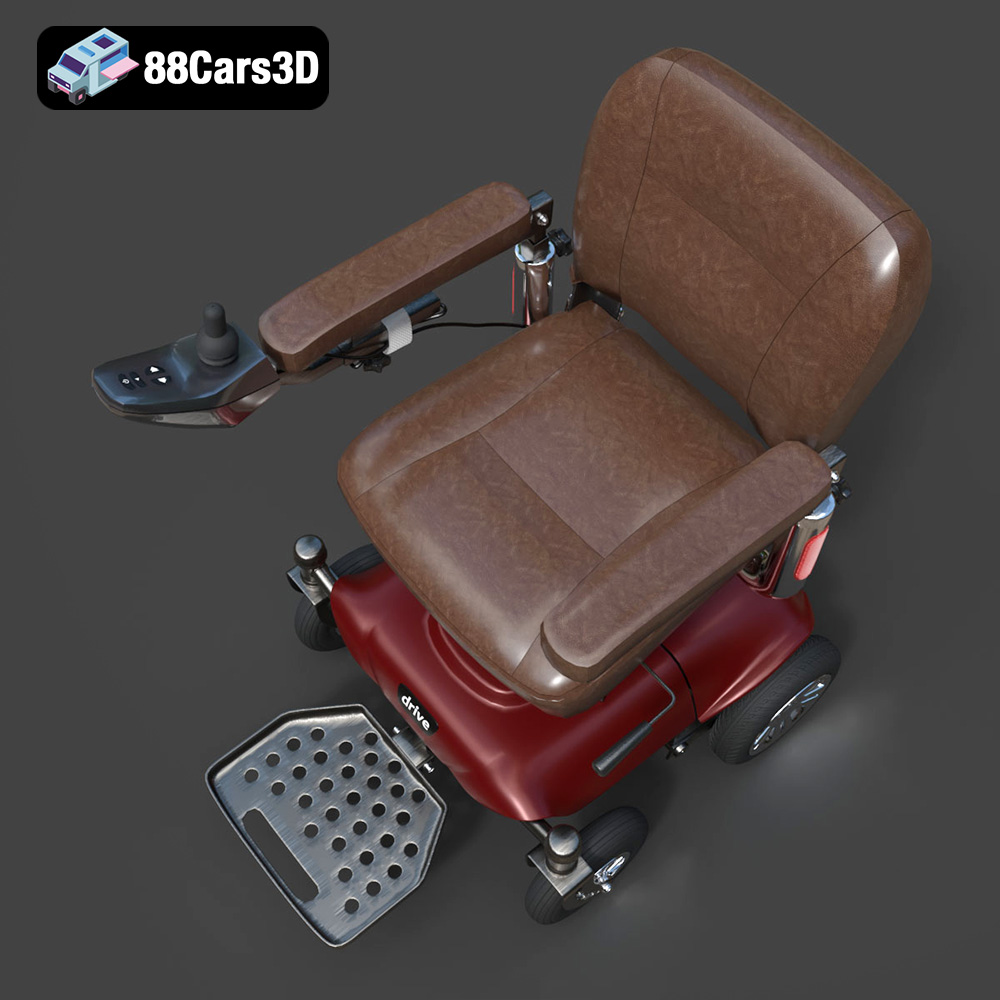
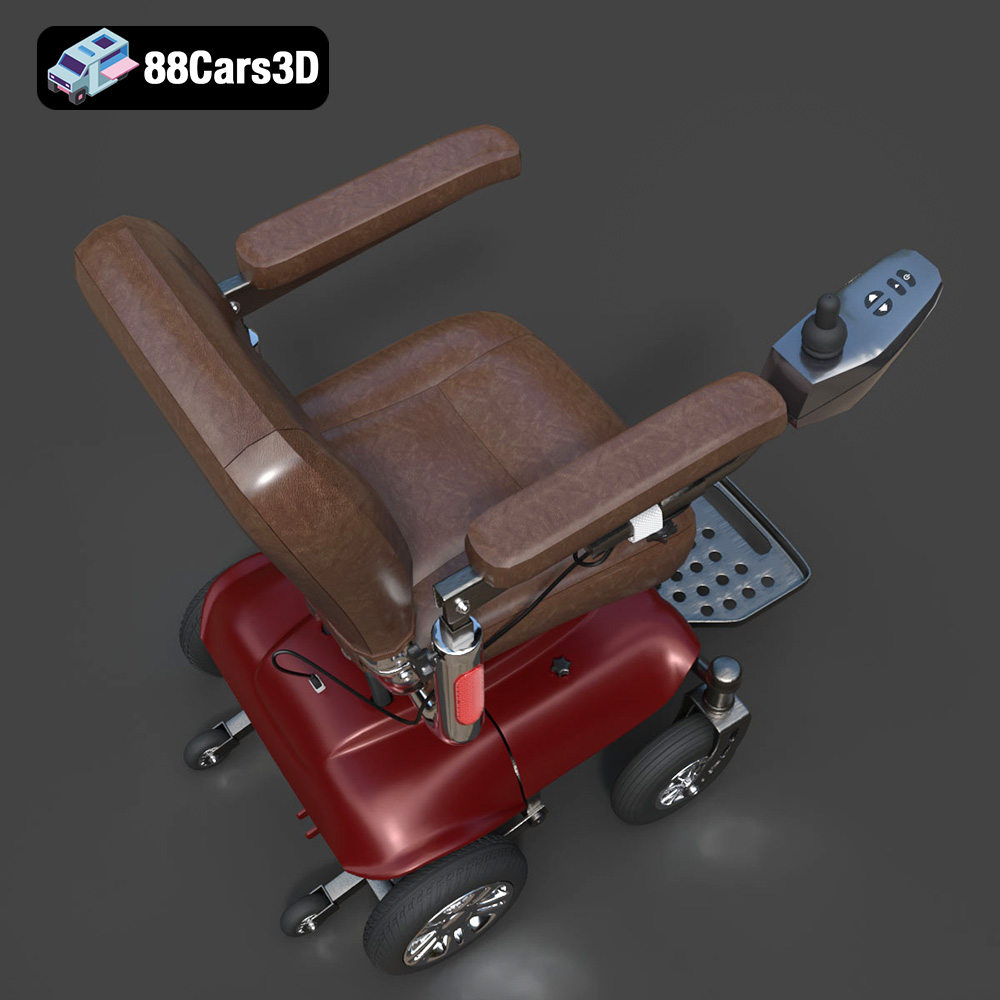
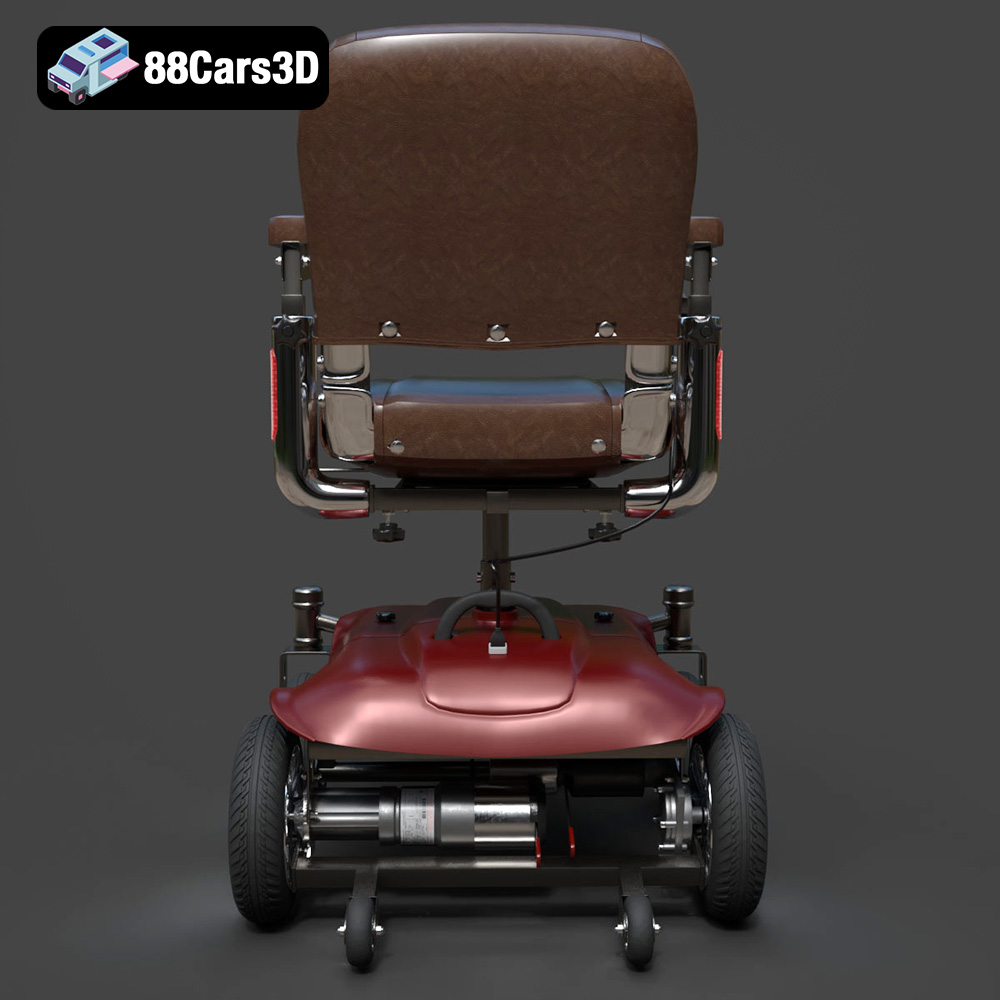
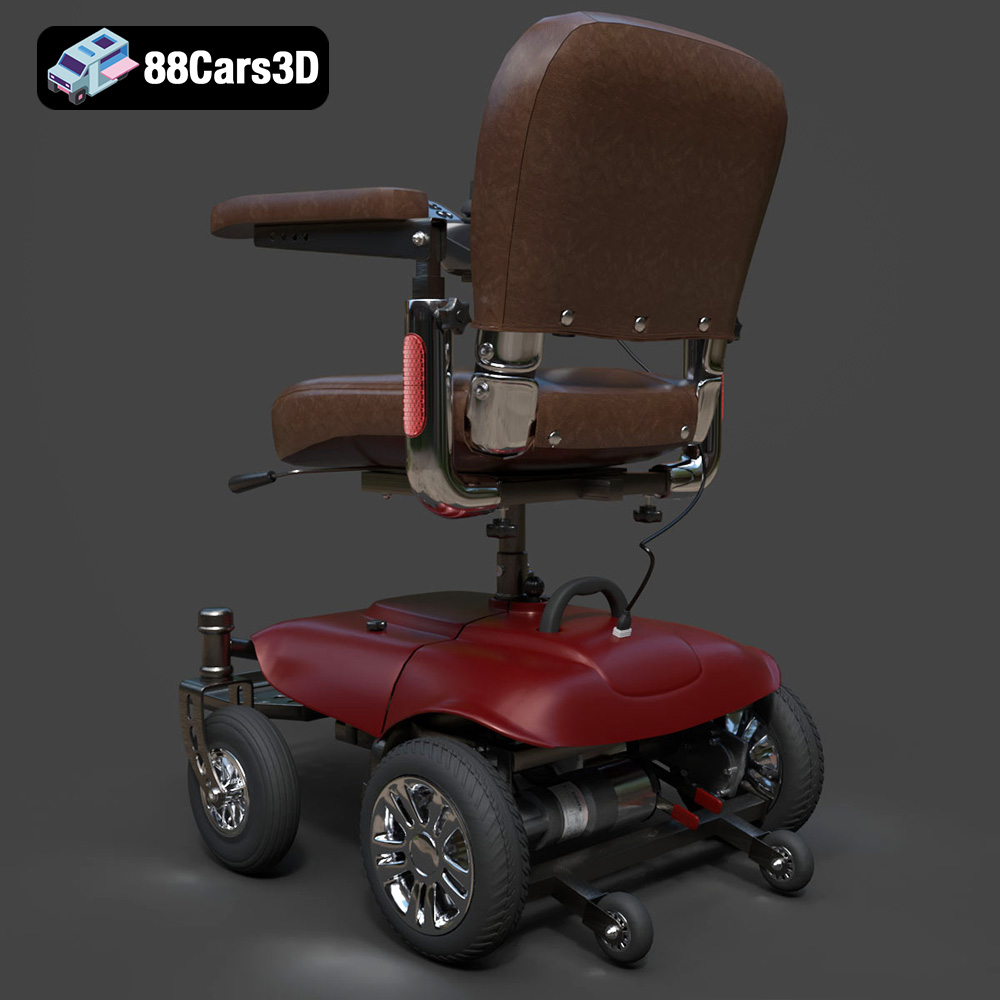
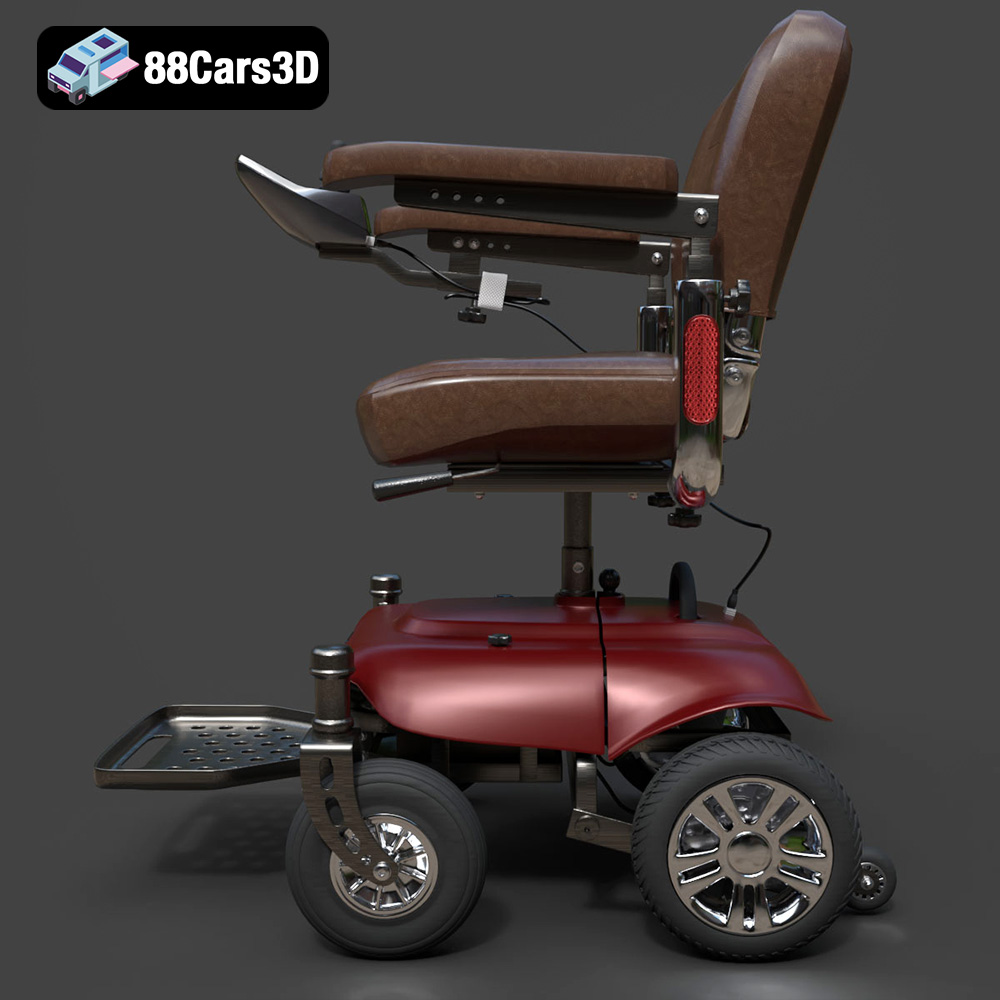
Authenticity is the cornerstone of effective visualization, and the Wheelchair 08 delivers this with exceptional precision. Every curve of its tubular frame, the intricate spokes of its main wheels, the realistic push rims, and even the subtle textures of its ergonomic fabric seat have been rendered with meticulous care. Details like the folding cross-brace mechanism, adjustable footrests with textured grip plates, and anti-tip bars contribute to a genuinely believable representation. This level of detail makes the model perfect for close-up shots in architectural renders or realistic medical training simulations, ensuring that the visual narrative remains unbroken.
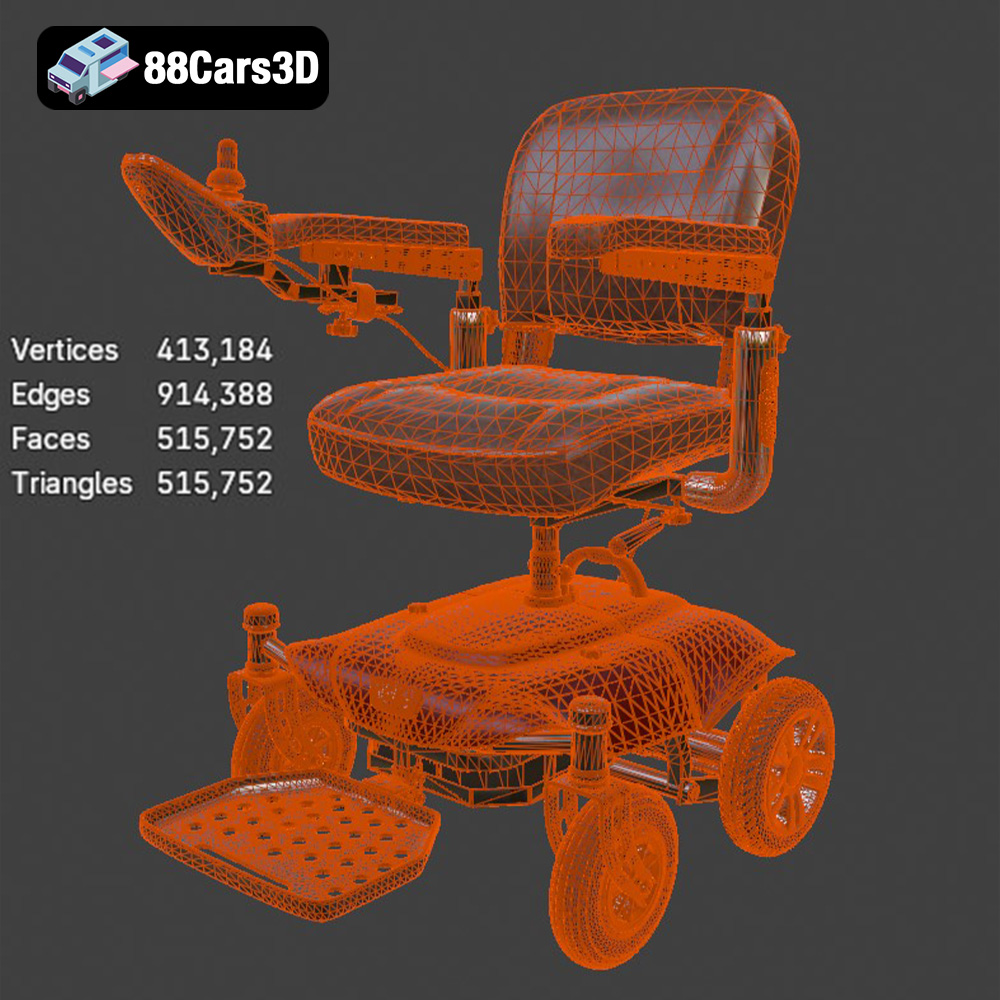
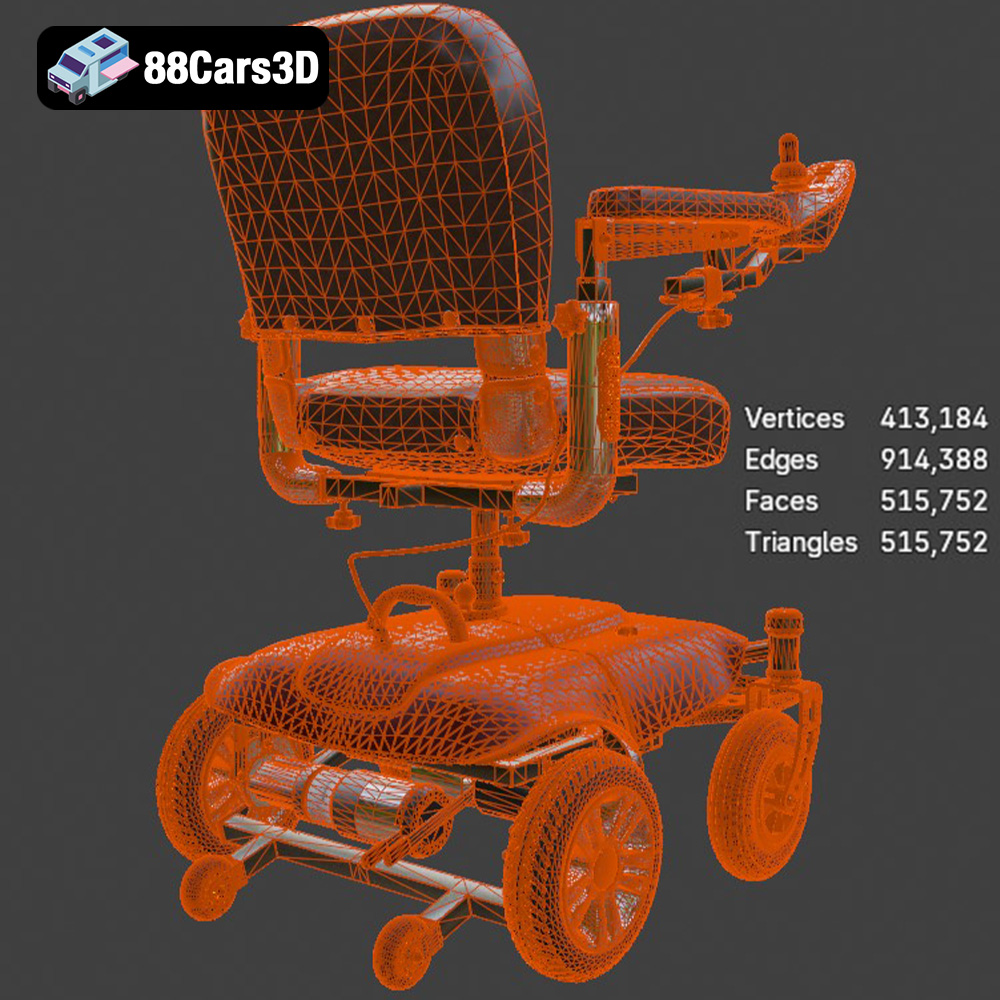
In real-time environments like game engines and AR/VR applications, a balance between visual quality and performance is crucial. The Wheelchair 08 3D Model strikes this balance expertly, with approximately 35,000 triangles. This poly count is optimized to provide high-end visual realism without burdening the engine, making it a truly game-ready asset. Its clean topology ensures smooth shading and reflections, which is vital for maintaining visual integrity in dynamically lit scenes. Furthermore, proper pivot setups for wheel rotation, caster swiveling, and footrest adjustment mean it’s immediately ready for animation, streamlining the development process for game assets.
The utility of the Wheelchair 08 extends across a broad spectrum of industries. In game development, it’s ideal for populating hospital settings in medical horror games, urban environments in open-world titles, or providing realistic props for simulation games. For AR/VR, it becomes a central component for immersive medical training, accessibility configurators, or virtual tours of healthcare facilities. In rendering and visualization, it elevates clinical architectural renders, medical product showcases, and lifestyle scenes by adding a layer of authentic detail. Even in 3D printing, its design is convertible to .stl, allowing creators to produce physical models for dioramas or display.
A truly valuable 3D asset seamlessly integrates into diverse professional workflows. The Wheelchair 08 3D Model, with its array of file formats and optimized design, is built for this purpose.
For architectural visualization studios or product design agencies, the .max file of the Wheelchair 08 provides the ultimate flexibility within Autodesk 3ds Max. Artists can directly open the file, leveraging its clean geometry and PBR (Physically Based Rendering) ready materials. Using render engines like V-Ray or Corona Renderer, they can adjust frame colors to match specific brand guidelines (e.g., medical blue or custom matte black), modify fabric textures for nylon or vinyl upholstery variants, and fine-tune material finishes for matte rubber or gloss paint. The model’s excellent topology ensures realistic reflections and shadows under complex global illumination, making it perfect for creating stunning, photorealistic imagery for medical product showcases or accessible building designs.
Game developers and AR/VR content creators will find the .fbx and .unreal formats of the Wheelchair 08 indispensable. Importing the .fbx into Unreal Engine or Unity allows for direct use of the model’s optimized mesh and material slots. For Unreal users, the specific .unreal asset implies a pipeline-ready model, often with pre-configured materials using Unreal’s PBR workflow, proper collision geometry, and possibly even basic LODs. The accurately set pivot points enable immediate animation for wheel rotation, caster swiveling, and footrest adjustments, crucial for interactive elements in virtual reality simulations or gameplay. This streamlined process saves significant development time, allowing teams to focus on gameplay mechanics and environmental storytelling rather than asset preparation.
Architects and urban planners often need to visualize accessibility features in their designs. The Wheelchair 08 3D Model serves as an excellent reference for illustrating these considerations. When dropped into a scene in applications like Revit or SketchUp (via .fbx or .obj conversion), it helps contextualize space requirements for ramps, doorways, and interior layouts. Its accurate real-world scale is critical for these applications, ensuring that proposed designs are truly functional and compliant with accessibility standards. The ability to customize colors and materials also means the wheelchair can fit various aesthetic styles, from sterile hospital environments to welcoming community centers.
Beyond digital realms, the .stl format opens doors to physical creation. Hobbyists, model makers, and even designers for medical device prototypes can leverage the Wheelchair 08. After importing the .stl into a slicer software (like PrusaSlicer or Chitubox), users can follow the recommended 3D print settings: scaling to 1:12 or 1:18, using a layer height of 0.04–0.12 mm (with resin printing recommended for fine details), and applying supports for intricate parts like push rims and armrests. This allows for the creation of high-fidelity physical models, useful for dioramas, educational tools, or tangible mock-ups, demonstrating the model’s remarkable versatility.
A professional 3D model offers more than just its default appearance; it provides a robust foundation for extensive customization. The Wheelchair 08 3D Model is designed with this in mind, allowing artists to adapt it to an infinite array of scene requirements and aesthetic preferences.
The ability to easily change material properties and textures is fundamental. With the Wheelchair 08, artists can effortlessly swap out existing textures for new ones. Imagine changing the standard fabric upholstery to a high-gloss vinyl for a more clinical look, or a rugged canvas for a post-apocalyptic game setting. The frame color can be altered from a default chrome to a custom matte black for a more modern aesthetic, or a vibrant medical blue for brand consistency. These modifications are straightforward in software like 3ds Max or Blender, allowing for rapid iteration and creative expression.
The Wheelchair 08 is designed to integrate seamlessly into diverse lighting conditions. Its clean geometry and well-defined normal maps ensure realistic interactions with light, whether it’s the harsh overhead fluorescents of a sterile hospital scene or the dramatic, moody shadows of a cinematic environment. Artists can adjust the model’s materials to react appropriately, from the subtle sheen of polished metal to the matte finish of rubber tires. This adaptability makes it a versatile asset, capable of enhancing the visual storytelling in any digital setting, from high-end automotive rendering simulations to subtle background details in virtual worlds.
The Wheelchair 08 3D Model is a prime example of the quality and versatility available on specialized marketplaces. While 88cars3d.com is renowned for its high-quality 3D car models and assets for automotive rendering, its curated selection extends to other essential props that demand the same level of detail and technical precision. The presence of such a well-crafted medical device underscores the platform’s commitment to providing top-tier assets for a wide range of professional needs.
88cars3d.com prides itself on offering assets that meet the stringent demands of professional production pipelines. This means models are not only visually appealing but also technically sound—featuring clean topology, optimized poly counts, and appropriate material setups. Whether you’re seeking a hyper-realistic classic car or a detailed hospital prop like the Wheelchair 08, you can trust that the assets are built to perform, saving you invaluable time and effort in your projects.
Access to a comprehensive library of high-quality, game-ready assets is a game-changer for any studio or independent artist. By providing models like the Wheelchair 08 in multiple formats (.blend, .fbx, .obj, .glb, .stl, .ply, .unreal, .max), 88cars3d.com significantly streamlines the asset integration process. This versatility ensures that regardless of your preferred software or target platform—be it a high-fidelity rendering project, a demanding game engine, or an AR/VR application—you have an immediate, ready-to-use solution, allowing you to focus on the creative aspects of your work.
In the landscape of modern 3D production, the emphasis on high-quality, technically sound assets has never been greater. The Wheelchair 08 3D Model stands as a shining example of how meticulous design, optimized geometry, and multi-format compatibility can deliver immense value across diverse industries. From populating realistic game environments and enhancing medical training simulations to contributing to architectural accessibility studies and enabling physical 3D prints, this model offers unparalleled versatility.
By investing in professional-grade assets like the Wheelchair 08, available on platforms such as 88cars3d.com, artists and developers empower themselves with the tools necessary to create truly immersive and believable digital experiences. It’s a testament to the fact that every detail, no matter how small, plays a crucial role in achieving digital realism and pushing the boundaries of visual storytelling.
Introducing the Wheelchair 08, a highly realistic and detailed 3D model representing a modern manual mobility device. Designed with meticulous attention to detail, this model captures the essential elements of hospital-grade and everyday mobility equipment. It features a sturdy tubular folding frame, ergonomic fabric seating, detailed push rims for manual propulsion, and adjustable footrests, making it an indispensable asset for any medical or accessibility-focused digital environment. Engineered with exceptional topology and a balanced triangle count, this game-ready model provides high-end visual fidelity without compromising real-time performance. Its meticulously modeled geometry ensures clean shading and realistic reflections under various lighting conditions, making it the perfect bridge between high-quality offline rendering and efficient real-time engine processing for game development, AR/VR, and medical animation. Perfect for hospital environments, rehabilitation center visualizations, medical training simulations, and architectural accessibility showcases.
$19.99
.blend
.fbx
.glb
.max
.obj
.ply
.rendering
.stl
.unreal
3d model
game asset
game-ready
hospital-prop
low-poly
medical-equipment
mobility-device
optimized
VR/AR
wheelchair
wheelchair-08