Get 20% OFF All Premium 3D & STL Models!

In the vast expanse of digital creation, where realism converges with imagination, the demand for truly exceptional 3D models continues to soar. From blockbuster cinematic sequences to immersive game worlds and detailed engineering simulations, the backbone of any compelling visual experience lies in the quality of its assets. This holds especially true for complex subjects like aircraft, where precision, aerodynamic elegance, and intricate mechanical details are paramount.
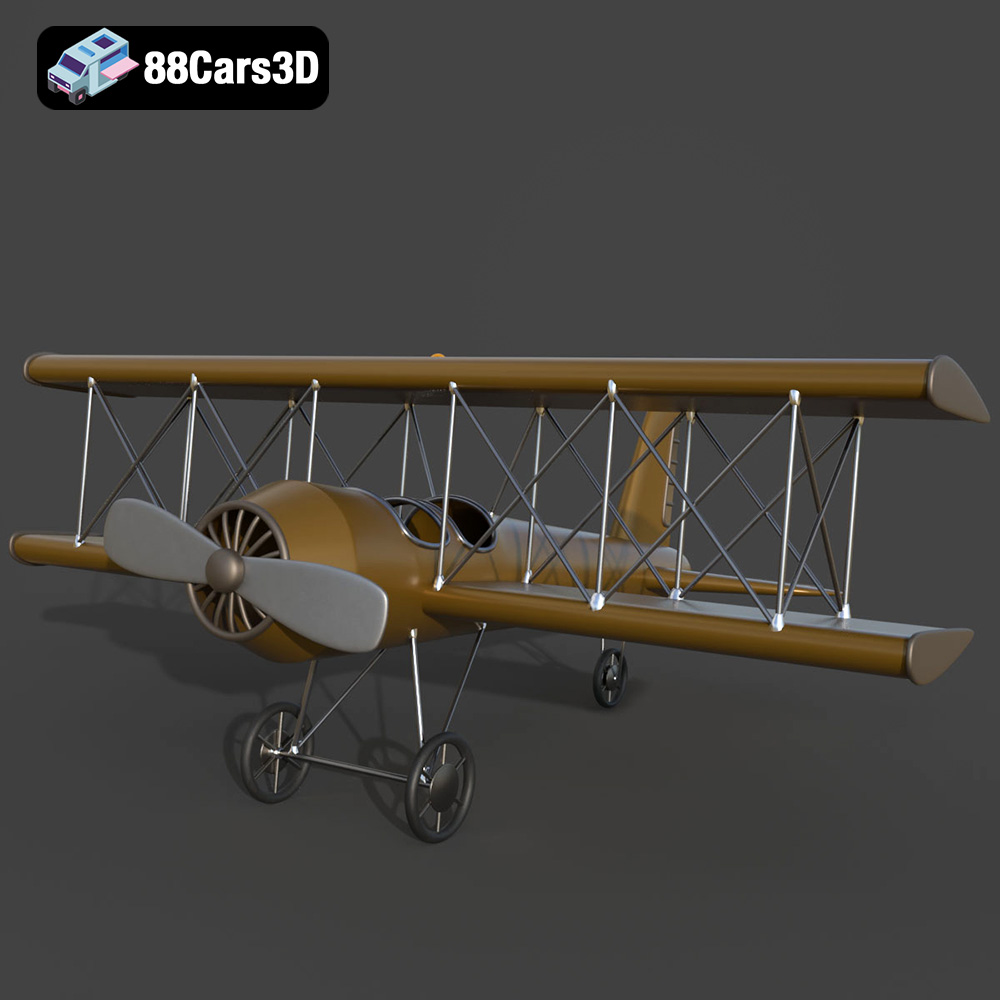
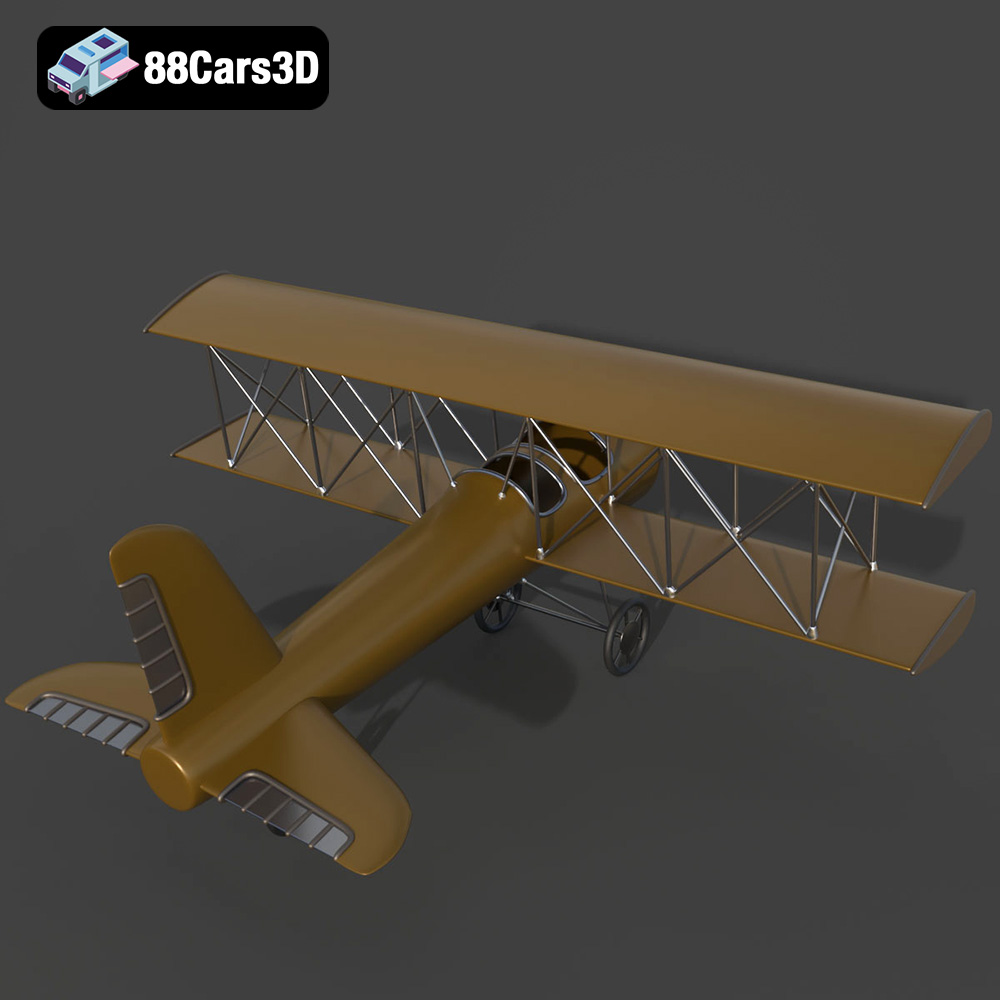
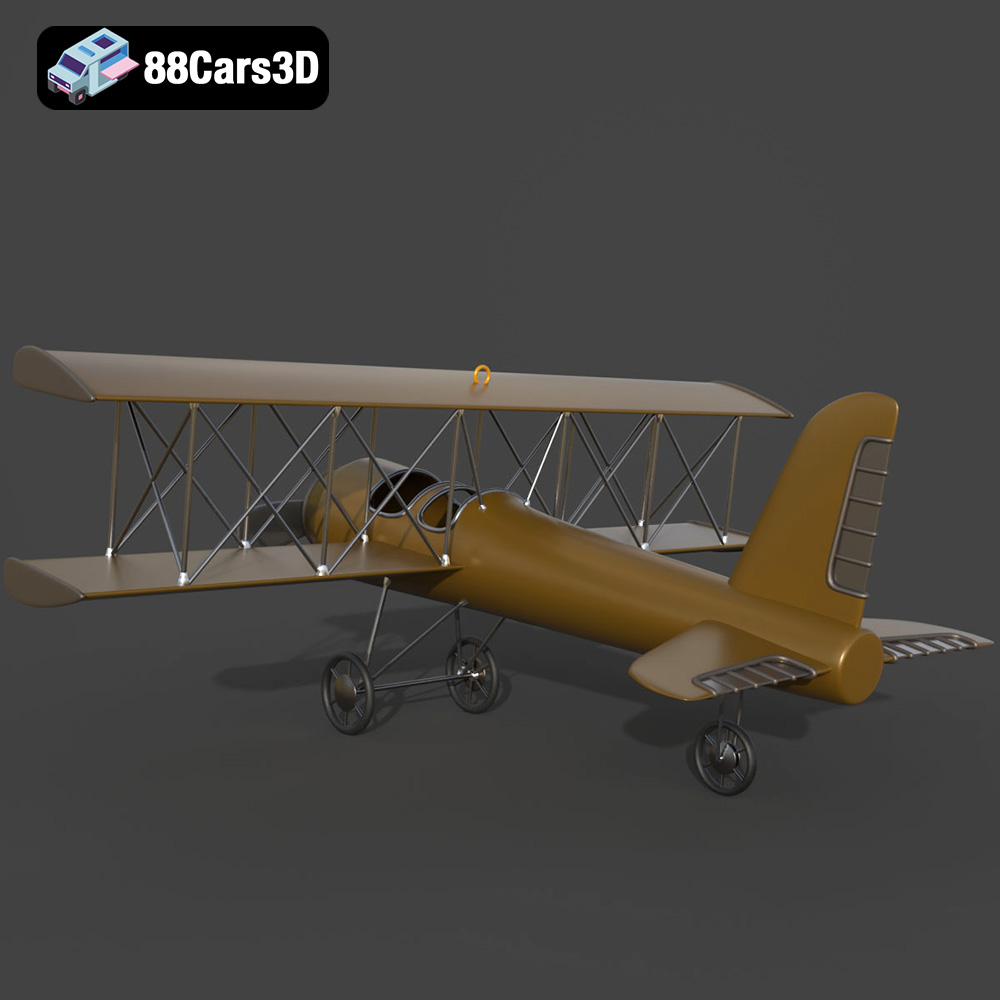
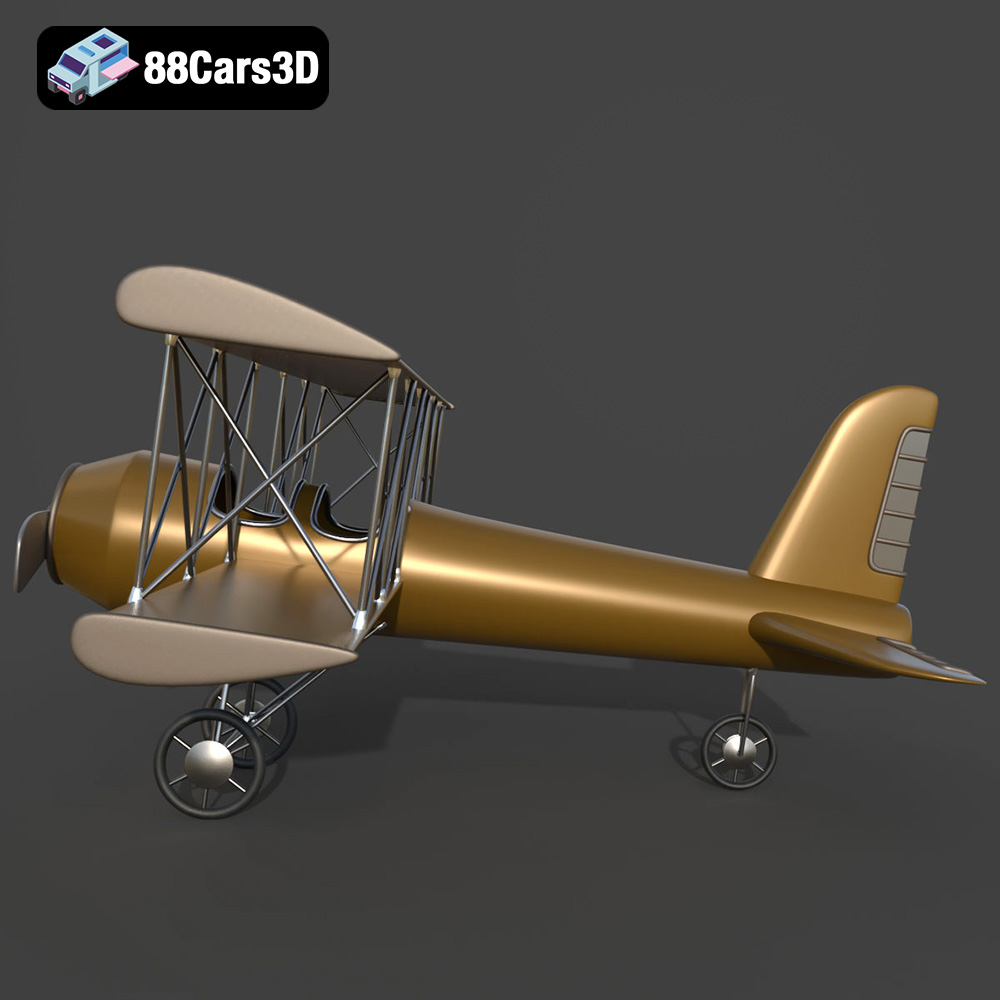
A high-quality 3D aircraft model isn’t merely a collection of polygons; it’s a meticulously crafted digital twin, capable of evoking the marvel of flight. It requires an acute understanding of both aesthetic appeal and technical practicality. Whether you’re a game developer building the next generation of flight simulators, an architect visualizing an airport environment, or a film studio creating breathtaking aerial renders, the right model can dramatically accelerate your workflow and elevate your final output. Today, we delve into the world of professional 3D aircraft modeling, highlighting the technical intricacies and versatile applications that such assets offer, with a special focus on exemplary models like the Airplane 07 3D Model available on 88cars3d.com.
The versatility of a 3D model often hinges on the file formats it supports. Each format is designed for specific purposes, offering unique advantages for different stages of a project or different end-use applications. Understanding these formats is crucial for any professional working with 3D assets, as it dictates compatibility, fidelity, and workflow efficiency. The Airplane 07 3D Model comes with an extensive suite of formats, ensuring broad applicability across various platforms and pipelines.
The .blend format is the native file type for Blender, the popular open-source 3D creation suite. When you download a .blend file like that for the Airplane 07, you’re getting a fully editable Blender scene. This means it includes not just the mesh data, but also materials, textures, lighting setups, cameras, animation data, and even modifiers or custom scripts. For artists and studios primarily working in Blender, this format offers the highest degree of flexibility for customization. You can easily modify the model’s geometry, tweak materials using Blender’s powerful node-based shader editor, or extend any pre-existing rigging or animation. It’s ideal for artists who want to delve deep into the model’s construction, make significant changes, or integrate it seamlessly into a larger Blender project without any conversion issues.
.fbx (Filmbox) is arguably the most widely supported 3D file format in the industry, developed by Autodesk. It’s a robust interchange format capable of storing not only mesh and material data but also complex animation, rigging, and camera information. For game developers using engines like Unreal Engine or Unity, .fbx is often the go-to choice due to its excellent compatibility and ability to transfer animated elements and PBR (Physically Based Rendering) materials accurately. The Airplane 07’s .fbx ensures that its detailed geometry, pivot setups, and any potential future animation of landing gear or control surfaces can be seamlessly imported into real-time pipelines. It strikes a critical balance between maintaining data integrity and broad software support.
The .obj (Wavefront OBJ) format is one of the oldest and most universally compatible 3D formats. It primarily stores geometric data (vertices, normals, UVs, and faces) and references external material files (.mtl). While it doesn’t support animation or advanced scene data like .fbx or native formats, its simplicity is its strength. Almost every 3D software application can import and export .obj files, making it an excellent choice for basic geometry transfer between disparate software packages or for users who need a clean mesh without complex scene data. For the Airplane 07, the .obj version provides a stable, foundational mesh that can be easily brought into virtually any 3D environment for rendering or further development.
.glb (GL Transmission Format Binary) is a relatively newer format that has rapidly gained traction, particularly for web-based 3D, AR (Augmented Reality), and VR (Virtual Reality) applications. It’s designed to be a “transmission format” – a single, self-contained binary file that includes all necessary 3D model data (geometry, materials, textures, animations) in a highly optimized manner. This makes it incredibly efficient for loading and displaying 3D models directly in web browsers, mobile AR apps, or standalone VR experiences without lengthy loading times or external dependencies. The Airplane 07 in .glb format is perfectly suited for showcasing the model interactively on a website, embedding it in a mobile AR experience where users can virtually place it in their environment, or integrating it into lightweight VR simulations.
.stl (Stereolithography) is the de facto standard file format for 3D printing. Unlike formats that store surface data, .stl represents a 3D model as a series of connected triangles (a triangulated surface mesh). It focuses purely on the geometry required to tell a 3D printer how to build an object layer by layer. The Airplane 07’s .stl file allows enthusiasts to bring the digital model into the physical world, creating a tangible representation of the aircraft. While it lacks color or texture information, its strength lies in its universal acceptance by slicing software for 3D printers, enabling hobbies and professional prototyping alike. The product description’s specific 3D print settings further enhance its utility for this application.
The .ply (Polygon File Format) is often used to store data from 3D scanners and to represent high-precision meshes, commonly found in scientific or engineering contexts. It can store various properties beyond just geometry, such as color per vertex or per face, transparency, surface normals, and even confidence values. While less common for general animation or game development compared to .fbx, .ply files are valuable for applications requiring accurate geometric analysis, CAD integration, or when working with high-density point clouds. For the Airplane 07, the .ply format offers a robust, detailed mesh representation that could be used in more specialized simulation or analysis software.
The inclusion of .unreal implies an asset specifically optimized and prepared for direct integration into Unreal Engine. While “.unreal” isn’t a standalone file extension in the same way .fbx or .obj are, it signifies a package or configuration designed to streamline the import and setup process within Unreal Engine. This often means the model (likely an FBX) has been exported with specific settings tailored for Unreal’s material system, collision generation, and level of detail (LOD) management. It might include pre-configured material instances, proper UV mapping for lightmaps, and correct scaling to fit Unreal’s coordinate system. For game developers and real-time visualization artists, an “engine-ready” asset like the Airplane 07 saves significant time and effort in the crucial initial setup phase, allowing them to drop the model into their scene and begin working immediately with minimal adjustments.
Finally, the .max format is the native file type for Autodesk 3ds Max, another industry-leading 3D modeling, animation, and rendering software. Similar to .blend, a .max file contains a complete scene, including geometry, materials, textures, lighting, cameras, animation, and any modifiers or scripts used within 3ds Max. For professionals whose primary DCC (Digital Content Creation) tool is 3ds Max, this format provides full editability and access to all the model’s intricate details and scene setups within their preferred environment. It’s ideal for those looking to integrate the Airplane 07 into existing 3ds Max projects, modify its rigging, or produce high-fidelity renders and animations using 3ds Max’s powerful rendering capabilities.
Creating a realistic 3D aircraft model is a testament to both artistic skill and technical understanding. It’s about capturing the soul of aviation – the elegant lines, the powerful engines, and the complex mechanisms – in a digital form. The Airplane 07 3D Model exemplifies this fusion, offering a product that is visually stunning and technically sound.
The first impression of any aircraft model comes from its exterior. The Airplane 07 boasts accurate fuselage geometry and aerodynamic proportions, crucial for visual authenticity. Every curve and panel line is meticulously modeled to reflect modern flight engineering. This includes highly detailed jet engine turbines, aerodynamic cowlings, and intricate exhaust systems, often overlooked but critical for realism. Even the exterior lighting elements—navigation, strobe, and landing lights—are carefully placed to ensure accurate illumination and visual appeal in various lighting conditions. Crucially, detailed landing gear, struts, and wheel assemblies are not just static elements; they are separate components, allowing for realistic animation of retraction and deployment, adding dynamic realism to any scene.
While the exterior captures attention, the interior defines immersion, especially for flight simulators and AR/VR experiences. The Airplane 07 doesn’t skimp on these details. It features a comprehensive cockpit with detailed pilot and co-pilot seating arrangements, accurate flight yokes and steering controls, and a full instrument cluster with avionics panels. Every thrust lever, pedal, and switch is modeled for authenticity, providing an incredibly rich environment for first-person viewpoints in gaming or virtual training applications. This level of interior detail is essential for creating believable interactive experiences where users can truly feel present within the aircraft.
In today’s fast-paced digital world, performance is as crucial as visual fidelity, particularly for interactive applications like game development and AR/VR. A stunning 3D model that cripples performance is ultimately unusable. The challenge lies in finding the sweet spot between detail and optimization. This is where professional 3D aircraft models, like those found on 88cars3d.com, truly shine.
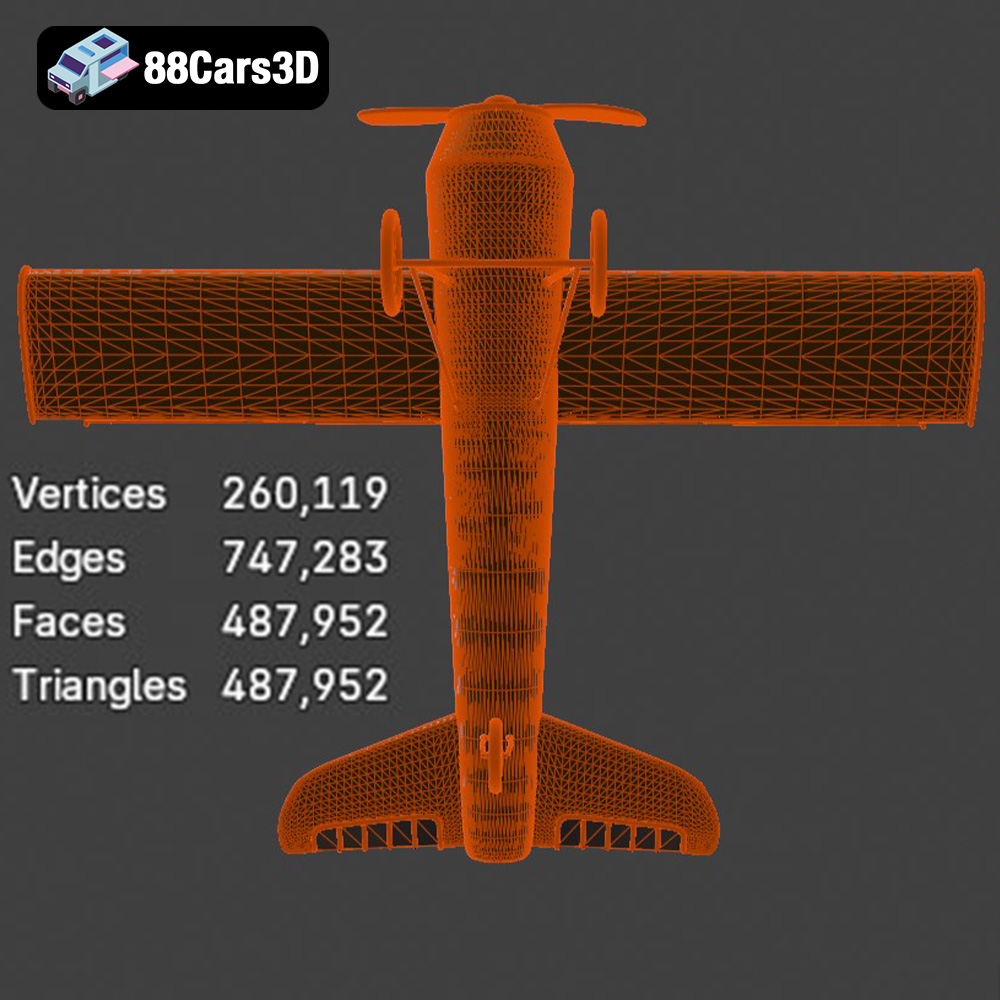
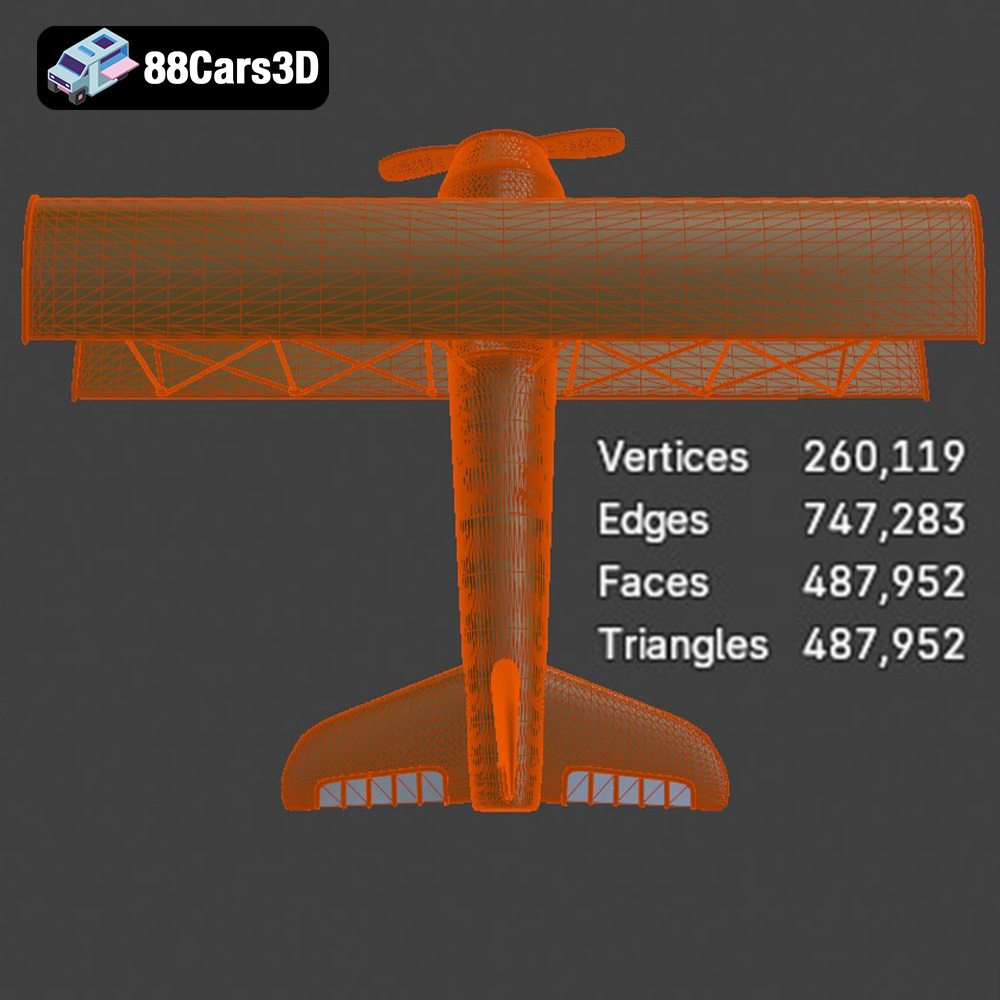
The Airplane 07 3D Model strikes this perfect balance with a meticulously optimized triangle count of 487,952. For an aircraft of this complexity, this polycount is excellent for game-ready assets. It’s high enough to maintain high-end visual realism – showcasing every curve and detail without appearing blocky or low-resolution – yet optimized to ensure smooth frame rates in real-time engines like Unreal and Unity. This careful optimization means developers don’t have to spend valuable time reducing polygon counts or baking normal maps from high-poly versions, as the model is already structured for efficiency. It’s ready to be dropped into a scene and perform without extensive further work.
Game-ready assets are designed for seamless integration. The Airplane 07’s technical specifications include real-world scale accuracy, ensuring it fits naturally into any game world without scaling issues. More importantly, proper pivot setups for ailerons, landing gear retraction, and wheel rotation are pre-configured. This saves game developers countless hours of rigging and animation setup, allowing them to instantly animate moving parts with precision. Its compatibility with major 3D software platforms and real-time rendering engines, as evidenced by its diverse file formats including .fbx and the specialized .unreal package, guarantees a smooth transition from asset purchase to in-engine implementation.
The journey of a 3D model from a marketplace to a finished project involves various professional workflows, each leveraging specific software and techniques. High-quality 3D models like the Airplane 07 from 88cars3d.com are designed to fit seamlessly into these diverse pipelines, empowering artists and developers to achieve their creative visions efficiently.
For professionals working within Autodesk 3ds Max, the .max file format of the Airplane 07 offers a complete and editable project. 3ds Max is a powerhouse for architectural visualization, high-end rendering, and complex animation. Artists can use its robust modeling tools to further refine the aircraft, integrate it into intricate airport scenes, or create dynamic cinematic fly-throughs. The pre-set pivot points for control surfaces and landing gear are invaluable here, allowing animators to quickly set up sophisticated movements without manual rigging. Using renderers like V-Ray or Corona, artists can achieve photorealistic lighting and material finishes, bringing the Airplane 07 to life with stunning clarity.
Blender users benefit immensely from the native .blend file included with the Airplane 07. Blender’s comprehensive toolset, including its advanced Cycles and Eevee renderers, powerful animation system, and non-destructive modifiers, makes it an ideal platform for customizing and integrating the aircraft. Artists can easily change fuselage liveries, modify decal details, or adjust material finishes (matte, gloss, bare metal) using Blender’s intuitive node-based shader editor. The .blend file ensures that all original materials and textures are preserved, providing a strong foundation for further artistic exploration and production-ready rendering.
For game development and real-time simulations, Unreal Engine is a dominant force. The Airplane 07’s optimized geometry (487,952 triangles) and specialized .unreal format or finely tuned .fbx export are perfectly suited for Unreal’s rendering pipeline. Developers can import the model with confidence, knowing it’s designed for optimal performance. They can then utilize Unreal’s powerful material editor to create realistic PBR shaders, leverage its physically based lighting system for dynamic day-night cycles, and implement advanced particle effects for engine exhausts or contrails. For flight simulators or open-world games, this model serves as a robust base, allowing developers to focus on gameplay mechanics and environmental storytelling rather than asset creation.
The utility of a high-quality 3D model extends far beyond traditional screen-based rendering and game development. The Airplane 07 is a testament to this versatility, finding compelling applications in immersive technologies, professional visualization, and even tangible 3D printing.
Augmented Reality (AR) and Virtual Reality (VR) are revolutionizing how we interact with digital content, offering immersive training, visualization, and entertainment experiences. The Airplane 07 is perfect for these applications due to its optimized polycount and detailed interior. Imagine walking around a virtual hangar in VR, examining the aircraft from every angle, or sitting in its detailed cockpit for a flight simulation. For AR experiences, the .glb format makes it easy to place the Airplane 07 into real-world environments via a smartphone or tablet, creating interactive aviation showcases or virtual product demonstrations. These immersive applications are invaluable for aviation training, product showcases, or simply engaging users with a highly realistic digital asset.
Beyond interactive experiences, the Airplane 07 excels in pre-rendered visualization. For architectural visualization firms, it can populate airport environment scenes, adding a layer of realism and context to architectural designs. In cinematic scenes and VFX, its high visual fidelity allows for breathtaking aerial renders. Artists can integrate the model into complex visual effects shots, leveraging its detailed components for realistic explosions, debris, or close-up shots. The ability to adapt lighting for different environments (daylight vs. night flight) further enhances its utility for filmmakers and VFX artists aiming for specific moods and storytelling elements.
One of the most exciting and unique applications of a well-structured 3D model is 3D printing. The inclusion of an .stl format for the Airplane 07 means that aviation enthusiasts, hobbyists, and professionals can convert the digital asset into a tangible, physical model. The product description provides highly specific 3D print settings, recommending scales like 1:48, 1:72, or 1:144, and suggesting resin printing for fine details. Details like recommended layer height (0.04–0.12 mm), wall thickness, infill percentages, and crucial support requirements ensure successful prints. The guidance on print orientation (fuselage angled, wings separately) and post-processing steps (sanding, primer, liveries) empowers users to create display-quality models, transforming a digital concept into a physical collectible or prototype.
A truly valuable 3D model offers more than just static beauty; it provides a canvas for creativity. The Airplane 07 excels in this regard, offering extensive customization options that allow artists and developers to tailor the model to their specific project needs, adding unique character and versatility.
One of the most impactful ways to customize an aircraft is through its livery and paint scheme. The Airplane 07 allows for easy modification of fuselage liveries, offering the flexibility to switch between commercial airline designs, private jet aesthetics, or even military finishes. This is achieved through well-organized UV maps and PBR-ready material setups, enabling artists to quickly apply new textures or use existing texture painting workflows. Beyond color schemes, the ability to modify decal details and tail numbers adds another layer of authenticity, allowing for unique identification within a fleet or a specific scenario. Furthermore, adjusting material finishes – from a sleek, glossy commercial aircraft to a rugged, matte military plane, or even a bare metal, polished look – can dramatically alter the perception and realism of the model within a scene.
The atmosphere and mood of any render or real-time scene are heavily influenced by lighting. The Airplane 07’s well-defined geometry and material properties ensure it reacts realistically to various lighting conditions. Artists can adapt the lighting for different environments, showcasing the aircraft during a bright daylight takeoff, a dramatic sunset flight, or a serene night-time landing with its navigation and strobe lights cutting through the darkness. This adaptability makes the model incredibly versatile for different storytelling needs, whether for a cinematic sequence, a game level, or an architectural visualization. The comprehensive detail in its exterior lighting elements, in particular, becomes crucial when rendering in low-light conditions, ensuring a visually compelling presence.
The journey of a 3D model, from intricate design to versatile application, highlights the incredible advancements in digital content creation. A high-quality 3D aircraft model like the Airplane 07 stands as a testament to precision engineering, artistic vision, and technical optimization. Its detailed exterior and interior, combined with a game-ready polycount and a wealth of supported file formats, make it an indispensable asset for a wide array of professional applications.
Whether you are crafting the next generation of flight simulators, developing immersive AR/VR experiences, producing breathtaking cinematic renders, or even bringing a digital design to life through 3D printing, the Airplane 07 provides a robust and flexible foundation. Its compatibility with industry-standard software like 3ds Max, Blender, and Unreal Engine, alongside its extensive customization options, empowers creators to integrate it seamlessly into their unique workflows and achieve stunning results. For anyone seeking top-tier 3D models and game assets, exploring the curated selection at 88cars3d.com offers access to a world of meticulously crafted digital content, ready to elevate your projects to new heights.
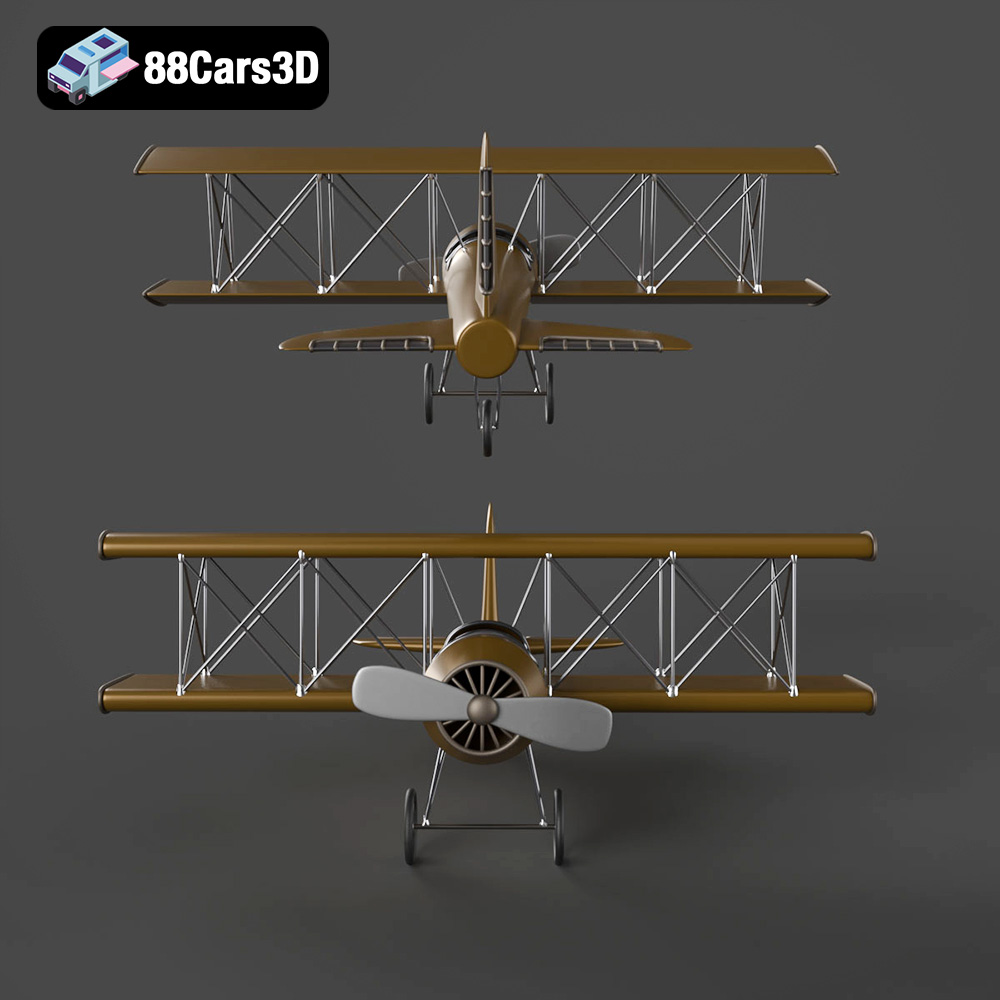
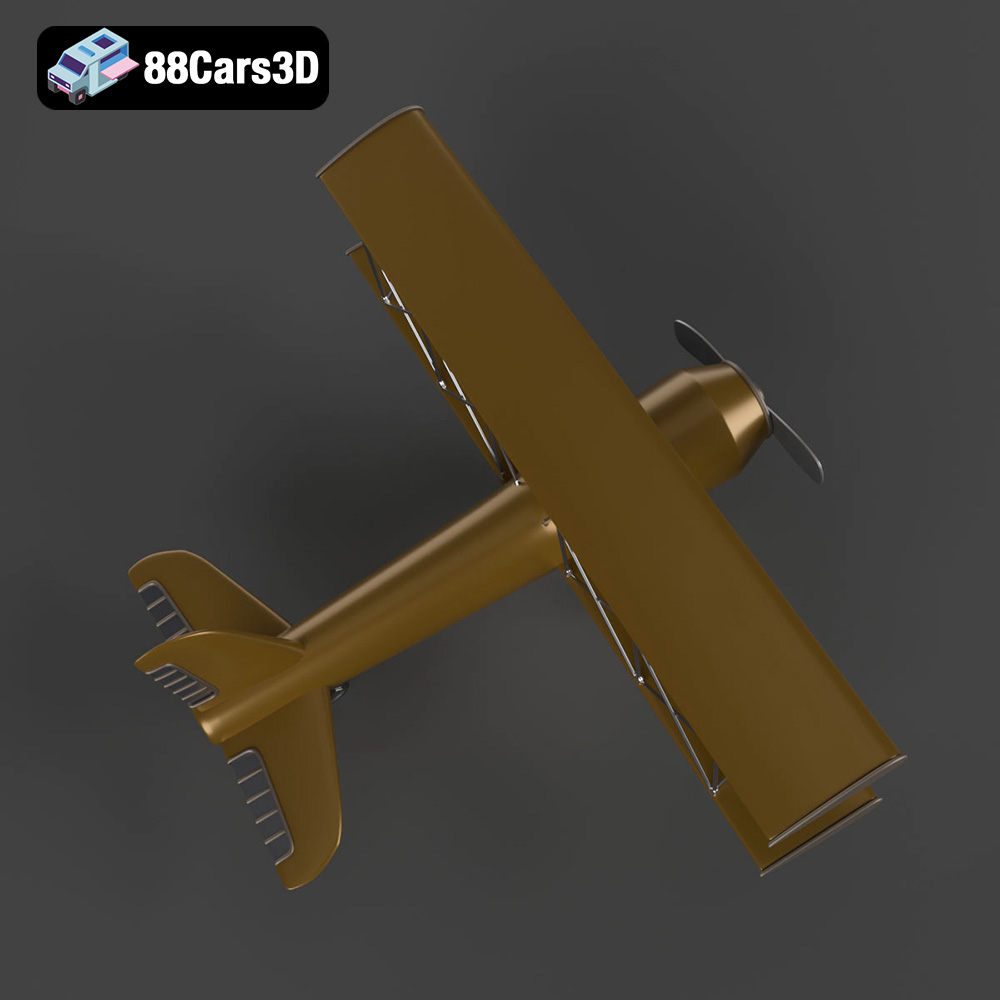
Experience the thrill of aviation with the Airplane 07, a beautifully crafted aircraft featuring sleek aerodynamic design, iconic wing structures, and highly detailed engine components. Every curve and panel line is modeled to reflect the engineering marvel of modern flight, complete with realistic exhaust nozzles, intake fans, and precise exterior styling cues.
Boasting a meticulous topology with a triangle count of 487,952, this 3D model offers the perfect synergy between game-ready optimization and high-end visual fidelity. It is exceptionally well-suited for demanding use cases, including game development, immersive AR/VR simulations, professional animation, and architectural visualization.
Perfect for flight simulators, airport environment scenes, cinematic aerial renders, and interactive aviation showcases.
$26.00
.aircraft
.airplane
.aviation
.blend
.fbx
.glb
.max
.obj
.ply
.rendering
.stl
.unreal
airplane-07
airplane-3d-model
game asset
game-ready
low-poly
optimized
VR/AR