
In the expansive universe of 3D modeling and visualization, few software packages offer the versatility and power of Blender. At the heart of its rendering capabilities lie two distinct engines: Cycles and Eevee. For professionals in automotive design, game development, and high-fidelity rendering—fields where the quality of 3D car models is paramount—understanding the nuances between these engines is not just beneficial, but critical. Whether you’re aiming for a photorealistic showcase of a luxury vehicle or optimizing assets for a fast-paced racing game, your choice of render engine profoundly impacts the visual outcome, performance, and overall workflow.
This comprehensive guide delves deep into the architecture, strengths, and ideal applications of Blender’s Cycles and Eevee. We’ll explore their technical foundations, compare their visual fidelity and speed, and provide actionable strategies for optimizing your automotive rendering projects. From meticulous topology and sophisticated PBR materials to game engine optimization and AR/VR considerations, we’ll equip you with the knowledge to make informed decisions, ensuring your 3D car models achieve their full potential. Let’s embark on this journey to master the art of rendering in Blender, transforming your digital creations into stunning visual masterpieces.
Cycles, Blender’s physically-based production renderer, operates on the principle of ray tracing, specifically path tracing. This advanced rendering technique simulates light’s behavior in the real world by tracing countless light rays from the camera into the scene. Each ray bounces off surfaces, interacts with materials, and gathers color and light information, accurately reproducing global illumination, reflections, refractions, and complex lighting phenomena. The result is unparalleled realism and visual fidelity, making Cycles the go-to choice for scenarios demanding photorealistic output.
The power of Cycles lies in its ability to simulate intricate light interactions that contribute to the perceived realism of a scene. This includes indirect lighting, where light bounces off one surface to illuminate another, and phenomena like caustics, which are patterns of light created by reflection or refraction through complex shapes—crucial for rendering realistic car headlights or chrome details. While this meticulous simulation delivers breathtaking results, it is computationally intensive, often leading to longer render times, especially for animations or high-resolution stills. However, advancements in GPU rendering (NVIDIA OptiX, CUDA, AMD HIP) and powerful denoising algorithms (like OpenImageDenoise and OptiX Denoiser) have significantly reduced render durations, making Cycles more accessible for professional workflows.
At its core, Cycles uses Monte Carlo path tracing. When you initiate a render, rays are fired from the camera into the scene. When a ray hits a surface, it randomly scatters in a new direction based on the material’s properties (diffuse, glossy, transparent). This process continues for a specified number of “light bounces” or until the ray exits the scene. The cumulative information from thousands or millions of these ray paths is then averaged to determine the final color of each pixel. This statistical approach accurately models complex light transport paths, including indirect illumination that bounces multiple times before reaching the camera.
Key parameters in Cycles, such as the number of samples, light paths (diffuse, glossy, transmission bounces), and volume steps, directly influence the render quality and time. Higher sample counts reduce noise but increase computation. Adequate light bounces are essential for realistic global illumination, especially in enclosed or complex scenes. For detailed insights into these settings, refer to the official Blender 4.4 documentation on Cycles Render Settings, which provides comprehensive explanations of each parameter’s role in achieving optimal render results.
For rendering 3D car models, Cycles excels where absolute visual accuracy is non-negotiable. Its ability to perfectly capture the subtle reflections on a car’s painted surface, the intricate refractions through glass, and the metallic sheen of chrome is unmatched. This makes it ideal for:
Cycles faithfully reproduces the interplay of light and complex materials, vital for automotive exteriors and interiors. The subtle variations in reflectivity across a car’s clear coat, the way light catches the edges of body panels, and the depth of its shadows are all rendered with physical correctness. When sourcing high-quality models from platforms like 88cars3d.com, you can be confident that Cycles will extract every ounce of detail and realism from their meticulously crafted geometry and PBR materials, delivering a final image that is virtually indistinguishable from a photograph.
Eevee, Blender’s real-time render engine, represents a paradigm shift in 3D visualization. Unlike Cycles’ path tracing, Eevee utilizes rasterization, a technique commonly found in game engines. This approach renders scenes by projecting 3D models onto a 2D viewport, calculating lighting and shadows using approximations and screen-space effects rather than physically tracing individual light rays. The primary advantage of Eevee is its unparalleled speed; it delivers immediate visual feedback, making it perfect for interactive applications, rapid prototyping, and animation previews.
While Eevee sacrifices some of Cycles’ physical accuracy for speed, it compensates with a robust suite of screen-space effects that cleverly simulate complex lighting. Features like Screen Space Reflections (SSR), Screen Space Global Illumination (SSGI), and volumetric lighting give Eevee a surprisingly high level of visual fidelity for a real-time engine. These approximations, combined with its GPU-driven architecture, allow artists to iterate on lighting, materials, and camera angles with instantaneous updates, drastically accelerating the creative process. Eevee is an invaluable tool for artists who need to quickly visualize animations, create game assets, or develop content for interactive experiences where performance is key.
Eevee operates by drawing objects to the screen (rasterization) and then applying a series of screen-space effects to simulate complex lighting. Instead of calculating how light bounces around a scene, Eevee estimates these interactions based on what’s visible on screen. For instance, Screen Space Reflections (SSR) calculates reflections by sampling pixel information already rendered on the screen, rather than tracing rays into the environment. Similarly, Screen Space Global Illumination (SSGI) provides an approximation of indirect lighting. While efficient, this means Eevee’s accuracy is limited by what’s visible within the camera’s view and may not capture off-screen light interactions.
Key features enabling Eevee’s real-time capabilities include:
These effects are configurable, allowing artists to balance performance with visual quality. For a detailed breakdown of how to configure these powerful settings, refer to the Blender 4.4 Eevee Render Settings documentation.
Eevee’s real-time nature makes it an indispensable tool for a variety of interactive and fast-paced workflows, particularly for 3D car models destined for dynamic applications:
While not as physically accurate as Cycles, Eevee can produce stunning results with careful lighting and material setup. Its strengths lie in situations where quick feedback and interactive performance outweigh the need for absolute physical correctness, making it a powerful ally for creative exploration and efficient production pipelines.
The fundamental divergence between Cycles and Eevee boils down to a trade-off: unparalleled accuracy versus blistering speed. This distinction dictates their ideal use cases and significantly influences the workflow for rendering 3D car models. Understanding this core difference is essential for any artist or designer working with Blender.
Cycles, with its path tracing algorithm, meticulously simulates how light interacts with every surface and volume in your scene. It calculates every bounce, every reflection, every refraction, resulting in images that are virtually indistinguishable from reality. This makes it the champion for projects where photorealism is the ultimate goal, such as high-end automotive advertisements or detailed product showcases. However, this precision comes at a cost: render times can span from minutes to hours per frame, depending on scene complexity and desired quality. The output is typically free of the rendering artifacts sometimes seen in real-time engines, offering a clean, physically correct image.
Eevee, on the other hand, prioritizes speed above all else. By employing rasterization and a clever array of screen-space approximations, it renders scenes in milliseconds, providing real-time feedback. While Eevee can achieve impressive visual quality, it doesn’t aim for physical correctness in the same way Cycles does. Its lighting, shadows, and reflections are approximations, and complex global illumination is simulated rather than calculated. This speed makes Eevee invaluable for interactive applications, game development, and quickly iterating on animations. However, it can sometimes introduce visual artifacts (like screen-space reflections breaking at screen edges) or less accurate lighting in complex scenarios.
When it comes to the visual fidelity of automotive rendering, Cycles generally holds the undisputed crown. The way light interacts with a car’s glossy paint, intricate chrome trim, and transparent glass surfaces is incredibly complex. Cycles, by tracing light paths, can:
Eevee, while capable of excellent visuals, relies on approximations. Its screen-space reflections, for example, only reflect what’s visible on screen, meaning reflections might disappear or be inaccurate if the reflected object isn’t in the camera’s view. Global illumination is simulated, providing a good aesthetic but lacking the physical accuracy of Cycles. For game assets and AR/VR applications where performance budgets are strict, Eevee’s visual output is more than sufficient and often desirable due to its lightweight nature. However, for a marketing still demanding absolute photo-realism, Cycles is the superior choice.
The difference in rendering approach has a direct impact on performance and your overall workflow:
For artists creating high-fidelity assets for marketplaces like 88cars3d.com, a common workflow involves using Eevee for initial blocking, animation previews, and quick material checks, then switching to Cycles for the final, polished renders. This hybrid approach leverages the strengths of both engines, optimizing both speed and quality in the production pipeline.
Regardless of the render engine chosen, the foundational quality of your 3D car models—specifically their topology, UV mapping, and PBR materials—is paramount. Well-prepared models ensure optimal performance and visual fidelity in both Cycles’ physically accurate environment and Eevee’s real-time approximations. Investing time in these fundamental aspects will pay dividends in rendering quality, efficiency, and compatibility across various applications, from high-end visualization to interactive game experiences.
For complex assets like cars, which feature smooth, curved surfaces, sharp creases, and intricate details, meticulous attention to mesh geometry is essential. Clean topology ensures smooth deformations for animation, prevents shading artifacts, and facilitates efficient UV unwrapping. Similarly, robust UV mapping is critical for applying high-resolution textures without distortion, while correctly authored PBR (Physically Based Rendering) materials guarantee that your car models react realistically to light in any rendering environment. When sourcing models from reputable platforms such as 88cars3d.com, you can expect these fundamental aspects to be professionally handled, providing a solid base for your rendering projects.
Topology: For 3D car models, especially those with intricate curved surfaces and sharp edges, excellent topology is key. This means:
UV Mapping: Proper UV mapping is non-negotiable for applying realistic textures. For complex car surfaces:
PBR materials are the backbone of modern realistic rendering, ensuring that your 3D car models react consistently to light, regardless of the render engine. Both Cycles and Eevee fully support PBR workflows. The key is to author your materials correctly:
When developing materials, it’s wise to test them in both engines to ensure consistency. Minor adjustments may be needed, especially for complex transparency or volumetric effects, but a solid PBR foundation will translate well across the board.
Achieving truly compelling automotive rendering goes beyond basic material setup. Advanced techniques in lighting, environment creation, and optimization are critical for pushing visual boundaries in both Cycles and Eevee. Understanding how each engine handles these complexities allows artists to maximize their visual output while managing performance.
From crafting an immersive lighting scheme that highlights a car’s form to ensuring every reflection looks pristine, these considerations are what elevate a good render to an exceptional one. Whether you’re aiming for the photorealistic precision of Cycles or the interactive brilliance of Eevee, mastering these advanced topics will give your 3D car models the professional polish they deserve, making them stand out in any context.
Effective lighting is perhaps the single most important factor in realistic rendering. The approach can vary significantly between Cycles and Eevee:
For detailed control over your lighting setup in Blender, exploring the Light Object settings in the official documentation can provide further insights into optimizing your scene’s illumination.
Cycles Denoising: Noise is an inherent byproduct of path tracing due to its statistical nature. Cycles offers powerful denoising options:
For the best results with 3D car models, especially with complex reflective surfaces, a higher sample count combined with a denoiser is often the preferred strategy. Start with a moderate sample count (e.g., 256-512) and increase if noise persists, then apply denoising as a final pass.
Eevee Optimization: Eevee doesn’t suffer from traditional noise like Cycles, but its approximations can introduce other visual artifacts. Optimization strategies include:
Both render engines can simulate atmospheric and special effects, though with differing approaches and performance implications.
Other special effects like Bloom (light glow) and Depth of Field (camera blur) are available in both engines but are typically post-processing effects in Eevee for speed, whereas Cycles calculates them as part of the render pass. Understanding these differences allows artists to choose the right tool for the job, balancing visual impact with rendering efficiency.
The choice between Cycles and Eevee is not about which engine is “better,” but rather which is “right” for your specific project and creative goals. Both are powerful tools within Blender, each excelling in different scenarios. For artists and designers working with 3D car models, understanding these distinctions is paramount to optimizing their workflow and achieving desired visual outcomes, whether for high-fidelity presentations or interactive experiences.
The decision tree often involves considering the final output’s purpose, the required level of realism, project deadlines, and available hardware. Sometimes, a hybrid approach, leveraging the strengths of both engines, proves to be the most efficient and effective strategy. By aligning your engine choice with your project’s demands, you can maximize productivity and ensure your automotive rendering projects consistently meet professional standards.
Cycles is the undisputed champion for scenarios demanding ultimate realism and physical accuracy. Choose Cycles when your project requires:
For these applications, the longer render times are a necessary investment for the unparalleled quality achieved. When sourcing high-detail models from platforms like 88cars3d.com, Cycles will allow you to fully leverage their intricate geometry and sophisticated PBR materials.
Eevee shines in situations where speed, interactivity, and rapid iteration are prioritized. Opt for Eevee when your project involves:
Eevee is incredibly efficient for exporting optimized models (e.g., FBX, GLB, USDZ) for use in other engines like Unity or Unreal Engine, or for web-based 3D viewers. Its real-time capabilities make it an excellent tool for preparing assets that need to perform well in interactive environments, aligning perfectly with the demands of modern game development and AR/VR visualization.
Many professional pipelines leverage a hybrid approach, using both engines strategically:
This flexible approach allows artists to harness the best of both worlds, ensuring both efficient production and stunning final results. Platforms like 88cars3d.com provide models that are often topology-optimized, making them ideal candidates for this kind of versatile workflow.
The journey of a 3D car model doesn’t necessarily end with the render button. Post-processing and thoughtful integration into various pipelines are crucial steps that can significantly elevate the final output and extend the usability of your assets. These stages are where both Cycles and Eevee renders can be finessed, and where models designed for automotive rendering can be prepared for diverse applications like game development, AR/VR, or even 3D printing.
Mastering post-production techniques allows you to refine details, enhance mood, and correct minor imperfections that might have slipped through the rendering process. Furthermore, understanding the requirements for integrating your 3D car models into different platforms ensures maximum compatibility and performance, unlocking their full potential beyond just a static image. This holistic approach guarantees a professional finish and broad applicability for your high-quality assets.
Compositing is the process of combining multiple image layers to create a final image, and it’s invaluable for refining renders from both Cycles and Eevee.
Post-processing can significantly enhance the impact of your automotive rendering, allowing for artistic expression and correction beyond what’s possible directly within the render engine.
When your 3D car models are destined for interactive environments, extensive optimization is required, regardless of whether you used Cycles or Eevee for initial visualization. This is where models sourced from 88cars3d.com, known for their clean topology, provide an excellent starting point.
These optimization steps are vital for ensuring that your beautifully rendered 3D car models are not only visually appealing but also performant and versatile across a wide range of interactive platforms and workflows.
Choosing between Cycles and Eevee in Blender is a strategic decision that shapes the outcome and efficiency of your automotive rendering projects. Cycles stands as the beacon of photorealism, offering unparalleled accuracy in light simulation, ideal for high-end marketing, product visualization, and creating breathtaking portfolio pieces. Its path-tracing engine meticulously renders every reflection, shadow, and material interaction, delivering images of stunning fidelity, especially for the intricate details found in 3D car models.
Conversely, Eevee represents the forefront of real-time rendering, providing incredible speed and interactivity. It’s the perfect companion for rapid prototyping, game asset development, animation previews, and creating content for performance-critical applications like AR/VR. While it achieves realism through clever approximations, its instantaneous feedback revolutionizes the creative workflow. Many professionals adopt a hybrid approach, leveraging Eevee for quick iterations and previews, then switching to Cycles for the final, polished output.
Ultimately, the “right” engine depends on your project’s specific demands: prioritize physical accuracy and visual perfection, choose Cycles; if speed, interactivity, and rapid iteration are paramount, Eevee is your ally. Regardless of your choice, investing in high-quality 3D car models with clean topology, robust UV mapping, and well-authored PBR materials—such as those available on 88cars3d.com—will provide the essential foundation for success. Experiment with both, understand their strengths and limitations, and master the techniques that bring your digital automotive visions to life with unparalleled realism and efficiency.
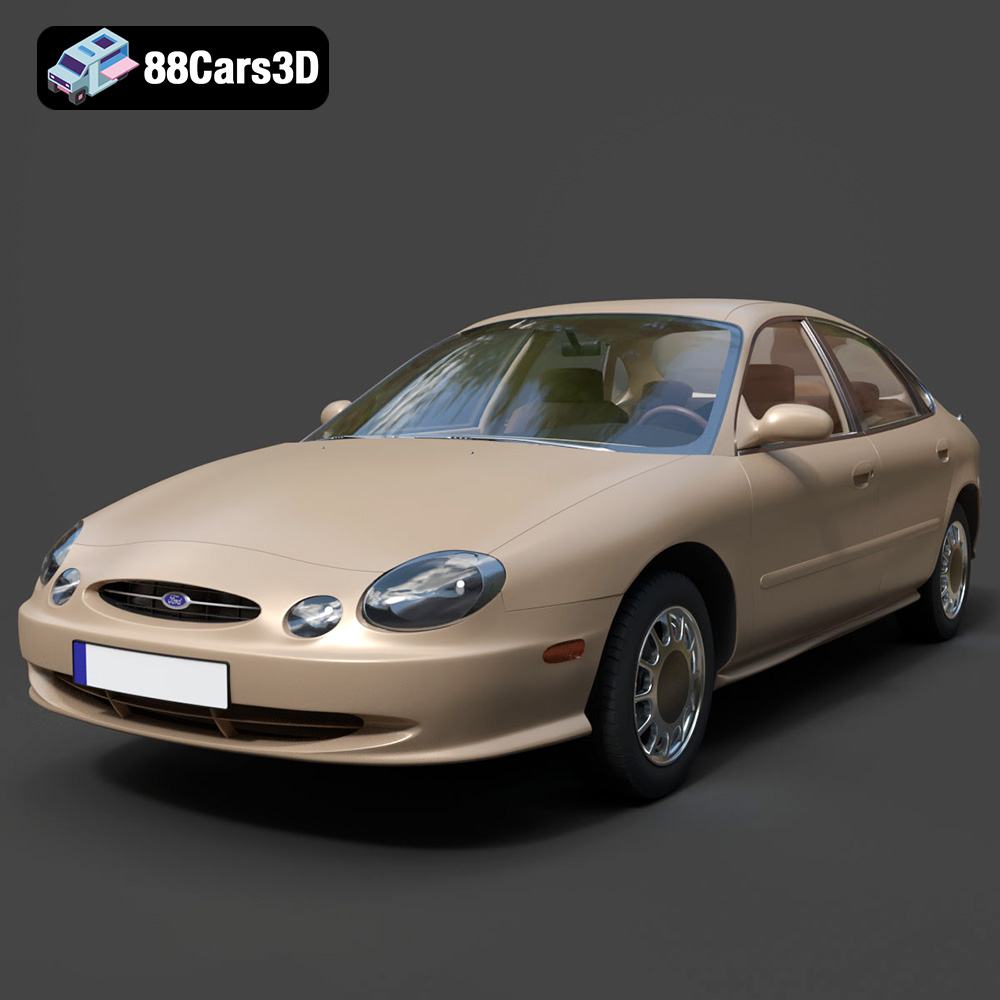
Texture: Yes | Material: Yes
Download the highly detailed, game-ready Ford Taurus 1996 3D Model. Features revolutionary oval exterior styling, detailed interior, and accurate chassis geometry. Includes .blend, .fbx, .obj, .glb, .stl, .ply, .unreal, and .max formats for game development, AR/VR, and rendering.
Price: $161.00
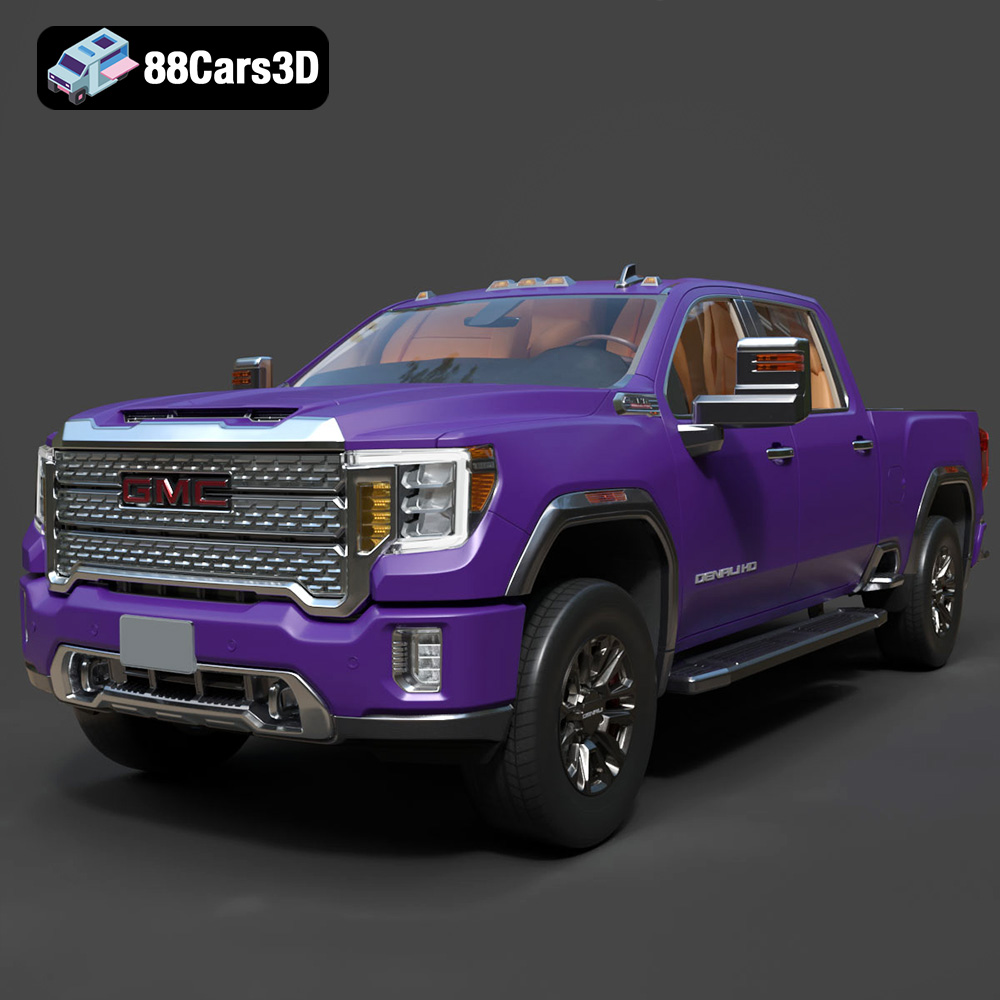
Texture: Yes | Material: Yes
Download the highly detailed, game-ready GMC Sierra HD Denali 2020 3D Model. Features iconic chrome Denali grille, detailed MultiPro tailgate, and heavy-duty chassis styling. Includes .blend, .fbx, .obj, .glb, .stl, .ply, .unreal, and .max formats for game development, AR/VR, and rendering.
Price: $274.50
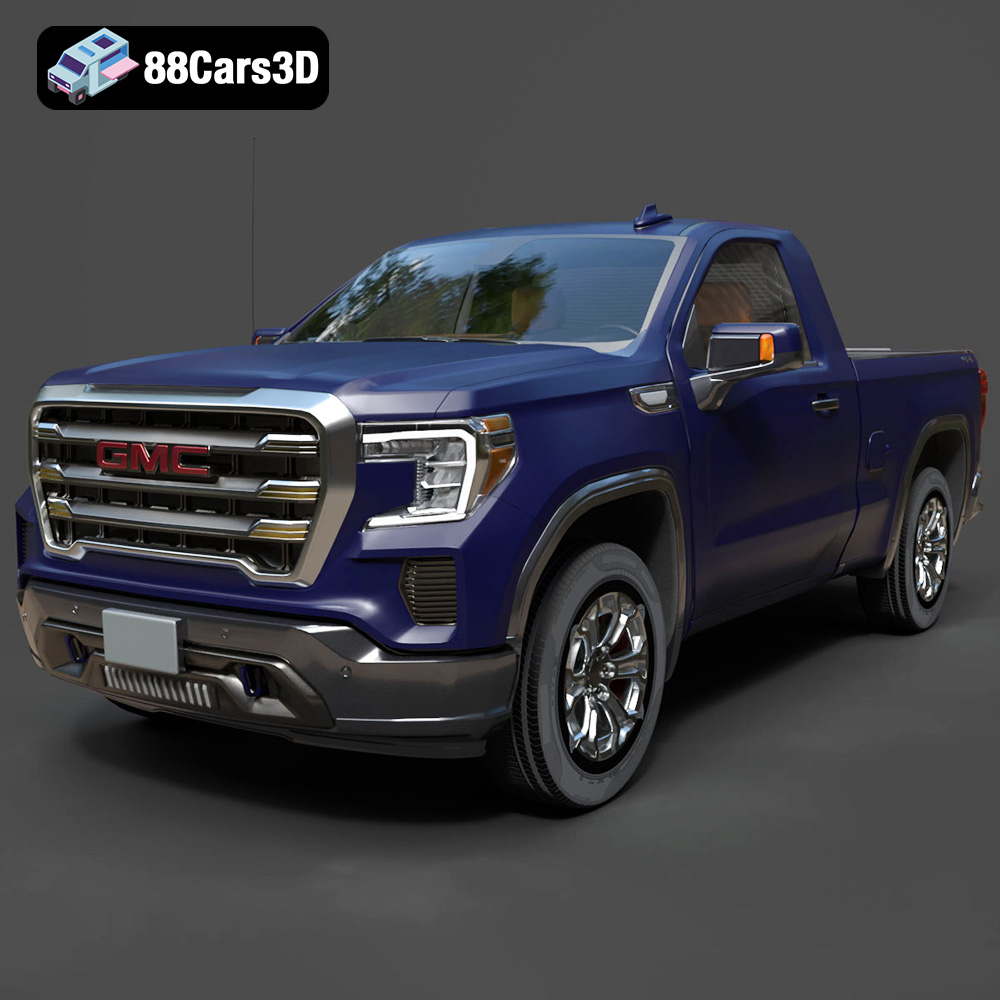
Texture: Yes | Material: Yes
Download the highly detailed, game-ready GMC Sierra Reg SLE 1500 2020 3D Model. Features bold pickup styling, detailed exterior trim, accurate undercarriage, and realistic cabin. Includes .blend, .fbx, .obj, .glb, .stl, .ply, .unreal, and .max formats for game development, AR/VR, and rendering.
Price: $133.50
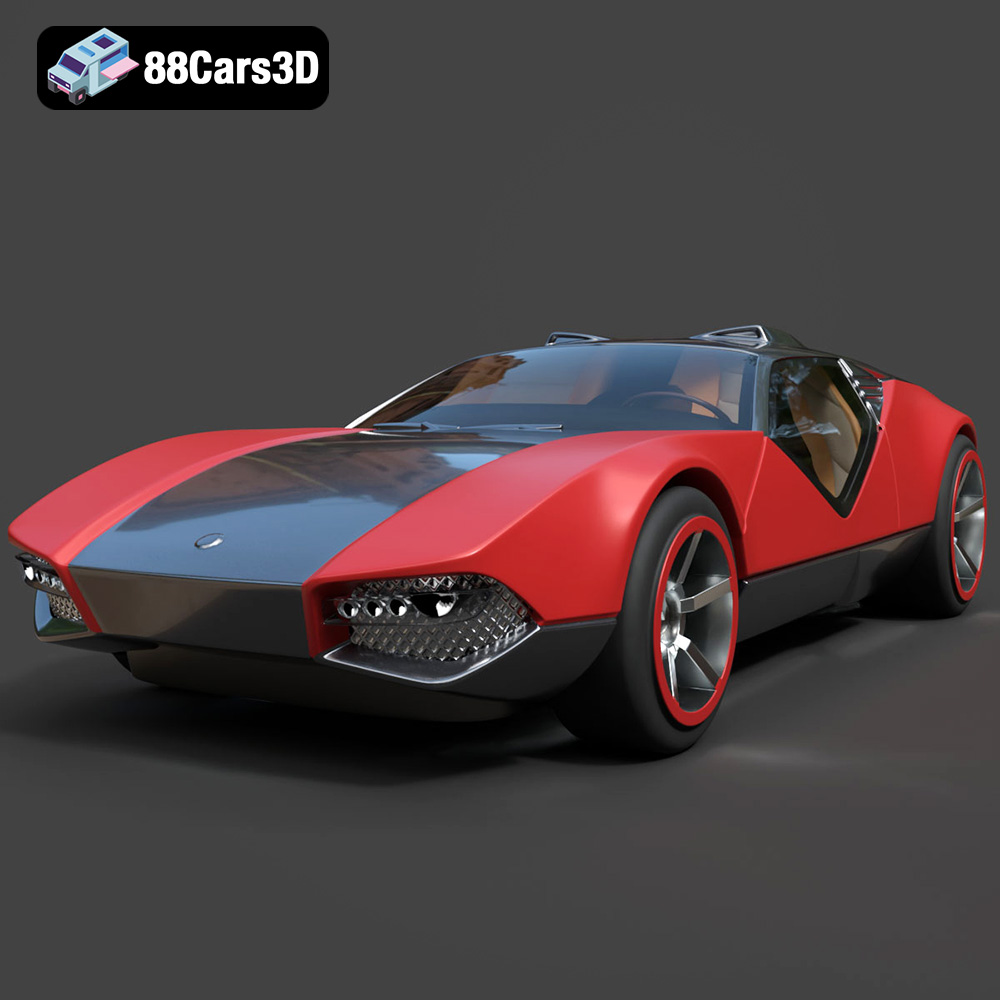
Texture: Yes | Material: Yes
Download the highly detailed, game-ready Hot Wheels La Fasta 3D Model. Features aggressive aerodynamic bodywork, custom racing wheels, and futuristic interior details. Includes .blend, .fbx, .obj, .glb, .stl, .ply, .unreal, and .max formats for game development, AR/VR, and rendering.
Price: $133.00
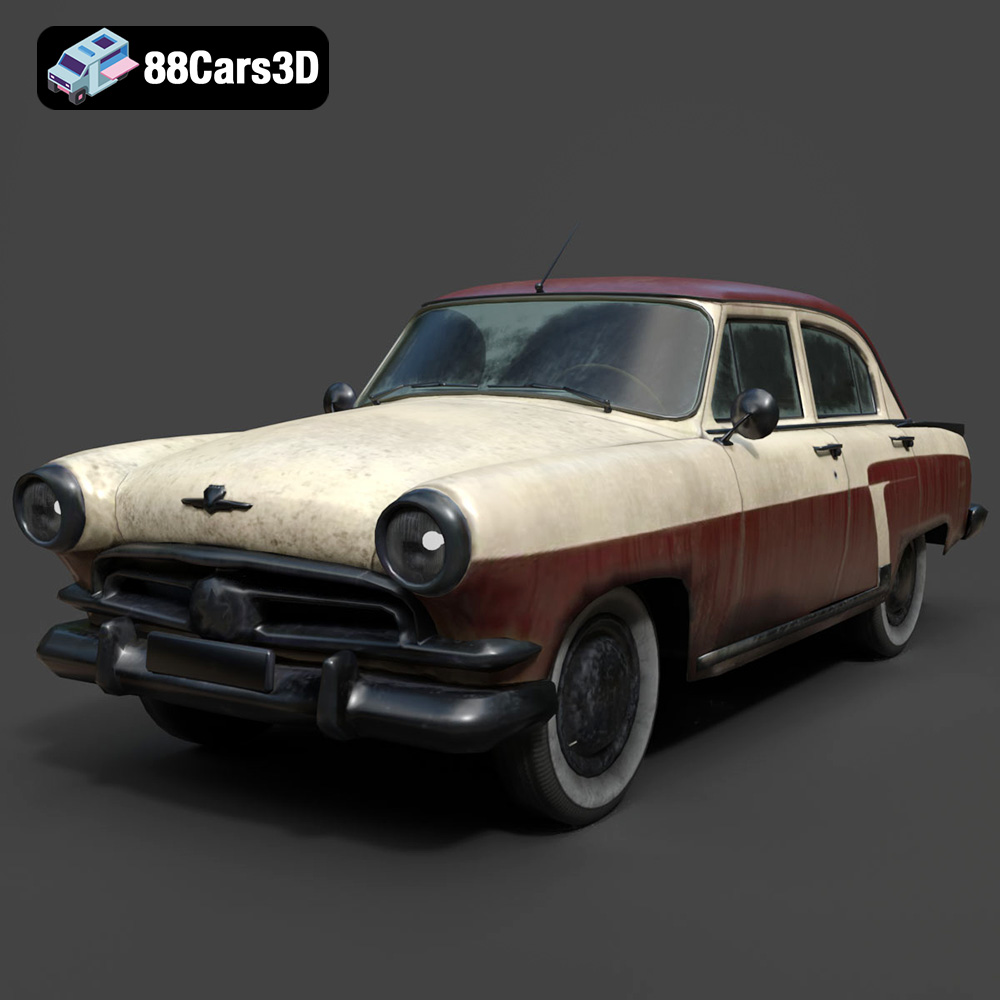
Texture: Yes | Material: Yes
Download the highly detailed, game-ready GAZ-21 Volga 3D Model. Features classic Soviet body geometry, iconic front grille, and detailed exterior chrome accents. Includes .blend, .fbx, .obj, .glb, .stl, .ply, .unreal, and .max formats for game development, AR/VR, and rendering.
Price: $99.99
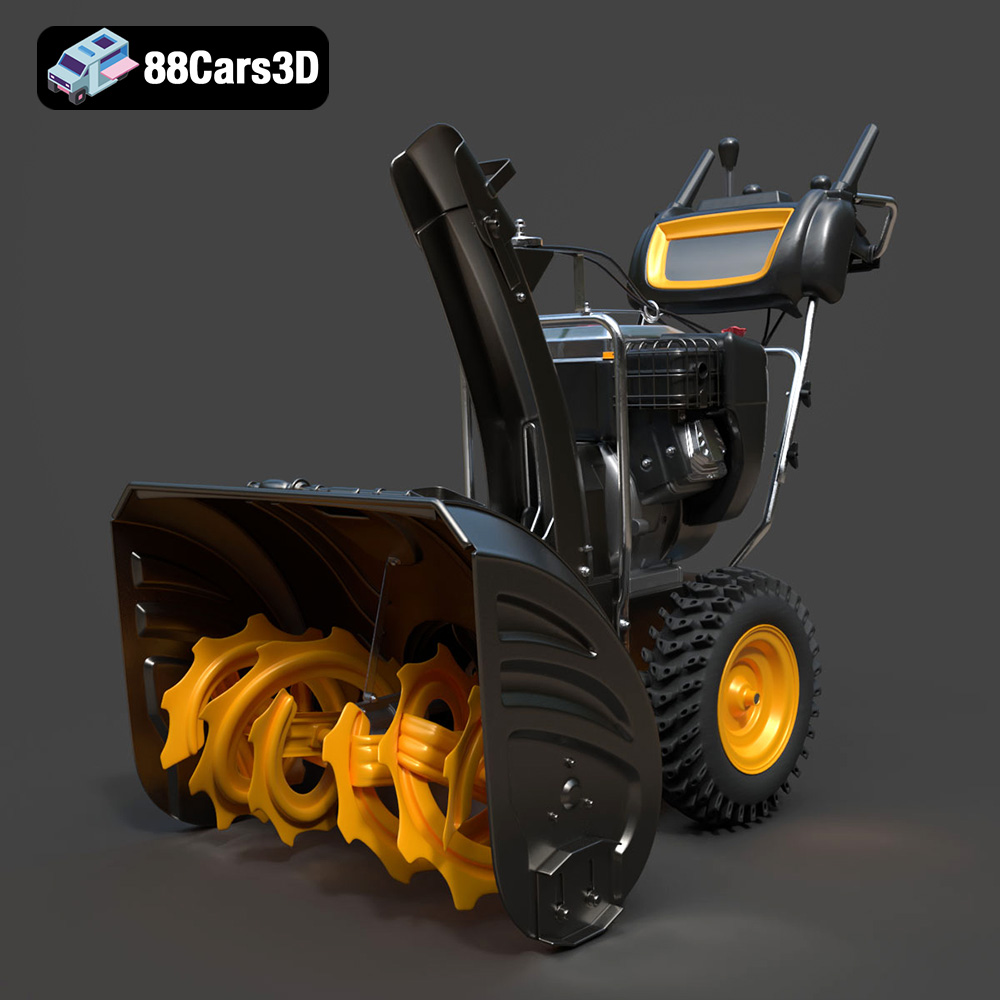
Texture: Yes | Material: Yes
Download the highly detailed, game-ready Husqvarna Snow Plow 3D Model. Features heavy-duty front plow blade, robust chassis, and realistic mechanical controls. Includes .blend, .fbx, .obj, .glb, .stl, .ply, .unreal, and .max formats for game development, AR/VR, and rendering.
Price: $145.50
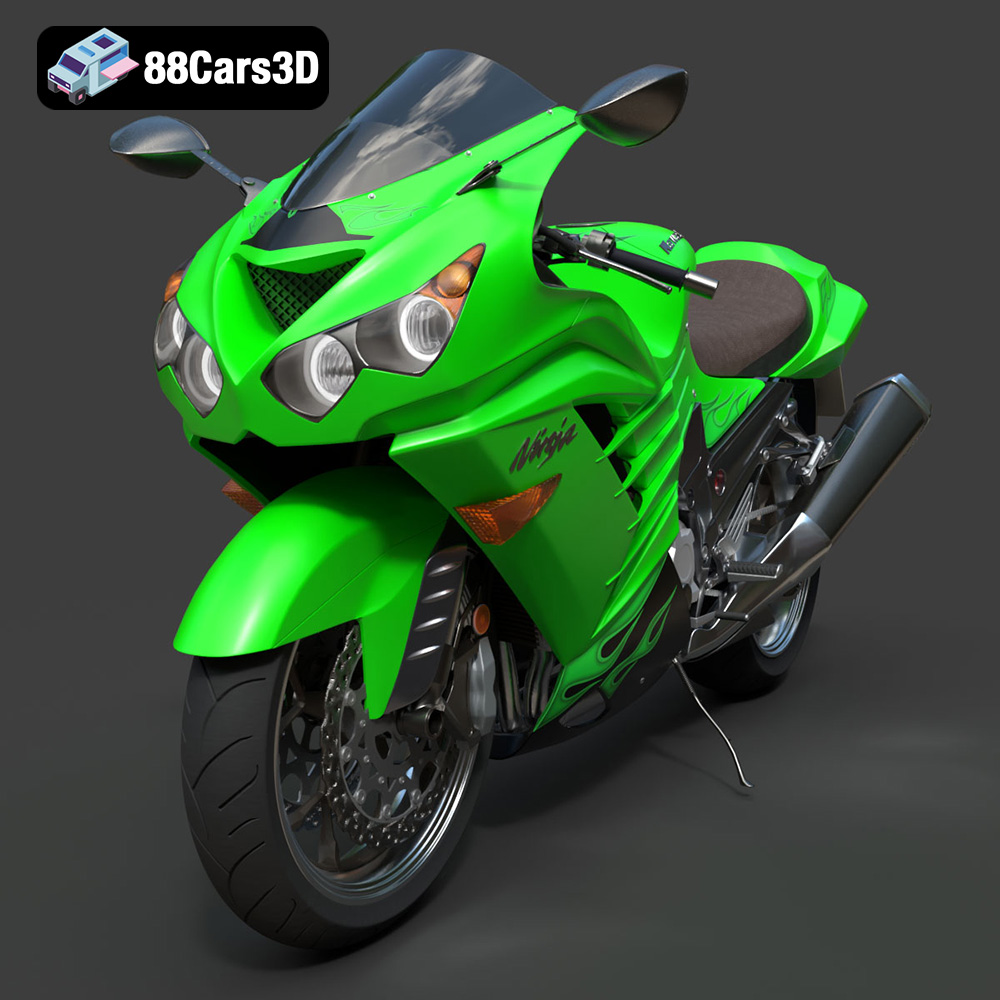
Texture: Yes | Material: Yes
Download the highly detailed, game-ready Kawasaki ZX14R 2012 3D Model. Features aggressive hyper-sport fairings, detailed inline-four engine, and iconic dual exhausts. Includes .blend, .fbx, .obj, .glb, .stl, .ply, .unreal, and .max formats for game development, AR/VR, and rendering.
Price: $170.00
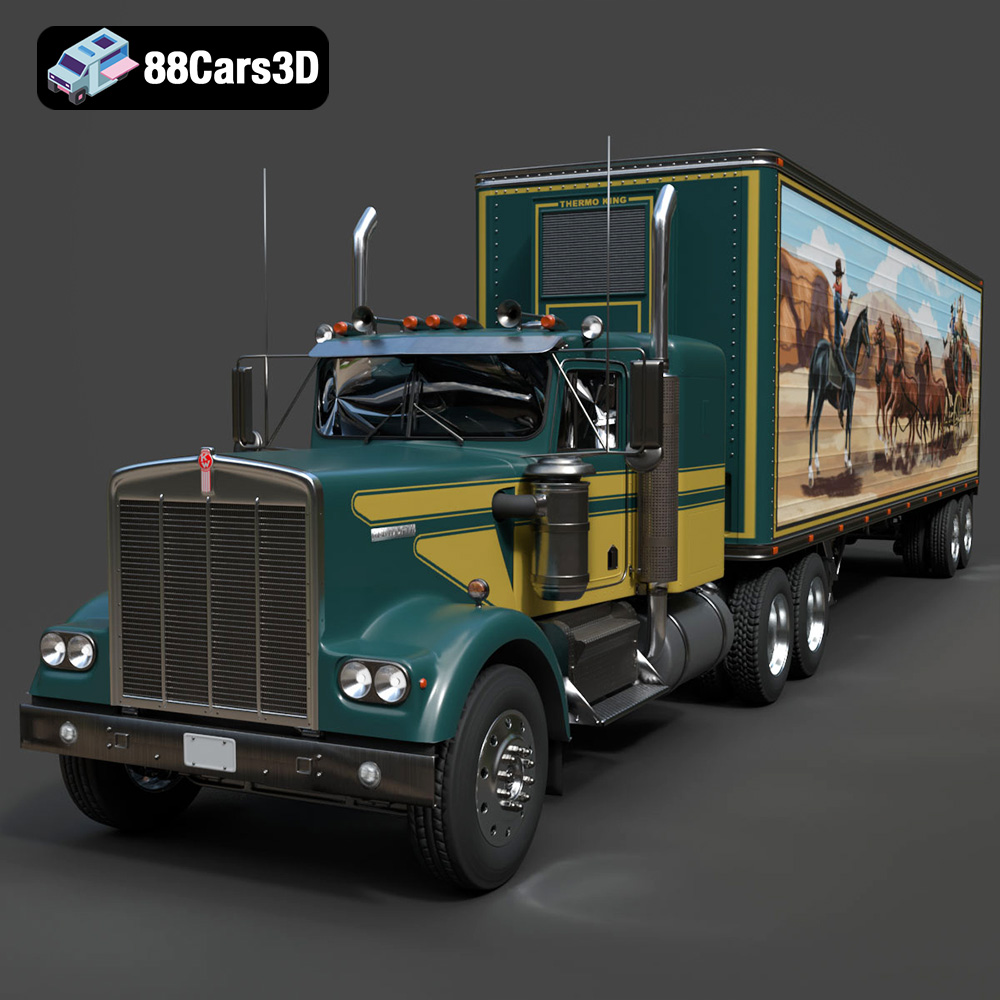
Texture: Yes | Material: Yes
Download the highly detailed, game-ready Kenworth W900 1974 3D Model. Features classic long-nose hood styling, detailed chrome exhaust stacks, and realistic dual tandem axles. Includes .blend, .fbx, .obj, .glb, .stl, .ply, .unreal, and .max formats for game development, AR/VR, and rendering.
Price: $299.50
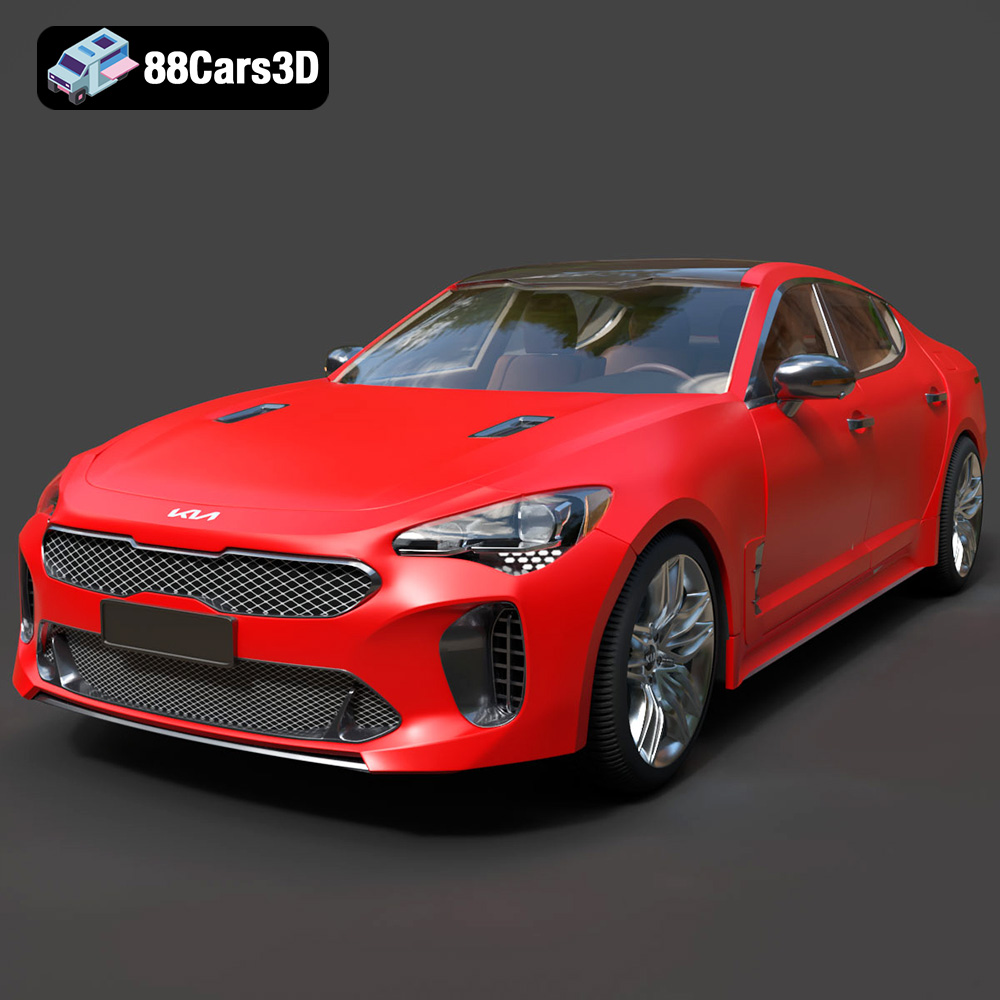
Texture: Yes | Material: Yes
Download the highly detailed, game-ready Kia Stinger 2021 3D Model. Features tiger-nose grille styling, quad exhaust tips, and high-fidelity interior details. Includes .blend, .fbx, .obj, .glb, .stl, .ply, .unreal, and .max formats for game development, AR/VR, and rendering.
Price: $299.50
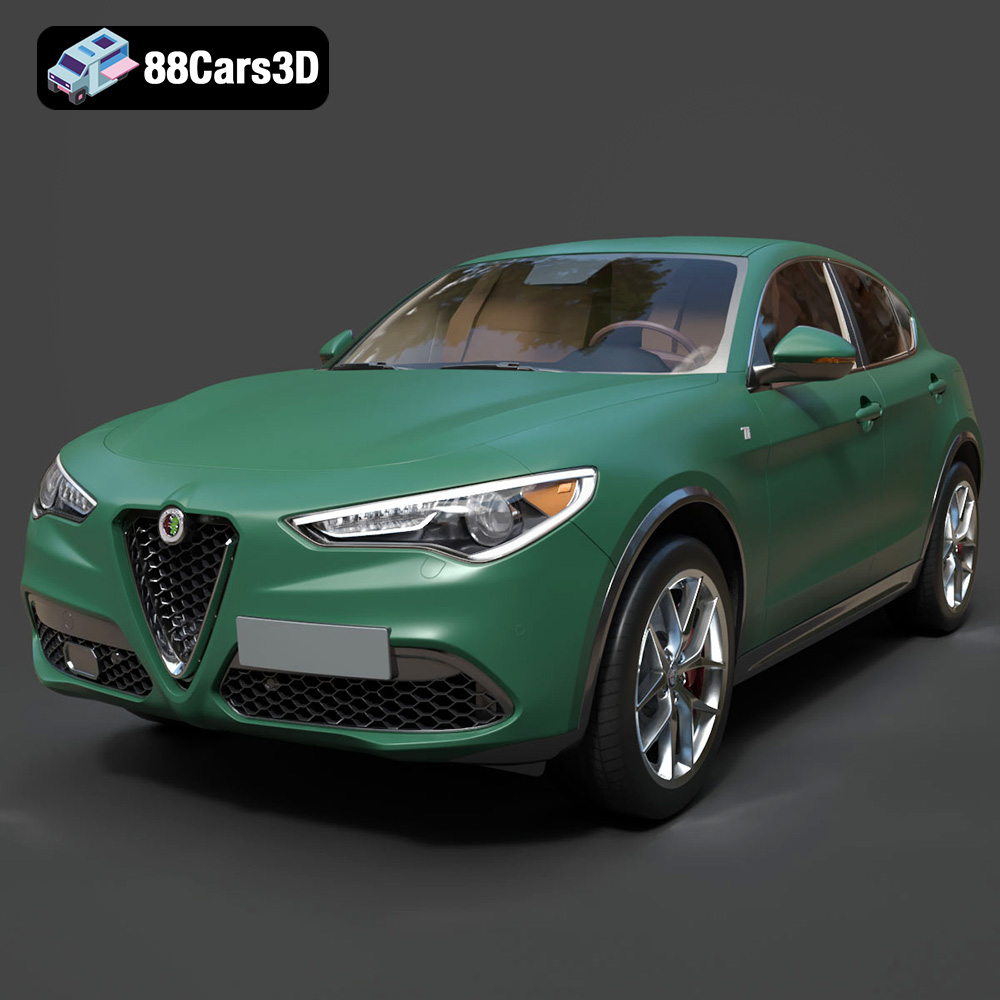
Texture: Yes | Material: Yes
Download the highly detailed, game-ready Alfa Romeo Stelvio Ti 2020 3D Model. Features signature Italian luxury SUV styling, detailed interior, and accurate chassis geometry. Includes .blend, .fbx, .obj, .glb, .stl, .ply, .unreal, and .max formats for game development, AR/VR, and rendering.
Price: $237.99
