Get 20% OFF All Premium 3D & STL Models!

The automotive industry has always been at the forefront of innovation, and the digital realm is no exception. Today, 3D car models are far more than just visual representations; they are powerful, versatile assets that drive everything from cutting-edge product design and immersive marketing campaigns to high-performance game development and the tangible creation of custom 3D printed car parts. Whether you’re an automotive designer visualizing the next generation of vehicles, a game developer crafting exhilarating virtual races, an architect integrating vehicles into a scene, or an enthusiast creating a bespoke component for your dream car, understanding the intricate workflows of 3D automotive design is paramount.
This comprehensive guide delves deep into the technical nuances of creating, optimizing, and deploying 3D car models across diverse applications. We’ll explore the foundational principles of clean topology and efficient UV mapping, demystify the art of PBR material creation for breathtaking realism, and walk through advanced rendering techniques. Beyond visual fidelity, we’ll tackle the critical aspects of game engine optimization for seamless interactive experiences, the specific demands of AR/VR, and perhaps most excitingly, the practical steps involved in preparing your digital creations for 3D printing real-world custom parts. Get ready to elevate your automotive 3D projects and unlock their full potential.
At the heart of every high-quality 3D car model lies impeccable topology – the structural arrangement of polygons that defines the mesh. For automotive designs, where smooth, reflective surfaces and intricate panel gaps are critical, clean topology is not just a best practice; it’s a necessity. Poor topology can lead to artifacts, pinching, and undesirable shading, especially when models are subjected to subdivision surfaces or deformation. A well-constructed mesh ensures that your model looks pristine from every angle, behaves predictably under various modifiers, and is easily editable for future iterations or custom adjustments. This meticulous approach is foundational, impacting everything from the realism of your renders to the printability of your designs.
The way polygons (typically quads) and their edges flow across the surface of an automotive model directly dictates how light interacts with it and how subdivision surfaces will smooth it. Optimal edge flow follows the contours and creases of the vehicle, defining areas like fender flares, door lines, and body curves with precision. While quads (four-sided polygons) are the gold standard for organic and hard-surface modeling, especially when using subdivision modifiers, triangles can be acceptable in flat, non-deforming areas or for game-ready low-poly models where poly count is a premium. Ngons (polygons with more than four sides) should generally be avoided, as they can cause unpredictable shading and issues during subdivision. Poles (vertices where more than five edges meet) should be strategically placed in flatter, less visible areas to minimize their impact on surface smoothness. For a hero-asset car model intended for high-end rendering, polygon counts typically range from 150,000 to 300,000 polygons, carefully distributed to maintain detail where needed without excessive density in flat areas. Game-ready LODs (Levels of Detail) would drastically reduce this, potentially down to 20,000-50,000 polygons for a primary in-game view, or even fewer for distant LODs.
Subdivision surfaces (like OpenSubdiv in 3ds Max, Blender’s Subdivision Surface modifier, or Maya’s Smooth Mesh) are indispensable for achieving the smooth, flowing lines characteristic of car bodies from relatively low-poly base meshes. To control the sharpness of edges and maintain geometric integrity, supporting edge loops are crucial. These are extra edge loops placed close to a sharp edge, which “tighten” the edge when subdivision is applied. For instance, around a headlight cutout or along a panel gap, two or three closely spaced edge loops will create a crisp, defined seam. Beveling edges, even those that appear sharp to the naked eye, is also a critical technique. A slight bevel, often just a few segments wide, catches and reflects light, adding immense realism and preventing objects from looking artificially sharp. While Boolean operations can be a quick way to create complex cutouts, they often result in messy, non-quad topology. For production-ready models, it’s best to use Booleans as a starting point, then meticulously clean up the resulting mesh by hand, converting ngons to quads and ensuring proper edge flow around the new geometry. This rigorous attention to detail ensures your 3D car models are robust, visually appealing, and ready for any application, including the demanding requirements of 3D printing, which often necessitates watertight, manifold meshes.
Once your 3D car model’s geometry is perfected, the next crucial step is to define its appearance through textures and materials. This involves two core processes: UV mapping, which lays out the 3D surface onto a 2D plane for texturing, and creating Physically Based Rendering (PBR) materials, which simulate how light interacts with surfaces in a physically accurate way. The combination of expert UV unwrapping and sophisticated PBR shader networks is what transforms a grey mesh into a photorealistic automotive masterpiece, ready for high-fidelity renders, interactive experiences, or even informing the finish of a custom 3D printed part.
UV mapping is the process of flattening the 3D surface of your model into 2D UV coordinates, which tells your rendering software how to apply 2D textures to the 3D mesh. For complex automotive surfaces, strategic UV unwrapping is key to avoiding stretching, distortion, and noticeable seams. The goal is to minimize visible seams by placing them in less conspicuous areas (e.g., along panel lines, under trim pieces, or hidden edges). Texel density – the number of texture pixels per unit of surface area – should be consistent across the model, ensuring that details appear uniform and proportional. Tools like 3ds Max’s UVW Unwrap modifier, Blender’s UV Editor, or Maya’s UV Toolkit offer powerful features for precise control, including unwrapping methods like Pelt mapping or Planar mapping, and packing algorithms to efficiently utilize UV space. For a car, you might dedicate separate UV islands for large body panels, intricate engine parts, tire treads, interior components, and small details like badges or emblems. Overlapping UVs can be used for mirrored parts (like left and right doors) or for small, non-unique elements, but generally, unique UVs are preferred for hero assets to allow for specific weathering or decals.
Physically Based Rendering (PBR) has revolutionized material creation by accurately simulating real-world light interactions, leading to incredibly convincing results. PBR materials rely on a set of texture maps that define various surface properties:
Creating realistic car paint is a common challenge. It often involves a layered shader approach, simulating a base coat, metallic flakes (via a noise texture or procedural shader), and a clear coat layer with specific reflection and refraction properties. Chrome and other metals use high metallic values and varying roughness. Glass materials require accurate transmission, refraction, and subtle reflections. These properties are typically defined within node-based shader networks in renderers like Arnold, Cycles, Corona, or V-Ray. Professional-grade 3D car models, such as those found on 88cars3d.com, typically come with expertly crafted PBR materials, ready to be dropped into your scene and tweaked to perfection.
With a meticulously modeled and textured 3D car, the next step is to transform it into a stunning image or animation through advanced rendering. This phase is where artistic vision truly comes to life, leveraging sophisticated lighting, camera techniques, and post-processing to evoke emotion and communicate design intent. Whether you’re aiming for photorealistic studio shots or dynamic action sequences, a deep understanding of rendering workflows is essential to achieve professional-grade results that stand out in a competitive visual landscape.
Effective lighting is the single most critical factor in achieving photorealistic automotive renders. It defines the mood, emphasizes form, and highlights the intricate details of your 3D car model.
Renderers such as Corona Renderer, V-Ray (often used with 3ds Max), Cycles (Blender), and Arnold (Maya) provide the tools and flexibility to create these complex lighting scenarios, with features like adaptive sampling, light portals, and unbiased rendering engines ensuring high-quality output.
Achieving a high-quality render involves more than just lighting; it requires careful optimization of render settings and a robust post-processing workflow.
These passes are then layered and adjusted in a compositing software like Adobe Photoshop, Affinity Photo, or Blackmagic Fusion/Nuke.
While photorealistic renders captivate in static images, the demands of real-time applications like video games and augmented/virtual reality are fundamentally different. Here, the primary goal shifts from ultimate fidelity to maintaining consistently high frame rates while still delivering an immersive and visually appealing experience. Optimizing your 3D car models for game engines and AR/VR platforms requires a specialized workflow that balances visual quality with performance efficiency, ensuring smooth interaction and compelling immersion.
When preparing 3D car models for game engines like Unity or Unreal Engine, several core optimization strategies come into play:
Augmented Reality (AR) and Virtual Reality (VR) impose even stricter performance requirements than traditional games, primarily due to the need for very high, stable frame rates (typically 90 frames per second or higher for VR to prevent motion sickness).
The ability to translate digital designs into physical objects is one of the most exciting applications of 3D modeling. For automotive enthusiasts, designers, and engineers, 3D printing offers an unprecedented opportunity to create custom car parts, scale models, prototypes, and bespoke accessories. However, bridging the gap from a virtual 3D car model to a tangible, successful 3D print requires specific considerations and preparation techniques that go beyond what’s needed for rendering or game development.
A render-ready 3D car model, even one with impeccable topology, isn’t automatically ready for 3D printing. The physical nature of printing introduces a new set of requirements:
The choice of 3D printing technology and material significantly impacts the quality, strength, and application of your custom car parts or models:
Post-processing steps like sanding, priming, painting, and applying clear coats can dramatically enhance the appearance and durability of 3D printed car parts, bringing them closer to OEM quality. Leveraging high-quality 3D car models from resources like 88cars3d.com provides an ideal starting point for these ambitious 3D printing projects, ensuring accurate proportions and intricate details.
In the complex landscape of 3D production, your ability to seamlessly move assets between different software applications, renderers, game engines, and even 3D printers is paramount. This cross-platform compatibility hinges on a thorough understanding of various 3D file formats, each with its strengths, limitations, and specific use cases. Choosing the right format and ensuring data integrity during conversion is a critical skill for any professional working with 3D car models.
The world of 3D file formats is diverse, catering to different stages of the production pipeline:
Moving a 3D car model through different pipelines often involves exporting from one format and importing into another. This process requires attention to detail to maintain data integrity:
The value of clean, well-organized assets cannot be overstated. When sourcing 3D models, such as high-quality automotive designs from 88cars3d.com, you benefit from models often prepared with clean topology, proper UVs, and multiple file format options, significantly streamlining your workflow and ensuring smooth cross-platform compatibility.
The journey through the automotive digital realm is expansive, offering incredible opportunities for creativity and innovation. We’ve explored the critical foundations of impeccable 3D car model topology, emphasizing how clean geometry is the bedrock for all subsequent stages, from stunning visualizations to robust 3D prints. We delved into the artistry of UV mapping and PBR material creation, unveiling how physically accurate shaders bring surfaces to life with breathtaking realism. Our exploration continued into advanced rendering workflows, mastering lighting and post-processing to craft photorealistic images, and then shifted gears to the demanding yet rewarding world of game engine and AR/VR optimization, where performance meets immersion. Finally, we bridged the digital and physical, examining the intricate process of preparing 3D models for 3D printing, enabling the creation of bespoke custom car parts and meticulously detailed scale models.
Each of these disciplines—modeling, texturing, rendering, optimizing, and printing—represents a specialized skill set, yet they are all interconnected, relying on the quality and integrity of the initial 3D asset. A solid understanding of these technical workflows not only elevates your projects but also empowers you to tackle diverse challenges across industries. We encourage you to apply these insights to your own creative endeavors, push the boundaries of what’s possible, and continue to explore the vast potential of 3D automotive design. When you’re ready to start your next project with exceptional assets, remember that platforms like 88cars3d.com offer a curated selection of professional-grade 3D car models, meticulously crafted and ready to be the cornerstone of your next masterpiece, whether it’s a render, a game, an AR experience, or a custom 3D printed component. The digital garage awaits your next creation.
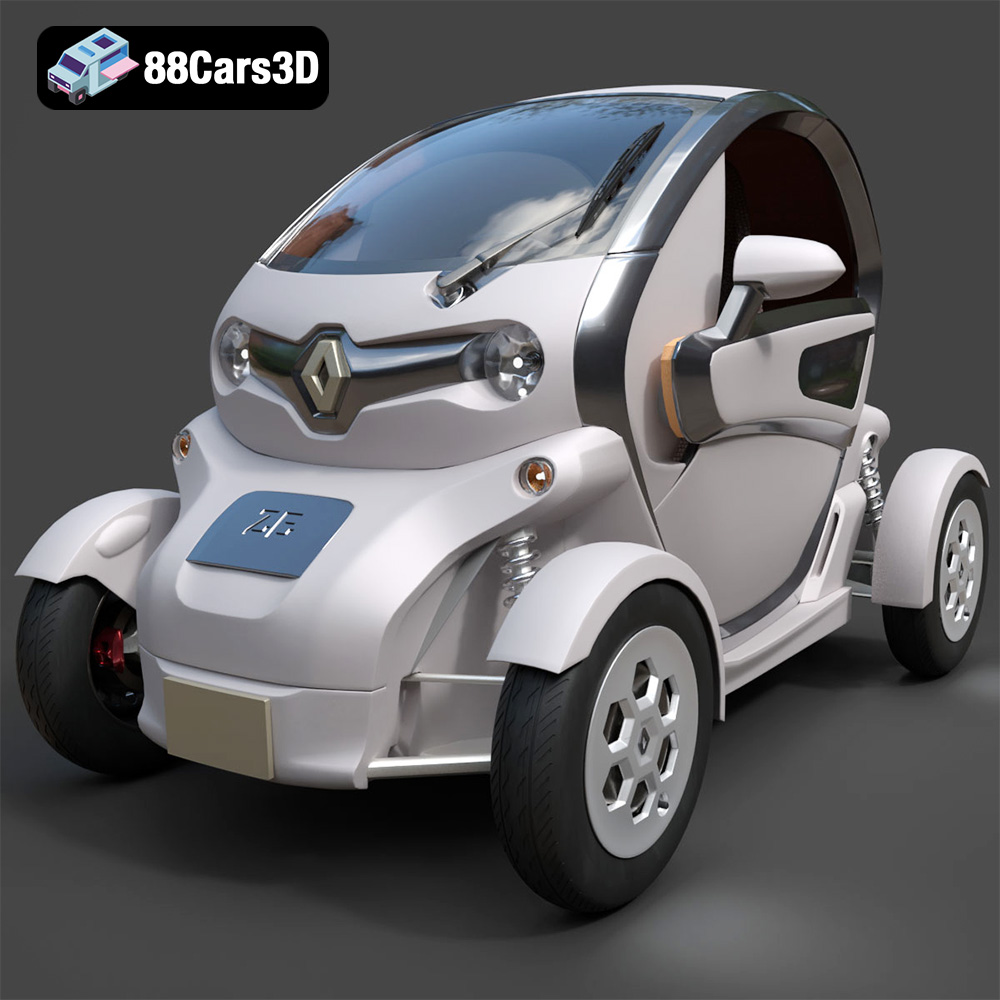
Texture: Yes
Material: Yes
Download the Renault Twizy ZE 3D Model featuring clean geometry, realistic detailing, and a fully modeled interior. Includes .blend, .fbx, .obj, .glb, .stl, .ply, .unreal, and .max formats for rendering, simulation, and game development.
Price: $4.99
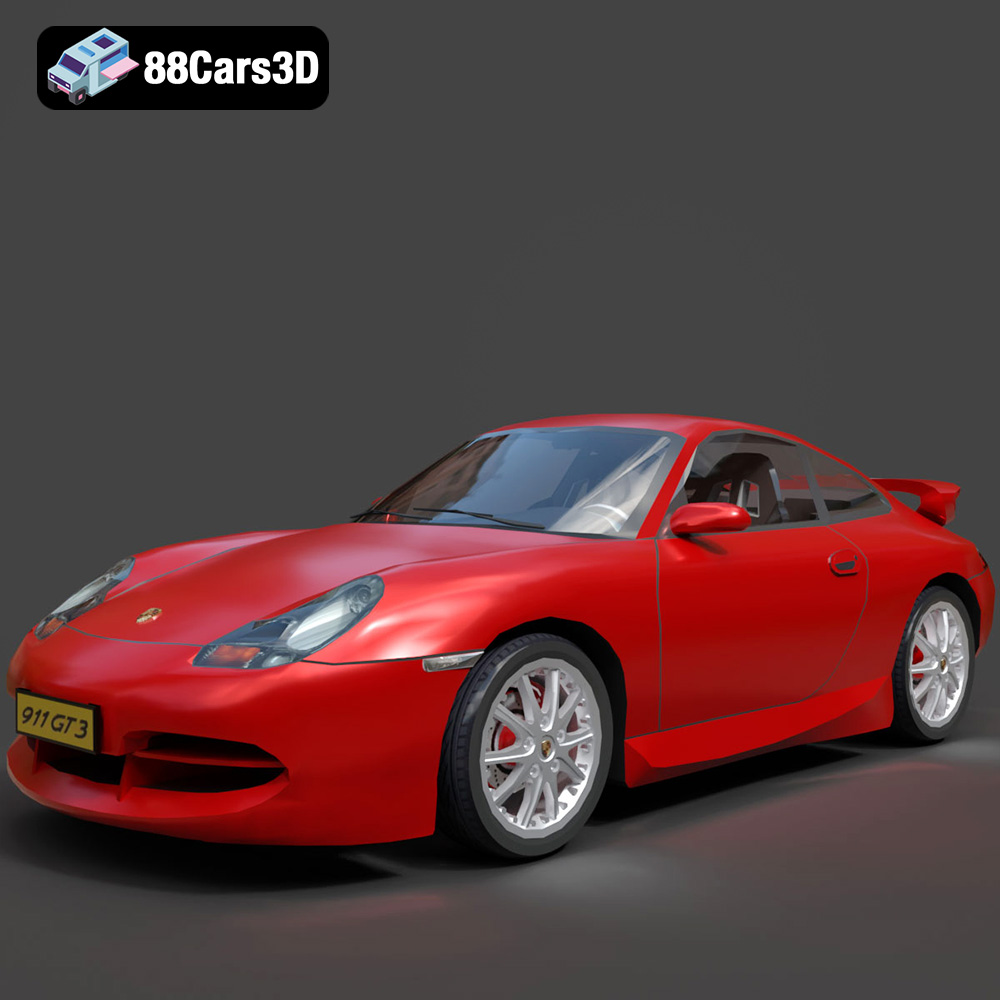
Texture: Yes
Material: Yes
Download the Porsche 911 GT3 3D Model featuring clean geometry, realistic detailing, and a fully modeled interior. Includes .blend, .fbx, .obj, .glb, .stl, .ply, .unreal, and .max formats for rendering, simulation, and game development.
Price: $4.99
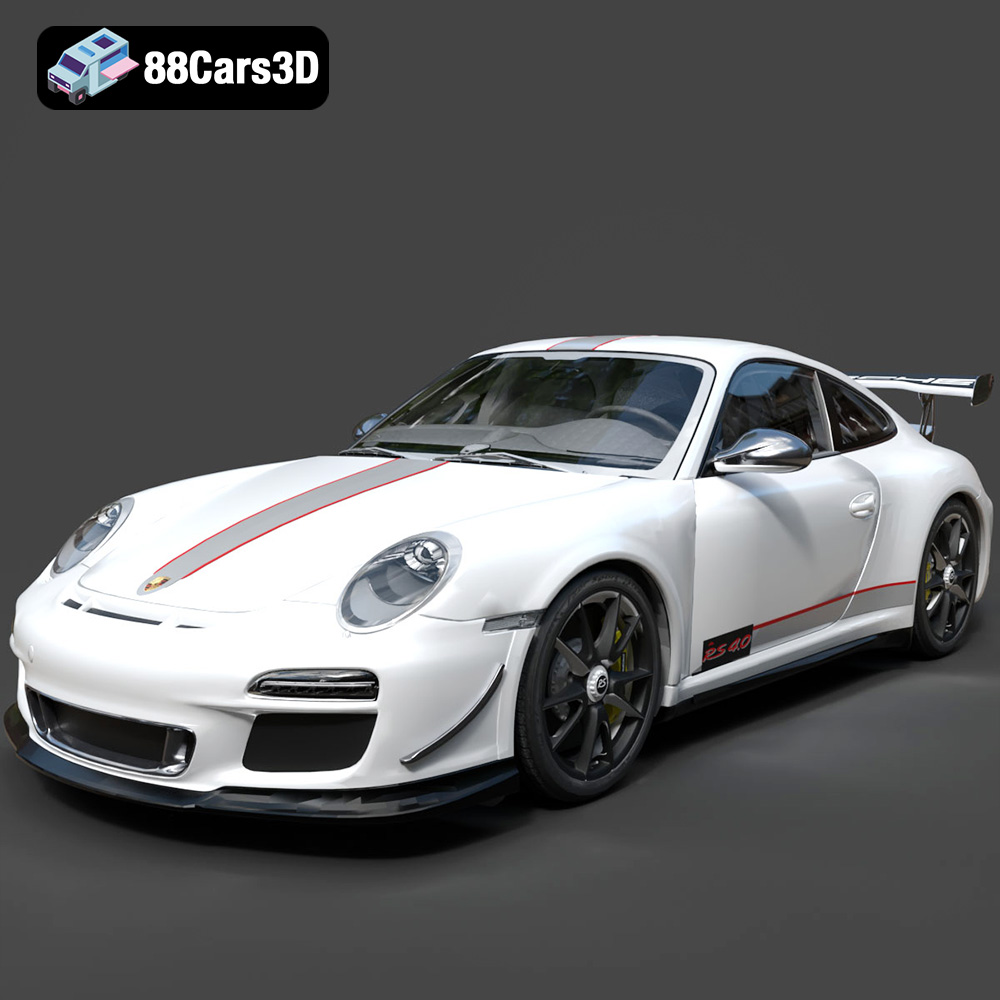
Texture: Yes
Material: Yes
Download the Porsche 911 997 GT3 RS 4.0 2011 3D Model featuring clean geometry, realistic detailing, and a fully modeled interior. Includes .blend, .fbx, .obj, .glb, .stl, .ply, .unreal, and .max formats for rendering, simulation, and game development.
Price: $4.99
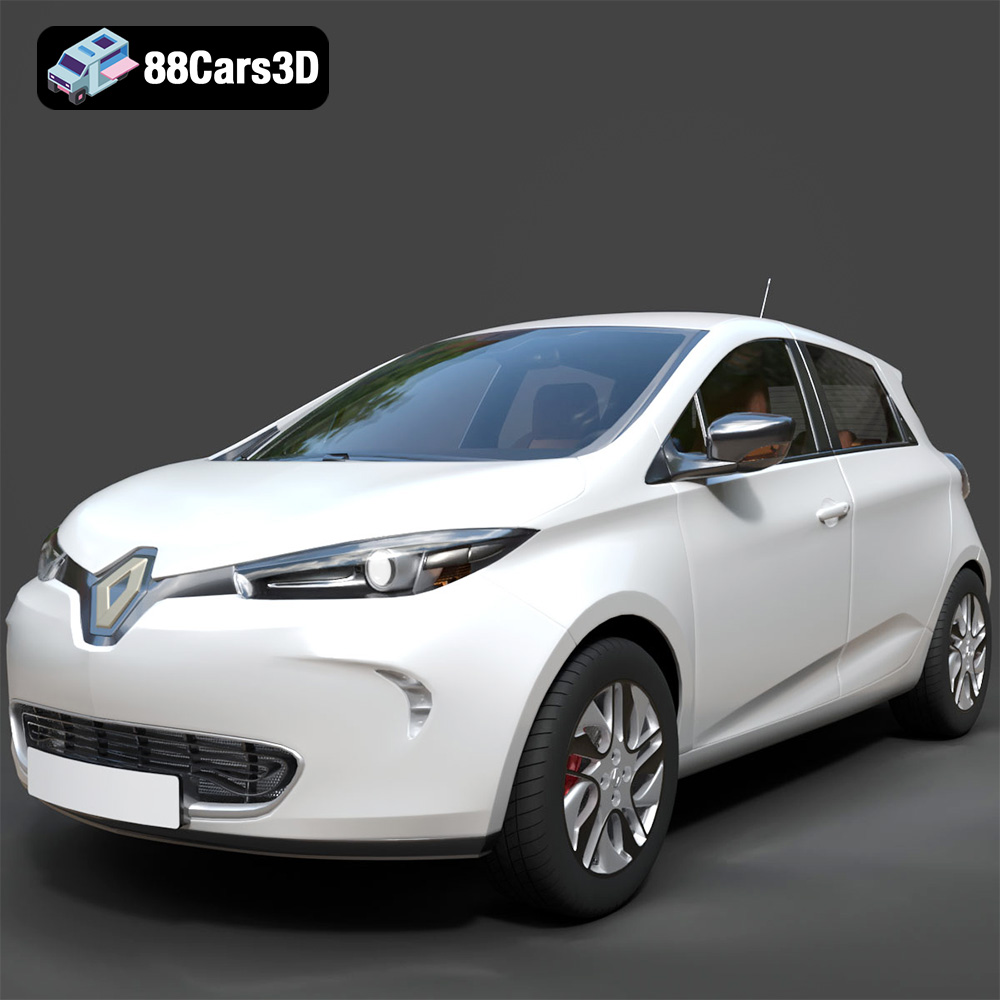
Texture: Yes
Material: Yes
Download the Renault Zoe 3D Model featuring clean geometry, realistic detailing, and a fully modeled interior. Includes .blend, .fbx, .obj, .glb, .stl, .ply, .unreal, and .max formats for rendering, simulation, and game development.
Price: $4.99
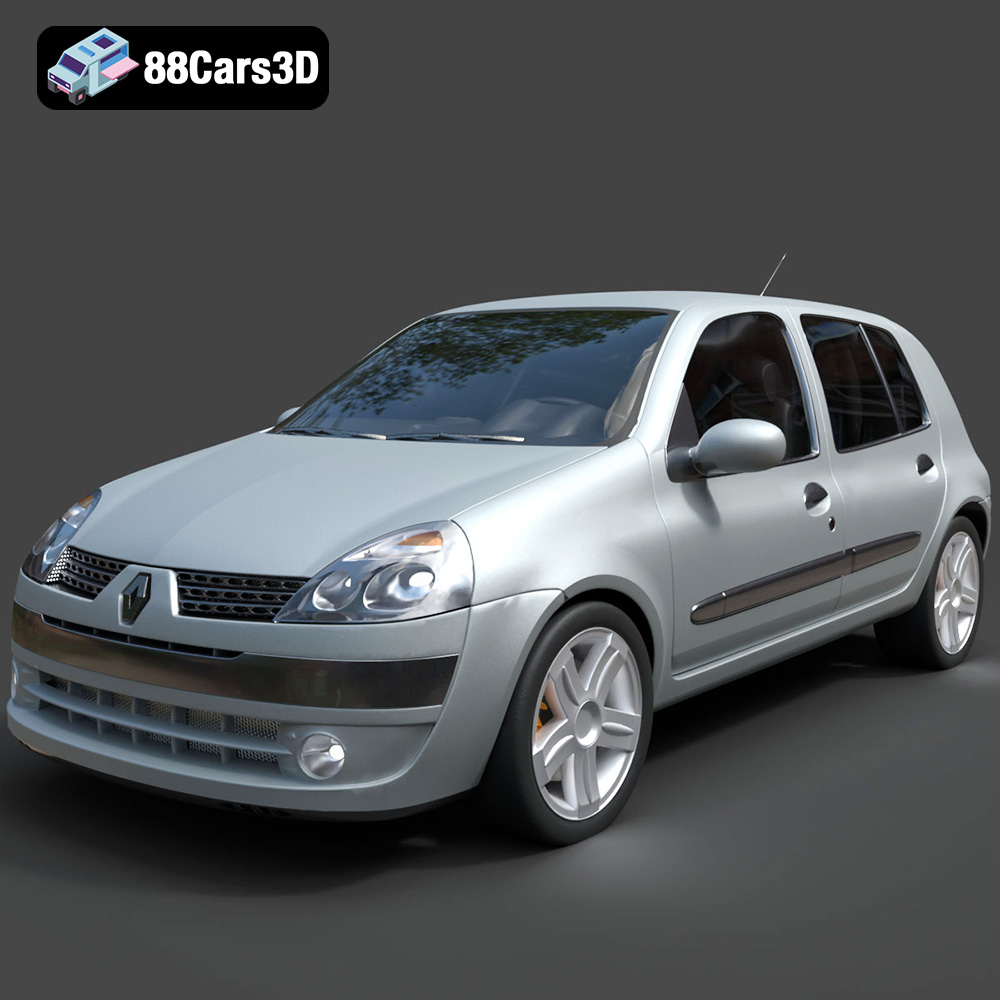
Texture: Yes
Material: Yes
Download the Renault Clio 2025 3D Model featuring clean geometry, realistic detailing, and a fully modeled interior. Includes .blend, .fbx, .obj, .glb, .stl, .ply, .unreal, and .max formats for rendering, simulation, and game development.
Price: $4.99
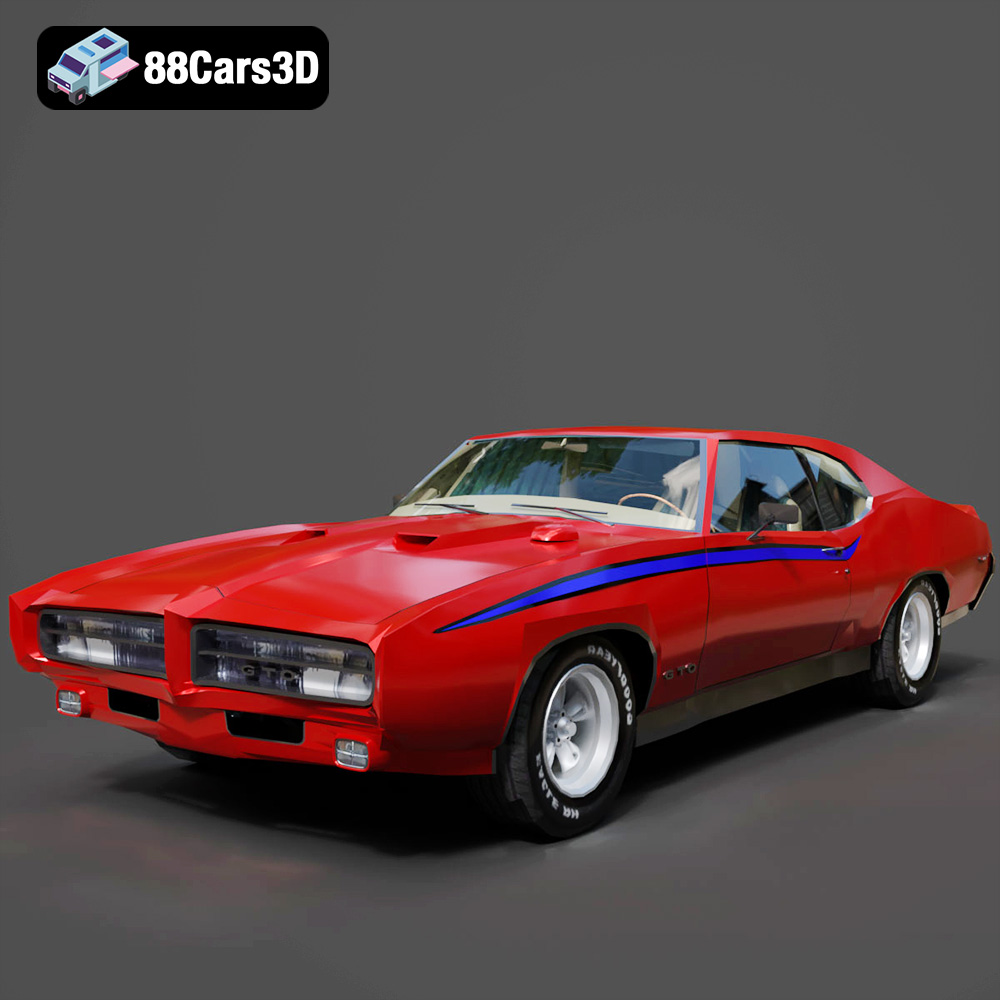
Texture: Yes
Material: Yes
Download the Pontiac GTO The Judge 1969 3D Model featuring clean geometry, realistic detailing, and a fully modeled interior. Includes .blend, .fbx, .obj, .glb, .stl, .ply, .unreal, and .max formats for rendering, simulation, and game development.
Price: $4.99
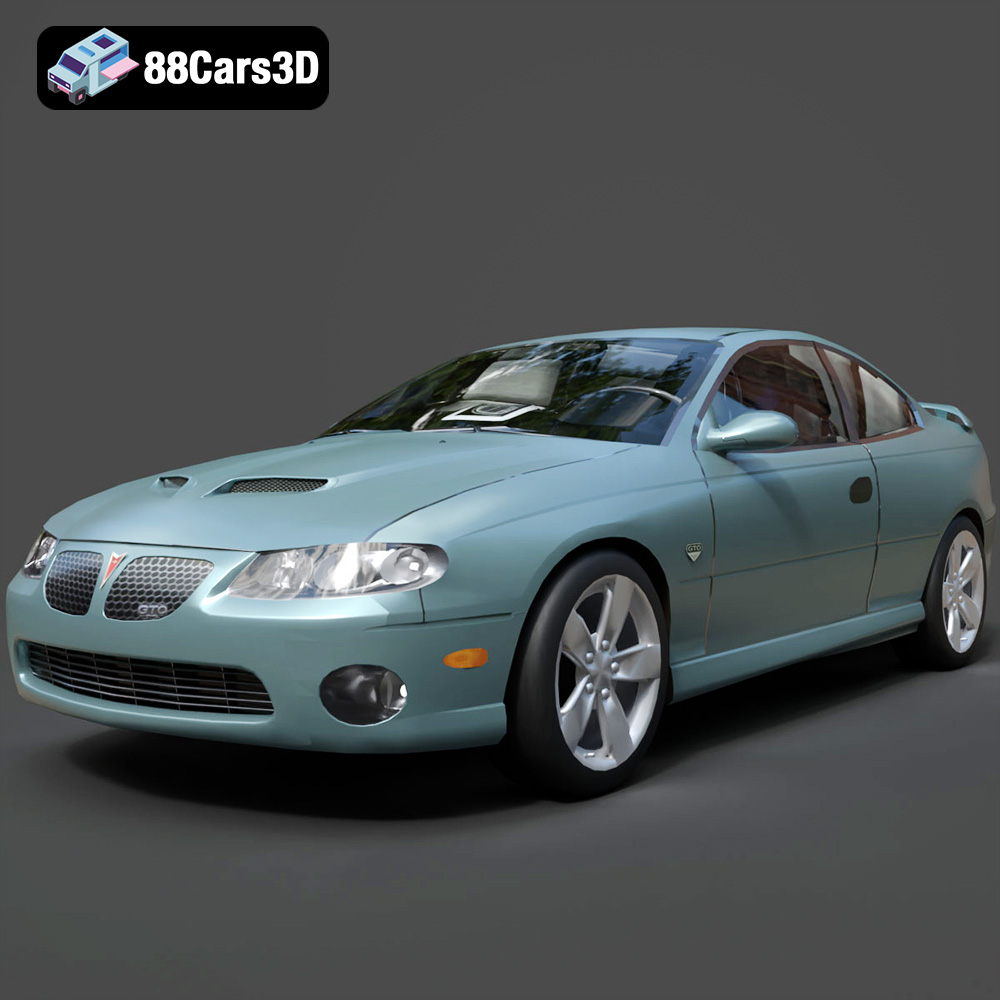
Texture: Yes
Material: Yes
Download the Pontiac GTO 2000 3D Model featuring clean geometry, realistic detailing, and a fully modeled interior. Includes .blend, .fbx, .obj, .glb, .stl, .ply, .unreal, and .max formats for rendering, simulation, and game development.
Price: $4.99
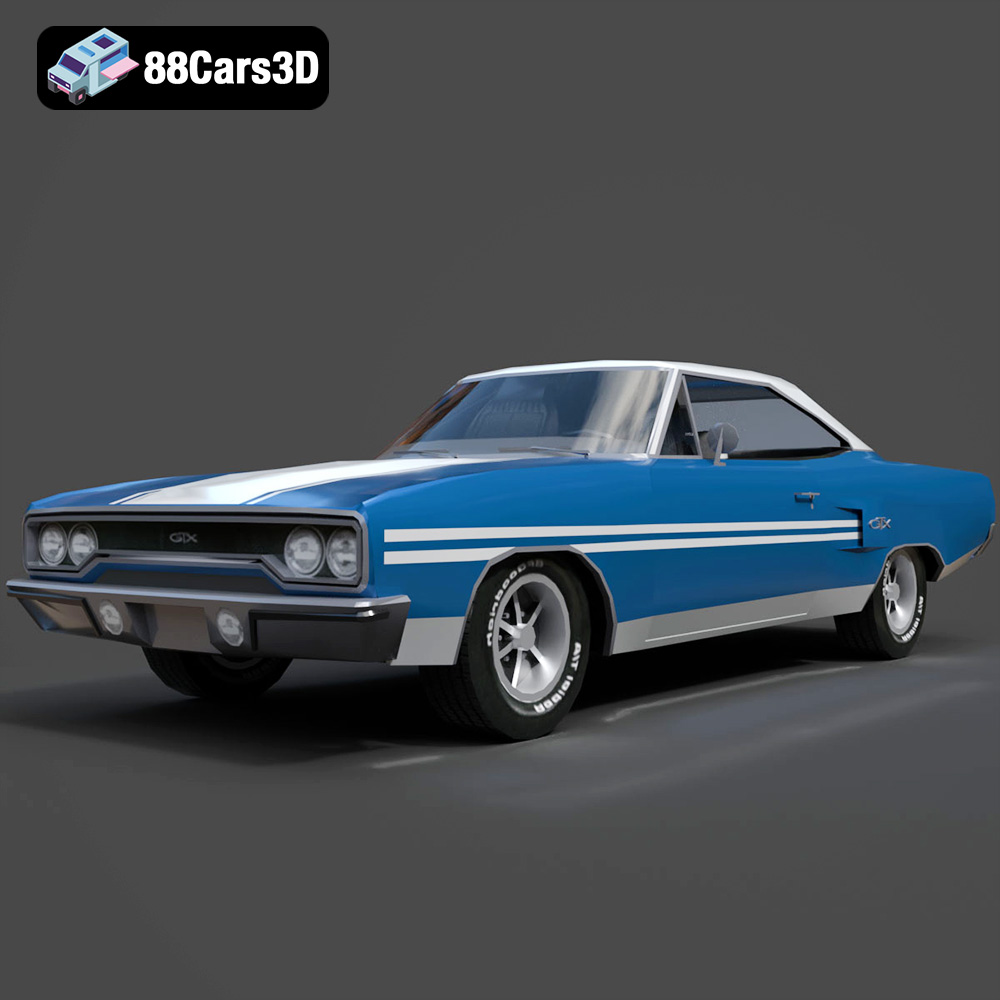
Texture: Yes
Material: Yes
Download the Plymouth GTX 1970 3D Model featuring clean geometry, realistic detailing, and a fully modeled interior. Includes .blend, .fbx, .obj, .glb, .stl, .ply, .unreal, and .max formats for rendering, simulation, and game development.
Price: $10
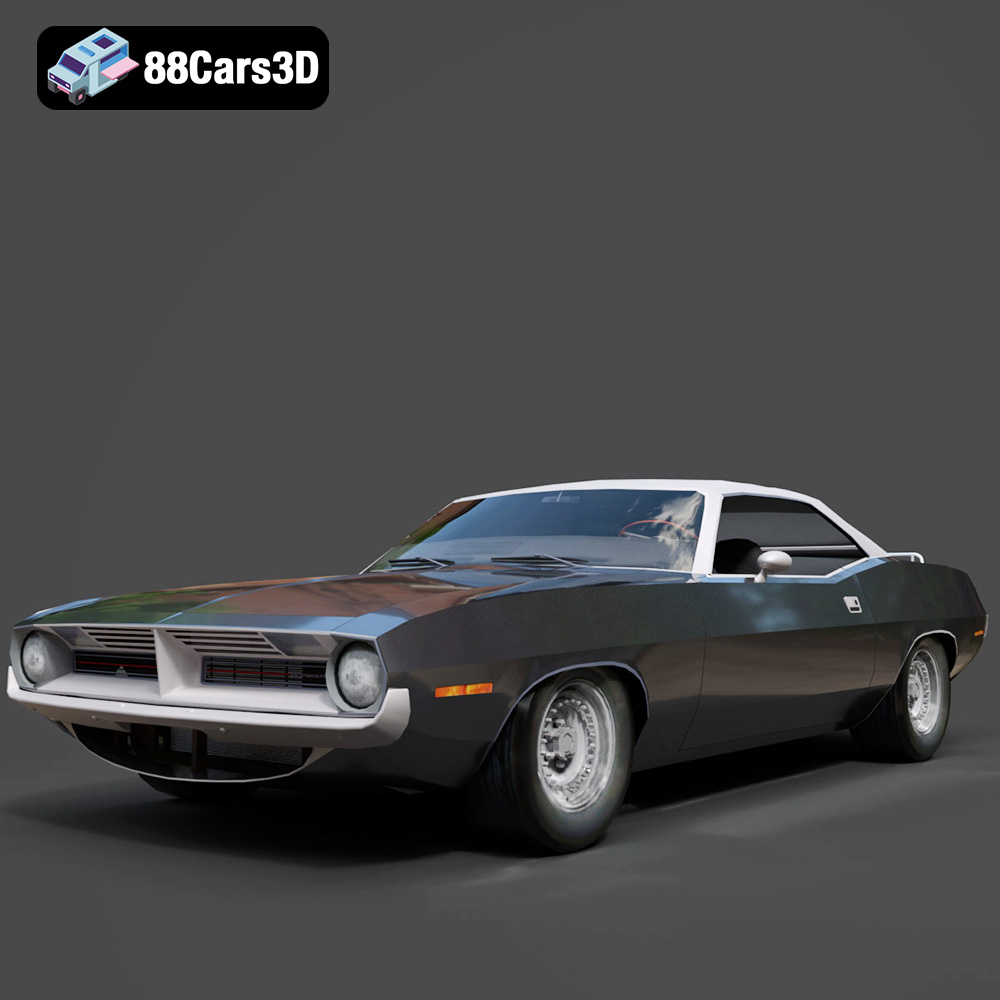
Texture: Yes
Material: Yes
Download the Plymouth Cuda Cabrio 1970 3D Model featuring clean geometry, realistic detailing, and a fully modeled interior. Includes .blend, .fbx, .obj, .glb, .stl, .ply, .unreal, and .max formats for rendering, simulation, and game development.
Price: $4.99
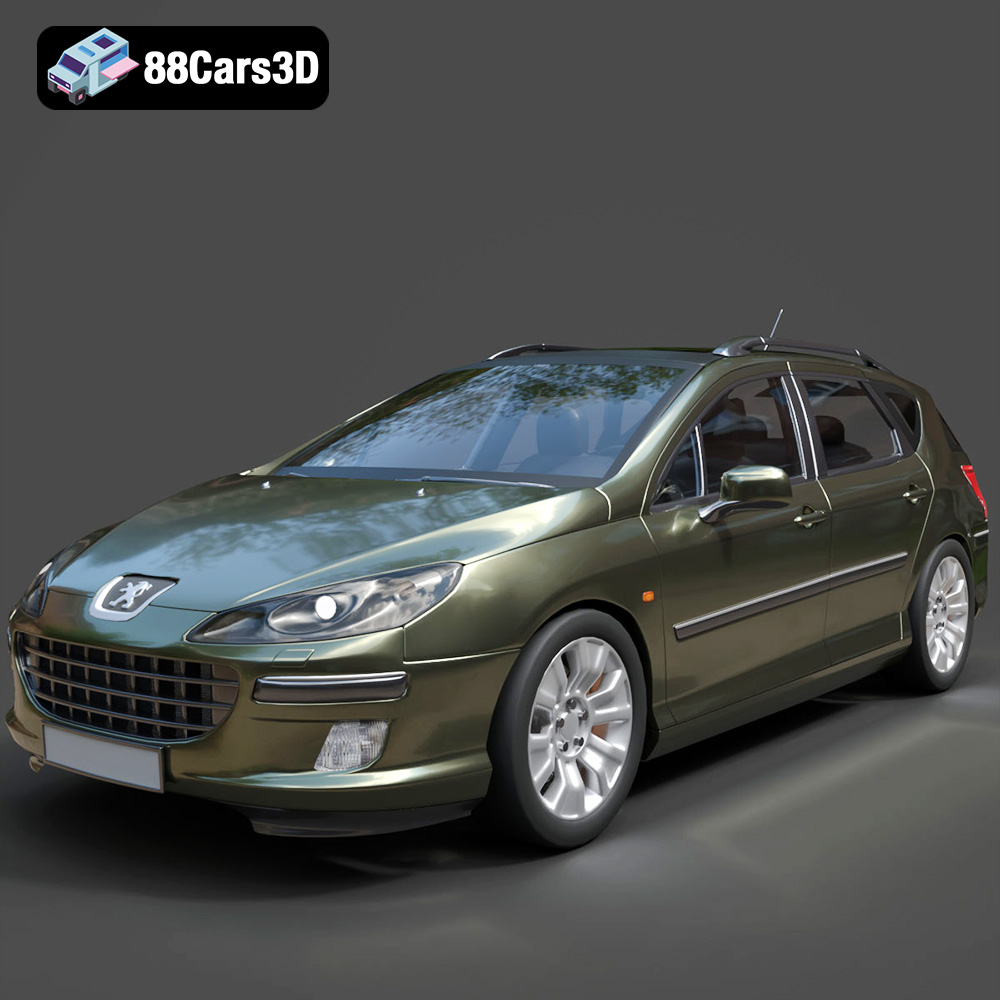
Texture: Yes
Material: Yes
Download the Peugeot 407 SW 3D Model featuring clean geometry, realistic detailing, and a fully modeled interior. Includes .blend, .fbx, .obj, .glb, .stl, .ply, .unreal, and .max formats for rendering, simulation, and game development.
Price: $4.99

