Get 20% OFF All Premium 3D & STL Models!

The automotive industry has always been at the forefront of design and technological innovation. In the digital realm, this translates to an ever-growing demand for hyper-realistic 3D car models that drive everything from captivating advertisements and immersive game experiences to cutting-edge AR/VR applications and precision 3D printing. Crafting a truly exceptional 3D car model is an intricate art form, requiring a profound understanding of technical workflows, artistic principles, and performance optimization.
This comprehensive guide delves deep into the technical intricacies of creating, optimizing, and deploying high-quality 3D car models. Whether you’re a seasoned 3D artist, a game developer, an automotive designer, or a student aspiring to master the craft, understanding these core principles is paramount. We’ll explore everything from the foundational aspects of clean topology and meticulous UV mapping to the advanced techniques of PBR material creation, high-fidelity rendering, and crucial optimization strategies for real-time environments. By the end of this journey, you’ll have a robust understanding of what it takes to produce professional-grade 3D car models that stand out in any application, providing immense value to your projects.
At the heart of any outstanding 3D car model lies its topology – the arrangement of polygons (faces, edges, vertices) that define the model’s surface. For automotive designs, where smooth, reflective surfaces are paramount, clean, quad-based topology and intelligent edge flow are non-negotiable. Poor topology can lead to artifacts, unsightly pinching, and difficulties in UV mapping and animation, ultimately compromising visual fidelity and performance.
Professional 3D car models rely almost exclusively on quad (four-sided polygon) topology. Quads deform predictably, allow for easy manipulation, and are crucial for achieving smooth, subdivision-ready surfaces, which are essential for automotive bodies. While triangles (triangles) are sometimes unavoidable in very specific, flat areas or for final game export, they should be minimized or entirely absent on areas that require curvature or deformation. N-gons (polygons with more than four sides) are a definite no-go for production-ready models, as they cause unpredictable shading, triangulation issues, and make model editing incredibly difficult. The goal is to maintain an even distribution of quads, especially across large, curved panels, ensuring that reflections flow smoothly and realistically without ripples or bumps.
Edge flow dictates how edges run across the surface of your model. For automotive models, strategic edge flow serves multiple critical purposes. It defines sharp creases, supports panel gaps, and facilitates future animation. Edges should follow the natural contours and design lines of the car, reinforcing areas of curvature and defining hard edges where panels meet. Loop cuts strategically placed along these lines provide the necessary geometric support for crisp details without adding unnecessary polygons to flat areas. When creating models that might feature opening doors, trunks, or hoods, ensuring that edge loops align with these cut lines is crucial for clean deformation and rigging.
The polygon count of a 3D car model is a critical factor influencing both visual quality and performance. For high-end cinematic renders or detailed visualizations, poly counts can range from 300,000 to well over 1,000,000 polygons, allowing for incredible detail in intricate components like engines and interiors. However, for real-time applications like games or AR/VR, such high counts are impractical. This is where Level of Detail (LOD) comes into play. LODs are simplified versions of your model that are automatically swapped in by the engine as the camera moves further away. A typical LOD setup might include:
Platforms like 88cars3d.com often provide models with varying levels of detail or clean topology that lends itself well to LOD generation, catering to diverse project needs from high-fidelity renders to optimized game assets. Mastering poly count management and LOD creation is essential for versatile and performant 3D car models.
Once your 3D car model’s topology is solid, the next crucial step is to prepare it for texturing through UV mapping and then develop realistic PBR (Physically Based Rendering) materials. These processes are fundamental to how light interacts with your model’s surfaces, defining its visual realism.
UV mapping is the process of flattening the 3D surface of your model into a 2D space, allowing you to apply textures. For complex car models with their numerous components (body panels, windows, tires, interior elements), effective UV mapping is a detailed and meticulous task. The goal is to create clean, non-overlapping UV islands with minimal distortion, maximizing texture resolution where it counts. For highly detailed models, especially those intended for close-up renders or where specific details like decals need precise placement, a multi-UDIM (Universal Dimension Identification Map) workflow is often employed. This allows different parts of the car (e.g., exterior body, interior, engine) to have their own dedicated UV tiles, overcoming the resolution limits of a single 0-1 UV space. Software like Maya, Blender, and 3ds Max offer robust UV editing tools, while specialized tools like RizomUV or Unfold3D can further streamline the process.
Physically Based Rendering (PBR) materials are the industry standard for achieving photorealistic results. PBR shaders simulate how light behaves in the real world, ensuring that your materials look consistent and accurate under various lighting conditions. Key maps in a PBR workflow include:
Software like Substance Painter and Quixel Mixer are invaluable for generating these maps, allowing artists to procedurally texture and paint their models with incredible detail. Understanding energy conservation – where reflected light is subtracted from diffuse light – is fundamental to creating believable PBR materials. Automotive materials, particularly paint and glass, demand meticulous attention to these principles.
Automotive paint is notoriously complex, often consisting of multiple layers: a base coat (color), metallic flakes, and a clear coat. Replicating this in a PBR shader typically involves a layered approach. The base layer provides the primary color and roughness, over which a secondary, highly reflective clear coat layer is blended. The metallic flakes can be simulated using specialized shaders or through procedural noise and anisotropy. For glass, PBR principles dictate that it should transmit light (refraction) and absorb certain wavelengths (tint) while also reflecting its environment. Accurate IOR (Index of Refraction) values (e.g., ~1.52 for glass) are critical, as are considerations for tint, absorption color, and surface roughness (for frosted glass). Many render engines offer dedicated car paint and glass shaders, allowing for easier setup and more physically accurate results.
Once your 3D car model is impeccably textured, the final stage of visual production is rendering. This is where light, cameras, and materials converge to produce stunning, photorealistic images. Mastering rendering workflows is crucial for showcasing the true potential of your 3D car models.
Effective lighting is the single most critical factor in achieving a realistic automotive render. High Dynamic Range Images (HDRIs) are indispensable for Image-Based Lighting (IBL), providing realistic environmental reflections and diffuse light. A studio HDRI, for instance, can instantly create soft, even lighting typical of a professional photo shoot. However, HDRIs alone are often not enough. Augmenting them with strategic area lights (planar lights) allows for precise control over highlights, reflections, and shadow definition. Common lighting setups include:
Experimentation with light placement, intensity, and color temperature is key to finding the perfect balance for your desired mood and visual impact. Remember that lighting strongly influences how the PBR materials react, especially the reflections on the car paint and chrome.
Modern render engines offer a wealth of features to push realism to its limits. Regardless of whether you’re using Corona, V-Ray, Cycles (Blender), or Arnold, understanding these advanced techniques will elevate your renders:
Many professional 3D car models found on marketplaces such as 88cars3d.com come pre-set with optimized materials and lighting setups for common renderers, providing a fantastic starting point for any project.
The raw render from your 3D software is rarely the final image. Post-processing and compositing in applications like Adobe Photoshop, Affinity Photo, or Nuke are essential steps to achieve a polished, professional look. This stage allows for artistic refinement without re-rendering:
While high-fidelity renders prioritize visual realism above all else, real-time applications like video games, interactive configurators, and virtual reality experiences demand a delicate balance between visual quality and performance. Optimizing 3D car models for game engines like Unity or Unreal Engine requires a specialized set of techniques to ensure smooth frame rates and efficient resource utilization.
As discussed earlier, LODs are fundamental for real-time optimization. Manually creating or automatically generating multiple versions of your 3D car model, each with a progressively lower polygon count, allows the game engine to render the appropriate level of detail based on the camera’s distance from the object. This dramatically reduces the computational load for objects that are far away or not central to the player’s focus. Modern game engines provide sophisticated LOD systems where you can define the switch distances and generate LODs automatically, though manual creation often yields better visual consistency.
Beyond polygon count, other factors significantly impact real-time performance.
The choice of file format and proper conversion is vital for seamless integration into game engines.
The applications for high-quality 3D car models extend far beyond traditional rendering and game development. Augmented Reality (AR), Virtual Reality (VR), and 3D printing represent rapidly evolving frontiers where detailed 3D assets are transforming industries, offering new ways to interact with and produce designs.
AR and VR environments present unique challenges for 3D car models due to their strict performance requirements and the need for seamless immersion. Maintaining high frame rates (e.g., 90 FPS for comfortable VR) is paramount.
Optimized 3D car models from resources like 88cars3d.com are invaluable for developers pushing the boundaries of interactive automotive visualization in AR/VR.
3D printing a car model brings a digital asset into the physical world, but it requires a different set of considerations:
The versatility of high-quality 3D car models is evident in their widespread adoption across industries:
The ability to source expertly crafted 3D car models from marketplaces like 88cars3d.com significantly accelerates these workflows, allowing professionals to focus on deployment and creative vision rather than starting from scratch.
The journey from a blank canvas to a fully realized, high-quality 3D car model is a complex yet incredibly rewarding endeavor. We’ve traversed the critical stages, from establishing a flawless foundation with clean topology and strategic edge flow, through the meticulous process of UV mapping and crafting realistic PBR materials, to the artistry of high-fidelity rendering. We’ve also explored the essential optimization strategies required for demanding real-time applications like game engines and immersive AR/VR experiences, and the unique preparations needed for physical 3D printing.
Mastering these technical workflows, understanding the nuances of various software packages, and adhering to industry best practices are what separate amateur creations from professional-grade assets. The demand for exquisite 3D car models continues to grow across automotive design, game development, visualization, and beyond. By focusing on precision, performance, and photorealism, you equip yourself with the skills to tackle any project.
Remember that continuous learning and practice are key. Experiment with new techniques, refine your skills, and always strive for perfection in your digital automotive creations. And for those looking to kickstart their projects with exceptional assets, exploring platforms like 88cars3d.com offers a robust collection of meticulously crafted 3D car models, ready to integrate into your next groundbreaking visualization or interactive experience.
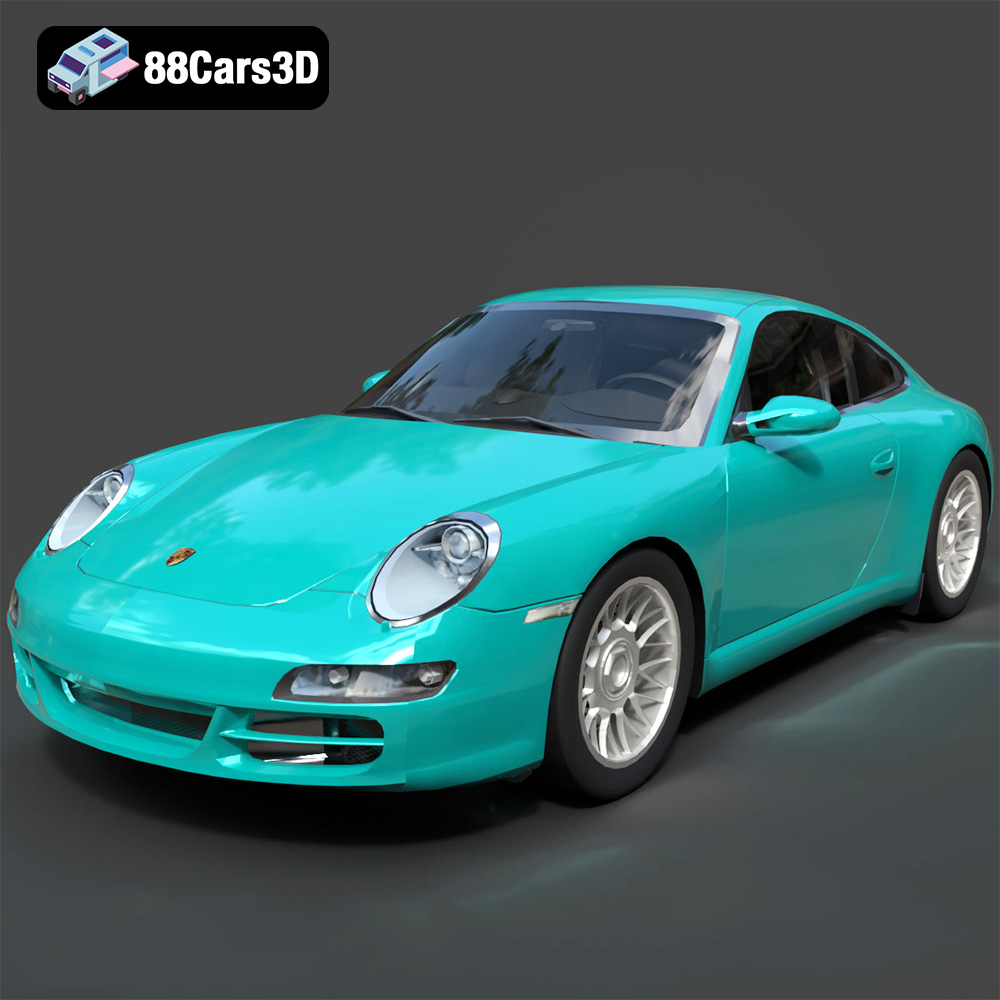
Texture: Yes
Material: Yes
Download the Porsche 911 Carrera S 2005 3D Model featuring clean geometry, realistic detailing, and a fully modeled interior. Includes .blend, .fbx, .obj, .glb, .stl, .ply, .unreal, and .max formats for rendering, simulation, and game development.
Price: $4.99
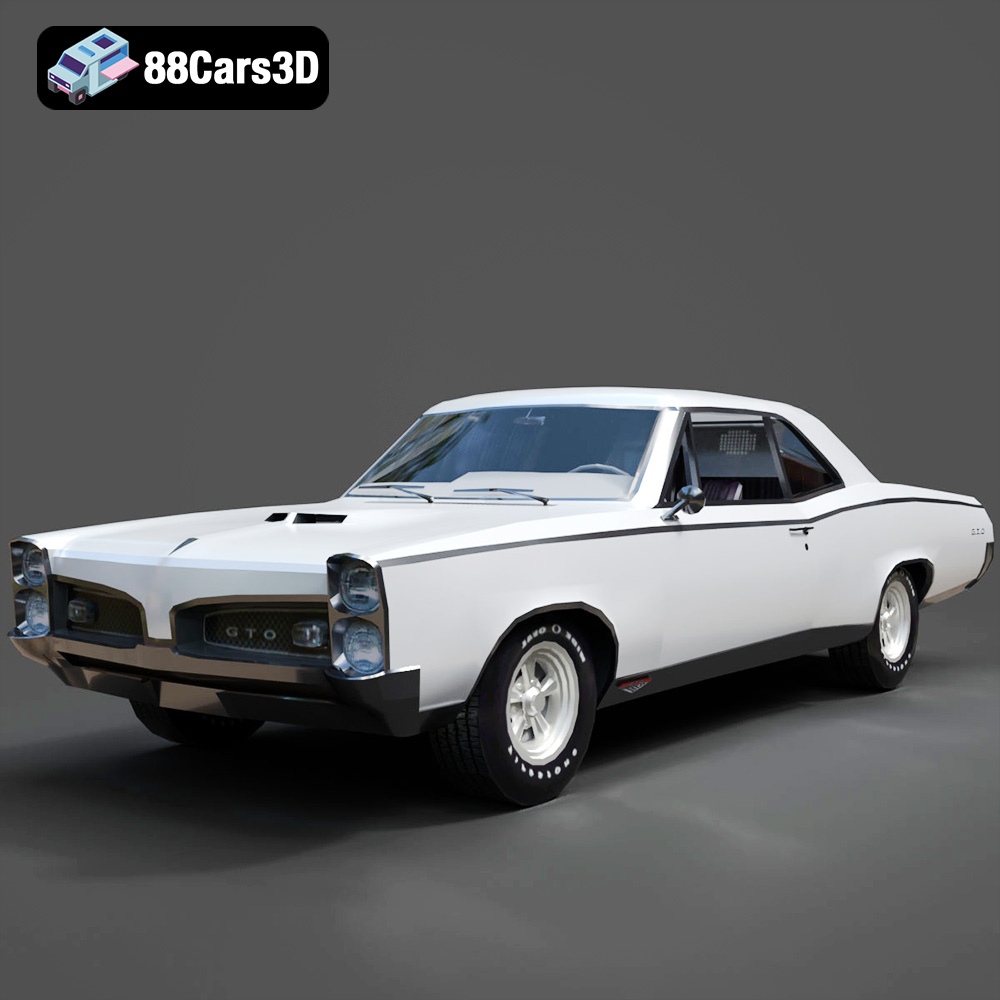
Texture: Yes
Material: Yes
Download the Pontiac GTO 1967 3D Model featuring clean geometry, realistic detailing, and a fully modeled interior. Includes .blend, .fbx, .obj, .glb, .stl, .ply, .unreal, and .max formats for rendering, simulation, and game development.
Price: $4.99
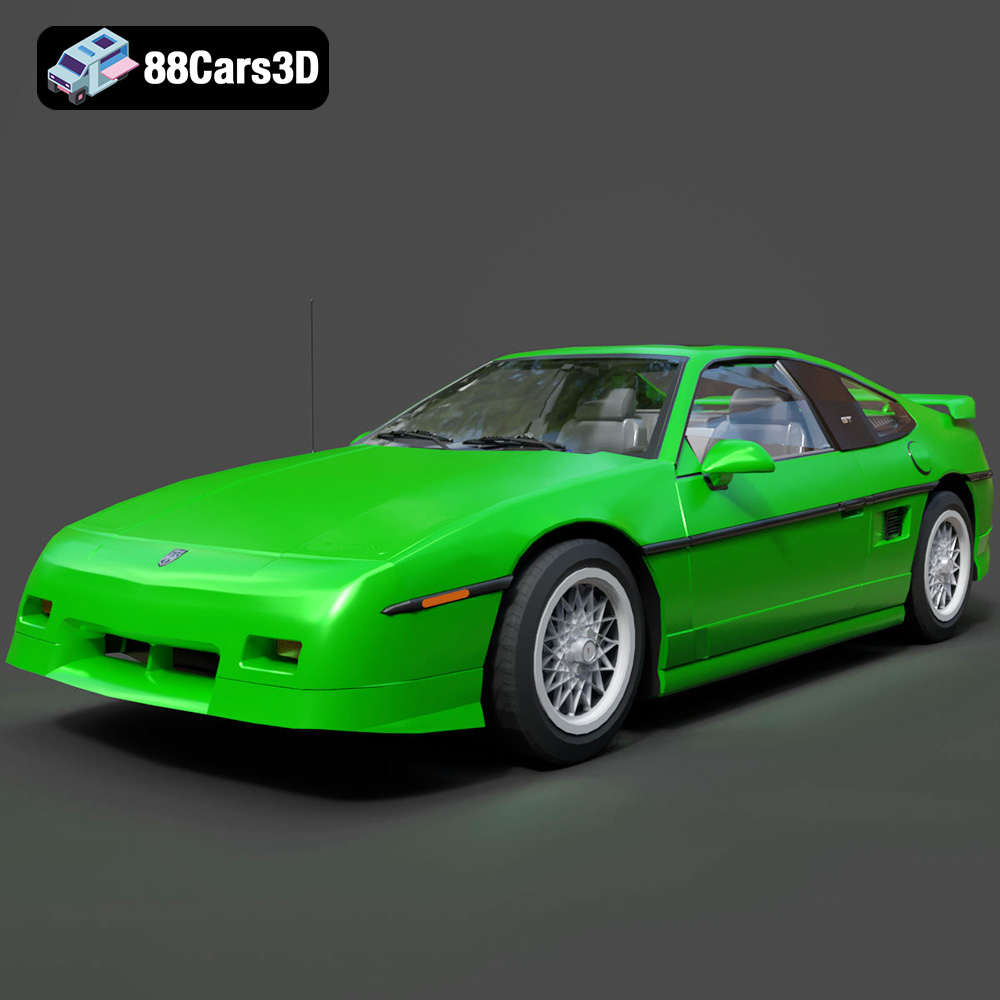
Texture: Yes
Material: Yes
Download the Pontiac Fiero GT 1987 3D Model featuring clean geometry, realistic detailing, and a fully modeled interior. Includes .blend, .fbx, .obj, .glb, .stl, .ply, .unreal, and .max formats for rendering, simulation, and game development.
Price: $4.99
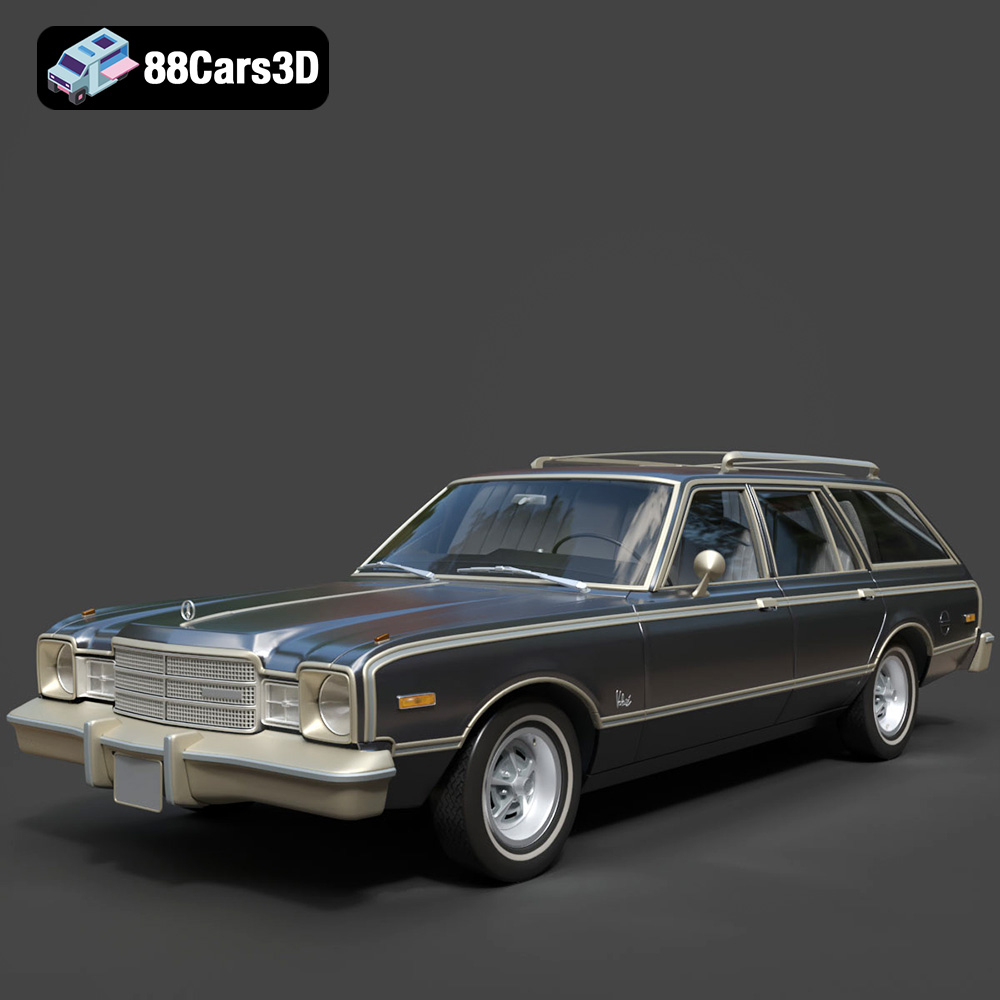
Texture: Yes
Material: Yes
Download the Plymouth Volare Wagon 3D Model featuring clean geometry, realistic detailing, and a fully modeled interior. Includes .blend, .fbx, .obj, .glb, .stl, .ply, .unreal, and .max formats for rendering, simulation, and game development.
Price: $4.99
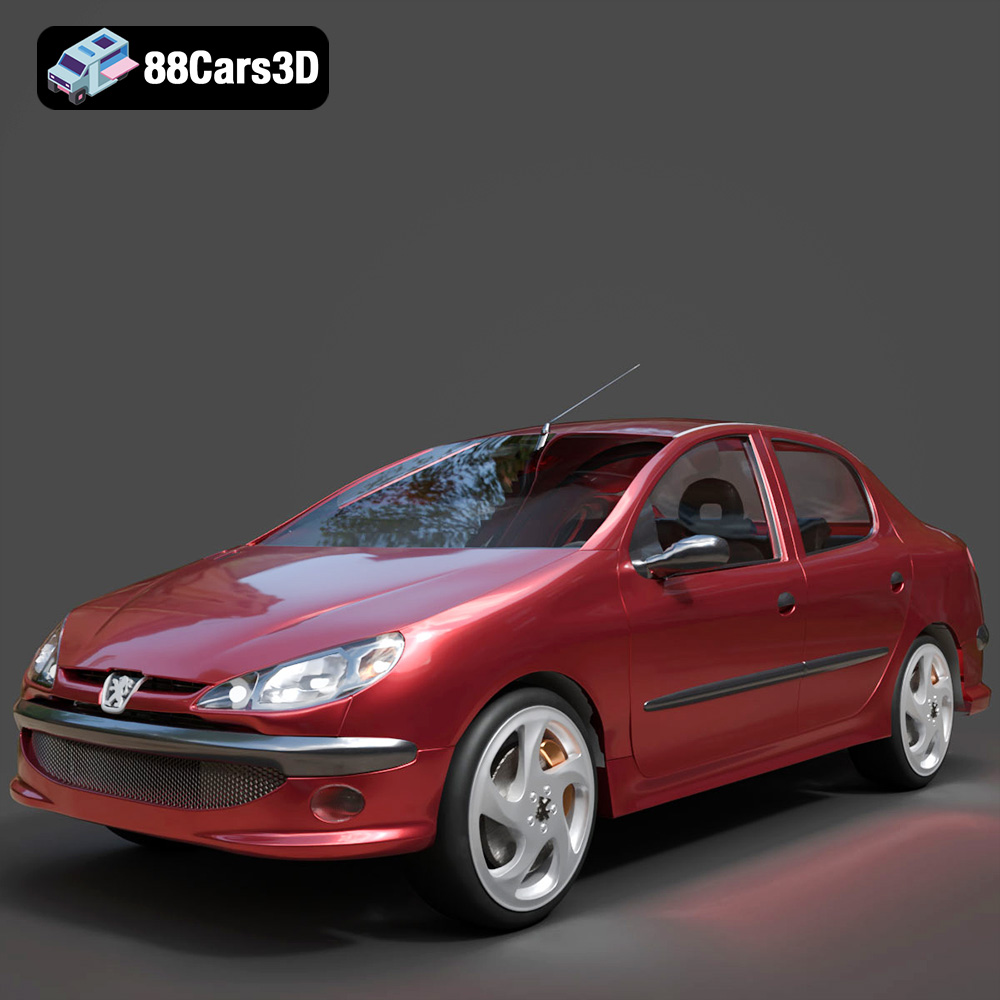
Texture: Yes
Material: Yes
Download the Peugeot 206 Sedan 2002 3D Model featuring clean geometry, realistic detailing, and a fully modeled interior. Includes .blend, .fbx, .obj, .glb, .stl, .ply, .unreal, and .max formats for rendering, simulation, and game development.
Price: $4.99
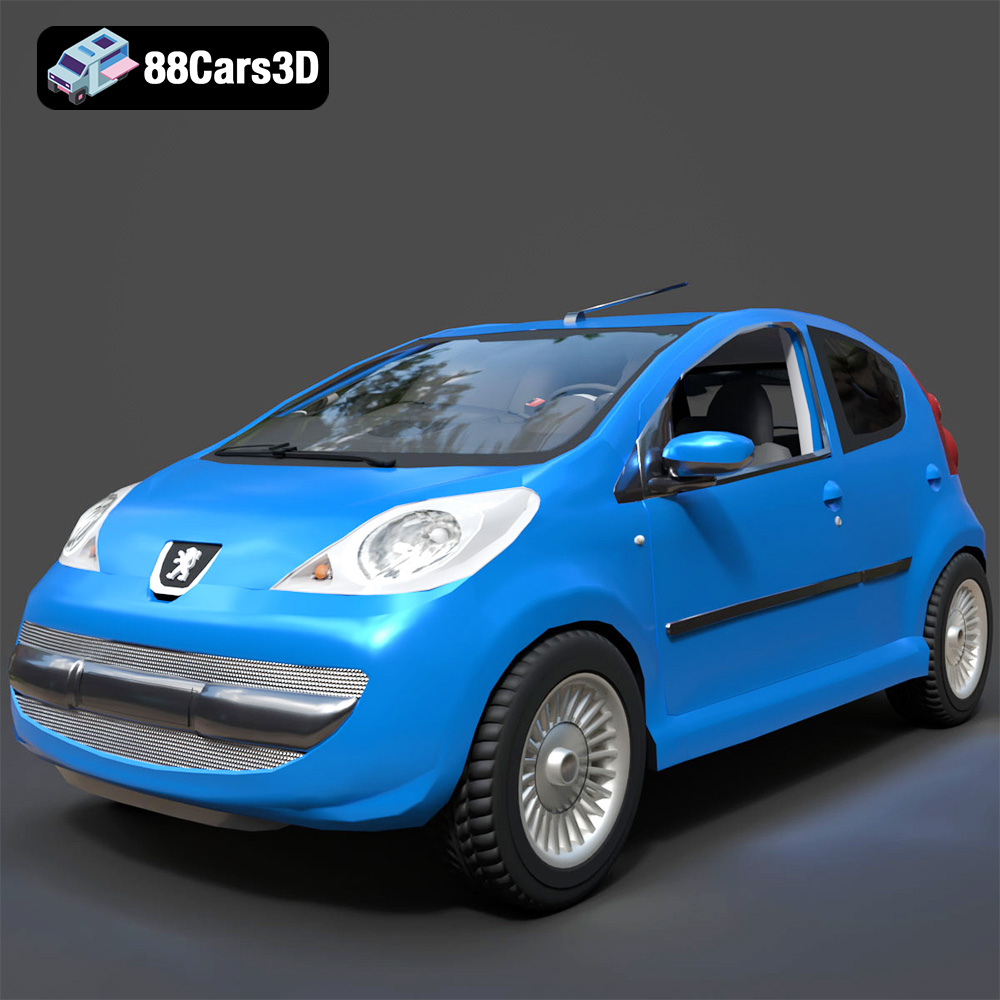
Texture: Yes
Material: Yes
Download the Peugeot 107 2005 3D Model featuring clean geometry, realistic detailing, and a fully modeled interior. Includes .blend, .fbx, .obj, .glb, .stl, .ply, .unreal, and .max formats for rendering, simulation, and game development.
Price: $4.99
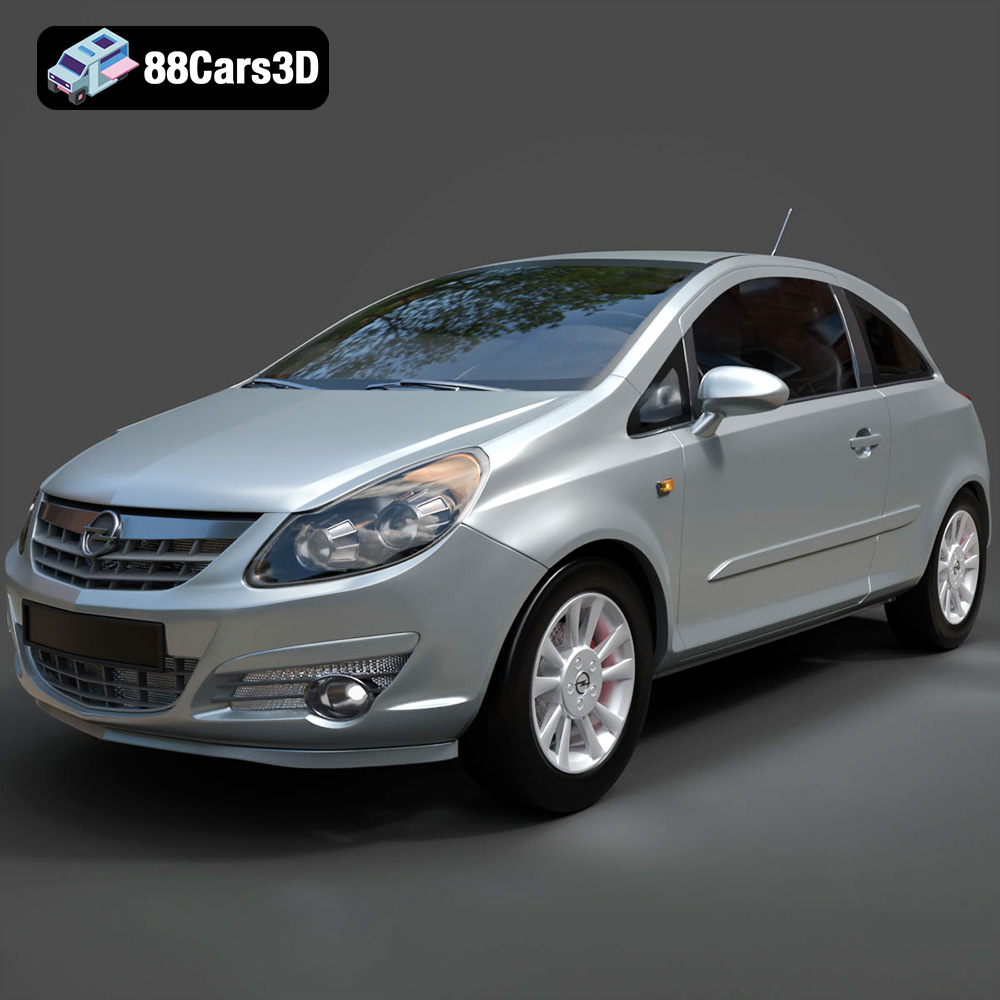
Texture: Yes
Material: Yes
Download the Opel Corsa 2007 3D Model featuring clean geometry, realistic detailing, and a fully modeled interior. Includes .blend, .fbx, .obj, .glb, .stl, .ply, .unreal, and .max formats for rendering, simulation, and game development.
Price: $4.99
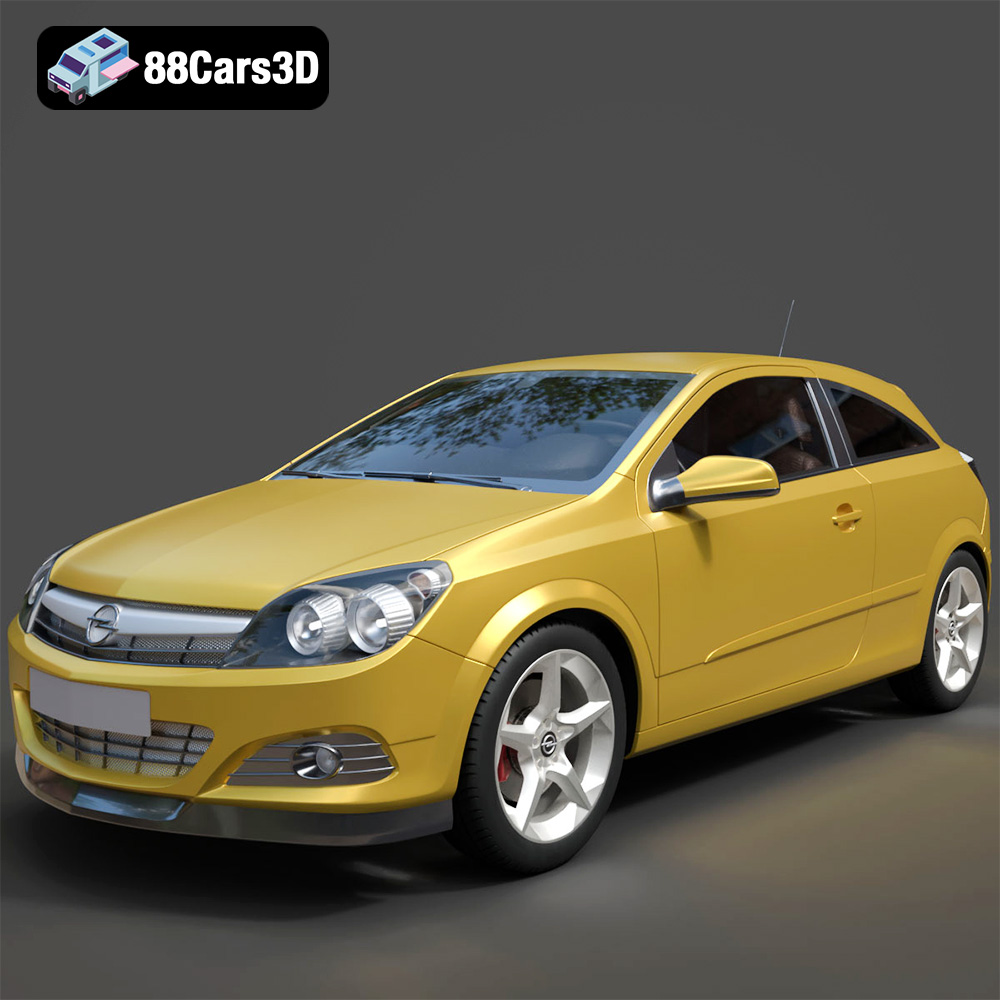
Texture: Yes
Material: Yes
Download the Opel Astra H GTC 3D Model featuring clean geometry, realistic detailing, and a fully modeled interior. Includes .blend, .fbx, .obj, .glb, .stl, .ply, .unreal, and .max formats for rendering, simulation, and game development.
Price: $4.99
Texture: Yes
Material: Yes
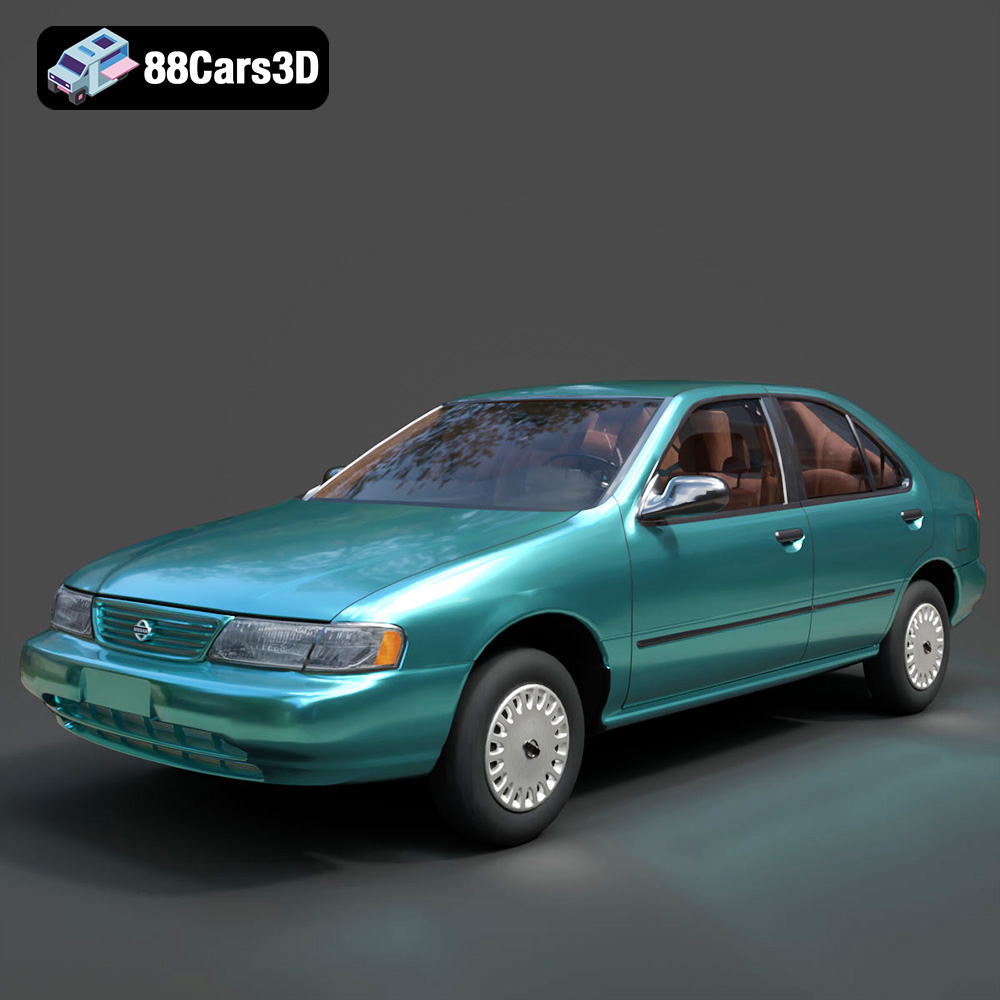
Download the Nissan Sentra GXE 1996 3D Model featuring clean geometry, realistic detailing, and a fully modeled interior. Includes .blend, .fbx, .obj, .glb, .stl, .ply, .unreal, and .max formats for rendering, simulation, and game development.
Price: $4.99
Texture: Yes
Material: Yes
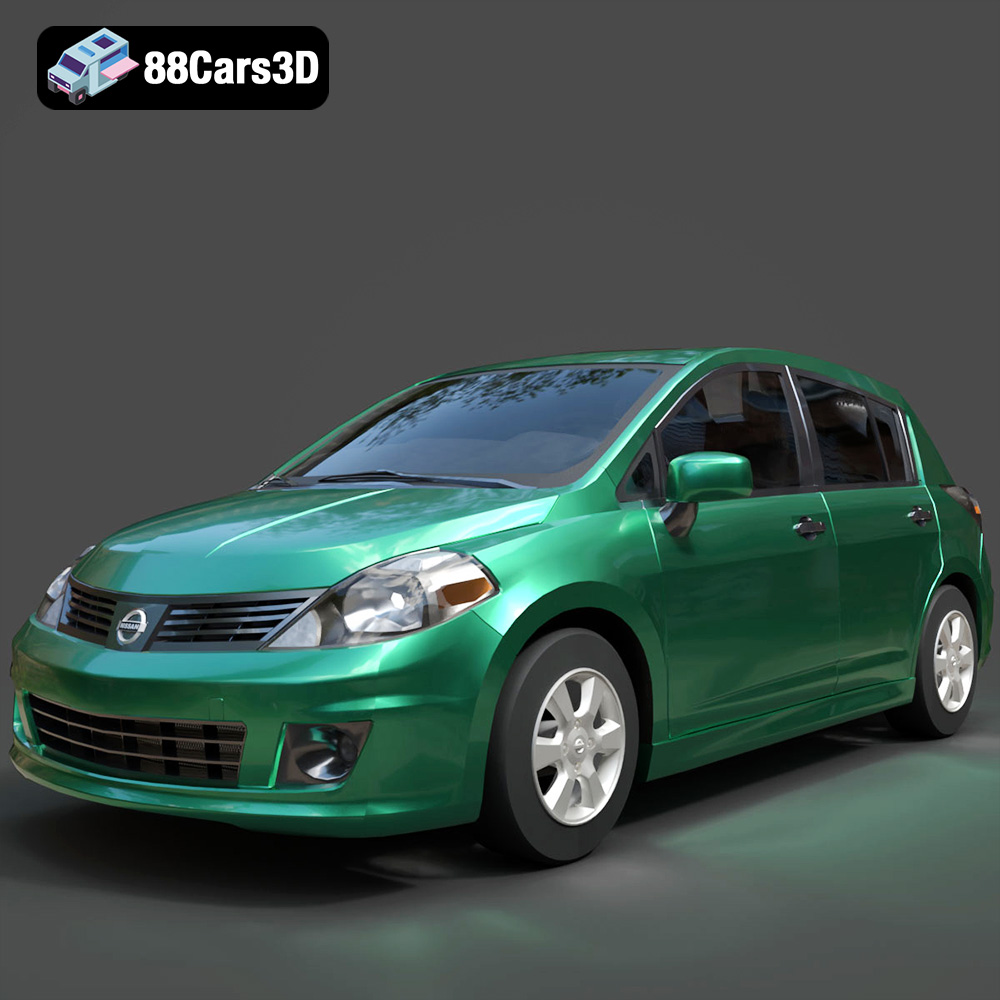
Download the Nissan Tiida 3D Model featuring clean geometry, realistic detailing, and a fully modeled interior. Includes .blend, .fbx, .obj, .glb, .stl, .ply, .unreal, and .max formats for rendering, simulation, and game development.
Price: $4.99

