Get 50% OFF All Premium 3D & STL Models!

The digital roar of a V8 engine, the gleam of light on a perfectly curved fender, the intricate dance of reflections across a windshield—these are the details that separate a good 3D project from a breathtaking one. High-quality 3D car models are no longer just assets; they are the centerpiece of countless projects, from blockbuster films and AAA video games to hyper-realistic automotive advertising and immersive architectural visualizations. However, acquiring a beautifully crafted model is only the first step. The true artistry lies in knowing how to prepare, optimize, and integrate these complex digital assets into your specific pipeline.
This comprehensive guide will walk you through the entire lifecycle of using a professional 3D car model. We’ll delve into the critical technical specifications to look for before you buy, explore distinct workflows for both photorealistic automotive rendering and performance-critical game assets, and uncover advanced techniques to push your visuals to the absolute limit. Whether you’re a seasoned rendering artist, a game developer, or an archviz professional, this guide will equip you with the knowledge to turn a great 3D model into a masterpiece.
The final quality of your project is fundamentally limited by the quality of your source assets. A poorly constructed model will cause endless headaches in texturing, lighting, and optimization. Here’s what to look for to ensure you start with a solid foundation.
Polygon count is the most common metric, but it can be misleading. It’s not just about the number, but the purpose. Models are generally categorized as high-poly or low-poly.
Beyond the sheer number of polygons lies the art of topology—the arrangement of those polygons. Clean topology is paramount.
A UV map is the 2D representation of the 3D model’s surface, acting as a blueprint for applying textures. A poor UV layout can ruin an otherwise great model.
When realism is the goal and render time is secondary, the focus shifts to creating a perfect virtual photoshoot. This workflow is common in advertising, product visualization, and film.
A car’s appearance is defined by its reflections. Therefore, the environment is just as important as the model itself. High Dynamic Range Images (HDRIs) are the industry standard for realistic automotive lighting. An HDRI is a 360-degree panoramic image that contains a vast range of light intensity data. When used to light a scene, it casts realistic light, shadows, and, most importantly, detailed reflections onto the car’s surface, instantly grounding it in a believable environment.
This is where the magic happens. A car is a complex assembly of different materials. Creating a believable car paint shader is a multi-layered process.
Beyond the paint, pay close attention to other materials like glass (with correct Index of Refraction – IOR), textured rubber for tires, brushed or polished aluminum for rims, and anisotropic metals for brake discs.
Let’s walk through a basic setup for a high-poly model in 3ds Max using the V-Ray render engine.
When developing for games or interactive applications, performance is king. Every polygon and texture byte counts. The goal is to create a model that looks fantastic while maintaining a high and stable frame rate.
Often, you might start with a high-poly model and need to create a low-poly version for the game. This process is called retopology. It involves creating new, clean, and efficient geometry over the top of the high-poly source. The goal is to capture the silhouette and major forms with the lowest possible polygon count. The fine details (panel lines, vents, bolts) are then “baked” from the high-poly model into a Normal Map, which is applied to the low-poly model to create the illusion of high detail.
Even an optimized model can be too heavy to render hundreds of times in a busy scene. This is where Levels of Detail (LODs) come in. LODs are a series of progressively lower-polygon versions of the same model.
The game engine automatically switches between these LODs based on the car’s distance from the camera, drastically improving performance without the player noticing the change.
Here’s a simplified pipeline for bringing a game-ready car into Unreal Engine.
The versatility of high-quality 3D car models is best demonstrated by their wide range of applications across different industries.
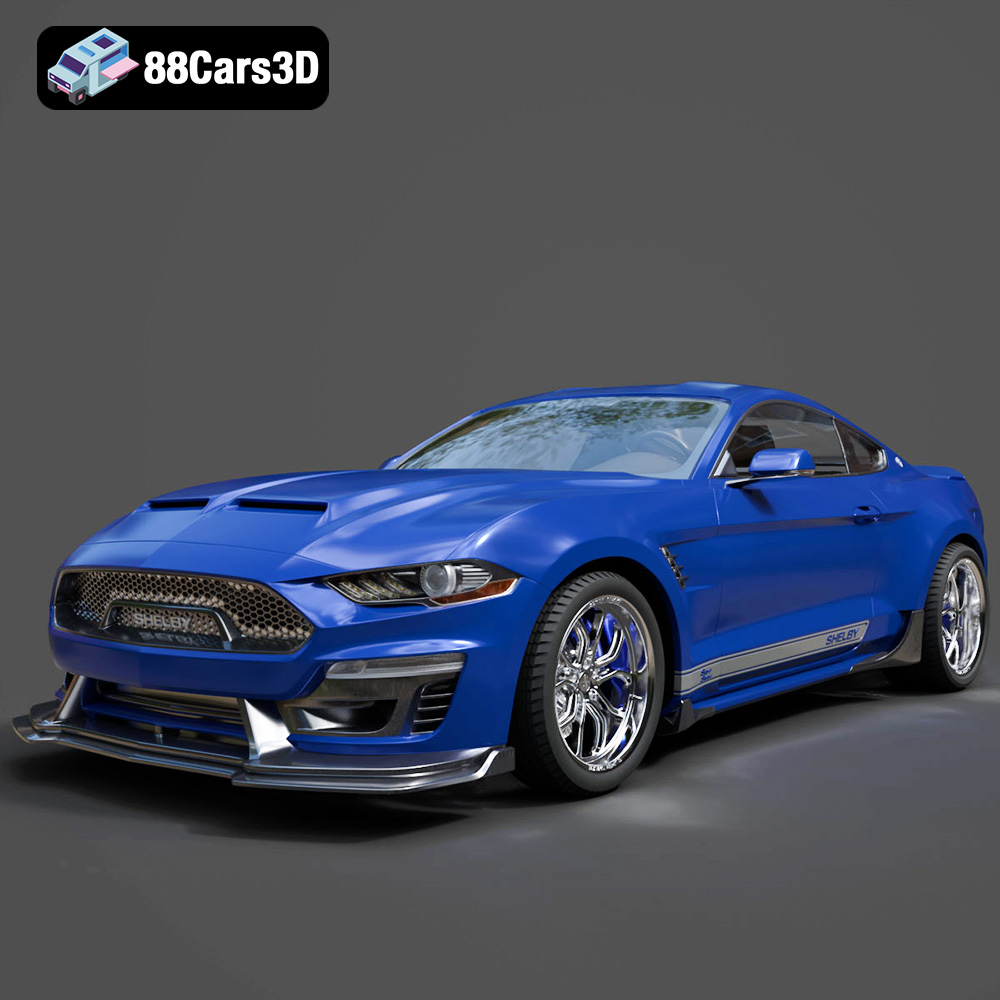
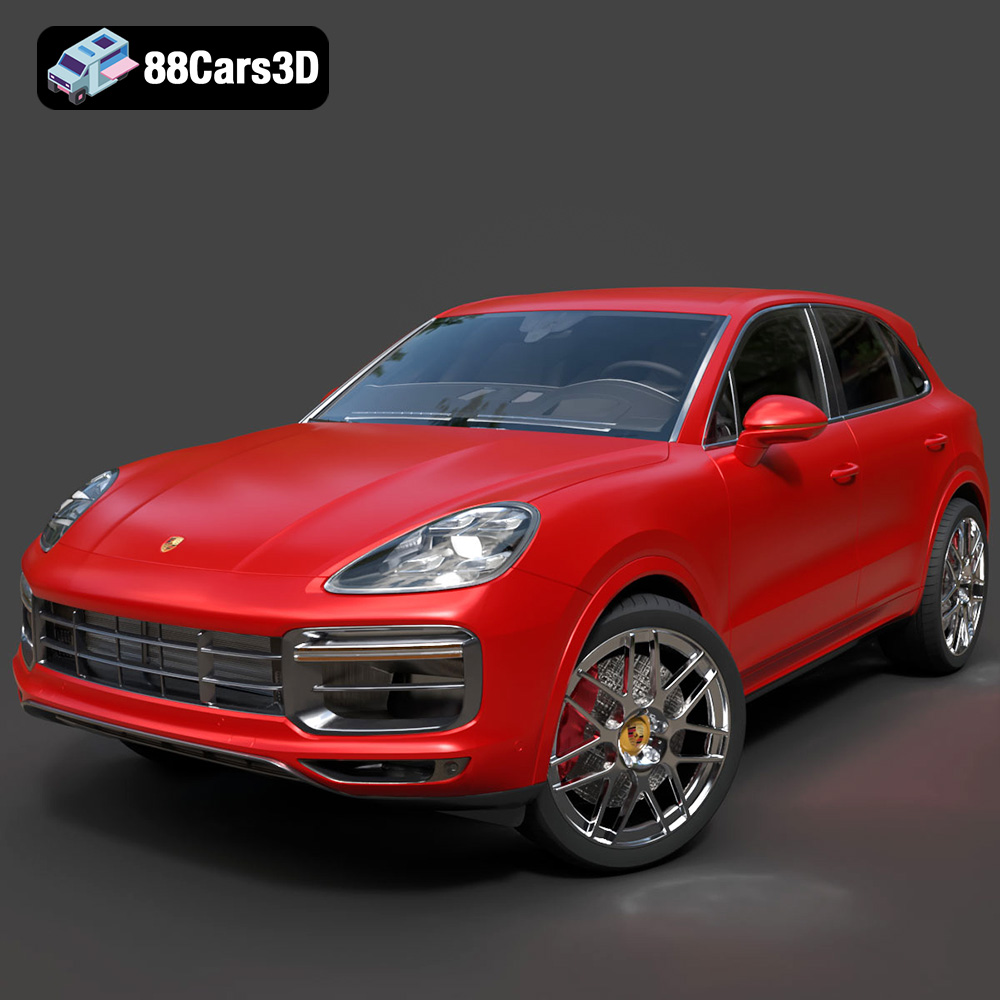
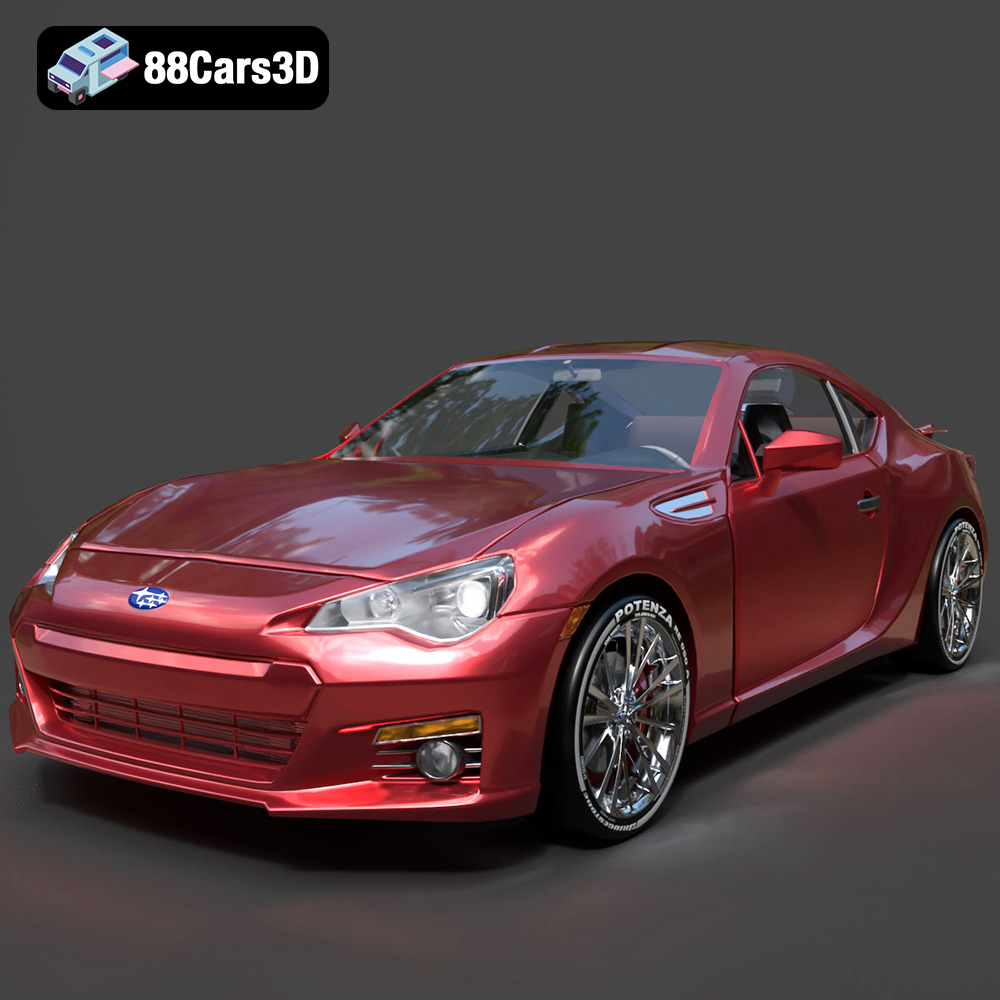
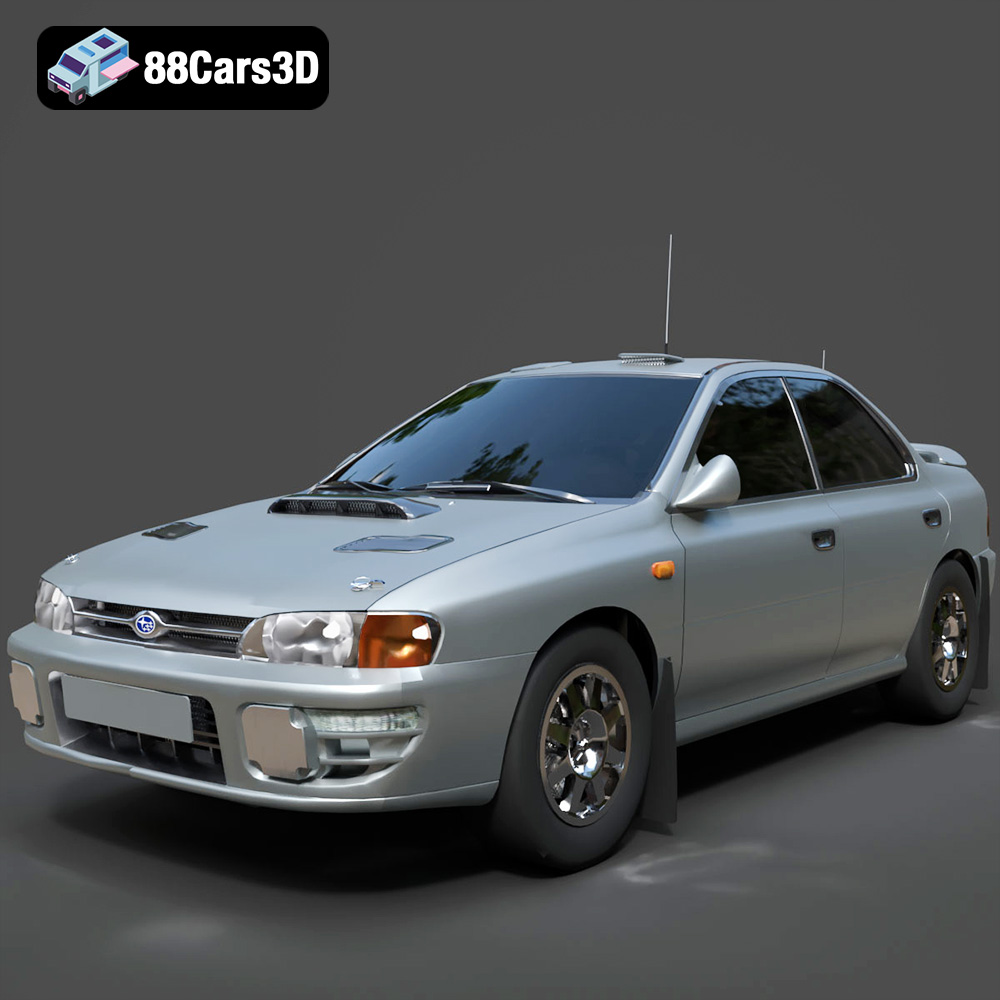
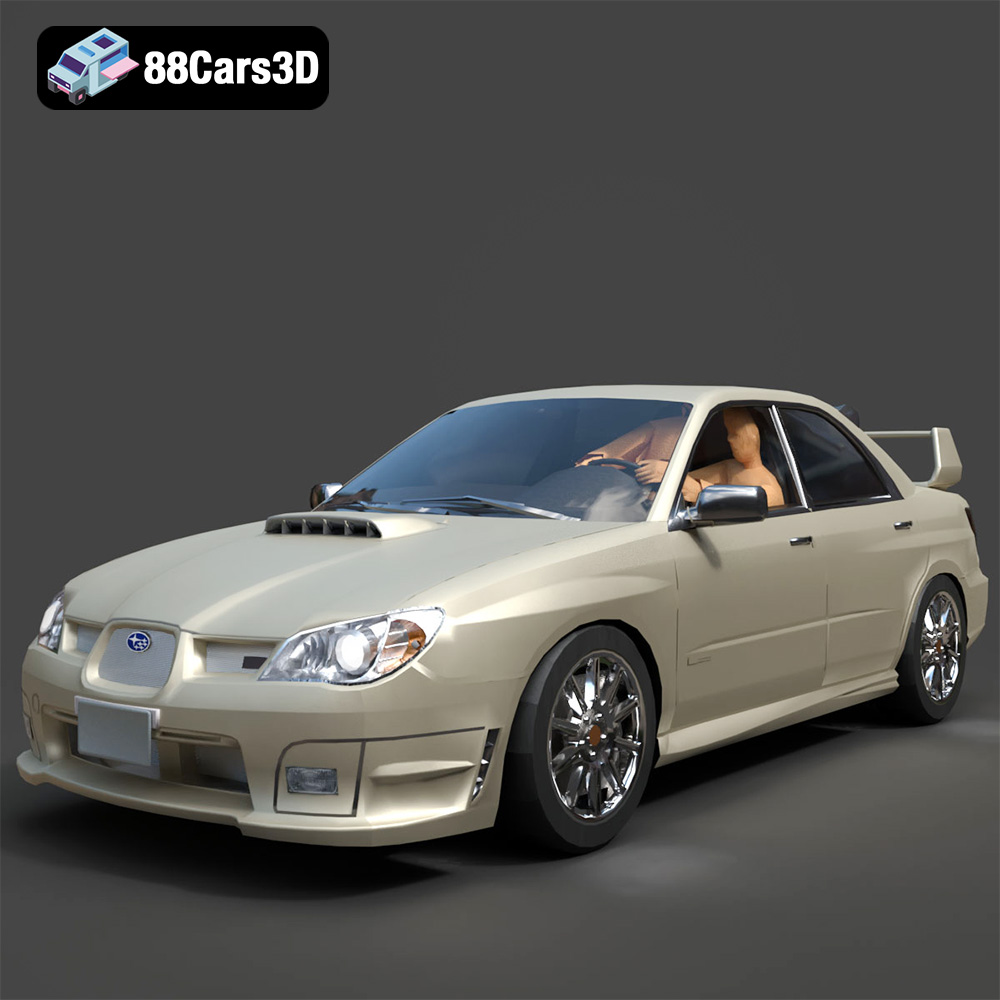
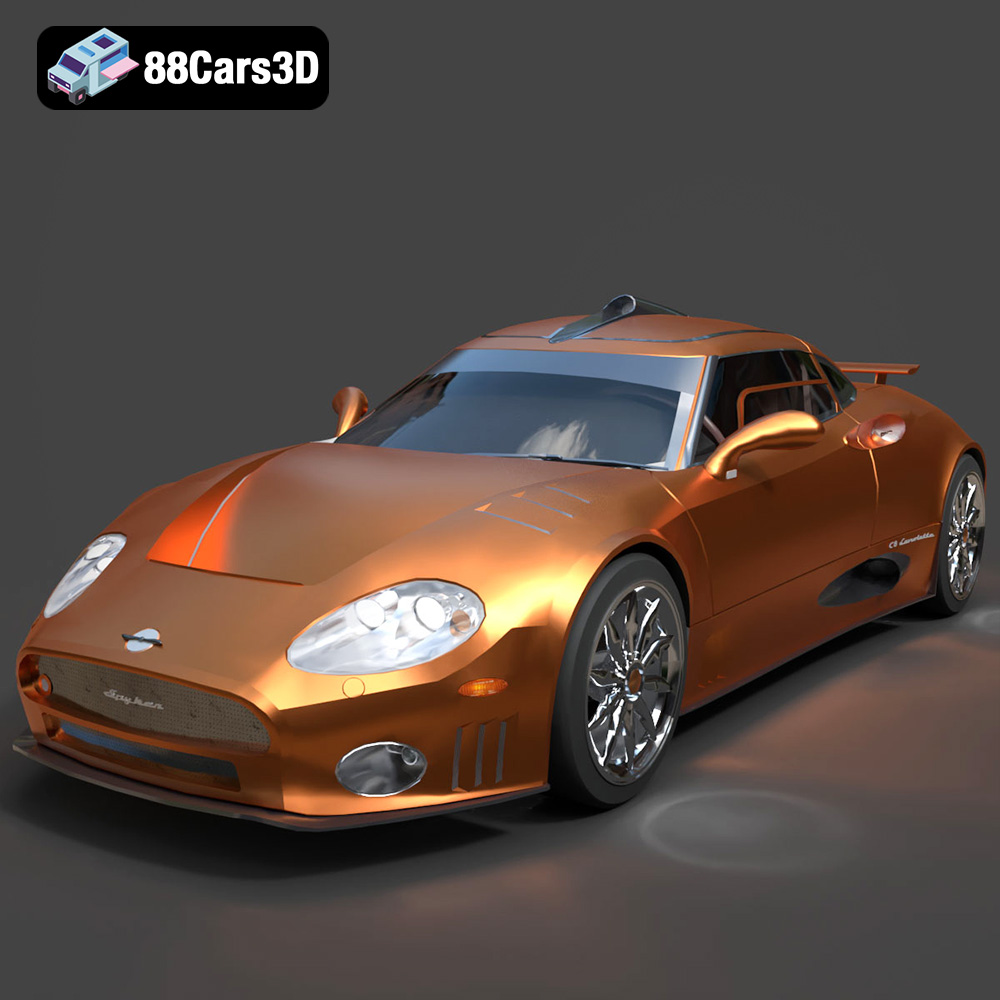
Car manufacturers are among the biggest users of high-end 3D models. For TV commercials, print ads, and online configurators, they require “digital twins” of their vehicles that are indistinguishable from reality. These projects use ultra-high-poly models with complex, multi-layered shaders to achieve perfect reflections and material definition. High-fidelity models, such as those found on 88cars3d.com, are indispensable for this level of quality.
In archviz, a car is never just a car; it’s a storytelling element. Placing a photorealistic vehicle in the driveway of a 3D architectural render adds a sense of scale, life, and context. It helps clients visualize themselves in the space. The reflections of the building in the car’s windows and paint, and vice-versa, create a cohesive and believable image.
For small to medium-sized game studios, creating a hero vehicle asset from scratch can consume hundreds of hours of development time. Purchasing a game-ready game asset allows developers to bypass this massive undertaking. A pre-optimized model with LODs and PBR textures can be dropped into the engine, allowing the team to focus on what they do best: gameplay, level design, and storytelling.
A 3D car model is a canvas of immense potential. We’ve journeyed from the critical selection process, emphasizing clean topology and proper UVs, to the divergent paths of high-fidelity automotive rendering and real-time optimization for games. We’ve seen how lighting, materials, and technical preparation are key to unlocking a model’s potential, whether you’re using 3ds Max, Blender, or Unreal Engine.
The key takeaway is that success depends on a holistic approach. It begins with choosing a professionally crafted asset, understanding its technical characteristics, and then applying the correct workflow for your specific goal. Whether you are creating a stunning commercial, building an immersive virtual world, or visualizing a future architectural project, the right 3D car model is a powerful asset that can elevate your work from good to unforgettable. Starting with a professionally crafted asset from a source that values quality and precision is the first and most important step on that journey.