“`html
Why STL Remains King: The Enduring Popularity of STL Files in 3D Printing
In the dynamic world of 3D printing, where innovation is the only constant, one file format has consistently maintained its dominance: STL (Stereolithography). From hobbyists crafting intricate miniatures to engineers prototyping complex automotive components, STL files are the bedrock of additive manufacturing. But why, in an age of newer, potentially superior formats, does STL remain so popular? This comprehensive guide will delve deep into the technical aspects of STL, exploring its structure, strengths, limitations, and the reasons behind its enduring reign in the 3D printing landscape. We’ll cover everything from basic file anatomy to advanced slicing techniques to help you optimize your 3D printing workflow. And if you’re looking for high-quality, print-ready models, remember that platforms like 88cars3d.com offer a vast selection of STL files designed for optimal 3D printing results.
Understanding the STL File Structure
At its core, an STL file is a representation of a 3D object’s surface geometry. It achieves this by dividing the surface into a series of triangles, each defined by its vertices and a normal vector indicating the triangle’s orientation. This simplicity is both its strength and, in some ways, its weakness. Unlike more modern formats, STL files do not store color, texture, material properties, or other metadata. They are purely geometric representations.
- ASCII vs. Binary: STL files come in two main flavors: ASCII and Binary. ASCII files are human-readable, listing each triangle’s coordinates and normal vector in plain text. Binary files, on the other hand, store the same information in a compact binary format, resulting in significantly smaller file sizes and faster processing. Most 3D printing software prefers binary STL files due to their efficiency. A typical ASCII STL file for a car model could be 50-100MB, while the binary equivalent might be only 10-20MB.
- Triangulation and Accuracy: The accuracy of an STL file depends heavily on the density of the triangulation. A higher number of triangles results in a more accurate representation of the original surface, but also increases file size and processing time. For car models from 88cars3d.com, expect finely detailed meshes optimized for visual fidelity. Choosing the right level of detail is crucial; too few triangles can lead to faceted surfaces, while too many can overwhelm your slicer software.
The Enduring Advantages of STL in 3D Printing
Despite its simplicity, STL’s widespread adoption stems from several key advantages. Its universal compatibility across 3D printing software and hardware is a major factor. Virtually every 3D printer and slicing program supports STL files, making it a reliable and readily accessible format for users of all skill levels. Furthermore, its simplicity makes it relatively easy to process and manipulate, even on older or less powerful computers.
- Universal Compatibility: STL is the lingua franca of 3D printing. Regardless of your printer brand (Creality, Prusa, Anycubic) or slicing software (Cura, PrusaSlicer, Simplify3D), you can be confident that STL files will be supported. This interoperability is unmatched by newer formats.
- Simplicity and Processing Speed: The straightforward nature of STL files means they require less computational power to process than more complex formats. This is particularly beneficial when working with large and intricate models, as it reduces slicing times and improves overall workflow efficiency.
- Ease of Repair: While STL files can sometimes suffer from errors (such as non-manifold geometry), numerous tools are available to automatically repair these issues. Software like Meshmixer and Netfabb can identify and fix common problems, ensuring that your models are printable.
Slicing STL Files: Key Parameters for Optimal Print Quality
The slicing process is where the virtual STL model is translated into a series of instructions that the 3D printer can understand. Slicing software takes the STL file and divides it into thin layers, generating a toolpath that the printer will follow. The settings you choose in your slicer directly impact the quality, strength, and appearance of your printed object.
- Layer Height: Layer height is the thickness of each individual layer of printed material. Lower layer heights (e.g., 0.1mm) result in smoother surfaces and finer details, but also increase print time. Higher layer heights (e.g., 0.3mm) print faster but produce more visible layer lines. For detailed car models, a layer height of 0.15mm to 0.2mm is a good compromise between quality and speed.
- Infill Density and Pattern: Infill refers to the internal structure of the 3D printed object. It determines the object’s strength and weight. Infill density is expressed as a percentage, with 0% being hollow and 100% being solid. The infill pattern (e.g., grid, honeycomb, gyroid) also affects strength and print time. For most car models, an infill density of 15-25% with a gyroid pattern provides a good balance of strength and material usage.
- Print Speed and Temperature: Print speed and temperature are crucial for material adhesion and preventing warping or other defects. The optimal settings depend on the material you are using. For PLA, a print speed of 50-60mm/s and a temperature of 200-220°C is generally recommended. For ABS, a slower speed of 40-50mm/s and a higher temperature of 230-250°C is typically required. Bed adhesion is also critical, often requiring a heated bed (60°C for PLA, 100°C for ABS) and potentially using adhesive solutions like glue stick or hairspray.
Support Structures: Necessity and Optimization for Car Models
Many 3D models, particularly those with overhangs or complex geometries like car bodies, require support structures to be printed successfully. Supports provide temporary scaffolding that prevents the overhanging parts from collapsing during printing. However, supports can also leave marks on the finished print and require careful removal. Optimizing support settings is essential for achieving a clean and aesthetically pleasing result.
- Support Placement and Density: Slicing software automatically generates support structures based on the model’s geometry and the specified overhang angle. The density of the support structures determines how much material is used and how easily they can be removed. For intricate car models, consider using tree supports, which are more efficient and leave fewer marks than traditional linear supports. Support density can be adjusted in your slicer software; a lower density makes removal easier but may compromise support strength for steep overhangs.
- Support Interface Layers: Interface layers are thin layers of material printed between the support structures and the model itself. These layers create a weak point that makes it easier to separate the supports from the model. Using a different material for the interface layers (e.g., PVA for PLA supports) can further simplify support removal, particularly for dual-extrusion printers.
- Support Removal Techniques: After printing, support structures need to be removed carefully. Tools like pliers, knives, and sandpaper can be used to remove the supports and smooth out any remaining marks. For soluble support materials like PVA, simply dissolving the supports in water is sufficient. Post-processing techniques, such as sanding and painting, can further enhance the appearance of the printed model.
Material Selection: Choosing the Right Filament for Your 3D Printed Car
The choice of material significantly impacts the properties of your 3D printed car model, including its strength, durability, appearance, and heat resistance. Common 3D printing filaments include PLA, ABS, PETG, and nylon, each with its own unique characteristics and applications. Understanding these differences is crucial for selecting the right material for your project.
- PLA (Polylactic Acid): PLA is a biodegradable thermoplastic derived from renewable resources. It is easy to print, has low warping, and produces excellent surface finishes. PLA is a good choice for aesthetic models and prototypes that do not require high strength or heat resistance. It is ideal for beginners due to its ease of use.
- ABS (Acrylonitrile Butadiene Styrene): ABS is a strong and durable thermoplastic with good heat resistance. It is commonly used in automotive and industrial applications. However, ABS is more difficult to print than PLA, as it is prone to warping and requires a heated bed and enclosure. ABS is suitable for functional parts that need to withstand higher temperatures and stresses.
- PETG (Polyethylene Terephthalate Glycol-modified): PETG combines the best properties of PLA and ABS. It is easy to print, has good strength and durability, and is more heat resistant than PLA. PETG is a versatile material that is suitable for a wide range of applications, including functional parts and aesthetic models.
- Resin Printing: Resin printing, using technologies like SLA (Stereolithography) and DLP (Digital Light Processing), offers incredibly high detail and smooth surfaces. This is ideal for miniature car models or parts requiring exceptional precision. However, resin prints tend to be more brittle than FDM prints and require post-curing.
Troubleshooting Common STL Printing Issues
Even with careful planning and optimized settings, 3D printing can sometimes present challenges. Common issues include warping, adhesion problems, layer shifting, and stringing. Understanding the causes of these problems and knowing how to troubleshoot them is essential for achieving successful prints.
- Warping: Warping occurs when the corners of the printed object lift off the build plate. This is often caused by uneven cooling and thermal contraction. To prevent warping, ensure that your build plate is properly heated, use a brim or raft to increase adhesion, and avoid drafts. For materials like ABS, an enclosure is highly recommended.
- Adhesion Problems: Poor bed adhesion can lead to the printed object detaching from the build plate during printing. Clean the build plate thoroughly with isopropyl alcohol, use a suitable adhesive (e.g., glue stick or hairspray), and ensure that the nozzle is properly leveled. Adjusting the initial layer height and flow rate can also improve adhesion.
- Layer Shifting: Layer shifting occurs when the printer head suddenly shifts position, resulting in misaligned layers. This can be caused by loose belts, stepper motor issues, or excessive print speeds. Check and tighten your printer’s belts, ensure that the stepper motors are properly calibrated, and reduce the print speed if necessary.
- Stringing: Stringing refers to thin strands of plastic that form between different parts of the printed object. This is usually caused by excessive nozzle temperature, retraction settings that are not optimized, or filament that is too wet. Lower the nozzle temperature, increase the retraction distance and speed, and dry your filament if necessary.
- Non-Manifold Geometry: Sometimes STL files contain errors that prevent them from being properly sliced and printed. These errors can include holes, self-intersections, and inverted normals. Software like Meshmixer and Netfabb can be used to automatically repair these issues. Before printing, always inspect your STL file for any potential problems.
Advanced Techniques: Mesh Repair and Optimization for Complex Models
While STL is a robust format, complex models, especially those with intricate details, can sometimes contain errors or inefficiencies that impact print quality and processing time. Mesh repair tools and optimization techniques are essential for ensuring that your STL files are watertight, manifold, and optimized for 3D printing.
- Mesh Repair with Meshmixer: Meshmixer is a free and powerful tool for repairing and optimizing STL files. It can automatically detect and fix common errors, such as holes, self-intersections, and flipped normals. Meshmixer also offers tools for smoothing surfaces, reducing triangle count, and adding support structures.
- Triangle Reduction: High-resolution STL files can contain millions of triangles, which can slow down slicing and printing. Reducing the triangle count can significantly improve performance without sacrificing too much detail. Meshmixer and other mesh editing software offer tools for simplifying meshes while preserving their overall shape.
- Manifold Mesh Correction: A manifold mesh is a closed surface without any holes or self-intersections. Non-manifold meshes are not printable and need to be repaired before slicing. Meshmixer can automatically detect and fix non-manifold edges and vertices, ensuring that your STL file is watertight and printable. When downloading models from marketplaces such as 88cars3d.com, you can usually expect the files to be pre-checked and repaired, saving you time and effort.
Conclusion
While newer file formats continue to emerge, the STL format remains the undisputed king of 3D printing. Its universal compatibility, simplicity, and ease of repair make it a reliable and accessible choice for users of all skill levels. By understanding the technical aspects of STL files, optimizing your slicing settings, and mastering troubleshooting techniques, you can unlock the full potential of 3D printing and create stunning models. Whether you’re a hobbyist printing figurines or an engineer prototyping functional parts, STL is a format you can rely on. So, dive in, experiment with different settings, and don’t be afraid to push the boundaries of what’s possible. The world of 3D printing awaits! And remember, for a wide selection of high-quality, print-ready STL files, be sure to check out 88cars3d.com.
“`
Featured 3D Car Models
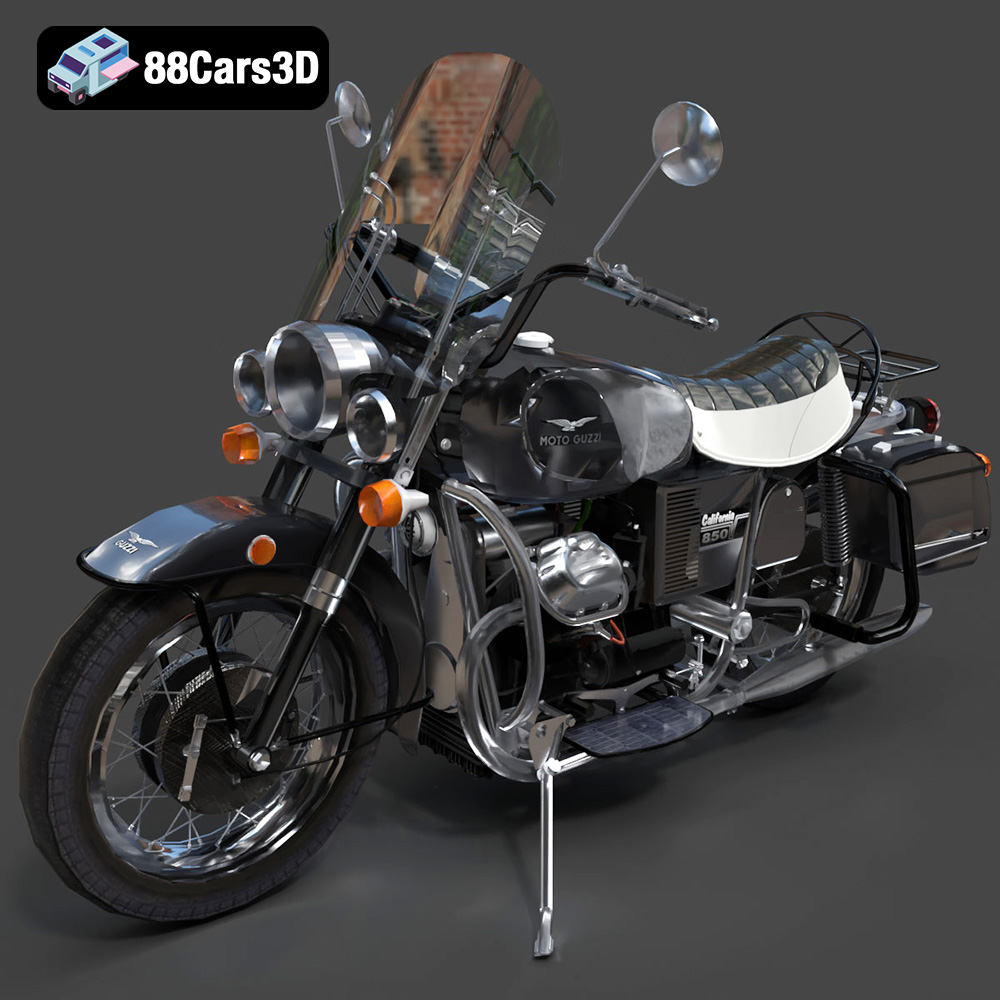
Texture: Yes
Material: Yes
Download the Moto Guzzi Classic Motorcycle 2024 3D Model featuring clean geometry, realistic detailing, and a fully modeled interior. Includes .blend, .fbx, .obj, .glb, .stl, .ply, .unreal, and .max formats for rendering, simulation, and game development.
Price: $10
View Product
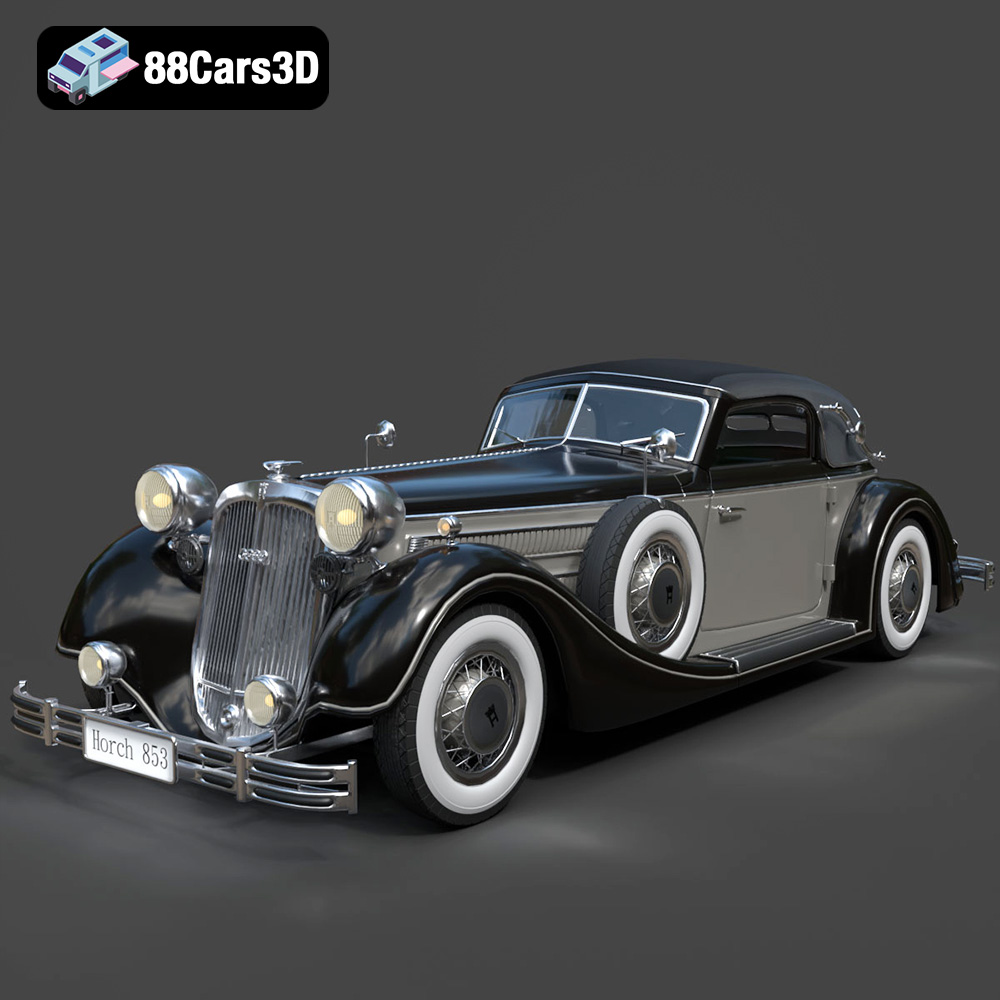
Texture: Yes
Material: Yes
Download the Horch 853 Sport Cabriolet 1937 3D Model featuring clean geometry, realistic detailing, and a fully modeled interior. Includes .blend, .fbx, .obj, .glb, .stl, .ply, .unreal, and .max formats for rendering, simulation, and game development.
Price: $10
View Product
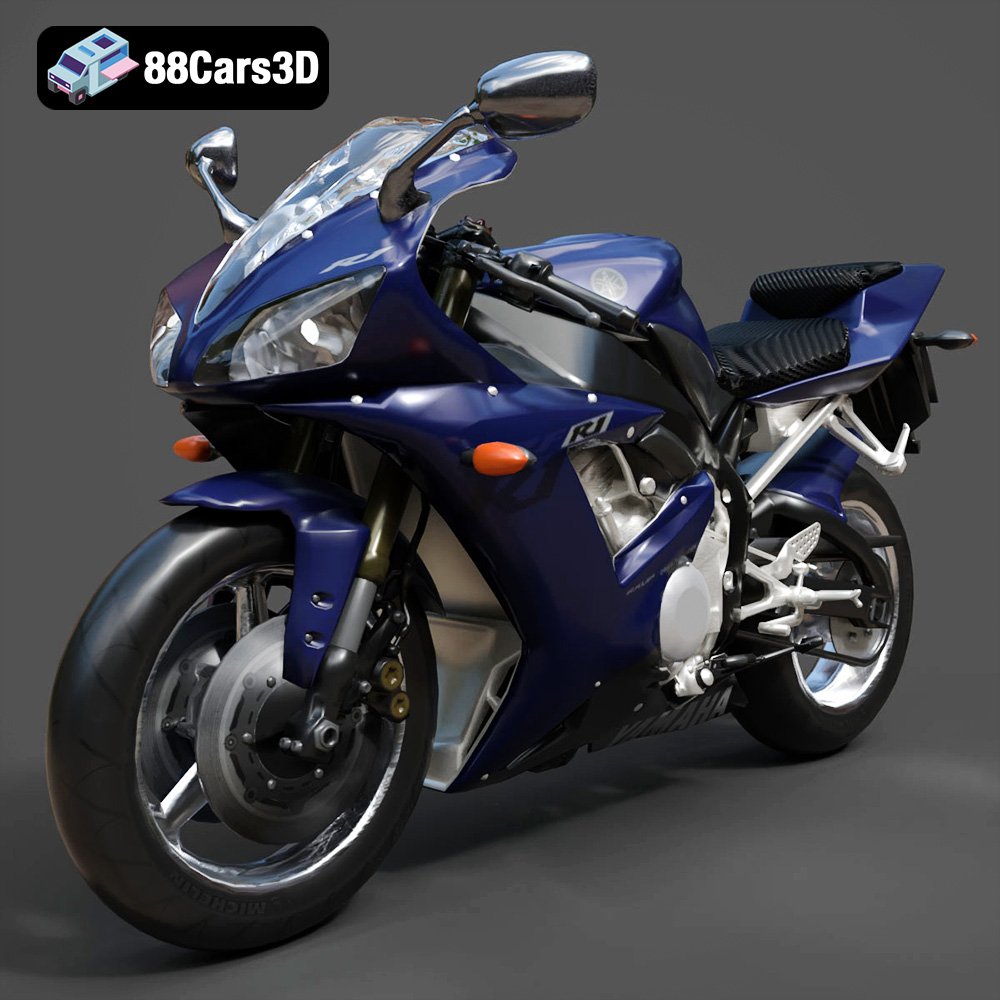
Texture: Yes
Material: Yes
Download the Yamaha YZF-R1 Motorcycle 3D Model featuring clean geometry, realistic detailing, and a fully modeled interior. Includes .blend, .fbx, .obj, .glb, .stl, .ply, .unreal, and .max formats for rendering, simulation, and game development.
Price: $10
View Product
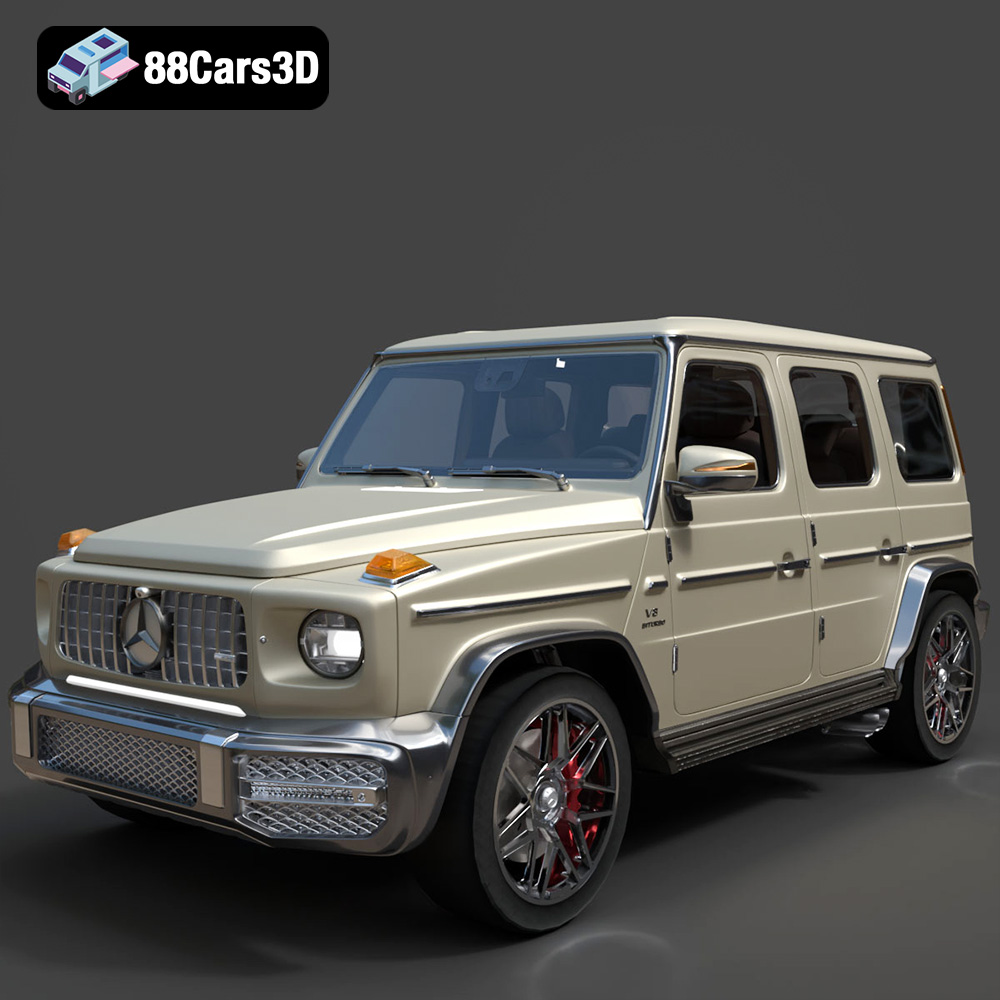
Texture: Yes
Material: Yes
Download the Mercedes Benz G63 AMG 2019 3D Model featuring clean geometry, realistic detailing, and a fully modeled interior. Includes .blend, .fbx, .obj, .glb, .stl, .ply, .unreal, and .max formats for rendering, simulation, and game development.
Price: $90
View Product
Texture: Yes
Material: Yes
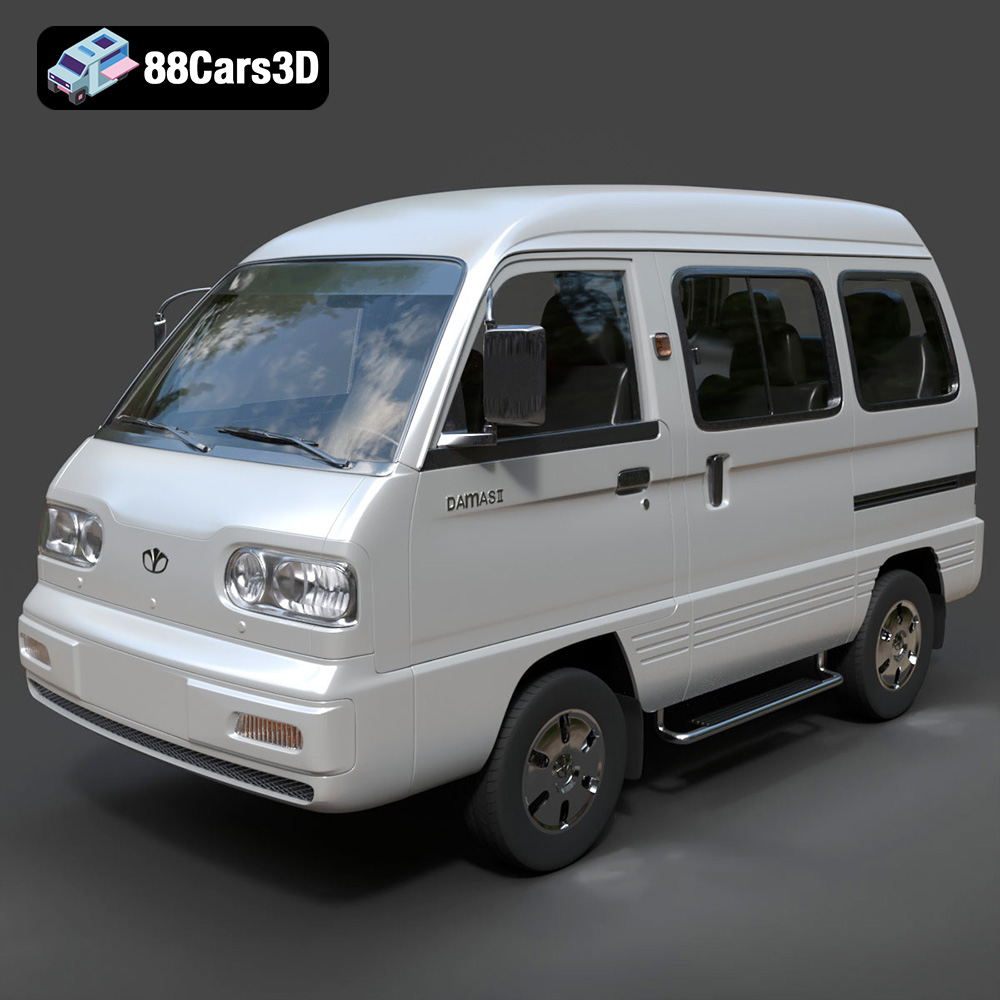
Download the Daewoo Damas Mk2 2012 3D Model featuring clean geometry, realistic detailing, and a fully modeled interior. Includes .blend, .fbx, .obj, .glb, .stl, .ply, .unreal, and .max formats for rendering, simulation, and game development.
Price: $10
View Product
Texture: Yes
Material: Yes
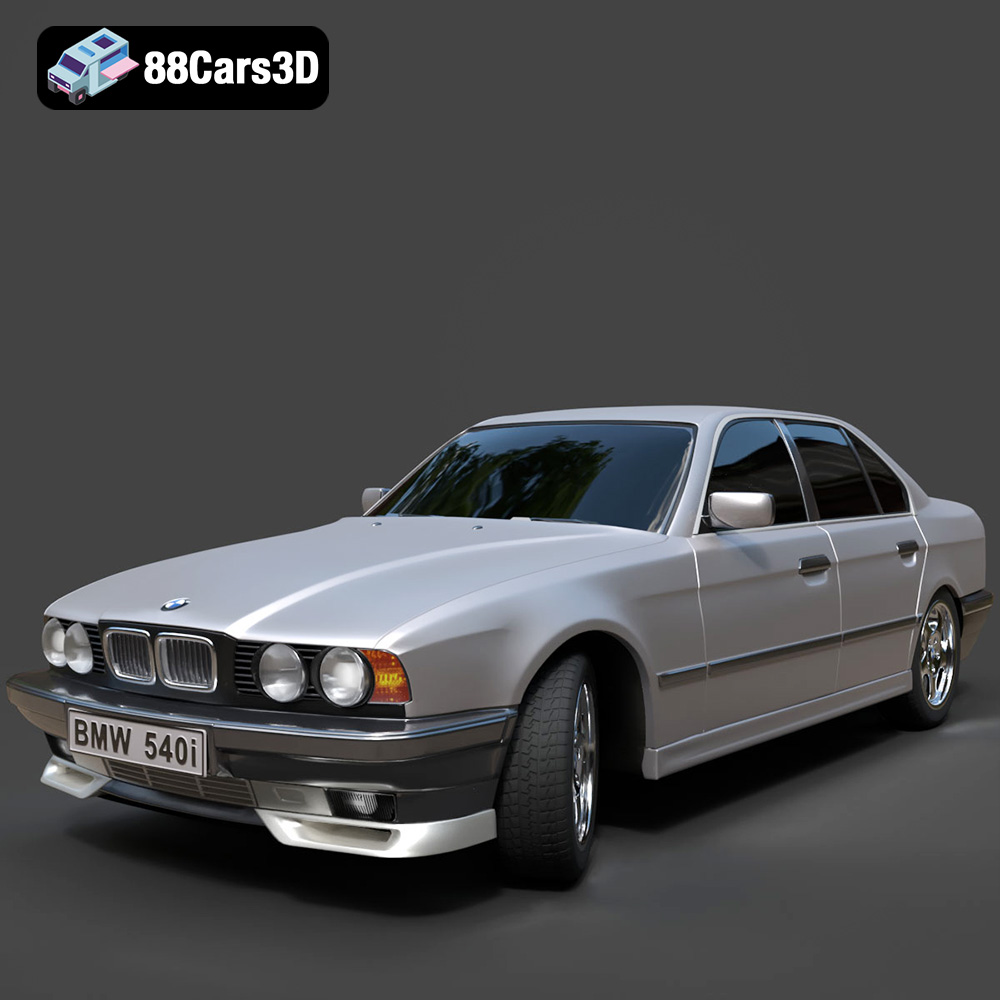
Download the BMW 540 E34 3D Model featuring clean geometry, realistic detailing, and a fully modeled interior. Includes .blend, .fbx, .obj, .glb, .stl, .ply, .unreal, and .max formats for rendering, simulation, and game development.
Price: $10
View Product

Texture: Yes
Material: Yes
Download the BMW 8 Series Coupe 2020 3D Model featuring clean geometry, realistic detailing, and a fully modeled interior. Includes .blend, .fbx, .obj, .glb, .stl, .ply, .unreal, and .max formats for rendering, simulation, and game development.
Price: $10
View Product
Texture: Yes
Material: Yes
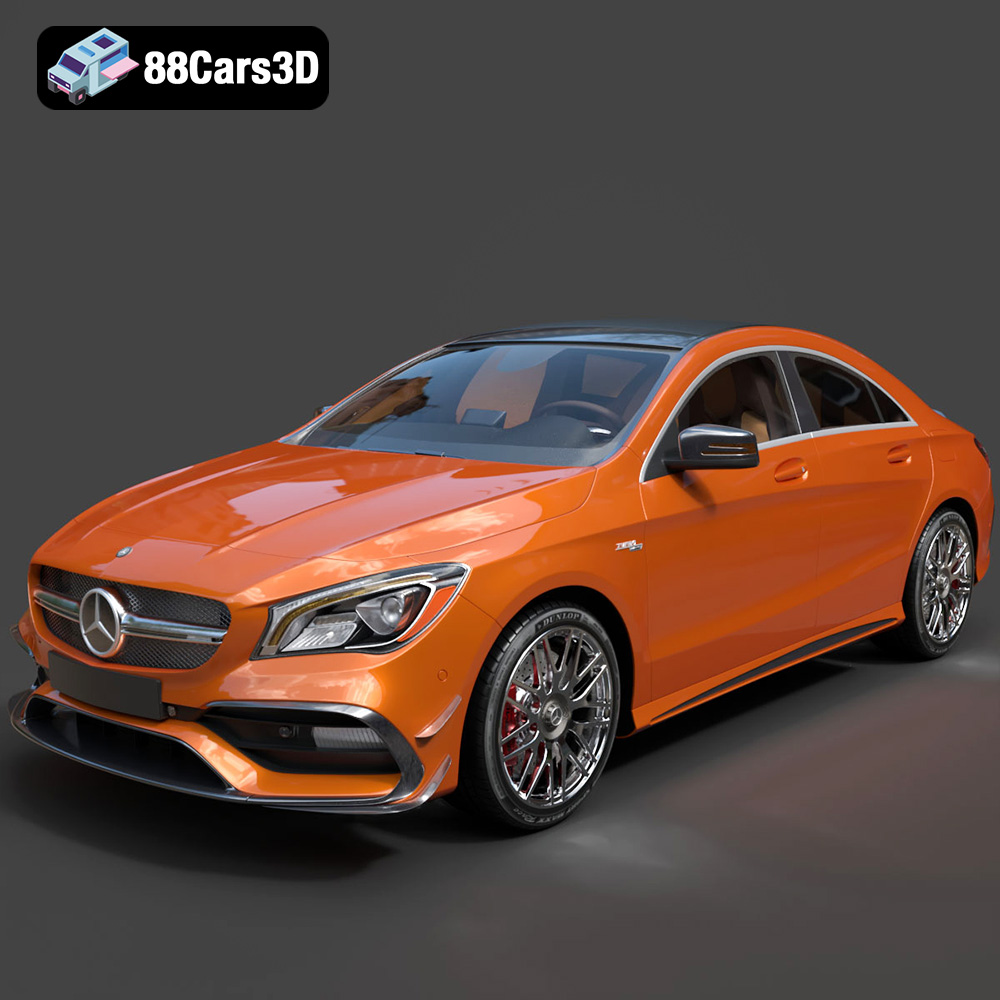
Download the Mercedes-Benz CLA45 AMG 2017 3D Model featuring clean geometry, realistic detailing, and a fully modeled interior. Includes .blend, .fbx, .obj, .glb, .stl, .ply, .unreal, and .max formats for rendering, simulation, and game development.
Price: $21.99
View Product
Texture: Yes
Material: Yes
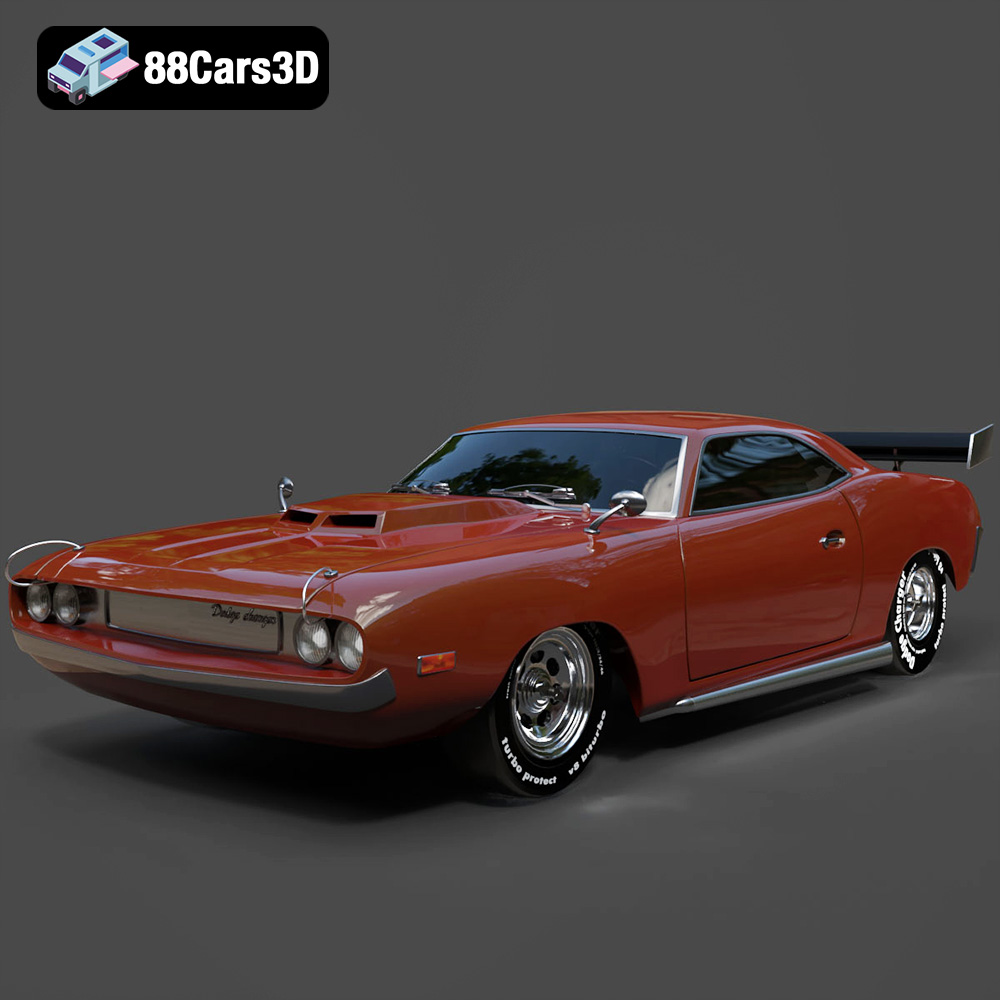
Download the Dodge Charger Car-004 3D Model featuring clean geometry, realistic detailing, and a fully modeled interior. Includes .blend, .fbx, .obj, .glb, .stl, .ply, .unreal, and .max formats for rendering, simulation, and game development.
Price: $10
View Product
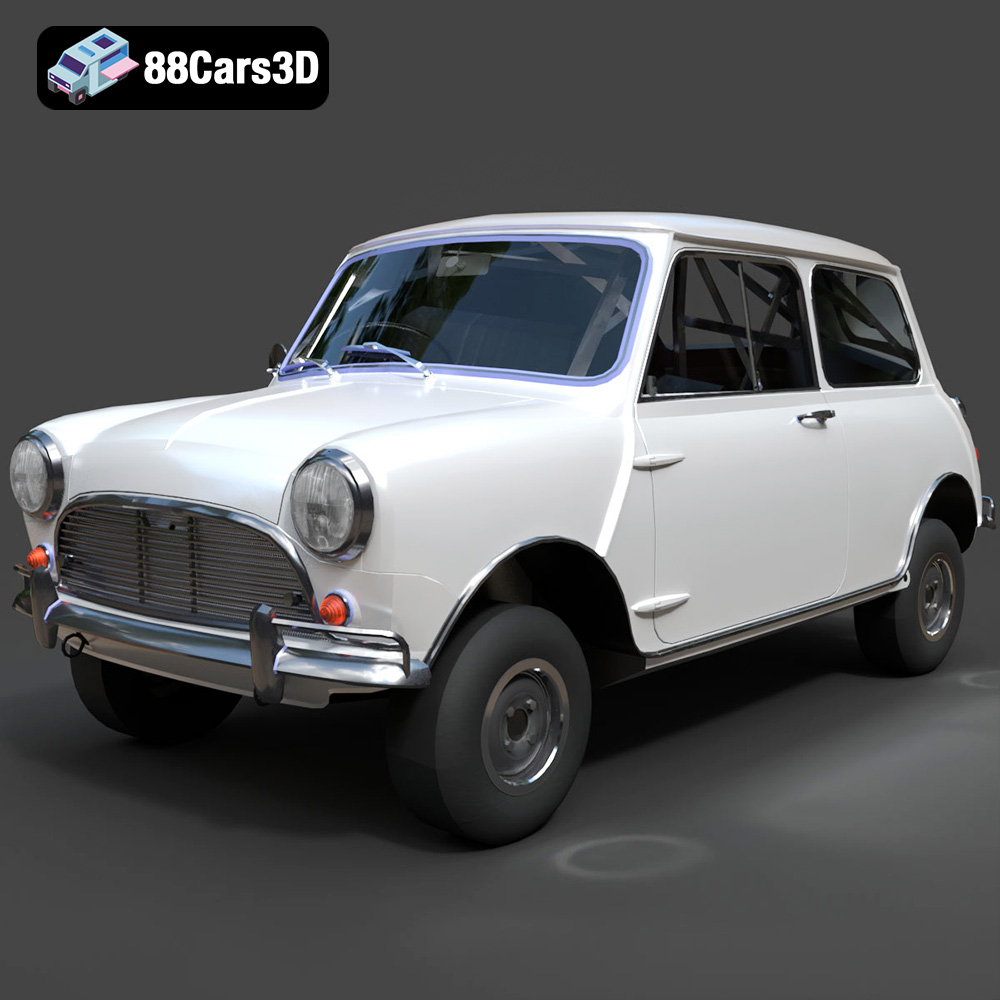
Texture: Yes
Material: Yes
Download the Austin Mini Cooper S 1965 3D Model featuring clean geometry, realistic detailing, and a fully modeled interior. Includes .blend, .fbx, .obj, .glb, .stl, .ply, .unreal, and .max formats for rendering, simulation, and game development.
Price: $10
View Product


