Get 50% OFF All Premium 3D & STL Models!

In the dynamic worlds of automotive design, architectural visualization, game development, and immersive media, the demand for high-quality 3D car models is perpetually accelerating. These digital assets are far more than just pretty pictures; they are complex technical constructions, meticulously crafted to serve a multitude of demanding applications. From showcasing a vehicle’s sleek contours in a photorealistic advertisement to providing a core interactive element in a cutting-edge racing simulation, the underlying 3D model dictates the possibilities and performance.
Creating these assets from scratch is an incredibly time-consuming and specialized endeavor, requiring expertise in everything from polygonal modeling and NURBS surfacing to advanced PBR texturing and intricate UV mapping. Understanding the nuances of topology, material definitions, and file format compatibility is crucial for any project aiming for visual fidelity and optimal performance.
This comprehensive guide delves into the technical intricacies of high-fidelity 3D car models, exploring their creation, optimization, and deployment across various industries. We will examine the critical technical specifications, delve into specific workflows using industry-standard software like 3ds Max, Blender, and Unreal Engine, and highlight how professional-grade assets can elevate your projects.
At the heart of every stunning render or seamless game experience lies a masterfully crafted 3D car model. This isn’t merely about capturing the external shape; it involves a deep understanding of automotive design principles, material science, and computational geometry. The initial modeling phase is paramount, laying the foundation for all subsequent steps.
Automotive design demands extreme precision. Designers often choose between two primary modeling methodologies: Subdivision Surface (SubD) modeling and Non-Uniform Rational B-Splines (NURBS). SubD modeling, prevalent in entertainment industries, offers intuitive control over polygonal meshes, allowing for organic shapes and intricate detail with relative ease. It’s excellent for creating clean, quad-based topology that deforms well and can be smoothed to arbitrary levels of detail. NURBS, on the other hand, is the bedrock of industrial design and CAD. It relies on mathematical curves and surfaces, offering unparalleled precision and control over curvature, making it ideal for manufacturing and engineering where exact dimensions are critical. Many pipelines begin with NURBS for the core body panels due to their precise surfaces, then convert to a polygon mesh for rendering or game engine integration, ensuring a perfect balance of accuracy and render efficiency.
Accurate blueprint referencing, photogrammetry, and careful attention to the real-world dimensions and proportions of the vehicle are critical during this phase. Every panel gap, every subtle curve, and every vent must be replicated with exacting fidelity to achieve a believable representation. Clean, efficient topology—meaning a well-organized flow of polygons—is not just an aesthetic consideration; it’s vital for smooth deformations, proper subdivision smoothing, and efficient UV unwrapping.
Once the geometry is solidified, the magic of photorealism truly begins with texturing and shading. Modern workflows predominantly rely on Physically Based Rendering (PBR) principles. This involves creating a suite of texture maps (Albedo/Base Color, Normal, Roughness, Metalness, Ambient Occlusion, and sometimes Height/Displacement) that accurately describe how light interacts with the surface material. An Albedo map defines the base color, while the Metalness map distinguishes between metallic and dielectric surfaces. Roughness dictates how glossy or matte a surface appears, and the Normal map adds intricate surface detail without increasing polygon count.
Advanced material layering is crucial for automotive paints, which often feature multiple coats: a base color, metallic flakes, and a clear coat. Recreating these complex interactions requires sophisticated shader networks, often involving multiple layers of clear coat reflections, anisotropic properties for brushed metals, and intricate patterns for carbon fiber or leather interiors. Proper UV unwrapping is the unsung hero of this stage. It’s the process of flattening the 3D model’s surface into 2D space, creating a map onto which textures can be painted without distortion. A clean, non-overlapping UV layout is essential for high-quality textures and efficient material application across all surfaces of the vehicle.
Navigating the diverse landscape of 3D applications and pipelines requires a solid understanding of various file formats. Each format serves specific purposes, offering different levels of data retention, compatibility, and optimization for particular workflows. Choosing the correct format is paramount for seamless integration, preserving model integrity, and achieving project goals efficiently.
The industry offers several workhorse formats that facilitate collaboration and transfer across different software ecosystems:
Beyond the core interchange formats, specific use cases benefit from specialized file types:
Understanding these formats allows creators and developers to effectively manage their assets, ensuring compatibility and leveraging the specific strengths of each for their unique project requirements.
For automotive designers, marketers, and advertisers, 3D car models are indispensable tools for creating stunning visuals that capture the essence and appeal of a vehicle. This discipline, known as automotive rendering, pushes the boundaries of digital photorealism.
Photorealistic rendering requires powerful render engines and a keen eye for detail. Industry leaders like V-Ray, Corona Renderer, Octane Render, and Redshift are commonly used for their advanced light transport algorithms, sophisticated material systems, and incredible speed. These engines simulate how light behaves in the real world, producing nuanced reflections, refractions, and global illumination that bring a 3D car model to life.
Key to achieving this realism is the lighting setup. High Dynamic Range Images (HDRIs) are frequently used to provide realistic environment lighting and reflections, capturing real-world lighting conditions from various locations. These are often combined with targeted physical lights to accentuate specific features, create dramatic shadows, or highlight a car’s unique design lines. Camera composition, depth of field, and subtle post-processing effects like chromatic aberration or lens flares further enhance the illusion of a photograph. Motion blur, expertly applied, can convey a sense of speed and dynamism, transforming a static model into a captivating narrative.
Beyond direct automotive marketing, 3D car models play a crucial role in architectural visualization (ArchViz). Integrating a realistic vehicle into an architectural scene can dramatically enhance its believability and provide context, scale, and a sense of lived-in reality. A well-placed luxury car can elevate a modern villa render, while a classic vehicle might imbue a historical street scene with authentic character. The challenge here is ensuring the car model’s quality and material consistency match the overall scene’s fidelity.
For product presentation, 3D car models are used to showcase vehicle features, interior options, and custom configurations long before a physical prototype exists. Interactive 3D configurators, often powered by real-time engines, allow potential buyers to explore different paint colors, wheel designs, and interior trims in a dynamic, engaging way. This early visualization helps in design validation, stakeholder reviews, and even pre-sales marketing, significantly accelerating the development cycle.
Game development presents a unique set of challenges for 3D car models. Unlike static renders where computational budget is relatively limitless, real-time environments demand extreme efficiency without sacrificing visual quality. Assets must be meticulously optimized to run smoothly on diverse hardware while still looking impressive.
The primary concern in game development is polygon count. High-fidelity cinematic models, while beautiful, are often too heavy for real-time engines. Game-ready 3D car models require careful polygon optimization. This is achieved through techniques like retopology (rebuilding the mesh with a cleaner, lower polygon count), manual poly reduction, and crucially, implementing Level of Detail (LODs). LODs are multiple versions of the same model, each with progressively fewer polygons, that are swapped out dynamically based on the camera’s distance from the object. This ensures that distant cars use fewer resources, while closer ones maintain visual fidelity.
Beyond geometry, texture optimization is critical. Using texture atlases (packing multiple smaller textures onto a single larger map) reduces draw calls, which are instructions sent from the CPU to the GPU. Material instancing also helps, allowing variations of a material (e.g., different paint colors) to share a common base shader, further reducing draw calls and memory footprint. Understanding how to create these optimized assets is a core expertise that 88cars3d.com brings to its offerings, providing developers with game-ready models right out of the box.
The process of bringing a 3D car model into a game engine like Unreal Engine or Unity is a specialized pipeline. Typically, FBX files are imported due to their ability to carry mesh, materials, and skeletal data. Once imported, materials need to be set up using the engine’s native PBR shader system, connecting the various texture maps (Albedo, Normal, Roughness, Metallic, AO) to the appropriate slots.
Collision meshes are essential for realistic physics interactions. These are often simplified proxy meshes that define the car’s physical boundaries, preventing unwanted clipping and ensuring accurate collision responses. For interactive elements like opening doors, rotating wheels, or deformable body parts, models require proper rigging and animation. Wheels typically have their pivots correctly positioned for rotation, and skeletal meshes can be used for more complex deformations or component destruction. Understanding these technical requirements ensures that the 3D car models perform as expected within the demanding environment of a real-time game.
The utility of 3D car models extends far beyond traditional screens, moving into immersive digital experiences and tangible physical objects. Augmented Reality (AR), Virtual Reality (VR), and 3D printing represent exciting new frontiers for these versatile assets.
AR and VR demand even greater performance optimization than traditional games, as they require rendering two separate viewpoints simultaneously at very high frame rates to prevent motion sickness. For AR applications on mobile devices (e.g., Apple ARKit, Google ARCore), 3D car models must be extremely lightweight, often with low poly counts and texture resolutions suitable for mobile GPUs. The .glb format, optimized for web and mobile, is frequently preferred for its efficiency in these scenarios. Imagine “placing” a virtual car on your driveway using your phone, or exploring its interior in a fully immersive VR showroom – these experiences are powered by carefully crafted, highly optimized 3D car models.
VR experiences allow users to walk around, sit inside, and interact with vehicles in a completely virtual space. This offers unprecedented opportunities for product showcasing, training simulations, and even virtual test drives. The level of detail can be higher than mobile AR but still needs to be carefully balanced against performance targets for tethered or standalone VR headsets.
3D printing offers the incredible capability of transforming a digital design into a physical object. For 3D car models, this means creating miniature replicas, prototypes, or custom parts. However, preparing a model for additive manufacturing requires specific technical considerations. The model must have “watertight” geometry, meaning no holes or gaps in the mesh, as the printer needs a solid, enclosed volume to build. Wall thickness is another critical factor; thin areas in the digital model might be too fragile or simply unprintable in the physical world. Scalability also plays a role, as the digital model’s dimensions must be accurately translated to the desired physical size.
The .stl format, as mentioned, is the standard for 3D printing, but often requires pre-processing tools to ensure mesh integrity and fix any potential errors that could lead to printing failures. From creating concept models for designers to producing custom parts for enthusiasts, 3D printing with well-prepared car models opens up a world of physical creation.
While the allure of creating everything from scratch is strong for some, the realities of project deadlines, budget constraints, and specialized skill requirements often point towards a more efficient solution: sourcing professionally made 3D car models. This is where platforms like 88cars3d.com provide immense value.
Modeling a high-fidelity car from the ground up can take hundreds, if not thousands, of hours for a single artist. This involves not just the geometry but also the complex UV unwrapping, PBR texturing, and often, optimization for specific target platforms. By acquiring pre-made, professional-grade 3D car models, designers, animators, and game developers can dramatically reduce their production timelines and associated costs. Instead of dedicating valuable resources to asset creation, teams can focus on their core competencies, such as scene composition, animation, level design, or interactive development. This allows for quicker iterations and faster time-to-market for projects.
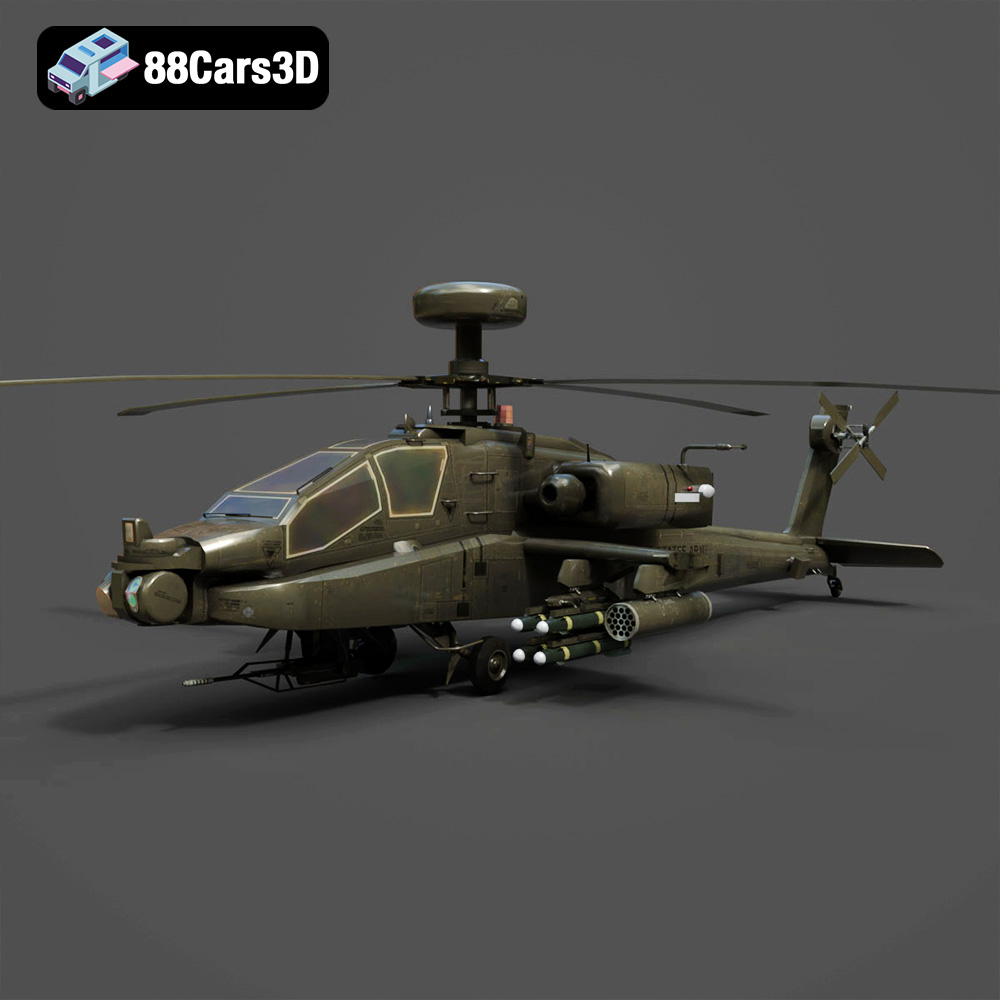
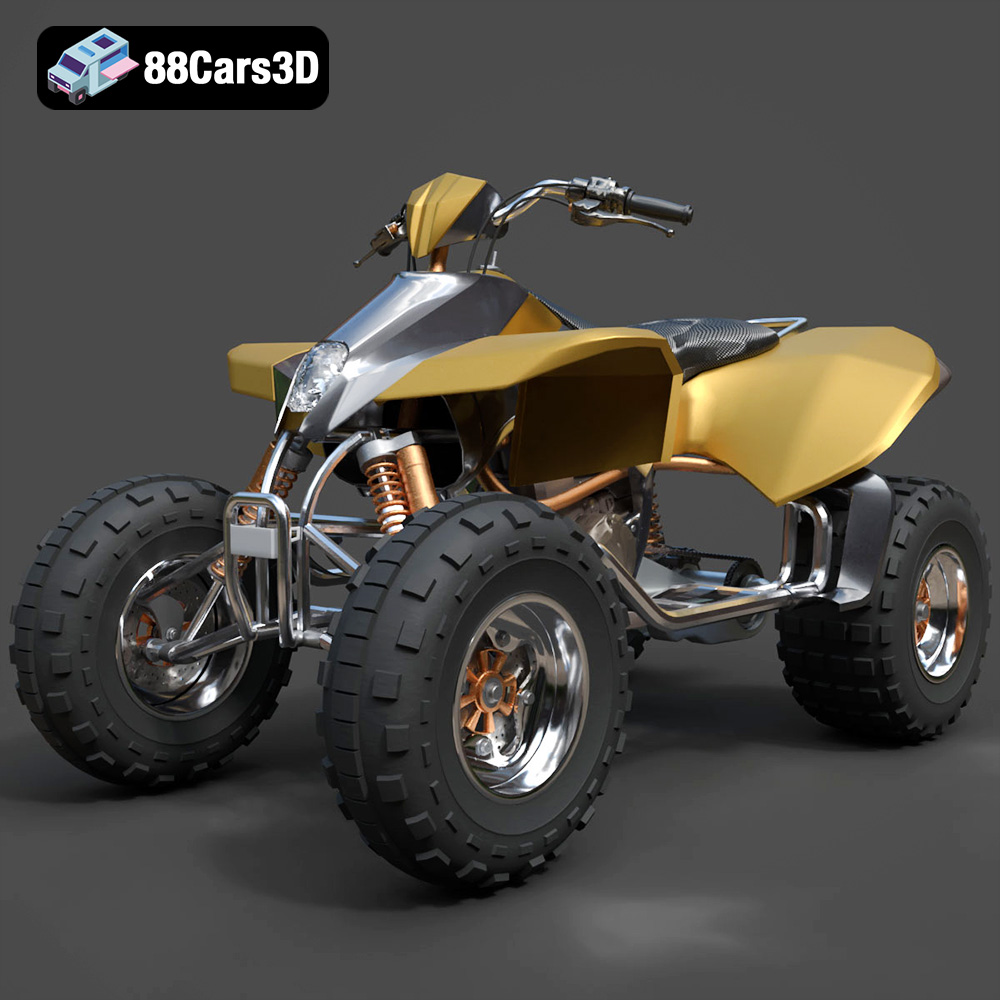
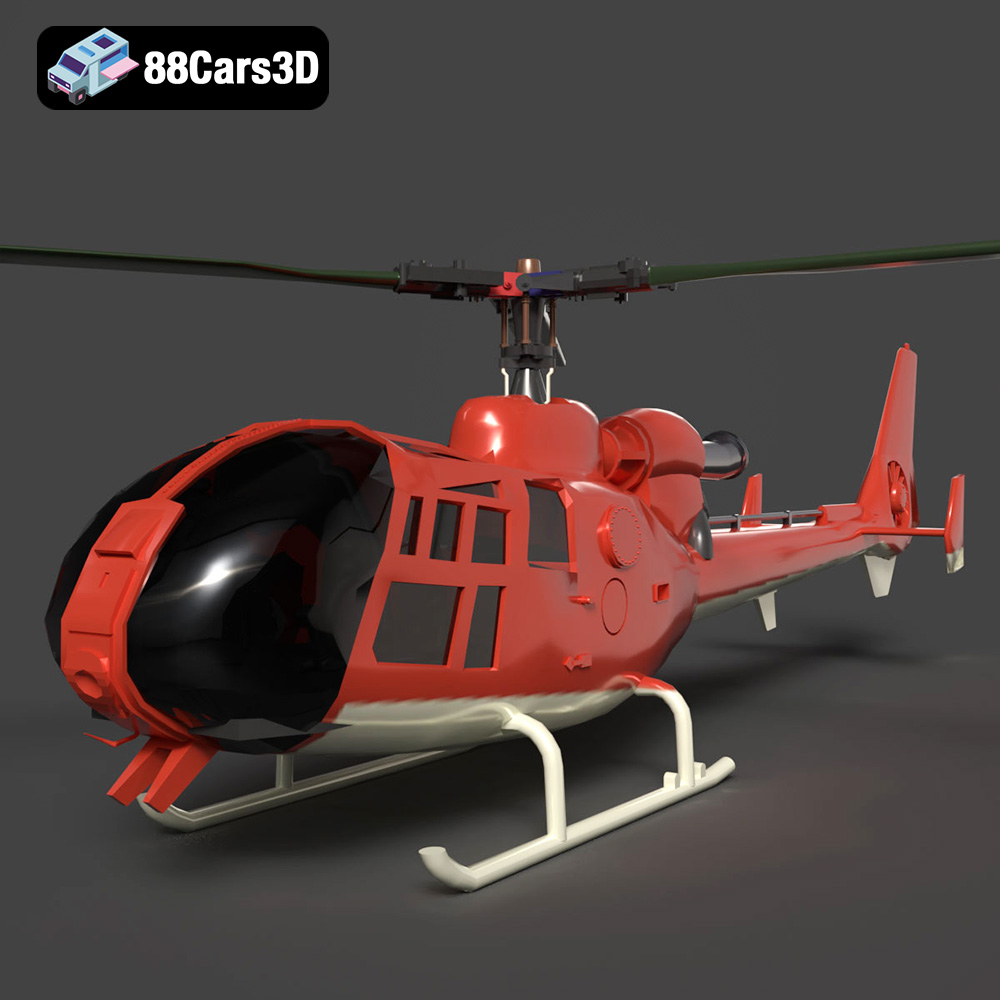
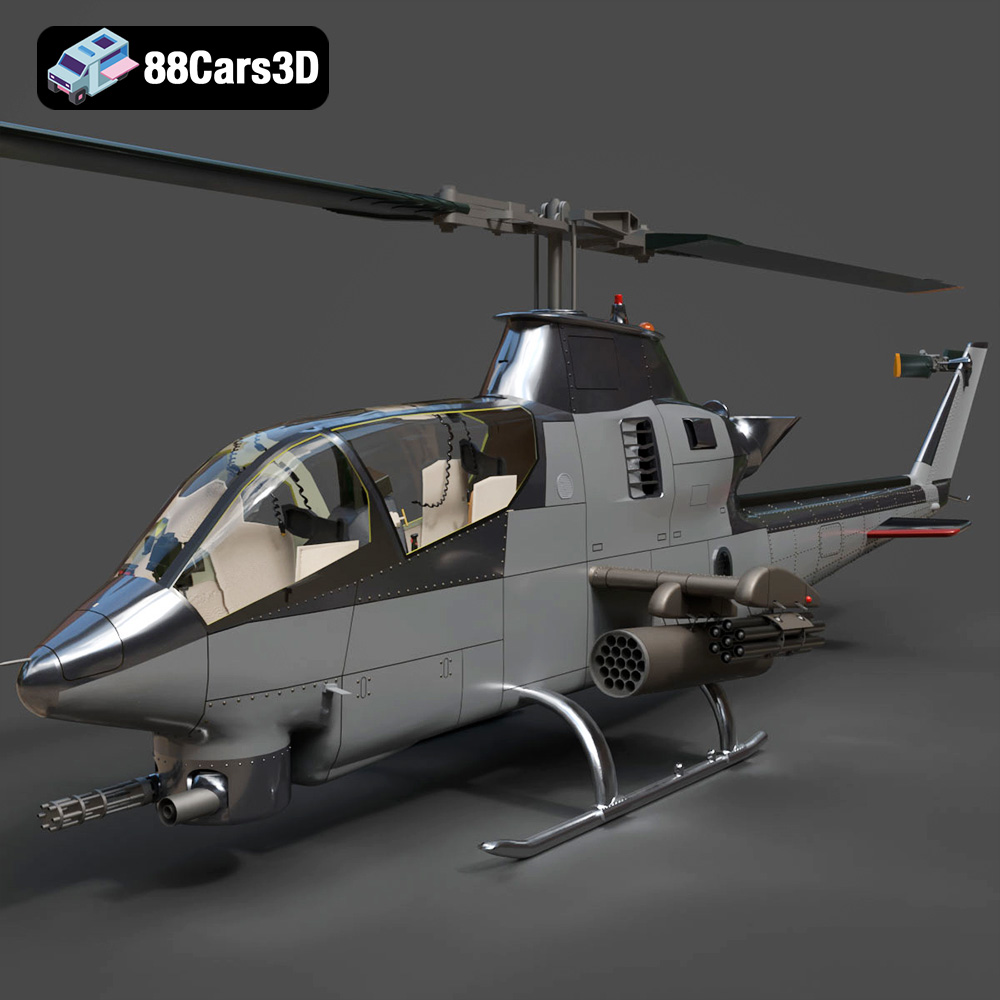
Furthermore, sourcing models provides access to a vast and diverse library of vehicles, from classic muscle cars to futuristic concept vehicles, military vehicles, or heavy machinery. This diversity would be impossible for most individual studios to create internally, allowing for greater creative freedom and the ability to find the perfect vehicle for any scene or scenario.
The quality of a 3D model isn’t just about its visual appeal; it’s also about its underlying technical integrity. Professionally developed models come with clean, efficient topology, properly unwrapped UVs, and PBR-ready textures. This means less time spent fixing issues and more time on creative work. A poorly constructed model, even if it looks good from afar, can lead to endless headaches with rendering artifacts, poor performance, or difficulty in modification.
Reputable marketplaces, such as 88cars3d.com, stand behind the quality of their products. They often provide detailed technical specifications, multiple file formats to suit various workflows, and, importantly, technical support. This assurance means that creators can integrate these assets into their projects with confidence, knowing they are working with reliable, well-prepared digital content designed to meet industry standards. The convenience and peace of mind offered by these meticulously crafted assets are invaluable.
The world of 3D car models is a fascinating intersection of art and engineering, driving innovation across numerous industries. From the precision required for automotive design to the performance demands of game development and the immersive potential of AR/VR, these assets are fundamental to modern digital visualization. We’ve explored the intricate modeling techniques, the critical role of PBR texturing, and the vast importance of understanding diverse file formats like .blend, .fbx, .obj, .glb, and .unreal, each serving specific technical needs.
Whether you’re rendering a photorealistic advertisement, crafting an immersive virtual world, or bringing a digital design to life through 3D printing, the technical foundations of your 3D car models will dictate your project’s success. The effort invested in quality, optimization, and format selection directly translates into superior visual fidelity, enhanced performance, and a more streamlined workflow.
For professionals seeking to elevate their projects without compromising on quality or time, platforms offering expertly crafted 3D car models are an indispensable resource. By leveraging pre-made, high-fidelity assets from trusted sources like 88cars3d.com, creators can accelerate their pipelines, achieve breathtaking results, and focus their energies on the truly creative aspects of their work. The future of automotive visualization is here, and it’s built on the solid foundation of outstanding 3D models.