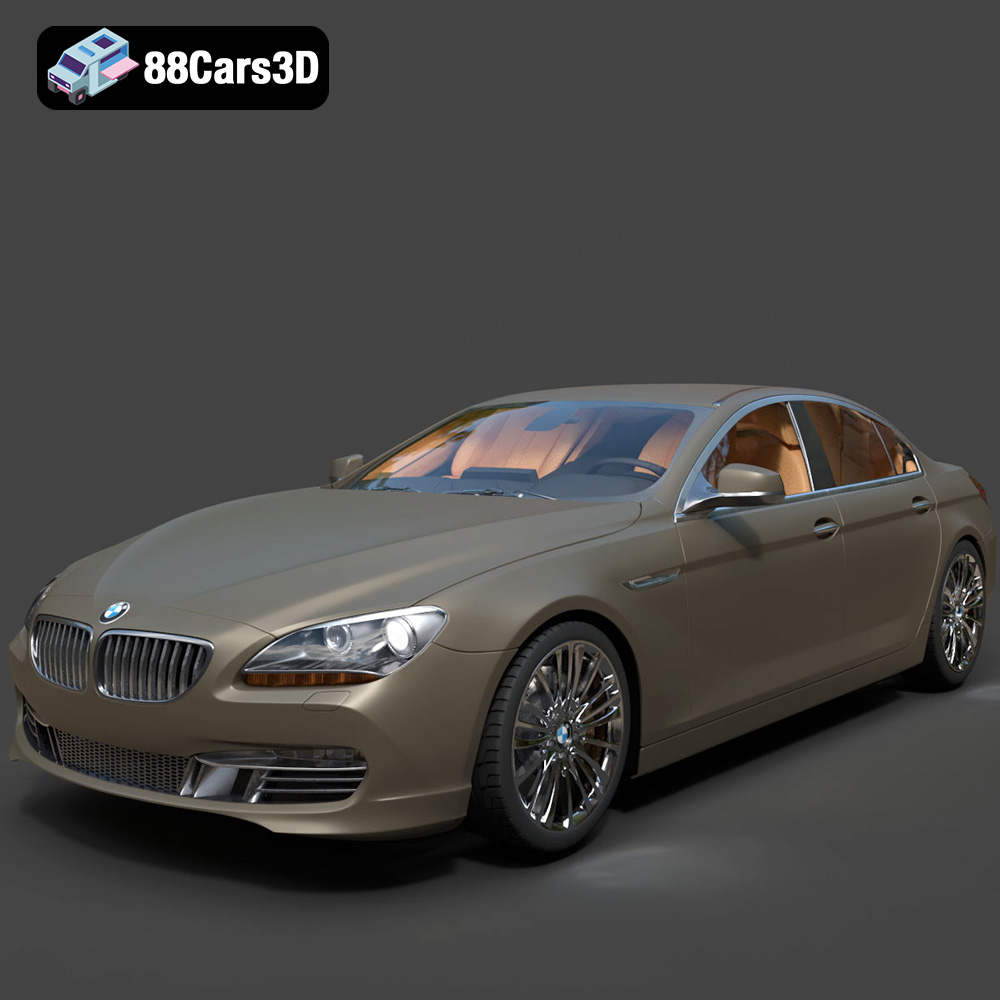
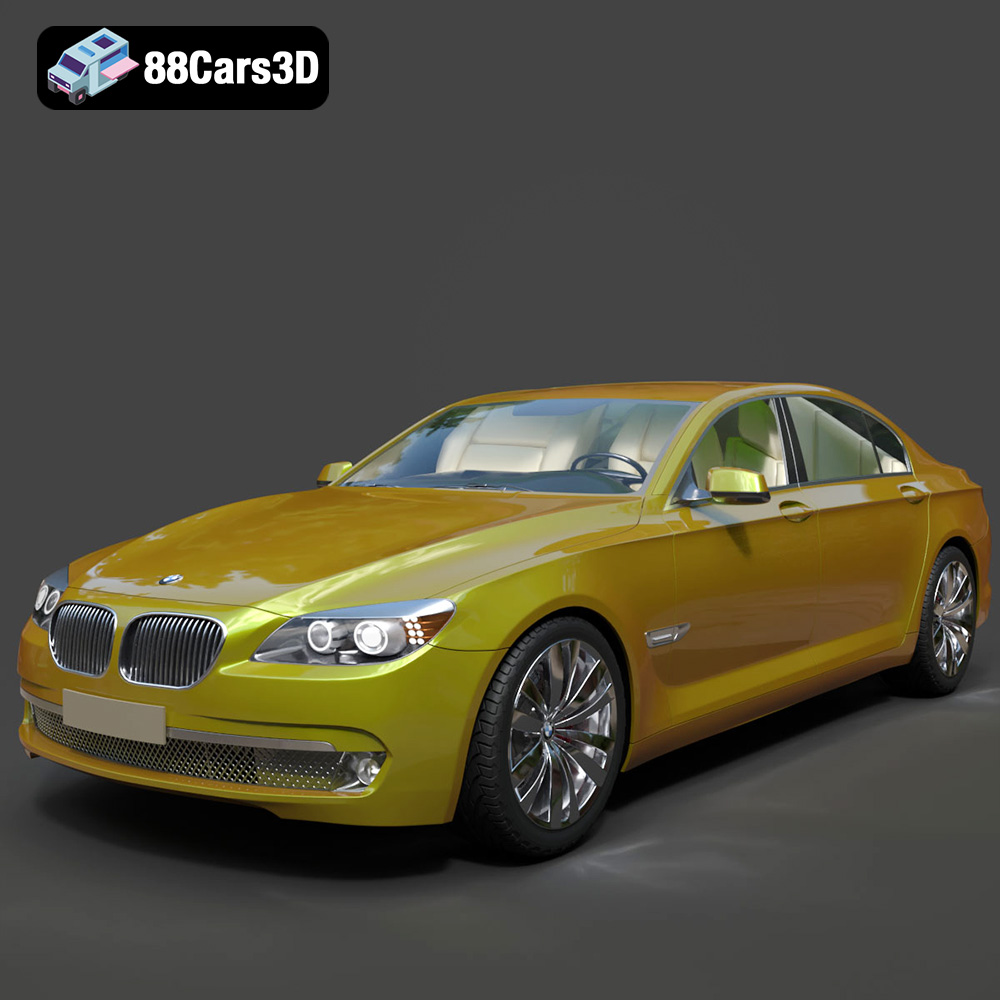
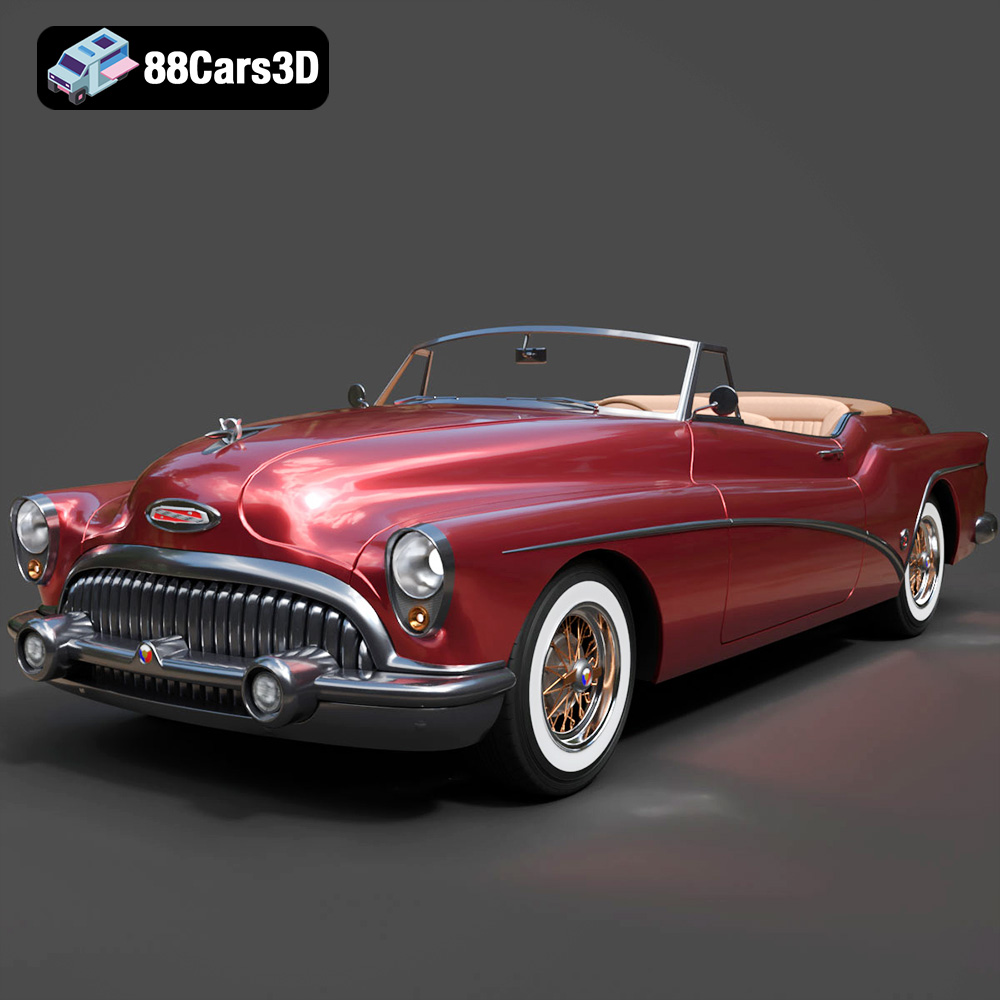
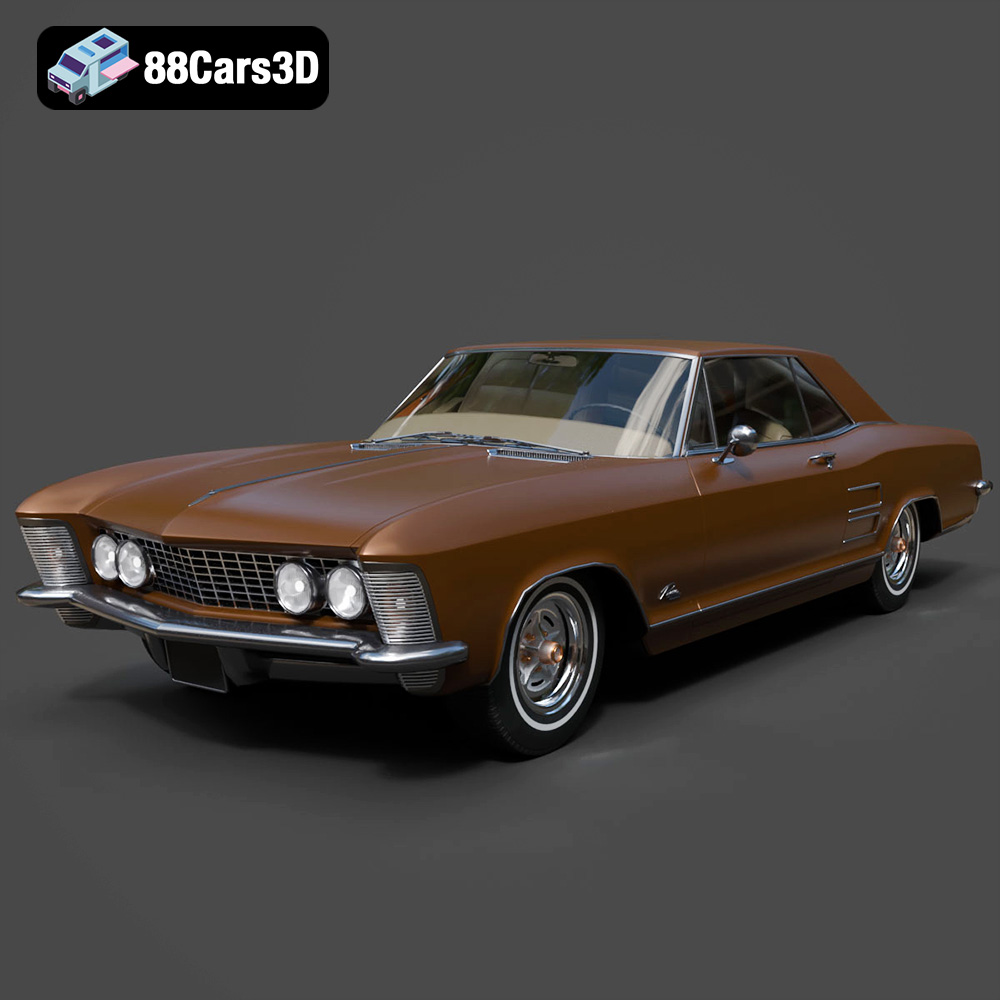
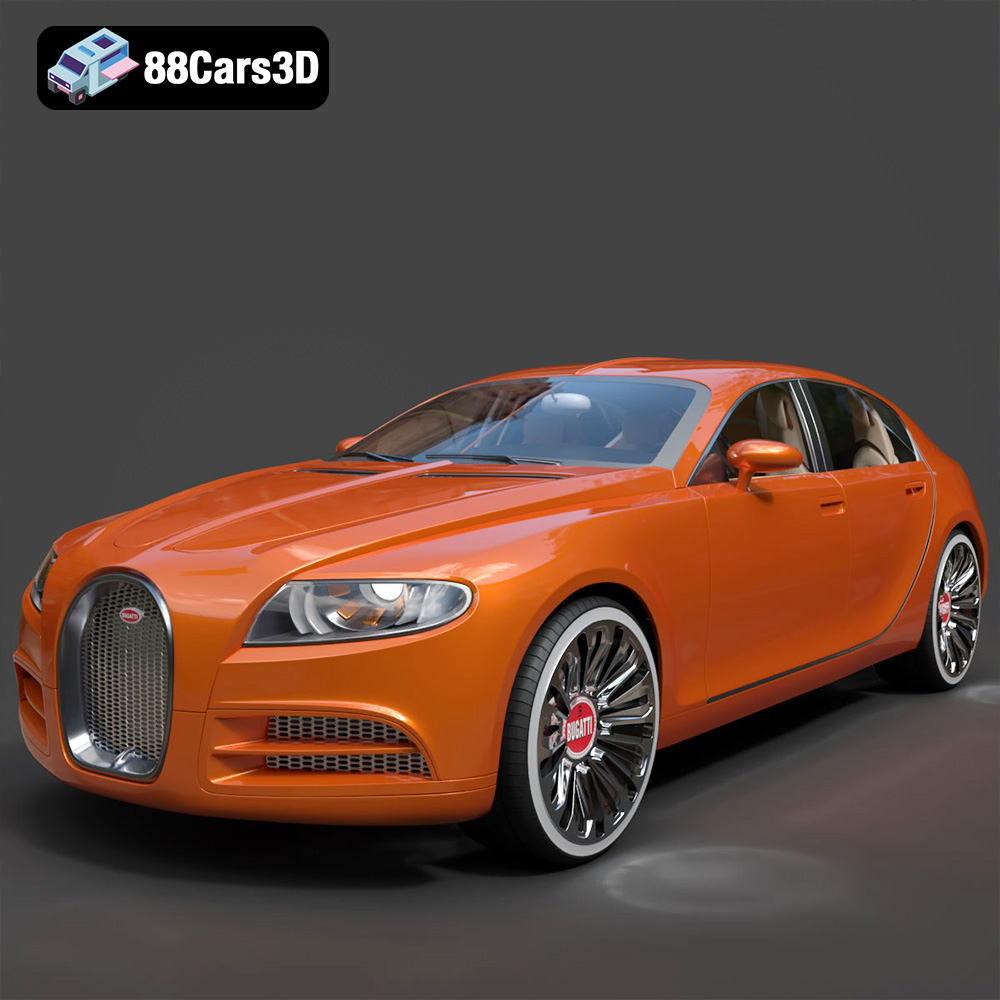
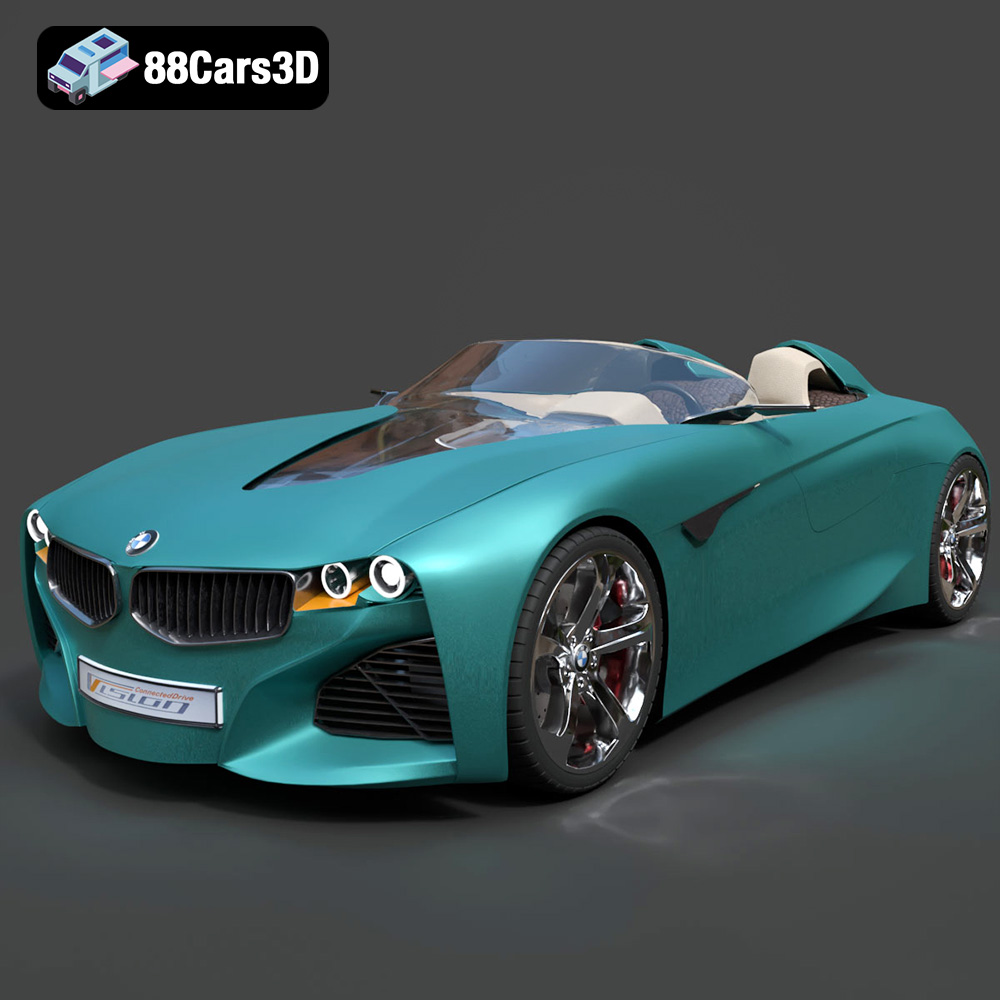
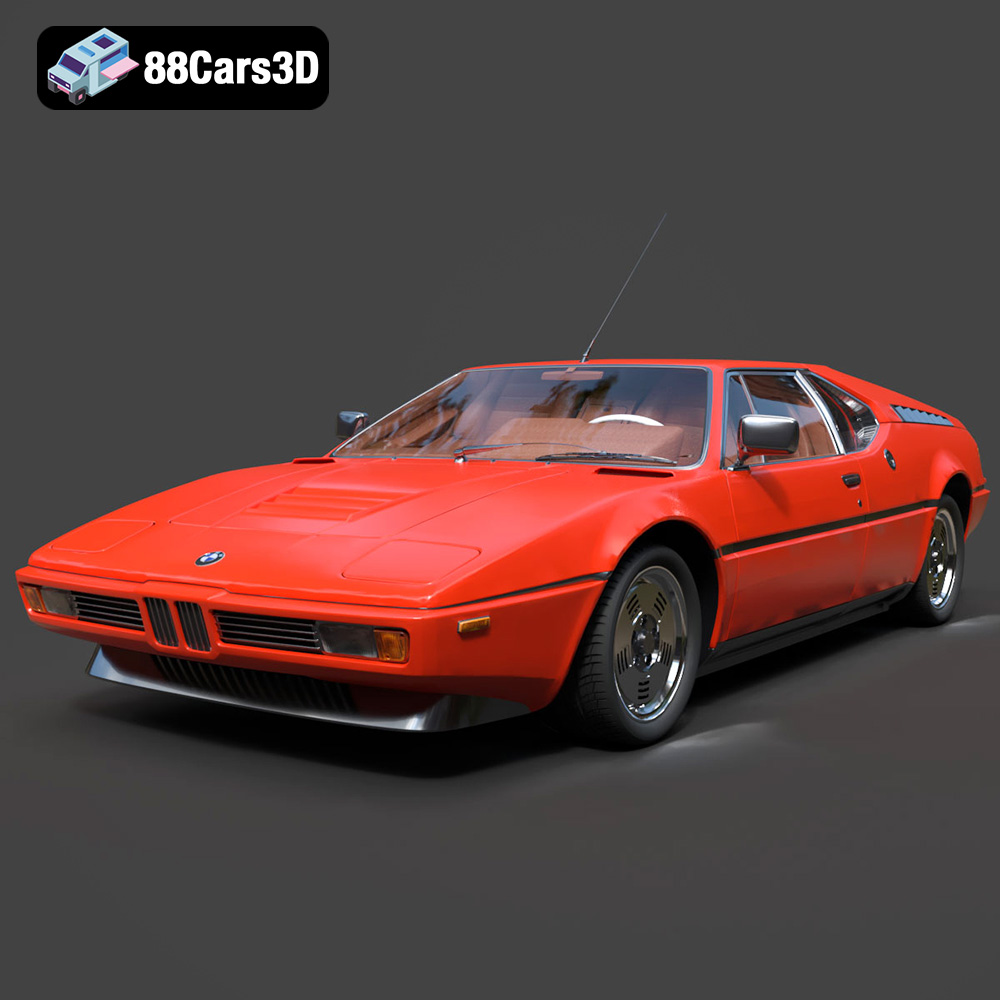
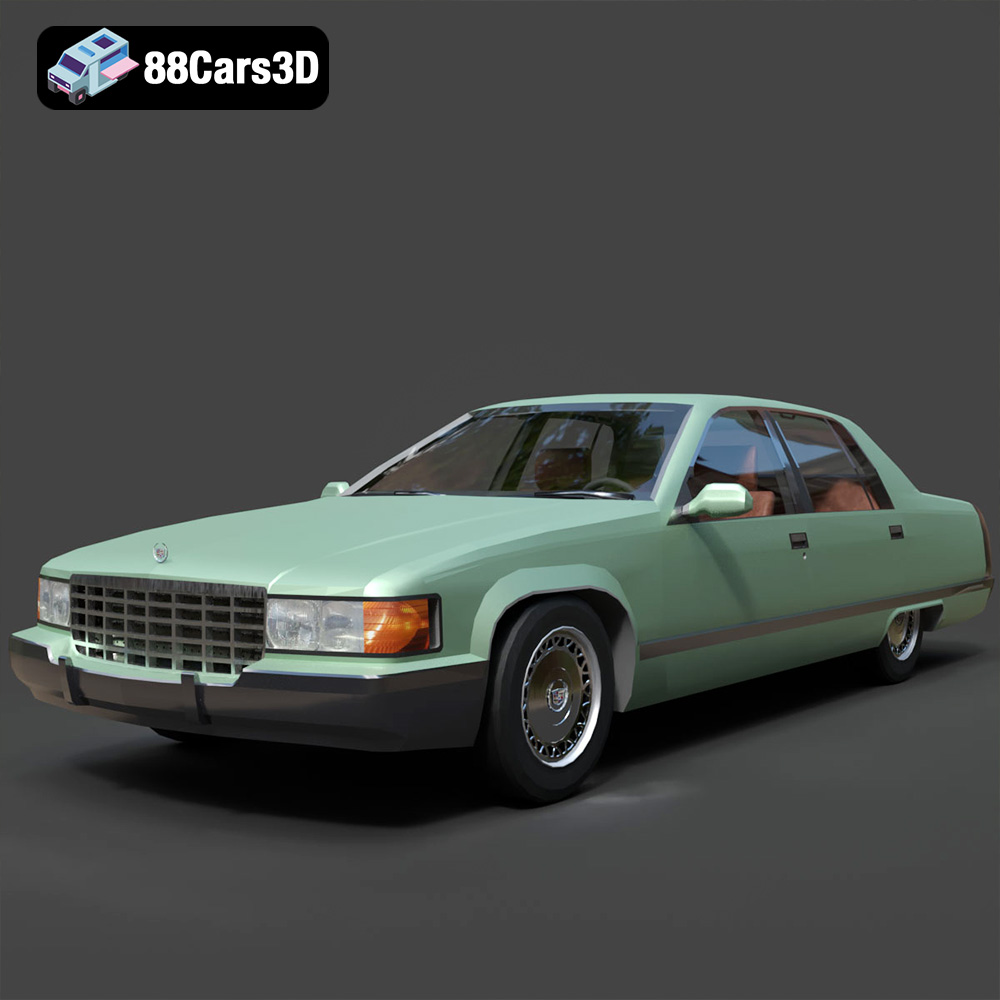
The Digital Canvas: Unleashing the Power of High-Quality 3D Car Models
The automotive industry has always been at the forefront of innovation, not just in engineering, but also in design and visualization. Today, the ability to create, manipulate, and render stunningly realistic 3D car models has become indispensable across a multitude of sectors, from conceptual design and marketing to game development and virtual reality experiences. These digital assets are more than just pretty pictures; they are the fundamental building blocks for everything from a groundbreaking new vehicle launch campaign to the next generation of racing simulations.
In this comprehensive guide, we delve deep into the technical intricacies and creative possibilities unlocked by high-quality 3D car models. We will explore what defines excellence in these assets, dissect the crucial role of various file formats, walk through advanced rendering workflows, examine their integration into demanding real-time environments like game engines, and touch upon their diverse applications beyond traditional visualization. Whether you’re a seasoned 3D artist, a game developer, an automotive designer, or simply a enthusiast eager to understand the digital craftsmanship behind your favorite vehicles, this exploration will illuminate the power of precise, meticulously crafted 3D car models.
The Foundation of Digital Automotive Excellence: High-Quality 3D Car Models
At the heart of any compelling digital automotive project lies a high-quality 3D car model. This isn’t merely about visual appeal; it’s about technical precision, accurate representation, and efficient data structure. A truly professional model serves as a versatile foundation for a myriad of applications, ensuring consistency and fidelity across all platforms.
What Defines a “High-Quality” 3D Car Model?
Defining “high quality” in 3D modeling involves a convergence of several critical technical aspects:
- Accurate Topology and Clean Mesh: The mesh structure – how the polygons (triangles and quads) are arranged – is paramount. A clean mesh means efficient edge flow, minimal ngons (polygons with more than four sides), and no overlapping or intersecting geometry. This ensures smooth deformations during animation and prevents rendering artifacts. The model should also be built to real-world scale, adhering to precise dimensions.
- Optimized Polygon Density: While detail is crucial, it must be balanced with optimization. A high-quality model often comes in varying polygon counts (low-poly for games, mid-poly for AR/VR, high-poly for cinematic rendering) or includes Level of Detail (LOD) assets. Excessive polygons can bog down render times and real-time performance, while too few can result in a blocky, unrealistic appearance. Effective polygon distribution ensures detail where it matters most, like sharp body lines and intricate components, and simpler geometry on flatter surfaces.
- Precise UV Mapping and PBR Textures: UV unwrapping is the process of flattening the 3D surface onto a 2D plane, allowing textures to be applied accurately. High-quality models feature clean, non-overlapping UVs that maximize texture resolution and minimize distortion. Paired with Physically Based Rendering (PBR) textures (Albedo/Base Color, Metallic, Roughness, Normal, Ambient Occlusion, etc.), these UVs enable materials that interact with light in a physically plausible way, creating incredibly realistic surfaces like metallic paints, glass, and rubber.
- Modular and Well-Organized Structure: A professional 3D car model is typically broken down into logical components (e.g., body, wheels, interior, doors, lights). This modularity allows for easy customization, animation, and material assignment. Proper naming conventions for objects, materials, and textures are essential for maintainability and ease of use in complex pipelines.
The Critical Role of Accuracy and Detail in Design
For automotive designers and engineers, accuracy in 3D models is not just an aesthetic preference; it’s a functional necessity. Precise digital representations enable:
- Design Validation and Iteration: Designers can rapidly iterate on concepts, test different body styles, and evaluate proportions with absolute fidelity long before any physical prototype is built. This accelerates the design process and reduces costly physical rework.
- Aerodynamic and Ergonomic Analysis: While dedicated engineering software is used for full simulations, accurate 3D models provide the geometric foundation. Early visual analysis can highlight potential issues.
- Marketing and Product Launch: For pre-production vehicles, high-resolution renders and animations derived from accurate 3D models are the primary tools for generating excitement and showcasing features. The ability to render a vehicle in any environment, with any color or trim, from an accurate digital master, is invaluable.
- Consistent Brand Representation: Ensuring that every digital depiction of a vehicle – from a website configurator to an in-game asset – is consistent and true to the original design relies entirely on the quality and accuracy of the underlying 3D model.
Understanding 3D Model File Formats
The world of 3D modeling is vast, and with it comes a diverse array of file formats, each optimized for specific workflows, software, and end-uses. Choosing the correct format is paramount for seamless integration, preserving model fidelity, and ensuring project efficiency. This section will demystify the most common and critical 3D model file formats used in automotive visualization and game development.
Formats for Production and Editing
These formats are typically native to specific software and retain full editability, including scene data, modifiers, and complex material setups.
- .blend (Blender):
- Technical Details: This is the native file format for Blender, a powerful open-source 3D creation suite. It stores everything within a Blender project: geometry, materials (node setups), textures, animations, rigging, scene settings, lights, cameras, and even custom scripts.
- Use Cases: Ideal for anyone working primarily within the Blender ecosystem. It offers maximum flexibility for editing, refining, and rendering. If you purchase a .blend file, you gain full access to the artist’s original work, allowing for deep customization.
- Compatibility: Fully compatible with all versions of Blender. While other software can import some data from .blend via specific add-ons or conversion, it’s generally best used within its native environment.
- .max (3ds Max):
- Technical Details: The proprietary file format for Autodesk 3ds Max. Similar to .blend, a .max file encapsulates the entire scene, including intricate geometry, procedural modifiers, complex material stacks (e.g., V-Ray or Corona materials), lighting setups, animations, and camera data.
- Use Cases: The go-to for professionals using 3ds Max for architectural visualization, high-end automotive rendering, and animation studios. It’s excellent for preserving detailed scene information and facilitating collaboration within a 3ds Max pipeline.
- Compatibility: Exclusively for 3ds Max. Newer versions of 3ds Max are generally backward compatible with older .max files, but significant version jumps can sometimes lead to issues.
Formats for Interoperability and Real-time
These formats are designed for exchanging 3D data between different software applications and are often optimized for performance in real-time engines.
- .fbx (Filmbox):
- Technical Details: Developed by Autodesk, FBX is a widely adopted proprietary format for 3D content exchange. It supports geometry, materials, textures, animations, rigs, and camera data. It’s particularly strong at preserving animation and skeletal data, making it ideal for game development.
- Use Cases: The industry standard for transferring animated 3D models between different DCC (Digital Content Creation) tools (like 3ds Max, Maya, Blender) and game engines (Unreal Engine, Unity). It’s robust for complex character rigs and vehicle animations.
- Compatibility: Excellent across most major 3D software and game engines. Most pipelines leverage FBX for asset export and import.
- .obj (Wavefront OBJ):
- Technical Details: One of the oldest and most universal 3D file formats. OBJ primarily stores geometric data (vertices, normals, texture coordinates, polygonal faces) and can reference external .mtl (material library) files for basic material properties and texture paths. It does not natively support animations, rigging, or complex scene data.
- Use Cases: Best for static meshes where geometry is the primary concern. Its simplicity ensures high compatibility across almost all 3D software. Great for quick exports or when only mesh data is needed.
- Compatibility: Near-universal. Almost every 3D software application can import and export OBJ files, making it a reliable fallback format for geometry exchange.
- .glb (GL Transmission Format Binary):
- Technical Details: GLB is the binary version of glTF (GL Transmission Format), a royalty-free specification for the efficient transmission and loading of 3D scenes and models by engines and applications. GLB embeds all assets (geometry, textures, animations, materials) into a single, compact file. It uses JSON for scene description and binary data for geometry and textures.
- Use Cases: Optimized for web-based 3D, augmented reality (AR), and virtual reality (VR) applications due to its small file size and quick loading times. Excellent for interactive 3D viewers in browsers, social media filters, and mobile AR experiences.
- Compatibility: Growing rapidly, with strong support in web browsers via WebGL, AR platforms (ARKit, ARCore), and many modern 3D engines and viewers.
- .unreal (Unreal Engine Asset):
- Technical Details: This isn’t a standard interchangeable format like FBX or OBJ. Instead, an “.unreal” file refers to an asset that has been specifically processed and optimized for Unreal Engine. It encompasses various Unreal-specific asset types such as Static Meshes, Skeletal Meshes, Material Instances, Blueprints, etc., stored within the engine’s content browser.
- Use Cases: Represents a fully integrated, engine-ready asset. It means the model has already been imported, materials set up, LODs configured, and collision meshes generated within Unreal Engine. This is ideal for quick project integration without further setup.
- Compatibility: Native to Unreal Engine. While you can migrate these assets between Unreal projects, they are not directly opened by other 3D software.
Formats for Specialized Applications
These formats serve niche purposes, often related to manufacturing or precise data acquisition.
- .stl (Stereolithography):
- Technical Details: A standard file format for 3D printing and CAD software. STL represents a 3D model as a collection of unconnected triangular facets, defining only the surface geometry without color, texture, or material information. It’s a “watertight” mesh format.
- Use Cases: Primarily used for 3D printing (additive manufacturing) and rapid prototyping. It’s the most common format accepted by 3D slicer software.
- Compatibility: Supported by virtually all 3D printing software and many CAD/CAM applications.
- .ply (Polygon File Format):
- Technical Details: A file format for storing 3D data from 3D scanners or CAD systems. It can store a wider range of properties than OBJ, including color, transparency, texture coordinates, normals, and even confidence values for each vertex or face. It supports both ASCII and binary representations.
- Use Cases: Often used for storing data from 3D scans, especially when color or other per-vertex properties are important. Also useful in scientific and engineering visualization.
- Compatibility: Supported by many CAD, scientific visualization, and 3D scanning software. Less common in general DCC pipelines than FBX or OBJ, but valuable for precision data.
When acquiring 3D car models, especially from reputable sources like 88cars3d.com, you’ll often find a selection of these formats, ensuring compatibility with your specific software and project requirements. Understanding their strengths allows you to make informed decisions for a smoother workflow.
Mastering Automotive Rendering: Bringing Vehicles to Life
Automotive rendering is an art and a science, demanding technical proficiency and a keen eye for aesthetics. The goal is to create visuals so convincing they are indistinguishable from photographs, often surpassing reality with ideal lighting and compositions.
Core Principles of Photorealistic Rendering
Achieving photorealism is a meticulous process built upon several foundational principles:
- Physically Based Rendering (PBR) Materials: This is the cornerstone of modern photorealism. PBR materials accurately simulate how light interacts with different surfaces in the real world. This means using texture maps like Albedo (base color), Metallic (how reflective a surface is), Roughness (how diffused reflections are), Normal (for surface detail without added geometry), and Ambient Occlusion (simulating subtle shadows from indirect light). For automotive applications, achieving realistic car paint (multi-layered, clear coat, metallic flakes), reflective chrome, and convincing glass requires a deep understanding of PBR shader construction.
- Advanced Lighting Techniques: Lighting dictates mood, highlights form, and defines realism.
- High Dynamic Range Images (HDRIs): These panoramic images capture real-world lighting conditions (e.g., a sunny afternoon, an overcast studio) and are used as environment maps, providing both realistic illumination and reflections.
- Studio Lighting Setups: For controlled product shots, virtual studio setups using area lights, reflectors, and softboxes are crucial to emphasize a vehicle’s lines and contours, mimicking professional photography.
- Global Illumination (GI): Simulating indirect light bounce, which is essential for soft, natural-looking shadows and color bleeding.
- Camera Settings and Composition: Just like real-world photography, virtual camera settings (focal length, aperture, depth of field, exposure, white balance) are vital. Strategic composition, adherence to the rule of thirds, and thoughtful framing elevate a render from a technical exercise to a captivating image.
Workflow in 3ds Max and V-Ray/Corona
Autodesk 3ds Max, coupled with powerful renderers like V-Ray or Corona Renderer, forms a robust pipeline for high-end automotive visualization:
- Model Preparation: Ensure the 3D car model has clean topology, smooth shading groups, and proper UV mapping. 88cars3d.com provides models ready for this stage.
- Scene Setup: Import the model into 3ds Max. Set up your camera and establish the desired composition. Define a ground plane or a more elaborate environment.
- Material Assignment: Assign PBR materials to different parts of the car. This is where the magic of car paint, reflective surfaces, and intricate textures comes alive. V-Ray and Corona offer sophisticated material editors with dedicated car paint shaders and extensive control over reflections, refractions, and anisotropy.
- Lighting: Integrate HDRIs for environmental lighting and reflections. Augment with targeted area lights or plane lights to highlight specific features or create studio-style illumination.
- Render Settings: Configure the renderer (V-Ray or Corona) for optimal quality and speed. This involves adjusting sampling rates, global illumination methods (e.g., Irradiance Map/Light Cache for V-Ray, Path Tracing for Corona), and noise thresholds.
- Render Passes and Post-Production: Render out various passes (e.g., Beauty, Alpha, Reflection, Refraction, Z-Depth, Cryptomatte). These are then composited and enhanced in image editing software like Adobe Photoshop or Foundry Nuke to adjust colors, add effects (like lens flare or bloom), and fine-tune contrast, bringing the final image to perfection.
Leveraging Blender’s Cycles and Eevee for Automotive Visuals
Blender, a powerful open-source suite, has become a formidable contender in automotive rendering, offering two distinct render engines:
- Cycles (Path Tracer): For ultimate photorealism, Cycles is a physically accurate, unbiased ray-tracing engine. Its node-based material system offers incredible flexibility to create complex shaders, including intricate multi-layered car paints and realistic glass. Cycles excels at global illumination and accurate light scattering, delivering renders comparable to commercial solutions.
- Eevee (Real-time Renderer): Eevee is Blender’s real-time renderer, providing instant feedback in the viewport. While not fully ray-traced, it uses rasterization techniques combined with screen-space effects to achieve impressive visual quality for previews, animations, and even final renders when speed is prioritized. It’s excellent for quickly exploring lighting and material variations.
A typical Blender workflow involves similar steps to 3ds Max, utilizing its intuitive interface and powerful node editors for material creation. Many 3D car models available on 88cars3d.com are optimized for or come with Blender-native materials, streamlining the process for users of this versatile software.
3D Car Models in Game Development: Performance Meets Realism
Integrating 3D car models into game engines presents a unique set of challenges, balancing visual fidelity with strict performance requirements. Game assets must be highly optimized to run smoothly in real-time environments, often on diverse hardware.
Optimizing Assets for Real-time Engines (Unreal Engine Focus)
Game engines like Unreal Engine demand a strategic approach to asset creation and preparation:
- Polygon Budget and LODs (Level of Detail): Every polygon costs performance. High-detail models suitable for cinematic rendering are often too heavy for games. Game-ready 3D car models require a carefully managed polygon budget. To maintain visual quality at various distances, LODs are essential. These are progressively simpler versions of the model that automatically swap in as the car moves further from the camera, significantly reducing rendering overhead without a noticeable drop in quality for the player. A car might have 3-5 LOD levels.
- UV Unwrapping for Efficient Texture Atlases: Instead of individual textures for every part, game assets often utilize texture atlases – a single large texture sheet containing multiple smaller textures. This requires all UVs from different parts of the car to be packed efficiently into a single 0-1 UV space, minimizing draw calls and improving rendering performance.
- Collision Meshes and Physics Assets: Beyond the visual mesh, a simplified “collision mesh” is crucial for accurate physics simulations. This often involves low-poly convex shapes or automatically generated simplified meshes that represent the car’s physical boundaries for impacts and interactions. For complex vehicles, a “physics asset” (a skeletal mesh with rigid body bones) is created to simulate suspension, wheel rotation, and overall vehicle dynamics.
- Material Instancing: In Unreal Engine, base materials are created, and then “material instances” are derived from them. This allows artists to quickly adjust parameters (like color, roughness, metallic values) without recompiling the shader, enabling dynamic customizations like changing car paint colors in a configurator or during gameplay efficiently.
Integrating Assets into Unreal Engine
Unreal Engine offers a robust workflow for importing and setting up vehicle assets:
- Importing FBX: The standard process involves exporting the optimized 3D car model from your DCC software (e.g., Blender, 3ds Max) as an FBX file. During import into Unreal, you’ll specify settings for normals, UVs, LODs, and potentially import animations.
- Material Setup: Assign and refine Unreal’s PBR materials. You’ll often convert your source textures into Unreal’s material graph, creating complex shaders for car paint (often leveraging clear coat and metallic flake nodes), realistic glass, and various interior materials. Material instances are heavily used here for variations.
- Setting up Vehicle Blueprints: For drivable cars, Unreal’s Vehicle Blueprint system is used. This involves associating the imported skeletal mesh of the car with a Physics Asset, configuring wheel settings (suspension, friction, steering), engine parameters (torque curves, gearing), and input controls. This is where the car truly becomes interactive.
- Performance Considerations within the Engine: Continuous monitoring of frame rates, draw calls, and memory usage within the engine is vital. Profiling tools help identify bottlenecks, allowing artists and developers to further optimize materials, textures, and LODs to maintain smooth gameplay.
The Balance of Visual Fidelity and Performance
Achieving a harmonious blend of stunning visuals and smooth performance is the holy grail of game development. This often involves iterative optimization, where artists make informed compromises to meet target framerates across various platforms (PC, console, mobile). Techniques include intelligent texture streaming, shader complexity reduction, occlusion culling, and efficient shadow rendering. High-quality game-ready 3D car models, like those found on 88cars3d.com, are meticulously prepared to strike this critical balance, saving developers countless hours of optimization.
Beyond Rendering: Diverse Applications of 3D Car Models
The utility of a well-crafted 3D car model extends far beyond static renders and interactive games, permeating various industries and pushing the boundaries of digital experience.
Augmented Reality (AR) and Virtual Reality (VR)
AR and VR are transforming how we interact with products, offering immersive experiences that were once confined to science fiction. 3D car models are at the core of this revolution:
- Interactive Showrooms and Virtual Test Drives: Automotive manufacturers are leveraging VR to create virtual showrooms where potential buyers can explore a car’s interior and exterior in full 3D, customize options, and even take a virtual test drive, all from the comfort of their home.
- Mobile AR Applications: Using smartphone cameras, AR allows users to “place” a 3D car model in their real-world environment – in their driveway, on their table – to visualize its size, design, and features at scale. This requires highly optimized models (often in .glb format) that load quickly and perform smoothly on mobile hardware.
- Design Review in VR: Designers can step inside a virtual model of a car, evaluating proportions, ergonomics, and spatial relationships as if it were a physical prototype. This facilitates early identification of design flaws and fosters collaborative reviews across global teams.
Product Visualization and Marketing
For brand communication and sales, 3D car models provide unmatched flexibility and visual impact:
- Online Configurators: Interactive 3D car configurators on manufacturer websites allow customers to personalize a vehicle with different paint colors, wheel options, interior trims, and accessories in real-time, seeing the changes reflected instantly on a high-fidelity 3D model.
- Interactive Product Brochures: Beyond static images, 3D models can be embedded in digital brochures, offering 360-degree views, animated features, and hotspots that reveal detailed information about specific components.
- Pre-production Visualization: Before a single physical component is manufactured, 3D models enable designers, engineers, and marketing teams to visualize the final product, test different material finishes, and plan advertising campaigns with absolute precision. This significantly reduces costs and time associated with physical prototyping and photography.
3D Printing and Rapid Prototyping
Bridging the gap between the digital and physical, 3D printing utilizes 3D models for manufacturing:
- Concept to Physical Model: Designers can take their 3D car concepts and transform them into physical scale models using 3D printing. This provides a tangible representation for design reviews, clay modeling comparisons, or even creating physical merchandise.
- Functional Parts and Prototypes: While full-scale 3D printed cars are rare for mass production, specific intricate components, tooling, or functional prototypes (e.g., air ducts, dashboard elements) can be rapidly manufactured directly from the digital model, accelerating development cycles.
- Preparation for Manufacturing: For 3D printing, models need to be “watertight” (no holes or gaps in the mesh) and correctly scaled. Formats like .stl and .ply are frequently used here, ensuring the model is ready for slicing software and the additive manufacturing process.
The Path to Acquiring Premium 3D Car Models
For professionals and enthusiasts alike, the path to leveraging these advanced applications often begins with acquiring high-quality 3D car models. Building every asset from scratch is rarely feasible or efficient.
Why Invest in Professional-Grade Assets?
Purchasing professionally made 3D car models offers several compelling advantages:
- Significant Time Savings: Creating a highly detailed, accurate 3D car model from scratch can take hundreds, if not thousands, of hours for an experienced artist. Investing in a ready-made asset frees up valuable project time, allowing teams to focus on rendering, animation, or game development.
- Guaranteed Quality and Consistency: Reputable marketplaces ensure their models adhere to industry standards for topology, UVs, and material setup. This consistency is crucial for professional projects, preventing issues that arise from poorly optimized or incorrectly structured models.
- Access to Specialized Expertise: High-quality car models often come from artists specializing in automotive design, possessing a deep understanding of vehicle aesthetics and engineering. This expertise is embedded directly into the asset.
- Meeting Tight Deadlines: In fast-paced production environments, having access to an extensive library of ready-to-use 3D models can be the difference between meeting a deadline and falling behind.
What to Look For When Purchasing
When seeking out premium 3D car models, consider these critical factors:
- Clean Topology and Proper UVs: As discussed, these are fundamental. Request wireframe renders or viewport screenshots to assess mesh quality.
- PBR Textures and Material Setup: Ensure the model includes high-resolution PBR texture maps (Albedo, Normal, Roughness, Metallic, AO) and ideally, pre-configured materials for common renderers (V-Ray, Corona, Cycles) or game engines (Unreal, Unity).
- Multiple File Formats: A versatile asset will offer multiple file formats (.fbx, .obj, .blend, .max, .glb, .unreal) to ensure compatibility with your specific software pipeline and intended application. This is a hallmark of excellent providers.
- Level of Detail (LOD) Assets: For game development and real-time applications, the inclusion of optimized LODs is a huge advantage, saving you significant time in optimization.
- Comprehensive Documentation and Support: Look for clear descriptions of the model’s features, polygon count, texture resolutions, and any included animations or rigs. Good customer support is invaluable for any integration questions.
- Licensing Terms: Understand the usage rights for the model (e.g., commercial use, royalty-free, single-project vs. multiple-project license).
Platforms like 88cars3d.com specialize in providing exactly these types of meticulously crafted 3D car models, designed by experts who understand the rigorous demands of automotive rendering, game asset development, and immersive visualizations. Their curated selection ensures that artists and developers can confidently acquire assets that integrate seamlessly into their professional workflows, offering unparalleled quality and flexibility right out of the box.
Conclusion
The journey through the world of high-quality 3D car models reveals a dynamic and technically demanding landscape. From the meticulous creation of accurate geometry and PBR materials to the nuanced art of automotive rendering and the intricate optimization for real-time game engines, every step requires specialized knowledge and precision. These digital masterpieces are no longer just tools for niche specialists; they are integral to design innovation, marketing prowess, and the immersive experiences of tomorrow.
Understanding the critical role of clean topology, efficient UVs, diverse file formats, and the balance between visual fidelity and performance is key to unlocking the full potential of these assets. Whether you are crafting breathtaking cinematic renders, building the next generation of racing games, designing a groundbreaking new vehicle, or developing interactive AR/VR experiences, the quality of your 3D car models will dictate the success of your project.
As the automotive and digital industries continue to converge, the demand for truly exceptional 3D car models will only grow. By choosing expertly crafted assets, such as those available on 88cars3d.com, artists and developers can accelerate their workflows, elevate their visual standards, and confidently bring their most ambitious automotive visions to life on the digital canvas.
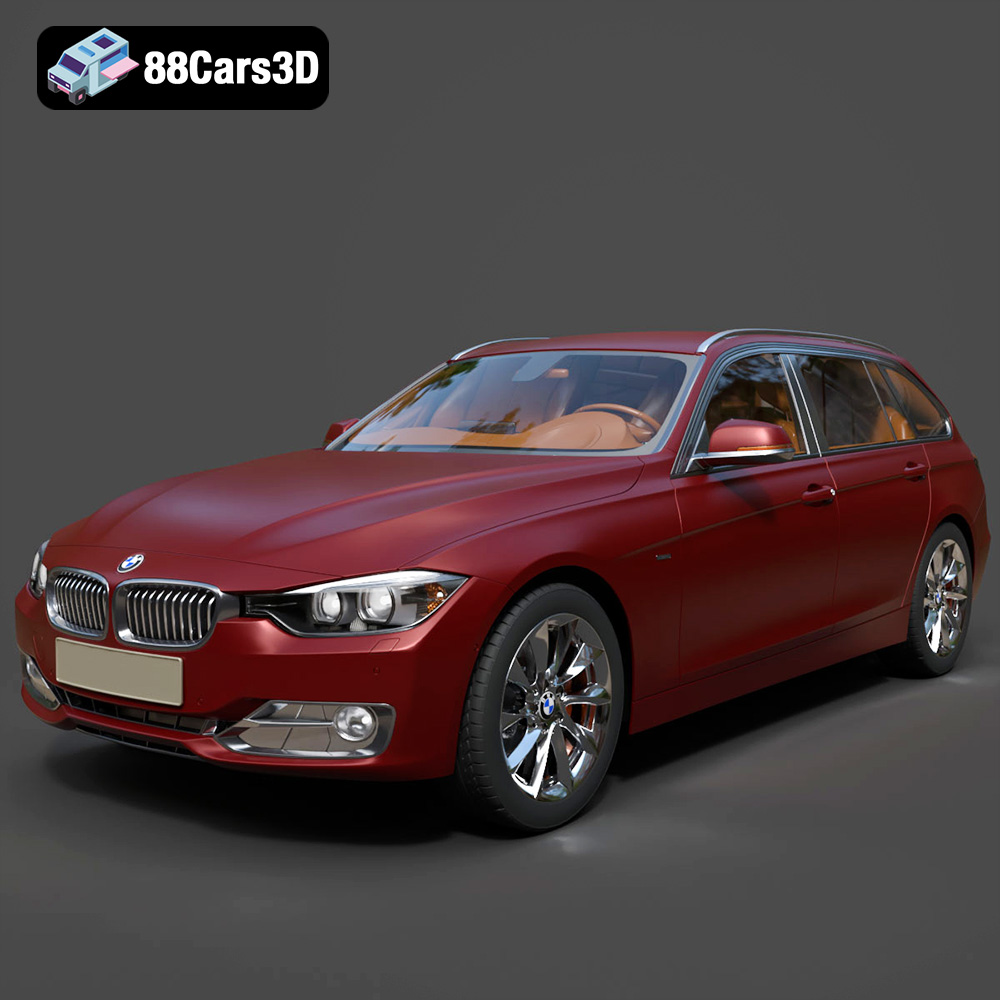
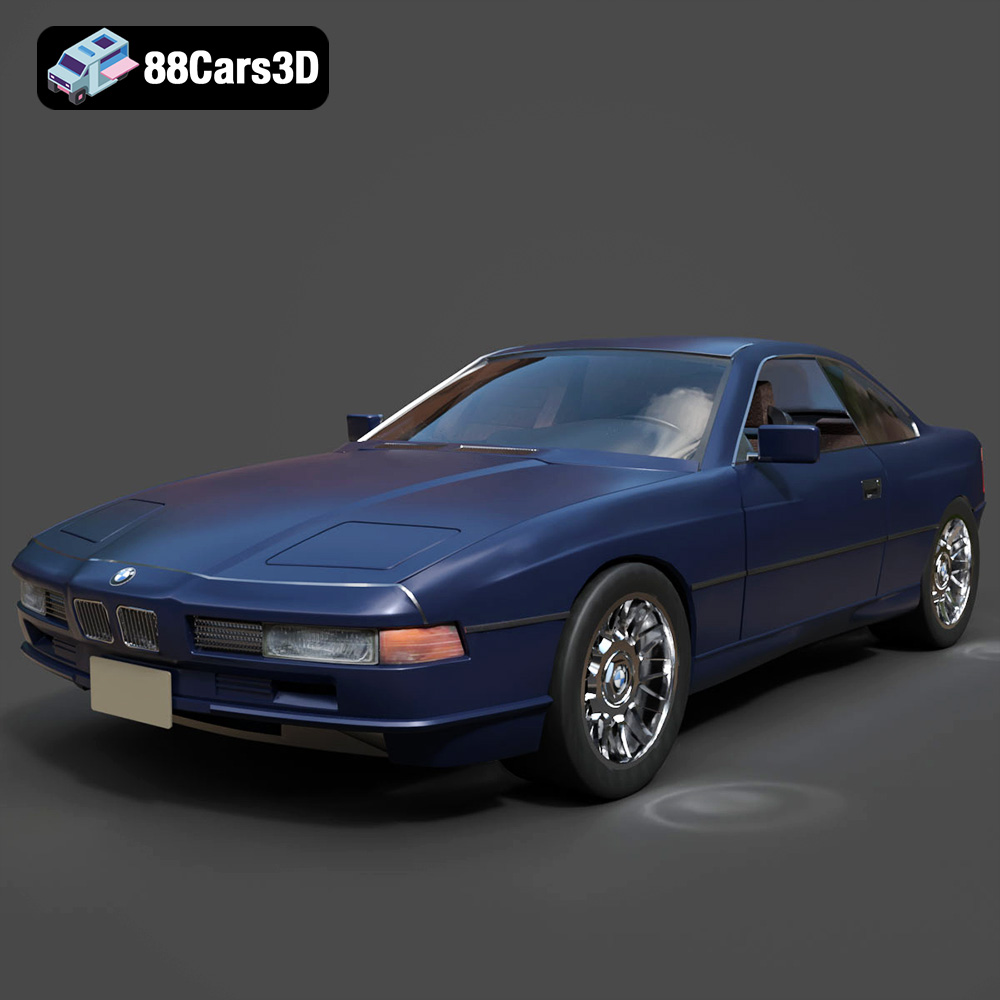
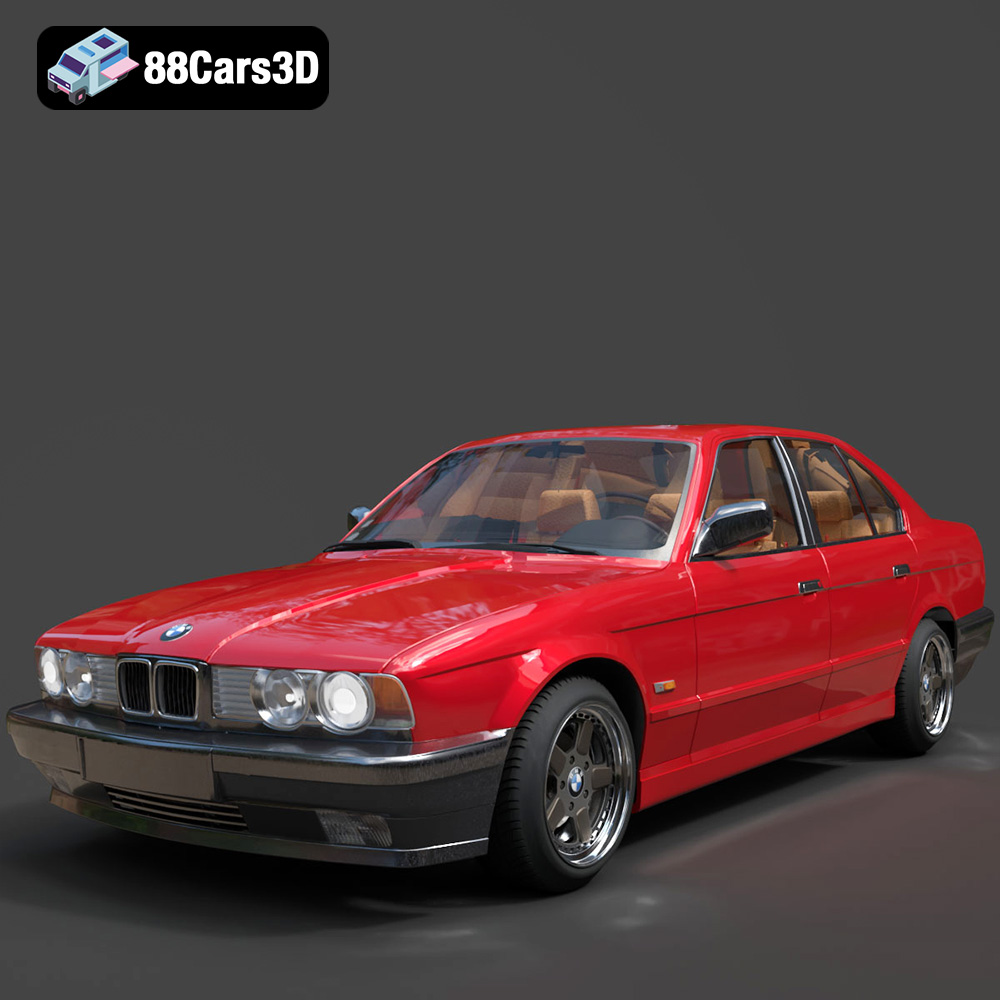
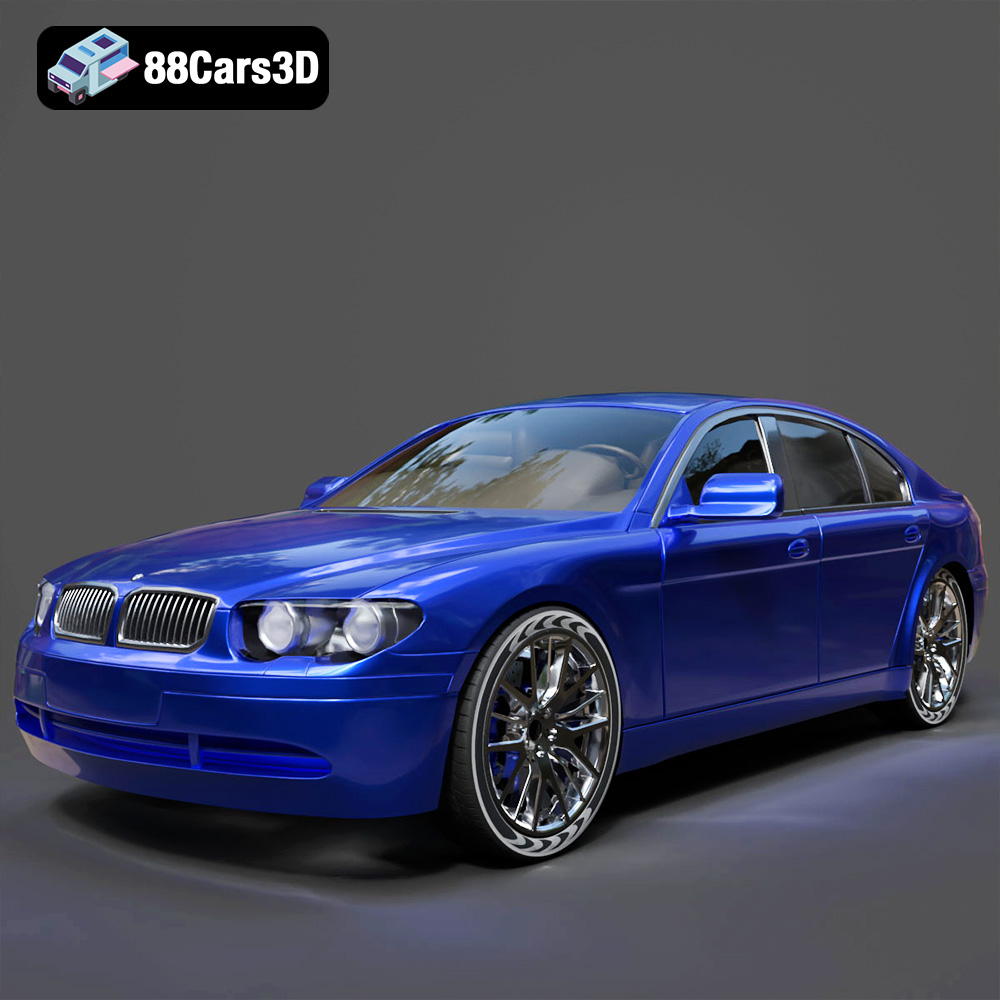
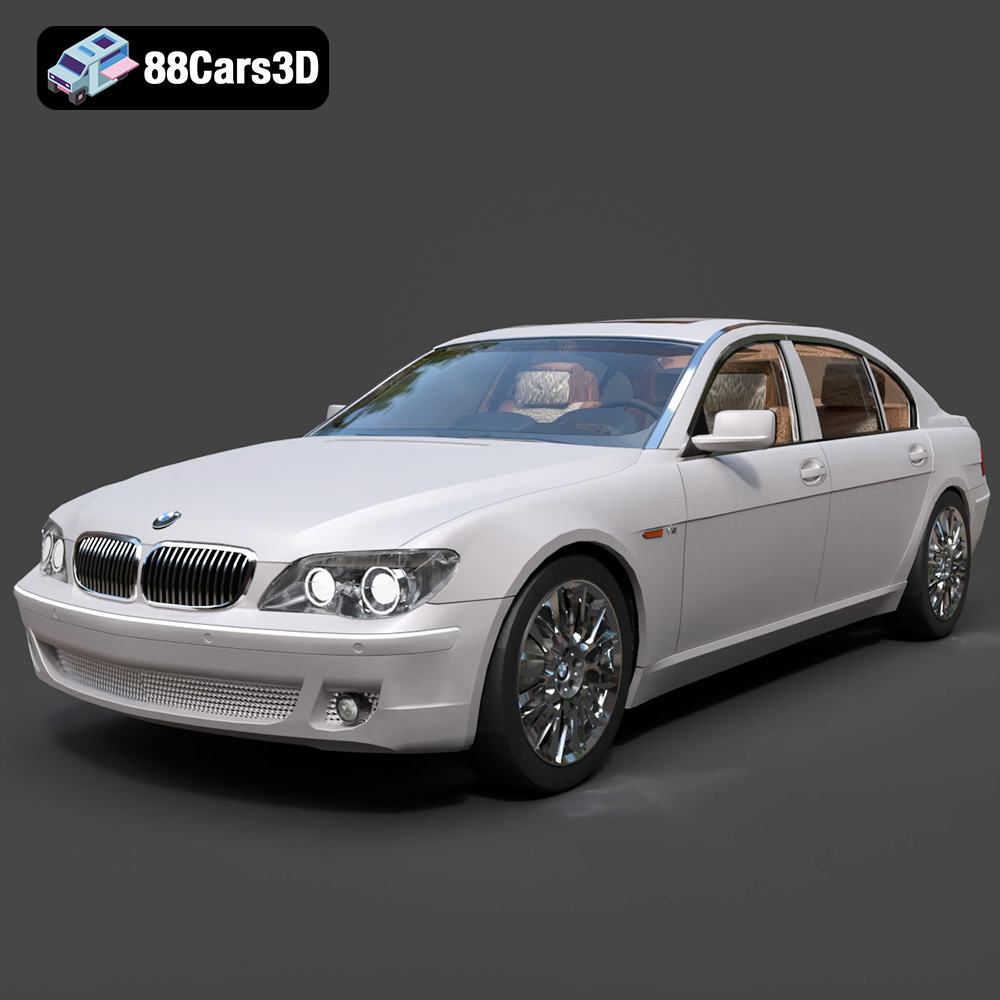
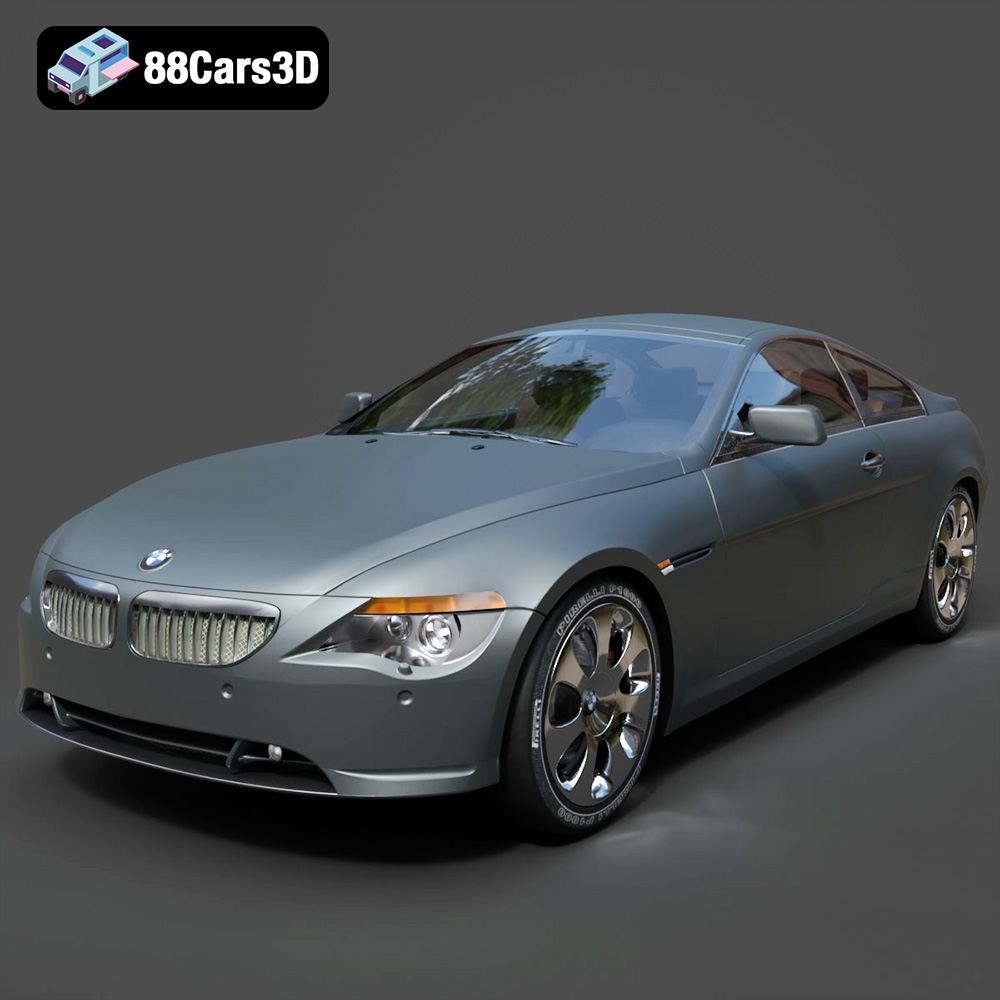
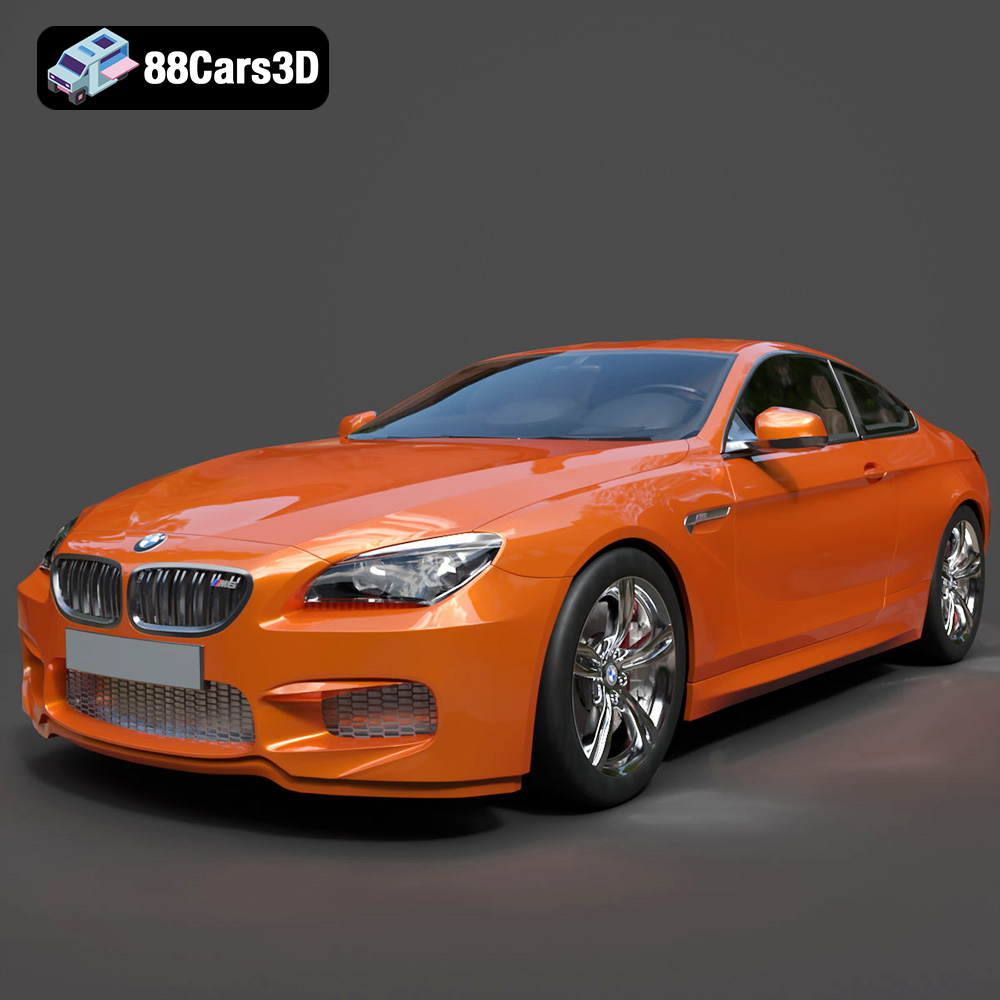
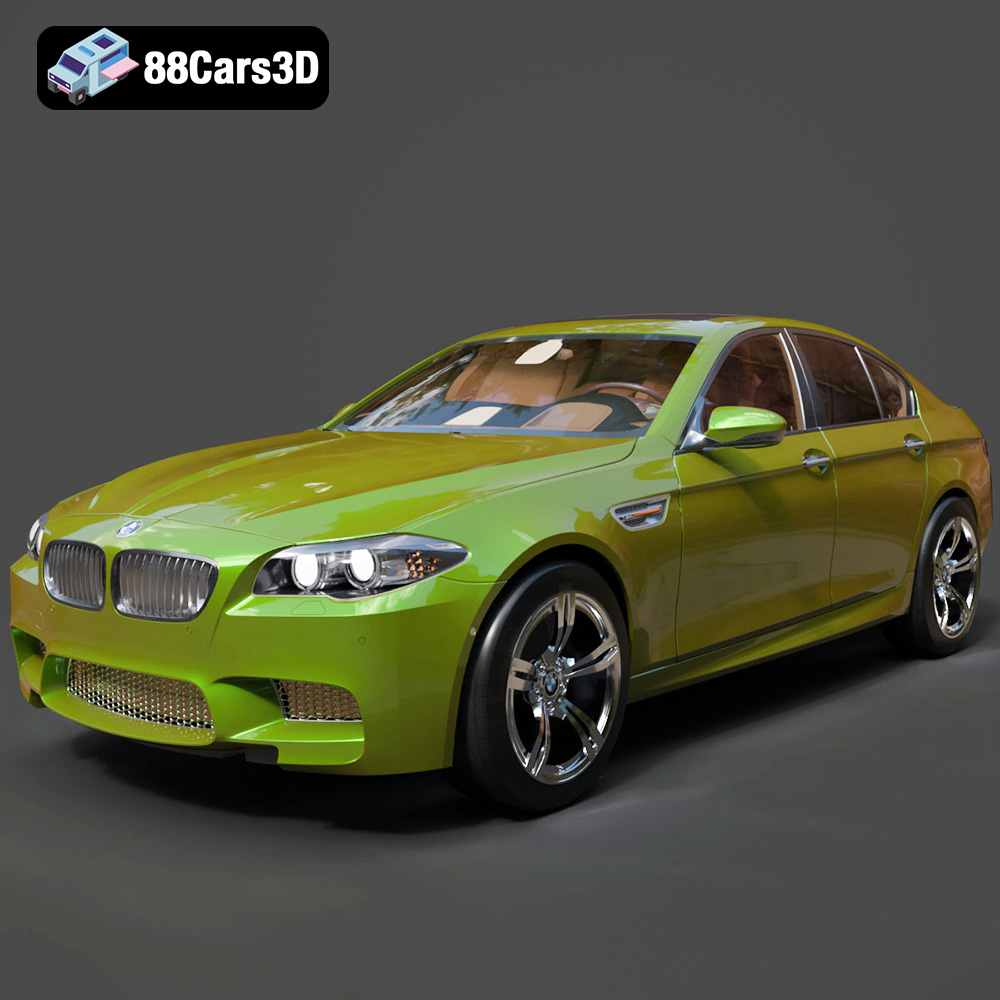
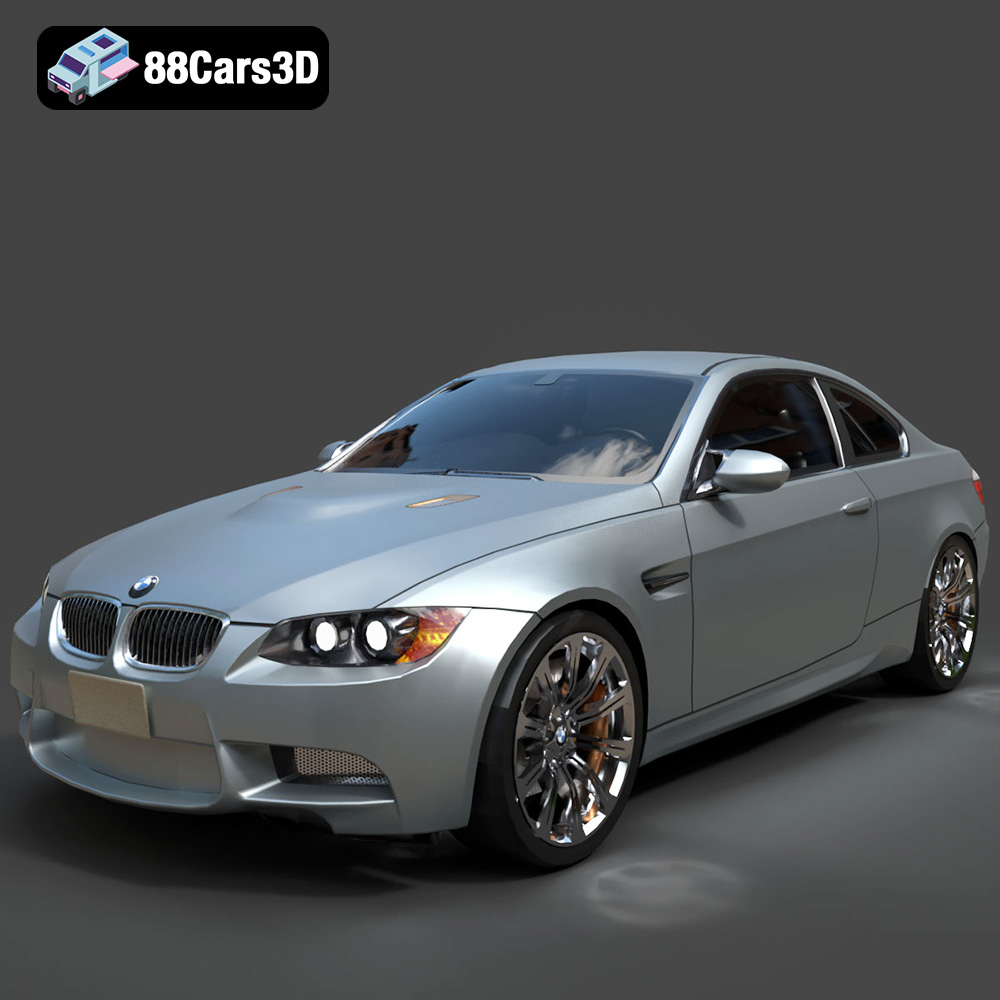
Featured 3D Car Models