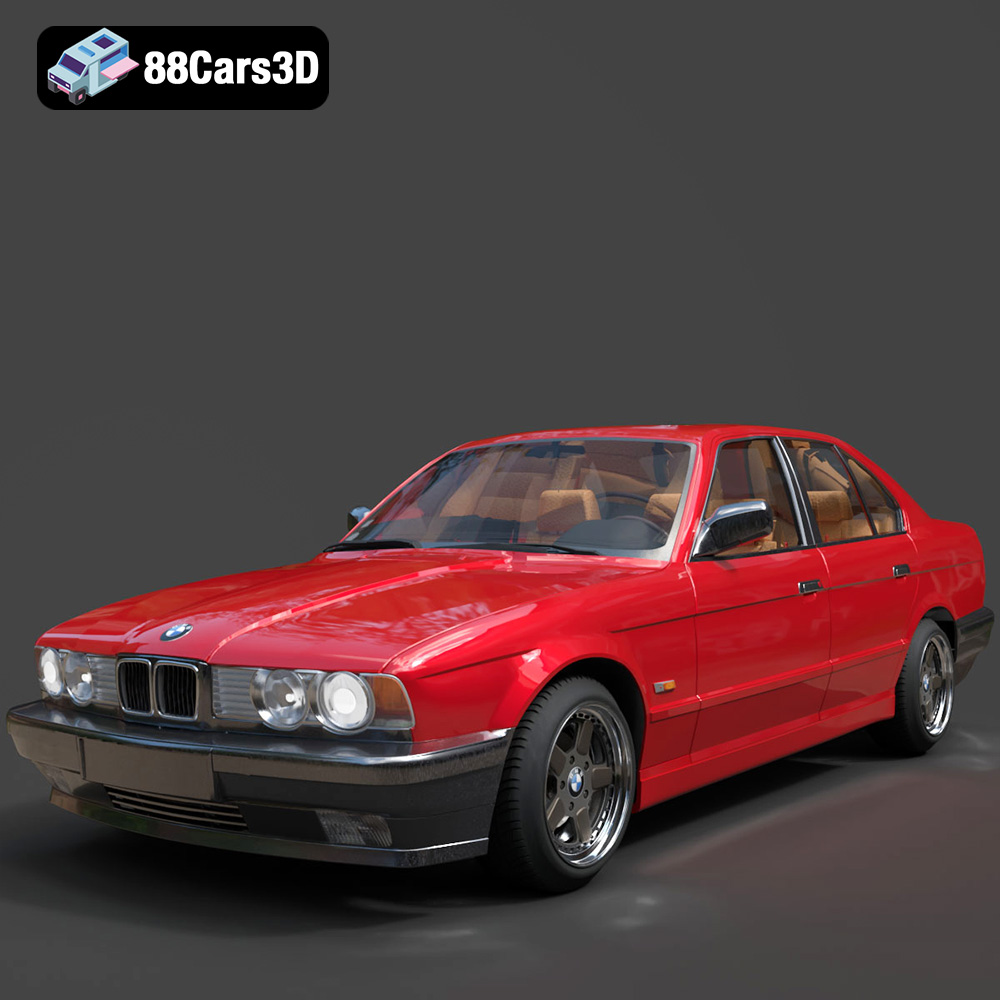
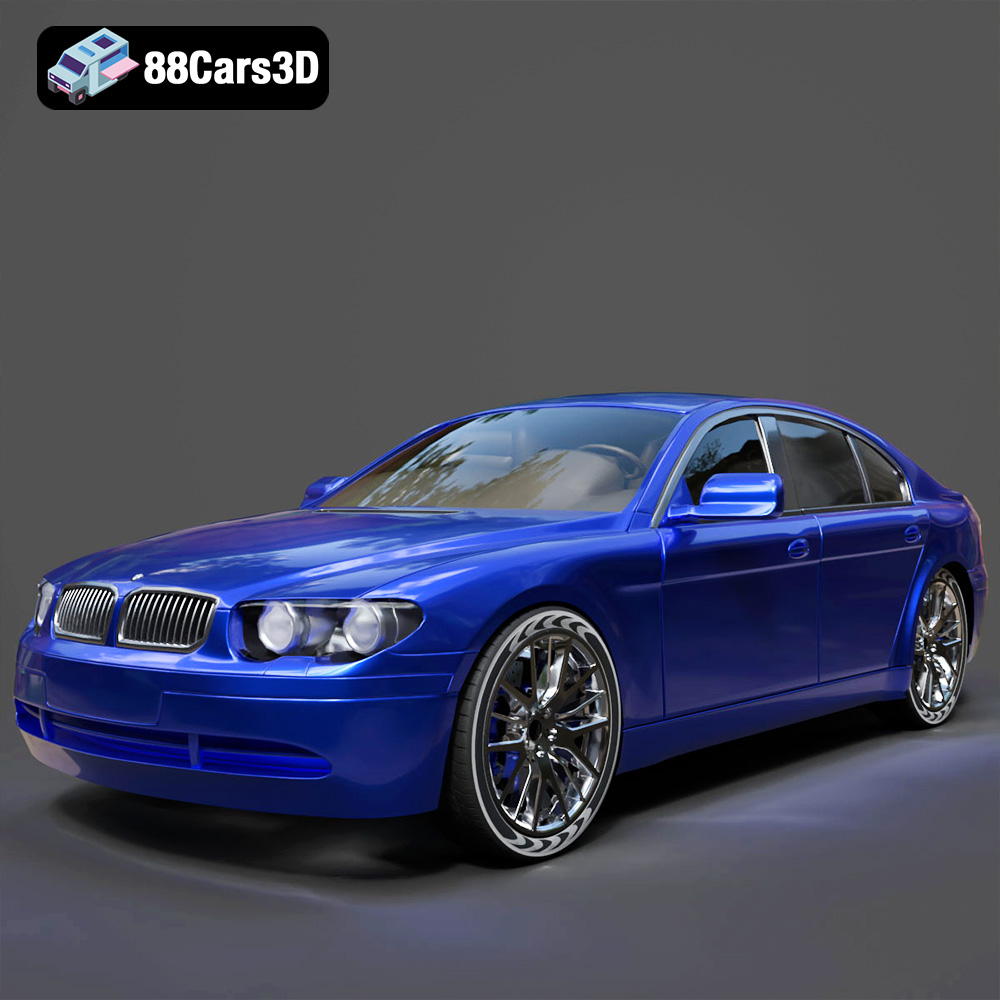
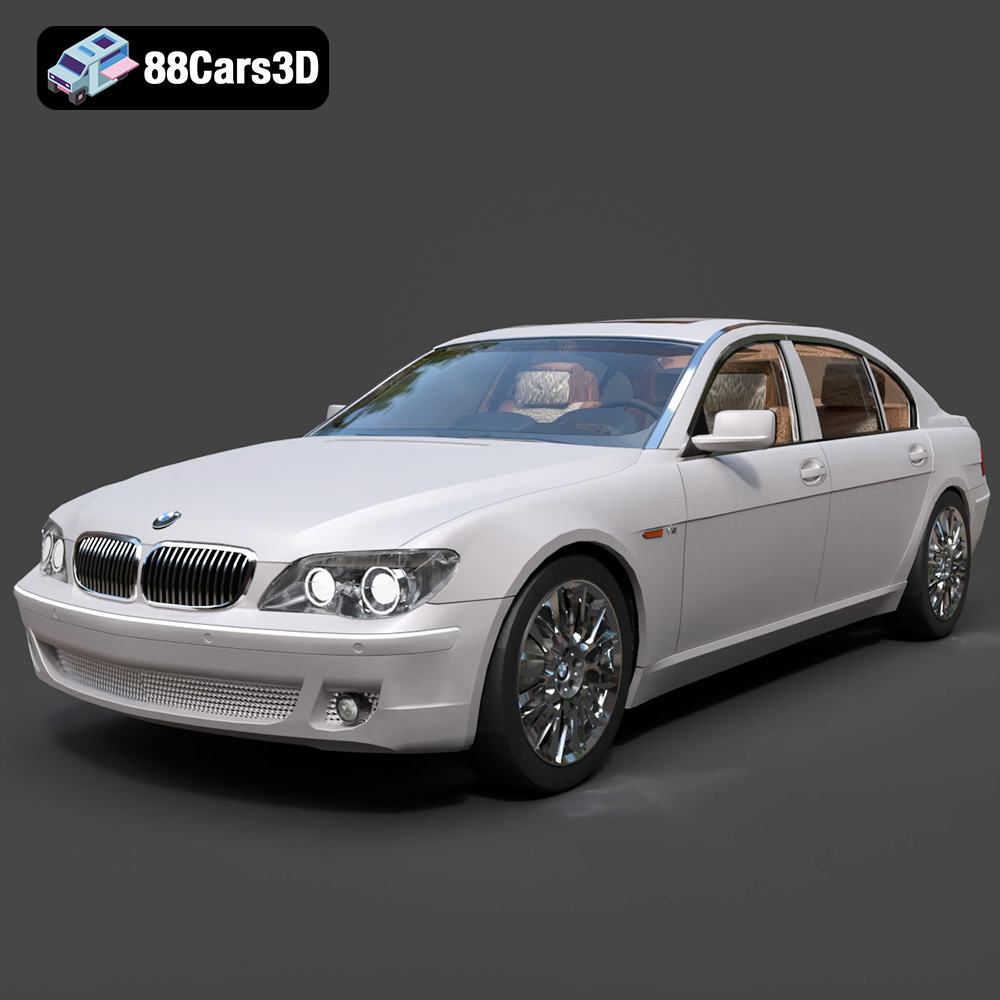
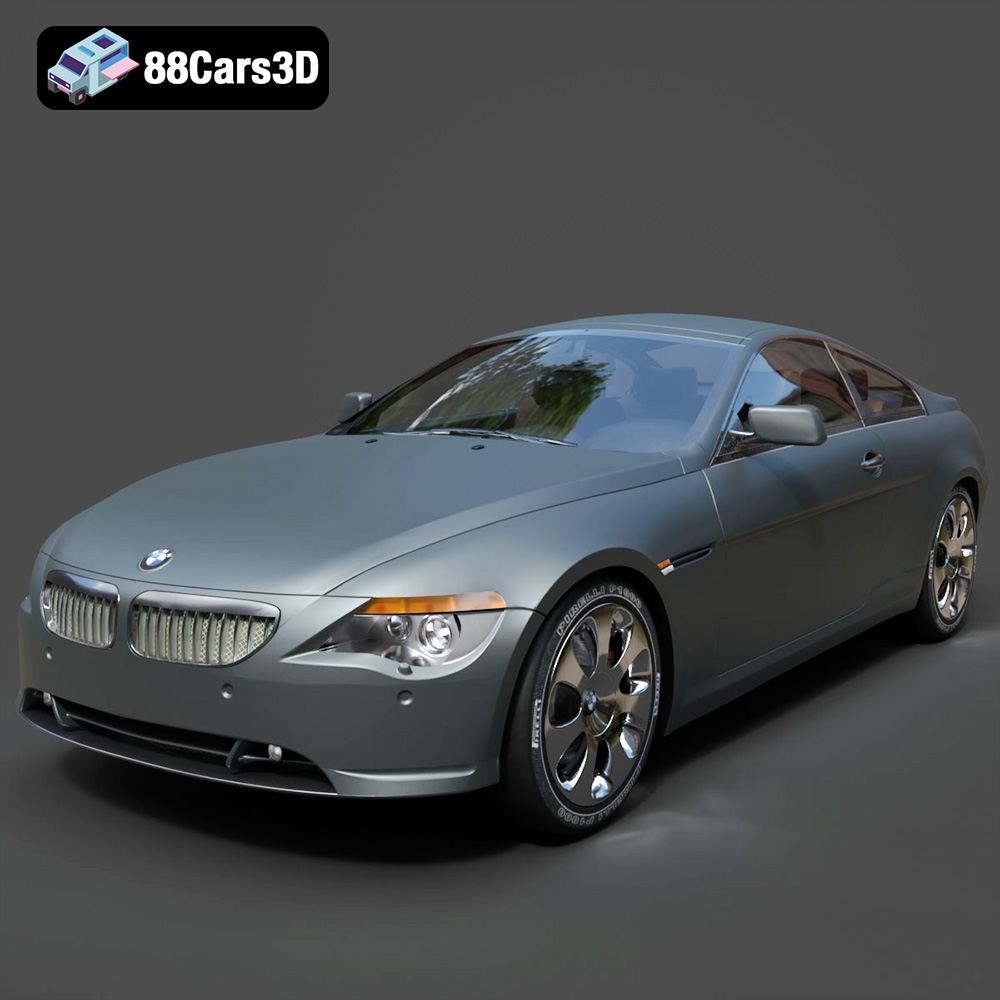
The Engine of Imagination: Why High-Quality 3D Car Models Drive Modern Digital Production
In the fast-evolving landscape of digital media, the demand for photorealistic and performant 3D car models has never been higher. From breathtaking cinematic sequences in automotive advertising to immersive open-world environments in the latest video games, meticulously crafted vehicles are the cornerstone of visual authenticity. Professionals across industries—automotive design, marketing, game development, architectural visualization, and even augmented reality (AR) experiences—rely on these digital assets to bring their visions to life.
The creation of a high-quality 3D car model is a sophisticated blend of artistic skill and technical precision. It demands an understanding of complex geometry, advanced texturing, physically based rendering (PBR) workflows, and rigorous optimization techniques. This comprehensive guide delves into the crucial aspects of 3D car models, exploring their technical intricacies, diverse applications, and the vital role they play in achieving cutting-edge digital realism. Whether you’re a seasoned professional seeking to enhance your pipeline or an aspiring artist looking to understand the fundamentals, mastering the art and science of 3D car models is key to unlocking limitless creative potential.
Understanding 3D Model File Formats
Choosing the correct file format for your 3D car models is a critical decision that impacts workflow efficiency, software compatibility, and final output quality. Each format is designed with specific strengths, catering to different stages of the production pipeline, from initial modeling to final rendering or real-time deployment. Understanding these nuances is essential for professionals working with diverse software environments and project requirements.
.blend: Native Power for Blender Enthusiasts
The `.blend` format is Blender’s native file type, offering a comprehensive and fully editable scene file. When you acquire a `.blend` file, you’re not just getting the mesh; you’re often receiving the entire project with its complete hierarchy, materials, textures packed internally, lighting setups, cameras, animation data, and even modifiers. This makes it incredibly powerful for users deeply integrated into the Blender ecosystem, allowing for direct manipulation and full artistic control without needing to re-import or reconfigure elements. For complex 3D car models, a `.blend` file provides maximum flexibility for customization, material adjustments, or scene integration within Blender for both Cycles and Eevee rendering.
.max: Deep Dive into 3ds Max Projects
Similar to `.blend` for Blender, the `.max` file is the native project format for Autodesk 3ds Max. It stores a complete 3ds Max scene, including all geometry, modifiers, materials (V-Ray, Corona, Standard, etc.), lights, cameras, animation, and scene setup. For users of 3ds Max, this format provides the most robust and editable version of a 3D car model. It’s ideal for high-end automotive rendering projects where precise adjustments to material properties, complex rigging, or advanced animation are required. Importing a `.max` file ensures that all scene components and their relationships are preserved, facilitating a seamless workflow within 3ds Max.
.fbx: The Industry Standard for Interoperability
The `.fbx` (Filmbox) format, also owned by Autodesk, has become the de facto industry standard for exchanging 3D data between different software applications. Its strength lies in its ability to store a wide range of data, including geometry, UV data, textures, skeletal animation, blend shapes, and even lights and cameras, in a single, well-structured file. This makes `.fbx` invaluable for pipelines involving multiple software packages, such as modeling in Blender/3ds Max, texturing in Substance Painter, and then importing into Unreal Engine or Unity for real-time applications. While generally robust, users should be aware that material definitions can sometimes translate imperfectly across different renderers, often requiring manual adjustments after import. For **game assets** and cross-software collaboration, `.fbx` is typically the go-to choice.
.obj: Universal Compatibility and Simplicity
The `.obj` (Wavefront OBJ) format is one of the oldest and most universally supported 3D file formats. It’s renowned for its simplicity and excellent cross-software compatibility. An `.obj` file primarily stores geometry data (vertices, normals, UVs, faces) and can link to an accompanying `.mtl` (material library) file for basic material definitions (color, specular, transparency). While it doesn’t support animation or complex scene data like `.fbx`, its widespread adoption means almost any 3D software can open and interpret an `.obj` file. It’s an excellent choice for static mesh data, offering a reliable fallback when other formats present compatibility issues.
.glb: Optimized for the Web and Immersive Experiences
`.glb` (GLB, the binary version of glTF) is a relatively newer format rapidly gaining traction, especially for web-based 3D, AR, and VR applications. It’s designed to be a compact, efficient, and runtime-agnostic format that minimizes file size and processing load. A `.glb` file packs all necessary assets—geometry, materials, textures, animations—into a single, self-contained binary file, making it incredibly easy to share and deploy across different platforms. Its efficiency makes it ideal for showcasing 3D car models directly in browsers, integrating them into mobile AR apps, or using them in lightweight interactive experiences where fast loading times are crucial.
.stl: Precision for Physical Fabrication
The `.stl` (stereolithography) format is almost exclusively used for 3D printing and rapid prototyping. It describes only the surface geometry of a 3D object as a collection of unconnected triangular facets. `.stl` files do not contain color, texture, or material information, focusing solely on the shape needed for physical manufacturing. When a 3D car model is intended for 3D printing, it must be watertight (no holes or gaps in the mesh) to ensure a successful print. This format is not suitable for rendering or game development due to its lack of shading and texture data, but it is indispensable for converting digital models into tangible objects.
.ply: Detailed Scans and CAD Integration
The `.ply` (Polygon File Format) is another format primarily used for storing 3D data, particularly from 3D scanners. It can store not only geometry (vertices, faces) but also additional attributes like color, transparency, and normal vectors per vertex or face. This makes `.ply` excellent for representing point clouds and polygon meshes with detailed attribute data, often derived from real-world scans. While less common for direct content creation of 3D car models, it’s valuable for integrating scan data into a modeling pipeline or for analytical purposes in fields like CAD and engineering.
.unreal: Engine-Ready Asset for Real-time Environments
While not a direct external file format for general asset exchange, the `.unreal` extension typically refers to a native asset type within the Unreal Engine ecosystem. When you import an `.fbx` or other compatible file into Unreal Engine, it’s processed and saved as an internal Unreal asset. This signifies an optimized, engine-ready asset, potentially including automatically generated LODs (Levels of Detail), collision meshes, and properly configured materials and textures within the engine’s content browser. Acquiring an “Unreal-ready” asset (often implied when a product mentions Unreal Engine compatibility) means it has been specifically prepared and tested for optimal performance and integration within the engine, minimizing setup time for **game assets**.
The Foundation of Digital Realism: Why High-Quality 3D Car Models Matter
The quality of a 3D car model directly impacts the believability and effectiveness of any digital project. Low-quality models can break immersion, compromise visual fidelity, and ultimately undermine the intended message. Conversely, meticulously crafted models elevate the user experience, convey professionalism, and achieve stunning realism.
Precision in Automotive Rendering
For automotive rendering, particularly in advertising, product visualization, and design reviews, absolute precision is paramount. Every curve, panel gap, reflection, and material texture must be accurate to reflect the real-world vehicle. High-quality 3D car models provide:
- Accurate Proportions and Topology: Flawless surfaces and correct curvature are essential for realistic reflections and lighting interactions. This requires clean, efficient topology that supports smooth subdivision without pinching or artifacts.
- Detailed Materials and Textures: Advanced PBR materials that correctly simulate paint finishes, metallic surfaces, glass, plastics, and intricate interior details are crucial for photorealism. This often involves high-resolution texture maps (Albedo, Normal, Roughness, Metallic, AO) and complex shader networks.
- Optimized for Ray Tracing: Models are often built to be robust enough for physically accurate ray-traced rendering, ensuring realistic light bounces, global illumination, and reflections.
These attributes are what allow artists to create compelling marketing imagery and visualize new designs with unparalleled realism, often before a physical prototype even exists.
Driving Immersive Game Experiences
In game development, 3D car models serve as key game assets, directly impacting performance and visual quality. The challenge lies in balancing visual fidelity with strict real-time performance requirements. High-quality game-ready models offer:
- Optimized Polygon Count: Efficient topology with appropriate Levels of Detail (LODs) ensures smooth performance across different hardware specifications. A car model might have several LODs, from high-poly for close-ups to very low-poly for distant views.
- Clean UV Layouts and Texture Atlases: Well-organized UVs are crucial for efficient texture mapping and to prevent stretching or artifacts. Texture atlases help reduce draw calls, a key optimization for real-time engines.
- Engine-Ready Assets: Models designed with game engines like Unreal and Unity in mind include proper scaling, pivot points, collision meshes, and often pre-configured material instances, significantly reducing integration time.
- Animation Readiness: Rigged doors, wheels, steering, and suspension allow for dynamic interaction and realistic driving mechanics.
These technical considerations ensure that a game not only looks stunning but also runs smoothly, providing players with a truly immersive and responsive driving experience.
Beyond Visuals: AR/VR and Digital Twin Applications
The utility of high-quality 3D car models extends beyond traditional rendering and gaming. In AR/VR, these models are critical for creating interactive product configurators, virtual showrooms, and immersive training simulations. For example, a virtual showroom might allow a customer to explore a new car model in real-time, changing colors, rims, and interior options, all rendered instantly in a virtual environment.
Furthermore, in the realm of digital twins, highly accurate 3D models of vehicles are used for performance analysis, maintenance planning, and even autonomous driving simulations. These applications demand models that are not only visually accurate but also structurally precise, sometimes incorporating CAD-level detail. Platforms like 88cars3d.com provide access to professional-grade models that meet these rigorous demands, serving as versatile assets for a multitude of advanced digital applications.
Crafting Excellence: Key Technical Aspects of 3D Car Models
Creating a truly exceptional 3D car model involves meticulous attention to several technical details, each contributing to the final visual quality and performance. Understanding these aspects is crucial for both model creators and those integrating them into their projects.
Geometry and Topology: The Art of Poly Count and Edge Flow
The underlying geometry and topology are the backbone of any 3D model. For 3D car models, this is especially critical due to the complex curves, hard edges, and detailed surfaces involved.
- Polygon Count Management:
- High-Poly for Rendering: For automotive rendering, a higher polygon count (often several hundred thousand to millions of polygons) is desirable. This allows for smooth, artifact-free surfaces even under extreme close-ups and heavy subdivision (e.g., using TurboSmooth or Subdivision Surface modifiers) to capture every nuance of the car’s design.
- Optimized Low-Poly for Real-time: For game assets and AR/VR, polygon count must be carefully managed to maintain performance. Game-ready models typically employ a base mesh that is significantly lower in poly count (tens of thousands to a few hundred thousand per car) but relies on normal maps baked from high-poly models to retain surface detail. The use of LODs (Levels of Detail) is standard practice, where models switch to lower polygon versions as the camera moves further away.
- Clean Edge Flow and Quad-Based Topology:
- Models should primarily consist of quadrilaterals (quads), as these deform predictably and facilitate clean subdivision.
- Edge loops should follow the natural contours and design lines of the car, ensuring smooth curvature and proper deformation if the model is animated or rigged. This prevents pinching, unwanted creases, or lumpy surfaces.
- Panel gaps, sharp creases, and hard edges are typically defined by strategically placed edge loops rather than relying solely on normal maps for crucial silhouette details.
UV Mapping and Texturing: Bringing Surfaces to Life
UV mapping is the process of flattening the 3D surface of a model into a 2D space, allowing 2D textures to be applied accurately. Proper UVs are indispensable for high-quality texturing.
- Non-Overlapping UVs: Essential for baking maps (normal, ambient occlusion) and preventing texture conflicts. Each polygon of the model should have its unique space on the UV map.
- Consistent Texel Density: Ensures that texture resolution is even across the model, preventing blurry or pixelated areas on larger surfaces and overly sharp details on smaller ones.
- Multi-Tile UVs (UDIMs): For extremely high-resolution automotive rendering projects, UDIM workflows allow a single model to use multiple UV tiles, each with its own high-resolution texture set. This enables incredibly detailed surfaces without compromising texture resolution.
- Texture Atlases for Games: For game assets, consolidating multiple small textures into a single larger texture atlas can significantly improve performance by reducing draw calls.
- PBR Textures: Modern workflows rely on Physically Based Rendering (PBR) texture sets, including Albedo/Base Color, Metallic, Roughness, Normal, Ambient Occlusion, and sometimes Height maps. These maps work together to accurately simulate how light interacts with different materials.
Material Shaders and Lighting: Achieving Photorealism
Materials and lighting are where a 3D car model truly comes alive, transforming raw geometry and textures into a visually stunning object.
- Physically Based Shading (PBR): This is the standard for achieving photorealism. PBR shaders simulate real-world material properties based on physical principles, ensuring that objects react correctly to light regardless of the lighting environment. This is critical for accurate paint finishes, chrome reflections, and realistic glass.
- Complex Material Networks: Advanced car models often utilize intricate material networks to combine different layers (e.g., clear coat over metallic base, procedural dirt masks, carbon fiber weaves). These networks can define everything from paint flake patterns to tire tread wear.
- Lighting Scenarios: The choice and setup of lighting (HDRI environments, direct lights, area lights) are crucial for showcasing the form and material properties of the car. Lighting artists meticulously craft environments to highlight reflections, contours, and surface details.
- Shader Optimization for Real-time: In game engines, PBR materials need to be optimized for real-time rendering. This often involves using material instances to easily tweak parameters without recompiling shaders, and ensuring that complex shader nodes are kept to a minimum to maintain frame rates.
By mastering these technical elements, creators can produce 3D car models that are not only visually captivating but also robust and versatile for any digital application.
Workflow Integration: From Purchase to Production
Acquiring high-quality 3D car models from marketplaces like 88cars3d.com is just the first step. The true value comes from seamlessly integrating these assets into your specific production pipeline, whether for high-end cinematic rendering or real-time game development.
Integrating into 3ds Max and V-Ray/Corona Workflows
For professionals using 3ds Max for high-fidelity automotive rendering, the integration process is typically streamlined, especially when models are provided in the `.max` or well-structured `.fbx` format.
- Import and Scene Setup:
- Import the 3D car model, ensuring correct scaling. Most professional models are scaled to real-world dimensions.
- Check the scene units to match your project’s standards.
- Organize the scene hierarchy. Group components logically (e.g., body, wheels, interior) for easier manipulation.
- Material Conversion and Refinement:
- If the model comes with materials in a different format (e.g., standard materials with an `.fbx`), you’ll likely need to convert them to V-Ray or Corona materials. Many renderers offer converters to assist with this.
- Load PBR texture maps (Albedo, Normal, Roughness, Metallic) into the appropriate shader slots.
- Fine-tune material properties: Adjust paint glossiness, metallic flakes, glass transparency and refraction, and tire rubber characteristics. This is where artistic judgment combined with technical understanding elevates the realism.
- Lighting and Rendering:
- Set up realistic lighting using HDRI (High Dynamic Range Image) environments for accurate reflections and global illumination, often supplemented by targeted area lights to highlight specific features.
- Configure render settings for optimal quality and speed, balancing noise reduction with render time.
- Add cameras with appropriate focal lengths and depth of field to achieve a cinematic look.
Importing into Blender for Cycles/Eevee Projects
Blender users benefit from a highly flexible and powerful environment for rendering and animation. Importing 3D car models into Blender is straightforward, especially with `.blend` or `.fbx` formats.
- Import and Inspection:
- Use File > Open for `.blend` files or File > Import > FBX/OBJ for other formats.
- Verify scale and orientation. Apply transforms if necessary (Ctrl+A).
- Inspect the mesh for any issues (e.g., inverted normals, overlapping geometry) and clean up as needed.
- Material Setup and Nodes:
- If using `.fbx` or `.obj`, textures might need to be reconnected or materials rebuilt using Blender’s Principled BSDF shader, which is PBR-compatible.
- Utilize Blender’s powerful node editor to create complex material networks for advanced paint effects, realistic glass, and detailed interiors.
- For Eevee, ensure materials are optimized for real-time performance, while Cycles allows for more complex, physically accurate shaders.
- Lighting, Scene Composition, and Rendering:
- Leverage Blender’s robust lighting tools, including HDRI environments and various light types, to illuminate the car model.
- Compose your scene with backgrounds, props, and camera angles that showcase the vehicle effectively.
- Choose between Cycles (for photorealistic, ray-traced renders) and Eevee (for fast, real-time viewport rendering) based on project requirements.
Optimizing for Real-time Engines: Unreal Engine and Unity
Integrating 3D car models as game assets into real-time engines like Unreal Engine and Unity requires a focus on performance optimization alongside visual fidelity.
- Importing and Asset Management:
- Import `.fbx` files, paying close attention to import settings (e.g., scale, normal import method, material creation options).
- Ensure the model has proper pivot points for animation and interaction.
- Set up folder structures for textures, materials, and meshes within the engine’s content browser.
- Material Instances and PBR Setup:
- Create master materials and then instanced materials for each part of the car (body, wheels, glass, interior). Material instances allow quick parameter adjustments without recompiling the base shader, saving development time and improving performance.
- Connect PBR textures to the appropriate input slots (Base Color, Normal, Roughness, Metallic, Ambient Occlusion) within the engine’s material editor.
- Implement shader features like clear coats, metallic flakes, and custom effects directly within the engine’s material graph.
- Optimization and Interactivity:
- LODs (Levels of Detail): Generate or import multiple LODs to ensure the model performs well at varying distances from the camera.
- Collision Meshes: Create simplified collision meshes for accurate physics and player interaction without using the complex visual mesh.
- Skeletal Meshes/Rigging: If the car needs to be driven or animated, ensure it’s set up as a skeletal mesh with proper bone hierarchy for wheels, doors, and suspension.
- Lighting and Post-Processing: Utilize the engine’s real-time global illumination (e.g., Lumen in Unreal Engine 5), reflection probes, and post-processing effects to enhance visual realism while maintaining frame rates.
By following these tailored workflows, professionals can efficiently transform purchased 3D car models into powerful assets for their diverse projects.
Real-World Applications and Case Studies
The versatility of high-quality 3D car models allows them to be deployed in a vast array of real-world scenarios, each benefiting from their inherent precision and visual fidelity. These applications highlight why investing in premium assets from platforms like 88cars3d.com is a smart strategic decision for many businesses.
Automotive Marketing and Visualization
One of the most prominent applications of 3D car models is in the automotive industry itself. Manufacturers and marketing agencies leverage these assets to create stunning visuals long before a physical vehicle is produced.
- Product Launches and Advertising Campaigns: Brands use photorealistic automotive rendering to produce hero shots, cinematic commercials, and interactive web experiences. These digital assets allow for limitless creative freedom, enabling impossible camera angles, dynamic environmental setups, and rapid iteration on design and color options without the cost and logistical challenges of physical photography.
- Configurators and Online Showrooms: Many car manufacturers offer online configurators where customers can customize a vehicle (color, wheels, interior trim) and see it rendered in real-time. These rely heavily on optimized 3D car models that can be quickly updated and displayed across various platforms, from web browsers to dealership kiosks.
- Design Reviews and Prototyping: Automotive designers use 3D models extensively during the design process, allowing for virtual reviews, aerodynamic simulations, and rapid iteration of concepts. This significantly shortens development cycles and reduces costs.
A prime example is the use of high-end rendering for luxury car brands’ online brochures. The reflections, the precise material representation of leather, wood, and metal, all contribute to a premium feel that can only be achieved with top-tier 3D models and rendering expertise.
High-Fidelity Game Development
The gaming industry is a massive consumer of 3D car models, where they are central to creating immersive and engaging experiences. From racing simulators to open-world adventures, the quality of vehicle game assets directly impacts player immersion.
- Racing Simulators: Titles like Gran Turismo or Forza Motorsport pride themselves on their hyper-realistic car rosters. Each vehicle is a highly detailed 3D car model, painstakingly recreated with accurate dimensions, physics properties, and meticulously crafted interiors. This level of detail extends to damage models, allowing for dynamic visual feedback during gameplay.
- Open-World Games: In games like Grand Theft Auto or Cyberpunk 2077, cars are integral to the environment and gameplay. While perhaps not as geometrically detailed as a dedicated racing sim car, they still require optimized models with multiple LODs, accurate collision, and robust material setups to populate vast worlds and maintain performance.
- Arcade Racers and Mobile Games: Even in more stylized or mobile-focused games, well-optimized 3D car models are crucial. They ensure fast loading times, smooth frame rates, and appealing visuals within technical constraints.
The evolution of game graphics, particularly with the advent of ray tracing in real-time engines, has pushed the demand for even more realistic 3D car models, blurring the lines between game graphics and cinematic rendering.
Virtual Showrooms and Interactive Experiences
Beyond traditional marketing and gaming, 3D car models are powering new forms of interactive engagement.
- Augmented Reality (AR) Applications: Imagine pointing your phone at your driveway and seeing a new car virtually appear in real size. AR apps allow customers to place and explore 3D car models in their real-world environment, interacting with features and visualizing options. This requires models to be highly optimized for mobile performance and the specific AR platform.
- Virtual Reality (VR) Training and Tours: In VR, 3D car models facilitate immersive training for mechanics or sales staff, allowing them to explore every detail of a vehicle’s construction or features in a fully interactive 3D space. Virtual reality tours of upcoming models also offer an unparalleled level of engagement for potential buyers.
- Interactive Installations and Kiosks: At auto shows or dealerships, interactive kiosks use 3D car models to allow users to explore different configurations, paint colors, and interior options in real-time on large screens, enhancing the customer experience.
These real-world examples underscore the indispensable role of high-quality 3D car models across diverse industries, continually driving innovation and engaging audiences in new and exciting ways.
Conclusion
The digital age has fundamentally transformed how we design, visualize, and interact with vehicles. High-quality 3D car models are no longer just niche assets for specialized artists; they are critical components fueling innovation across automotive design, advertising, game development, and emerging AR/VR experiences. From the intricate topology that defines a vehicle’s silhouette to the sophisticated PBR materials that simulate its finish, every technical detail contributes to the ultimate goal: unparalleled digital realism and immersive user experiences.
Understanding the various file formats, the technical considerations for geometry and texturing, and the specific workflows for integration into tools like 3ds Max, Blender, and Unreal Engine, empowers professionals to harness the full potential of these assets. Whether the objective is a cinematic automotive rendering for a marketing campaign, a meticulously optimized game asset for a new title, or an interactive virtual showroom, the foundation remains the same: a precisely crafted 3D car model.
For those seeking to elevate their projects with top-tier digital vehicles, marketplaces like 88cars3d.com offer a curated selection of professional-grade 3D car models, ready to integrate into demanding production pipelines. By investing in quality assets and mastering their technical deployment, creators can consistently achieve stunning results and push the boundaries of what’s possible in the digital automotive world. The journey from concept to digital reality is paved with polygons, textures, and an unyielding commitment to excellence, and with the right tools and knowledge, the possibilities are truly limitless.
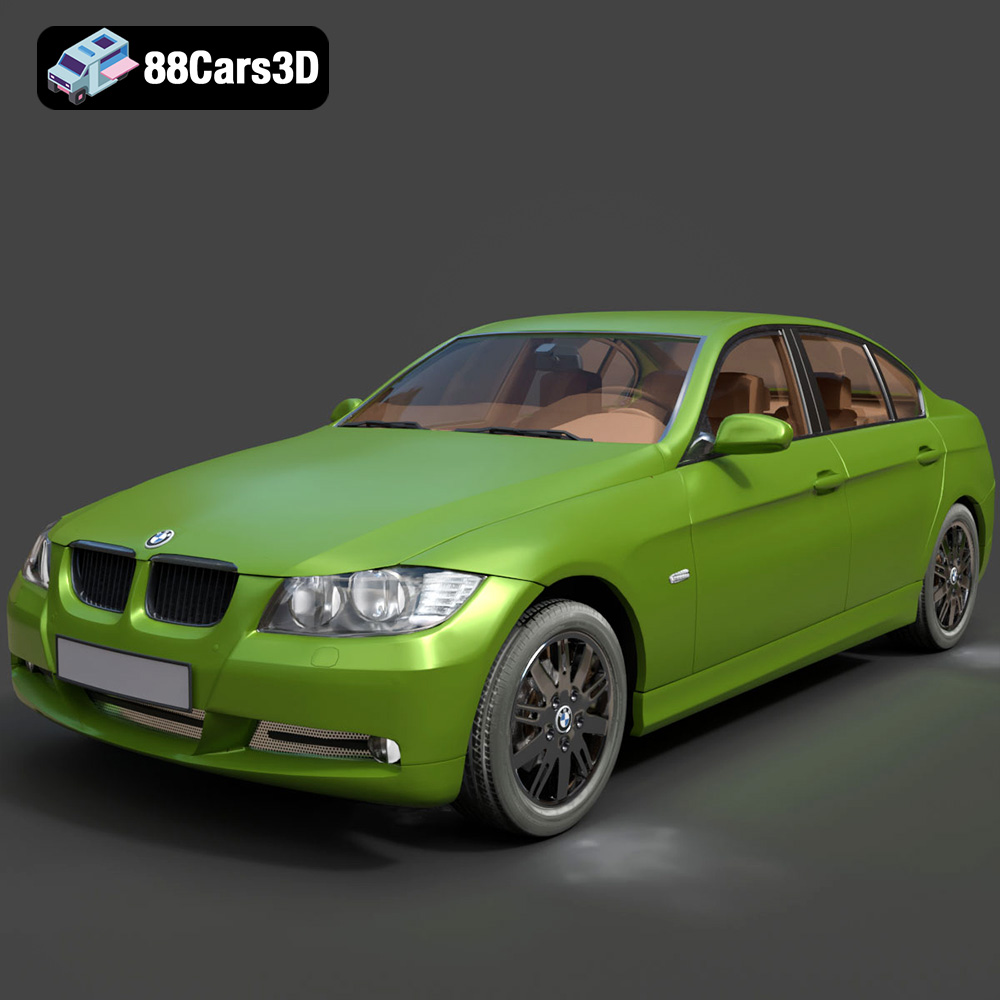
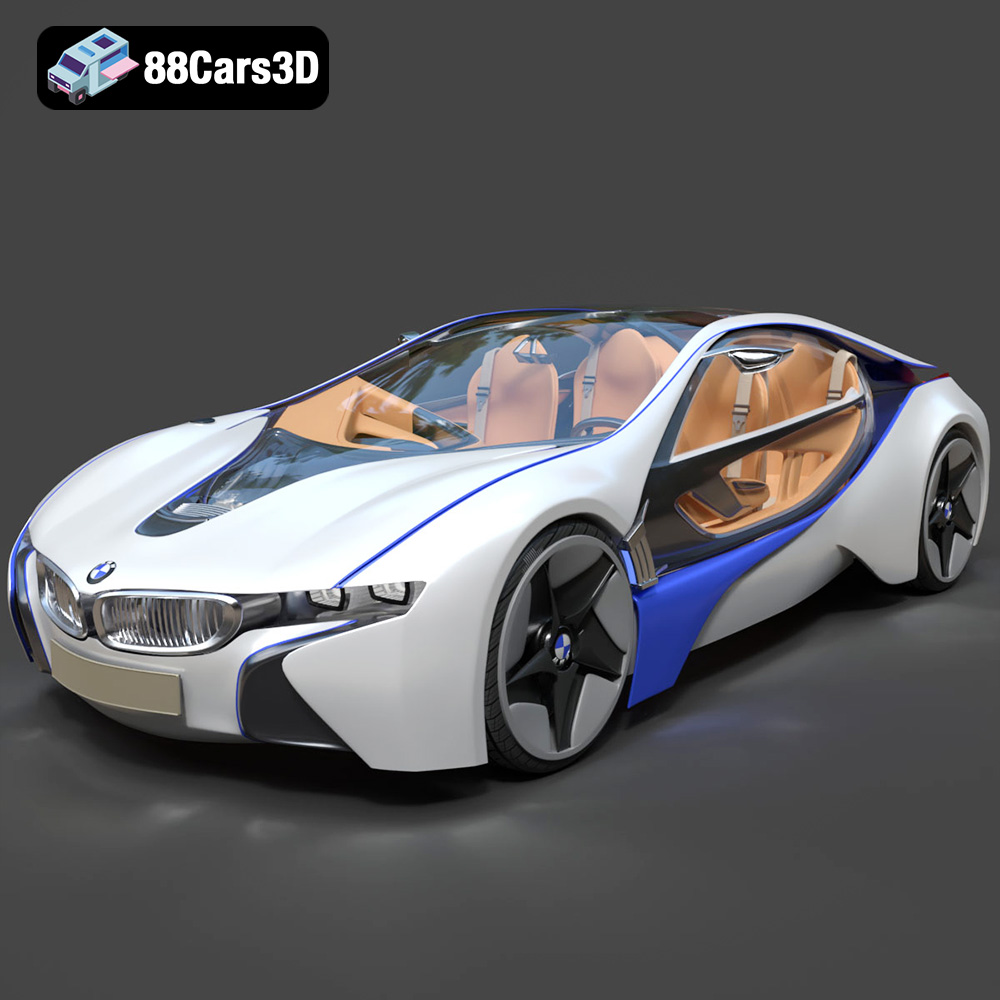
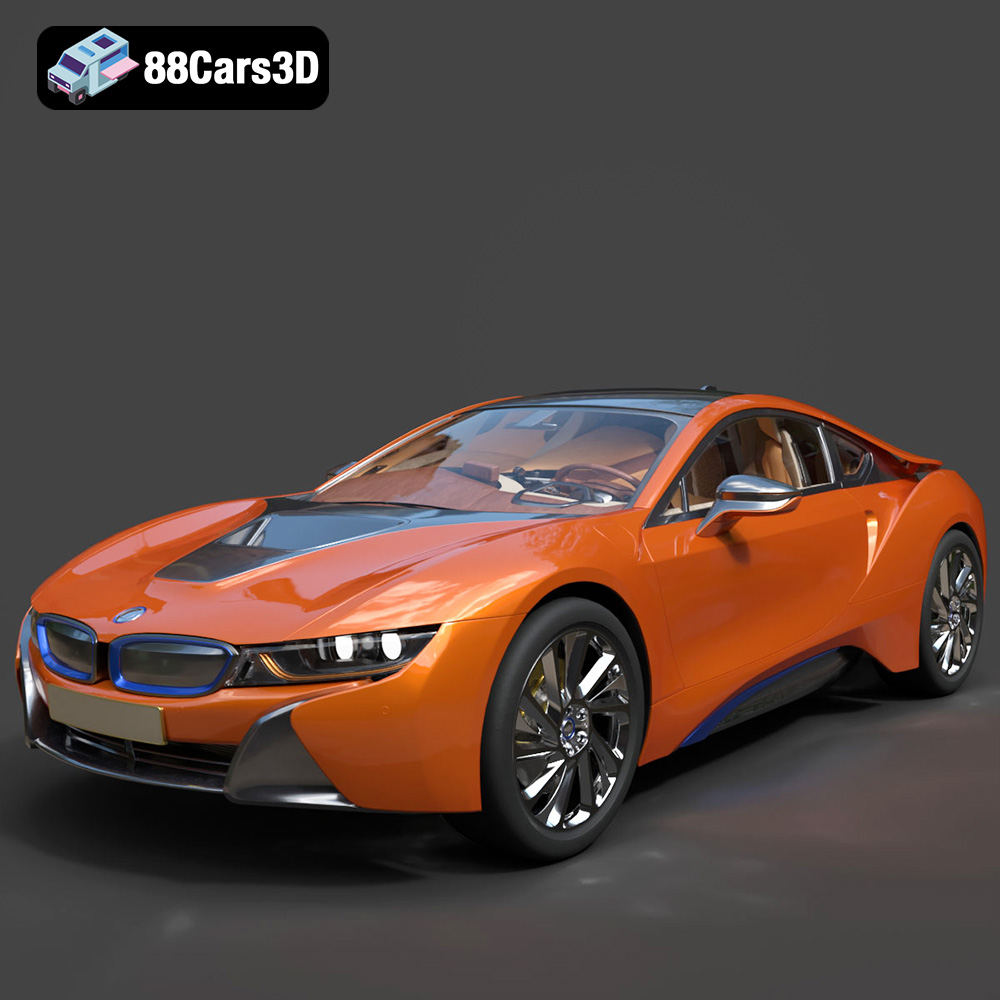
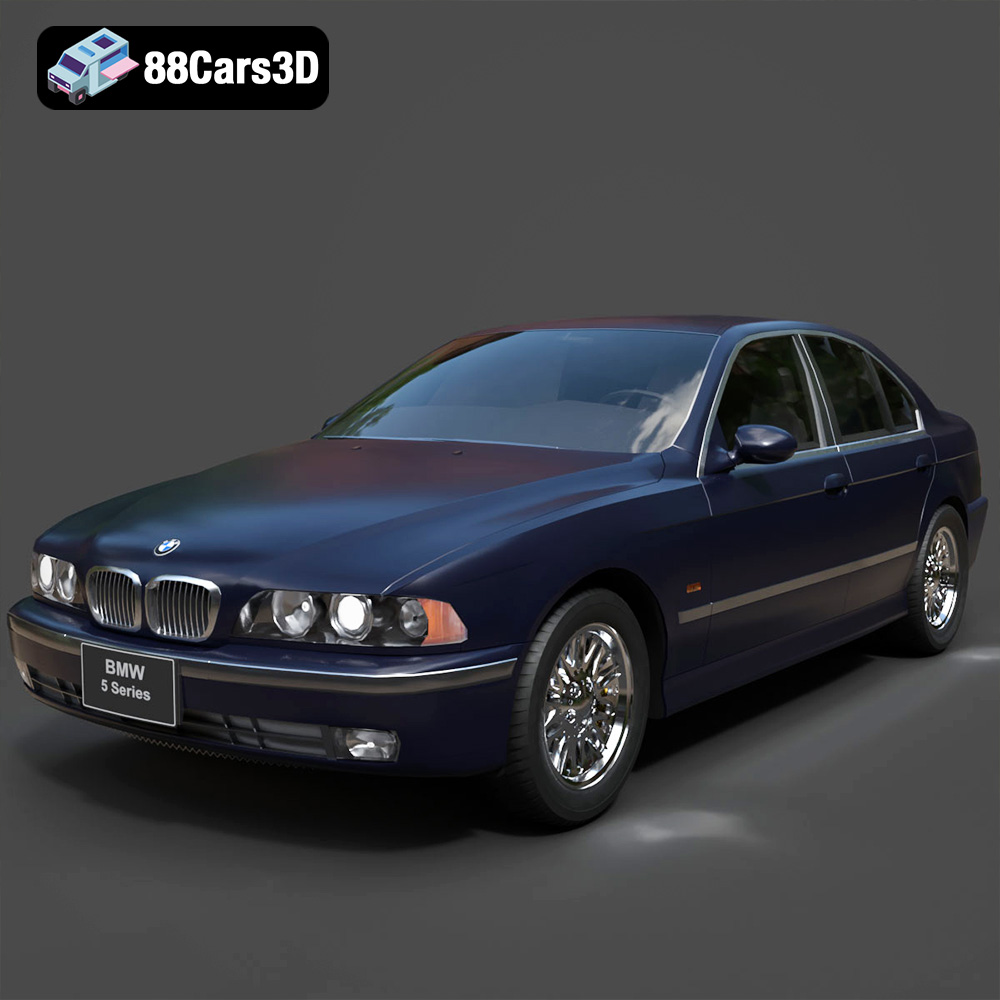
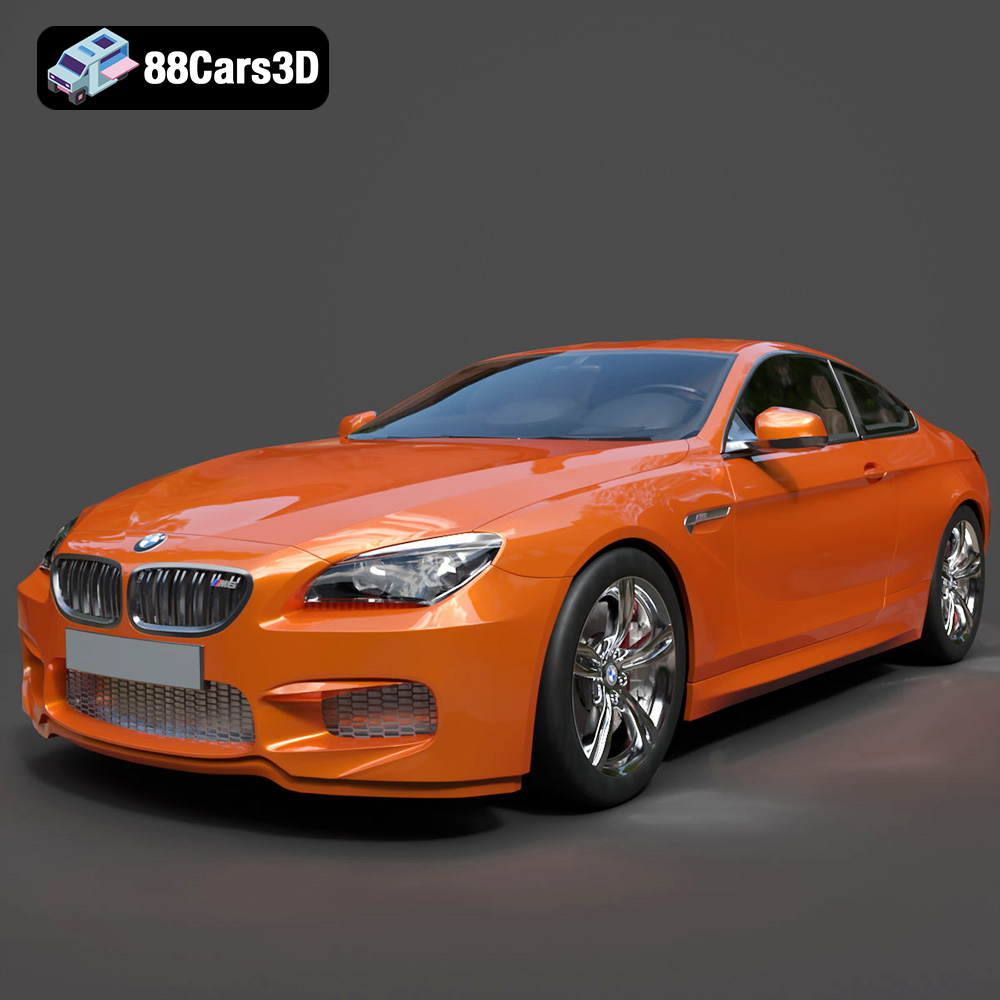
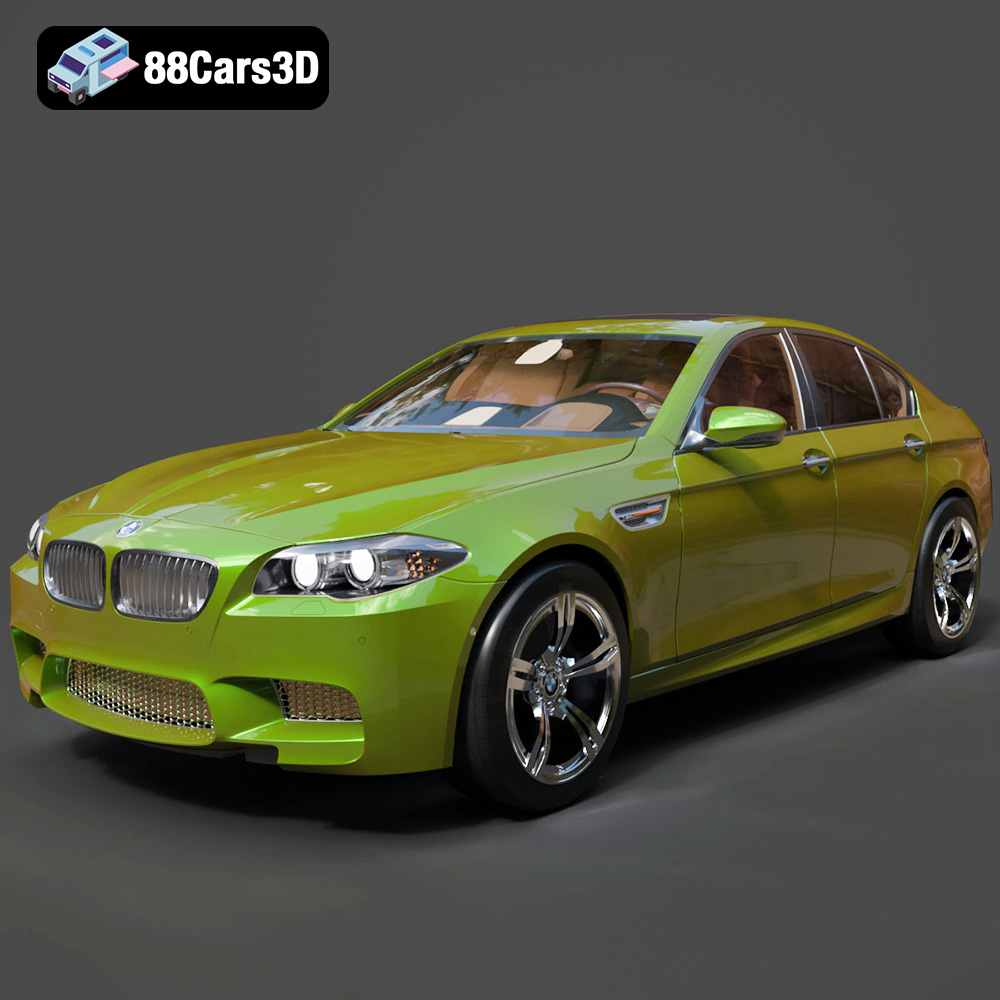
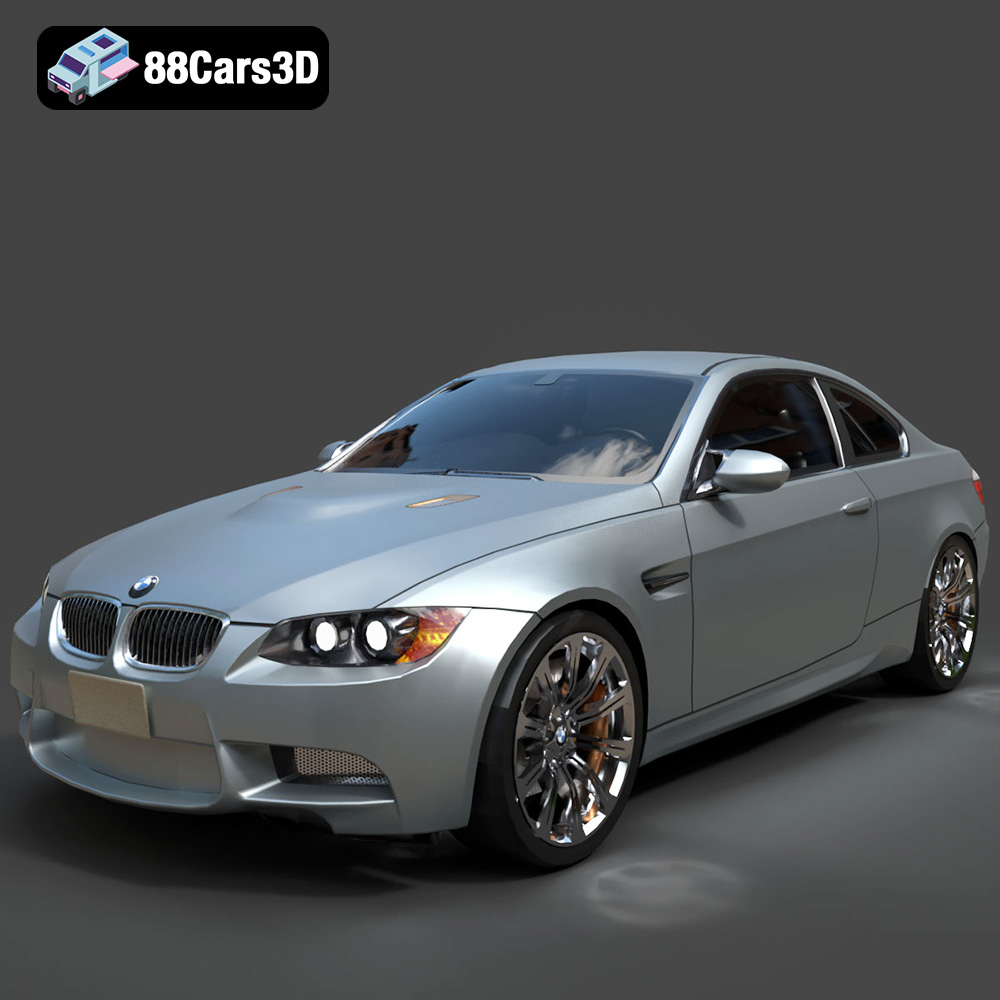
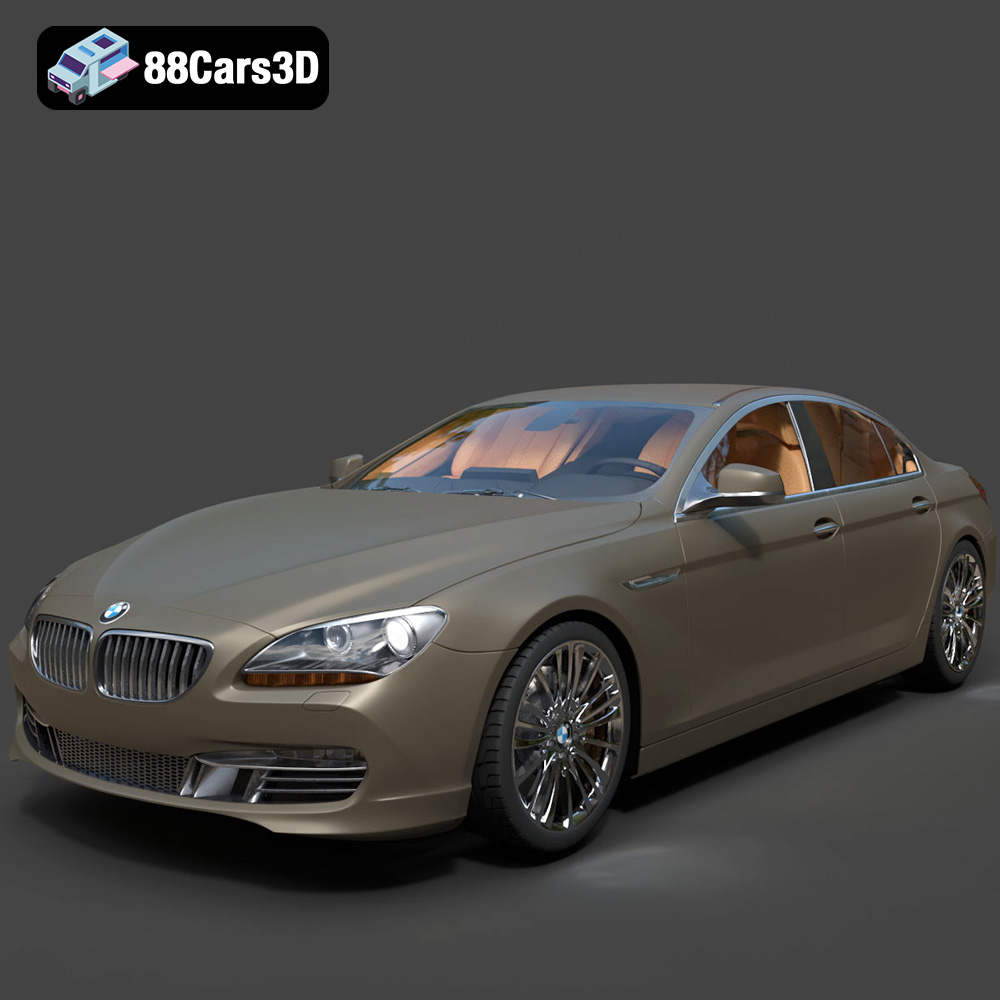
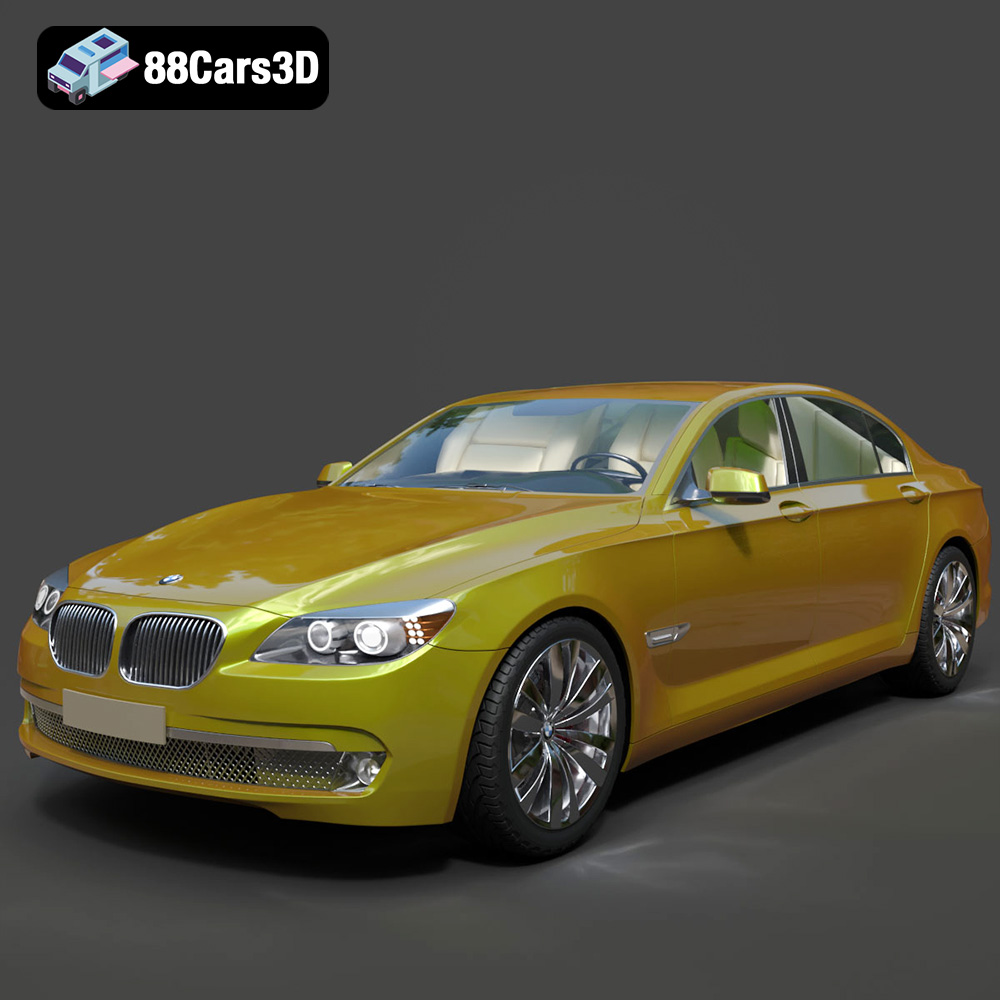
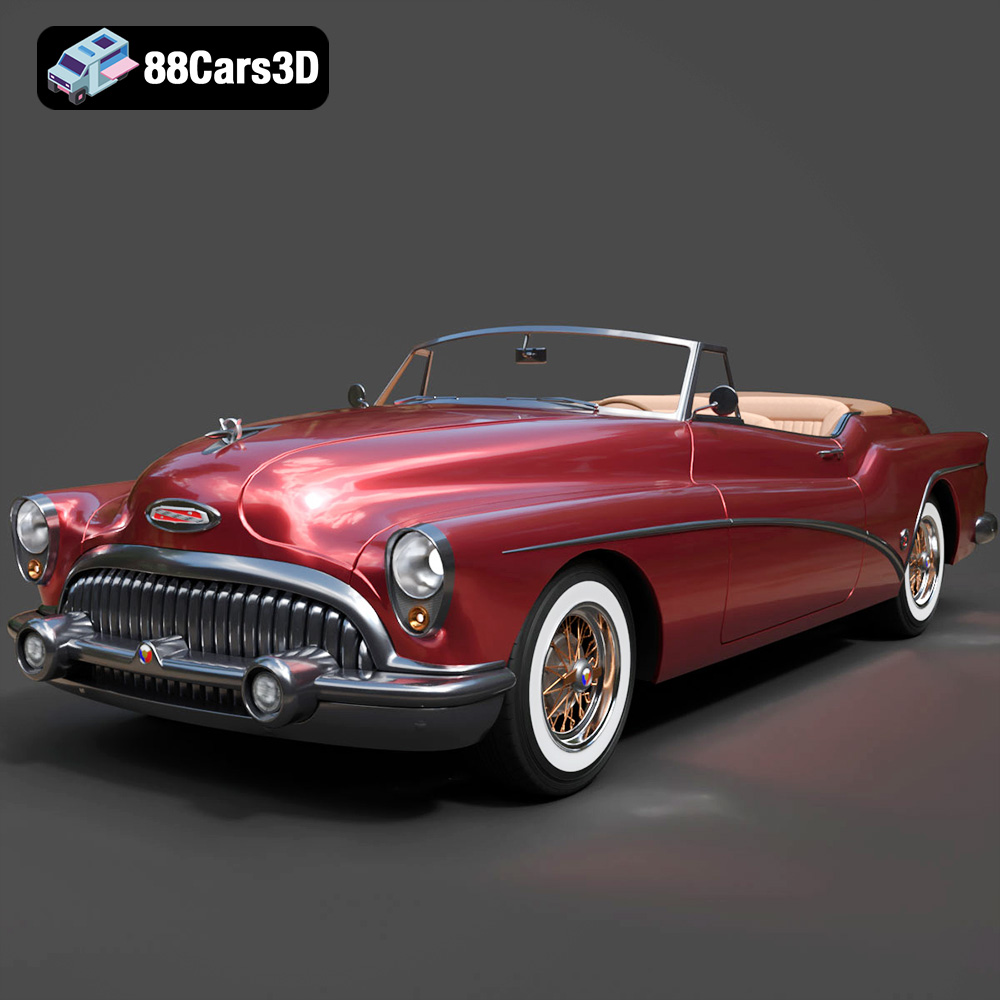
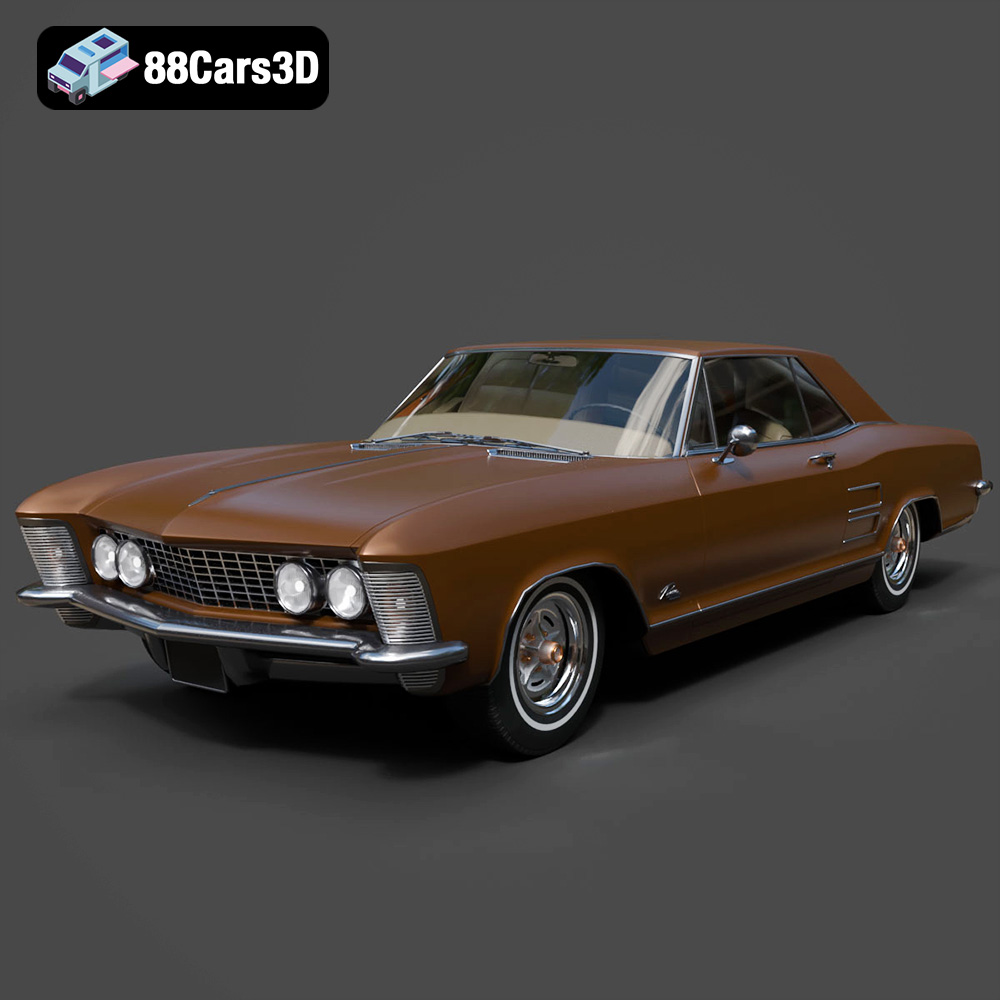
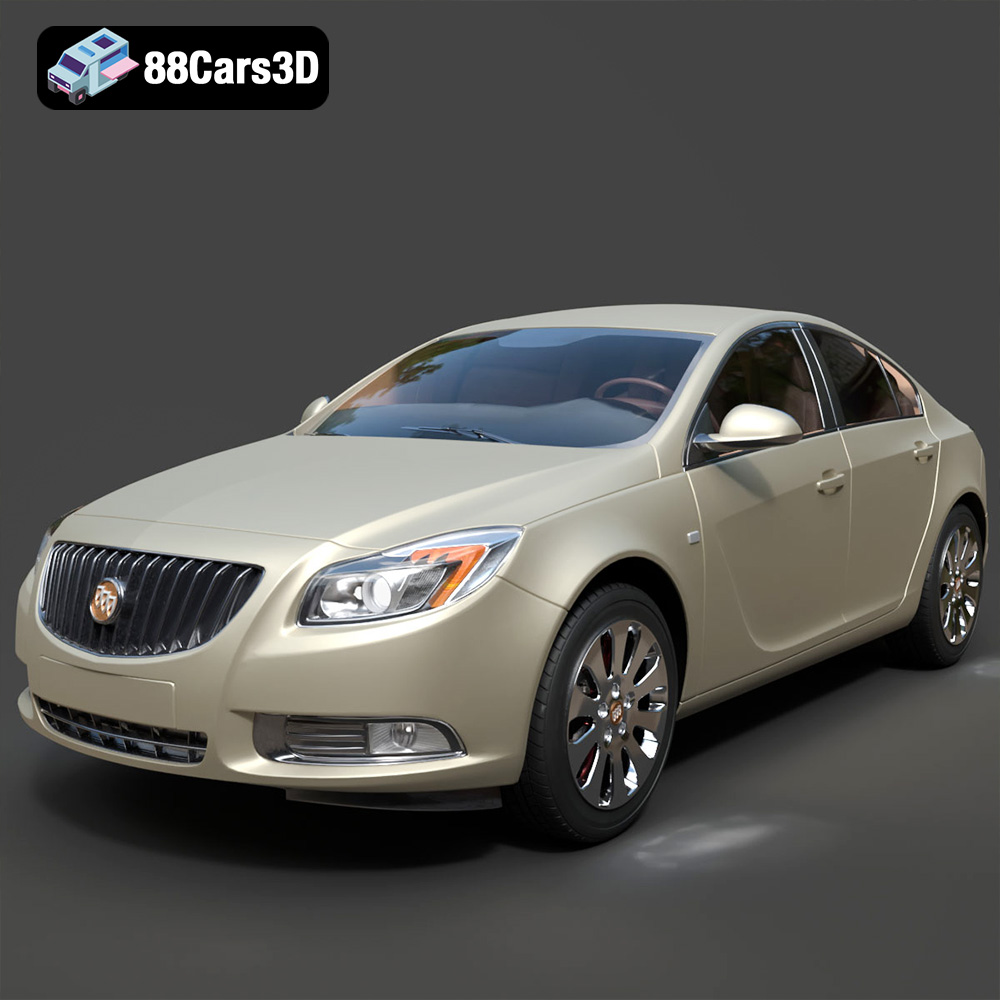
Featured 3D Car Models