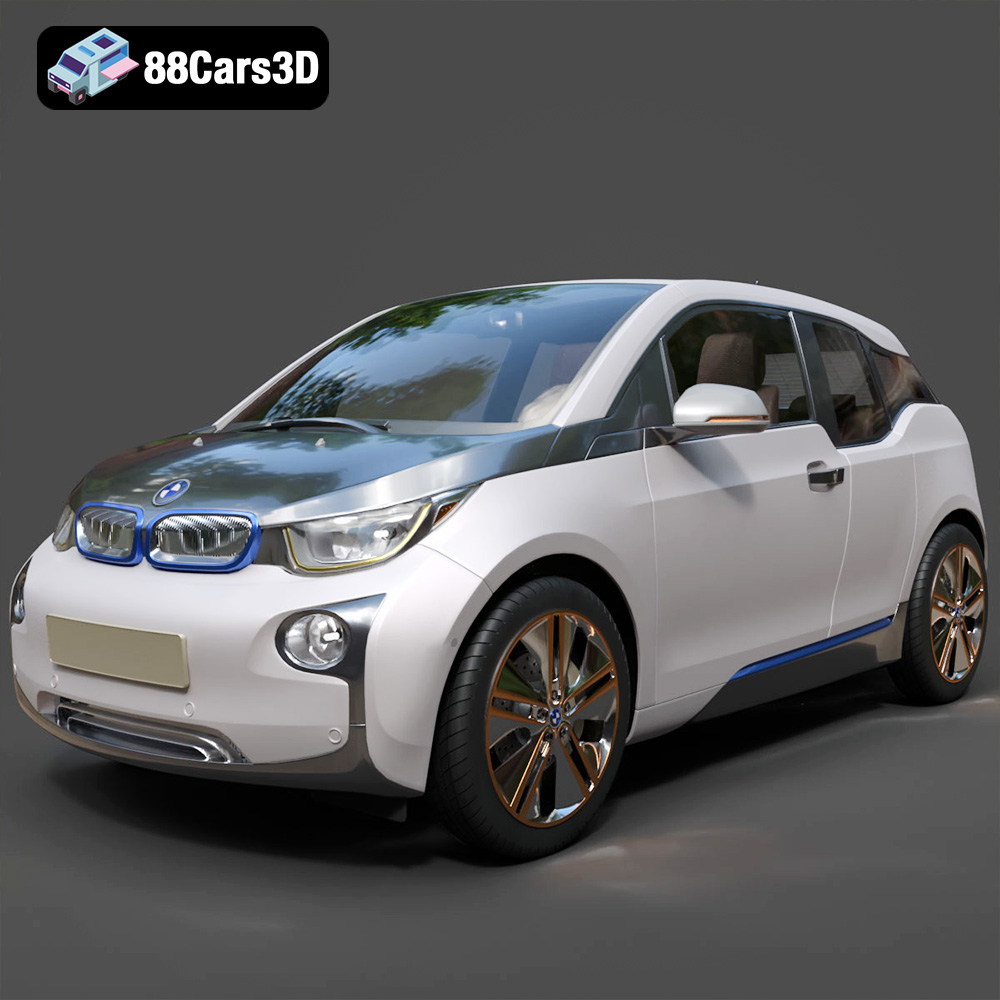
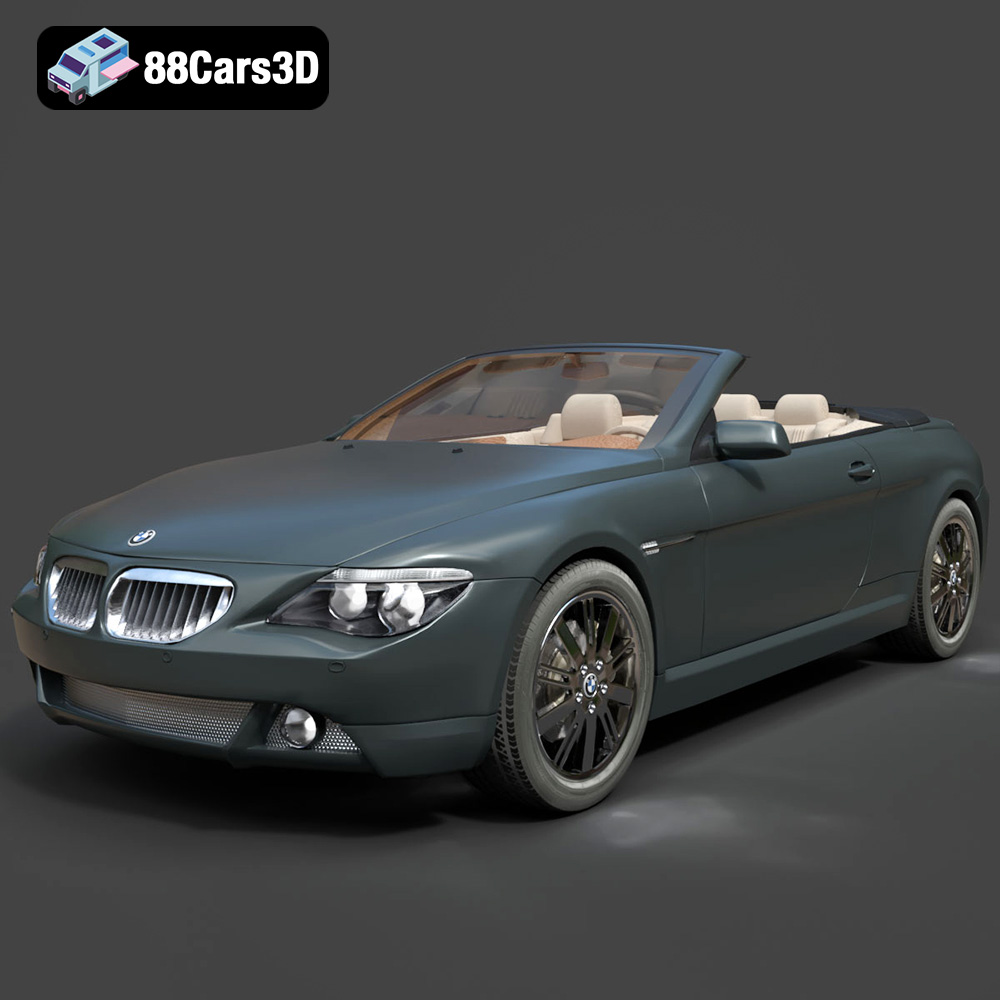
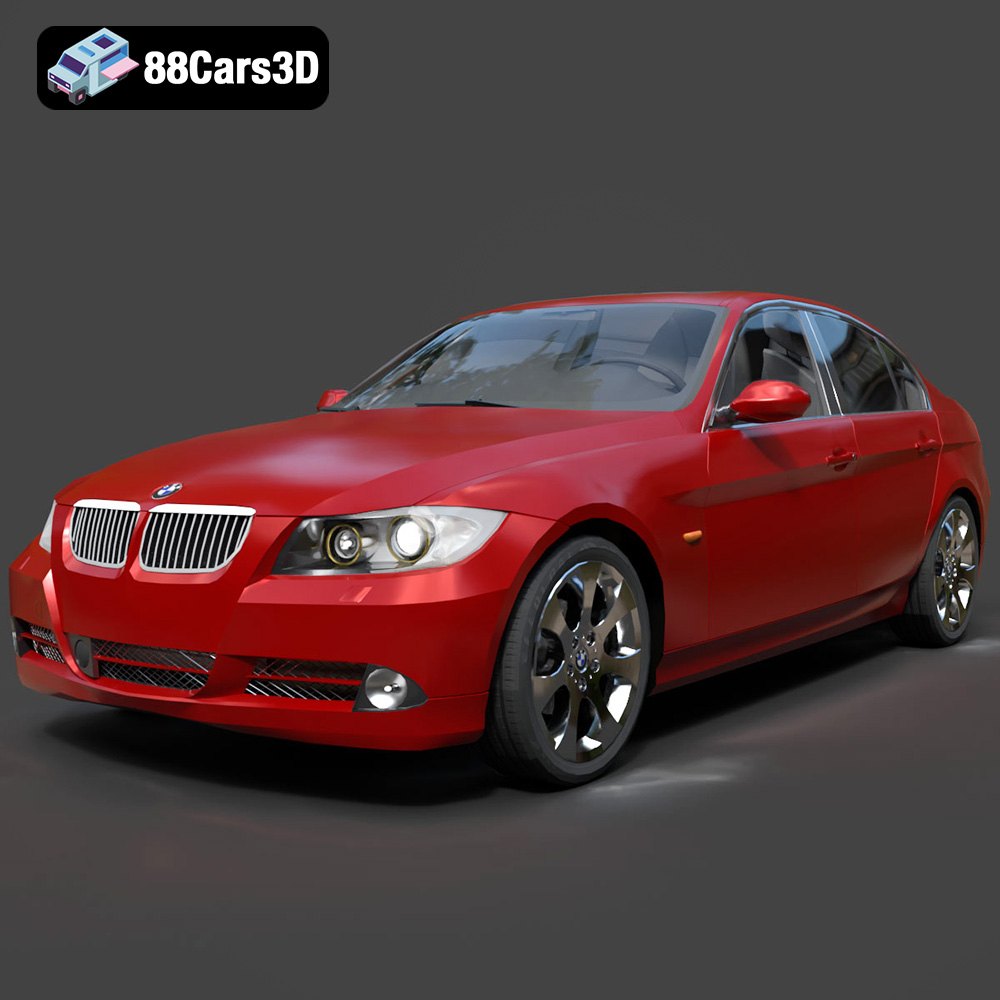
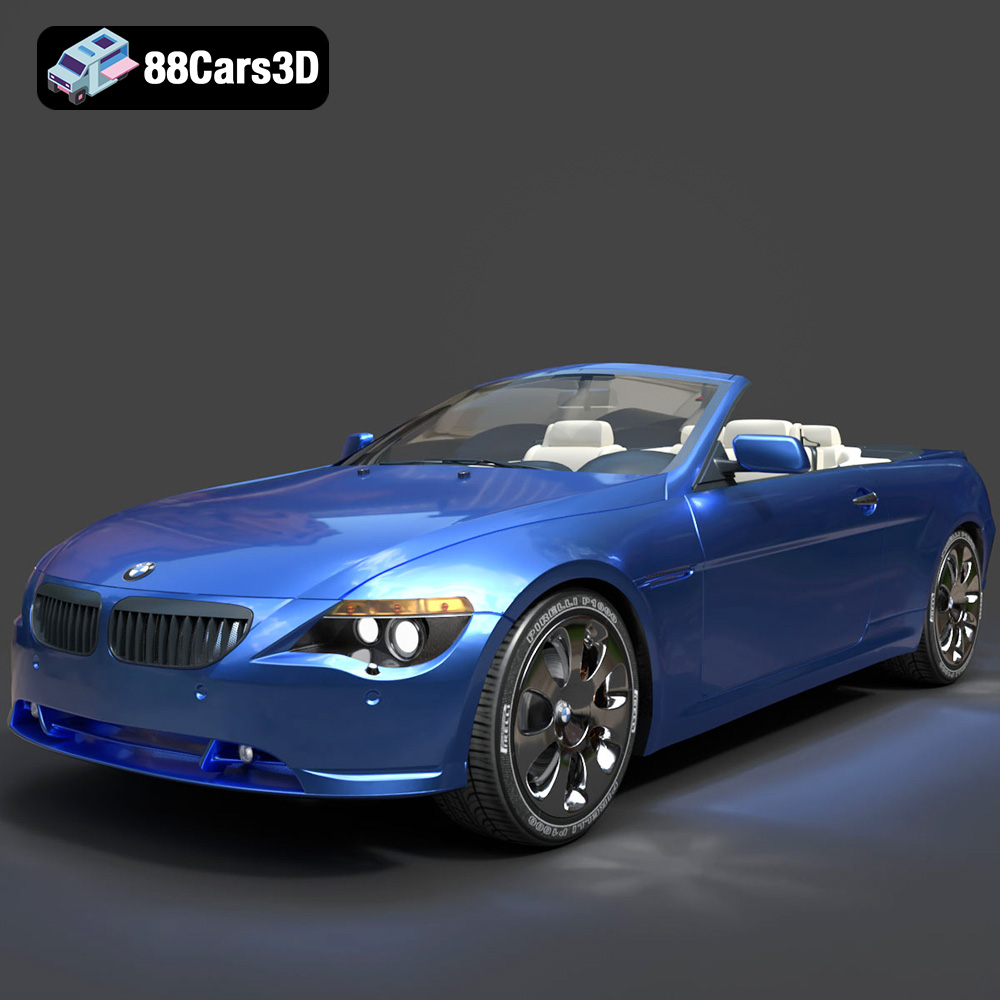
The Engine of Innovation: Why High-Quality 3D Car Models Drive Digital Excellence
In the fast-evolving landscape of digital media, the demand for photorealistic and performant 3D assets has never been higher. For industries ranging from automotive design and advertising to cutting-edge video game development and architectural visualization, 3D car models are not just props; they are often the stars of the show. The fidelity, accuracy, and technical robustness of these models directly impact the quality and believability of any project. Whether you’re aiming for a stunning print advertisement, an immersive virtual reality experience, or a high-octane racing game, the foundational asset – the 3D car model – must be impeccable.
At 88cars3d.com, we understand this critical need for excellence. Our curated collection provides artists, designers, and developers with the superior resources required to push the boundaries of visual fidelity and interactive performance. This deep dive explores the multifaceted world of 3D car models, dissecting their technical nuances, diverse applications, and the workflows that transform raw data into breathtaking digital realities.
The Foundation of Digital Realism: Why High-Quality 3D Car Models Matter
The pursuit of realism is central to much of 3D artistry. For vehicles, this means capturing every curve, every reflection, and every subtle detail that makes a car instantly recognizable and desirable. High-quality 3D car models are indispensable because they serve as the bedrock for achieving this level of visual authenticity across various mediums.
Precision in Automotive Visualization
In automotive design and marketing, visualization is key. Before a single physical prototype is built, designers rely on advanced 3D models to iterate on concepts, evaluate aesthetics, and present their vision to stakeholders. These models must be dimensionally accurate, reflecting the true proportions and intricate surfacing of the vehicle. For marketing, photorealistic renders of these models in various environments can generate pre-launch excitement, showcasing features and design elements with cinematic flair. Without meticulous modeling, reflections appear incorrect, panel gaps are unrealistic, and the overall perception of quality diminishes significantly.
Performance in Real-Time Applications
While visual fidelity is paramount for renders, real-time applications like video games, AR/VR experiences, and interactive configurators demand a careful balance between detail and performance. High-quality game assets are not merely about polycount; they encompass optimized topology, efficient UV layouts, and well-structured material setups. A model might look fantastic in a static render, but if it causes frame rate drops or excessive memory usage in a game engine, it fails its purpose. Developers need models that are rigorously optimized for real-time engines, often incorporating multiple Levels of Detail (LODs), precise collision meshes, and streamlined texture sets.
Bridging Design and Production
Beyond purely visual applications, 3D car models often bridge the gap between initial design concepts and actual production. Engineering teams might use simplified versions of design models for aerodynamic simulations or stress analysis. For custom modifications or accessory design, accurate base models provide a solid reference point. Furthermore, for additive manufacturing (3D printing), specifically prepared models allow for the rapid creation of physical prototypes or even final parts, accelerating the product development cycle significantly.
Understanding 3D Model File Formats
Navigating the diverse world of 3D software and applications means understanding the various file formats used to store and exchange 3D data. Choosing the correct format is crucial for maintaining data integrity, ensuring compatibility, and optimizing your workflow. At 88cars3d.com, our models are provided in a range of formats to suit different professional needs.
.blend: Blender’s Native Powerhouse
The **.blend** file is the native format for Blender, a powerful open-source 3D creation suite. A .blend file typically encapsulates an entire scene, including mesh data, materials, textures (packed internally or linked externally), lighting setups, camera positions, animations, and even scripts. This makes it an incredibly self-contained and flexible format for Blender users. When you acquire a .blend file, you get a fully editable project, allowing for deep customization, adjustments to topology, material tweaks, or even re-rigging and animating. It’s ideal for those working predominantly in Blender who need maximum control over the asset.
.fbx: The Industry Standard for Interoperability
Developed by Autodesk, the **.fbx** (Filmbox) format has become an unofficial industry standard for exchanging 3D data between various digital content creation (DCC) applications and game engines. It supports a wide array of 3D data, including mesh geometry, materials (with some limitations on complex shaders), textures, animations, rigging, and cameras. For integration into game engines like Unreal Engine or Unity, .fbx is often the go-to format due to its robust support for skeletal animation and its ability to package multiple assets efficiently. While highly compatible, some advanced material setups might need to be recreated in the target application.
.obj: Universal Compatibility and Simplicity
The **.obj** (Wavefront OBJ) format is one of the oldest and most widely supported 3D file formats. It’s a text-based format that primarily describes 3D geometry – vertices, UV coordinates, vertex normals, and faces. It can reference external material files (.mtl) for basic color, texture maps, and reflectivity properties. The strength of .obj lies in its near-universal compatibility across almost all 3D software. However, its simplicity means it generally does not support animation, rigging, or complex scene hierarchies. It’s excellent for static mesh exchange and serves as a reliable fallback when other formats fail, often used for initial mesh transfer or 3D printing preparation.
.glb: Optimized for Web and AR/VR
**glTF (GL Transmission Format)**, and its binary equivalent **.glb**, is an increasingly popular format, often referred to as the “JPEG of 3D.” Developed by the Khronos Group, it’s designed for efficient transmission and loading of 3D scenes and models by applications, particularly those on the web, in augmented reality (AR), and virtual reality (VR). A .glb file is a self-contained binary file that includes models, textures, animations, and PBR (Physically Based Rendering) materials. Its compact size and optimized structure make it perfect for browser-based 3D viewers, AR/VR experiences on mobile devices, and any scenario where quick loading and real-time performance are crucial.
.stl: The Go-To for 3D Printing
The **.stl** (Stereolithography) format is almost exclusively used for 3D printing and rapid prototyping. It describes only the surface geometry of a 3D object as a raw, unstructured triangular mesh. Unlike other formats, .stl files do not contain color, texture, or material information, nor do they support animation. Its simplicity and widespread adoption make it the de facto standard for preparing models for 3D printers, which slice the mesh into layers for fabrication. Ensuring a “watertight” mesh (no holes or non-manifold geometry) is critical for successful .stl output.
.ply: Precision Meshes for Technical Applications
The **.ply** (Polygon File Format) format is designed to store 3D data from 3D scanners, CAD applications, and scientific simulations. It can store a wide range of data beyond simple geometry, including color, transparency, surface normals, texture coordinates, and even scalar data associated with the vertices and faces. While less common for everyday artistic exchange, it’s highly valued in technical fields for its ability to represent complex data structures with precision, making it useful for reverse engineering, point cloud data, and analysis.
.unreal / .max: Engine-Ready and Native DCC Flexibility
While not a standalone “file format” in the same way as .fbx or .obj, “**.unreal**” often refers to assets specifically prepared and optimized for Unreal Engine, typically imported via .fbx and then existing as native Unreal assets (.uasset). These are packaged within the engine’s content browser, often including static meshes, skeletal meshes, materials, textures, and blueprints. Similarly, **.max** is the native file format for Autodesk 3ds Max. Like .blend, it stores an entire scene with all its components, offering maximum editability and fidelity within 3ds Max, making it invaluable for advanced rendering workflows, complex animations, and detailed scene construction for those utilizing this particular DCC software.
Crafting Excellence: Technical Aspects of Premium 3D Car Models
The visual splendor of a 3D car model is not accidental; it’s the result of meticulous technical execution. From the underlying mesh structure to the final shader setup, every detail contributes to the overall realism and performance.
Topology and Polycount Considerations
The topology – the arrangement of polygons – is fundamental. High-quality 3D car models feature clean, quad-based topology that allows for smooth subdivision, proper deformation during animation (e.g., suspension movement), and efficient UV mapping. For high-end rendering, a detailed model might have millions of polygons, capturing every subtle curve and panel line.
However, for real-time applications, polycount becomes a critical performance factor. Here, the concept of **Levels of Detail (LODs)** is indispensable. A single car model might have 3-5 LODs:
- LOD0: Full detail, highest polycount, used when the car is close to the camera.
- LOD1-3: Progressively lower polycounts, with details baked into normal maps, used as the car moves further away.
- LOD4/5: Extremely low poly, often just a silhouette, for very distant views or reflections.
This intelligent optimization ensures visual fidelity without crippling performance.
UV Mapping and PBR Texture Workflows
Effective UV mapping is essential for applying textures without stretching or distortion. Premium 3D car models feature clean, non-overlapping UVs, typically organized across multiple UV sets for different parts of the car (body, interior, wheels, glass). The trend towards Physically Based Rendering (PBR) workflows dictates the types of textures used:
- Albedo (Base Color): The pure color of the surface, devoid of lighting information.
- Normal Map: Adds high-frequency surface detail (like panel lines or small dents) without increasing polycount.
- Roughness Map: Controls how diffuse or specular a surface is, from matte to highly reflective.
- Metalness Map: Defines whether a surface behaves as a metal or a dielectric (non-metal).
- Ambient Occlusion (AO): Simulates soft shadows where surfaces are close together.
- Emission Map: For light-emitting parts like headlights or dashboards.
These maps, meticulously crafted, are what give the car’s paint, tires, and interior materials their lifelike appearance.
Material Shaders and Realistic Lighting Setup
The final touch to realism comes from sophisticated material shaders and expert lighting. Modern rendering engines and real-time applications utilize advanced shader models (like standard PBR shaders or custom physically accurate car paint shaders) to simulate how light interacts with different surfaces. This involves complex algorithms to mimic clear coats, metallic flakes, and subsurface scattering for transparent materials.
For static renders, lighting plays an enormous role. High Dynamic Range Image (HDRI) environments are frequently used to provide realistic global illumination and reflections. Coupled with targeted area lights, spot lights, and careful light linking, artists can craft scenes that are indistinguishable from photographs. In real-time engines, global illumination systems (like Lumen in Unreal Engine) and carefully placed lights create dynamic, interactive lighting that responds to the environment.
Automotive Rendering: Bringing Cars to Life with Stunning Visuals
Automotive rendering is an art form that merges technical proficiency with creative vision. The goal is to produce images and animations of vehicles that are often indistinguishable from reality, serving purposes from marketing to design validation.
Workflow with 3ds Max and V-Ray/Corona
A common industry workflow for high-end automotive rendering involves Autodesk 3ds Max coupled with powerful renderers like V-Ray or Corona Renderer.
- Model Preparation: Start with a high-quality 3D car model, such as those found on 88cars3d.com. Ensure clean topology and proper UVs.
- Scene Composition: Place the car within a carefully designed environment. This could be a studio setup, an outdoor scene (e.g., a bustling city street, a serene landscape), or an abstract backdrop. Camera angles are crucial, often employing cinematic principles to highlight the car’s form and features.
- Material Setup: Apply sophisticated PBR materials. For car paint, this often involves multi-layered shaders simulating the base coat, metallic flakes, and clear coat layers. Tires, glass, chrome, and interior fabrics each require tailored material definitions to react realistically to light.
- Lighting: Implement a robust lighting scheme. HDRIs provide an excellent foundation for realistic environmental lighting and reflections. Supplementary lights (e.g., V-Ray Lights, Corona Lights) are used to emphasize specific contours, add rim lighting, or simulate studio lighting setups.
- Rendering: Configure renderer settings for optimal quality and efficiency. Parameters like sampling, global illumination bounces, and denoiser settings are adjusted. Large-format renders often require significant render times.
Photorealistic Scene Composition and Camera Angles
Achieving photorealism extends beyond just the car model itself. The entire scene must be believable. This includes realistic ground textures, background elements, and atmospheric effects. Crucially, the camera work must mimic real-world photography. Understanding focal lengths, depth of field, motion blur, and cinematic framing techniques can elevate a render from good to exceptional. Dynamic camera movements for animations can further enhance the perception of speed and power.
Post-Production Techniques for Polish
The rendering process doesn’t end when the image is computed. Post-production in software like Adobe Photoshop or Nuke is vital for adding the final layer of polish. This can involve:
- Color Grading: Adjusting hue, saturation, and contrast for mood and realism.
- Lens Effects: Adding subtle lens flares, chromatic aberration, or vignetting to mimic camera optics.
- Atmospheric Effects: Introducing subtle haze, dust, or light streaks.
- Compositing: Integrating render passes (e.g., reflections, refractions, shadows) for precise control.
- Sharpening and Noise Reduction: Enhancing detail and cleaning up artifacts.
These steps are often what differentiate a raw render from a truly professional piece of automotive advertising.
Integrating 3D Car Models into Game Development and Real-Time Experiences
The performance demands of real-time engines present a unique set of challenges and opportunities for game assets. Integrating 3D car models effectively requires a deep understanding of engine-specific workflows and optimization strategies.
Asset Pipeline for Unreal Engine
Unreal Engine is a dominant force in game development and real-time visualization. The typical pipeline for integrating 3D car models involves:
- Export from DCC: Export the 3D car model from a DCC (Digital Content Creation) application like Blender or 3ds Max as an .fbx file. Ensure correct scale, pivot points, and hierarchy. Include all LODs and collision meshes in the export.
- Import to Unreal Engine: Import the .fbx file into the Unreal Editor’s Content Browser. During import, specify settings for LODs, collision generation, normal map import settings, and material creation.
- Material Setup: Recreate or refine PBR materials within Unreal’s powerful material editor. Connect texture maps (Albedo, Normal, Roughness, Metalness, AO) to the appropriate material nodes. For advanced car paint, custom shader graphs are often created.
- Blueprint Creation: For interactive vehicles, use Unreal Engine’s Blueprint visual scripting system to define car mechanics (suspension, engine, transmission, steering), user input, and damage systems. This often involves combining Static Meshes (for the car body) and Skeletal Meshes (for wheels) with physics components.
- Lighting and Rendering: Integrate the car into the game environment, leveraging Unreal’s lighting systems (Lumen, Nanite, baked lighting) to achieve realistic visuals in real-time.
Optimization Strategies for Performance
Optimizing 3D car models for real-time performance is a continuous process:
- LODs Implementation: Crucial for maintaining frame rates. Unreal Engine has built-in systems for automatically switching between LODs based on screen size.
- Collision Meshes: Create simplified, low-poly collision meshes (often convex hulls) separate from the render mesh to reduce physics calculation overhead.
- Texture Atlases and Compression: Combine multiple smaller textures into larger atlases to reduce draw calls. Use appropriate texture compression (e.g., BC7 for diffuse, BC5 for normal maps) to minimize memory footprint.
- Occlusion Culling: Ensure parts of the car or environment that are hidden from view are not rendered.
- Instancing: Use instancing for identical assets (e.g., multiple cars in a race) to reduce CPU overhead.
- Nanite (Unreal Engine 5): Leveraging Nanite allows for extremely high-poly assets to be rendered efficiently, simplifying LOD management for static meshes.
Interactive Elements and Physics Integration
Beyond visual accuracy, a compelling game asset interacts realistically with its environment. This involves:
- Vehicle Physics: Implementing accurate physics for weight distribution, suspension travel, tire friction, and collision response. Unreal Engine’s Chaos physics system provides robust tools for this.
- Animated Components: Animating wheels, steering, suspension, doors, and other moving parts. For wheels, this can be driven by physics; for doors, it might be a simple skeletal animation or controlled via Blueprints.
- Damage Systems: Creating visual and functional damage systems, often through a combination of blend shapes, swapping out damaged mesh parts, and physics-based deformation.
- User Interface Integration: Connecting the 3D car model to in-game UI elements for customization, upgrades, or status displays.
Case Studies: Impact of High-Quality 3D Car Models Across Industries
The versatility and impact of high-quality 3D car models are evident across a multitude of industries, transforming how products are designed, marketed, and experienced.
Architectural Visualization & Product Marketing
In architectural visualization, a high-fidelity 3D car model can imbue a static building render with life, scale, and a sense of luxury. Placing a meticulously rendered vehicle in front of a modern home or within a dealership showroom elevates the entire scene, making it more relatable and aspirational. For product marketing, car configurators built with real-time 3D models allow potential customers to explore various color options, wheel designs, and interior trims from the comfort of their homes, significantly enhancing engagement and reducing the need for physical prototypes in early stages. This kind of interactive experience, often powered by assets from sources like 88cars3d.com, is becoming a standard expectation for premium brands.
Film, Animation, and Broadcast
The film and animation industry constantly demands photorealism. 3D car models are integral for creating chase sequences, futuristic vehicles, or even replicating historical cars where physical access is impossible. From fully CGI feature films to television commercials requiring a specific vehicle to interact with digital environments, robust and detailed models are paramount. Artists manipulate these models within software like Maya or 3ds Max, adding complex materials, lighting, and animation to integrate them seamlessly into live-action footage or fully animated scenes. The ability to control every aspect – from the glint of chrome to the subtle deformation of tires – offers unparalleled creative freedom.
Training and Simulation (AR/VR)
Augmented Reality (AR) and Virtual Reality (VR) are revolutionizing training and simulation. High-quality 3D car models form the core of immersive driving simulators for professional drivers, military personnel, or even learner drivers. In AR, these models can be superimposed onto the real world, allowing designers to visualize new car concepts in a physical space or for customers to “try out” a car in their driveway via a smartphone app. These applications require models that are not only visually accurate but also optimized for real-time performance on varied hardware, often utilizing formats like .glb for efficient delivery and rendering. The level of detail and responsiveness of the 3D model directly translates to the effectiveness and realism of the training experience.
Conclusion
The journey of a 3D car model from concept to a fully realized digital asset is a testament to the intricate blend of artistry and technical mastery. Whether destined for the stunning realism of high-end renders, the interactive fluidity of a cutting-edge game, or the immersive depth of AR/VR experiences, the underlying quality of the 3D model is non-negotiable. Understanding file formats, optimizing topology, mastering PBR materials, and employing sophisticated rendering and engine integration techniques are all crucial steps in unlocking the full potential of these digital vehicles.
For professionals and enthusiasts alike, having access to expertly crafted 3D car models significantly accelerates workflows and elevates the final output. At 88cars3d.com, we pride ourselves on providing the foundational assets that empower creators to bring their automotive visions to life, ensuring that every curve, every reflection, and every detail contributes to an unparalleled digital experience. Investing in high-quality 3D car models is investing in the future of digital visualization and interaction.
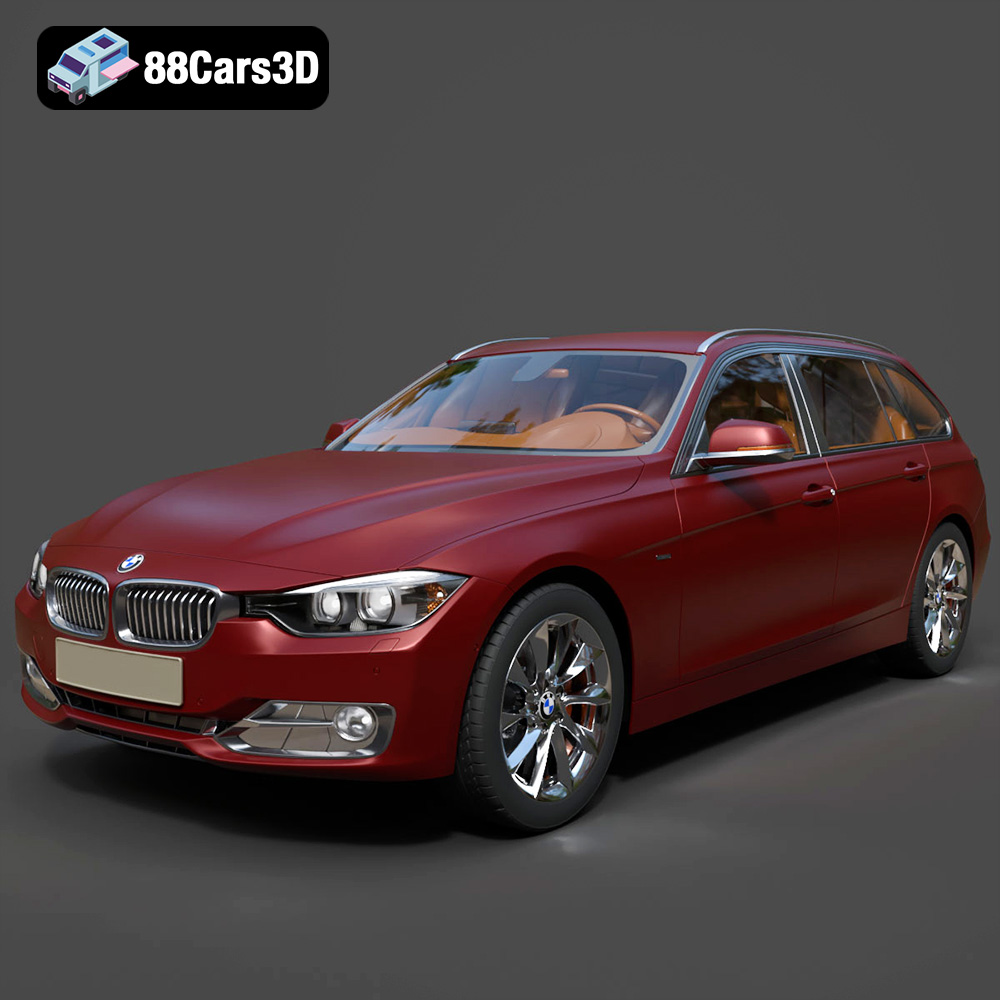
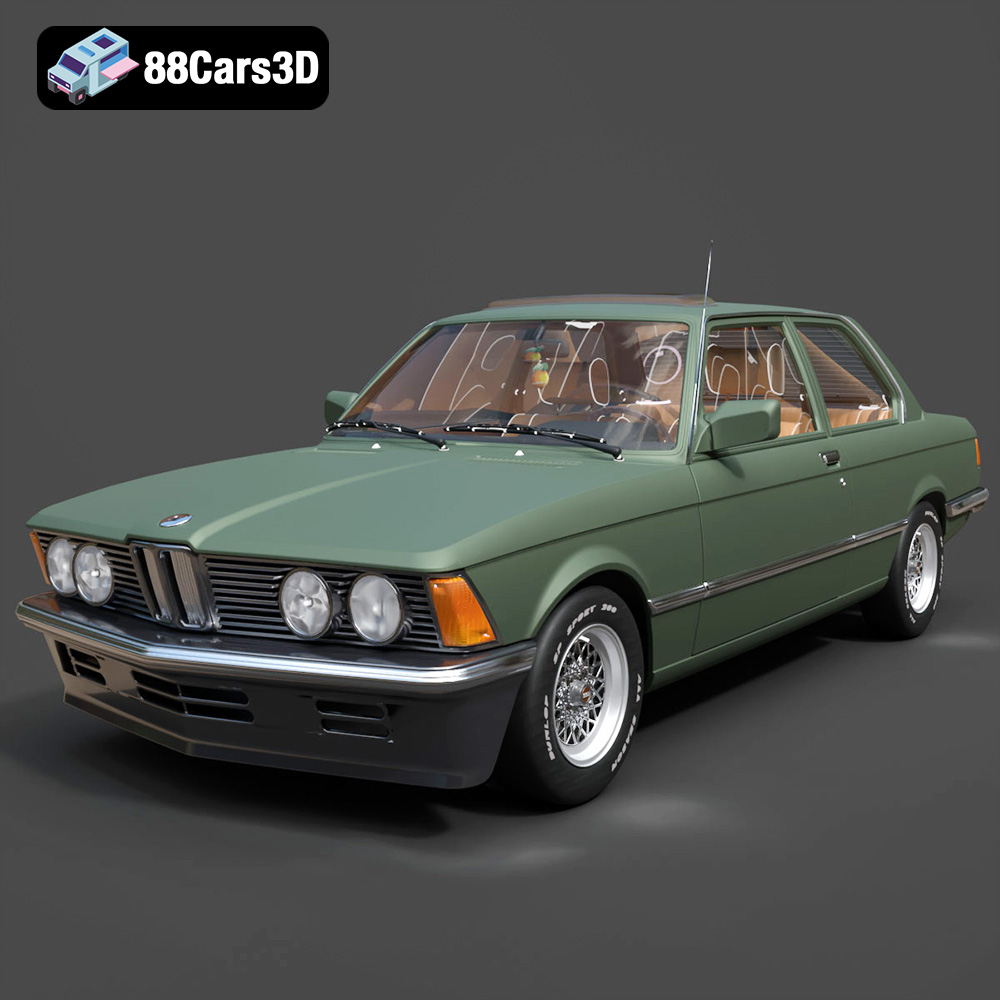
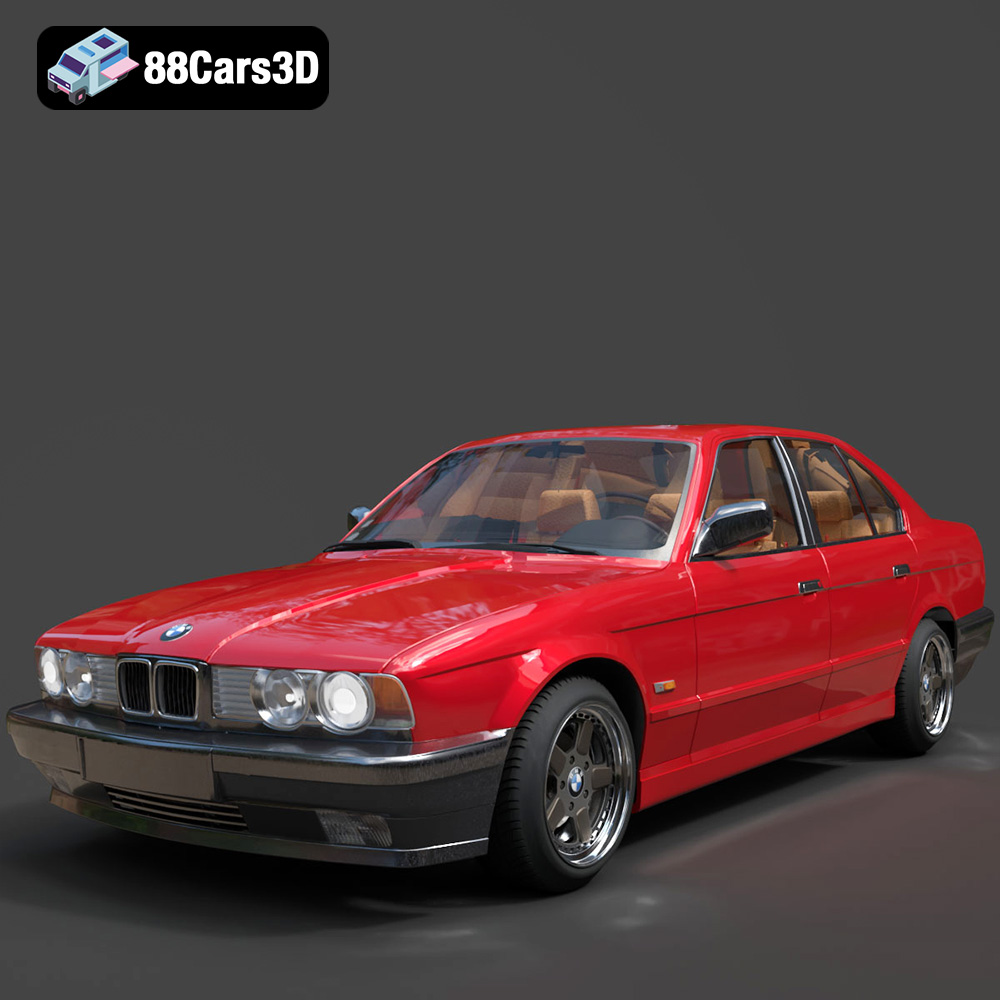
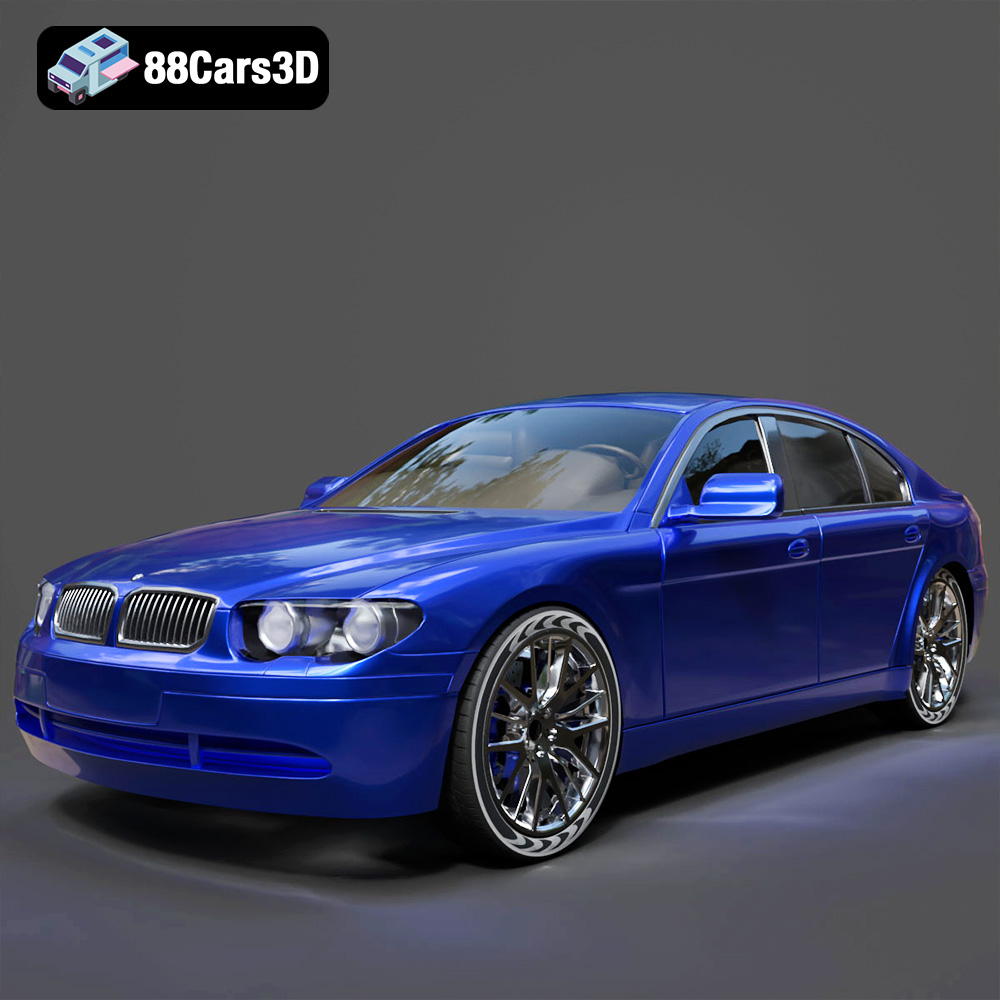
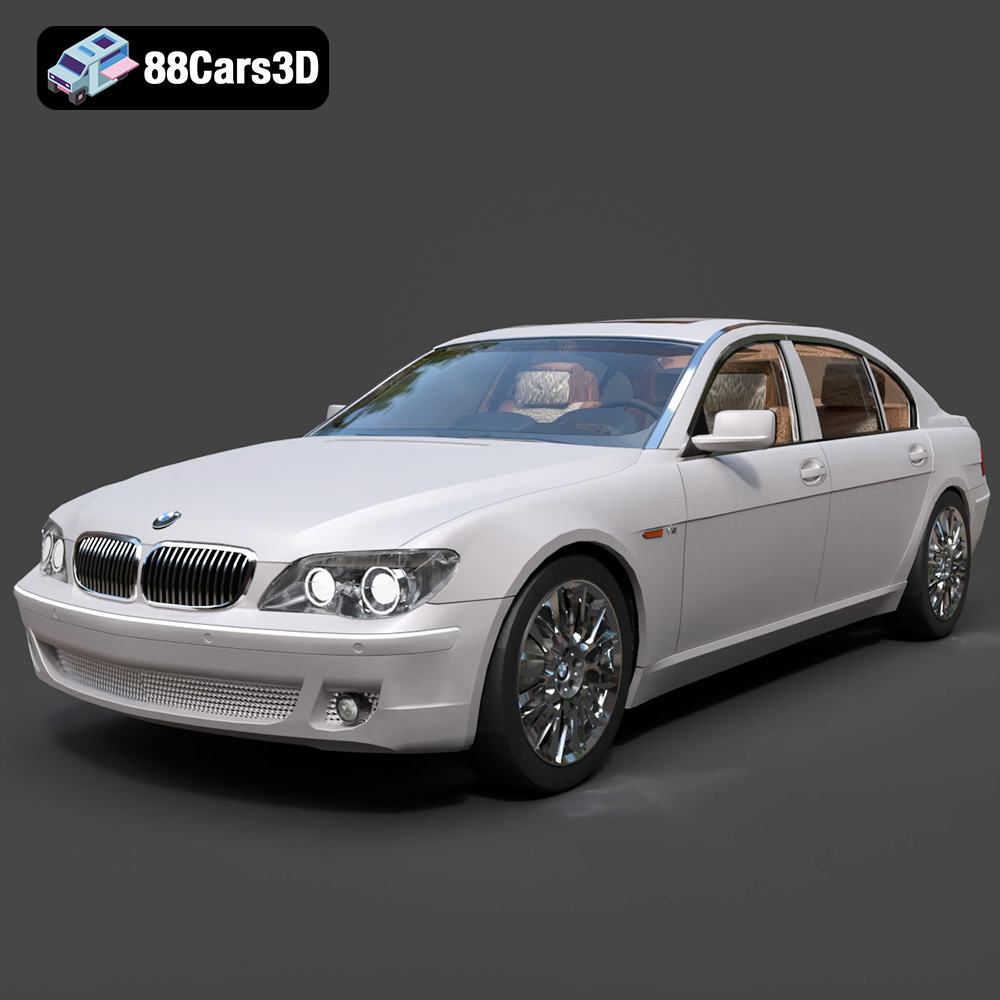
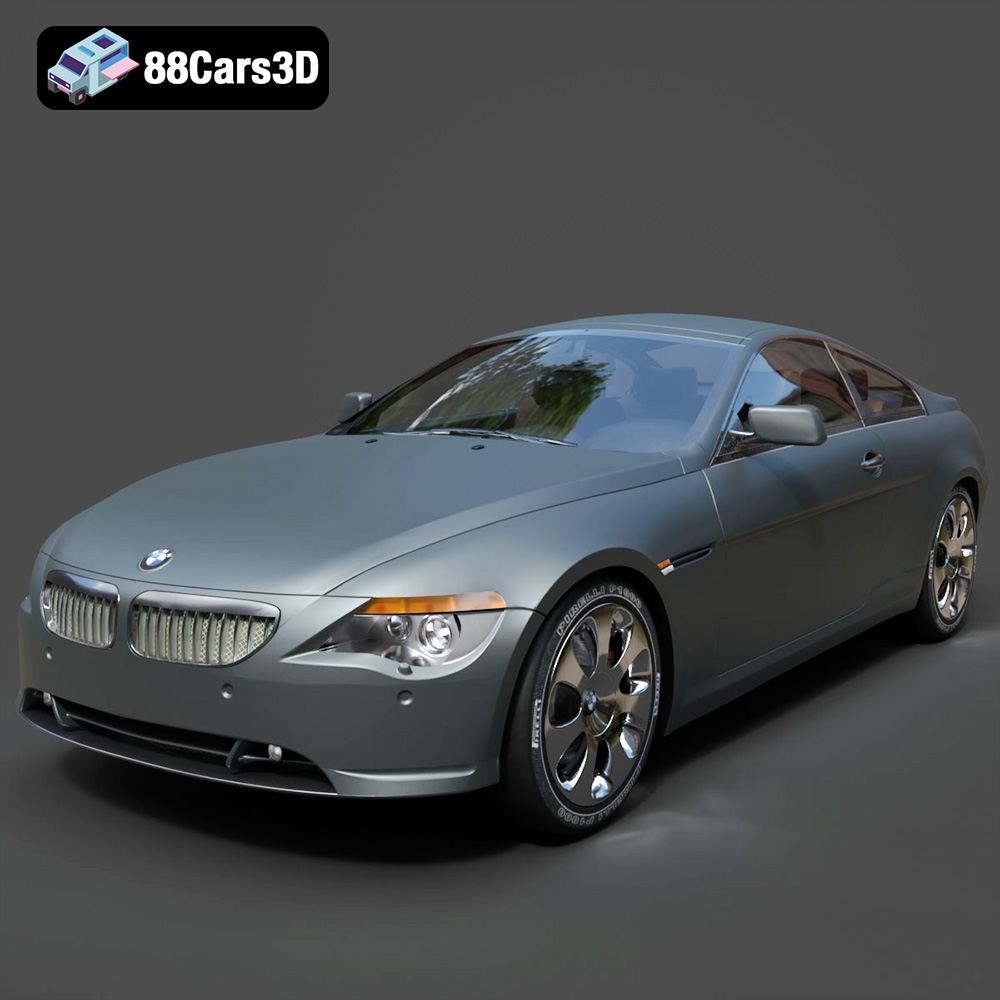
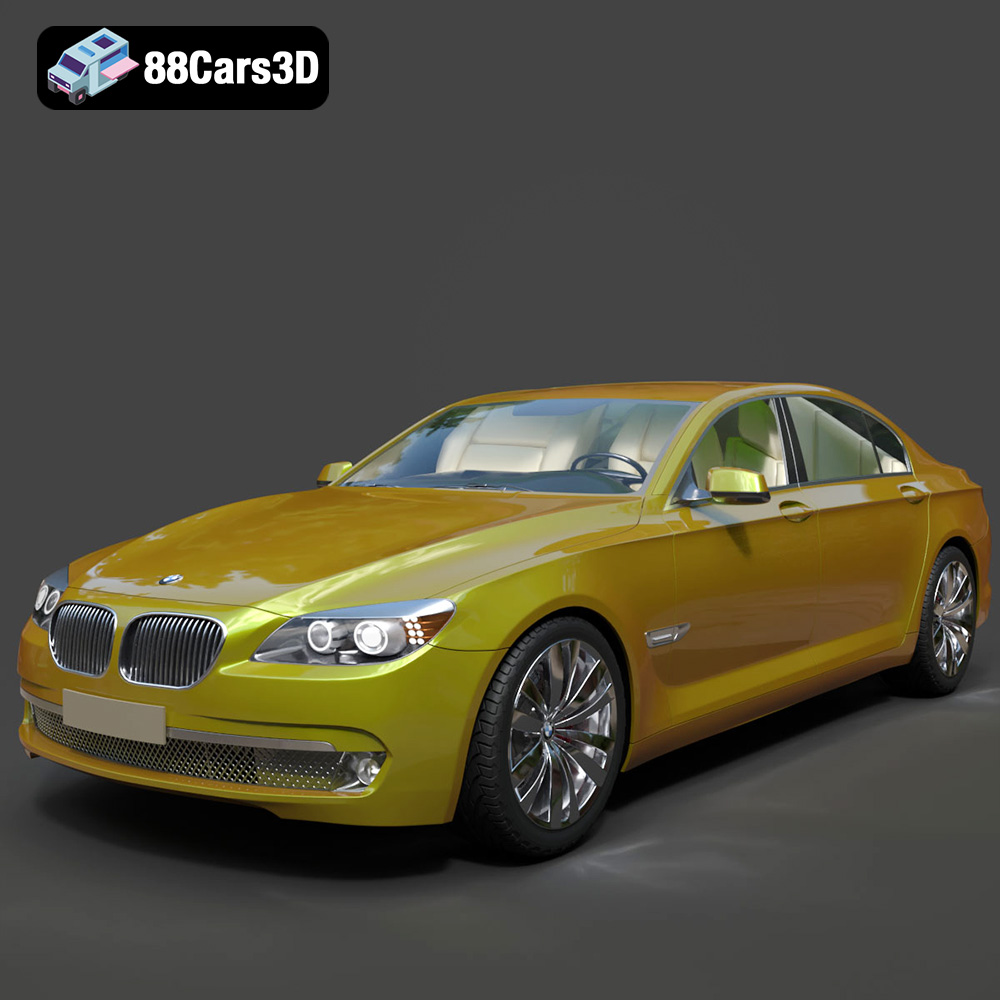
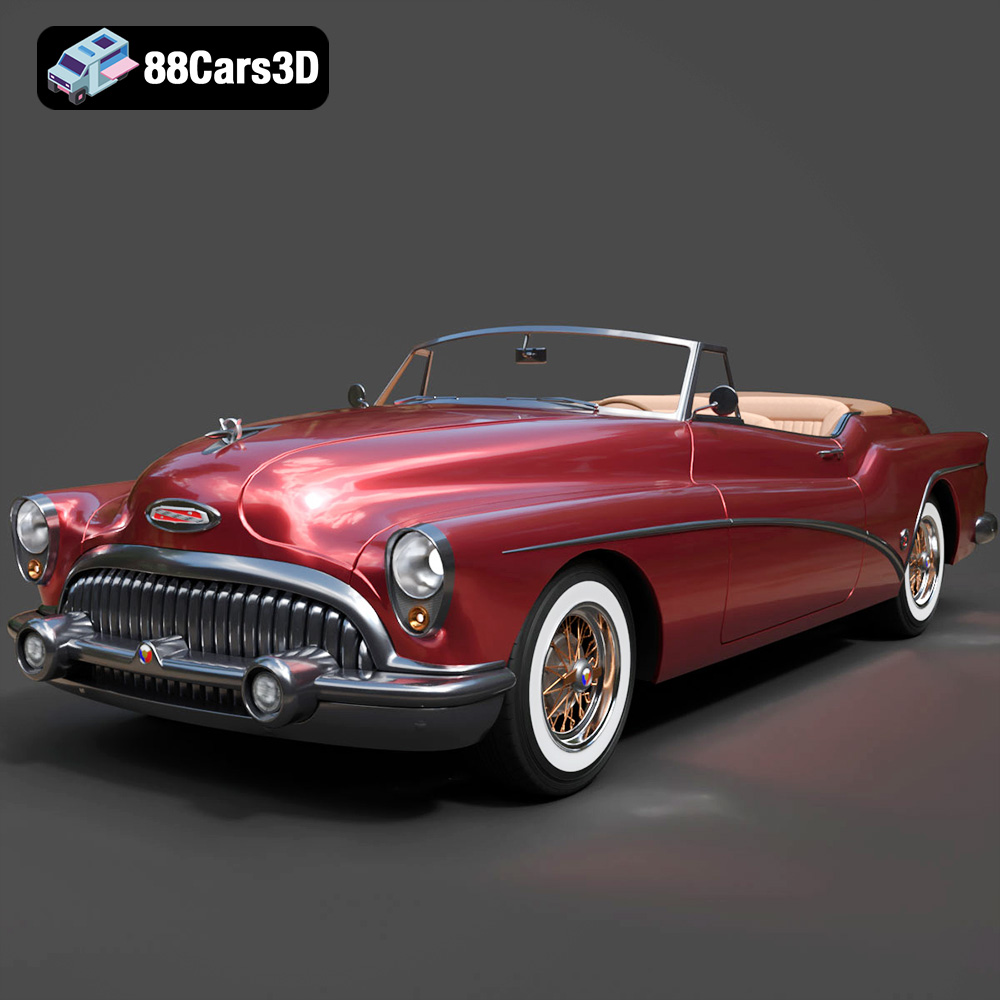
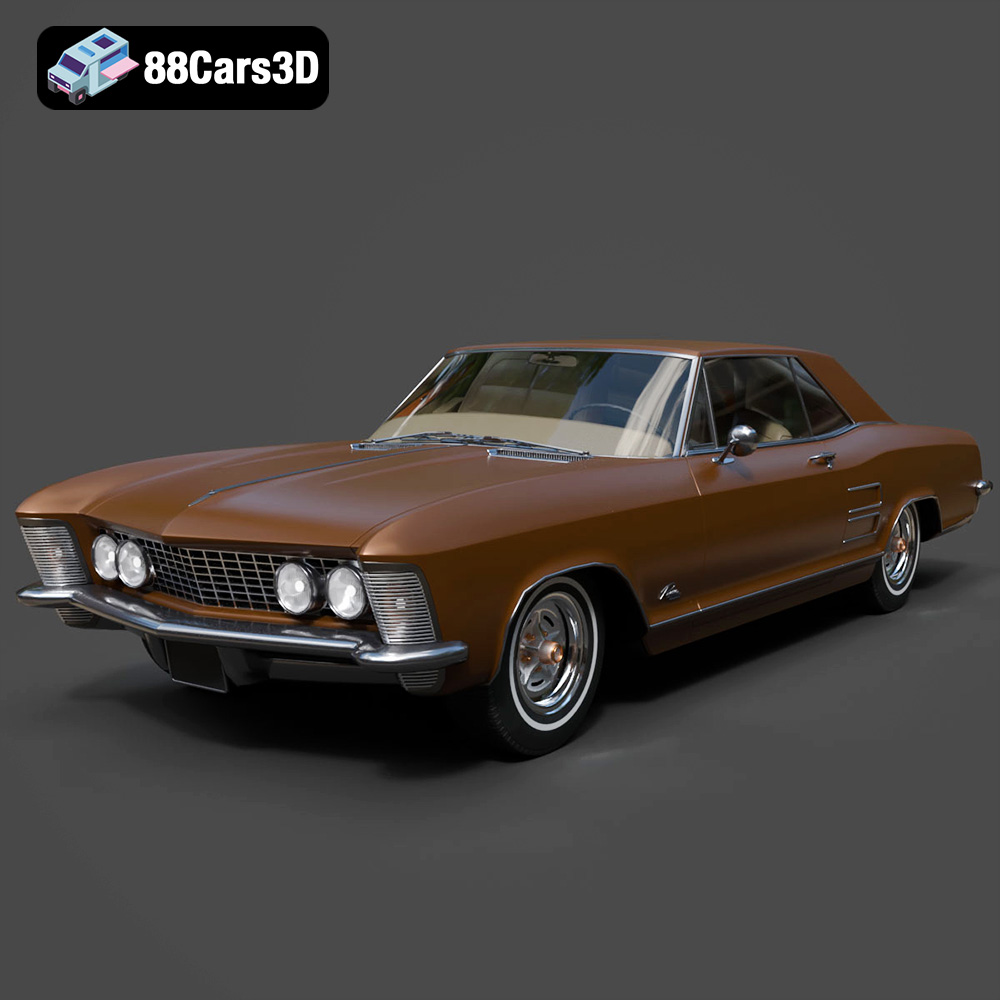
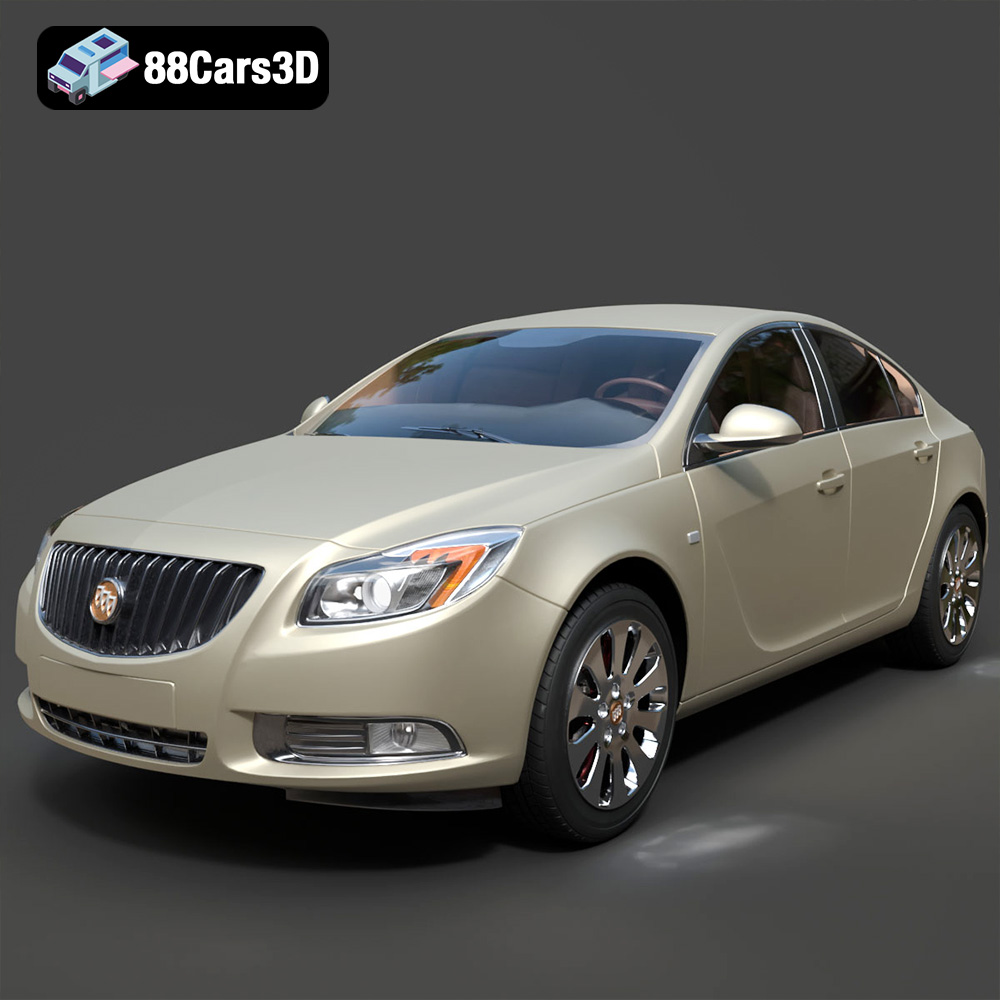
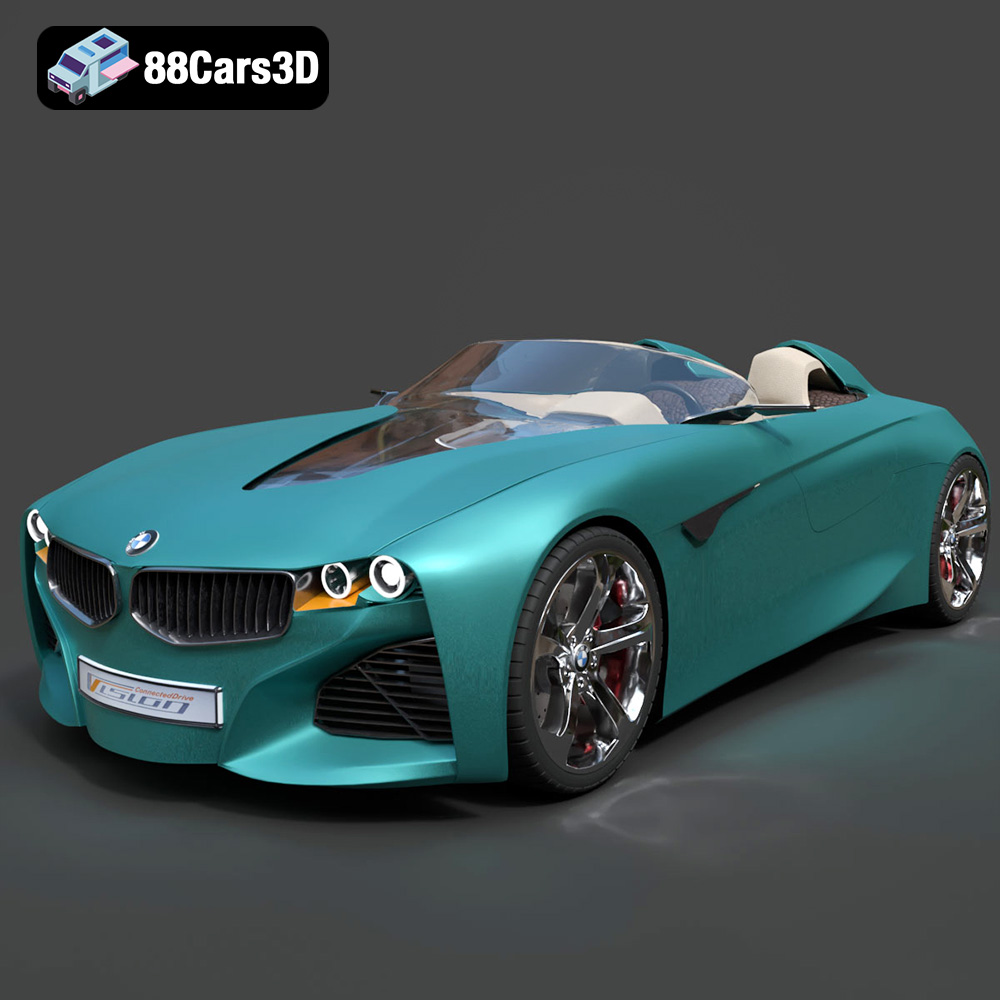
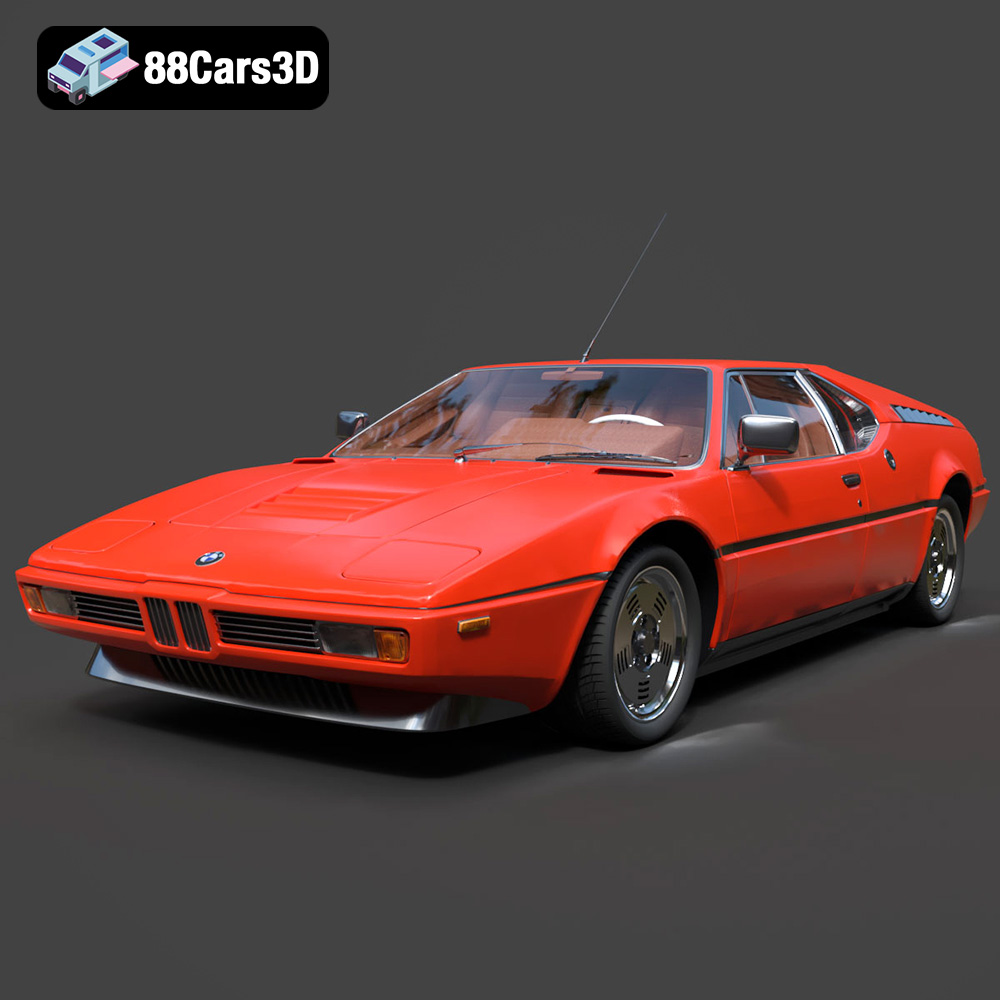
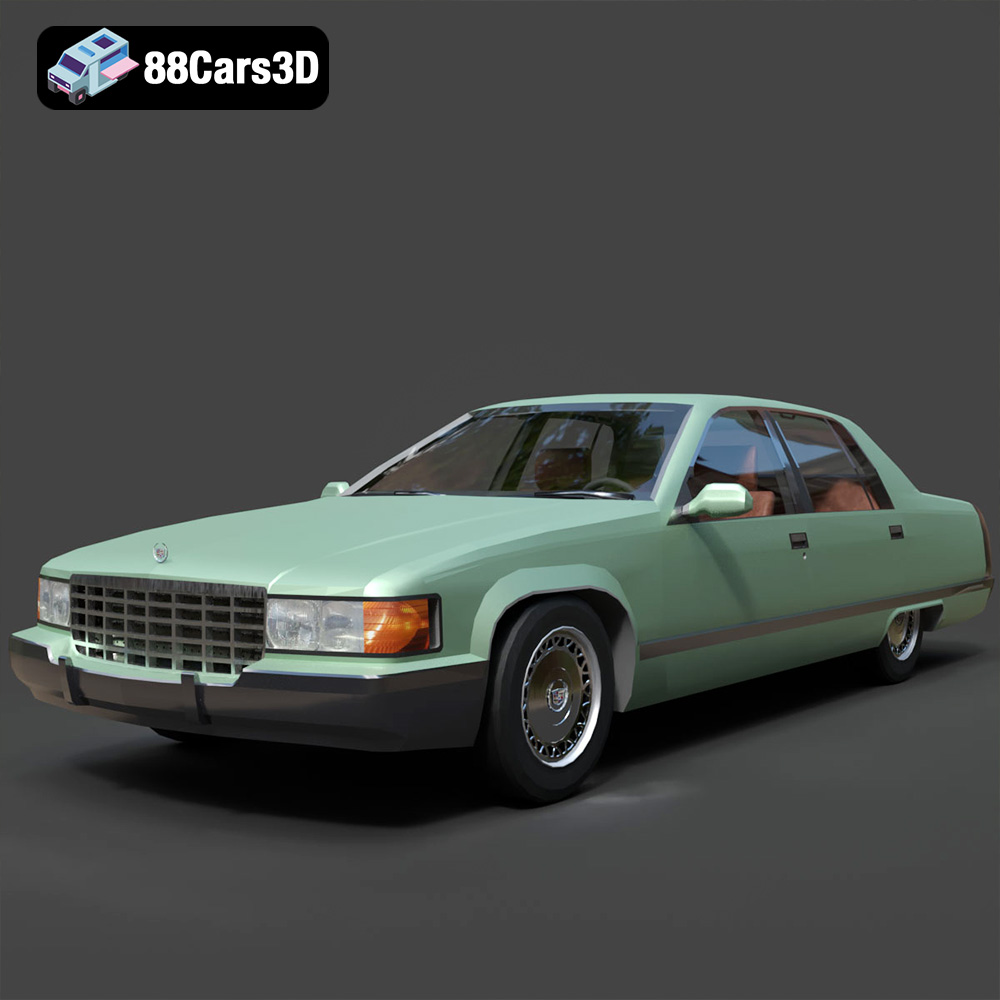
Featured 3D Car Models