Mastering the Art of 3D Car Models: From Automotive Rendering to Game Assets
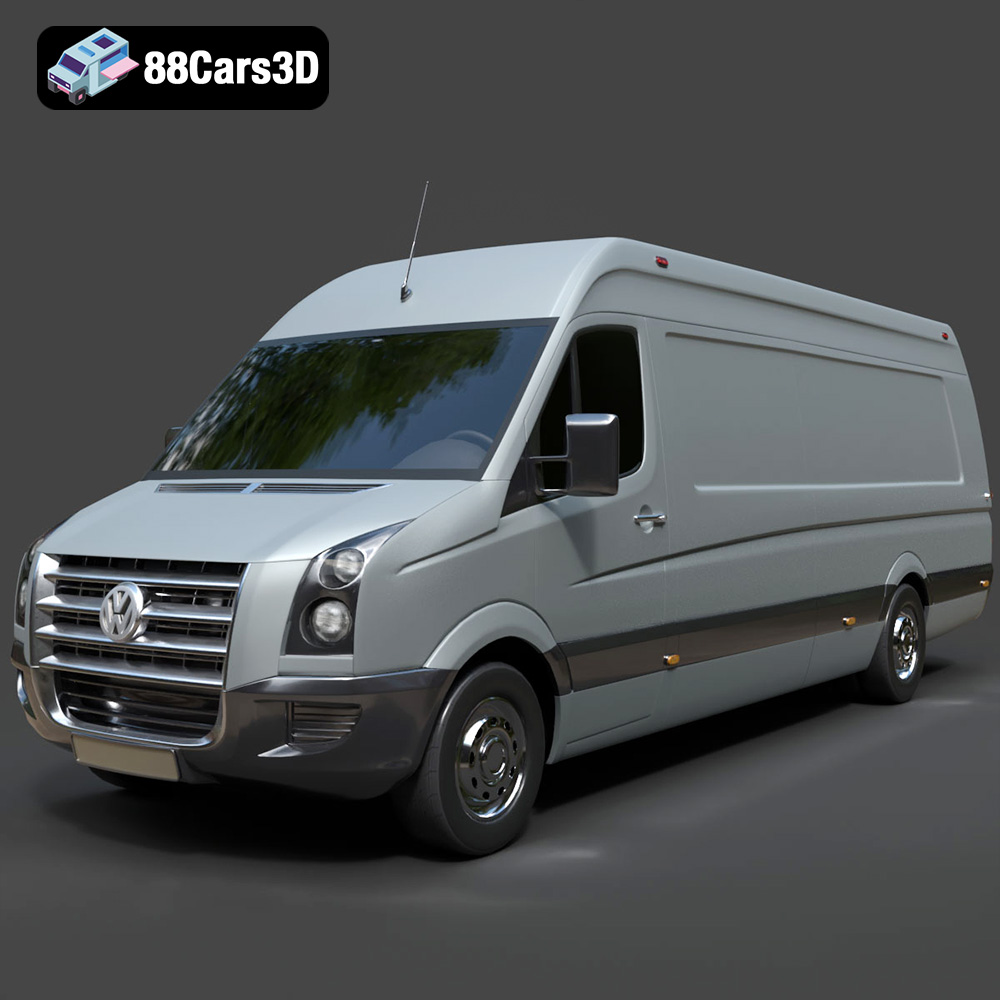
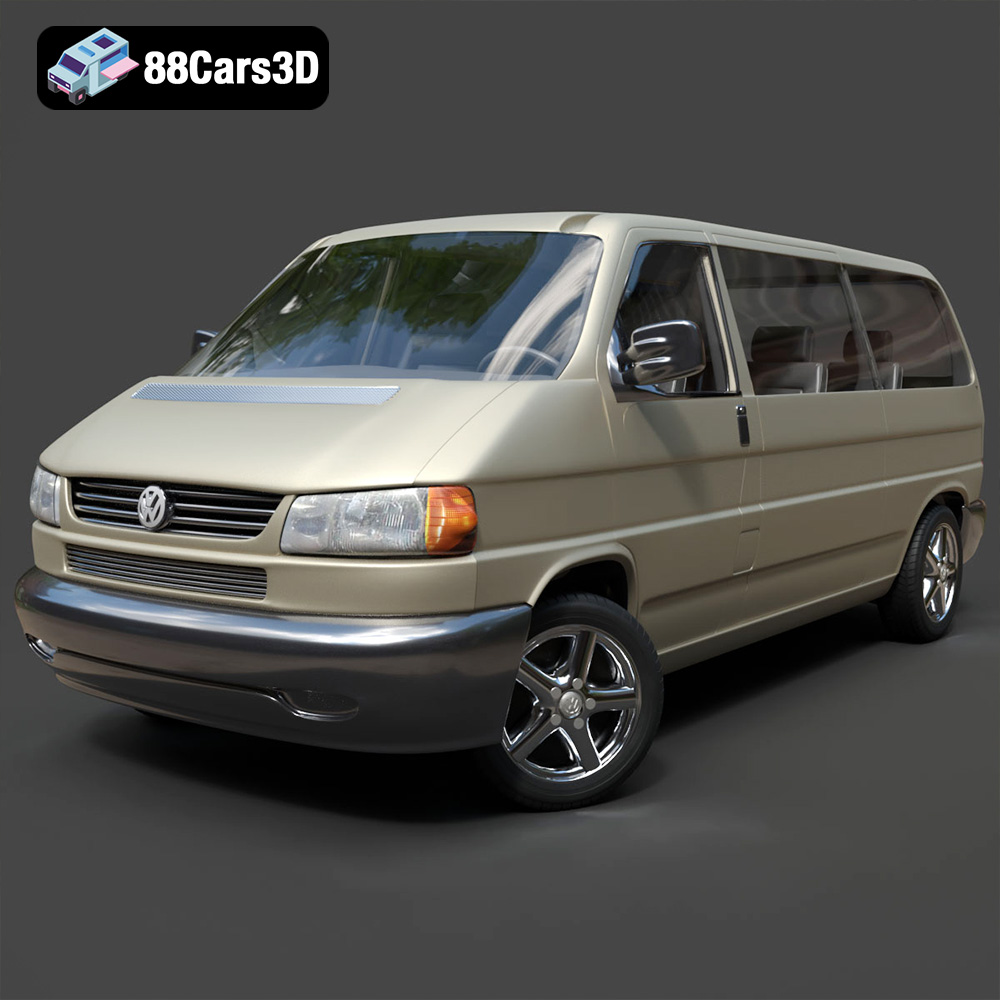
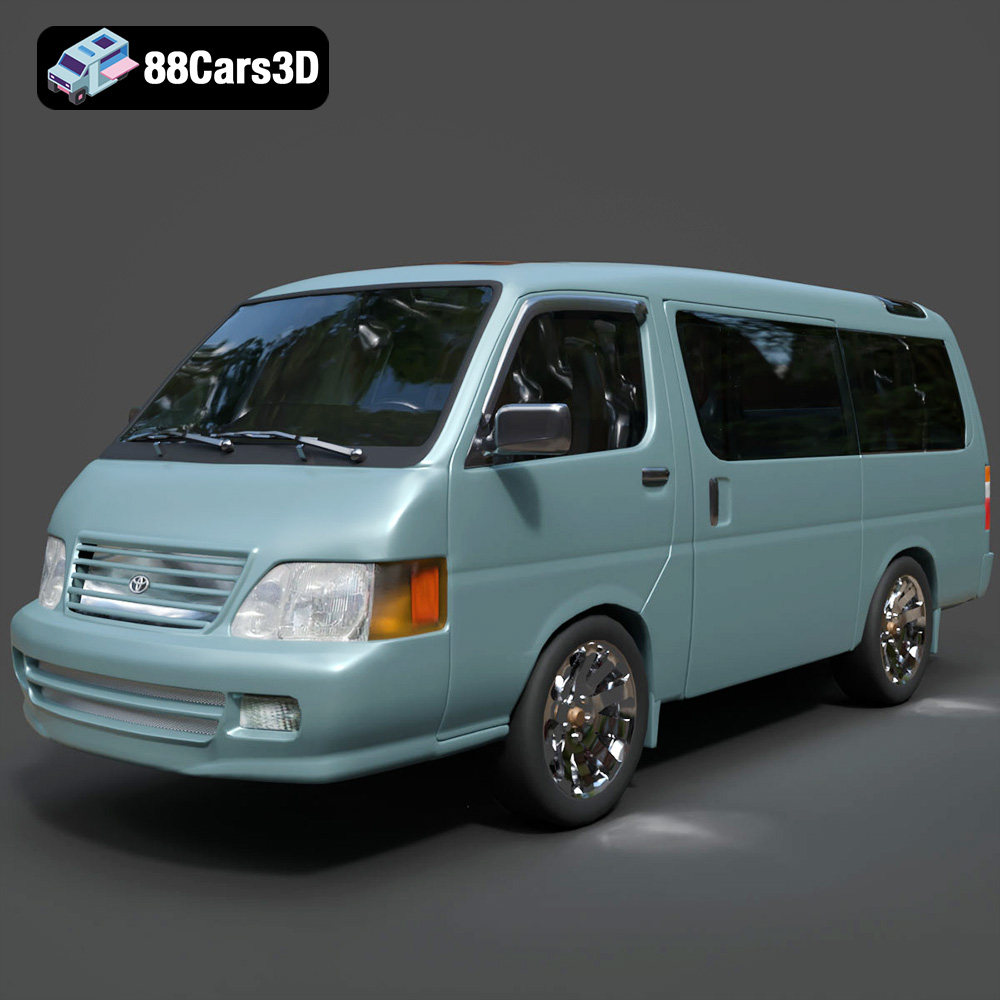
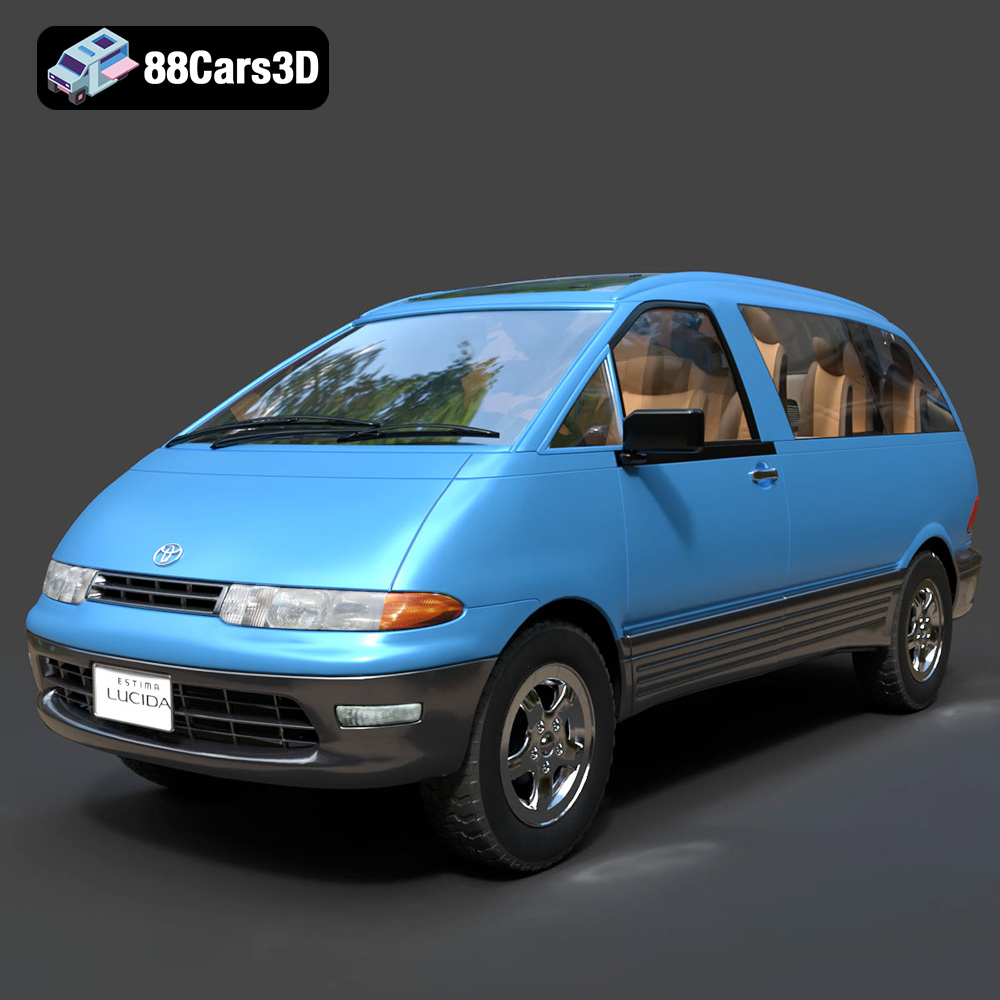
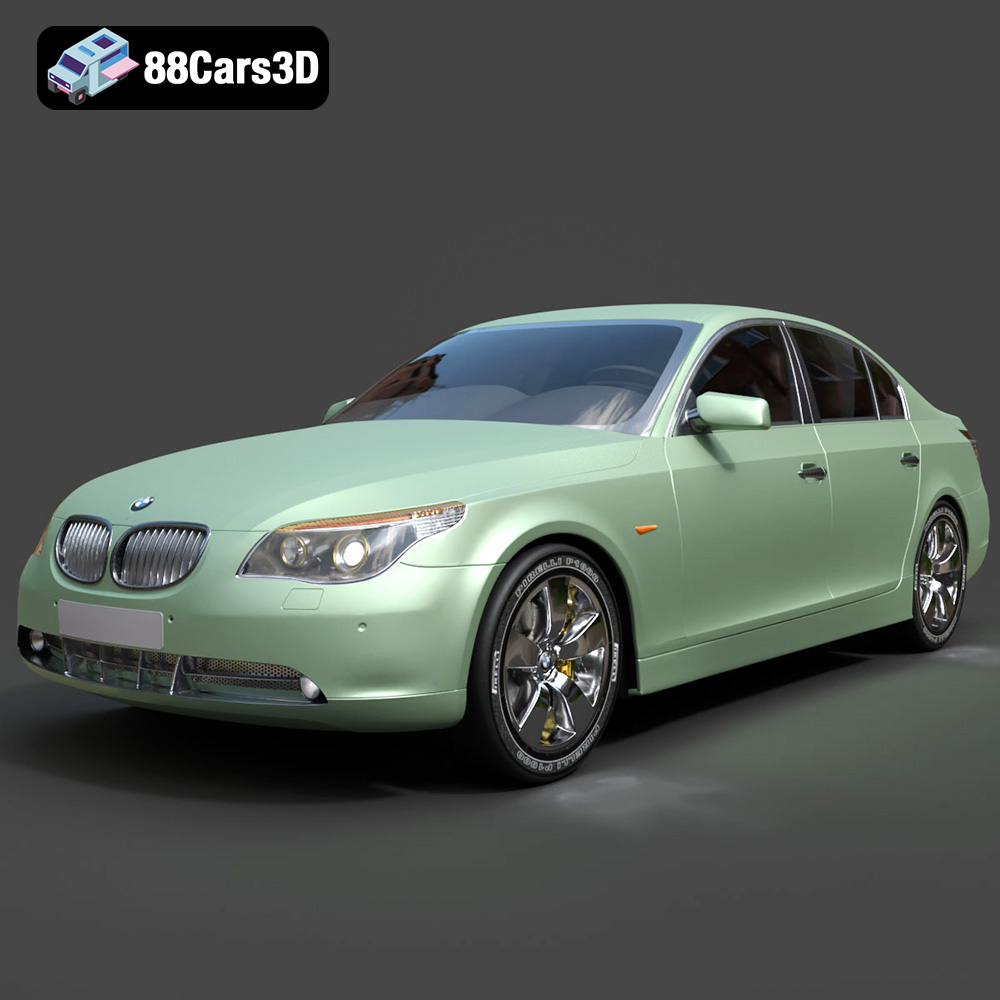
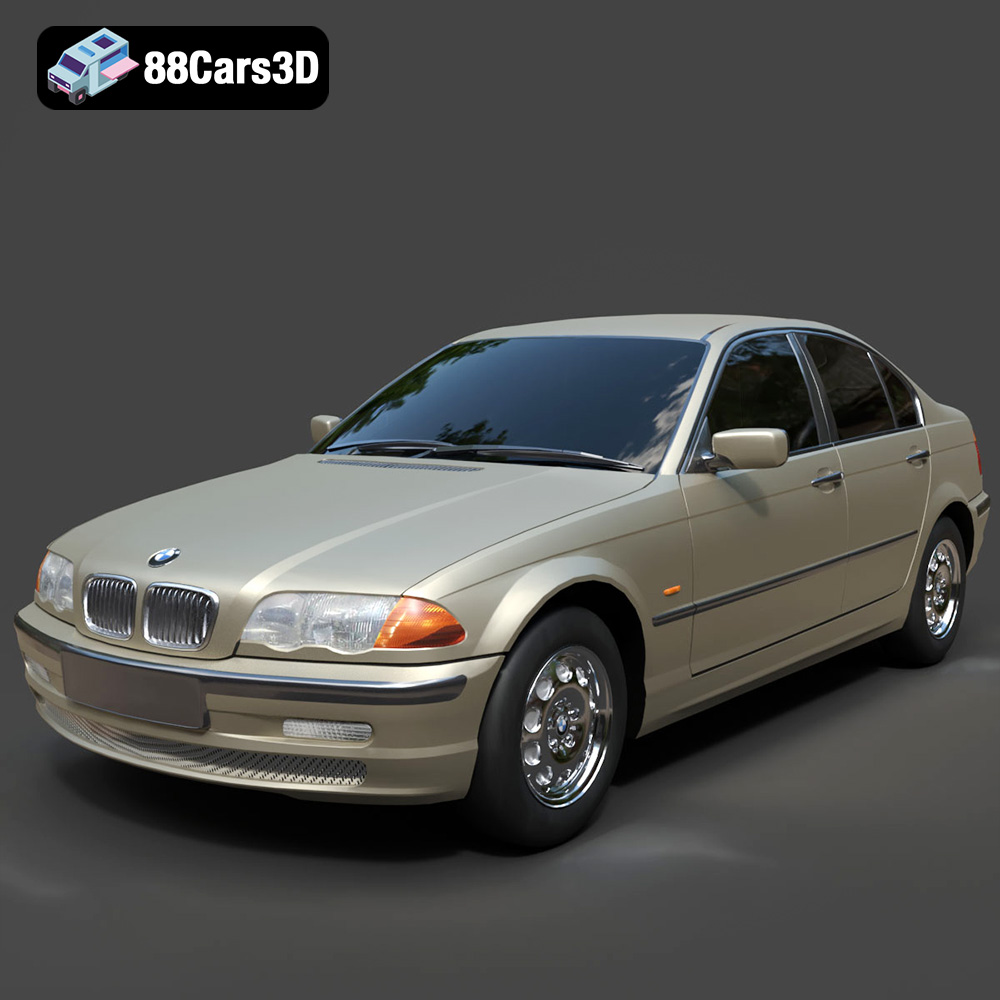
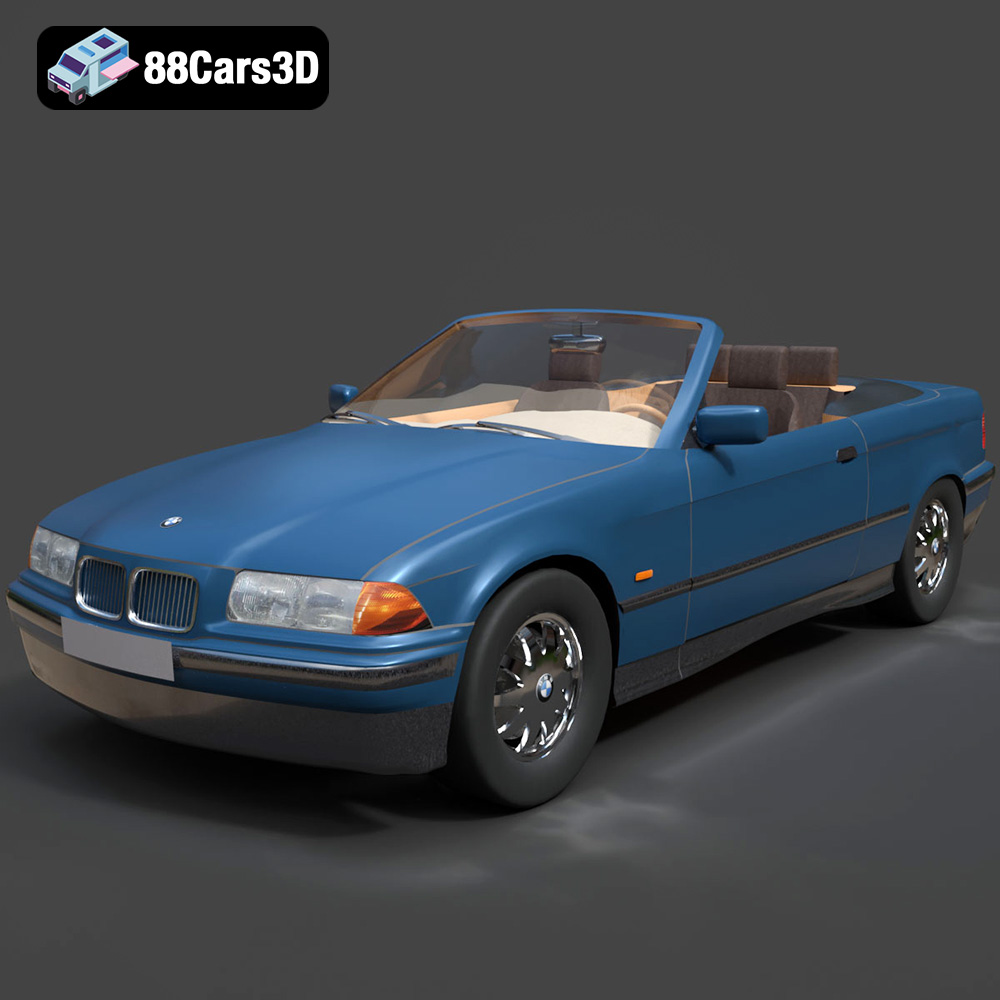
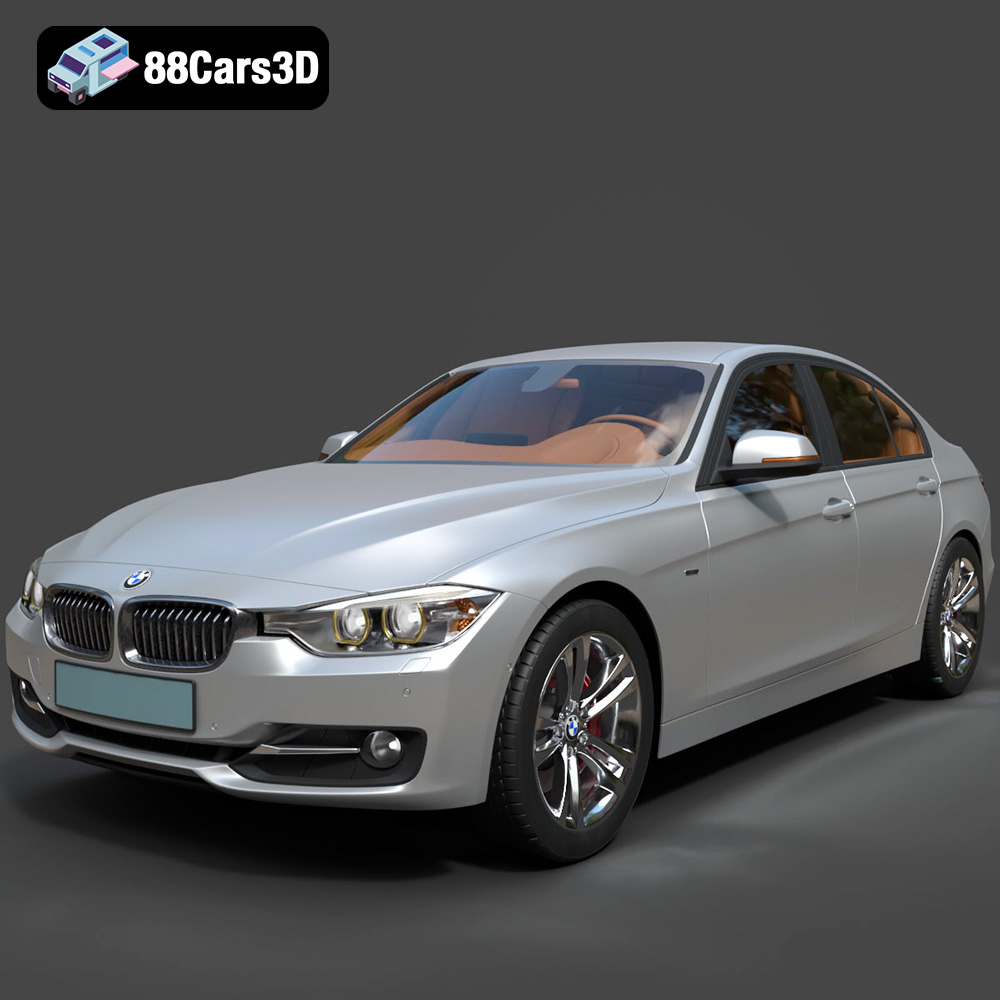
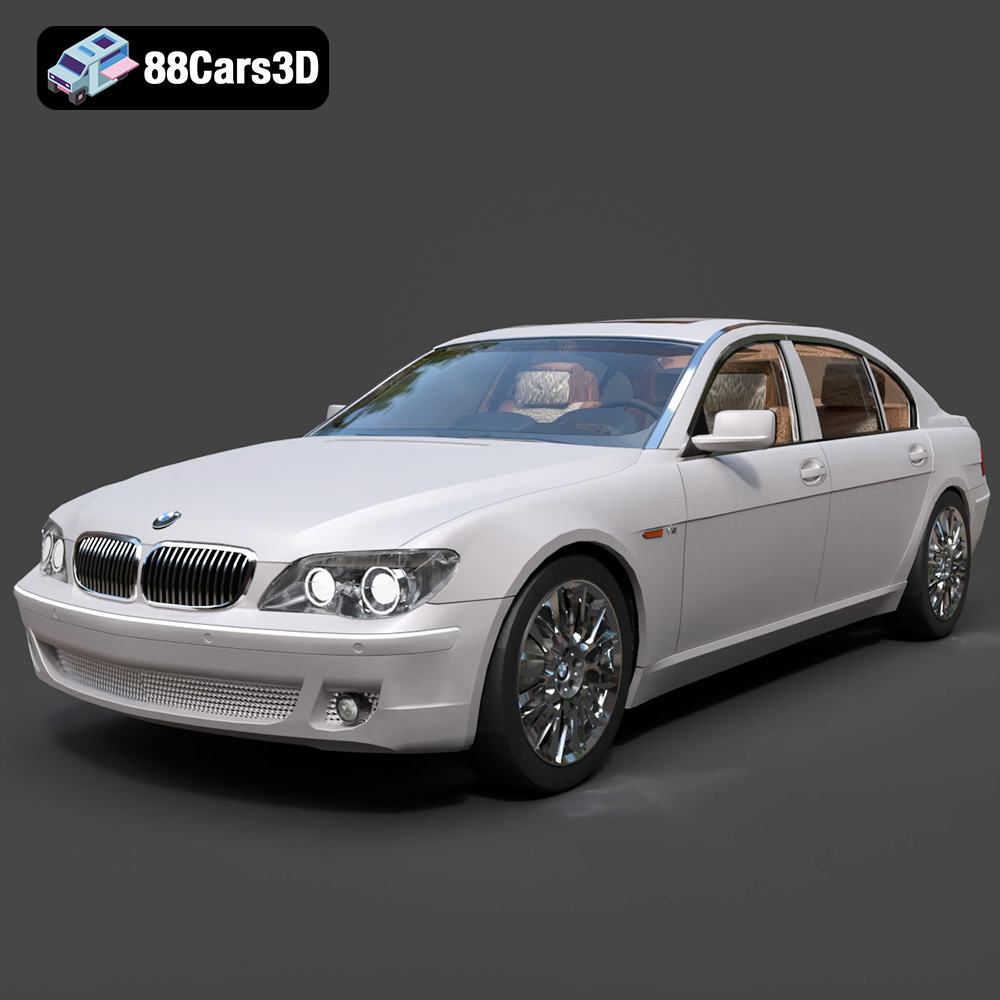
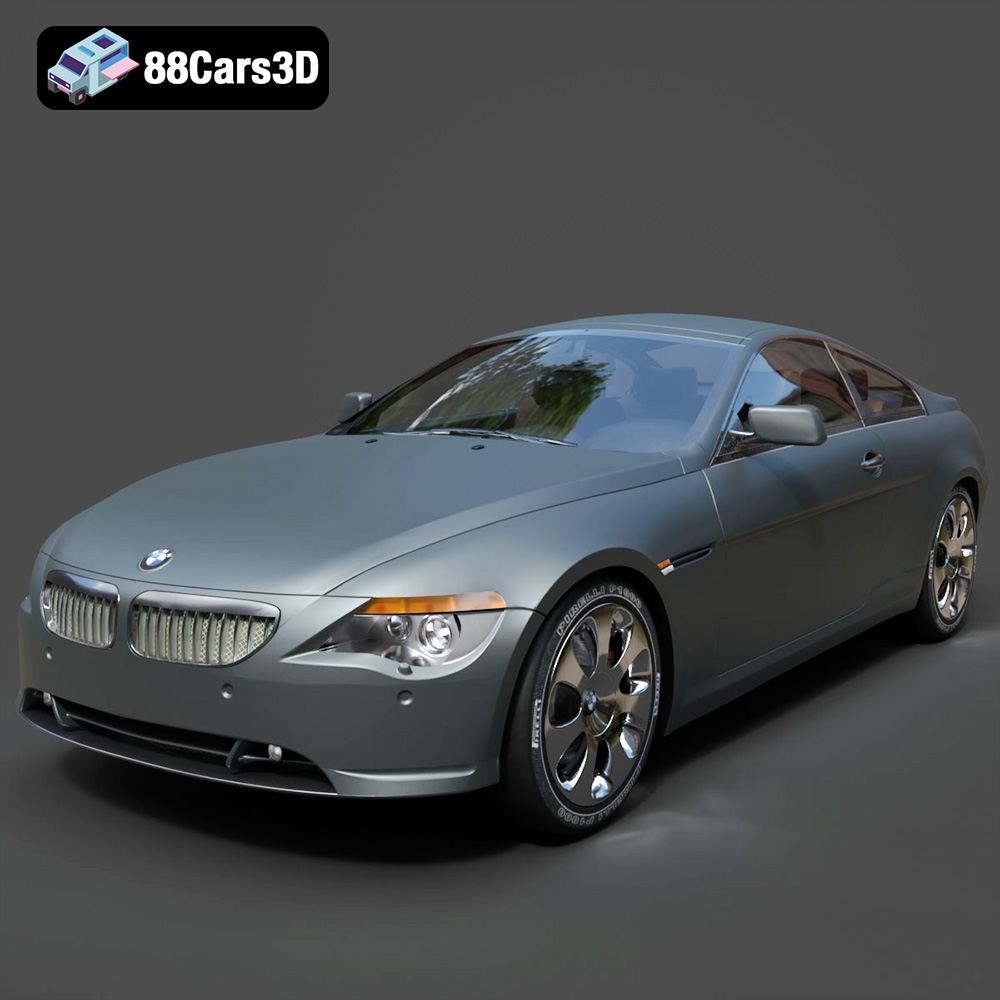
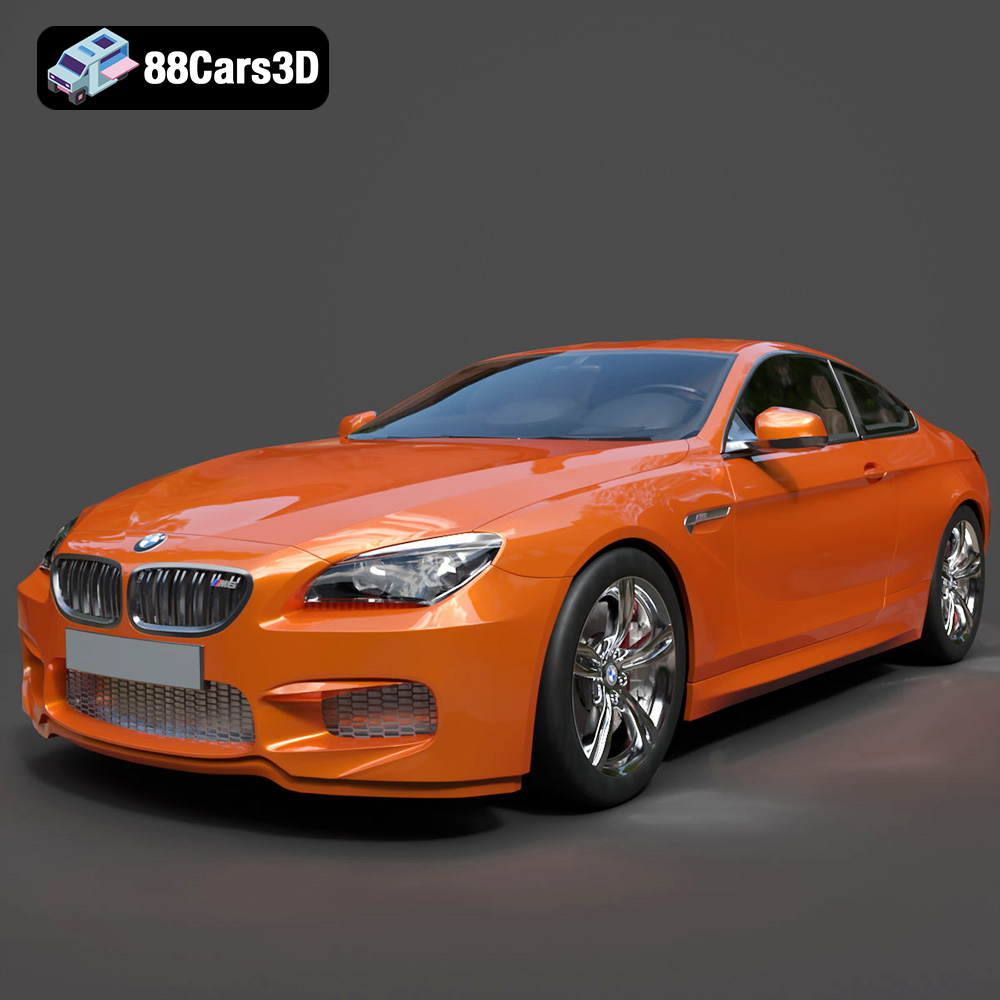
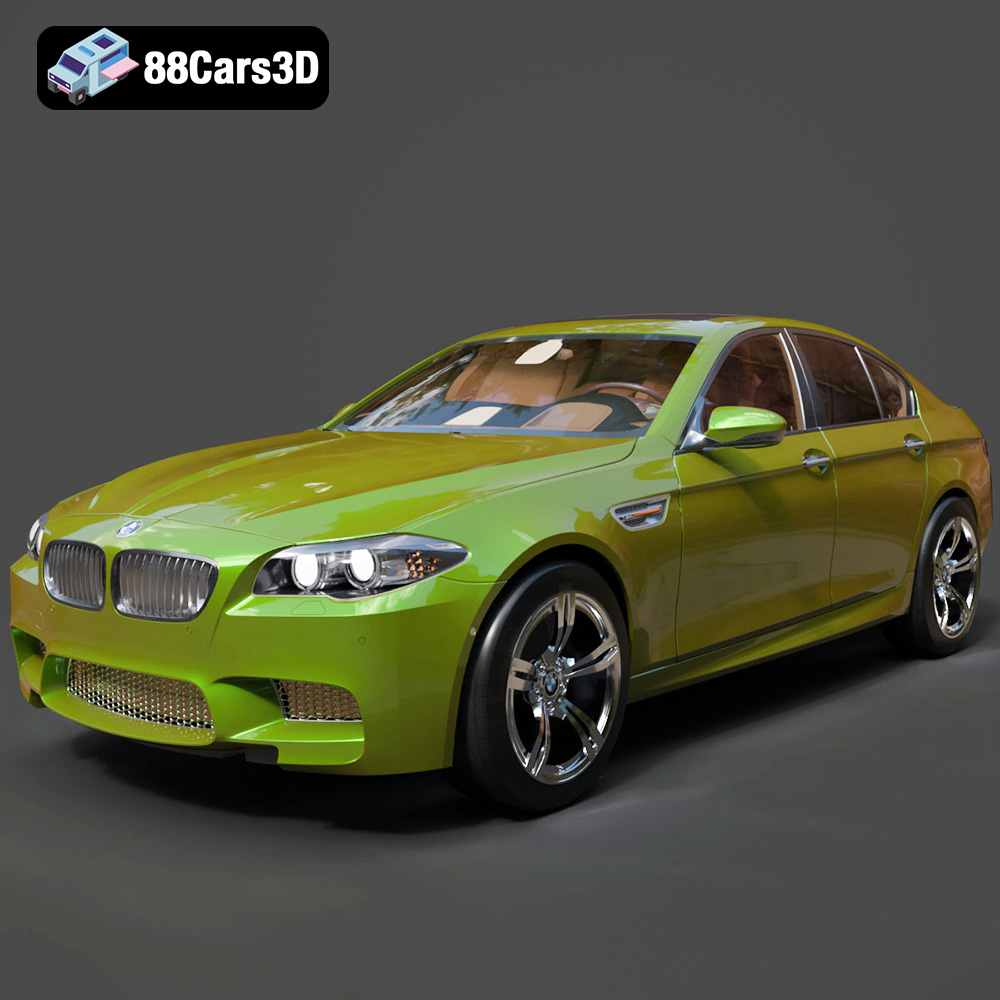
The world of 3D visualization and interactive experiences is rapidly expanding, and at its heart lies the need for incredibly detailed and authentic assets. Few subjects capture the imagination quite like automobiles, making high-quality 3D car models an indispensable component across various industries. From crafting breathtaking photorealistic marketing visuals through advanced automotive rendering to populating immersive virtual worlds with dynamic game assets, the demand for precision and realism is paramount.
Whether you’re an automotive designer showcasing a new concept, an architect integrating vehicles into a visualization, a game developer building a racing simulator, or a filmmaker creating stunning visual effects, the underlying quality of your 3D car models dictates the success of your project. This comprehensive guide will delve deep into the technical intricacies, workflows, and crucial considerations for working with professional-grade 3D car models, ensuring your creations stand out.
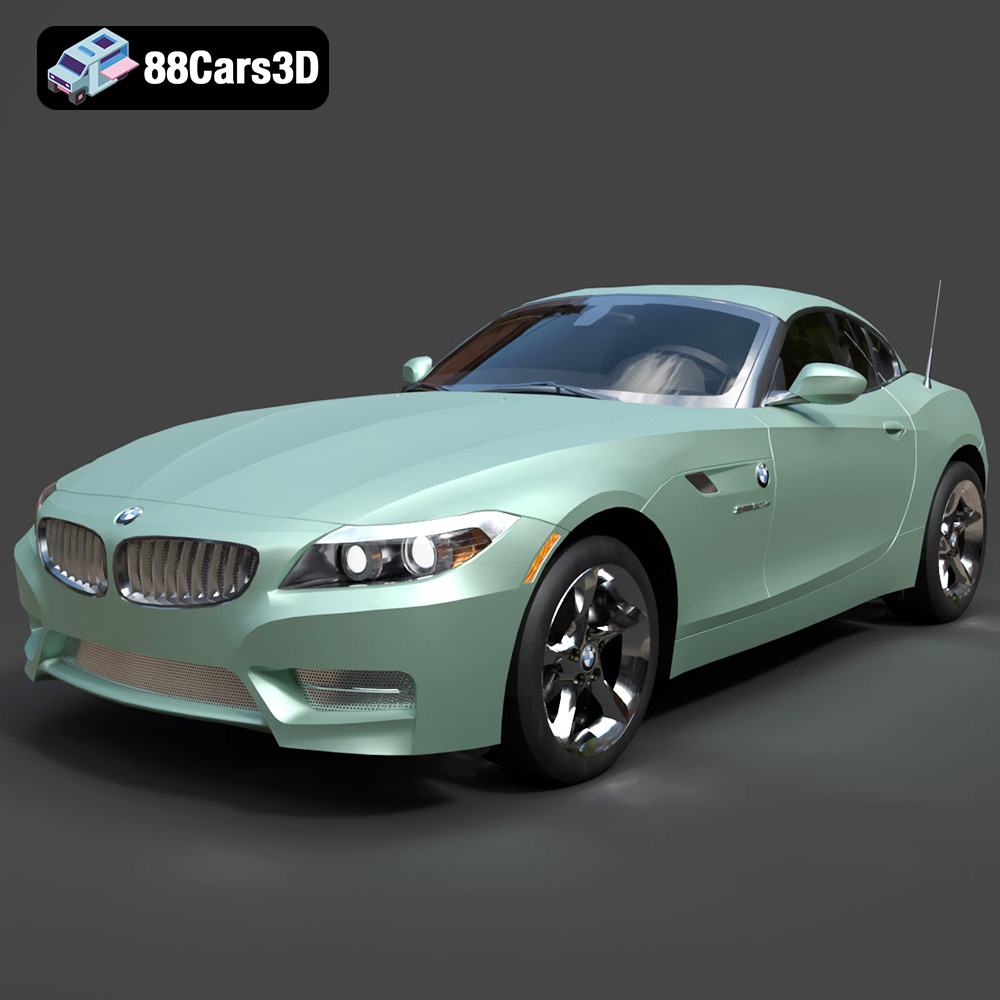
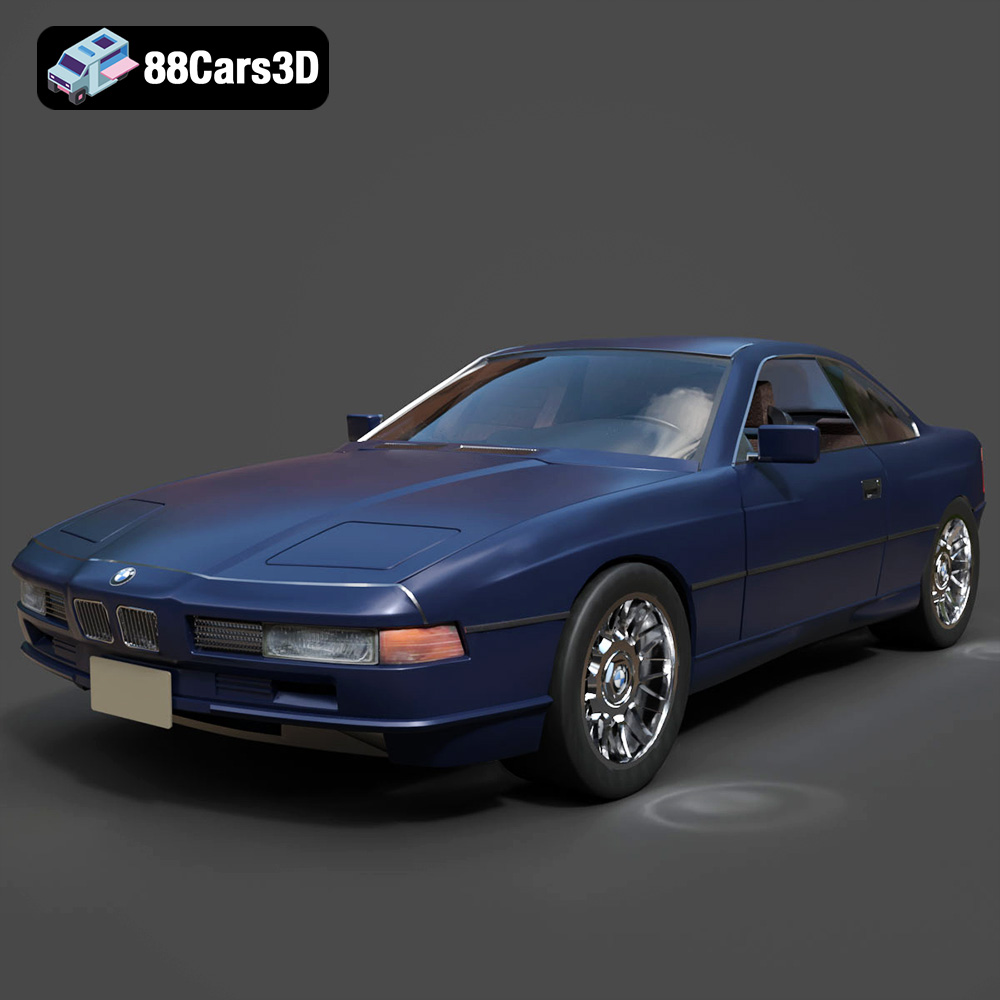
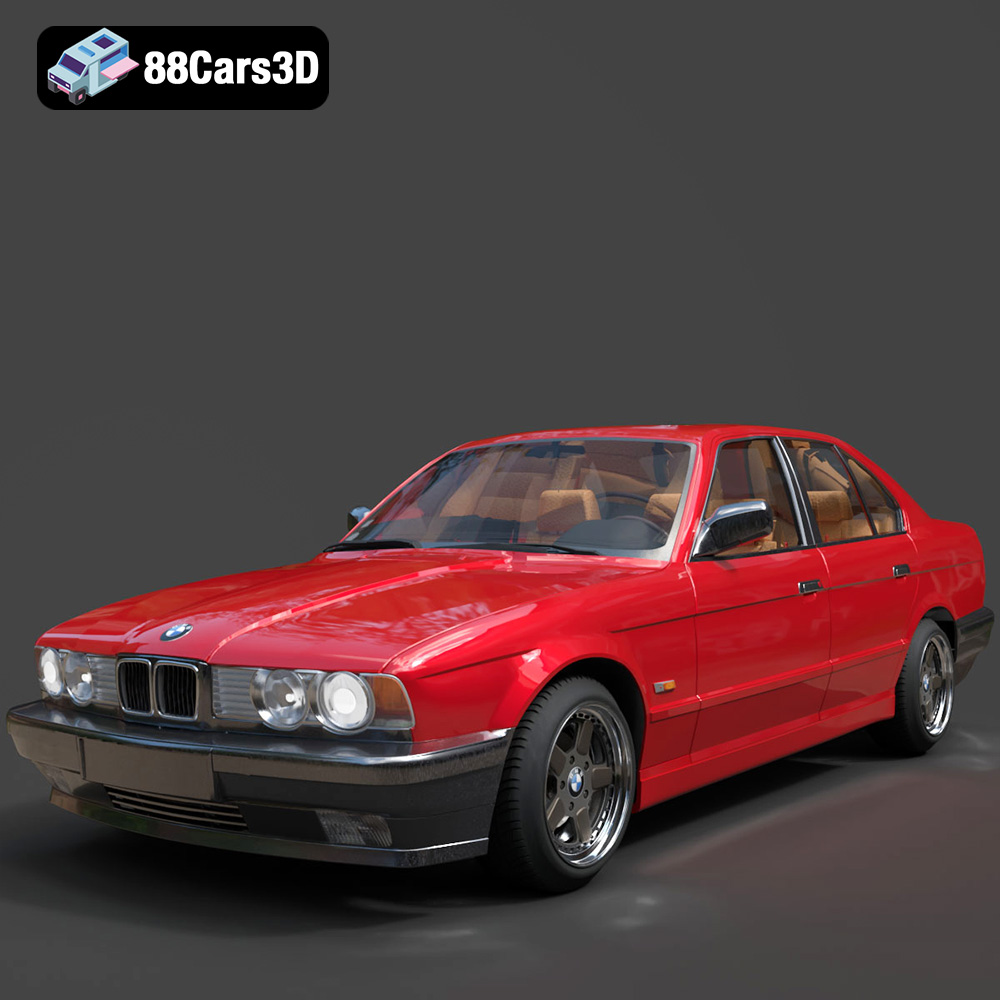
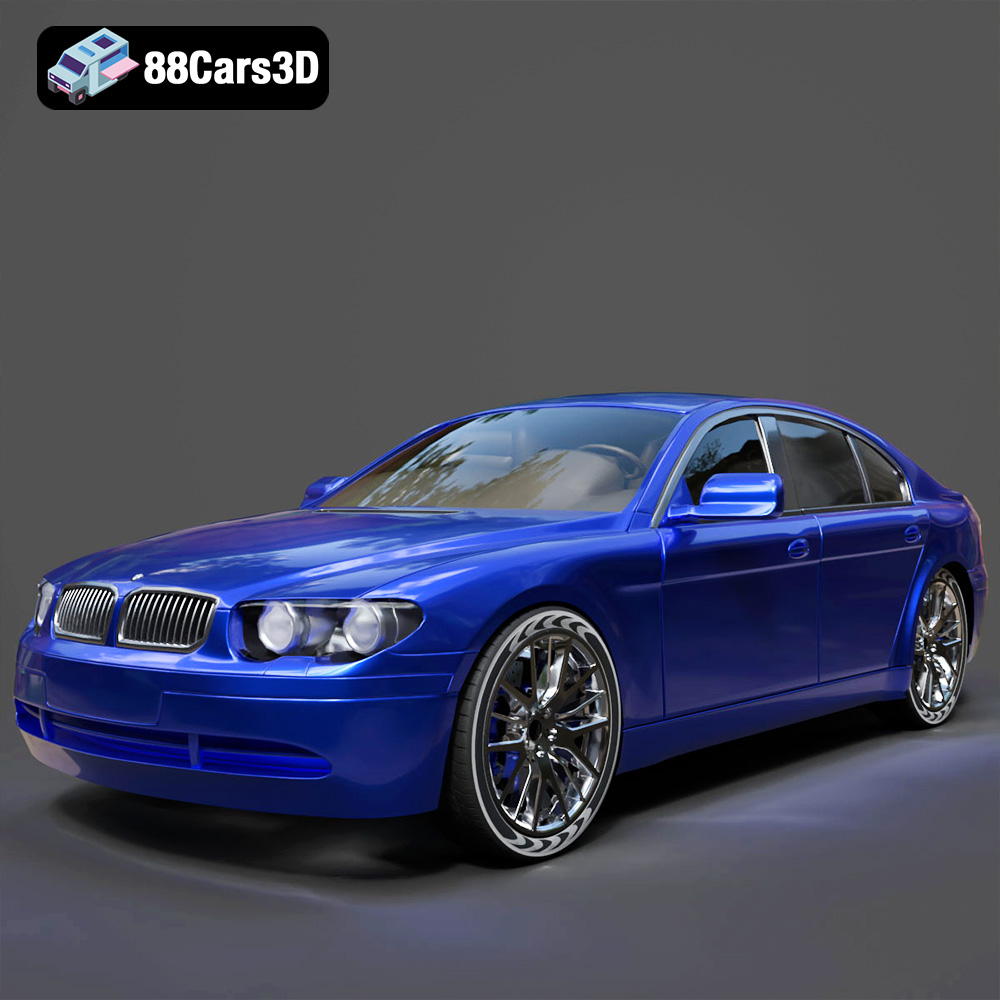
Sourcing these intricate models often begins with understanding where to find assets that meet stringent technical and artistic requirements. Platforms like 88cars3d.com specialize in providing a vast array of high-fidelity 3D car models, meticulously crafted for a spectrum of professional applications. Let’s explore the foundational knowledge necessary to leverage these powerful tools effectively.
Understanding 3D Model File Formats
The choice of file format for your 3D car model is far from trivial; it dictates compatibility, feature retention, and overall workflow efficiency across different software environments and end-use scenarios. Each format has its strengths, weaknesses, and intended applications. Understanding these distinctions is crucial for seamless integration and optimal project outcomes.
.blend and .max: Native Project Files for Full Control
- .blend (Blender): This is Blender’s native file format, serving as a complete scene container. A .blend file can encapsulate not just the mesh data, but also materials, textures, animations, rigging, lighting setups, physics simulations, and even custom scripts. It offers the most comprehensive control for artists working within Blender, allowing for full editability of every aspect of the model. When you acquire a .blend file, you gain access to the original artist’s workflow, enabling deep customization, topology adjustments, or re-texturing with minimal effort. It’s ideal for projects where Blender is the primary DCC (Digital Content Creation) tool and maximum flexibility is required.
- .max (3ds Max): Similar to .blend, .max is the native file format for Autodesk 3ds Max, one of the industry’s longest-standing and most powerful 3D modeling, animation, and rendering suites. A .max file preserves all scene data specific to 3ds Max, including complex modifiers, scene hierarchy, lights, cameras, materials (especially V-Ray or Corona specific setups), and intricate animation rigs. For users of 3ds Max, this format provides the highest level of fidelity and editability, making it the go-to for professional visualization studios that rely on 3ds Max for their automotive rendering and animation pipelines.
.fbx and .obj: Industry Standards for Interoperability
- .fbx (Filmbox): Developed by Autodesk, FBX has become an industry-standard interchange format, particularly for real-time applications and animation. It excels at transferring not just geometry, but also animation, rigging, skinning, lights, and cameras between different 3D software packages (like Maya, 3ds Max, Blender, Cinema 4D) and game engines (Unreal Engine, Unity). Its strength lies in its ability to preserve complex scene data relatively well, making it indispensable for transferring rigged 3D car models ready for animation or direct integration into game development pipelines as optimized game assets. While highly versatile, users should always check import/export settings to ensure all desired data is preserved.
- .obj (Wavefront OBJ): One of the oldest and most universally supported 3D file formats, OBJ is renowned for its simplicity and cross-software compatibility. It primarily stores geometric data (vertices, faces, normals, UV coordinates) and can reference an external .mtl file for material definitions. Its widespread adoption makes it an excellent choice for basic mesh transfer between virtually any 3D application. However, .obj does not support animations, rigging, or complex scene hierarchies, making it less suitable for animated models or advanced real-time applications without additional setup. It’s often used as a fallback or for simple static model transfers, particularly when precise geometry is the main concern.
.glb, .stl, and .ply: Specialized Formats for Specific Needs
- .glb (GL Transmission Format Binary): GLB is the binary version of glTF, a royalty-free specification for the efficient transmission and loading of 3D scenes and models by applications. It’s highly optimized for web-based 3D, AR/VR experiences, and interactive applications due to its compact size and ability to embed textures and animations directly within a single file. For displaying 3D car models in browsers, augmented reality apps, or lightweight interactive viewers, .glb offers an unparalleled combination of visual quality and performance.
- .stl (Stereolithography): STL is the de facto standard file format for 3D printing. It describes only the surface geometry of a 3D object using a collection of triangular facets, without any color, texture, or material information. While not suitable for rendering or animation, it’s absolutely essential for converting a 3D car model into a physical object. Precision and watertight meshes are critical when working with .stl for 3D printing.
- .ply (Polygon File Format): Also known as the Stanford Triangle Format, PLY is another common format for storing 3D data, often used for scanned data, point clouds, and mesh data from scientific and engineering applications. It can store various properties beyond just geometry, such as color, transparency, normals, and texture coordinates for each vertex or face. While less common for everyday artistic workflows compared to .fbx or .obj, its precision and ability to carry diverse data make it valuable for CAD integration, reverse engineering, and advanced analysis of complex meshes.
.unreal: Optimized for Real-Time Engine Integration
- .unreal (Unreal Engine Asset): While not a standalone external file format in the traditional sense, a “.unreal” asset refers to a 3D car model (or any asset) that has been specifically imported, optimized, and configured within the Unreal Engine ecosystem. This involves setting up materials, collision meshes, LODs (Levels of Detail), physics assets, and sometimes even blueprints or C++ code for vehicle functionality. When a model is described as “Unreal-ready” or provided as an Unreal project, it signifies that it’s been meticulously prepared for optimal performance and visual fidelity within the engine, minimizing the integration workload for game developers. These assets are crucial for developing high-performance game assets and interactive simulations.
Careful consideration of these formats at the outset of any project will save significant time and ensure the smooth execution of your creative vision, whether it’s for breathtaking automotive rendering or dynamic interactive experiences.
The Anatomy of a High-Quality 3D Car Model
Beyond the file format, the intrinsic quality of a 3D car model is determined by several critical technical factors. These elements dictate how the model looks, performs, and integrates into various pipelines.
Mesh Topology and Polygon Budgets
The underlying structure of a 3D car model—its mesh topology—is fundamental. A clean, quad-based topology is generally preferred for its predictable deformation during animation and ease of subdivision. Poor topology, with excessive triangles or ngons, can lead to rendering artifacts and difficulties in editing. Polygon count, or “poly budget,” is another vital consideration:
- High-Poly Models: These models feature millions of polygons, capturing every minute detail, curve, and seam with incredible fidelity. They are ideal for high-end automotive rendering, cinematic sequences, or product visualization where absolute realism is paramount and performance is less of a constraint. Tools like ZBrush or Mudbox are often used for sculpting high-frequency details.
- Low-Poly Models: Designed for real-time applications like video games or AR/VR, low-poly models prioritize performance. They aim for the fewest polygons necessary to define the silhouette and major forms, relying heavily on normal maps and other texture techniques to convey detail. Modern game engines often require models with multiple Levels of Detail (LODs) to dynamically swap between different poly counts based on distance, optimizing performance without sacrificing visual quality up close.
- Subdivision Surface Modeling (Sub-D): Many high-quality models are built using Sub-D techniques, where a relatively low-poly base mesh is smoothed at render time or exported with a higher subdivision level. This allows for flexible editing and smooth surfaces without committing to extreme poly counts during the modeling phase.
UV Mapping and Texture Resolution
UV mapping is the process of unwrapping the 3D surface of a model onto a 2D plane, much like flattening a cardboard box. This 2D layout (the UV map) determines how textures are applied. Flawless UVs are essential for:
- Texture Application: Preventing stretching, warping, or seams in textures.
- PBR (Physically Based Rendering) Workflows: Modern rendering relies on PBR materials, which require highly organized UVs to apply maps like Albedo (color), Normal (surface detail), Roughness (specularity), Metallic (reflectivity), and Ambient Occlusion. These textures are often created in software like Substance Painter or Mari.
- Texture Resolution: The resolution (e.g., 2K, 4K, 8K) of your textures directly impacts visual fidelity. High-resolution textures are critical for close-up shots in automotive rendering, ensuring paint flakes, tire treads, and interior details appear crisp and realistic.
Material Setup and Shaders
Materials and shaders define how light interacts with the surface of your 3D car model. This is where realism truly comes alive:
- Physically Based Rendering (PBR): PBR materials are designed to accurately simulate the way light behaves in the real world, producing consistent and realistic results across different lighting environments. This involves carefully setting up parameters like base color, metallicness, roughness, and normal maps.
- Complex Car Paint Shaders: Automotive paint is notoriously difficult to replicate due to its multi-layered nature (base coat, clear coat, metallic flakes, pearlescent effects). Advanced car paint shaders often incorporate multiple reflection layers, fresnel effects, and micro-flake patterns to achieve convincing results.
- Glass, Rubber, and Chrome: Each material requires a specific shader setup to correctly simulate its optical properties – the refraction of glass, the subtle sheen of rubber, or the sharp reflections of polished chrome.
Automotive Rendering: Crafting Photorealistic Visuals
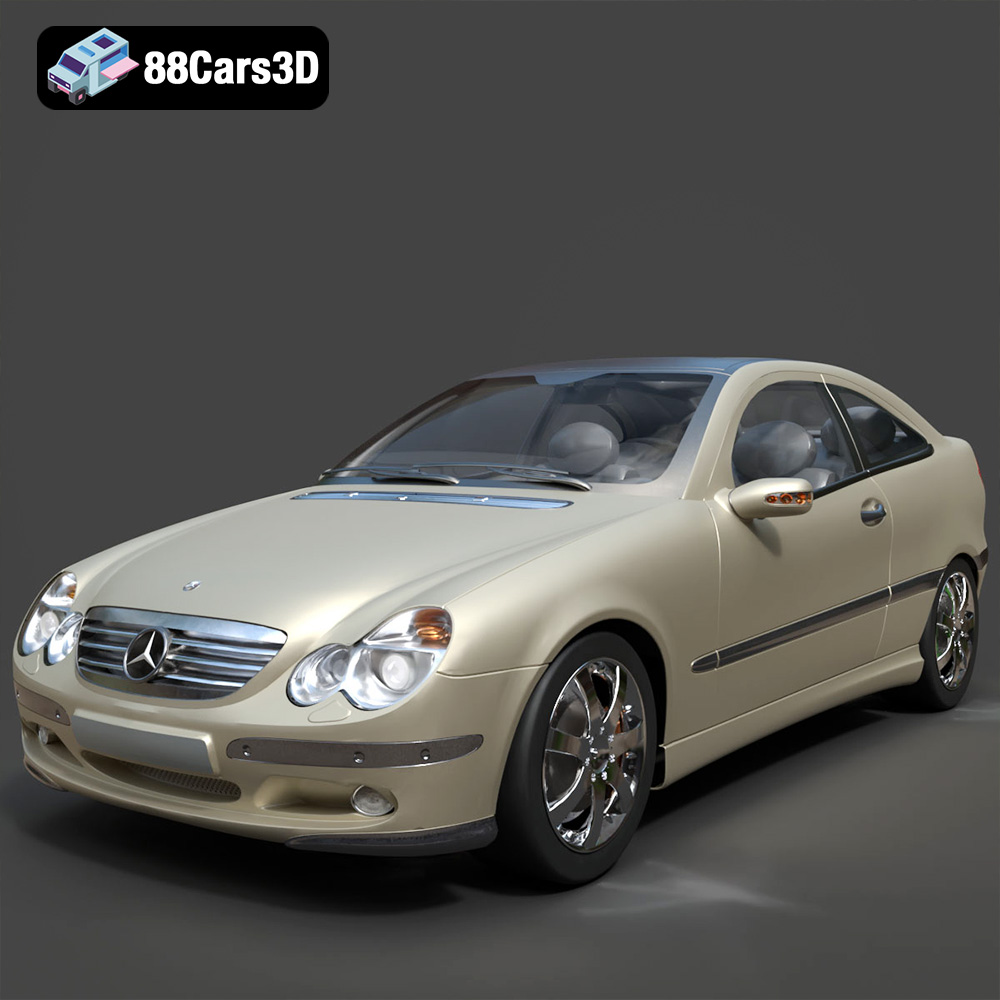
Automotive rendering is an art form focused on generating photorealistic images of vehicles. It combines technical prowess with an artistic eye to create visuals indistinguishable from real-world photography. This is where high-quality 3D car models shine brightest.
Lighting and Environment Setup
Lighting is arguably the most crucial element in any render. For cars, it’s about showcasing form, reflections, and material properties:
- HDRI (High Dynamic Range Image) Environments: HDRIs provide realistic environmental lighting and reflections, simulating everything from a sunny outdoor scene to an overcast day or a studio backdrop. They are essential for grounding the car realistically within its environment.
- Physical Lights (Area Lights, Spotlights): Complementing HDRIs, targeted physical lights are used to highlight specific features, create dramatic shadows, or simulate studio lighting setups. For example, large softboxes can emphasize the car’s curves and reflections without harshness.
- Studio Setups: Many professional car renders utilize virtual studio environments with carefully placed lights and reflectors to mimic real-world automotive photography studios, ensuring controlled and flattering illumination.
Camera Settings and Composition
Just like a real photographer, the virtual camera plays a pivotal role in presentation:
- Focal Length and Aperture: The choice of focal length (e.g., wide-angle for dramatic shots, telephoto for compressed perspectives) and aperture (controlling depth of field) can drastically alter the mood and focus of the render. A shallow depth of field can isolate the car, drawing attention to specific details.
- Compositional Rules: Adhering to principles like the rule of thirds, leading lines, and negative space helps create visually balanced and appealing images. A strong composition can elevate even a technically perfect render.
- Motion Blur: For action shots or to convey speed, realistic motion blur (both rotational and translational) applied during rendering or in post-production is indispensable.
Post-Production Techniques
The rendering process doesn’t end when the image is computed. Post-production is where professional polish is applied:
- Color Grading and Correction: Adjusting hues, saturation, and contrast to achieve a desired aesthetic, mimic film looks, or ensure color consistency.
- Depth of Field and Vignetting: Enhancing the render’s photographic quality by subtly adding or refining depth of field effects and applying vignetting to draw the eye towards the subject.
- Lens Flares and Glare: Subtly adding optical effects to simulate real-world camera artifacts, contributing to realism.
- Compositing Render Passes: Advanced workflows involve rendering out multiple passes (e.g., diffuse, reflection, shadow, ambient occlusion, z-depth) and combining them in software like Photoshop or Nuke for maximum control over the final image.
Integrating 3D Car Models into Game Engines
For game developers, high-quality game assets are the lifeblood of immersive experiences. Integrating 3D car models into real-time environments like Unreal Engine or Unity presents a unique set of challenges and optimizations.
Optimization for Real-Time Performance
Performance is king in game development. Even the most stunning model needs to run smoothly:
- Levels of Detail (LODs): Creating multiple versions of a model with decreasing polygon counts. The engine dynamically switches between these LODs based on the camera’s distance to the object, ensuring high detail up close and efficient rendering for distant objects. This is critical for maintaining high frame rates.
- Collision Meshes: Simplified, often convex, meshes are used for collision detection instead of the high-poly visual mesh. This significantly reduces the computational load for physics calculations.
- Occlusion Culling: Optimizing rendering by not drawing objects that are hidden behind other objects. This requires careful scene setup and sometimes pre-calculated visibility volumes.
- Texture Atlases and Instancing: Combining multiple small textures into one larger atlas to reduce draw calls, and using instancing for identical objects to further optimize rendering.
Collision Detection and Physics Setup
For interactive vehicles, robust physics and collision systems are non-negotiable:
- Rigid Body Physics: Setting up the car model as a rigid body allows it to interact realistically with the environment, reacting to gravity, forces, and collisions.
- Wheel Colliders: Specific physics components designed for vehicle wheels, simulating suspension, friction, and traction. These are crucial for realistic driving mechanics.
- Simplified Collision Geometry: As mentioned, distinct collision meshes (often primitive shapes or simplified convex hulls) are used to handle impacts efficiently without complex per-polygon calculations.
Blueprinting and Animation
Bringing a static 3D car model to life in a game engine involves scripting and animation:
- Vehicle Rigs: A skeletal rig for a car might include bones for wheels, steering, suspension, and doors, allowing for realistic animation of these components.
- Animation Blueprints/Controllers: In Unreal Engine, Blueprints are visual scripting tools that can control vehicle behavior, linking player input to wheel rotation, suspension compression, and steering animations. Unity uses animation controllers and C# scripts for similar functionality.
- Damage Systems: Implementing visual and physical damage requires setting up destructible meshes or morph targets and linking them to collision events and physics responses.
Real-World Applications and Case Studies
The versatility of high-quality 3D car models extends far beyond traditional media, influencing diverse industries and creative endeavors.
Architectural Visualization and Product Marketing
In architectural visualization (ArchViz), vehicles serve as crucial context elements, adding scale, realism, and a sense of life to otherwise static building renders. A modern supercar parked in front of a luxury home not only grounds the scene but also subtly influences the perceived value and aesthetic. For product marketing, companies utilize automotive rendering to create stunning advertisements for upcoming models long before physical prototypes exist. This allows for rapid iteration of designs, cost-effective photo shoots in virtual environments, and global marketing campaigns that are visually consistent. From showcasing a car’s sleek lines in an urban setting to highlighting its rugged capabilities off-road, 3D renders offer unparalleled creative freedom.
Virtual Reality and Training Simulators
The immersive nature of VR demands highly optimized and detailed 3D car models. From interactive showrooms where potential buyers can explore a car’s interior and exterior in 360 degrees to advanced driving simulators for professional training (e.g., race car drivers, emergency services), these models are central. VR applications require meticulous optimization for performance, often pushing the boundaries of real-time rendering. Training simulators benefit immensely from realistic vehicle physics and detailed interiors, allowing for authentic practice scenarios without the risks or costs associated with real-world training.
Independent Game Development and Modding
The independent game development scene thrives on accessible, high-quality assets. Indie studios often leverage pre-made 3D car models as a foundation, customizing them to fit their unique game worlds. For modding communities, detailed car models provide endless possibilities for enhancing existing games, adding new vehicles, or even creating entirely new virtual experiences. The accessibility of robust platforms offering diverse models, such as 88cars3d.com, empowers smaller teams and hobbyists to create professional-grade content that might otherwise be out of reach.
Selecting the Right 3D Car Model for Your Project
Choosing the correct 3D car model is as critical as any other step in your workflow. It impacts not only the visual outcome but also your project’s technical feasibility and budget.
Assessing Model Fidelity and Technical Specifications
Before purchasing or downloading a model, meticulously review its specifications. Consider:
- Polygon Count: Does it align with your project’s performance requirements (e.g., game engine vs. offline render)?
- Topology: Is the mesh clean, quad-based, and suitable for subdivision if needed? Check for common issues like inverted normals or overlapping geometry.
- UV Mapping: Are the UVs unwrapped correctly and without stretching, ready for texture application?
- Texture Quality: What is the resolution of the provided textures? Are they PBR-compliant (Albedo, Normal, Roughness, Metallic, AO)?
- Material Setup: Are materials included and configured for common renderers (V-Ray, Corona, Cycles) or game engines (Unreal, Unity)?
- Included Components: Are interior details, engine bay, suspension, and separate parts (doors, wheels) included and properly grouped?
- Scalability: Can the model be easily scaled up or down without breaking its integrity or texture resolution?
Understanding Licensing and Usage Rights
Always scrutinize the licensing agreement. Different licenses permit different uses:
- Royalty-Free: Generally allows broad use in commercial and personal projects without ongoing payments, but often with limitations on redistribution or reselling the model itself.
- Editorial Use Only: Restricts use to news, educational, or documentary purposes, often for models of real-world objects where intellectual property rights are held by others (e.g., specific car brands).
- Single-Use vs. Multi-Use: Some licenses are project-specific, while others allow for use across multiple projects.
Ensure your intended use (e.g., commercial game, client rendering, personal portfolio) is covered by the license. Ignorance of licensing terms can lead to legal complications.
The Value of Professional-Grade Assets
While free models exist, investing in professional-grade 3D car models from reputable sources like 88cars3d.com offers significant advantages:
- Time Savings: Meticulously crafted models save countless hours of modeling, UV unwrapping, and texturing.
- Quality Assurance: Professional assets typically adhere to industry standards for topology, UVs, and material setup, reducing integration headaches and ensuring superior visual fidelity.
- Technical Support: Reputable marketplaces often provide support, addressing issues or questions about their models.
- Consistency: Sourcing from a curated collection ensures a consistent level of quality across your project.
Conclusion
The realm of 3D car models is a complex yet incredibly rewarding space, bridging the gap between artistic vision and technical execution. From the intricate geometry that defines every curve to the sophisticated shaders that bring surfaces to life, each element plays a vital role in achieving stunning automotive rendering and compelling game assets. Understanding the nuances of file formats, the technical specifications of a well-built model, and the specialized workflows for different applications is paramount for any professional in this field.
Whether you’re developing the next generation of virtual reality experiences, crafting cinematic visuals for a commercial, or populating an expansive open-world game, the foundation of your success lies in the quality of your assets. By prioritizing clean topology, efficient UVs, PBR-ready materials, and an informed approach to integration, you equip yourself with the tools to create truly impactful and immersive content. Resources like 88cars3d.com stand as a testament to the value of readily available, high-quality 3D assets, empowering creators to focus on their artistic vision while building upon a solid technical foundation.
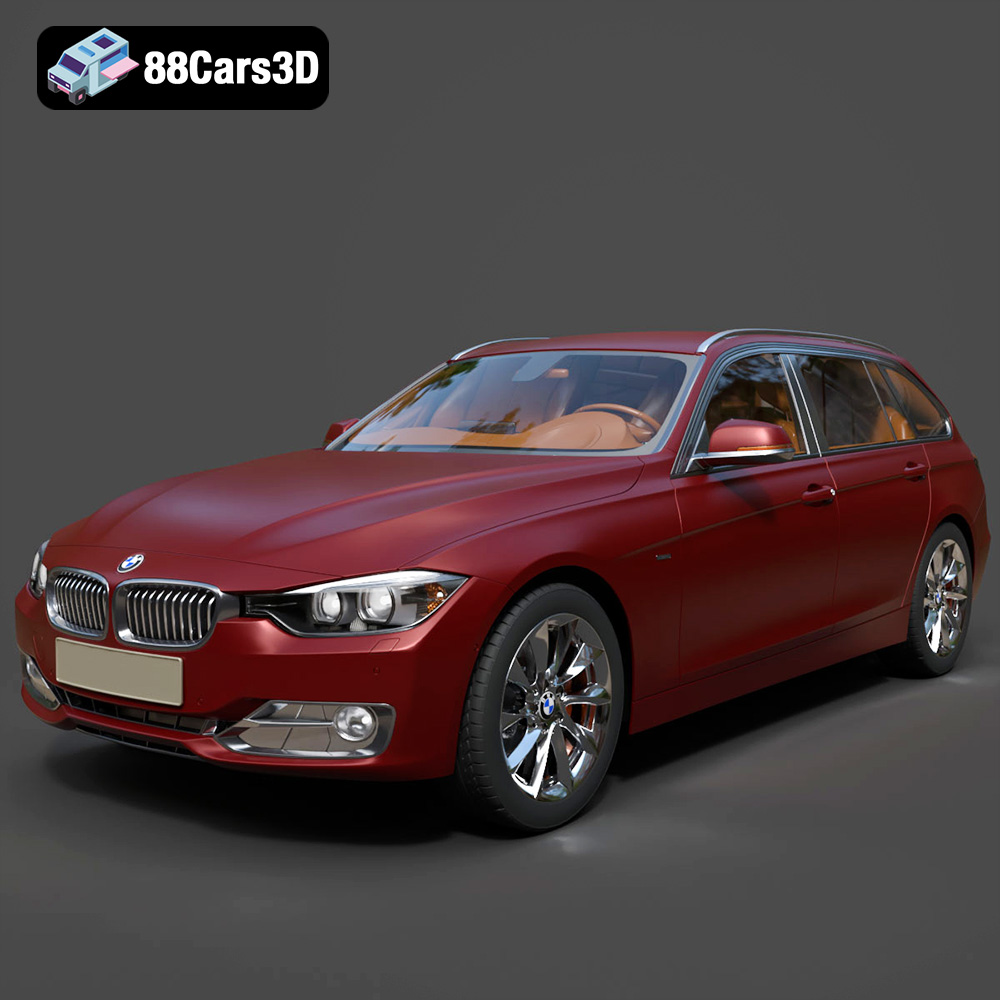
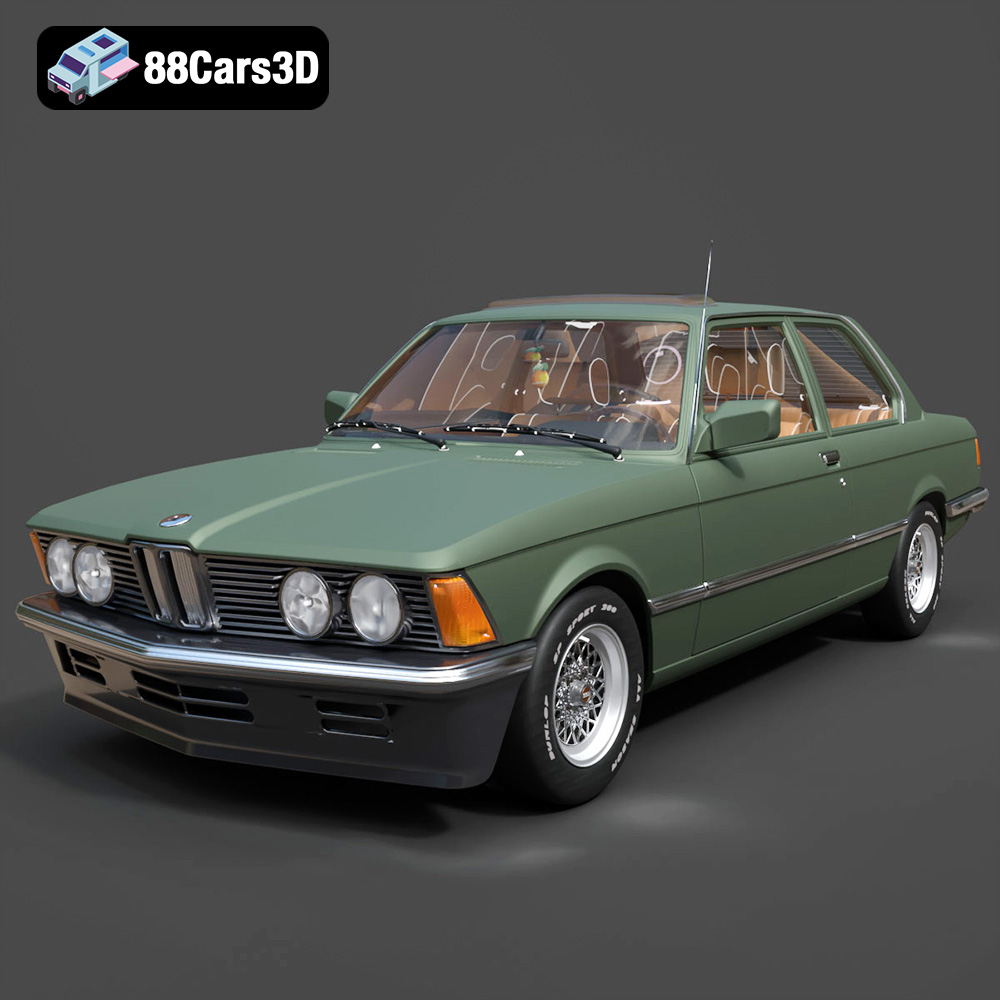
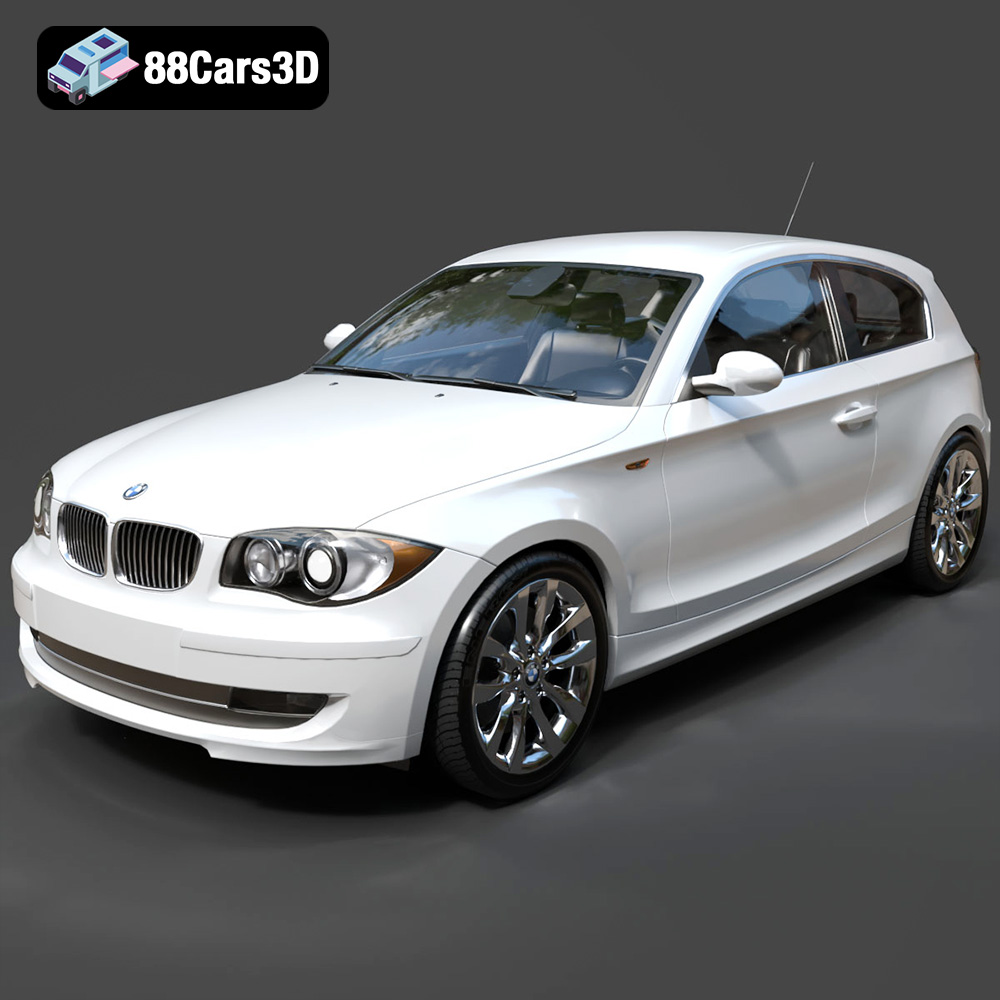
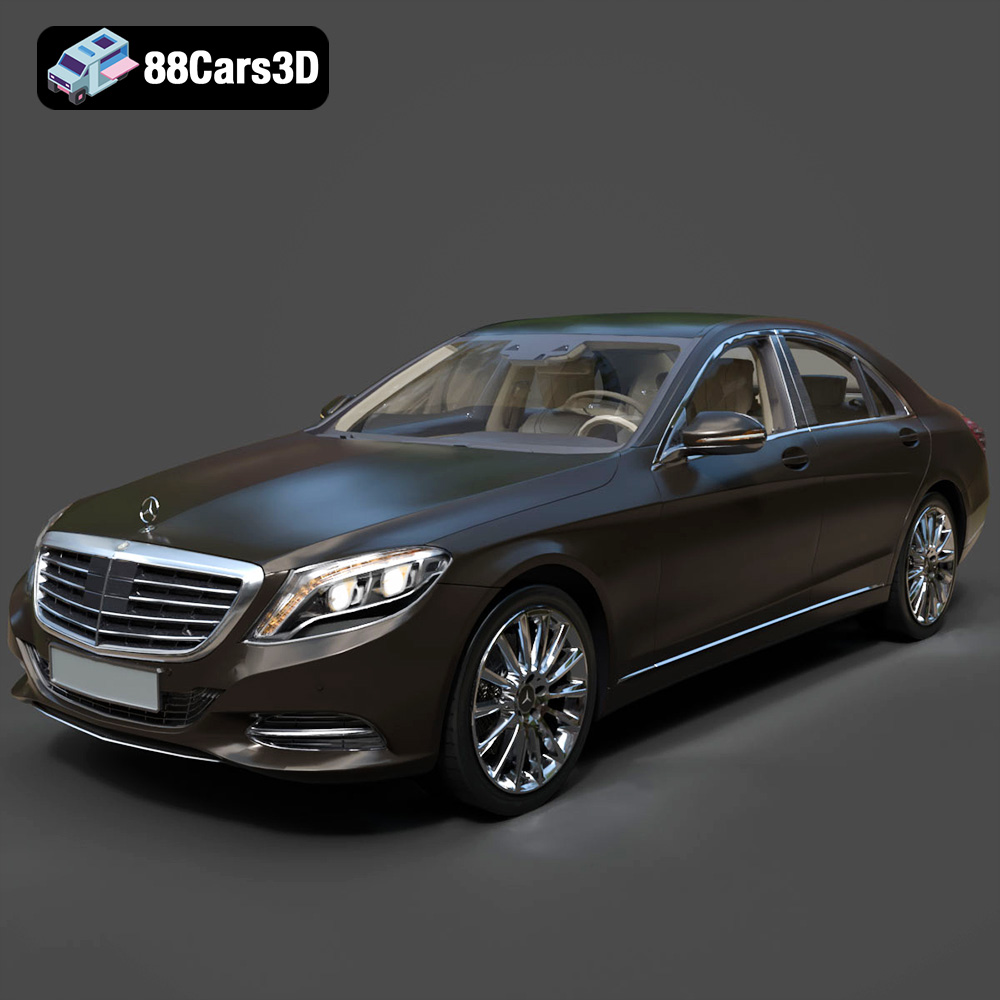
Featured 3D Car Models