Mastering the Art of Automotive Visualization: From High-Poly Renders to Real-Time Game Assets
The automotive industry has always been at the forefront of technological innovation, and its visual representation is no exception. In today’s digital age, high-quality 3D car models are indispensable tools across a myriad of fields, from breathtaking marketing visualizations and immersive virtual reality experiences to high-performance game assets and precision 3D printing. Crafting and utilizing these complex digital assets requires a deep understanding of modeling principles, material science, rendering techniques, and engine optimization.
This comprehensive guide delves into the intricate world of 3D car models, exploring the essential workflows, technical considerations, and best practices that elevate a simple mesh into a stunning, functional digital vehicle. Whether you’re an aspiring automotive designer, a game developer, or a visualization artist, understanding these core concepts is paramount to producing results that truly stand out. Professional platforms like 88cars3d.com provide a vital resource for acquiring meticulously crafted 3D car models, saving countless hours of development and ensuring top-tier quality for any project.
The Foundation of Automotive 3D: Crafting High-Quality Car Models
Building a compelling 3D car model begins long before the first polygon is laid down. It’s a meticulous process that demands accuracy, artistic vision, and technical precision to ensure the final asset is both visually stunning and functionally sound for its intended purpose.
Blueprinting and Reference Gathering
Accuracy is the cornerstone of any realistic 3D car model. The initial phase involves extensive research and reference gathering. This includes acquiring detailed blueprints, often sourced from original manufacturer schematics, which provide precise measurements and orthogonal views. Beyond blueprints, a comprehensive collection of high-resolution photographic references from every conceivable angle – interior, exterior, undercarriage, and close-ups of specific details – is critical. For existing vehicles, laser scan data or CAD models can serve as an invaluable starting point, offering unparalleled precision that traditional photographic references alone cannot match. This meticulous preparation ensures that the final model faithfully reproduces the vehicle’s unique design and proportions.
Polygonal Modeling Techniques and Topology
With references in hand, the actual modeling process begins. For complex organic shapes like vehicle bodies, sub-division surface modeling is often the preferred technique. This involves creating a low-polygon “cage” mesh that, when smoothed, generates a high-resolution, curvature-rich surface. Key to this process is maintaining excellent topology – the arrangement of polygons and edge loops. Quads (four-sided polygons) are favored over triangles (three-sided) for their predictable smoothing behavior and ease of manipulation. Strategic edge loops are vital for defining sharp creases, controlling surface flow, and enabling clean deformation during animation. For hard-surface components like grilles, trim, or engine parts, direct polygonal modeling with booleans and precise edge extrusion might be employed. Poly count optimization is a constant consideration, balancing visual fidelity with performance requirements. A model destined for high-end cinematic rendering might have millions of polygons, while a game asset might be limited to tens or hundreds of thousands, relying on normal maps for surface detail.
UV Unwrapping and Texture Pipelining
Once the geometry is finalized, the next crucial step is UV unwrapping. UVs are 2D coordinates that map the 3D surface of the model to a 2D texture space, allowing images (textures) to be painted onto the model. Efficient UV layouts are paramount; they minimize distortion, maximize texture resolution usage, and facilitate clean material application. Overlapping UVs, where appropriate (e.g., for mirrored parts), can save texture space, while unique UVs are essential for intricate details or custom paint jobs. The texture pipelining phase involves creating a suite of texture maps, typically using a PBR (Physically Based Rendering) workflow. This includes the diffuse/albedo map (base color), normal map (for faking surface detail without adding geometry), roughness map (controlling specularity and surface smoothness), metallic map (defining metallic vs. dielectric surfaces), ambient occlusion map (simulating indirect shading), and sometimes height/displacement maps for subtle surface undulations.
Understanding 3D Model File Formats
Choosing the correct 3D model file format is a critical decision that impacts compatibility, feature retention, and overall workflow efficiency across different software and platforms. Each format serves specific purposes, catering to diverse requirements from full scene editing to lightweight real-time display or precise manufacturing. Understanding their distinctions is fundamental for any professional working with 3D car models.
Blender’s Native Power: .blend
The .blend file format is the native project file for Blender, the popular open-source 3D creation suite. A .blend file encapsulates an entire Blender scene, including all 3D car models, materials, textures, lighting setups, cameras, animations, physics simulations, and modifiers. This format is ideal when a user intends to continue working within Blender, offering full editability and preserving all scene data. It’s excellent for archiving complex projects or sharing them with other Blender users, as it ensures all elements of the original creation are intact and accessible for further manipulation and rendering.
Industry Standard Exchange: .fbx
Developed by Autodesk, the .fbx (Filmbox) format is widely regarded as the industry standard for 3D data exchange, particularly between different 3D software applications and game engines. It supports geometry, materials, textures (often embedded or referenced), animations, rigging, and camera data. For 3D car models, .fbx is the go-to for exporting assets to Unreal Engine, Unity, and other real-time pipelines due to its robust support for animation and scene hierarchies. Its comprehensive feature set makes it highly versatile, though users should be mindful of version compatibility and potential discrepancies in material interpretation between different software.
Universal Compatibility: .obj
The .obj (Wavefront OBJ) format is one of the oldest and most universally supported 3D file formats. It’s a simple, text-based format primarily used to define geometry – vertices, UVs, and normals – along with references to external material files (.mtl). While highly compatible across virtually all 3D software, .obj lacks support for advanced features like animations, rigging, and complex material properties (beyond basic color and texture references). For 3D car models, .obj is excellent for simple mesh exchange, especially when maximum compatibility is prioritized, or when only the raw geometry is needed for import into a new environment for re-texturing and rigging.
AR/VR and Web Optimization: .glb
.glb (GLB or Binary glTF) is the binary version of the glTF (GL Transmission Format) spec, designed for efficient transmission and loading of 3D scenes and models by engines and applications. It packages geometry, materials, textures, and animations into a single, self-contained file. .glb is quickly becoming the standard for AR (Augmented Reality), VR (Virtual Reality), and browser-based 3D applications due to its small file size, PBR material support, and ease of integration into web technologies. For displaying 3D car models interactively on websites or in mobile AR experiences, .glb offers an optimized and streamlined solution.
Precision for Fabrication: .stl
The .stl (StereoLithography) format is the de facto standard for 3D printing. It represents 3D car models as a collection of unconnected triangles, defining only the surface geometry without any color, texture, or material information. The simplicity of .stl makes it ideal for rapid prototyping and manufacturing processes where only the physical form matters. When preparing a 3D car model for 3D printing, it’s converted to .stl, ensuring it’s a watertight (manifold) mesh suitable for slicing and physical production.
Detailed Mesh Data: .ply
The .ply (Polygon File Format) is another format for storing 3D data, particularly popular for representing scan data or results from 3D digitizers. It can store a wide range of properties, including color per vertex (rather than per face or via textures), normals, texture coordinates, and transparency. .ply files are valuable when high precision and detailed mesh attributes are required, often in scientific visualization, CAD workflows, or when working with extremely dense point cloud or mesh data derived from real-world scans of vehicles.
Engine-Ready Asset for Real-Time: .unreal
While not a direct export format in the same way as .fbx or .obj, .unreal refers to assets that are natively processed and stored within Unreal Engine (often as UAssets). When you import an .fbx file containing a 3D car model into Unreal Engine, the engine converts it into its proprietary .uasset format, optimizing it for the engine’s rendering and physics systems. This “engine-ready” state means the asset is fully integrated, with collision meshes, material instances, and LODs all set up for real-time environments. Many high-quality 3D car models from 88cars3d.com are optimized for direct import and conversion into these engine-ready formats.
3ds Max Professional Workflows: .max
The .max file format is the native project file for Autodesk 3ds Max, a leading software in architectural visualization, animation, and game development. Similar to Blender’s .blend, a .max file stores an entire 3ds Max scene, including all models, complex modifiers, rigging, animations, lighting, and rendering settings. It provides complete editability and preserves all the nuanced aspects of a scene created within 3ds Max. For studios or individuals heavily invested in the 3ds Max ecosystem, sharing .max files ensures maximum control and flexibility for further development and high-end automotive rendering.
Mastering Automotive Rendering for Photorealism
Achieving photorealistic automotive rendering is an art form that blends technical mastery with an acute eye for detail. It’s about more than just a good model; it’s about believable materials, impactful lighting, and sophisticated post-processing that brings a vehicle to life.
Lighting Techniques for Vehicles
Lighting is arguably the most critical element in photorealistic rendering. For studio-style shots, large, soft light sources mimicking softboxes and strip lights are used to create elegant reflections and highlight the car’s contours without harsh shadows. HDR (High Dynamic Range) image-based lighting is indispensable for both studio and outdoor scenes, providing realistic ambient illumination, reflections, and subtle color casts from real-world environments. When placing a vehicle in a specific setting, directional lights for sunlight, area lights for windows, and point lights for streetlamps contribute to the overall mood and realism. A classic three-point lighting setup (key, fill, back) provides a solid foundation, which can then be augmented with additional lights to emphasize specific design features or create dramatic effects.
Advanced Shading and Materials
The materials applied to a 3D car model are what truly sell its realism. Physically Based Rendering (PBR) workflows are standard, ensuring materials react correctly to light regardless of the lighting environment. Car paint shaders are particularly complex, often involving multiple layers: a base coat (color, metallic flakes, diffuse), a clear coat (specular reflection, refraction, glossiness), and sometimes a pearl effect. Realistic tire rubber requires intricate normal maps for tread patterns, subtle roughness variations, and often a subtle subsurface scattering effect for very soft rubber. Glass shaders demand accurate refraction, reflection, and absorption properties, often with a slight tint. Carbon fiber requires highly detailed normal and anisotropic reflection maps. Interior materials like leather, fabric, and plastics each have their own unique PBR properties, including complex normal maps for grain, varying roughness, and sometimes subtle subsurface scattering to mimic depth.
Render Engines and Post-Processing
Offline render engines like V-Ray, Corona Renderer, Redshift, and Octane are industry staples for producing high-quality automotive renders. These engines employ advanced algorithms like path tracing and global illumination to simulate light accurately, resulting in stunning photorealism. Once the raw render is complete, post-processing in applications like Adobe Photoshop or Nuke is essential. This involves compositing multiple render passes (e.g., beauty, reflections, refractions, ambient occlusion, z-depth) to gain granular control. Key post-processing techniques include color grading to set the mood, adding depth of field for cinematic blur, motion blur for dynamic shots, lens flares, chromatic aberration, and subtle film grain to enhance realism and disguise any digital imperfections. This final stage is where renders truly transform into polished marketing imagery.
Integrating 3D Car Models into Game Development
Bringing a 3D car model into a real-time game environment presents a unique set of challenges and opportunities. The focus shifts from pure photorealism to a delicate balance of visual fidelity, performance, and interactive functionality.
Optimization for Real-Time Performance
Game assets must be highly optimized to run smoothly on diverse hardware. Poly count budgets are stringent, requiring artists to create multiple Levels of Detail (LODs) for each 3D car model. LODs are simplified versions of the model that automatically switch based on distance from the camera, reducing the number of polygons rendered when the car is far away. Efficient UV layouts and texture atlases minimize draw calls, an expensive operation for the GPU. Baked lighting can pre-calculate complex lighting interactions onto textures, saving real-time computation. Occlusion culling systems prevent the rendering of objects hidden behind other objects, further improving performance. Creating proper collision meshes, often simplified convex hulls, ensures accurate physical interaction without using the complex visual mesh for physics calculations.
Setting Up Vehicles in Game Engines (Unreal & Unity)
Integrating 3D car models into game engines like Unreal Engine or Unity involves several specialized steps. After importing the optimized .fbx file, the core vehicle components (body, wheels, suspension, doors) must be correctly parented within a hierarchy for proper animation and physics. For physics-based vehicles, a dedicated physics asset is created, often using primitive shapes (capsules, boxes) to define collision for each moving part. Wheels need to be set up with suspension components, tire friction properties, and motor/steering controls, often within a vehicle blueprint (Unreal) or C# script (Unity). Material instances are crucial, allowing artists to create multiple variations (different paint colors, finishes, decals) from a single master material, providing customization options with minimal performance cost.
Realistic Damage Systems and Customization
Modern games often feature dynamic damage systems and extensive customization. Damage can be implemented through modular car parts (e.g., detachable bumpers, doors), blend shapes or morph targets for localized deformation (dents, crumpling), and shader-based effects to simulate scratches or dirt. Material parameters can be exposed to players, allowing for real-time paint job changes, applying decals, or swapping out rims. For intricate destruction, physics-based breaking of individual mesh components or reliance on engine-specific destruction tools (like Unreal Engine’s Chaos Destruction system) can be employed. These systems enhance player immersion by allowing them to personalize their vehicles and witness the consequences of high-speed collisions in a believable manner.
Real-World Applications and Case Studies
The versatility of high-quality 3D car models extends far beyond traditional rendering, impacting numerous industries and driving innovation in visualization and interaction.
Automotive Marketing & Visualization
For car manufacturers, 3D car models are the bedrock of modern marketing. They enable the creation of stunning CGI product launches, eliminating the need for expensive physical prototypes or elaborate photoshoots. Virtual configurators empower potential buyers to customize vehicles in real-time, choosing paint colors, wheel designs, and interior trims, often powered by highly optimized 3D models. Virtual showrooms, sometimes leveraging VR/AR, offer immersive experiences where customers can explore vehicles in lifelike detail from anywhere in the world. Companies frequently license professional 3D car models from platforms like 88cars3d.com to populate virtual environments, ensuring brand consistency and high visual fidelity in their marketing campaigns without the overhead of creating every model from scratch.
Film, Animation, and VFX Production
In the realm of film, animation, and visual effects (VFX), 3D car models are indispensable. They serve as hero vehicles for action sequences, background cars to populate bustling cityscapes, or even digital doubles for complex stunts that would be too dangerous or impractical for physical vehicles. The demands here are for extreme detail, often requiring millions of polygons and intricate textures to hold up under close-up shots and high-resolution renders. From realistic car crashes to futuristic concepts, 3D models provide filmmakers with unparalleled creative freedom and control, allowing them to bring any automotive vision to the screen.
Architectural Visualization and Simulation
Architects and urban planners frequently integrate 3D car models into their architectural visualizations (arch-viz) to add realism and context to building designs. Placing vehicles around a proposed building or within a street scene helps clients envision the scale, flow, and livability of a space. Beyond static renders, 3D car models are used in traffic simulation software to analyze urban planning scenarios, assess traffic flow, and design more efficient infrastructure. In these applications, the models might not require the extreme detail of a hero shot but still need to be convincing and well-optimized for performance within large-scale environments.
Conclusion
The journey of a 3D car model, from initial blueprint to final render or integrated game asset, is a testament to the intricate blend of art and engineering that defines modern digital content creation. We’ve explored the rigorous demands of modeling, the critical role of file formats in diverse workflows, the artistic science behind photorealistic rendering, and the technical challenges of optimizing assets for real-time interactivity.
Whether the goal is to captivate an audience with an automotive masterpiece, immerse players in a high-octane racing game, or provide contextual realism for an architectural marvel, the quality of the underlying 3D car model is paramount. Accessing expertly crafted, production-ready assets significantly streamlines these complex processes. For professionals seeking an extensive library of high-quality 3D car models across various formats and levels of detail, 88cars3d.com stands as a premier resource, providing the foundation for truly exceptional digital automotive experiences.
As technology continues to evolve, the demand for sophisticated 3D car models will only grow, pushing the boundaries of realism and interactivity. Mastering these techniques and leveraging specialized resources will continue to be key for anyone looking to make their mark in the dynamic world of automotive visualization.
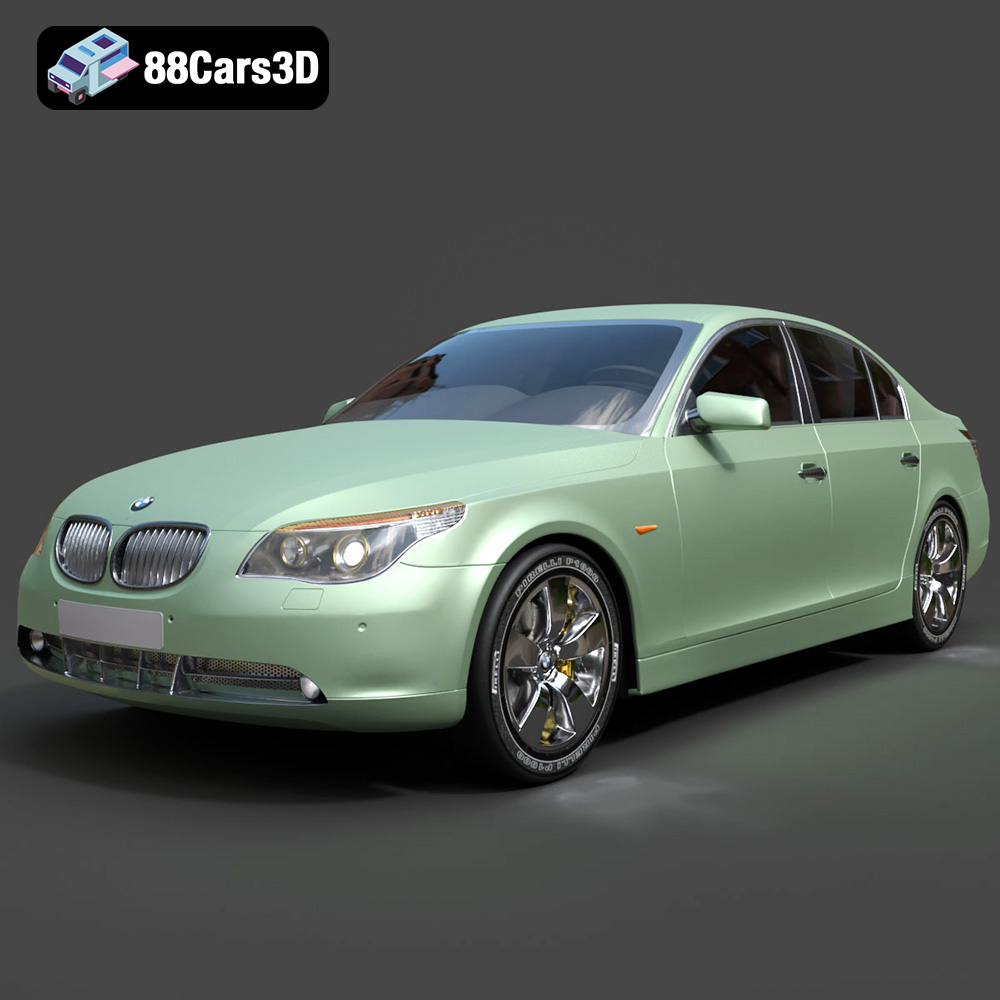
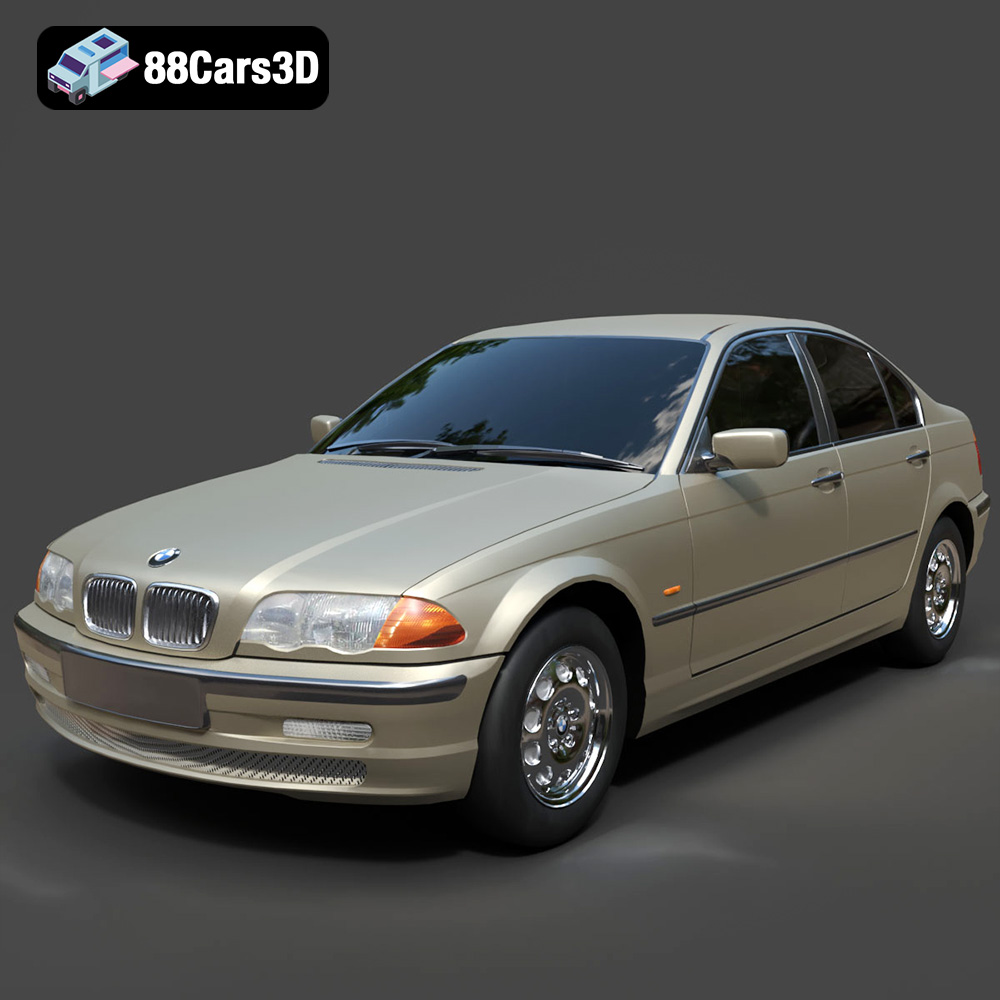
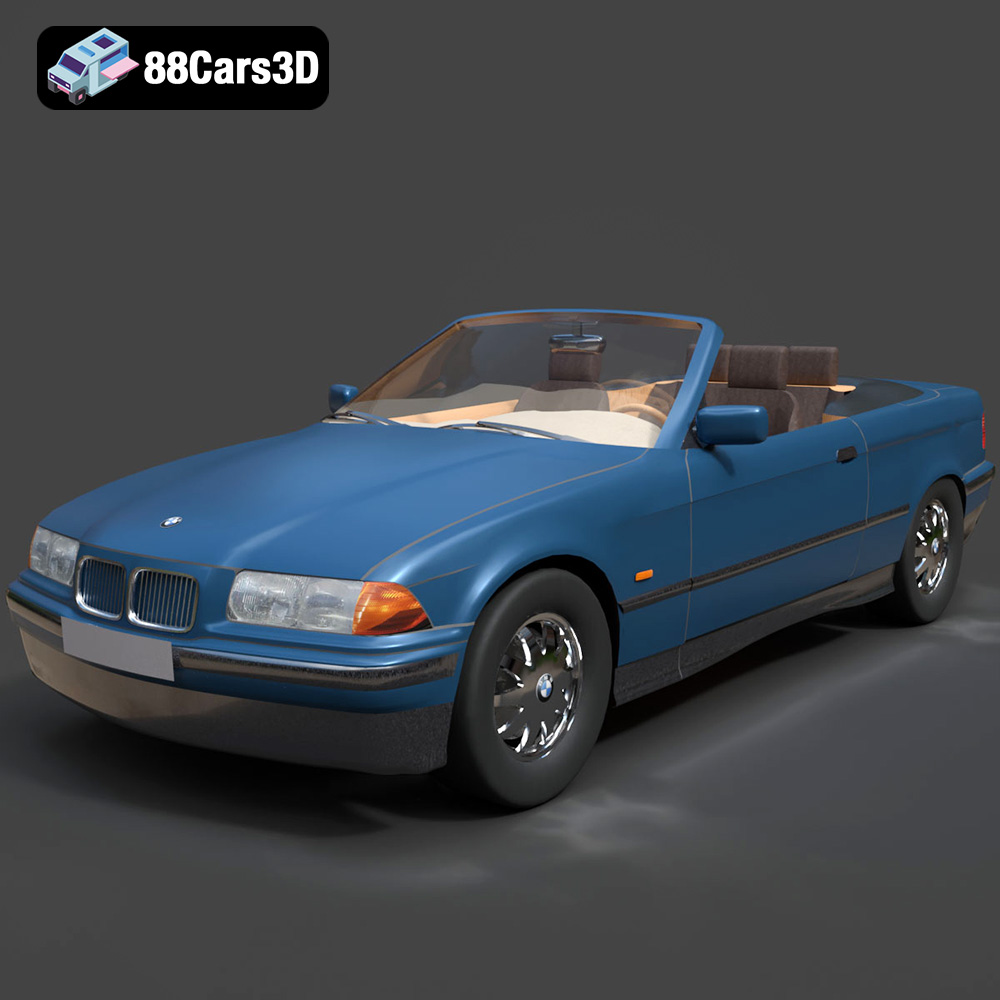
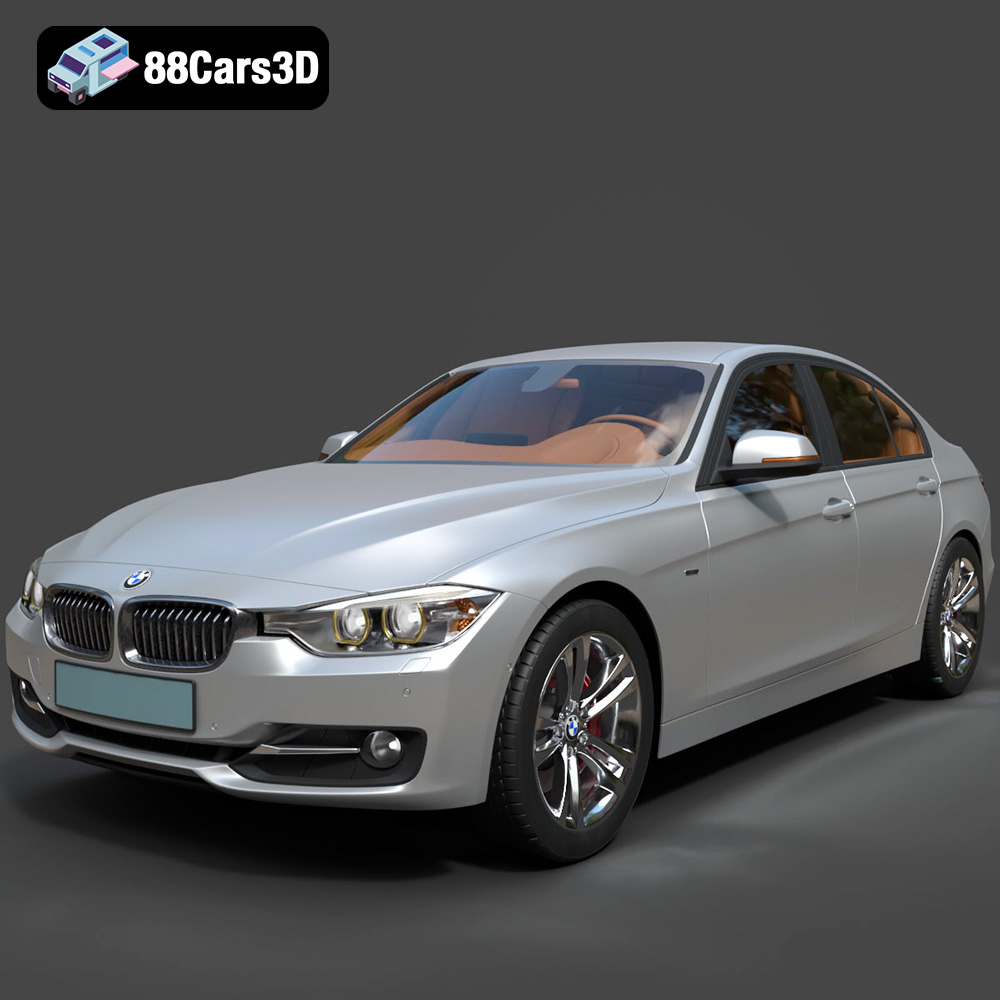
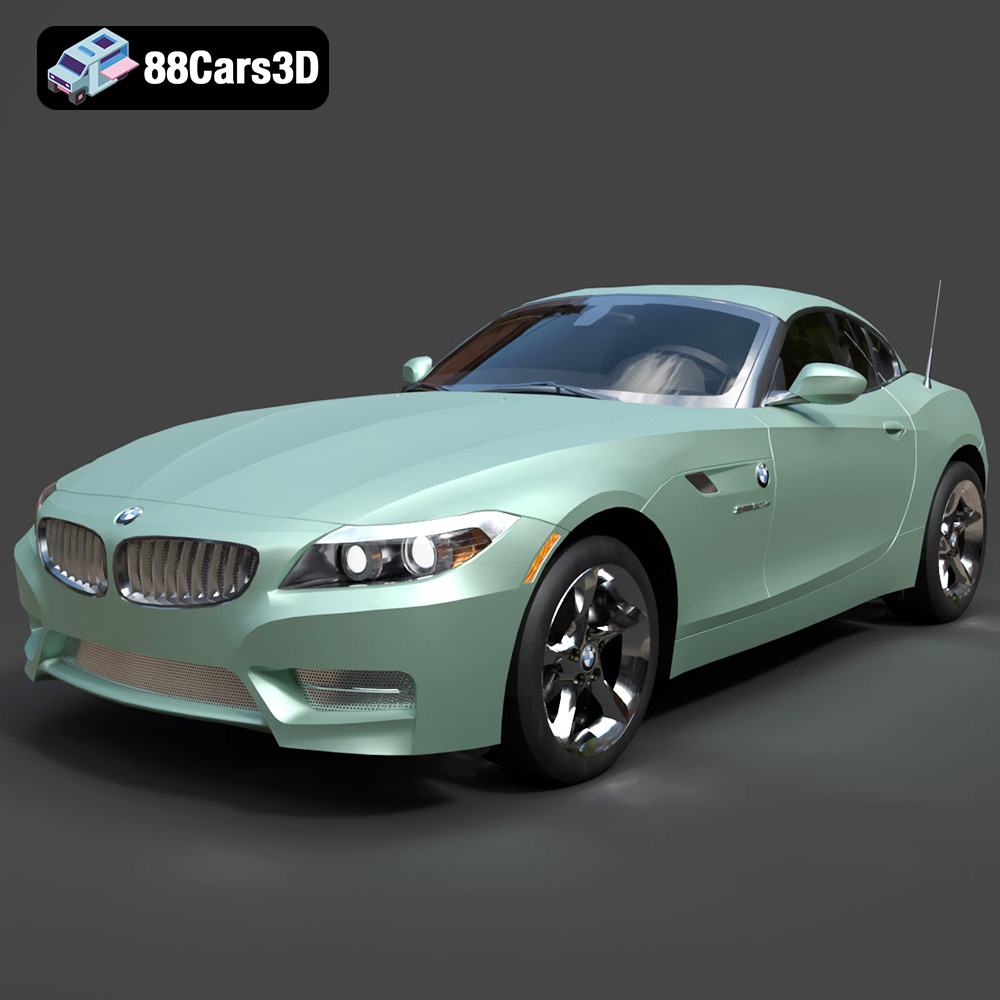
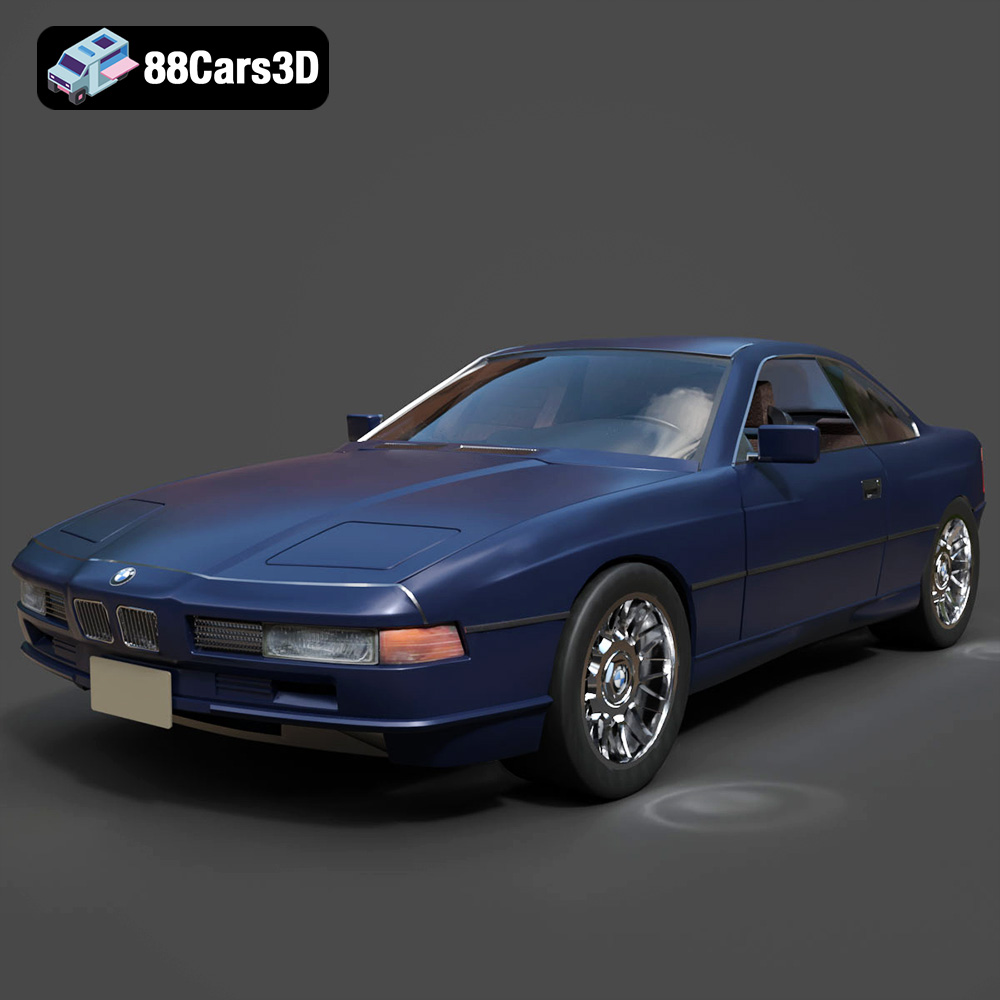
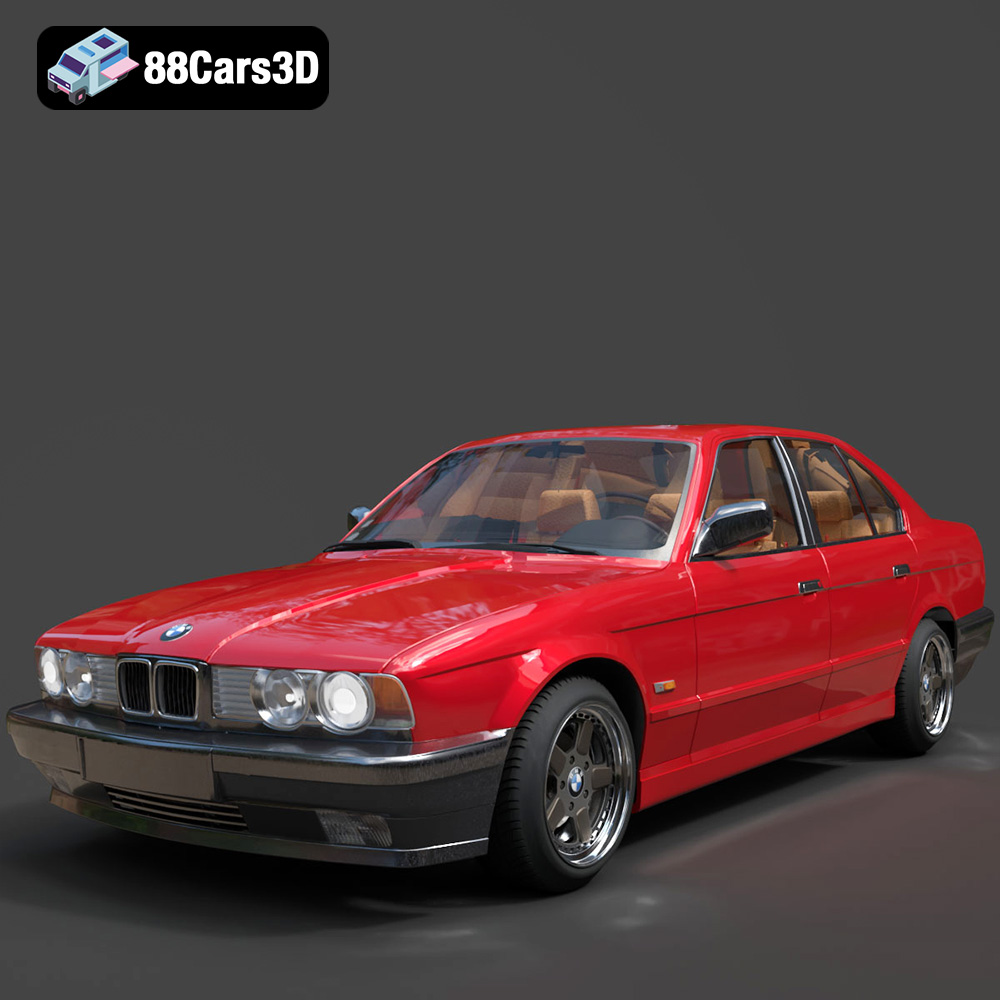
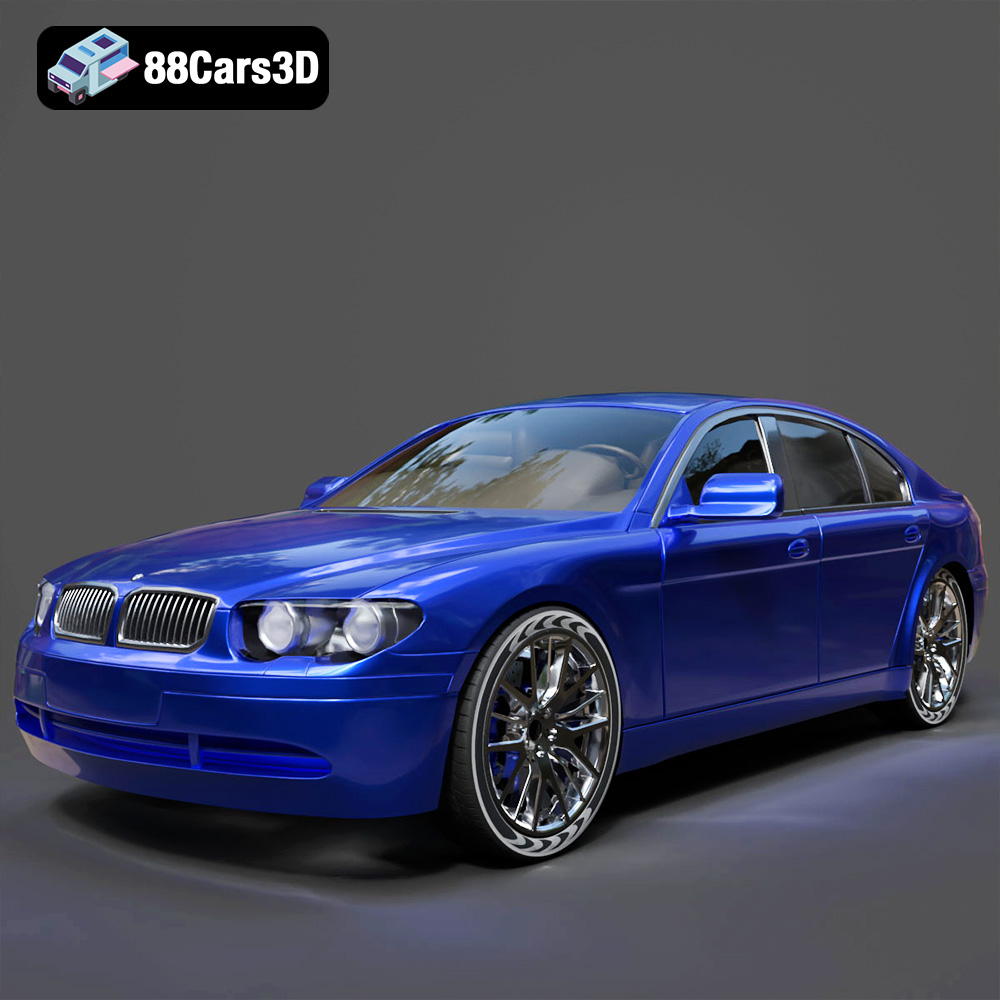
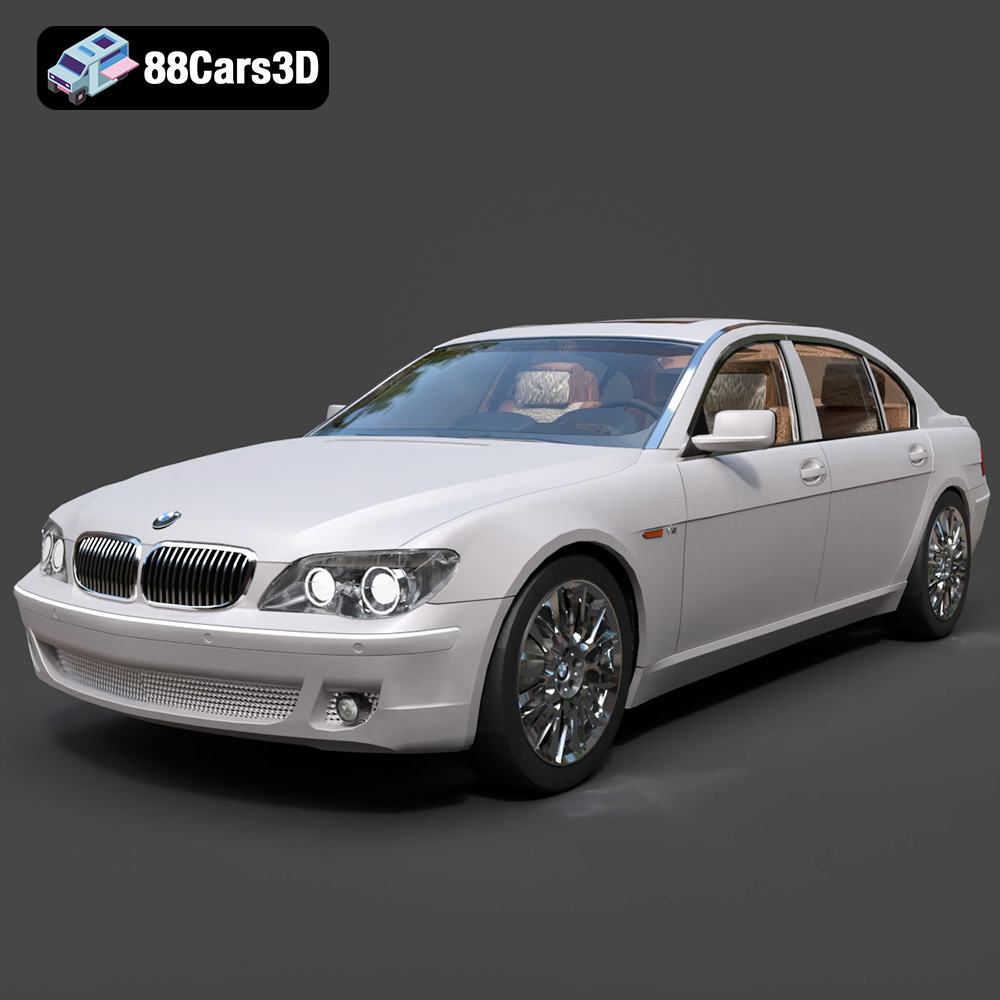
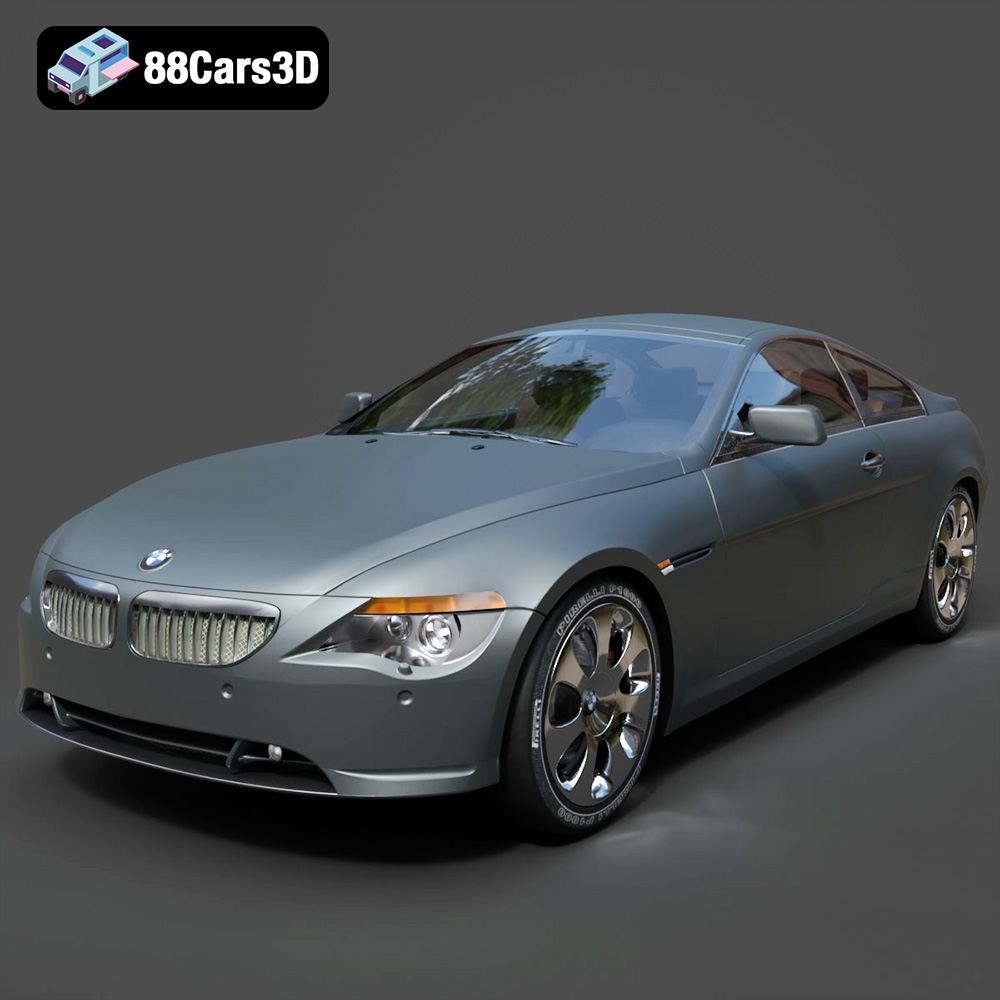
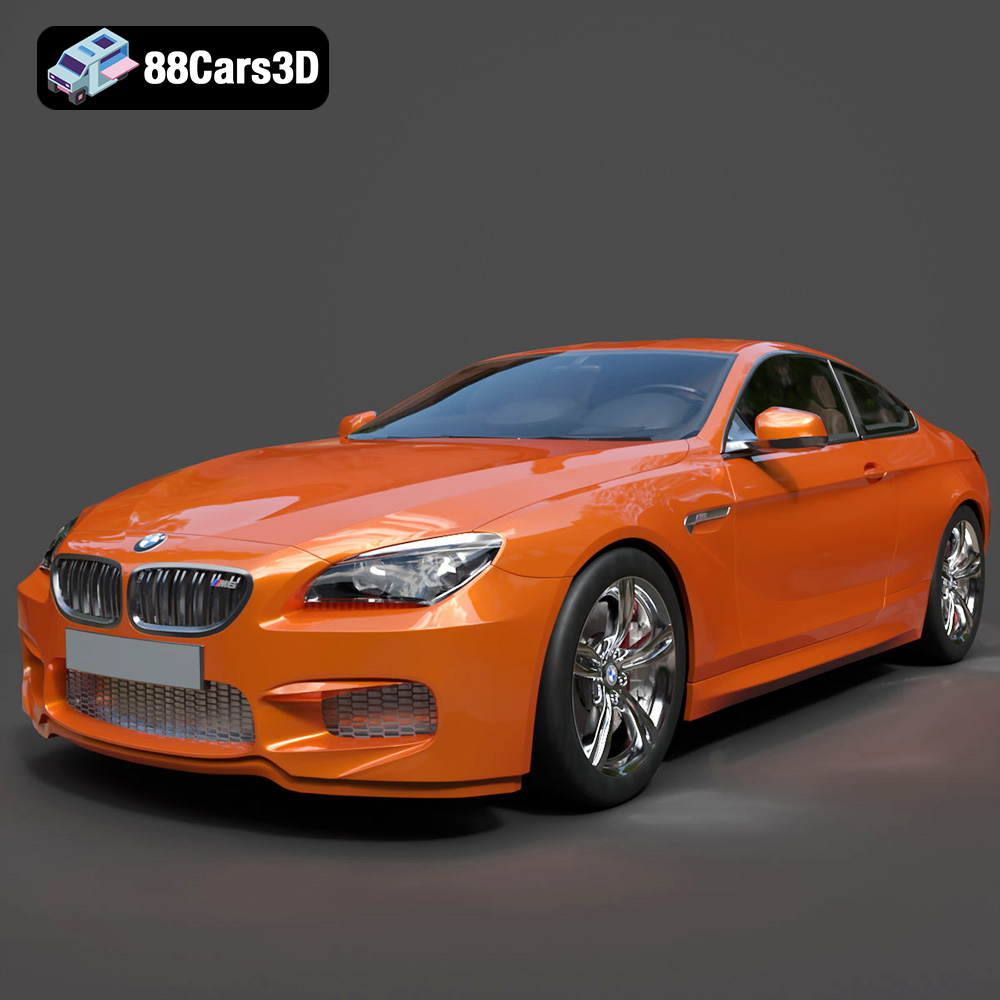
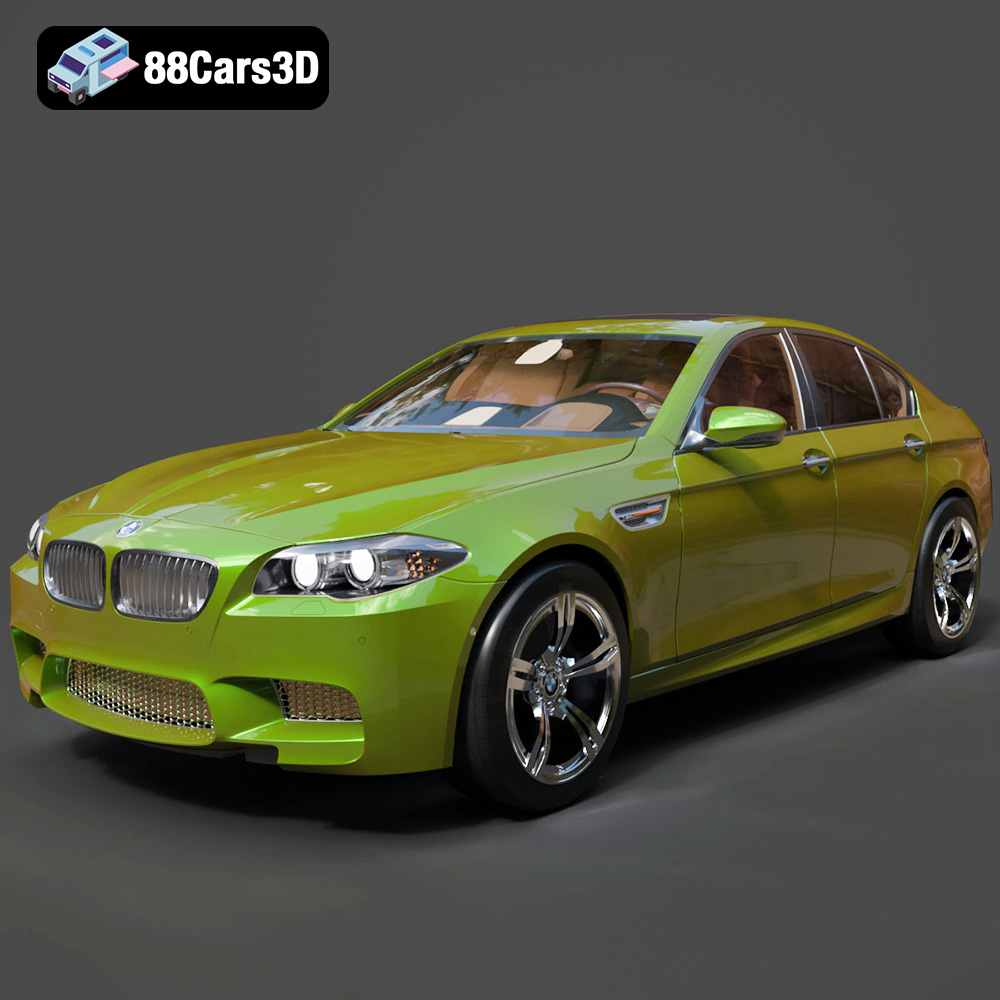
Featured 3D Car Models