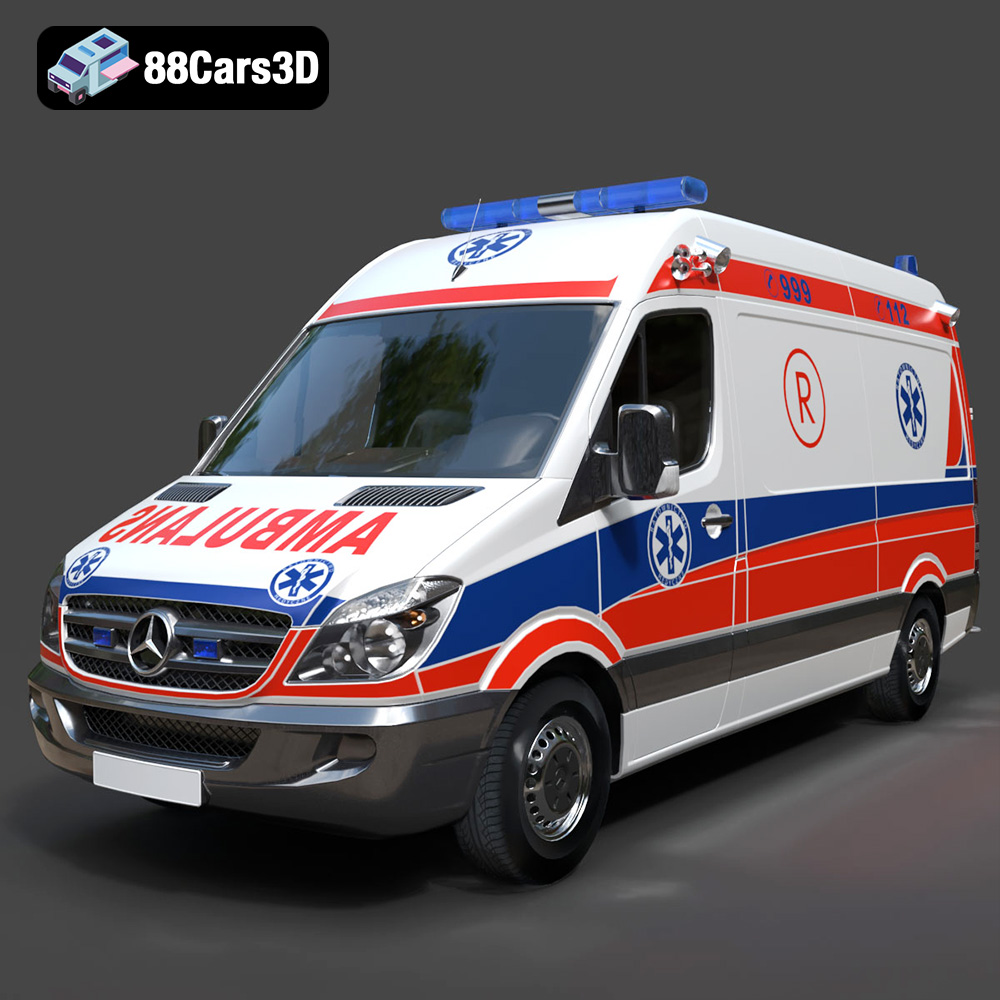
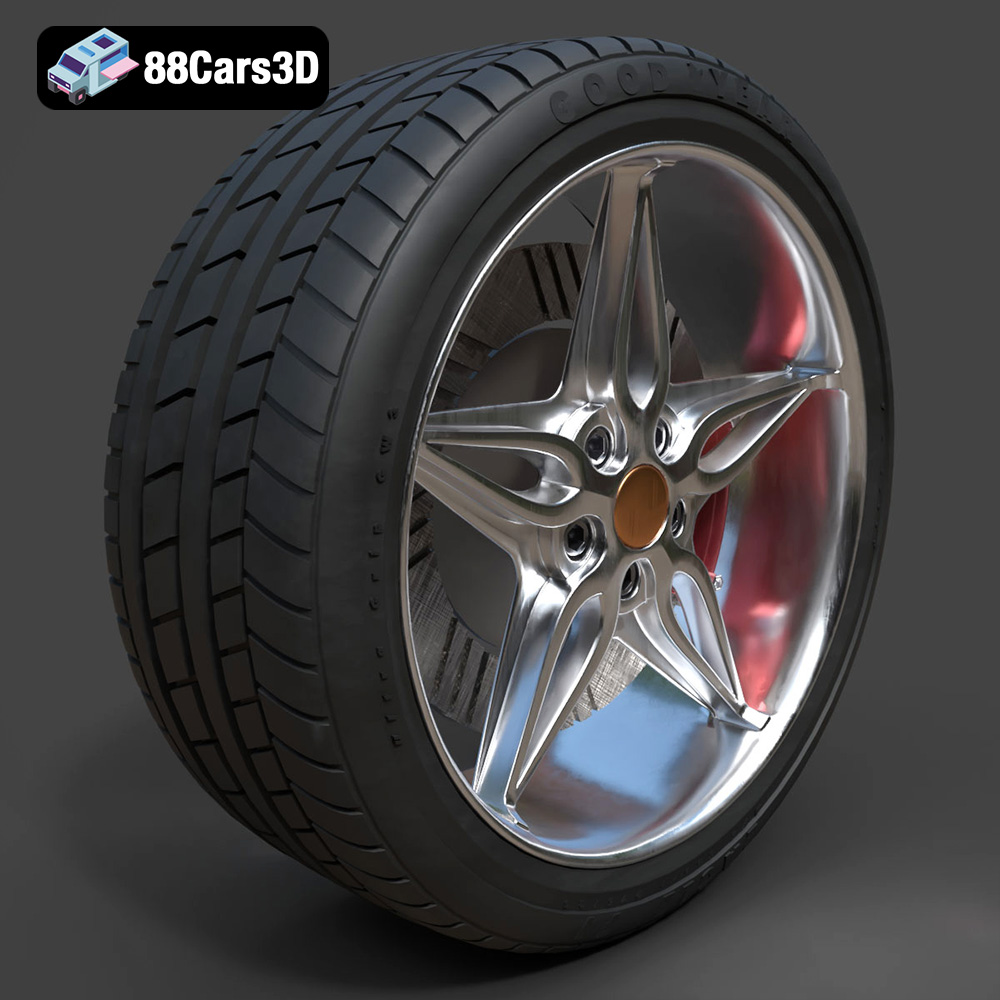
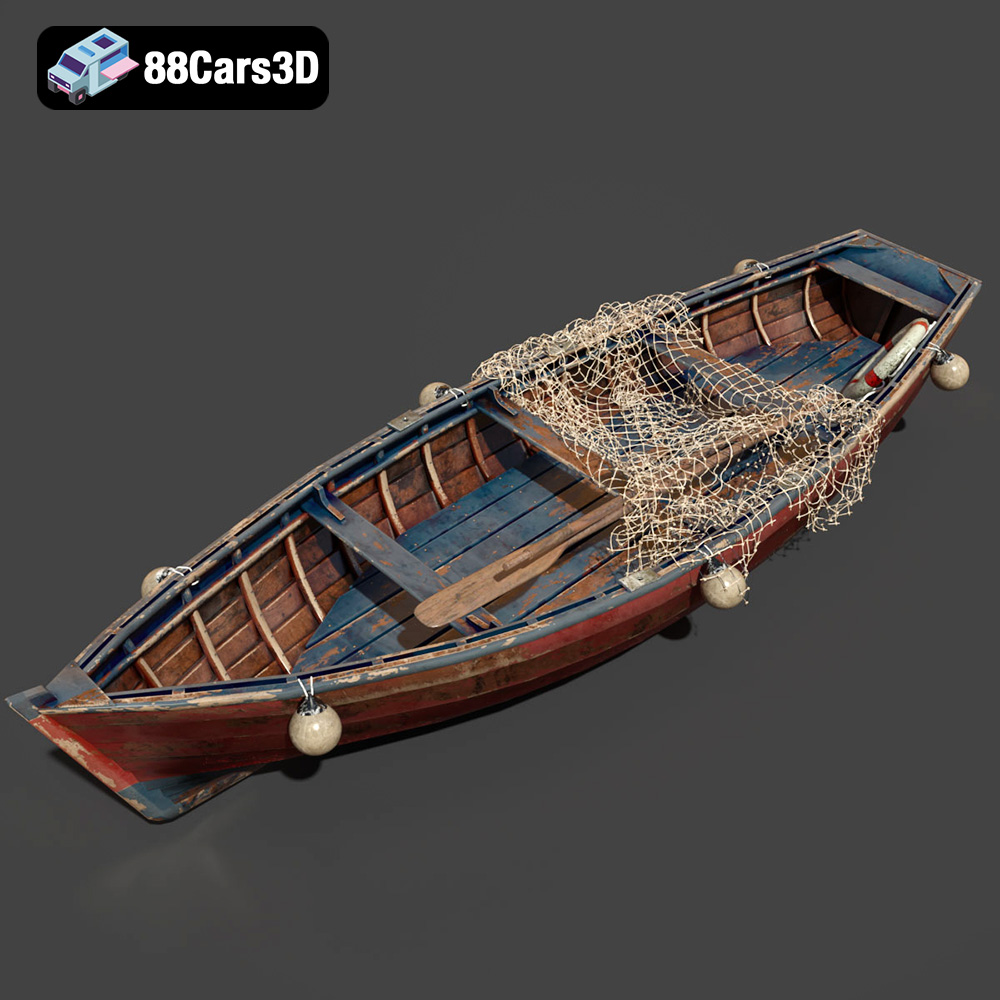
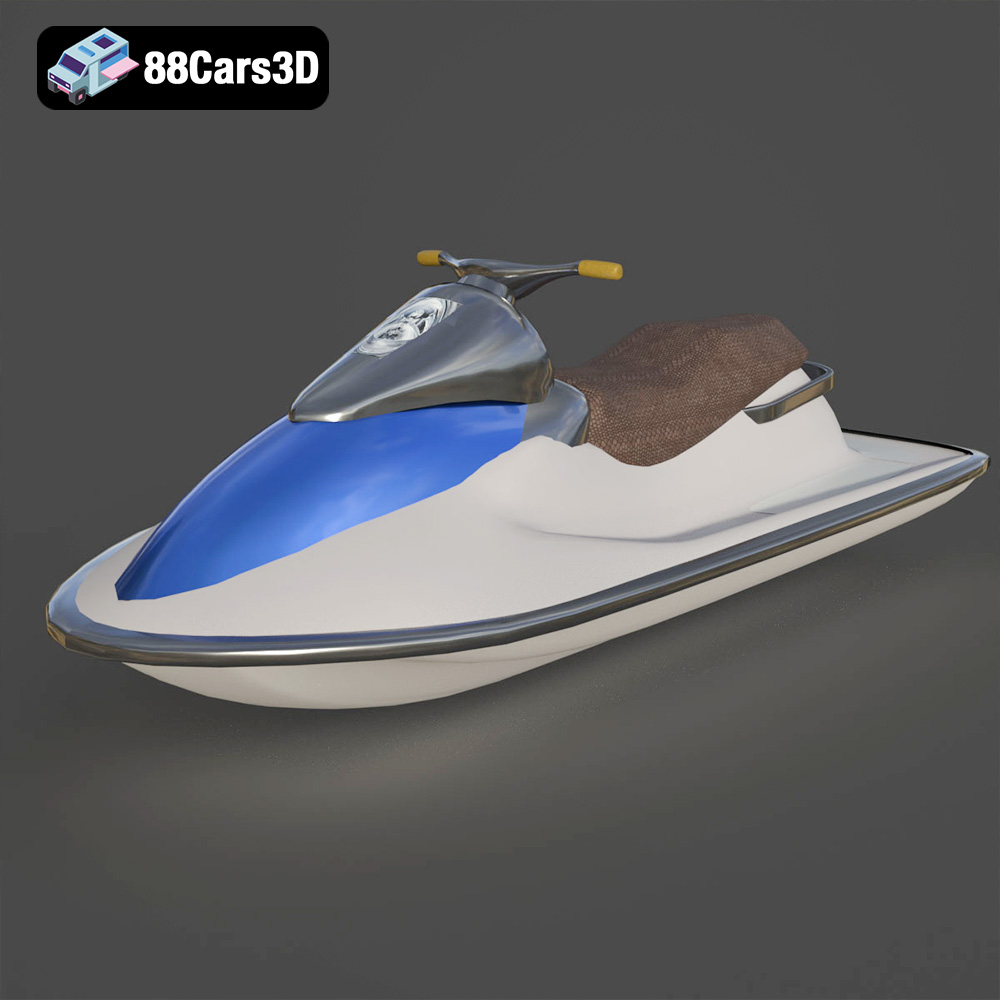
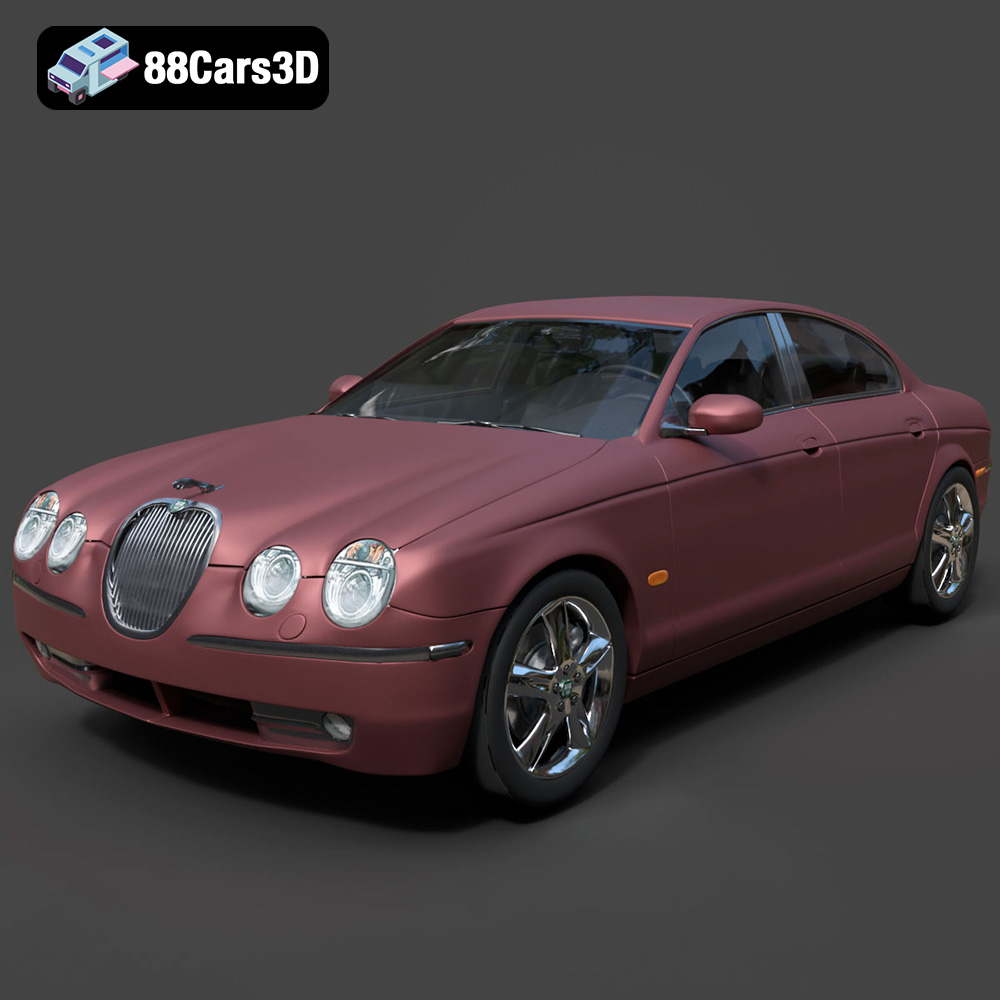
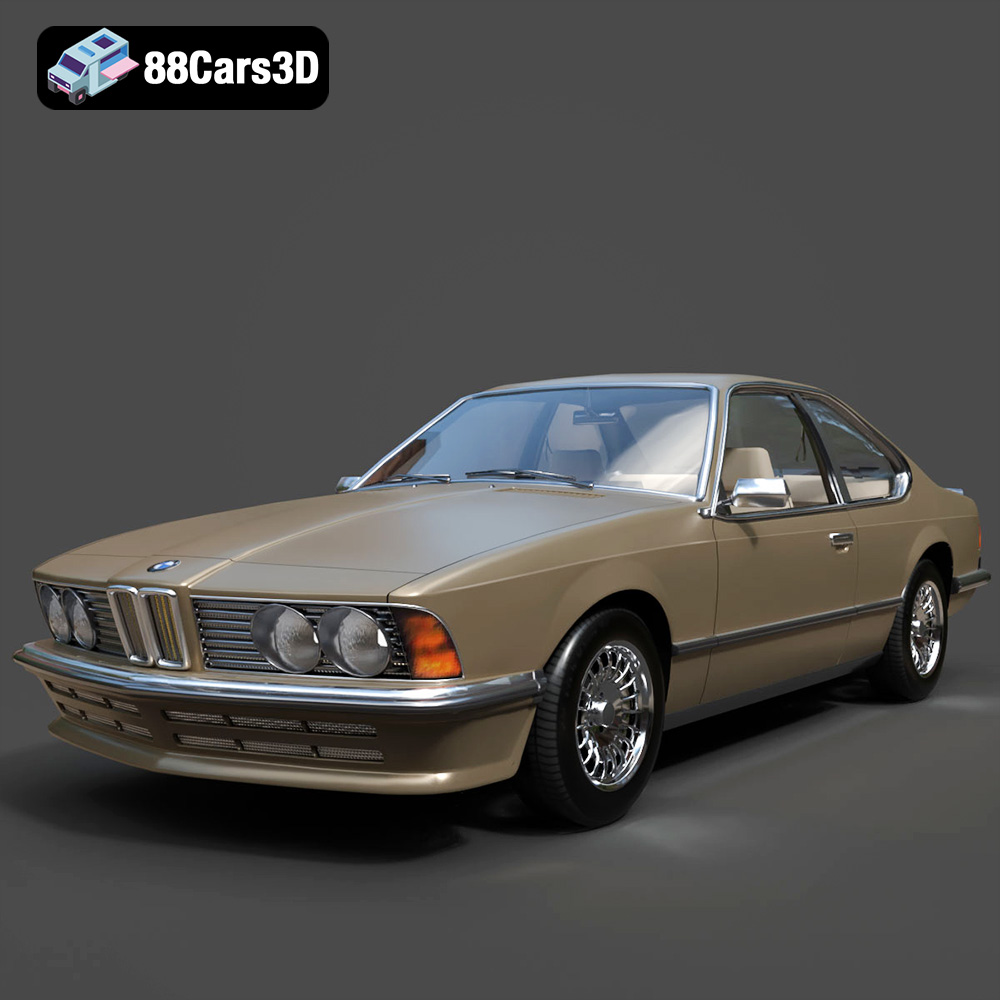
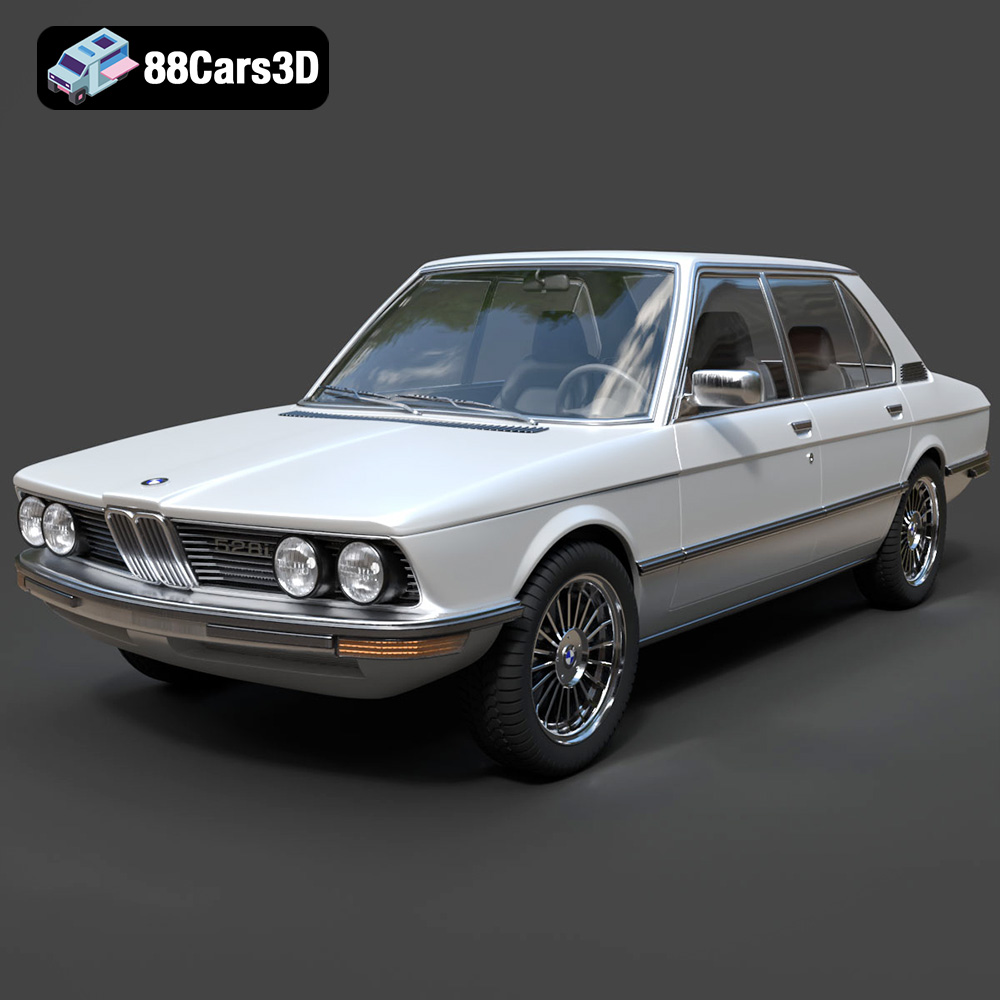
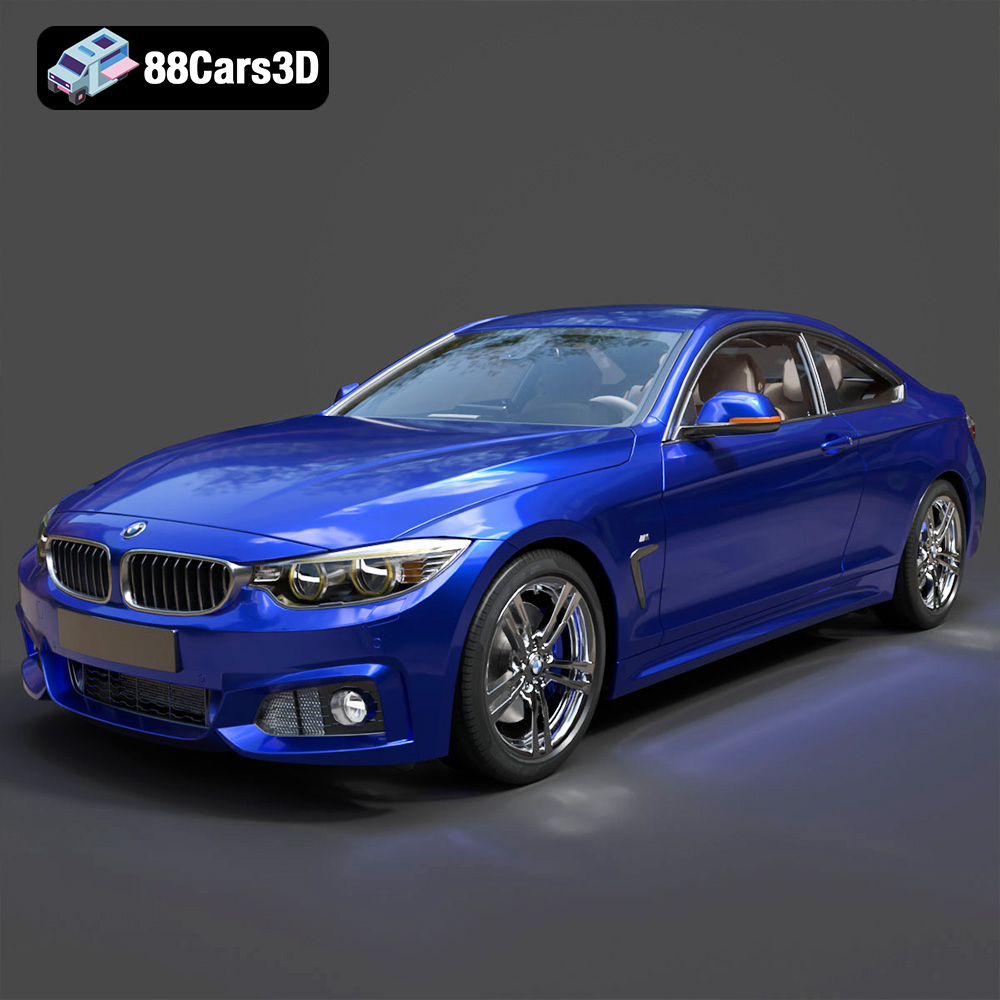
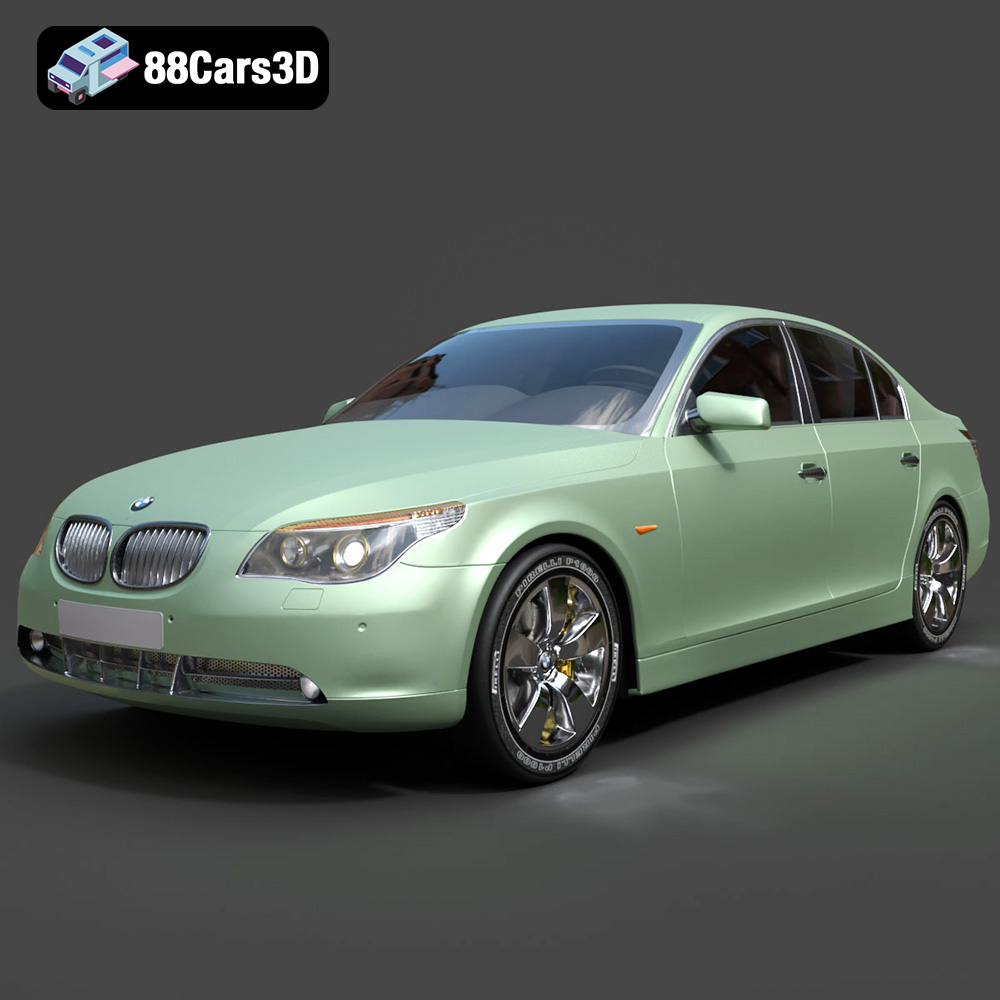
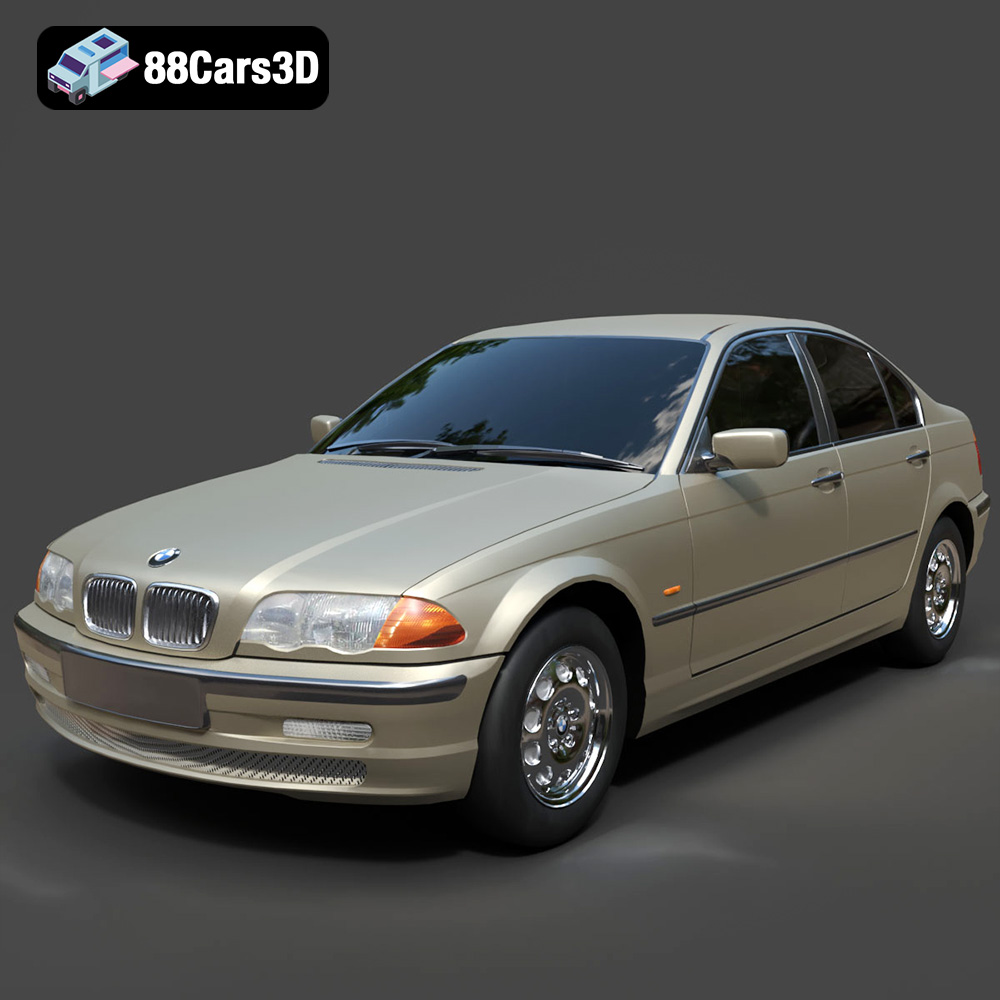
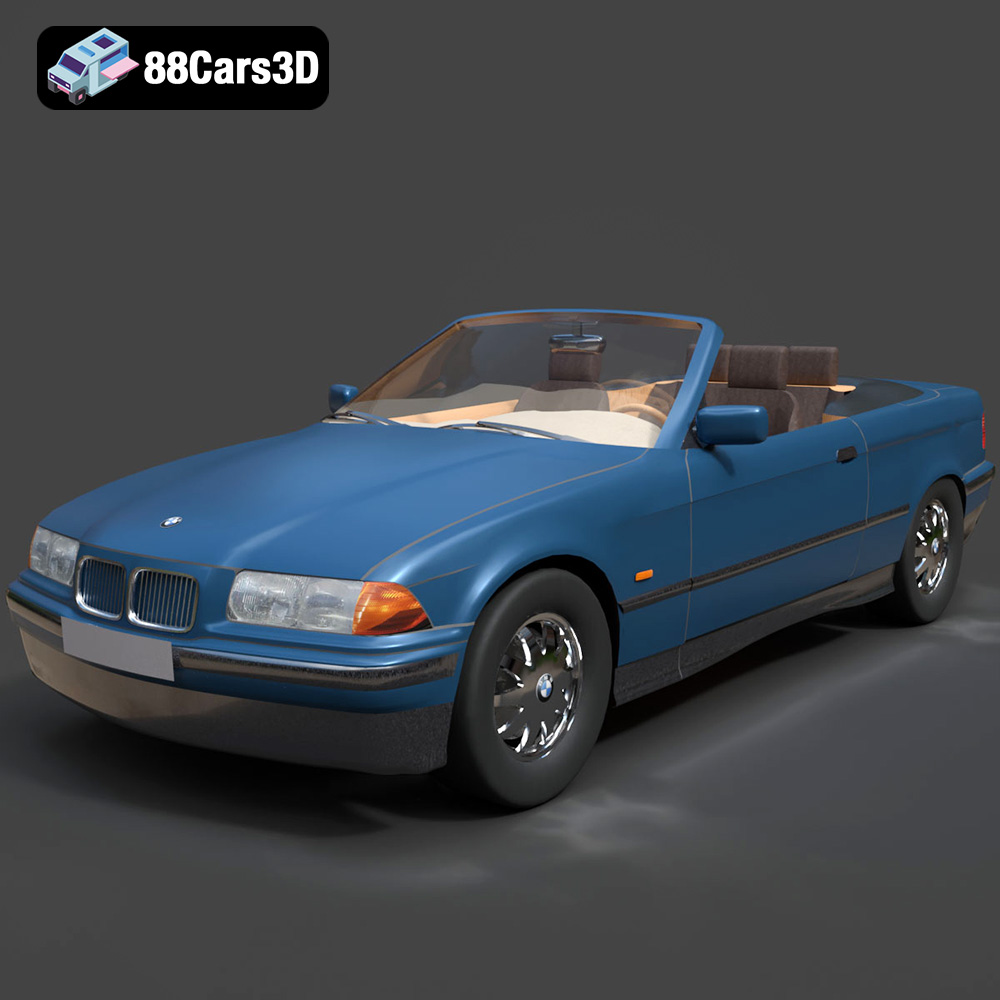
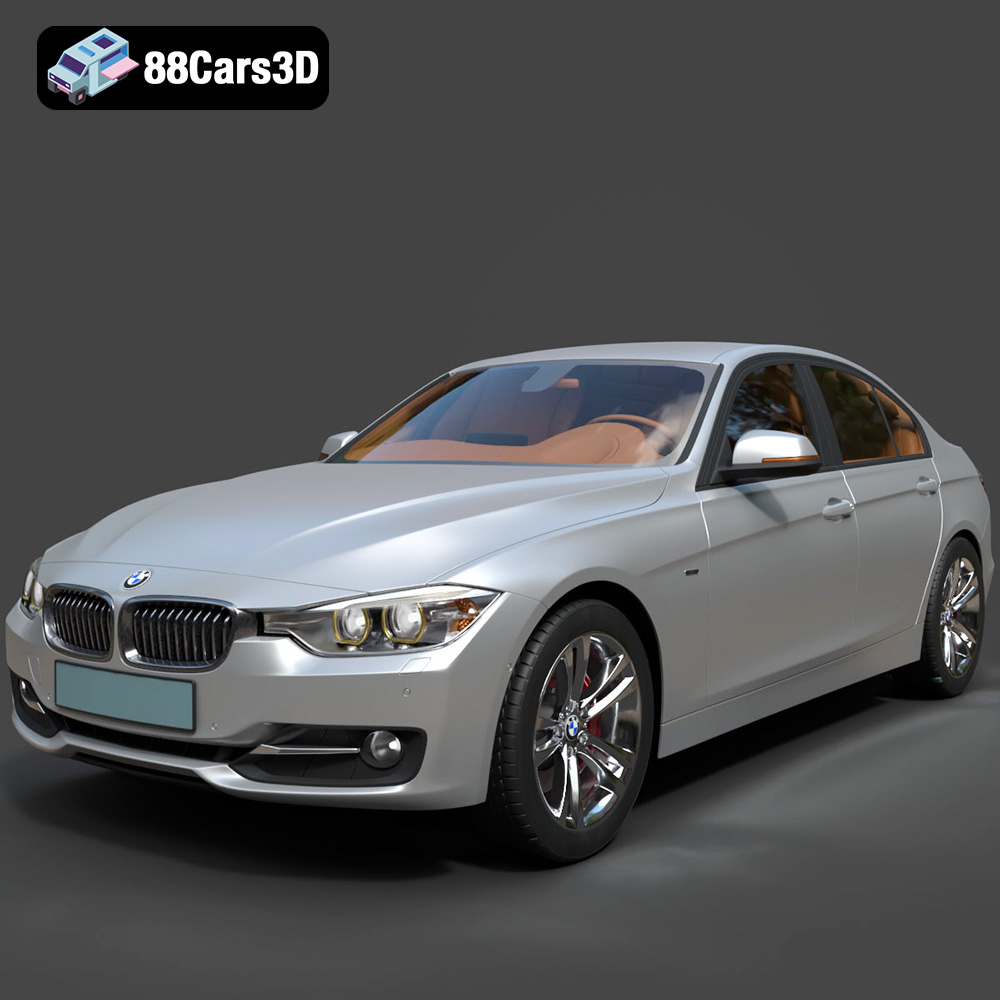
The digital realm has revolutionized how we design, visualize, and interact with vehicles. From the sleek lines of concept cars to the gritty realism of racing simulations, high-quality 3D car models are the unsung heroes powering these immersive experiences. The demand for accurate, well-optimized, and visually stunning automotive assets continues to surge across industries, spanning cinematic rendering, virtual reality, augmented reality, and, of course, cutting-edge game development.
Mastering the art and science of 3D car modeling involves a deep understanding of geometry, materials, lighting, and performance optimization. It’s about translating complex real-world mechanics and aesthetics into a digital format that can be manipulated, rendered, and interacted with seamlessly. This comprehensive guide delves into the technical intricacies of 3D car models, exploring their creation, optimization, diverse applications, and the critical importance of understanding various file formats. Whether you’re an experienced 3D artist, a game developer, or an automotive designer, harnessing the power of premium assets, such as those found on 88cars3d.com, is fundamental to achieving unparalleled visual fidelity and efficiency in your projects.
The Foundation of Digital Automotive Excellence: High-Quality 3D Car Models
At the heart of any compelling digital automotive project lies a meticulously crafted 3D car model. This isn’t just about recreating a vehicle’s silhouette; it’s about capturing every nuance, from the subtle curvature of a fender to the intricate details of an interior dashboard. The quality of these models directly impacts the final visual outcome, rendering performance, and overall user experience.
Defining “High-Quality” in 3D Automotive Assets
What separates a mediocre 3D car model from an exceptional one? Several technical parameters come into play:
- Poly Count and Level of Detail (LODs): While high-polygon models offer exquisite detail for cinematic renders, real-time applications like games or AR/VR require optimization. High-quality assets often come with multiple Levels of Detail (LODs) – progressively lower poly versions that are swapped based on distance from the camera, ensuring efficient rendering without sacrificing perceived detail up close. A high-poly base model might exceed several million polygons, while its lowest LOD could be in the tens of thousands.
- Clean and Efficient Topology: This refers to the arrangement of polygons (usually quads) that make up the mesh. Clean topology ensures smooth subdivision (for high-resolution renders), prevents shading artifacts, and allows for efficient UV unwrapping and deformation during animation. Models built with quad-only geometry are generally preferred for their flexibility and predictable behavior.
- Accuracy and Real-World Scaling: A truly high-quality model is dimensionally accurate, matching real-world blueprints and specifications. Correct scaling is crucial for integration into scenes and for ensuring realistic physics in simulations or games.
- Material Readiness and PBR Workflow: Modern rendering relies heavily on Physically Based Rendering (PBR) workflows. High-quality 3D car models come with pre-calibrated PBR materials (Albedo/Base Color, Metallic, Roughness, Normal, Ambient Occlusion maps) that accurately simulate how light interacts with different surfaces, ensuring consistent results across various rendering environments.
- Non-Overlapping UV Mapping: Precise UV unwrapping is essential for applying textures without stretching or distortion. Non-overlapping UVs are particularly important for lightmap generation in game engines and for texture baking processes.
The Importance of Clean Topology and UV Mapping
Topology isn’t just an aesthetic concern; it’s a performance and flexibility requirement. A model with good edge flow will deform naturally when animated (e.g., car doors opening, suspension movement) and will subdivide cleanly if you need to add more detail for close-up shots without introducing unsightly pinches or artifacts. Bad topology, characterized by triangles in flat areas, n-gons (polygons with more than four sides), or stretched quads, leads to visual glitches and makes the model difficult to work with.
Similarly, UV mapping is the critical bridge between your 3D geometry and its 2D textures. Imagine unwrapping a gift box into a flat pattern; UV mapping does the same for your 3D model, allowing you to paint or apply image textures to its surfaces. A well-executed UV layout is:
- Organized: Related parts are grouped, making texturing intuitive.
- Scaled Appropriately: Texel density (pixels per unit of surface area) is consistent across the model, preventing blurry or overly sharp textures on different parts.
- Non-Overlapping: Each face of the model occupies a unique space on the UV map, vital for baking and lightmapping.
- Seam-Optimized: Seams are placed in inconspicuous areas to minimize their visibility and make texturing easier.
Both clean topology and professional UV mapping are hallmarks of assets designed for serious production pipelines, ensuring optimal performance and visual fidelity.
Understanding 3D Model File Formats
Navigating the world of 3D assets requires a solid grasp of the various file formats available. Each format serves specific purposes, excelling in different scenarios regarding compatibility, data preservation, and optimization. Choosing the correct format is paramount for seamless integration into your chosen workflow, be it for high-end rendering, real-time game development, or 3D printing. Reputable marketplaces like 88cars3d.com typically offer models in several key formats to cater to diverse professional needs.
Blender’s Native Power: .blend
The .blend format is Blender’s native file type, acting as a complete snapshot of your entire Blender project. This isn’t just geometry; it encompasses scene settings, cameras, lights, animations, rigs, modifiers, custom node setups for materials, and even scripting. It’s the ideal format when you intend to continue working on or extensively modify the asset within Blender itself. It retains all the editable parameters and non-destructive workflows, making it incredibly powerful for artists whose primary DCC (Digital Content Creation) tool is Blender. For sharing a fully editable Blender scene, .blend is the go-to choice.
Interoperability Workhorses: .fbx and .obj
The .fbx (Filmbox) format is arguably the most widely adopted interchange format in the 3D industry. Developed by Autodesk, it’s a versatile format that can store 3D models, animation, skeletal rigs, and PBR material assignments. Its strength lies in its ability to transfer complex scene data between different software applications like 3ds Max, Maya, Blender, Unreal Engine, and Unity with relative ease. For real-time pipelines, .fbx is often the standard for importing animated characters, vehicles, and complex environments into game engines, making it an indispensable format for game assets.
The .obj (Wavefront OBJ) format is a universal geometry definition file. It’s a simpler, more basic format compared to .fbx, primarily storing polygon mesh data (vertices, UVs, normals) and referencing external material files (.mtl) for basic color and texture information. While it doesn’t support animation or rigging directly, its widespread compatibility across virtually every 3D software makes it an excellent choice for basic mesh transfer when a clean geometric model is all that’s required. It’s often used when fidelity to complex material setups isn’t critical during transfer or when you plan to rebuild materials in the target application.
Real-time and Web-Optimized Formats: .glb and .unreal
The .glb (GL Transmission Format Binary) is the binary version of the glTF format, designed specifically for efficient transmission and loading of 3D scenes and models by engines and applications. It’s quickly becoming the standard for web-based 3D, AR, and VR experiences due to its compact size and ability to embed all assets (geometry, textures, animations) into a single, self-contained file. It prioritizes runtime performance, making it perfect for interactive browser-based product configurators or augmented reality apps displaying 3D car models.
The .unreal format refers to assets that are typically optimized and packaged specifically for the Unreal Engine. While not a standalone file extension in the same way as .fbx or .obj, it represents an asset that has gone through the Unreal Engine import and optimization pipeline. This might involve pre-configured materials, LODs, collision meshes, and sometimes even Blueprint setups. When you acquire an asset described as “.unreal engine ready,” it implies that it requires minimal setup after importing directly into an Unreal project, saving significant development time for creating game assets.
Specialized Formats: .stl, .ply, and .max
The .stl (Stereolithography) format is the de-facto standard for 3D printing. It represents a 3D model as a collection of unconnected triangles defining its surface geometry. Crucially, .stl files do not contain color, texture, or material information. They are purely for describing the shape of an object for additive manufacturing, requiring the model to be “watertight” (no holes or gaps) for successful printing. For prototyping physical models of 3D car models, .stl is the format to use.
The .ply (Polygon File Format) is another format for storing 3D data, particularly useful for scan data and precise geometrical representations. It can store not just geometry but also properties like color, transparency, normals, and even confidence values per vertex or face. While not as universally used as .fbx, it’s excellent for applications requiring high-precision meshes, such as CAD integration or scientific analysis, where detailed point cloud or polygon data is paramount.
Finally, the .max format is Autodesk 3ds Max’s native file type, analogous to Blender’s .blend. It saves the entire 3ds Max scene, including all models, lights, cameras, animations, modifiers, and plugins used. It’s ideal for 3ds Max users who want a fully editable and reconstructible project file. When purchasing 3D car models and your primary software is 3ds Max, a .max file offers the highest degree of flexibility for further modifications and complex rendering setups.
Mastering Automotive Rendering: Crafting Photorealism
Creating photorealistic renders of 3D car models is an art form that blends technical proficiency with an keen eye for detail. It’s about more than just a good model; it’s about making it look like it genuinely exists in a physical space, reflecting light, ambient surroundings, and telling a story.
The Pillars of Photorealistic Car Renders
Achieving stunning realism relies on a synergistic approach to several key elements:
- Lighting: This is arguably the most critical component.
- HDRI (High Dynamic Range Image): Often used for realistic environment lighting, providing both illumination and reflections from real-world scenes. Studio HDRIs offer controlled, soft lighting, while outdoor HDRIs provide natural daylight.
- Physical Lights: Area lights, spot lights, and photometric lights are used to create specific highlights, accentuate body lines, and simulate studio setups. A common technique involves a three-point lighting setup or complex array of softboxes for product shots.
- Materials and Textures: PBR materials are fundamental.
- Metallic Paint: Recreating the intricate flake and clear coat of automotive paint requires advanced shader setups, often involving multiple layers of reflectivity and controlled roughness.
- Glass and Transparencies: Realistic glass demands accurate refraction, subtle reflections, and considerations for thickness and tint.
- Rubber, Carbon Fiber, and Leather: Each material has unique properties (e.g., subtle roughness variations for rubber, anisotropic reflections for brushed metals, weave patterns for carbon fiber) that must be meticulously reproduced with texture maps.
- Environment and Context: A car render doesn’t exist in a vacuum.
- Backplates: High-resolution photographs provide realistic backgrounds, requiring careful matching of camera perspective, lighting, and focal length.
- Reflections: The environment reflected in the car’s bodywork is crucial. Even if the environment itself isn’t fully modeled, strategically placed reflection cards or carefully chosen HDRIs can create convincing reflections.
- Ground Plane and Shadows: A subtle ground plane with realistic contact shadows anchors the vehicle in the scene, preventing it from looking like it’s floating.
Advanced Rendering Techniques and Software Workflows
Modern renderers offer sophisticated tools for achieving photorealism:
- Renderers: Industry-standard renderers like V-Ray, Corona Renderer, Octane Render, and Blender’s Cycles or Eevee (for real-time previews) provide physically accurate light transport calculations. Each has its strengths in terms of speed, features, and integration.
- Workflow Example (3ds Max + V-Ray):
- Model Import and Scene Setup: Import the 3D car model (.max or .fbx) into 3ds Max. Ensure correct scaling and pivot points. Set up a basic camera (matching a real-world camera with appropriate focal length).
- Lighting Environment: Load an appropriate HDRI into the V-Ray Dome Light for primary illumination and reflections. Add V-Ray Plane Lights or spherical lights to create studio-like highlights on the car body, emphasizing contours. Adjust intensity and temperature.
- Material Refinement: Apply V-Ray PBR materials. Focus on car paint (often a layered material or complex shader with clear coat, metallic flakes, and base paint), glass (high IOR, subtle absorption), and rubber (low roughness, slight reflectivity). Use detailed texture maps for interiors, tires, and small details.
- Render Settings: Configure V-Ray settings for quality (sampling, denoising, global illumination) vs. render time. Use progressive rendering for quick feedback.
- Post-processing (External): Render out multiple passes (beauty, alpha, reflections, refractions, Z-depth, object IDs) for maximum flexibility in software like Adobe Photoshop or Nuke. Adjust color grading, add subtle lens flares, depth of field, and chromatic aberration to enhance realism.
Integrating 3D Car Models into Game Development
While cinematic renders prioritize raw visual fidelity, game development demands a delicate balance between visual quality and real-time performance. High-quality 3D car models for games must be meticulously optimized to run smoothly on various hardware, often within strict budget constraints for polygon counts and texture memory.
Optimizing Assets for Real-time Performance
The journey of a high-resolution 3D car model into a game engine involves several critical optimization steps:
- Level of Detail (LODs): This is fundamental. Multiple versions of the car model are created, ranging from high-poly (for close-ups) to very low-poly (for distant views). Game engines automatically swap these models based on the camera’s distance, ensuring efficient rendering. A typical car might have 3-5 LODs.
- Texture Atlasing and Material Instancing: Combining multiple small textures into a single larger texture (atlas) reduces draw calls, improving performance. Similarly, material instancing allows variations of a base material (e.g., different car colors) without creating entirely new materials, saving memory and processing power.
- Collision Meshes: Simplified, invisible meshes are created specifically for physics calculations. These are far less complex than the render mesh, allowing the game engine to compute collisions efficiently without processing millions of polygons.
- Vertex Count Reduction: Techniques like decimation (carefully reducing polygon count) or manual retopology are applied to achieve target poly budgets without significantly compromising the silhouette.
Game Engine Workflows: Unreal Engine and Beyond
Integrating 3D car models into game engines requires specific workflows:
- Unreal Engine Workflow (using .fbx):
- Export from DCC: Export the 3D car model from your modeling software (e.g., 3ds Max, Blender) as an .fbx file. Ensure all LODs, materials, and skeletal animations (if any) are correctly embedded or linked.
- Import into Unreal Engine: In Unreal, use the “Import” function. During import, specify options for LODs, collision generation, normal map import settings, and whether to create materials. Unreal’s robust importer can often handle complex .fbx files, creating appropriate static meshes, skeletal meshes, and basic materials.
- Material Setup: Refine the imported materials. Create master materials for car paint, glass, and rubber, then create material instances for each specific part. This allows for easy color changes or material property adjustments without recompiling shaders. Connect PBR texture maps (Albedo, Normal, Roughness, Metallic, Ambient Occlusion) to their respective inputs.
- Physics and Collision: Generate or import precise collision meshes. Set up physics assets for components like wheels and suspension, allowing for realistic vehicle dynamics using Unreal’s Chaos physics system.
- Blueprint Integration: For interactive vehicles, create Blueprints to encapsulate vehicle functionality (engine sound, acceleration, braking, steering, lights, damage models). Attach the static or skeletal mesh components to the Blueprint, connect inputs, and define car physics settings.
- Unity: Similar principles apply, with .fbx being the primary import format. Unity’s URP (Universal Render Pipeline) and HDRP (High Definition Render Pipeline) allow for PBR material setups and efficient asset management, though its physics system differs from Unreal’s.
Animation and Rigging for Interactive Experiences
For fully interactive game assets, vehicles need to be rigged and animated. This involves:
- Skeletal Rigging: Creating a skeletal hierarchy with bones for wheels, steering, doors, hood, trunk, and suspension components. This allows for individual articulation and realistic movement.
- Physics Assets: Defining simplified collision geometry for each bone in the skeleton, allowing for accurate physical interactions and deformations (e.g., suspension compression, minor body damage).
- Blueprint/Scripted Animation: Rather than pre-baked animations, most in-game car movements (wheel rotation, steering, suspension travel) are driven dynamically by physics and player input via engine scripting languages (Blueprints in Unreal, C# in Unity).
Beyond Visualization: Diverse Applications of 3D Car Models
The utility of high-quality 3D car models extends far beyond traditional rendering and game development, impacting various industries and creating new frontiers for interactive experiences.
AR/VR Experiences and Immersive Training
Augmented Reality (AR) and Virtual Reality (VR) environments are hungry for detailed yet performance-optimized 3D assets. Car manufacturers and dealerships are leveraging 3D car models to:
- Virtual Showrooms: Allowing customers to explore vehicles in a virtual space, customize colors and options, and even “sit inside” the car from anywhere in the world.
- AR Car Configurators: Using AR apps, consumers can overlay a 3D car model onto their real-world environment (e.g., driveway) to visualize it at scale, experimenting with different trims and features.
- Immersive Training: For mechanics, emergency services, or production line workers, VR simulations offer a safe and cost-effective way to train on complex vehicle systems, maintenance procedures, or accident response scenarios. These often require highly accurate, anatomically correct models of vehicle components.
3D Printing and Prototyping
The physical world also benefits from digital car models. 3D printing allows for rapid prototyping and the creation of physical scale models:
- Rapid Prototyping: Automotive designers can quickly print physical iterations of car parts or entire vehicle concepts to test ergonomics, aesthetics, or fit before committing to expensive tooling.
- Scale Models and Collectibles: Enthusiasts and businesses can 3D print highly detailed scale models of their favorite cars, ranging from desktop display pieces to functional RC car bodies. This typically requires models to be “watertight” and available in formats like .stl or .obj.
Marketing, Advertising, and Product Configuration
The flexibility of 3D assets has transformed automotive marketing:
- Virtual Photography and Cinematics: Instead of expensive photoshoots or video productions, brands can render vehicles in any desired environment, with perfect lighting and camera angles, producing limitless marketing collateral. This offers unparalleled creative control and cost efficiency.
- Interactive Online Configurators: Websites now allow potential buyers to customize every aspect of a car – paint, wheels, interior materials – and see those changes reflected in real-time 3D, providing a highly engaging pre-purchase experience. This relies on optimized 3D car models with extensive material libraries.
Sourcing and Utilizing Premium 3D Car Models
Creating professional-grade 3D car models from scratch is an incredibly time-consuming and skill-intensive endeavor. For many projects, particularly those under tight deadlines or with specific quality requirements, sourcing pre-built assets from reputable marketplaces is a strategic advantage.
What to Look For in a Reputable Asset Marketplace
When selecting a platform for 3D car models, consider these factors:
- Model Quality Assurance: Does the marketplace vet its assets for clean topology, accurate scaling, proper UVs, and PBR material readiness? Look for detailed descriptions and multiple preview images.
- Format Variety: Does it offer models in the formats you need (.fbx, .obj, .blend, .max, .glb, etc.) to ensure seamless integration into your workflow?
- Licensing: Understand the licensing terms. Is it suitable for commercial use? Are there restrictions on redistribution or modification?
- Artist Reputation and Support: Look for models from experienced artists with positive reviews. Good customer support is crucial if you encounter issues.
- Product Detail: Comprehensive product pages should list polygon counts, texture resolutions, software compatibility, and included features (e.g., interior, engine, LODs).
Platforms like 88cars3d.com specialize in providing high-quality, production-ready 3D car models, ensuring that artists and developers have access to assets that meet professional standards, saving countless hours of modeling and optimization.
Enhancing Your Projects with Pre-built Assets
Leveraging pre-built, premium 3D car models offers several significant benefits:
- Time-Saving: Instantly populate your scenes with detailed vehicles without the need for extensive modeling. This allows you to focus on scene composition, lighting, and animation.
- Professional Results: Access models created by expert artists, ensuring consistent quality and accuracy that might be difficult to achieve in-house, especially for complex designs.
- Cost-Effectiveness: In many cases, purchasing a high-quality model is more economical than hiring an artist to build it from scratch, especially for one-off projects.
- Flexibility: Often, these models come with customizable materials, LODs, and clean meshes, allowing for further modifications to suit specific project needs.
By integrating professional assets into your pipeline, you empower your projects with visual excellence and efficiency, whether you’re creating breathtaking automotive renders, engaging game worlds, or cutting-edge AR/VR experiences.
Conclusion
The journey of a 3D car model from a concept to a fully realized digital asset is a testament to the blend of artistic vision and technical prowess. From the foundational importance of clean topology and efficient UV mapping to the critical understanding of various file formats like .blend, .fbx, .obj, .glb, .stl, .ply, .unreal, and .max, every detail contributes to the final outcome. Mastering automotive rendering demands an intricate understanding of lighting, PBR materials, and environment integration, while integrating these models into game development necessitates rigorous optimization techniques like LODs and intelligent material management.
The applications for high-quality 3D car models are constantly expanding, pushing the boundaries of what’s possible in AR/VR, 3D printing, and sophisticated marketing campaigns. As the digital automotive landscape continues to evolve, the demand for excellence remains constant. By understanding the technical nuances and strategically utilizing premium assets, such as those available on 88cars3d.com, artists, designers, and developers can elevate their projects, achieve stunning photorealism, and create truly immersive experiences that captivate audiences worldwide.
Featured 3D Car Models