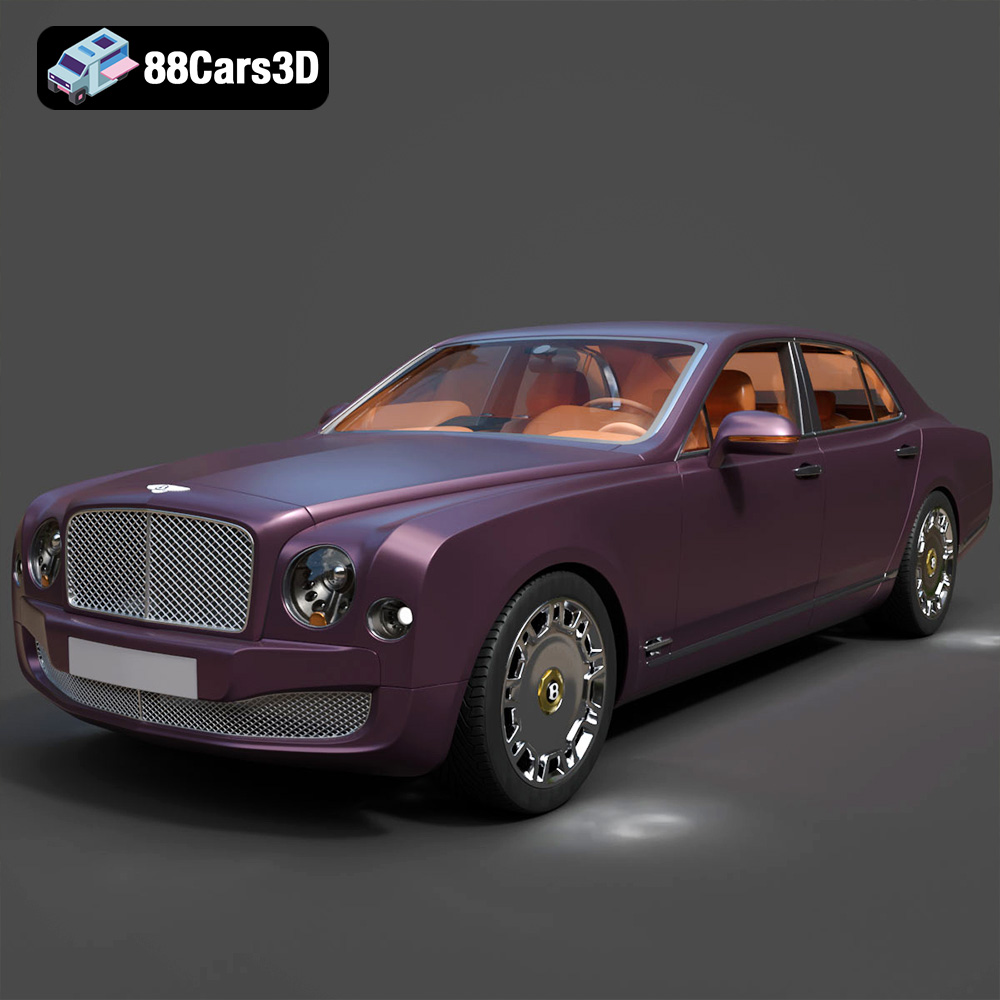
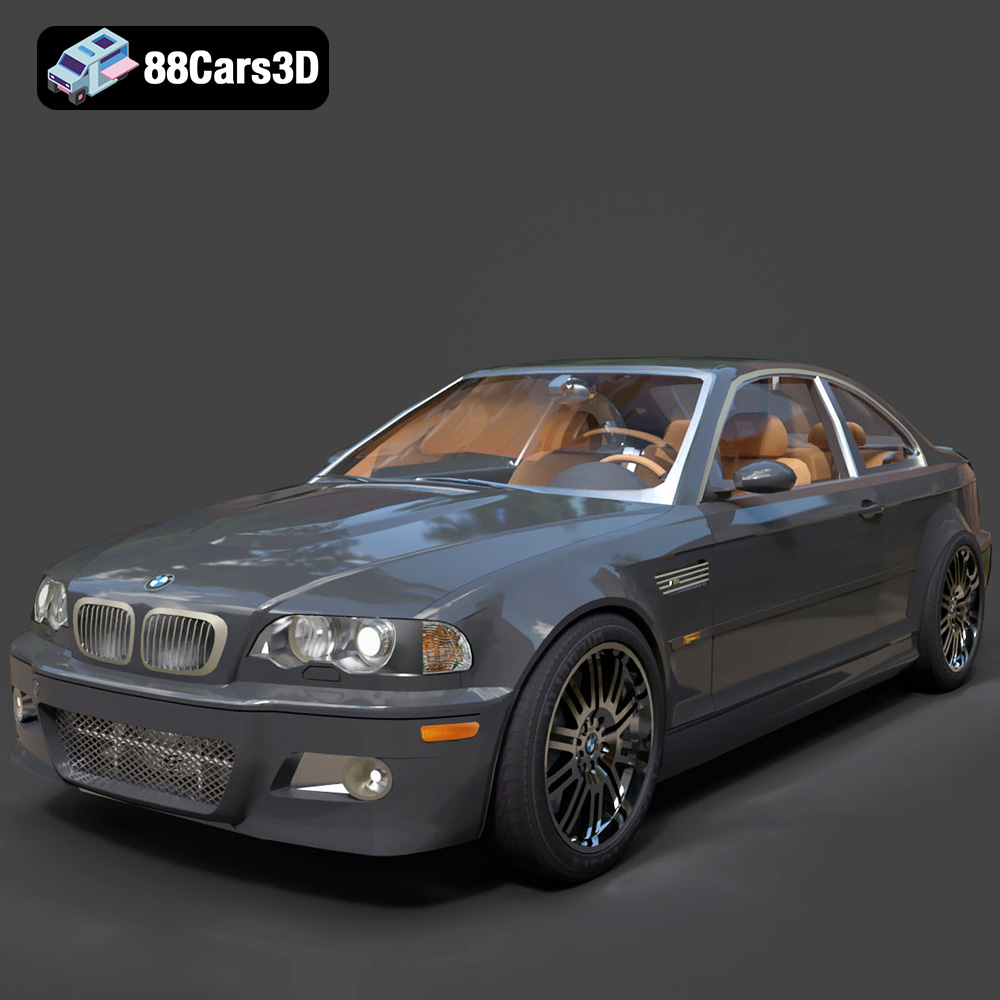
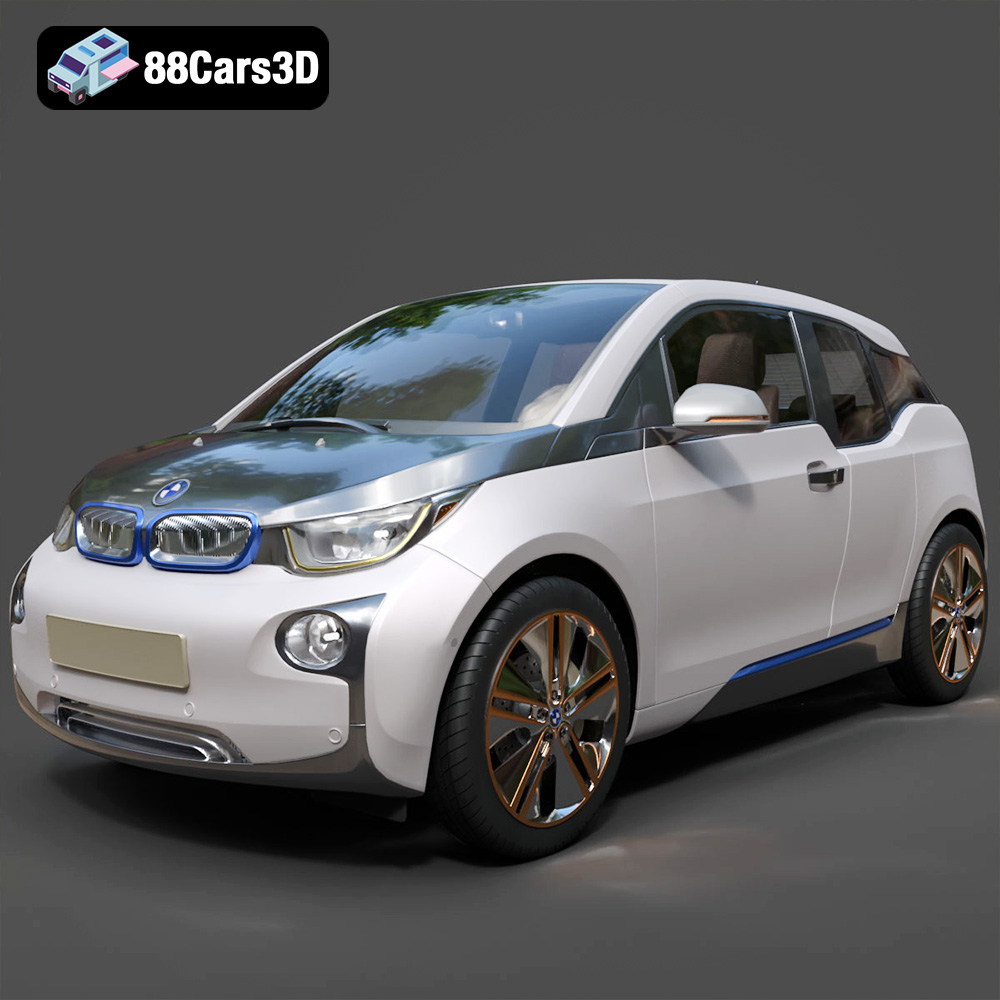
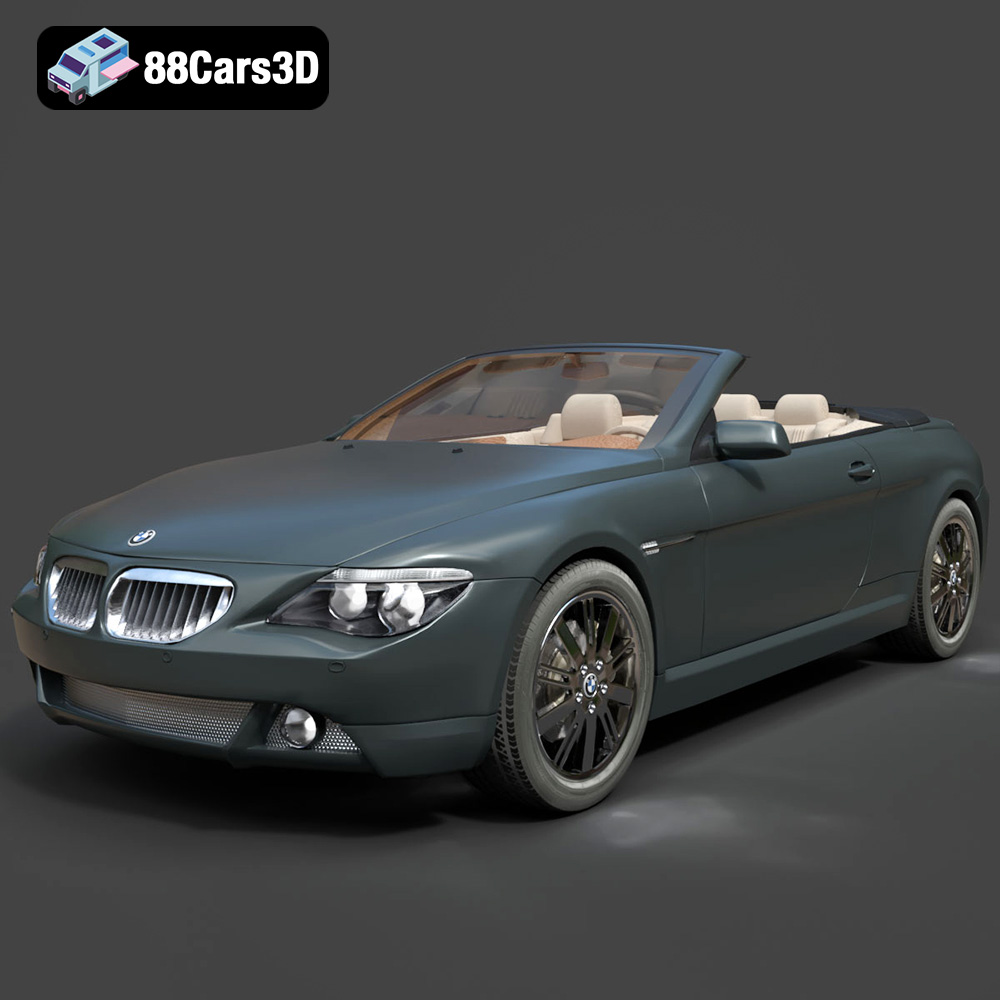
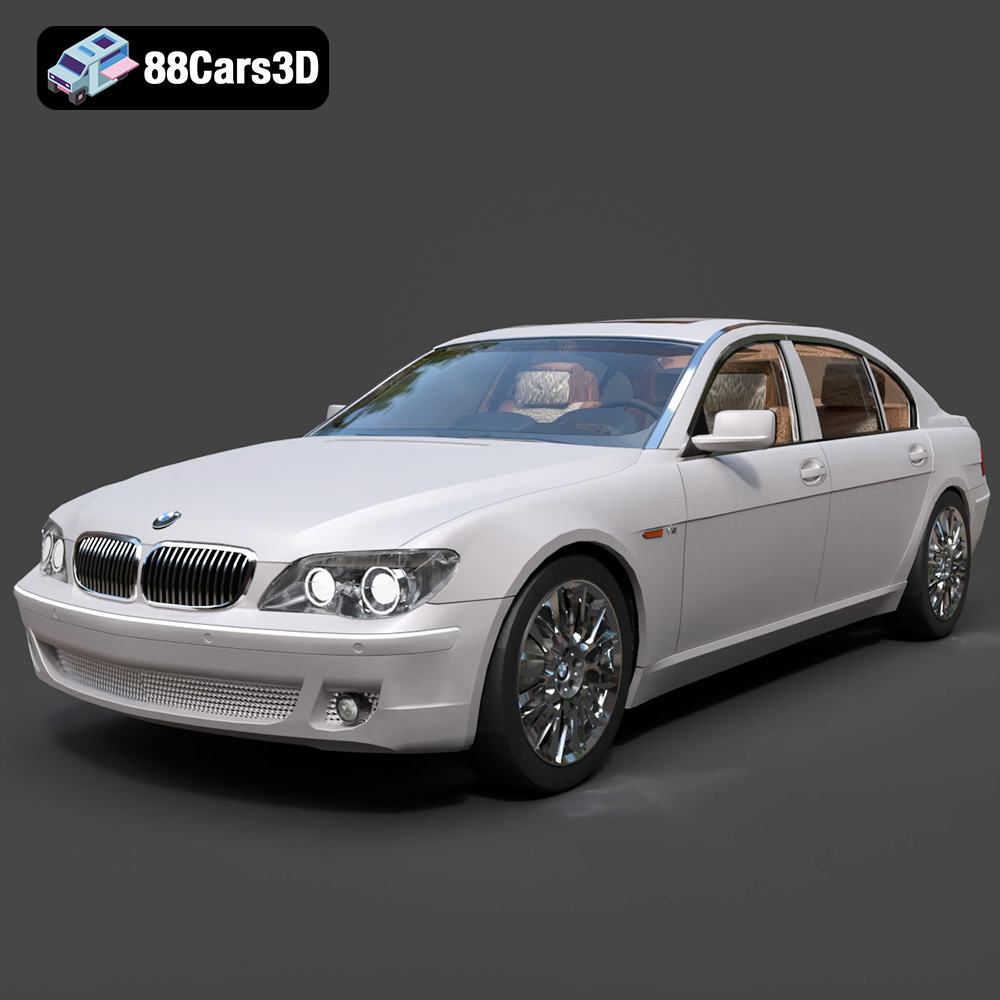
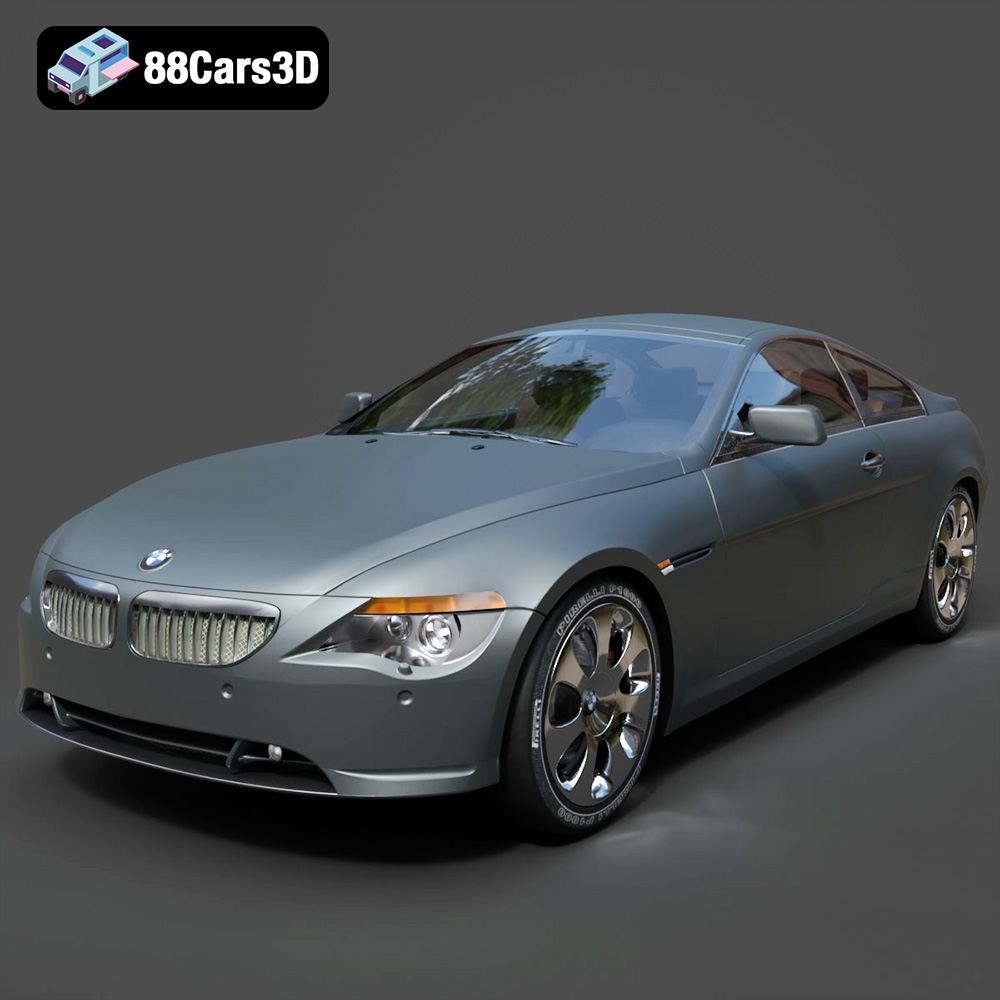
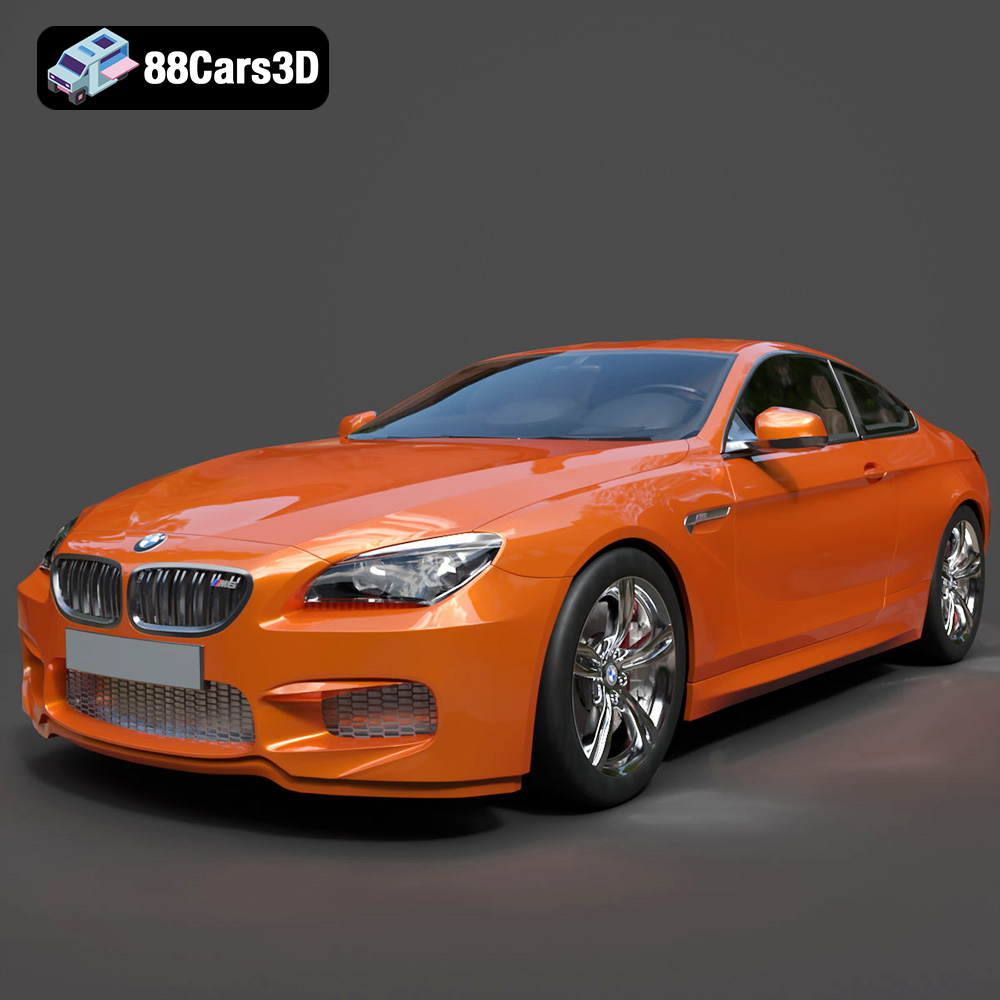
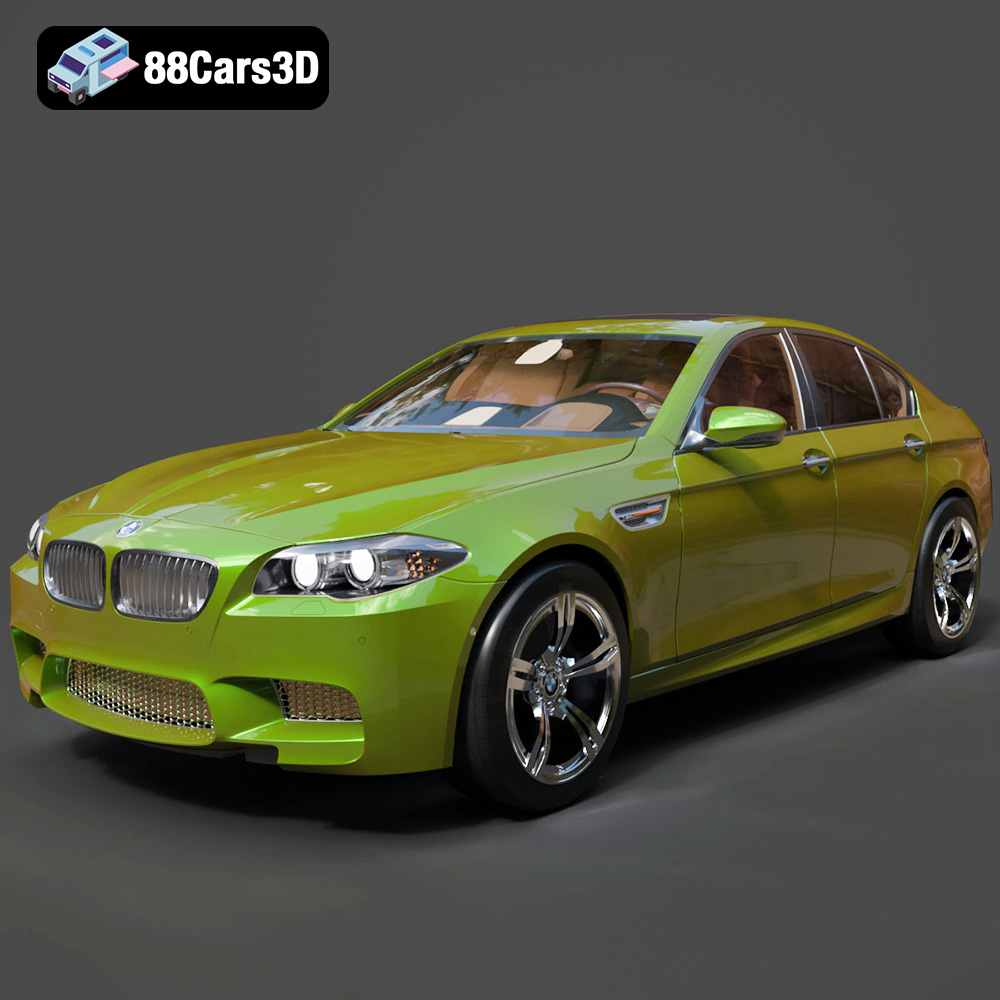
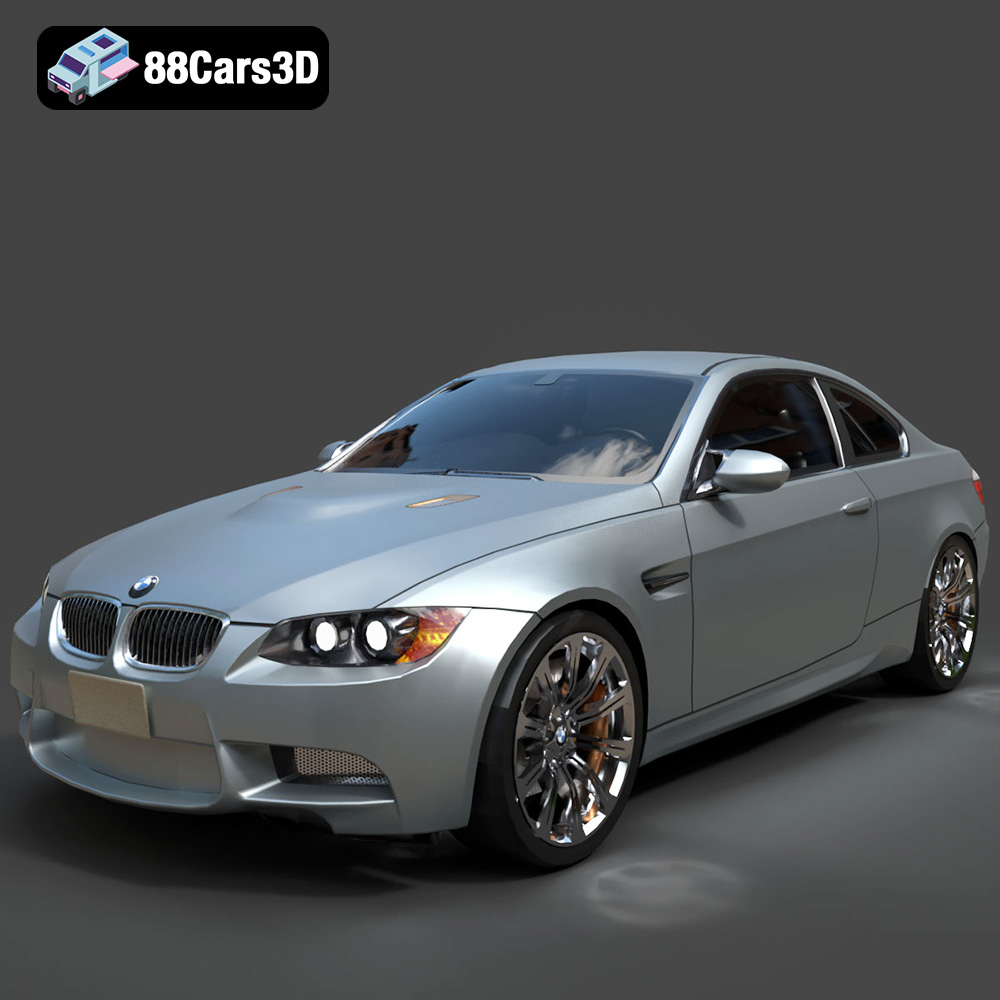
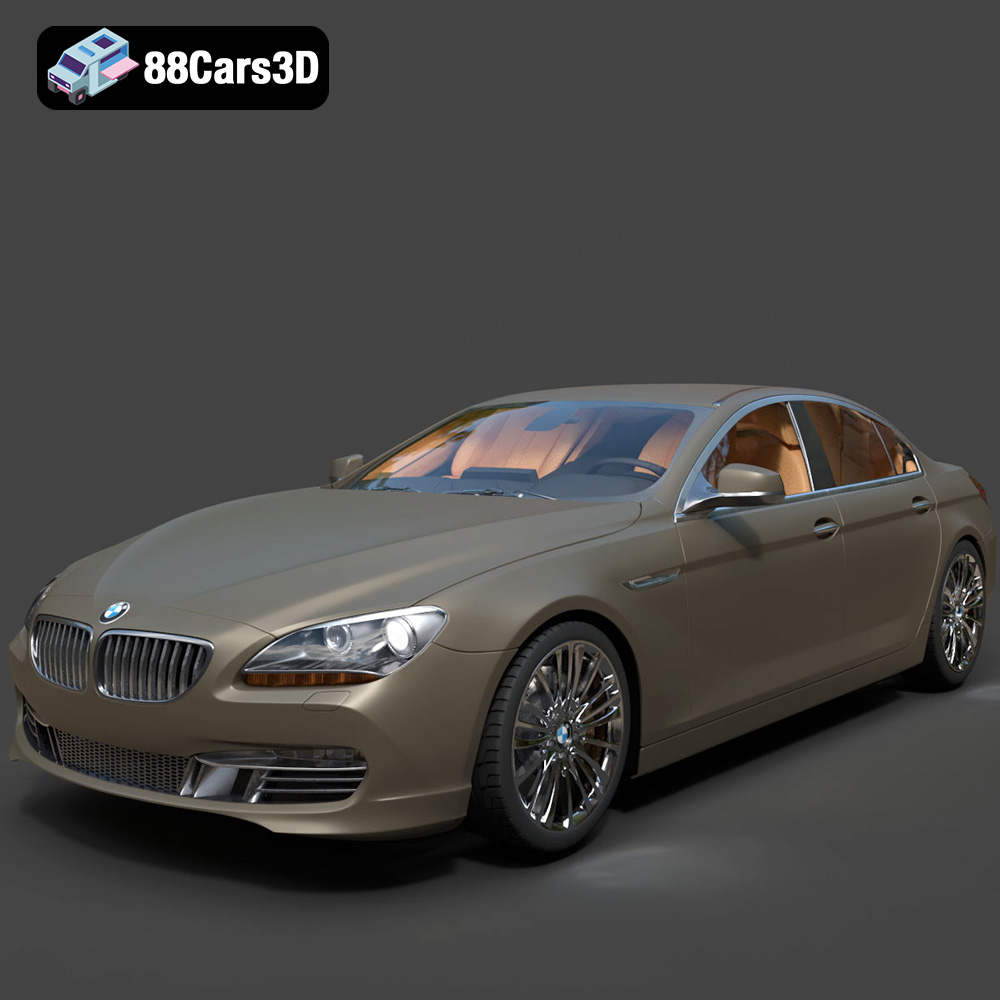
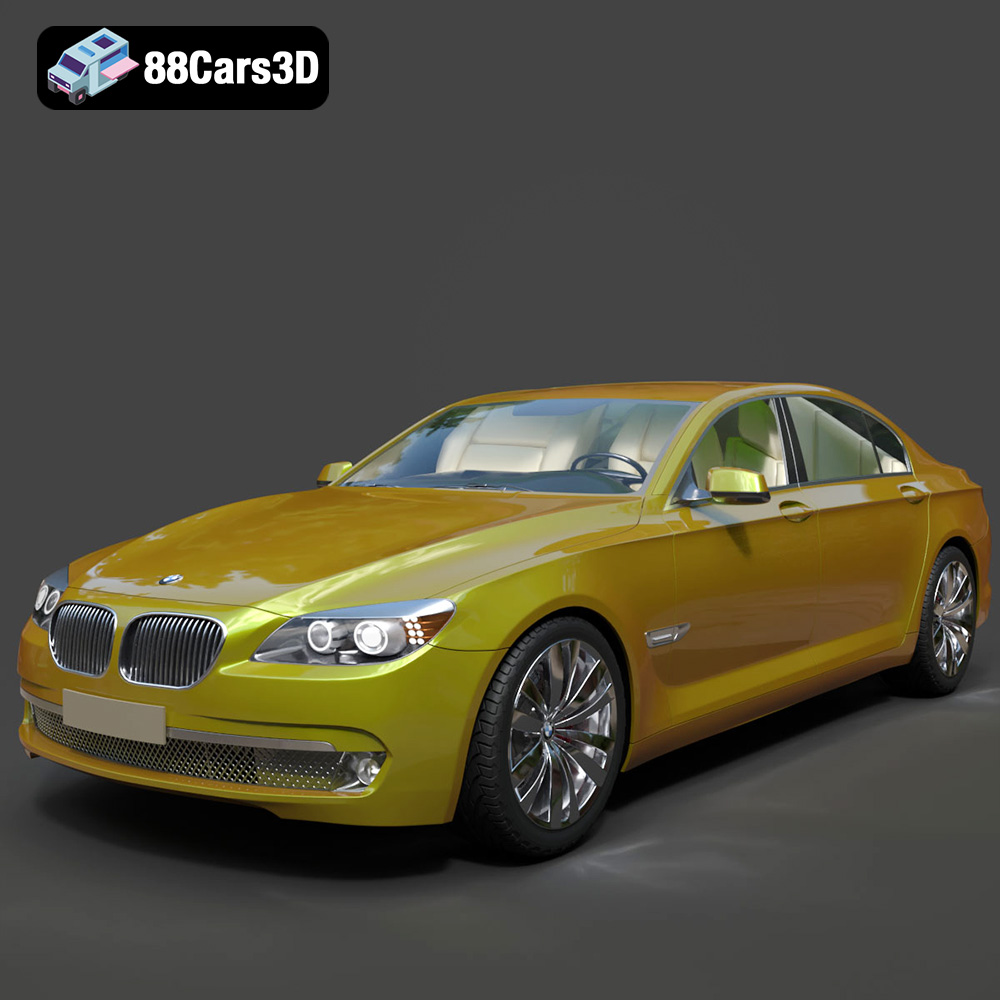
Unleashing Automotive Vision: The Power of High-Quality 3D Car Models in Design, Rendering, and Game Development
The digital automotive landscape is more vibrant and demanding than ever before. From breathtaking cinematic renders that captivate audiences to immersive real-time experiences in cutting-edge video games, the foundation of every successful project is the quality of its 3D assets. At the heart of this revolution are meticulously crafted 3D car models – digital replicas that serve as the blueprint for visualization, simulation, and interaction. These models are not just static representations; they are dynamic canvases for creativity, offering unparalleled flexibility to designers, artists, and developers.
In this comprehensive guide, we’ll delve deep into the world of high-fidelity 3D car models, exploring their critical role in various industries. We’ll uncover the technical nuances that elevate a model from good to exceptional, discuss essential file formats, and walk through professional workflows in automotive rendering and game asset development. Whether you’re an industry veteran looking to refine your techniques or an aspiring artist eager to master the craft, understanding the intricacies of these digital vehicles is paramount. For those seeking a reliable source for top-tier assets, 88cars3d.com stands as a prime destination, offering a vast collection ready for any professional endeavor.
The Foundation of Digital Automotive Design: Crafting Impeccable 3D Car Models
The journey to a compelling visual begins with the 3D car model itself. Its quality dictates everything that follows – from the realism of a render to the performance within a game engine. Building a high-quality model is a complex process demanding precision, artistic vision, and a deep understanding of automotive anatomy.
What Defines a “High-Quality” 3D Car Model?
Defining “high quality” in 3D car models involves several interconnected attributes:
- Geometric Accuracy: The model must precisely match the real-world vehicle’s dimensions, curves, and proportions. This often involves working from engineering blueprints, CAD data, and extensive photographic references to capture every subtle nuance. Inaccurate geometry can lead to reflections that appear distorted or proportions that simply look “off.”
- Optimal Topology: Good topology refers to the strategic arrangement of polygons (faces, edges, vertices) that form the model’s surface. A clean, quad-based topology is crucial for smooth subdivisions, distortion-free deformation (important for animation), and efficient UV mapping. Poor topology can result in pinching, artifacts, and difficulties in texturing and rendering.
- Poly Count & Level of Detail (LOD): While “more polygons” often implies higher detail, a truly high-quality model optimizes its poly count. For hero shots or cinematic renders, millions of polygons might be acceptable. However, for real-time applications like games or AR/VR, multiple Levels of Detail (LODs) are essential. A well-constructed model will have a high-poly base suitable for baking normal maps and a series of optimized lower-poly versions for performance scaling.
- Clean UV Mapping: UVs are the 2D representation of a 3D model’s surface, essential for applying textures without stretching or seams. High-quality models feature organized, non-overlapping UV layouts that maximize texture resolution and facilitate efficient material creation.
- Material Zones and Grouping: Models should be logically grouped (e.g., body, wheels, interior, glass) with clear material zones. This makes it easier for artists to assign different shaders, textures, and modify specific parts of the vehicle without affecting others.
The Critical Role of Accuracy and Detail
Accuracy is paramount, especially in professional automotive rendering where the goal is often indistinguishable from reality. Every panel gap, every badge, every seam on a seat needs to be meticulously replicated. Artists often utilize CAD data as a starting point, or employ sophisticated photogrammetry techniques to capture intricate details from real vehicles. For the highest fidelity, even the subtle contours that define a vehicle’s design language must be faithfully translated into the 3D space. This attention to detail is what allows a virtual car to evoke the same emotional response as its physical counterpart, a crucial factor in marketing, design reviews, and immersive experiences.
Understanding 3D Model File Formats
Choosing the right file format is a critical decision in any 3D workflow, impacting compatibility, feature retention, and overall efficiency. Different formats are optimized for distinct purposes, and understanding their strengths and weaknesses is essential for any professional working with 3D car models.
.blend – The Native Blender Scene
The .blend file format is the native format for Blender, a powerful and popular open-source 3D creation suite. A .blend file isn’t just a model; it’s a complete scene, encapsulating all aspects of your project. This includes not only the 3D mesh data but also materials, textures, lighting setups, cameras, animations, physics simulations, and even custom scripts. Its primary use is for projects developed and maintained within Blender, offering full editability and access to all of Blender’s robust features. When receiving a .blend file, you get the entire working environment as the artist created it, allowing for comprehensive modifications and continued development directly in Blender.
.fbx – The Industry Standard for Interchange
.fbx (Filmbox) is arguably the most widely adopted proprietary file format for 3D content interchange, developed by Autodesk. Its strength lies in its ability to store not just mesh data but also hierarchies, animation, skinning, blend shapes, cameras, lights, and PBR (Physically Based Rendering) materials. It’s the go-to format for transferring assets between different 3D applications (e.g., 3ds Max to Maya, Blender to Unreal Engine) and is particularly ideal for real-time pipelines like Unity and Unreal Engine due to its robust support for animation and scene data. For complex animated game assets like a car with opening doors or suspension, .fbx is the preferred choice for its comprehensive data handling.
.obj – The Universal Geometry Format
.obj (Wavefront OBJ) is a universal, open-standard format that has been around for decades. It’s renowned for its simplicity and broad compatibility across virtually all 3D software. An .obj file primarily stores geometric data – vertices, faces, normals, and UV coordinates. While it can reference external material (.mtl) files, its material support is basic and doesn’t handle modern PBR workflows directly. .obj is excellent for cross-software compatibility when you only need to transfer raw mesh data. It’s lightweight and often used as a fallback when other formats present compatibility issues, making it a reliable choice for static 3D car models where complex animations or advanced material definitions are not required during transfer.
.glb – Optimized for Web and AR/VR
.glb (GL Transmission Format Binary) is the binary version of .gltf, an open-standard format specifically designed for efficient transmission and loading of 3D scenes and models by engines and applications. It’s highly optimized for web-based 3D, AR (Augmented Reality), and VR (Virtual Reality) environments. A .glb file packages all necessary data (geometry, materials, textures, animations) into a single, compact file, making it ideal for quick loading and display in browsers or mobile AR applications. For showcasing 3D car models interactively on a website or in a mobile AR experience, .glb offers excellent performance and visual quality.
.stl – The Standard for 3D Printing
.stl (Stereolithography) is the de facto standard file format for 3D printing. It represents a 3D model as a series of connected triangles, describing only the surface geometry without any color, texture, or material information. While lacking visual richness, its simplicity makes it universally compatible with 3D printers and slicing software. When preparing a 3D car model for physical output, such as creating scale prototypes or custom parts, converting it to .stl is the crucial final step before sending it to a 3D printer. Precision in mesh quality is key here to avoid printing artifacts.
.ply – Precision Mesh for CAD or Analysis
.ply (Polygon File Format, also known as Stanford Triangle Format) is another format used to store 3D data, particularly useful for high-resolution scanned data and scientific applications. Like .obj, it stores geometric information but can also include properties like color, transparency, normals, texture coordinates, and even specific data per vertex or face. It’s often used in conjunction with CAD software, reverse engineering, and applications requiring precise mesh data for analysis rather than real-time rendering. For detailed inspection or analytical work on complex 3D car models derived from scans, .ply offers a robust solution.
.unreal – Engine-Ready Asset for Real-Time Environments
While not a standalone general 3D model format in the traditional sense, .unreal refers to assets specifically prepared and imported into Unreal Engine. When you import an .fbx or other compatible format into Unreal, the engine processes and optimizes it, generating its own internal asset format (often represented by a .uasset file). These are engine-ready assets, fully optimized with collision meshes, LODs, and PBR materials designed to leverage Unreal Engine’s advanced rendering capabilities. An .unreal (or .uasset) asset signifies a model that has undergone the full pipeline integration and is ready for use within a game or simulation built with Unreal Engine. For ultimate efficiency in Unreal, directly sourcing engine-ready assets can save significant development time, which is why platforms like 88cars3d.com often provide assets pre-configured for these environments.
.max – The Editable 3ds Max Project
Similar to .blend, .max is the native project file format for Autodesk 3ds Max, a long-standing industry standard for 3D modeling, animation, and rendering. A .max file contains the complete scene data, including geometry, materials (with support for various renderers like V-Ray, Corona, Arnold), lighting, cameras, animation, and scene settings. It provides full editability within 3ds Max, making it the ideal format for projects where the primary development and rendering environment is 3ds Max. For professional automotive rendering studios heavily invested in the Autodesk ecosystem, working with .max files ensures maximum flexibility and access to all software features.
Mastering Automotive Rendering: Crafting Photorealistic Visuals
Once a high-quality 3D car model is established, the next challenge is to bring it to life through stunning visuals. Automotive rendering is an art form that combines technical expertise with an understanding of photography, lighting, and material science to produce images indistinguishable from reality.
The Art and Science of Shading and Materials
Photorealism hinges on accurate material definitions. Modern rendering pipelines heavily rely on Physically Based Rendering (PBR) workflows. This involves creating textures and material properties that accurately simulate how light interacts with surfaces in the real world. Key PBR textures include:
- Albedo/Base Color: The inherent color of the surface without any lighting information.
- Roughness/Glossiness: Controls the microscopic surface irregularities, determining how sharp or diffused reflections appear.
- Metallic: Defines whether a surface is metallic or dielectric, influencing how it reflects and absorbs light.
- Normal/Bump Maps: Add fine surface detail (like subtle paint imperfections or weave patterns) without increasing geometric complexity.
- Ambient Occlusion (AO): Simulates soft shadows where surfaces are close together, adding depth.
For car bodies, advanced materials often involve multiple layers: a base metallic paint, a clear coat with accurate reflections and refractions, and perhaps a subtle flake effect. Tires require complex rubber shaders with micro-detail, while glass needs precise refraction and absorption properties. Understanding how to build these complex material graphs in renderers like V-Ray, Corona Renderer, or Blender’s Cycles/Eevee is crucial.
Lighting Techniques for Dramatic Impact
Lighting is arguably the most critical element in any render. It defines mood, highlights form, and provides realism. For automotive rendering, common techniques include:
- HDRI (High Dynamic Range Image) Lighting: A staple for realistic lighting, HDRIs provide both illumination and reflections from a real-world environment. They offer highly accurate ambient light and reflections that instantly ground the car in its setting.
- Area Lights and Studio Setups: For controlled studio shots, softbox-like area lights are used to create specific highlights and reflections that emphasize the car’s curves and form. Three-point lighting (key, fill, back) is a common starting point.
- Caustics and Volumetric Effects: Simulating light passing through transparent objects (like headlights or glass) to create focused light patterns (caustics) can significantly enhance realism. Volumetric fog or haze can add atmosphere and depth to a scene.
The placement, intensity, color, and falloff of each light source must be carefully considered to sculpt the car’s silhouette and highlight its design features.
Post-Production Enhancements for Polish
Even the best raw render can be elevated through professional post-production. This phase refines the image, making it pop and giving it a professional finish. Common post-processing steps include:
- Color Grading: Adjusting the overall color balance, saturation, and contrast to achieve a desired mood or cinematic look.
- Depth of Field (DOF): Simulating camera lens blur to draw attention to the subject and create a sense of scale.
- Motion Blur: Essential for conveying speed in action shots, accurately blurring elements based on their movement.
- Lens Effects: Adding subtle lens flares, chromatic aberration, or vignetting to mimic real camera optics.
- Compositing: Combining different render passes (e.g., diffuse, reflection, shadow, ID masks) to gain ultimate control over each element in the final image.
Mastering these techniques transforms a technically accurate render into a visually stunning piece of art, perfectly showcasing the 3D car model‘s potential.
3D Car Models in Game Development: Optimizing for Real-Time Performance
Integrating 3D car models into game engines like Unreal Engine or Unity presents a unique set of challenges compared to offline rendering. The primary goal is to achieve visual fidelity while maintaining smooth, real-time performance. This requires meticulous optimization at every stage of the asset pipeline.
Balancing Detail and Performance: LODs and Occlusion Culling
The key to game performance is judicious polygon management. A single high-poly model, even for a hero vehicle, can cripple frame rates. This is where Levels of Detail (LODs) become indispensable. An LOD system generates multiple versions of a single 3D car model, each with progressively fewer polygons. The game engine then dynamically switches between these versions based on the car’s distance from the camera. A distant car uses a low-poly LOD, while a close-up car uses the highest detail. Properly setting up LODs ensures that visual quality is maintained where it matters most, without wasting processing power on unseen detail.
Additionally, techniques like occlusion culling prevent rendering objects that are hidden behind other geometry. If a car is behind a building, the engine simply doesn’t draw it, saving valuable render time. These optimizations are crucial for complex open-world games featuring numerous vehicles.
Efficient UV Mapping and Texture Atlases
Just as important as geometry optimization is texture optimization. Poorly laid out UVs or excessive texture files can lead to increased draw calls and memory usage. Efficient UV mapping involves organizing UV islands neatly within the 0-1 UV space, minimizing wasted texture space, and preventing stretching. For game assets, sharing texture space across multiple parts of a model using a texture atlas (a single large texture image containing multiple smaller textures) is a common practice. This reduces the number of material calls the GPU has to make, significantly improving performance. For a car, this might mean a single atlas for all interior parts, another for exterior trims, and specific textures for the main body and wheels.
Integration into Game Engines: Unreal Engine Workflow
The workflow for bringing 3D car models into a game engine like Unreal Engine is robust and well-defined:
- Export from DCC Software: The high-poly model (often from 3ds Max or Blender) is optimized and exported as an
.fbxfile. This export typically includes the base mesh, LODs, skeletal mesh (for animation), and PBR-ready UVs. - Import into Unreal Engine: The
.fbxfile is imported into Unreal Engine’s Content Browser. During import, settings for LODs, collision generation, and material setup are configured. - Material Creation: PBR textures (Albedo, Normal, Roughness, Metallic, AO) are imported and connected to Unreal Engine’s material editor. Complex car paint shaders, glass materials, and tire rubber shaders are constructed using a node-based system.
- Collision Meshes: Accurate collision meshes are vital for realistic physics and player interaction. These can be generated automatically by Unreal or custom-made, lower-poly meshes exported with the
.fbx. - Blueprints/C++ Integration: For interactive cars, the 3D model is integrated into a Blueprint (Unreal’s visual scripting system) or C++ class. This allows for rigging the wheels, setting up suspension, implementing vehicle physics, and adding interactivity like opening doors or turning lights.
- Testing and Optimization: The car is tested extensively in-game for visual quality, performance, and physics behavior. Further optimizations to LODs, materials, and physics assets may be required.
By following these steps, a raw 3D car model is transformed into a fully functional and optimized game asset, ready to drive through virtual worlds. Many models available on 88cars3d.com are specifically prepared with these considerations in mind, often including multiple LODs and clean topology for seamless game engine integration.
Beyond Rendering: Diverse Applications of 3D Car Models
While automotive rendering and game development are prominent uses, high-quality 3D car models extend their utility across a multitude of industries, proving their versatility as powerful digital assets.
AR/VR Experiences and Interactive Showrooms
Augmented Reality (AR) and Virtual Reality (VR) are revolutionizing how consumers interact with products, especially in the automotive sector. 3D car models are the core of these immersive experiences. Imagine prospective buyers exploring a car’s interior in full 3D from their living room via AR, or configuring a custom vehicle in a VR showroom, changing colors, rims, and interior trims in real-time. Formats like .glb are particularly optimized for web and mobile AR/VR, enabling quick loading and smooth interaction. These interactive platforms provide a rich, engaging pre-purchase experience, reducing the need for physical prototypes and expanding market reach.
3D Printing and Rapid Prototyping
The connection between digital 3D car models and the physical world is strong through 3D printing. Engineers and designers use detailed models, often prepared in .stl or .ply formats, to create physical prototypes of car parts, scale models, or even entire vehicle designs. This rapid prototyping allows for quick iteration and testing of design concepts, reducing development cycles and costs. From intricate engine components to aerodynamic body kits, 3D printing from a high-fidelity digital model bridges the gap between virtual design and tangible product. This application also extends to creating custom accessories or replacement parts for existing vehicles.
Automotive Engineering and Design Visualization
In the automotive industry itself, 3D car models are indispensable tools for engineers and designers. They are used for:
- Design Reviews: Presenting new vehicle designs to stakeholders in a virtual environment, allowing for early feedback and adjustments before physical prototypes are built.
- Aerodynamic Simulations: Using the 3D geometry to run Computational Fluid Dynamics (CFD) simulations, analyzing airflow and drag without expensive wind tunnel tests.
- Crash Simulations: Digital models are critical for simulating crash scenarios, evaluating structural integrity and passenger safety in a virtual environment.
- Manufacturing Planning: Visualizing assembly lines, robot movements, and component fitment long before production begins.
- Sales and Marketing: Generating stunning visuals for advertising campaigns, brochures, and online configurators that showcase the vehicle in its best light, often before physical production even starts.
These applications underscore the foundational role of accurate and versatile 3D car models across the entire lifecycle of a vehicle, from initial concept to consumer engagement.
Workflow Spotlight: From High-Poly Asset to Immersive Experience
Let’s consider a practical application of a high-quality 3D car model from 88cars3d.com, detailing a professional workflow for both cinematic rendering and game integration.
Case Study: Building a High-Fidelity Automotive Commercial in 3ds Max and V-Ray
Imagine a client needs a visually stunning commercial for a new luxury sedan. A high-detail .max model is acquired. The workflow unfolds:
- Model Preparation: The
.maxfile is loaded. Ensure topology is clean, and UVs are optimized for high-resolution textures. Separate elements like body panels, wheels, interior, and lights into logical groups. - Material Development: Leveraging V-Ray’s advanced material editor, artists craft photorealistic car paint (multi-layered with clear coat, metallic flakes), realistic glass with proper refractions, detailed leather and fabric for the interior, and rubber shaders for tires. PBR texture sets are sourced or created.
- Scene Setup: An environment is built or purchased – perhaps a sleek studio background with large softbox lights, or a dynamic exterior scene with an HDRI for ambient lighting. Additional V-Ray lights are strategically placed to highlight contours and create dramatic reflections.
- Animation: The car might be animated to drive through a scene, showcasing its motion and dynamics. This involves setting up path animations for the vehicle and rotating wheels accurately. Cameras are animated to follow the car, mimicking professional cinematography.
- Rendering: V-Ray’s powerful rendering engine is used. Settings are optimized for quality over speed, focusing on high sample rates, global illumination (e.g., brute force and light cache), and antialiasing. Render passes (diffuse, reflection, raw lighting, Z-depth, object IDs) are enabled for maximum control in post-production.
- Post-Production (Nuke/After Effects): The rendered image sequences and passes are imported into a compositing software. Here, color grading, motion blur, depth of field, subtle lens effects, and any necessary retouches are applied to achieve the final cinematic look, enhancing the allure of the 3D car model.
Case Study: Integrating a Performance Vehicle into a Racing Game with Blender and Unreal Engine
For a new racing simulator, a detailed 3D car model of a sports car is acquired, perhaps in .blend or .fbx format. The game-focused workflow looks different:
- Model Optimization (Blender): The high-poly model from the
.blendfile is processed. A lower-poly base mesh is created, and multiple LODs are generated. Normal maps are baked from the high-poly model onto the low-poly versions to retain detail without increasing polygon count. Collision meshes are also created. - UV and Texture Atlasing (Blender/Substance Painter): UVs are carefully laid out and often packed into texture atlases for efficiency. PBR textures (Albedo, Normal, Roughness, Metallic, AO) are created or refined, often using software like Substance Painter for realistic wear and tear.
- Rigging and Animation (Blender): The car is rigged with a skeletal mesh, allowing for wheel rotation, suspension compression, and perhaps minor body deformation on impact. Basic animations for opening doors or hoods might also be included.
- Export to Unreal Engine: The optimized model, LODs, collision meshes, skeletal rig, and PBR texture sets are exported as an
.fbxfile from Blender, ensuring proper scale and pivot points. - Unreal Engine Import and Setup: The
.fbxis imported into Unreal Engine. PBR materials are created using the imported textures. Vehicle physics are configured using Unreal’s Chaos Vehicle system, defining parameters for engine power, gear ratios, suspension, and tire friction. - Blueprint Integration: A vehicle Blueprint is created, linking the 3D model to the physics system, player input, and any interactive elements (lights, doors). Sound effects, visual effects (tire smoke, exhaust flames), and UI elements are integrated.
- Performance Testing and Refinement: The car is driven in-game, constantly monitored for frame rate, physics accuracy, and visual bugs. LODs are tweaked, material complexity optimized, and collision shapes refined until the vehicle performs flawlessly and looks stunning in real-time.
These case studies illustrate the divergent paths a high-quality 3D car model can take, each requiring specific technical considerations and artistic approaches to achieve its final, intended purpose.
Conclusion: Driving Innovation with Premium 3D Car Models
The journey from a conceptual sketch to a photorealistic render or an interactive game asset is a testament to the power and complexity of 3D car models. These digital vehicles are far more than mere visual placeholders; they are intricately engineered assets that demand precision, technical expertise, and an artistic eye at every stage of their creation and deployment. From the meticulous crafting of geometric topology and the strategic selection of file formats to the nuanced art of automotive rendering and the critical optimizations for real-time game performance, each step contributes to unlocking a model’s full potential.
As industries continue to push the boundaries of visual fidelity and interactive experiences, the demand for truly high-quality 3D car models will only intensify. Whether you are aiming for a breathtaking marketing campaign, a groundbreaking simulation, or the next generation of racing games, investing in superior assets is paramount. For professionals seeking a curated selection of meticulously crafted 3D car models, ready to integrate into demanding workflows across diverse applications, 88cars3d.com provides a valuable resource, ensuring that your projects always start with the finest digital automotive foundation.
Featured 3D Car Models