Get 20% OFF All Premium 3D & STL Models!

In the realm of real-time rendering, whether you’re creating breathtaking automotive visualizations or designing expansive open-world games, the environment plays a pivotal role in establishing mood, context, and photorealism. While high-quality 3D car models, such as those meticulously crafted and optimized for Unreal Engine available on platforms like 88cars3d.com, form the centerpiece of many projects, it’s the surrounding world that truly brings them to life. Realistic vegetation, from sprawling forests to delicate ground cover, transforms a sterile scene into an immersive landscape. Without convincing foliage, even the most exquisitely rendered vehicle can feel out of place, lacking the natural integration that elevates a visual experience.
This comprehensive guide delves into the intricate world of Unreal Engine’s Foliage System, empowering you to create stunningly realistic and performant natural environments. We’ll explore everything from setting up your project and sourcing assets to advanced techniques like leveraging Nanite, crafting PBR materials, optimizing performance, and integrating dynamic elements with Blueprint and Niagara. By mastering these techniques, you’ll not only enhance the visual fidelity of your automotive showcases and game worlds but also gain critical insights into balancing realism with real-time performance. Prepare to transform your digital canvases into vibrant, living ecosystems where your meticulously detailed car models can truly shine.
For automotive visualization professionals and game developers, the presentation of a vehicle extends far beyond its polished metallic surfaces and intricate interior details. The backdrop against which a car is showcased significantly influences viewer perception, emotional connection, and even purchasing decisions in a virtual context. Realistic vegetation is not merely decorative; it serves as a critical element for grounding the vehicle in a believable world, providing scale, depth, and a sense of atmosphere. Imagine a sleek sports car rendered against a sterile void versus one cruising down a winding road flanked by lush trees, dynamic grasses, and subtle environmental shadows – the latter offers a far more compelling and memorable experience.
When you’re working with the precision 3D car models found on 88cars3d.com, integrating them into environments rich with natural elements elevates their perceived value and realism. Detailed foliage can help break up repetitive patterns, introduce organic complexity, and provide natural occlusions that enhance depth perception and shadow play, making the car appear more physically present within the scene. For driving simulations and open-world games, a vibrant, believable ecosystem is paramount for player immersion, transforming virtual journeys into engaging adventures. Crafting these environments requires a deep understanding of Unreal Engine’s powerful tools for instancing and rendering vast amounts of geometric detail efficiently.
In automotive marketing and product showcases, storytelling is key. A car isn’t just a mode of transport; it’s an experience, a lifestyle. Realistic vegetation helps to convey this narrative. A luxury sedan might be shown nestled in a manicured garden setting, evoking elegance and tranquility. An off-road vehicle could be battling through dense, untamed wilderness, highlighting its rugged capabilities. These environmental cues provide context and evoke desired emotions, making the car models more relatable and aspirational. Furthermore, foliage provides excellent opportunities for reflections and refractions on a vehicle’s bodywork, adding another layer of realism through interaction with its surroundings. Accurate PBR materials on vegetation assets ensure these interactions are physically plausible, contributing to a cohesive visual language.
While visual appeal is crucial, performance cannot be overlooked, especially in real-time applications like games or interactive configurators. Dense vegetation, by its very nature, can be incredibly demanding on system resources. Each blade of grass, leaf on a tree, or shrub adds to the polygon count, draw calls, and texture memory requirements. Understanding how to manage these factors is essential. Unreal Engine’s Foliage System is designed to handle this challenge by using instanced meshes, significantly reducing draw calls. However, careful planning regarding asset optimization, LODs (Levels of Detail), and culling distances is still paramount to maintain high frame rates. This balance between visual fidelity and real-time performance is a core tenet of effective Unreal Engine development, ensuring that your beautiful environments don’t cripple your application.
Before you begin populating your virtual world with lush forests and intricate ground cover, a solid foundation is essential. Proper project setup and configuration in Unreal Engine can significantly impact both your workflow efficiency and the final visual quality and performance of your foliage. This initial phase involves ensuring you have the right plugins enabled, understanding project settings pertinent to large-scale environments, and strategizing how you’ll acquire and manage your vegetation assets. A well-organized project structure, particularly for assets, will save countless hours down the line, allowing for easier iteration and optimization as your scene evolves.
When working with high-quality assets, whether they are the detailed vehicle models from 88cars3d.com or meticulously crafted vegetation packs, consistency in asset pipelines is vital. Always consider the target platform and desired visual fidelity from the outset. For high-end cinematic rendering or virtual production, you might favor extremely dense foliage models. For mobile AR/VR automotive experiences or performance-critical games, optimization will take precedence from the very first asset import. This foresight prevents the painful process of re-optimizing entire environments later in development.
To fully harness Unreal Engine’s capabilities for realistic environments, several plugins are worth enabling. For cutting-edge rendering, ensure Lumen (for Global Illumination) and Nanite (for virtualized geometry) are active in your Project Settings under the “Rendering” section. While Nanite is revolutionary for high-poly assets, it also has specific considerations for foliage, which we’ll discuss later. For more dynamic effects, consider Niagara for particle systems and Control Rig for advanced animation. Additionally, under Project Settings > Engine > Rendering, review settings like “Support Sky Atmosphere” and “Volumetric Fog” for comprehensive environmental effects. For large worlds, consider enabling “World Partition” for efficient level streaming and collaborative development. You can find detailed guidance on these settings and more in the official Unreal Engine documentation at dev.epicgames.com/community/unreal-engine/learning.
Just as you’d source premium 3D car models from specialized marketplaces, acquiring high-quality vegetation assets is crucial. While some artists prefer to model and texture their own foliage, many excellent asset packs are available on the Unreal Engine Marketplace, Quixel Megascans, or other reputable asset stores. When selecting assets, prioritize those with:
Remember, the quality of your source assets directly impacts the final realism and performance of your environment. Just as 88cars3d.com offers optimized models, look for vegetation assets that are designed for real-time rendering from the ground up.
The Unreal Engine Foliage Tool is your primary interface for populating environments with vegetation efficiently. It’s a robust system designed to scatter vast quantities of static meshes across your landscape or static meshes, while leveraging the power of instanced static meshes (ISM) and hierarchical instanced static meshes (HISM) to achieve remarkable performance. Instead of rendering each tree or bush as an individual actor, Unreal Engine groups identical meshes into a single draw call, drastically reducing the CPU overhead and increasing rendering efficiency. This instancing magic is what allows you to paint entire forests without bringing your frame rate to a crawl.
Understanding the nuances of the Foliage Tool—from its painting modes to its clustering algorithms—is fundamental to creating visually rich and performant natural scenes. It’s not just about spraying assets randomly; it’s about thoughtful placement, density control, and parameter adjustments that mimic natural growth patterns. This tool enables artists to quickly iterate on environmental designs, experiment with different densities, and fine-tune the organic look of a scene, providing the perfect natural backdrop for the sophisticated 3D car models you might be showcasing from 88cars3d.com.
To access the Foliage Tool, navigate to the “Modes” dropdown in the main editor toolbar and select “Foliage.” Here, you’ll see a panel where you can drag and drop Static Mesh assets you wish to paint. Key parameters to adjust for each asset include:
You can use different brush sizes and densities, paint on individual instances, or use the “Fill” tool to quickly populate large areas. The “Erase” tool allows for precise removal. Experiment with these settings to achieve organic distribution and variation, making sure the environment feels natural and not procedurally generated. For more detailed insights, the Unreal Engine documentation provides comprehensive guides on the Foliage tool’s advanced features and parameters.
The core performance benefit of the Foliage Tool comes from its use of instancing. When you paint multiple copies of the same static mesh, Unreal Engine doesn’t create a separate draw call for each one. Instead, it groups them into an Instanced Static Mesh Component (or Hierarchical Instanced Static Mesh Component), sending all the necessary data to the GPU in a single batch. This significantly reduces CPU overhead, which is often the bottleneck when dealing with high-polygon, high-count environments. HISM components offer further optimization by automatically culling entire clusters of instances that are outside the camera’s view. This hierarchical culling is incredibly efficient for vast, open environments.
To maximize this benefit, use unique static meshes only when necessary. For instance, if you have three variations of a particular tree species, it’s better to have them as three separate static meshes added to the Foliage Tool, rather than combining them into one large static mesh with three distinct parts. This allows the instancing system to work more effectively. Pay close attention to the number of unique mesh types you’re painting; while instancing is powerful, too many unique mesh types will still increase draw calls. Optimizing your asset pipeline to have a few highly detailed and well-optimized mesh variations is key for both visual quality and superior performance.
The visual fidelity of your vegetation assets hinges significantly on the quality and configuration of their Physically Based Rendering (PBR) materials. While the mesh provides the form, the material defines its surface properties, dictating how it interacts with light, reflects its surroundings, and ultimately appears to the human eye. For lifelike foliage – whether it’s the rough bark of a towering oak or the delicate translucency of a leaf – a well-constructed PBR material is paramount. This involves careful consideration of texture maps, material blending, and specialized shading models to capture the organic nuances that make vegetation appear real.
Creating compelling materials in Unreal Engine’s Material Editor is a powerful skill. It allows artists to go beyond generic looks and imbue each plant with specific characteristics that respond accurately to the dynamic lighting conditions of your scene. When integrating your premium 3D car models from 88cars3d.com into an environment, the realism of the vegetation materials directly impacts the overall believability. Dull, flat foliage will detract from the car’s shine; vibrant, responsive plants will enhance it, creating a cohesive and immersive visual experience.
One of the most crucial aspects of realistic foliage materials is how they handle light transmission. Leaves are not opaque; light passes through them, creating a soft, glowing effect. This is achieved through:
Beyond light interaction, motion is vital for believability. Wind effects can be integrated directly into your material using a “SimpleGrassWind” node or custom vertex animation. The SimpleGrassWind node provides a quick way to add procedural wind motion to foliage. For more advanced control, assets often come with vertex color information or pivot painter data that can be read in the material to define pivot points and bending axes, allowing for highly realistic and customizable wind animations. These subtle movements drastically enhance the organic feel of an environment.
Creating unique materials for every single leaf or plant variation is impractical and highly inefficient. This is where Material Instancing becomes invaluable. By creating a “Master Material” that defines the core logic (texture inputs, SSS, wind effects, etc.), you can then generate numerous “Material Instances.” These instances inherit all the logic from the master but allow you to expose parameters (e.g., texture maps, color tints, SSS intensity, wind strength) that can be adjusted without recompiling the shader. This offers several benefits:
For example, you could have a single Master Leaf Material and then create instances for “OakLeaf_Green,” “OakLeaf_Autumn,” and “MapleLeaf_Green,” each using different Albedo and Normal maps but sharing the same complex SSS and wind logic. This workflow is a cornerstone of efficient PBR material creation in Unreal Engine, ensuring both visual quality and optimized performance for your diverse range of environmental assets.
Lighting is arguably the most critical component in achieving photorealism, especially for natural environments. The way light interacts with vegetation—casting intricate shadows, bouncing off leaves, and diffusing through the canopy—is what truly sells the illusion of a living, breathing world. Unreal Engine offers a powerful suite of lighting tools, ranging from traditional static and dynamic lights to advanced global illumination systems like Lumen. Understanding how to harness these tools specifically for foliage is key to creating immersive backdrops for your 3D car models or expansive game levels.
Proper lighting can highlight the intricate details of your foliage, emphasize textures, and create a sense of depth and volume within your scene. Conversely, poor lighting can flatten even the most detailed models, making them appear artificial. When showcasing premium assets from marketplaces like 88cars3d.com, the lighting of the surrounding environment directly impacts the perception of the car itself, influencing everything from the gleam of its paint to the subtlety of its shadows. Therefore, a deliberate and informed approach to lighting your vegetation is essential for achieving a cohesive and visually stunning result.
Lumen, Unreal Engine’s fully dynamic global illumination and reflections system, revolutionizes how light interacts with complex environments, including dense foliage. Traditionally, achieving realistic bounced light from vegetation was challenging, often requiring baked lightmaps or expensive screen-space techniques. Lumen, however, dynamically calculates diffuse interreflection with infinite bounces and specular reflection, making your foliage respond to light in a far more natural and physically accurate way. This means:
To use Lumen effectively with foliage, ensure your mesh settings are optimized. For high-density, low-poly foliage, consider enabling Nanite (if applicable) which works well with Lumen. For thinner, translucent leaves, ensure your material’s translucency settings are correctly configured, as Lumen accounts for light passing through translucent surfaces to some extent. Always test your Lumen settings with different lighting scenarios to achieve the desired mood and fidelity.
While Lumen handles bounced light, the primary source of illumination in most outdoor scenes comes from a Directional Light (simulating the sun) and the Sky Atmosphere system. Configuring these elements correctly is fundamental:
Combine these with a Sky Light for capturing ambient light from the sky and applying it to your scene. A movable Sky Light is crucial for dynamic time-of-day systems, ensuring your foliage remains accurately lit as the sun moves. For complex scenes showcasing beautiful 3D car models, the synergy between these lighting components and Lumen creates an unparalleled level of visual realism.
Creating dense, visually rich environments with realistic vegetation is incredibly rewarding, but it presents significant performance challenges for real-time applications. Unoptimized foliage can quickly bring even the most powerful hardware to its knees, manifesting as low frame rates, stuttering, and an overall poor user experience. To avoid this, a strategic approach to optimization is paramount, leveraging Unreal Engine’s advanced features like Nanite, meticulous LOD management, and effective culling techniques. The goal is always to deliver stunning visuals without compromising real-time performance, allowing your users to smoothly interact with the environment and appreciate the intricate details of your 3D car models, whether sourced from 88cars3d.com or elsewhere.
Understanding the interplay between polygon count, draw calls, and memory usage is critical. Each individual leaf, blade of grass, or branch contributes to the complexity. Without careful management, the sheer volume of these elements can overwhelm the rendering pipeline. Unreal Engine provides powerful tools to address these issues, but they require a thoughtful implementation. Mastering these optimization techniques not only ensures a smooth experience but also expands the possibilities for the scale and detail of your immersive worlds.
Nanite, Unreal Engine’s virtualized micropolygon geometry system, is a game-changer for handling extremely high-polygon assets with unprecedented efficiency. While initially designed for static, solid meshes, its capabilities have expanded to embrace certain types of foliage. For large, complex tree trunks and branches, Nanite can process millions of polygons per mesh instance, rendering only the necessary detail at screen resolution. This means you can use ultra-high-fidelity models for your major environmental elements without performance penalties.
However, Nanite has specific considerations for foliage:
For large trees or dense shrubs that are primarily opaque, converting them to Nanite meshes can yield significant performance gains, allowing you to use higher-fidelity models than previously possible. For more information on Nanite and its interaction with foliage, consult the official Unreal Engine documentation.
For foliage that isn’t Nanite-enabled (or even for Nanite meshes at extreme distances), Levels of Detail (LODs) are indispensable. LODs are simplified versions of your mesh that are automatically swapped in based on the camera’s distance to the object. A distant tree might have only a few hundred polygons, while a nearby one might have tens of thousands. Proper LOD setup can dramatically reduce the polygon count rendered at any given time.
Complementing LODs is View Distance Culling. This feature allows you to specify a maximum distance at which a foliage instance will be rendered. Beyond this distance, the instance is simply not drawn. This is incredibly effective for ground cover like grass, which only needs to be visible within a certain radius around the player or camera. You can set individual culling distances for each foliage type in the Foliage Tool properties, allowing for fine-grained control over visibility and performance. By combining smart LODs with aggressive culling, you can maintain high visual fidelity up close while significantly reducing the rendering burden in the distance.
Beyond polygon count, draw calls are a critical performance metric. Each time the CPU tells the GPU to render a distinct object, it’s a draw call. Too many draw calls can bottleneck the CPU. As mentioned, Unreal Engine’s Foliage Tool leverages GPU Instancing through Instanced Static Meshes (ISM) and Hierarchical Instanced Static Meshes (HISM). This means hundreds or thousands of identical foliage instances can be rendered with just a few draw calls. To maximize this:
By meticulously managing LODs, leveraging Nanite where appropriate, and understanding the power of instancing and culling, you can create vast, realistic, and performant natural environments that beautifully frame your premium 3D car models, providing an unparalleled visual experience in Unreal Engine.
For true immersion in automotive visualization and game development, environments need to feel alive and reactive. Static foliage, while visually appealing, can sometimes break the illusion of realism in interactive experiences. Integrating dynamic elements into your vegetation, such as wind-driven motion or real-time interaction, can significantly elevate the user experience, making the virtual world more believable and engaging. Imagine a car cruising through tall grass that realistically parts as the vehicle passes, or leaves rustling in the wind as a camera orbits a beautifully rendered sedan from 88cars3d.com. These subtle yet powerful details add layers of authenticity that static environments simply cannot achieve.
Unreal Engine provides powerful tools like Blueprint visual scripting and the Niagara particle system, which are perfectly suited for bringing your foliage to life. By combining these systems, you can create dynamic environmental effects that respond to player input, vehicle movement, or even simulated weather conditions. This goes beyond mere aesthetics; it adds a functional layer to your environment, making it feel less like a backdrop and more like an integral part of the interactive narrative.
Blueprint visual scripting offers an accessible yet powerful way to introduce dynamic behavior to your foliage. While simple wind can be handled in materials (e.g., with the SimpleGrassWind node), Blueprint allows for more complex, controllable, and interactive wind systems:
These Blueprint-driven interactions require careful planning and optimization, especially for dense environments, but the visual payoff in terms of immersion is substantial. For advanced interaction, explore the use of Runtime Virtual Textures (RVTs) to allow vehicles to leave tracks or deform foliage in a persistent, performant way.
While the Foliage Tool handles large-scale vegetation placement, Niagara, Unreal Engine’s next-generation particle system, excels at adding micro-details and dynamic environmental effects that truly enhance realism. Niagara can be used for:
Niagara offers unparalleled control over particle behavior, allowing for complex simulations and interactions. You can create custom modules, leverage GPU computing for high particle counts, and integrate these effects seamlessly with your Blueprint logic. The combination of static foliage, Blueprint interactivity, and Niagara particle systems culminates in a truly dynamic and immersive environment, transforming a basic scene into a vibrant, living world where your high-quality car models can be experienced in their full glory.
The journey through Unreal Engine’s Foliage System reveals its immense power in transforming static scenes into vibrant, living worlds. We’ve explored the critical importance of realistic vegetation in elevating automotive visualization and game development, underscoring how a meticulously crafted environment not only grounds your high-fidelity 3D car models from 88cars3d.com but also enriches the visual narrative and enhances immersion. From the fundamental principles of project setup and efficient asset sourcing to the advanced application of PBR materials, dynamic lighting with Lumen, and crucial performance optimizations through Nanite and LODs, the techniques discussed are essential for any professional aiming for photorealism in real-time rendering.
Mastering the Unreal Engine Foliage Tool, understanding the nuances of material instancing, and leveraging the dynamic capabilities of Blueprint and Niagara allows you to move beyond mere asset placement. It empowers you to create reactive, believable ecosystems that respond to wind, light, and even vehicle interaction, making your virtual experiences more compelling and memorable. The synergy between high-quality vehicle assets and expertly crafted environments is what ultimately defines a truly professional project. By diligently applying these workflows and continuously striving for a balance between visual fidelity and optimal performance, you will unlock the full potential of Unreal Engine to create automotive showcases and game worlds that captivate and inspire. Begin experimenting with these techniques today, and watch your digital landscapes flourish into breathtaking realities.

Meta Description:
Texture: Yes
Material: Yes
Download the Porsche Cayenne 3D Model featuring realistic exterior styling and detailed interior design. Includes .blend, .fbx, .obj, .glb, .stl, .ply, .unreal, and .max formats for rendering, simulation, AR VR, and game development.
Price: $19.9
Texture: Yes
Material: Yes
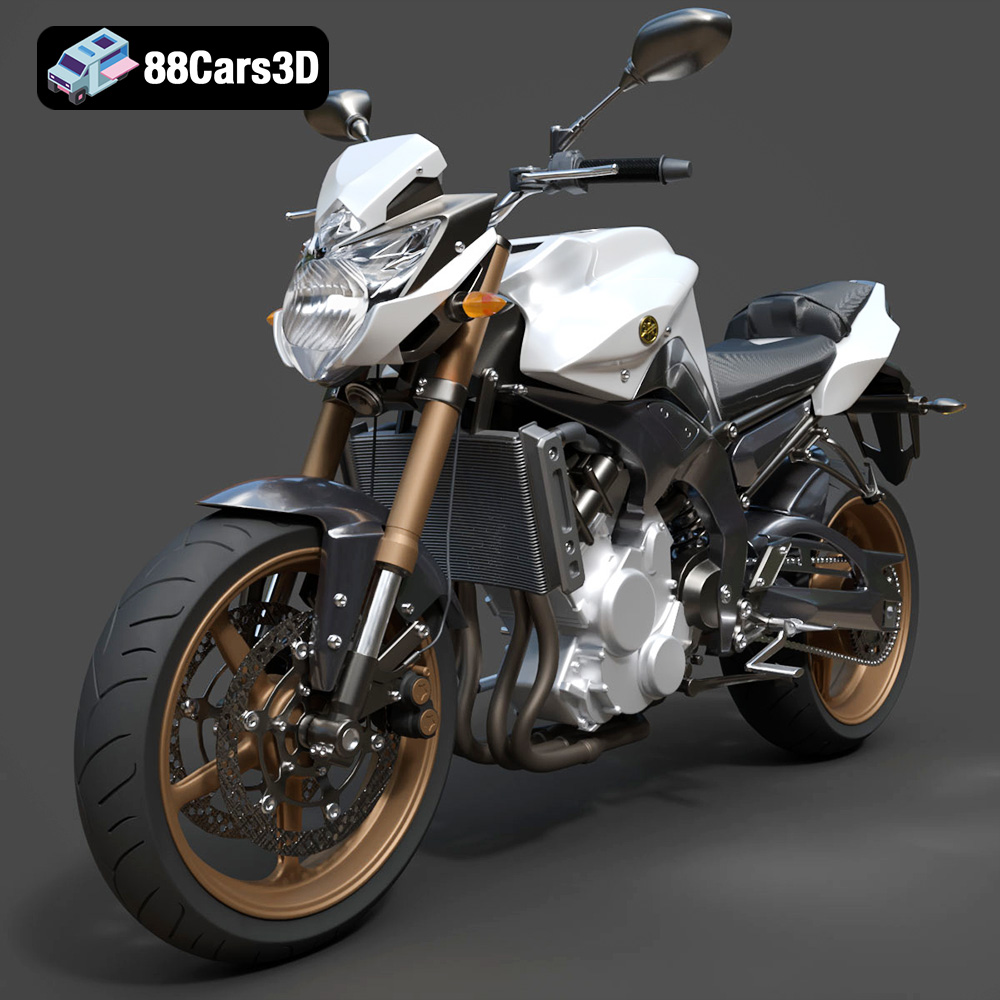
Download the Yamaha FZ8 2011 3D Model featuring clean geometry, realistic detailing, and a fully modeled interior. Includes .blend, .fbx, .obj, .glb, .stl, .ply, .unreal, and .max formats for rendering, simulation, and game development.
Price: $19.99

Texture: Yes
Material: Yes
Download the Yamaha Stryker 2012 3D Model featuring clean geometry, realistic detailing, and a fully modeled interior. Includes .blend, .fbx, .obj, .glb, .stl, .ply, .unreal, and .max formats for rendering, simulation, and game development.
Price: $19.99
Texture: Yes
Material: Yes
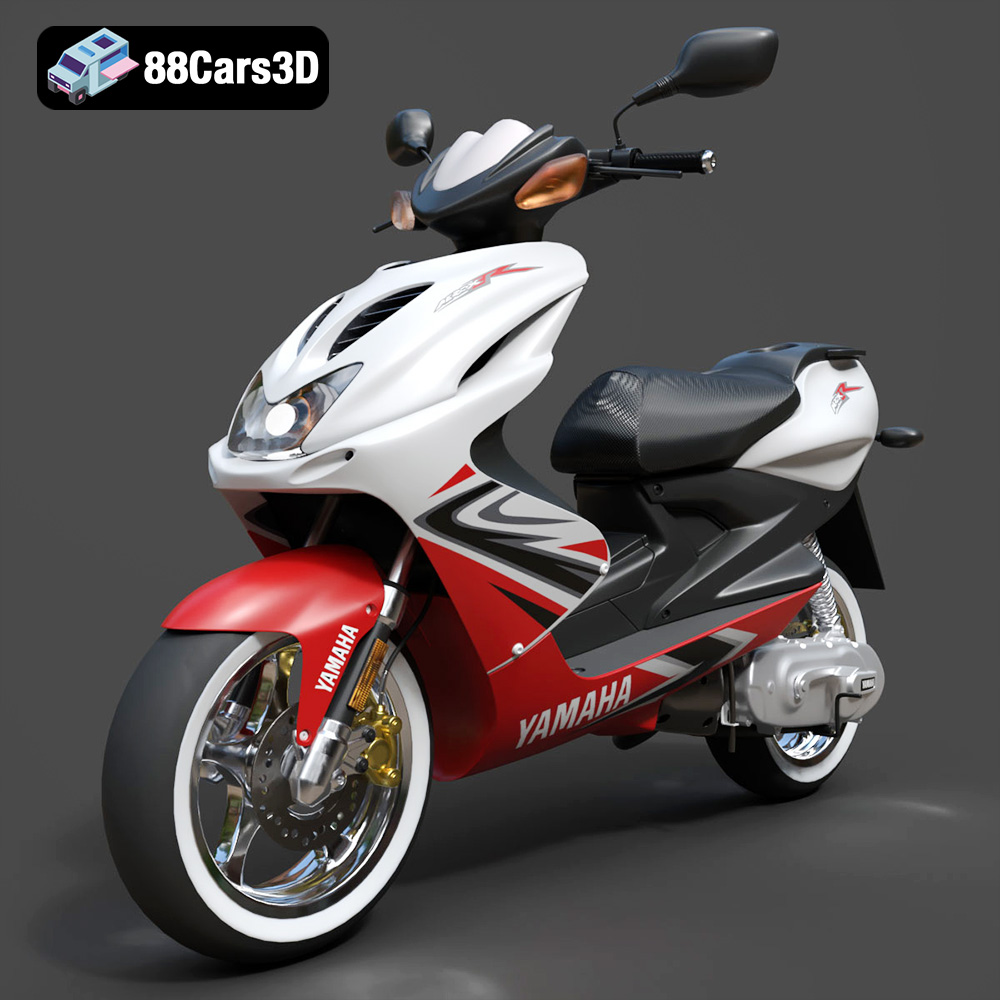
Download the Yamaha Aerox R-002 2024 3D Model featuring clean geometry, realistic detailing, and a fully modeled interior. Includes .blend, .fbx, .obj, .glb, .stl, .ply, .unreal, and .max formats for rendering, simulation, and game development.
Price: $19.99
Texture: Yes
Material: Yes
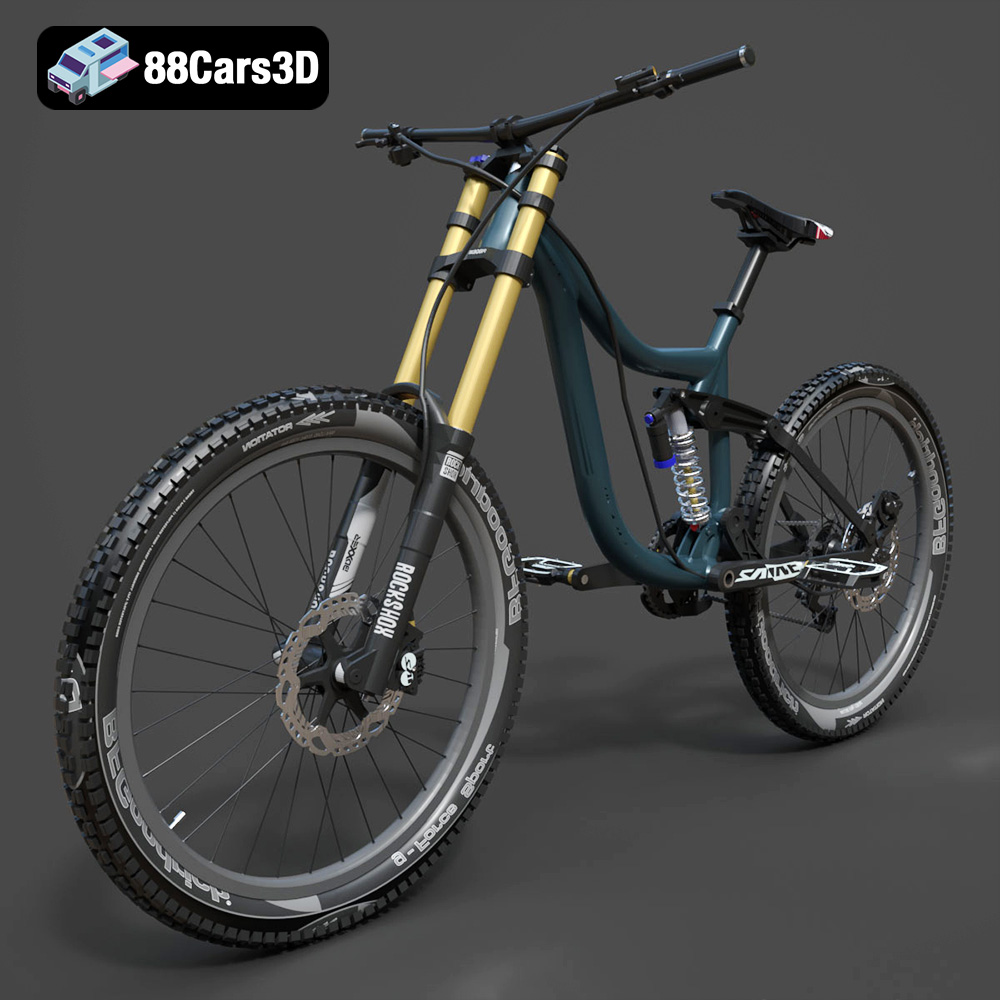
Download the Mototsikly Downhill Bike-002 3D Model featuring clean geometry, realistic detailing, and precise mechanical components. Includes .blend, .fbx, .obj, .glb, .stl, .ply, .unreal, and .max formats for rendering, simulation, and game development.
Price: $19.99

Texture: Yes
Material: Yes
Download the Mercedes-Benz Vito Passenger Van 3D Model featuring clean geometry, realistic detailing, and a fully modeled interior. Includes .blend, .fbx, .obj, .glb, .stl, .ply, .unreal, and .max formats for rendering, simulation, and game development.
Price: $19.99
Texture: Yes
Material: Yes
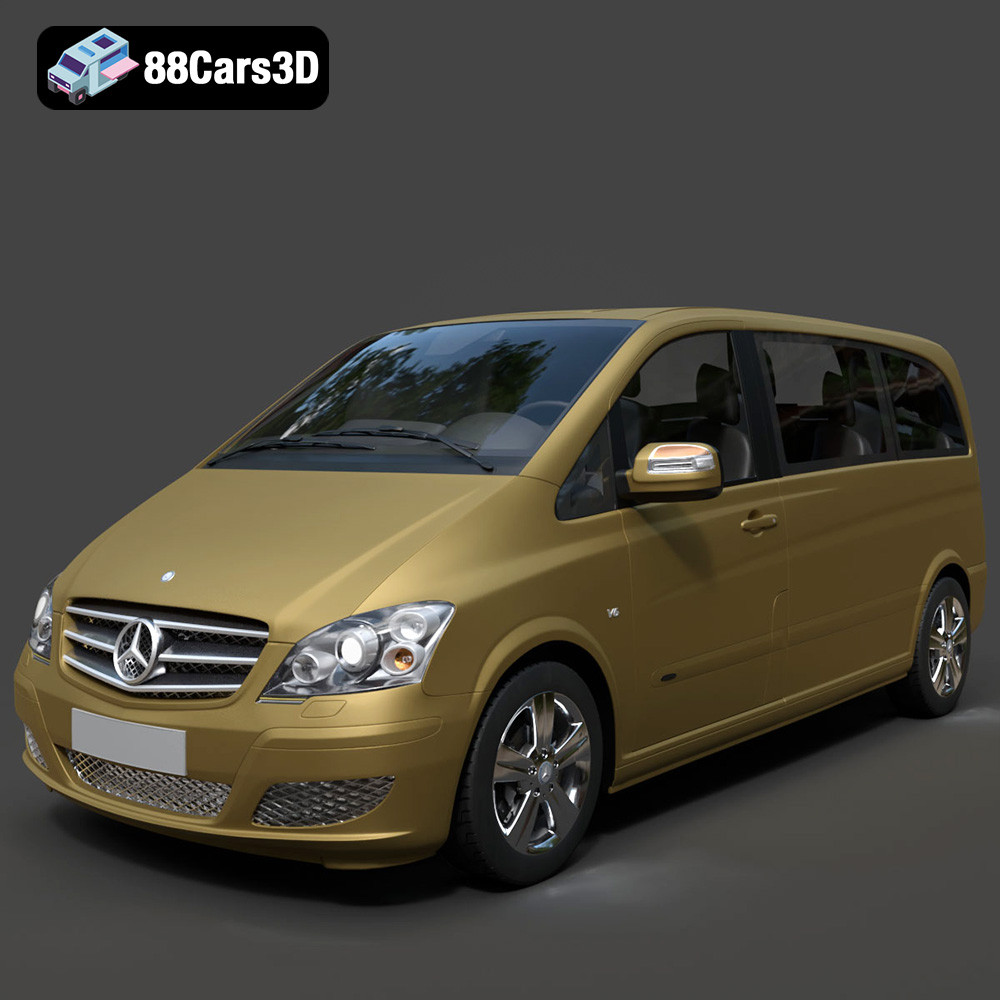
Download the Mercedes-Benz Viano 2010 3D Model featuring clean geometry, realistic detailing, and a fully modeled interior. Includes .blend, .fbx, .obj, .glb, .stl, .ply, .unreal, and .max formats for rendering, simulation, and game development.
Price: $19.99

Texture: Yes
Material: Yes
Download the Emt Avtobus 007 3D Model featuring clean geometry, realistic detailing, and a fully modeled interior. Includes .blend, .fbx, .obj, .glb, .stl, .ply, .unreal, and .max formats for rendering, simulation, and game development.
Price: $19.99
Texture: Yes
Material: Yes
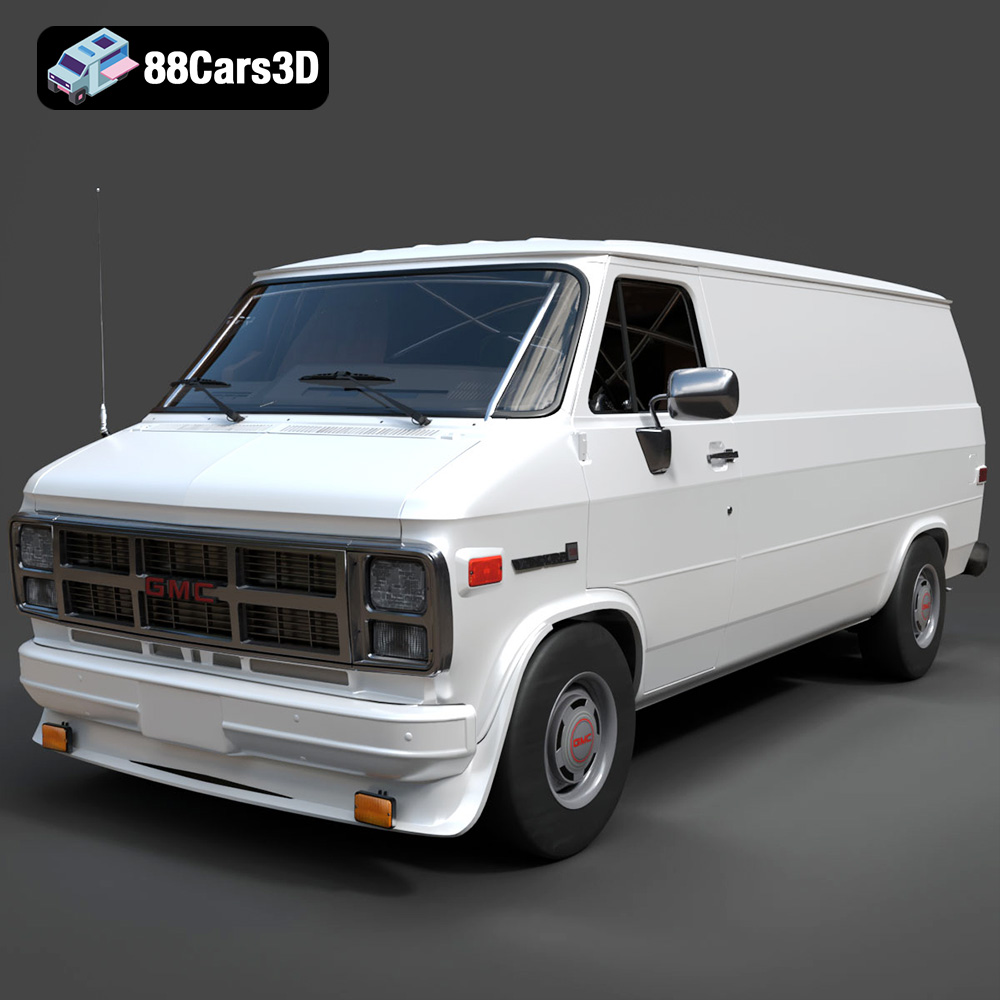
Download the GMC Vandura G-1500 1983 3D Model featuring clean geometry, realistic detailing, and a fully modeled interior. Includes .blend, .fbx, .obj, .glb, .stl, .ply, .unreal, and .max formats for rendering, simulation, and game development.
Price: $19.99

Texture: Yes
Material: Yes
Download the Ford E-450 Ambulance 3D Model featuring clean geometry, realistic detailing, and a fully modeled interior. Includes .blend, .fbx, .obj, .glb, .stl, .ply, .unreal, and .max formats for rendering, simulation, and game development.
Price: $19.99

