Get 20% OFF All Premium 3D & STL Models!

In the rapidly evolving landscape of digital content creation, the demand for high-quality 3D assets is more pronounced than ever. From cinematic sequences and immersive game worlds to precise architectural visualizations and real-time simulations, a meticulously crafted 3D model forms the bedrock of any successful project. Creating such models from scratch is a time-intensive endeavor, often requiring specialized skills in modeling, texturing, and optimization. This is where a curated marketplace for premium 3D models becomes an invaluable resource, providing professionals with ready-to-use assets that embody precision, efficiency, and artistic integrity.
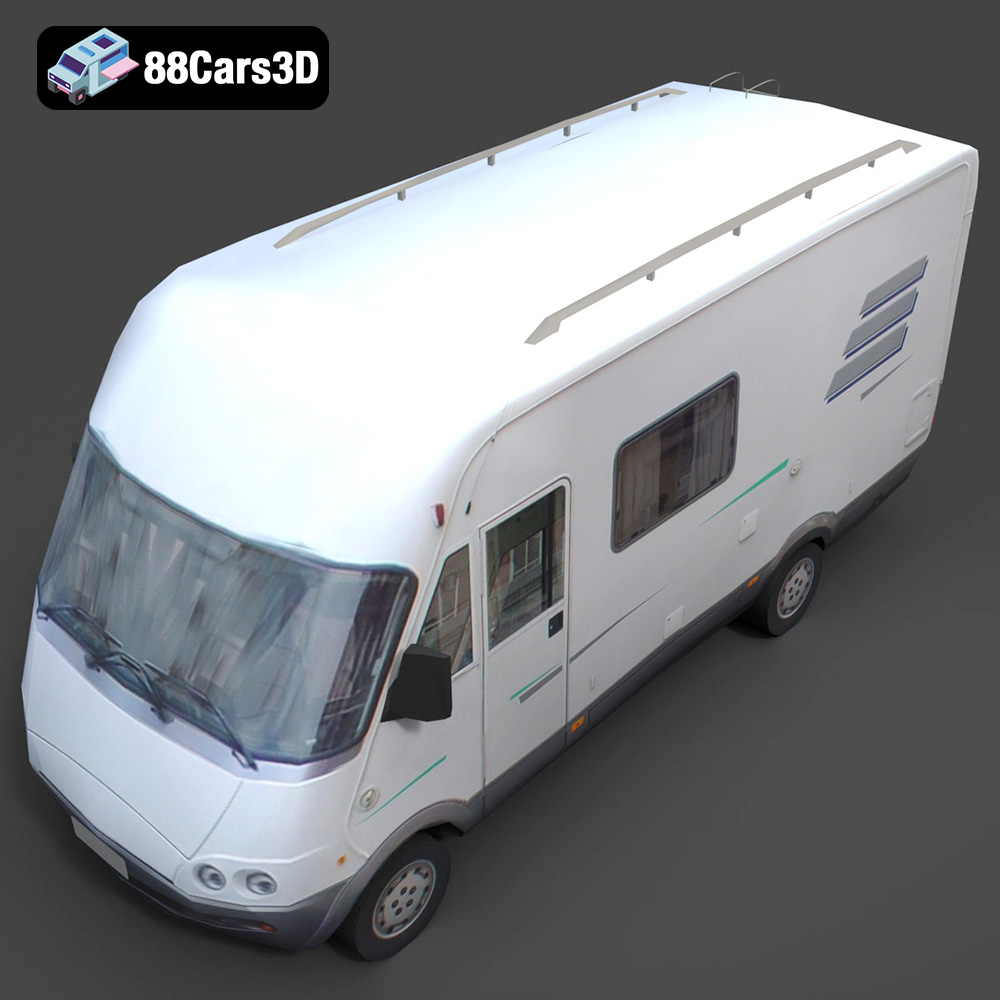
Among the myriad of vehicle types essential for populating digital environments, commercial and public transport vehicles hold a unique significance. They bring a sense of realism and dynamism to urban scenes, logistics simulations, and even narrative-driven experiences. Today, we’re diving deep into an exemplary asset that perfectly encapsulates this need: the Generic Mini-Bus 3D Model available on 88cars3d.com. This model isn’t just a static object; it’s a versatile foundation engineered for a broad spectrum of professional applications, from high-fidelity automotive rendering to robust game development and advanced AR/VR experiences. Its balanced detailing and optimized geometry offer a unique blend of visual fidelity and performance, making it an indispensable tool for designers, developers, and artists alike.
The choice of file format for a 3D model is often as critical as the model’s quality itself, dictating compatibility, feature retention, and overall workflow efficiency. Professionals working with 3D car models understand that different applications and pipelines demand specific formats. The Generic Mini-Bus 3D Model addresses this by offering a comprehensive suite of file types, ensuring seamless integration into virtually any production environment. Let’s explore these essential formats and their respective technical advantages.
The .blend format is Blender’s native file type, offering a complete, fully editable scene. When you download the Mini-Bus in this format, you’re not just getting the mesh; you’re getting the entire Blender project. This includes meticulously set up materials, lighting, scene organization, and any potential modifiers or rigging. For artists deeply integrated into the Blender ecosystem, this means immediate access to a production-ready asset without any import issues or data loss. Materials are typically set up with Cycles or Eevee shaders, ready for rendering out-of-the-box. The clean, quad-dominant topology of the Mini-Bus model shines here, allowing Blender users to easily apply subdivision surface modifiers for ultra-smooth renders or to make direct edits with maximum flexibility.
.fbx (Filmbox) is arguably the most widely adopted interchange format across the 3D industry. Developed by Autodesk, it’s a robust format capable of storing not just geometry, but also materials, textures, animations, rigging, and even cameras. Its primary strength lies in its exceptional compatibility with major 3D software like 3ds Max, Maya, Cinema 4D, and critically, game engines such as Unreal Engine and Unity. For the Generic Mini-Bus, the .fbx variant ensures that all essential data – the mesh, UVs, and basic material assignments – are transferred cleanly. This makes it an ideal choice for asset pipelines where models need to move between different software packages or be quickly deployed as game assets.
The .obj (Wavefront Object) format is a venerable and highly universal 3D file format. While it doesn’t support advanced features like animation or rigging, it excels at storing pure geometric data – vertices, normals, UV coordinates, and polygons. Its ASCII-based structure makes it incredibly robust and compatible with virtually every 3D software package, serving as a reliable fallback when other formats encounter issues. For the Mini-Bus, the .obj file is perfect for scenarios where you need to import the raw mesh into a new application and then rebuild or assign materials and textures from scratch. It’s also excellent for archival purposes due to its widespread support.
.glb (GLB format, derived from glTF) is an increasingly popular format optimized for efficient transmission and loading of 3D scenes and models in web applications, augmented reality (AR), and virtual reality (VR) experiences. It packages all model data – geometry, materials, textures, and animation – into a single binary file, making it incredibly compact and easy to deploy. The Mini-Bus’s .glb version is specifically tailored for performance, ensuring smooth interactive experiences in browsers or AR/VR viewers without compromising visual quality. This format is crucial for showcasing 3D car models on websites or integrating them into mobile AR apps.
.stl (STereoLithography) is the de facto standard format for 3D printing. It represents a 3D model as a series of connected triangles, describing only the surface geometry without any color, texture, or material information. The Mini-Bus’s .stl variant is prepared for high-fidelity physical output, meaning its mesh is manifold (watertight) and optimized for successful printing. This allows designers to easily convert their digital asset into a tangible prototype, whether for scale models, educational tools, or unique desk ornaments, leveraging the model’s accurate real-world scale.
The .ply (Polygon File Format or Stanford Triangle Format) is often used for storing 3D data from 3D scanners, CAD software, and scientific applications. It supports both triangular meshes and point clouds, and can store additional properties like color, transparency, normals, texture coordinates, and even reliability information. While less common for everyday artistic workflows, its inclusion for the Mini-Bus underscores its versatility. For engineers or researchers integrating the Mini-Bus into simulations requiring precise mesh analysis or specific data properties, the .ply format offers a robust and detailed representation.
The inclusion of an .unreal project setup directly speaks to the demands of game development and real-time visualization. This isn’t just an imported .fbx; it’s a pre-configured asset within an Unreal Engine project. This means the Mini-Bus is likely optimized with appropriate material setups, collision meshes (if applicable), and possibly LODs (Levels of Detail) to maximize performance within the engine. For developers using Unreal Engine, this offers a significant head start, allowing for immediate integration and rapid iteration without spending time on initial setup and optimization specific to the engine’s requirements.
Similar to .blend for Blender, the .max format is Autodesk 3ds Max’s native project file. This provides 3ds Max users with the complete, editable scene. All elements of the Mini-Bus – geometry, materials (likely V-Ray, Corona, or Standard Max materials), scene organization, and potentially even render settings – are preserved. This is invaluable for high-end automotive rendering and animation workflows, as it offers the most flexibility for detailed adjustments, advanced material layering, and complex scene integration within one of the industry’s most powerful rendering platforms. The logically organized hierarchy and properly set pivots mentioned in the product description are fully realized in this format, making rigging and animation a streamlined process.
Creating a professional 3D car model is far more than just sculpting a shape. It involves a meticulous blend of artistic vision, technical precision, and an understanding of the downstream applications. The Generic Mini-Bus 3D Model from 88cars3d.com exemplifies this dedication to craft, offering a foundation that is both visually appealing and technically sound. Its design principles ensure adaptability for a wide range of uses, from static renders to dynamic interactive experiences.
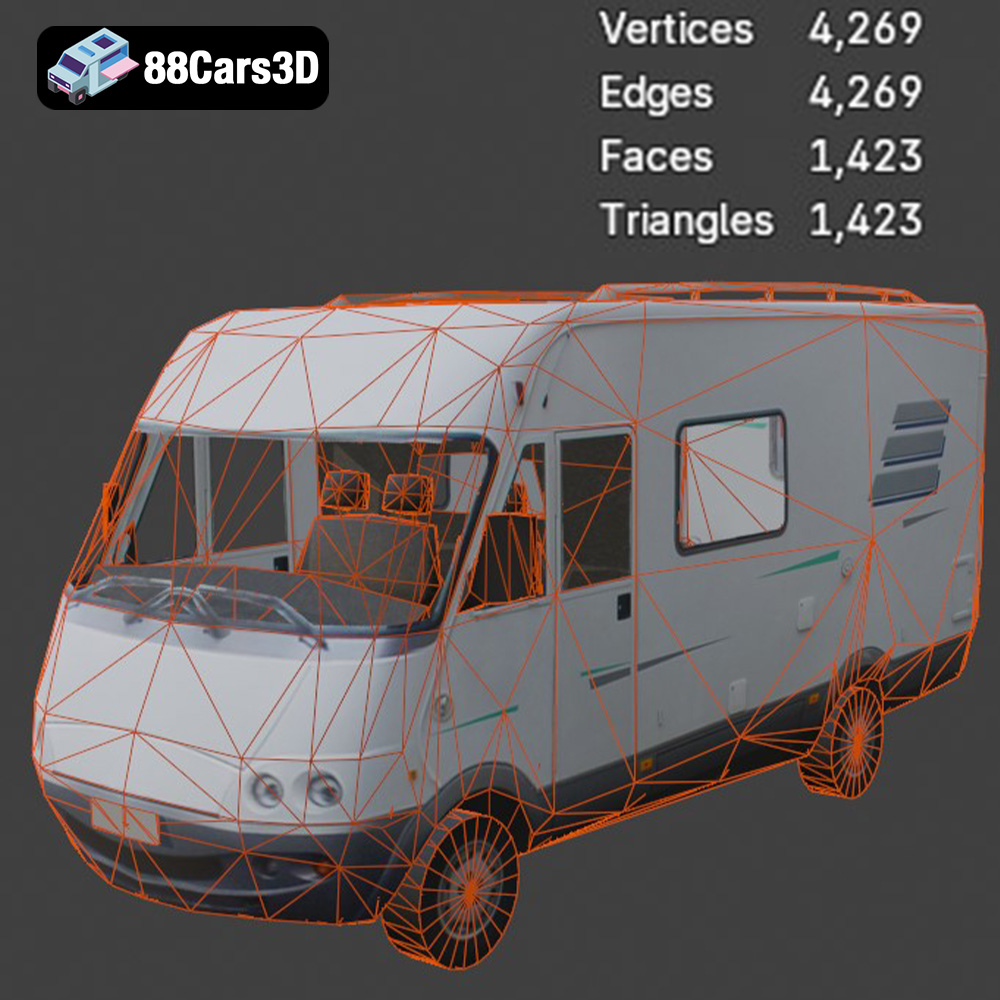
One of the most critical aspects of any high-quality 3D model, especially for vehicles, is its topology. The Mini-Bus boasts clean, quad-dominant topology. This is crucial because quad-based meshes deform smoothly when animated and allow for predictable subdivision, which is essential for creating ultra-high-resolution renders without manual sculpting. Poor topology, characterized by excessive triangles or ngons, can lead to visual artifacts, difficult rigging, and inefficient performance. Furthermore, the model adheres to accurate real-world scale. This seemingly simple detail is vital for seamless integration into existing scenes, architectural visualizations, or game environments, preventing tedious scaling adjustments and ensuring proportional accuracy alongside other assets.
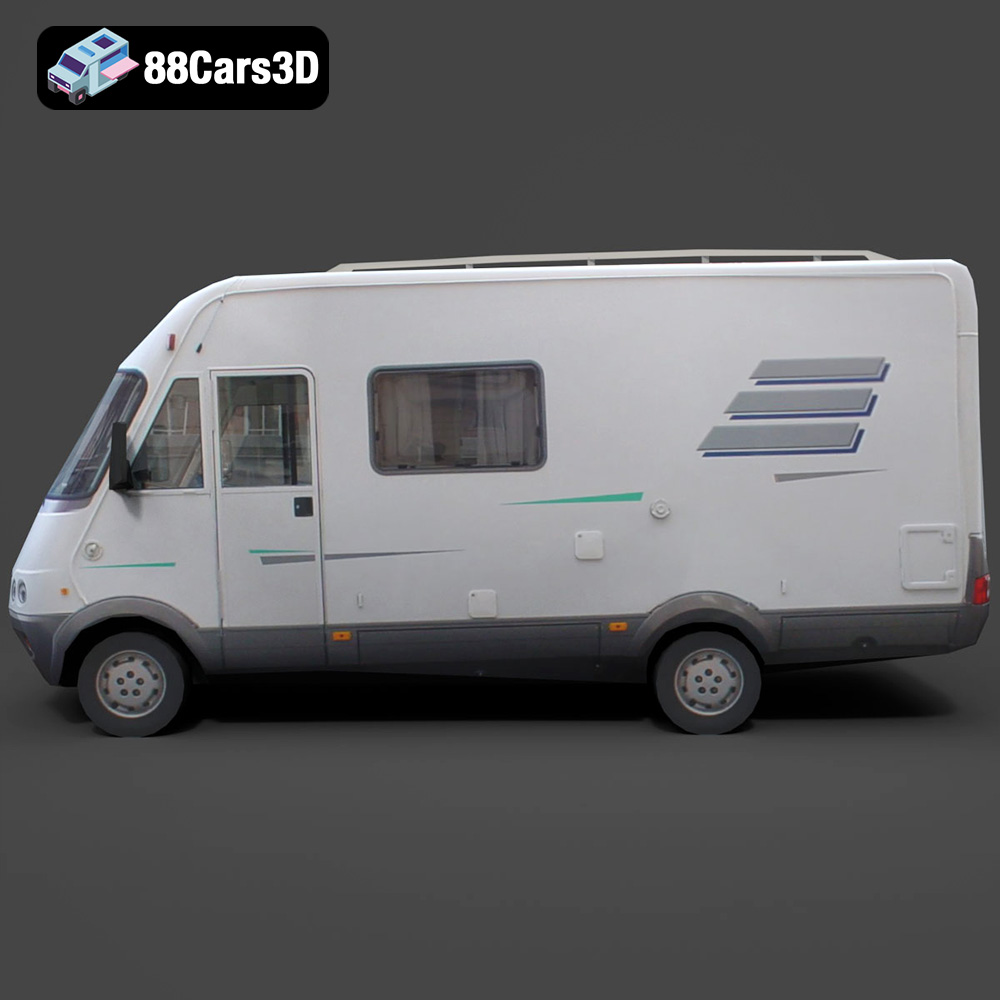
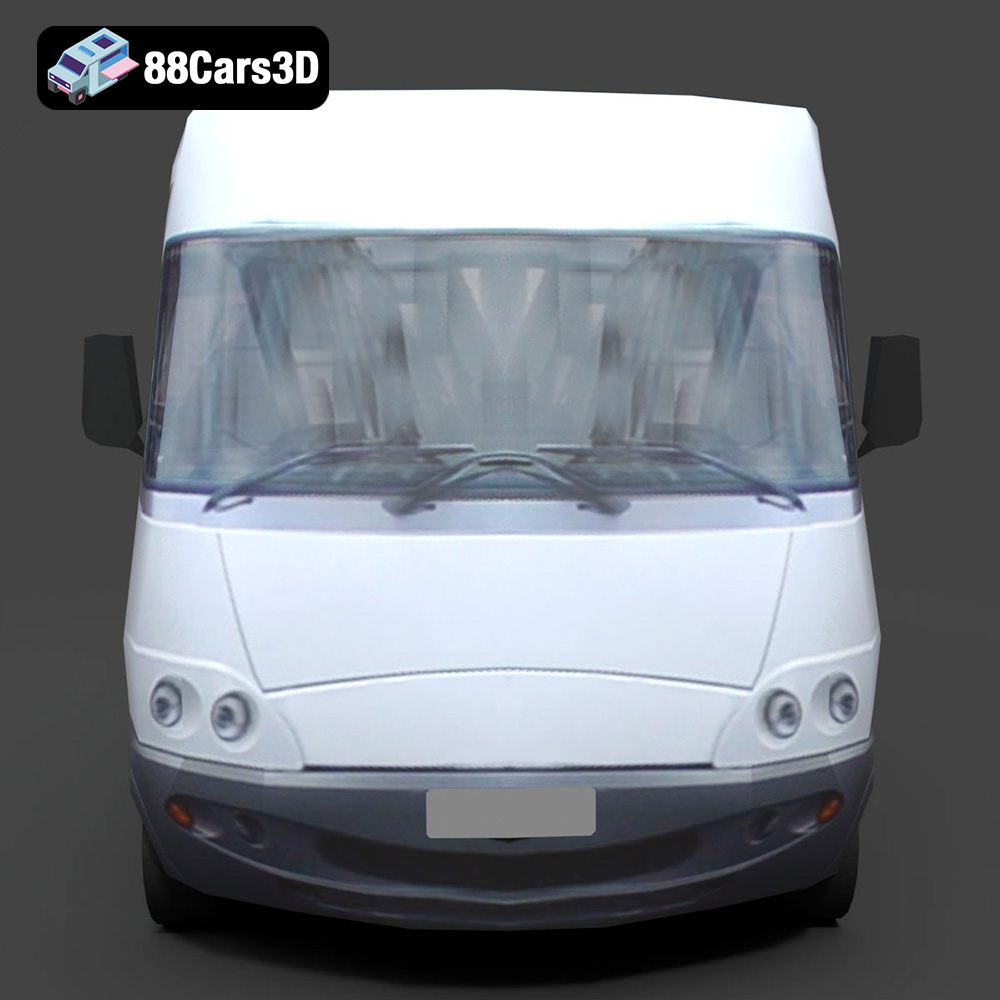
The exterior of the Mini-Bus is crafted with a keen eye for realism and functional fidelity. It features authentic body panels and chassis design, providing a solid foundation for any render or simulation. Key elements like detailed headlights, taillights, and signal lights with transparent materials are not just aesthetic additions; they are built with the intention of being illuminated, allowing for realistic night scenes or dynamic light cues in simulations. The realistic windows and windshield are prepared for easy tinting or material adjustments, reflecting various light conditions. Crucially, the passenger and driver doors are separated for animation workflows, a testament to its production-ready nature. This allows for realistic opening and closing sequences, essential for cinematic renders or interactive experiences. The robust wheels with detailed rims and tires, along with elements like the roof-mounted AC unit and accessible luggage rack, further enhance its realism and utility, making it a convincing presence in any digital scene.
While often secondary for external shots, a well-defined interior significantly enhances the overall believability of a vehicle model. The Mini-Bus includes an optimized interior layout, featuring a driver cockpit and passenger seating rows. This provides enough detail for believable internal camera angles or glimpses through windows, preventing the “empty shell” effect. The detailed dashboard, steering wheel, and essential controls further contribute to this realism. Even the engine bay area with basic mechanical components and underbody elements including suspension and exhaust system are present where visible, albeit optimized for external views. This level of comprehensive detailing, even for elements not always in direct view, demonstrates a commitment to creating a truly versatile and high-fidelity 3D car model.
The true value of a professional 3D model lies not just in its intrinsic quality, but in how seamlessly it integrates into diverse production pipelines. The Generic Mini-Bus 3D Model is engineered precisely for this purpose, serving as a robust asset for various professional applications. Its technical advantages translate directly into efficient and high-quality results across different industries.
For artists focused on stunning visuals, the Mini-Bus model is a dream come true for automotive rendering. In software like 3ds Max (using the .max file) or Blender (with the .blend file), the model’s clean geometry and efficient UV mapping allow for effortless material application and complex lighting setups. Imagine creating a cinematic advertisement showcasing an urban transportation network: the Mini-Bus can be easily placed into a detailed street scene, its reflective surfaces catching the ambient light, and its transparent windows revealing the optimized interior. The logically organized hierarchy means individual parts like doors, wheels, or even specific interior elements can be selected and manipulated for intricate animations or close-up renders. Artists can easily modify paint finishes, apply custom liveries, or adjust material properties for metals, glass, and rubber to achieve specific visual aesthetics, making it perfect for architectural visualizations or product showcases.
The demands of game development are stringent, requiring models that are not only visually appealing but also highly optimized for real-time performance. The Generic Mini-Bus, particularly with its .fbx and dedicated .unreal formats, is an ideal game asset. Its balanced detailing and clean topology ensure it performs efficiently within game engines like Unreal. Developers can import the .fbx, which carries mesh, UVs, and basic material IDs, then create detailed PBR (Physically Based Rendering) materials using Unreal’s robust material editor. The pre-setup .unreal project further accelerates this, potentially including LODs (Levels of Detail) to automatically swap lower-poly versions of the bus at a distance, saving crucial rendering resources. The separated doors and properly set pivots are perfect for rigging the bus for driving mechanics, allowing players to enter/exit or for AI pathfinding in open-world environments or simulation titles.
Beyond traditional rendering and gaming, the Mini-Bus finds powerful applications in immersive technologies. For AR/VR development, the .glb format is specifically optimized for lightweight, performant delivery. This allows for smooth, interactive experiences where the Mini-Bus can be viewed in augmented reality on a mobile device or explored in a virtual reality environment. Consider a logistical training simulation where operators need to visualize urban transport routes, or an architectural firm presenting a new development with realistic traffic flow. The Mini-Bus fits perfectly into these scenarios, providing a tangible, interactive element. In simulation & training, it’s ideal for driver training modules, urban planning visualizations, or even emergency response simulations, where its accurate scale and functional design contribute to a highly realistic and effective learning or planning environment.
A professional 3D model offers more than just a pre-made asset; it provides a flexible foundation upon which to build unique visions. The Generic Mini-Bus 3D Model is designed with extensive customization options, allowing artists and developers to tailor it precisely to their project’s specific requirements, ensuring it never looks “generic” unless that’s the explicit intent.
The Mini-Bus’s efficient UV mapping is a cornerstone for seamless customization. Good UVs mean that textures can be applied without stretching or distortion, making it straightforward to easily modify paint finishes, liveries, and graphics. Artists can create custom texture sets in software like Substance Painter or Photoshop, then apply them directly to the model. This allows for branded fleet vehicles, public transport buses with specific city liveries, or even stylized vehicles for unique game worlds. Furthermore, the ability to adjust material properties for metals, glass, rubber, and plastics means complete control over the visual aesthetic. Want a brand-new, glossy bus, or a weathered, worn-out vehicle for a post-apocalyptic scene? With robust material systems in 3ds Max, Blender, or Unreal Engine, these changes are easily achievable, allowing for a vast range of visual styles and conditions.
The inherent structure of the Mini-Bus model, with its logically organized hierarchy and properly set pivots, is a huge advantage for animation. The separate doors, wheels, and steering wheel are perfectly positioned to be rigged for movement. In Blender or 3ds Max, animators can easily create complex rigs to simulate realistic driving dynamics, door opening/closing sequences, or even interior interactions. For game developers, this structure translates directly into easier integration with vehicle physics systems and character interaction mechanics. Imagine a scenario where players can enter and exit the bus, or a cutscene where the bus pulls up, the door slides open, and characters embark – all made possible by the model’s thoughtful preparation for animation workflows.
The versatility of the Mini-Bus extends beyond visual fidelity. Its accurate real-world scale and inclusion of formats like .ply and .stl open doors to more specialized applications. For data visualization, the model can be used in simulations to represent traffic flow, public transport capacity, or logistical movements in a geographically accurate manner. The precision of the mesh in .ply format can be valuable for engineering simulations or urban planning analyses. Meanwhile, the .stl format makes the Mini-Bus readily available for 3D printing. This means architects can print miniature models for physical mock-ups of urban developments, educators can create tactile learning aids, or hobbyists can produce detailed scale models for display. This multifaceted utility underscores the model’s value as a comprehensive digital asset.
In a saturated market of digital assets, discerning professionals seek not just models, but solutions that enhance their workflow, reduce development cycles, and elevate the quality of their final output. 88cars3d.com stands out by offering a curated selection of 3D car models like the Generic Mini-Bus, built to meet the rigorous standards of the industry.
The most immediate benefit of acquiring a pre-made, high-quality asset like the Generic Mini-Bus 3D Model is the immense time saving. Developing such a detailed and optimized model from scratch can take dozens, if not hundreds, of hours of skilled labor. For studios and freelancers, this translates directly into significant cost savings. Instead of dedicating valuable resources to asset creation, teams can focus on core project development, creative direction, and iterative improvements. The Mini-Bus arrives ready for deployment, drastically shortening production timelines for projects ranging from automotive rendering to populating vast game worlds.
When purchasing 3D assets, quality is paramount. Models from 88cars3d.com are developed with professional standards in mind, ensuring clean topology, accurate scale, efficient UVs, and logical scene organization. The Generic Mini-Bus, for instance, explicitly highlights its quad-dominant geometry and properly set pivots – technical details that are critical for smooth operation in demanding pipelines. This assurance of quality minimizes post-purchase cleanup, bug fixing, and optimization efforts, allowing users to integrate the asset confidently into their projects without unexpected issues or rework. For game assets, this means a reliable foundation that won’t compromise real-time performance or visual fidelity.
88cars3d.com is committed to providing assets that are not only visually appealing but also technically robust and versatile. The extensive list of included file formats for the Generic Mini-Bus (.blend, .fbx, .obj, .glb, .stl, .ply, .unreal, .max) exemplifies this commitment to broad compatibility and ease of use across different software ecosystems. Whether you are a Blender artist, a 3ds Max visualization specialist, or an Unreal Engine developer, this marketplace offers solutions tailored to your specific needs. This dedication to comprehensive support ensures that your investment in a high-quality 3D model like the Mini-Bus translates into tangible benefits for your workflow and project success.
The digital realm thrives on detail and efficiency, and high-quality 3D models are the backbone of compelling visual experiences. The Generic Mini-Bus 3D Model from 88cars3d.com stands as a testament to professional asset creation, offering unparalleled versatility for a multitude of applications. From its meticulously optimized geometry and accurate real-world scale to its thoughtful interior and exterior detailing, every aspect has been crafted to streamline professional workflows.
Whether your project demands cinematic automotive rendering, robust game assets, immersive AR/VR experiences, or precise simulations, this model provides a solid, adaptable foundation. Its availability in a wide array of industry-standard file formats – from .blend and .max for native software integration, to .fbx and .unreal for game development, and .glb for web/AR/VR – ensures seamless integration into virtually any pipeline. By leveraging such expertly crafted 3D car models, artists and developers can significantly reduce production time, elevate visual quality, and focus their creative energy where it matters most. Explore the possibilities and enhance your digital projects with professional assets that deliver both performance and aesthetic excellence.
Experience the versatility and efficiency of our professional 3D model of a Mini-Bus. Designed with urban transport and passenger services in mind, this model features a clean, optimized geometry suitable for a wide range of applications. With balanced detailing and a realistic representation, it’s perfect for high-quality rendering, intricate animations, detailed simulations, and robust game development.
$21.99