Embarking on the Journey: 3D Printing the BMW C 400 X 2018 3D Model
The world of 3D printing has revolutionized how we interact with digital designs, transforming mere pixels into tangible objects. For automotive enthusiasts and model collectors, this means bringing iconic vehicles to life right on their desks. Imagine holding a perfectly scaled replica of your favorite scooter, a miniature marvel born from a digital blueprint. This article guides you through the intricate process of 3D printing the highly detailed BMW C 400 X 2018 3D Model, available as an STL file on 88cars3d.com. This premium midsize scooter, known for its sharp styling and urban practicality, makes for an exceptionally rewarding 3D printing project, offering a blend of smooth curves and intricate mechanical details that will challenge and delight any maker.
From preparing the digital file to the final touches of paint and assembly, we’ll cover every critical step to ensure your automotive 3D printing project is a success. Whether you’re a seasoned maker or new to the hobby, transforming this detailed BMW C 400 X 2018 3D Model into a physical collectible is a testament to the power of additive manufacturing. Let’s delve into the specifics, unlocking the secrets to achieving a high-quality print that truly captures the essence of this sleek urban machine.
Understanding 3D Printing File Formats
Before you can even think about heating your nozzle or curing your resin, you need to understand the fundamental digital blueprints that guide your 3D printer. The world of 3D models utilizes several file formats, each with its strengths and specific applications. For 3D printing car models like the BMW C 400 X 2018, selecting and preparing the correct file format is paramount for a successful outcome. The 88cars3d.com marketplace provides this model in several formats, making it versatile for various uses, including direct 3D printing.
The Dominant Standard: .STL Files
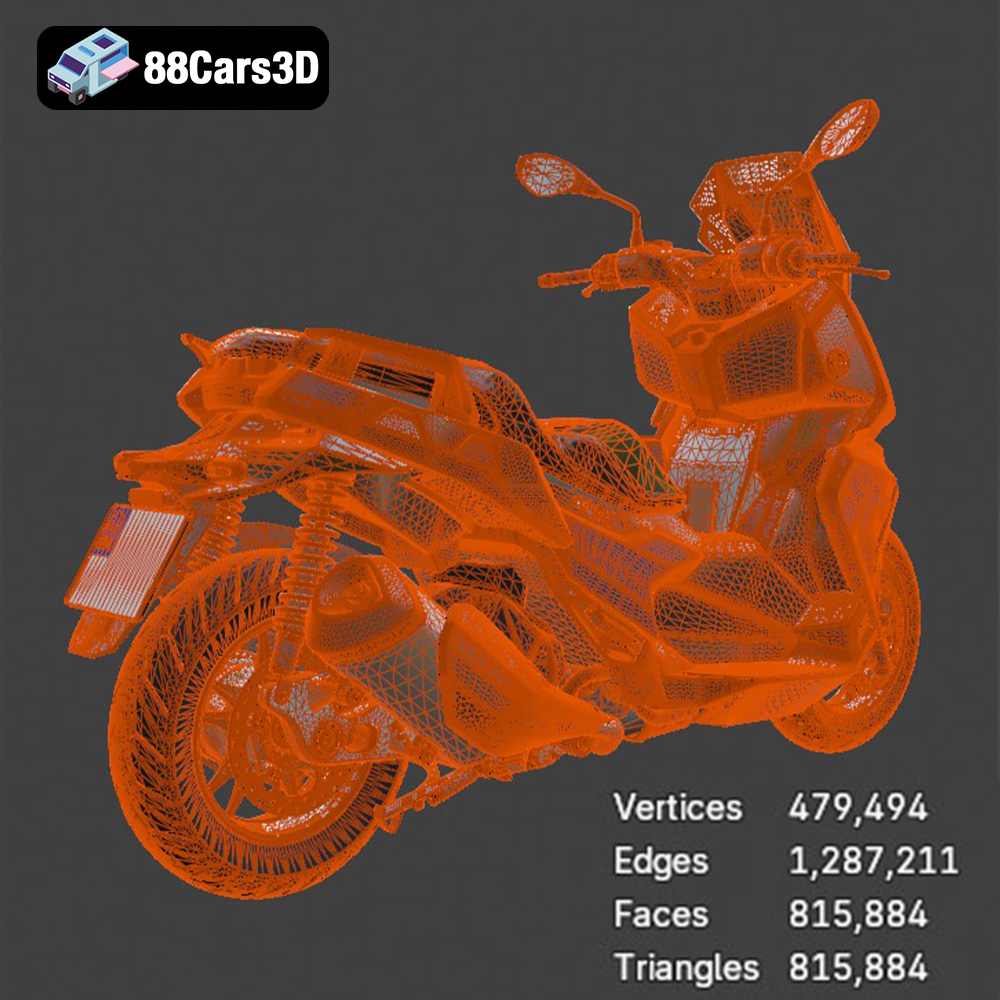
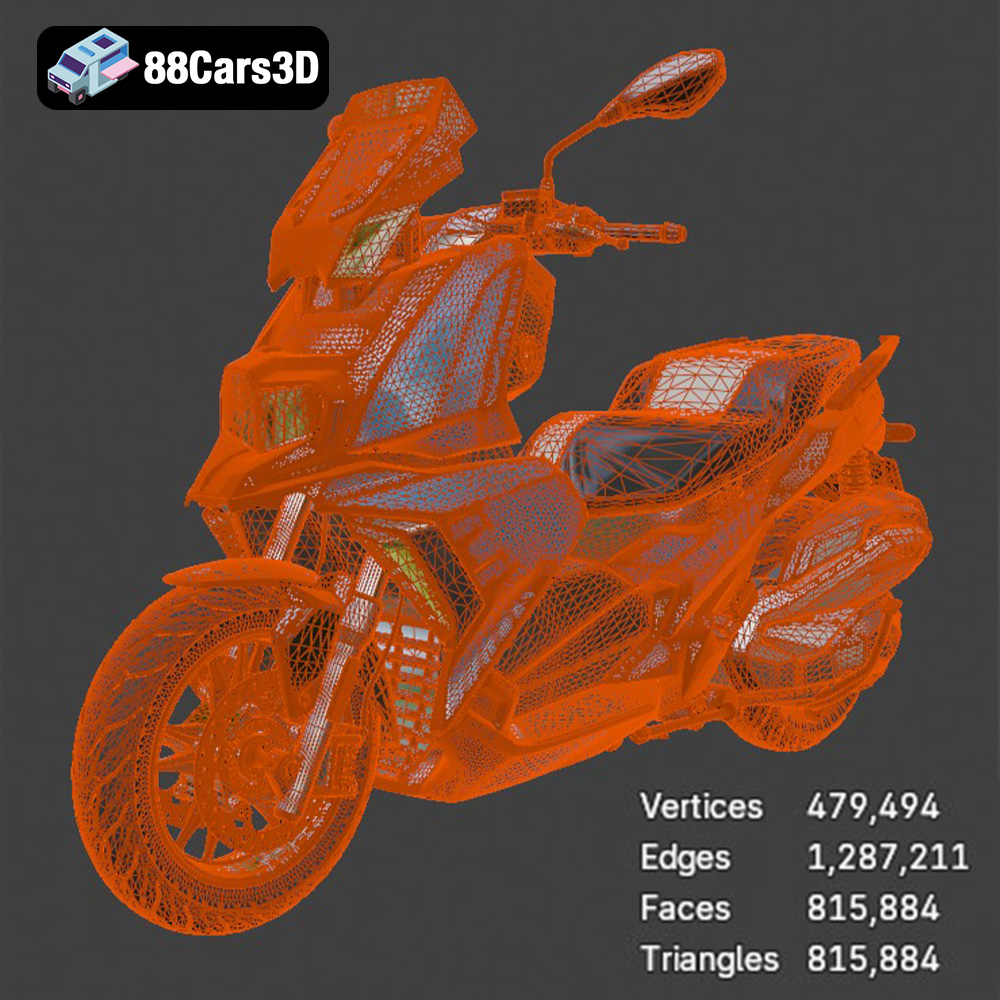
The venerable .stl (stereolithography) format remains the most widely accepted and used file type for 3D printing. It describes only the surface geometry of a 3D object using a mesh of interconnected triangles. Each triangle is defined by the coordinates of its vertices and the direction of its normal vector, indicating which side of the triangle is “outside.” For the BMW C 400 X 2018 3D Model, an STL file provides a robust, universally compatible format that most slicing software can interpret without issue. The critical aspect for successful 3D printing with STLs is ensuring the mesh is “watertight” or “manifold.” This means that every edge of every triangle must be connected to exactly two other triangles, forming a completely enclosed volume with no gaps, holes, or overlapping geometry. Non-watertight models lead to errors during slicing, causing print failures or incorrect toolpaths. Many slicers, like Cura and PrusaSlicer, have built-in tools to attempt minor repairs, but it’s always best to start with a clean, manifold STL, as provided by quality marketplaces like 88cars3d.com.
Beyond Geometry: .OBJ, .3MF, and .PLY
While STL is the workhorse, other formats offer additional capabilities, particularly if you’re venturing beyond single-material prints or into more complex workflows:
- .OBJ (Object File): This format is another widely supported option. Unlike STL, OBJ files can store color and texture information, as well as multiple geometry components. For simple, single-color prints of the BMW C 400 X 2018 3D Model, an OBJ might function similarly to an STL. However, if you plan to utilize a multi-material printer capable of printing different colors or even textures (though less common for FDM, more relevant for advanced multi-jet or full-color powder printers), an OBJ could be a better starting point. Often, OBJ files are accompanied by an .MTL (material) file and texture image files to convey the full visual data. For direct FDM/SLA printing, the geometrical data from OBJ is what’s primarily used, similar to STL.
- .3MF (3D Manufacturing Format): This is a modern, open-source format designed to be a complete package for 3D printing. A single 3MF file can contain model geometry, materials, colors, textures, support structures, and even print settings. It aims to overcome the limitations of older formats like STL by providing a more comprehensive and robust definition of a 3D model and its print parameters. While not as universally adopted as STL yet, 3MF is gaining traction and can simplify the preparation process, especially for complex assemblies or multi-color prints. If the BMW C 400 X 2018 3D Model were provided in 3MF, it could potentially contain pre-defined optimal support locations or material assignments for different parts.
- .PLY (Polygon File Format): Also known as the Stanford Triangle Format, PLY is primarily used to store 3D data from 3D scanners, particularly for high-resolution models. It can store not only geometry but also color, transparency, and other properties per vertex or per face. While excellent for capturing complex, organic shapes with high precision, PLY files can sometimes be larger and more complex for general 3D printing tasks compared to STL. When using a PLY file for the BMW C 400 X 2018 3D Model, it would typically be converted to STL or OBJ in a 3D modeling software if your slicer doesn’t natively support it, ensuring it becomes a watertight mesh suitable for printing.
When downloading the BMW C 400 X 2018 3D Model from 88cars3d.com, you’ll likely receive an STL file, which is the most straightforward for immediate 3D printing. Always perform a quick check in your slicer software for any potential mesh errors before proceeding to ensure a clean, trouble-free print.
Choosing Your Weapon: FDM vs. Resin for Automotive Models
The success of your automotive 3D printing project largely depends on the printing technology you employ. Both FDM (Fused Deposition Modeling) and resin (SLA/DLP) printers have their distinct advantages, particularly when tackling intricate models like the BMW C 400 X 2018.
FDM Printers: Versatility and Accessibility
FDM printers are the most common and accessible type, extruding molten plastic layer by layer. They are excellent for larger prints, durable parts, and offer a wide range of material choices.
- Material Selection:
- PLA (Polylactic Acid): The easiest filament to print with. It offers good detail, comes in a vast array of colors, and has minimal warping. It’s ideal for display models where extreme durability isn’t paramount. The BMW C 400 X 2018 3D Model printed in PLA will look fantastic with good post-processing.
- PETG (Polyethylene Terephthalate Glycol): A step up in durability and temperature resistance from PLA, while still being relatively easy to print. It’s a great choice for models that might be handled more frequently.
- ABS (Acrylonitrile Butadiene Styrene): Known for its strength and impact resistance, ABS is tougher to print due to its tendency to warp without an enclosed print chamber. If you want a more robust model of the BMW scooter, and have the right printer setup, ABS is an option, but expect more challenges.
- Layer Height for FDM: The product description recommends a layer height of 0.08–0.16 mm. For FDM, achieving the lower end of this range (0.08 mm) will result in incredibly fine details and smoother curves, crucial for the aerodynamic lines of the BMW C 400 X. However, it will also significantly increase print time. Experiment within this range to find the balance between detail and speed that suits your project.
Resin Printers: Unmatched Detail and Smoothness
SLA (Stereolithography) and DLP (Digital Light Processing) printers use liquid resin cured by UV light, layer by layer. This technology excels at producing incredibly fine details and ultra-smooth surfaces, making it highly recommended for scale models and miniatures.
- Resin Materials: Standard resins offer excellent detail and a smooth finish, perfect for the sleek bodywork of the BMW C 400 X. There are also tough resins for improved durability, flexible resins for specific components, and even opaque resins that mimic injection-molded plastic.
- Advantages for Car Models: Resin printing truly shines when reproducing the delicate features of an automotive model: sharp edges, tiny vents, intricate brake calipers, and the subtle contours of the scooter’s body. The surface finish directly off a resin printer often requires less post-processing compared to FDM prints, making painting easier and yielding a more professional result. For the small scales recommended (1:18 to 1:8), resin printing is often the superior choice for capturing every nuance of the BMW C 400 X 2018 3D Model.
Slicing into Reality: Optimizing Print Settings for the BMW C 400 X
Once you have your desired file format and chosen your material and printer, the next crucial step is slicing. This involves using software like Cura, PrusaSlicer, or Chitubox (for resin printers) to convert the 3D model into G-code – a set of instructions your 3D printer understands. Optimal print settings are paramount for a high-quality 3D printing car model.
Configuring Slicing Software for Precision
- Slicer Choice: For FDM, Cura and PrusaSlicer are industry standards, offering comprehensive control over virtually every print parameter. For resin printing, Chitubox or Lychee Slicer are popular choices. Spend time familiarizing yourself with your chosen slicer’s interface and capabilities.
- Scale Considerations: The product description recommends scales of 1:18 / 1:12 / 1:10 / 1:8. Always double-check the model’s scale within your slicer to ensure it matches your desired output. Printing the BMW C 400 X at a larger scale (e.g., 1:8) will inherently capture more detail and make post-processing easier, while smaller scales will demand greater print precision.
- Layer Height: As mentioned, the recommended range is 0.08–0.16 mm. For FDM, opt for the lower end for the best detail, especially for the smooth curves of the scooter’s body. For resin, even finer layer heights (e.g., 0.02-0.05 mm) are achievable and recommended for maximum fidelity.
- Wall Thickness / Line Width: The product specifies 1.2–2.0 mm wall thickness. This refers to the number of perimeters or outer layers your printer will lay down. A thicker wall (more perimeters) adds strength and improves the surface quality, helping to hide infill patterns. Aim for at least 3-4 perimeters for a robust model.
- Infill: An infill percentage of 15–25% is generally sufficient for a display model like the BMW C 400 X 2018. This provides adequate internal support without excessive material consumption or print time. A higher infill isn’t usually necessary unless the model needs to withstand significant stress, which is unlikely for a collectible.
- Print Speed: While faster prints are tempting, slow down your printer for intricate details. A print speed of 40-60 mm/s for outer walls and 60-80 mm/s for infill is a good starting point for FDM. For resin, exposure times are more critical than travel speed.
Strategic Print Orientation and Multi-Part Printing
The product description offers invaluable advice: “Print orientation: Frame printed angled for detail preservation; wheels printed separately.” This is a crucial piece of guidance for automotive 3D printing.
- Angled Frame Printing: Printing the main frame of the BMW C 400 X 2018 at an angle (typically 30-45 degrees from the print bed) can significantly improve surface quality. It helps to smooth out stair-stepping on curves and ensures that critical visual surfaces are printed with minimal reliance on supports. However, this will increase the need for support structures and print time, so careful consideration of support placement is vital.
- Separate Wheels and Components: Printing parts like the wheels, handlebars, mirrors, and exhaust system separately is almost always the best approach for high-detail models. This allows you to optimize the orientation for each part individually, minimizing visible layer lines and making support removal much cleaner. Once printed and post-processed, these components can be assembled to create a complete, stunning model. This method is particularly beneficial for capturing the intricate spokes of the wheels or the delicate brake disc geometry.
The Art of Support Structures: Placement and Removal
For a detailed 3D printing car model like the BMW C 400 X 2018, support structures are not merely an option; they are a necessity. Overhangs, especially those found on the aggressive front fascia, asymmetrical headlight design, sculpted side panels, mirrors, exhaust system, and suspension details, require careful support to prevent sagging and ensure accuracy. The product description explicitly states: “Supports: Required for mirrors, exhaust, and suspension details.”
Strategic Support Placement in Slicing Software
- Automatic vs. Manual Supports: Most slicing software offers automatic support generation, which is a good starting point. However, for models with complex geometry, manual refinement is often necessary. Critically review where your slicer places supports and adjust them. Aim to support critical overhangs without making removal overly difficult or damaging visible surfaces.
- Support Types:
- Tree Supports (FDM): These organic-looking supports branch out from the build plate or the model itself, minimizing contact with the printed surface. They are excellent for the delicate features of the BMW C 400 X, such as the handlebars, mirrors, and the underside of the main frame when printed at an angle, as they are easier to remove and leave fewer marks.
- Normal/Linear Supports (FDM): These are traditional, column-like supports. While effective, they can sometimes leave more prominent marks on the model. Use them for less visible areas or large, flat overhangs.
- Light/Medium Supports (Resin): Resin slicers typically offer various support strengths. For fine details on the scooter, opt for lighter supports with many contact points to ensure stability without excessive resin usage or difficult removal.
- Support Interface Settings: This is where much of the magic happens for easy removal.
- Z-Distance (FDM): This setting determines the vertical gap between the support and the actual model. A slightly larger gap (e.g., 0.2mm – 0.28mm, depending on nozzle size and layer height) makes supports easier to remove, but too large can cause sagging.
- X/Y Distance (FDM): The horizontal gap between the support and the model. A small gap here helps prevent supports from fusing to the model’s sides.
- Support Density (FDM/Resin): Higher density supports a wider area more reliably but increases material usage and removal difficulty. For the BMW C 400 X, a moderate density (15-20%) for FDM and light to medium for resin is usually sufficient.
- Support Contact Point (Resin): For resin prints, the size of the contact point where the support meets the model is critical. Smaller contact points make removal easier but might lead to print failures if too weak. Balance this carefully.
Careful Support Removal
Once the print is complete, patience is key. For FDM prints, use flush cutters, pliers, and possibly a hobby knife to gently remove supports. Start with larger sections and work your way to the finer details. For resin prints, cleaning the model in IPA and then curing it are crucial steps before support removal. Resin supports are generally easier to snap off cleanly, but caution is still advised. Any nubs left behind can be carefully sanded or trimmed. Take your time to preserve the intricate details of your BMW C 400 X 2018 3D Model.
Bringing it to Life: Post-Processing Your BMW C 400 X Model
The journey from a digital file to a stunning collectible doesn’t end when the printer finishes. Post-processing is where your 3D print truly transforms into a masterpiece, especially for intricate 3D printing car models like the BMW C 400 X 2018. The product details highlight “sanding, primer, gloss or matte finish, optional accent decals,” which are excellent starting points.
The Essential Steps: Sanding, Filling, and Priming
- Sanding for Smoothness: Even with fine layer heights, FDM prints will have visible layer lines, and both FDM and resin prints may have minor blemishes from support removal. Start with a medium-grit sandpaper (e.g., 220-320 grit) to remove major imperfections and support marks. Progress to finer grits (400-600) for a smooth finish. For delicate areas of the BMW C 400 X, like the headlight assembly or cockpit, use small files or sanding sticks. Wet sanding can help achieve an even smoother surface.
- Filling Imperfections: For larger gaps, layer inconsistencies, or deep scratches that sanding alone can’t fix, use a hobby filler or Bondo spot putty. Apply thinly, allow to dry, and then sand smooth. Repeat as necessary until the surface is flawless. This is particularly important for the main body panels of the scooter to mimic an injection-molded look.
- Priming for Perfection: A good primer serves multiple purposes. It creates a uniform surface for paint adhesion, helps to reveal any remaining imperfections that need further attention, and ensures consistent color coverage. Use a fine automotive-grade primer. After priming, a light sanding with very fine grit (800-1000) will give you an ultra-smooth base for your final paint job.
Painting and Finishing for Authenticity
- Color Selection: The BMW C 400 X is a modern scooter, often seen in striking solid colors or sleek metallic finishes. Consider using spray paints designed for models or airbrushing for a professional finish. Look for colors that match BMW’s aesthetic. A gloss or matte finish, as suggested, can dramatically alter the model’s appearance. For instance, a high-gloss finish would accentuate the scooter’s premium look, while a matte finish might give it a more rugged, urban utility feel.
- Detail Painting: Use fine brushes and acrylic paints for intricate details like the digital instrument cluster, handlebar controls, brake levers, and exhaust system. Reference images of the actual BMW C 400 X 2018 are invaluable here to ensure accuracy. The separate wheels and steering components you printed will make this process much easier.
- Clear Coat: After all paint layers are dry, apply a protective clear coat (gloss, satin, or matte) to seal the paint, add durability, and achieve your desired final sheen.
- Optional Accent Decals: Custom decals, if available or creatable, can add a touch of realism, such as BMW logos or other branding elements.
Assembly and Final Touches
If you’ve printed the BMW C 400 X 2018 model in multiple parts, careful assembly is the final step. Use a strong model adhesive or super glue, applying it sparingly to avoid visible residue. Ensure all parts align perfectly. Once assembled, take a moment to admire your meticulously crafted automotive 3D printing project. This intricate process transforms raw STL files into a tangible, beautiful representation of the iconic scooter, a true testament to your skill and patience.
Troubleshooting Common 3D Printing Issues
Even with careful preparation, 3D printing can present challenges. Knowing how to diagnose and resolve common issues will save you time and frustration, especially when working on a detailed 3D printing car model like the BMW C 400 X 2018.
Addressing FDM Print Problems
- Stringing or Oozing: Fine strands of plastic appearing between different parts of your model, often seen between the handlebars and the main body, or around the exhaust.
- Solution: Increase retraction distance and speed in your slicer. Ensure print temperature isn’t too high. Check for proper cooling settings.
- Layer Shifts: The layers of your print suddenly offset horizontally, creating a “staircase” effect. This can significantly ruin the smooth body lines of the BMW scooter.
- Solution: Check belt tension (ensure they’re snug but not overtightened). Reduce print speed, especially for rapid movements. Ensure motors aren’t overheating and stepper drivers have adequate cooling.
- Warping: Corners or edges of the print lift from the build plate, leading to a distorted base. More common with ABS but can occur with PLA.
- Solution: Ensure proper bed adhesion (gluestick, hairspray, PEI sheet). Use a heated bed if available and set to the recommended temperature for your filament. Keep the print area free from drafts (consider an enclosure). Add a brim or raft in your slicer.
- Poor Bed Adhesion: The print detaches from the build plate early in the print, leading to a “spaghetti mess.”
- Solution: Clean your print bed thoroughly. Level the bed meticulously. Ensure the first layer’s Z-offset is correct (nozzle is close enough to squish the filament slightly). Increase initial layer print temperature and slow down the initial layer speed.
- Z-Banding/Wobble: Consistent horizontal lines or unevenness appearing on the vertical walls, disrupting the smooth finish of the scooter’s fairings.
- Solution: Inspect Z-axis lead screws for straightness and cleanliness. Ensure Z-axis nuts aren’t binding. Check that the print head’s gantry is stable and not wobbling.
Tackling Resin Print Issues
- Failed Prints (Sticking to FEP or No Print at all): Common initial resin printing issue.
- Solution: Calibrate bottom exposure layers and regular exposure time. Ensure the build plate is properly leveled. Check resin temperature (it performs best at room temperature or slightly warmer). Gently agitate the resin in the vat.
- Support Failure: Supports break or detach during printing, leading to unsupported sections of the model.
- Solution: Increase support thickness and contact point size. Add more supports in dense areas. Ensure adequate exposure time for the resin.
- “Elephant’s Foot” on Base: The bottom layers of the print are wider than the rest of the model, distorting the base of your BMW C 400 X.
- Solution: Reduce bottom layer exposure time. Decrease the number of bottom layers. Ensure the build plate is properly leveled.
Patience and systematic troubleshooting are your best tools. Keep notes of your settings and results to fine-tune your process for optimal automotive 3D printing success with future projects from 88cars3d.com.
Conclusion: The Reward of Bringing the BMW C 400 X to Life
3D printing the BMW C 400 X 2018 3D Model is a rewarding journey that combines digital precision with tangible craftsmanship. From selecting the appropriate file format and understanding the nuances of FDM versus resin printing to meticulously dialing in your print settings and engaging in detailed post-processing, each step contributes to the final masterpiece. The ability to transform an STL file into a physical, highly detailed representation of an iconic vehicle speaks volumes about the advancements in 3D printing car models and the passion of the additive manufacturing community.
The satisfaction of holding a perfectly scaled, custom-finished replica of the BMW C 400 X, knowing you brought it into existence, is immense. It’s a testament to your patience, problem-solving skills, and dedication to the craft. Whether you’re creating a display piece, a collectible, or a component for a larger diorama, the techniques outlined here provide a solid foundation for success. We encourage you to explore the vast collection of high-quality STL files and other automotive 3D models available at 88cars3d.com to continue your journey in the exciting world of automotive 3D printing. Happy printing!
Featured 3D Model for Printing
BMW C 400 X 2018 3D Model 3D Printable STL
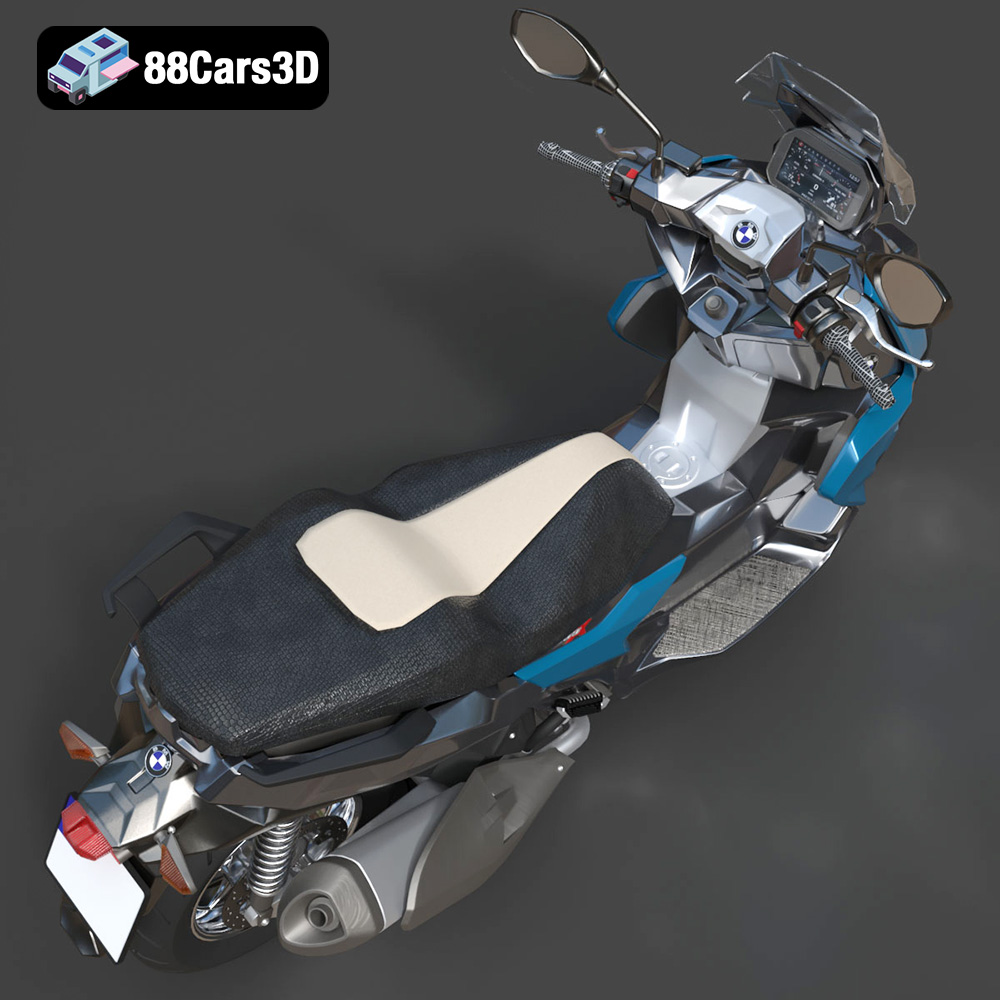
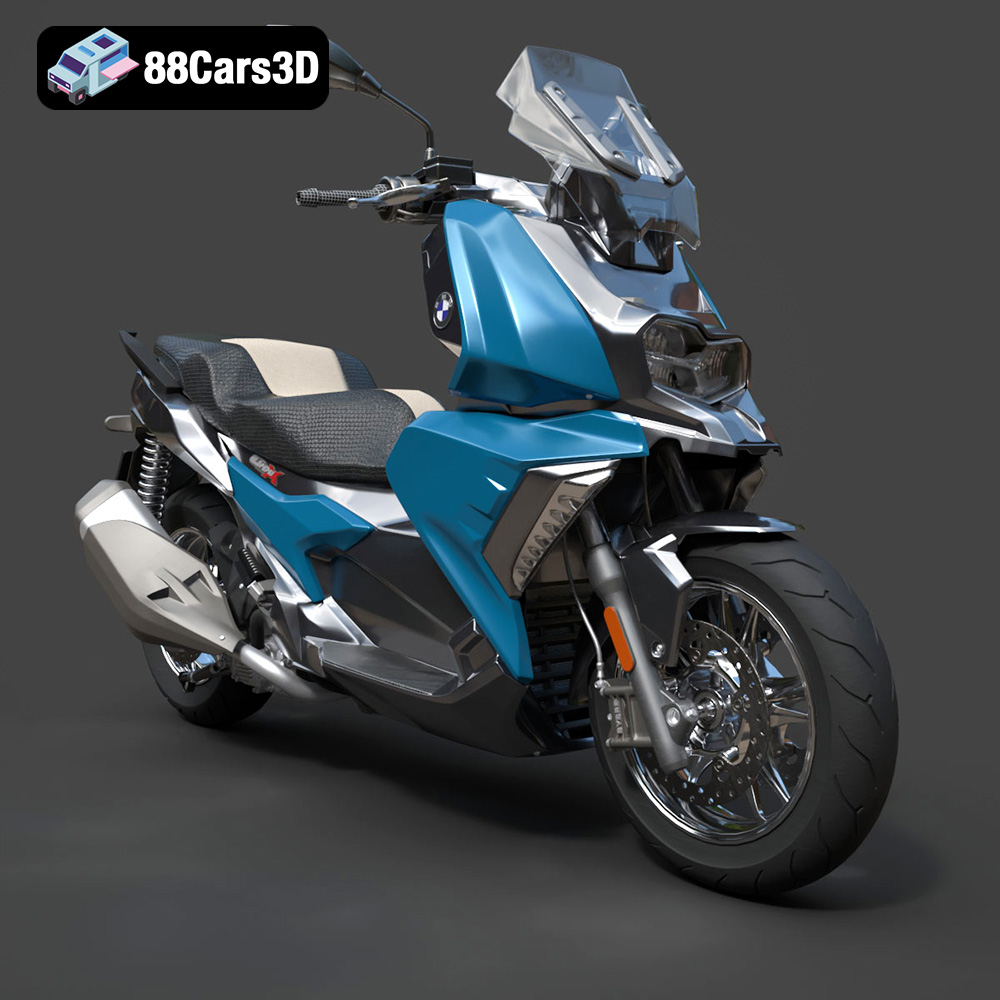
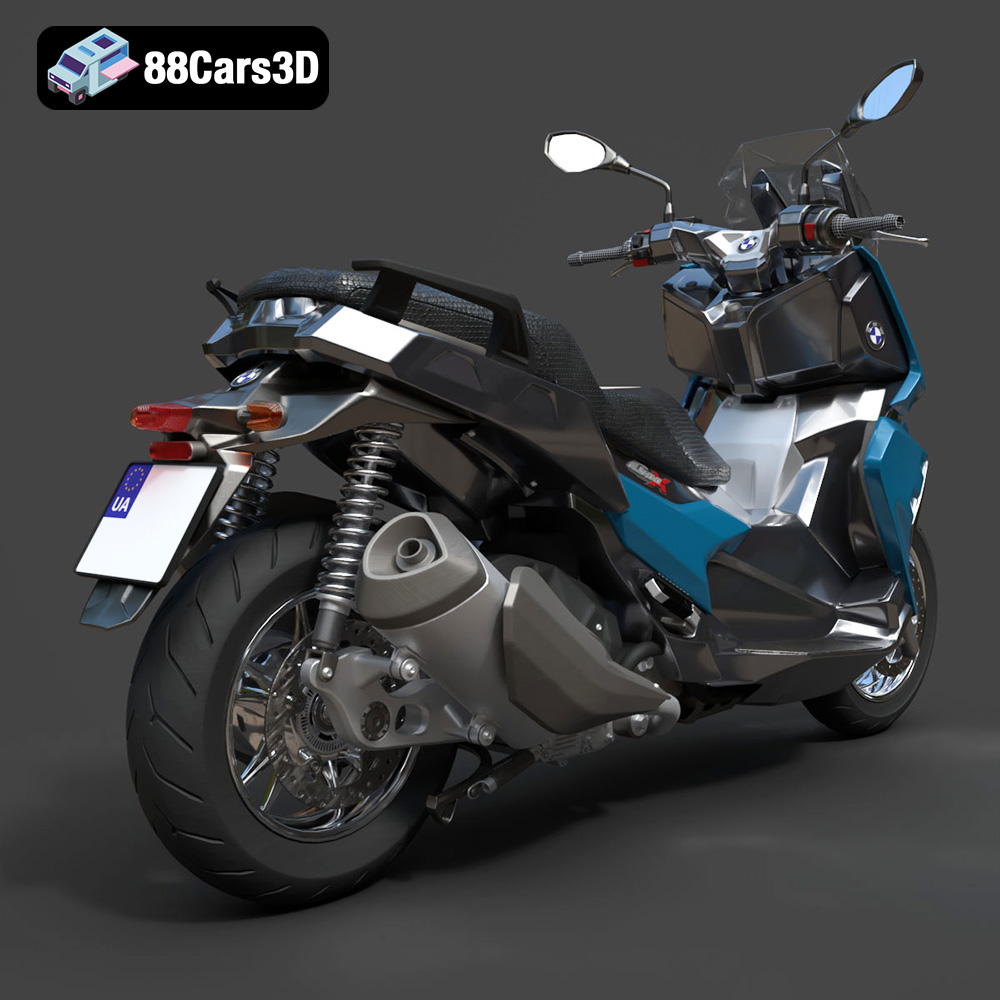
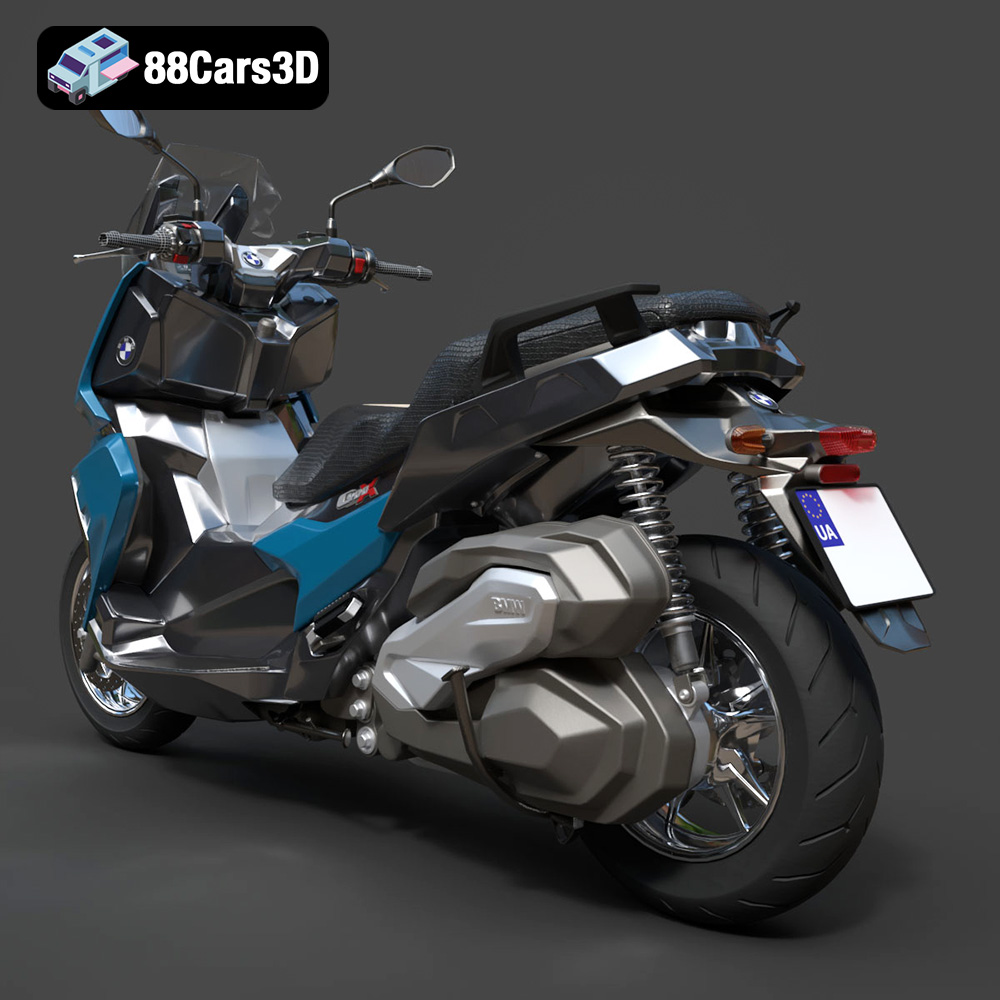
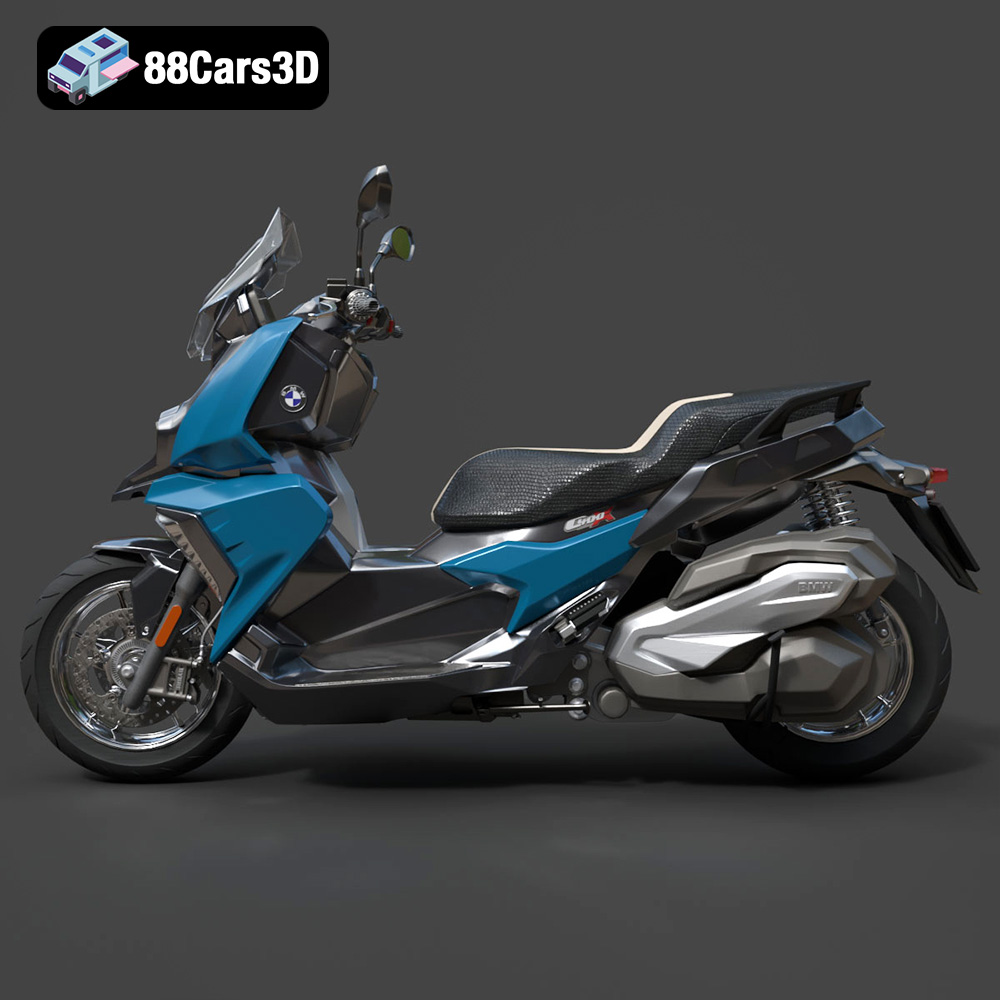
The BMW C 400 X 2018 3D Model is a high-detail digital recreation of the premium midsize scooter designed for urban mobility and everyday practicality. Combining BMW Motorrad’s engineering precision with modern scooter convenience, the C 400 X features sharp styling, compact proportions, and a comfortable riding position ideal for city commuting. This 3D model accurately represents the aggressive front fascia, asymmetrical headlight design, sculpted side panels, step-through frame layout, exposed rear suspension, exhaust system, and compact wheelbase proportions. Built with clean topology and real-world scale accuracy, it is ideal for rendering, animation, product visualization, game development, AR/VR experiences, and convertible to .stl format for collectible scale scooter models and display miniatures.
$4.99
Get This Model for 3D Printing
Related Tags
.2018scooter
.arvr
.blend
.bmw
.c400x
.fbx
.gameasset
.glb
.max
.motorcycle
.obj
.ply
.rendering
.scooter3dmodel
.simulation
.stl
.twowheeler
.unreal
.urbanscooter
.vehicle3dmodel