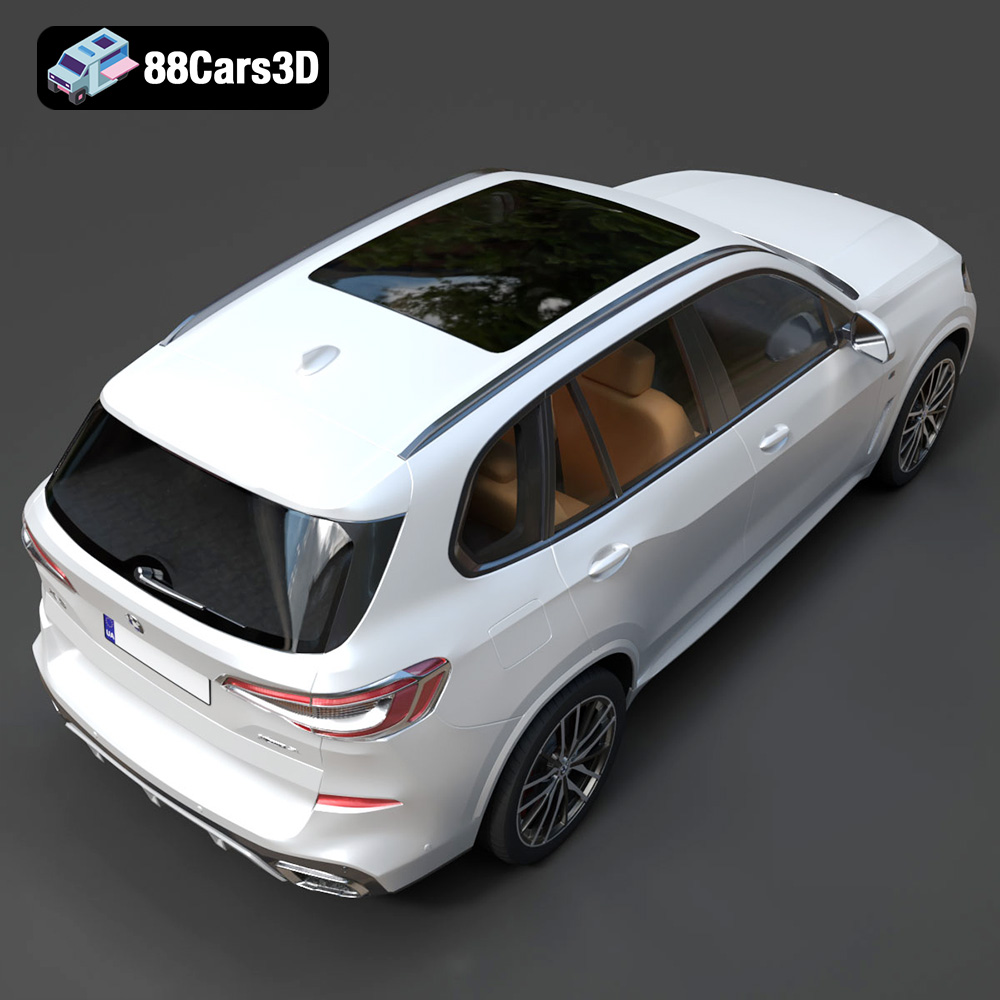
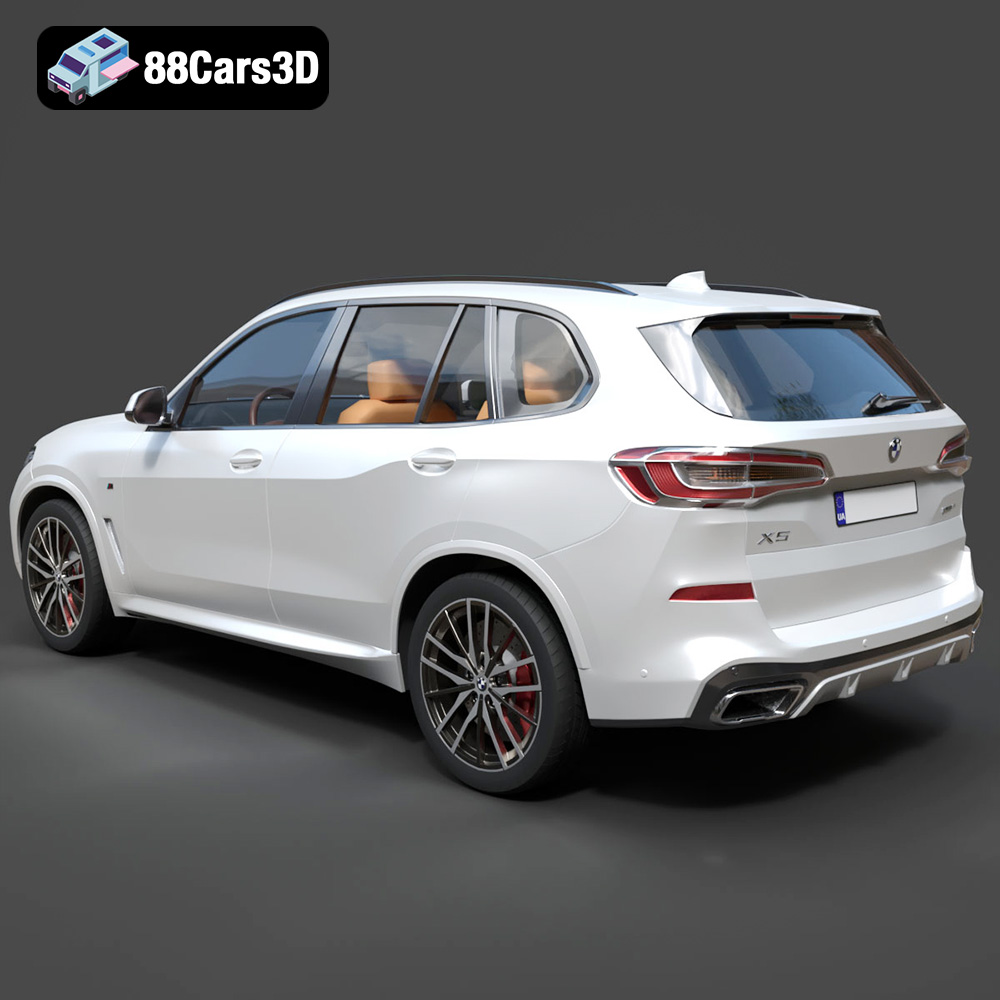
Mastering the Art of 3D Printing Your BMW X5 (G05) M Sport 2019
The world of automotive design and enthusiast collectibles has been revolutionized by 3D printing. No longer are intricate scale models reserved for master craftsmen with specialized tools. Today, with a high-quality 3D model and the right approach, anyone can bring their dream car to life on their desktop. At 88cars3d.com, we specialize in providing meticulously crafted digital models, and the BMW X5 (G05) M Sport 2019 3D Model is a prime example of such digital artistry.
This comprehensive guide will walk you through every step of the process, from preparing your digital file to the final touches of post-processing, ensuring your 3D printed BMW X5 (G05) M Sport 2019 model is a showstopper. Whether you’re a seasoned 3D printing veteran or just embarking on your journey into automotive 3D printing, this article will provide the essential knowledge to achieve stunning results.
Understanding 3D Printing File Formats
Before you even think about hitting the “print” button, you need to understand the fundamental building blocks of 3D printing: the file formats themselves. These digital blueprints dictate how your printer interprets the geometry of your desired object, and choosing the right format and ensuring its integrity is paramount for a successful print. The BMW X5 (G05) M Sport 2019 3D Model, available from 88cars3d.com, comes in various formats, making it versatile, but for 3D printing, some are more suitable than others.
The Ubiquitous .STL: The Industry Workhorse
The most common and widely supported file format for 3D printing car models is the Standard Tessellation Language, or .STL. This format represents the surface of a 3D object as a collection of interconnected triangles. It’s a universal language that almost every 3D printer and slicer software can understand. When you download an STL file for your BMW X5, you’re essentially getting a mesh of these triangles that define the shape of the car. The simplicity of STL makes it incredibly efficient for transmitting geometric data, but it typically lacks color or material information.
For most FDM (Fused Deposition Modeling) and SLA (Stereolithography) printers, an STL file is all you need. The key is to ensure the STL is “watertight” – meaning it has no holes or gaps in its mesh. A non-watertight model can cause errors in the slicing software, leading to missing layers or malformed prints. Thankfully, models from reputable sources like 88cars3d.com are typically optimized for 3D printing, meaning they are designed to be watertight and manifold.
Beyond STL: .OBJ, .3MF, and .PLY
While STL is king, other formats offer additional capabilities that can be beneficial, especially for more advanced applications or multi-color automotive 3D printing. The BMW X5 (G05) M Sport 2019 3D Model is available in several of these as well:
- .OBJ: The Wavefront OBJ format is another popular choice, particularly in 3D graphics. Unlike STL, OBJ files can store color and texture information, making them ideal for full-color 3D printing if your printer supports it. For a single-color print, an OBJ file will behave much like an STL in terms of geometry, but it might be larger due to the additional data. Converting an OBJ to STL for basic printing is often straightforward within your 3D modeling or slicing software.
- .3MF: This is a newer, more modern 3D manufacturing format. 3MF is designed to be a complete package, containing not just geometry but also color, materials, texture, support structures, and even print settings. It aims to overcome the limitations of STL by providing a richer, more robust data exchange format for 3D printing. As more printers and software adopt 3MF, it will become increasingly valuable for sophisticated 3D printing car models with intricate details and colors.
- .PLY: The Polygon File Format (or Stanford Triangle Format) is another precision mesh format. Similar to OBJ, PLY files can store additional properties like color, transparency, and even material properties per vertex or face, offering high detail. It’s often used for scanned 3D data where precise geometric and color information is crucial. For automotive 3D printing, PLY could be useful if you’re aiming for highly detailed colored prints or using a specific type of industrial printer.
Ensuring Print-Readiness: Mesh Quality and Watertightness
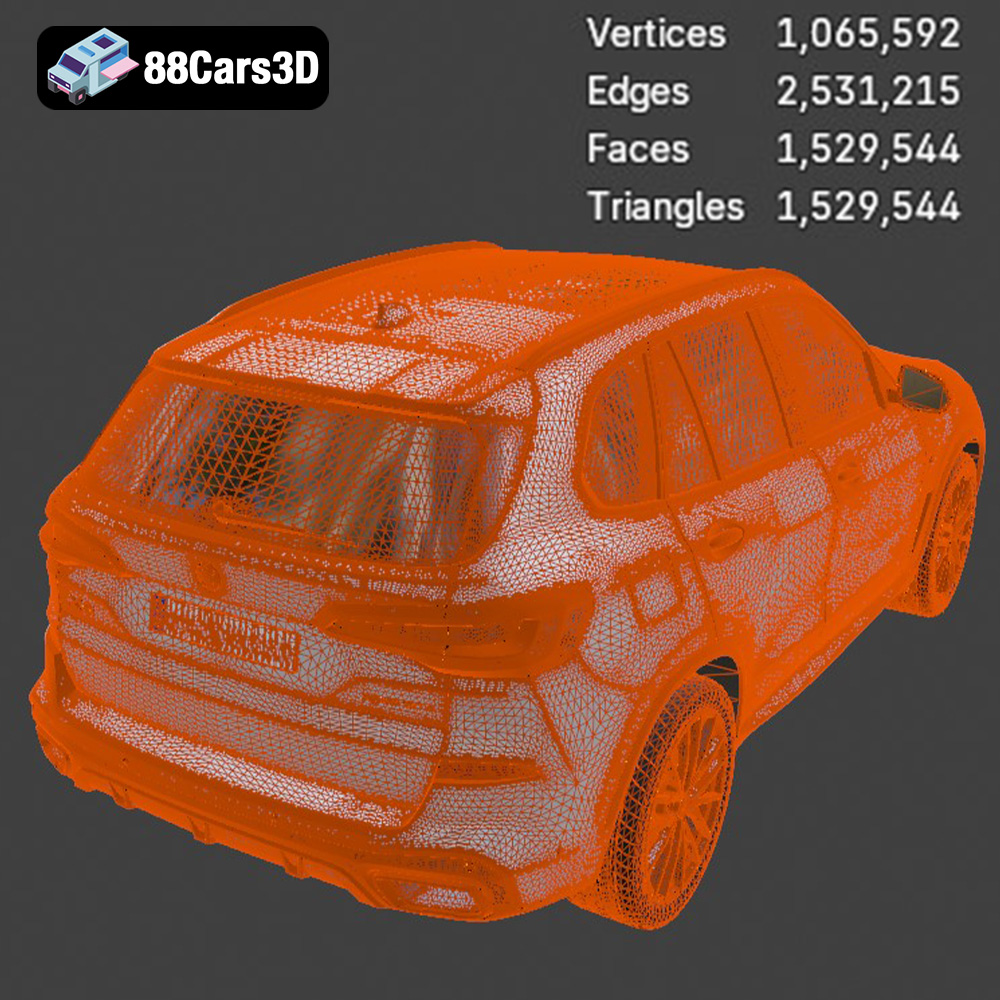
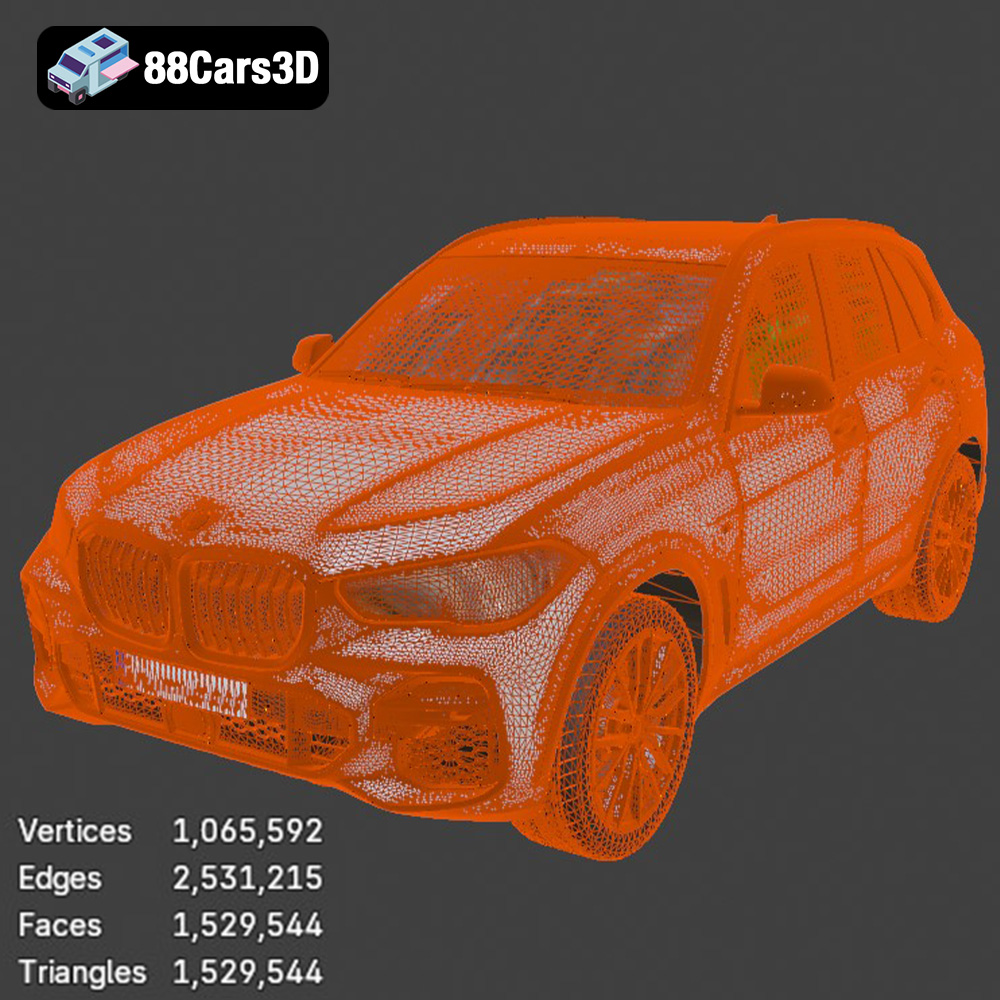
Regardless of the format you choose, the underlying mesh quality is paramount. A good 3D model, like the BMW X5 (G05) M Sport 2019 3D Model from 88cars3d.com, will have a clean, optimized mesh structure. This means a balanced polygon count – detailed enough to capture the aggressive M Sport styling, but not so high that it overloads your slicer or printer. Key aspects to look for include:
- Watertightness: As mentioned, ensure the model is a closed solid. Most slicers have tools to identify and sometimes repair non-manifold edges or holes, but it’s best to start with a clean file.
- Manifold Geometry: This means every edge is shared by exactly two faces, preventing inconsistencies that can confuse the slicer.
- Correct Normals: Normals dictate which way a face is pointing. Incorrectly oriented normals can cause voids or strange artifacts in your print.
If you need to convert between formats or check mesh integrity, tools within your 3D modeling software (like Blender or Autodesk Fusion 360) or even directly within your slicer (Cura, PrusaSlicer) can assist. For instance, exporting a model as an STL from Blender will often have options to ensure manifold geometry. Always perform a quick check in your slicer’s preview mode to spot any potential issues before committing to a print.
Preparing Your BMW X5 Model for Print: Slicing Software Essentials
Once you have your STL file for the BMW X5 (G05) M Sport 2019, the next crucial step is to prepare it for your specific 3D printer using slicing software. This software converts the 3D model into G-code, a set of instructions that tells your printer exactly how to build the object layer by layer.
Choosing Your Slicer: Cura vs. PrusaSlicer
Two of the most popular and robust slicing programs for FDM printers are Ultimaker Cura and PrusaSlicer. Both are powerful, free, and offer extensive control over print settings:
- Ultimaker Cura: Known for its user-friendly interface and vast array of customizable settings. It’s an excellent choice for beginners and advanced users alike, offering profiles for a multitude of printers and materials. Its support generation is highly regarded.
- PrusaSlicer: Developed by Prusa Research, this slicer is incredibly feature-rich, offering advanced control over infill patterns, organic supports, and paint-on supports. It excels at generating high-quality G-code and is often favored for its precise control and excellent print quality, particularly for detailed automotive 3D printing.
Both will handle the BMW X5 model with ease. Familiarize yourself with one, and you’ll find the principles largely transferable.
Scaling and Orientation: Getting the Right Fit and Finish
The first step in your slicer is to load the BMW X5 (G05) M Sport 2019 3D Model STL file. Then, consider these vital settings:
- Scale: The product description recommends scales of 1:32 / 1:24 / 1:18 / 1:14. Larger scales will capture more detail but require longer print times and more material. For a desktop display model, 1:24 or 1:18 are popular choices, offering a good balance of detail and size. Ensure you scale uniformly to maintain proportions.
- Orientation: This is critical for surface quality and minimizing supports. The product suggests: “Body printed angled for smooth surface finish; wheels printed separately.” Printing the car body at a slight angle (e.g., 30-45 degrees relative to the print bed) can help minimize visible layer lines on curved surfaces, leading to a smoother finish that requires less post-processing. Experiment with rotating the model on the Z-axis to find the optimal orientation that reduces overhangs on critical aesthetic parts like the roof and hood.
Multi-Part Printing: Wheels, Body, and Details
The BMW X5 (G05) M Sport 2019 model is likely to be optimized for multi-part printing, especially for the wheels. This is a common and recommended practice for 3D printing car models because:
- Improved Detail: Printing wheels separately allows for higher detail and resolution on spokes, brake calipers, and tires without compromising the body’s surface quality.
- Easier Post-Processing: Sanding and painting become significantly simpler when parts are separate. You can paint the body one color and the wheels another without tedious masking.
- Reduced Supports: Individual parts can be oriented optimally to minimize support material. For instance, wheels can often be printed flat on the bed or slightly angled with minimal supports.
Ensure each component is loaded, scaled, and oriented correctly within your slicer. If the model is provided as a single monolithic STL, you might need to use a 3D modeling tool to separate the components, though quality models from 88cars3d.com often come pre-separated or easily separable.
Materializing Your BMW X5: Selecting the Right Filament or Resin
The choice of material significantly impacts the final look, feel, and durability of your 3D printed BMW X5 (G05) M Sport 2019. Each material has its unique characteristics, making it suitable for different levels of detail and intended use.
FDM Favorites: PLA, PETG, and ABS
For FDM 3D printers, several filament types are popular for automotive 3D printing:
- PLA (Polylactic Acid): This is the most beginner-friendly filament. It’s easy to print, has minimal warping, and offers good detail. PLA is excellent for display models or prototypes that won’t experience high temperatures or mechanical stress. It’s also easy to sand and paint, making it a great choice for the BMW X5 where post-processing is key to a premium finish.
- PETG (Polyethylene Terephthalate Glycol): A step up from PLA, PETG offers increased strength, flexibility, and temperature resistance. It’s slightly more challenging to print than PLA but less prone to warping than ABS. For a more robust BMW X5 model that might see some handling, PETG is a strong contender.
- ABS (Acrylonitrile Butadiene Styrene): Known for its strength, durability, and heat resistance, ABS is the material of choice for functional parts. However, it’s notorious for warping and requires an enclosed printer and proper ventilation. While offering excellent post-processing potential (like vapor smoothing), its printing difficulty might make it less ideal for a detailed car model unless you’re an experienced user with the right setup.
The Precision of Resin: SLA/DLP Printing
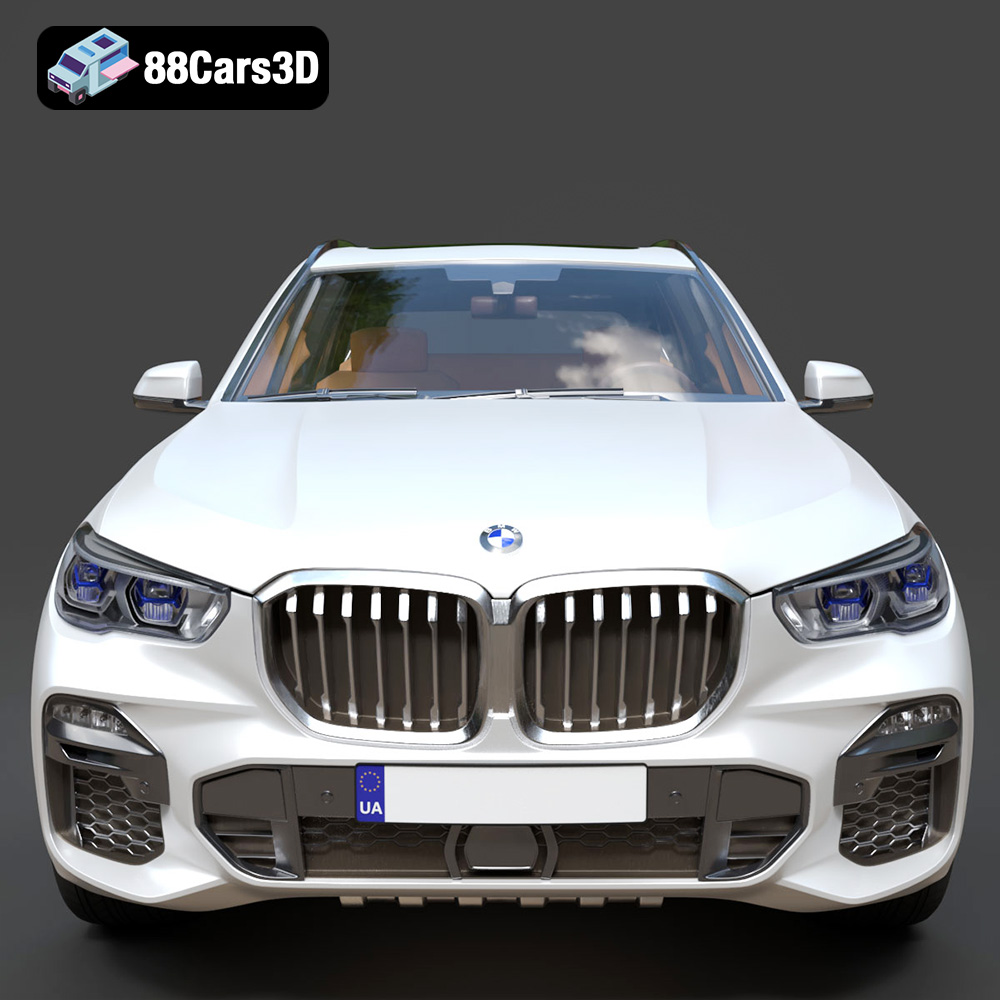
If unparalleled detail and smooth surfaces are your priority, resin 3D printing (SLA or DLP) is the way to go. Resin printers achieve exceptional resolution, capturing even the smallest features of the BMW X5 (G05) M Sport 2019 3D Model, such as the intricate kidney grille or sharp headlight detailing. While more expensive and requiring more involved post-processing (washing and curing), the results are often superior for highly detailed 3D printing car models.
Material Considerations for Automotive Models
When selecting your material, consider:
- Detail: Resin or good quality PLA/PETG will capture the fine lines and curves of the BMW X5 best.
- Strength/Durability: If the model will be handled frequently, PETG or ABS might be preferred over PLA.
- Post-Processing: PLA is very forgiving for sanding and painting. Resin also provides a fantastic base for finishing.
- Aesthetics: Consider translucent resins for headlights or windows if you’re aiming for realism with internal lighting.
Dialing in Your Print Settings for Optimal Detail
Precise print settings are the backbone of a high-quality 3D print. For a complex and aesthetically driven model like the BMW X5 (G05) M Sport 2019, attention to detail in your slicer is crucial.
Layer Height and Wall Thickness: Balancing Speed and Fidelity
These two settings are paramount for the visual quality and structural integrity of your automotive model:
- Layer Height: This determines the thickness of each printed layer. A smaller layer height results in finer detail and smoother surfaces, but dramatically increases print time. The product description recommends a layer height of 0.08–0.16 mm. For the best aesthetic quality on a car body, aim for the lower end of this range (e.g., 0.08-0.12 mm) for FDM. For resin printing, even finer layers (e.g., 0.02-0.05 mm) are achievable, resulting in unbelievably smooth surfaces.
- Wall Thickness: This refers to the number of perimeters or vertical layers that form the outer shell of your print. A thicker wall adds strength and helps prevent infill patterns from showing through. The recommended wall thickness of 1.2–2.0 mm is ideal for a sturdy car body. Aim for at least 3-4 perimeters for FDM prints.
Infill and Supports: Structural Integrity and Overhang Management
Infill and support structures are critical for the internal strength and external success of your print:
- Infill: This is the internal structure of your print, providing strength without making the model solid. A recommended infill of 15–25% is generally sufficient for car models, balancing strength with material usage and print time. Patterns like gyroid or cubic offer good strength in multiple directions.
- Supports: These temporary structures prevent gravity from causing issues with overhangs and bridges. The product description explicitly states: “Supports: Required for mirrors, bumper overhangs, and underbody details.” This is crucial. For FDM, use tree supports in Cura or organic supports in PrusaSlicer where possible, as they are often easier to remove and leave fewer marks. For resin, supports are always needed for parts not directly touching the build plate. Pay close attention to support placement, especially under the delicate M Sport aerodynamic elements and roof rails, to avoid marring visible surfaces. Ensure a small support gap (e.g., 0.1-0.2 mm) for easier removal.
Print Speed, Temperature, and Adhesion
Fine-tuning these settings ensures reliability and quality:
- Print Speed: Slower speeds generally yield higher quality and better detail, especially on intricate features of the BMW X5. Start with a moderate speed (e.g., 40-60 mm/s for FDM) and adjust down for outer walls or fine details.
- Temperature: Calibrate your nozzle and bed temperatures according to your chosen filament’s recommendations. Correct temperatures ensure good layer adhesion and prevent issues like stringing or under-extrusion.
- Build Plate Adhesion: Proper adhesion prevents your print from detaching mid-print. Options include skirts, brims, or rafts. For the BMW X5, especially with its angled orientation, a brim can significantly improve stability and adhesion, particularly for FDM prints.
Post-Processing Your 3D Printed BMW X5: From Raw Print to Showpiece
Once your BMW X5 (G05) M Sport 2019 has successfully come off the print bed, the real transformation begins. Post-processing is where you elevate a raw 3D print into a polished, display-worthy replica.
Support Removal and Surface Finishing
This is often the first and most delicate step:
- Support Removal: Carefully remove all support structures. Use flush cutters, tweezers, or hobby knives. For FDM prints, slightly warming the model can sometimes make supports easier to snap off. For resin prints, remove supports before the final UV cure for easier detachment, then cure thoroughly. Be gentle around delicate features like side mirrors and grille details on the BMW X5.
- Initial Surface Treatment: After supports are removed, you’ll likely have small nubs or rough patches. Use fine-grit sandpaper (200-400 grit) or small files to carefully smooth these areas. For FDM prints, consider light sanding across the entire surface to reduce layer lines. For resin prints, while smoother, light sanding can still improve paint adhesion.
Sanding, Priming, and Painting for a Factory Look
Achieving a professional automotive finish requires patience and multiple steps:
- Sanding: Progressively move to finer grits of sandpaper (e.g., 600, 800, 1000, 1500, 2000 grit) to achieve an incredibly smooth surface. Wet sanding can help prevent clogging the sandpaper and yield a smoother finish, especially useful for the sleek body of the BMW X5. The goal is to eliminate all visible layer lines and imperfections.
- Priming: Apply a few thin, even coats of automotive-grade primer. Primer fills any remaining microscopic imperfections, provides a uniform base color, and promotes paint adhesion. Sand lightly with very fine grit (e.g., 2000 grit) between primer coats to ensure a glass-smooth surface.
- Painting: Choose high-quality automotive spray paints for a realistic finish. The product description suggests “gloss or metallic paint finish, optional M Sport decals.” Apply several thin coats rather than one thick coat to prevent drips and ensure even coverage. Allow ample drying time between coats. For intricate details, consider using an airbrush or fine paintbrushes. Mask off areas that need different colors (e.g., window trims, grilles).
- Clear Coat: For an authentic automotive look and added protection, apply a clear gloss coat over the paint. This will give your BMW X5 that showroom shine.
Assembly and Detailing
Bring your multi-part model together for the final touch:
- Assembly: If you printed components separately (body, wheels, interior), carefully assemble them. Use a strong adhesive like super glue or epoxy, sparingly. Ensure wheels are aligned correctly for a realistic stance.
- Detailing: This is where the BMW X5 (G05) M Sport 2019 truly comes to life. Use fine paintbrushes for blacking out window frames, painting brake calipers, adding chrome accents, or painting the inner headlight details. Apply M Sport decals if you have them. You can even consider adding clear plastic for windows or LED lighting for headlights/taillights if you’re feeling ambitious.
Troubleshooting Common 3D Printing Challenges
Even with the best print settings and a quality STL file like the BMW X5 (G05) M Sport 2019, 3D printing can present its challenges. Knowing how to diagnose and fix common issues will save you time, filament, and frustration.
Addressing Warping and Layer Shifts
These are among the most disheartening print failures:
- Warping: This occurs when the edges of your print lift from the build plate. It’s often due to rapid cooling and uneven temperature distribution. To prevent this when printing the BMW X5, ensure proper bed adhesion (brim, glue stick, hairspray), maintain a consistent ambient temperature, use a heated bed, and for materials like ABS, consider an enclosure to keep the print area warm.
- Layer Shifts: This is when a part of your print shifts horizontally, causing a visible misalignment. Common causes include loose belts, motor issues, obstructions on the print path, or simply printing too fast. Check belt tension, ensure your printer’s axes move smoothly, and reduce print speed, especially for detailed sections of your BMW X5 model.
Bridging, Stringing, and Support Issues
These issues relate to the deposition of filament and support structures:
- Bridging: When your printer extrudes filament across an open gap (like the underside of the BMW X5’s roof spoiler), it’s called bridging. Poor bridging results in sagging. Optimizing print cooling, reducing print speed for bridges, and ensuring correct temperatures can help.
- Stringing (Oozing): This occurs when thin strands of filament are left behind as the nozzle moves between different parts of the print. It’s usually a retraction issue. Adjusting retraction distance and speed in your slicer, reducing print temperature, and ensuring your filament isn’t overly wet can mitigate stringing, preserving the clean lines of your BMW X5.
- Support Issues: Supports can be difficult to remove cleanly or might fail to adhere. Experiment with different support patterns (tree vs. standard), densities, and Z-distance settings in your slicer. For resin printing, too few or too thin supports can cause print failures.
Achieving Fine Details and Overhangs
Capturing the intricate M Sport details of the BMW X5 requires precision:
- Lost Details: If fine features like the kidney grille or headlight details aren’t coming through, try reducing your layer height further, slowing down the print speed for outer walls, and ensuring your nozzle is clean and not partially clogged. Resin printers excel at this.
- Overhangs: Parts that extend outwards without direct support from below (like the bottom edge of bumpers or wheel arches) can sag. Proper cooling, slower print speeds for overhangs, and well-placed supports are essential. The recommended supports for mirrors, bumper overhangs, and underbody details are critical here. Angling the body of the BMW X5 during printing, as suggested, can also convert challenging overhangs into less severe slopes.
Conclusion
Bringing the dynamic presence of the BMW X5 (G05) M Sport 2019 3D Model to life through 3D printing is a deeply rewarding experience. From selecting the appropriate STL file and navigating through advanced print settings in your slicing software, to meticulously post-processing and painting, each step contributes to creating a truly unique and personalized automotive collectible.
By understanding file formats, optimizing your printer settings, choosing the right materials, and employing effective post-processing techniques, you can overcome common challenges and achieve a professional-grade finish. The detailed models available at 88cars3d.com provide the perfect foundation for your next 3D printing car models project, allowing enthusiasts to craft their own miniature masterpieces of automotive excellence. Happy printing, and enjoy the satisfaction of seeing your digital BMW X5 transform into a tangible work of art!
Featured 3D Model for Printing
BMW X5 (G05) M Sport 2019 3D Model 3D Printable STL
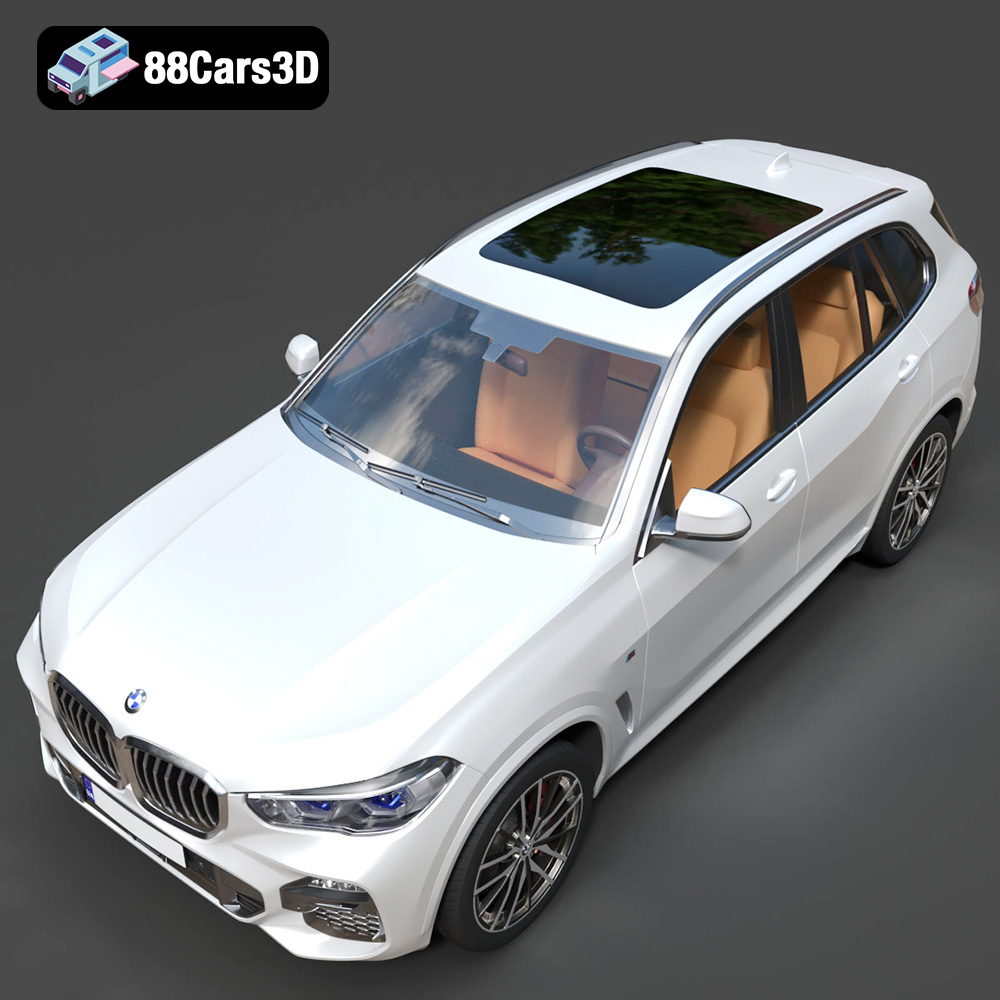
Bring the luxury and dynamic styling of the BMW X5 (G05) M Sport 2019 into your hands with this highly detailed 3D printable model. Perfect for automotive enthusiasts, this STL file allows you to create your own collectible scale SUV models, display miniatures, or prototypes. Expertly designed with accurate proportions and intricate M Sport features, this model is ready for you to slice, print, and finish, turning digital craftsmanship into a tangible masterpiece.
$9.99
Get This Model for 3D Printing
Related Tags
.2019suv
.arvr
.automotive
.blend
.bmw
.bmwx5
.car3dmodel
.fbx
.gameasset
.glb
.luxurysuv
.max
.msport
.obj
.ply
.rendering
.simulation
.stl
.unreal
.x5g05