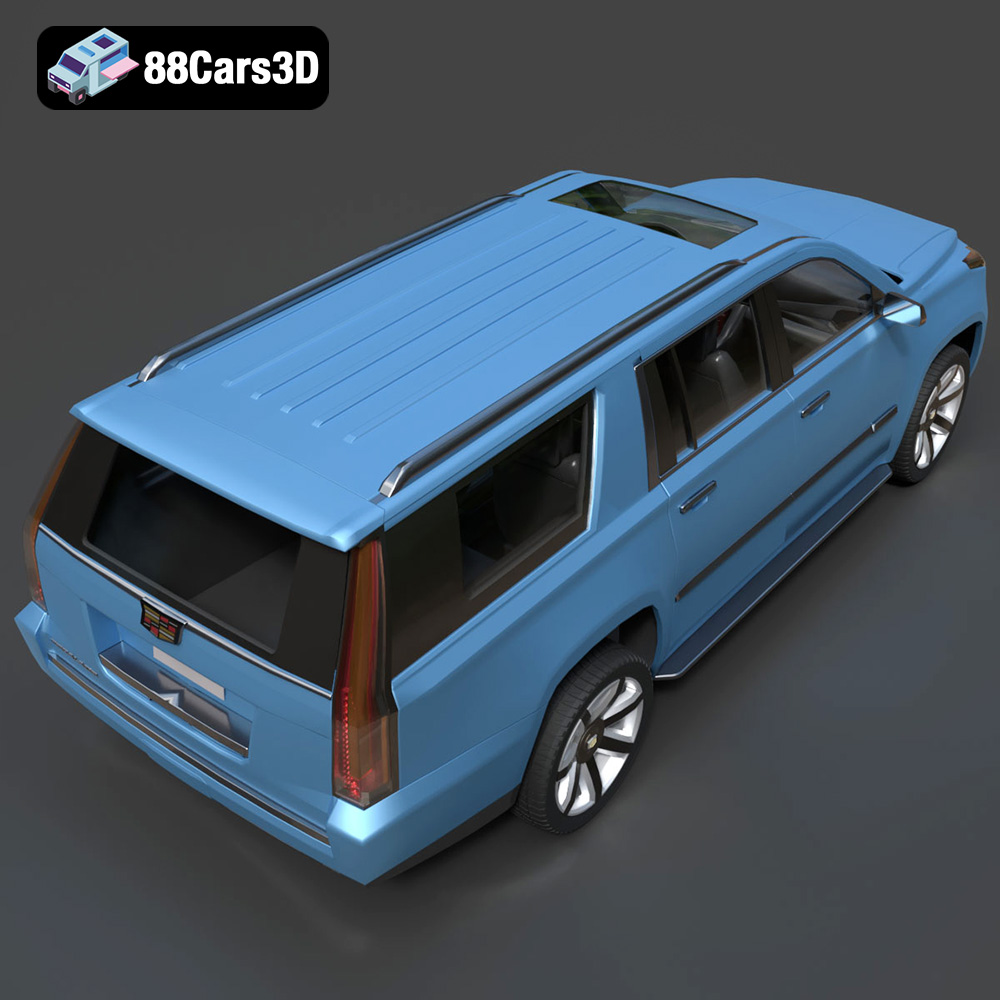
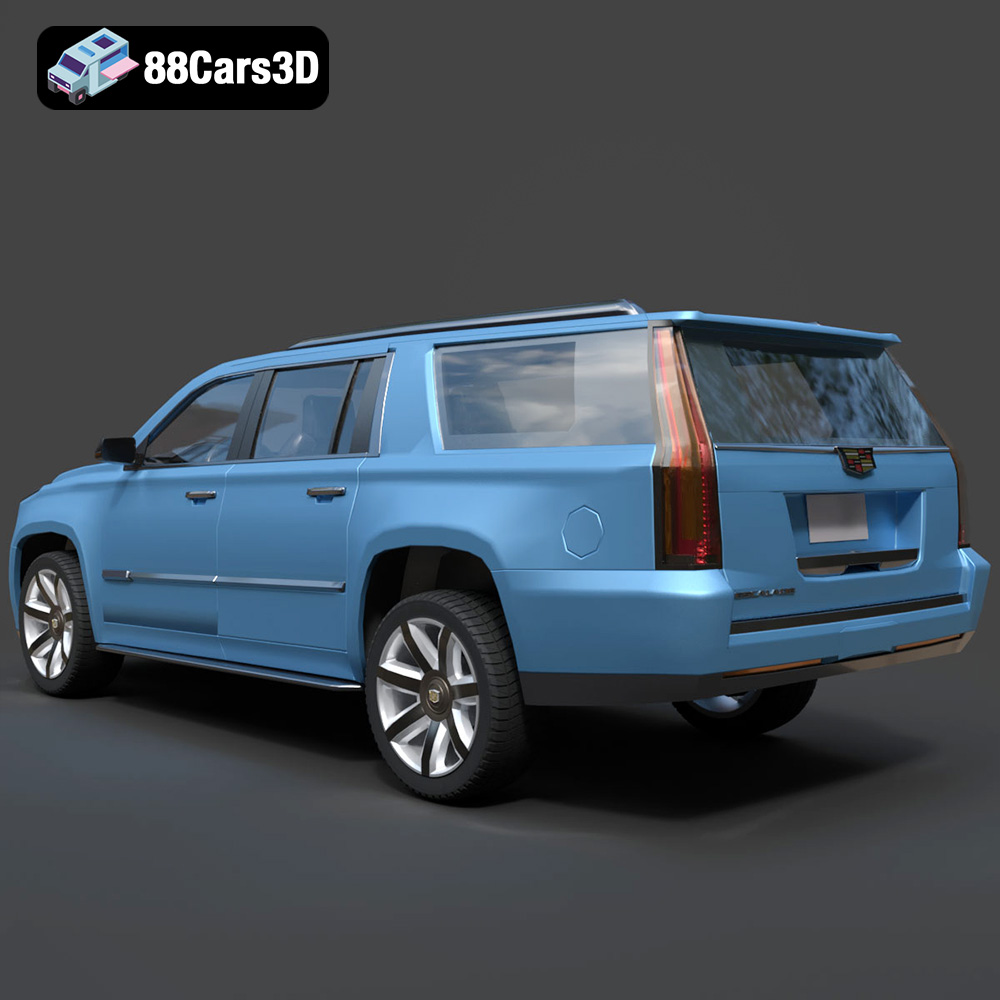
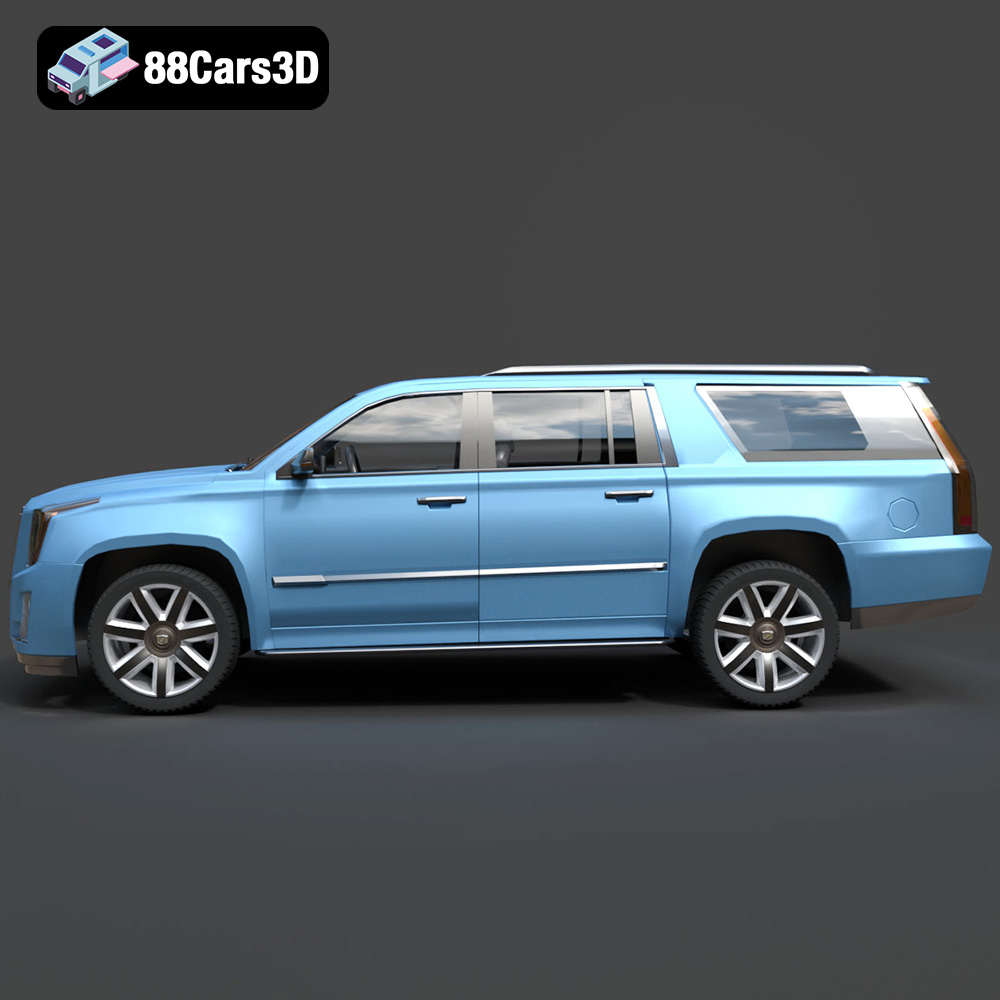
Unleash Automotive Luxury: A Comprehensive Guide to 3D Printing Your Cadillac Escalade ESV Model
The world of 3D printing has revolutionized how enthusiasts and professionals interact with their passions, and automotive modeling is no exception. Imagine holding a perfectly scaled replica of your dream car, one that you’ve brought to life layer by layer. At 88cars3d.com, we provide the high-quality STL files that make this dream a reality, and today, we’re diving deep into the intricate process of 3D printing the majestic Cadillac Escalade ESV 3D Model. This guide will walk you through every step, from file preparation to post-processing, ensuring your printed luxury SUV stands out with showroom-worthy detail.
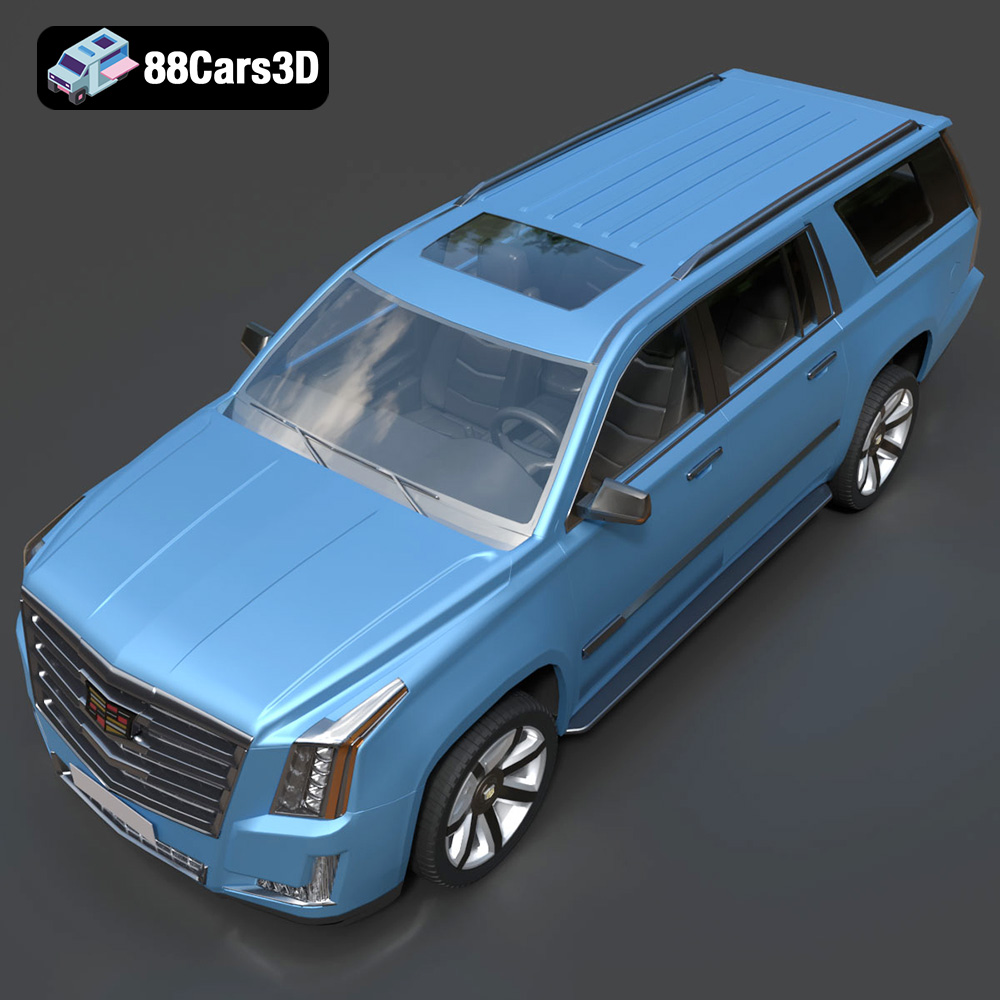
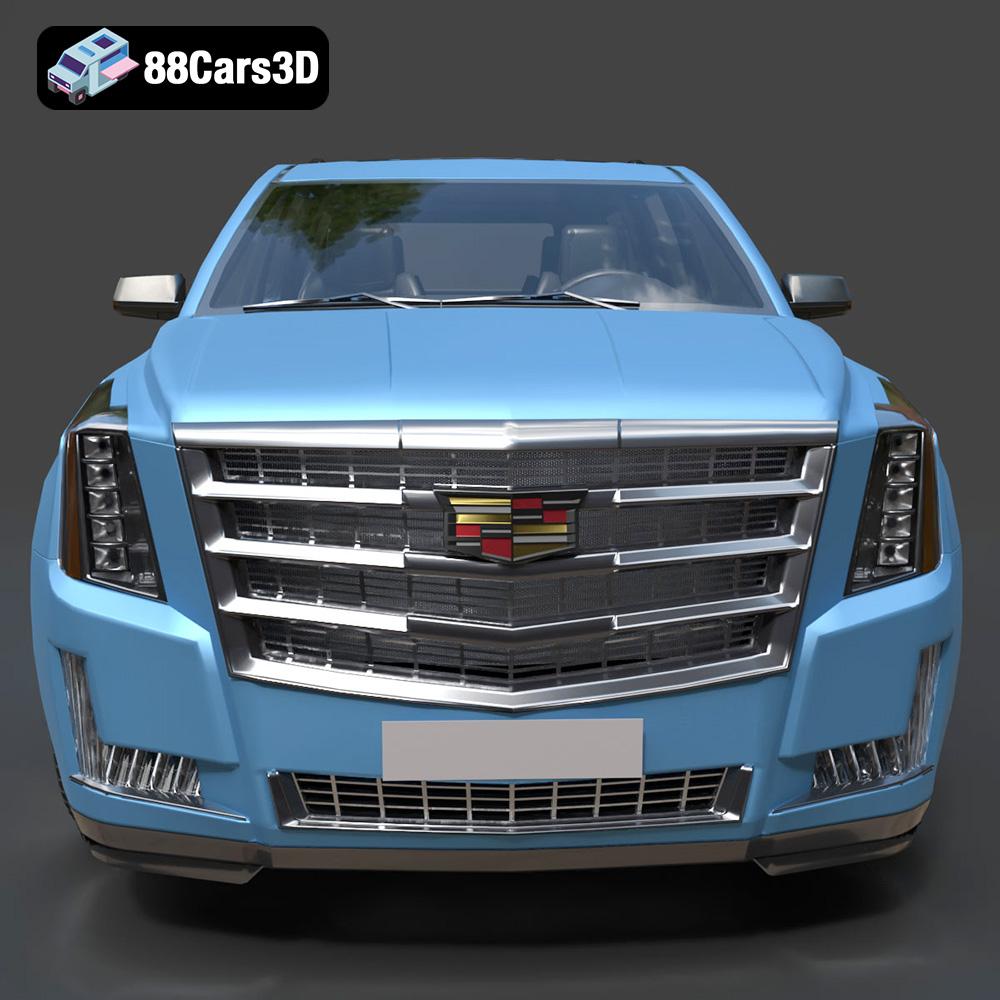
The Cadillac Escalade ESV is synonymous with bold presence, extended luxury, and undeniable refinement. Our 3D model captures its commanding grille, vertical LED lighting signature, and sculpted styling with meticulous accuracy. Whether you’re a seasoned maker or new to the world of additive manufacturing, transforming this digital masterpiece into a tangible collectible is an incredibly rewarding experience. Let’s embark on this journey to create your very own miniature Cadillac Escalade ESV, a testament to both automotive design and the power of 3D printing car models.
Understanding 3D Printing File Formats
Before a single layer is printed, understanding the digital blueprint of your model is paramount. The Cadillac Escalade ESV 3D Model, like many automotive 3D printing designs, is available in several formats, each with its own characteristics suitable for different applications. For 3D printing, the choice of format profoundly impacts how easily and effectively your model translates from screen to physical object.
The Ubiquitous STL: Strengths and Limitations
The .stl (stereolithography) format remains the industry standard for 3D printing. It represents the surface geometry of a 3D object using a collection of connected triangles. For the Cadillac Escalade ESV, the STL file provides a robust, universally compatible representation of its intricate exterior and interior details. Its primary strength lies in its simplicity and wide acceptance; nearly every 3D printer and slicing software can read an STL file.
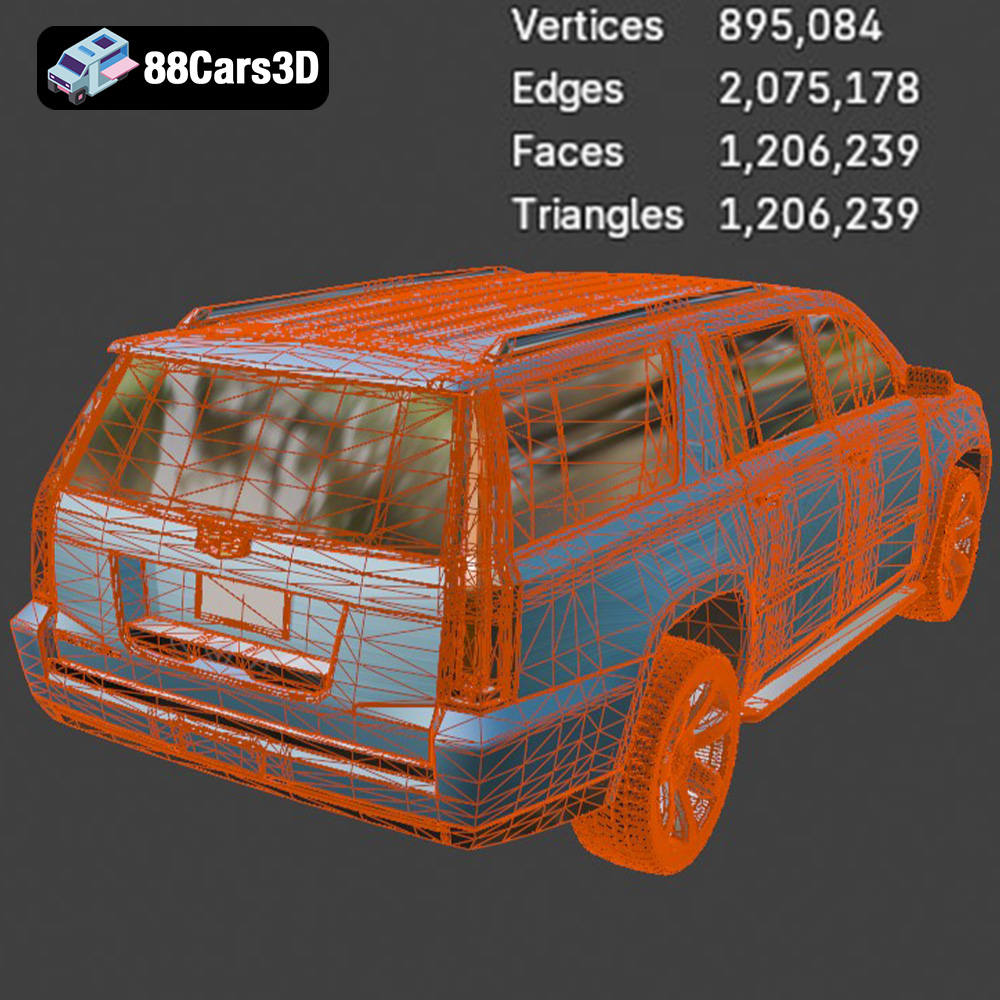
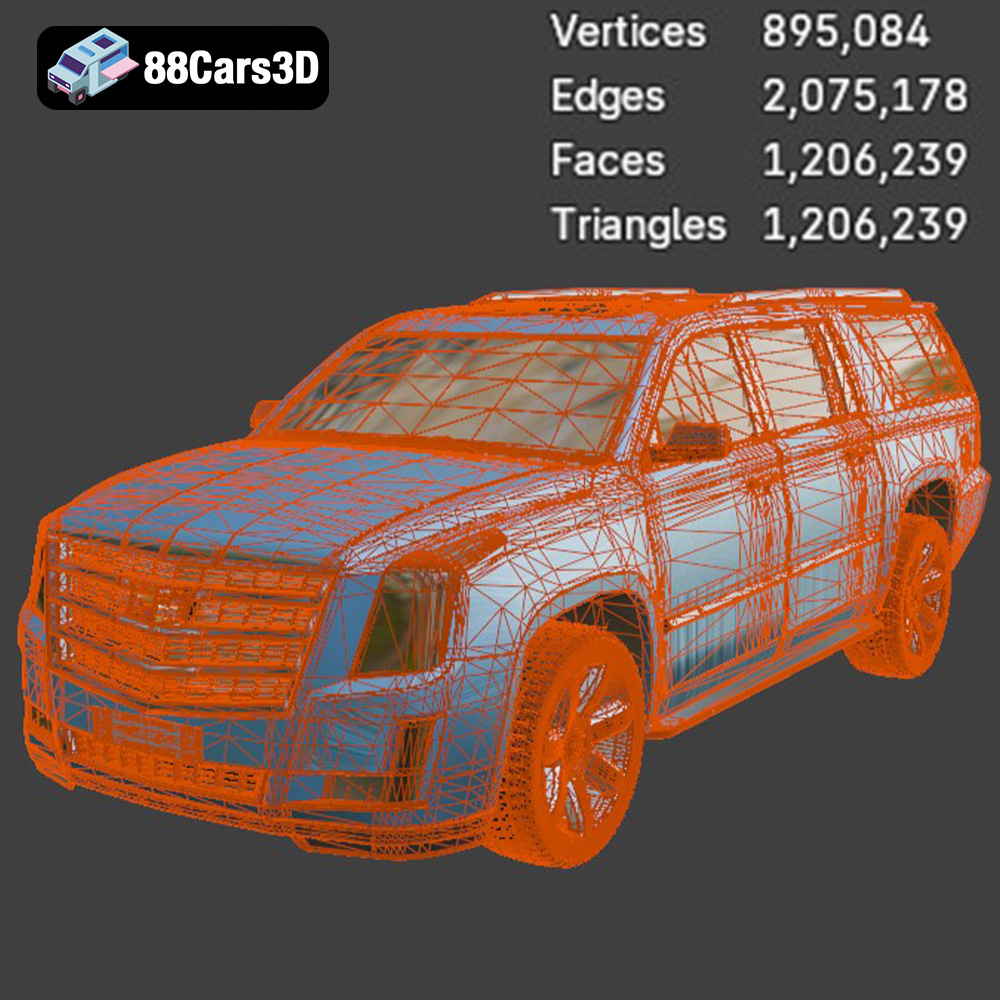
However, STL files are purely geometric. They do not carry information about color, texture, or material properties, which means any aesthetic details beyond shape must be applied during post-processing (painting, decals) or by using a multi-material printer if the design is explicitly segmented for it. When working with an STL, it’s crucial to ensure the mesh quality. A poorly generated STL might have gaps, overlapping triangles, or inverted normals, leading to printing errors. For models like the Escalade ESV, which boasts complex curves and defined edges, a high-quality STL is essential for capturing those details accurately.
Beyond STL: OBJ, 3MF, and PLY for Enhanced Fidelity
While STL is the workhorse, other formats offer advantages, especially for advanced workflows or detailed projects. The Cadillac Escalade ESV 3D Model is also provided in formats like .obj, .3mf, and .ply, offering more versatility.
The .obj (Wavefront OBJ) format is an alternative that, unlike STL, can support color and texture information. While most FDM and SLA printers don’t inherently print in full color, having an OBJ file can be beneficial if you’re using advanced full-color binder jetting or multi-material FDM systems. Even for standard monochrome printing, an OBJ file often provides a more structured representation of the mesh with groups, allowing for easier manipulation within 3D modeling software before conversion to STL.
The .3mf (3D Manufacturing Format) is a modern, open-source format designed specifically for 3D printing. It’s a significant improvement over STL because it can encapsulate not just geometry but also material properties, color, textures, support structures, and even print settings. This rich data payload means a 3MF file can contain all the information needed to print the Cadillac Escalade ESV with specific parameters, potentially simplifying the slicing process and ensuring design intent is preserved. As more slicing software and printers adopt 3MF, it will become an increasingly powerful tool for complex multi-color or multi-material prints, allowing for pre-defined sections for transparent windows or chrome accents.
The .ply (Polygon File Format) is primarily used to store 3D data from 3D scanners. It supports vertex colors and other attributes, making it suitable for models where precise color mapping or detailed surface properties are important. While less common for direct 3D printing of CAD models compared to STL or 3MF, a PLY file signifies a high-precision mesh, often with very fine detail, which is advantageous for capturing the subtle contours of a luxury vehicle like the Escalade ESV. When converted to STL for printing, this high-fidelity mesh ensures that even the smallest design elements are represented.
Ensuring Printability: Mesh Integrity and Watertightness
Regardless of the initial file format, the most critical aspect for successful 3D printing is a “watertight” mesh. This means the 3D model’s surface must be completely enclosed, with no holes or gaps. Imagine pouring water into your digital Cadillac Escalade ESV; if it leaks, it’s not watertight, and your slicer will struggle to interpret which parts are solid and which are hollow. Common issues include:
- Non-manifold edges: Where more than two faces share an edge.
- Inverted normals: Faces pointing inwards instead of outwards.
- Self-intersections: Parts of the model overlapping themselves.
- Open edges/holes: Gaps in the surface.
Tools within 3D modeling software (like Blender or MeshMixer) or even some advanced slicers can analyze and repair these issues. Always run a mesh integrity check on your Cadillac Escalade ESV file before slicing. A clean, watertight STL file is the foundation for a flawless 3D print, ensuring that every curve and detail of this magnificent SUV is accurately reproduced. The high-quality STL files available at 88cars3d.com are designed to be print-ready, minimizing these common issues and setting you up for success.
Preparing Your Cadillac Escalade ESV Model for Print: Slicing Software
Once you have your pristine Cadillac Escalade ESV 3D Model file, the next step is to prepare it for your specific 3D printer. This is where slicing software comes into play. Programs like Cura, PrusaSlicer, or Simplify3D act as interpreters, converting your 3D model into a series of thin layers (G-code) that your 3D printer can understand and execute.
Importing and Scaling Your Model
First, open your chosen slicer and import the Cadillac Escalade ESV STL file. You’ll likely see it displayed on a virtual print bed. The product description for the Cadillac Escalade ESV 3D Model recommends several scales: 1:24, 1:32, 1:18, and 1:12. You might also find 1:43 mentioned, catering to different display preferences.
To scale your model:
- Locate the “Scale” tool in your slicer.
- Input your desired scale factor. For instance, if the model is provided in real-world scale and you want 1:24, you’ll need to calculate the appropriate percentage or dimension. A real-world Escalade ESV is roughly 5.7 meters long. For a 1:24 scale, your printed model should be approximately 237.5 mm long (5700mm / 24). Adjust the scale until the dimensions match your target.
- Consider your printer’s build volume. A 1:12 scale Escalade ESV will be quite large and might require splitting into multiple parts if your printer cannot accommodate its length.
Essential Slicer Settings: Layer Height and Wall Thickness
These two settings are critical for both the visual quality and structural integrity of your 3D printed car models.
Material Selection: Choosing the Right Filament or Resin
The material you choose will significantly impact the final look, feel, and durability of your 3D printed Cadillac Escalade ESV. Each material has its strengths and weaknesses, making selection dependent on your printer type, desired finish, and intended use for the model.
FDM Filaments: PLA, PETG, and ABS
For FDM (Fused Deposition Modeling) printers, which use spools of filament, these are the most common choices:
-
PLA (Polylactic Acid):
- Pros: Easy to print, low warping, wide range of colors, biodegradable. It’s an excellent choice for beginners and for detailed display models. It holds fine details well.
- Cons: Brittle, low heat resistance (can deform in hot cars or direct sunlight).
- Recommendation: A superb all-rounder for the Cadillac Escalade ESV, especially for showcasing its intricate exterior.
-
PETG (Polyethylene Terephthalate Glycol):
- Pros: More durable and flexible than PLA, good layer adhesion, better heat resistance, and slightly translucent options for windows. It’s a good balance between ease of printing and material properties.
- Cons: Can be stringy, requires slightly higher print temperatures than PLA.
- Recommendation: If you want a more robust model or plan to handle it frequently, PETG is a great option for your automotive 3D printing project.
-
ABS (Acrylonitrile Butadiene Styrene):
- Pros: Very strong, good heat resistance, can be smoothed with acetone vapor for a glossy finish.
- Cons: Prone to warping (requires an enclosed printer and heated bed), emits fumes, more challenging to print.
- Recommendation: Best for experienced users seeking maximum durability and a specific finish, but generally overkill for a display model unless extreme resilience is needed.
Resin Printing (SLA/DLP): Achieving Unrivaled Detail
For those with SLA (Stereolithography) or DLP (Digital Light Processing) resin printers, the level of detail achievable is truly remarkable, making it ideal for high-fidelity 3D printing car models.
-
Standard Resins:
- Pros: Produces extremely smooth surfaces and captures the finest details, crucial for elements like the Cadillac Escalade’s intricate grille, vertical LED lighting, and small interior components. Layer lines are virtually invisible.
- Cons: More brittle than FDM prints, requires careful post-curing, messier to work with (PPE required), smaller build volumes typically.
- Recommendation: Highly recommended for smaller scales (1:43, 1:32) or if you prioritize absolute fidelity and a flawless surface finish for your Cadillac Escalade ESV model. The product description specifically mentions resin printing for smaller scale details like the “Thor’s Hammer headlights” (though it refers to Volvo, the principle applies to the Escalade’s detailed lighting).
-
Tough/ABS-like Resins:
- Pros: Offers improved durability and impact resistance compared to standard resins, making the model less prone to accidental breakage.
- Cons: Slightly more expensive, may have a marginally lower resolution than standard resins.
- Recommendation: A great compromise if you want the detail of resin printing with added robustness for handling.
Mastering Print Settings for the Cadillac Escalade ESV
Beyond layer height and wall thickness, several other settings are vital for achieving a perfect replica of the Cadillac Escalade ESV. Precision in these areas will define the success of your automotive 3D printing project.
Optimizing Infill and Print Speed
-
Infill: This refers to the internal structure of your print. The product description recommends 15–30% for FDM and 15–25% for Resin.
- 15-20%: Sufficient for most display models, providing enough structural integrity without significantly increasing material usage or print time.
- 25-30%: Use this if you want a heavier, more solid feel, or if the model will be handled frequently. It will add weight and strength but also print time and material cost.
- Infill Pattern: Different patterns (e.g., grid, lines, cubic, gyroid) offer varying strengths. Gyroid is often favored for its isotropic strength and efficiency.
-
Print Speed: This is a delicate balance.
- FDM: A good starting point for detailed models is 50-60 mm/s. For intricate external details, consider reducing the outer wall speed to 25-30 mm/s. This allows the hot end more time to deposit material precisely, leading to cleaner edges and smoother surfaces on your Cadillac Escalade ESV.
- Resin: Exposure times are more critical than print speed. Ensure your exposure times are calibrated for your specific resin and printer, especially for fine details. Lift speed should be moderate to avoid suction forces damaging the print.
Strategic Support Structure Placement and Removal
Overhangs and bridges on a 3D model require support structures to prevent gravity from causing sag or failure. The Cadillac Escalade ESV has several areas needing careful support:
- FDM Supports: The product description mentions “mirrors, roof rails, and underbody details.”
- Mirrors and Roof Rails: These thin, protruding elements will definitely need supports. Consider using “tree supports” in Cura or PrusaSlicer, as they are often easier to remove and leave less scarring.
- Underbody Details: The chassis and intricate suspension components (if modeled) will benefit from supports to maintain their geometry.
- Overhang Angle: Generally, supports are needed for angles steeper than 45-60 degrees. Adjust the support density and Z-distance for easier removal.
- Resin Supports: The description notes “side mirrors, wheel arches, and the subtle rear roof spoiler.”
- Resin prints typically require more dense and strategically placed supports due to the nature of the printing process.
- Place supports on less visible surfaces where possible. For the Cadillac Escalade ESV body, this might be the underside or inside wheel wells.
- Use a medium-to-heavy support density, especially for initial layers or critical overhangs.
- Calibrate your support tip size and contact depth to ensure they are strong enough to hold the model but thin enough for clean removal.
Print Orientation: Maximizing Surface Quality
The orientation of your model on the print bed is crucial for surface finish and support removal.
- FDM: The product description recommends “Body printed upside-down for smoother roof finish.” This is a classic FDM trick. Printing the roof directly on the build plate or with minimal supports underneath yields a superior top surface finish, as the top layers are typically the most visible. The underside, which will be facing up, can then be cleaned and sanded.
- Resin: The description suggests “Body printed angled for a smooth surface finish.” Printing resin models at an angle helps to reduce layer lines and peel forces, allowing for smoother curves and more even curing. You’ll still need strategic supports, often concentrated on the lowest points of the angled model. Experiment with a 30-45 degree angle for the body.
- Wheels: The description states “Wheels printed separately for improved detailing.” This is highly recommended for both FDM and Resin. Printing wheels flat on the bed (or slightly angled for resin) allows for better detail on the spokes and tire tread without excessive supports on visible surfaces.
Multi-Part Printing and Assembly
For models as detailed and potentially as large as the Cadillac Escalade ESV, multi-part printing is often the most effective approach. This not only allows for better print quality on individual components but also simplifies painting and assembly.
Separating Components for Optimal Results
The Cadillac Escalade ESV 3D Model is designed with “separate doors, hood, tailgate, and wheels for animation,” which also greatly benefits 3D printing.
- Body Shell: The main body of the Escalade ESV. Focus on getting its exterior surfaces as smooth as possible.
- Wheels & Tires: Print these separately. This allows you to achieve finer detail on the rims and potentially use different materials or colors if desired (e.g., black filament for tires, silver for rims, if your printer supports multi-material).
- Interior: Depending on the detail and scale, the interior (dashboard, seats) might be printed as a single piece or broken down further. Printing the interior separately allows for easier painting of different components.
- Small Details: Mirrors, roof rails, and potentially the grille or lights could be printed separately for maximum detail and ease of painting, then attached later.
When separating models in your 3D modeling software, ensure there are clear mating surfaces or small pegs/holes for alignment during assembly. This makes the final build much more precise.
Assembly Techniques for a Seamless Build
Once all parts of your Cadillac Escalade ESV are printed, cleaned, and potentially painted, it’s time for assembly.
- Adhesives:
- Super Glue (Cyanoacrylate): Fast-drying and strong, excellent for PLA, PETG, and most resins. Use sparingly to avoid visible residue.
- Plastic Cement: For ABS, some plastic cements can chemically weld parts together for a very strong bond.
- Epoxy: Provides a very strong bond and can fill small gaps, but takes longer to cure.
- Alignment: Use jigs, clamps, or even masking tape to hold parts in place while the adhesive cures. Ensure all components are perfectly aligned to maintain the Escalade’s sleek lines.
- Fill Gaps: If small gaps exist between assembled parts, use a hobby filler putty or Bondo. This is critical before priming to ensure a smooth, continuous surface.
The Art of Post-Processing: Bringing Your Model to Life
Post-processing is where your 3D printed Cadillac Escalade ESV truly transforms from a raw print into a stunning scale model. This stage demands patience and attention to detail.
Sanding and Surface Preparation
Even with excellent print settings, layer lines and support scars will be present, especially on FDM prints.
- Support Removal: Carefully remove all support structures. Use flush cutters, tweezers, and a hobby knife. Be gentle to avoid damaging the model’s surface.
- Sanding: Start with a coarser grit sandpaper (e.g., 220-320 grit) to remove major blemishes and support nubs. Gradually move to finer grits (400, 600, 800, up to 1200 or 2000) for an increasingly smooth finish. Wet sanding can help achieve a glass-like surface.
- Filling: For any stubborn gaps, divots, or deep layer lines, use a fine-grain hobby filler or automotive body filler. Apply, let dry, and sand smooth.
- Cleaning: Before priming, thoroughly clean the model to remove all dust and sanding residue. Isopropyl alcohol or a mild detergent bath works well.
Priming and Painting for a Showroom Finish
This is where your Cadillac Escalade ESV gets its luxurious coat.
- Primer: Apply a thin, even coat of automotive primer. This helps reveal any remaining imperfections, provides a uniform base color, and helps the paint adhere better. Sand lightly with very fine grit (1000+) after priming if needed.
- Paint: The product description mentions “gloss black or metallic paint, clear coat.”
- Color Choices: Embrace classic Cadillac colors – deep metallics, pearl whites, or rich black. Consider using automotive-grade spray paints for a durable and professional finish.
- Application: Apply several thin coats rather than one thick coat to avoid drips and ensure an even finish. Allow adequate drying time between coats.
- Detail Painting: Use fine brushes for smaller details like window trim, grille elements, and badges. Chrome pens or metallic paints can mimic chrome accents.
- Clear Coat: Finish with a clear gloss coat. This protects the paint, adds depth, and provides that signature showroom shine. Apply in thin, even coats.
Adding Realistic Details
- Windows: If you’ve printed the windows separately (e.g., with clear resin or a translucent filament), they can be masked off and painted with a transparent tint or simply polished for clarity.
- Lighting: Use clear resin for headlights and taillights, or carefully paint them with transparent red/orange/yellow for indicators.
- Interior: Paint the interior components in contrasting colors to enhance realism – black for the dashboard, beige or tan for seats, silver accents for controls.
Troubleshooting Common 3D Printing Challenges
Even with meticulous preparation, 3D printing can present unexpected challenges. Knowing how to diagnose and fix common issues will save you time and filament.
Tackling Warping, Layer Shifts, and Adhesion Issues
-
Warping (FDM): The edges of the print lift from the build plate.
- Cause: Uneven cooling of the plastic, causing it to shrink and pull away.
- Fix: Ensure a heated print bed (if available), use an adhesive (glue stick, hairspray), reduce cooling for the first few layers, enclose the printer to maintain ambient temperature, and use a brim or raft.
-
Layer Shifts (FDM): The print layers suddenly shift horizontally.
- Cause: Mechanical issues (loose belts, skipping stepper motors), collisions with the nozzle (from warped prints or supports).
- Fix: Check belt tension, ensure gantry moves freely, reduce print speed, enable Z-hop in your slicer, ensure no obstructions in the printer’s path.
-
Adhesion Issues (FDM & Resin): Prints not sticking to the build plate.
- FDM: Clean print bed thoroughly, ensure proper bed leveling, adjust Z-offset, increase initial layer temperature and extrusion, use adhesion aids (brim, raft, glue).
- Resin: Clean resin vat and build plate, ensure proper leveling, increase bottom exposure time and number of bottom layers, verify resin temperature.
Diagnosing Support Structure Failures
-
Supports Detaching: Supports failing to hold onto the model or the build plate.
- Cause: Insufficient contact area, weak support density, improper Z-distance, or inadequate adhesion.
- Fix: Increase support density, reduce Z-distance (FDM) or increase support contact area/tip size (Resin), ensure stable print environment.
-
Support Scars: Supports leaving significant marks on the model’s surface.
- Cause: Supports too close to the model, incorrect Z-distance (FDM), or aggressive support removal.
- Fix: Optimize Z-distance (FDM), use tree supports, reduce support contact area/tip size (Resin), warm up the model slightly before support removal, and use careful techniques.
Conclusion: Your Cadillac Escalade ESV, From Screen to Showpiece
3D printing the Cadillac Escalade ESV 3D Model is an incredibly rewarding endeavor that combines technical skill with artistic vision. By meticulously preparing your STL files, optimizing your print settings, choosing the right materials, and dedicating time to post-processing, you can transform a digital design into a stunning physical representation of automotive luxury.
From understanding the nuances of different file formats like STL, OBJ, 3MF, and PLY, to strategically placing supports and mastering the art of painting, each step contributes to the final masterpiece. Whether you choose the robust reliability of FDM or the unparalleled detail of resin printing, the principles of careful setup and patient execution remain constant.
We hope this comprehensive guide empowers you to embark on your own automotive 3D printing journey. Remember that practice makes perfect, and each print teaches you something new. The high-quality STL files for the Cadillac Escalade ESV and many other exquisite vehicles are available at 88cars3d.com, ready for you to download and bring to life. Start your next 3D printing car models project today and experience the satisfaction of creating your own scale model collection.
Featured 3D Model for Printing
Cadillac Escalade ESV 3D Model 3D Printable STL
The Cadillac Escalade ESV 3D Model is a premium digital recreation of the extended-length luxury SUV produced by Cadillac. Known for its bold presence, elongated body design, and high-end refinement, the Escalade ESV combines executive comfort with full-size SUV capability. This 3D model accurately captures the Escalade ESV’s commanding grille, vertical LED lighting signature, extended wheelbase proportions, and sculpted luxury styling. Designed with clean geometry and real-world scale accuracy, it is ideal for rendering, animation, game development, AR/VR projects, automotive simulations, and 3D Printing, convertible to .stl format for collectible scale luxury SUV models.
$9.99
Get This Model for 3D Printing
Related Tags
.arvr
.blend
.cadillac
.car3dmodel
.escalade
.esvesv
.fbx
.fullsizesuv
.gameasset
.glb
.luxurysuv
.max
.obj
.ply
.rendering
.simulation
.stl
.unreal
.vehicleasset
automotive3d