The world of 3D printing has revolutionized how enthusiasts and professionals alike bring digital designs into tangible reality. For automotive aficionados, this means an unprecedented opportunity to create intricate, highly detailed scale models of their favorite vehicles, or even entire fleets to populate miniature dioramas and displays. Whether you’re an experienced maker or just starting your journey into additive manufacturing, the ability to 3D print car models offers a deeply rewarding experience, transforming virtual blueprints into physical masterpieces.
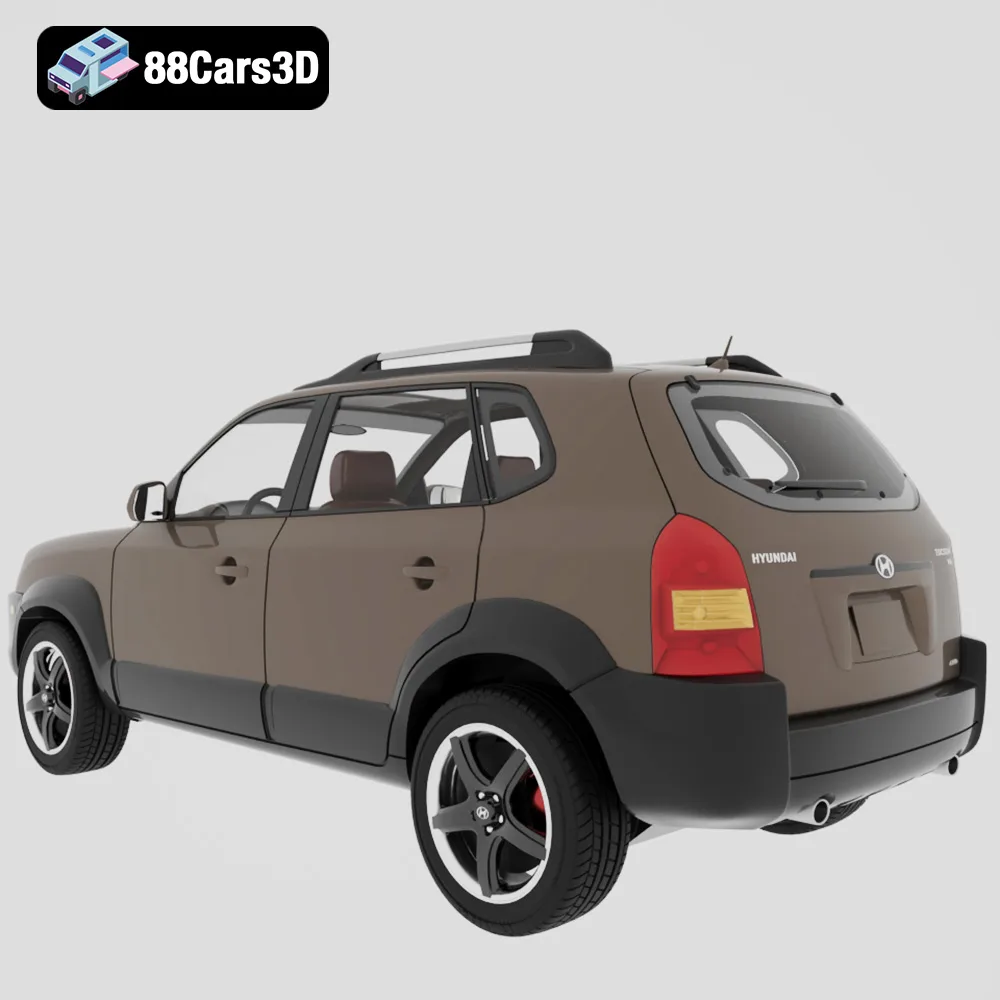
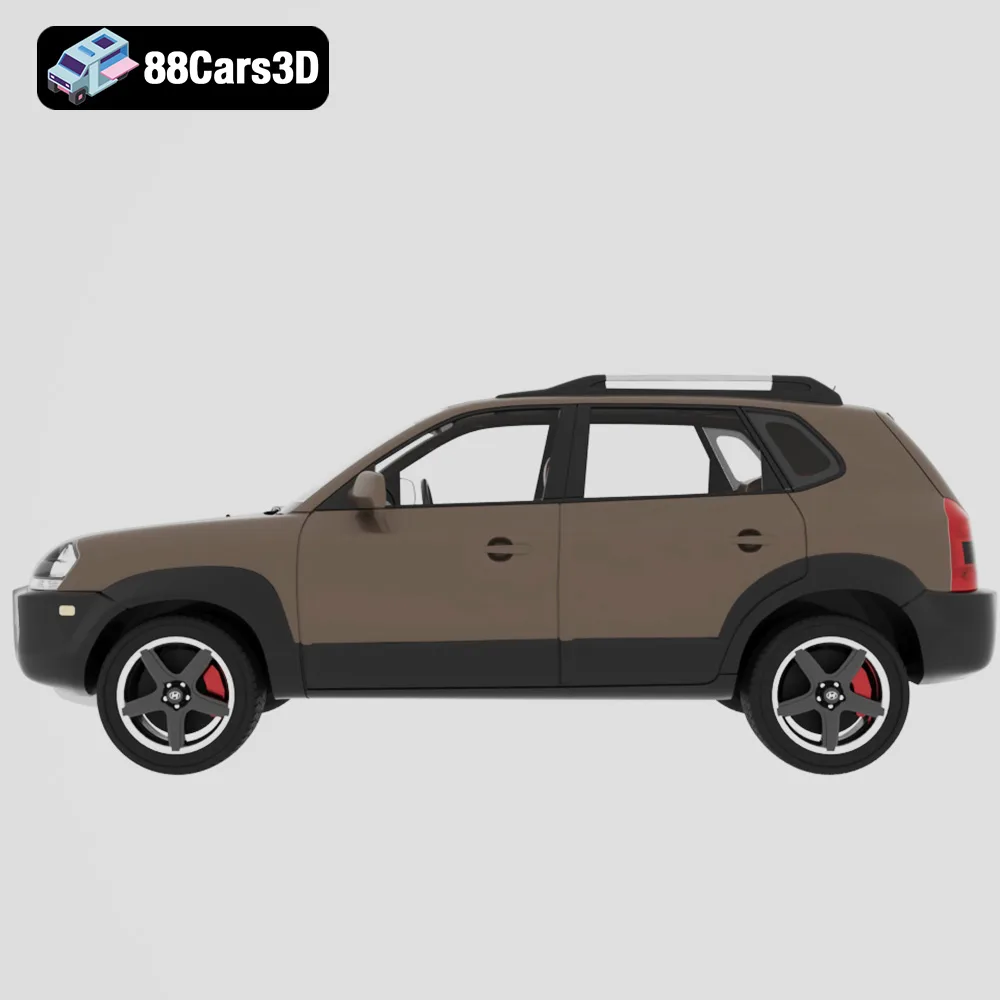
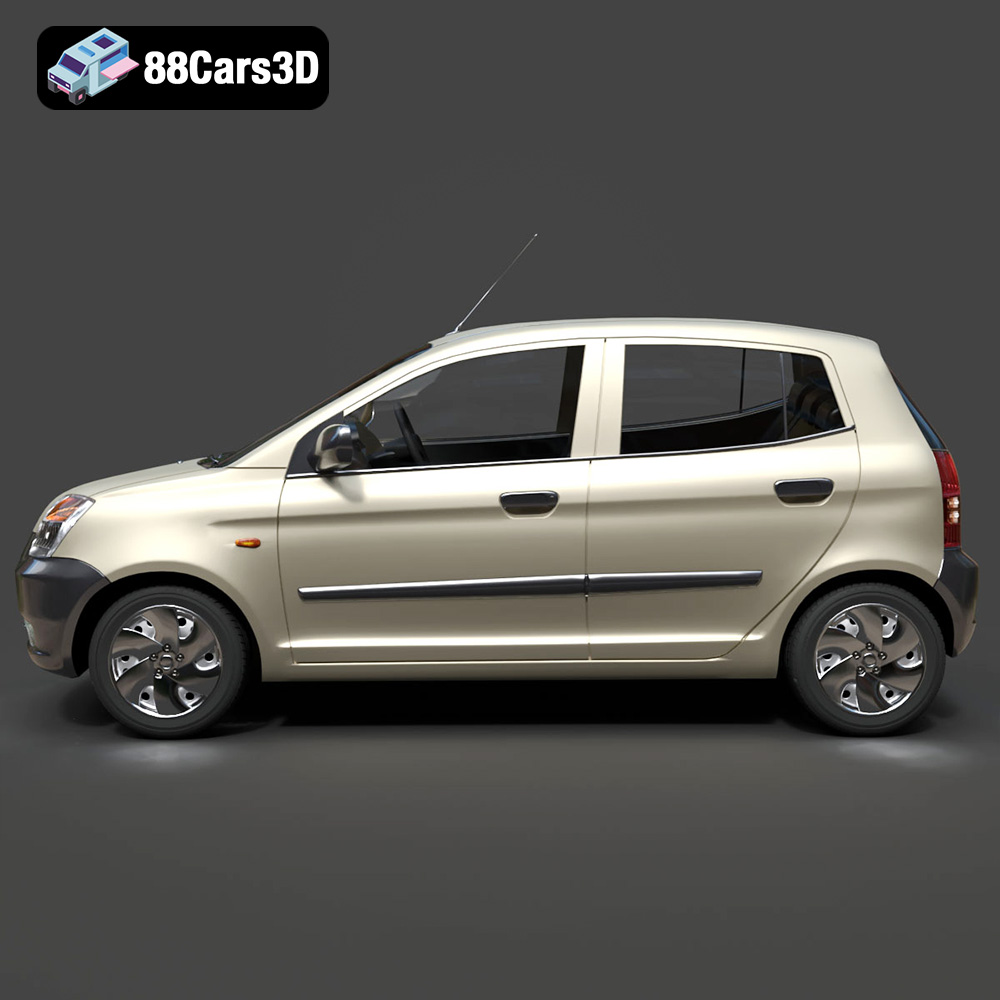
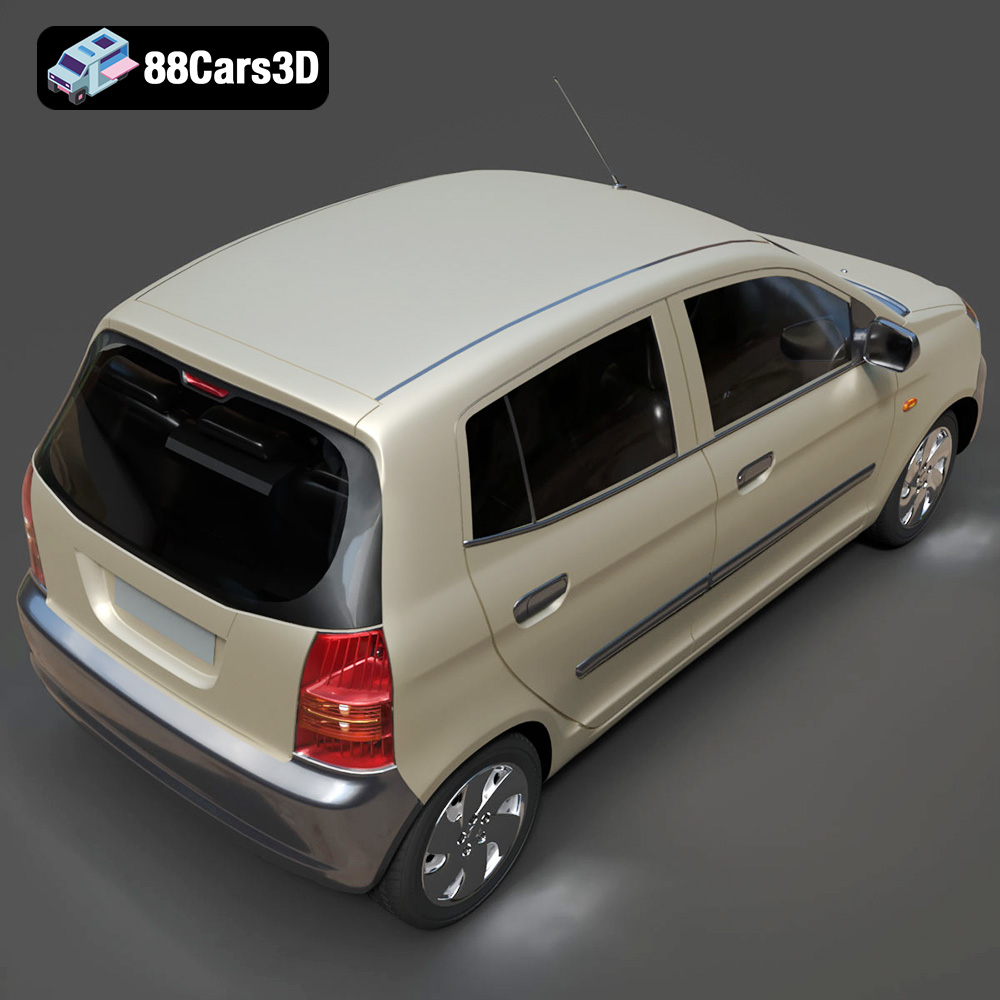
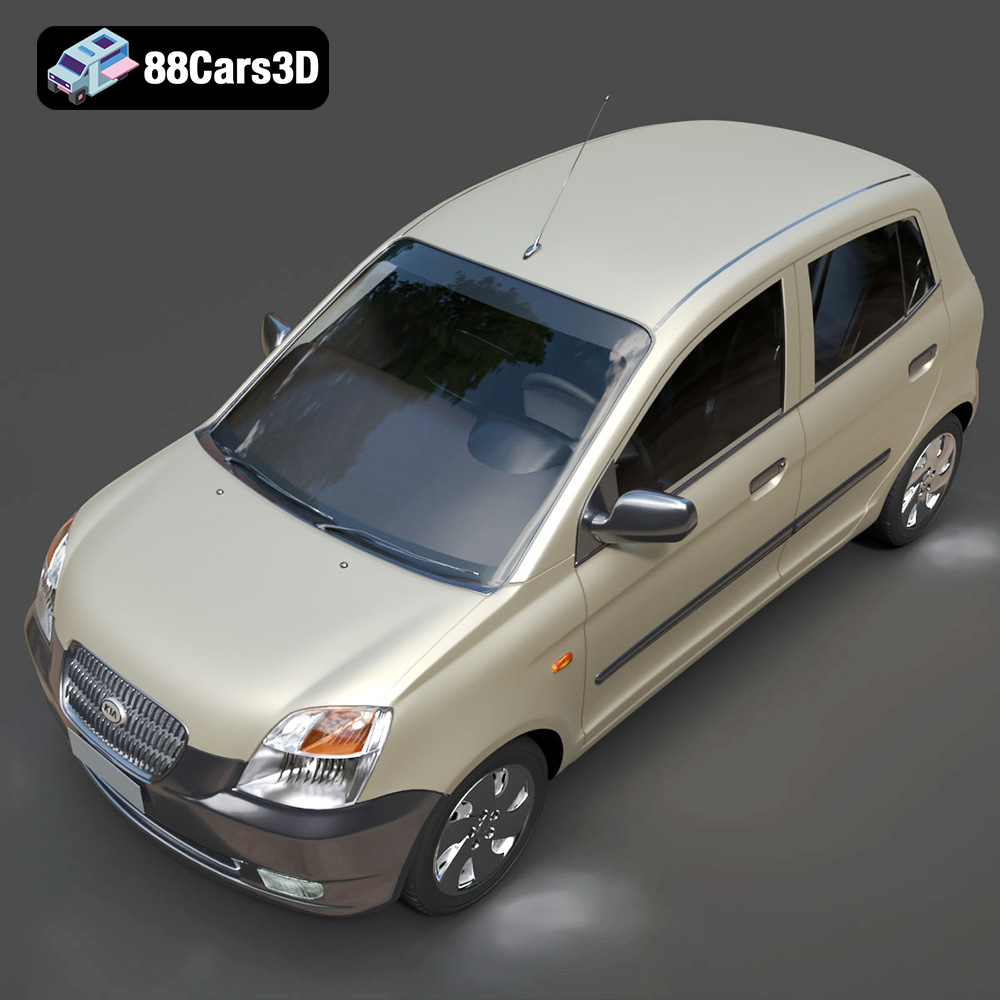
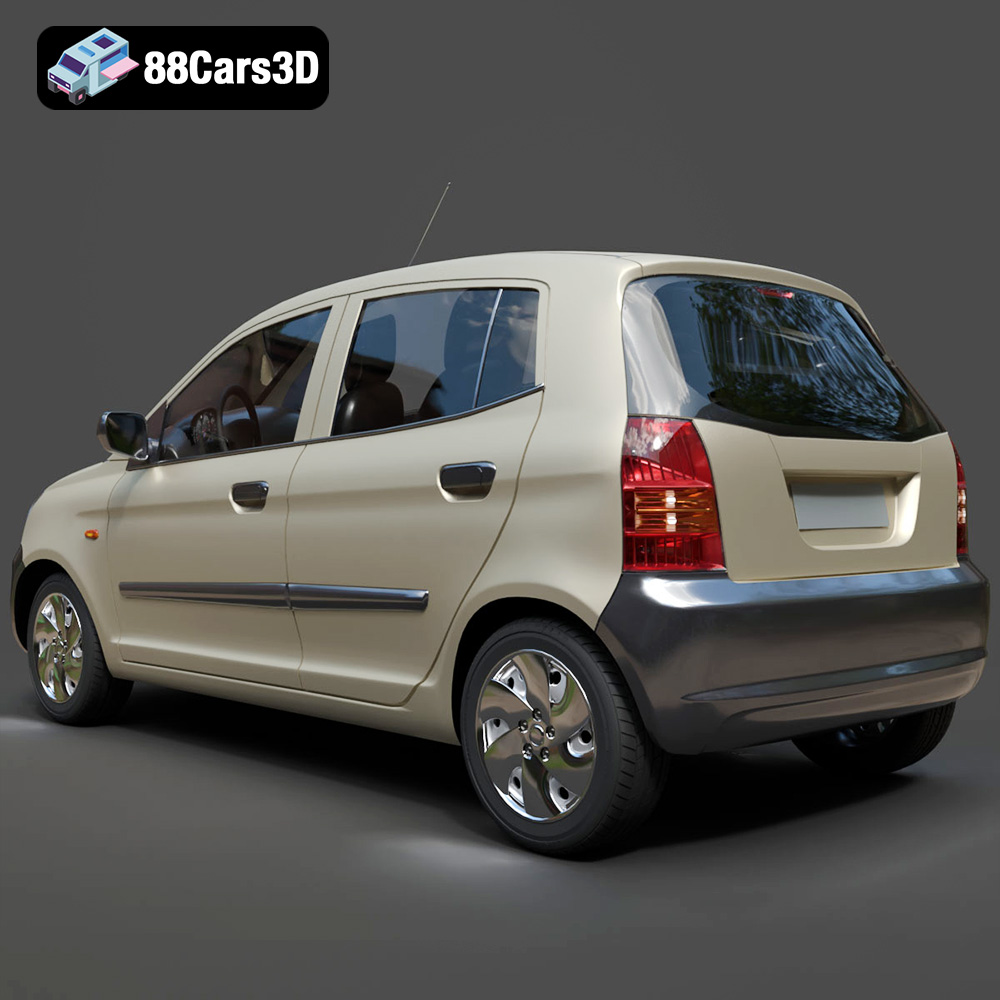
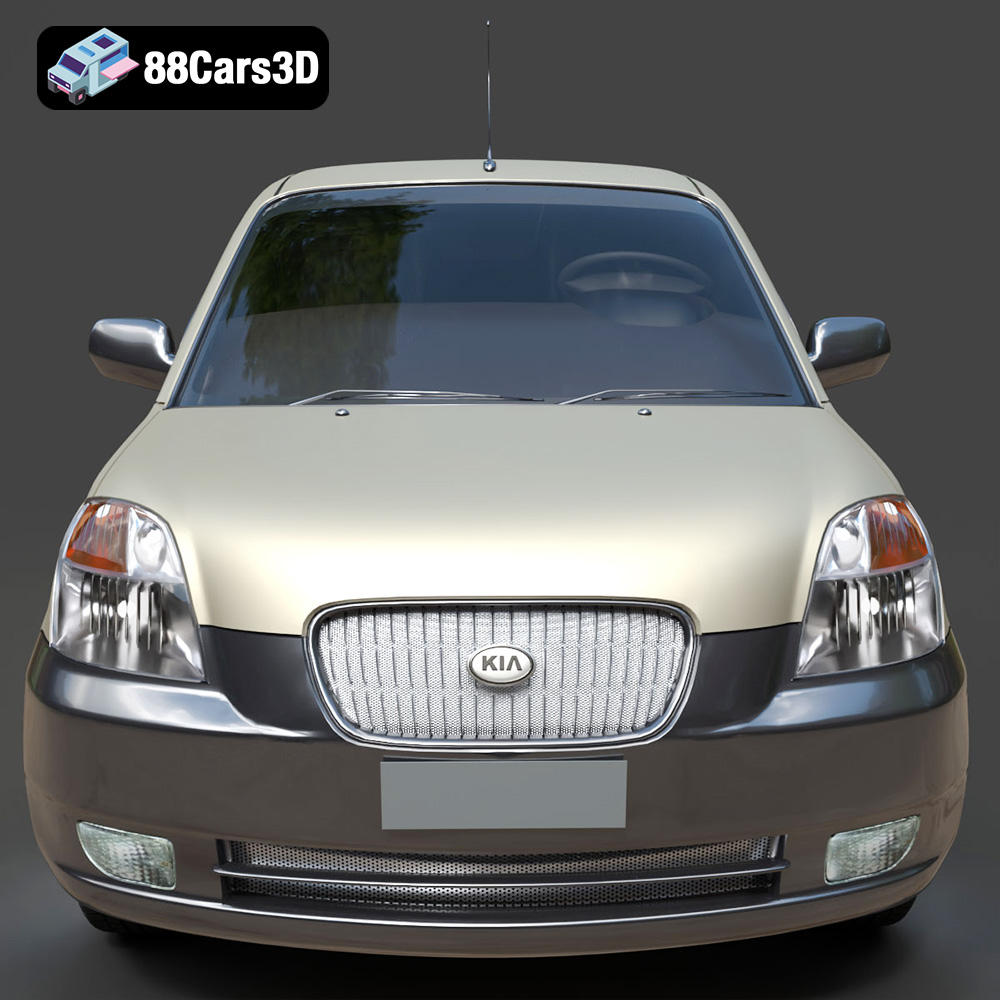
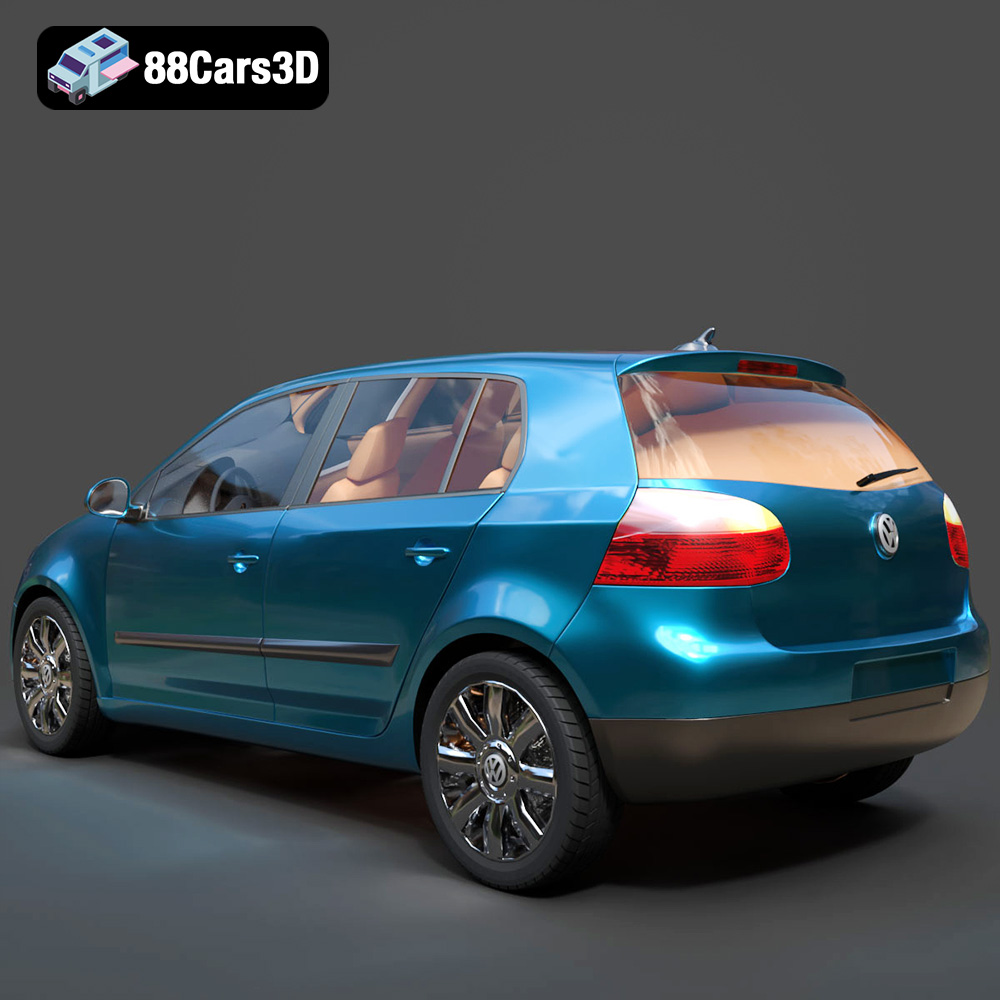
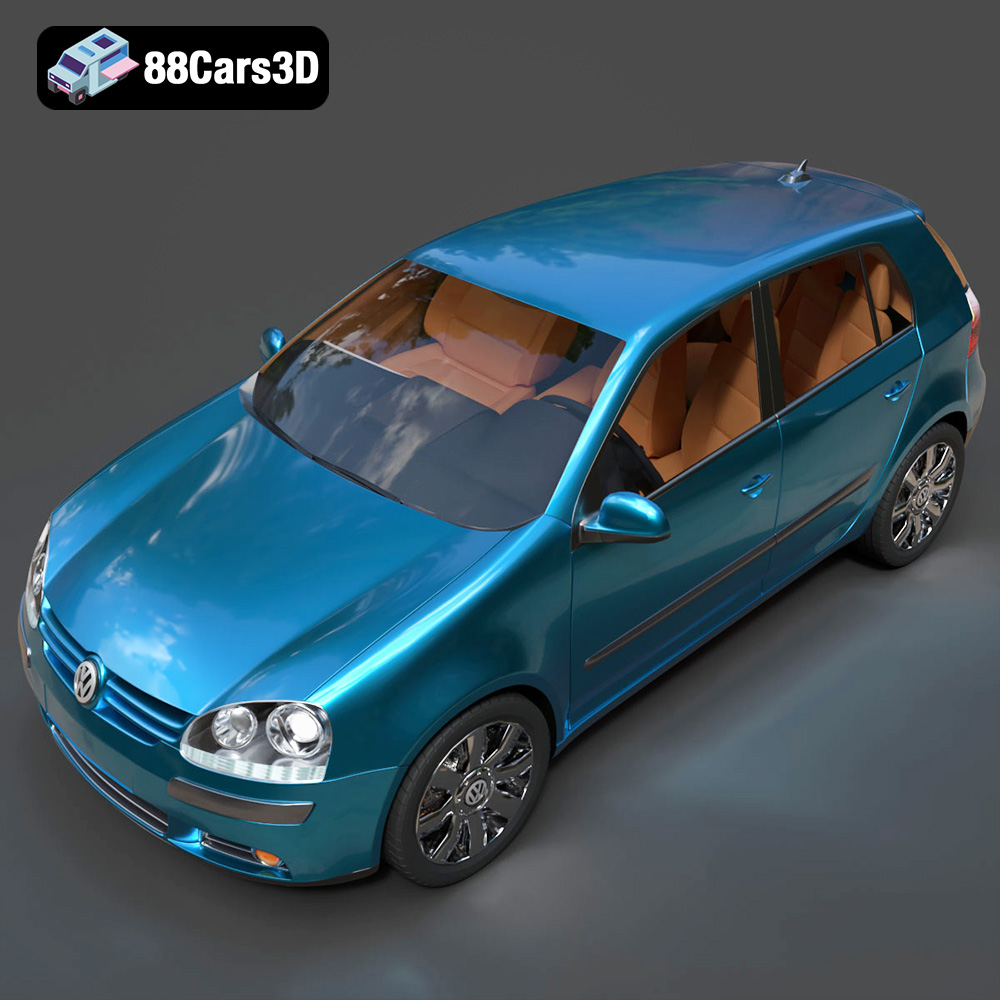
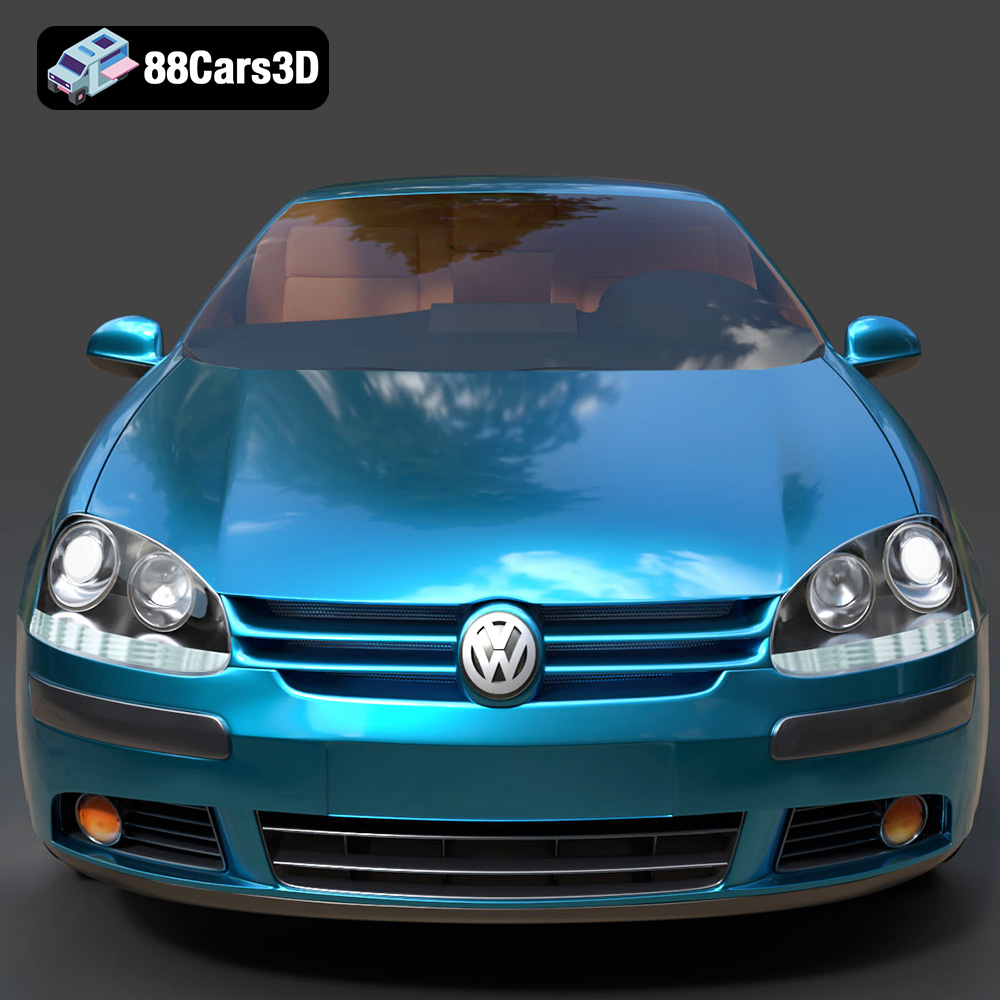
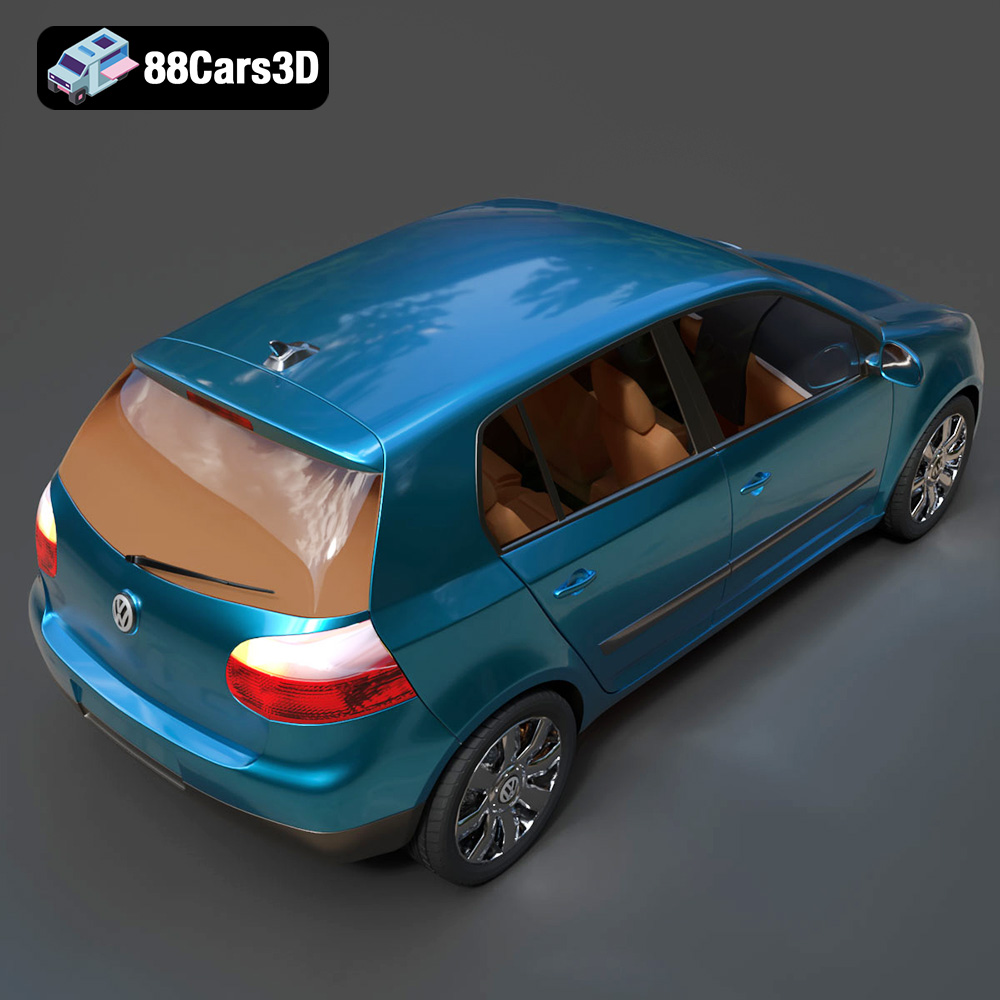
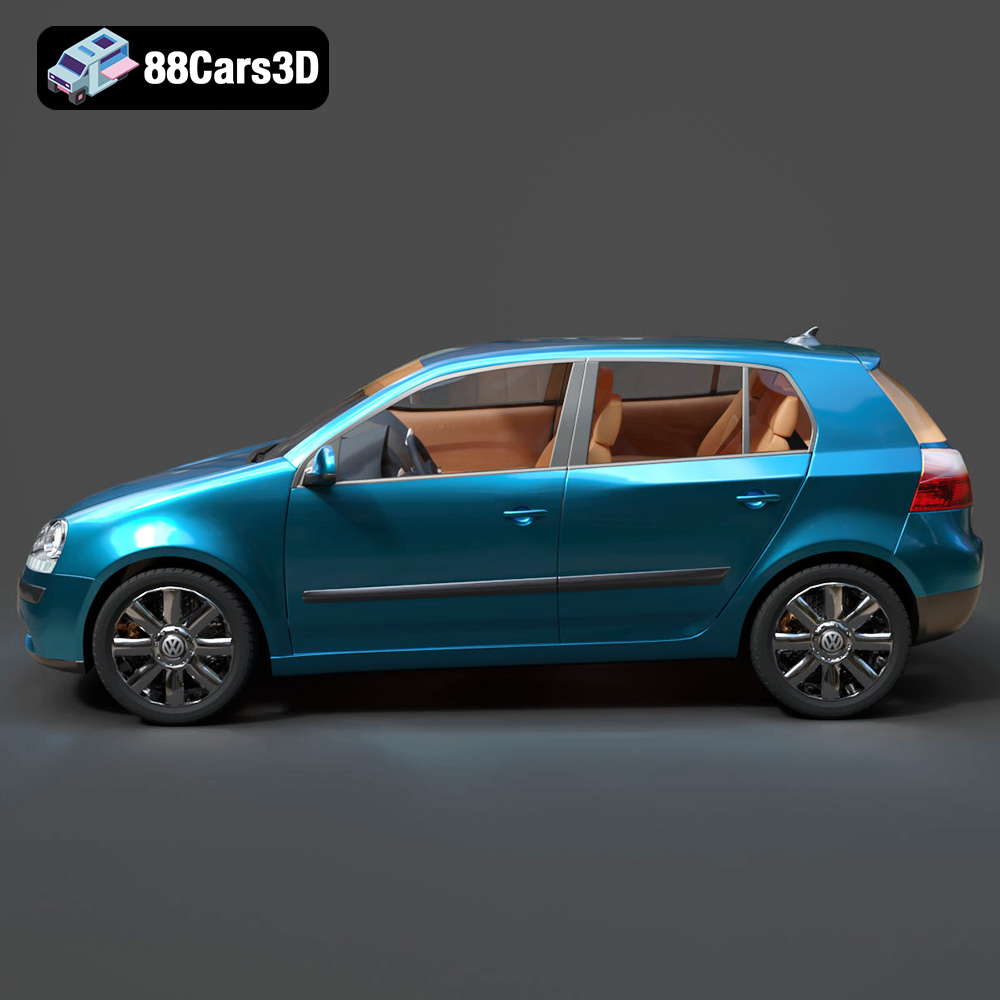
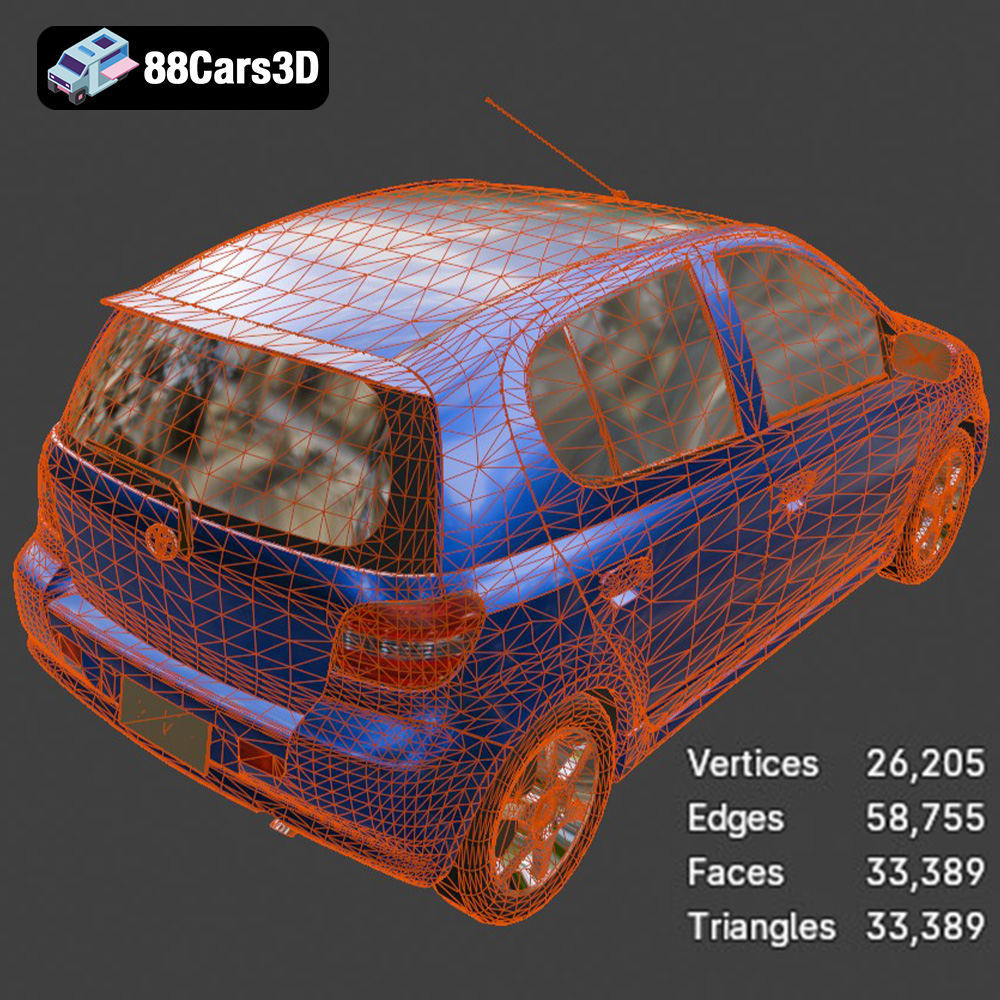
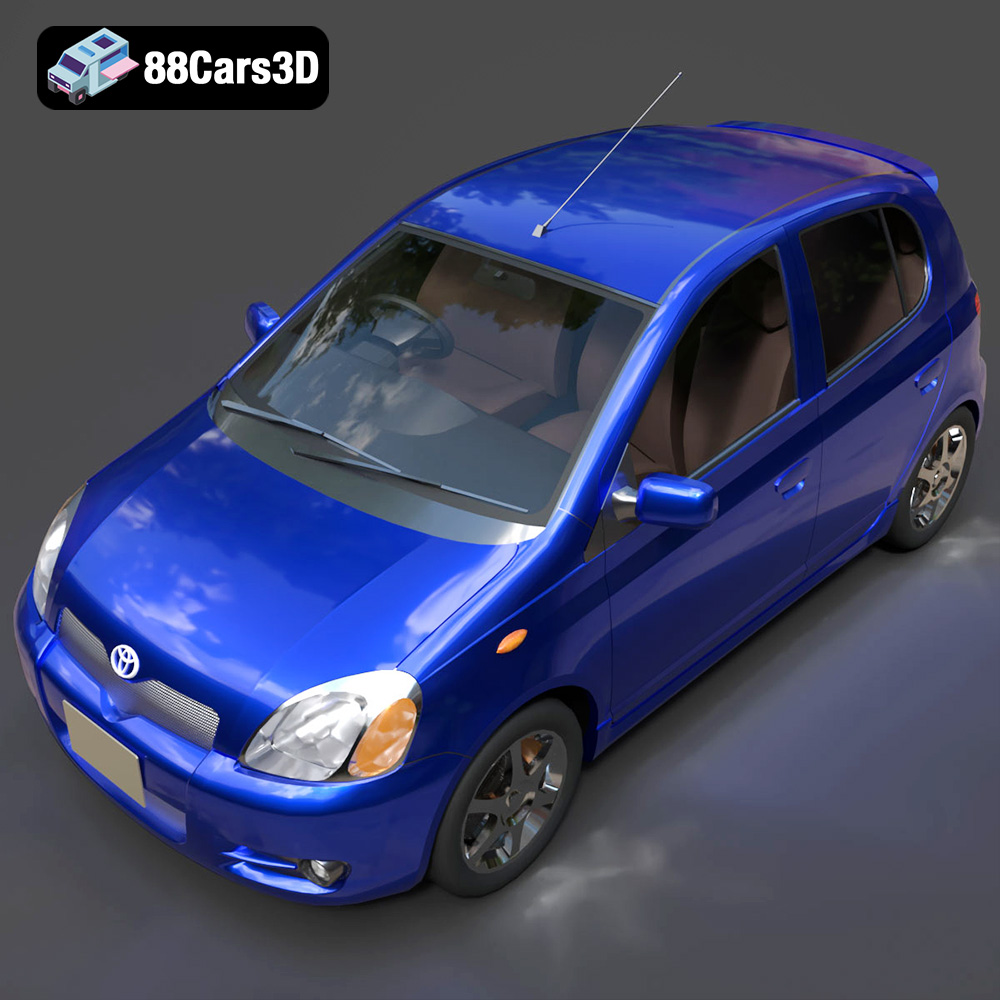
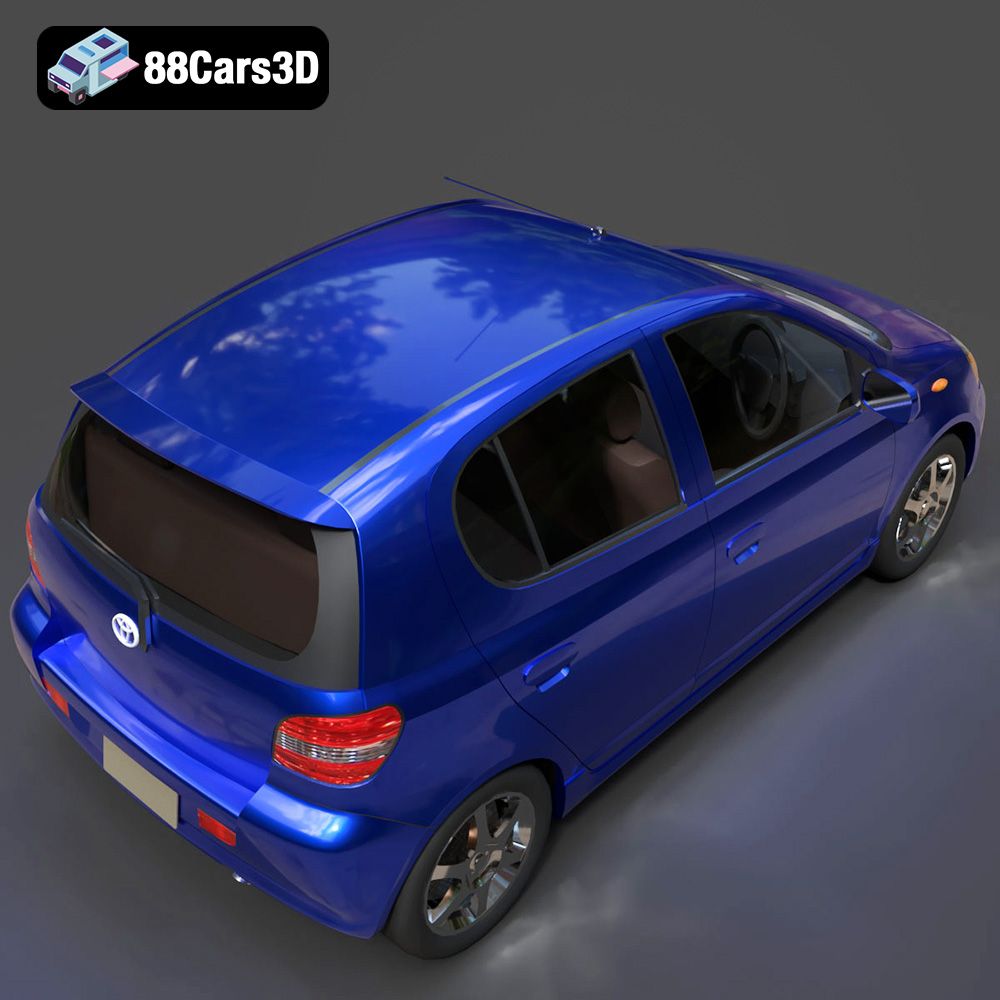
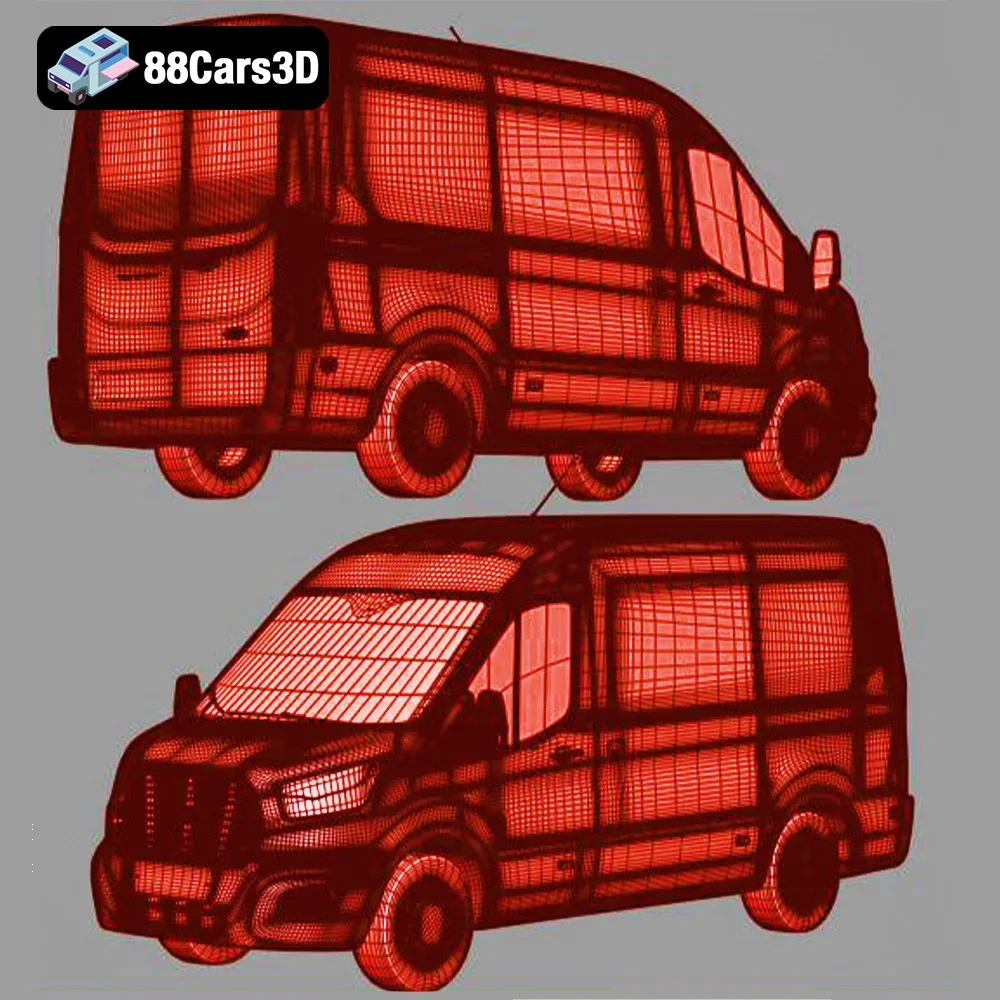
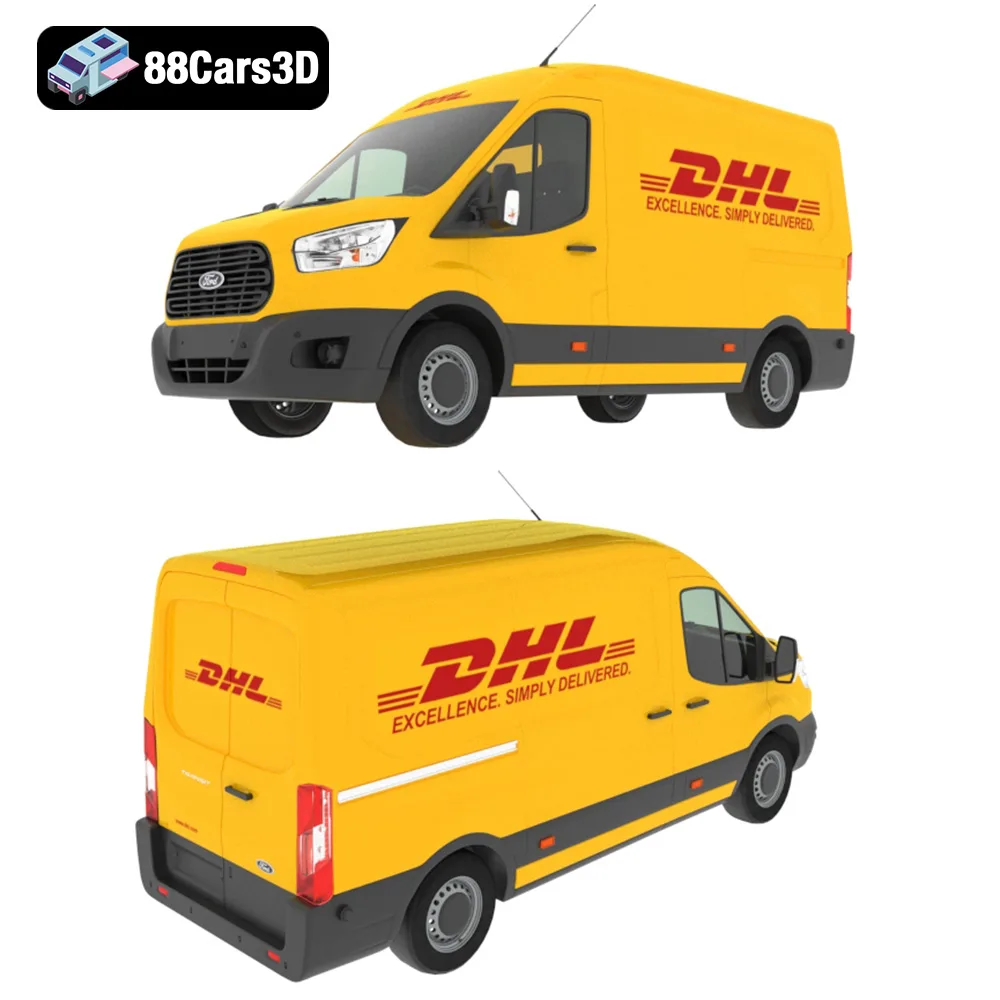
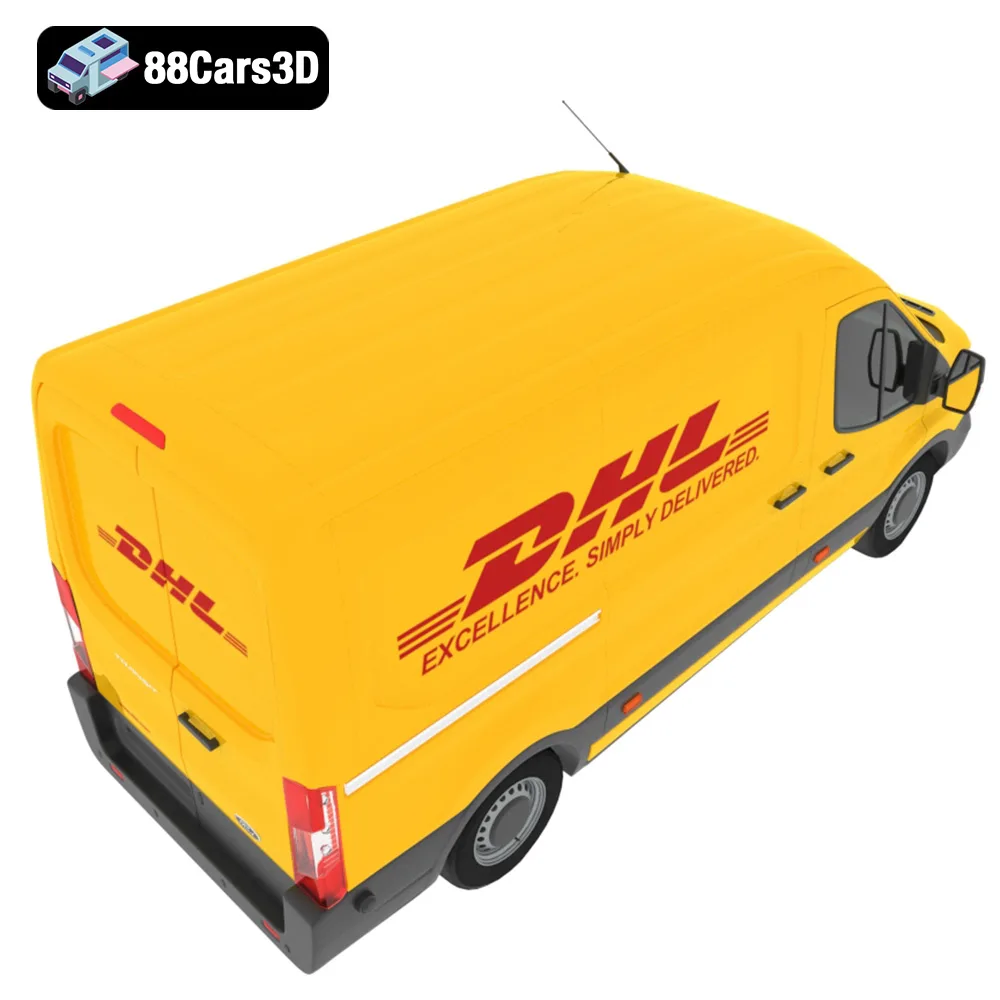
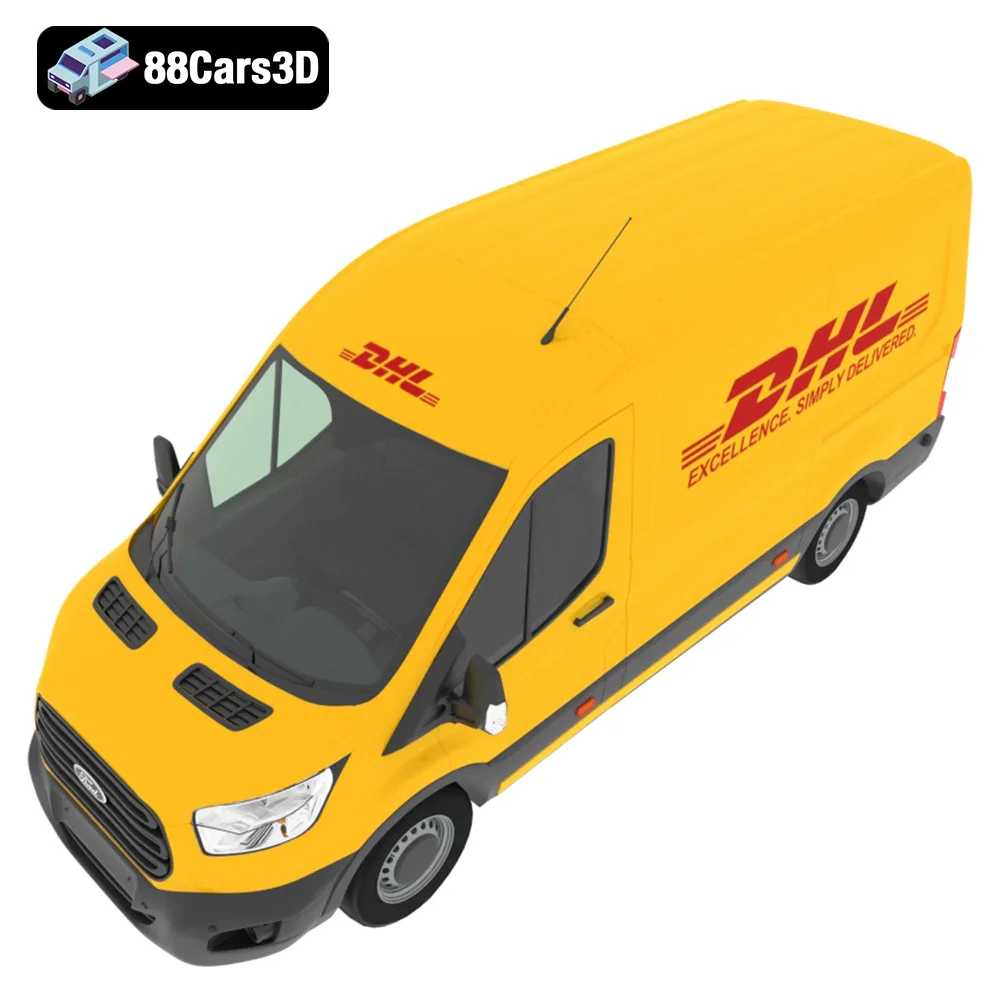
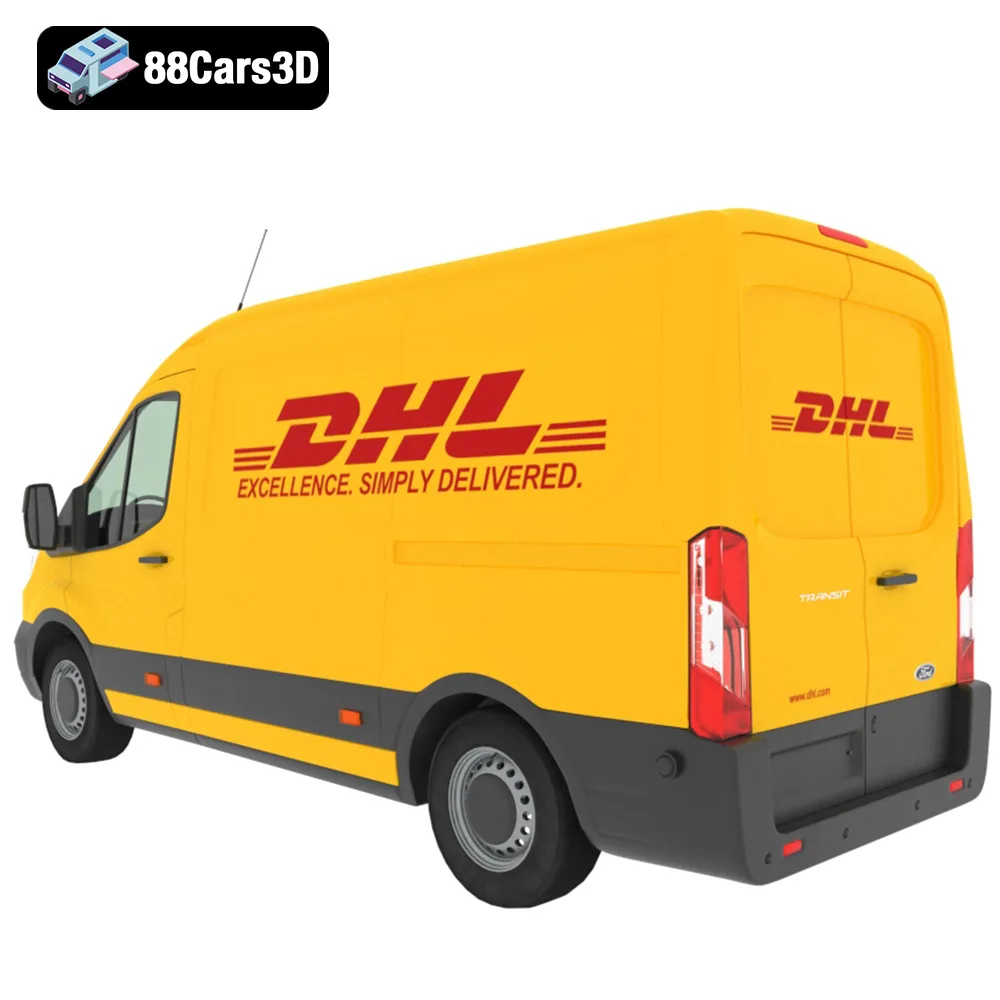
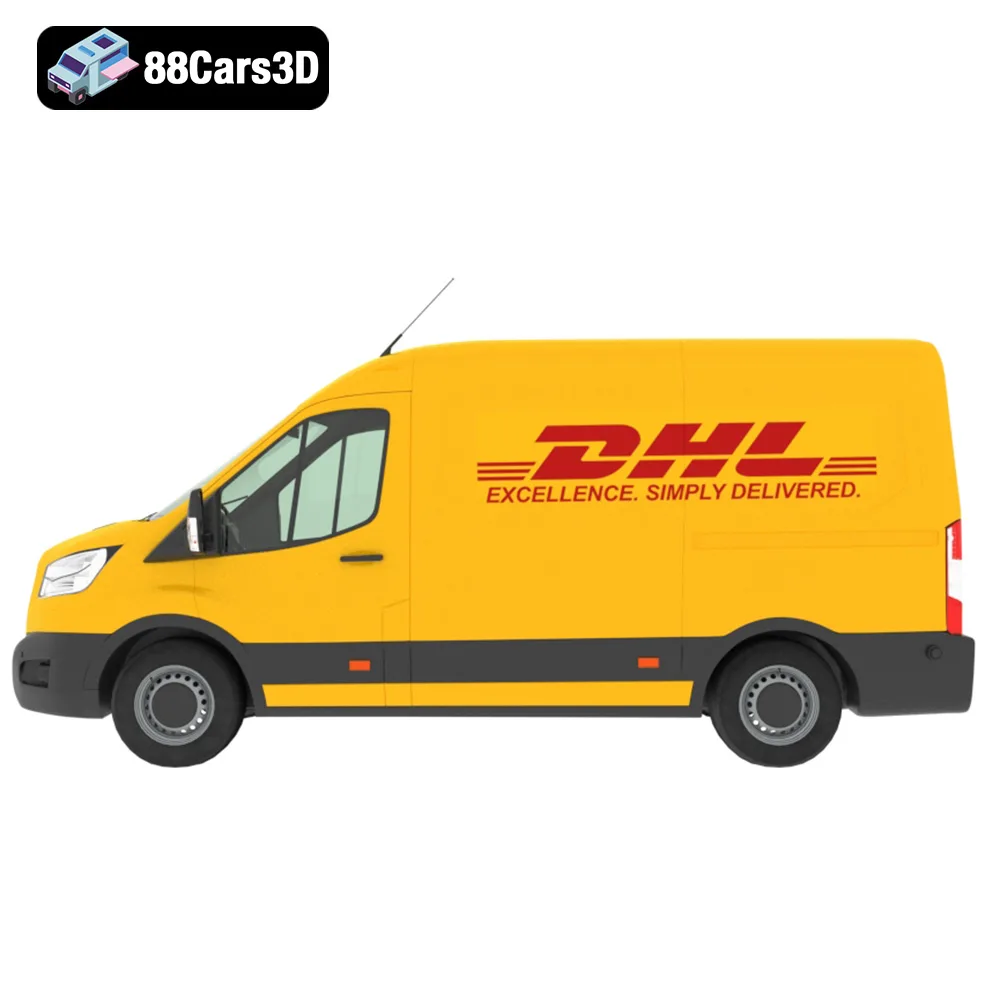
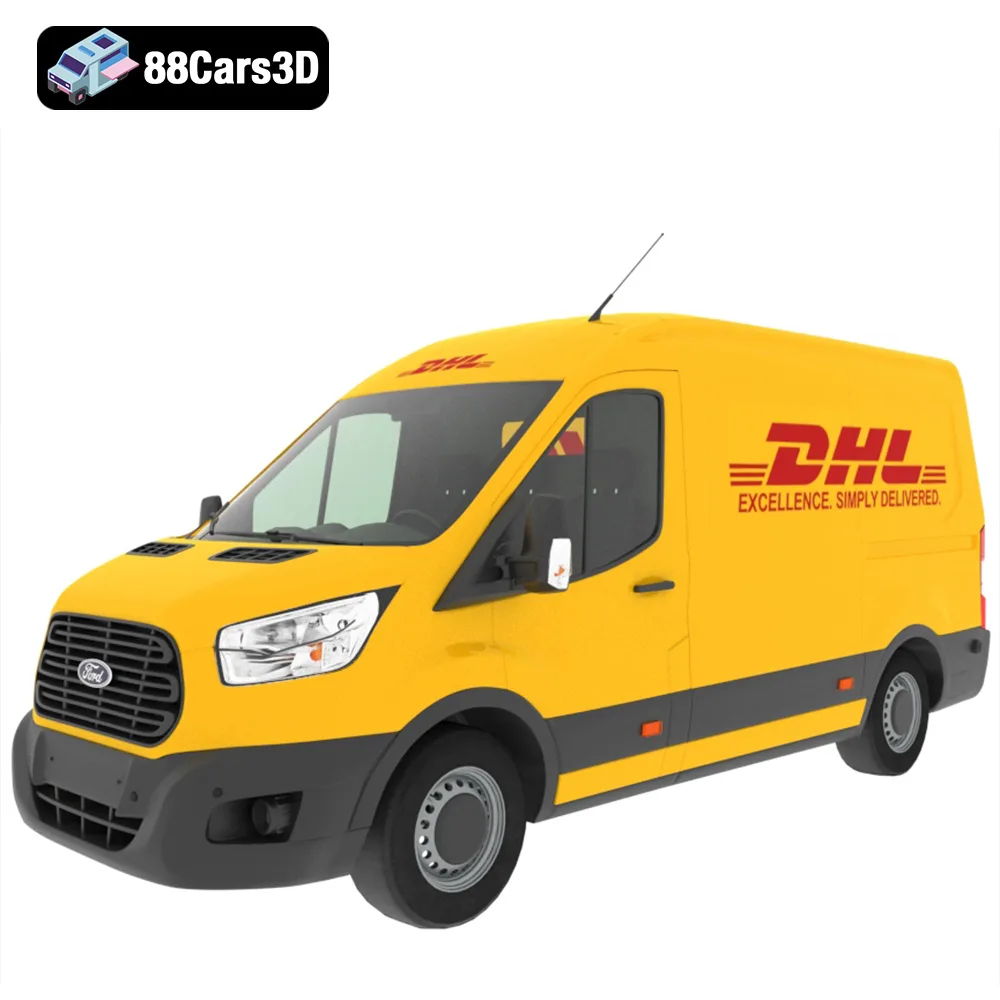
At 88cars3d.com, we specialize in providing high-quality, meticulously crafted STL files for a vast array of vehicles, optimized specifically for 3D printing. Today, we’re diving deep into the technical process of bringing one of our most versatile collections to life: the Everyday City Traffic Essentials pack 5in1 Hyundai Kia Volkswagen Toyota Ford 3D Printable STL. This bundle isn’t just a collection of cars; it’s an opportunity to create authentic urban scenes, featuring recognizable vehicles like the VW Golf, Kia Picanto, Hyundai Tucson, Toyota Yaris, and a Ford Transit DHL delivery van. This comprehensive guide will walk you through every critical step, from file preparation to post-processing, ensuring your automotive 3D printing projects achieve professional-grade results.
Understanding 3D Printing File Formats
Before you even think about hitting the ‘print’ button, it’s crucial to understand the digital blueprints that drive your 3D printer. The quality and format of your 3D model file directly impact the success of your print. For automotive 3D printing, especially for models like those in the Everyday City Traffic Essentials pack, precision in file handling is paramount.
The Backbone of 3D Printing: The STL Format
The .stl (stereolithography) file format remains the undisputed standard for 3D printing. It represents a 3D object as a collection of interconnected triangles, forming a mesh that defines the surface geometry. Each triangle stores its normal vector, indicating which side of the surface is “outward.” This simplicity is its strength: it’s universally supported by virtually all slicing software and 3D printers.
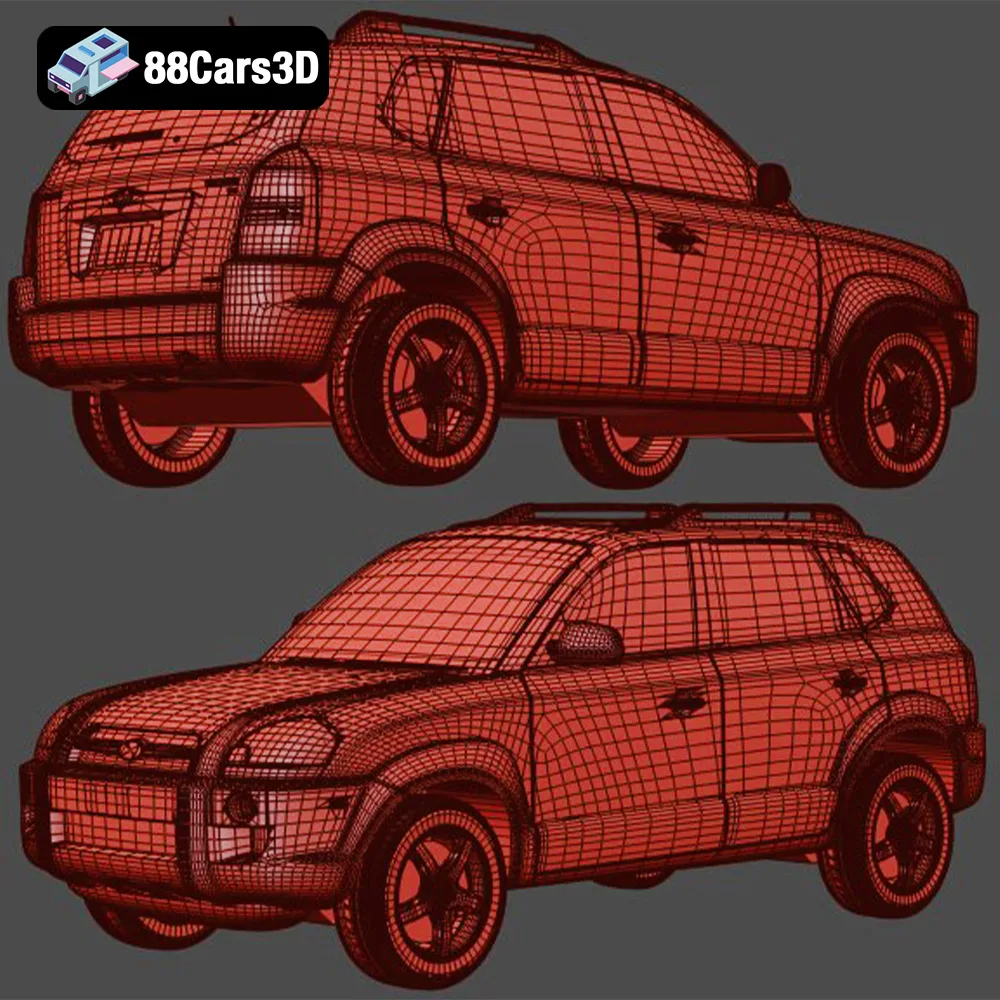
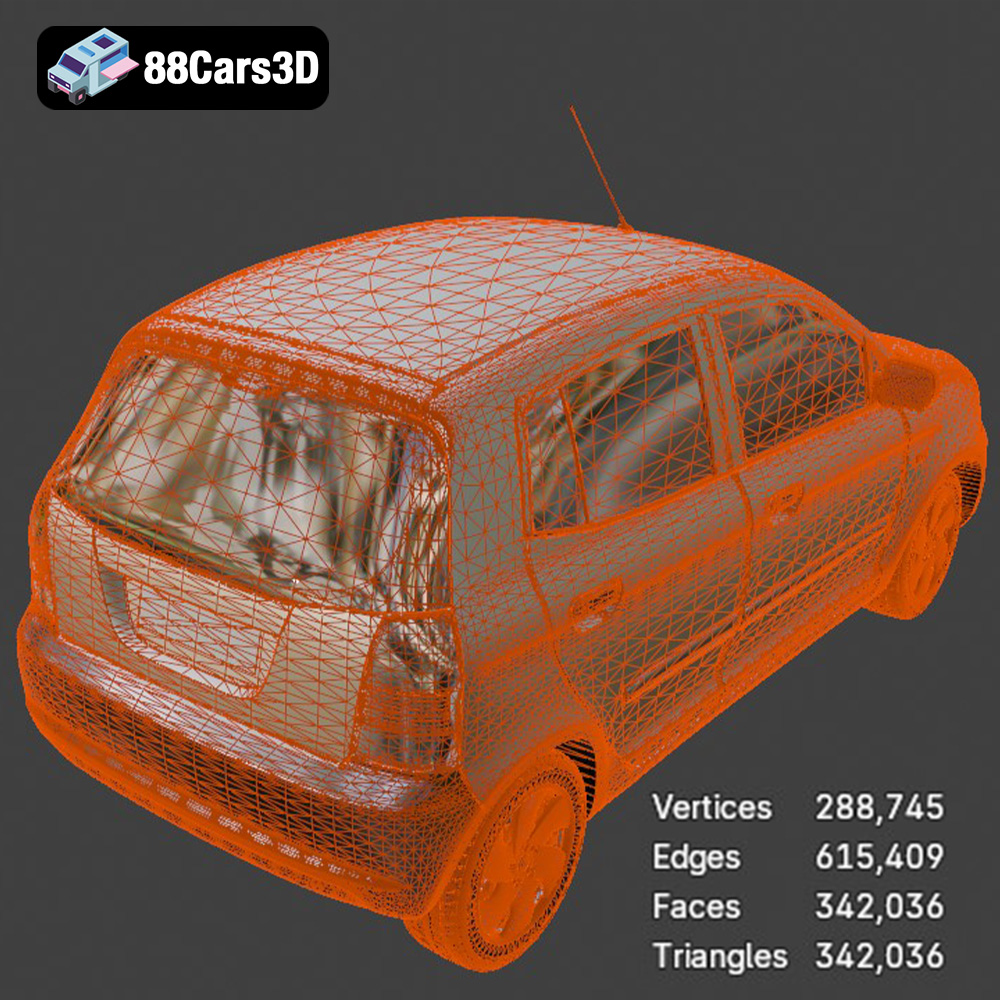
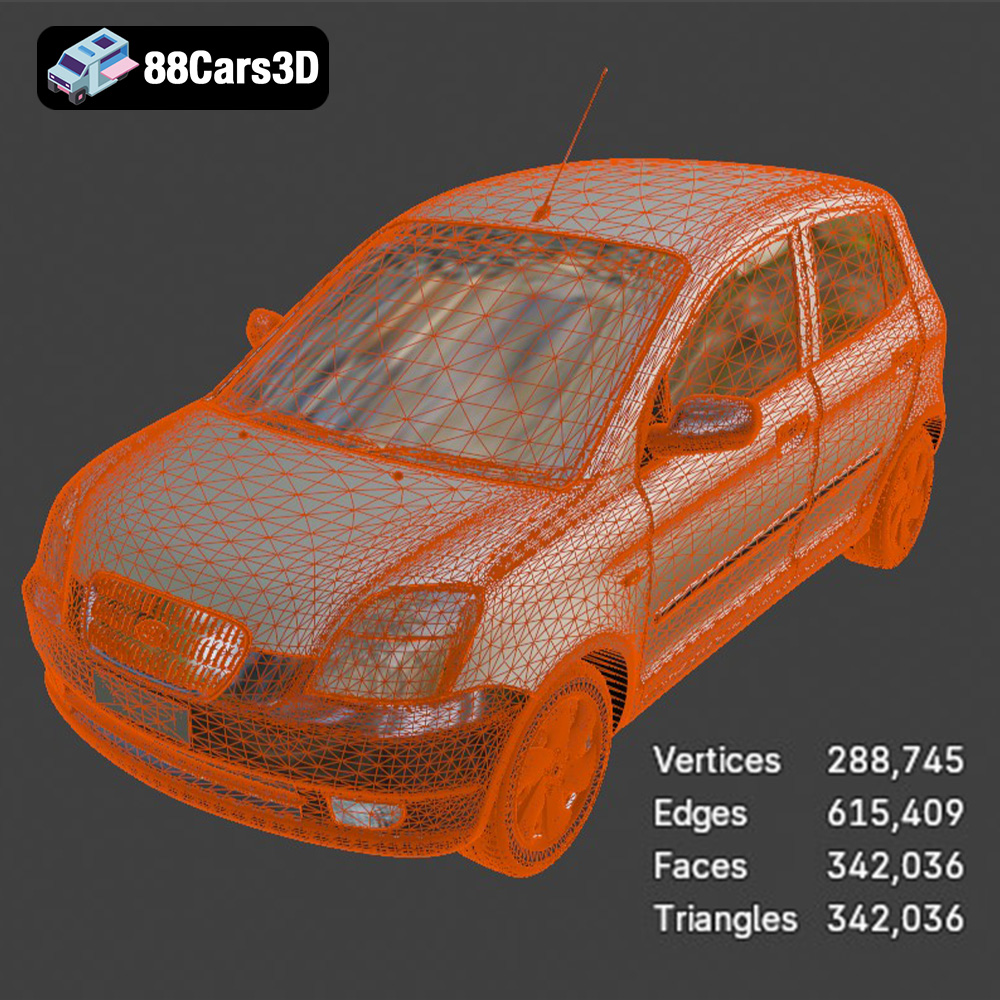
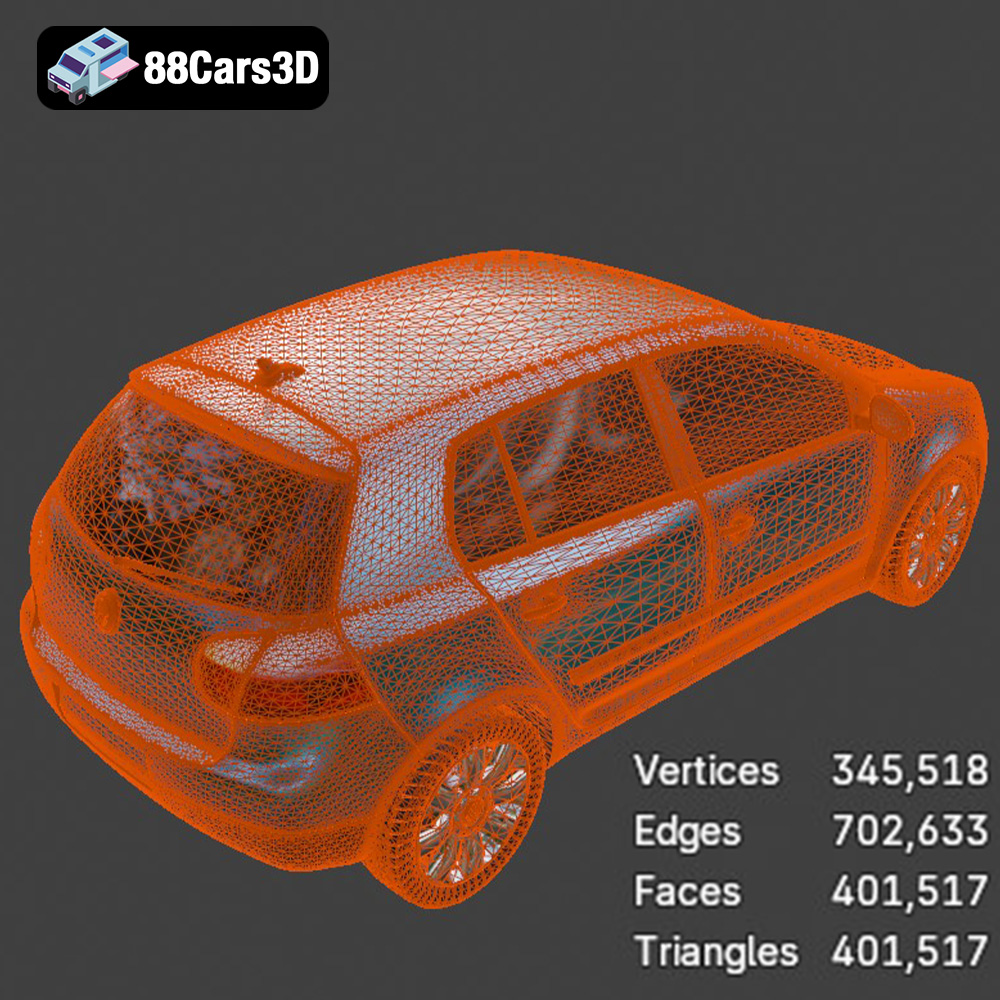
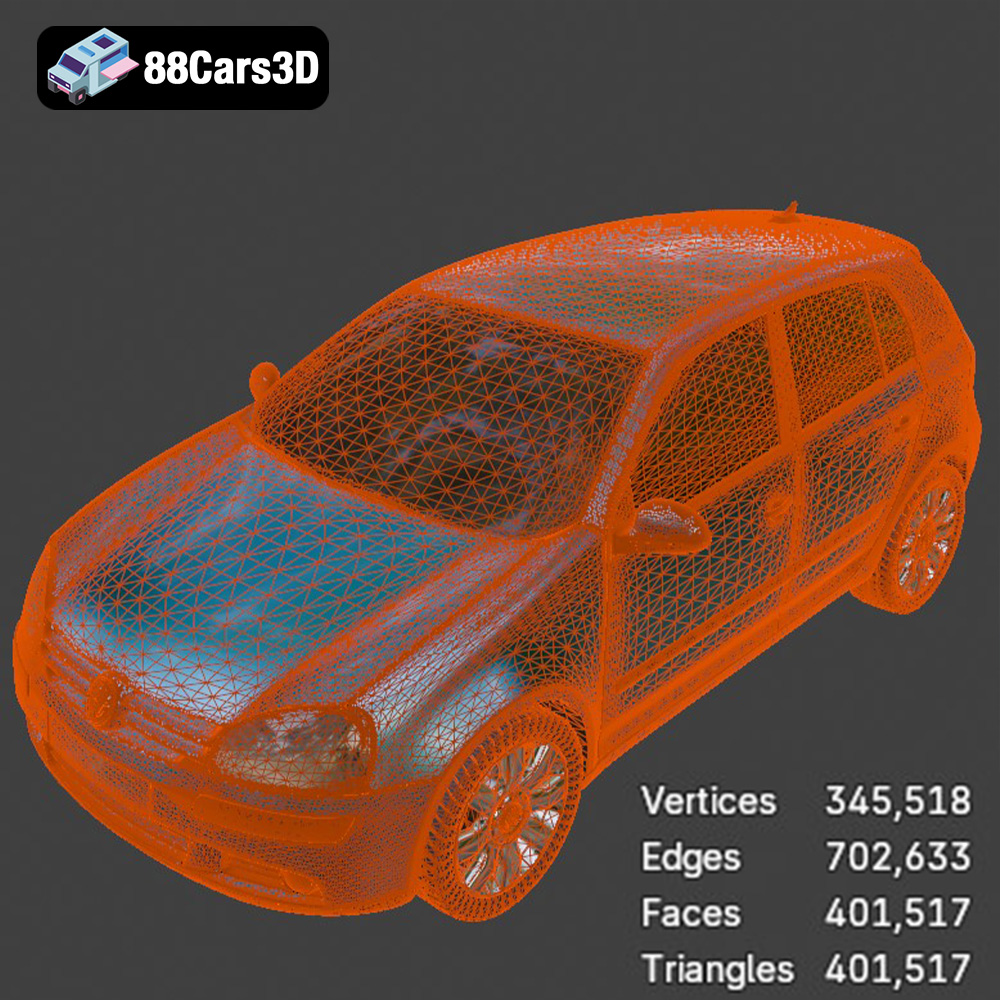
When working with .stl files, particularly for detailed car models, two critical aspects are mesh resolution and “watertightness.” Mesh resolution refers to the density of triangles; a higher resolution means more triangles and thus a smoother, more accurate representation of curves and complex surfaces, like the intricate body lines of a Volkswagen Golf or the distinctive grille of a Hyundai Tucson. A low-resolution STL might result in a blocky or faceted appearance on curved surfaces. Watertightness, on the other hand, means the mesh has no gaps, holes, or overlapping triangles. Imagine it as a completely sealed object that could hold water. Non-watertight meshes cause confusion for slicers, leading to printing errors, missing layers, or corrupted G-code. Reputable marketplaces like 88cars3d.com ensure their STL files, including those in the Everyday City Traffic pack, are optimized and watertight, significantly simplifying your preparation process.
Beyond STL: OBJ, 3MF, and PLY
While STL is king for geometry, other formats offer enhanced capabilities that can be beneficial, especially for more advanced applications or multi-material printing:
- .obj (Object): This format is another widely used choice. Unlike STL, OBJ files can store color, texture, and material information alongside the geometry. For 3D printing car models, this is invaluable if you plan to use a full-color 3D printer (e.g., HP Multi Jet Fusion or certain FDM printers with color mixing capabilities) to replicate authentic liveries or interior details directly. While most hobbyist FDM/SLA printers won’t utilize the color data, an OBJ file can provide a richer digital reference for painting and finishing.
- .3mf (3D Manufacturing Format): Heralded as the successor to STL, 3MF is a modern, open-source format designed specifically for additive manufacturing. It encapsulates not just geometry but also colors, materials, textures, support structures, and even print settings within a single file. This comprehensive nature makes it ideal for advanced multi-material or multi-color automotive 3D printing projects, providing a more robust and future-proof workflow.
- .ply (Polygon File Format): Often associated with 3D scanning, PLY files store high-precision mesh data, including vertices, faces, and often color information per vertex. While less common for direct download from model marketplaces, if you ever 3D scan a physical car model or part, it might come in PLY format. These files are known for their ability to capture incredibly fine surface details, which can be advantageous for highly detailed car body panels or complex components.
File Preparation and Optimization for Print
Regardless of the format you start with, file preparation is a crucial step. For files obtained from sources like 88cars3d.com, much of the heavy lifting is already done. However, for any 3D model:
- Mesh Integrity Check: Use dedicated software like Autodesk Meshmixer, Netfabb, or even built-in repair tools in your slicer (Cura, PrusaSlicer) to check for and repair common mesh issues such as non-manifold edges, inverted normals, or internal faces. Ensuring a “clean” mesh prevents errors during slicing.
- Optimization: For exceptionally high-polygon models, especially those from CAD software, polygon reduction might be necessary to avoid bogging down your slicer or printer, without sacrificing critical detail for the chosen scale of your 3D printing car models.
- Format Conversion: If your printer or slicer prefers a specific format, conversion tools are readily available. For instance, if you have an OBJ with texture data but only need to print the geometry on a single-color FDM printer, converting it to STL can sometimes simplify the workflow.
By understanding these file formats and their nuances, you lay a solid foundation for successfully 3D printing the Everyday City Traffic Essentials pack and any other automotive models you wish to create.
Choosing Your Weapon: FDM vs. SLA for Automotive Models
The choice of 3D printing technology significantly impacts the final quality, detail, and material properties of your printed car models. For subjects like the Everyday City Traffic collection, where subtle body lines, badges, and interior details can make all the difference, selecting the right printer type is crucial.
FDM (Fused Deposition Modeling) – The Accessible Choice
FDM printers work by extruding a thermoplastic filament, layer by layer, to build up an object. This technology is widely popular due to its affordability, ease of use, and a broad range of material options. For those new to automotive 3D printing, FDM offers an excellent entry point.
- Pros: FDM printers are generally more budget-friendly, offer larger build volumes suitable for printing larger scale models (like 1:24 or 1:32) in fewer pieces, and use relatively inexpensive, robust filaments. Prints are often strong and durable.
- Cons: The primary drawback of FDM for car models is the visible layer lines. While these can be minimized with fine layer heights and extensive post-processing (sanding, filling), achieving a perfectly smooth, injection-molded-like finish can be challenging. Fine details like grilles, mirrors, or small badges on models such as the Kia Picanto or Ford Transit van may lose some crispness.
- Best for: Larger scale models (1:24, 1:32) where some detail can be sacrificed for robustness or cost-effectiveness. They are also great for quick prototypes or functional parts before committing to a higher-detail print.
SLA (Stereolithography) – Precision and Detail for Miniatures
SLA printers utilize a liquid photopolymer resin, which is selectively cured (hardened) by a UV laser or projector light, layer by layer. This technology is celebrated for its exceptional detail and smooth surface finish, making it the preferred choice for high-fidelity miniature car models.
- Pros: SLA printers deliver incredibly smooth surfaces, eliminating the visible layer lines inherent to FDM. They can reproduce extremely fine details with astonishing accuracy, making them ideal for the intricate elements of car models, from tiny logos and window frames to crisp body panel gaps on a Toyota Yaris or VW Golf. The recommended layer height for the Everyday City Traffic models (0.04–0.12 mm, with 0.04-0.05mm specifically for dioramas) really shines on an SLA printer.
- Cons: SLA printers and resins are generally more expensive than their FDM counterparts. The resins are also more brittle than most FDM filaments, and require careful handling due to their chemical nature. Post-processing involves washing the print in isopropyl alcohol and post-curing it under UV light. Build volumes tend to be smaller, meaning larger models might need to be printed in multiple sections.
- Best for: Smaller scales (1:43, 1:64) and high-detail replicas of the Everyday City Traffic models where maximum realism and intricate features are paramount. If you’re building a detailed diorama, SLA is the way to go for the vehicle assets.
Material Selection: Bringing Your Cars to Life
Once you’ve chosen your printing technology, selecting the right material is the next critical step. Each filament or resin type offers unique properties that affect printability, durability, finish, and suitability for the specific car models in your Everyday City Traffic Essentials pack.
PLA (Polylactic Acid) – The Beginner-Friendly Workhorse
- Characteristics: PLA is derived from renewable resources, is biodegradable, and is one of the easiest filaments to print. It prints at lower temperatures, has minimal warping, and offers a wide array of colors.
- Pros: Excellent for beginners, good surface finish for an FDM filament, low odor during printing. It’s often the go-to for general 3D printing car models, especially for larger display pieces where robust features are not critical.
- Cons: PLA is relatively brittle and has low heat resistance, meaning models left in direct sunlight or hot environments can deform. It’s not ideal for parts that require high strength or flexibility.
- Use for: Display models, general prototyping of the Everyday City Traffic vehicles, or models where extensive post-processing will achieve the desired smooth finish.
PETG (Polyethylene Terephthalate Glycol) – The Durable All-Rounder
- Characteristics: PETG combines some of the ease of PLA with the strength of ABS. It’s more flexible and durable than PLA, with better temperature resistance.
- Pros: Stronger, more flexible, and more resistant to impact and heat than PLA. It offers good layer adhesion, which is crucial for the structural integrity of car bodies.
- Cons: Can be prone to stringing and oozing, requiring careful retraction settings. It’s slightly more challenging to print than PLA.
- Use for: Models that need more durability, functional prototypes, or car models that might experience some handling. It’s a good choice for the Everyday City Traffic vehicles if you need something tougher than PLA but don’t want the fuss of ABS.
ABS (Acrylonitrile Butadiene Styrene) – The Classic Engineering Plastic
- Characteristics: ABS is a robust engineering plastic widely used in automotive parts and consumer goods (like LEGO bricks). It’s known for its strength, toughness, and heat resistance.
- Pros: High strength, good impact resistance, and excellent heat deflection. ABS prints can also be smoothed using acetone vapor, which can create a remarkably glossy, seamless finish, perfect for car bodies.
- Cons: Prone to warping due to significant thermal contraction, requiring a heated print bed and often an enclosed printer to maintain a stable printing environment. It also produces fumes during printing that require good ventilation.
- Use for: Highly durable models, parts that need to withstand significant handling or higher temperatures. If you’re skilled with ABS, it can produce beautiful, resilient 3D printing car models.
Resin (Photopolymer) – The Detail King
- Characteristics: Resins for SLA printing come in various formulations (standard, tough, flexible, castable). Standard resin offers excellent detail and smooth finishes.
- Pros: Unmatched detail resolution, incredibly smooth surface finish straight off the printer, perfect for capturing the minute details on the Everyday City Traffic models, especially at smaller scales (1:43, 1:64). The models will require significantly less post-processing for a smooth look compared to FDM prints.
- Cons: Resins are typically more brittle than FDM plastics, and parts can be susceptible to UV degradation if not properly painted and sealed. Handling uncured resin requires safety precautions (gloves, ventilation).
- Use for: The Everyday City Traffic vehicles at small scales where maximum realism, crisp details (like door handles, window frames, intricate grilles), and smooth bodywork are desired. This is the recommended material for diorama builders looking for museum-quality scale models.
Slicing for Success: Preparing Your Everyday City Traffic Models
Slicing software is the bridge between your 3D model file and your 3D printer. Programs like Ultimaker Cura and PrusaSlicer are powerful tools that convert your STL files into machine-readable G-code, dictating every movement of your printer. Proper slicing is critical for successful 3D printing car models.
Importing and Scaling Your Models
Begin by importing the STL files for your chosen vehicles from the Everyday City Traffic Essentials pack into your slicing software. You’ll likely see the models at their native 100% real-world scale. Since the product recommends scales like 1:24, 1:32, and 1:43 for 3D printing, you’ll need to adjust the size accordingly.
- Scaling Factor: For a 1:24 scale, you would scale the model to approximately 4.167% of its original size (1/24). For 1:32, it’s 3.125%, and for 1:43, it’s 2.325%. Your slicer will have a scaling tool where you can input these percentages or directly set dimensions.
- Multi-Part Printing: The Everyday City Traffic models are designed with separated parts (wheels, doors, steering wheels). This is a huge advantage for 3D printing, as it allows you to print parts with optimal settings and orientations. Print the car body, wheels, and any small, delicate details (like mirrors) separately. This often leads to better overall quality and easier post-processing.
Orientation and Support Strategy
Proper model orientation is one of the most impactful decisions you can make in slicing. For car bodies, the recommended orientation is typically angled (e.g., 45 degrees) for several reasons:
- Minimize Layer Lines: Angling the print reduces the appearance of harsh, stair-stepping layer lines on curved surfaces, distributing them more evenly across the model.
- Improve Surface Finish: Critical visible surfaces, such as the roof and hood of the Hyundai Tucson or Kia Picanto, can often be oriented to face upwards, benefiting from better cooling and less support scarring.
- Reduce Supports: While supports will always be needed for complex car shapes, angling can sometimes reduce the overall support volume or move support contact points to less visible areas (e.g., the underside).
Support Placement for Automotive Models: The product description specifically mentions supports are “Required for side mirrors, wheel arches, and the subtle rear roof spoiler.” These are classic examples of overhangs or delicate features that need careful support.
- Identify Overhangs: Look for any part of the model that extends outwards without anything directly beneath it to support the new layers. These include wheel arches, bumpers, door handles, side skirts, and the undersides of the car body.
- Support Types:
- Normal Supports: Traditional pillar-like structures. Can leave noticeable marks.
- Tree Supports (Cura): Branching structures that mimic a tree. They often use less material and are easier to remove with fewer contact points, leading to a cleaner surface. Highly recommended for automotive 3D printing.
- Custom Supports: Some slicers allow you to manually place supports, giving you ultimate control.
- Density and Contact Z Distance: Adjust support density (lower density for easier removal) and the “Support Z Distance” (the gap between the support and the model). A slightly larger gap can make removal easier but may result in a rougher supported surface. Find a balance that works for your printer and material.
- Wheels and Small Parts: Print wheels separately, lying flat on the print bed if possible, or standing vertically with minimal supports only where necessary (e.g., for intricate spoke designs). Small, delicate parts like side mirrors should be printed with care, perhaps oriented to minimize support contact on crucial aesthetic surfaces.
Optimizing Print Settings for Detail and Durability
Fine-tuning your printer settings is where the magic happens, transforming a generic print into a precise replica. For the Everyday City Traffic Essentials pack, meticulous attention to detail in your print settings will elevate your 3D printed car models from good to exceptional.
Layer Height and Infill for Automotive Detail
- Layer Height: The product recommends a layer height of 0.04–0.12 mm, with resin printing preferred for the finer details.
- For FDM: Aim for 0.12mm for a good balance of detail and print time, or go down to 0.08mm or even 0.04mm for the absolute best detail on smaller scales, accepting much longer print times. Smaller layers reduce the visibility of layer lines, crucial for the smooth curves of a car body.
- For SLA: 0.05mm or 0.04mm is standard and delivers incredible fidelity, capturing intricate elements like grilles, badges, and panel lines with crispness.
- Infill: The product suggests 15–25%. This range provides sufficient structural integrity for scale models without wasting material or significantly increasing print time. For most static display car models, 15-20% rectilinear or grid infill is perfectly adequate. For parts that need to be slightly more robust or might be handled frequently, consider 25%.
- Wall Thickness (Shells/Perimeters): The recommendation of 1.2–2.0 mm wall thickness is important. This translates to 3-5 perimeter walls if your nozzle is 0.4mm. Thicker walls contribute significantly to the model’s strength and provide a solid surface for sanding and post-processing, minimizing the chance of sanding through to the infill.
Print Speed and Temperature Calibration
- Print Speed: While faster speeds get your prints done quicker, they often come at the cost of detail and surface quality. For detailed automotive 3D printing, especially for the exterior of a car body, slow down. A print speed of 40-50 mm/s for general walls and 20-30 mm/s for outer walls will yield much better results on FDM. For SLA, exposure times per layer are critical and are material-dependent, so always follow the resin manufacturer’s recommendations.
- Temperature: Calibrate your hotend and heated bed temperatures for your specific filament. Too hot, and you’ll get stringing and oozing; too cold, and you’ll have poor layer adhesion and potential clogging. A temperature tower print is a great calibration tool. For resin, ambient temperature also plays a role in print success.
Adhesion and Cooling
- Bed Adhesion: Essential for preventing warping and ensuring the first layers stick firmly.
- FDM: Use a clean print surface, apply glue stick or hairspray, or use specialized build plate surfaces (PEI, glass). A brim (a few extra lines around the base of the model) or a raft can also help significantly for models prone to warping.
- SLA: Ensure your build plate is clean and properly leveled according to your printer’s instructions.
- Cooling (FDM): Proper cooling is crucial for bridging and overhangs, preventing warping, and maintaining crisp details. Ensure your part cooling fan is running effectively after the first few layers. For small, intricate details on the Everyday City Traffic models, cooling is vital to prevent deformation.
Post-Processing Perfection: From Raw Print to Road-Ready Model
The journey of 3D printing car models doesn’t end when the printer finishes. Post-processing transforms a raw print into a polished, display-worthy piece. This stage is where you truly bring the Hyundai, Kia, VW, Toyota, and Ford models to life.
Support Removal and Initial Cleanup
- Careful Removal: After the print cools (FDM) or is cleaned and cured (SLA), carefully remove all support structures. Use flush cutters, needle-nose pliers, and hobby knives. Be gentle to avoid damaging delicate parts like side mirrors or antennae. For SLA prints, supports are generally easier to remove and leave less scarring if they are properly tuned.
- Initial Sanding: Begin with coarser grit sandpaper (e.g., 200-400 grit) to remove any remaining support nubs or major imperfections. Work your way up to finer grits (600-800) to smooth the surfaces of the car body. For FDM prints, this step is crucial to minimize the appearance of layer lines.
- Filling Gaps: For any small gaps, layer separations, or stubborn blemishes, automotive body filler or a fine-grain modeling putty can be applied. Once dry, sand smooth again.
Sanding, Priming, and Painting
Achieving a smooth, paint-ready surface is paramount for realistic automotive models. This is where your Everyday City Traffic models will truly start to shine.
- Achieving Smoothness: Continue sanding with increasingly finer grits (1000, 1500, 2000, and even 3000) until the surface feels completely smooth to the touch, with no visible layer lines or imperfections. Wet sanding can help achieve an even finer finish.
- Priming: Apply several thin, even coats of automotive-grade primer. Primer helps to fill any microscopic imperfections, provides a uniform base color, and promotes better paint adhesion. Lightly sand between primer coats with a very fine grit (e.g., 2000) for an ultra-smooth finish.
- Painting: Choose your paint carefully. Acrylic or enamel paints are popular for scale models. Airbrushing provides the smoothest, most professional finish, allowing for thin, even coats.
- Color Selection: Replicate realistic city traffic aesthetics. Think common factory colors for a VW Golf, Kia Picanto, or Hyundai Tucson. Research period-appropriate colors for the Toyota Yaris 1999. The Ford Transit DHL van will require specific livery details. Build up color in multiple thin layers rather than one thick coat to prevent drips and maintain detail.
- Detail Painting: Use fine brushes for details like window frames, grilles, lights, and interior elements.
- Clear Coat: Once the paint is fully cured, apply a clear gloss or matte coat to protect the paint job and add a realistic sheen. This also helps seal any decals you might apply.
Assembly and Final Touches
With separate parts for ease of printing, assembly is a rewarding final step.
- Adhesion: Use appropriate adhesives. Cyanoacrylate (super glue) works well for quick bonds, while plastic cement is excellent for welding plastic parts together. Epoxy can provide very strong bonds for critical joints.
- Wheels and Accessories: Carefully attach the separately printed wheels, ensuring they spin freely if desired. Add any small details like side mirrors, wipers, or interior components.
- Weathering and Decals: For ultimate realism, consider light weathering effects to simulate road dust or grime, especially for the Ford Transit delivery van. Apply any decals for logos or license plates using a setting solution for a seamless look.
Troubleshooting Common 3D Printing Glitches
Even with the best STL files from 88cars3d.com and optimized settings, 3D printing can present challenges. Knowing how to troubleshoot common issues will save you time, material, and frustration when 3D printing car models.
Adhesion Issues: Warping and Failed First Layers
- Symptom: Print detaching from the bed, corners lifting (warping), or filament not sticking on the first layer.
- Solution: Ensure your print bed is perfectly level. Clean the build surface thoroughly (isopropyl alcohol is excellent for FDM, specific resin cleaner for SLA). Apply appropriate bed adhesives (glue stick, hairspray, PEI sheet for FDM). Increase bed temperature slightly (FDM). For ABS, an enclosure helps maintain a stable temperature. For SLA, ensure the build plate is properly tightened and clean.
Layer Shifts and Under-extrusion
- Symptom: Layers misaligning horizontally (shifts), or gaps appearing in walls/infill (under-extrusion).
- Solution for Layer Shifts: Check for loose belts or pulleys on your FDM printer. Ensure the print head isn’t physically colliding with the print or supports. Reduce print speed if it’s too high. For SLA, check for wobble in the Z-axis.
- Solution for Under-extrusion: Check for a clogged nozzle (FDM – perform a cold pull or replace nozzle). Increase print temperature slightly. Calibrate your E-steps (FDM) or flow rate in your slicer. Ensure the filament isn’t tangled or running out.
Stringing and Oozing (FDM Specific)
- Symptom: Fine wisps of filament or “strings” appearing between different parts of the model (e.g., between the side mirrors and the car body).
- Solution: Optimize retraction settings (increase retraction distance and speed). Reduce hotend temperature slightly. Ensure your filament is dry (moisture can cause stringing). Reduce print speed.
Poor Surface Quality
- Symptom: Rough surfaces, blobs, zits, or inconsistent layers on your car models.
- Solution: Check for over-extrusion (calibrate flow rate). Ensure adequate cooling, especially for overhangs and fine details. Reduce print speed. Inspect your nozzle for wear or damage. For SLA, ensure resin is well-mixed and free of debris, and check for FEP film wear.
Support-Related Artifacts
- Symptom: Rough spots, pits, or difficult-to-remove material where supports contacted the model.
- Solution: Adjust support contact Z distance in your slicer (increase slightly for easier removal, but be aware it can slightly worsen surface quality). Use tree supports (FDM) for minimal contact points. Experiment with different support interface settings. For SLA, fine-tune support tip size and density.
Conclusion
The journey of transforming a digital design from 88cars3d.com into a tangible, finely detailed 3D printed car model is a deeply satisfying one. From selecting the perfect STL file from the Everyday City Traffic Essentials pack to the meticulous post-processing, each step offers an opportunity to hone your skills and bring a vision to life. We’ve explored the nuances of file formats, the pros and cons of FDM versus SLA technologies, and the critical role of material selection and print settings.
Successfully 3D printing car models, whether it’s the sleek lines of a Kia Picanto or the robust form of a Ford Transit van, requires patience, precision, and an understanding of your tools. But with the high-quality STL files provided by 88cars3d.com, you have an excellent foundation to begin with. By following these detailed technical guidelines, you’re well on your way to creating stunning, realistic automotive miniatures for dioramas, collectibles, or simply the joy of making.
Dive into the world of automotive 3D printing today and start building your own miniature urban landscape with the Everyday City Traffic Essentials pack!
Featured 3D Model for Printing
Everyday City Traffic Essentials pack 5in1 Hyundai Kia Volkswagen Toyota Ford 3D Printable STL
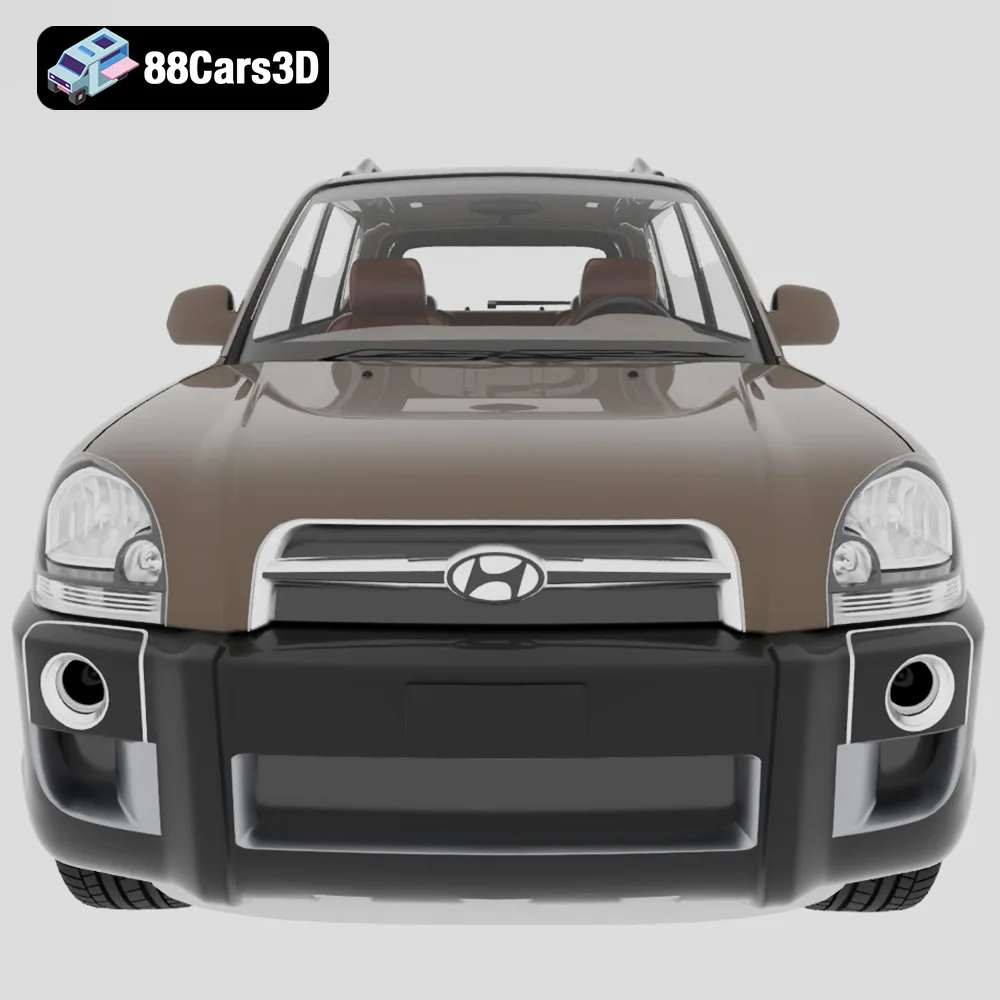
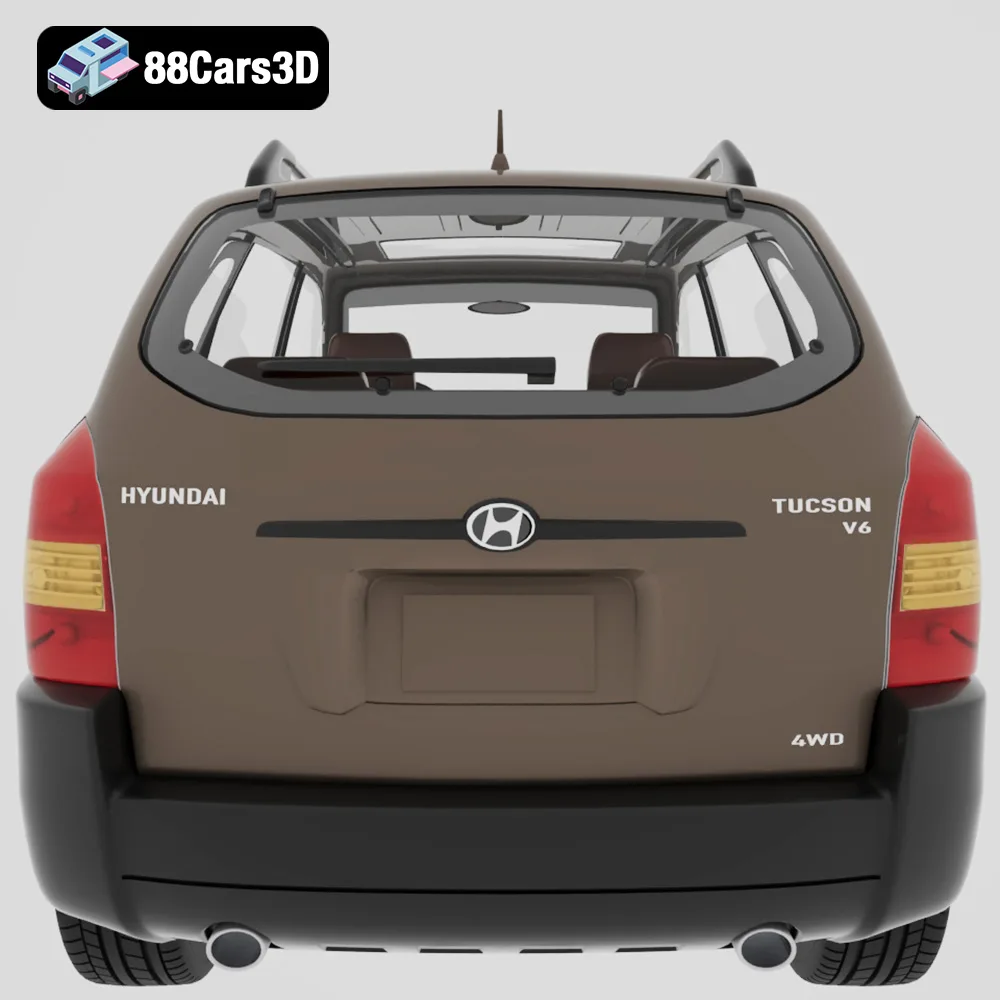
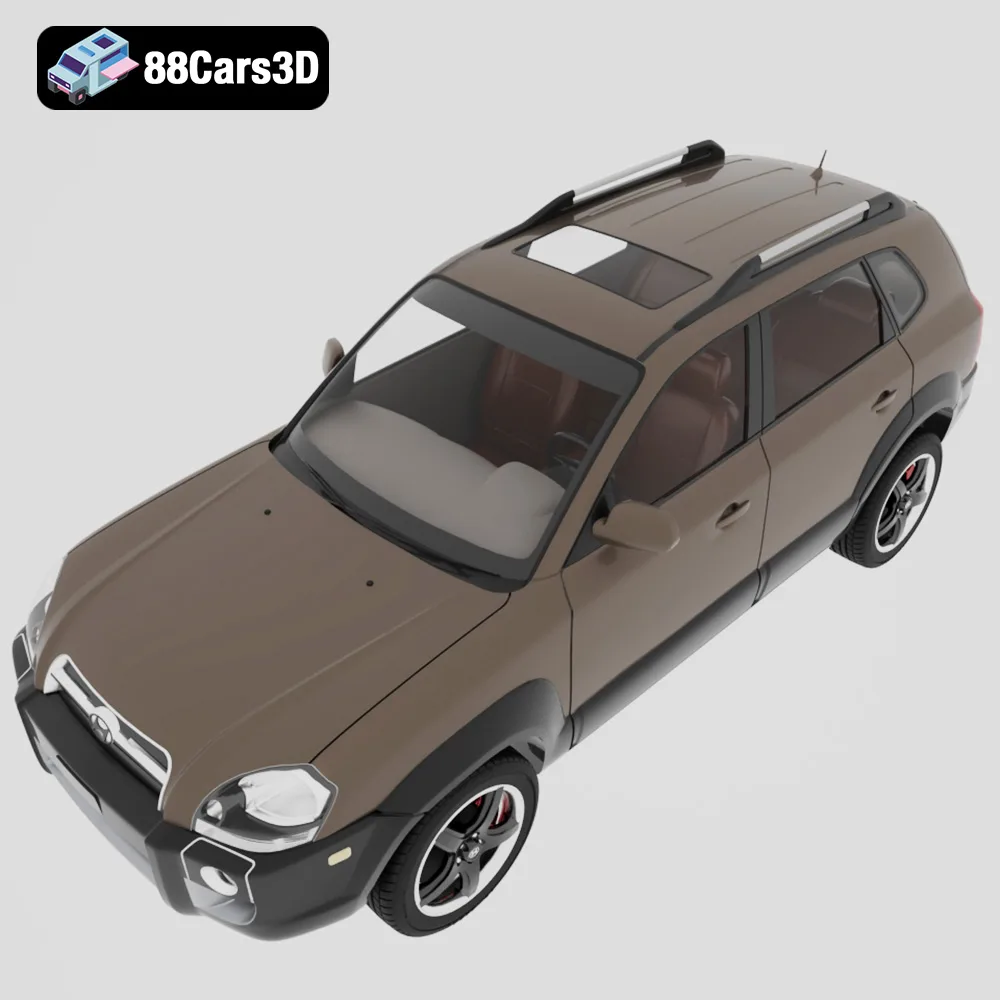
Bring urban realism to your workbench with the Everyday City Traffic 3D Models Bundle! This 5-in-1 pack provides a diverse collection of everyday vehicles perfect for 3D printing scale models, dioramas, or custom automotive collectibles. Featuring the Hyundai Tucson 2005, Kia Picanto 2024, Volkswagen Golf V 2006, Toyota Yaris 1999, and a Ford Transit DHL 2013 Delivery Van, these highly detailed STL files are optimized for quality 3D printing. Each model is designed with separated parts for easy assembly and painting, ensuring your finished prints capture the authentic look of city traffic.
$99.99
Get This Model for 3D Printing
Related Tags
archviz-traffic
background-vehicles
city-traffic-bundle
everyday-cars-3d
ford-transit-dhl
game-ready
hyundai-tucson
kia-picanto
npc-cars
toyota-yaris
urban-environment
vw-golf