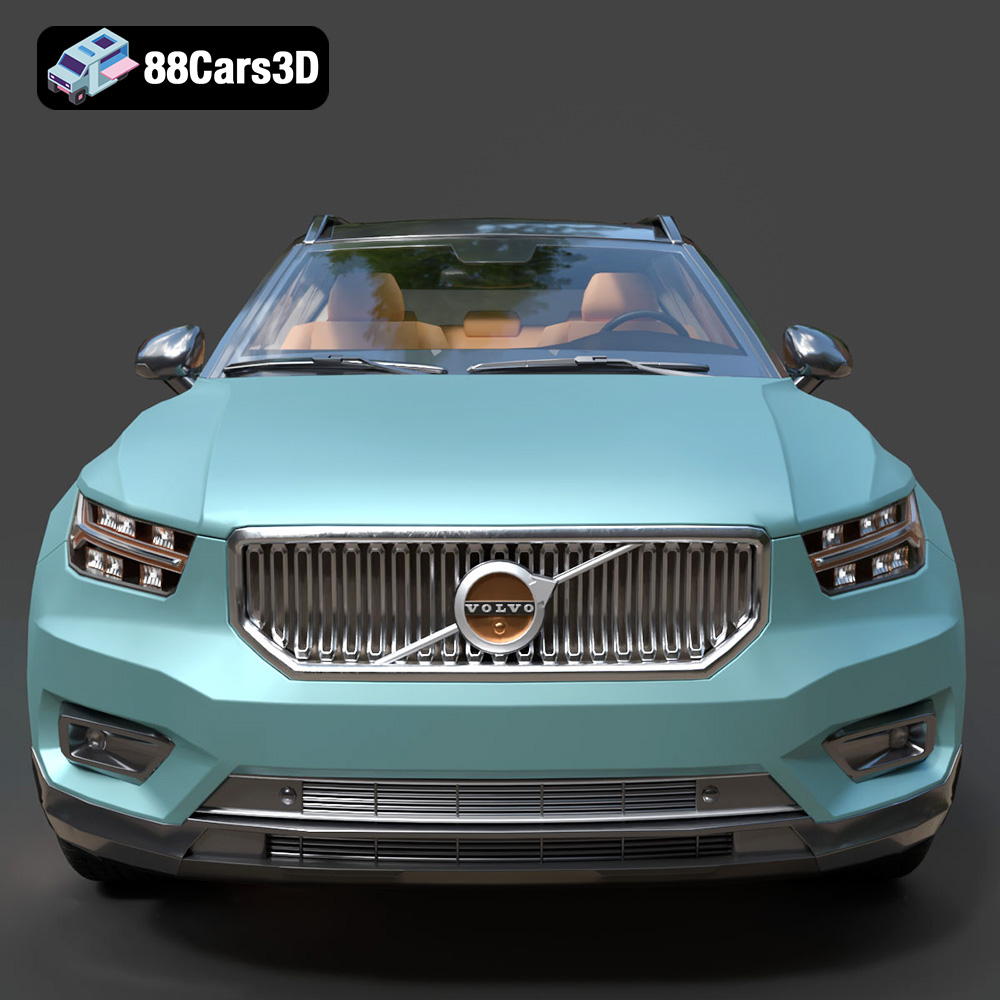
Unleashing the Volvo XC40 Recharge: A Comprehensive Guide to 3D Printing Your Automotive Masterpiece
The world of automotive enthusiasts and model makers has been revolutionized by 3D printing. No longer limited to pre-made kits, you can now bring incredibly detailed and unique vehicle designs to life with a desktop printer. Among the exciting offerings available, the Volvo XC40 Recharge (2020) 3D Model stands out as a prime example of modern automotive design, ready for physical manifestation. This guide will walk you through every critical step of 3D printing this sophisticated electric SUV, transforming a digital blueprint into a tangible collectible or display piece.
From the sleek lines of its Scandinavian design to the iconic “Thor’s Hammer” LED headlights, every nuance of the Volvo XC40 Recharge is captured in this exceptional 3D model from 88cars3d.com. Whether you’re aiming for a highly detailed scale model for your desk, a custom prototype, or a unique gift, mastering the 3D printing process will ensure your finished product truly shines. We’ll delve deep into file preparation, material selection, printer settings, and the essential post-processing techniques that elevate a raw print to a showroom-worthy model. Prepare to embark on a journey that blends precision engineering with artistic vision, culminating in your very own 3D printed Volvo XC40 Recharge.
Understanding 3D Printing File Formats
Before you can even think about heating up your printer, the fundamental step of preparing your digital model is paramount. The quality of your final print hinges significantly on the integrity and suitability of the 3D model’s file format. When you acquire a model like the Volvo XC40 Recharge (2020) 3D Model from 88cars3d.com, you often receive it in multiple formats. Understanding these is crucial for a smooth 3D printing workflow.
The Workhorse: STL (.stl)
The .stl (stereolithography) format is, without a doubt, the de facto standard for 3D printing. It represents a 3D model as a series of connected triangles, defining the surface geometry of the object. Think of it as a meticulously crafted shell. For 3D printing, an STL file must be “manifold” or “watertight,” meaning it has no holes, gaps, or overlapping triangles. Every edge must be shared by exactly two triangles, forming a sealed volume. Non-manifold geometry can cause slicing software to misinterpret the model, leading to errors, missing layers, or even failed prints. The Volvo XC40 Recharge model is provided in .stl, which means it’s already optimized for this purpose, minimizing the need for extensive repairs before slicing. However, it’s always good practice to run a quick check in your slicer or a dedicated mesh repair tool (like Meshmixer or Netfabb) to ensure perfect watertightness, especially after any scaling or manipulation.
Beyond Geometry: OBJ (.obj)
The .obj (Wavefront OBJ) format is another widely supported 3D model format. While it also describes the geometry of a model, it can store additional information such as color, texture coordinates, and material properties. For simple monochrome 3D prints, an OBJ file functions similarly to an STL, describing the surface with polygons. However, its ability to carry texture information makes it vital for applications requiring multi-color printing or rendering where visual fidelity is key. If you were using a specialized printer capable of full-color 3D printing, an .obj file with accompanying texture maps would be your go-to. For single-color FDM or SLA prints, the texture data is usually ignored, and the geometry is the primary focus. Converting an OBJ to an STL for simpler prints is a common practice, typically handled by 3D modeling software or even some advanced slicers.
The Modern Standard: 3MF (.3mf)
The .3mf (3D Manufacturing Format) is a newer, more robust format designed to address the limitations of STL and OBJ. It’s an XML-based data package that can contain not just geometry, but also materials, colors, textures, support structures, print settings, and even metadata about the print job. This comprehensive nature makes it ideal for a more streamlined and intelligent 3D printing workflow. For complex projects, especially those involving multiple materials or colors, 3MF offers a single, coherent file. While not as universally adopted as STL yet, many modern slicers and 3D printers are increasingly supporting 3MF, making it a powerful format for future advancements in additive manufacturing. If your slicer supports 3MF and your model provides it, it can potentially save you steps in setting up print parameters.
Precision Meshes: PLY (.ply)
The .ply (Polygon File Format, or Stanford Triangle Format) is another format for storing 3D data, particularly useful for high-resolution scans and detailed scientific models. Like OBJ, it can store color and texture information per vertex or per face, allowing for very precise color representation. While less common for general 3D printing compared to STL, its ability to handle complex and detailed mesh data makes it suitable for models where every nuance of the surface geometry needs to be preserved. When converting a PLY to STL, you’ll primarily be extracting the mesh geometry, but the high fidelity of the original PLY can result in a very smooth and accurate STL.
For the Volvo XC40 Recharge (2020) 3D Model, the inclusion of .stl, .obj, and .ply means you have excellent flexibility. The .stl is your direct path to printing. If you plan advanced rendering or multi-material applications, the .obj or .ply provide the richness needed. Always ensure your chosen file for printing is a single, watertight mesh. If separate parts (like wheels or interior) are provided within a single STL, you might need to separate them in your slicer or a 3D modeling program for multi-part printing, which is highly recommended for a model of this complexity and detail.
Preparing Your Volvo XC40 Recharge Model for Printing: The Slicing Stage
Once you have your clean, manifold STL file, the next crucial step is slicing. Slicing software acts as the translator between your 3D model and your 3D printer, converting the model into a series of thin layers (G-code) that the printer can understand and execute. This stage is where you define how your Volvo XC40 Recharge will be built layer by layer.
Choosing Your Slicing Software (Cura, PrusaSlicer)
The market offers several powerful slicing programs, with Ultimaker Cura and PrusaSlicer being two of the most popular and feature-rich options for FDM printing. Both are free, regularly updated, and provide extensive control over print settings.
- Ultimaker Cura: Known for its user-friendly interface and vast array of customizable settings. Cura offers profiles for a wide range of printers and materials, making it a great starting point. Its experimental features can be very useful for advanced users.
- PrusaSlicer: Developed by Prusa Research, PrusaSlicer is renowned for its intelligent support generation, excellent infill patterns, and robust features, especially for multi-material printing (though not directly relevant for a single-material car model initially). It also offers strong tools for detecting and repairing mesh issues.
Regardless of your choice, the workflow generally involves importing your Volvo XC40 Recharge STL file, positioning and scaling it, and then applying your desired print settings.
Scaling and Orientation for Optimal Results
The product description recommends scales of 1:24, 1:32, or 1:43. This is a critical decision that impacts detail, print time, material usage, and post-processing effort.
- Scaling: When you import the model, ensure it’s at the correct real-world scale, then scale it down proportionally. For example, if the model is in meters and you want a 1:24 scale, you’d scale it to 1/24th of its real dimensions. The smaller the scale (e.g., 1:43), the more challenging it becomes to capture fine details like the “Thor’s Hammer” headlights or subtle body lines, often necessitating a resin printer for best results. For FDM, 1:24 will allow for better detail capture.
- Orientation: This is perhaps one of the most overlooked yet vital aspects of successful 3D printing, especially for automotive models. The product recommends “Body printed angled for a smooth surface finish; wheels printed separately.”
- Body: Printing the car body angled (e.g., 30-45 degrees relative to the print bed, often on its side or rear quarter) can significantly reduce visible layer lines on critical surfaces like the roof, hood, and doors. Gravity pulls layers down, and printing flat often exaggerates layer visibility. Angling also minimizes the need for supports on flat undersides and can improve dimensional accuracy. Ensure the angle doesn’t create excessive overhangs on complex areas.
- Wheels: Always print wheels separately. If possible, print them flat on the bed (or slightly angled for aesthetics) with minimal supports. This preserves the intricate spoke details and ensures circularity, which is paramount for a realistic look. Printing them integrated with the body would result in extreme overhangs and poor quality.
- Interior Components: If you decide to print the highly detailed interior separately, orient components like the dashboard, seats, and steering wheel to minimize supports and maximize detail on visible surfaces.
Material Selection: Choosing the Right Filament or Resin
The material you choose is paramount to the final look, feel, and durability of your 3D printed Volvo XC40 Recharge. Each material has distinct properties that make it suitable for different levels of detail, strength, and finish.
FDM Materials: PLA, PETG, ABS
For FDM (Fused Deposition Modeling) printers, which use spools of filament, these are the most common choices:
- PLA (Polylactic Acid):
- Pros: Easiest to print, low warping, wide range of colors, good for beginners. It’s rigid and offers decent detail.
- Cons: Brittle, lower heat resistance, biodegradable (can degrade over time).
- Recommendation: Excellent for display models where ease of printing and visual quality are prioritized. For the Volvo XC40 Recharge, PLA is a solid choice for larger scales (1:24) where details are less delicate.
- PETG (Polyethylene Terephthalate Glycol):
- Pros: Stronger and more flexible than PLA, better temperature resistance, good layer adhesion, relatively easy to print.
- Cons: Can be prone to stringing, requires slightly higher print temperatures than PLA.
- Recommendation: A good balance between strength and printability. If you want a more durable model that can withstand minor bumps, PETG is a great option for your XC40 Recharge.
- ABS (Acrylonitrile Butadiene Styrene):
- Pros: Very strong, durable, high heat resistance, can be smoothed with acetone vapor (for a glossy finish).
- Cons: Prone to warping (requires an enclosure), emits fumes, more challenging to print.
- Recommendation: Best for functional prototypes or models needing high durability and post-processing like vapor smoothing. Given the aesthetic focus for a car model, PLA or PETG might be easier unless you are experienced with ABS.
Resin Printing (SLA/DLP): Unlocking Fine Details
For truly exquisite detail, especially at smaller scales (1:32, 1:43), resin printing (SLA/DLP/LCD) is highly recommended, as mentioned in the product specifications for details like the “Thor’s Hammer headlights.”
- Pros: Unparalleled detail resolution, smooth surface finish without visible layer lines, ideal for intricate parts. Perfect for capturing the subtle curves and sharp edges of the Volvo XC40 Recharge.
- Cons: More expensive printers and materials, messier process (requires handling liquid resin), post-curing necessary, smaller build volumes, materials can be brittle.
- Recommendation: If capturing every tiny detail of the XC40 Recharge’s interior, badges, and light assemblies is your priority, and you’re aiming for a smaller scale, invest in a resin printer. The difference in fidelity for small features is significant.
Dialing In Your Print Settings for Automotive Models
Achieving a high-quality 3D printed car model like the Volvo XC40 Recharge requires meticulous attention to your slicing software’s print settings. These parameters dictate the precision, strength, and surface finish of your final product.
Layer Height and Wall Thickness
- Layer Height: This is arguably the most critical setting for visual quality. The product recommends 0.04–0.12 mm.
- FDM: For FDM, a layer height of 0.12 mm or less is ideal for smooth surfaces. For the best detail on a car body, aim for 0.08 mm or even 0.06 mm if your printer can handle it reliably. Smaller layer heights mean more layers and longer print times but drastically reduce the visibility of layer lines, resulting in a smoother, more realistic finish on the car’s body panels.
- Resin: Resin printers can achieve even finer layer heights, often down to 0.025 mm or 0.03 mm, which is why they are recommended for minute details like the “Thor’s Hammer” headlights.
- Wall Thickness (Shells/Perimeters): The product suggests 1.2–2.0 mm. This refers to the number of outer layers (perimeters) the printer lays down to form the shell of the object.
- A wall thickness of 1.2 mm (typically 3 perimeters with a 0.4 mm nozzle) provides good structural integrity and prevents infill patterns from showing through the surface.
- Increasing to 2.0 mm (5 perimeters) will make the model significantly more robust, which might be desirable for a model that will be handled frequently, but will increase print time and material consumption. For static display models, 1.2-1.6mm is often sufficient.
Infill and Supports Strategy
- Infill: The product recommends 15–25%. Infill is the internal structure of the print that provides strength without consuming excessive material.
- For a car model primarily for display, 15% infill is often enough. Patterns like “Grid,” “Cubic,” or “Gyroid” offer good strength-to-weight ratios.
- If you anticipate the model might need to withstand more stress or you desire a heavier, more substantial feel, increase it to 20-25%. Higher infill values beyond this offer diminishing returns in strength for a display model and significantly increase print time.
- Supports: The product explicitly states “Required for side mirrors, wheel arches, and the subtle rear roof spoiler.” This is absolutely critical for complex automotive geometry.
- Supports prevent overhangs and bridges from collapsing during printing.
- We’ll cover support strategy in more detail in the next section, but in your slicer, enable supports and carefully review where they are generated.
Print Speed and Temperature Considerations
Support Structure Placement and Removal Techniques
Support structures are a necessary evil in 3D printing. While they help overcome the limitations of gravity for complex geometries like the Volvo XC40 Recharge’s undercarriage, side mirrors, and spoilers, poorly placed or difficult-to-remove supports can damage the model’s surface.
Strategic Support Generation
Your slicing software will automatically generate supports based on an overhang angle threshold (e.g., 45-60 degrees). However, for intricate models like a car, manual adjustment and careful consideration are essential.
- Identify Critical Areas: As highlighted in the product specs, side mirrors, wheel arches, and the subtle rear roof spoiler are prime candidates for supports. Other areas might include door handles, recessed grilles, or any sharp overhangs.
- Support Types:
- Tree Supports (Cura): These branching, organic structures are often excellent for car models. They connect to the build plate with minimal contact points on the model itself, making them easier to remove and less likely to scar the surface.
- Normal/Linear Supports: More traditional, column-like supports. These are very stable but can be harder to remove and may leave more noticeable marks.
- Support Density and Z-Distance:
- Density: A lower support density (e.g., 10-20%) is often sufficient for most car model features. Too dense, and removal becomes extremely difficult.
- Z-Distance (Support Top Distance): This setting dictates the tiny air gap between the top of the support and the bottom of the printed part. A slightly larger gap (e.g., 0.2-0.3 mm for a 0.4 mm nozzle) makes supports easier to remove, but too large a gap can result in saggy overhangs. You’ll need to experiment to find the sweet spot for your printer and material.
- Support Interface: Enabling a support interface (a dense top layer on your supports) can provide a smoother surface for the model to print on, improving the quality of supported areas.
- Avoid Critical Surfaces: Try to orient your model and adjust supports so that support contact points are minimized on highly visible or aesthetically critical surfaces. The underside of the car or areas that will be hidden during assembly are ideal locations.
Careful Support Removal
Once your Volvo XC40 Recharge has finished printing, the real work of cleaning begins.
- Tools: You’ll need an assortment of tools: flush cutters, small pliers, an X-Acto knife or hobby knife, and possibly small files or sandpaper.
- Technique: Start by carefully breaking off larger support structures. For smaller, more delicate supports, use flush cutters to snip them close to the model. Work slowly and gently to avoid inadvertently snapping off small features like antennas or mirrors.
- Post-Removal Finishing: After removing the bulk of the supports, you’ll likely have small nubs or rough patches. Use an X-Acto knife to carefully trim these away, then sand the areas smooth with fine-grit sandpaper (220-400 grit initially, then moving to 600-1000 grit) to prepare for priming and painting.
Post-Processing Your Volvo XC40 Recharge: From Print to Polish
The raw 3D print is just the beginning. To truly transform your Volvo XC40 Recharge into a high-quality display model, post-processing is indispensable. This stage brings out the details and provides a professional finish.
Sanding and Surface Finishing
Even with optimal layer heights, FDM prints will have visible layer lines. Resin prints are much smoother but can still benefit from light sanding.
- Initial Sanding: Begin with a medium-grit sandpaper (e.g., 220 or 320 grit) to remove major blemishes, support marks, and pronounced layer lines. Work systematically across the entire surface of the car body.
- Finer Sanding: Progress to finer grits (400, 600, 800, and even 1000 or 1500) to progressively smooth the surface. Wet sanding can be particularly effective at this stage, reducing dust and providing a smoother finish.
- Filling Gaps/Blemishes: For any stubborn imperfections or small gaps, a hobby filler putty or specialized 3D print filler can be applied, sanded smooth, and then re-sanded.
Priming and Painting for Realism
This is where your Volvo XC40 Recharge truly comes to life.
- Cleaning: Thoroughly wash the sanded model with soap and water to remove any dust or sanding residue. Let it dry completely.
- Priming: Apply a high-quality automotive primer. Primer serves several critical functions:
- It provides a uniform base color, making subsequent paint layers more vibrant.
- It highlights any remaining imperfections, allowing you to go back and sand them smooth before painting.
- It helps the paint adhere better to the plastic surface.
Use light, even coats of primer, allowing each coat to dry fully before applying the next. Lightly sand with very fine grit (e.g., 1000-1500) between primer coats for an exceptionally smooth base.
- Painting: The product description mentions “modern Volvo factory colors (like Sage Green, Glacier Silver, or Crystal White) paired with a gloss black roof.”
- Base Coat: Apply your chosen body color. Use thin, even coats, building up the color gradually. Automotive acrylic paints (spray cans or airbrush) are excellent for this, offering durability and a smooth finish.
- Two-Tone Roof: Mask off the body carefully if applying the contrast gloss black roof. Precision masking is key for sharp lines.
- Detail Painting: Use fine brushes and acrylic model paints for intricate details like headlights (clear/silver), taillights (red/orange), window frames (black), and interior components if printed separately.
- Clear Coat: Once all paint is dry, apply a clear gloss coat. This protects the paint, adds a realistic shine, and further enhances the depth of color. Automotive clear coats are highly recommended for durability and a professional finish.
Assembly of Multi-Part Models
The Volvo XC40 Recharge model comes with “Separate wheels, steering components, and doors for rigging and animation,” which also benefits 3D printing.
- Wheels: Glue the printed wheels to the car body using a strong plastic adhesive or super glue. Ensure they are aligned correctly.
- Interior/Other Parts: If you printed the interior (dashboard, seats, steering wheel) or other small details separately, paint them individually, then carefully glue them into place. This modular approach allows for much higher detail and easier painting of individual components.
- Final Touches: Add any final details like simulated window glass (e.g., thin clear plastic sheet, or painting gloss black inside the windows), badges (decals or carefully painted), or custom license plates.
Troubleshooting Common 3D Printing Issues
Even with the best preparation, 3D printing can present challenges. Knowing how to diagnose and fix common issues will save you time and filament, ensuring your Volvo XC40 Recharge print is successful.
Warping and Bed Adhesion Problems
- Symptoms: Corners of the print lift off the build plate, or the entire print detaches.
- Causes: Uneven cooling, insufficient bed adhesion, incorrect bed temperature.
- Solutions:
- Bed Temperature: Ensure your print bed temperature is appropriate for your filament (e.g., 60°C for PLA, 80°C for PETG).
- Bed Adhesion: Apply an adhesive like glue stick, hairspray, or a specialized build plate surface (PEI sheet, glass with adhesive).
- Leveling: Meticulously level your print bed. The first layer is critical.
- Brim/Raft: Use a brim or raft in your slicer settings. A brim adds a single layer perimeter around the base of your print, increasing surface area for adhesion. A raft prints a sacrificial base layer under the entire print.
- Enclosure: For materials like ABS that are highly prone to warping, an enclosure around your printer helps maintain a consistent temperature.
Stringing and Blobs
- Symptoms: Fine wisps of plastic (strings) or small blobs appear between different sections of the print.
- Causes: Incorrect retraction settings, too high nozzle temperature, wet filament.
- Solutions:
- Retraction: Increase retraction distance and/or retraction speed in your slicer. This pulls filament back into the nozzle when traveling, preventing oozing.
- Temperature: Reduce your nozzle temperature in small increments (2-5°C).
- Dry Filament: Ensure your filament is dry. Wet filament can cause steam and bubbles, leading to stringing and poor print quality. Use a filament dryer box if needed.
- Travel Speed: Increase travel speed (non-printing moves) to reduce the time filament has to ooze.
Layer Shifts and Clogged Nozzles
- Layer Shifts:
- Symptoms: Parts of the print shift horizontally, resulting in a misaligned model.
- Causes: Loose belts, skipped steps on stepper motors (due to insufficient current or resistance), physical obstruction during printing, excessive print speed.
- Solutions: Tighten your printer’s belts (X and Y axes). Reduce print speed, especially for rapid movements. Ensure nothing obstructs the print head’s path. Check motor drivers.
- Clogged Nozzles:
- Symptoms: Filament stops extruding or extrudes inconsistently, often accompanied by clicking noises from the extruder.
- Causes: Debris in the nozzle, heat creep, wrong temperature settings, poor filament quality.
- Solutions:
- Cold Pull: A common method where you heat the nozzle, push some filament through, let it cool slightly, then quickly pull it out to extract any lodged debris.
- Nozzle Cleaning: Use a thin acupuncture needle or drill bit (sized for your nozzle) to clear the clog while the nozzle is hot.
- Replace Nozzle: If persistent, replace the nozzle entirely.
- Filament Quality: Use high-quality filament and keep it stored properly to prevent dust and moisture.
Conclusion: Your Volvo XC40 Recharge, Reimagined in 3D
3D printing the Volvo XC40 Recharge (2020) 3D Model is an incredibly rewarding project that bridges the gap between digital design and physical reality. From meticulously preparing your STL files and understanding the nuances of different file formats, to carefully calibrating your print settings and engaging in detailed post-processing, each step contributes to the creation of a stunning automotive collectible.
By following this comprehensive guide, you’ve learned to navigate the intricacies of FDM and resin printing, select the ideal materials, optimize layer heights and infill, strategically place and remove supports, and ultimately transform a raw print into a beautifully finished model worthy of display. The satisfaction of holding a tangible representation of this iconic electric SUV, meticulously crafted with your own hands and printer, is immense.
Remember that patience and attention to detail are your best allies throughout this journey. Experiment with settings, embrace the challenges, and enjoy the process of bringing your vision to life. For high-quality 3D car models, look no further than 88cars3d.com, where the digital blueprints for your next masterpiece await. Now, power up your printer and embark on your automotive 3D printing adventure!
Featured 3D Model for Printing
Volvo XC40 Recharge (2020) 3D Model 3D
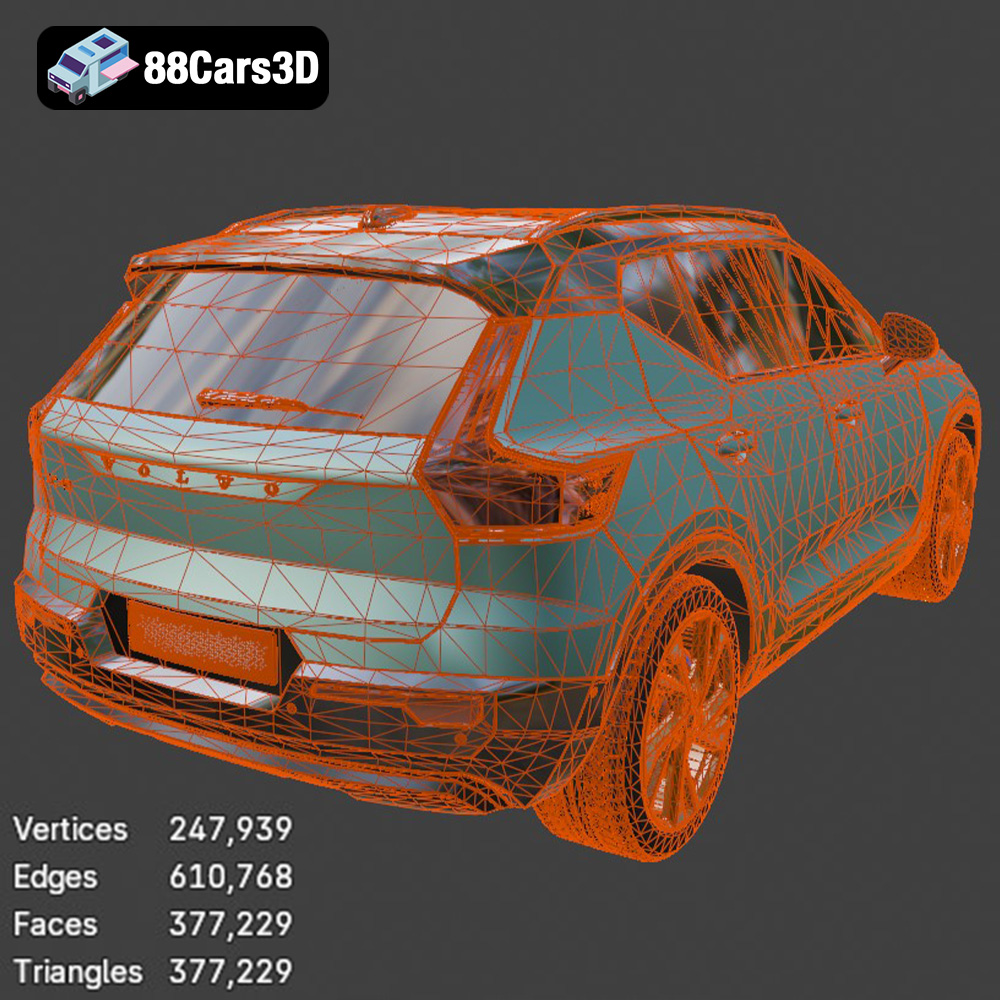
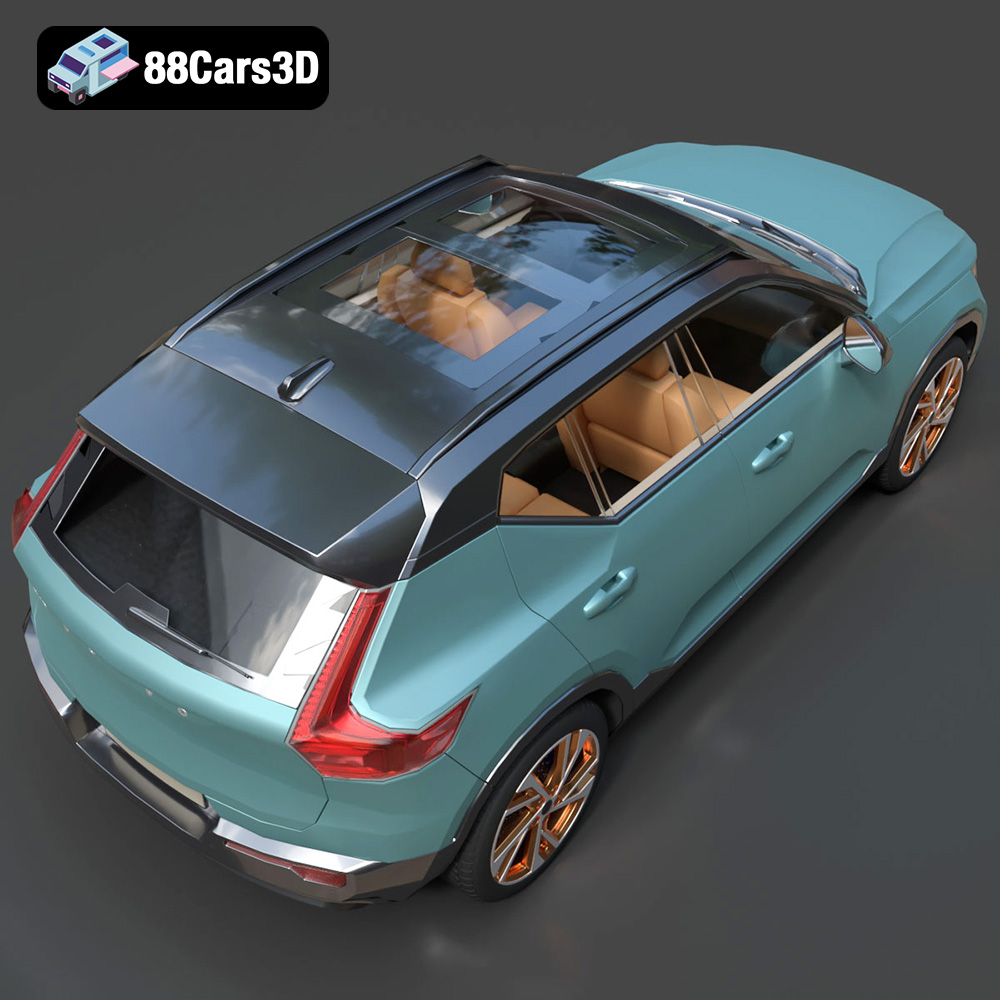
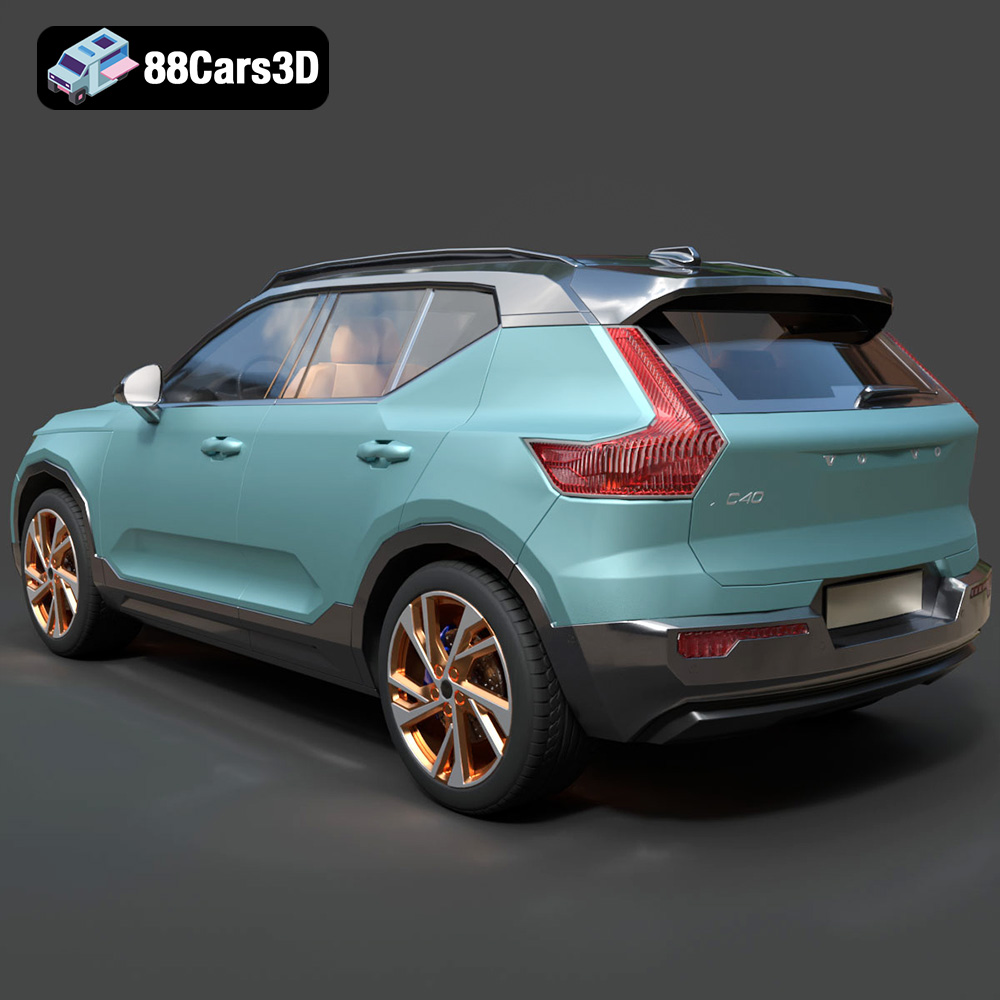
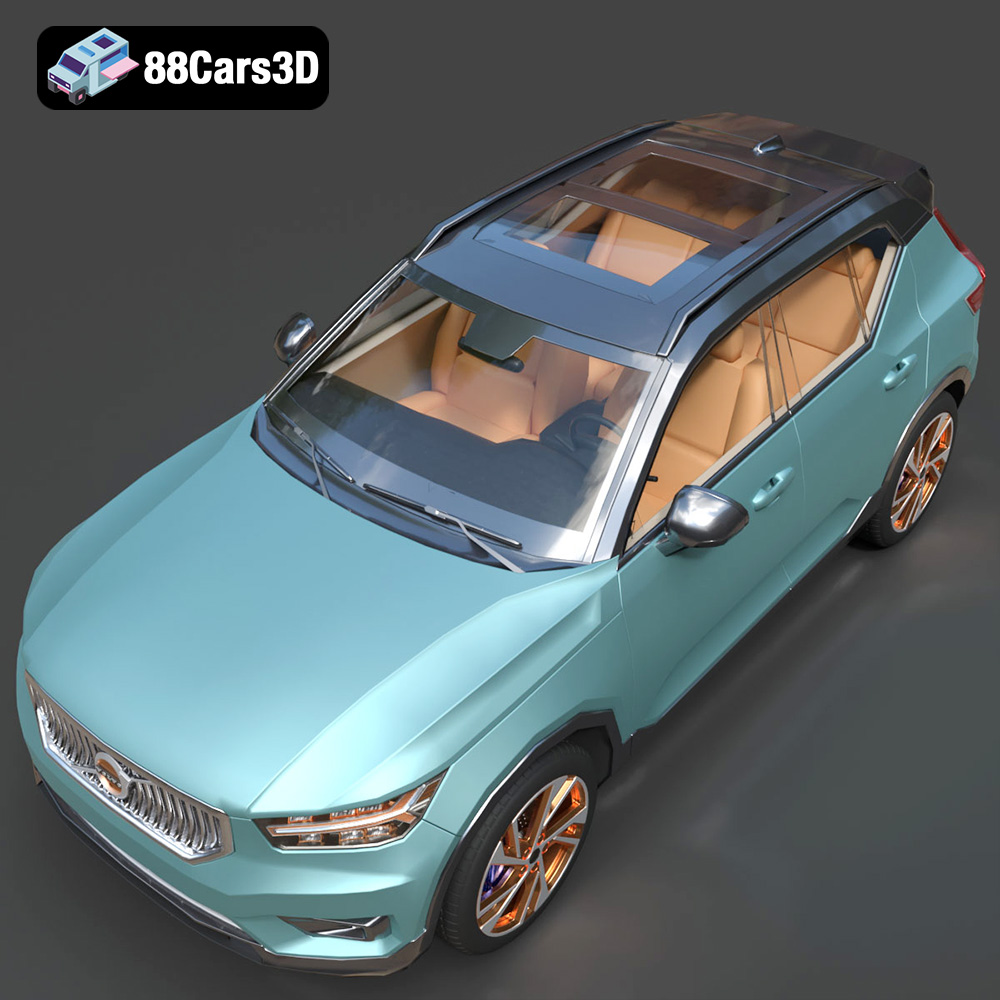
The Volvo XC40 Recharge (2020) 3D Model is an exceptionally accurate digital recreation of the Swedish brand’s groundbreaking first fully electric SUV. Marrying Volvo’s renowned commitment to safety and Scandinavian minimalism with a cutting-edge EV powertrain, the XC40 Recharge is a highly recognizable and premium compact crossover built on the CMA platform. This 3D model perfectly captures the distinct, modernized EV styling of the 2020 Recharge edition. It features the signature closed-off, body-color front grille (a hallmark of Volvo’s electric line), the iconic “Thor’s Hammer” LED headlight assemblies, an aerodynamic contrast-color roof, and the muscular yet compact crossover stance. Built with a highly efficient, impeccably clean mid-polygon topology (just over 377k triangles), it strikes the absolute perfect balance. It provides crisp visual fidelity for close-up automotive rendering while remaining lightweight enough to populate modern virtual environments, ArchViz driveways, and real-time game engines.
$9.99
Get This Model for 3D Printing
Related Tags
.archviz
.blend
.ev
.fbx
.obj
.rendering
.volvo
.xc40
car-3d-model
compact-suv
electric-vehicle
game-ready
mid-poly
Scandinavian design
SUV
traffic-car
xc40-recharge