Get 50% OFF All Premium 3D & STL Models!

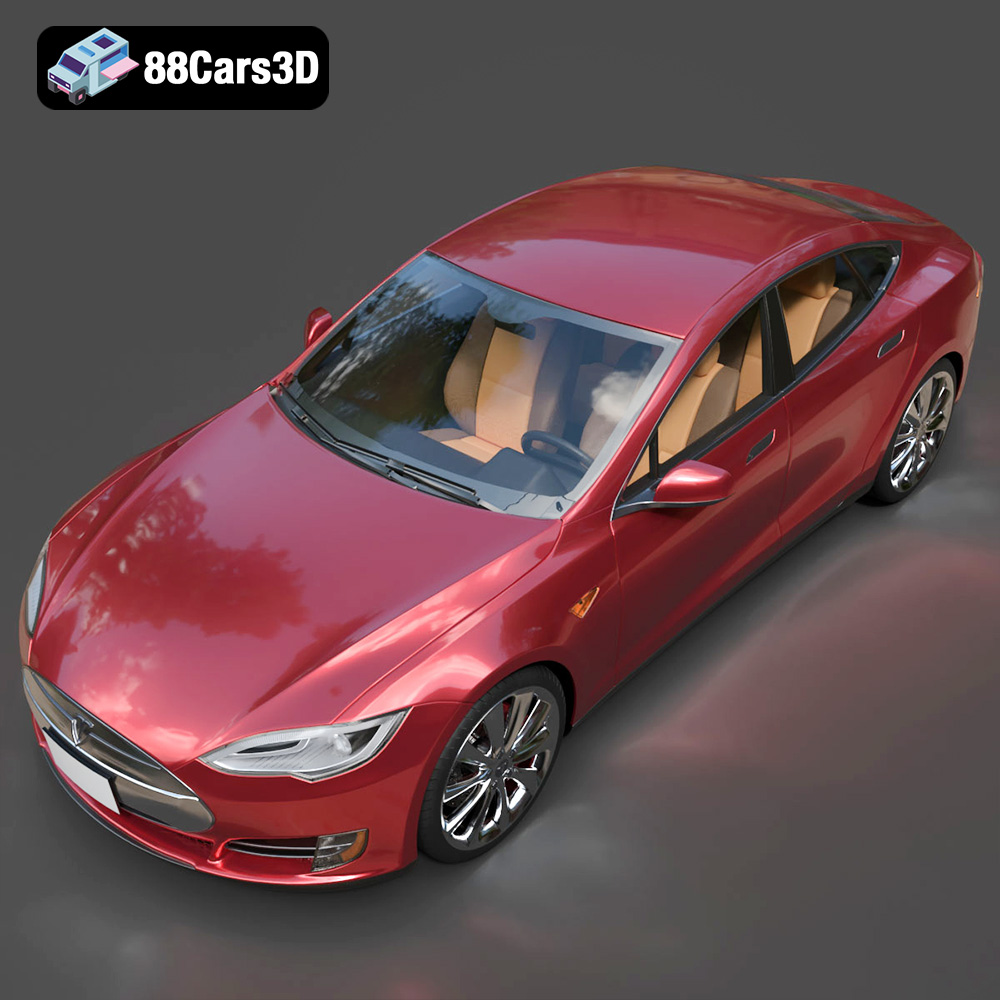
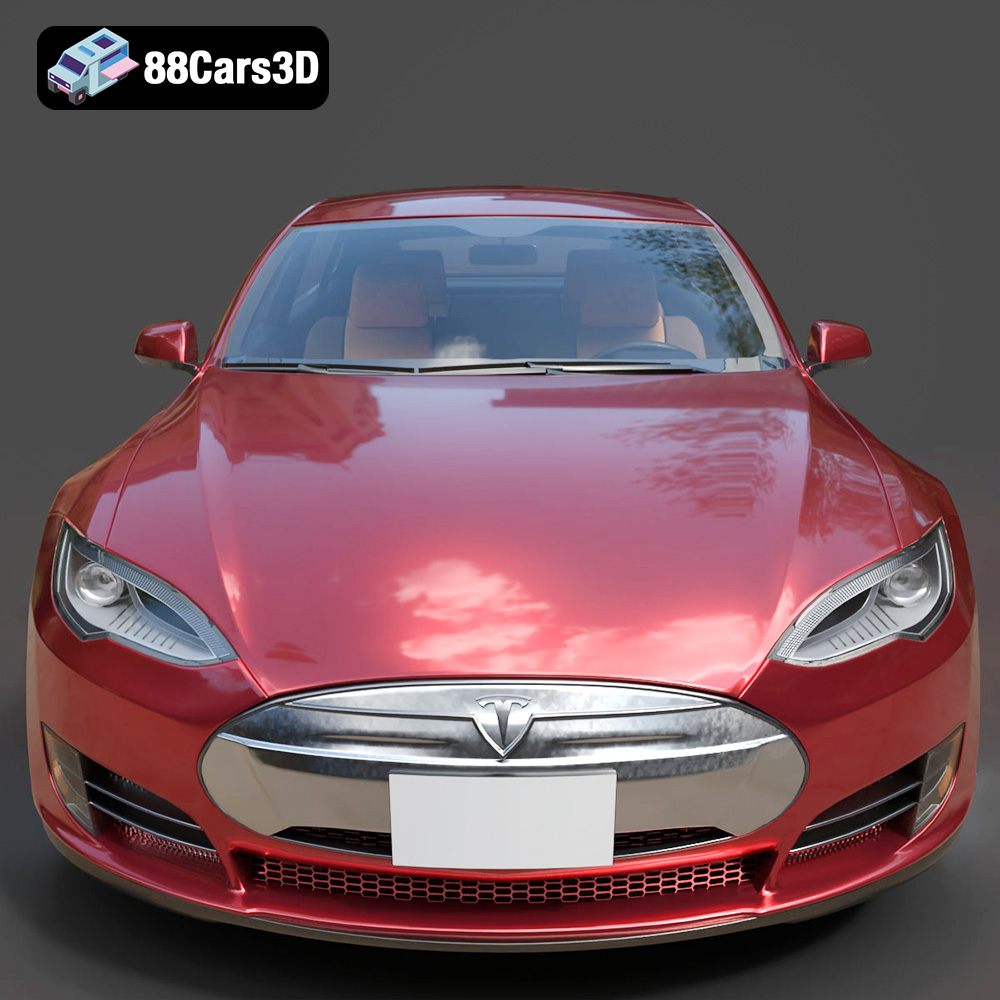
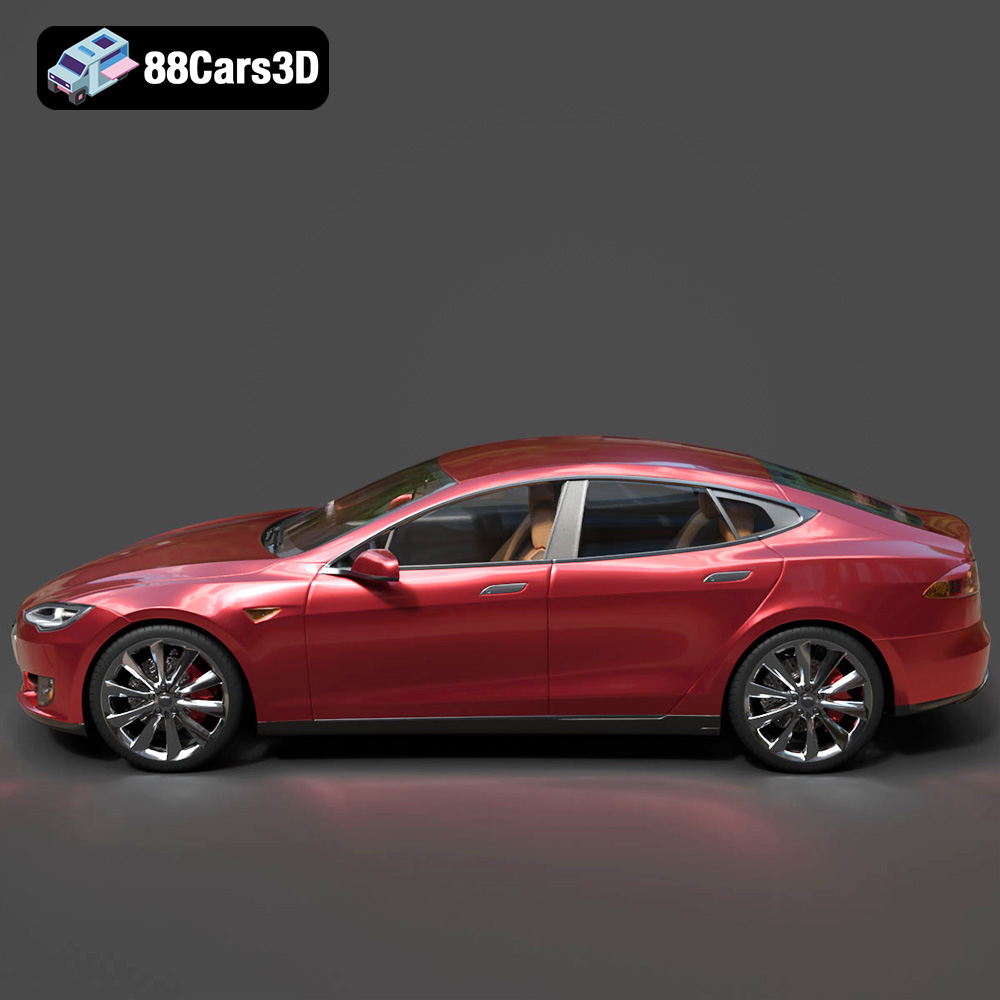
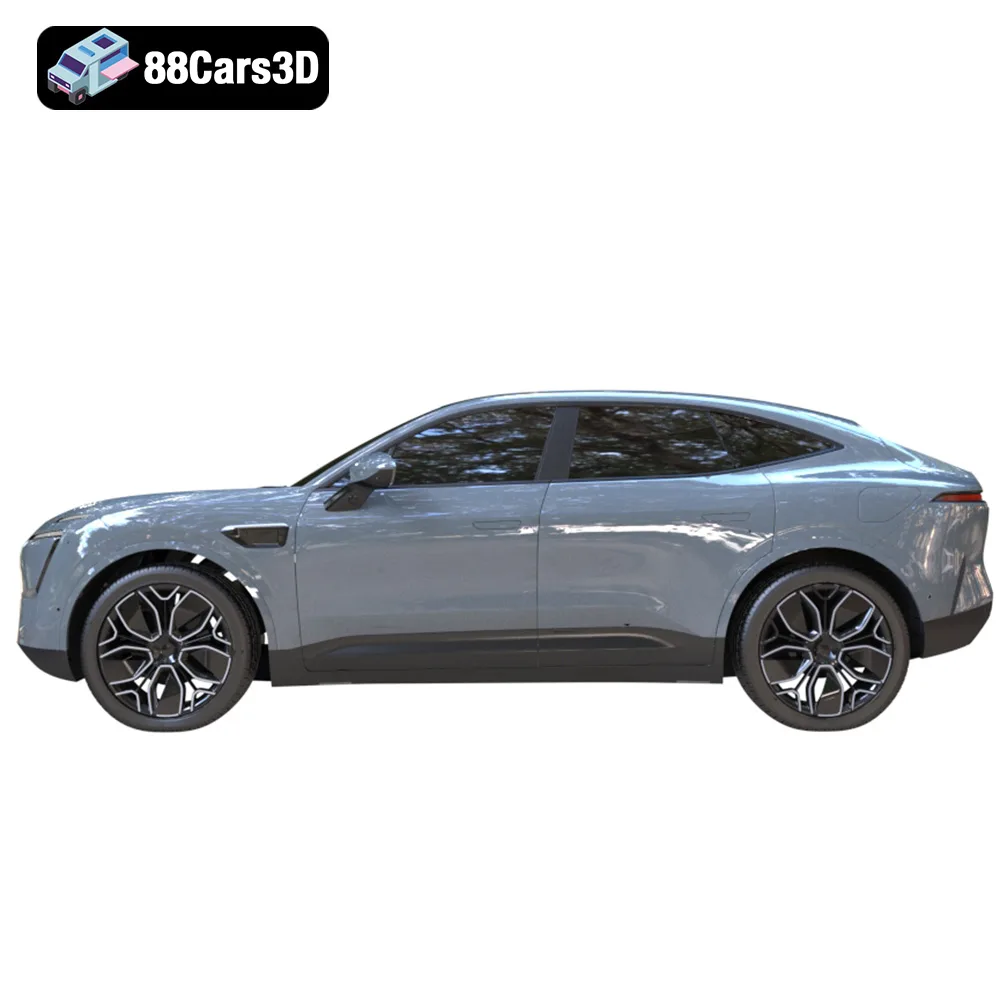
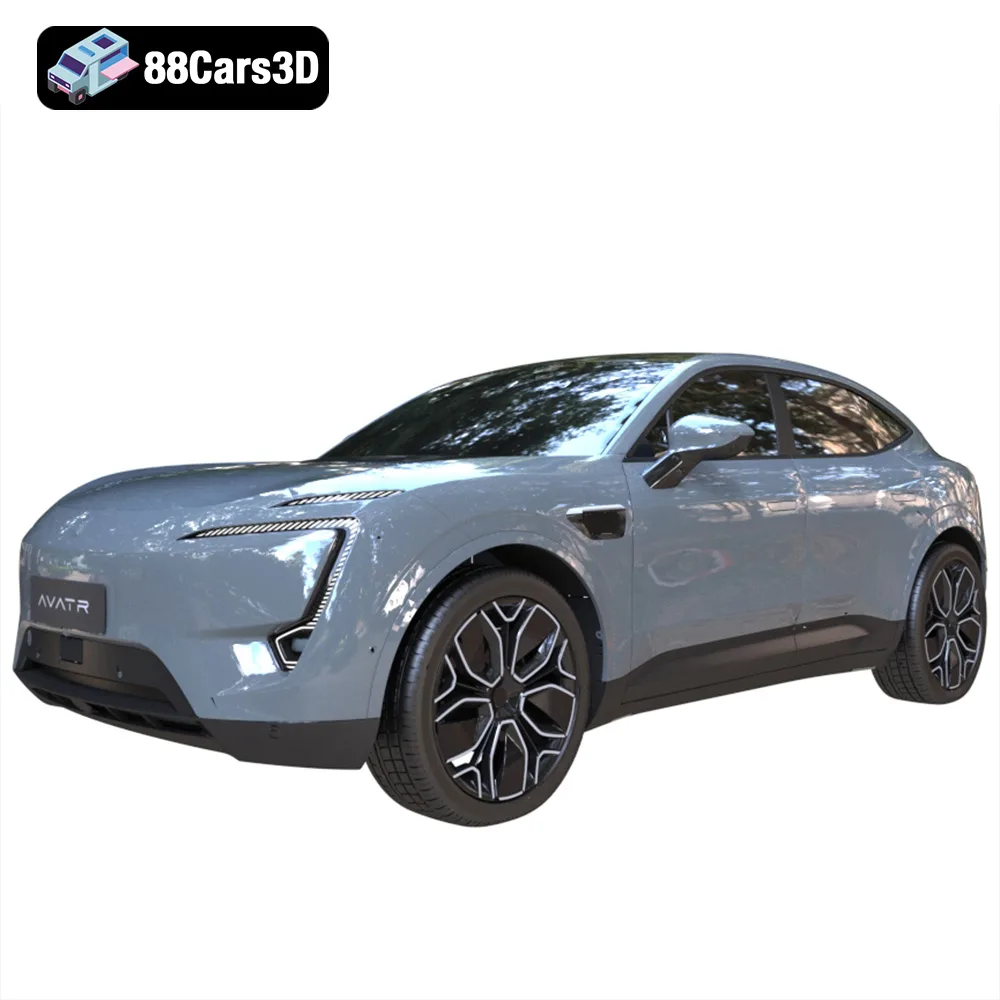
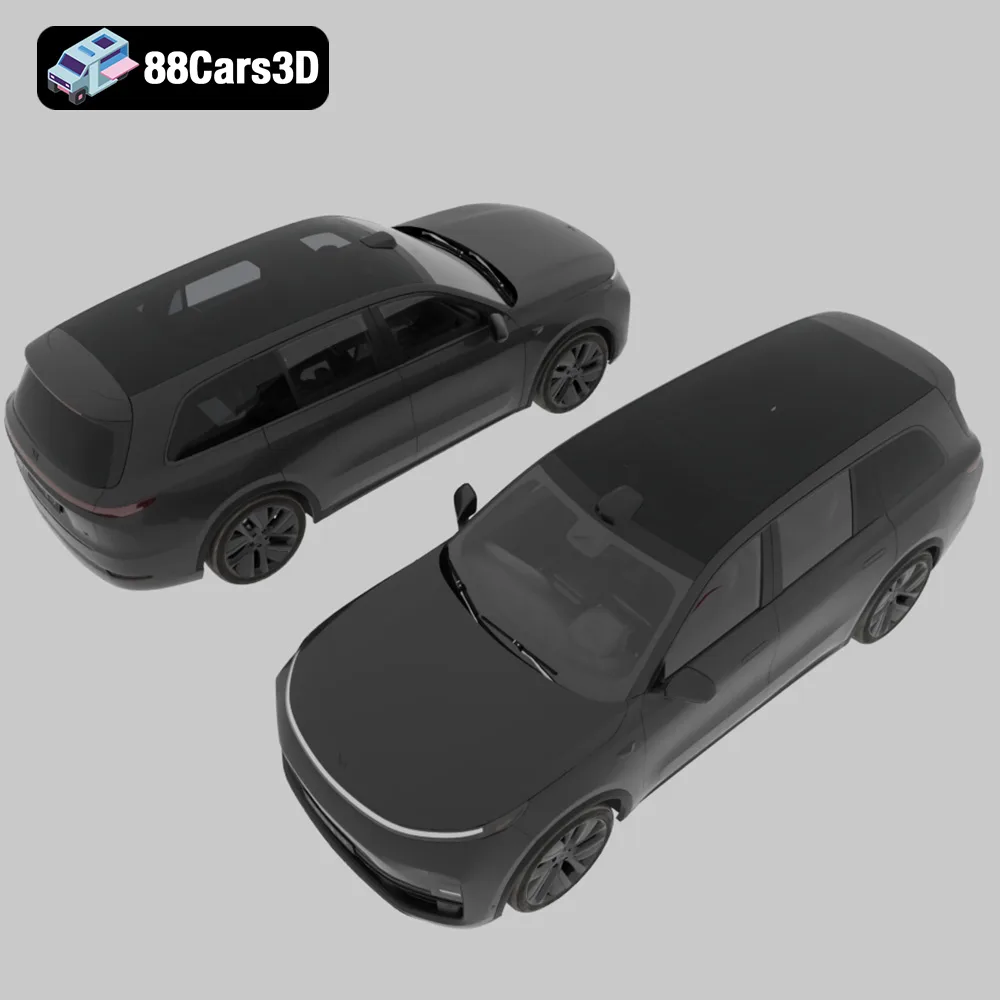
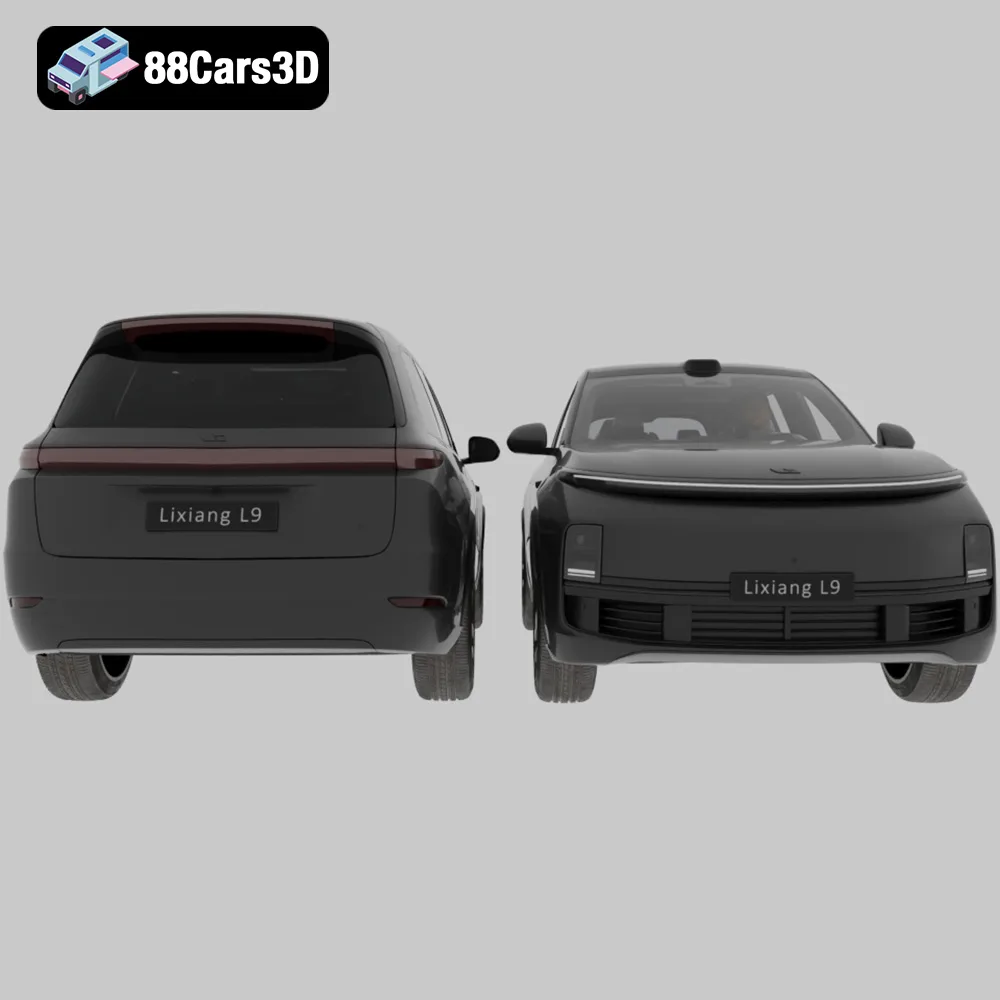
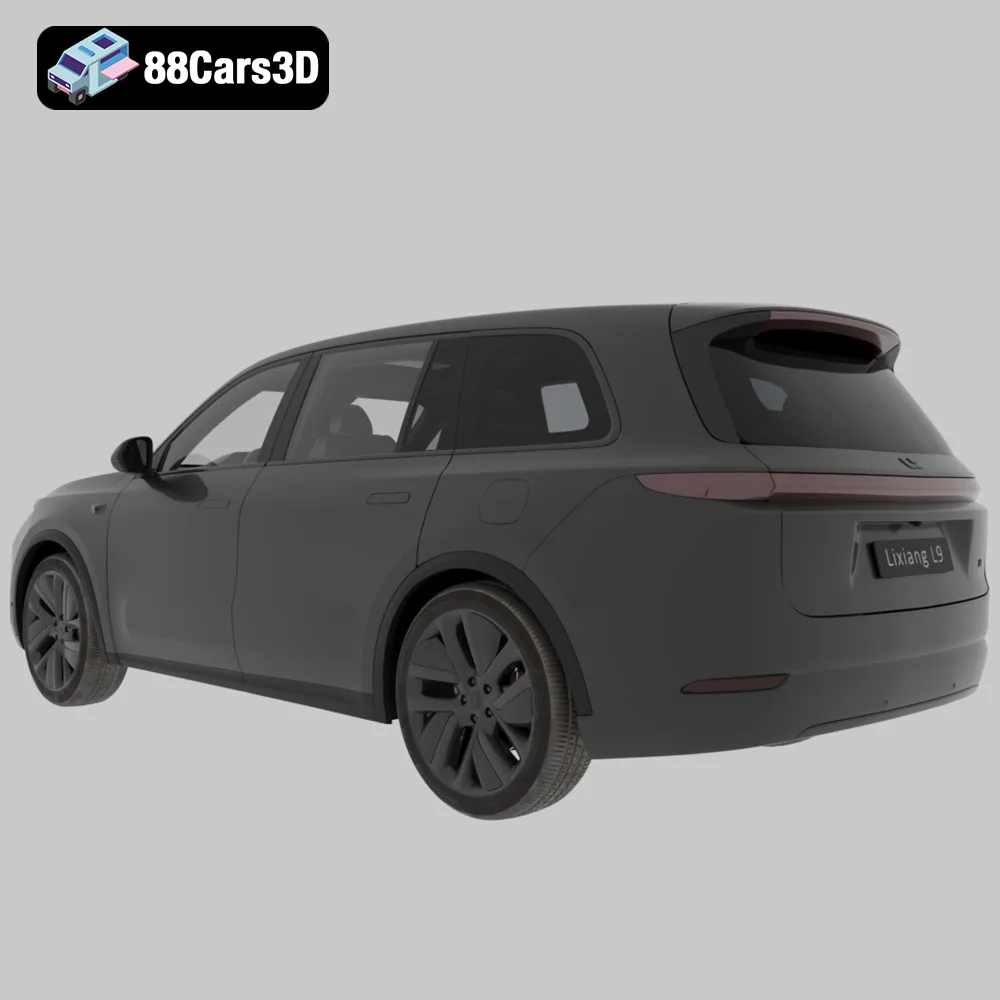
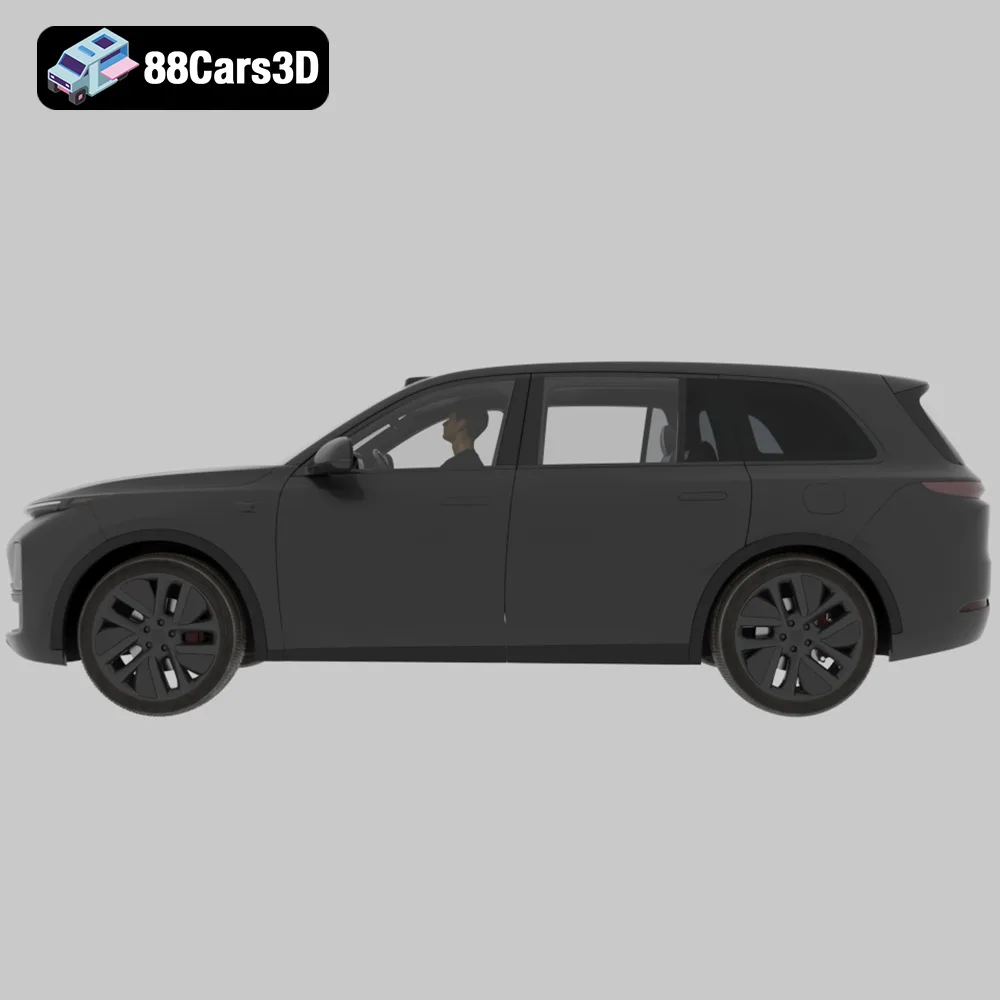
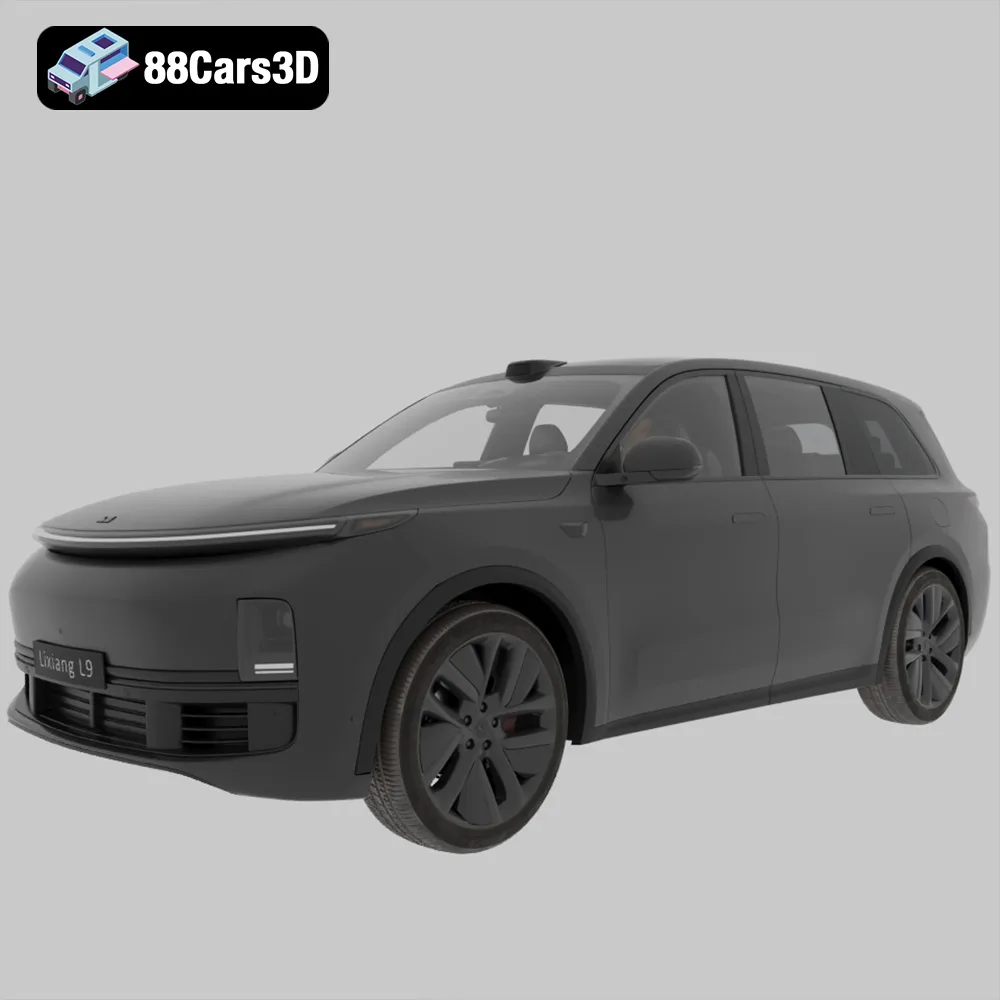
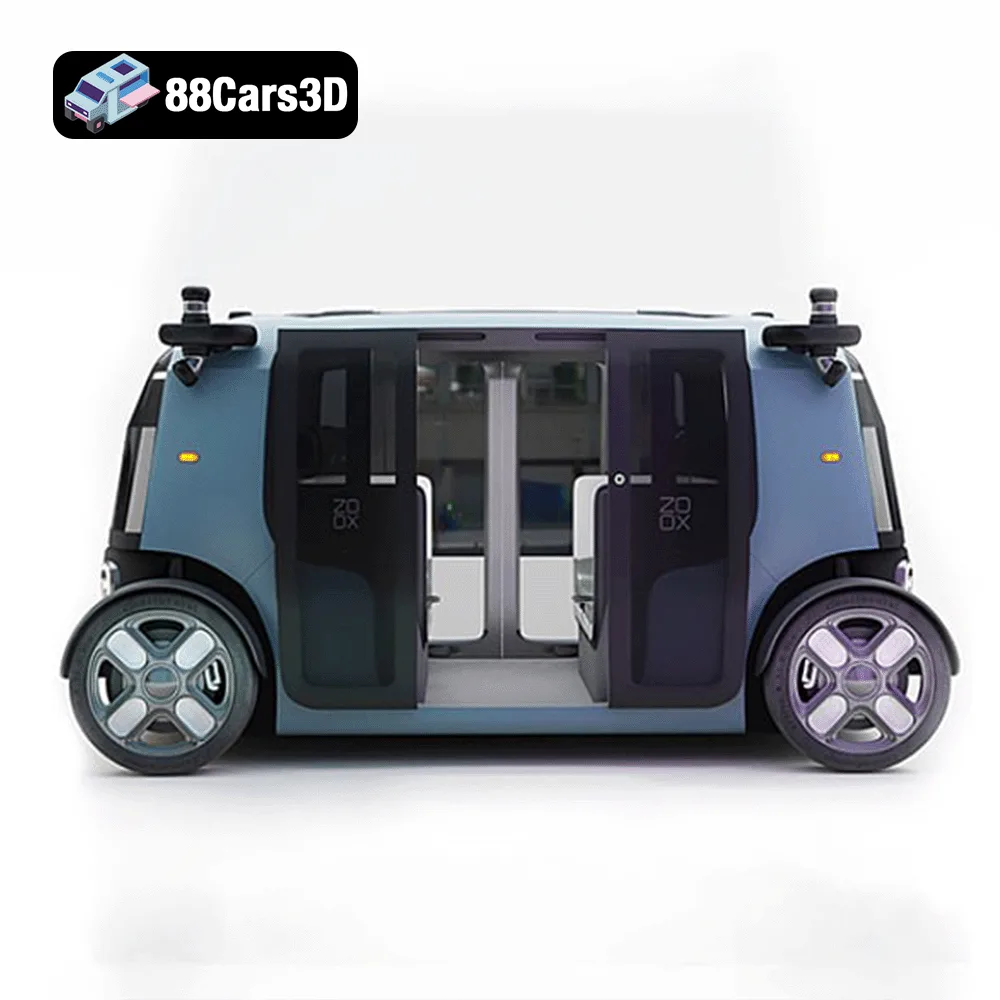
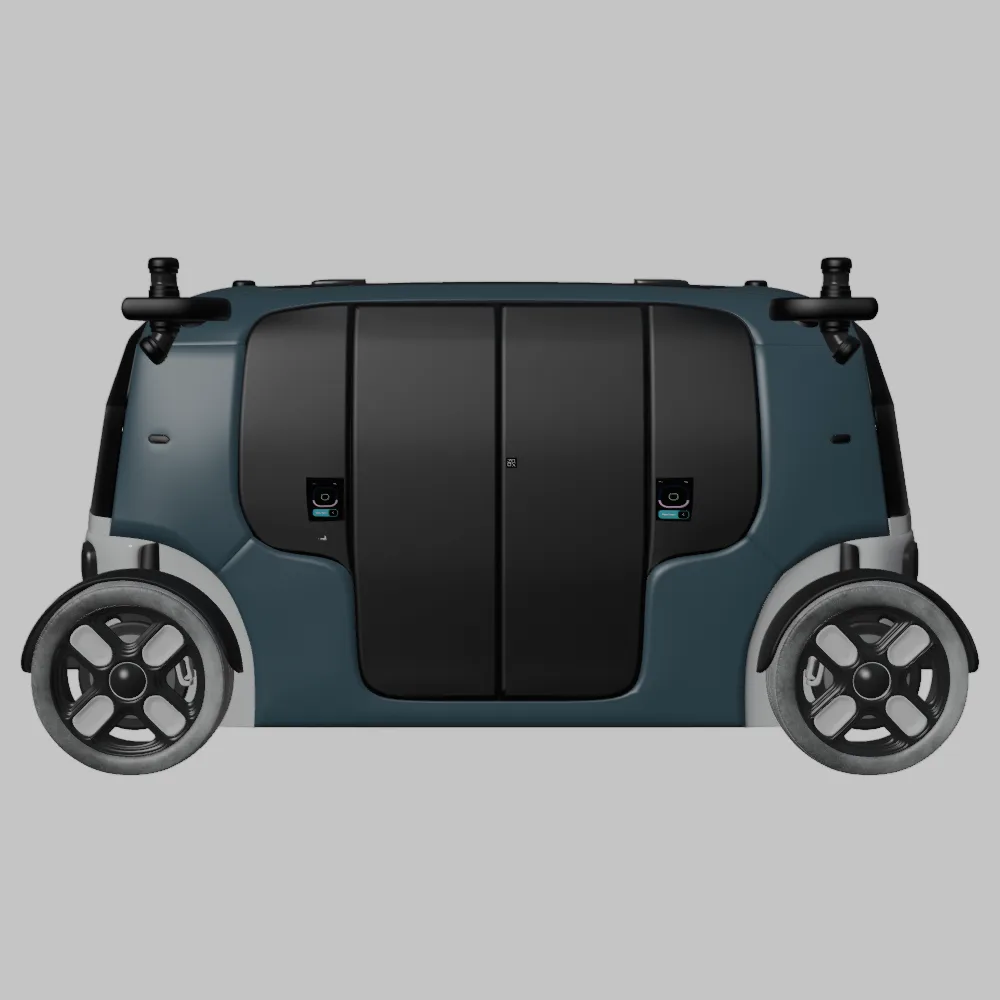
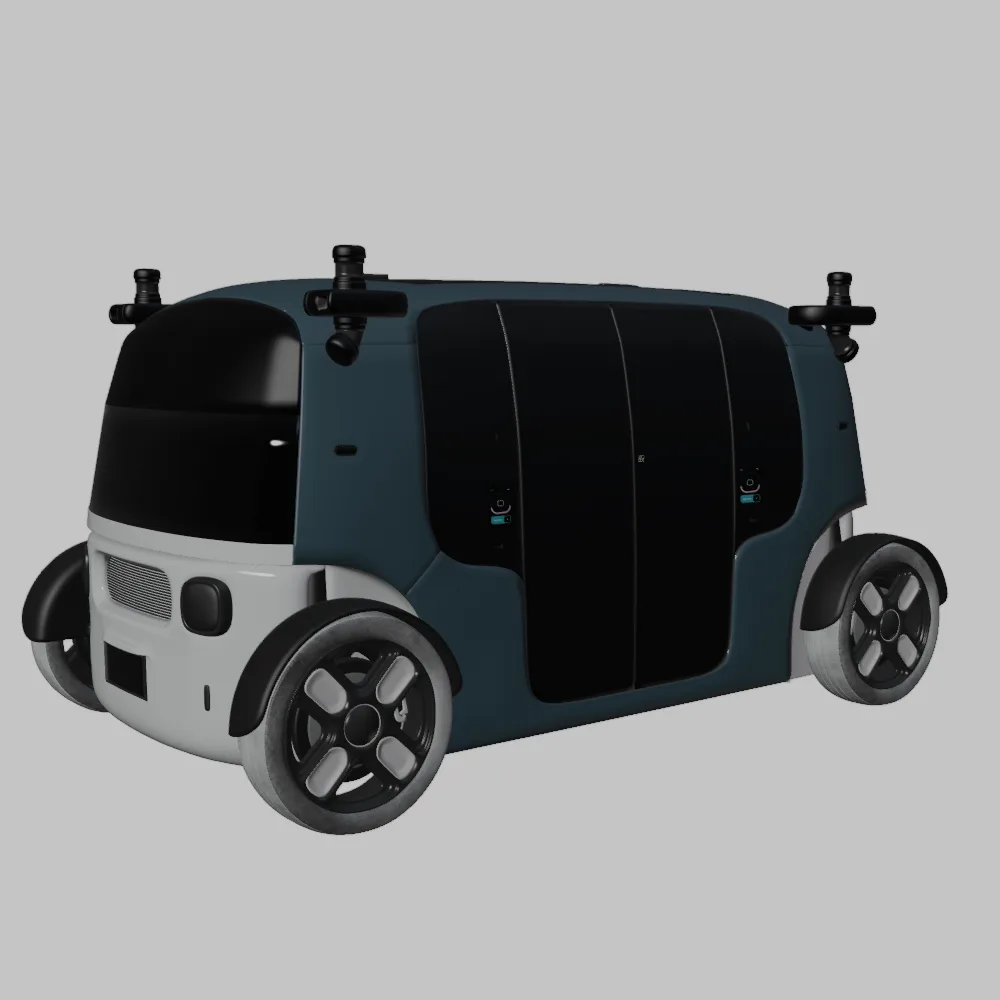
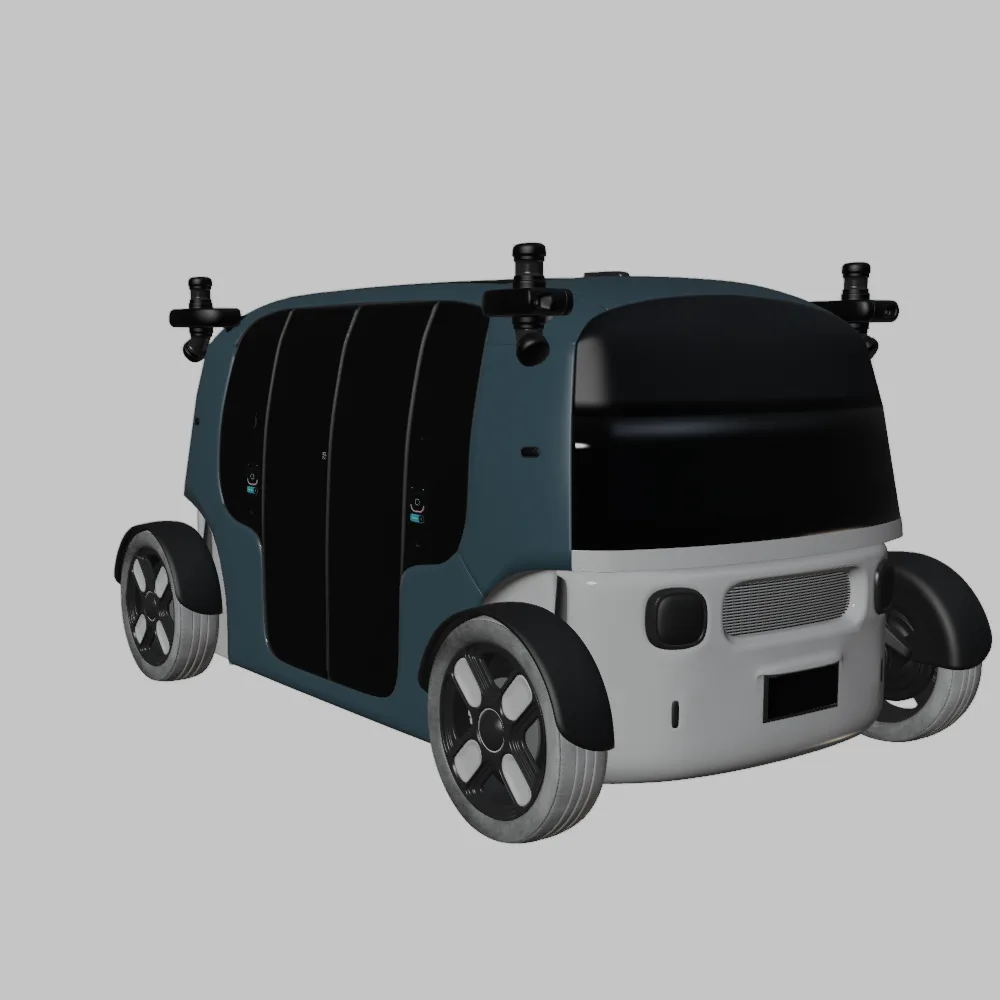
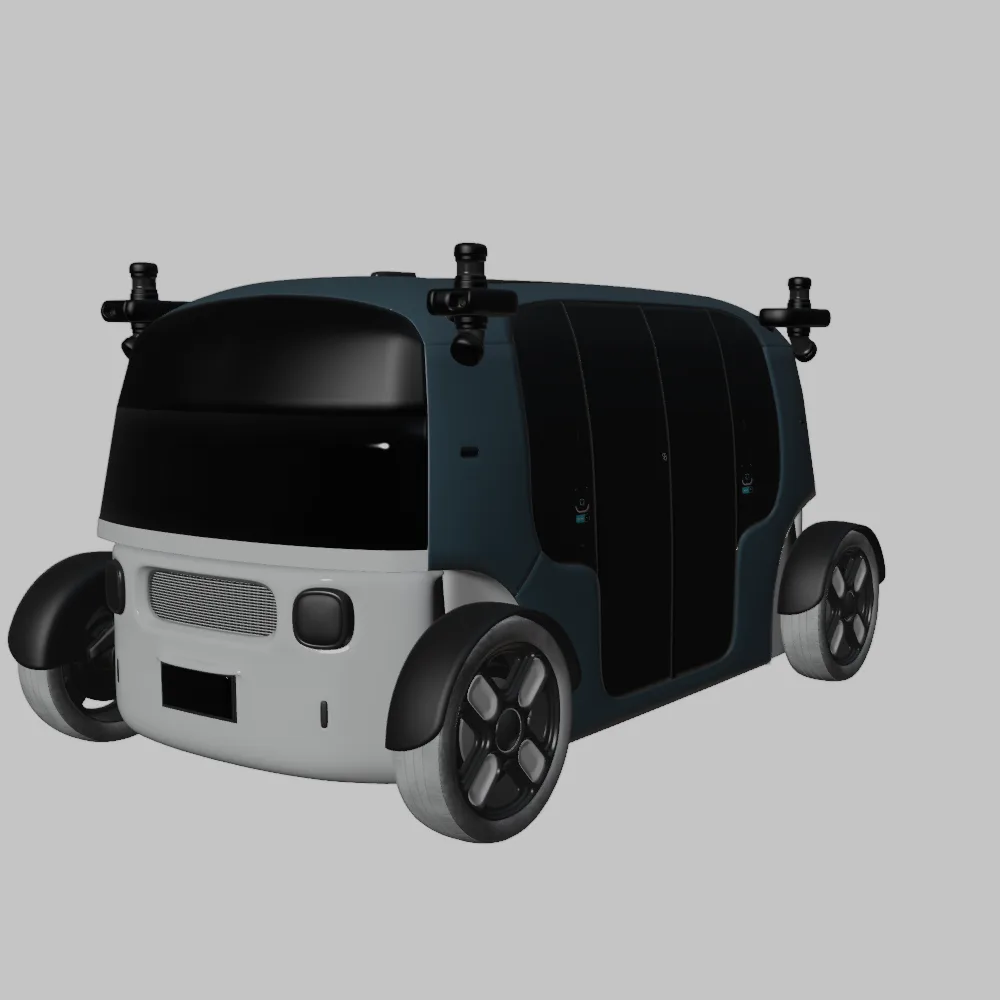
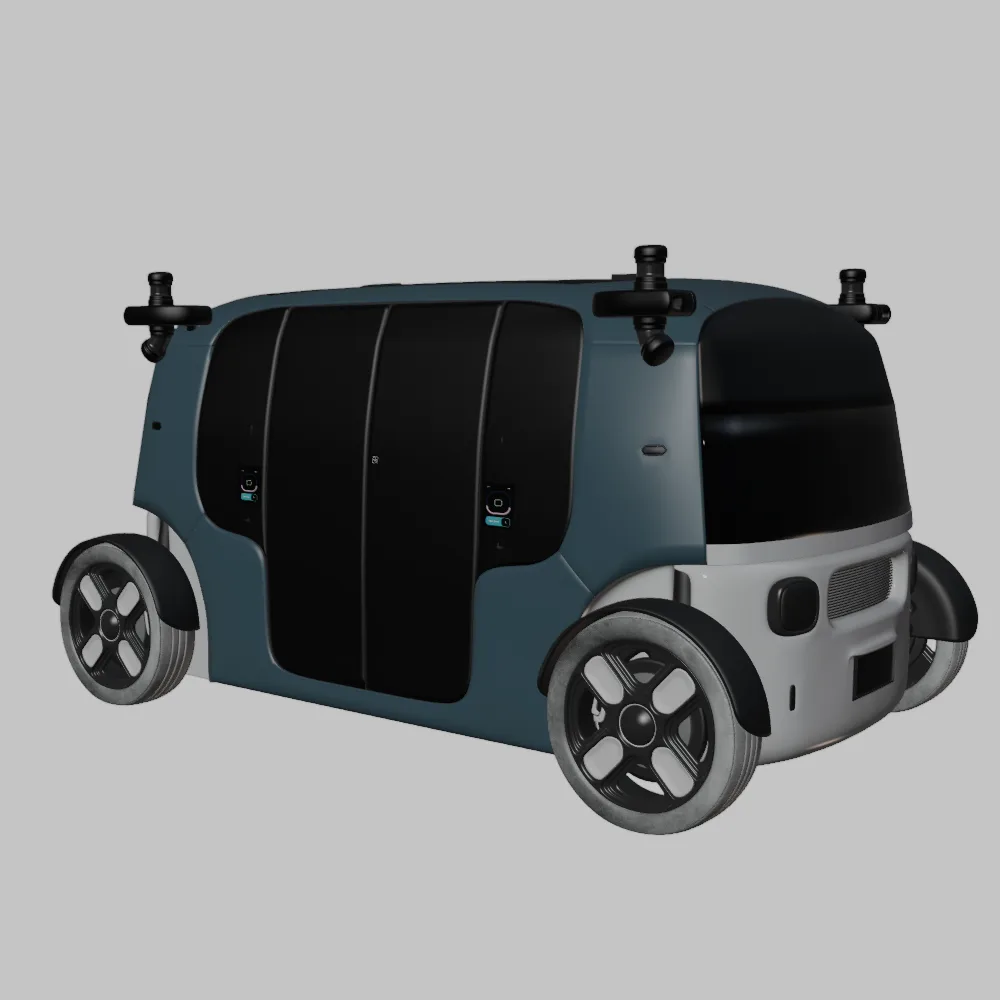
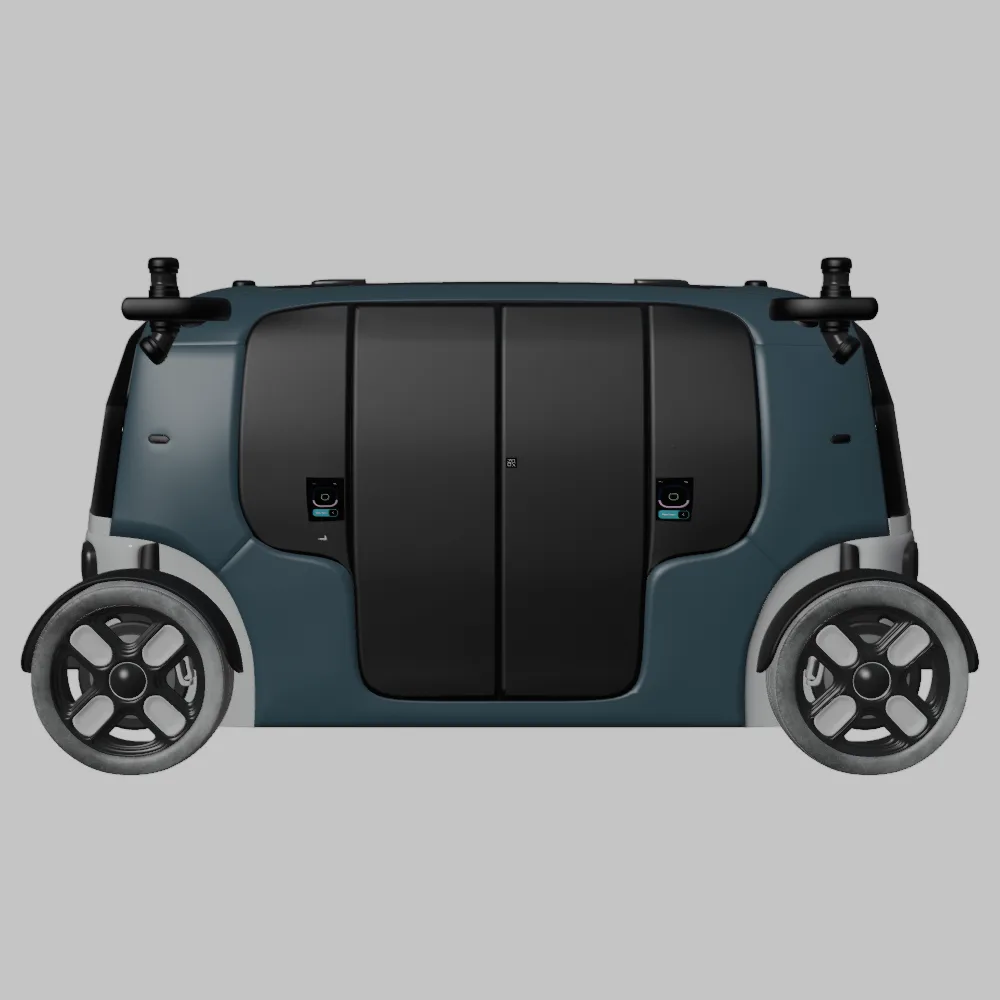
The future is electric, autonomous, and undeniably stylish. Thanks to advancements in 3D printing, you can now bring a piece of that future to your desk with the Elite Future Mobility: EV & Autonomous SUV Bundle from 88cars3d.com. This bundle offers four meticulously crafted 3D models – the Tesla Model S, Avatr 11, Li L9, and Zoox Robotaxi – each representing a unique vision of automotive innovation. This article will serve as your comprehensive guide to successfully 3D printing these stunning vehicles, covering everything from pre-print preparation to post-processing techniques. Whether you’re a seasoned 3D printing enthusiast or just starting, we’ll equip you with the knowledge and best practices to create high-quality, eye-catching 3D printed models.
Before diving into the specifics of printing the Elite Future Mobility Bundle, it’s crucial to understand the different file formats available and their suitability for 3D printing. The bundle includes a variety of formats, each designed for different purposes, but some are better suited for additive manufacturing than others.
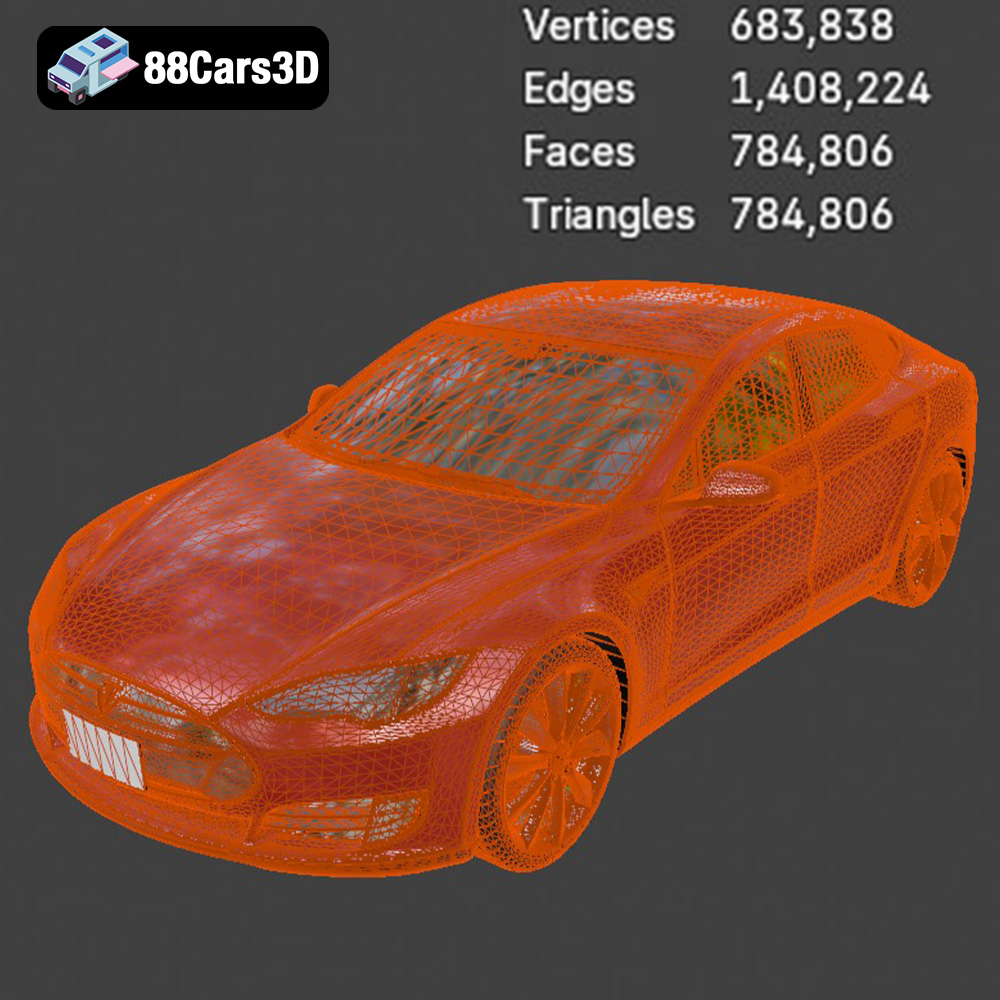
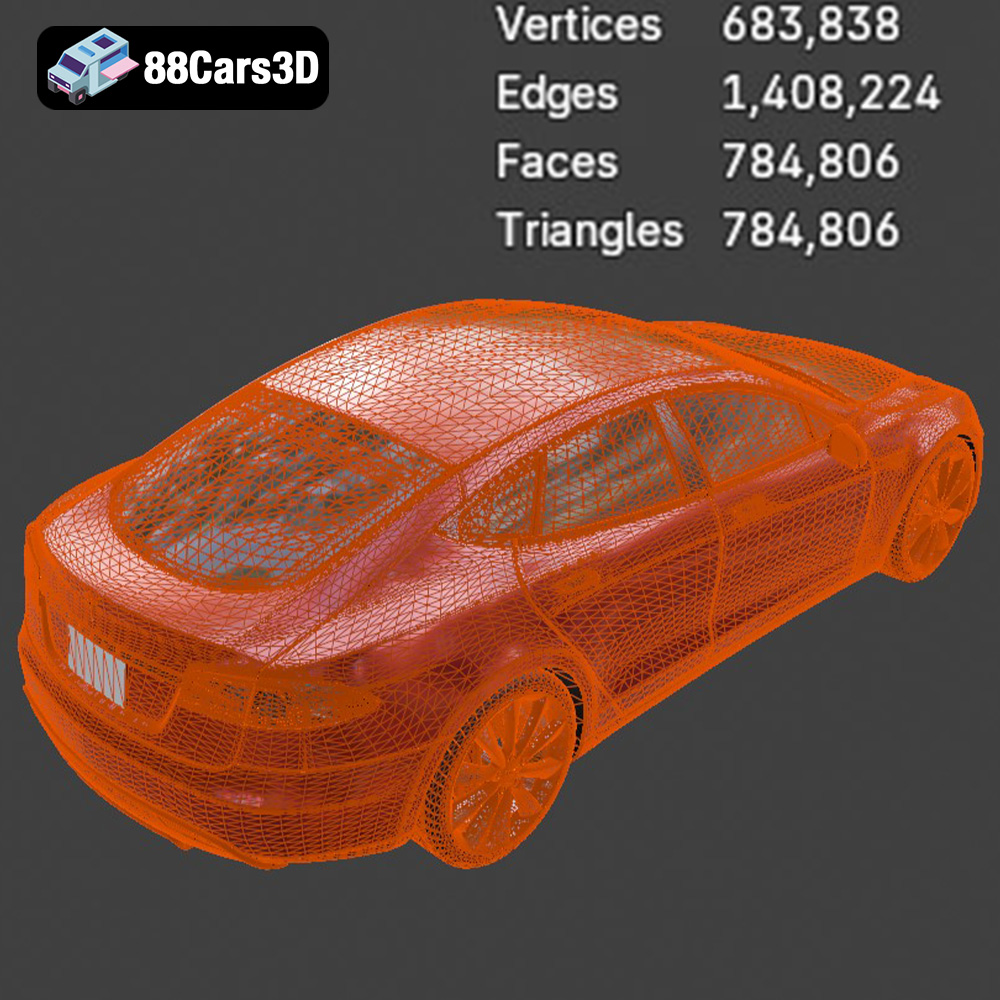
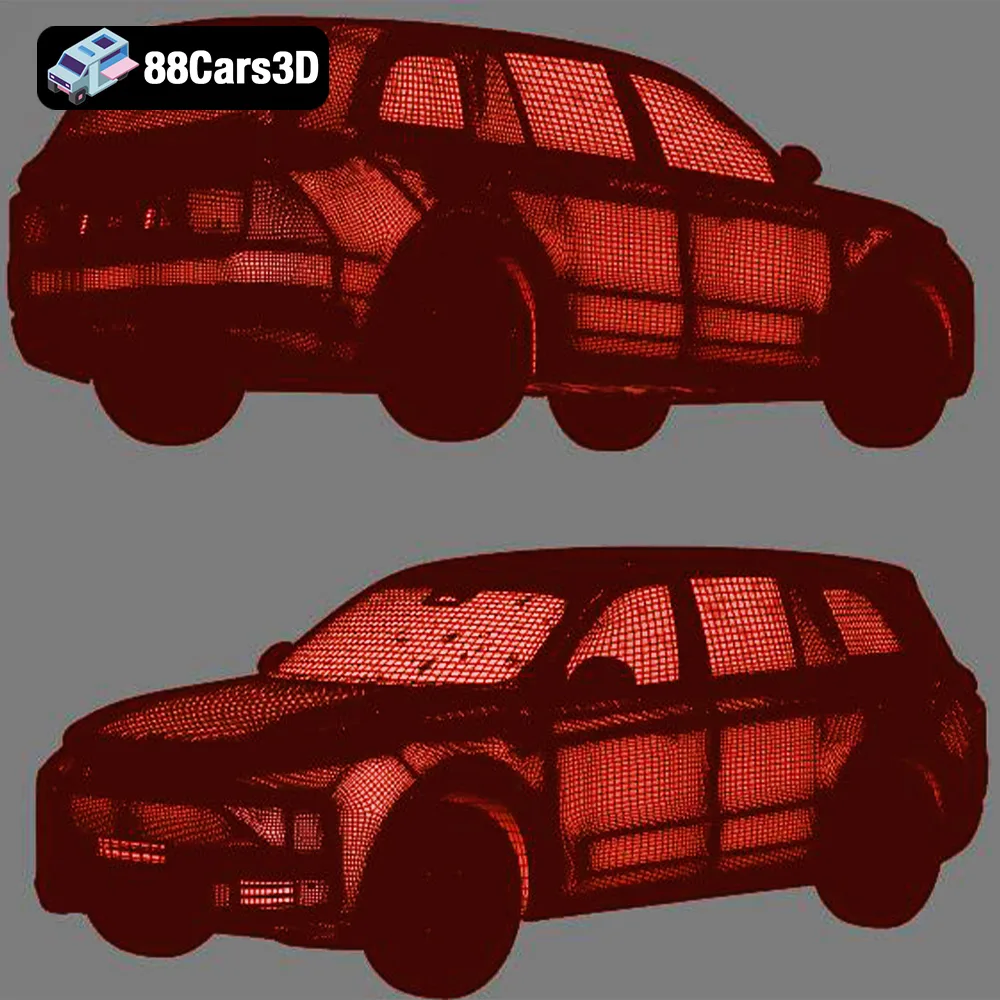
The STL (stereolithography) file format is the industry standard for 3D printing. It represents the surface geometry of a 3D object as a collection of triangles. This simplicity makes it universally compatible with slicing software and 3D printers. When you’re preparing the Elite Future Mobility models for printing, the STL files will likely be your primary choice. STL files store only the mesh data, lacking color or texture information. This means your prints will be a single color unless you apply post-processing techniques like painting. The resolution of an STL file is determined by the number and size of the triangles used to represent the model. Higher resolution STL files contain more triangles, resulting in smoother surfaces and greater detail in the final print. However, larger file sizes can also increase processing time in slicing software.
OBJ files are another popular format for 3D models. Unlike STL, OBJ files can store color and texture information, which is useful for creating more visually appealing prints. However, most consumer-grade 3D printers cannot print in multiple colors simultaneously, so the color information is primarily useful for rendering or visualization. OBJ files are also generally compatible with most slicing software.
PLY files are designed for storing 3D data acquired from 3D scanners. They can represent color and texture information, but more importantly, they can store additional data like vertex normals and other surface properties. This makes them suitable for high-detail models where accuracy is paramount. While PLY is useful, STL is better supported and more streamlined for 3D printing workflows in most cases.
.blend files are the native file format for Blender, a popular open-source 3D modeling software. These files contain the complete scene data, including the model geometry, textures, lighting, and camera settings. If you want to modify the Elite Future Mobility models before printing, such as adding custom details or splitting the model into smaller parts, using Blender and the .blend file format is a great option. Once you have made your changes, you would then export the model as an STL file for 3D printing.
FBX (Filmbox) is a proprietary file format developed by Autodesk. It’s commonly used for exchanging 3D data between different software applications, including 3D modeling programs, game engines, and animation software. FBX files can store geometry, textures, materials, and animation data. While you can import FBX files into some slicing software, the primary purpose of FBX is not for direct 3D printing. Its value lies in transferring the model with material information to programs that can then export in STL format, if needed.
GLB files are a binary file format representing 3D models. It’s the binary version of the glTF (GL Transmission Format) format and is designed to be compact and efficient for transmission over the web. GLB files are commonly used for displaying 3D models in augmented reality (AR) applications. You can use GLB files to preview the Elite Future Mobility models in AR before printing, allowing you to visualize the size and appearance of the finished product in the real world.
.max files are the native file format for 3ds Max, another popular 3D modeling software package. Like .blend files for Blender, .max files contain the complete scene data for a 3D project, allowing for extensive modifications and customizations. If you’re comfortable working in 3ds Max, you can use the .max files included in the bundle to further refine the models before exporting them as STL files for 3D printing.
In summary, while the Elite Future Mobility Bundle comes with various file formats, the **STL** format will be your go-to for 3D printing. Ensure your slicing software is compatible and that the mesh quality is high enough for detailed prints.
Before loading the STL files into your 3D printer, some crucial preparation steps will significantly impact the final outcome. This includes model repair, scaling, and choosing the right orientation.
Even high-quality 3D models can sometimes contain minor imperfections that can cause problems during printing. Before slicing, it’s essential to inspect the STL files for issues like non-manifold geometry, flipped normals, or holes in the mesh. Several software tools, such as MeshMixer, Netfabb, or the built-in repair tools in your slicing software, can help identify and fix these problems. These tools can automatically repair common mesh errors, ensuring a watertight and printable model. For the Elite Future Mobility Bundle, pay close attention to areas with fine details like the Tesla Model S door handles or the Avatr 11’s unique rear design.
The Elite Future Mobility Bundle is designed with real-world scale in mind, but you may want to adjust the size of the models to suit your specific needs. The product description recommends scales of 1:24, 1:32, or 1:43. Consider the size of your printer’s build volume and the level of detail you want to achieve. Smaller scales will require finer layer heights and may be better suited for resin printing, while larger scales will be easier to print on FDM printers and allow for more post-processing options. Remember to scale all parts of a given model uniformly to maintain accurate proportions.
The orientation of the model on the build plate significantly affects print quality, support requirements, and overall success. Experimenting with different orientations is crucial. For the car bodies in the Elite Future Mobility Bundle, printing at an angle (as suggested in the product description) can help minimize the visibility of layer lines on curved surfaces. This will generally improve the surface finish, especially on the top surfaces. Wheels should be printed separately and may require supports depending on their design. Pay close attention to overhangs and features that may need support, such as side mirrors and spoilers. Consider the trade-off between minimizing support material and optimizing surface quality.
The choice of material is another critical factor in achieving successful 3D prints of the Elite Future Mobility models. Different materials offer varying properties in terms of strength, flexibility, surface finish, and heat resistance.
PLA (polylactic acid) is a popular, biodegradable thermoplastic known for its ease of use and relatively low printing temperature. It’s a great option for beginners and for printing models that don’t require high strength or heat resistance. PLA produces relatively smooth prints with good detail, making it suitable for the Elite Future Mobility models, especially for larger scales. However, PLA can be brittle and may not be ideal for functional parts or models that will be exposed to high temperatures.
PETG (polyethylene terephthalate glycol-modified) is a copolymer that combines the strength and durability of ABS with the ease of printing of PLA. It offers better impact resistance and heat resistance than PLA, making it a good choice for models that need to withstand some wear and tear. PETG can also be more flexible than PLA, which can be beneficial for parts that need to bend or flex without breaking. PETG is a great all-around choice for 3D printing the Elite Future Mobility models, offering a good balance of strength, durability, and ease of use.
Resin printing, using technologies like SLA (stereolithography) or DLP (digital light processing), offers significantly higher resolution and detail compared to FDM printing. This makes it an excellent choice for smaller-scale models or models with intricate details, such as the headlights and emblems on the Elite Future Mobility vehicles. Resin prints also tend to have smoother surfaces and require less post-processing. However, resin printing can be more expensive than FDM printing, and resin materials can be more brittle and require careful handling. If you’re looking for the highest possible detail and surface finish, resin printing is the way to go, especially at smaller scales.
Once you’ve chosen your material, it’s time to fine-tune your printer settings to achieve the best possible results. Key settings include layer height, infill density, print speed, and support settings.
Layer height determines the thickness of each layer of plastic deposited during the printing process. Smaller layer heights result in smoother surfaces and greater detail, but they also increase print time. The recommended layer height for the Elite Future Mobility models is 0.04-0.12 mm, especially when using resin printing to capture finer details. Experiment with different layer heights to find the optimal balance between print quality and speed for your specific printer and material. For FDM printing, a layer height of 0.1-0.2 mm is a good starting point.
Infill density refers to the amount of material used to fill the interior of the model. Higher infill densities result in stronger and heavier prints, while lower infill densities result in lighter and faster prints. The product description recommends an infill density of 15-25% for the Elite Future Mobility models. This is a good compromise between strength and weight for models that are primarily for display purposes. You can adjust the infill density depending on the intended use of the model. If you need a stronger model, increase the infill density. If you want to save material and reduce print time, decrease the infill density.
Support structures are essential for printing overhangs and other features that would otherwise collapse during printing. Carefully consider the placement and type of supports to minimize their impact on the final surface finish. The Elite Future Mobility models will likely require supports for side mirrors, wheel arches, and spoilers. Use your slicing software to strategically place supports in areas that are less visible or easier to clean up after printing. Experiment with different support settings, such as support density, support angle, and support interface, to find the optimal balance between support strength and ease of removal.
Once the printing is complete, the post-processing stage is where you can transform your raw 3D print into a polished and professional-looking model. This typically involves removing supports, sanding, priming, and painting.
Carefully remove the support structures from the printed model using pliers, cutters, or other suitable tools. Take your time and avoid damaging the delicate features of the model. Once the supports are removed, use a sharp knife or scraper to clean up any remaining support material. Pay close attention to areas where the supports were attached to the model, as these areas may require additional sanding or cleanup.
Sanding is essential for smoothing out the surface of the 3D printed model and removing any imperfections. Start with a coarse grit sandpaper (e.g., 220 grit) to remove any major imperfections, and then gradually move to finer grit sandpapers (e.g., 400 grit, 600 grit, 800 grit) to achieve a smooth surface. Wet sanding can help to reduce dust and improve the surface finish. After sanding, clean the model thoroughly to remove any sanding residue.
Priming is essential for creating a smooth and uniform surface for painting. Apply a thin coat of primer to the model and allow it to dry completely. Sand the primer lightly with fine-grit sandpaper to remove any imperfections. Repeat this process as needed until you achieve a smooth and even surface. Once the primer is dry, you can begin painting the model. The product description suggests using modern car factory colors like Sage Green, Glacier Silver, or Crystal White, paired with a gloss black roof. Use high-quality acrylic paints designed for model making and apply them in thin, even coats. Allow each coat to dry completely before applying the next coat.
Even with careful preparation and optimized settings, you may still encounter some common 3D printing issues. Here are a few tips for troubleshooting these problems:
Warping occurs when the corners of the model lift off the build plate during printing. This can be caused by poor bed adhesion, inadequate bed temperature, or drafts in the printing environment. To prevent warping, ensure that your build plate is clean and level, use a heated bed with an appropriate temperature for your material, and enclose your printer to eliminate drafts.
Stringing refers to thin strands of plastic that are left behind when the printer moves between different parts of the model. This can be caused by excessive retraction, high printing temperature, or wet filament. To prevent stringing, adjust your retraction settings, lower your printing temperature, and dry your filament if necessary.
Layer shifting occurs when one or more layers of the model are misaligned. This can be caused by loose belts, high printing speed, or vibrations in the printer. To prevent layer shifting, tighten your belts, reduce your printing speed, and ensure that your printer is placed on a stable surface.
By following these tips and techniques, you can overcome common 3D printing challenges and create stunning 3D printed models of the Elite Future Mobility: EV & Autonomous SUV Bundle. Remember to experiment with different settings and techniques to find what works best for your specific printer and materials. You can find these incredible 3D car models available for purchase at 88cars3d.com.
The Elite Future Mobility Bundle is a curated collection of four groundbreaking vehicles that define the next era of transportation. This pack combines the elegance of high-performance electric sedans, the rugged luxury of next-gen SUVs, and the visionary design of autonomous urban pods.
$99
3d-vehicle-pack
archviz-assets
autonomous-driving
avatr-11
electric-vehicles
ev-bundle
future-cars
futuristic-suv
game-ready-cars
li-l9
luxury-ev
smart-city
tesla-3d-model
zoox-robotaxi