Get 50% OFF All Premium 3D & STL Models!

The roar of a custom V-twin, the gleam of chrome under the sun, the low-slung silhouette of a bagger – these are the elements that define a certain kind of motorcycle passion. Now, thanks to 3D printing, you can capture that passion in a tangible form. The Honda Stateline Bagger Slammer 3D model, available at 88cars3d.com, allows you to bring this iconic style to your desktop, workbench, or display case. This isn’t just about creating a static model; it’s about embarking on a journey of additive manufacturing, customization, and the joy of bringing a digital design to life. This guide will provide a comprehensive breakdown of how to successfully 3D print this intricate model, covering everything from pre-print preparation to post-processing finesse.
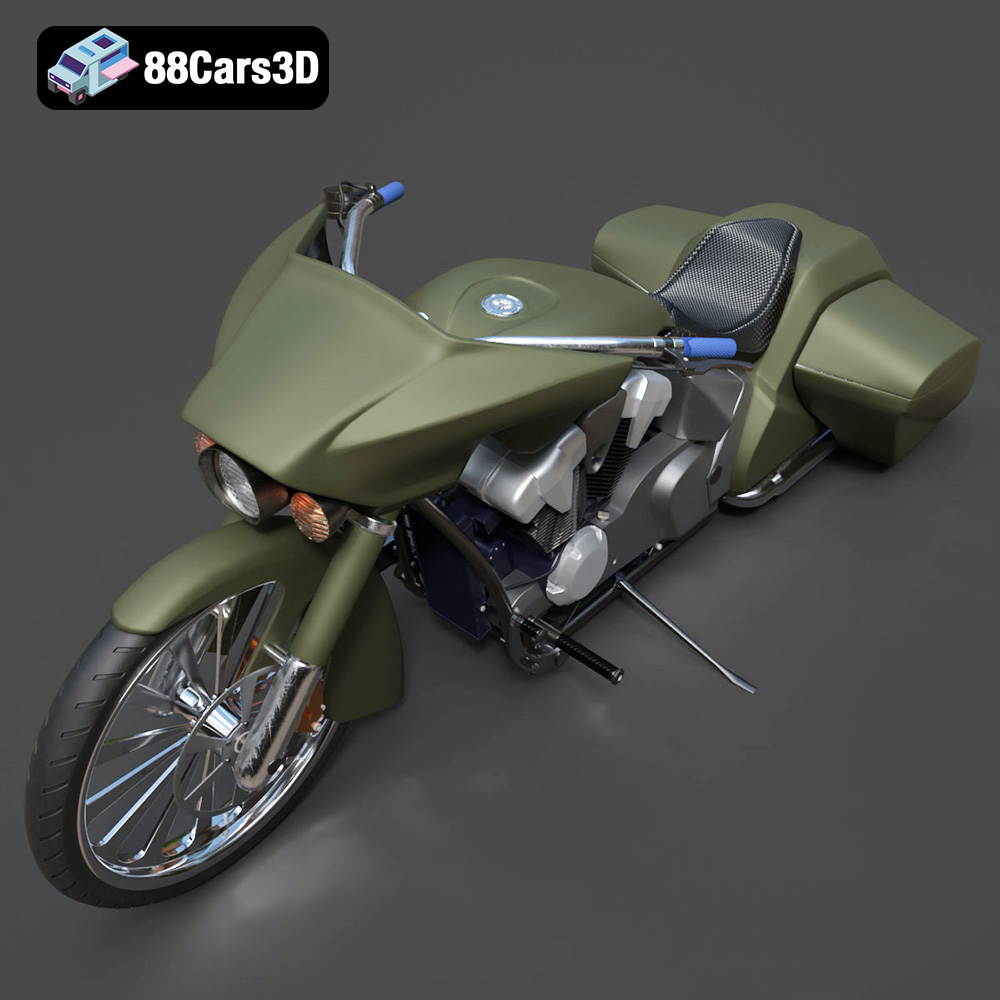
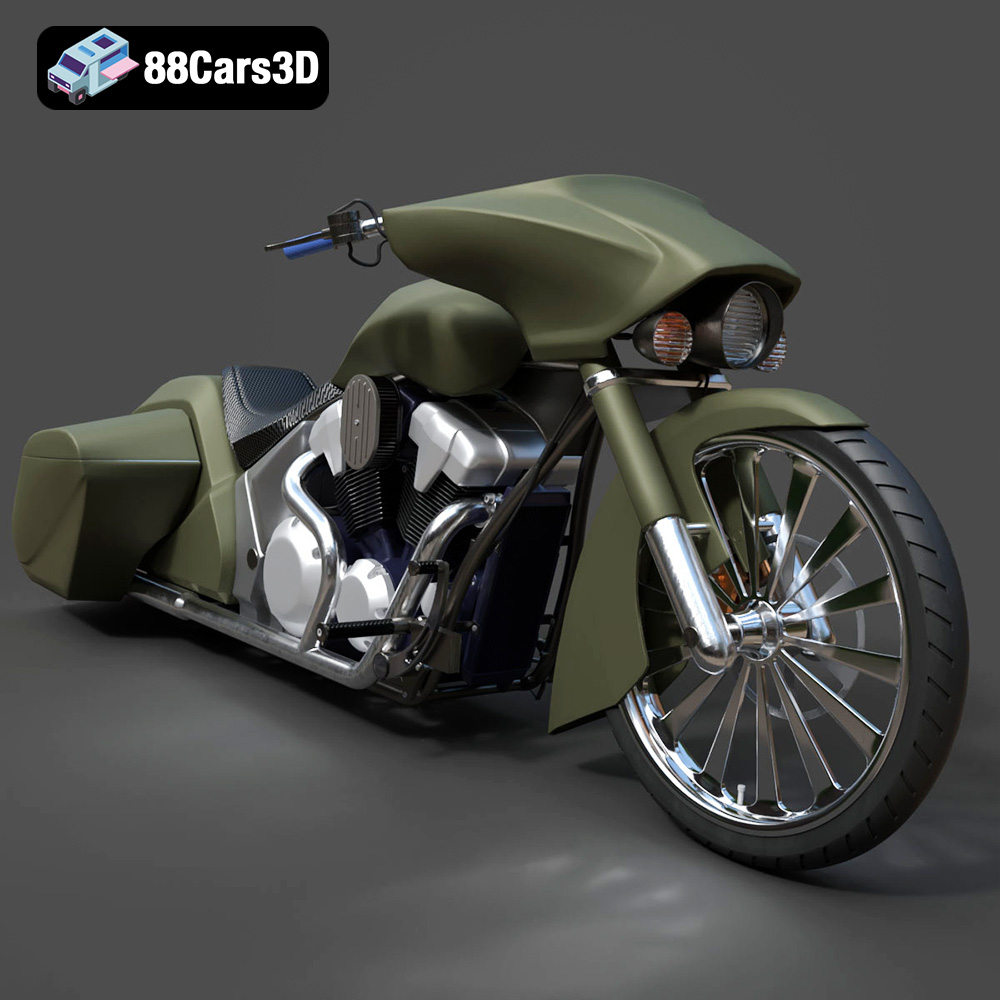
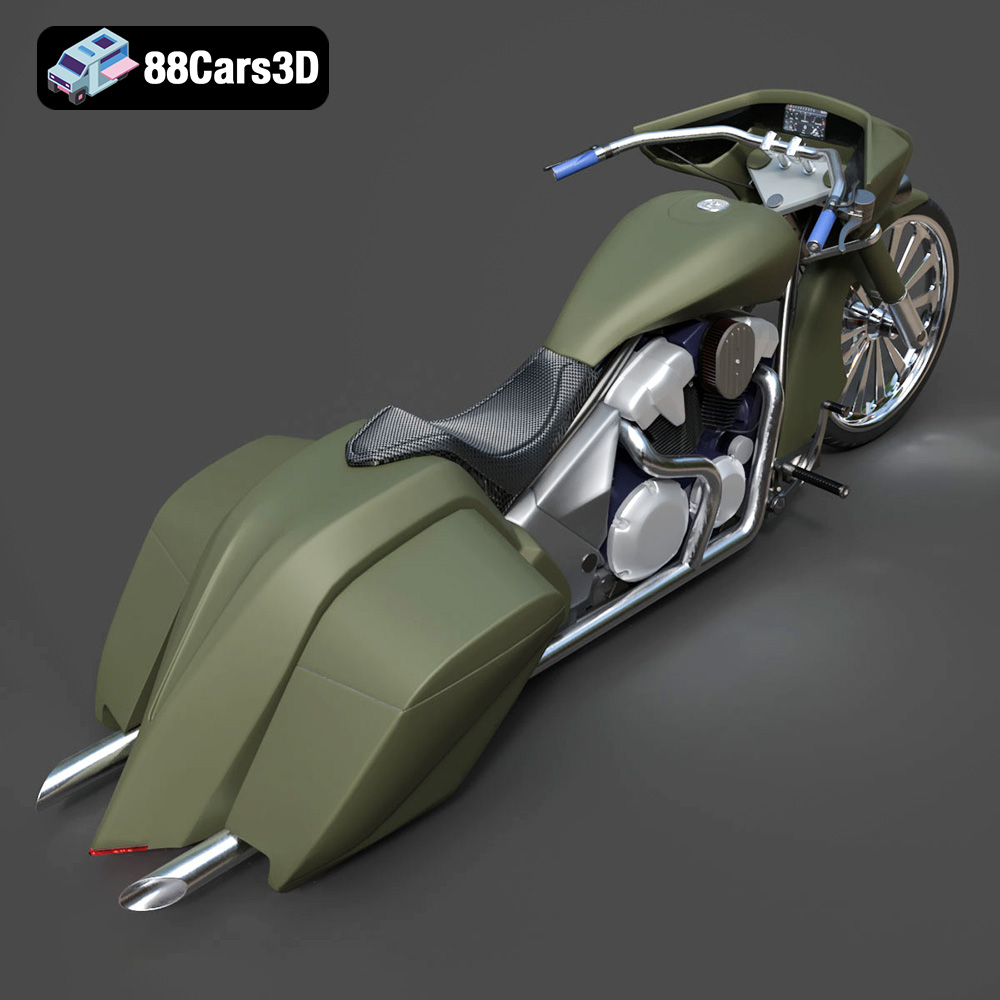
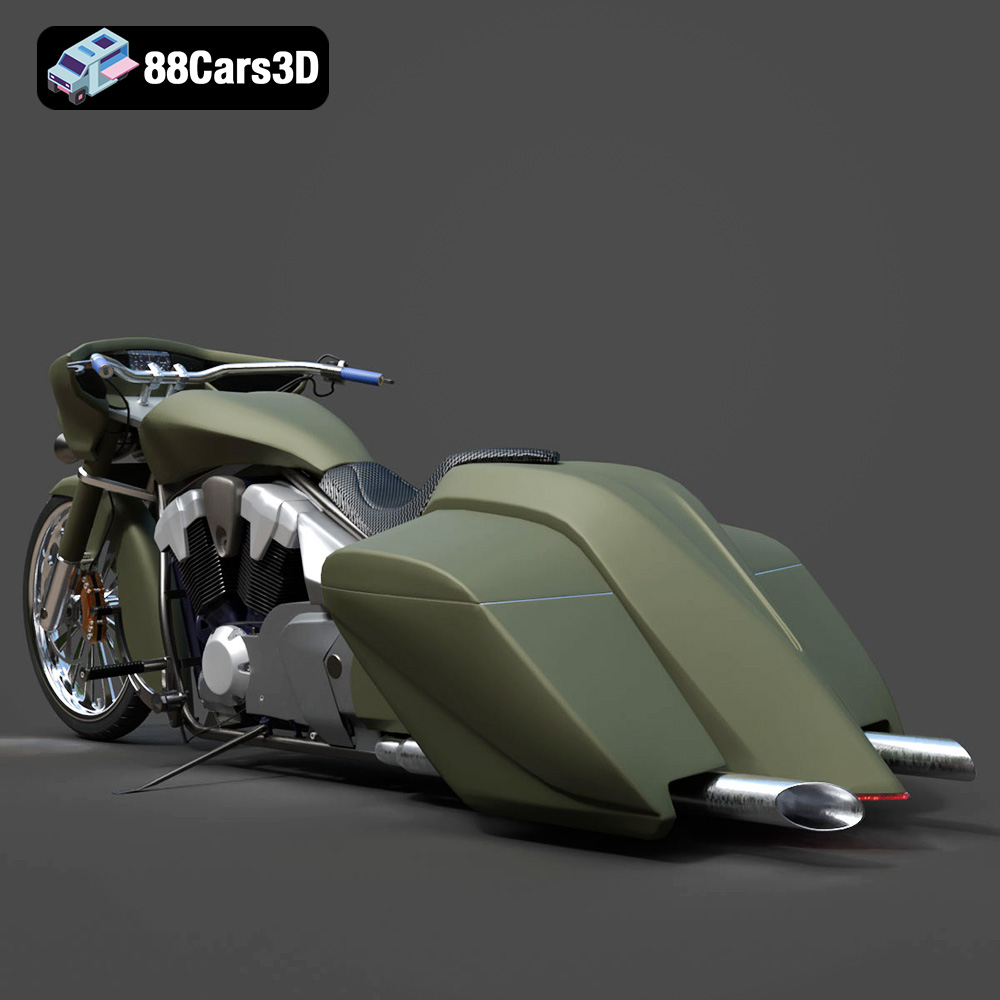
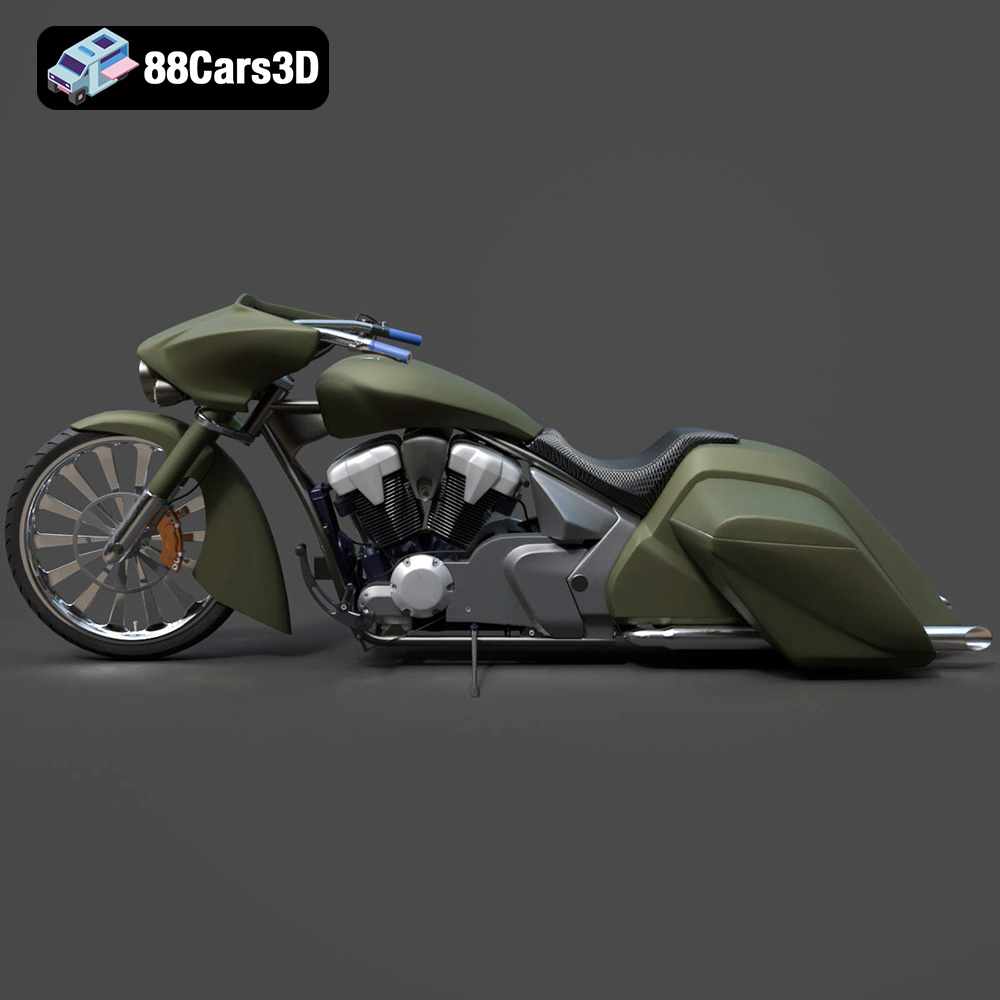
Before diving into the printing process, it’s crucial to understand the nuances of the 3D model itself. The Honda Stateline Bagger Slammer boasts a wealth of detail, from the intricate V-twin engine to the flowing lines of the saddlebags and fenders. This level of detail presents both opportunities and challenges for 3D printing. Careful consideration must be given to the model’s geometry, overhangs, and small features to ensure a successful print.
The model’s complexity dictates the level of support structures required. Examine the handlebars, exhaust pipes, and fender edges; these areas will undoubtedly need support to prevent sagging or deformation during printing. Identifying these areas beforehand allows for strategic placement of supports in your slicing software.
The description mentions separate wheels and steering setup, which is advantageous for 3D printing. Separating parts allows for optimized print orientation and minimizes the need for extensive support structures. Consider if further separation of components (e.g., the engine, saddlebags, and frame) would simplify the printing process.
Selecting the right file format is essential for a smooth 3D printing workflow. The Honda Stateline Bagger Slammer 3D Model available for download on 88cars3d.com comes in multiple formats, each suited for different purposes. Understanding these formats will allow you to choose the optimal one for your specific needs.
The .stl (stereolithography) file format is the undisputed industry standard for 3D printing. It represents the surface geometry of a 3D object as a collection of triangles. This mesh-based representation is universally compatible with slicing software, making it the go-to choice for preparing models for additive manufacturing. While STL files are simple and widely supported, they only store the geometry of the model; color and texture information are not included. For the Honda Stateline Bagger Slammer, the STL format will be your primary file for printing.
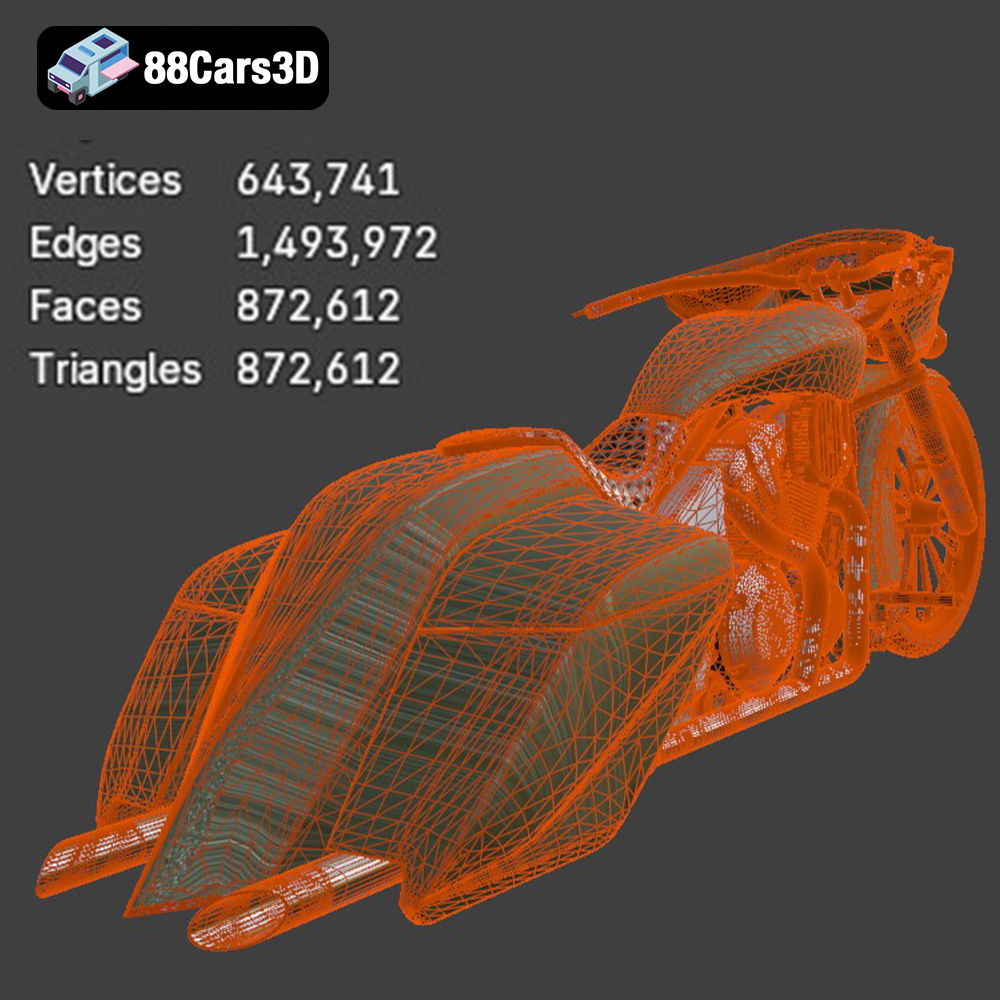
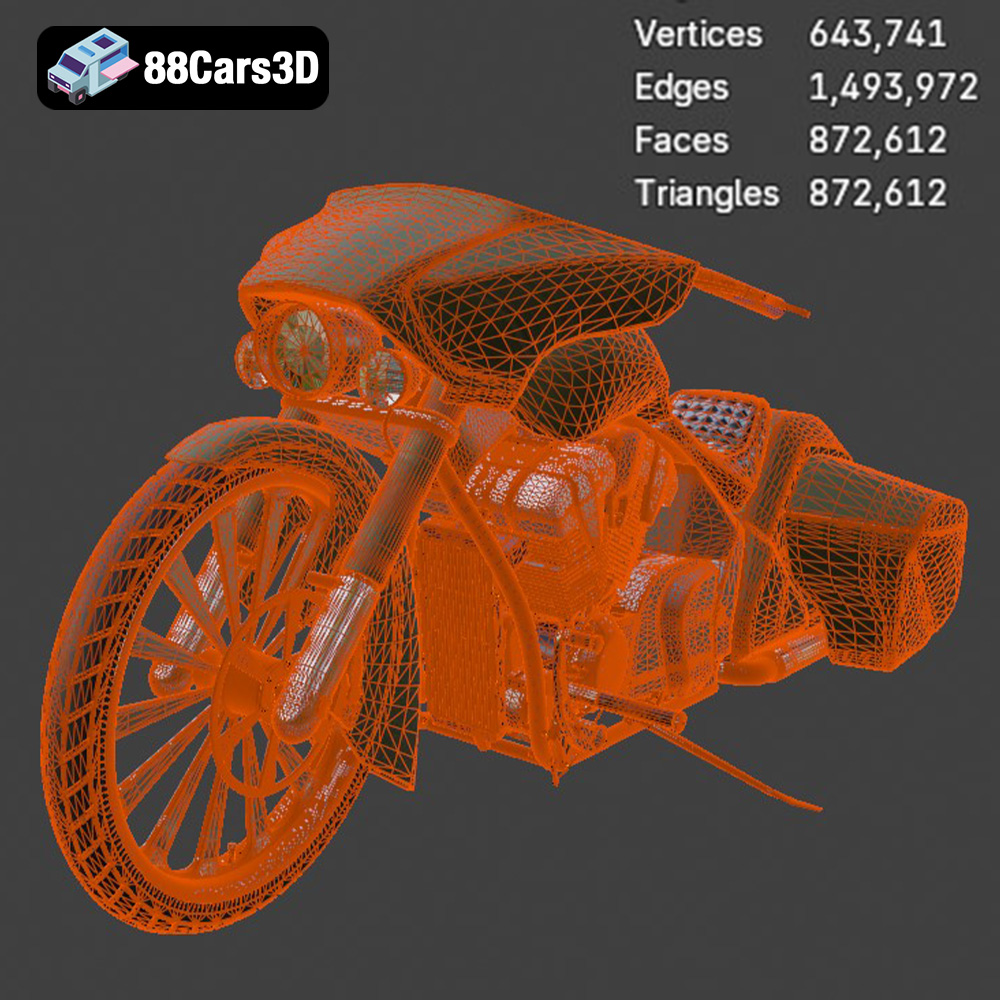
When using STL, ensure the mesh quality is sufficient for your desired print resolution. A higher triangle count results in a smoother surface finish but increases file size and processing time. Most slicing software allows you to adjust the mesh resolution during import or repair. Aim for a balance between detail and manageability.
Slicing software compatibility is key. Most slicers readily accept STL files. However, importing other formats might require plugins or conversion steps. For the best 3D printing experience with the Honda Stateline Bagger Slammer model, focus on using the provided STL file.
Once you have your STL file, the next step is to prepare it for 3D printing using slicing software. This software converts the 3D model into a series of layers that the 3D printer can understand. Effective slicing is critical for achieving a high-quality print.
Numerous slicing software options are available, each with its strengths and weaknesses. Popular choices include Cura, Simplify3D, PrusaSlicer, and IdeaMaker. Consider factors such as ease of use, feature set, and compatibility with your 3D printer when making your selection. Cura and PrusaSlicer are great free options, while Simplify3D offers advanced customization features for experienced users.
Model orientation significantly impacts print quality, support structure requirements, and print time. For the Honda Stateline Bagger Slammer, consider the following:
Support structures are essential for printing overhangs and bridging gaps. Slicing software offers various support generation options, including tree supports, linear supports, and hybrid approaches. Experiment with different support settings to find the optimal balance between support strength and ease of removal. For the Honda Stateline Bagger Slammer, focus on providing adequate support for the handlebars, exhaust pipes, and fender edges, as these are particularly prone to sagging.
The choice of material significantly impacts the final look, feel, and durability of your 3D printed Honda Stateline Bagger Slammer. Different materials offer varying properties, and selecting the right one is crucial for achieving your desired results.
For Fused Deposition Modeling (FDM) printing, the most common materials are PLA, PETG, and ABS. PLA is a biodegradable thermoplastic known for its ease of printing and good surface finish. It’s a great choice for beginners and for models that don’t require high heat resistance. PETG offers a balance of strength, flexibility, and temperature resistance, making it a versatile option for functional parts and models that need to withstand some stress. ABS is a stronger and more heat-resistant material than PLA and PETG, but it requires a heated bed and an enclosure to prevent warping. For the Honda Stateline Bagger Slammer, PLA or PETG would be suitable choices, depending on your desired balance of ease of printing and durability.
Resin printing, using technologies like SLA or DLP, offers higher resolution and finer detail than FDM printing. Standard resins are suitable for aesthetic models and prototypes, while engineering resins offer enhanced mechanical properties like strength, toughness, and heat resistance. If you want to capture every intricate detail of the Honda Stateline Bagger Slammer, resin printing is the way to go. Choose an engineering resin if you need a more durable model that can withstand handling.
Consider the following material properties when making your selection:
Fine-tuning your printer settings is essential for achieving a high-quality 3D print. The optimal settings will vary depending on your chosen material, printer, and slicing software, but here are some general guidelines for the Honda Stateline Bagger Slammer:
Layer height directly impacts the resolution and surface finish of your print. A lower layer height (e.g., 0.1mm) results in a smoother surface but increases print time. For FDM printing, a layer height of 0.12-0.16mm is a good starting point for the Honda Stateline Bagger Slammer. For resin printing, a layer height of 0.025-0.05mm will capture fine details.
Infill density determines the internal solidity of your print. A higher infill density increases strength but also increases print time and material usage. For the Honda Stateline Bagger Slammer, an infill density of 15-25% should be sufficient for most parts. Experiment with different infill patterns (e.g., gyroid, honeycomb, rectilinear) to find the best balance of strength and weight.
Print speed and temperature are crucial for preventing warping, stringing, and other printing defects. Refer to your material manufacturer’s recommendations for optimal temperature settings. Start with a moderate print speed (e.g., 50-60mm/s for FDM printing) and adjust as needed to achieve the best results. Ensure adequate cooling to prevent overheating and warping, especially for PLA.
Once your parts are printed, post-processing is essential for achieving a polished and professional-looking final product. This involves removing support structures, sanding surfaces, painting, and assembling the various components.
Carefully remove support structures using pliers, a hobby knife, or specialized support removal tools. Take your time to avoid damaging the delicate parts of the model. Once the supports are removed, sand the surfaces to smooth out any imperfections and layer lines. Start with a coarse grit sandpaper (e.g., 220 grit) and gradually move to finer grits (e.g., 400, 600, 800 grit) for a smooth finish. Wet sanding can help to further refine the surface and minimize dust.
Painting is a crucial step in bringing your 3D printed Honda Stateline Bagger Slammer to life. Apply a primer coat to prepare the surface for paint. Use acrylic paints or model paints for the best results. Consider using masking tape to create clean lines and add intricate details. Applying a clear coat will protect the paint and add a glossy or matte finish. The product description mentions custom paint finishes and chrome detailing, so get creative with your color scheme and add realistic touches to make your model stand out.
Carefully assemble the various components of the Honda Stateline Bagger Slammer, using glue or fasteners as needed. Refer to the original model or reference images to ensure accurate placement. Add any final details, such as decals, stickers, or custom accessories, to complete your masterpiece.
Even with careful preparation, 3D printing can sometimes present challenges. Here are some common issues and their solutions:
Warping occurs when the corners of the print lift off the build plate. To prevent warping, ensure your build plate is clean and level, use a heated bed, and apply an adhesive like glue stick or painter’s tape. For ABS, use an enclosure to maintain a consistent temperature.
Stringing occurs when the printer extrudes filament while moving between parts. To prevent stringing, adjust your retraction settings, increase travel speed, and lower printing temperature. Blobs are caused by excessive material extrusion. Calibrate your extrusion multiplier and adjust your print speed.
If your support structures are too weak, they may collapse during printing. Increase the support density and thickness. If they are too difficult to remove, reduce the support density and interface layer thickness.
The Honda Stateline Bagger Slammer 3D Model is a high-detail digital recreation of the custom low-slung cruiser motorcycle inspired by the Honda Stateline platform. Designed with an aggressive bagger stance and slammed suspension profile, this model captures the bold styling, extended fenders, stretched saddlebags, and powerful V-twin character that define the bagger culture.
$9.99
3D printing the Honda Stateline Bagger Slammer is a rewarding project that allows you to create a detailed and personalized replica of this iconic motorcycle. By carefully preparing your model, choosing the right materials and printer settings, and mastering post-processing techniques, you can achieve stunning results. Remember to analyze the model’s complexity, select the appropriate file format (typically STL), orient the parts optimally, and fine-tune your printer settings for your chosen material. With a little patience and experimentation, you’ll be cruising with your own 3D printed bagger in no time. Head over to 88cars3d.com to grab the model and start your 3D printing adventure!
.arvr
.bagger
.blend
.cruisermotorcycle
.custombike
.fbx
.gameasset
.glb
.honda
.max
.motorcycle3dmodel
.obj
.ply
.rendering
.simulation
.stateline
.stl
.touringbike
.unreal
.v-twin