Get 50% OFF All Premium 3D & STL Models!

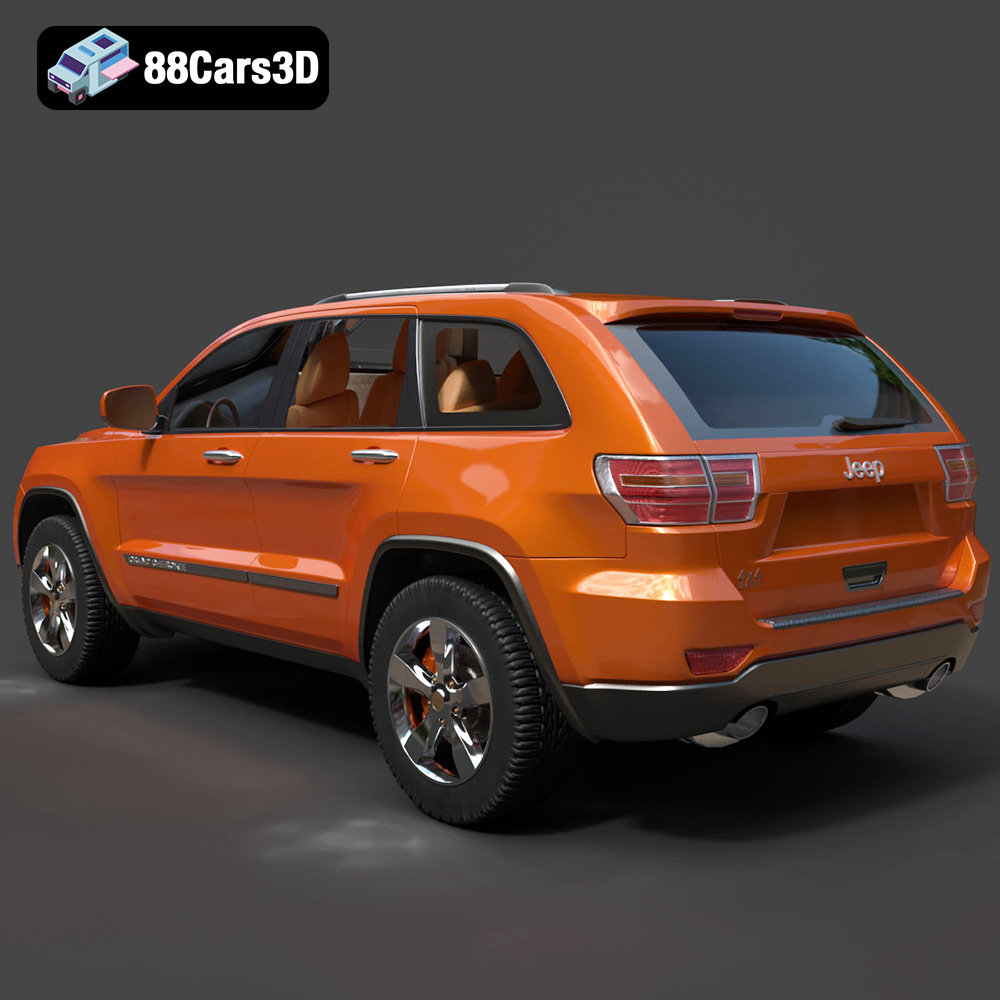
The Jeep Grand Cherokee 2010, a symbol of ruggedness and practicality, can now grace your desk or become a centerpiece of your collection thanks to the power of 3D printing. This guide will walk you through the entire process of 3D printing a detailed and accurate replica of this iconic SUV, from preparing the STL files to post-processing and painting. Whether you’re a seasoned 3D printing enthusiast or a newcomer, this guide will provide the knowledge and techniques needed to bring your own Jeep Grand Cherokee 2010 to life. With high-quality 3D car models available at marketplaces like 88cars3d.com, the possibilities for creating your own miniature automotive world are endless.
Before diving into the specifics of printing the Jeep Grand Cherokee 2010, it’s crucial to understand the different file formats associated with 3D models and their suitability for 3D printing. Selecting the right format and ensuring its integrity is paramount for a successful print.
The STL (Stereolithography) file format is the undisputed champion of 3D printing. It represents the surface geometry of a 3D object using a collection of triangles. It’s a simple, widely supported format that virtually all 3D printers and slicing software can handle. The Jeep Grand Cherokee 2010 model from 88cars3d.com includes STL files, meaning you’re ready to begin the 3D printing process without any format conversions.
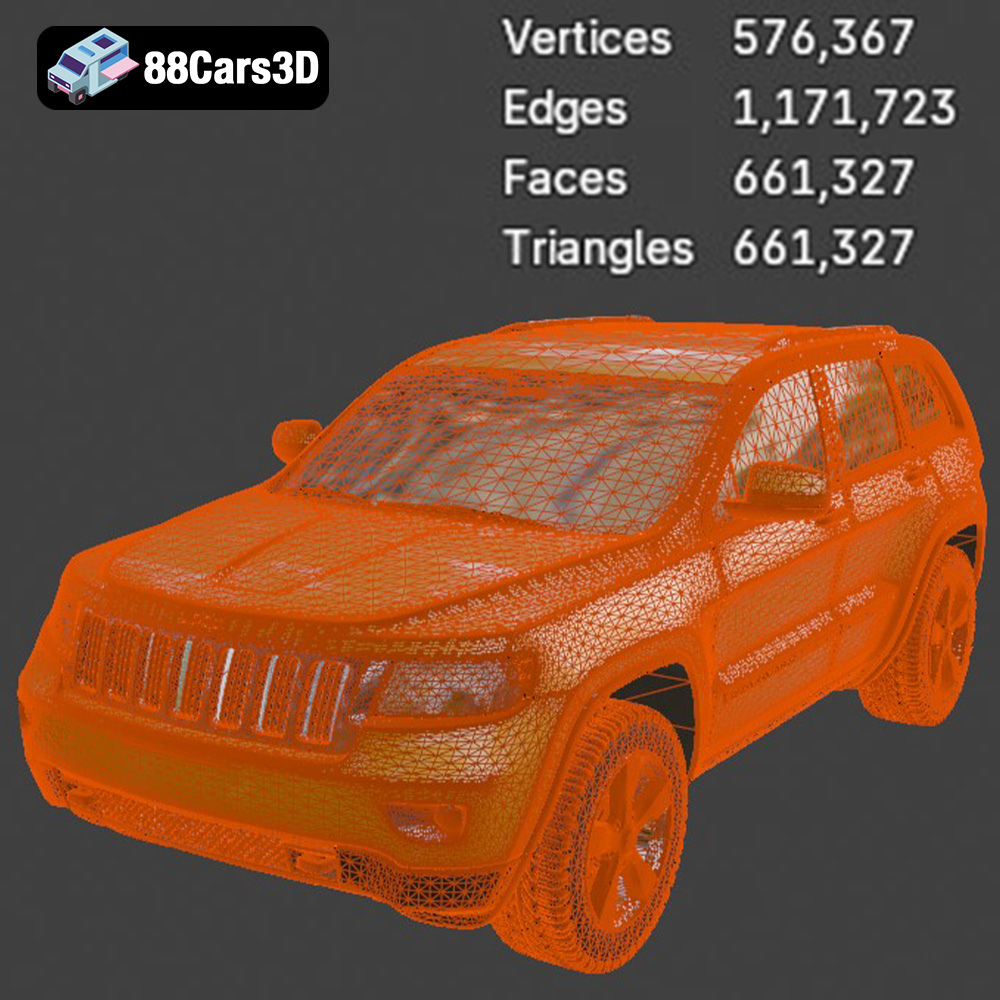
The quality of an STL file directly impacts the final print. A high-resolution STL file, with a greater number of smaller triangles, will result in a smoother, more detailed print. However, a file with too many triangles can become unnecessarily large and slow down the slicing process. Striking a balance between detail and file size is key. Slicing software allows you to control the tessellation (triangulation) of the model, so you can optimize it for your specific printer and desired level of detail. Because the STL format only contains the mesh data, colors and textures are not included, so your print will be a single color, based on the chosen printing filament or resin.
OBJ is another popular 3D model format. Unlike STL, OBJ files can store color and texture information, alongside the geometric data. This makes it suitable for colored 3D prints (though this requires a specialized printer that can handle multiple filaments or inks). While many slicing programs accept OBJ files, it’s often more practical to convert them to STL for standard 3D printing, as the color and texture information isn’t utilized.
PLY is a format designed to store 3D data acquired from 3D scanning. It’s known for its ability to represent high-detail meshes accurately, often retaining color and surface properties. However, PLY files can be quite large, and support in slicing software is not as universal as STL or OBJ. For 3D printing the Jeep Grand Cherokee 2010, STL remains the preferred choice.
A .blend file is the native format for Blender, a popular open-source 3D modeling software. This format contains the entire Blender scene, including the model, materials, textures, lighting, and animation data. While you can’t directly 3D print a .blend file, having it allows you to modify the Jeep Grand Cherokee 2010 model before exporting it as an STL. This is beneficial if you want to customize the design, add details, or optimize it specifically for 3D printing.
FBX is a proprietary file format developed by Autodesk, commonly used for exchanging 3D data between different software applications. It supports geometry, materials, textures, animations, and more. While some advanced slicing software may be able to import FBX files, typically the model needs to be converted to STL for printing, especially if you are not using a multi-material printer.
GLB is a binary file format that represents 3D models in a compact and efficient manner. It’s widely used for augmented reality (AR) and virtual reality (VR) applications, as well as for web-based 3D previews. While not directly used for 3D printing, a GLB file allows you to visualize the Jeep Grand Cherokee 2010 model in a real-world environment before committing to a print, helping you to assess its size and appearance.
Similar to .blend, .max is the native format for 3ds Max, another professional 3D modeling software. This format contains all the elements of a 3ds Max project, allowing for complete customization of the model before exporting it as an STL for 3D printing.
In summary, while various formats exist, the STL format is the most suitable for 3D printing the Jeep Grand Cherokee 2010. Ensure the STL file has sufficient resolution for your desired level of detail and use slicing software to optimize the model’s triangulation for your specific 3D printer.
Once you have your STL file of the Jeep Grand Cherokee 2010, the next crucial step is preparing it for printing using slicing software. This involves configuring printer settings, generating supports, and ensuring the model is oriented correctly.
Slicing software takes your 3D model and converts it into a series of instructions (G-code) that your 3D printer can understand. Popular choices include Cura, PrusaSlicer, Simplify3D, and IdeaMaker. Each offers a range of settings to control the printing process.
* **Layer Height:** This determines the resolution of your print. A lower layer height (e.g., 0.1mm) results in finer details and smoother surfaces but increases print time. For the Jeep Grand Cherokee 2010, a layer height of 0.12-0.2mm is a good balance between detail and print time.
* **Infill Density:** Infill refers to the internal structure of your 3D print. Higher infill densities (e.g., 35%) make the print stronger but use more material. For a display model, an infill of 20-30% is usually sufficient.
* **Wall Thickness:** This refers to the number of perimeters (walls) around the outside of your print. A thicker wall (e.g., 2mm) increases strength and provides a better surface finish.
* **Print Speed:** Adjusting print speed affects both the quality and time of the print. Slower speeds typically improve accuracy, particularly for intricate details.
* **Temperature:** Proper nozzle and bed temperature settings are critical for filament adhesion and preventing warping. Refer to the filament manufacturer’s recommendations.
The orientation of your model on the print bed significantly impacts print quality and the amount of support material required. As recommended by 88cars3d.com, printing the body of the Jeep Grand Cherokee 2010 upside-down can result in a smoother finish on the hood and roof.
Supports are necessary for overhanging features, such as the side mirrors, bumper overhangs, roof rails, and underbody sections. Slicing software can automatically generate supports, but you may need to manually adjust their placement and density to optimize for material usage and ease of removal. Consider using tree supports, which are more efficient and leave fewer marks on the printed surface.
Before slicing, you may want to scale the Jeep Grand Cherokee 2010 model to your desired size. 88cars3d.com suggests scales of 1:32, 1:24, 1:18, or 1:12. Ensure the scale you choose is appropriate for your printer’s build volume and the level of detail you want to achieve.
It’s also essential to check the model for any errors or imperfections, such as non-manifold geometry or holes. Slicing software often has built-in repair tools, or you can use dedicated software like MeshMixer or Netfabb to fix these issues.
The choice of material significantly impacts the appearance, strength, and durability of your 3D printed Jeep Grand Cherokee 2010. Here’s a breakdown of commonly used materials and their suitability for this project.
PLA is a biodegradable thermoplastic polymer derived from renewable resources like cornstarch or sugarcane. It’s known for its ease of use, low printing temperature, and minimal warping. PLA is an excellent choice for beginners and for printing models where strength is not a primary concern. The Jeep Grand Cherokee 2010, being a display model, is well-suited for PLA. It provides good surface detail and can be easily painted.
However, PLA is not very heat-resistant and can become brittle over time. It’s also more susceptible to UV degradation than other materials. Therefore, if you plan to display your 3D printed Jeep Grand Cherokee 2010 in direct sunlight or in a hot environment, consider using a different material.
PETG is a modified version of PET (the plastic used in water bottles) that is stronger, more flexible, and more heat-resistant than PLA. It also has better chemical resistance. PETG is a good all-around material that’s relatively easy to print and provides excellent results. For the Jeep Grand Cherokee 2010, PETG would be a good option if you want a model that is more durable and can withstand higher temperatures.
PETG can be slightly more challenging to print than PLA, as it requires higher printing temperatures and can be more prone to stringing (thin strands of plastic between printed parts). However, with proper temperature and retraction settings, you can achieve excellent results with PETG.
Resin 3D printing (SLA or DLP) uses liquid resin that is cured by UV light. Resin printing is capable of producing incredibly detailed and smooth prints, making it ideal for small-scale models like the Jeep Grand Cherokee 2010. If you want to capture every intricate detail of the vehicle, resin printing is the way to go.
However, resin printing also has its drawbacks. It requires specialized equipment, including a resin printer, a wash station, and a curing station. Resin is also more expensive than filament, and the printing process can be messier and more time-consuming. Additionally, resin prints are often more brittle than filament prints and may require post-curing to achieve their full strength. If you choose resin, a layer height of 0.04-0.12mm is recommended for the smaller details.
Once your Jeep Grand Cherokee 2010 is printed, the real fun begins: post-processing. This involves removing supports, sanding the surface, painting the model, and assembling any separate parts.
Carefully remove the supports from your 3D printed parts. Use pliers, a hobby knife, or a deburring tool to avoid damaging the model. After removing the supports, sand the surface to remove any imperfections and smooth out layer lines. Start with coarse sandpaper (e.g., 220 grit) and gradually move to finer grits (e.g., 400, 600, 800 grit) for a smooth finish.
For resin prints, you’ll need to wash the parts in isopropyl alcohol (IPA) to remove any uncured resin. Then, cure the parts under UV light to harden them completely.
Before painting, apply a primer to the model. Primer helps to create a smooth, uniform surface for the paint to adhere to. Choose a primer that is compatible with your chosen paint.
Use spray paint or an airbrush to apply the base coat to the Jeep Grand Cherokee 2010. 88cars3d.com suggests matte or metallic paint for a realistic finish. Consider using modern Volvo factory colors, like Sage Green, Glacier Silver, or Crystal White, paired with a gloss black roof for a unique touch.
After the base coat has dried, you can add details using fine brushes. Paint the headlights, taillights, grille, and other trim elements with precision. Finally, apply a clear coat to protect the paint and give the model a glossy finish.
If you printed the wheels and other parts separately, now is the time to assemble them. Use glue or epoxy to attach the parts securely. Ensure the wheels rotate freely.
Even with careful preparation, you may encounter some common 3D printing issues. Here are some tips for troubleshooting them:
* **Warping:** This occurs when the corners of your print lift off the build plate. To prevent warping, ensure your build plate is properly leveled, use a heated bed, and apply an adhesive like hairspray or glue stick.
* **Stringing:** This refers to thin strands of plastic between printed parts. To reduce stringing, adjust the retraction settings in your slicing software, lower the printing temperature, and increase the travel speed.
* **Layer Shifting:** This happens when the layers of your print are misaligned. Check that your belts are properly tensioned, your printer is stable, and there are no obstructions preventing smooth movement of the print head.
* **Under-Extrusion:** This occurs when the printer isn’t extruding enough filament. Check that your nozzle isn’t clogged, your filament is feeding properly, and your extrusion multiplier is set correctly.
* **Over-Extrusion:** The opposite of under-extrusion, this results in excessive material being deposited. Reduce the extrusion multiplier or decrease the flow rate in your slicing software.
Before starting your 3D printing project, it’s helpful to estimate the print time and material costs. Slicing software typically provides estimates for both.
The print time depends on the size of the model, the layer height, the infill density, and the print speed. A larger model with a lower layer height and higher infill will take longer to print.
The material cost depends on the type of filament or resin you use and the amount required for the print. Slicing software will estimate the amount of material needed in grams or milliliters. You can then calculate the cost based on the price of the material.
For a 1:24 scale Jeep Grand Cherokee 2010 printed with PLA at a layer height of 0.15mm and an infill density of 20%, the print time could range from 15-25 hours, and the material cost could be around $5-$10. Keep in mind that these are just estimates, and the actual time and cost may vary.
3D printing the Jeep Grand Cherokee 2010 is a rewarding project that combines technical skill with creative expression. By carefully preparing your STL files, choosing the right material, configuring your slicing software, and mastering post-processing techniques, you can create a stunning replica of this iconic SUV. Remember to explore resources like 88cars3d.com for high-quality 3D models and inspiration. Whether you’re a seasoned 3D printing enthusiast or just starting out, the possibilities for bringing your own automotive creations to life are endless. Enjoy the journey, and happy printing!
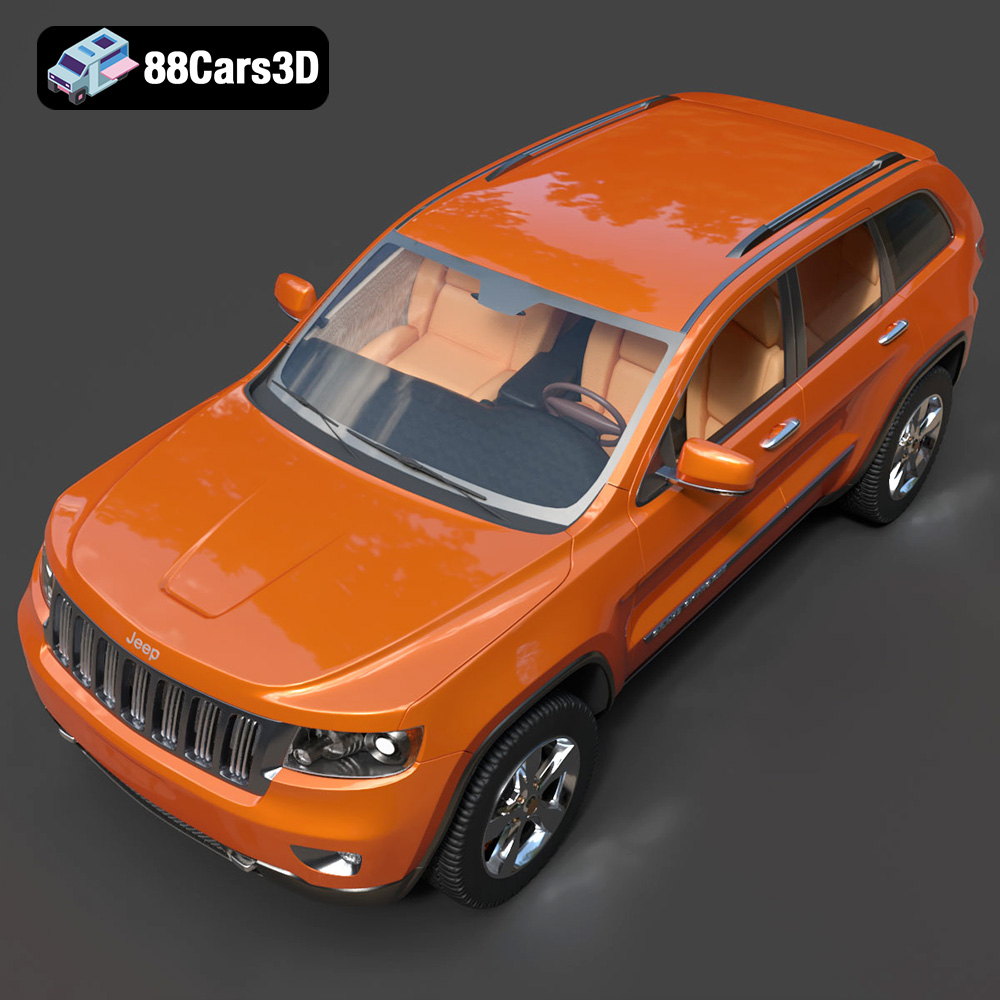
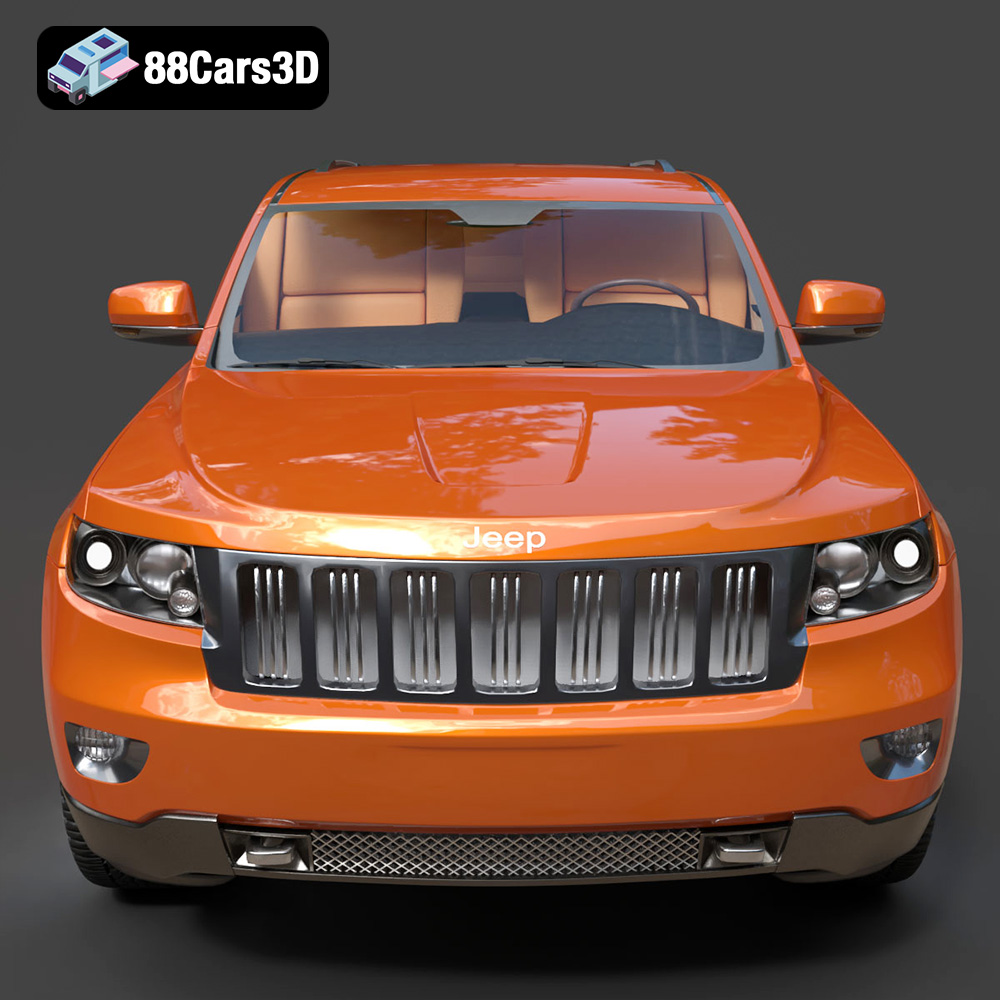
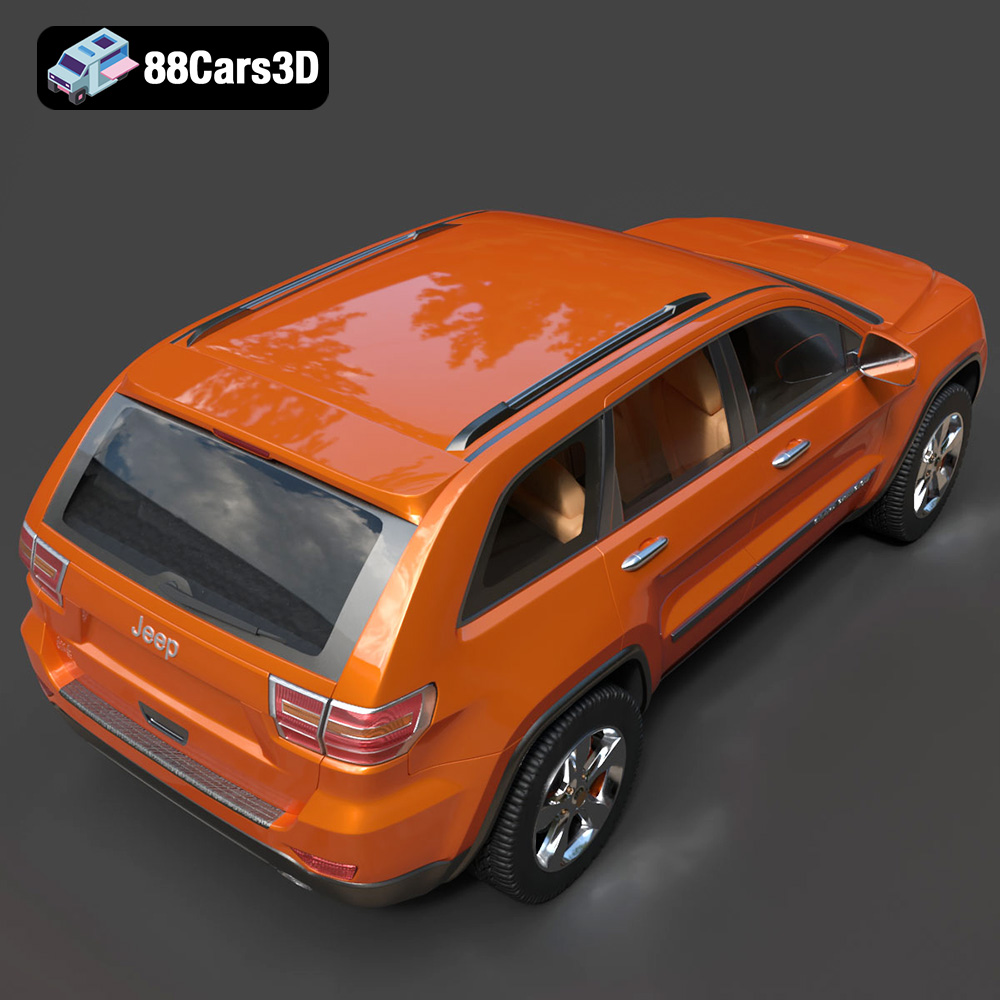
The Jeep Grand Cherokee 2010 3D Model is a highly detailed and accurately scaled digital recreation of the rugged midsize SUV from Jeep. The 2010 model represents the final production year of the WK generation, known for its muscular stance, strong off-road capability, and practical interior layout. This 3D model precisely captures the signature seven-slot grille, bold headlamp design, squared wheel arches, elevated ground clearance, and classic SUV proportions.
$9.99
.4x4vehicle
.arvr
.blend
.car3dmodel
.fbx
.gameasset
.glb
.grandcherokee2010
.jeep
.max
.obj
.offroadsuv
.ply
.rendering
.simulation
.stl
.suv3dmodel
.unreal
.vehicle3D
.wkseries