Get 50% OFF All Premium 3D & STL Models!

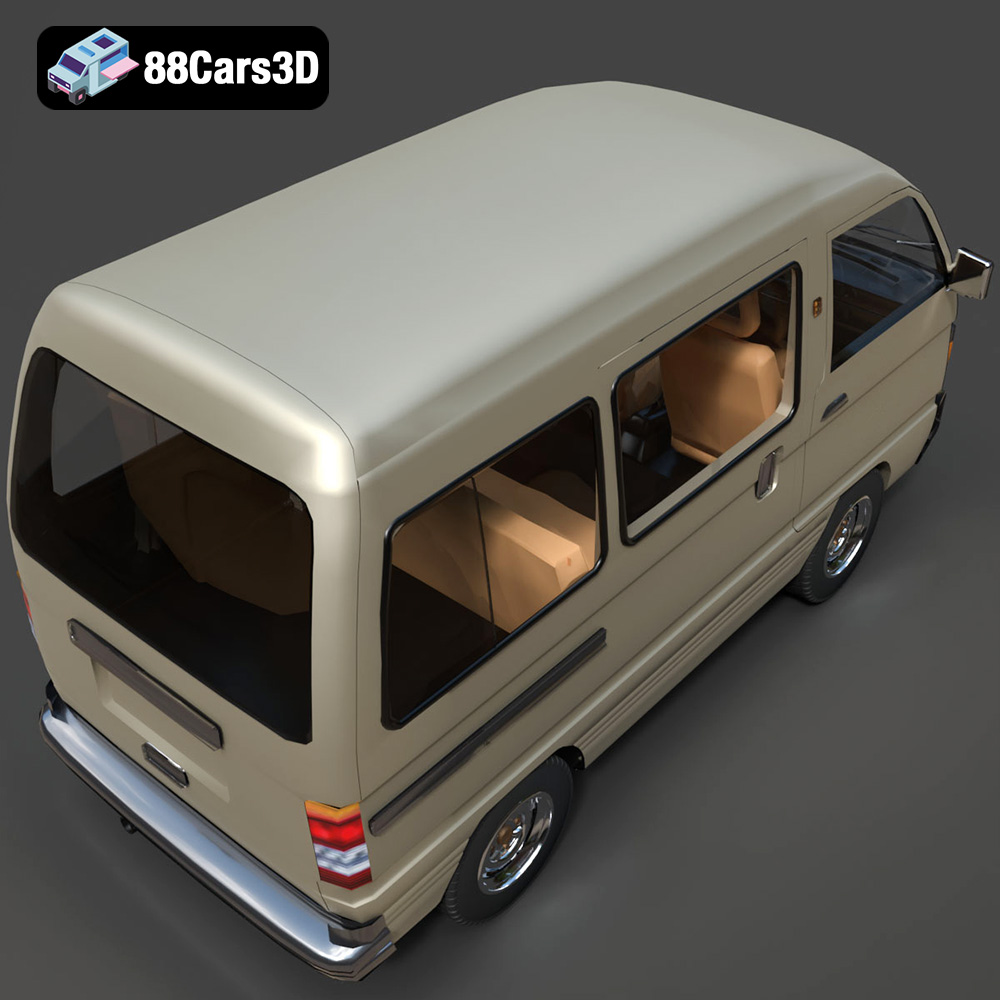
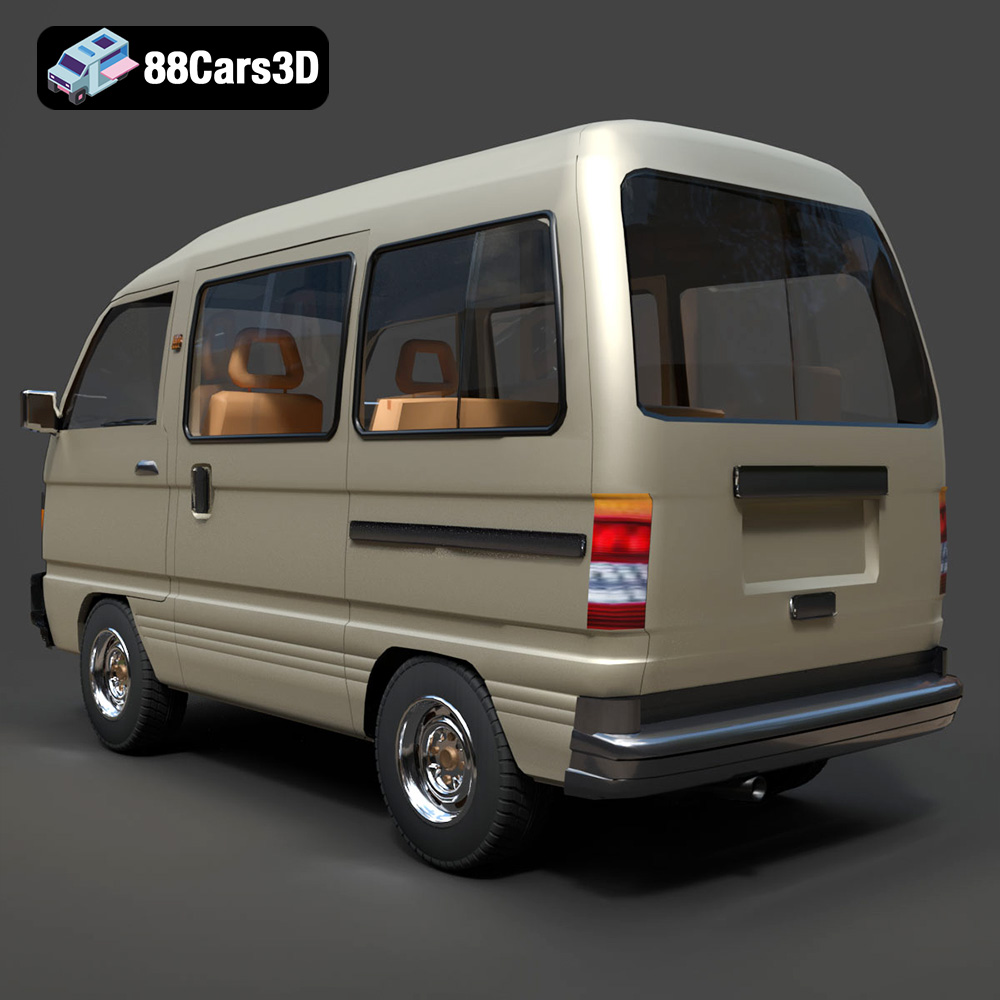
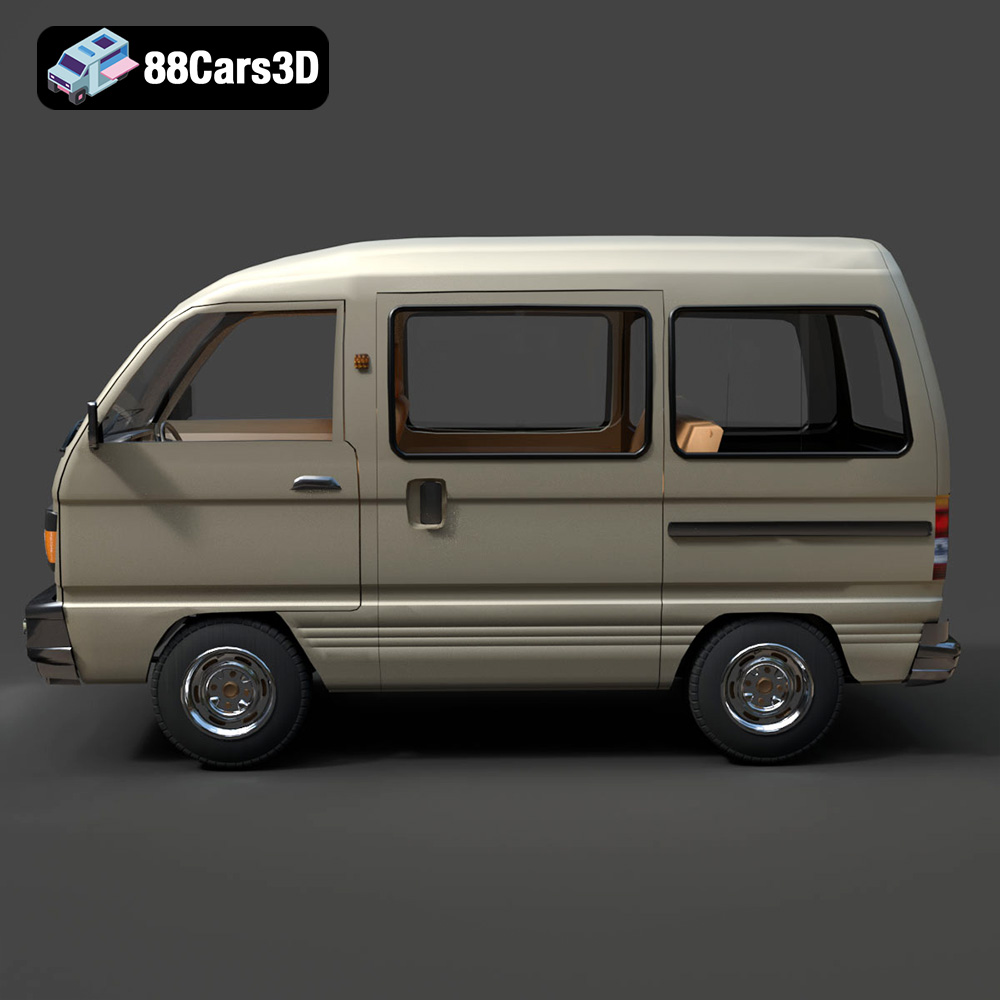
The Suzuki Super Carry 1000, a microvan icon of the 80s and 90s, is now within your reach in the form of a highly detailed 3D model from 88cars3d.com. This blog post will guide you through the process of 3D printing this legendary vehicle, ensuring a successful and rewarding additive manufacturing experience. Whether you’re a seasoned 3D printing enthusiast or a beginner, we’ll cover everything from selecting the right materials and settings to post-processing techniques for a stunning final result. Imagine having a miniature Suzuki Super Carry 1000 on your desk, a tangible piece of automotive history brought to life with 3D printing!
One of the first steps to 3D printing success is understanding the different file formats your 3D model comes in. While the Suzuki Super Carry 1000 Microvan 3D Model from 88cars3d.com includes various formats, some are better suited for 3D printing than others. Let’s delve into the details:
The STL (Stereolithography) file format is the workhorse of 3D printing. It represents the surface geometry of a 3D object as a collection of triangles. This format is universally compatible with slicing software, which translates the 3D model into instructions for your 3D printer. The .stl file you download will be a mesh-only format.
For 3D printing, STL is often the preferred choice due to its simplicity and widespread support. However, it’s crucial to ensure that the STL file is properly prepared. This includes checking for errors such as non-manifold geometry (holes or gaps in the mesh), flipped normals (surfaces facing the wrong direction), and intersecting faces. Most slicing software packages have built-in repair tools to address these issues, but it’s always a good practice to inspect the model before importing it. A well-prepared STL file will significantly reduce the chances of printing failures and improve the overall quality of the 3D printed Suzuki Super Carry 1000.
The OBJ (Object) file format is another common format, particularly useful when dealing with colored 3D prints or models with texture information. Unlike STL, OBJ can store color and texture data, making it suitable for more complex visualizations. If you plan on painting your 3D printed Suzuki Super Carry 1000, the OBJ format can be helpful for referencing the original textures and color schemes.
The PLY (Polygon File Format) is designed for storing 3D data acquired from 3D scanners. It’s capable of representing highly detailed meshes with color and other properties. While not as widely used as STL for 3D printing, PLY can be beneficial when dealing with very intricate models where high precision is required.
The .blend file is the native format for Blender, a popular open-source 3D modeling software. This format is extremely useful if you want to customize the Suzuki Super Carry 1000 model before printing. You can modify the geometry, add details, or even create variations of the model. Once you’re done editing, you’ll need to export the model as an STL file for 3D printing.
The FBX (Filmbox) format is commonly used for exchanging 3D data between different software applications. It supports materials, textures, and animations. While not directly used for 3D printing, you can import the FBX file into your slicing software (if supported) to retain material information, which can be helpful for visualizing the final printed model.
The GLB format is designed for displaying 3D models in augmented reality (AR) applications. It’s a binary file format that efficiently stores 3D scenes. Before 3D printing, you can use the GLB file to preview the Suzuki Super Carry 1000 in AR, allowing you to visualize how it will look in a real-world environment.
The .max file is the native format for 3ds Max, a professional 3D modeling and animation software. Similar to .blend, you can use .max to modify the 3D model before 3D printing. After making your changes, export the model as an STL file for printing.
For 3D printing the Suzuki Super Carry 1000, the **STL** format is the recommended choice. Ensure that the STL file is clean, error-free, and properly scaled before proceeding to the next steps.
The choice of material significantly impacts the final appearance, strength, and functionality of your 3D printed Suzuki Super Carry 1000. Here’s a breakdown of popular materials and their suitability for this project:
Polylactic Acid (PLA) is a biodegradable thermoplastic polymer derived from renewable resources. It’s known for its ease of use, low printing temperature, and minimal warping, making it an excellent choice for beginners. PLA is ideal for creating visually appealing models with fine details. The Suzuki Super Carry 1000, with its intricate bodywork and interior features, can be printed beautifully with PLA.
However, PLA has some limitations. It’s not as strong or heat-resistant as other materials, and it can become brittle over time. If you plan to display your 3D printed microvan indoors and avoid exposure to high temperatures, PLA is a great option. Consider using PLA+ for slightly improved strength and temperature resistance.
Polyethylene Terephthalate Glycol-modified (PETG) combines the ease of printing of PLA with the durability of ABS. It’s stronger, more flexible, and more heat-resistant than PLA, making it a versatile material for a wide range of applications. PETG also offers excellent layer adhesion, resulting in robust and reliable prints.
If you want a 3D printed Suzuki Super Carry 1000 that can withstand more wear and tear, PETG is an excellent choice. Its impact resistance makes it less likely to break if dropped, and its higher temperature resistance prevents warping in warmer environments. PETG also exhibits a glossy finish, which can enhance the visual appeal of the model.
For those seeking the highest level of detail and a smooth surface finish, resin printing is the way to go. Resin printers use liquid photopolymer resins that are cured by UV light, resulting in incredibly precise and detailed prints. The Suzuki Super Carry 1000, with its intricate features like the headlight housings and interior details, will truly shine when printed with resin.
Resin printing requires more post-processing than FDM printing (PLA or PETG), including washing and curing the printed parts. It also involves handling potentially hazardous chemicals. However, the superior detail and finish make it worth the effort for experienced 3D printing enthusiasts. Consider using a high-quality resin specifically designed for detailed models.
* **ABS:** Acrylonitrile Butadiene Styrene (ABS) is a strong and heat-resistant material, but it’s more difficult to print than PLA or PETG due to its tendency to warp. It’s generally not recommended for beginners.
* **TPU/Flexible Filaments:** Thermoplastic Polyurethane (TPU) is a flexible material that can be used to print tires or other soft components for the Suzuki Super Carry 1000.
* **Nylon:** Nylon is a strong and durable material with excellent chemical resistance. It’s suitable for printing functional parts that require high strength and wear resistance.
Ultimately, the best material for your 3D printed Suzuki Super Carry 1000 depends on your specific needs and preferences. PLA is a great starting point for beginners, while PETG offers a good balance of ease of use and durability. Resin printing provides unmatched detail and finish, but it requires more experience and post-processing.
Before you can 3D print the Suzuki Super Carry 1000, you need to prepare the model using slicing software. This software converts the 3D model into a series of instructions (G-code) that your 3D printer can understand. Here’s a breakdown of the key steps involved in slicing and pre-print preparation:
Several excellent slicing software packages are available, both free and paid. Some popular options include:
* **Ultimaker Cura:** A free and user-friendly slicer with a wide range of features and customizable settings.
* **PrusaSlicer:** Another free and powerful slicer with advanced features like variable layer height and adaptive infill.
* **Simplify3D:** A paid slicer with a streamlined interface and excellent print quality optimization.
* **ChiTuBox/Lychee Slicer:** Specialized slicers for resin printers.
The choice of slicing software depends on your printer, experience level, and desired level of control over the printing process. Cura and PrusaSlicer are excellent starting points for beginners, while Simplify3D offers more advanced features for experienced users. If you’re using a resin printer, ChiTuBox or Lychee Slicer are essential.
Proper model orientation is crucial for achieving the best print quality and minimizing the need for supports. For the Suzuki Super Carry 1000, consider printing the body at an angle (approximately 45 degrees) to minimize the stepping effect on curved surfaces. This will result in a smoother surface finish and reduce the amount of sanding required.
Supports are necessary for overhanging features like the side mirrors, bumpers, and wheel arches. Slicing software can automatically generate supports, but it’s important to carefully review their placement and density. Too few supports can lead to print failures, while too many supports can be difficult to remove and leave behind unsightly marks. Experiment with different support settings to find the optimal balance between support strength and ease of removal.
The following printer settings are recommended for 3D printing the Suzuki Super Carry 1000:
* **Layer Height:** 0.08-0.16 mm (lower layer heights result in finer details and smoother surfaces)
* **Infill Density:** 15-25% (a higher infill density increases strength but also increases print time and material usage)
* **Wall Thickness:** 1.2-2.0 mm (thicker walls provide greater strength and rigidity)
* **Print Speed:** 40-60 mm/s (slower speeds generally improve print quality)
* **Nozzle Temperature:** Consult the filament manufacturer’s recommendations (typically 200-220°C for PLA and 230-250°C for PETG)
* **Bed Temperature:** Consult the filament manufacturer’s recommendations (typically 60-70°C for PLA and 70-80°C for PETG)
These settings are a starting point, and you may need to adjust them based on your specific printer and filament. Experiment with different settings to find what works best for you.
The Suzuki Super Carry 1000 3D model can be scaled to different sizes depending on your preferences. The recommended scales are 1:32, 1:24, and 1:18. Keep in mind that scaling the model down too much can make it difficult to print fine details, while scaling it up too much can increase print time and material usage. Choose a scale that balances detail, printability, and cost.
Now that you’ve prepared the model and configured your slicing software, it’s time to start 3D printing! Here’s a step-by-step guide to help you through the process:
Before you start printing, make sure your 3D printer is properly calibrated and maintained. This includes:
* **Leveling the print bed:** A level print bed is essential for good adhesion and consistent print quality.
* **Cleaning the print bed:** Remove any dust or debris from the print bed to ensure good adhesion.
* **Checking the nozzle:** Make sure the nozzle is clean and free of clogs.
* **Lubricating moving parts:** Lubricate the printer’s moving parts to ensure smooth operation.
Once your printer is ready, load the G-code file into your printer and start the print. Monitor the first few layers closely to ensure that the model is adhering properly to the print bed. If you notice any issues, such as warping or poor adhesion, stop the print and adjust your settings accordingly.
Throughout the printing process, keep an eye on the printer and watch for any potential problems. Common issues include:
* **Warping:** The corners of the model lifting off the print bed.
* **Stringing:** Thin strands of filament forming between different parts of the model.
* **Layer shifting:** A misalignment of layers, resulting in a distorted print.
* **Clogging:** The nozzle becoming blocked with filament.
Each of these issues has its own set of potential causes and solutions. Consult online resources and troubleshooting guides for specific advice.
The print time and material cost for the Suzuki Super Carry 1000 will vary depending on your printer, settings, and material. However, you can expect the print time to be several hours to a few days, and the material cost to be a few dollars to a few tens of dollars. Slicing software typically provides estimates of print time and material usage.
Once the print is complete, you’ll need to perform some post-processing to refine the appearance and finish of your Suzuki Super Carry 1000.
Carefully remove the supports from the model using pliers, cutters, or a sharp knife. Be gentle to avoid damaging the model. You may need to use sandpaper or a file to smooth out any rough spots where the supports were attached.
Sand the model to remove any layer lines or imperfections. Start with a coarse grit sandpaper (e.g., 220 grit) and gradually move to finer grits (e.g., 400, 600, 800 grit) for a smoother finish. Wet sanding can help to reduce dust and improve the sanding process.
Apply a primer to the model to create a smooth and uniform surface for painting. Choose a primer that is compatible with your chosen material. Once the primer is dry, you can paint the model using acrylic paints, spray paints, or other suitable paints. Consider the classic factory colors like Commercial White, Pastel Blue, Forest Green, or Bright Red for an authentic look.
If the model is printed in multiple parts, assemble them using glue or other adhesives. Add any final details, such as decals, mirrors, or other accessories.
Printing the Suzuki Super Carry 1000 can present some unique challenges. Here are some common issues and solutions:
* **Fine Details:** The model has some fine details that can be difficult to print, especially at smaller scales. Consider using a resin printer or printing with a lower layer height to improve detail resolution.
* **Overhanging Features:** The side mirrors and wheel arches are overhanging features that require supports. Optimize support placement and settings to minimize the need for supports and ensure that they are easy to remove.
* **Warping:** Warping can be a problem, especially with larger prints. Use a heated print bed, apply a bed adhesive, and enclose the printer to minimize warping.
* **Print Bed Adhesion:** Getting the first layer to stick to the print bed can be challenging. Level the print bed, clean the print bed, and adjust the nozzle height to improve adhesion.
By understanding these challenges and implementing the recommended solutions, you can increase your chances of a successful 3D print.
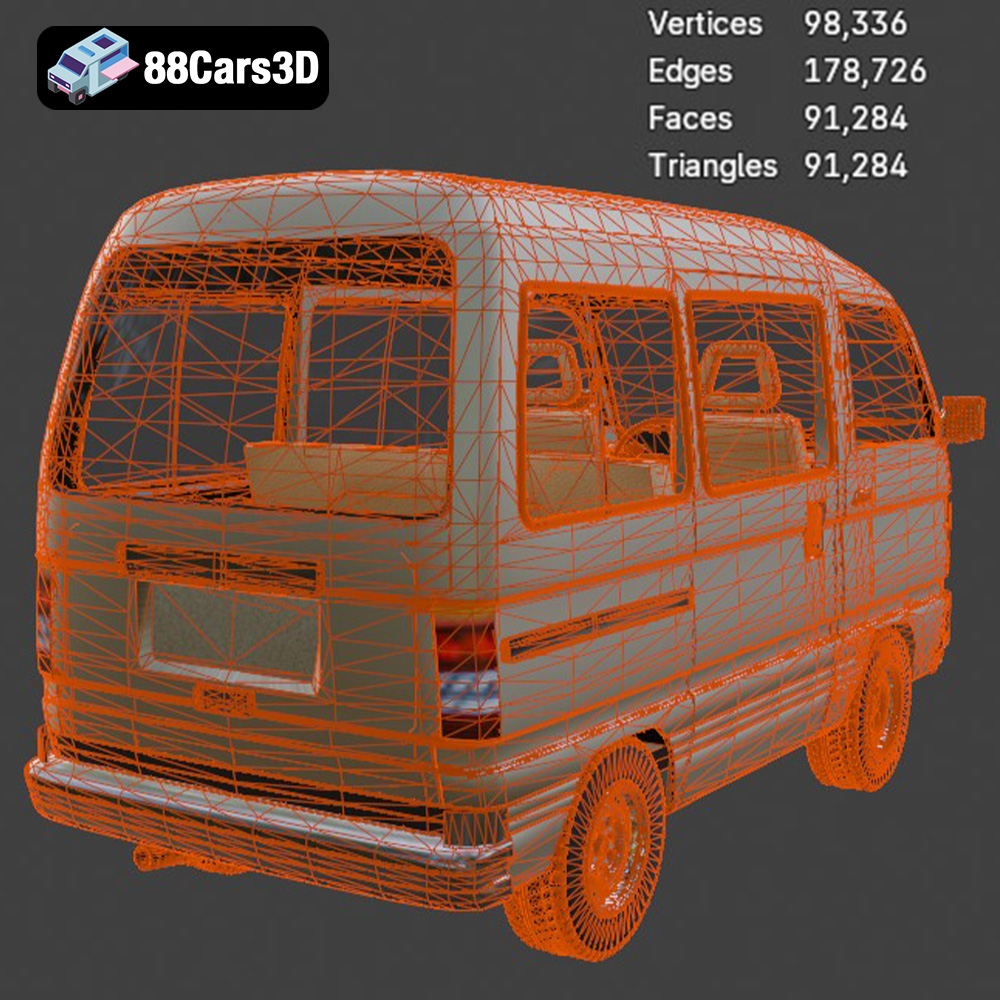
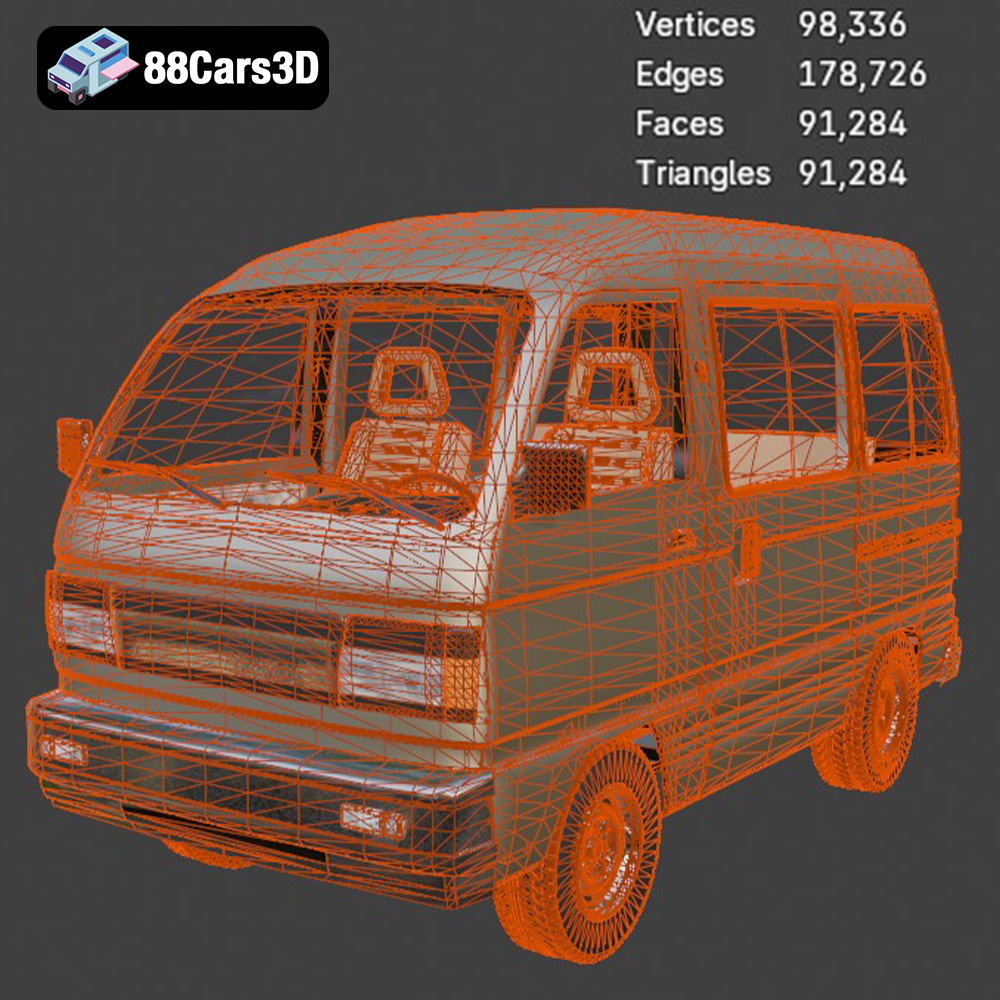
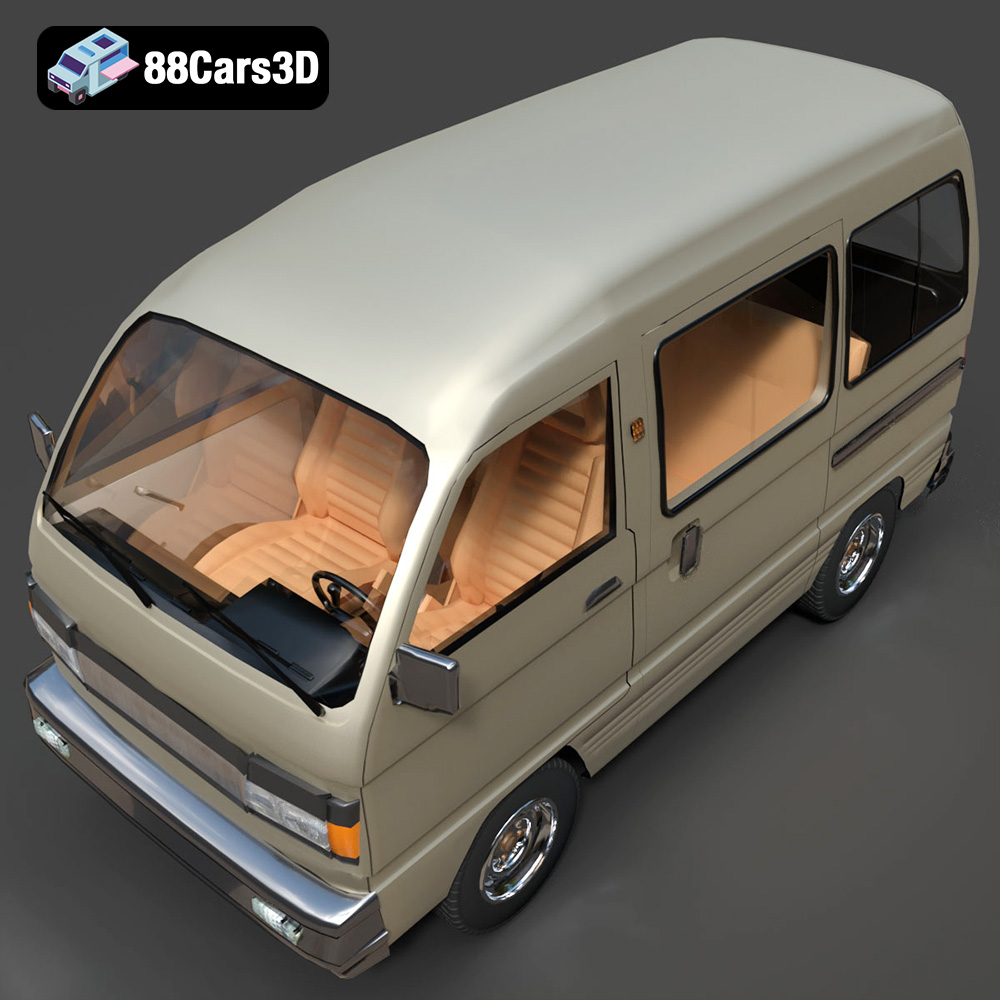
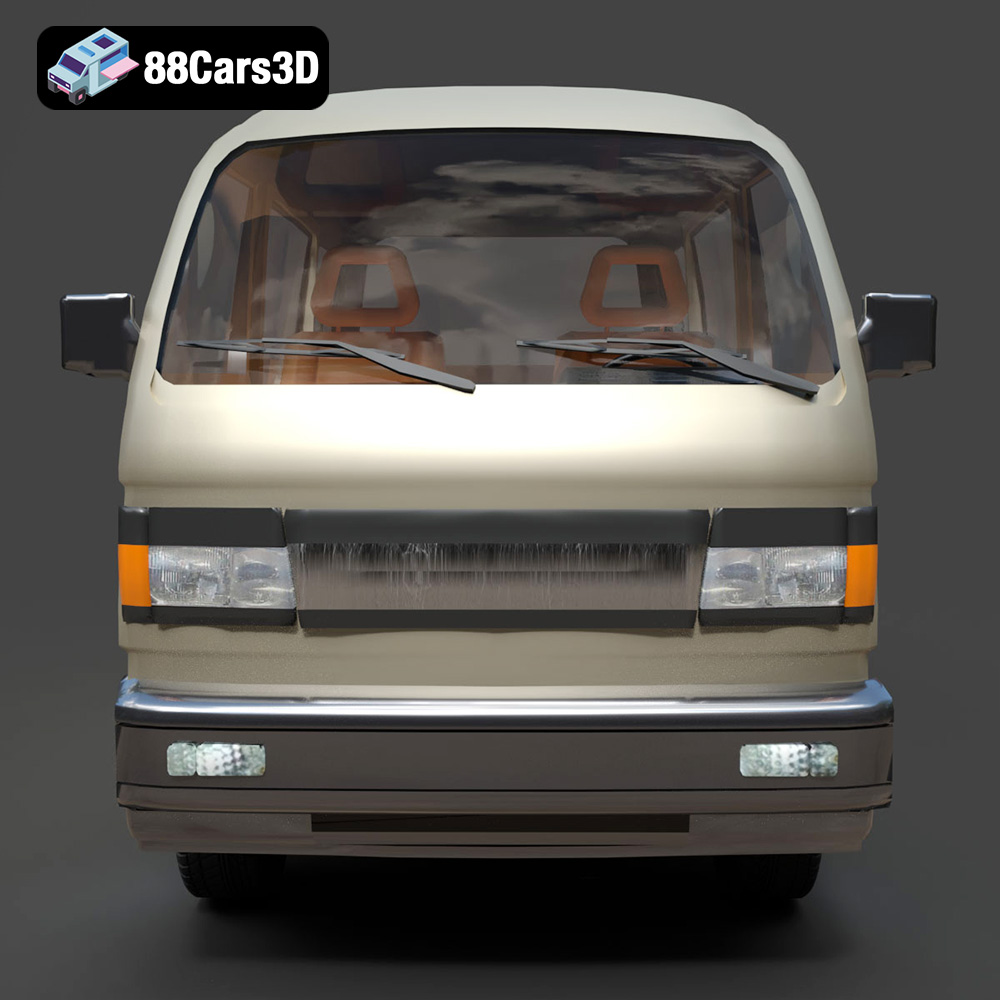
The Suzuki Super Carry 1000 Microvan 3D Model is a high-detail digital recreation of the legendary compact utilitarian workhorse from the 1980s and 1990s. Known for its incredible space efficiency and rugged simplicity, the Super Carry (often associated with the SK410 generation) combines a classic cabover design with highly practical proportions, making it a global icon of urban logistics and everyday transport.
$9.99
3D printing the Suzuki Super Carry 1000 Microvan is a rewarding project that allows you to bring a piece of automotive history to life. By carefully selecting your materials, configuring your slicing software, and following the recommended printing and post-processing techniques, you can create a stunning 3D printed model that you’ll be proud to display. Remember to visit 88cars3d.com for high-quality STL files and other 3D models optimized for 3D printing. With a little patience and attention to detail, you can successfully 3D print this iconic microvan and enjoy its unique charm for years to come!
.automotive
.blend
.cabover
.fbx
.obj
.rendering
.stl
.suzuki
1000cc
3d printing
car-3d-model
game asset
high poly
kei-van
microvan
retro-van
super-carry
utility-vehicle