Get 50% OFF All Premium 3D & STL Models!

The BMW C 400 X 2018 is a stylish and practical mid-size scooter, perfect for navigating urban environments. Now, thanks to 88cars3d.com, you can bring this iconic scooter to life in miniature form through the power of 3D printing. This guide will walk you through the entire process, from preparing your STL files to post-processing your finished 3D printed model. Whether you’re a seasoned 3D printing enthusiast or just starting out, this article provides valuable insights to achieve a high-quality 3D printed replica of the BMW C 400 X 2018. Let’s dive into the world of additive manufacturing and create a stunning miniature of this urban icon.
Before you even think about hitting the print button, proper preparation is key. This involves inspecting the STL files, scaling the model appropriately, and choosing the right slicing software settings. A well-prepared model is crucial for a successful 3D printing outcome.
The first step is to carefully inspect the STL files you’ve downloaded. While models from 88cars3d.com are generally high-quality, it’s always a good practice to check for any errors in the mesh. Use software like MeshMixer, Netfabb, or even the built-in repair tools within your slicing software to identify and fix potential issues like non-manifold edges, holes, or flipped normals. These errors can lead to printing failures or imperfections in the final product. Ensuring a clean and watertight mesh is fundamental for successful 3D printing.
The product description suggests several recommended scales for the BMW C 400 X 2018 3D model: 1:18, 1:12, 1:10, and 1:8. Choose a scale that suits your printer’s build volume and desired level of detail. Remember that smaller scales will require finer resolution and may be better suited for resin printers. Scaling can be done within your slicing software. Be sure to scale all parts of the model uniformly to maintain accurate proportions.
Slicing software is the bridge between your 3D model and your 3D printer. Popular options include Cura, Simplify3D, PrusaSlicer, and Chitubox (for resin printing). Each software has its own strengths and features, so experiment to find one that fits your workflow. The key is to configure the settings correctly for the BMW C 400 X model. This includes layer height, infill density, support settings, and print speed, which we’ll discuss in detail in later sections.
Choosing the right file format is a crucial step in the 3D printing process. While various formats exist, some are better suited for additive manufacturing than others. Understanding the nuances of each format will help you optimize your workflow and achieve the best possible results.
The STL (stereolithography) file format is the workhorse of 3D printing. It represents the surface geometry of a 3D object as a collection of triangles. STL files are simple, widely supported, and compatible with virtually all 3D printers and slicing software. Because it only stores mesh data, it doesn’t include color or texture information. This makes it ideal for prints where the finish will be added in post-processing. The STL format is the standard for 3D printing due to its ease of use, compatibility, and the wide array of tools available for manipulating and repairing STL files. When preparing the BMW C 400 X 2018 model for 3D printing, ensure that the model is exported in the STL format for maximum compatibility.
OBJ files are more versatile than STL files because they can store color and texture information in addition to geometry. This makes them suitable for full-color 3D printing, though most desktop 3D printers are limited to single-color prints. OBJ files are supported by many 3D modeling and slicing programs, but the added complexity can sometimes lead to compatibility issues.
PLY (Polygon File Format) is a file format designed to store 3D data from scanners, but it can also be used for 3D models. It supports various data types, including color, textures, transparency, normals, and other properties. While the format supports high-detail mesh information, it’s less commonly used in desktop 3D printing compared to STL and OBJ.
The .blend file is the native format for Blender, a powerful and free 3D modeling software. If you have access to the .blend file for the BMW C 400 X 2018 model, you can make modifications to the design before exporting it to a 3D printable format like STL. This allows for customization and optimization tailored specifically to your printer’s capabilities.
FBX (Filmbox) is a proprietary file format developed by Autodesk for interoperability between different 3D software packages. It supports geometry, textures, materials, and animation data. It can be imported into some slicing software, but its primary use is in the transfer of models between different design and rendering applications.
GLB is a binary file format that represents 3D models in the GL Transmission Format (glTF). GLB files are designed to be compact and efficient, making them well-suited for web-based applications, augmented reality (AR), and virtual reality (VR). It is often used for previewing models before 3D printing.
.max is the native file format for Autodesk 3ds Max, another popular 3D modeling and rendering software. Similar to .blend, having the .max file allows you to modify the BMW C 400 X 2018 model directly within 3ds Max before exporting it to a 3D printable format.
**Focus on STL:** For 3D printing, the STL format remains the most reliable and widely supported option. Most slicing software is designed to work seamlessly with STL files, and the simplicity of the format ensures compatibility across different printer brands and technologies. When working with the BMW C 400 X 2018 model, ensure that the final file you use for printing is an STL. You might use other formats for editing and modification, but always export to STL before slicing and printing.
The choice of material significantly impacts the final appearance, strength, and functionality of your 3D printed BMW C 400 X. The two primary options are FDM (Fused Deposition Modeling) filaments and resin for SLA/DLP printing.
For FDM printing, PLA (Polylactic Acid) is an excellent starting point. It’s easy to print, biodegradable, and produces relatively smooth surfaces. PETG (Polyethylene Terephthalate Glycol-modified) offers increased strength and temperature resistance compared to PLA, making it a good choice for parts that might experience some stress. ABS (Acrylonitrile Butadiene Styrene) is known for its durability and heat resistance, but it requires a heated bed and enclosure to prevent warping. For the BMW C 400 X, PLA is suitable for display models, while PETG or ABS might be preferred for parts that need to be more robust.
Resin printing, using technologies like SLA (Stereolithography) and DLP (Digital Light Processing), offers significantly higher resolution and detail compared to FDM. This makes it ideal for smaller-scale models of the BMW C 400 X, where intricate details like the headlight assembly and exhaust system need to be accurately reproduced. Resin prints tend to be more brittle than FDM prints, so handle them with care.
Consider the specific properties of each material when making your choice. Factors like strength, flexibility, temperature resistance, and ease of post-processing should all play a role in your decision. For example, if you plan to paint your 3D printed BMW C 400 X, choose a material that adheres well to paint and can be easily sanded. If you need a functional part, such as a replacement component for a larger model, opt for a more durable material like PETG or ABS.
Fine-tuning your printer settings is crucial for achieving a high-quality 3D printed BMW C 400 X. These settings will vary depending on your printer, material, and desired level of detail, but here are some general guidelines.
Layer height determines the vertical resolution of your print. Lower layer heights (e.g., 0.08-0.12mm for FDM, even lower for resin) result in smoother surfaces and finer details but increase print time. Higher layer heights (e.g., 0.2mm) print faster but may show noticeable layer lines. For the BMW C 400 X, experiment with different layer heights to find a balance between print speed and detail. The product description recommends 0.08-0.16mm, but this could be adjusted based on scale.
Infill density affects the internal strength and weight of your print. A higher infill percentage (e.g., 25%) makes the print stronger but also increases material usage and print time. A lower infill percentage (e.g., 15%) saves material but may compromise structural integrity. For the BMW C 400 X, a moderate infill density of 15-25% is generally sufficient. The infill pattern (e.g., grid, honeycomb, gyroid) can also affect strength and print time.
Support structures are necessary to print overhanging features like the mirrors, exhaust, and suspension details of the BMW C 400 X. Carefully consider the placement of supports to minimize their impact on the visible surfaces of the model. Use support blockers in your slicing software to prevent supports from generating in areas where they are not needed. After printing, carefully remove the supports, taking care not to damage the model. Soluble supports can be used for complex geometries.
Print orientation plays a crucial role in the final quality of your print. Experiment with different orientations to minimize the need for supports and maximize detail on important features. The product description suggests printing the frame angled for detail preservation and printing the wheels separately. Consider orienting the model to hide layer lines and support scars on less visible surfaces.
Post-processing is the final step in bringing your 3D printed BMW C 400 X to life. This involves removing supports, sanding the surface, applying primer, and painting the model to achieve the desired finish.
Carefully remove all support structures from the printed model. Use tools like pliers, cutters, and sandpaper to remove supports without damaging the model’s surface. Start with coarse sandpaper to remove large support remnants, then gradually move to finer grits to smooth the surface. Pay close attention to areas where supports were attached, as these may require more sanding.
Apply a primer coat to the sanded model to create a uniform surface for painting. Choose a primer that is compatible with your chosen paint. After the primer has dried, sand it lightly with fine-grit sandpaper to further smooth the surface. Apply several thin coats of paint, allowing each coat to dry completely before applying the next. Consider using an airbrush for a more professional finish. The product description mentions modern Volvo factory colors like Sage Green, Glacier Silver, or Crystal White, paired with a gloss black roof. This could be a starting point for your BMW C 400 X color scheme.
If your model consists of multiple parts (e.g., frame, wheels), carefully assemble them using glue or fasteners. Add any additional details, such as decals or custom parts, to complete the model. Consider using weathering techniques to add realism and depth to the finished product.
Even with careful preparation and optimized settings, 3D printing can sometimes present challenges. Here are some common issues and their solutions.
Warping occurs when the corners of your print lift off the build plate due to uneven cooling. Ensure your build plate is clean and level, use a heated bed (if applicable), and apply an adhesive like glue stick or hairspray to improve bed adhesion. Enclosing your printer can also help to maintain a more consistent temperature and prevent warping.
Stringing occurs when molten filament oozes from the nozzle during travel moves, leaving thin strands of plastic between parts. Increase retraction distance and speed, lower print temperature, and ensure your filament is dry to minimize stringing.
Layer shifting occurs when the print head or build plate shifts during printing, resulting in misalignment of layers. Check your printer’s belts, pulleys, and screws to ensure they are properly tightened. Reduce print speed and acceleration to minimize vibrations.
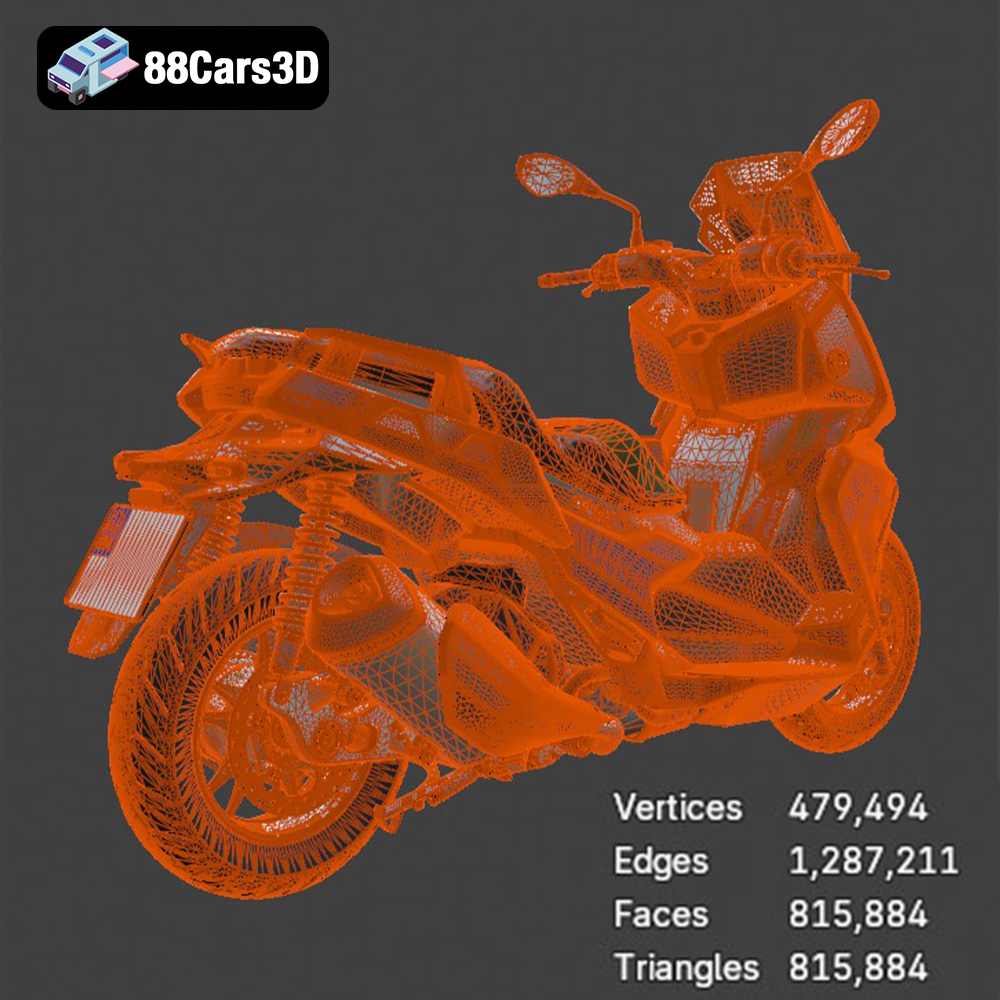
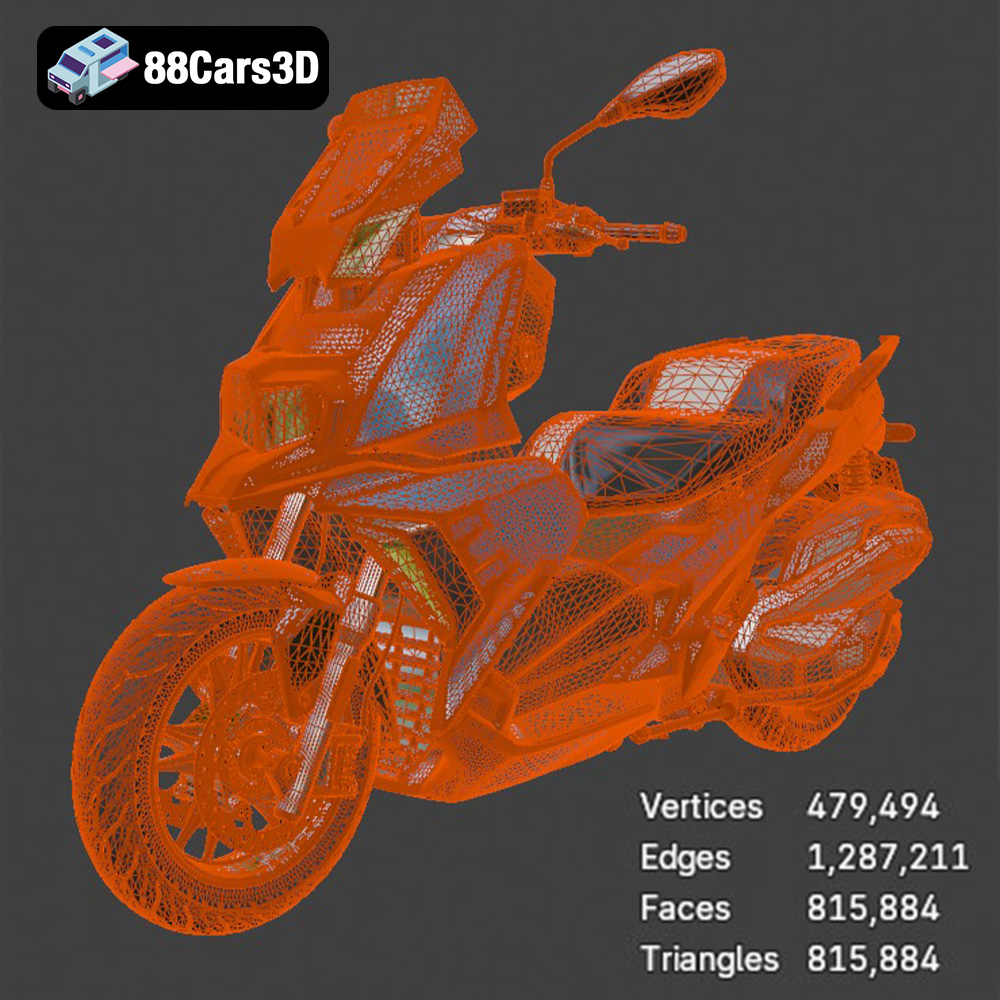
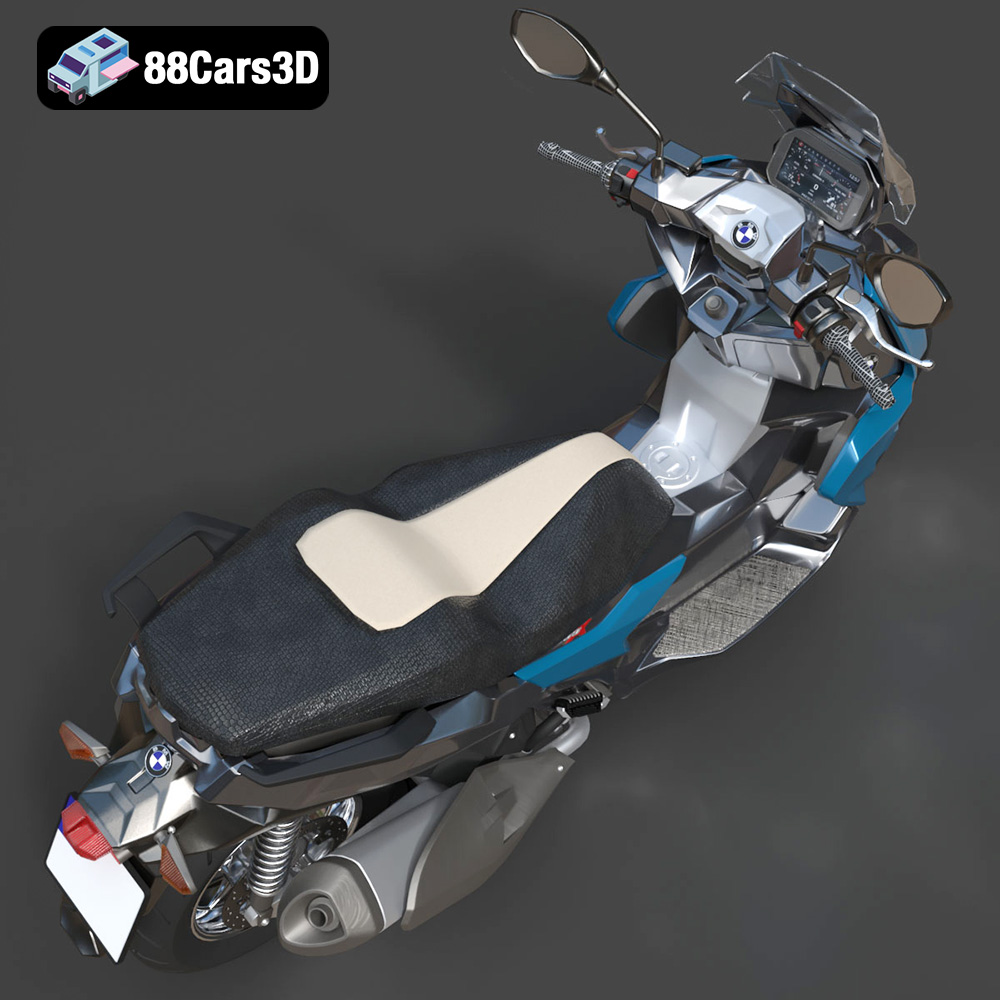
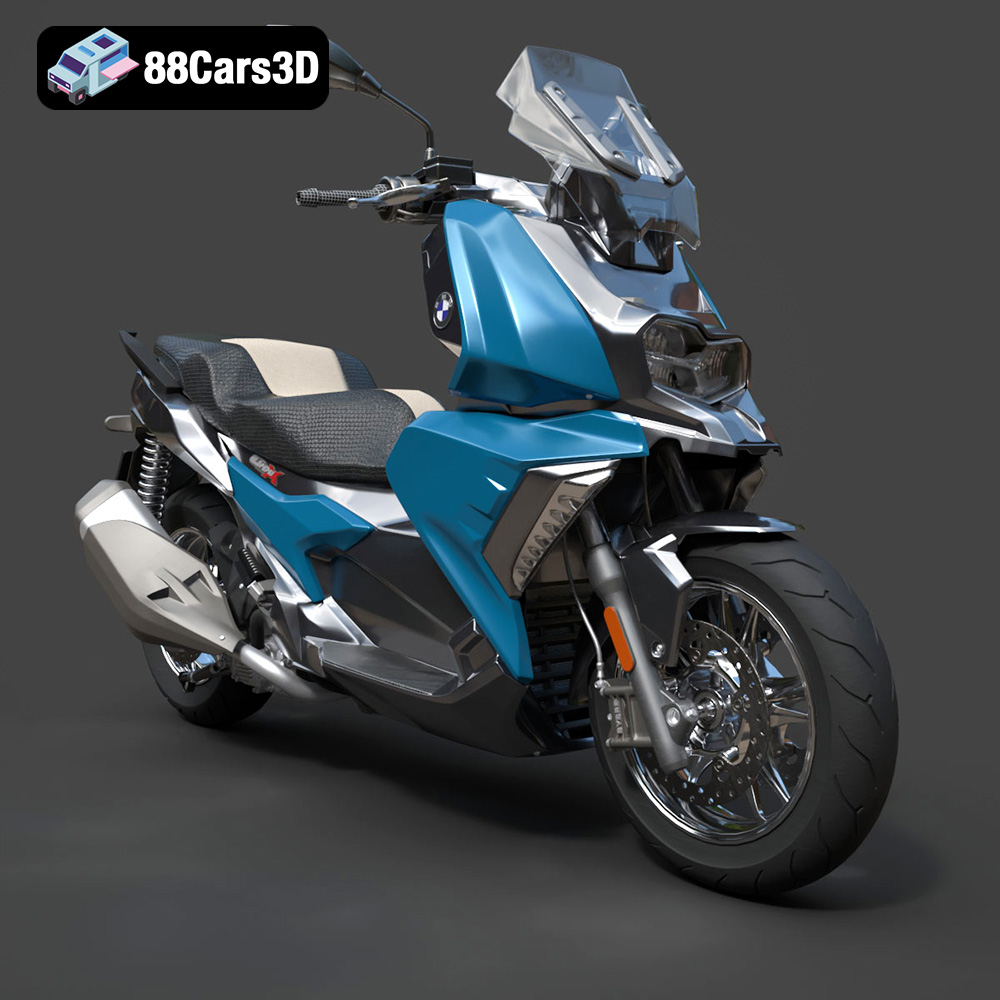
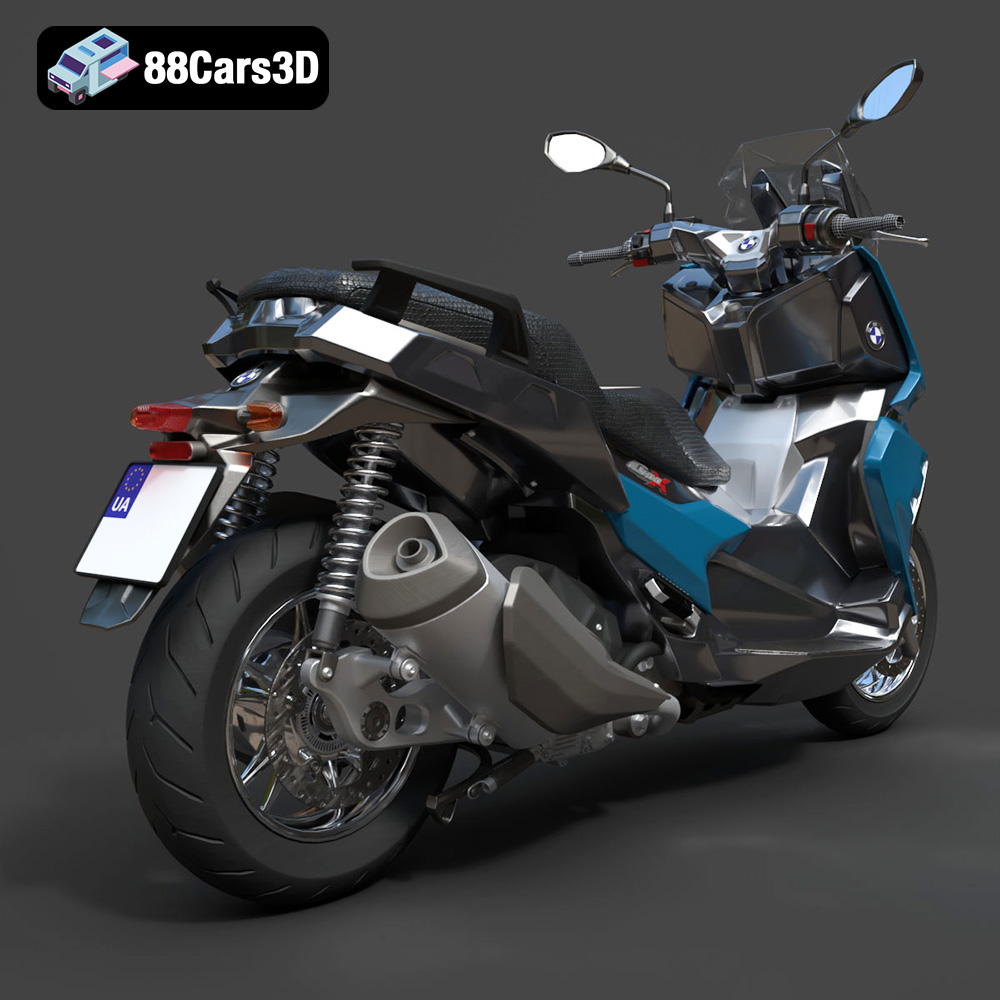
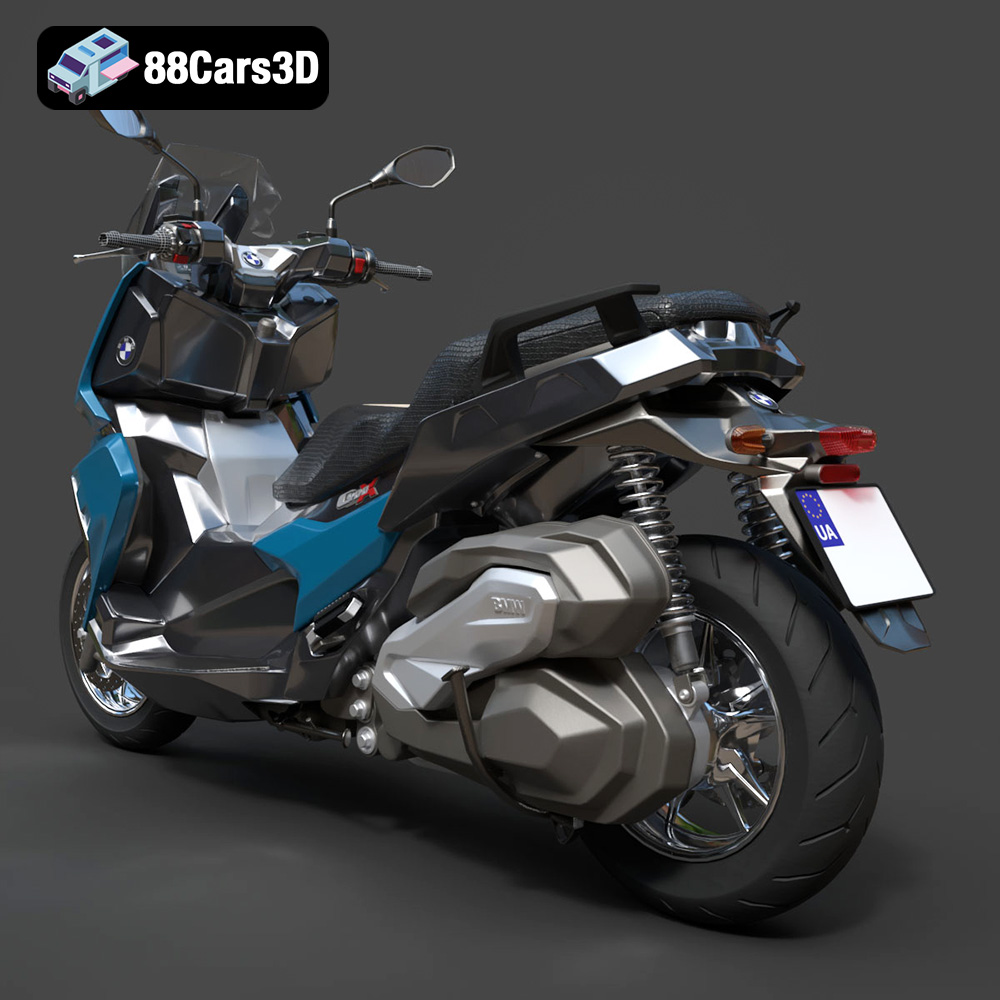
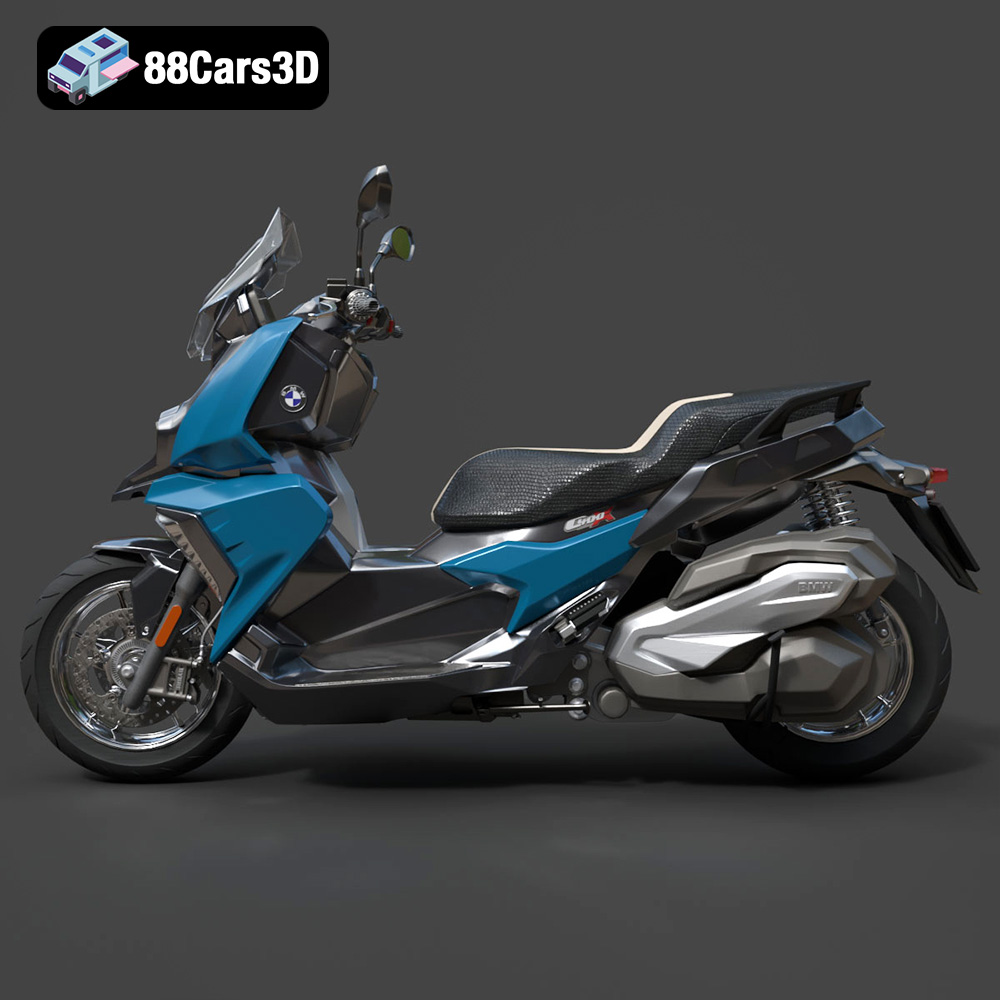
The BMW C 400 X 2018 3D Model is a high-detail digital recreation of the premium midsize scooter designed for urban mobility and everyday practicality. Combining BMW Motorrad’s engineering precision with modern scooter convenience, the C 400 X features sharp styling, compact proportions, and a comfortable riding position ideal for city commuting. This 3D model accurately represents the aggressive front fascia, asymmetrical headlight design, sculpted side panels, step-through frame layout, exposed rear suspension, exhaust system, and compact wheelbase proportions.
$4.99
3D printing the BMW C 400 X 2018 is a rewarding project that allows you to create a detailed miniature replica of this iconic urban scooter. By carefully preparing your STL files, choosing the right materials, optimizing your printer settings, and mastering post-processing techniques, you can achieve stunning results. Remember to experiment, learn from your mistakes, and enjoy the process of bringing this virtual model to life in the physical world. With the high-quality models available at 88cars3d.com and the knowledge gained from this guide, you’re well-equipped to tackle this exciting 3D printing endeavor. Happy printing!
.2018scooter
.arvr
.blend
.bmw
.c400x
.fbx
.gameasset
.glb
.max
.motorcycle
.obj
.ply
.rendering
.scooter3dmodel
.simulation
.stl
.twowheeler
.unreal
.urbanscooter
.vehicle3dmodel