Get 50% OFF All Premium 3D & STL Models!

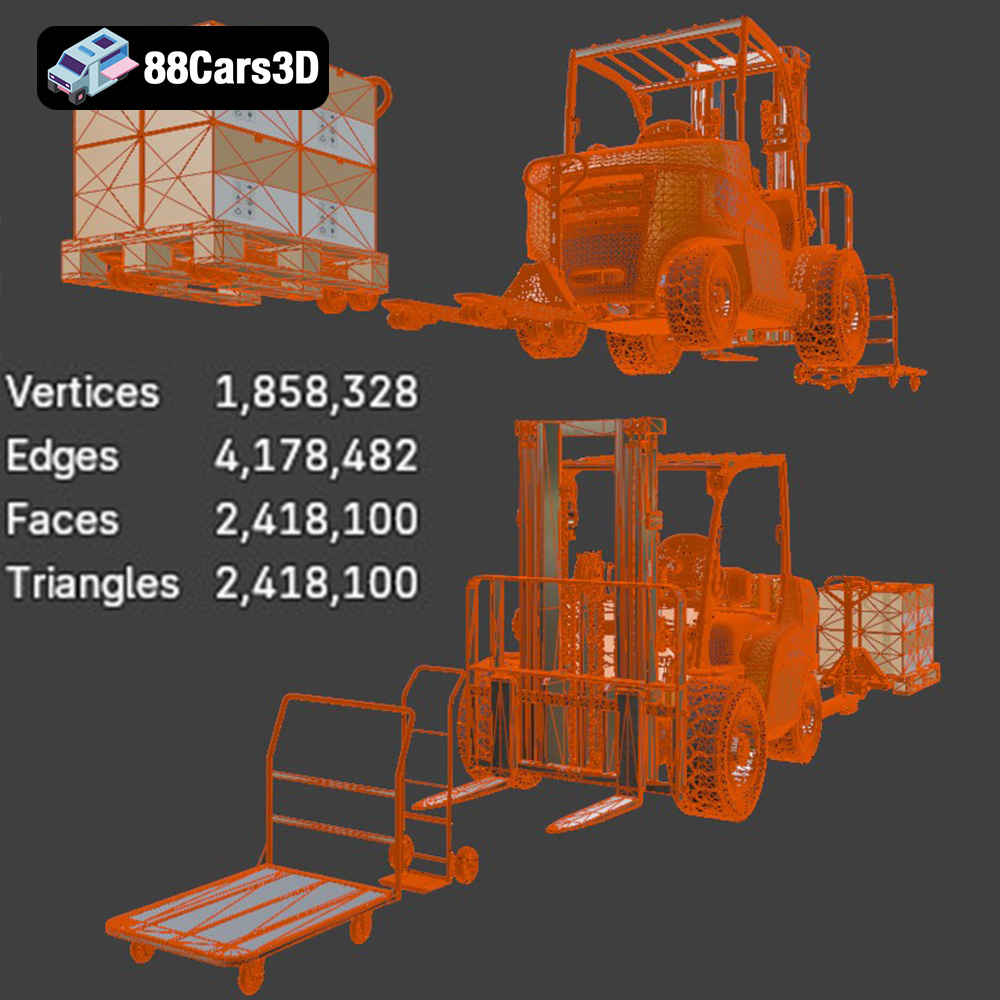
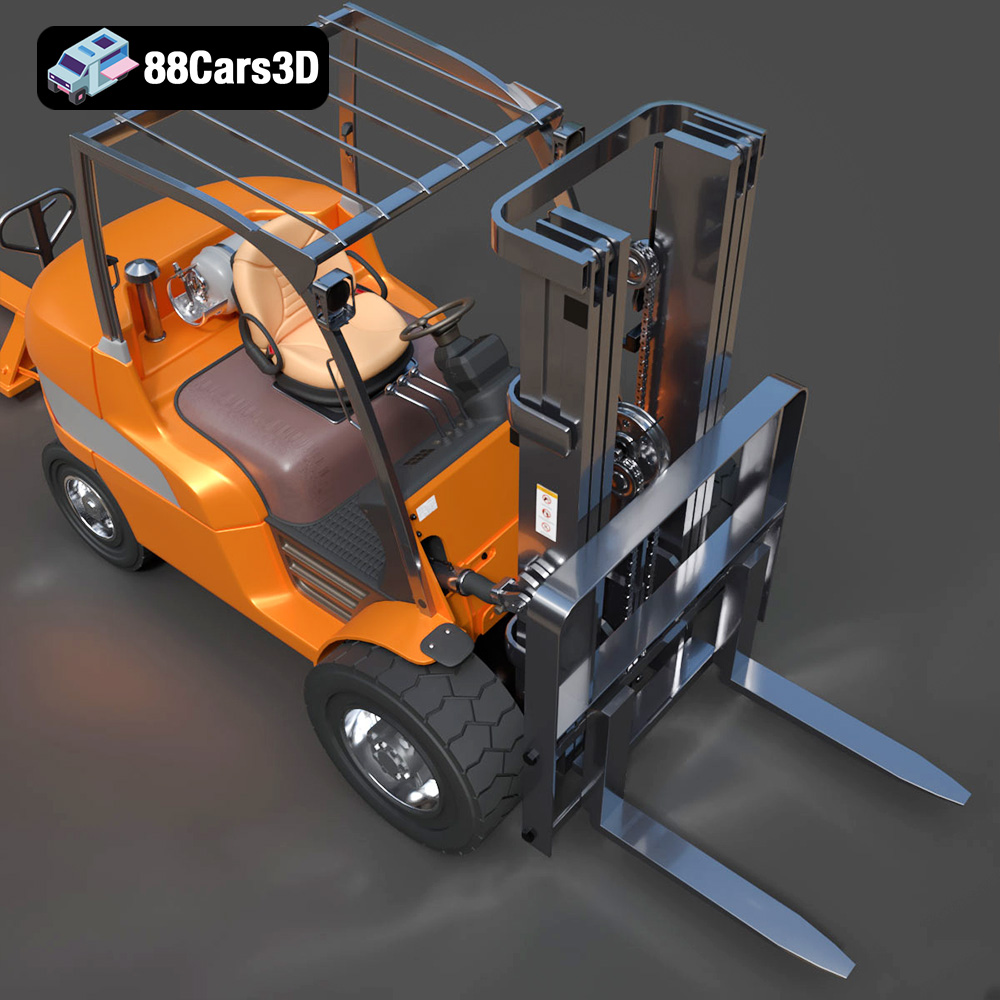
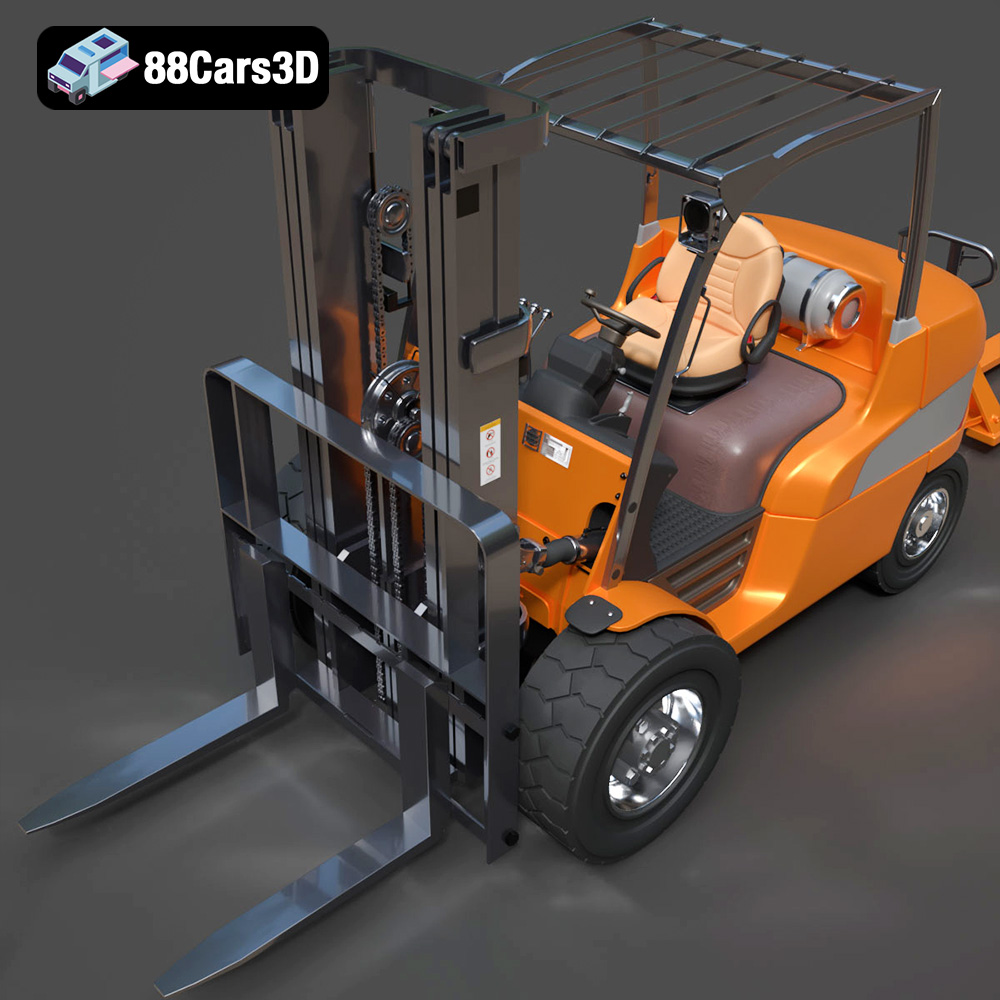
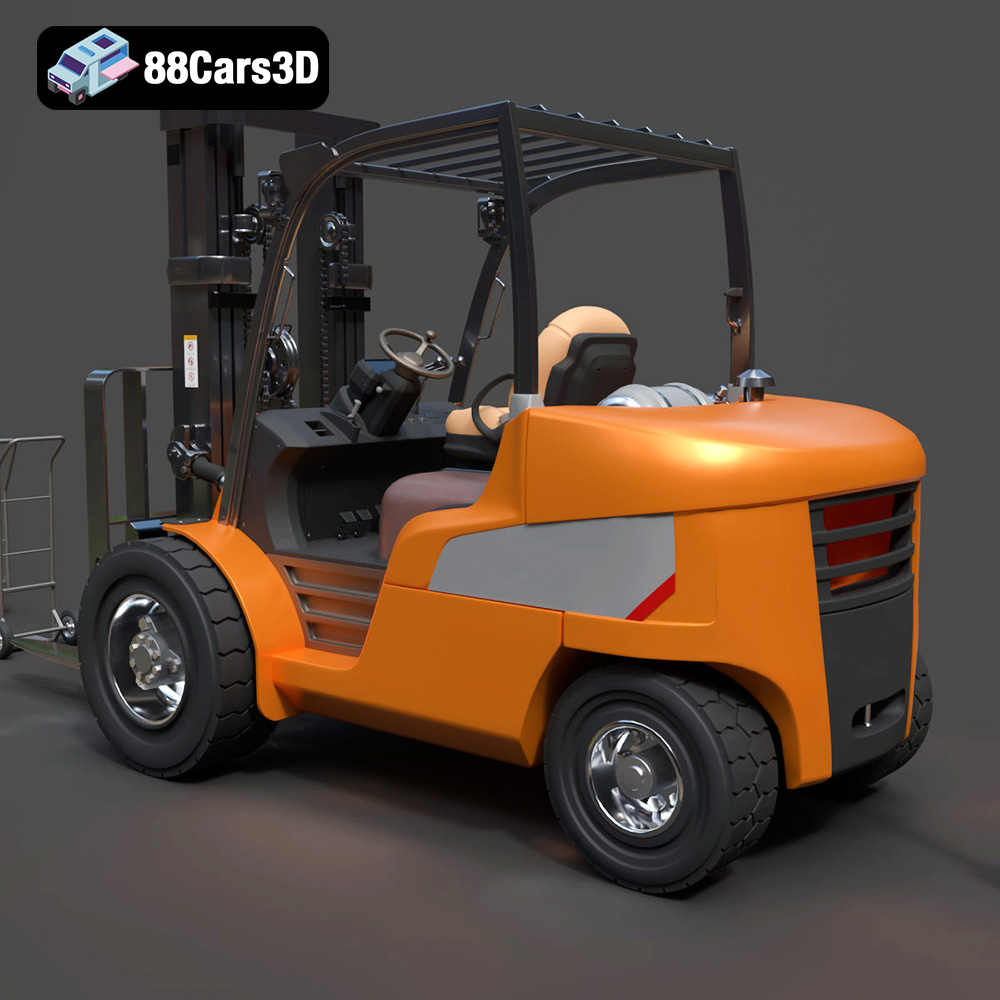
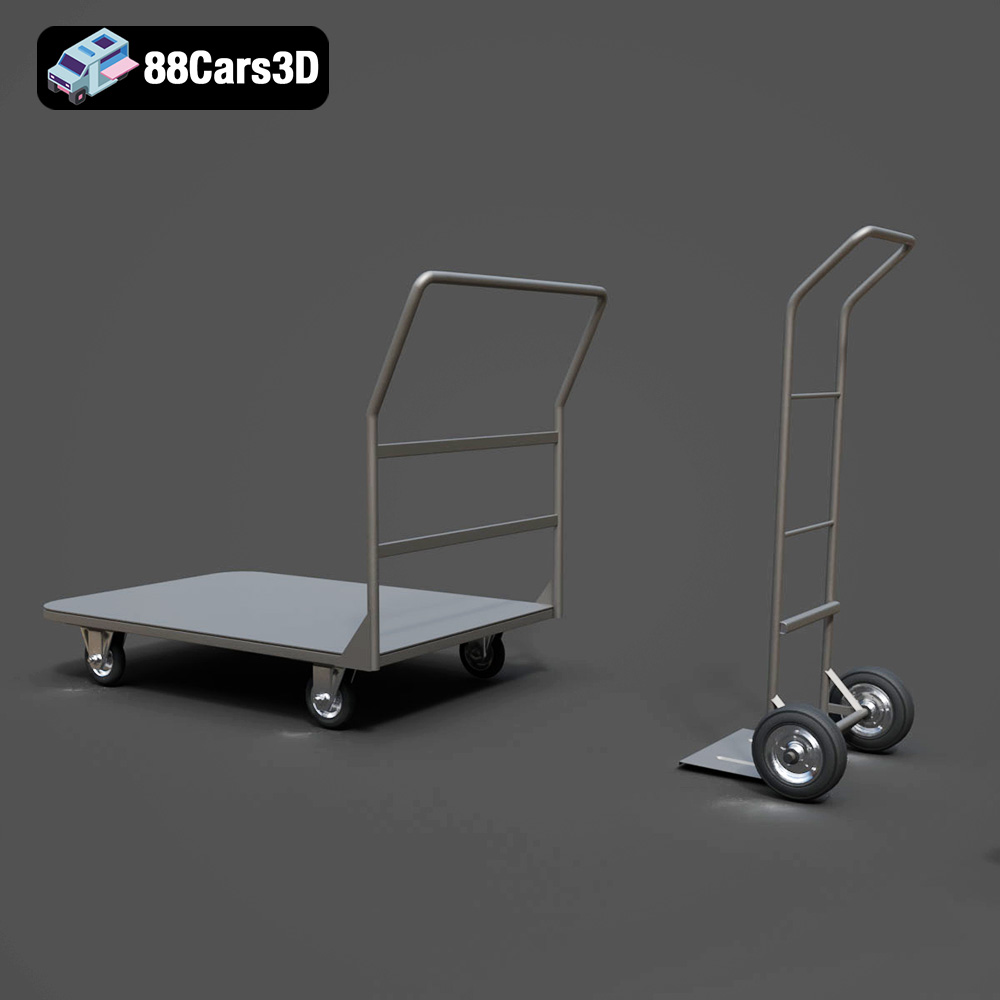
The CAT Forklift Manual Loader & Warehouse Carts Kit 3D Model, available from 88cars3d.com, is a fantastic opportunity to bring the intricate details of industrial equipment to life through 3D printing. This model, renowned for its high-poly design and realistic features, opens doors to creating impressive dioramas, scale models, and even functional prototypes (depending on scaling and material choices). However, successfully 3D printing a model of this complexity requires careful planning and execution. This guide will walk you through the essential steps, from file preparation to post-processing, to ensure your 3D printed CAT Forklift and warehouse carts are a true reflection of the original design’s excellence.
Before diving into the specifics of printing the CAT Forklift model, it’s crucial to understand the different file formats and their implications for 3D printing. The kit comes with a variety of formats, each suited for different purposes. However, for 3D printing, certain formats reign supreme.
The .stl (Stereolithography) file format is the industry standard for 3D printing. It represents the 3D model’s surface geometry as a mesh of triangles. This simplicity makes it universally compatible with slicing software and 3D printers. The .stl format, being mesh-only, does not contain any color or texture information. When you download the CAT Forklift Manual Loader & Warehouse Carts Kit, the .stl files are the ones you’ll primarily use for printing. Remember that the quality of the .stl directly impacts the final print. Ensure the STL file you use is properly exported. You may need to adjust settings within your modeling software to control the density of the triangles, balancing detail with file size.
While .stl files are the standard, the .obj (Object) format offers the advantage of storing color and texture information alongside the geometry. This can be useful if you plan to print the model in multiple colors, either through a multi-extruder printer or by painting individual parts after printing. However, .obj files can be more complex to handle and may not be supported by all slicing software. If your goal is to reproduce the iconic CAT yellow accurately, you might consider printing in a neutral material and then painting the model.
The .ply (Polygon File Format) is designed for storing 3D data acquired from scanning technologies. It excels at preserving fine details and complex geometries. However, like .obj, it’s not as universally supported as .stl. If you’re working with a highly detailed scan of the forklift and need to retain every nuance, .ply might be an option, but converting it to .stl for printing is generally recommended for wider compatibility.
Formats like .blend (Blender), .fbx (Filmbox), .glb (GL Transmission Format), and .max (3ds Max) are primarily used for editing and manipulating the 3D model *before* 3D printing. They are the working files used by 3D artists and contain all the information needed to modify the model, including textures, materials, and animations. These files are not directly compatible with 3D printers. For 3D printing, you must export the model from these programs as an .stl file.
* **.blend:** Native Blender file, ideal for those who want to make detailed edits to the model using Blender.
* **.fbx:** A common interchange format, often used for importing models into game engines or other 3D software. It can contain animation data.
* **.glb:** A binary file format representing 3D models, often used for web-based applications and AR/VR experiences.
* **.max:** Native 3ds Max file, for users who prefer working in Autodesk 3ds Max.
For the CAT Forklift Manual Loader & Warehouse Carts Kit from 88cars3d.com, the .stl format is the most suitable choice for 3D printing. It offers the best balance of compatibility, simplicity, and mesh quality. Slicing software readily accepts .stl files, allowing you to prepare the model for printing with minimal hassle. If you plan to modify the model before printing, you can use the .blend, .fbx or .max files, make your changes, and then export the final result as an .stl file.
Before sending the CAT Forklift model to your 3D printer, thorough preparation using slicing software is essential. This stage determines the print settings, support structures, and overall print strategy.
Popular slicing software options include Cura, Simplify3D, PrusaSlicer, and Chitubox (for resin printing). Each offers a range of settings to control the printing process. Start by importing the .stl file into your chosen slicer. The first crucial step is to orient the model for optimal printing.
The orientation of the model on the build plate significantly impacts print quality, support requirements, and print time. For the CAT Forklift, consider the following:
* **Forklift Body:** Printing the main fork body flat on the build plate minimizes the need for supports on the larger, flat surfaces.
* **Handle and Pump Mechanism:** These components benefit from being printed separately, often vertically, to capture the intricate details of the hydraulic valves and steering levers. This will necessitate support structures.
Careful support placement is critical. Too few supports can lead to print failures, while too many can be difficult to remove and leave blemishes on the final print. Focus on supporting overhangs, bridges, and intricate features like the wheel housings and the underside of the forks. Use the slicer’s support customization options to fine-tune the placement and density of supports. Consider using tree supports or light supports to minimize material usage and improve surface finish.
The 88cars3d.com description recommends scales of 1:35, 1:24, or 1:14 for the CAT Forklift, depending on your intended use. Scaling the model in your slicer is straightforward, but ensure that all components are scaled proportionally to maintain accuracy. Before slicing, it’s also wise to run a model repair check within your slicer. This can identify and fix common issues like non-manifold edges, holes in the mesh, and flipped normals, which can cause printing problems. Slicers often have built-in tools for automatic repair, or you can use dedicated mesh repair software like MeshMixer.
The choice of material and printer settings plays a vital role in the success of your 3D printed CAT Forklift model. The complexity and level of detail in this model necessitate careful consideration of these factors.
* **Resin (SLA/DLP/MSLA):** For maximum detail, especially when capturing the fine features of the hydraulic valves and steering levers, resin printing is highly recommended. Resin printers excel at producing smooth surfaces and intricate geometries, making them ideal for scale models and dioramas.
* **PLA (FDM):** If you’re aiming for a larger, more robust print, or if you’re on a tighter budget, PLA is a viable option. However, be prepared to spend more time on post-processing to smooth layer lines and refine details.
* **PETG (FDM):** PETG offers a good balance of strength and flexibility, making it suitable for parts that might experience some stress or impact. It’s also more heat-resistant than PLA.
* **Layer Height:** 0.1mm to 0.15mm. A lower layer height captures finer details but increases print time.
* **Infill:** 20-30% for the main body. Higher infill provides more strength.
* **Wall Thickness:** 1.2mm to 1.6mm (3-4 perimeters).
* **Print Speed:** 40-60 mm/s. Slower speeds generally improve print quality.
* **Supports:** Enable supports with a density of 15-20%. Experiment with support patterns (e.g., zig-zag, grid) for optimal removal.
* **Bed Adhesion:** Use a brim or raft to ensure the model adheres well to the build plate, especially for larger parts.
* **Layer Height:** 0.04mm to 0.08mm for excellent detail.
* **Exposure Time:** Refer to your resin manufacturer’s recommendations.
* **Lift Speed:** Adjust lift speed based on the resin and printer.
* **Supports:** Use a combination of medium and light supports, strategically placed to support overhangs and delicate features.
* **Hollowing:** For larger parts, consider hollowing them out to reduce resin consumption and print time. Ensure proper drain holes are added to prevent resin from being trapped inside.
Post-processing is where you transform a raw 3D print into a polished, realistic representation of the CAT Forklift. This involves removing supports, sanding surfaces, and applying paint and weathering effects.
Carefully remove support structures using tools like flush cutters, tweezers, and a hobby knife. Take your time to avoid damaging the model. After support removal, sanding is essential to smooth out any imperfections and layer lines. Start with coarse-grit sandpaper (e.g., 220 grit) and gradually move to finer grits (e.g., 400, 600, 800) to achieve a smooth surface. For resin prints, wet sanding can further enhance the surface finish.
Painting is where you can truly bring the CAT Forklift to life. Start with a primer coat to prepare the surface for paint and improve adhesion. Then, apply the iconic Caterpillar Yellow paint using spray paint or an airbrush. Multiple thin coats are better than one thick coat to avoid drips and runs. Once the base coat is dry, add details like the CAT logo, warning labels, and other markings. Consider using stencils or decals for accurate placement.
To achieve a realistic, “used” look, apply weathering effects. This can involve dry brushing with darker colors to highlight edges and crevices, using washes to simulate dirt and grime, and adding scratches and rust effects with appropriate paints and tools. Experiment with different techniques to create a convincing sense of wear and tear. For example, applying a black or brown wash to recessed areas will simulate accumulated dirt and grease. Dry brushing silver paint along edges will create a realistic worn-metal effect.
Even with careful planning, 3D printing can present challenges. Here are some common issues and their solutions when printing the CAT Forklift model.
* **Solution:** Ensure your build plate is properly leveled and clean. Use a bed adhesive like glue stick or hairspray. Increase the bed temperature slightly (for FDM printing). Use a brim or raft.
* **Solution:** Increase support density. Adjust support placement to provide better support for overhangs. Reduce print speed.
* **Solution:** Adjust retraction settings in your slicer. Reduce print temperature. Ensure filament is dry.
* **Solution:** Increase print temperature. Reduce print speed. Ensure proper bed adhesion.
* **Solution:** Increase exposure time. Ensure proper support placement and density. Hollow out larger parts and add drain holes. Calibrate your resin printer.
Before starting your 3D printing project, it’s helpful to estimate the print time and material costs. This will allow you to plan your project effectively and avoid any unexpected expenses. Use your slicing software to get an estimate of the print time and material usage based on your chosen settings. Keep in mind that these are just estimates, and the actual print time and material usage may vary depending on your printer, material, and printing conditions.
For a detailed model like the CAT Forklift, printed at a scale of 1:24 with a layer height of 0.1mm, expect a print time of several hours to a few days, depending on the size and complexity of the parts. The material cost will depend on the type of material you use and the amount of material consumed.
Once all the parts are printed and post-processed, carefully assemble the CAT Forklift. Use glue or fasteners to join the parts together. You can pose the forklift in a realistic scene, perhaps loading warehouse carts, to create a compelling diorama. The possibilities are endless!
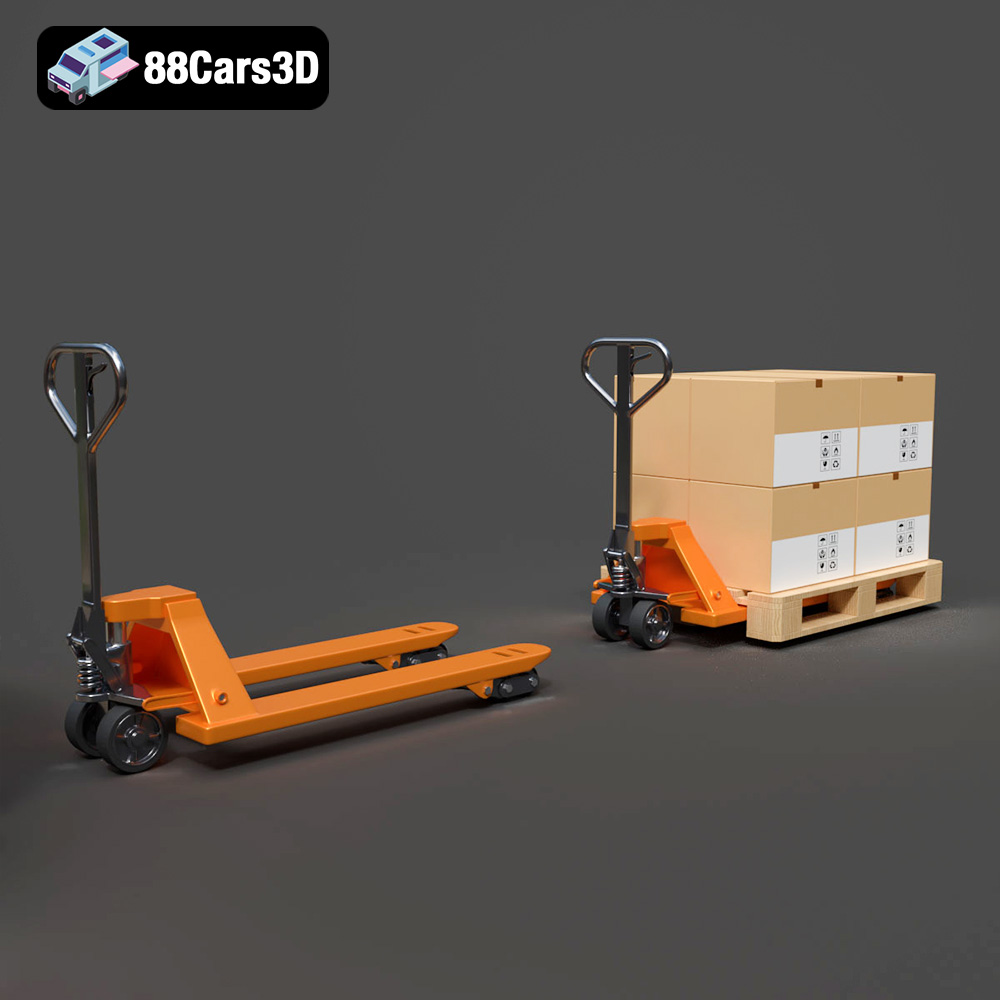
The CAT Forklift Manual Loader & Warehouse Carts Kit 3D Model is an incredibly detailed, professional-grade digital asset pack designed to bring absolute realism to industrial and logistical environments. At the heart of this kit is a meticulously modeled Caterpillar (CAT) manual pallet jack (hand pallet truck), accompanied by versatile warehouse transport carts.
$19.99
.archviz
.blend
.caterpillar
.fbx
.forklift
.industrial
.logistics
.obj
.rendering
cat
factory-3d-model
hand-truck
high poly
manual-loader
pallet-jack
warehouse-equipment