Get 50% OFF All Premium 3D & STL Models!

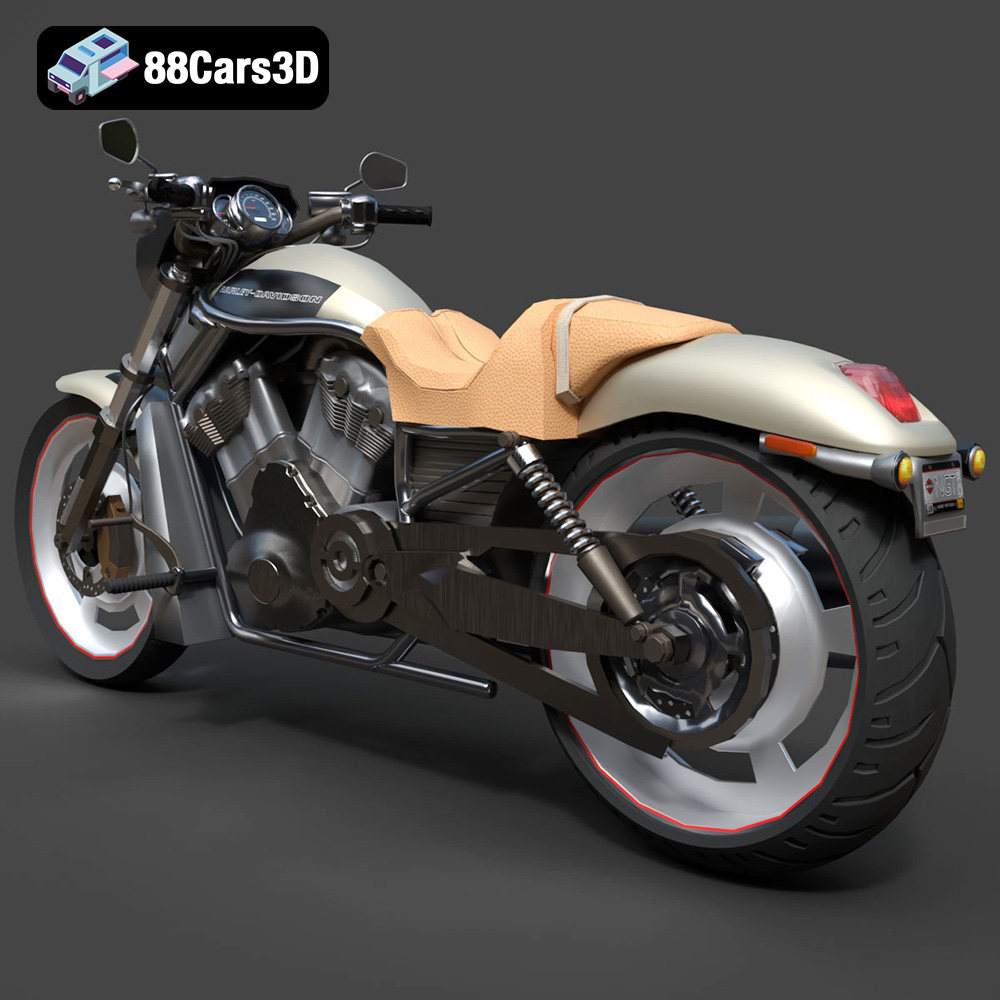
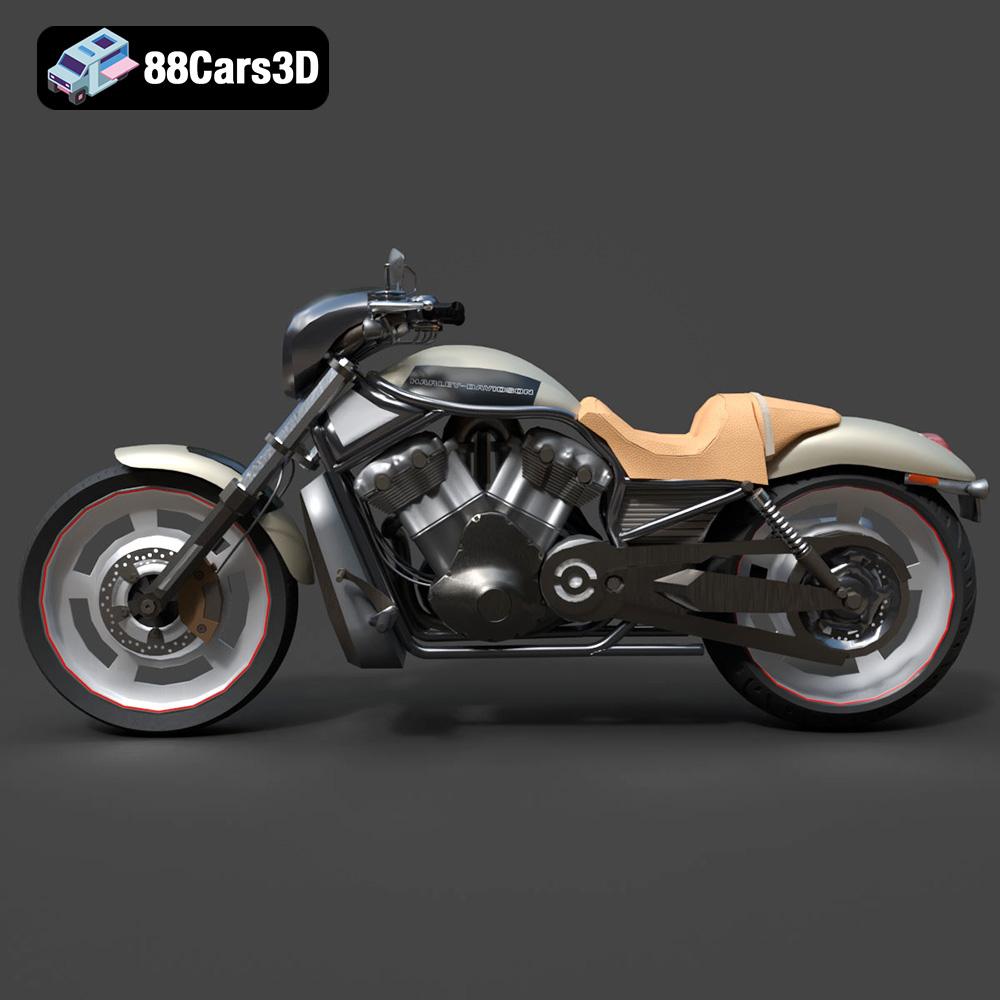
The Harley-Davidson Night Rod, a dark custom power cruiser with its aggressive stance and Porsche-engineered Revolution V-Twin engine, is a machine that commands attention. Now, thanks to 88cars3d.com, you can bring this iconic motorcycle to life in your own home through the power of 3D printing. This guide will walk you through the process of 3D printing the Harley-Davidson Night Rod 3D Model, ensuring a successful and rewarding build. We’ll cover everything from selecting the right materials and preparing the STL files to optimizing printer settings and mastering post-processing techniques.
Before diving into the specifics of printing the Night Rod, it’s crucial to understand the various 3D model file formats available and their suitability for additive manufacturing. The 88cars3d.com model comes with a variety of formats, each serving a different purpose, but the STL format reigns supreme for 3D printing.
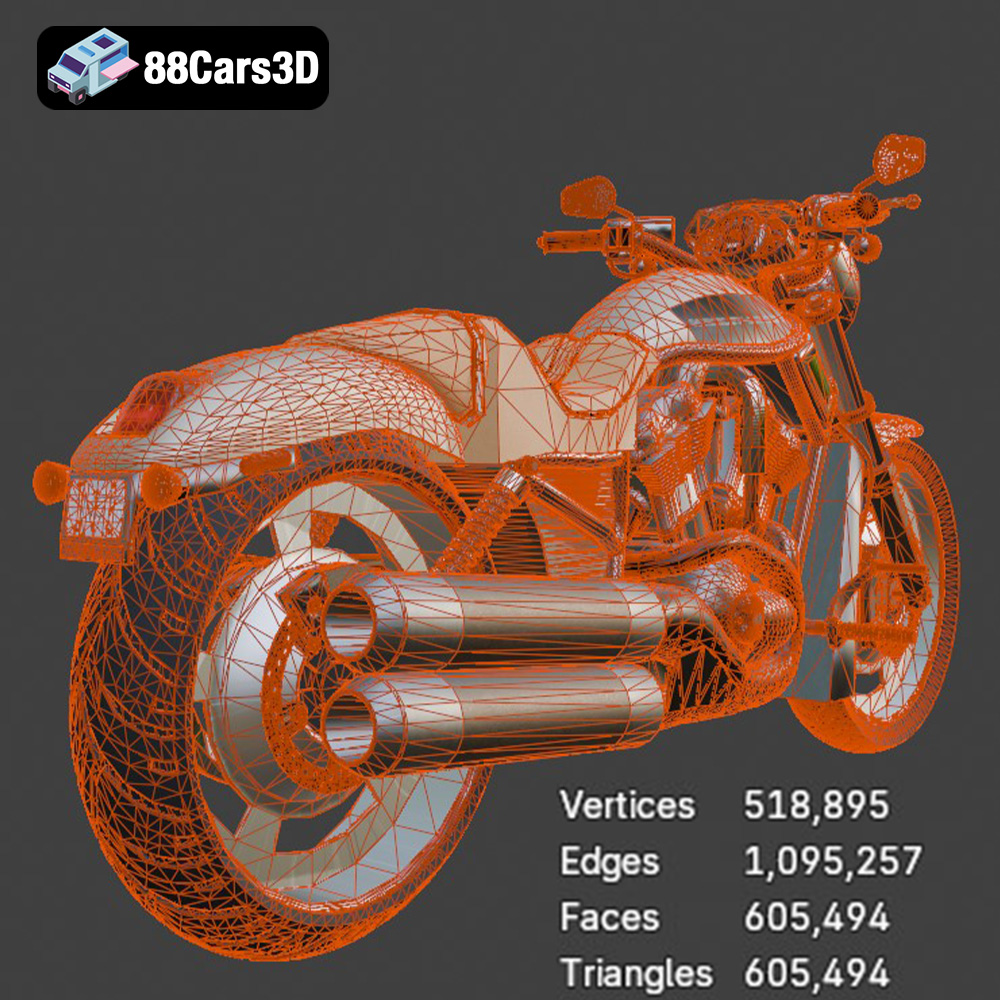
The STL (Stereolithography) format is the workhorse of 3D printing. It represents the surface geometry of a 3D object as a collection of triangles. This simplicity makes it universally compatible with slicing software and 3D printers. When preparing the Harley-Davidson Night Rod model for printing, the STL file will be your primary focus. The resolution of the STL file (the number of triangles used to represent the surface) directly impacts the smoothness and detail of the final print. A higher resolution STL results in a smoother surface but also increases file size and processing time. For the Night Rod, given its intricate details, a balance needs to be struck. The STL from 88cars3d.com has been carefully optimized, but further refinement in your slicing software may still be necessary, for example using adaptive meshing to reduce the number of triangles in less visible flat areas.
The OBJ format is another popular 3D model format, and unlike STL, it can store color and texture information. While this is great for rendering and visualization, it’s not as critical for most 3D printing applications where the focus is on the shape and geometry of the object. Although the model may come with .obj files, understand that the color and texture information will need to be applied separately through post-processing techniques after the model has been printed using the STL file. The .obj file is useful to load and view the model in a 3D viewer to understand the various parts and how they fit together.
The PLY format is designed to store 3D data acquired from 3D scanners. It can store color, normals, and other properties associated with each vertex of the mesh. This format can be useful to represent the model for 3D printing but is more often used when dealing with complex scanned objects. The Harley-Davidson Night Rod does not require the fidelity that the .ply format offers as it is a designed model.
The .blend format is the native file format for Blender, a popular open-source 3D modeling software. This allows for complete customization of the model before exporting it to other formats like STL for printing. If you’re comfortable with Blender, you can use the .blend file to modify the Night Rod, add details, or even separate parts for easier printing and assembly.
The FBX format is primarily used for transferring 3D models between different software applications, often retaining material and animation data. While some slicing software might support importing FBX files, it’s generally best to stick with STL for 3D printing due to its widespread compatibility and simplicity.
The GLB format is a binary file format representing 3D models, and is often used for Augmented Reality (AR) applications. It’s designed to be efficient and easy to load, making it suitable for displaying 3D models on mobile devices and web browsers. While not directly used for 3D printing, the .glb file can be useful for visualizing the Night Rod model in a real-world setting using AR before committing to the print.
The .max format is the native file format for 3ds Max, a professional 3D modeling and animation software. Similar to .blend, it allows for extensive modification of the model before exporting for 3D printing. This is useful for advanced users who want to customize the Night Rod before printing.
In summary, for 3D printing the Harley-Davidson Night Rod 3D Model from 88cars3d.com, you’ll primarily be using the STL file. Ensure the STL file is properly scaled and prepared in your slicing software for optimal print results.
The choice of material significantly impacts the final look, feel, and functionality of your 3D printed Harley-Davidson Night Rod. Here’s a breakdown of common 3D printing materials and their suitability for this project:
PLA is a popular, biodegradable thermoplastic known for its ease of use and relatively low printing temperature. It’s a great option for beginners and produces aesthetically pleasing prints with good detail.
* Pros: Easy to print, low odor, wide range of colors, good surface finish.
* Cons: Lower strength and heat resistance compared to other materials, can be brittle.
* Recommendation: Suitable for display models where strength isn’t a primary concern. Consider PLA+ for increased durability.
PETG combines the ease of printing of PLA with the strength and durability of ABS. It’s a good all-around material that offers excellent layer adhesion and chemical resistance.
* Pros: Stronger and more durable than PLA, good layer adhesion, heat resistant, food safe.
* Cons: Can be slightly more difficult to print than PLA, requires higher printing temperatures.
* Recommendation: A great choice for parts that require some strength and durability, such as the frame and wheels.
Resin printing (SLA/DLP) offers unparalleled detail and surface finish, making it ideal for intricate models like the Harley-Davidson Night Rod. Resin prints tend to be more brittle than filament prints.
* Pros: Exceptional detail, smooth surface finish, high accuracy.
* Cons: More expensive than filament printing, requires post-processing (washing and curing), resin can be brittle, requires good ventilation.
* Recommendation: Highly recommended for the engine cooling fins, wheels, and other small, detailed components. Consider using a tough resin for increased durability.
ABS is a strong and heat-resistant plastic commonly used in injection molding. However, it’s more challenging to print than PLA and PETG due to its tendency to warp and crack.
* Pros: High strength and heat resistance, durable.
* Cons: Difficult to print, prone to warping and cracking, strong odor.
* Recommendation: Not recommended for beginners. Experienced users may consider ABS for structural parts, but PETG is often a better alternative.
For the Harley-Davidson Night Rod model, a combination of materials might be the best approach. Consider using resin for the detailed engine components and wheels, and PETG for the frame and other structural parts. This will give you the best balance of detail, strength, and ease of printing.
Once you’ve chosen your material, the next step is to prepare the Harley-Davidson Night Rod 3D Model for printing using slicing software. This involves importing the STL files, orienting the model, adding supports, and setting the appropriate printing parameters.
Slicing software is essential for translating the 3D model into instructions that your 3D printer can understand. Popular options include:
* Cura: Free and open-source, user-friendly, wide range of features.
* PrusaSlicer: Free, highly customizable, excellent support for Prusa printers.
* Simplify3D: Paid software, advanced features, excellent control over printing parameters.
* Chitubox/Lychee Slicer: Popular choices for resin printing, optimized for SLA/DLP printers.
Choose the slicing software that best suits your printer and experience level.
Proper model orientation is crucial for minimizing support material, maximizing print quality, and ensuring structural integrity. For the Harley-Davidson Night Rod, consider the following:
* Frame: Print the frame angled to minimize the need for supports and to improve surface finish.
* Wheels: Print the wheels separately, oriented vertically for best detail.
* Engine Components: Print detailed engine components with resin and orient to minimize support structures on visible surfaces.
* Exhaust Pipes: Print the exhaust pipes angled to minimize support material inside the pipes.
When generating supports, use a support type that is easy to remove without damaging the model. Consider using tree supports or light supports for delicate areas.
The 88cars3d.com description recommends scales of 1:12, 1:10, and 1:8. Choose a scale that suits your printer’s build volume and desired level of detail. Keep in mind that smaller scales will require finer print settings and may be more challenging to post-process.
The Harley-Davidson Night Rod 3D Model will likely require assembly after printing. Plan your print strategy with assembly in mind. Consider adding small alignment features to make assembly easier. For example, you can add small pegs and holes to help align the frame components.
Achieving a high-quality 3D print of the Harley-Davidson Night Rod requires careful attention to printer settings. Here are some recommended settings for both FDM and resin printing:
* Layer Height: 0.1mm – 0.2mm. Lower layer heights result in finer detail but increase print time.
* Infill: 15-25%. Adjust infill based on the desired strength and weight of the part.
* Wall Thickness: 1.2mm – 2.0mm. Ensure sufficient wall thickness for structural integrity.
* Print Speed: 40-60mm/s. Reduce print speed for intricate details and overhangs.
* Temperature: Follow the material manufacturer’s recommendations.
* Support Settings: Enable supports for overhangs and intricate details. Use a support type that is easy to remove without damaging the model.
* Bed Adhesion: Use a brim or raft to improve bed adhesion, especially for larger parts.
* Layer Height: 0.03mm – 0.05mm. Lower layer heights result in finer detail.
* Exposure Time: Follow the resin manufacturer’s recommendations.
* Lift Speed: Adjust lift speed to minimize stress on the model and supports.
* Support Settings: Generate supports for overhangs and intricate details. Use light supports to minimize damage during removal.
* Cure Time: Follow the resin manufacturer’s recommendations for post-curing.
Once the 3D printing is complete, the real magic begins. Post-processing is the key to transforming a raw 3D print into a museum-worthy replica of the Harley-Davidson Night Rod.
The first step is to carefully remove the support structures. Use pliers, cutters, or a sharp knife to gently detach the supports. Be patient and avoid applying excessive force, which could damage the model. For resin prints, wash the parts in isopropyl alcohol (IPA) to remove uncured resin.
Sanding is essential for smoothing out layer lines and imperfections. Start with coarse sandpaper (e.g., 220 grit) and gradually move to finer grits (e.g., 400, 600, 800 grit). Wet sanding can help to reduce dust and improve the surface finish. For resin prints, consider using a polishing compound to achieve a high-gloss finish.
Apply a primer coat to prepare the surface for painting. Primer fills in small imperfections and provides a uniform surface for the paint to adhere to. Choose a primer that is compatible with your chosen paint. For the Harley-Davidson Night Rod, consider using classic Vivid Black or Black Denim for the bodywork, and gloss/matte black mixes for the engine accents, per the 88cars3d.com product description. Use masking tape to protect areas that you don’t want to paint. Apply thin, even coats of paint and allow each coat to dry completely before applying the next.
Carefully assemble the printed parts, using glue or epoxy to join them together. Pay attention to alignment and ensure that all parts fit snugly. Add small details, such as decals or custom parts, to enhance the realism of the model.
Even with careful preparation, you may encounter some common 3D printing issues. Here are some tips for troubleshooting:
* Warping: Ensure proper bed adhesion and use a heated bed. Consider using a brim or raft.
* Cracking: Increase printing temperature and reduce print speed. Ensure proper ventilation.
* Stringing: Reduce retraction distance and speed. Adjust printing temperature.
* Poor Layer Adhesion: Increase printing temperature and reduce print speed. Ensure proper bed leveling.
* Support Failure: Increase support density and thickness. Adjust support placement.
By carefully addressing these issues, you can overcome common challenges and achieve a successful 3D print of the Harley-Davidson Night Rod.
3D printing the Harley-Davidson Night Rod 3D Model from 88cars3d.com is a rewarding project that combines technical skill with artistic expression. By choosing the right materials, optimizing printer settings, and mastering post-processing techniques, you can create a stunning replica of this iconic motorcycle. Remember to consult the 88cars3d.com product description for specific recommendations on scaling, layer height, and post-processing techniques. With patience and attention to detail, you can bring the dark custom power cruiser to life and showcase your 3D printing skills.
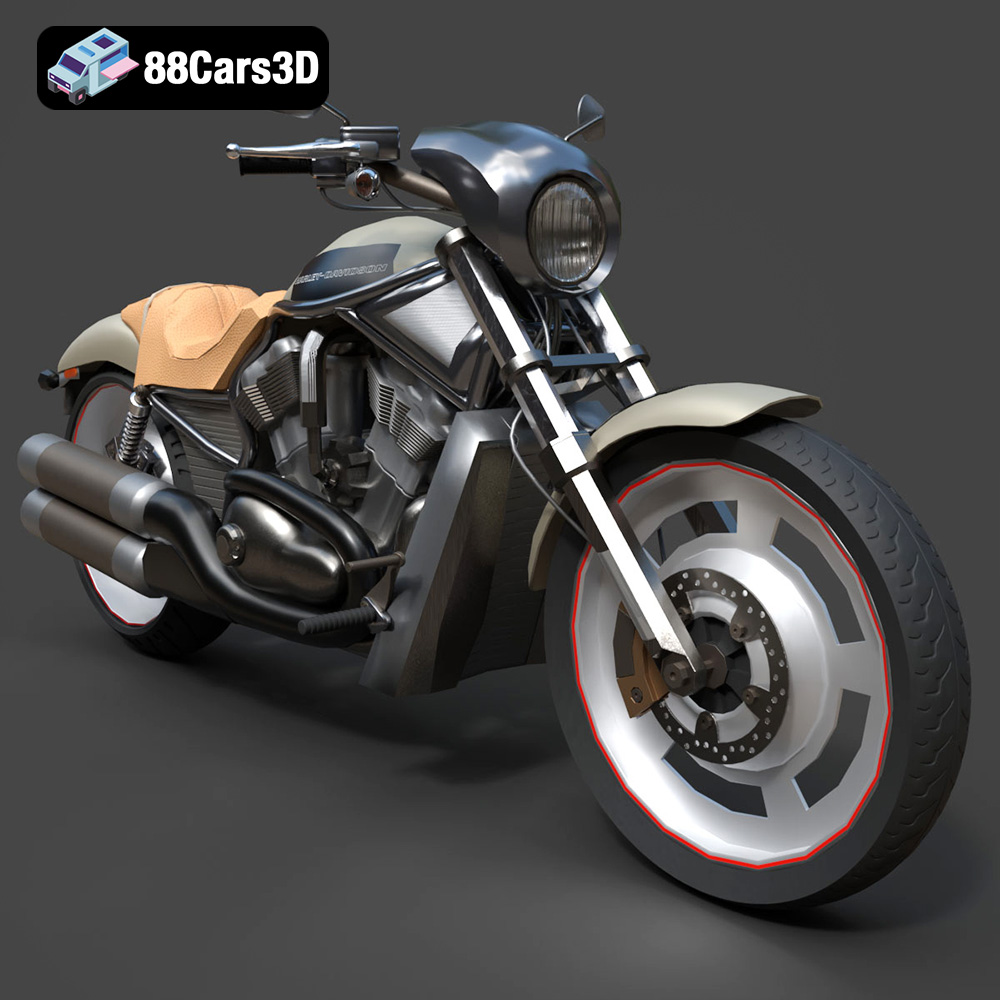
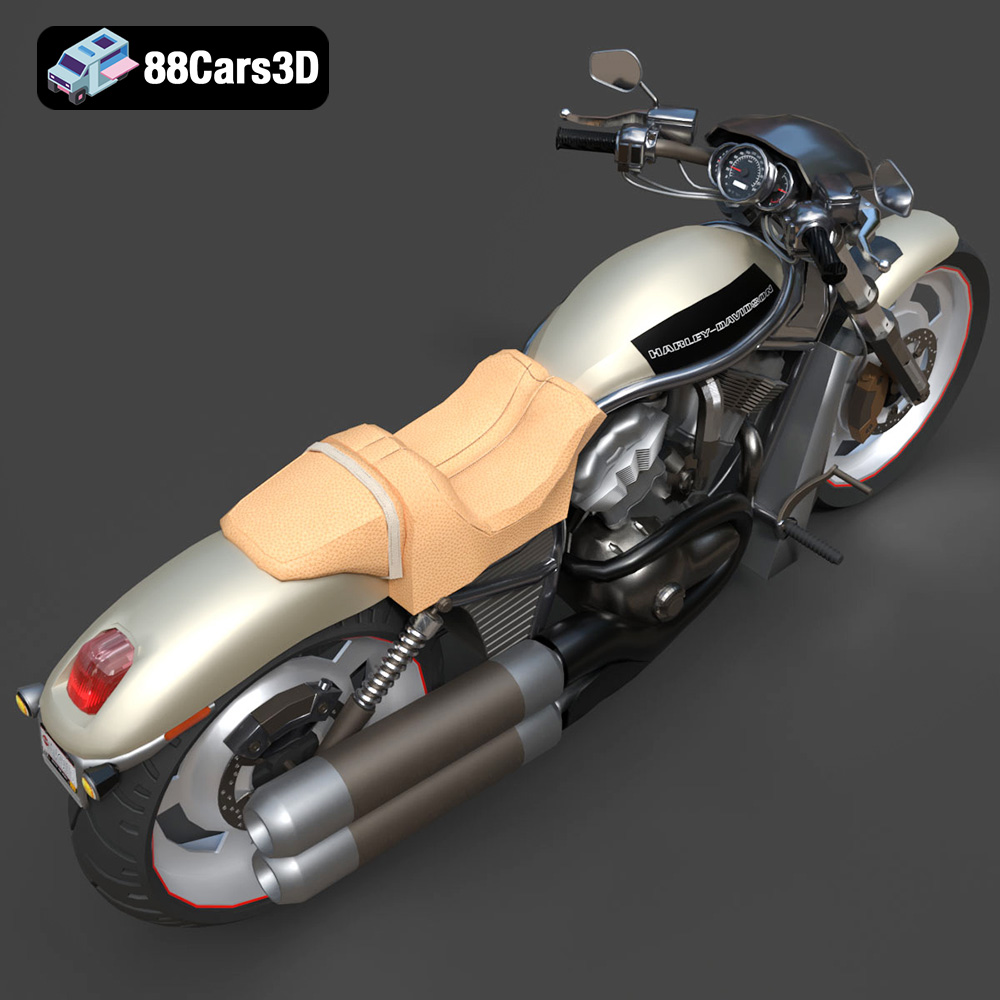
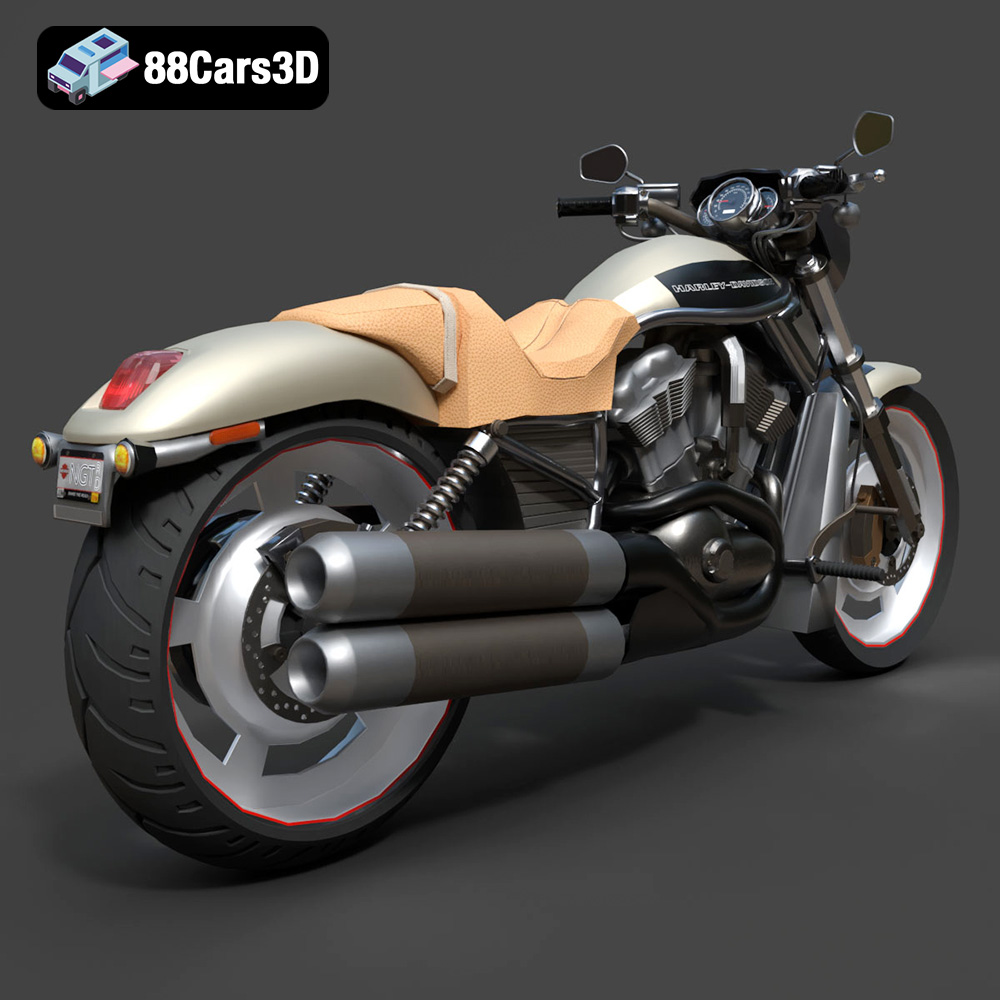
The Harley-Davidson Night Rod 3D Model is a high-detail digital recreation of the legendary dark custom power cruiser. Part of the iconic VRSC (V-Rod) family, the Night Rod is famous for its aggressive, low-slung drag-bike profile and its liquid-cooled Revolution V-Twin engine—developed in partnership with Porsche. Characterized by its blacked-out styling and massive rear tire, it represents a perfect fusion of American muscle and high-performance engineering.
$9.99
.blend
.fbx
.obj
.rendering
.stl
blacked-out
drag-bike
game asset
harley-davidson
mid-poly
motorcycle-3d-model
night-rod
power-cruiser
revolution-engine
v-rod
VR/AR
vrsc