Get 50% OFF All Premium 3D & STL Models!

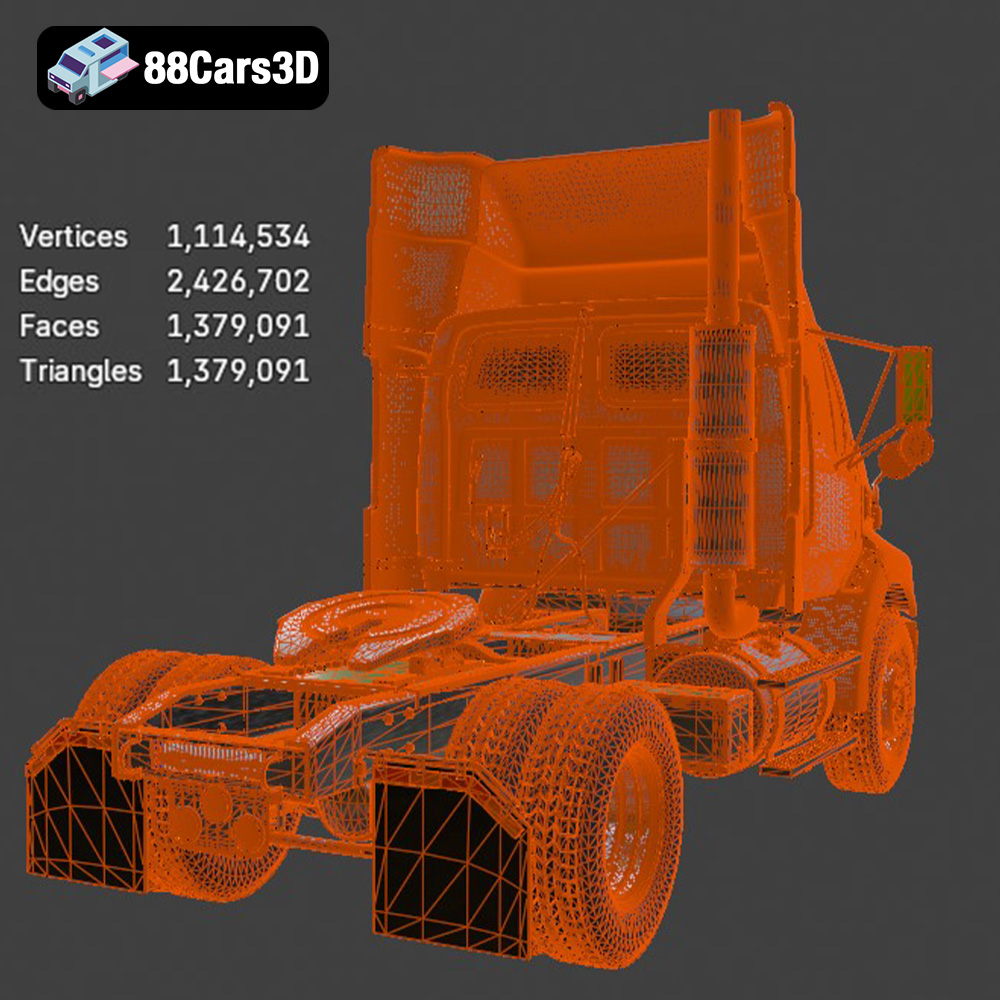
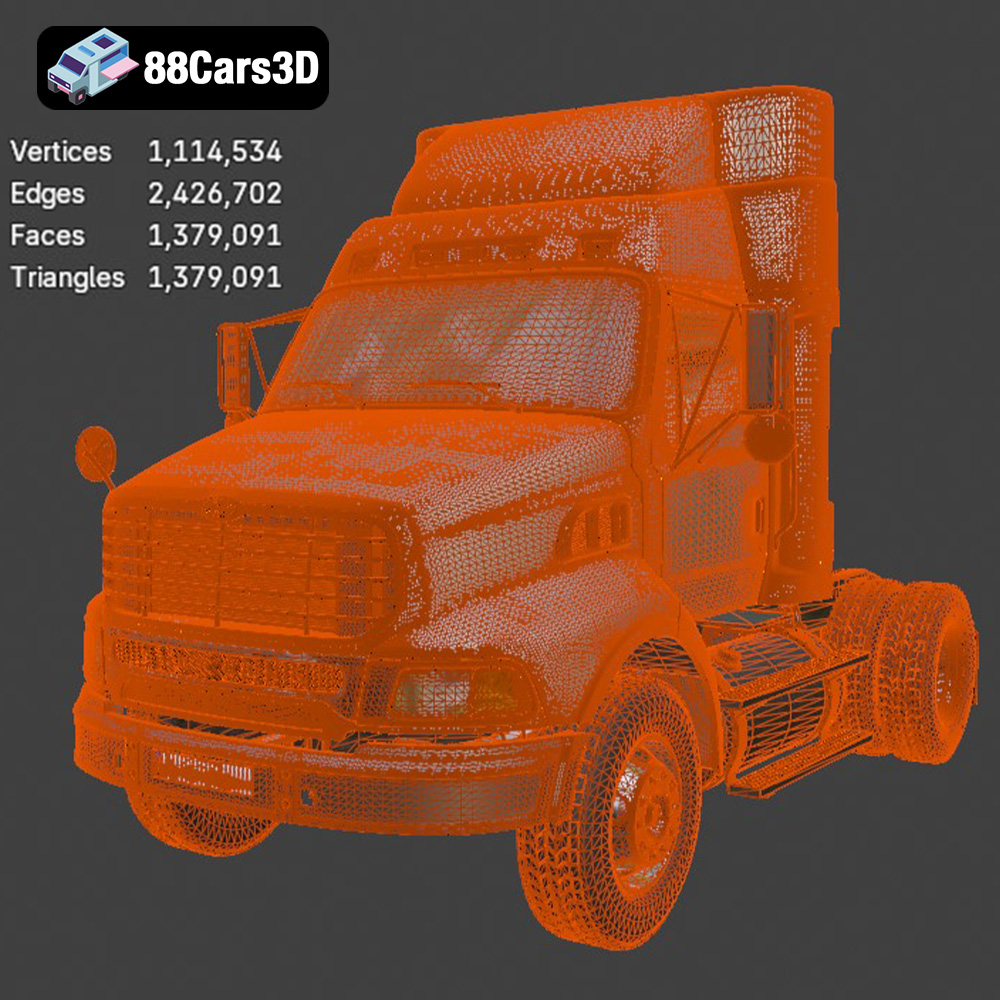
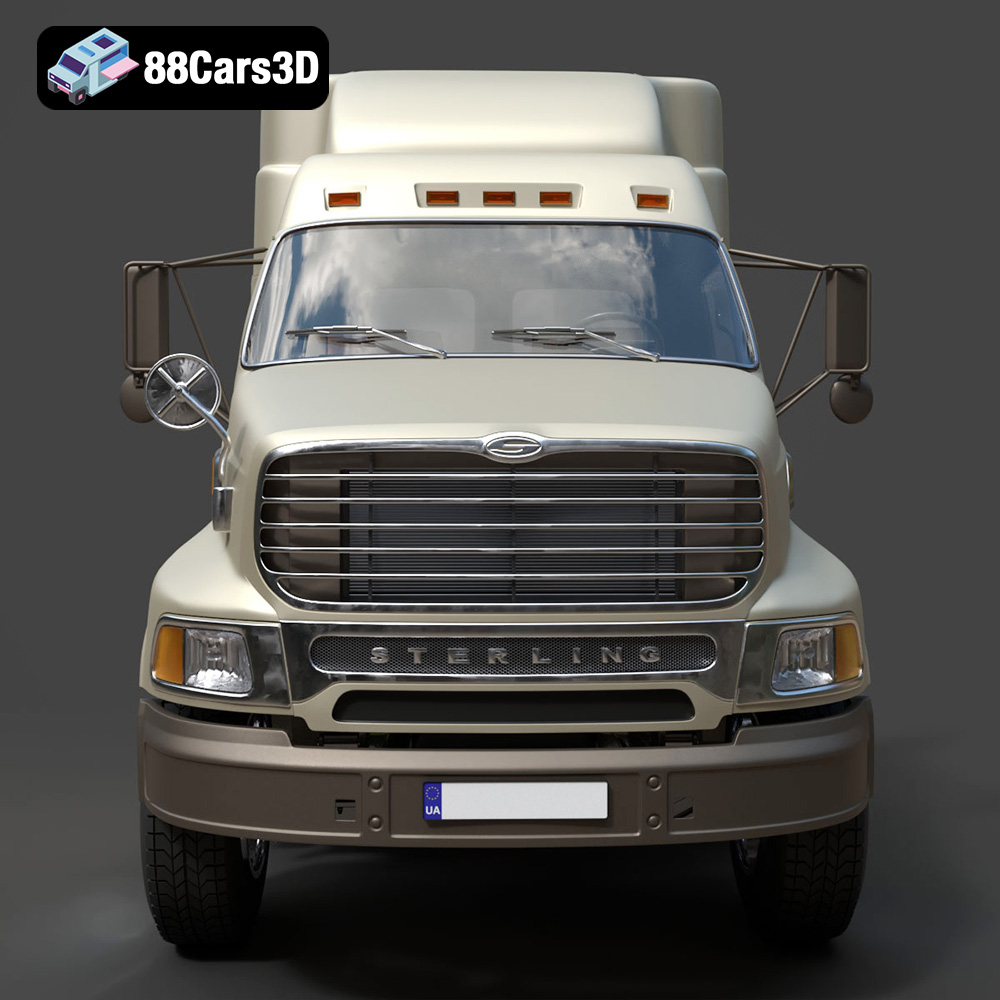
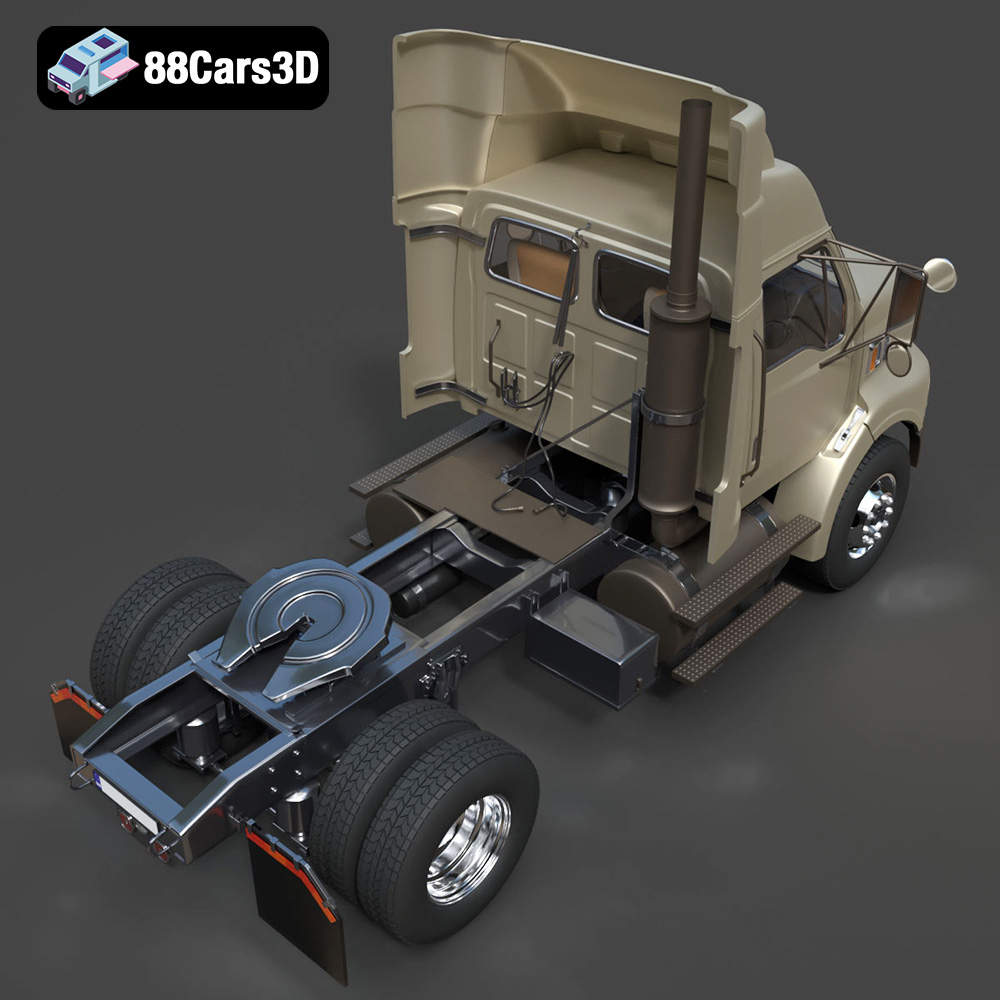
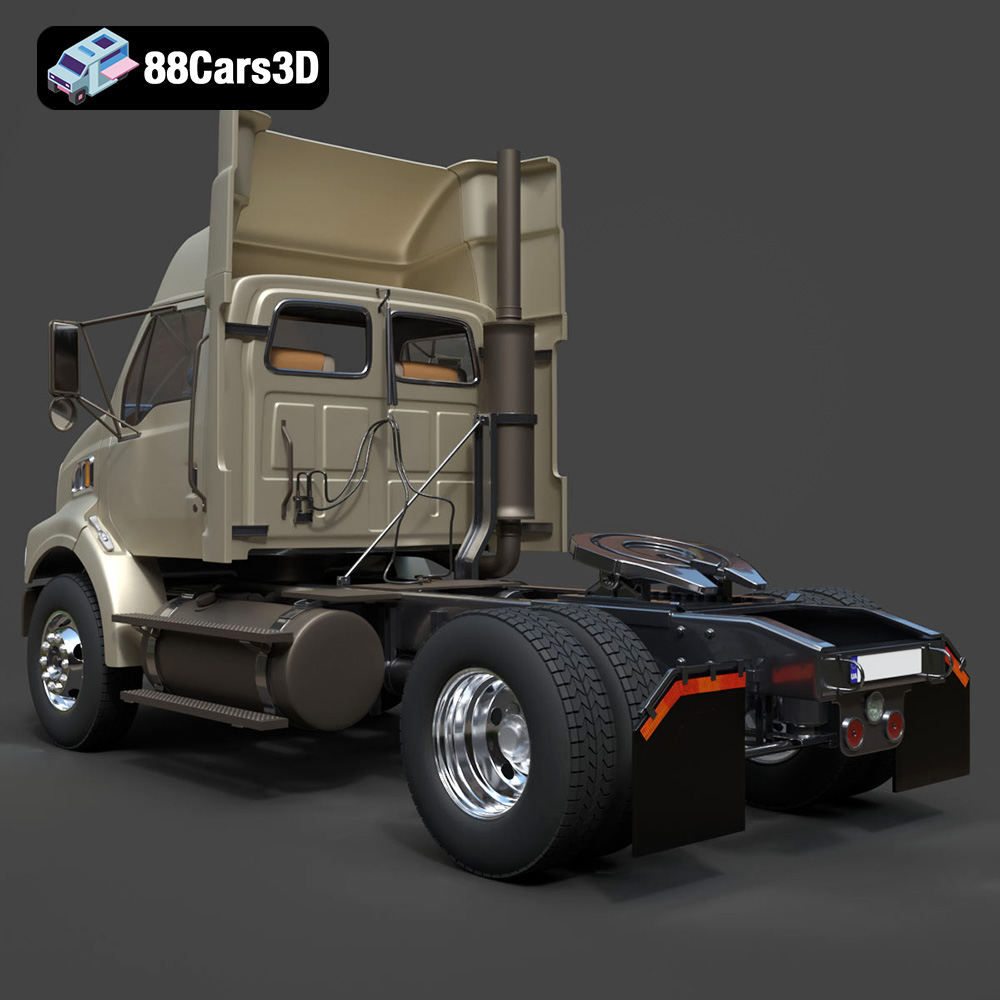
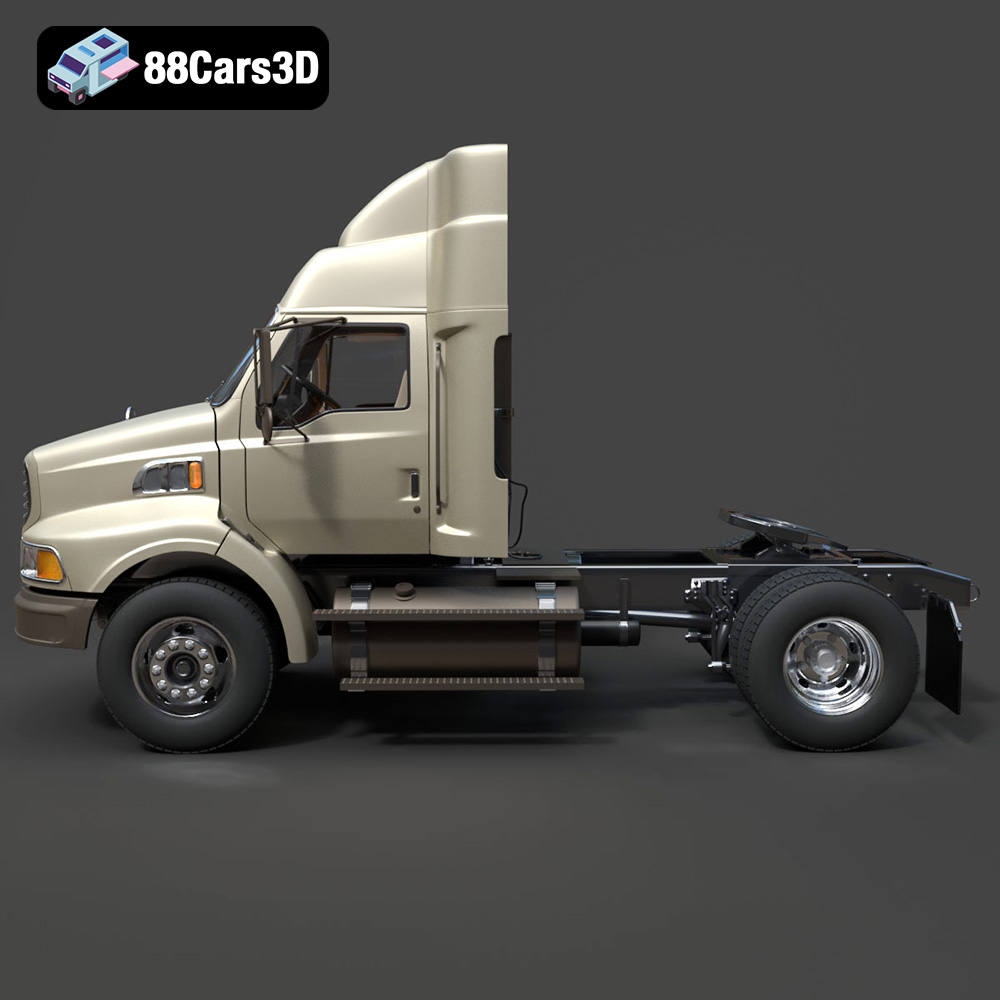
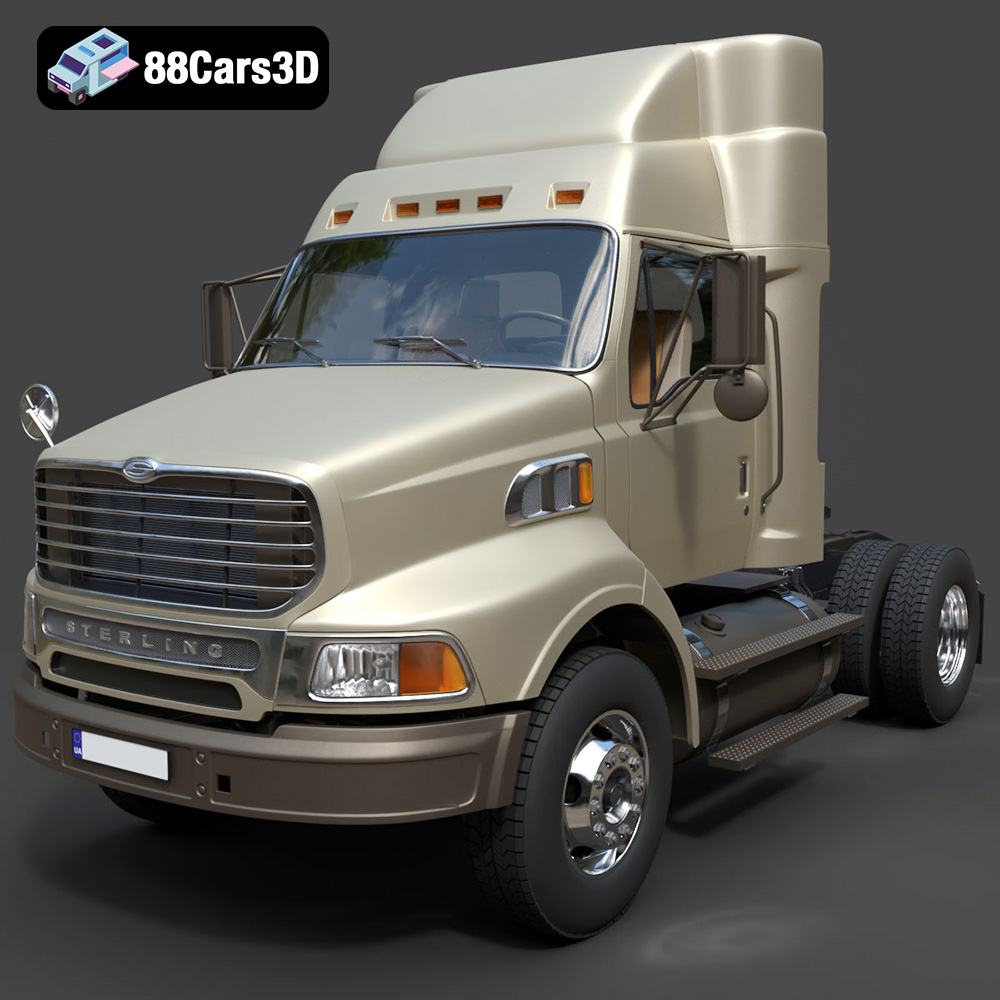
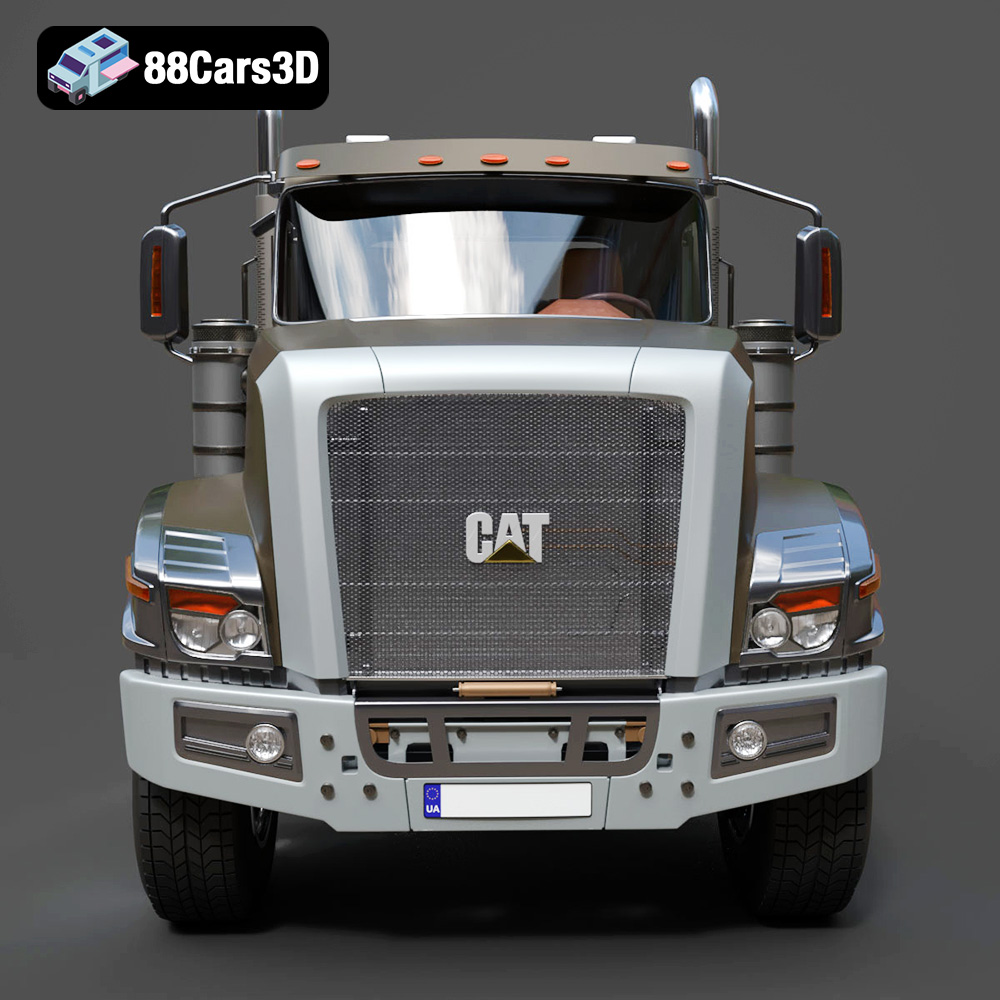
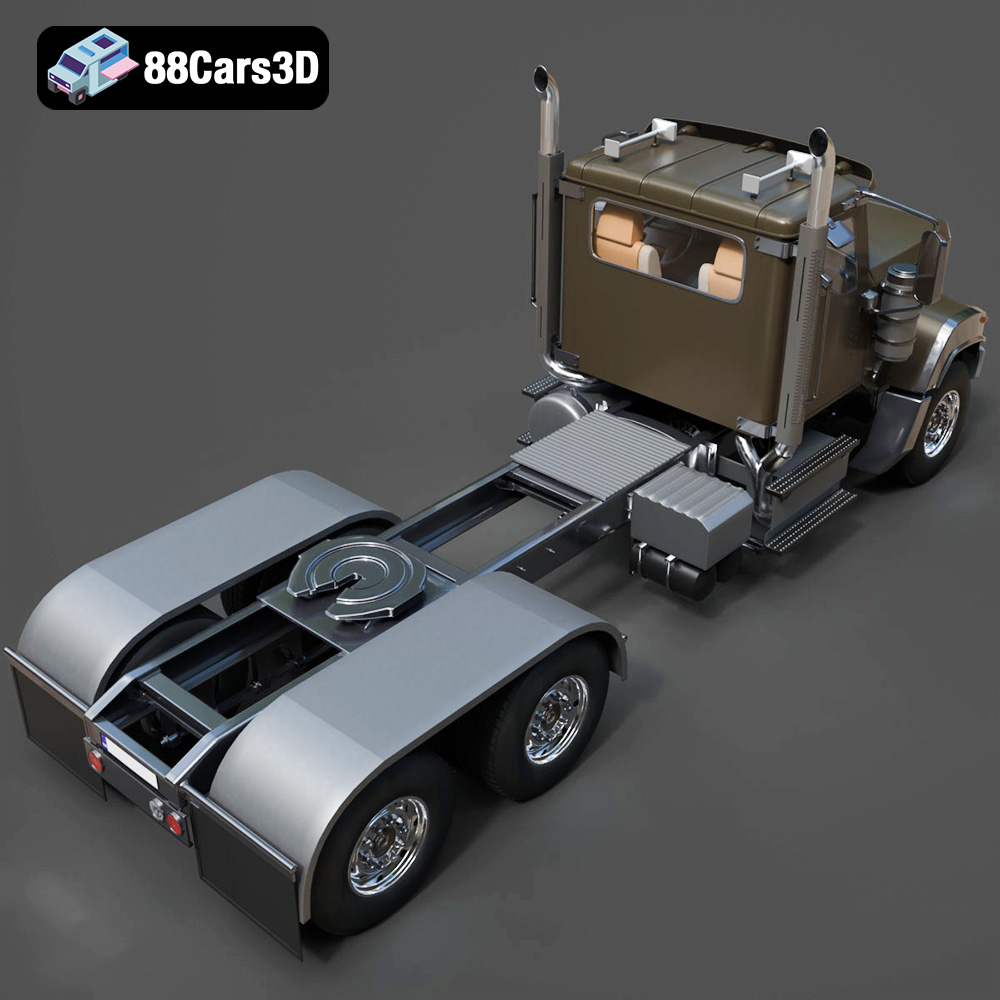
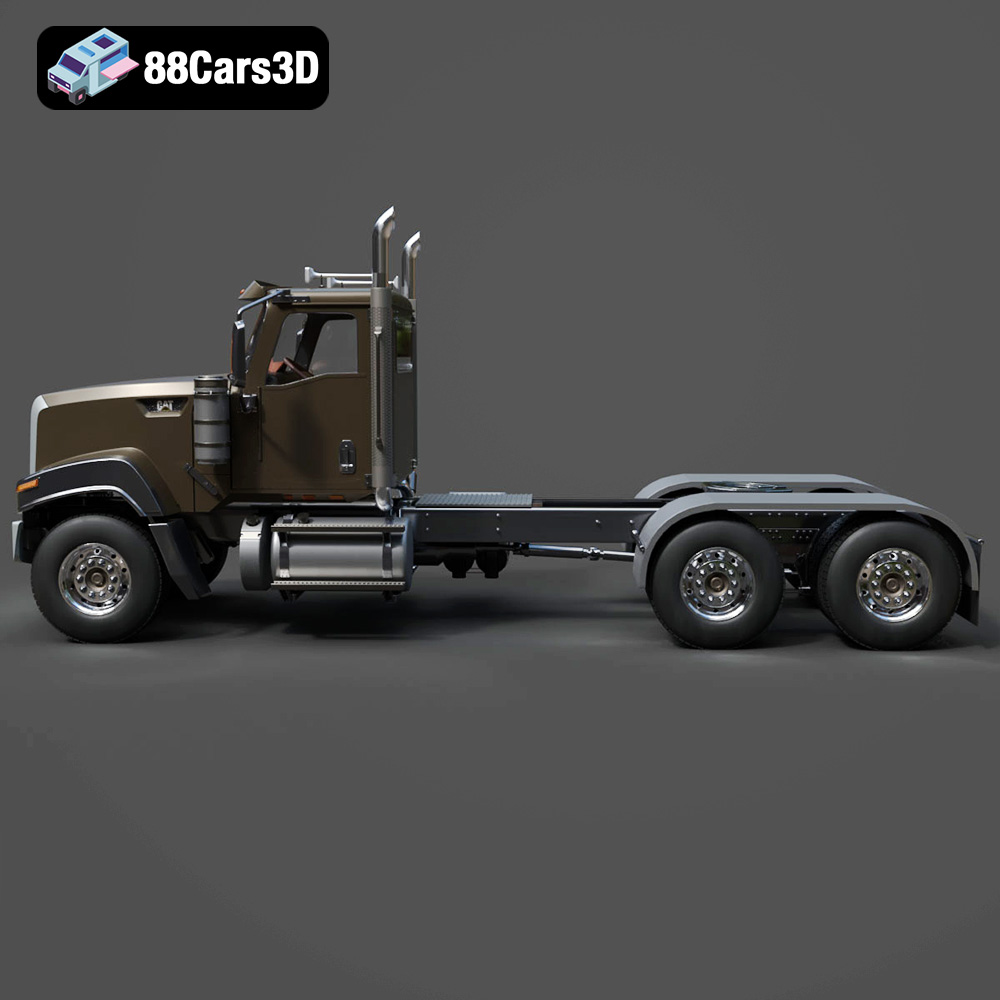
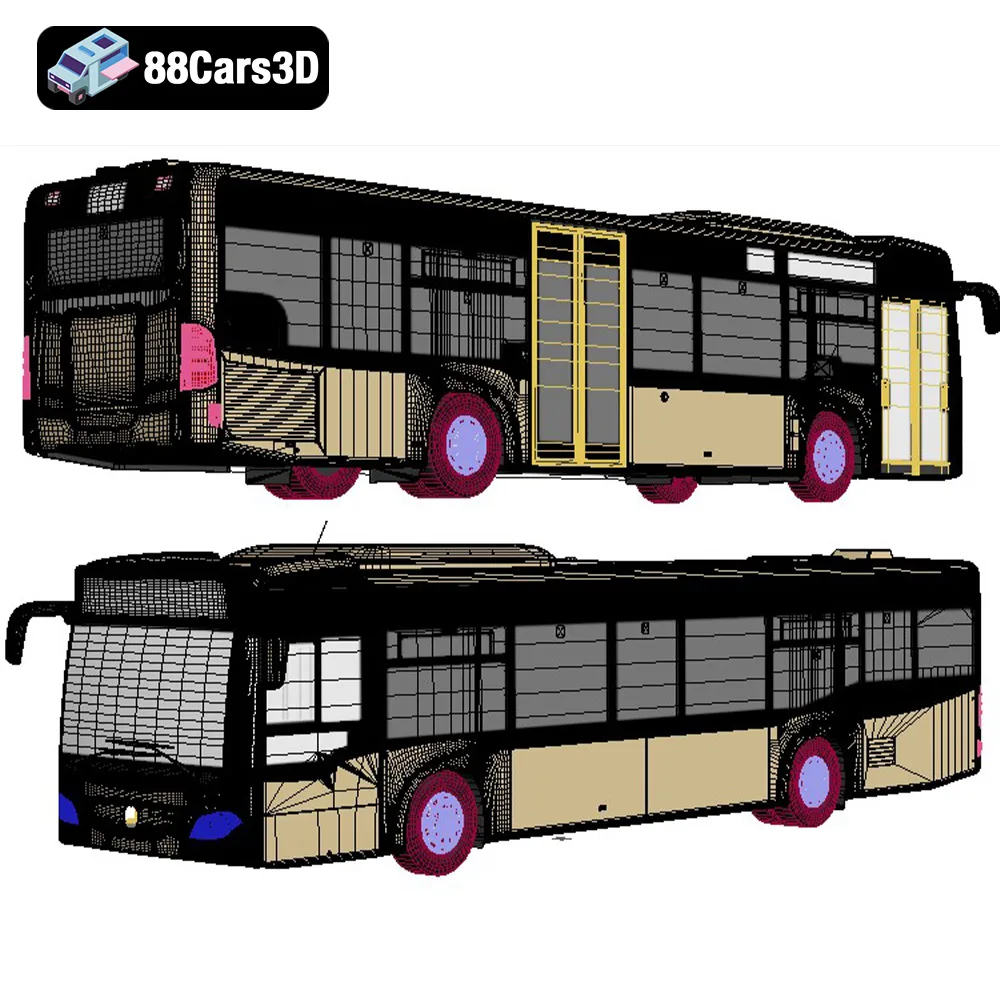
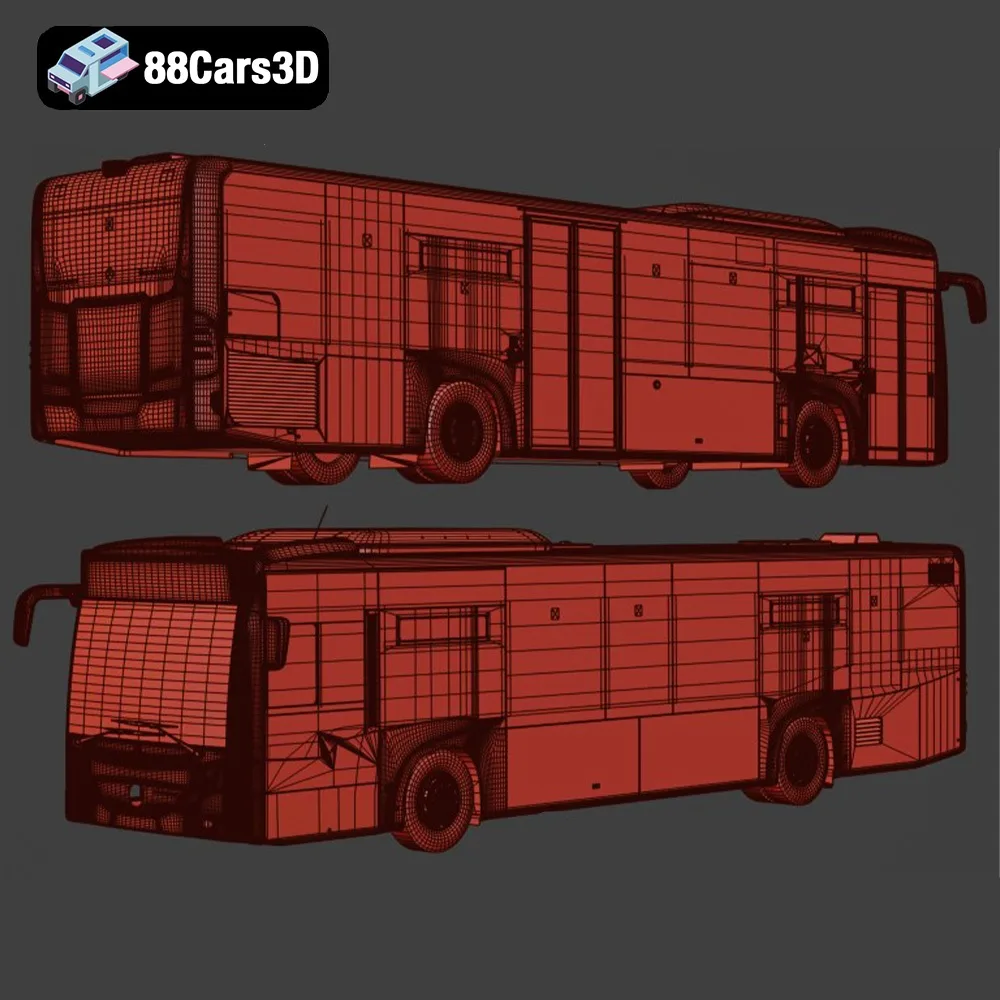
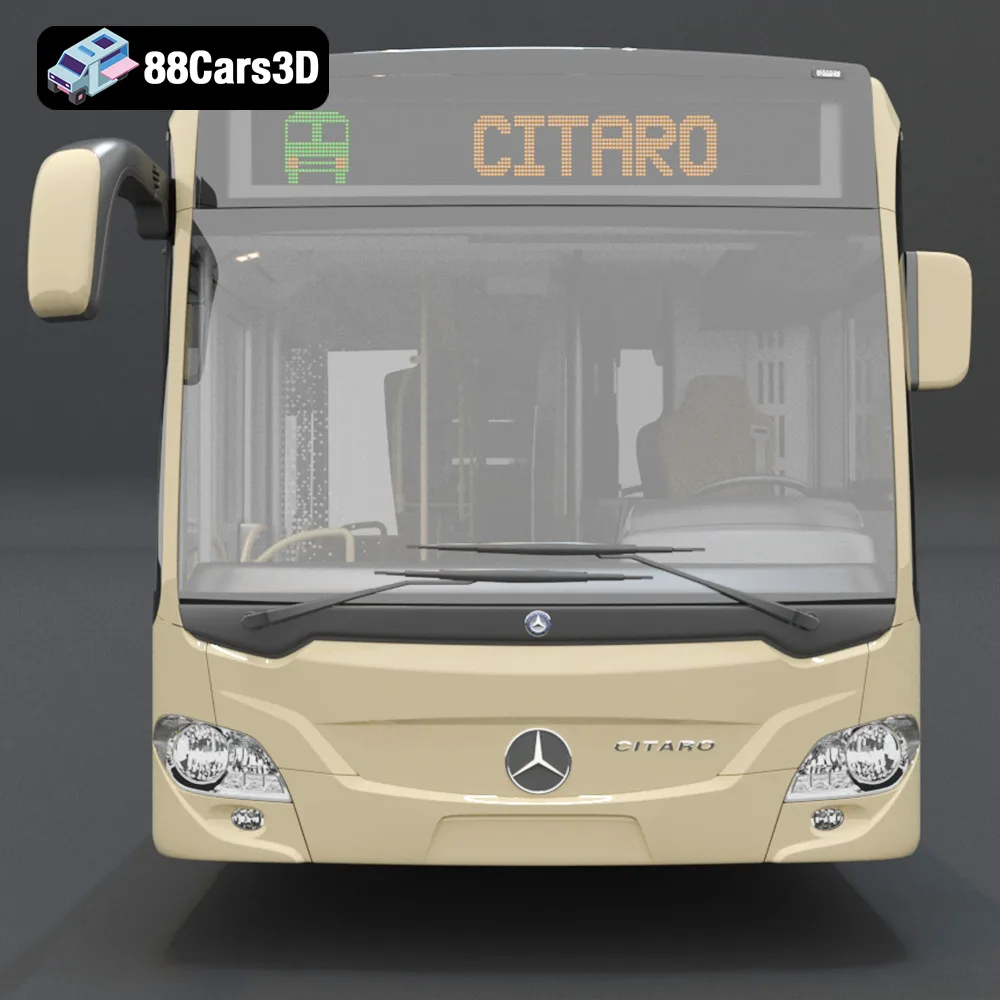
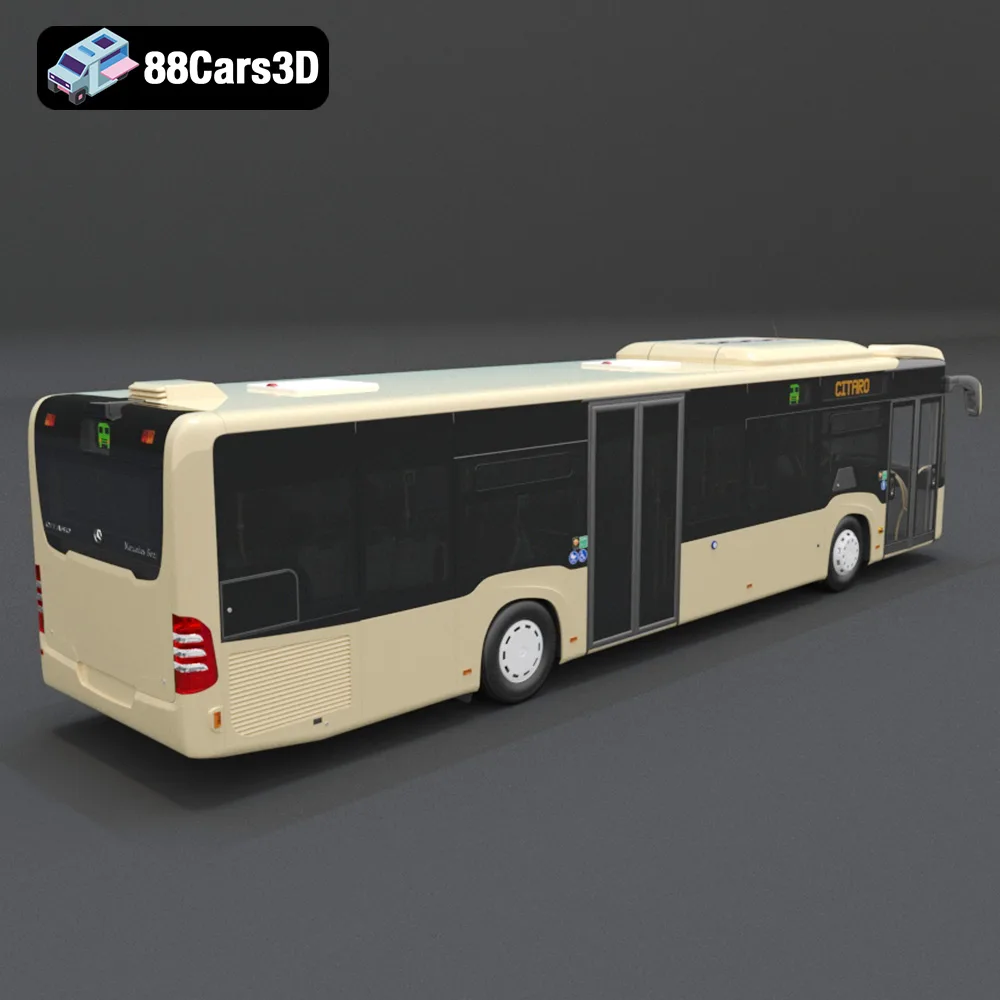
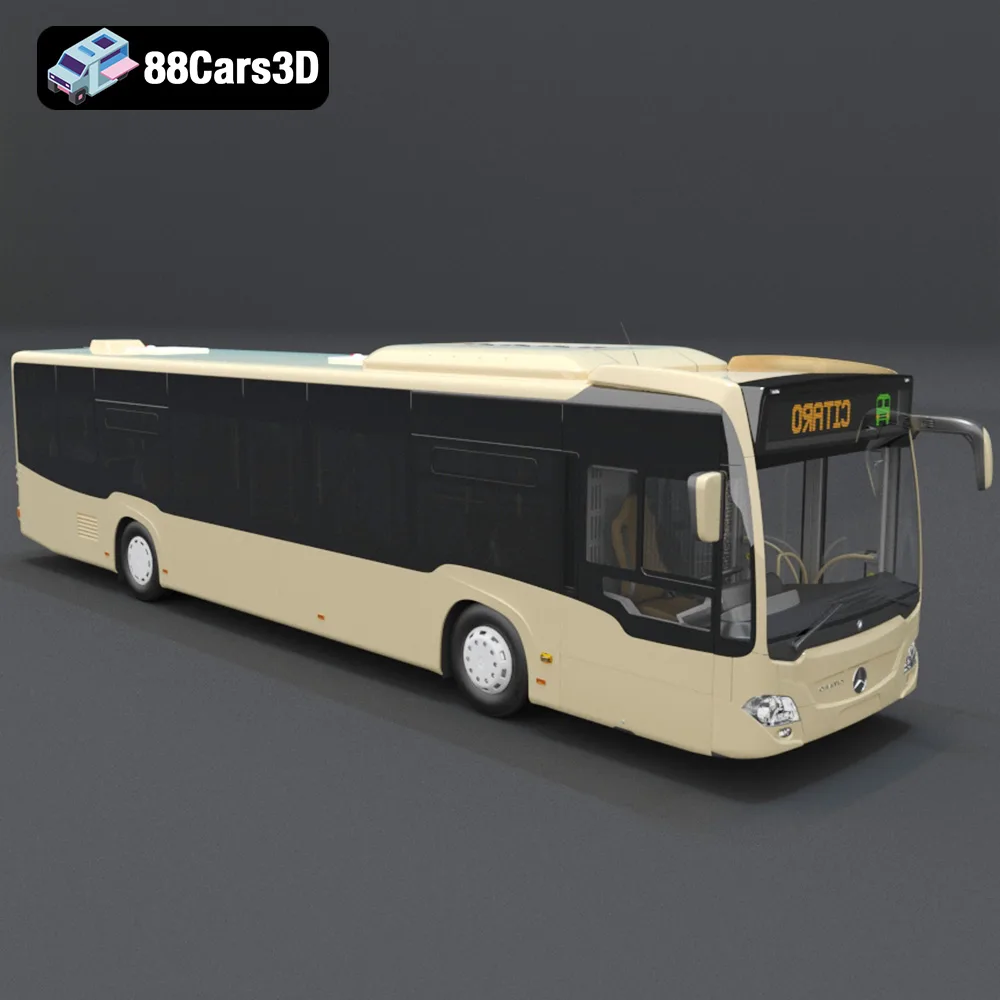
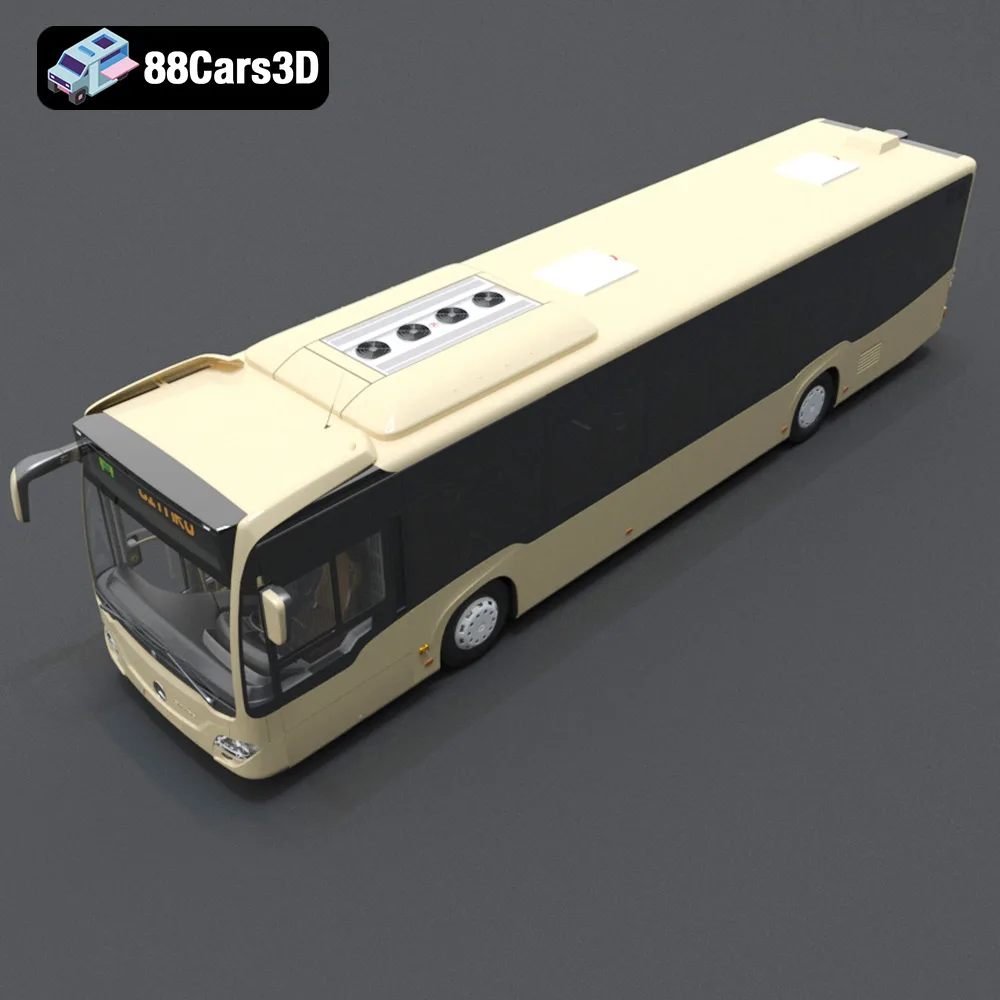
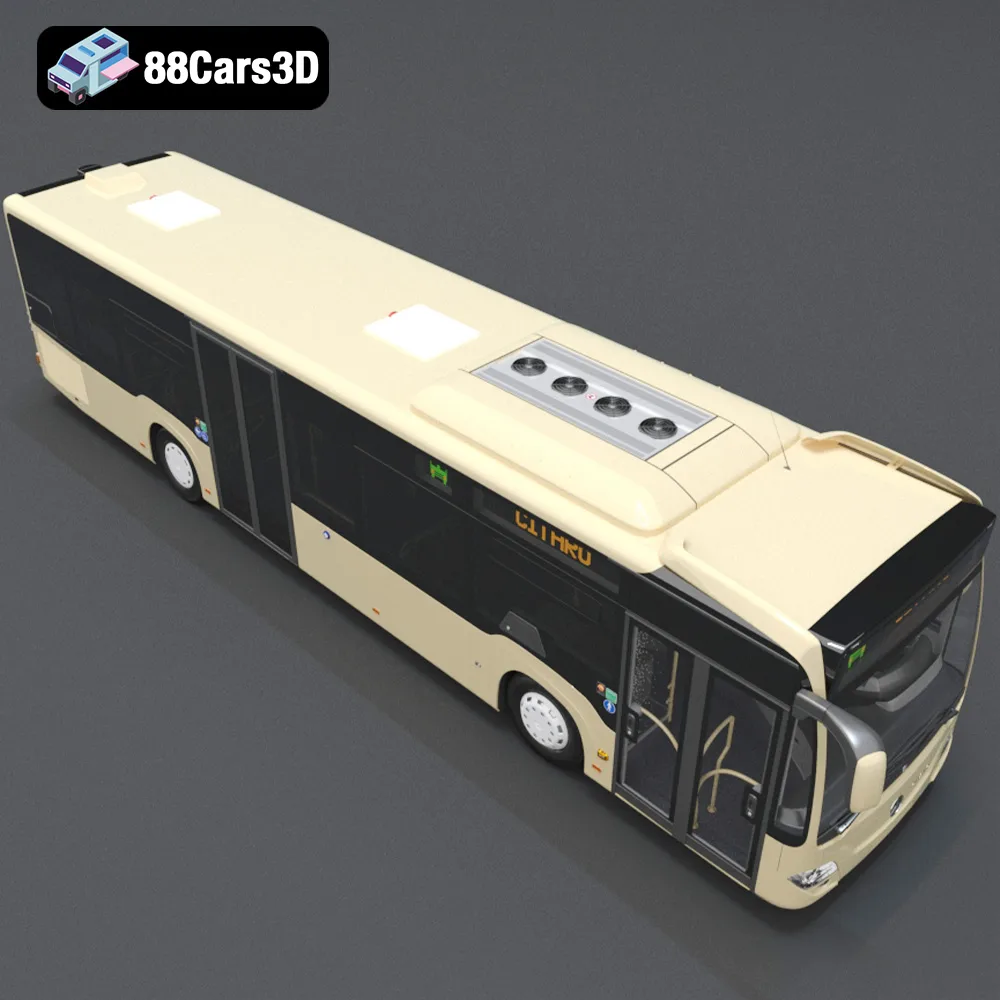
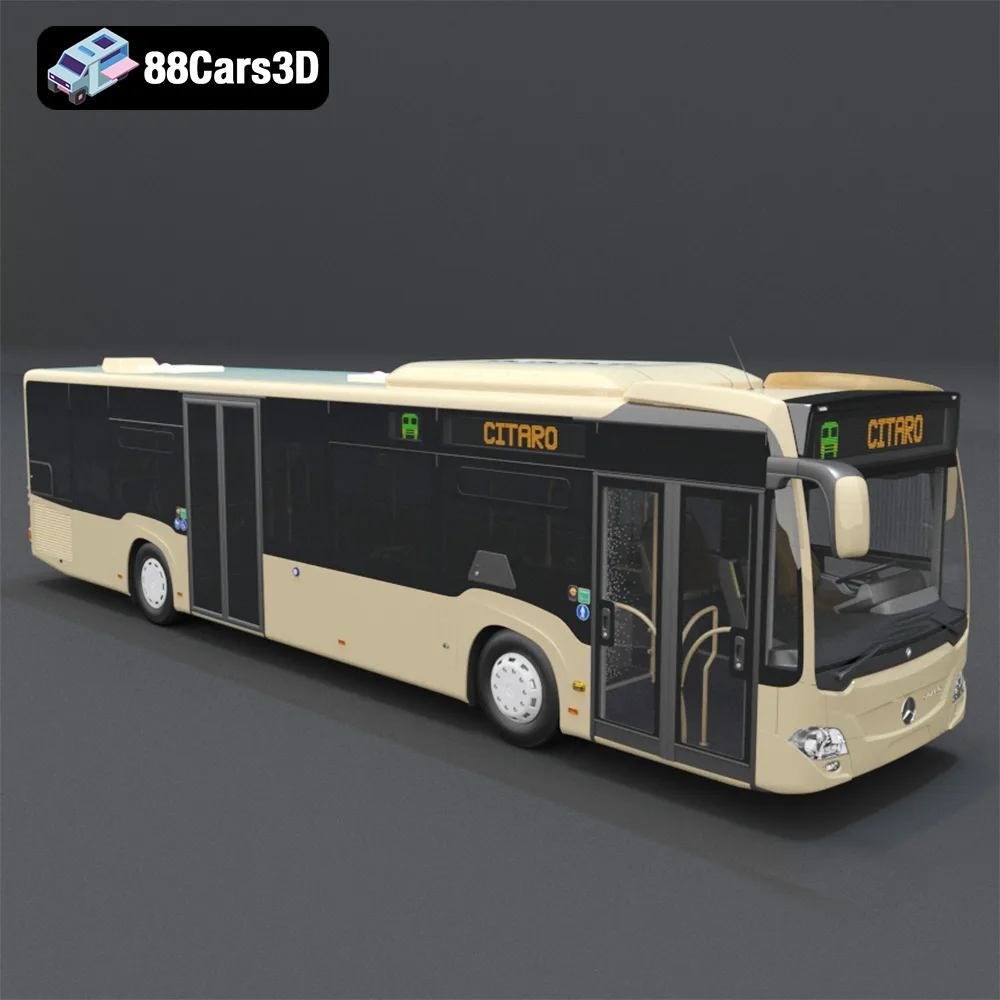
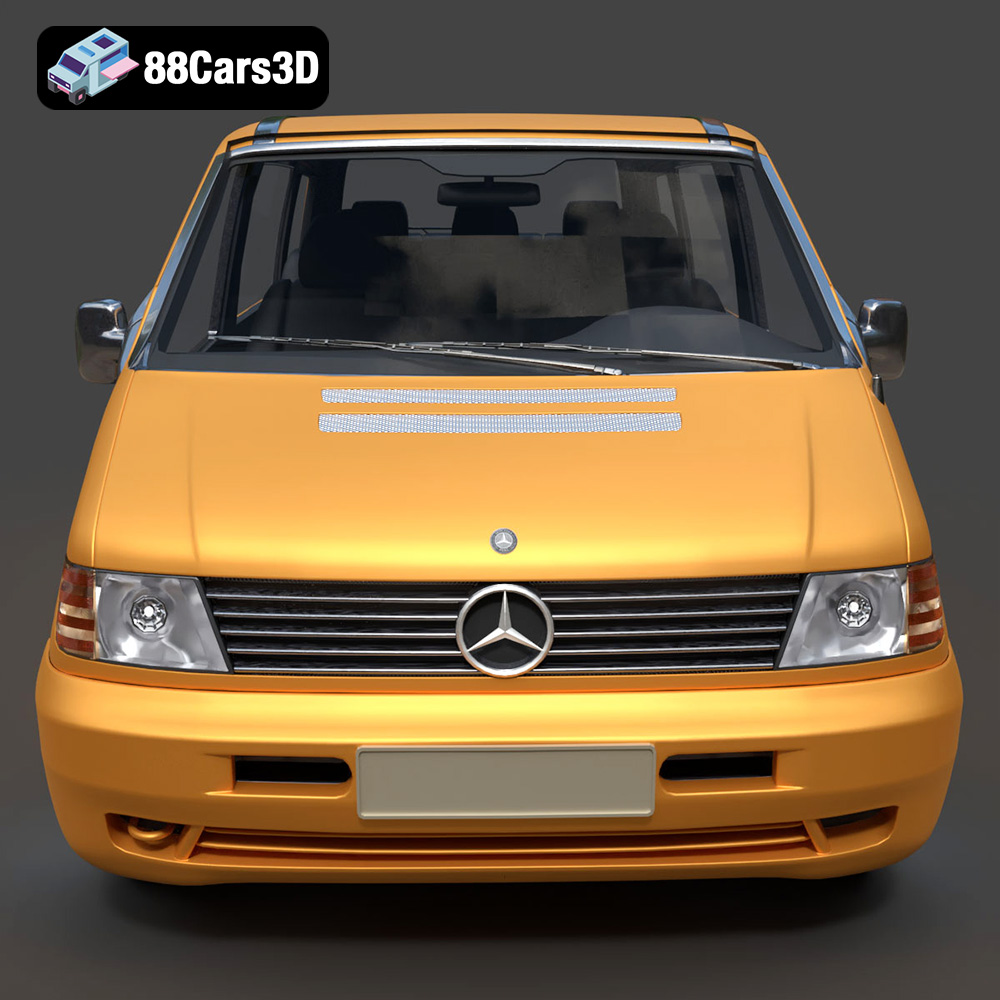
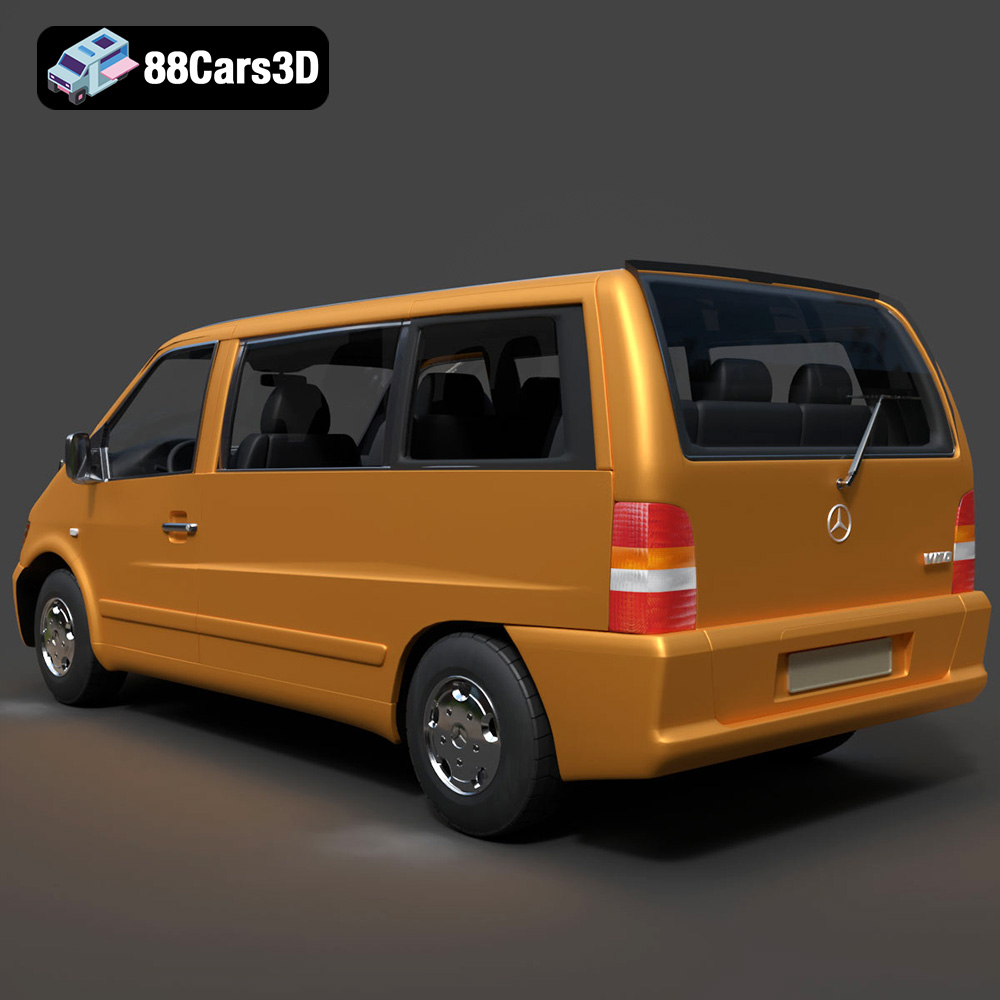
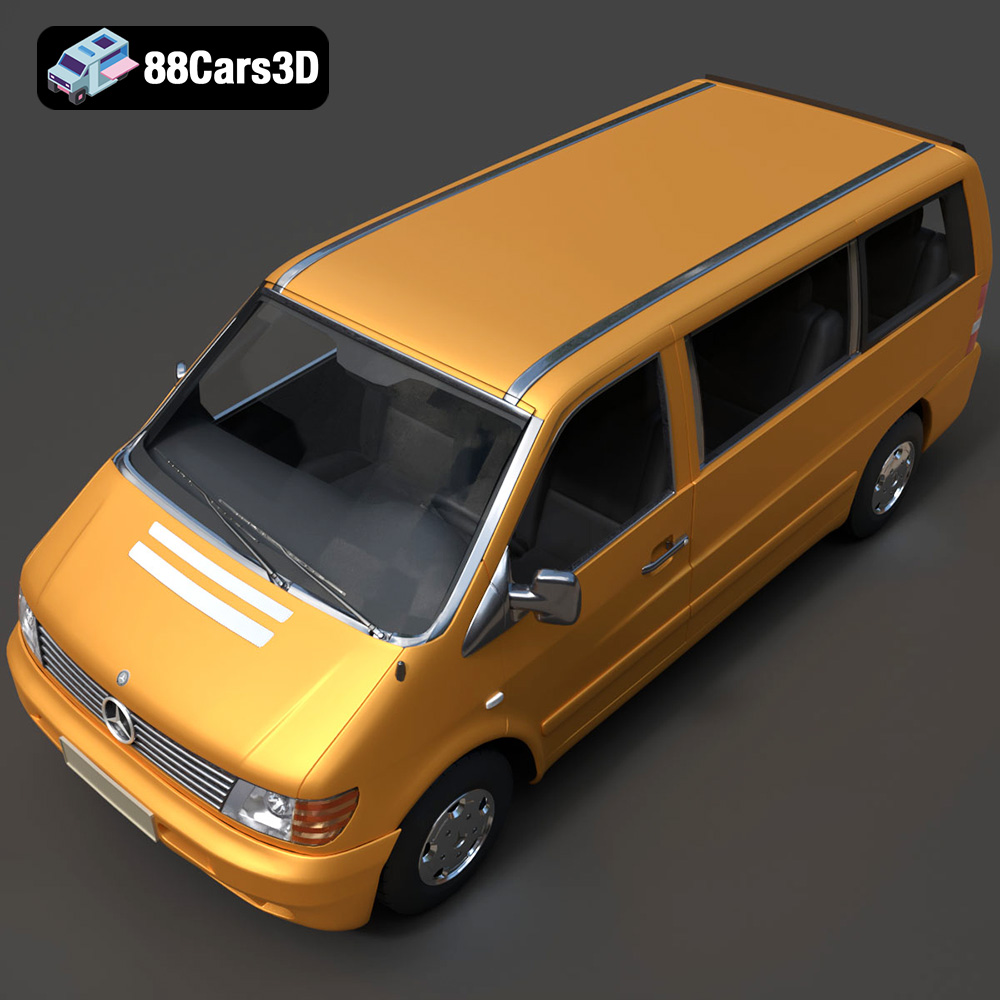
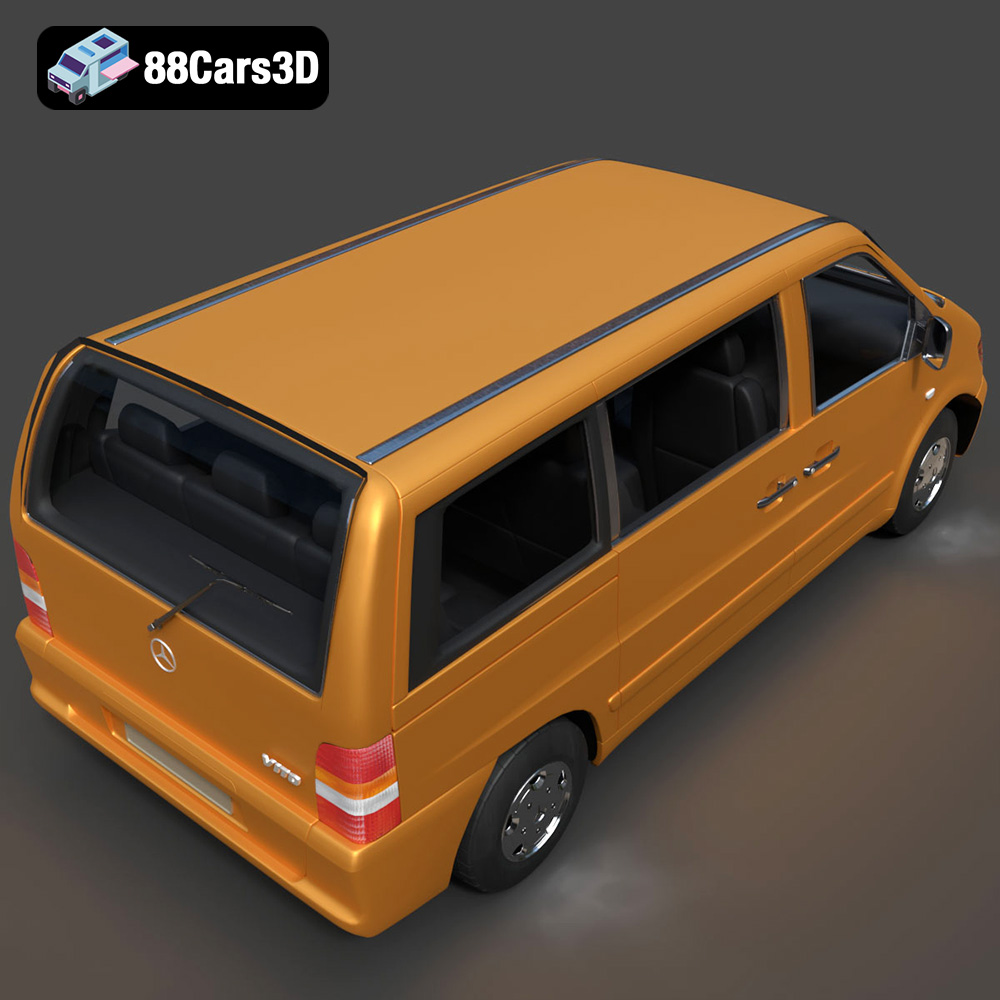
The Heavy Duty & Commercial Logistics 3D Models Bundle from 88cars3d.com offers a fantastic opportunity to bring a fleet of highly detailed commercial vehicles to life through 3D printing. This 4-in-1 pack includes a Ford Sterling A9500 Tractor Truck, a Caterpillar CT680 Tractor Truck, a Mercedes Citaro NGT Modern City Bus, and a Mercedes-Benz Vito Passenger Van. These models are optimized for various applications, and this guide focuses on how to achieve the best possible results when 3D printing them. Whether you’re a scale model enthusiast, a hobbyist, or a professional prototyping specialist, this article will provide the necessary technical details to successfully 3D print these impressive vehicles.
Choosing the correct file format is crucial for successful 3D printing. The Heavy Duty & Commercial Logistics 3D Models Bundle includes several file formats, but not all are equally suited for additive manufacturing. Understanding the strengths and weaknesses of each format will help you select the best option for your specific needs.
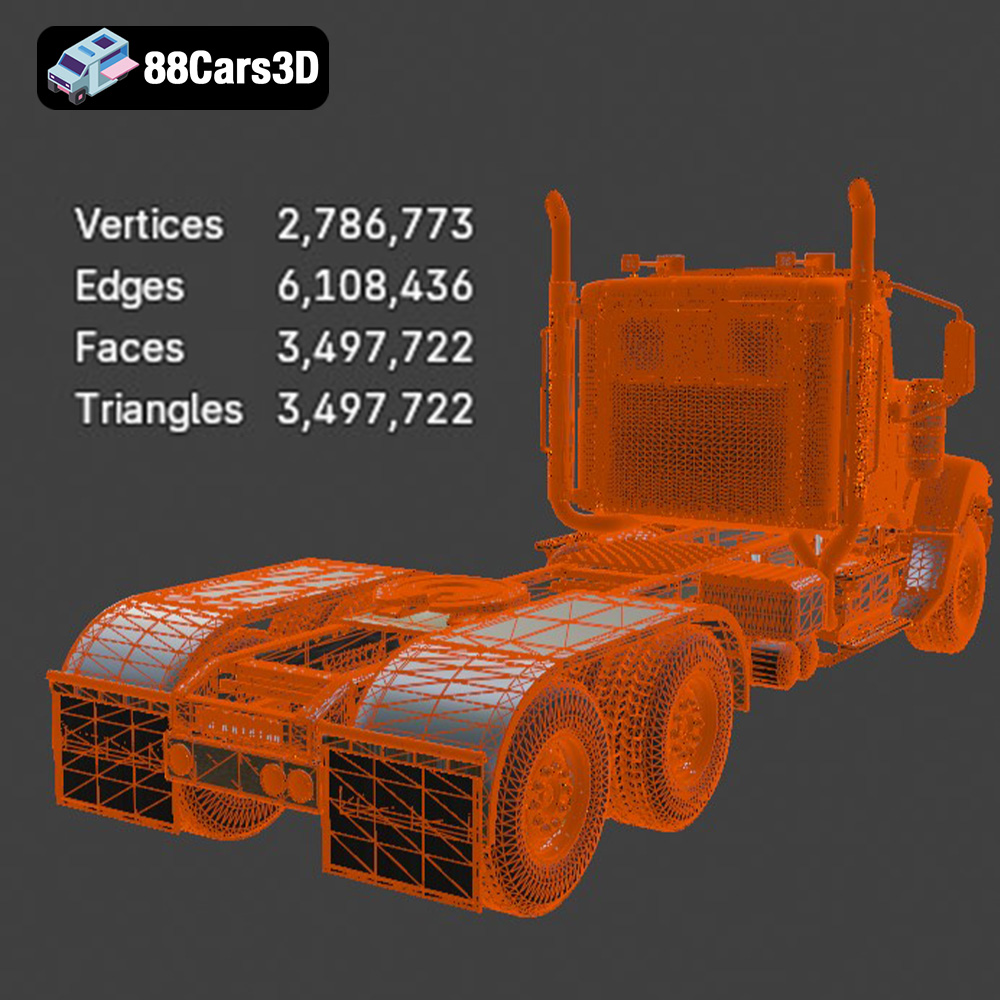
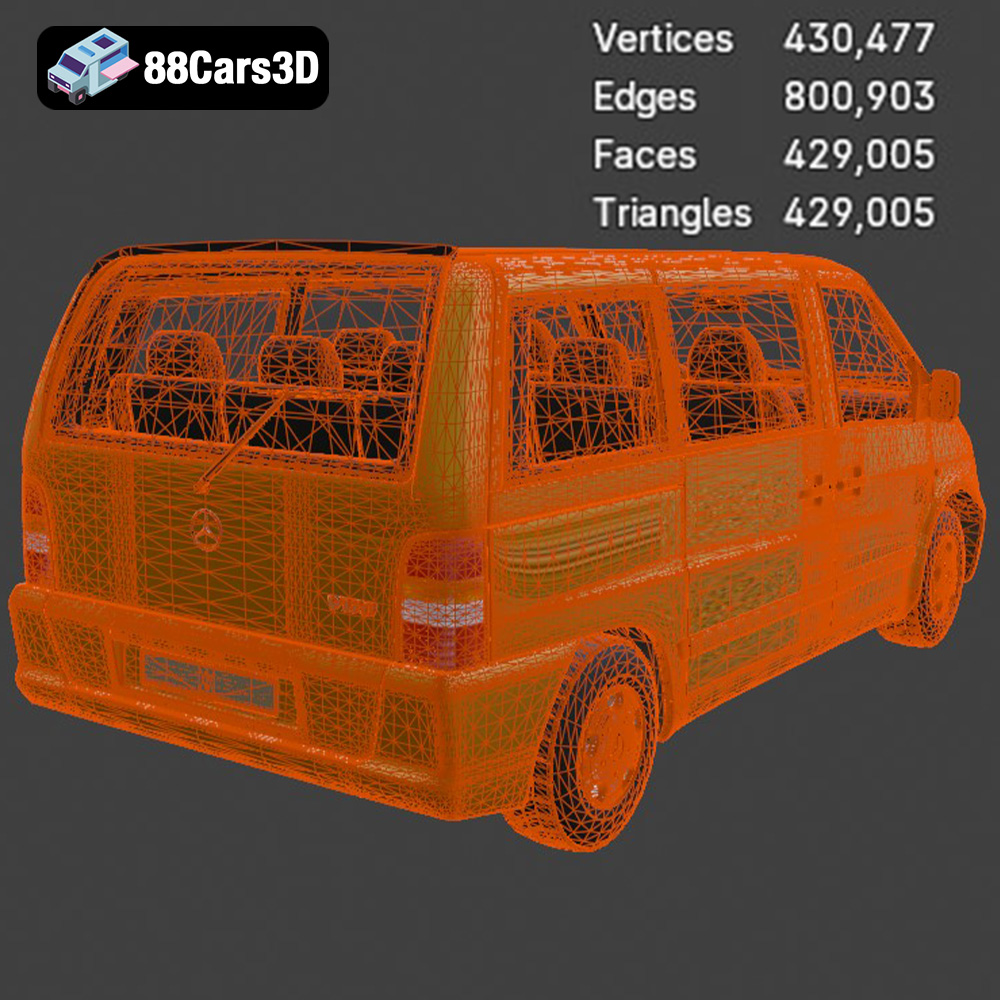
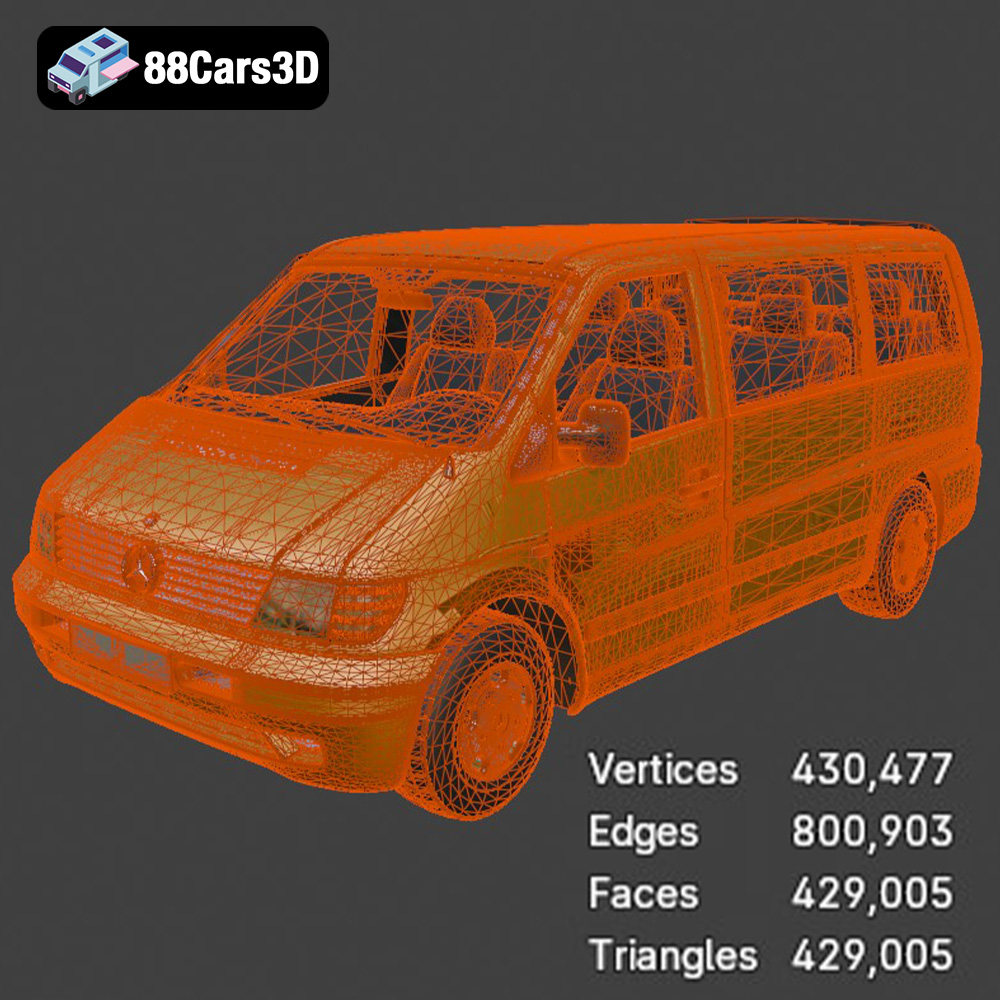
The .stl (Stereolithography) format is the industry standard for 3D printing. It represents the surface geometry of a 3D object as a collection of triangles. This simplicity makes it universally compatible with slicing software and 3D printers. The .stl files in the Heavy Duty & Commercial Logistics 3D Models Bundle are specifically optimized for 3D printing, ensuring a smooth and accurate representation of the vehicles. When working with .stl files, it’s important to check the mesh quality. A high-resolution mesh will capture finer details, but it will also result in a larger file size and potentially longer print times. Conversely, a low-resolution mesh may lack detail and exhibit faceting. Most slicing software allows you to adjust the mesh resolution during import.
The .obj (Object) format is another popular choice, known for its ability to store color and texture information alongside the geometry. While this makes it suitable for rendering and visualization, it’s not as widely supported in 3D printing as .stl, especially for multi-color prints (which require specialized printers).
.ply (Polygon File Format) is designed for storing 3D data acquired from 3D scanners. It preserves high-detail mesh information efficiently. While offering precision, it might not be as universally compatible with all slicing software compared to .stl.
The .blend format is the native file format for Blender, a powerful open-source 3D creation suite. This format allows you to fully edit and customize the models before exporting them for 3D printing. You can modify the geometry, add details, or separate parts for easier printing. After making any changes, you’ll need to export the model as an .stl file for slicing.
.fbx (Filmbox) is a proprietary file format developed by Autodesk, commonly used for exchanging data between different 3D applications. It supports materials, textures, and animations. While you might be able to import .fbx files directly into some slicing software, it’s primarily intended for transferring assets between software packages. The slicing process will ultimately rely on the underlying mesh data.
.glb (GL Transmission Format Binary) is designed for efficient delivery and loading of 3D models, especially in web and augmented reality applications. It encapsulates the entire 3D scene, including geometry, textures, and animations, into a single binary file. This is great for quickly previewing the model on a mobile device to check size and scale before committing to printing.
When preparing the Heavy Duty & Commercial Logistics 3D Models Bundle for printing, the .stl format is generally the most reliable option. Ensure that the .stl files have been properly prepared (manifold geometry) for seamless slicing.
Before sending the Heavy Duty & Commercial Logistics 3D Models to your printer, some pre-print preparation steps are essential to ensure a successful outcome. This involves inspecting the model, choosing the right scale, and using slicing software effectively.
Before importing the .stl files into your slicing software, it’s good practice to inspect them for any potential issues. This can be done using software like MeshLab or Netfabb. Look for non-manifold edges, holes in the mesh, or self-intersecting faces. These issues can cause problems during slicing and printing. Most mesh repair tools can automatically fix these common errors, ensuring a watertight model. The 3D models from 88cars3d.com are generally well-prepared, but a quick check can save you time and frustration.
The product description suggests a scale of 1:43 or 1:50 for these models, aligning with standard diecast models. However, you can adjust the scale to suit your preferences and printer’s capabilities. Consider the level of detail you want to capture and the overall size of the printed model. Once you’ve chosen a scale, carefully consider the print orientation. This will affect the amount of support material required and the surface finish of the printed parts. For the truck cabs and van bodies, angling them slightly can reduce the need for supports on the roof and sides. Printing wheels separately is generally recommended for optimal results.
Slicing software is the bridge between your 3D model and your printer. Popular options include Cura, Simplify3D, and PrusaSlicer. The slicing software converts the .stl file into a series of layers that the printer can understand. Experiment with different settings to find the optimal balance between print quality, speed, and material usage. Key settings include layer height, infill density, support settings, and print speed. As mentioned in the product description, a layer height of 0.04-0.12 mm is recommended, particularly when using resin printing to capture the fine details of the chassis and grilles.
The choice of 3D printing material significantly impacts the final result. For the Heavy Duty & Commercial Logistics 3D Models Bundle, both FDM (Fused Deposition Modeling) and resin printing are viable options, each with its own strengths and weaknesses.
For FDM printing, PLA (Polylactic Acid) and PETG (Polyethylene Terephthalate Glycol) are excellent choices. PLA is a biodegradable thermoplastic known for its ease of use and relatively low printing temperature. It’s ideal for beginners and produces parts with good surface detail. However, PLA can be brittle and prone to warping, especially with larger prints. PETG, on the other hand, is more durable and heat-resistant than PLA. It also offers better layer adhesion, reducing the risk of delamination. PETG can be slightly more challenging to print than PLA, requiring higher printing temperatures and careful adjustment of retraction settings to avoid stringing.
Resin printing, using technologies like SLA (Stereolithography) and DLP (Digital Light Processing), offers superior detail and accuracy compared to FDM. This makes it particularly well-suited for the intricate details of the Heavy Duty & Commercial Logistics 3D Models Bundle, such as the chassis and grilles. Resin printing uses liquid resin that is cured by UV light, resulting in smooth surfaces and sharp edges. However, resin printing can be more expensive than FDM, and the resins themselves can be toxic and require careful handling. Additionally, resin-printed parts often require post-processing, such as washing and curing.
Consider the following material recommendations based on the specific components of the models:
* **Truck Cabins and Van Bodies:** Resin for maximum detail, or PETG for durability.
* **Chassis:** PETG or ABS (Acrylonitrile Butadiene Styrene) for strength and impact resistance.
* **Wheels:** TPU (Thermoplastic Polyurethane) for a realistic rubber-like feel, or PLA/PETG for rigid wheels.
* **Smaller Details (Mirrors, Lights):** Resin for fine detail.
Achieving high-quality prints of the Heavy Duty & Commercial Logistics 3D Models Bundle requires careful adjustment of printer settings. These settings will vary depending on your printer and material, but here are some general guidelines:
As mentioned earlier, a layer height of 0.04-0.12 mm is recommended. Lower layer heights result in smoother surfaces and finer details, but also increase print time. For FDM printing, consider using adaptive layer height settings in your slicing software. This allows you to use lower layer heights for areas with intricate details and higher layer heights for simpler areas, optimizing both print quality and speed.
Infill density affects the strength and weight of the printed parts. For scale models, a lower infill density (15-25%) is generally sufficient, as the primary focus is on aesthetics rather than structural integrity. Choose an infill pattern that provides good support for the outer layers, such as rectilinear or honeycomb.
Support structures are essential for printing overhangs and complex geometries. The Heavy Duty & Commercial Logistics 3D Models Bundle will likely require supports for areas like side mirrors, wheel arches, and the rear roof spoiler on the Vito van. Experiment with different support settings, such as support density, support angle, and support interface, to find the optimal balance between support strength and ease of removal.
Print speed and temperature are crucial for achieving good layer adhesion and surface finish. Consult your material manufacturer’s recommendations for optimal temperature settings. Reduce print speed for areas with intricate details or overhangs.
Post-processing is the final step in bringing your 3D-printed Heavy Duty & Commercial Logistics 3D Models to life. This involves removing supports, sanding, priming, and painting the models to achieve a professional finish.
Carefully remove the support structures using pliers or a sharp knife. Be gentle to avoid damaging the printed parts. Once the supports are removed, sand the surfaces to smooth out any imperfections and layer lines. Start with a coarse grit sandpaper (e.g., 220 grit) and gradually work your way up to finer grits (e.g., 400, 600, 800 grit). Wet sanding can help to reduce dust and improve the surface finish.
Apply a primer coat to the sanded parts to create a smooth and uniform surface for painting. Choose a primer that is compatible with your chosen paint. Once the primer is dry, apply several thin coats of paint, allowing each coat to dry thoroughly before applying the next. Consider using an airbrush for a more even and professional finish. The product description suggests using modern Volvo factory colors like Sage Green, Glacier Silver, or Crystal White, paired with a gloss black roof for the Vito van.
After painting the individual parts, carefully assemble them using glue or screws. Add any additional details, such as decals, windows, or lights, to complete the models. Pay attention to the details to create realistic and visually appealing replicas.
Even with careful preparation and optimized settings, you may encounter some common 3D printing issues. Here are some troubleshooting tips for the Heavy Duty & Commercial Logistics 3D Models Bundle:
Warping occurs when the printed part pulls away from the build plate due to uneven cooling. To prevent warping, ensure that your build plate is properly leveled and heated. Use a brim or raft to increase the adhesion area.
Stringing occurs when the printer extrudes material while moving between different parts of the model. To prevent stringing, adjust your retraction settings, reduce print temperature, and increase travel speed.
Layer delamination occurs when the layers of the printed part separate. To prevent layer delamination, increase print temperature, reduce print speed, and ensure good bed adhesion.
A poor surface finish can be caused by a variety of factors, including incorrect layer height, print speed, or temperature. Adjust these settings to optimize the surface finish. Sanding and priming can also improve the surface finish.
By following these guidelines and troubleshooting tips, you can successfully 3D print the Heavy Duty & Commercial Logistics 3D Models Bundle and create stunning replicas of these impressive commercial vehicles. Remember to experiment with different settings and materials to find what works best for your printer and your specific needs. The models available at 88cars3d.com are an excellent starting point for any 3D printing enthusiast.
The Heavy Duty & Commercial Logistics 3D Models Bundle is the ultimate asset collection for industrial architectural visualization, logistics animations, and simulator game development. While sports cars are common, highly detailed commercial and heavy-duty vehicles are incredibly rare and time-consuming to model. Whether you are building a bustling cargo port, a modern warehouse loading dock, or an open-world truck simulator, this pack provides the massive scale and industrial realism your project needs.
$109.99
caterpillar-ct680
commercial-vehicles
ford-sterling
heavy-duty-truck
industrial-archviz
logistics-3d-models
mercedes-citaro-bus
simulator-ready
truck-3d-model
vehicle-bundle