Get 50% OFF All Premium 3D & STL Models!

The Jeep Wrangler Rubicon Unlimited, a symbol of off-road prowess and rugged individualism, can now grace your desk, shelf, or gaming table in miniature form! Thanks to readily available 3D printing technology and the detailed 3D model available at 88cars3d.com, you can bring this iconic vehicle to life. This comprehensive guide will walk you through every step of the 3D printing process, from selecting the right materials and settings to perfecting the final finish. Whether you’re a seasoned 3D printing enthusiast or a beginner looking for an exciting project, this article will equip you with the knowledge to successfully 3D print a stunning replica of the Jeep Wrangler Rubicon Unlimited.
Before diving into the specifics of printing the Jeep Wrangler Rubicon Unlimited 3D model, it’s crucial to understand the various file formats commonly used in 3D modeling and their suitability for 3D printing. The choice of file format impacts the printability, detail, and overall quality of your final product.
The .stl (Stereolithography) file format is the industry standard for 3D printing. It represents a 3D object’s surface geometry as a collection of triangles. This simplicity makes it universally compatible with slicing software and 3D printers. For the Jeep Wrangler Rubicon Unlimited, the .stl format provided by 88cars3d.com is your primary file for printing. Ensure that the .stl file is a “watertight” model, meaning it has no holes or self-intersections in the mesh. Slicing software can sometimes repair minor issues, but complex problems need to be addressed in the original 3D model using software like Blender or MeshMixer. The resolution of the .stl file (number of triangles) affects the smoothness of the printed surface. A higher resolution results in a smoother surface but also increases the file size and processing time.
The .obj (Object) file format is another popular format that, unlike .stl, can store color and texture information. While .obj files can be used for 3D printing, they are typically used in conjunction with textures defined in a separate .mtl (Material Template Library) file. If your goal is to print a multi-colored Jeep Wrangler Rubicon Unlimited, you might explore using the .obj file. However, most consumer-grade 3D printers are single-color, and printing .obj files with color information usually requires specialized equipment and techniques, such as multi-material printing or post-processing painting.
The .ply (Polygon File Format) is designed to store 3D data acquired from 3D scanners. It can represent surfaces using various polygons, including triangles, quadrilaterals, and higher-order polygons. .ply files are capable of storing vertex colors and other properties, making them suitable for representing high-detail 3D models. However, the increased complexity of .ply files compared to .stl files can sometimes lead to compatibility issues with slicing software. While the Jeep Wrangler Rubicon Unlimited model may be available in .ply format, it’s generally recommended to use the .stl file for 3D printing due to its widespread support and proven reliability.
Formats like .blend (Blender), .fbx (Filmbox), .glb (GL Transmission Format), and .max (3ds Max) are primarily for editing and visualization purposes, not direct 3D printing. They are typically used by 3D artists and designers to create, modify, and animate 3D models. These formats contain more complex data structures than .stl, including information about materials, textures, animations, and scene setup. If you want to modify the Jeep Wrangler Rubicon Unlimited model before printing, you could use the .blend or .max file as a starting point. Once you’ve made your changes, you’ll need to export the model to .stl format for 3D printing. The .fbx and .glb formats are typically used for importing the model into game engines or AR/VR applications.
In summary, the .stl file format is the ideal choice for 3D printing the Jeep Wrangler Rubicon Unlimited model. Its simplicity, universal compatibility, and ability to represent complex geometries make it the go-to format for most 3D printing applications.
The material you choose will significantly impact the final look, feel, and durability of your 3D printed Jeep Wrangler Rubicon Unlimited. Different materials offer varying levels of strength, flexibility, temperature resistance, and surface finish. Here’s a breakdown of popular materials and their suitability for this project:
PLA (Polylactic Acid) is a biodegradable thermoplastic derived from renewable resources like corn starch or sugarcane. It’s easy to print with, produces minimal warping, and offers a good level of detail. PLA is an excellent choice for beginners due to its low printing temperature and wide availability. It’s well-suited for creating display models of the Jeep Wrangler Rubicon Unlimited that won’t be subjected to high temperatures or significant stress. However, PLA is less heat-resistant than other materials and can become brittle over time, especially when exposed to UV light.
PETG (Polyethylene Terephthalate Glycol-modified) is a more robust and heat-resistant alternative to PLA. It offers a good balance of strength, flexibility, and ease of printing. PETG is less prone to warping than ABS and provides better layer adhesion than PLA. If you plan to handle your 3D printed Jeep Wrangler Rubicon Unlimited frequently or want it to withstand slightly higher temperatures, PETG is a solid choice. It’s also more impact-resistant than PLA, making it less likely to break if dropped.
ABS (Acrylonitrile Butadiene Styrene) is a strong and durable thermoplastic commonly used in automotive and consumer products. It offers excellent heat resistance and impact strength, making it ideal for functional parts and models that need to withstand demanding conditions. However, ABS is more challenging to print with than PLA or PETG. It requires a higher printing temperature and is prone to warping, especially on larger prints. An enclosed printer is recommended to maintain a consistent temperature and minimize warping. If you’re an experienced 3D printer user and want a Jeep Wrangler Rubicon Unlimited model that can withstand higher temperatures and more rigorous use, ABS is a viable option.
For exceptionally detailed prints, especially at smaller scales (1:32, 1:43), resin printing is highly recommended. Resin printers use liquid photopolymer resin that is cured by UV light. This allows for much finer layer resolution and intricate details compared to FDM (Fused Deposition Modeling) printers that use filament. While resin printers often require more post-processing (washing and curing the resin), the results can be stunning, capturing even the smallest details of the Jeep Wrangler Rubicon Unlimited. If you choose resin printing, be sure to use appropriate safety precautions, including gloves and eye protection.
Once you’ve chosen your material, you need to prepare the 3D model for printing using slicing software. Slicing software takes the .stl file and converts it into a series of instructions (G-code) that your 3D printer can understand. It also allows you to customize various printing parameters, such as layer height, infill density, and support structures. Here’s how to optimize the Jeep Wrangler Rubicon Unlimited model for printing:
Several excellent slicing software options are available, both free and paid. Cura, PrusaSlicer, and Simplify3D are popular choices among 3D printing enthusiasts. Each software offers a range of features and settings to fine-tune your prints. Experiment with different slicers to find the one that best suits your needs and printer.
The orientation of the Jeep Wrangler Rubicon Unlimited model on the print bed can significantly impact the print quality and the amount of support material required. As suggested in the product description, printing the body upside-down can result in a smoother finish on the roof and hood. However, this orientation will require more support structures for the underbody details. Carefully consider the trade-offs between surface finish and support material usage. Areas like the mirrors, roof edges, spare tire mount, and underbody details will definitely require supports. Use the slicing software to generate appropriate support structures. Consider using tree supports or light supports to minimize the impact on the printed surface.
The Jeep Wrangler Rubicon Unlimited model can be scaled to your desired size using the slicing software. The product description recommends scales of 1:32, 1:24, 1:18, and 1:12. Keep in mind that smaller scales will require finer layer resolutions and may be better suited for resin printing. The layer height determines the vertical resolution of the print. A lower layer height results in a smoother surface but increases the print time. For FDM printing, a layer height of 0.12-0.20 mm is a good starting point. For resin printing, you can go much lower, down to 0.04 mm or even lower for exceptionally detailed prints.
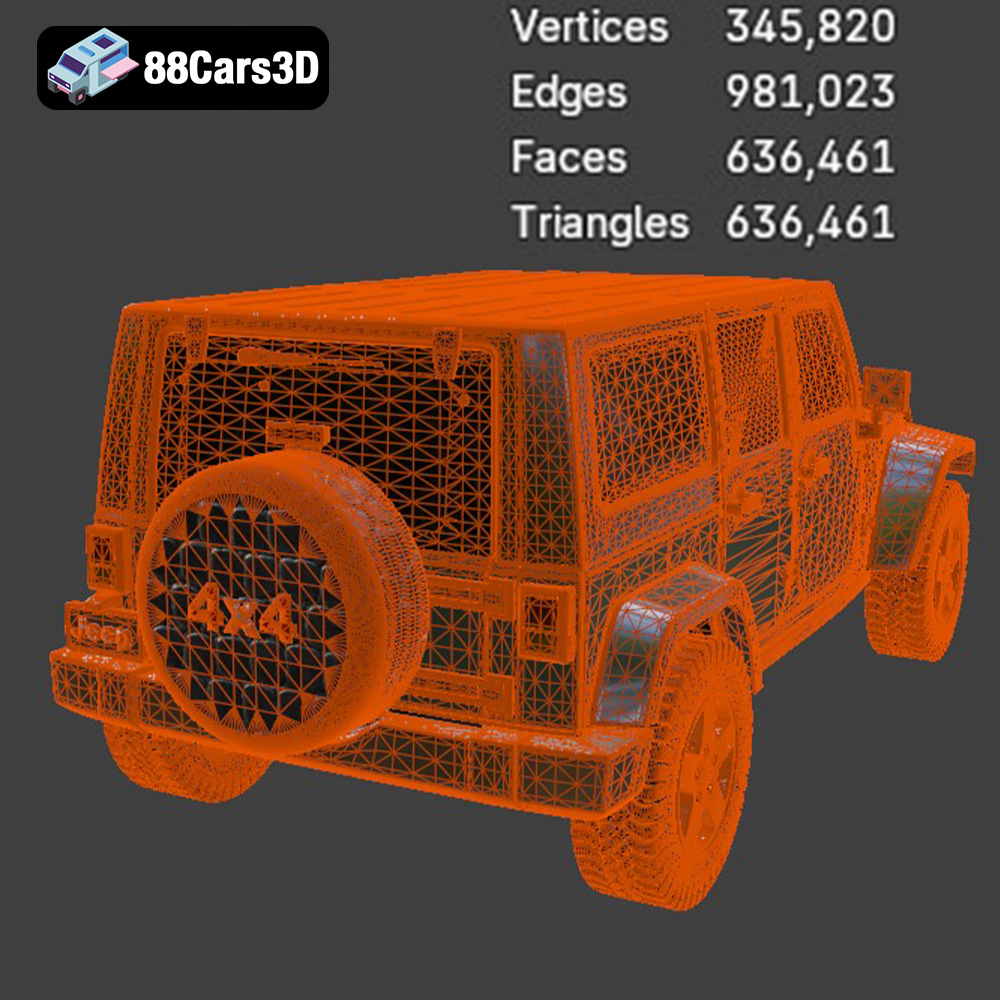
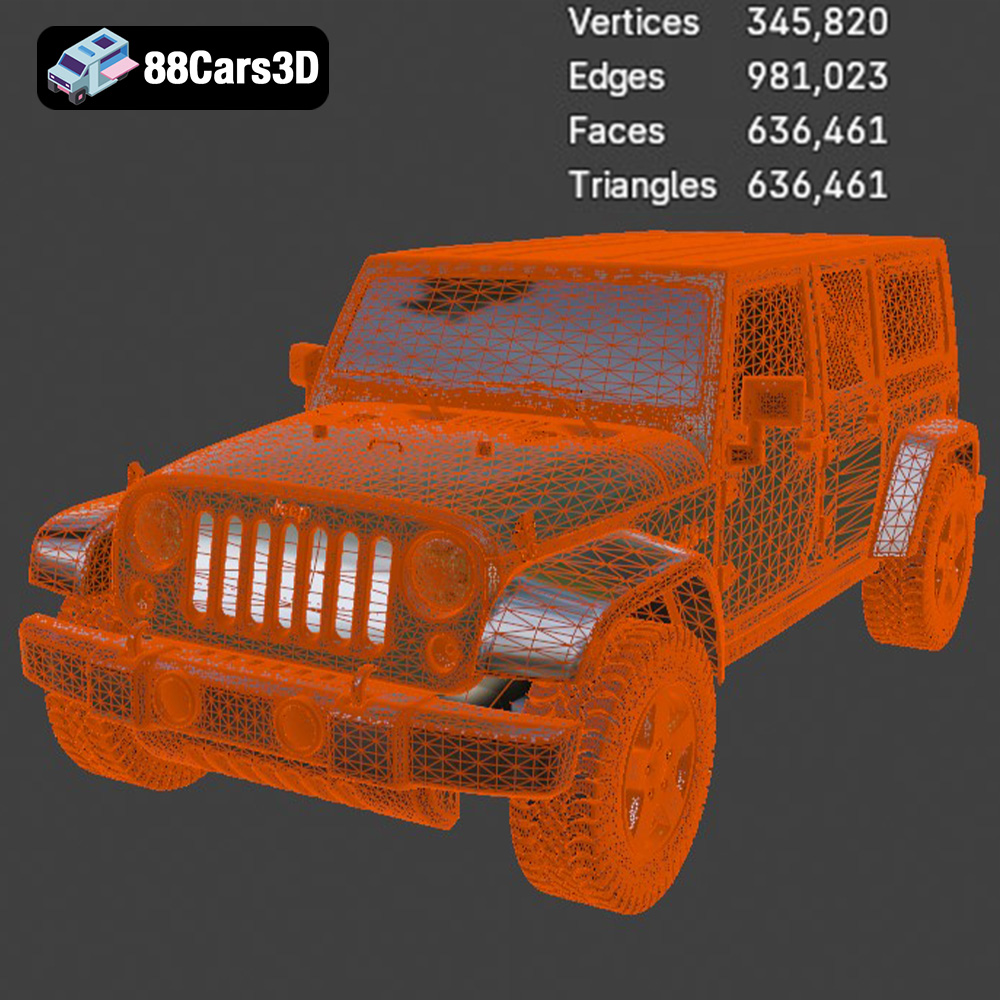
Before slicing, it’s essential to ensure that the .stl file is free of errors. Use the mesh repair tools in your slicing software or dedicated mesh repair software like MeshMixer to fix any holes, self-intersections, or non-manifold edges. Optimizing the mesh can also reduce the file size and improve printing performance. Decimating the mesh (reducing the number of triangles) can be helpful, but be careful not to remove too much detail.
The right printer settings are crucial for achieving a high-quality 3D print of the Jeep Wrangler Rubicon Unlimited. These settings will vary depending on your printer, material, and desired print quality. Here are some key settings to consider:
The printing temperature and speed depend on the material you’re using. Consult the filament manufacturer’s recommendations for the optimal temperature range. Printing too hot can lead to stringing and poor surface finish, while printing too cold can cause layer adhesion problems. Slower printing speeds generally result in higher quality prints, especially for intricate details. Start with a moderate speed and adjust as needed.
The infill density determines the internal structure of the print. A higher infill density makes the print stronger but also increases the print time and material consumption. For a display model of the Jeep Wrangler Rubicon Unlimited, an infill density of 20-35% is generally sufficient. The wall thickness determines the thickness of the outer shell of the print. A thicker wall provides more strength and rigidity. The product description recommends a wall thickness of 2.5-3.5 mm.
Adjust the support settings to optimize support material usage and minimize the impact on the printed surface. Consider using different support types, such as tree supports or linear supports, depending on the geometry of the model. Ensure proper bed adhesion to prevent warping and detachment during printing. Use a heated bed, bed adhesive (such as glue stick or hairspray), or a brim to improve adhesion.
Once the 3D printing process is complete, post-processing is essential to achieve a professional-looking finish on your Jeep Wrangler Rubicon Unlimited model. Post-processing involves removing support structures, sanding the surface, painting, and assembling the various parts.
Carefully remove the support structures using pliers or a sharp knife. Be careful not to damage the printed surface. Sand the surface with progressively finer grits of sandpaper to remove layer lines and create a smooth finish. Start with a coarser grit (e.g., 220) and gradually move to finer grits (e.g., 400, 600, 800). Wet sanding can help to minimize dust and improve the smoothness of the surface.
Apply a primer coat to the sanded surface to create a uniform base for painting. Primer also helps to fill in any remaining imperfections and improves paint adhesion. Choose a primer that is compatible with your chosen paint. Apply several thin coats of paint, allowing each coat to dry completely before applying the next. Use high-quality model paints for the best results. Consider using an airbrush for a smooth and even finish. The product description suggests using matte or textured off-road finishes to capture the rugged look of the Jeep Wrangler Rubicon Unlimited. Modern Volvo factory colors (like Sage Green, Glacier Silver, or Crystal White) paired with a gloss black roof can create a striking contrast. Remember to use masking tape to create clean lines and separate different colors.
The Jeep Wrangler Rubicon Unlimited model may consist of several separate parts, such as the body, wheels, and spare tire. Assemble the parts using glue or screws. Pay attention to the alignment and fit of the parts. Add any final details, such as decals, lights, or accessories, to complete the model.
Even with careful preparation, you may encounter some challenges during the 3D printing process. Here are some common issues and their solutions:
Warping occurs when the printed part detaches from the print bed due to uneven cooling. To prevent warping, use a heated bed, bed adhesive, or a brim. Ensure that the printing environment is stable and free from drafts. If warping persists, try increasing the bed temperature or reducing the printing speed.
Stringing occurs when the printer nozzle oozes filament during travel moves, leaving thin strands of plastic between different parts of the print. To prevent stringing, adjust the retraction settings in your slicing software. Increase the retraction distance and speed. You can also try lowering the printing temperature or increasing the travel speed.
Layer adhesion problems occur when the layers of the print do not bond together properly. This can result in weak or brittle prints. To improve layer adhesion, increase the printing temperature, reduce the printing speed, or increase the layer height slightly. Also, ensure that the filament is dry and free from moisture.
Problems with support structures can range from difficulty removing supports to supports damaging the printed surface. Optimize your support settings in the slicing software. Experiment with different support types and densities. Consider using tree supports or light supports to minimize the impact on the printed surface. Use a sharp knife or pliers to carefully remove the supports.
3D printing the Jeep Wrangler Rubicon Unlimited model is a rewarding project that combines technical skill with creative expression. By understanding the principles of 3D printing, selecting the right materials and settings, and carefully preparing and post-processing the model, you can create a stunning replica of this iconic vehicle. From the detailed .stl files available at 88cars3d.com to the vast array of filaments and paints, the possibilities are endless. Embrace the challenges, experiment with different techniques, and unleash your inner engineer to bring the Jeep Wrangler Rubicon Unlimited to life on your 3D printer!
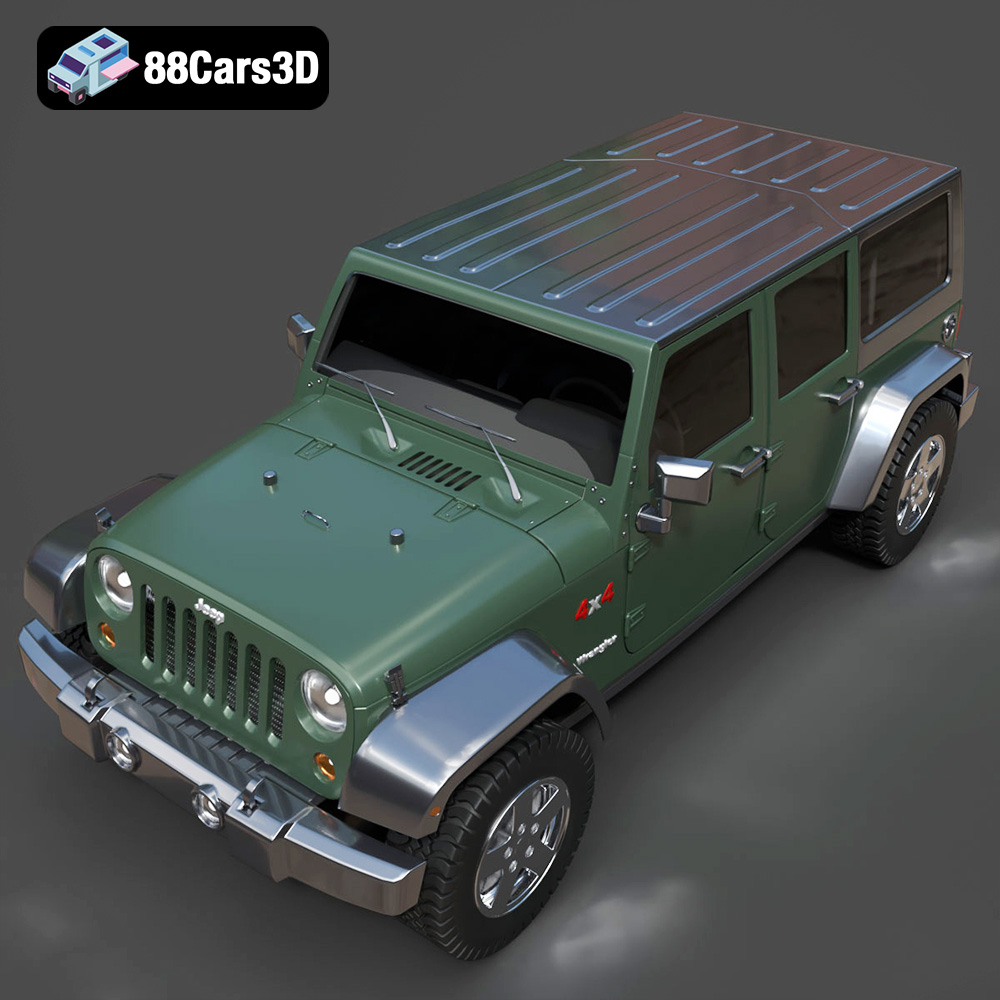
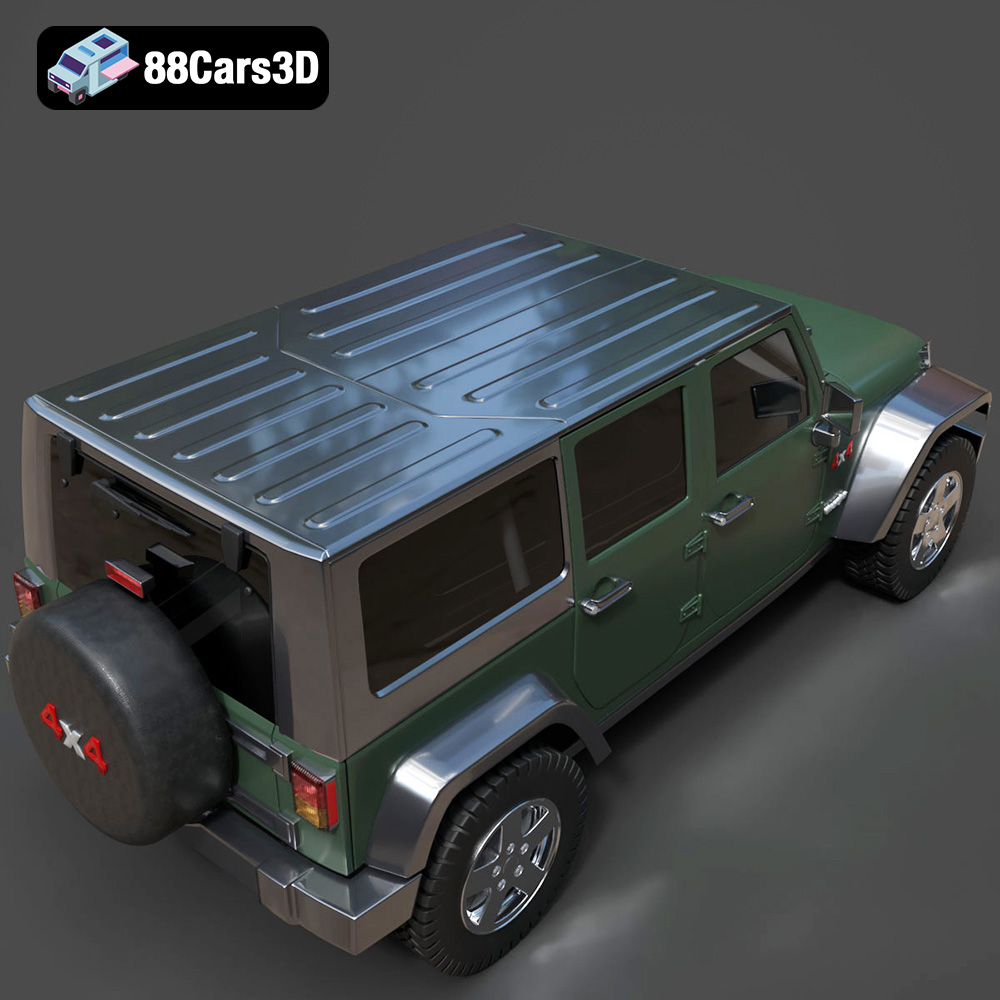
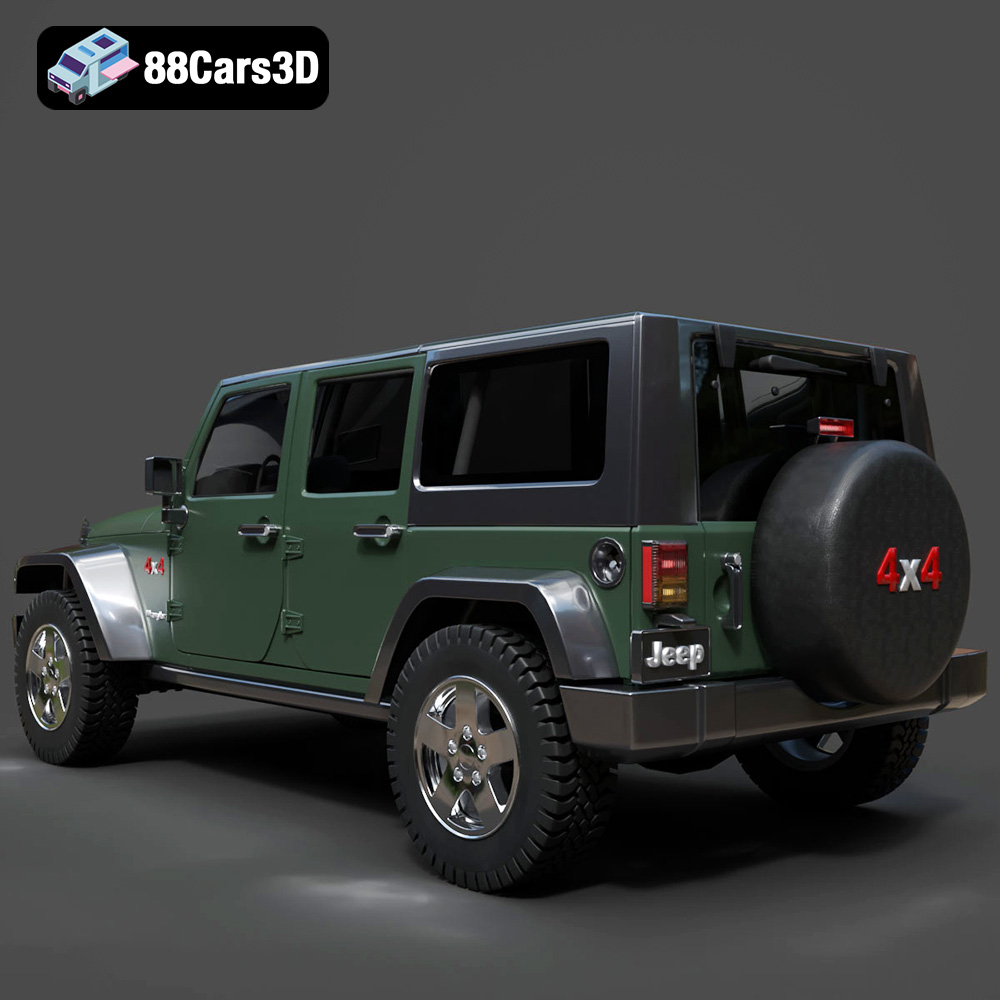
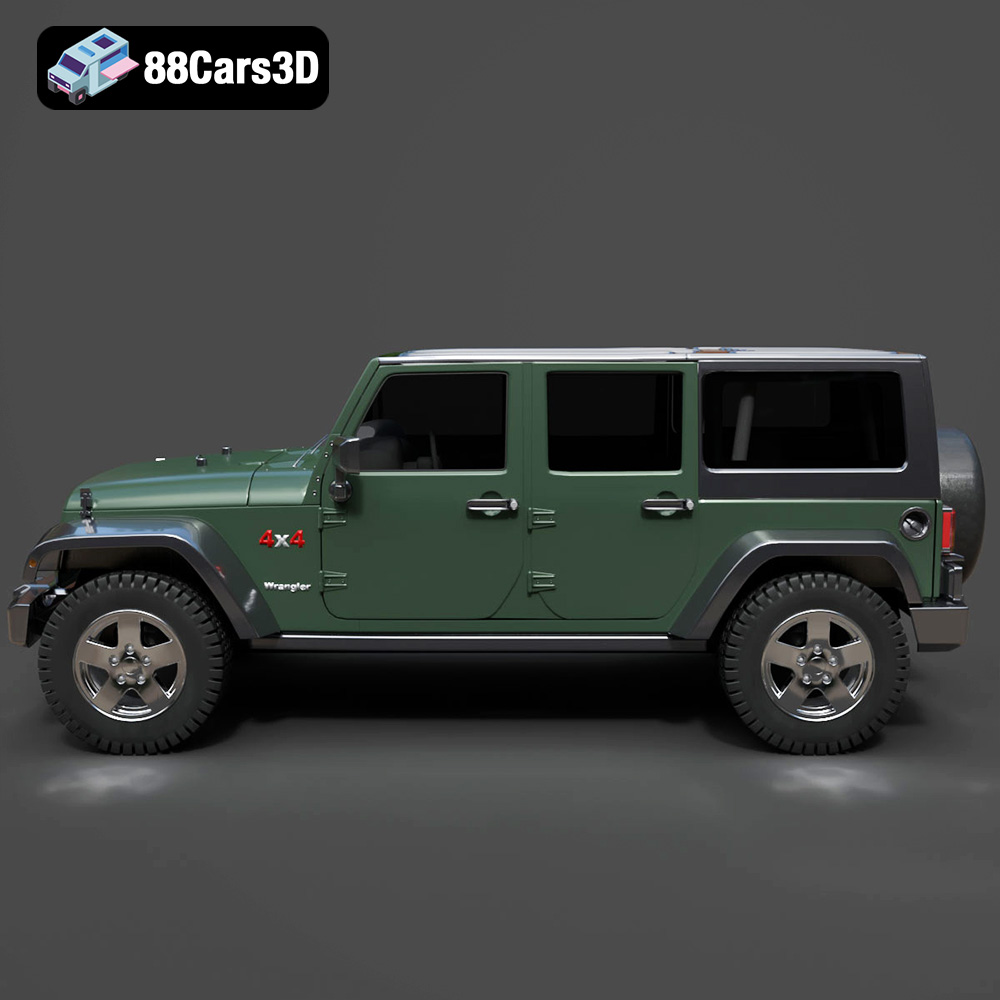
The Jeep Wrangler Rubicon Unlimited 3D Model is a highly detailed digital recreation of the legendary off-road SUV from Jeep. The Rubicon Unlimited variant represents the 4-door long-wheelbase version of the Wrangler, engineered for extreme trail performance while offering enhanced passenger space and practicality. Includes .blend, .fbx, .obj, .glb, .stl, .ply, .unreal, and .max formats.
$9.99
.4x4vehicle
.arvr
.blend
.car3dmodel
.fbx
.gameasset
.glb
.jeep
.max
.obj
.offroadsuv
.overlandSUV
.ply
.rendering
.rubicon
.simulation
.stl
.unreal
.vehicle3D
.wrangler
.wranglerunlimited