Get 50% OFF All Premium 3D & STL Models!

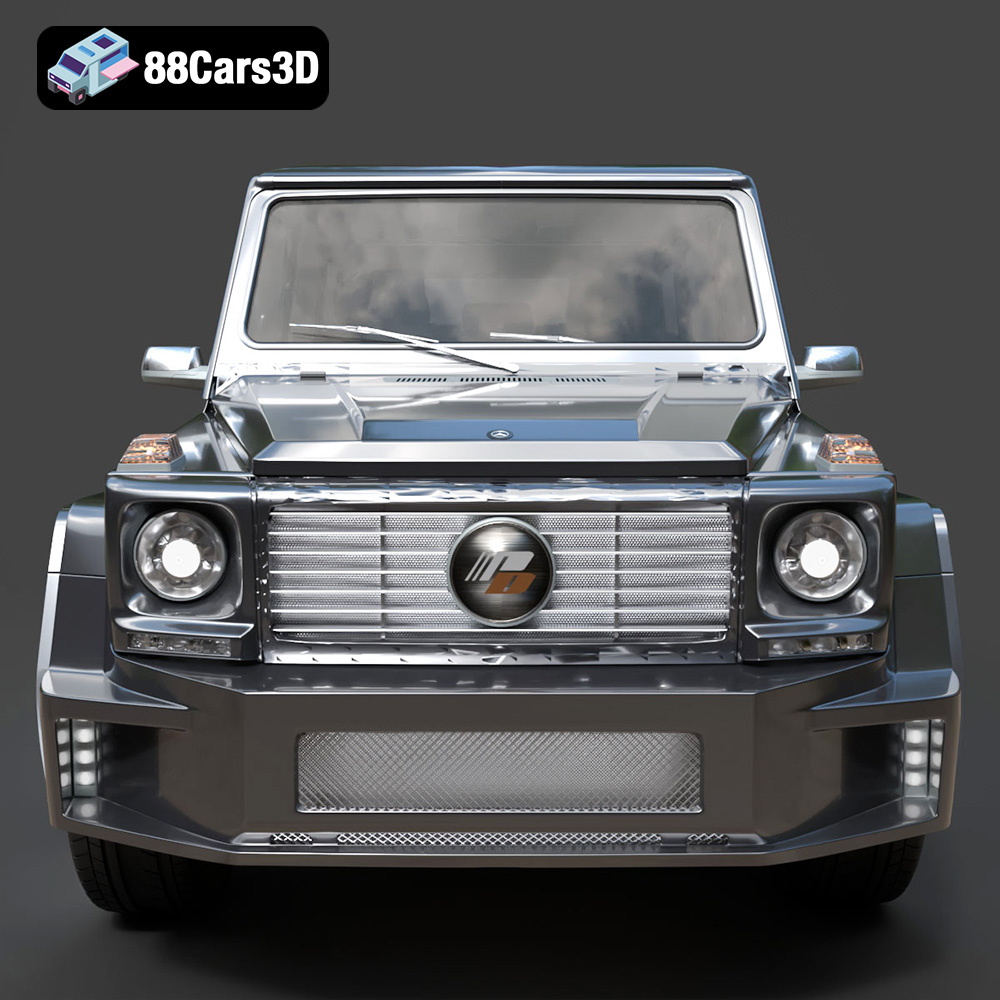
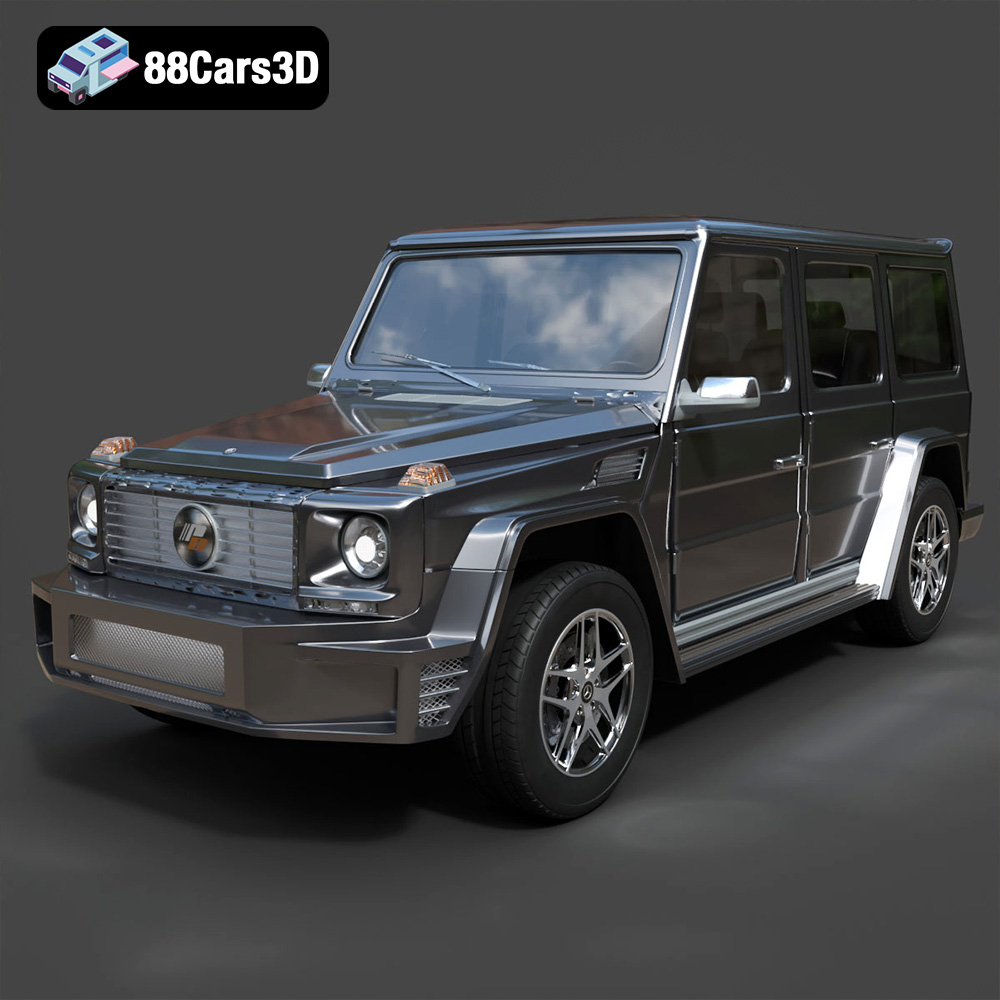
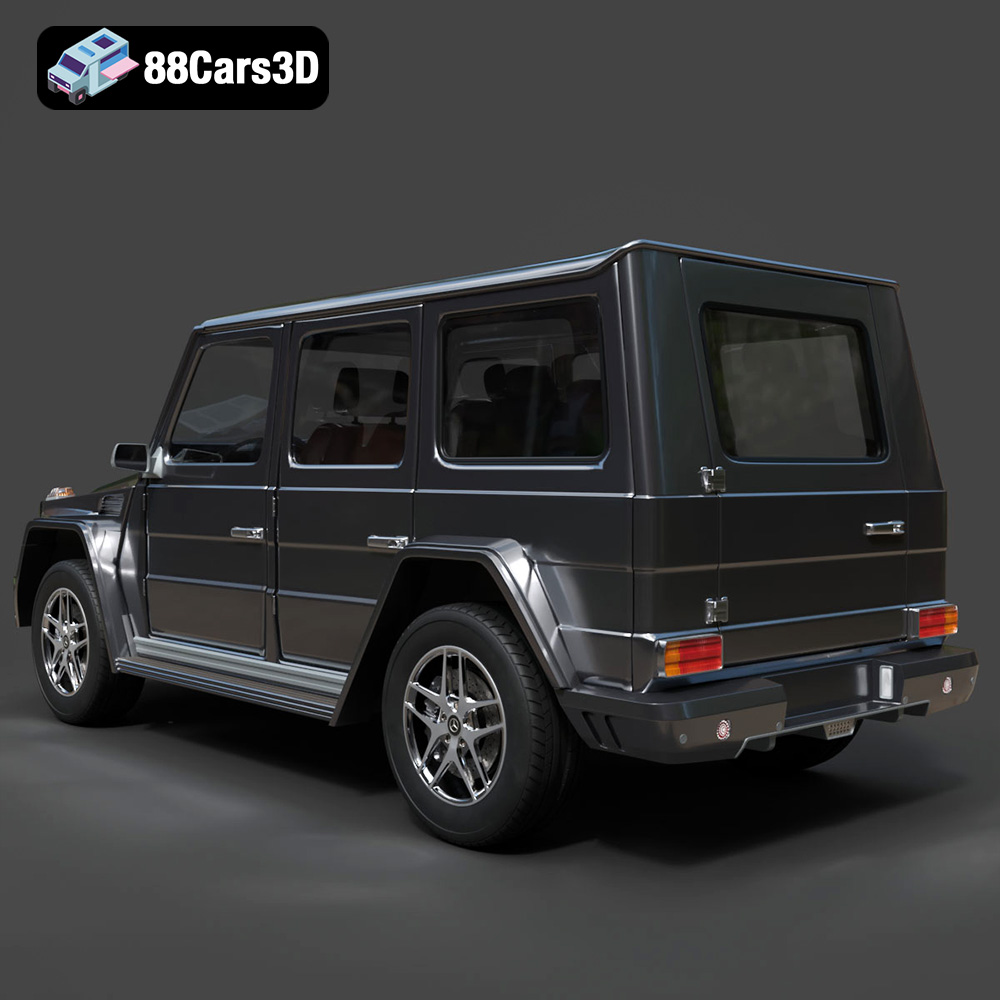
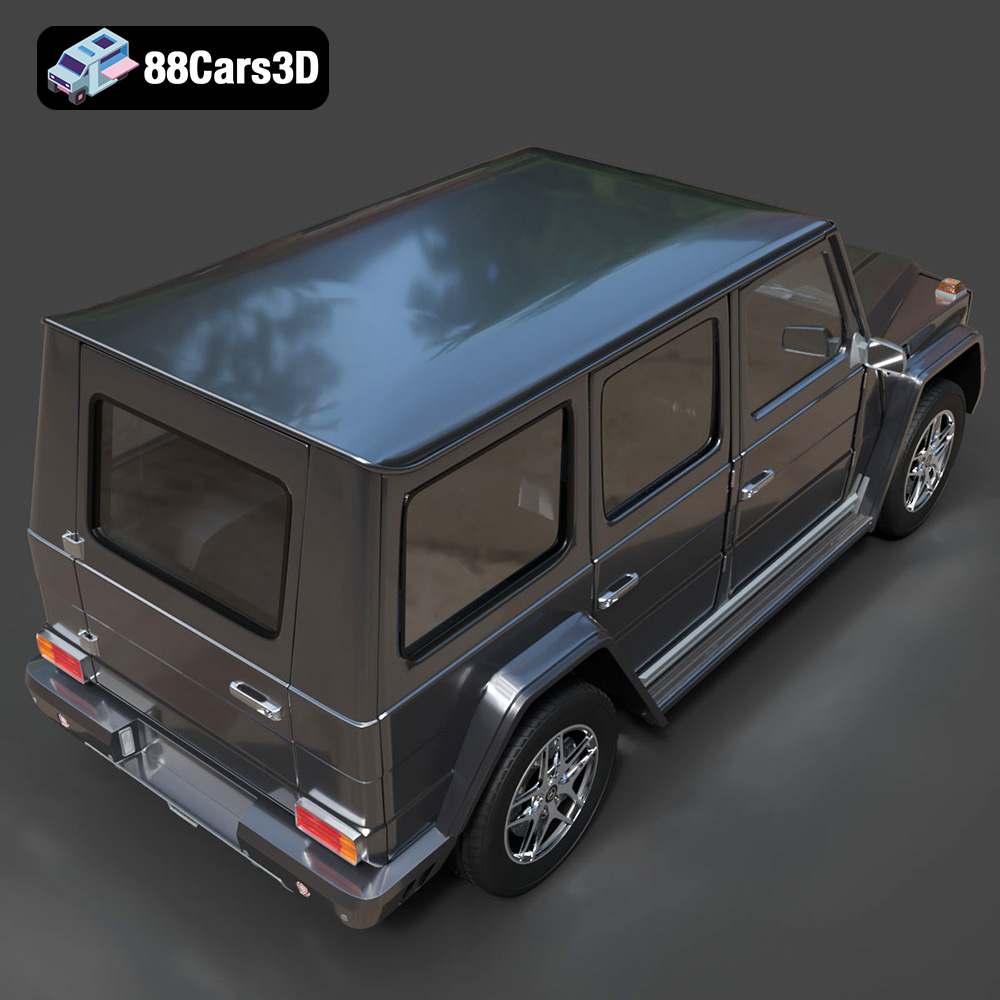
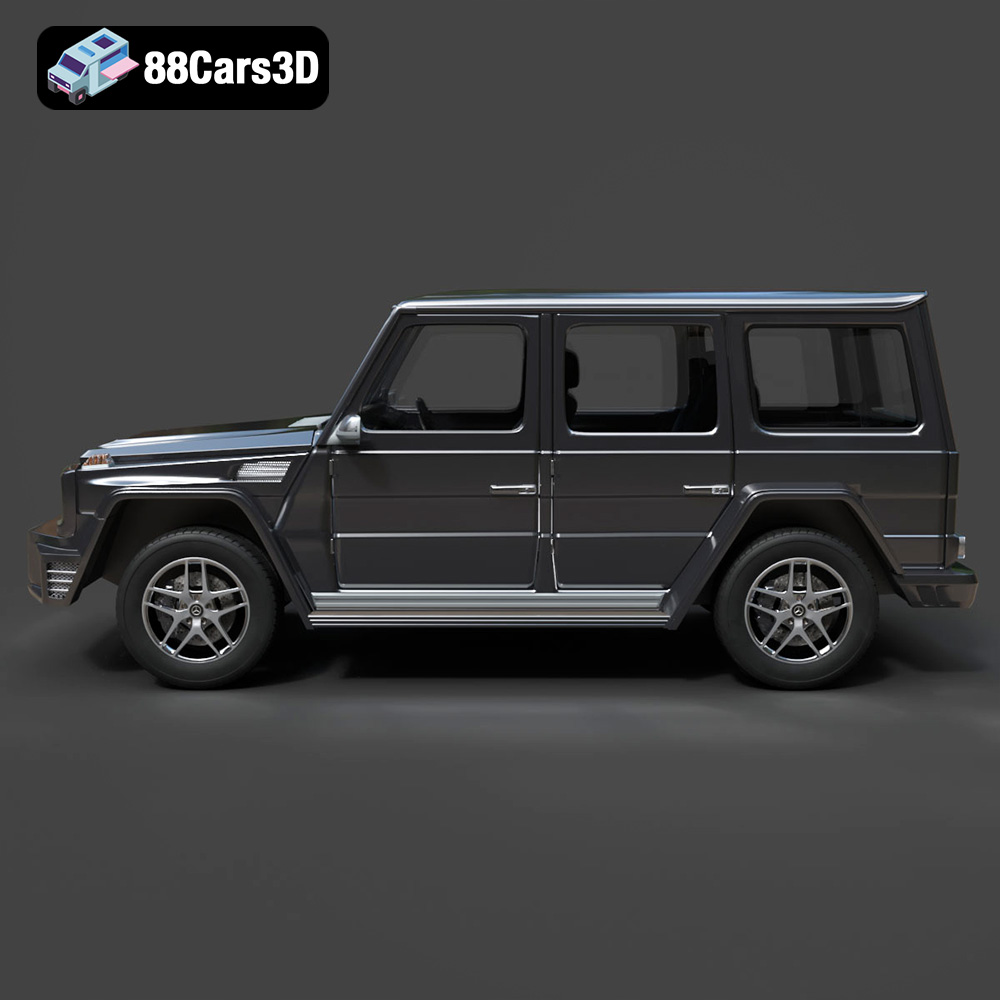
The Mercedes-Benz G Class, often called the G-Wagen, is a timeless automotive icon, instantly recognizable for its boxy silhouette and rugged appeal. Now, thanks to the detailed 3D model available on 88cars3d.com, you can bring this legendary SUV to life through the magic of 3D printing. This comprehensive guide will walk you through every step of the process, from selecting the right materials and preparing the STL files to fine-tuning your printer settings and achieving a flawless finish. Whether you’re a seasoned 3D printing enthusiast or a newcomer to the world of additive manufacturing, this article will provide the knowledge and techniques you need to successfully create your own miniature Mercedes-Benz G Class 2013.
The Mercedes-Benz G Class 2013 3D model from 88cars3d.com can be successfully printed using several different 3D printing technologies. The two most common and accessible options are Fused Deposition Modeling (FDM) and Stereolithography (SLA) or resin printing.
FDM printing is known for its versatility and relatively low cost. It works by extruding molten plastic filament layer by layer to build the object. For the G-Wagen model, FDM printing is well-suited for larger scales (1:24 and above) where the layer lines are less noticeable.
Resin printing, on the other hand, offers superior detail and smoother surfaces. SLA, DLP, and LCD technologies fall under the resin printing umbrella. These technologies use a light source to cure liquid resin layer by layer. Resin printing is ideal for smaller scales (1:32 and smaller) where fine details like the grille, headlights, and intricate body lines need to be accurately reproduced. The suggested scale for 3D printing is 1:32 / 1:24 / 1:18 / 1:14.
Choosing the right file format is crucial for a successful 3D printing experience. The 88cars3d.com Mercedes-Benz G Class 2013 3D model comes with several file formats, each suited for different purposes. For 3D printing, the .STL format is the most important.
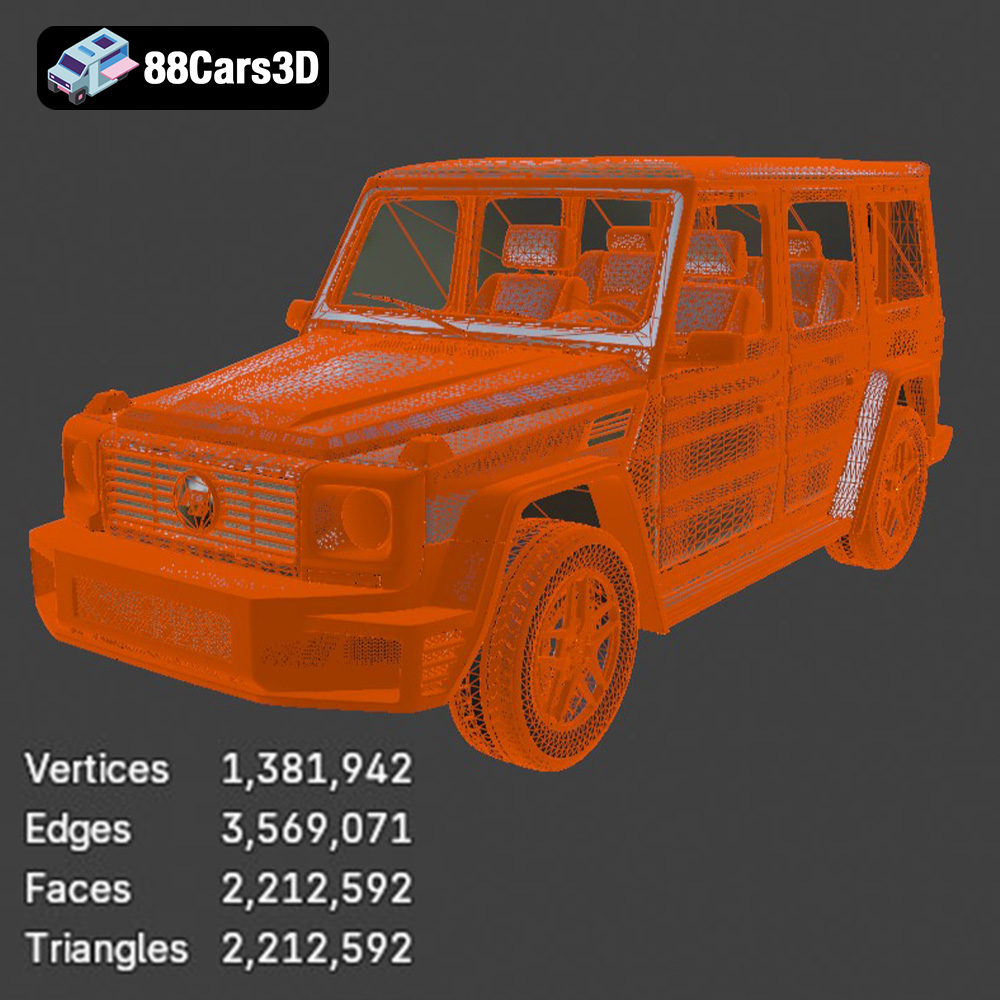
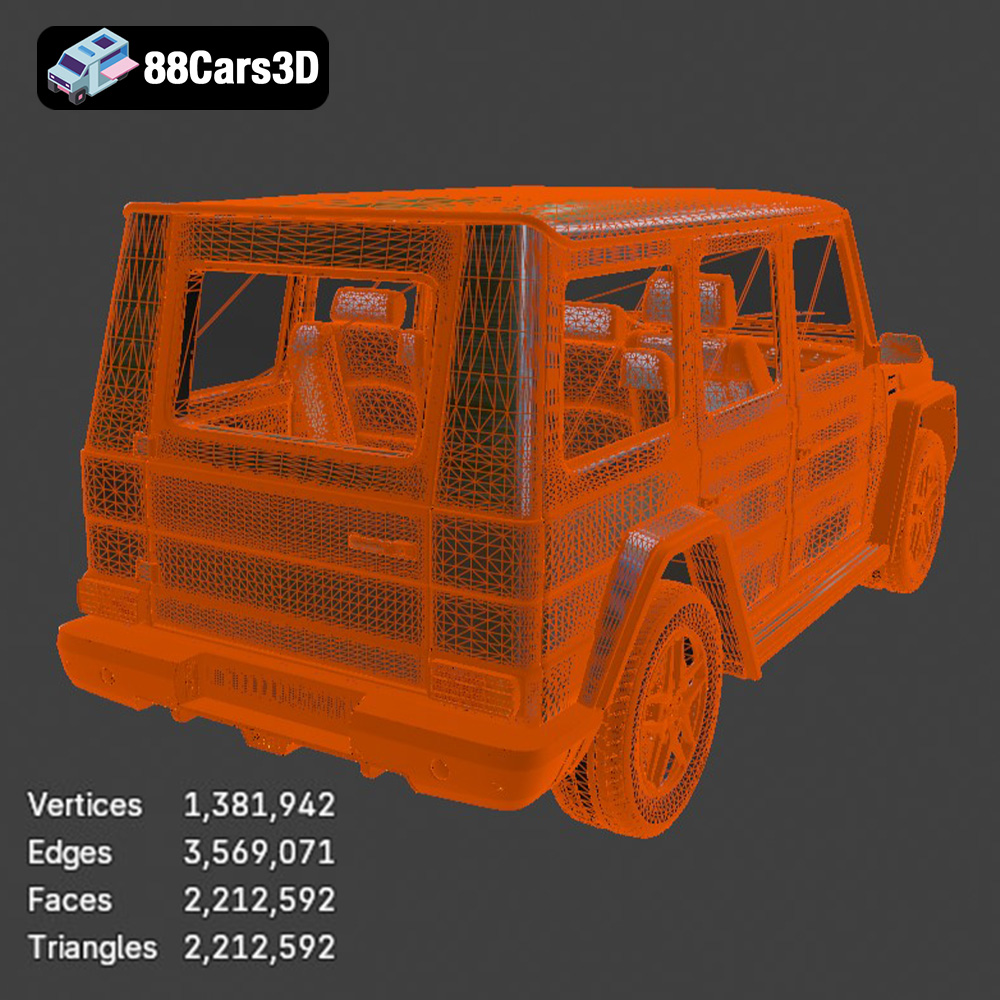
The .stl (Stereolithography) file format is the workhorse of 3D printing. It represents the surface geometry of a 3D object as a collection of triangles. It’s a mesh-only format, meaning it only contains information about the shape of the object, not its color, texture, or material properties. This simplicity makes it universally compatible with slicing software. For 3D printing, the STL file is essential because it is the format that slicing software uses to generate the instructions for your 3D printer. The slicing software dissects the STL file into thin layers and calculates the toolpaths for the printer to follow. When working with STL files, it’s critical to ensure that the mesh is “watertight,” meaning that it has no holes or gaps in the surface. Non-watertight meshes can cause errors during slicing and lead to failed prints. Mesh repair tools, which are available in many slicing software packages, can automatically fix these issues. Additionally, the resolution of the STL file is important. A low-resolution STL file will have a faceted appearance, especially on curved surfaces. A high-resolution STL file will capture more detail but will also be larger in size and may take longer to slice. The 88cars3d.com model is optimized to offer a good balance between detail and file size, making it suitable for a wide range of 3D printers and slicing software. Always check the integrity of your STL file before printing.
The .obj (Object) file format is another common format that supports both geometry and texture information. Unlike .stl, .obj files can store color and material properties, making them suitable for colored 3D printing applications where the printer can deposit different colored filaments or resins. However, .obj files are generally less optimized for 3D printing than .stl files and may require additional processing in slicing software.
The .ply (Polygon File Format) is designed to store 3D data acquired from 3D scanners. It can represent not only the geometry but also color, transparency, and other properties. It’s often used in applications where high-precision mesh data is required, but like .obj, it’s not as widely supported by 3D printing software as .stl.
The .blend file is the native format for Blender, a free and open-source 3D creation suite. This format contains the entire Blender scene, including the model’s geometry, textures, materials, lighting, and animation data. Having the .blend file allows you to customize the G-Wagen model extensively before exporting it to .stl for 3D printing. You can modify the shape, add details, or even create variations of the model.
The .fbx (Filmbox) file format is a proprietary format developed by Autodesk for interoperability between different 3D software packages. It supports geometry, textures, materials, animation, and skeletal data. While some advanced slicing software might be able to import .fbx files with material information, it’s primarily used for transferring models between different design and animation applications rather than directly for 3D printing.
The .glb (GL Transmission Format Binary) is a binary file format that represents 3D models in a compact and efficient manner. It’s commonly used for displaying 3D models on the web and in augmented reality (AR) applications. The .glb format allows you to preview the G-Wagen model in AR on your smartphone or tablet before you commit to 3D printing it.
Similar to .blend, the .max file is the native format for 3ds Max, another professional 3D modeling, animation, and rendering software package. It contains the entire scene data, allowing for extensive customization of the model before exporting it to a 3D printable format.
The choice of material significantly impacts the final appearance, strength, and functionality of your 3D printed Mercedes-Benz G Class.
PLA (Polylactic Acid) is a biodegradable thermoplastic derived from renewable resources. It’s easy to print, has low warping, and is available in a wide range of colors. PLA is a good choice for creating display models of the G-Wagen, especially if you’re new to 3D printing.
PETG (Polyethylene Terephthalate Glycol-modified) is a stronger and more durable alternative to PLA. It has good impact resistance and is less prone to warping. PETG is a suitable choice if you want a more robust model that can withstand handling.
ABS (Acrylonitrile Butadiene Styrene) is another popular thermoplastic known for its high-temperature resistance and toughness. However, ABS is more challenging to print than PLA and PETG, as it’s prone to warping and requires a heated bed and enclosure.
For resin printing, there are various types of resins available, including standard resin, tough resin, and flexible resin. Standard resin is suitable for creating detailed models, while tough resin offers increased durability. Flexible resin can be used for parts that require some flexibility, such as tires. As the product description suggests, resin printing is ideal for smaller scales and finer details.
Before you can start printing, you need to prepare the 3D model using slicing software. Slicing software takes the STL file and converts it into a series of instructions that your 3D printer can understand. Popular slicing software options include Cura, PrusaSlicer, Simplify3D, and Chitubox (for resin printing).
The orientation of the model on the build plate is crucial for print quality and support generation. For the G-Wagen, the body should be printed at an angle to minimize the need for supports on the exterior surfaces. The wheels should be printed separately to ensure clean details. Supports will be required for overhanging features such as the mirrors, spare wheel housing, and underbody details. Carefully consider the placement of supports to minimize their impact on the visible surfaces of the model.
* **Layer Height:** 0.10-0.18 mm (lower layer heights for finer details)
* **Infill:** 15-25% (higher infill for increased strength)
* **Wall Thickness:** 1.5-2.5 mm (at least 3 perimeters for good strength)
* **Print Speed:** 40-60 mm/s (adjust based on material and printer capabilities)
* **Bed Temperature:** 60°C (for PLA and PETG) 100-110°C (for ABS)
* **Nozzle Temperature:** 200-220°C (for PLA) 230-250°C (for PETG) 230-260°C (for ABS)
* **Layer Height:** 0.04-0.08 mm (lower layer heights for finer details)
* **Exposure Time:** Varies depending on the resin and printer (refer to the resin manufacturer’s recommendations)
* **Lift Distance:** 5-7 mm
* **Lift Speed:** 60-80 mm/min
* **Support Density:** Medium to High (ensure adequate support for overhanging features)
After printing, some post-processing is usually required to achieve a smooth and professional-looking finish.
Carefully remove the supports using pliers or a sharp knife. Sand down any remaining support marks or imperfections using sandpaper of varying grits, starting with a coarser grit and gradually moving to finer grits.
Apply a primer to the model to create a smooth and uniform surface for painting. Use spray paint or an airbrush to apply the desired color. Multiple thin coats are better than one thick coat to avoid drips and runs. Consider using masking tape to create different color accents. The product description mentions customization options such as changing body color, adding off-road accessories, and modifying wheel styles.
If the model was printed in multiple parts, carefully assemble them using glue or epoxy. Ensure that the parts are aligned correctly before the glue sets.
3D printing can sometimes be challenging, and it’s not uncommon to encounter issues such as warping, stringing, or layer adhesion problems.
Warping occurs when the printed part detaches from the build plate due to uneven cooling. To prevent warping, ensure that the bed is properly leveled, use a heated bed, and consider using a brim or raft.
Stringing is the formation of thin strands of plastic between different parts of the model. To reduce stringing, decrease the printing temperature, increase retraction distance, and adjust travel speed.
Layer adhesion problems occur when the layers of the printed part do not bond properly. To improve layer adhesion, increase the printing temperature, decrease the layer height, and ensure that the bed is properly leveled.
By following these guidelines and tips, you can successfully 3D print a stunning Mercedes-Benz G Class 2013 model that you’ll be proud to display. Remember to experiment with different settings and materials to find what works best for your printer and your desired outcome. Have fun with the process!
The Mercedes-Benz G Class 2013 3D Model is a high-detail digital recreation of the iconic luxury off-road SUV known for its boxy design, rugged capability, and premium craftsmanship. The 2013 G-Class blends military-inspired durability with refined interior comfort, making it a timeless symbol of performance and prestige. Perfect for urban luxury scenes, off-road environments, desert simulations, cinematic projects, and SUV driving games.
$9.99