Get 50% OFF All Premium 3D & STL Models!

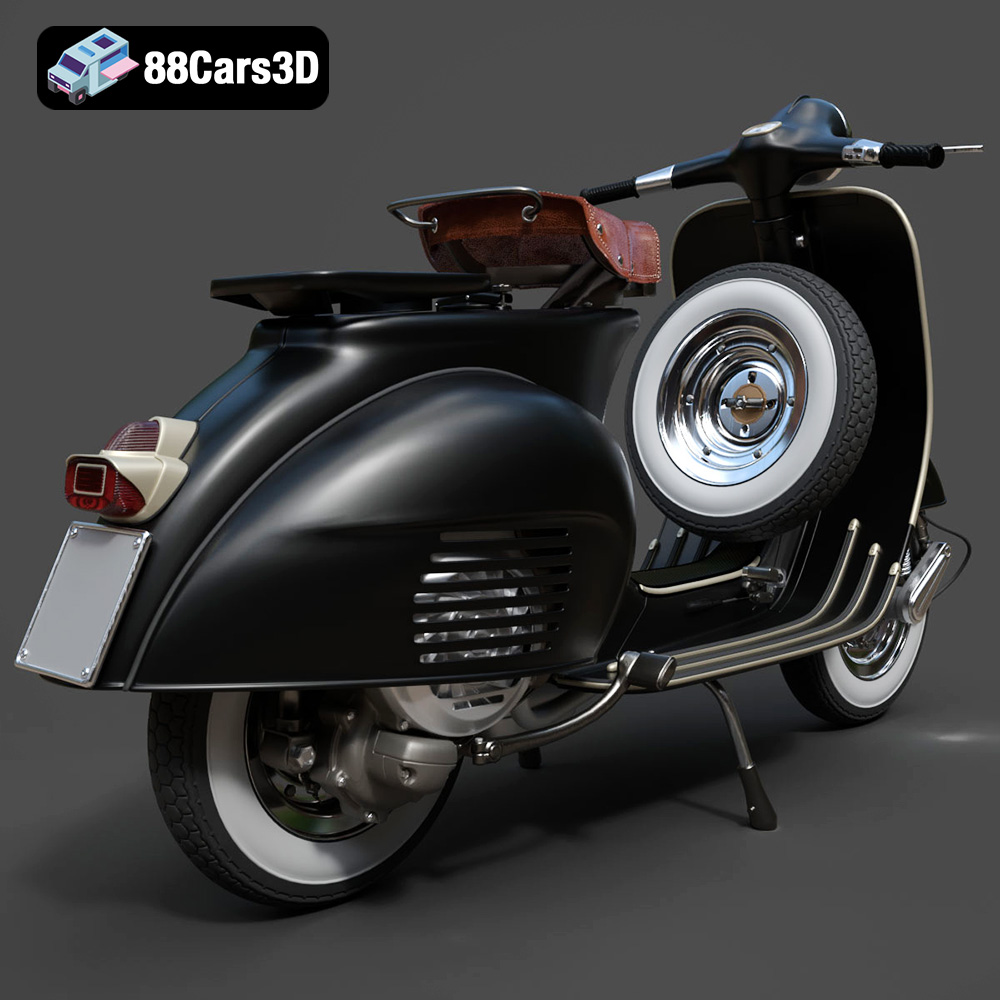
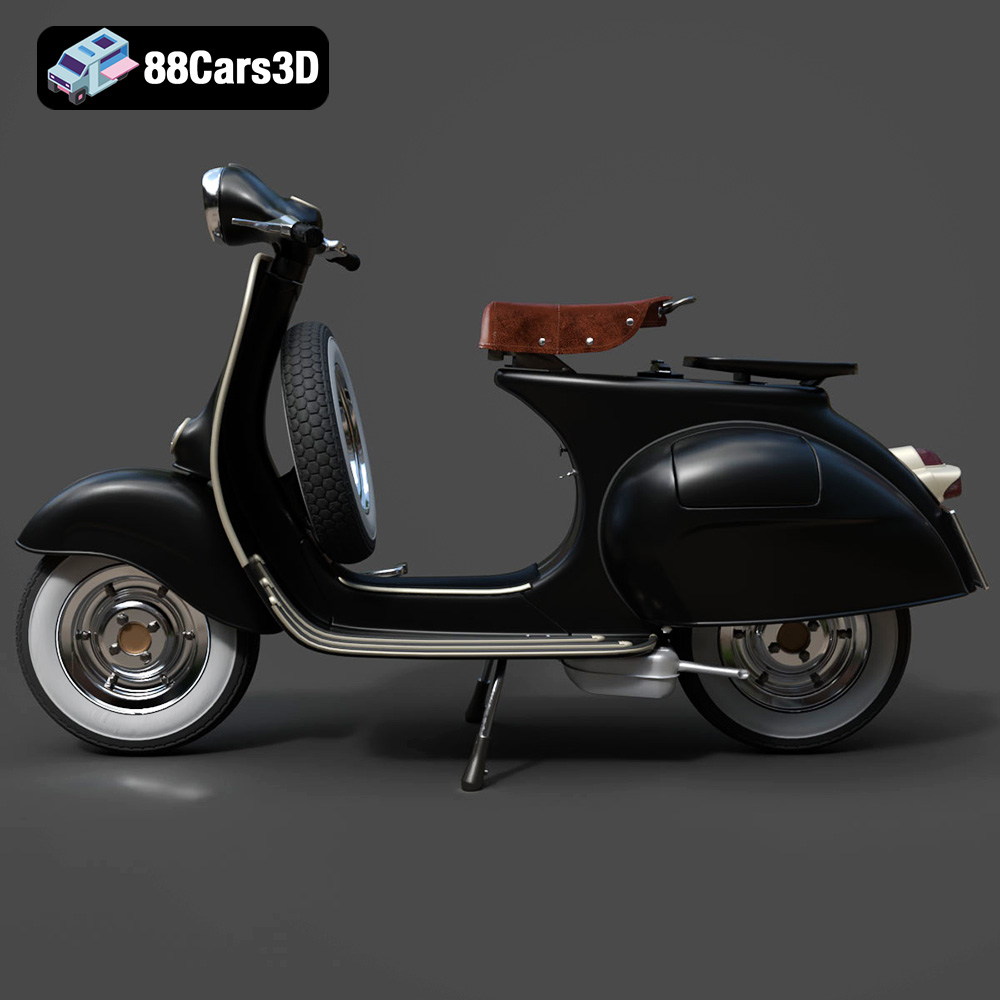
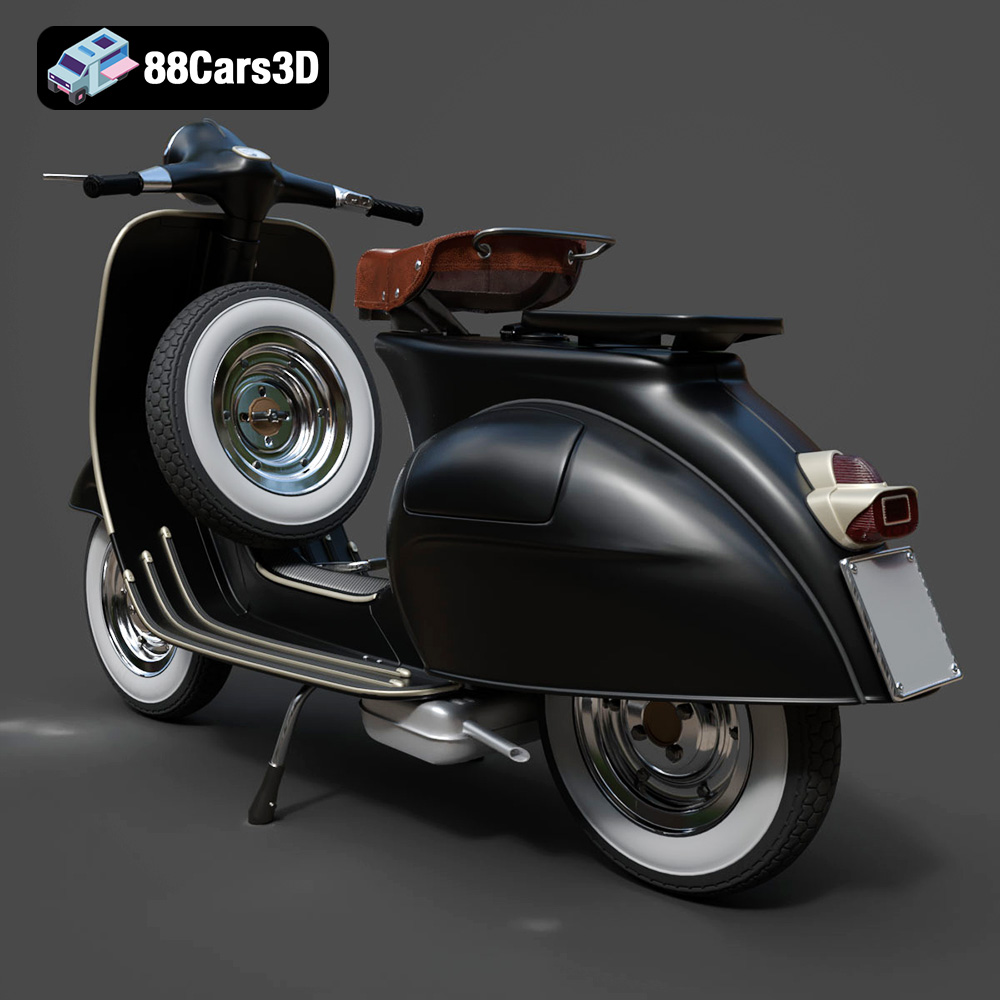
The Vespa Standard is more than just a scooter; it’s a symbol of Italian design, post-war optimism, and a timeless sense of freedom. Now, thanks to 88cars3d.com, you can bring this iconic vehicle to your desk or display shelf with a highly detailed 3D printed model. This blog post will guide you through the entire process, from selecting the right materials and settings to post-processing techniques that will make your 3D printed Vespa Standard a true masterpiece. Whether you’re a seasoned 3D printing enthusiast or a beginner looking for a rewarding project, this guide will equip you with the knowledge to create a stunning replica. Let’s dive into the world of additive manufacturing and explore how to turn digital STL files into a tangible piece of automotive history.
Before you even think about hitting the “print” button, understanding the different file formats is crucial. The Vespa Standard 3D Model from 88cars3d.com is available in a variety of formats, but not all are created equal when it comes to 3D printing. Choosing the right format, and understanding its limitations, can significantly impact the final quality of your 3D printed model.
The STL (Stereolithography) file format is the undisputed king of 3D printing. It represents the surface geometry of a 3D object as a collection of triangles. This simplicity is its strength, making it universally compatible with virtually all 3D printing software and hardware. When you download the Vespa Standard 3D Model from 88cars3d.com, the STL file is the one you’ll primarily use for slicing and printing.
However, STL’s simplicity also has drawbacks. It only stores surface geometry, lacking information about color, texture, or materials. This means your 3D printed Vespa will be a single-color object unless you apply post-processing techniques like painting.
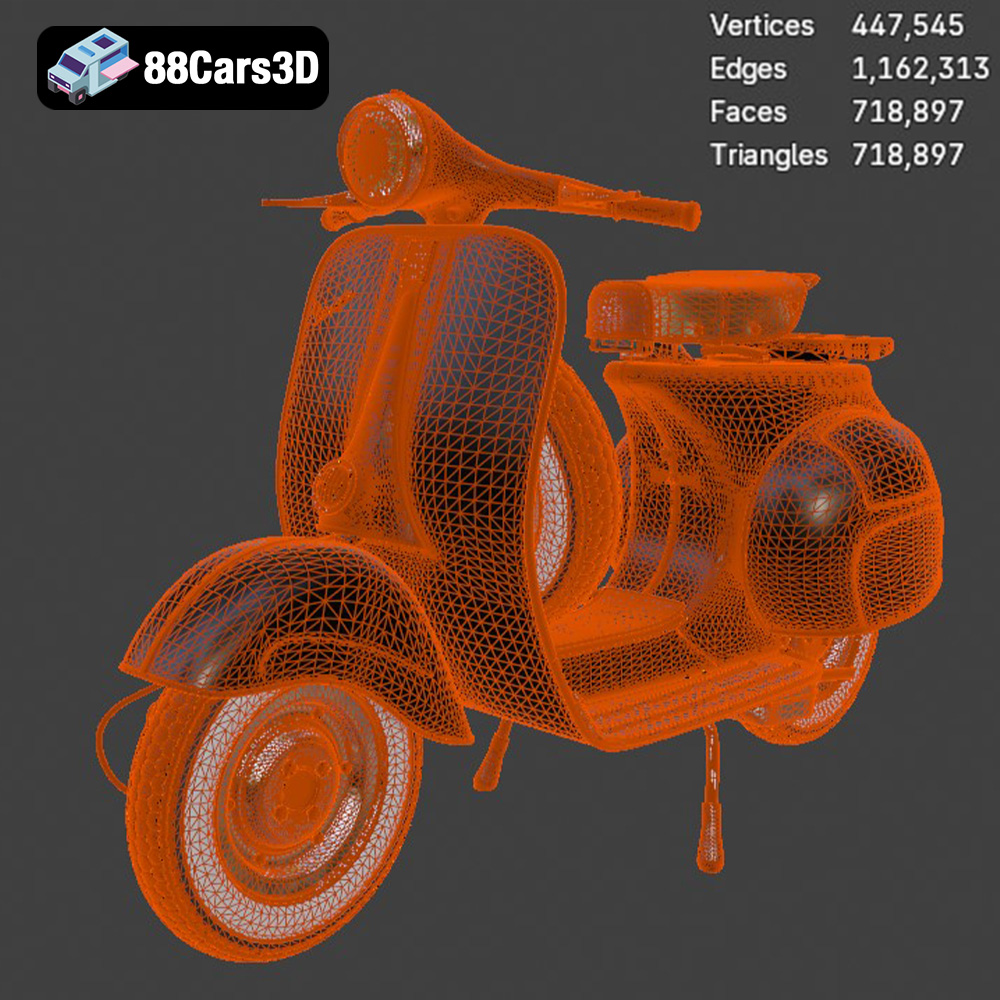
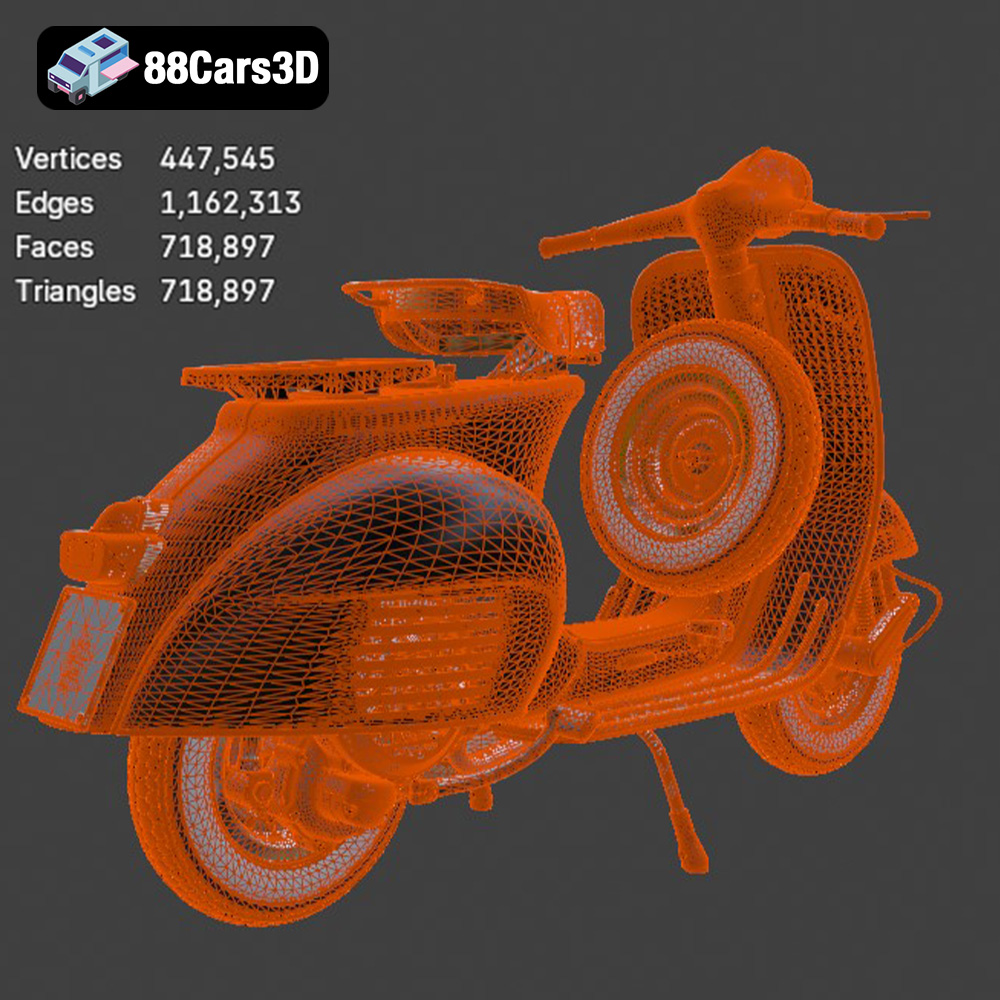
The quality of an STL file is directly related to the number of triangles used to represent the model. A higher triangle count results in a smoother, more detailed surface, but also a larger file size and potentially longer processing times. The STL files available at 88cars3d.com are optimized to strike a balance between detail and printability.
While STL is the go-to for 3D printing, let’s briefly examine the other formats included with the Vespa Standard 3D Model:
* **.obj:** A more versatile format than STL, OBJ can store color and texture information, but it’s less universally supported by slicing software. If you plan to experiment with multi-material printing or want to incorporate color directly into your model (though post-printing painting is usually superior for this model), OBJ might be worth exploring.
* **.ply:** Primarily used for storing 3D data acquired from 3D scanners, PLY files can contain vertex colors and other properties. While offering high precision, it’s generally not preferred over STL for basic 3D printing due to compatibility issues with some slicers.
* **.blend:** This is the native file format for Blender, a popular open-source 3D modeling software. If you want to customize the Vespa Standard 3D Model before printing, .blend gives you complete control over the geometry and details.
* **.fbx:** Primarily used for animation and game development, FBX supports animations, textures, and materials. While you can import FBX files into some slicing software, it’s not ideal for direct 3D printing and is more suited for editing the model in software like Blender first.
* **.glb:** A binary file format representing 3D models, GLB is often used for sharing 3D models online and in AR/VR applications. You won’t directly print from a GLB file, but it’s useful for previewing the model.
* **.max:** The native file format for 3ds Max, a professional 3D modeling and animation software. Similar to .blend, this format is for editing and modifying the model before exporting it as an STL for printing.
Most slicing software readily accepts STL files. Popular choices like Cura, PrusaSlicer, Simplify3D, and others all have excellent STL support. If you choose to work with a different format like OBJ, ensure your slicing software can import it correctly. You might need to experiment with import settings to achieve the best results.
Ultimately, for the Vespa Standard 3D Model, the STL file is your best starting point for 3D printing. Its widespread compatibility and suitability for single-color prints make it the most practical choice.
The success of your 3D printed Vespa Standard depends heavily on selecting the appropriate 3D printing technology and materials. Each method has its strengths and weaknesses, influencing the final quality, detail, and durability of your model.
FDM is the most common and accessible 3D printing technology. It involves extruding a thermoplastic filament through a heated nozzle, layer by layer, to build the object. FDM printers are relatively affordable and easy to use, making them ideal for hobbyists and beginners.
* **Material Recommendations:**
* **PLA (Polylactic Acid):** PLA is a biodegradable thermoplastic derived from renewable resources. It’s easy to print with, has low warping, and produces good surface detail. PLA is a great starting point for your Vespa Standard, especially if you’re new to 3D printing.
* **PETG (Polyethylene Terephthalate Glycol-modified):** PETG offers a good balance of strength, flexibility, and temperature resistance. It’s more durable than PLA and can withstand slightly higher temperatures, making it a good choice if you plan to display your Vespa in a warmer environment.
* **Printer Settings:**
* **Layer Height:** 0.08-0.16 mm. Lower layer heights produce smoother surfaces and finer details, but increase print time.
* **Infill:** 15-25%. This provides internal support without adding excessive weight.
* **Wall Thickness:** 1.2-2.0 mm (3-5 perimeters). A thicker wall improves the strength and rigidity of the model.
* **Supports:** Required for overhanging features like the mirrors, handlebars, and the center stand.
SLA and DLP are resin-based 3D printing technologies that use a light source to cure liquid resin layer by layer. These technologies offer significantly higher resolution and detail than FDM, making them ideal for creating intricate parts and smooth surfaces.
* **Material Recommendations:**
* **Standard Resin:** Provides good detail and strength for general-purpose printing.
* **Tough Resin:** Offers increased impact resistance and durability, making it suitable for parts that might be handled frequently.
* **Flexible Resin:** Can be used for parts that require some flexibility, such as tires or other rubber-like components.
* **Printer Settings:**
* **Layer Height:** 0.025-0.05 mm. Resin printing allows for much finer layer heights than FDM, resulting in exceptional detail.
* **Exposure Time:** Calibrate this based on your resin and printer. Too little exposure results in weak parts, while too much exposure can cause over-curing and loss of detail.
* **Supports:** Resin printing typically requires more supports than FDM, especially for overhanging features.
| Feature | FDM (PLA/PETG) | SLA/DLP (Resin) |
|—————–|—————-|—————–|
| Detail | Good | Excellent |
| Strength | Good | Good/Excellent |
| Surface Finish | Moderate | Smooth |
| Cost | Lower | Higher |
| Ease of Use | Easy | Moderate |
For the Vespa Standard 3D Model, FDM is a good choice for beginners due to its affordability and ease of use. However, if you want to capture the finest details and achieve a smooth, professional-looking finish, SLA or DLP printing with resin is highly recommended.
Once you’ve chosen your 3D printing technology and material, the next step is to prepare the 3D model for printing. This involves slicing the model into layers, optimizing its orientation, and adding supports to ensure successful printing.
Slicing software is the bridge between your 3D model and your 3D printer. It converts the STL file into a series of instructions that the printer can understand, including layer height, print speed, temperature, and support settings. Popular slicing software options include Cura, PrusaSlicer, Simplify3D, and Chitubox (for resin printing).
The orientation of your Vespa Standard 3D Model on the build plate can significantly impact the print quality, strength, and support requirements.
* **Body:** For FDM printing, consider angling the body of the Vespa to minimize the need for supports on the curved surfaces. Experiment with different angles to find the optimal balance between surface quality and support usage. For resin printing, angling the body allows for better resin drainage and reduces the risk of suction cups forming.
* **Wheels:** Print the wheels separately, oriented vertically for FDM printing to minimize support material on the tire surface. For resin printing, a slight angle can improve resin drainage.
* **Handlebars, Mirrors, and Other Small Parts:** These parts will almost certainly require supports, regardless of orientation. Consider printing them separately and gluing them to the main body after printing.
Supports are temporary structures that provide stability and prevent overhanging features from collapsing during printing.
* **FDM Printing:** Use tree supports or manually placed supports to minimize material usage and improve surface quality. Focus supports on the mirrors, handlebars, center stand, and any other significant overhangs.
* **Resin Printing:** Resin printing typically requires more supports than FDM. Use a combination of light, medium, and heavy supports to ensure stability and prevent warping. Pay close attention to the support placement on the underside of the body and other large overhanging areas.
The product description on 88cars3d.com recommends several scales for 3D printing the Vespa Standard: 1:18, 1:12, 1:10, and 1:8. Choose the scale that best suits your needs and printer capabilities. Keep in mind that smaller scales will require finer details and may be more challenging to print successfully.
Once your Vespa Standard 3D Model is printed, the real fun begins: post-processing. This is where you transform a raw 3D print into a polished, professional-looking model.
Carefully remove the supports using tools like pliers, cutters, or a hobby knife. Take your time to avoid damaging the model. For resin prints, soaking the model in warm water can soften the supports and make them easier to remove.
Sanding is essential for achieving a smooth surface finish, especially on FDM prints. Start with a coarse grit sandpaper (e.g., 220 grit) to remove any major imperfections and then gradually move to finer grits (e.g., 400, 600, 800 grit) to refine the surface. For resin prints, sanding is less critical but can still be used to remove any minor blemishes or support marks.
Apply a primer coat to the model to create a uniform surface for painting. Primer also helps to fill in any remaining imperfections and improves paint adhesion. Use a spray primer specifically designed for plastics.
Painting is where you can truly bring your Vespa Standard 3D Model to life. Research the classic Vespa color schemes and choose the colors that appeal to you. Use acrylic paints or model paints and apply them in thin, even coats. Consider using masking tape to create clean lines and details. The product description on 88cars3d.com suggests using pastel, red, cream, or metallic finishes for an authentic look.
Add the final details to enhance the realism of your model. This could include painting the seat, adding chrome accents, applying decals, or even weathering the model to give it a vintage look.
If you printed the wheels, handlebars, and other small parts separately, glue them to the main body using super glue or epoxy. Ensure the parts are aligned correctly before the glue sets.
Even with careful planning and preparation, 3D printing can sometimes present challenges. Here are some common issues you might encounter and how to address them.
Warping occurs when the corners of the model lift off the build plate due to uneven cooling. To prevent warping:
* Use a heated bed.
* Apply an adhesive like glue stick or hairspray to the build plate.
* Enclose your printer to maintain a consistent temperature.
* Increase the bed temperature.
Stringing is when thin strands of filament are left between different parts of the model. To reduce stringing:
* Decrease the printing temperature.
* Increase retraction distance and speed.
* Ensure the filament is dry.
Layer separation occurs when the layers of the model don’t adhere properly to each other. To fix layer separation:
* Increase the printing temperature.
* Decrease the printing speed.
* Ensure the bed is level.
* Increase the layer height slightly.
If supports fail during printing, the overhanging features will collapse. To prevent support failure:
* Increase the support density.
* Increase the support thickness.
* Use a raft to improve support adhesion.
The print time and material cost for your Vespa Standard 3D Model will vary depending on the size, settings, and material you choose. As a general estimate:
* **FDM (PLA/PETG):** A 1:12 scale model could take 10-20 hours to print and use 100-200 grams of filament, costing approximately $5-$10 in material.
* **Resin (SLA/DLP):** A 1:12 scale model could take 4-8 hours to print and use 50-100 ml of resin, costing approximately $5-$15 in material.
Keep in mind that these are just estimates. The actual print time and material cost may vary depending on your specific setup.
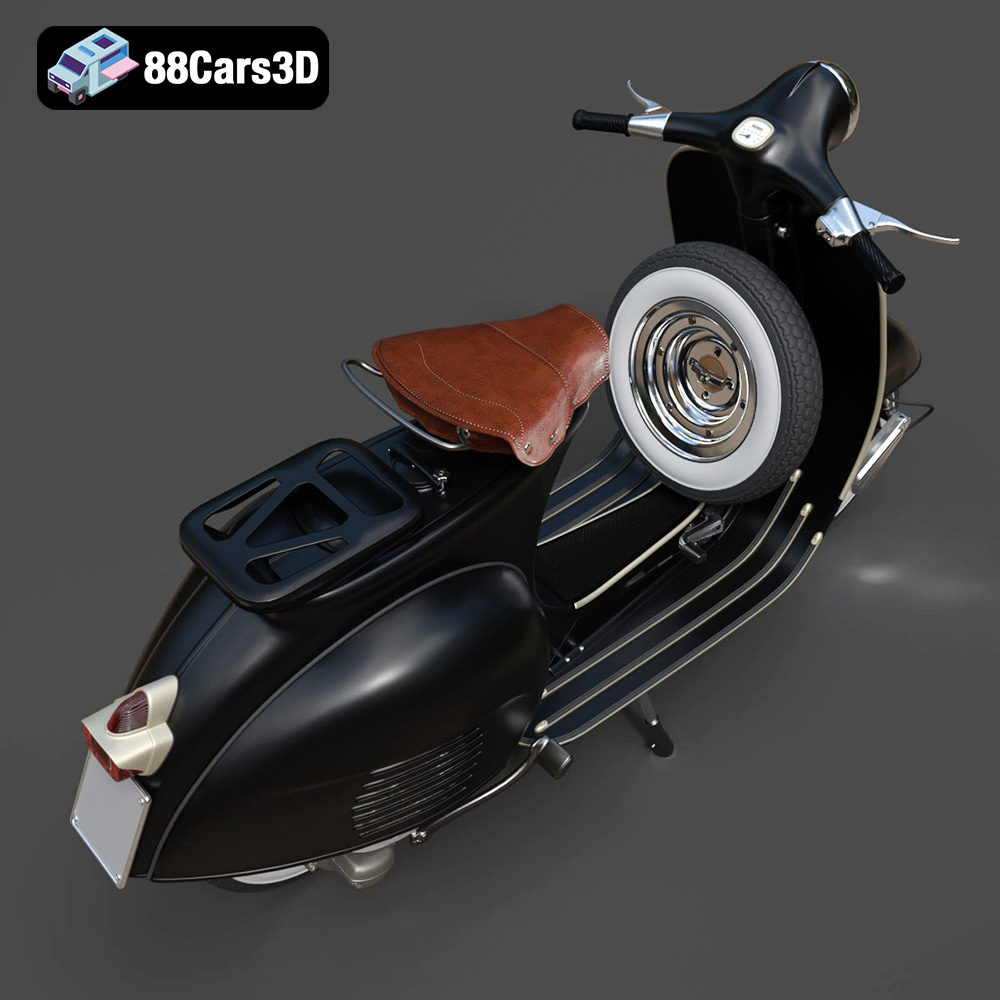
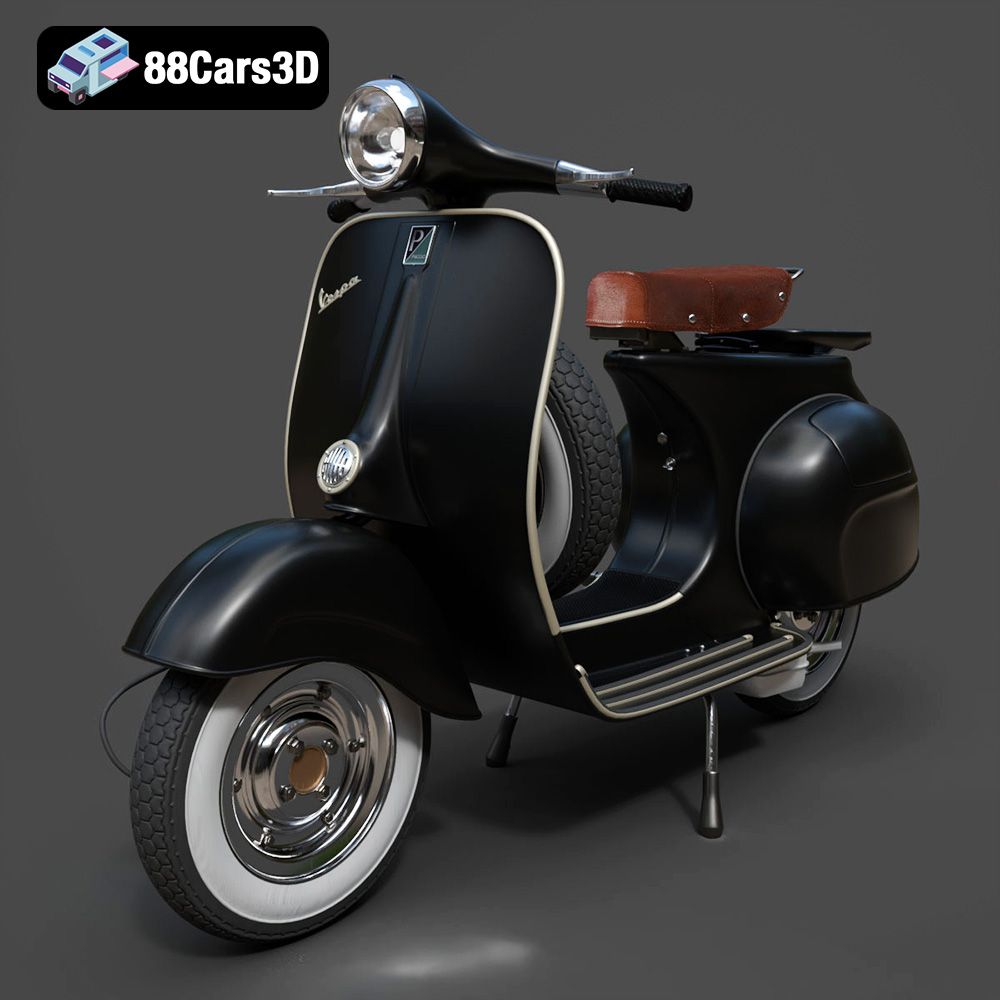
The Vespa Standard 3D Model is a high-detail digital recreation of the iconic Italian scooter known for its timeless design, curved body panels, and urban mobility heritage. Recognized worldwide for its elegant silhouette and practical engineering, the Vespa became a cultural symbol of freedom, style, and post-war European transportation.
$9.99
3D printing the Vespa Standard 3D Model from 88cars3d.com is a rewarding project that combines technical skill with artistic expression. By carefully selecting your 3D printing technology and materials, optimizing your printer settings, and mastering post-processing techniques, you can create a stunning replica of this iconic scooter. Remember to pay attention to model orientation, support generation, and sanding to achieve the best possible results. With patience and attention to detail, you can transform digital STL files into a tangible piece of automotive history that you’ll be proud to display. Happy printing!