Get 50% OFF All Premium 3D & STL Models!

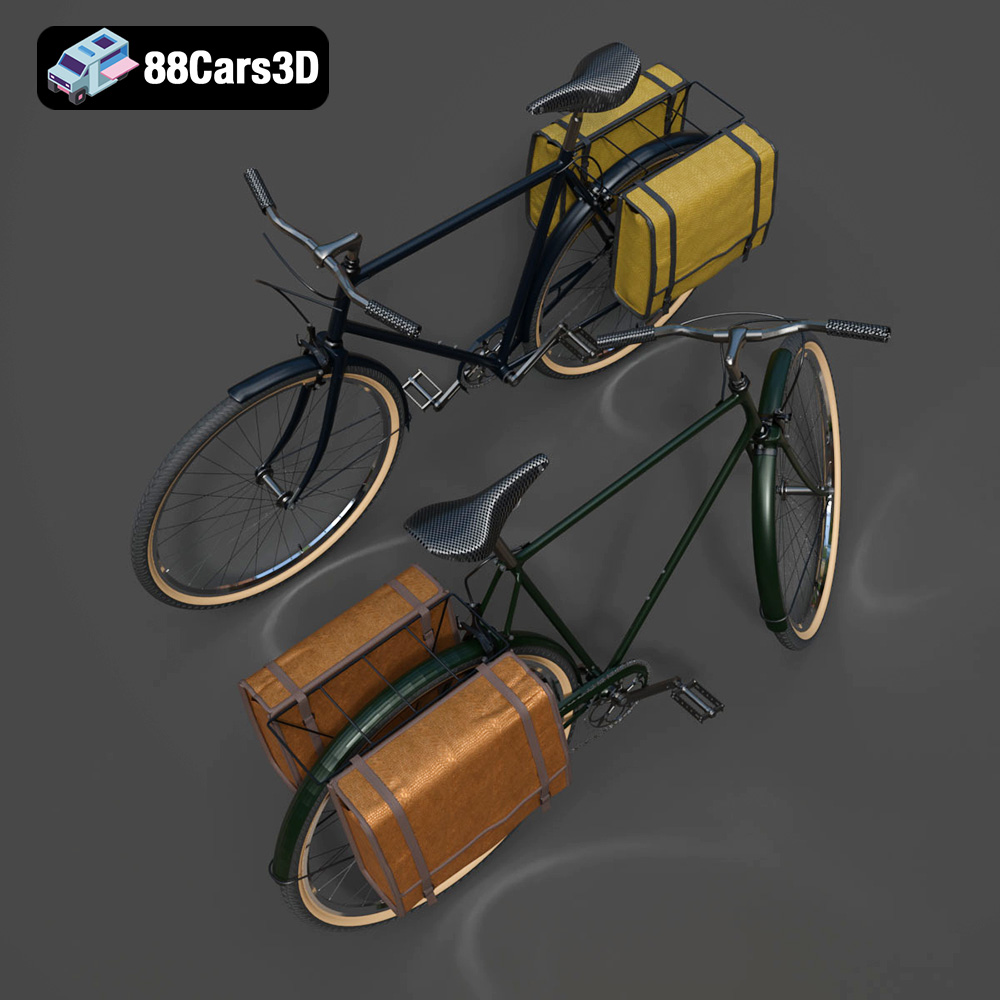
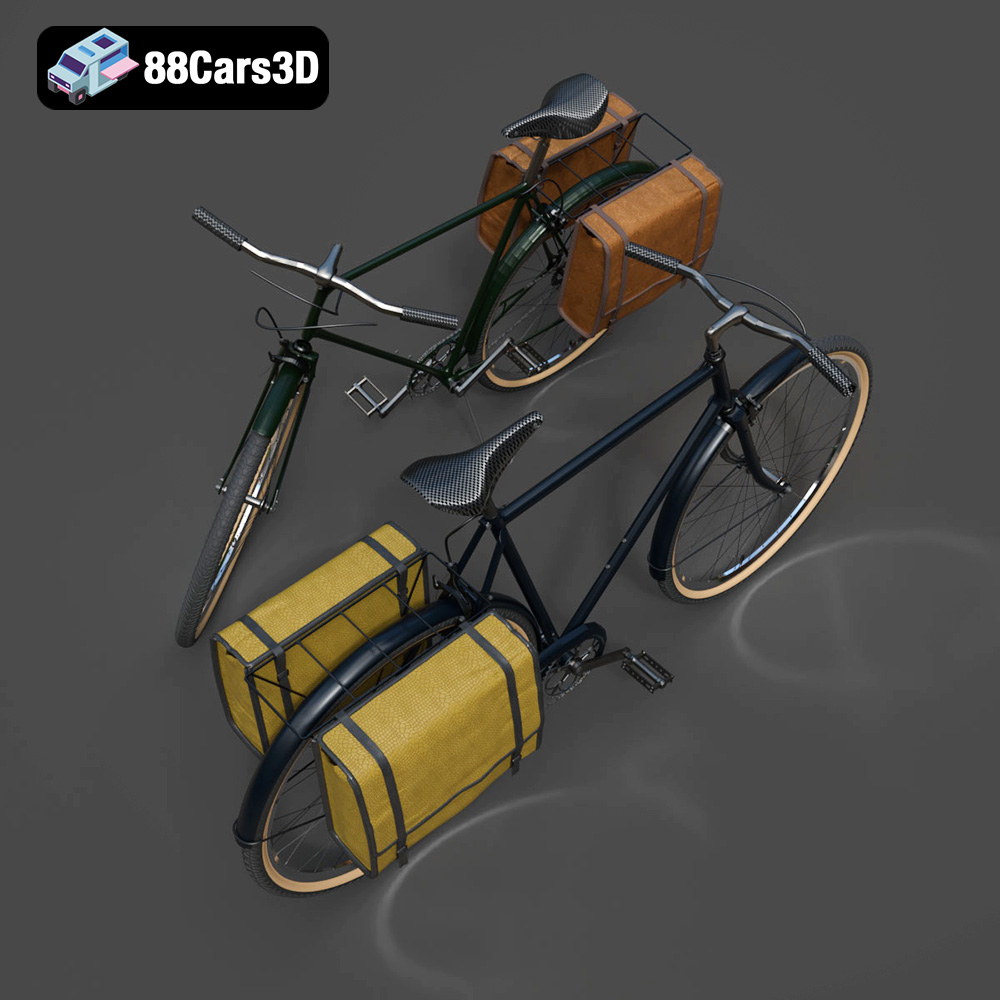
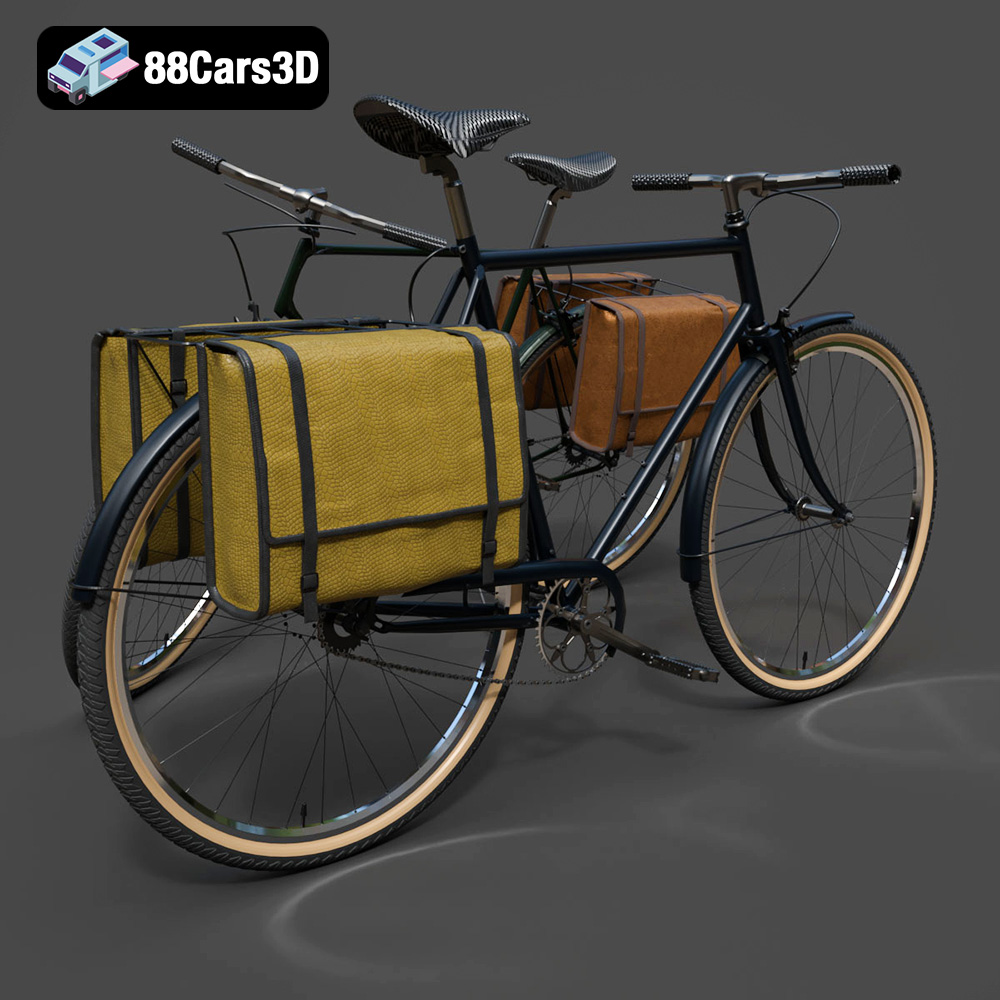
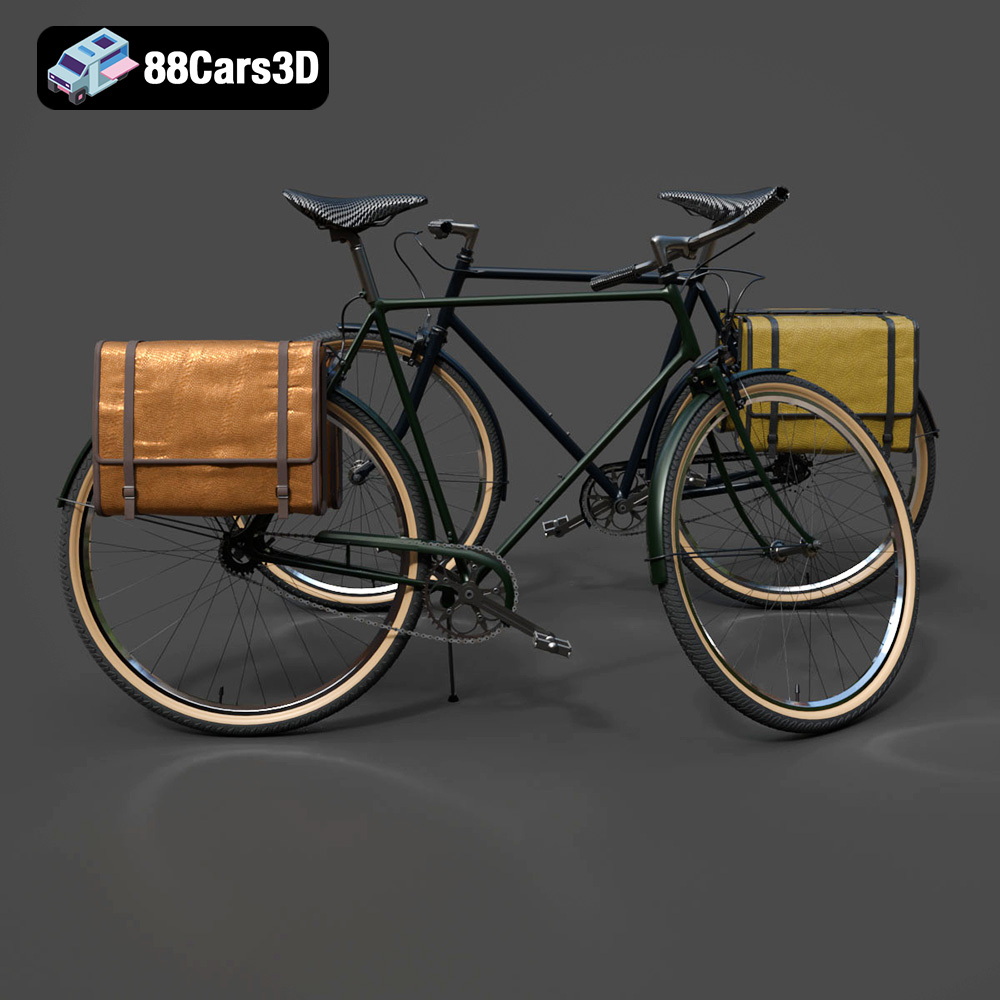
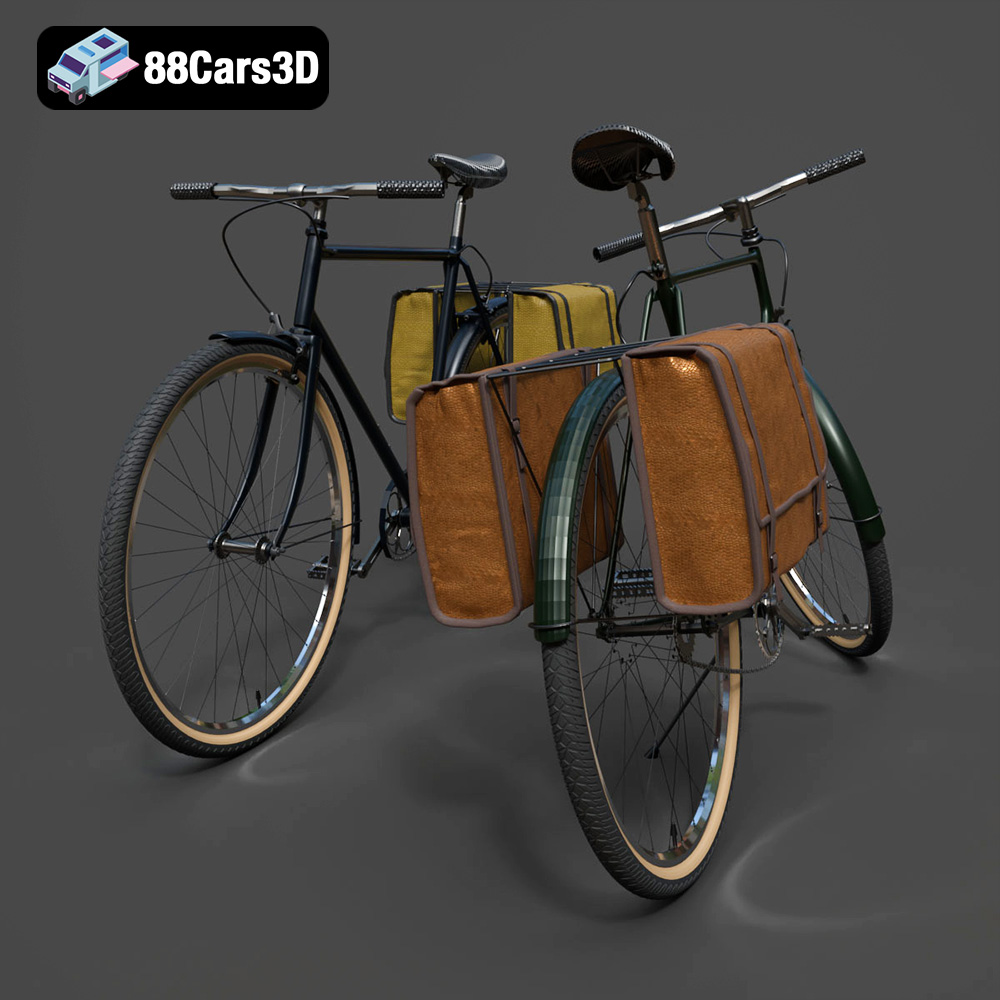
The Bicycle Classic 3D Model, available at 88cars3d.com, is a beautiful digital recreation of a vintage bicycle, perfect for adding a touch of retro charm to your 3D printed collection. This model, with its detailed frame, spoked wheels, and classic accessories, offers a rewarding 3D printing project for enthusiasts of all skill levels. However, successfully printing this model requires careful consideration of printer settings, material choices, and post-processing techniques. This guide will provide you with a comprehensive overview of how to 3D print the Bicycle Classic 3D Model, ensuring a high-quality finished product.
Before diving into the specifics of 3D printing the Bicycle Classic 3D Model, it’s crucial to understand the different file formats that are commonly used in 3D modeling and printing. While the model is available in multiple formats, some are better suited for 3D printing than others.
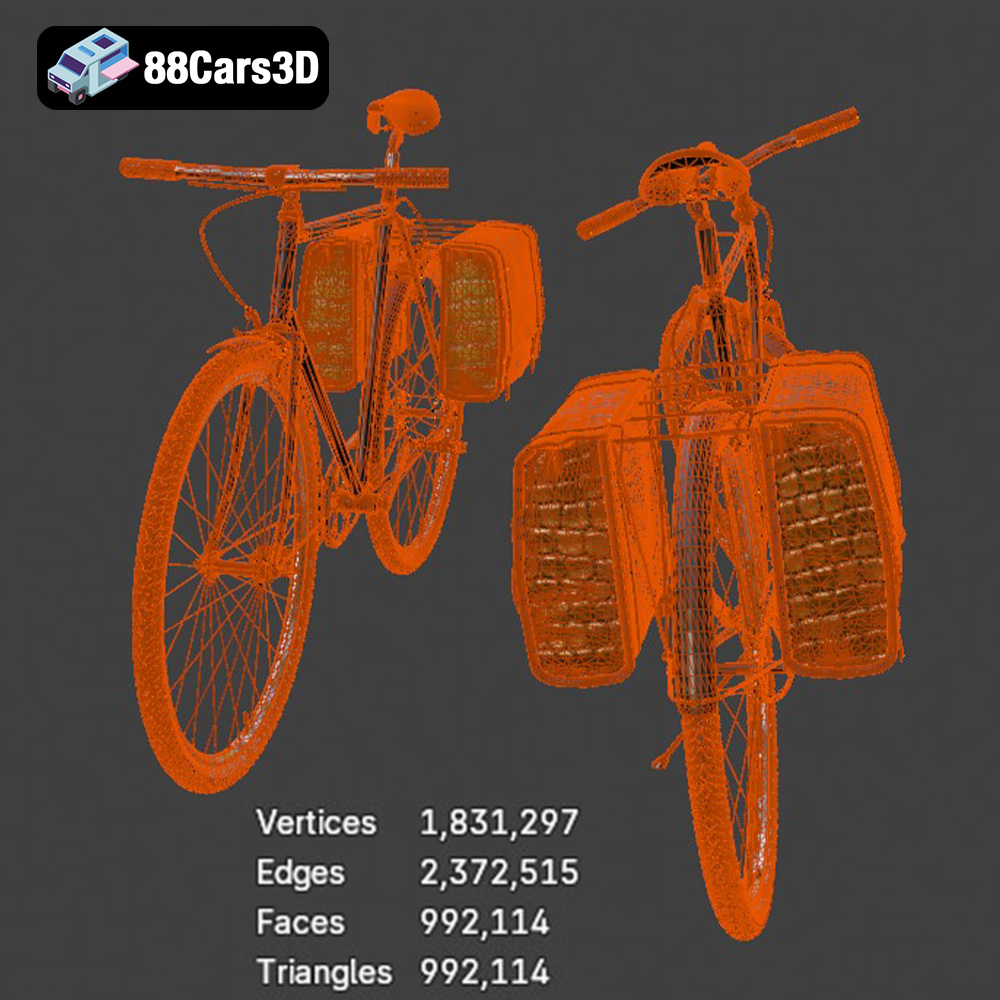
The .stl (stereolithography) file format is the industry standard for 3D printing. It represents the surface geometry of a 3D object as a collection of triangles. This simplicity makes it universally compatible with slicing software and 3D printers. The Bicycle Classic 3D Model includes an STL file, making it immediately ready for 3D printing. However, it’s important to note that STL files only contain mesh data, meaning they don’t store information about color, texture, or materials. When preparing an STL file, ensure that the mesh is watertight (no holes) and has a reasonable polygon count. Too few polygons will result in a faceted appearance, while too many can make the file difficult to handle. Many slicing programs can automatically repair minor mesh issues.
The .obj (object) file format is a more versatile format that can store not only the geometry of a 3D object but also color and texture information. While .obj files can be used for 3D printing, they are typically used when you want to create a full-color print using specialized printers. For the Bicycle Classic 3D Model, you might use the .obj file if you intend to paint the model after printing, using the .obj as a reference for the colors and textures of different parts. However, keep in mind that not all slicing software fully supports .obj files with textures, so you may need to convert the textures into a compatible format or manually apply them after printing.
The .ply (polygon) file format is designed to store 3D data acquired from 3D scanners. It’s capable of capturing high-detail mesh data, including color and texture information. While .ply files can be used for 3D printing, their large file size and complex data structure can sometimes pose challenges for slicing software. For the Bicycle Classic 3D Model, the .ply file could be useful if you need a very high-resolution representation of the model for specific applications, but it’s generally not necessary for standard 3D printing.
The other file formats included with the Bicycle Classic 3D Model, such as .blend (Blender scene), .fbx (Filmbox), .glb (GL Transmission Format), and .max (3ds Max project), are primarily used for editing and manipulating the model before printing. These formats allow you to customize the model, add details, or prepare it for animation or rendering. However, before 3D printing, you’ll need to export the model as an .stl file to ensure compatibility with your slicing software and 3D printer.
For instance, if you want to modify the Bicycle Classic 3D Model before printing, you could open the .blend file in Blender, make your changes, and then export the modified model as an .stl file. The same process applies to the .max file using 3ds Max. The .fbx and .glb files are often used for importing the model into game engines or AR/VR applications, but they can also be imported into some 3D modeling software for further editing before exporting as an .stl file.
In summary, while the Bicycle Classic 3D Model comes in a variety of formats, the .stl format is the most suitable and widely supported for 3D printing. Always ensure that your .stl file is properly prepared and optimized before sending it to your 3D printer.
The material you select for 3D printing the Bicycle Classic 3D Model will significantly impact the final product’s appearance, durability, and functionality. Each material has its own set of properties, advantages, and disadvantages. Here’s a breakdown of some of the most popular options:
PLA (Polylactic Acid) is a biodegradable thermoplastic derived from renewable resources like cornstarch or sugarcane. It’s a popular choice for 3D printing due to its ease of use, low printing temperature, and minimal warping. PLA is ideal for creating the Bicycle Classic 3D Model if you prioritize ease of printing and visual appeal. It’s available in a wide range of colors, allowing you to customize the look of your model. However, PLA is not as strong or heat-resistant as other materials, so it’s not suitable for functional parts that will be subjected to stress or high temperatures. For the Bicycle Classic 3D Model, PLA is well-suited for creating a static display piece.
PETG (Polyethylene Terephthalate Glycol-modified) is another popular thermoplastic that offers a good balance of strength, flexibility, and ease of use. PETG is more durable and heat-resistant than PLA, making it a better choice for parts that need to withstand some wear and tear. It also has good layer adhesion, reducing the risk of delamination. While PETG is slightly more challenging to print than PLA, it’s still relatively easy to work with. For the Bicycle Classic 3D Model, PETG could be a good choice if you want a more robust model that can withstand handling.
Resin 3D printing (SLA or DLP) uses liquid resins that are cured by UV light. Resin printing offers exceptional detail and accuracy, making it ideal for creating small, intricate parts. If you want to capture all the fine details of the Bicycle Classic 3D Model, such as the spokes on the wheels or the texture of the saddle, resin printing is an excellent option. However, resin printers are typically more expensive than FDM printers, and resin materials can be more brittle than thermoplastics. Resin prints also require post-processing, such as washing and curing. Due to the Bicycle’s complexity, Resin might be required for very small scales.
Once you’ve chosen your material, the next step is to prepare the Bicycle Classic 3D Model for printing using slicing software. This involves importing the STL file, adjusting the model’s size and orientation, setting print parameters, and generating the G-code that your 3D printer will use.
There are many slicing software options available, both free and paid. Some popular choices include Cura, PrusaSlicer, Simplify3D, and Chitubox (for resin printing). Each software has its own set of features and advantages, so it’s worth experimenting to find the one that best suits your needs. Consider features such as automatic support generation, advanced infill patterns, and customizable print profiles.
The orientation of the Bicycle Classic 3D Model on the print bed will significantly impact the print quality and the amount of support material required. For the frame, consider angling it to minimize the need for supports on curved sections. The wheels should generally be printed vertically to ensure roundness. Support structures are essential for printing overhanging parts, such as the handlebars, pedals, and portions of the frame. Use the slicing software to generate appropriate support structures, and consider using soluble support material for easier removal. For complex geometries, manual placement of supports might be necessary for optimal results.
The Bicycle Classic 3D Model can be scaled to different sizes depending on your preferences. However, be mindful of the minimum feature size of your 3D printer. Smaller scales may require higher resolution and more precise printing parameters. If you’re printing a larger model, consider hollowing it out to reduce material consumption and print time. Hollowing involves removing the interior of the model, leaving only a thin shell. Be sure to add drainage holes to allow excess resin or melted filament to escape during printing.
Achieving a high-quality 3D print of the Bicycle Classic 3D Model requires careful optimization of your printer settings. These settings will vary depending on the material you’re using and the capabilities of your 3D printer.
Layer height is the thickness of each layer of material deposited by the 3D printer. Lower layer heights result in smoother surfaces and finer details, but they also increase print time. For the Bicycle Classic 3D Model, a layer height of 0.1mm to 0.2mm is a good starting point for FDM printing. Resin printers typically use much smaller layer heights, such as 0.025mm to 0.05mm. Print speed also affects print quality. Slower speeds generally result in better adhesion and fewer artifacts, but they also increase print time. Experiment with different speeds to find the optimal balance for your printer and material.
Infill density is the amount of material used to fill the interior of the 3D print. Higher infill densities result in stronger parts, but they also increase material consumption and print time. For the Bicycle Classic 3D Model, an infill density of 15% to 25% is typically sufficient for a static display piece. The infill pattern also affects the strength and weight of the print. Common patterns include rectilinear, grid, and honeycomb. Experiment with different patterns to find the one that best suits your needs.
Proper temperature settings are crucial for successful 3D printing. The optimal temperature will depend on the material you’re using. Consult the manufacturer’s recommendations for the appropriate nozzle and bed temperatures. Bed adhesion is also critical, especially for large or complex prints. Use a bed adhesion method such as a brim, raft, or glue stick to ensure that the Bicycle Classic 3D Model stays firmly attached to the print bed throughout the printing process.
After the 3D print is complete, post-processing is often necessary to remove support structures, smooth surfaces, and add finishing touches. The specific post-processing steps will depend on the material you used and the desired appearance of the final product.
The first step in post-processing is to remove any support structures that were used during printing. Use pliers, cutters, or a sharp knife to carefully detach the supports from the model. Be careful not to damage the surface of the print. Once the supports are removed, you can use sandpaper to smooth any rough edges or imperfections. Start with coarse grit sandpaper (e.g., 200 grit) and gradually move to finer grits (e.g., 400 grit, 600 grit) to achieve a smooth, polished surface. For resin prints, you may need to use a wet sanding technique to avoid clogging the sandpaper.
Priming is an essential step before painting the Bicycle Classic 3D Model. Primer helps to create a smooth, uniform surface for the paint to adhere to. Apply several thin coats of primer, allowing each coat to dry completely before applying the next. Once the primer is dry, you can paint the model using acrylic paints, spray paints, or airbrush paints. Choose colors that match the vintage aesthetic of the bicycle. Consider adding details such as decals or weathering effects to enhance the realism of the model. A clear coat can protect the paint and add a glossy or matte finish.
Depending on how you chose to print the Bicycle Classic 3D Model, you may need to assemble multiple parts. Use glue or adhesive to join the parts together. Be careful to align the parts correctly and avoid using too much glue, which can create unsightly messes. For parts that need to be movable, such as the wheels or pedals, consider using small screws or pins instead of glue.
Even with careful preparation and optimized settings, 3D printing can sometimes present challenges. Here are some common issues and their solutions:
Warping occurs when the corners of the 3D print lift off the print bed. This is often caused by uneven cooling or poor bed adhesion. To prevent warping, ensure that your print bed is level and clean. Use a bed adhesion method such as a brim or raft. Adjust the bed temperature to the recommended level for your material. Enclosing the printer can also help to maintain a consistent temperature and prevent warping.
Stringing occurs when thin strands of material are left between different parts of the 3D print. This is often caused by excessive nozzle temperature or retraction settings. To prevent stringing, reduce the nozzle temperature and increase the retraction distance and speed. Ensure that the filament is dry, as moisture can contribute to stringing.
Layer delamination occurs when the layers of the 3D print separate from each other. This is often caused by poor layer adhesion or insufficient cooling. To prevent layer delamination, increase the nozzle temperature and reduce the print speed. Ensure that the cooling fan is not set too high, as excessive cooling can weaken layer adhesion. Enclosing the printer can also help to maintain a consistent temperature and prevent delamination.
3D printing the Bicycle Classic 3D Model is a rewarding project that allows you to create a beautiful and detailed replica of a vintage bicycle. By carefully selecting your material, optimizing your printer settings, and following proper post-processing techniques, you can achieve a high-quality finished product. Remember to explore the diverse catalog available at 88cars3d.com for more inspiring 3D printable models. With a little patience and practice, you’ll be able to bring this classic design to life and add a touch of retro charm to your collection. Remember to experiment with different materials and techniques to find what works best for your printer and your desired aesthetic. Happy printing!
The Bicycle Classic 3D Model is a high-detail digital recreation of a traditional vintage-style bicycle, inspired by timeless European commuter designs. Featuring a curved steel frame, upright riding position, slim road tires, and retro detailing, this model captures the charm and practicality of classic city bicycles.
$4.99
.arvr
.bicycle3dmodel
.bicycleclassic
.blend
.citybike
.classicbike
.fbx
.gameasset
.glb
.max
.obj
.ply
.rendering
.retrobike
.simulation
.stl
.unreal
.urbanvehicle
.vintagebicycle