Get 50% OFF All Premium 3D & STL Models!

In the dynamic worlds of automotive design, visualization, game development, and architectural rendering, the quality of 3D assets is paramount. A meticulously crafted 3D car model doesn’t just fill a scene; it tells a story, evokes emotion, and provides a level of detail that elevates an entire project. From photorealistic advertising campaigns to immersive virtual reality experiences, the demand for authentic and technically sound automotive assets continues to grow.
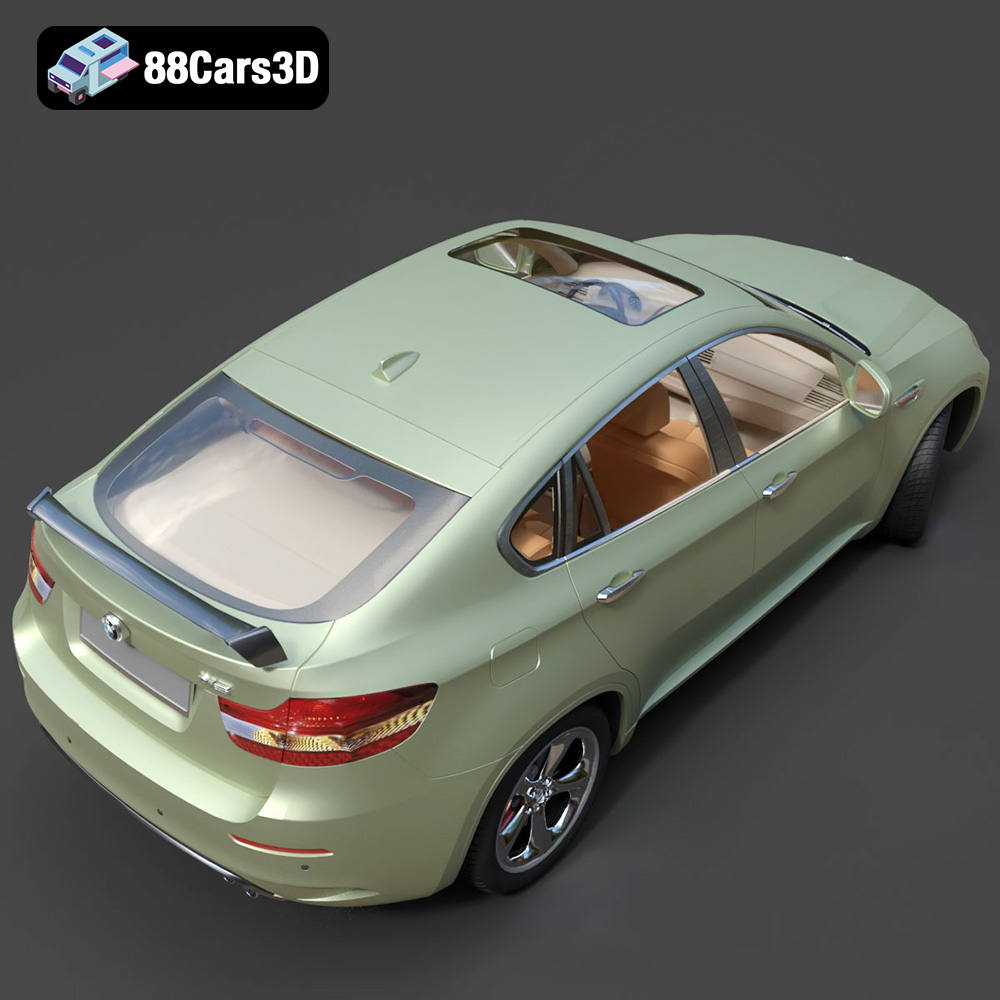
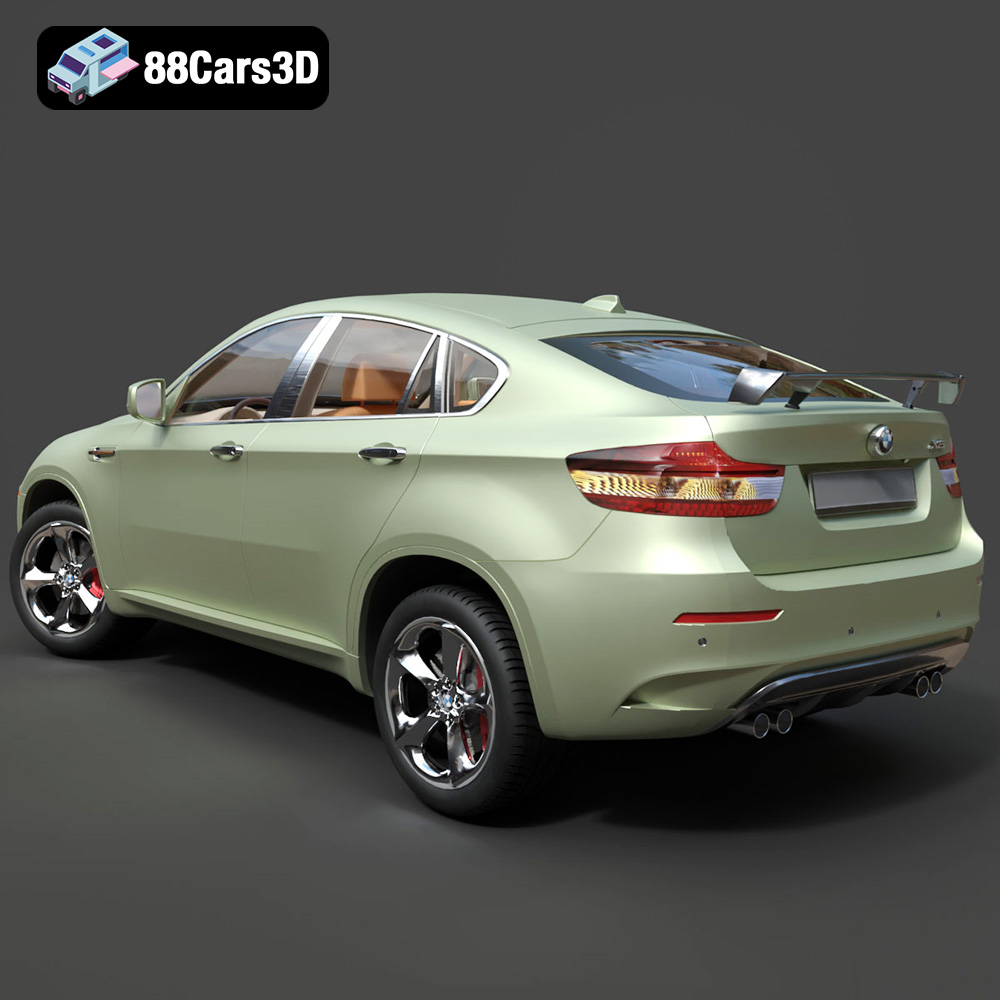
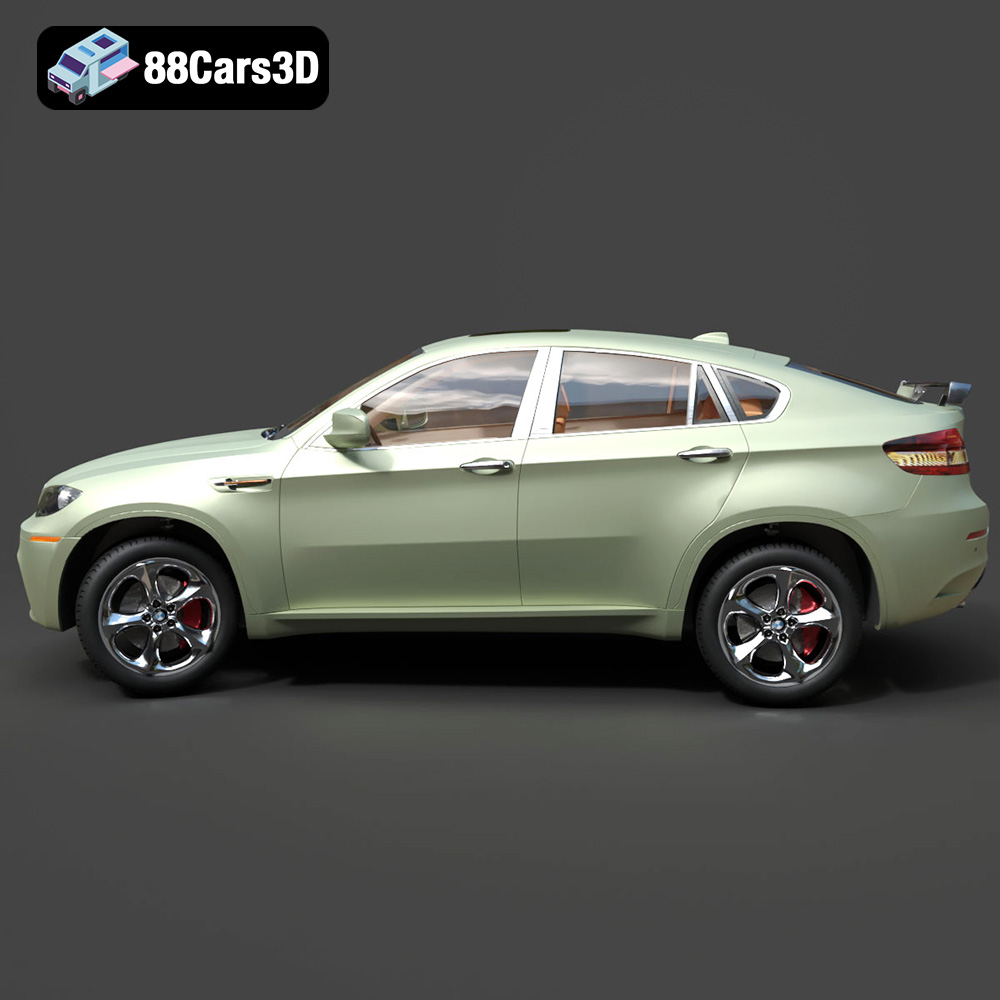
Today, professionals across these industries seek models that offer both aesthetic fidelity and technical robustness, ready for diverse applications. This article delves into the critical aspects of utilizing high-quality 3D car models, exploring advanced workflows, technical considerations, and real-world applications. We’ll highlight how a premium asset, such as the BMW X6 3D Model, exemplifies the standards required for contemporary digital projects, showcasing its versatility for rendering, game development, AR/VR, and even 3D printing, available from trusted marketplaces like 88cars3d.com.
The choice of a 3D model file format is far from trivial; it dictates compatibility, ease of use, data integrity, and ultimately, the success of a project across different software and pipelines. Understanding the nuances of each format is crucial for any professional working with 3D car models. The BMW X6 3D Model, for instance, comes in a comprehensive suite of formats, ensuring maximum utility.
The .blend format is Blender’s native file type. It encapsulates an entire Blender scene, including mesh data, materials, textures, lighting, camera setups, animations, and even physics simulations. Its primary advantage lies in its completeness and the non-destructive workflow it supports within Blender. For artists who primarily use Blender, a .blend file offers the most editable and robust starting point. It allows for direct manipulation of modifiers, precise material adjustments using nodal setups, and easy integration into a Blender-centric pipeline. Technically, a .blend file is optimized for Blender’s internal data structures, ensuring efficient loading and saving of complex scenes.
.fbx (Filmbox) is a proprietary file format developed by Autodesk, serving as a widely accepted interchange format across the 3D industry. It supports geometry, animation, materials, textures, cameras, and lights. Its strength lies in its broad compatibility with major 3D software like 3ds Max, Maya, Cinema 4D, and critically, game engines like Unreal Engine and Unity. When a 3D car model like the BMW X6 is provided in .fbx, it often includes optimized mesh data, UV layouts, and PBR (Physically Based Rendering) materials, making it ideal for real-time pipelines where performance is key. The .fbx format facilitates seamless asset transfer, though material conversions sometimes require manual tweaking between different renderers or engines.
.obj (Wavefront OBJ) is one of the oldest and most universally supported 3D file formats, primarily storing geometric data (vertices, normals, UVs, and faces). While it lacks support for animations or advanced material properties, its simplicity is its strength. Almost every 3D application can import and export .obj files, making it an excellent choice for cross-software compatibility. For the BMW X6 3D Model, an .obj file would provide a clean mesh skeleton, allowing artists to apply their preferred materials and textures in their software of choice. It’s often accompanied by an .mtl (material template library) file for basic material definitions and references to texture maps.
.glb (GL Transmission Format Binary) is the binary version of glTF, a royalty-free specification for the efficient transmission and loading of 3D scenes and models by applications. It’s quickly becoming the “JPEG of 3D” due to its optimization for web, AR, and VR applications. A .glb file packages all necessary data (geometry, materials, textures, animations) into a single, self-contained file, making it incredibly easy to share and integrate into browser-based viewers, interactive car configurators, and mobile AR apps. For the BMW X6, a .glb file ensures that the model can be displayed interactively on a website or placed into a virtual environment with minimal effort and fast loading times, perfectly suited for virtual showrooms and interactive vehicle experiences.
.stl (Stereolithography) is the de facto standard file format for 3D printing. It represents a 3D model as a series of connected triangles, defining only the surface geometry without color, texture, or internal structure. The BMW X6 3D Model, when prepared for .stl, is processed to ensure manifold geometry – a critical requirement for successful 3D printing. This means every edge connects to exactly two faces, ensuring a watertight mesh suitable for slicer software. The .stl format is essential for transforming the digital BMW X6 into a tangible miniature, requiring specific print settings for optimal physical output.
.ply (Polygon File Format) is another format that describes a 3D object as a collection of polygons. It’s often used for scanned 3D data and can store a wider range of properties than .obj or .stl, including color per vertex, transparency, and confidence values. While less common for general animation or game development, .ply is valuable in scientific, CAD, or reverse engineering workflows where precise mesh information and additional attribute data are important for analysis or fabrication. For a high-fidelity model like the BMW X6, a .ply file offers a robust representation of its geometry for specific engineering or analytical tasks.
The term .unreal typically refers to assets packaged specifically for Unreal Engine, often through an export process that includes not just the mesh (.fbx) but also optimized materials, textures, collision data, and possibly skeletal meshes or animation blueprints within an Unreal project. An “.unreal” file or asset implies it is ready to be directly imported and utilized within the Unreal Engine ecosystem with minimal setup. For the BMW X6 3D Model, this means the asset has been prepped for real-time performance, with appropriate LODs, PBR material setups, and correct pivot placements for interactive control, ensuring it’s “engine-ready” for demanding simulations and games.
The .max format is the native scene file for Autodesk 3ds Max, similar to .blend for Blender. It contains all scene information, including geometry, modifiers, materials, lights, cameras, animations, and renderer settings (e.g., V-Ray, Corona). For 3ds Max users, the .max file of the BMW X6 3D Model offers the most flexibility for customization, allowing full access to the model’s construction, material definitions, and scene setup as intended by the original artist. This is invaluable for high-end rendering, complex animation sequences, and integration into existing 3ds Max projects without data loss during conversion.
The inclusion of these diverse formats with the BMW X6 3D Model from 88cars3d.com underscores its adaptability and readiness for virtually any professional 3D pipeline.
Achieving photorealistic automotive rendering is an art form that blends technical proficiency with an eye for detail. A high-quality 3D car model is the foundation, and the BMW X6 3D Model provides that solid base with its accurate proportions, sculpted contours, and premium detailing.
For professionals leveraging 3ds Max, the included .max file for the BMW X6 3D Model offers an unparalleled starting point. 3ds Max, paired with powerful render engines like V-Ray or Corona Renderer, is a staple in automotive visualization studios. The workflow typically involves:
Blender has emerged as a formidable tool for 3D artists, offering powerful rendering capabilities with Cycles and Eevee. The .blend file of the BMW X6 3D Model makes it immediately accessible for Blender users.
Imagine a global automotive brand launching the new BMW X6. They need a virtual showroom experience that is indistinguishable from reality. Here, the BMW X6 3D Model becomes invaluable. Architectural visualization firms would integrate this model into a meticulously designed virtual showroom. The model’s “clean topology” ensures it renders flawlessly, reflecting the polished environment with accurate global illumination. Artists can easily customize paint finishes, modify wheel designs, and even add M Sport styling elements, demonstrating various configurations to potential buyers in a high-fidelity, interactive setting or through a series of stunning promotional renders. This application directly benefits from the model’s “optimized for both real-time engines and high-quality renders” characteristic, bridging the gap between static imagery and interactive exploration.
The immersive worlds of modern video games, AR/VR experiences, and simulation environments demand 3D assets that are not only visually striking but also highly optimized for real-time performance. The BMW X6 3D Model, with its technical advantages, is perfectly suited for these demanding applications.
Game developers frequently rely on powerful game engines like Unreal Engine and Unity to build their virtual worlds. The BMW X6 3D Model’s availability in .fbx and .unreal formats makes integration seamless.
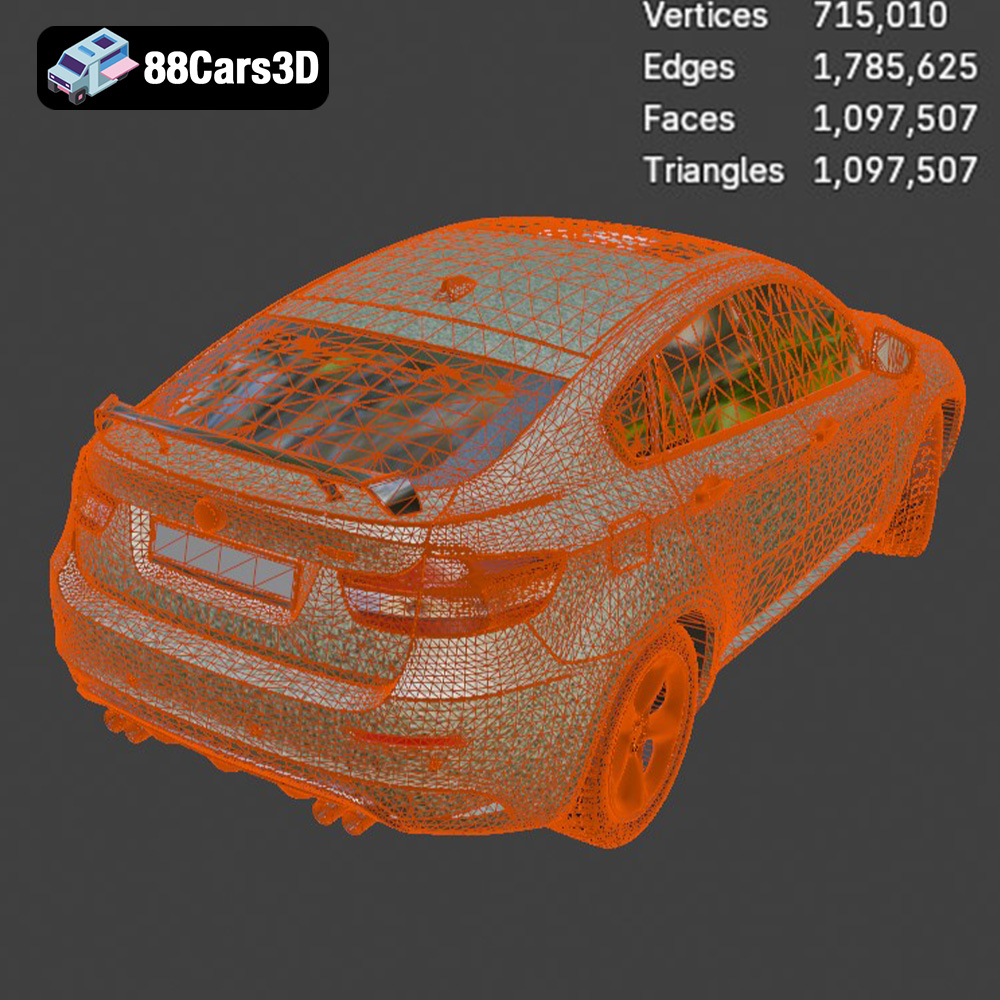
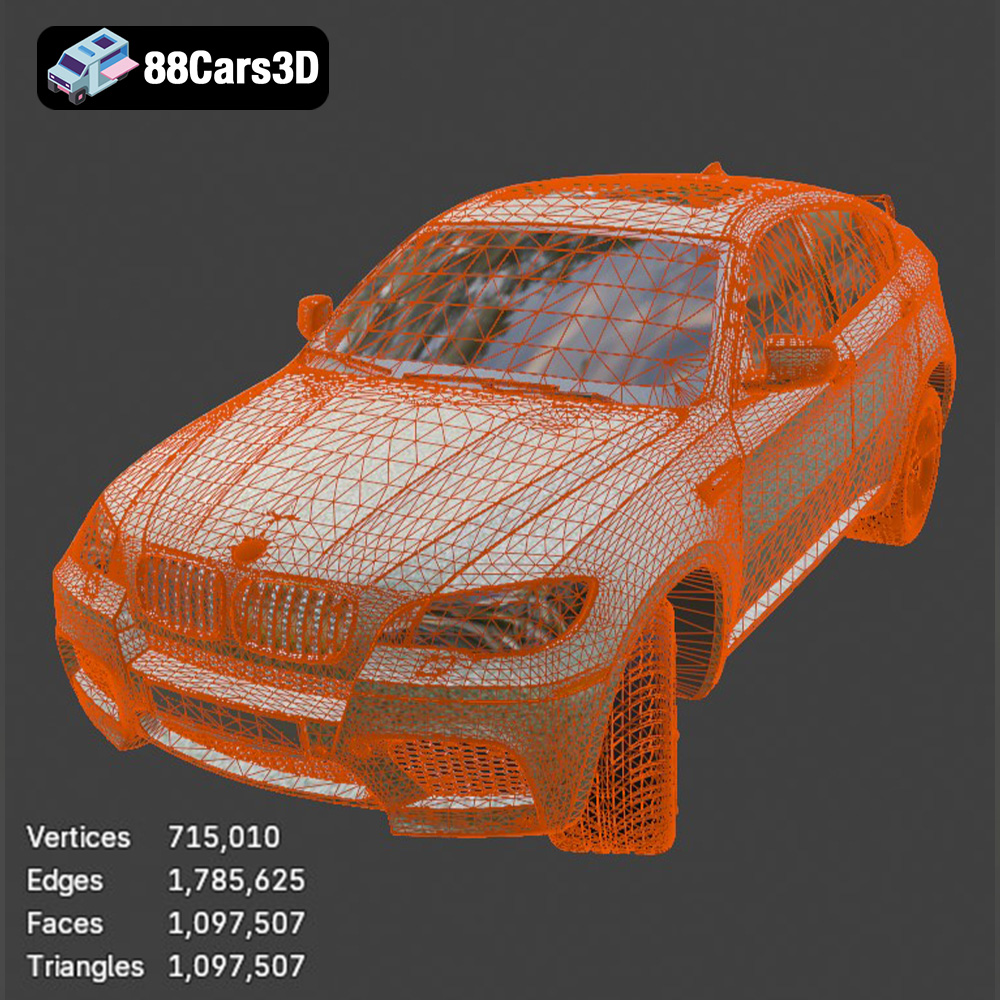
In real-time environments, every polygon and every draw call counts. The BMW X6 3D Model’s “optimized polygon count for performance” and “clean, organized mesh structure” are not just buzzwords; they are fundamental technical requirements. A model with efficient topology ensures:
The rise of Augmented Reality (AR) and Virtual Reality (VR) has opened new avenues for engaging with 3D automotive models. The BMW X6 3D Model is “perfect for virtual showrooms and interactive car configurators,” and its inclusion of the .glb format is key here.
The versatility of high-quality 3D car models extends beyond digital realms into the physical world through 3D printing. The BMW X6 3D Model, notably featuring a 3D Printable STL description, offers exciting possibilities for collectors, designers, and hobbyists alike.
The ability to convert a detailed digital asset into a physical object is a testament to the model’s geometric integrity. With the BMW X6 3D Model, users can leverage the included .stl format to produce scale replicas. This process involves:
This transforms the “digital recreation of the luxury Sports Activity Coupe” into a physical collectible, suitable for desktop display, prototyping, or even customization projects.
Successfully 3D printing a complex model like the BMW X6 requires attention to specific technical details:
Post-processing and customization are where the 3D printed BMW X6 truly shines. The product description outlines steps like “sanding, primer, metallic automotive paint, clear coat.” This allows for an authentic, factory-finish look. Furthermore, the ability to modify wheel designs and add M Sport styling elements digitally before printing means each miniature can be unique. For collectors, these 3D printed models represent a personalized, tangible expression of automotive passion, celebrating the distinct design of the BMW X6. They bridge the gap between virtual fidelity and physical presence, offering a new dimension of engagement with premium 3D car models.
Investing in high-quality 3D car models like the BMW X6 3D Model from 88cars3d.com isn’t just about acquiring a digital file; it’s about investing in efficiency, quality, and creative freedom for a wide range of professional applications.
Creating a highly detailed 3D car model from scratch is an incredibly time-consuming and resource-intensive endeavor. It requires specialized skills in modeling, UV mapping, texturing, and optimization. By purchasing a pre-made, professional-grade asset, studios and individual artists can significantly cut down on production time and costs. The BMW X6 3D Model, built with “clean topology” and “real-world scaling,” arrives production-ready, allowing teams to focus on core project development rather than foundational asset creation. This acceleration is crucial in fast-paced industries like game development and advertising, where deadlines are tight and quality cannot be compromised.
A consistent level of quality across all assets is vital for professional projects. Generic or poorly modeled vehicles can detract from an otherwise meticulously crafted scene or game environment. The BMW X6 3D Model, with its “accurate BMW X6 body proportions” and “detailed LED-style headlights and taillights,” ensures a benchmark of realism. For studios, using assets from reputable sources like 88cars3d.com guarantees that models adhere to industry standards for mesh integrity, UV layout, and material preparation. This consistency not only enhances visual appeal but also streamlines technical pipelines, reducing unforeseen issues during integration and rendering.
While ready-made, premium 3D car models also offer extensive customization potential. The BMW X6 3D Model, for instance, explicitly lists “change paint finishes,” “modify wheel designs,” and “add M Sport styling elements” as customization options. This adaptability is key for projects that require unique aesthetics or specific branding. Whether it’s for a commercial presentation needing a bespoke color scheme, a game requiring multiple vehicle variants, or an AR/VR experience where user choice is paramount, the underlying high-quality mesh and organized structure allow for easy modification without breaking the model. This blend of ready-to-use and ready-to-customize empowers artists to tailor the model precisely to their creative vision without starting from zero.
The landscape of 3D visualization, game development, and digital manufacturing is continually evolving, demanding ever-increasing levels of detail, realism, and efficiency. High-quality 3D car models are no longer a luxury but a fundamental requirement for professionals aiming to create compelling and immersive experiences. The BMW X6 3D Model stands as an excellent example of a versatile, technically robust asset designed to meet these diverse needs.
From its meticulously captured exterior and interior details to its optimized topology and extensive file format support (including .blend, .fbx, .obj, .glb, .stl, .ply, .unreal, and .max), this model provides a solid foundation for any project. Whether you are aiming for photorealistic renders in 3ds Max, building an immersive driving simulation in Unreal Engine, developing an interactive AR configurator, or even 3D printing a physical miniature, the BMW X6 3D Model delivers the quality and flexibility required. By choosing premium assets from platforms like 88cars3d.com, artists and developers can significantly enhance their workflows, achieve superior visual fidelity, and unlock new creative possibilities, ensuring their projects stand out in today’s competitive digital world.
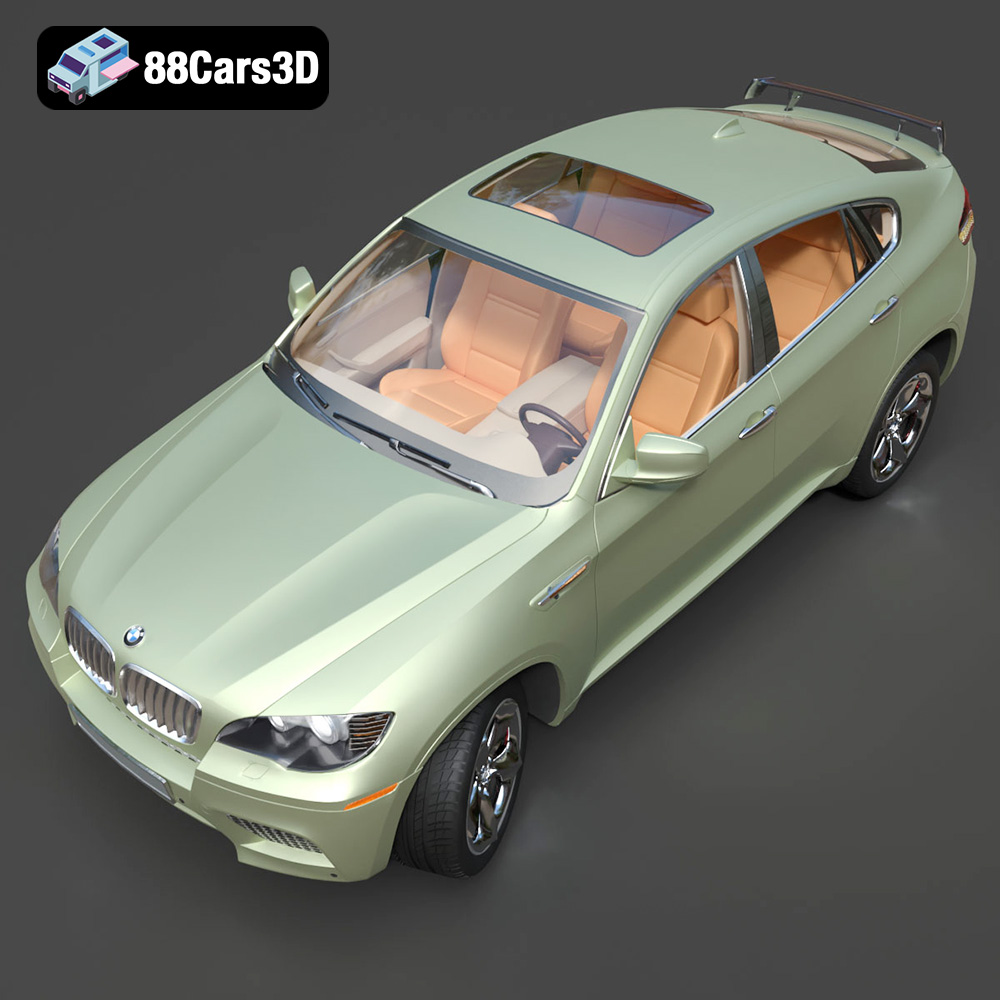
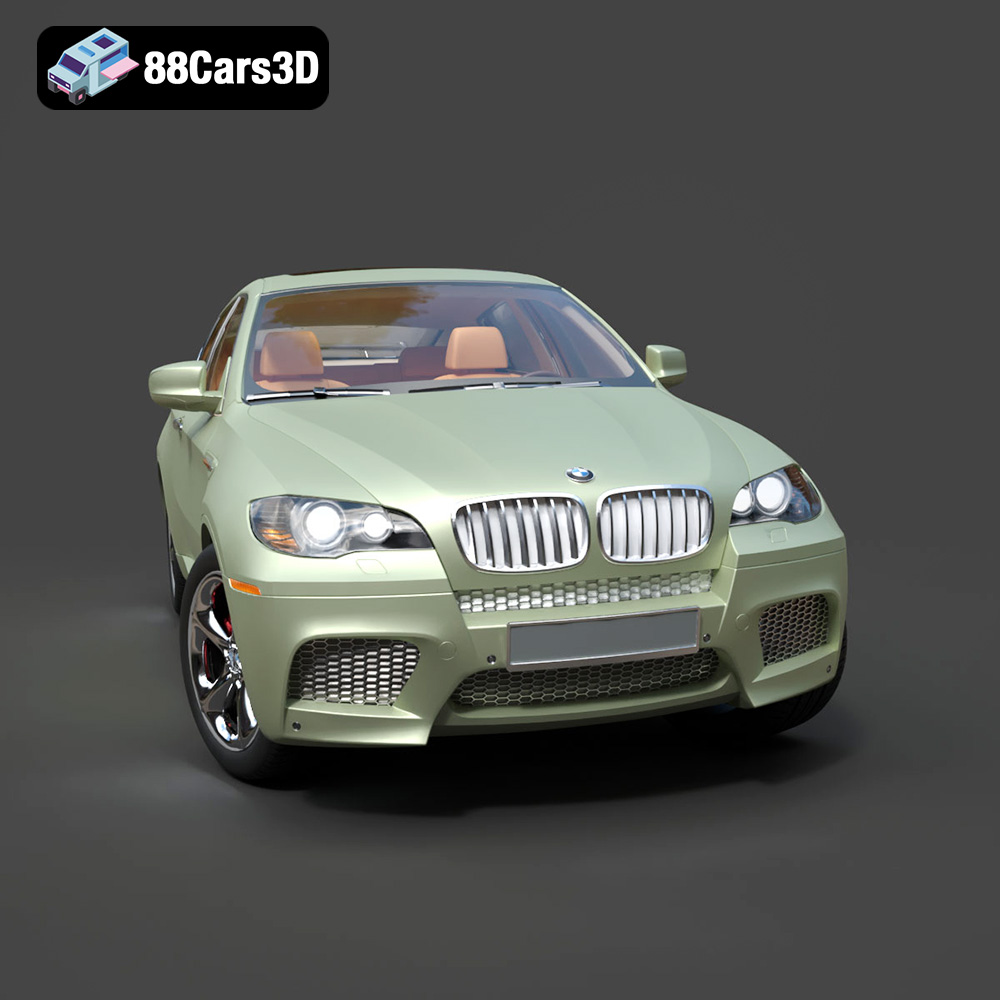
The BMW X6 3D Model is a high-quality digital recreation of the luxury Sports Activity Coupe developed by BMW. Known for blending SUV capability with coupe-like styling, the X6 features an aggressive stance, sloping roofline, muscular body contours, and premium detailing. This 3D model accurately captures the bold kidney grille, sculpted hood, aerodynamic profile, and performance-oriented proportions that define the BMW X6. Built with clean topology and real-world scale accuracy, it is ideal for rendering, animation, automotive visualization, game development, AR/VR applications, and simulation environments. Perfect for urban scenes, luxury showrooms, commercial presentations, cinematic sequences, and interactive vehicle experiences. Includes .blend, .fbx, .obj, .glb, .stl, .ply, .unreal, and .max formats for rendering, simulation, AR/VR, game development, and 3D printing.
$9.99
.arvr
.blend
.bmw
.car3dmodel
.coupesuv
.fbx
.gameasset
.glb
.luxurysuv
.max
.obj
.ply
.rendering
.simulation
.stl
.unreal
.vehicleasset
.x6
automotive3d