Get 50% OFF All Premium 3D & STL Models!

The roar of a custom motorcycle, the gleam of chrome, the rebellious spirit – these are things that resonate with many. Now, thanks to the advancements in 3D printing, you can bring that passion to life with your own hands. The Custom_Motorcycle 3D Model available at 88cars3d.com offers a fantastic opportunity to create a miniature masterpiece, a testament to the artistry and engineering of custom bike building. This blog post will guide you through the process of successfully 3D printing this detailed model, covering everything from choosing the right materials and settings to perfecting the final finish. Get ready to rev up your 3D printer and embark on this exciting project!
Before you dive into slicing and printing, it’s crucial to understand the different file formats included with the Custom_Motorcycle 3D Model and how they relate to 3D printing. Each format has its own strengths and weaknesses, influencing printability, detail, and overall workflow.
The .stl (stereolithography) format is the undisputed king of 3D printing. It’s the most widely supported and understood format by slicing software. STL files represent the surface geometry of a 3D model using a mesh of triangles. This simplicity makes it universally compatible, but it also means that STL files only store the shape of the object, not color, texture, or material information. For the Custom_Motorcycle 3D Model, the STL file will be your primary workhorse for 3D printing. When exporting to STL, pay close attention to the “resolution” or “deviation” settings. Lower deviation values result in more triangles and a smoother surface, but also a larger file size. Balancing detail with file size is key for efficient slicing and printing.
While STL is the go-to for printing, other formats included with the Custom_Motorcycle 3D Model serve different purposes:
* .obj: This format is more versatile than STL, as it can store color and texture information in addition to geometry. This is useful if you plan to paint your 3D printed motorcycle and want to refer to the original model’s color scheme. However, OBJ files can sometimes be more complex to handle in slicing software compared to STL.
* .ply: PLY files are designed for storing 3D data acquired from scanning devices. They can handle complex meshes and often include color information captured during the scanning process. While less common than STL or OBJ for 3D printing source files, you *could* convert a PLY to STL using meshing software.
* .blend: This is the native file format for Blender, a powerful and free 3D modeling software. If you want to make modifications to the Custom_Motorcycle 3D Model before printing – perhaps adjusting the handlebar style or adding custom details – Blender is the tool to use. You would then export the modified model as an STL for printing.
* .fbx: FBX is a popular format for exchanging 3D data between different software packages, particularly in game development. It supports animation, materials, and textures. While not directly used for 3D printing, it can be useful for visualizing the model in other contexts.
* .glb: GLB is a binary file format that is used to represent 3D models in a compact and efficient way. It is often used for previewing models in AR (Augmented Reality) applications. This allows you to see how the Custom_Motorcycle 3D Model would look in your real-world environment before you even print it.
* .max: This is the native file format for 3ds Max, another professional 3D modeling software. Similar to Blender, you can use 3ds Max to modify the model before exporting to STL for printing.
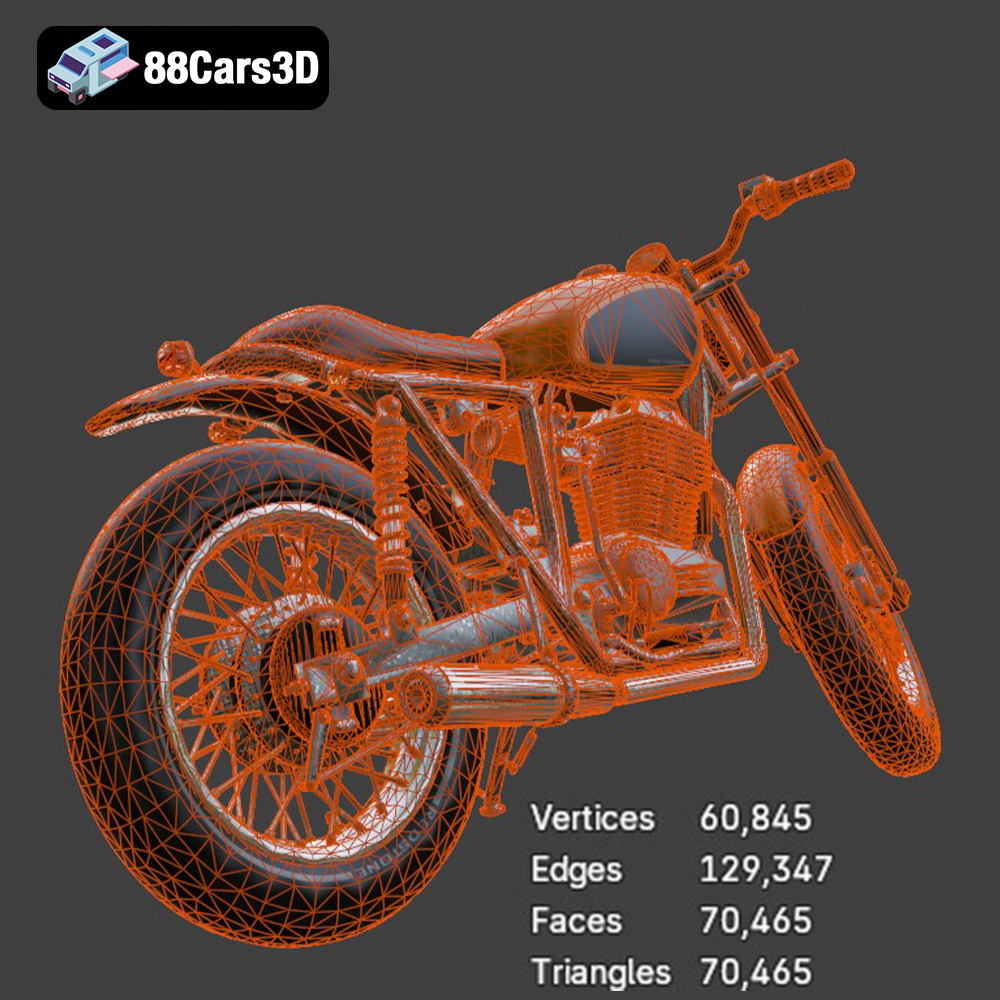
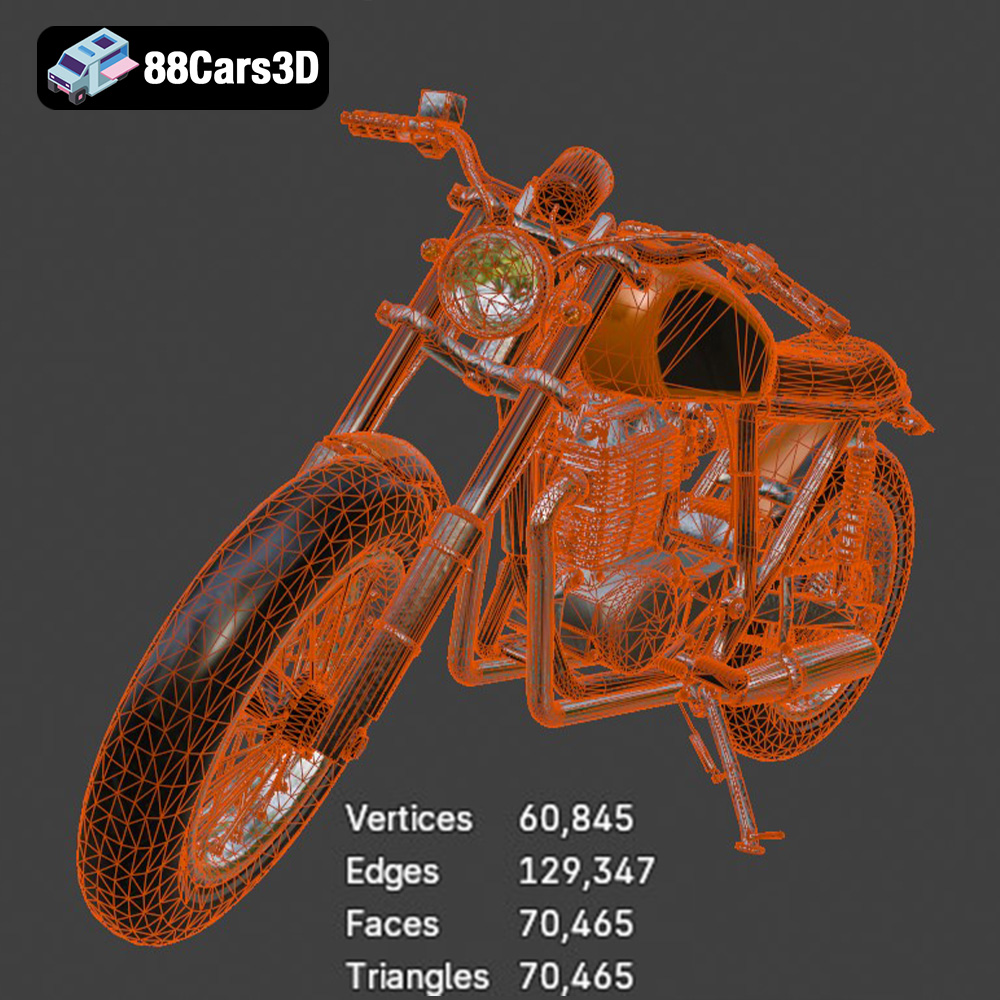
For 3D printing the Custom_Motorcycle 3D Model, the STL format is your best bet. Ensure that the STL file you use is “manifold,” meaning that it has no holes or self-intersections. Most slicing software can automatically repair minor issues, but it’s best to start with a clean, well-prepared STL file. High-quality mesh translates to a better 3D printed result. 88cars3d.com provides optimized models, but always double-check in your slicing software before printing.
The quality of your 3D print heavily relies on the preparation you do before even hitting the “print” button. This involves inspecting and potentially repairing the 3D model, choosing the right slicing software, and scaling the model to your desired size.
Before importing the Custom_Motorcycle 3D Model’s STL file into your slicing software, it’s a good practice to inspect it for any potential issues. This can be done using free software like MeshLab or online services like Netfabb Cloud. Look for non-manifold edges, holes in the mesh, and self-intersections. These imperfections can lead to printing errors. While most slicing software can automatically repair minor issues, complex problems might require manual intervention in a 3D modeling program like Blender.
Your slicing software is the bridge between the 3D model and your printer. Popular choices include Cura, PrusaSlicer, Simplify3D, and IdeaMaker. Each slicer has its own strengths and weaknesses, but all allow you to control critical printing parameters such as layer height, infill density, support structures, and printing speed. Familiarize yourself with the interface and options of your chosen slicer. For the Custom_Motorcycle 3D Model, Cura and PrusaSlicer are excellent starting points due to their ease of use and extensive customization options.
The Custom_Motorcycle 3D Model’s description suggests recommended scales of 1:12, 1:10, or 1:8. Choose the scale that best suits your printer’s build volume and desired level of detail. Be mindful of the limitations of your printer – smaller scales will require finer layer heights and more precise settings. Before slicing, carefully consider the orientation of the model on the print bed. Orienting the model strategically can minimize the need for support structures and improve surface finish. For the motorcycle frame, printing it at an angle can improve its structural integrity.
The material you choose will significantly impact the final look, feel, and strength of your 3D printed Custom_Motorcycle. Different materials offer varying levels of detail, durability, and ease of post-processing.
For Fused Deposition Modeling (FDM) printers, PLA (Polylactic Acid) and PETG (Polyethylene Terephthalate Glycol) are the most common choices. PLA is biodegradable, easy to print, and offers good detail, making it ideal for display models. However, it’s less durable and heat-resistant than PETG. PETG, on the other hand, is stronger, more flexible, and more heat-resistant, making it a better choice for parts that need to withstand some stress or heat. For the Custom_Motorcycle, PLA is a good starting point for the overall model, but PETG might be preferable for the wheels or any parts that are likely to experience stress.
Resin printing, using technologies like SLA (Stereolithography) or MSLA (Masked Stereolithography), offers superior detail and surface finish compared to FDM printing. This makes it an excellent choice for the Custom_Motorcycle 3D Model, especially for capturing intricate details like the engine block, exhaust pipes, and wire-spoke wheels. However, resin printers are generally more expensive than FDM printers, and resin printing requires more post-processing, including washing and curing the printed parts.
Consider the color of the filament or resin you choose. While you can always paint the finished model, starting with a color that closely matches your desired final result can save time and effort. For the Custom_Motorcycle, silver or grey filament/resin can be a good base for the engine and exhaust, while black is a versatile choice for the frame and wheels. Remember to always use high-quality filament or resin from reputable brands to ensure consistent printing results.
Optimal printer settings are crucial for achieving a high-quality 3D print of the Custom_Motorcycle. These settings will vary depending on your printer, material, and desired level of detail, but here are some general guidelines.
Layer height is the thickness of each layer of plastic that your printer deposits. Lower layer heights result in smoother surfaces and finer detail, but also longer printing times. For FDM printing with PLA or PETG, a layer height of 0.1mm to 0.2mm is a good starting point. For resin printing, layer heights can be significantly lower, typically ranging from 0.025mm to 0.05mm, resulting in exceptional detail. For parts of the model that demand high detail, such as the engine components, consider using adaptive layer height settings in your slicer, which automatically adjusts the layer height based on the geometry of the model.
Infill density determines the amount of material used inside the printed part. Higher infill densities result in stronger parts, but also longer printing times and more material consumption. For the Custom_Motorcycle, an infill density of 15% to 30% is generally sufficient for most parts. The infill pattern can also affect the strength and weight of the printed part. Common infill patterns include grid, honeycomb, and gyroid. Gyroid infill offers a good balance of strength and weight.
Support structures are necessary for printing parts with overhangs, which are areas that extend beyond the previous layer. The Custom_Motorcycle 3D Model will likely require supports for areas such as the handlebars, exhaust pipes, kickstand, and footpegs. Experiment with different support settings in your slicer, such as support density, support angle, and support type, to find the optimal balance between support strength and ease of removal. Tree supports are often a good choice for complex models as they use less material and are easier to remove than traditional linear supports.
Once the printing is complete, the real fun begins! Post-processing is the process of cleaning, refining, and finishing your 3D printed Custom_Motorcycle to achieve the desired aesthetic.
The first step is to carefully remove the support structures. Use pliers, flush cutters, or a hobby knife to gently detach the supports from the model. Be careful not to damage the surface of the printed part. After removing the supports, sanding is essential for smoothing out any imperfections and layer lines. Start with coarse-grit sandpaper (e.g., 220 grit) and gradually move to finer grits (e.g., 400, 600, 800 grit) to achieve a smooth finish. Wet sanding can also help to minimize dust and improve the surface finish.
Priming is crucial for creating a smooth and uniform surface for painting. Apply a thin coat of primer to the entire model and let it dry completely. Then, lightly sand the primed surface with fine-grit sandpaper. Now you’re ready to paint! Use high-quality acrylic paints or model paints to achieve the desired colors and finishes. Consider using metalizer paints for the engine block and chrome paints for the exhaust pipes to replicate the look of real metal. Apply multiple thin coats of paint rather than one thick coat to avoid runs and drips. For a glossy finish, apply a clear coat after the paint has dried.
The Custom_Motorcycle 3D Model is designed to be assembled, with separate parts for the wheels, suspension, and steering components. Use super glue or epoxy to carefully attach the parts together. Pay attention to the alignment and positioning of each part. Add additional details such as weathering effects, custom decals, and miniature accessories to further enhance the realism of your 3D printed motorcycle.
Even with careful preparation, 3D printing can sometimes present challenges. Here are some common issues and their solutions.
Warping occurs when the printed part lifts off the print bed, usually due to uneven cooling or poor bed adhesion. To prevent warping, ensure that your print bed is properly leveled and heated. Use a bed adhesive such as glue stick or hairspray to improve adhesion. Enclosing your printer can also help to maintain a consistent temperature and reduce warping.
Stringing refers to thin strands of plastic that are left behind when the print head moves between different parts of the model. This is usually caused by excessive retraction distance or temperature. Reduce the printing temperature and increase the retraction distance in your slicer settings.
Layer separation occurs when the layers of the printed part do not adhere properly to each other. This can be caused by low printing temperature, insufficient cooling, or poor layer adhesion. Increase the printing temperature and reduce the cooling fan speed. Make sure your bed is properly leveled and cleaned.
3D printing the Custom_Motorcycle 3D Model is a rewarding project that combines technical skill with creative expression. By understanding the nuances of file formats, carefully preparing your model, choosing the right materials and settings, and mastering post-processing techniques, you can create a stunning miniature replica of a custom motorcycle. Remember to leverage the resources available at 88cars3d.com and the wider 3D printing community for inspiration and support. So, fire up your 3D printer, embrace the challenge, and enjoy the ride!
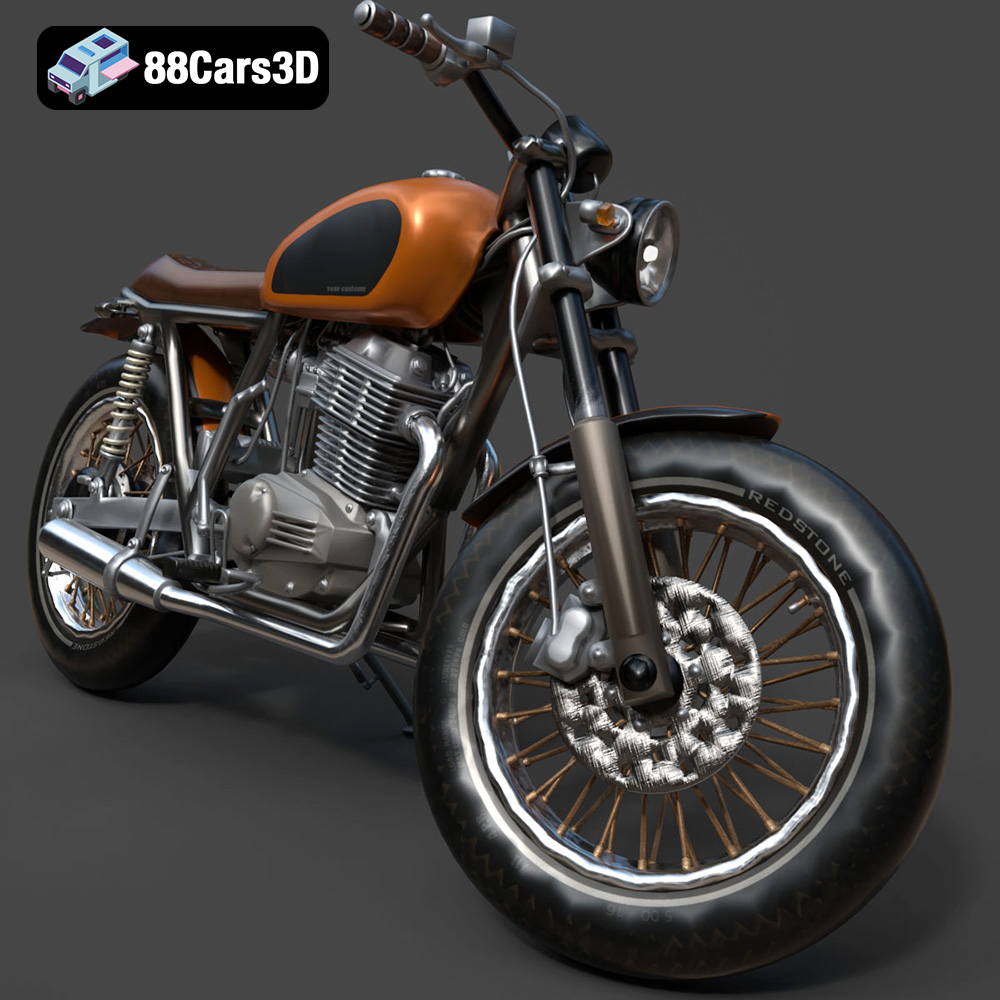
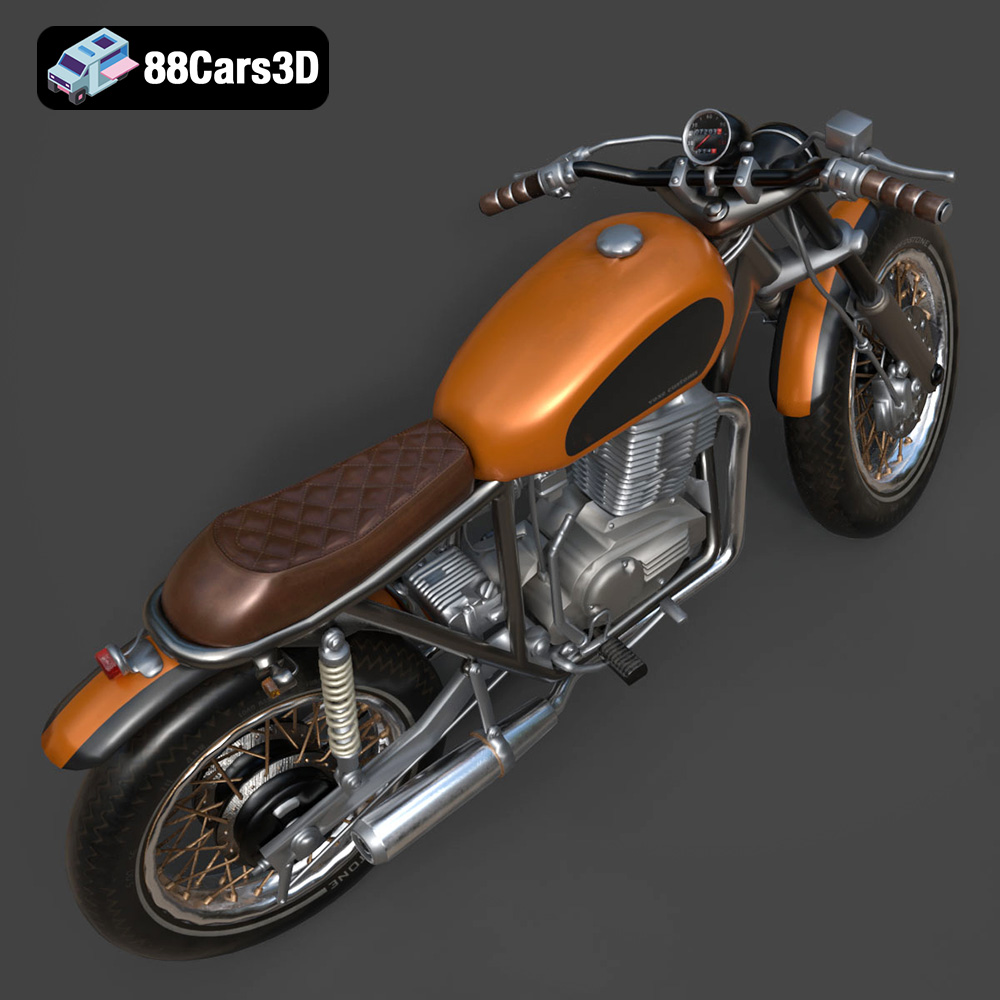
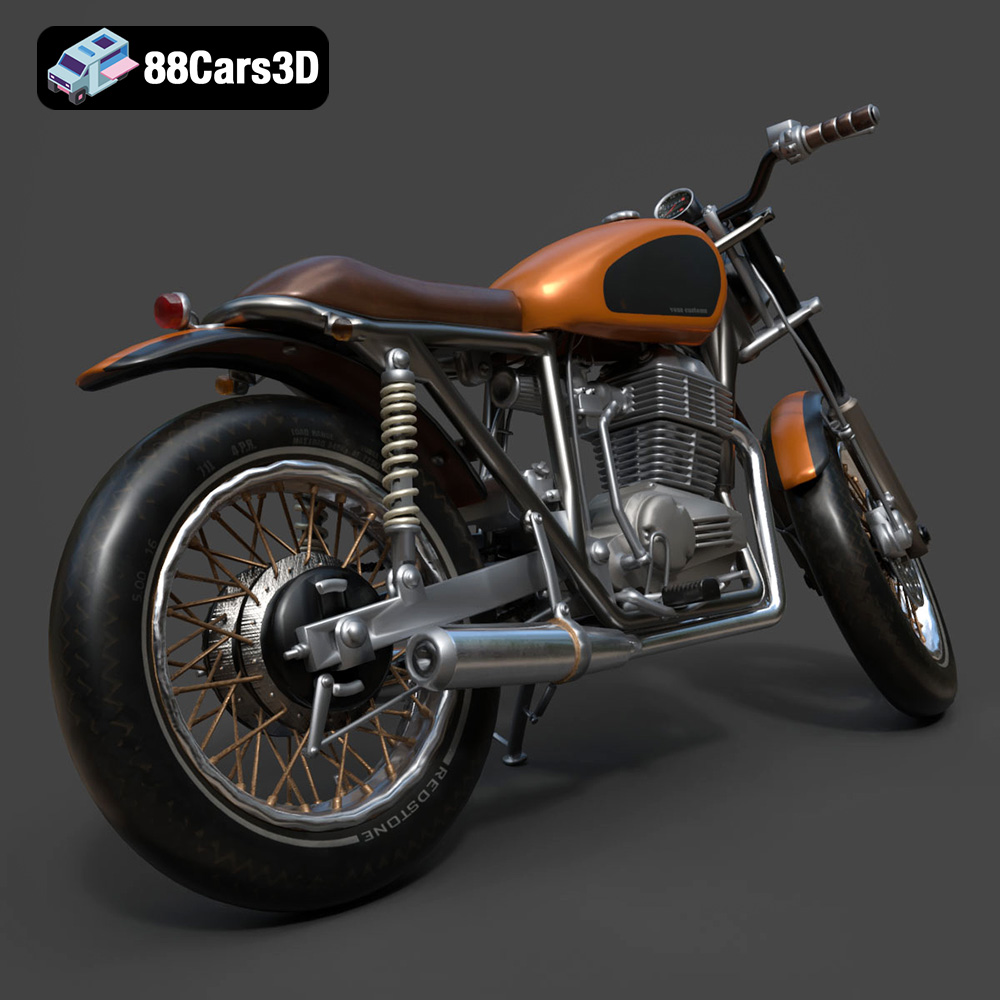
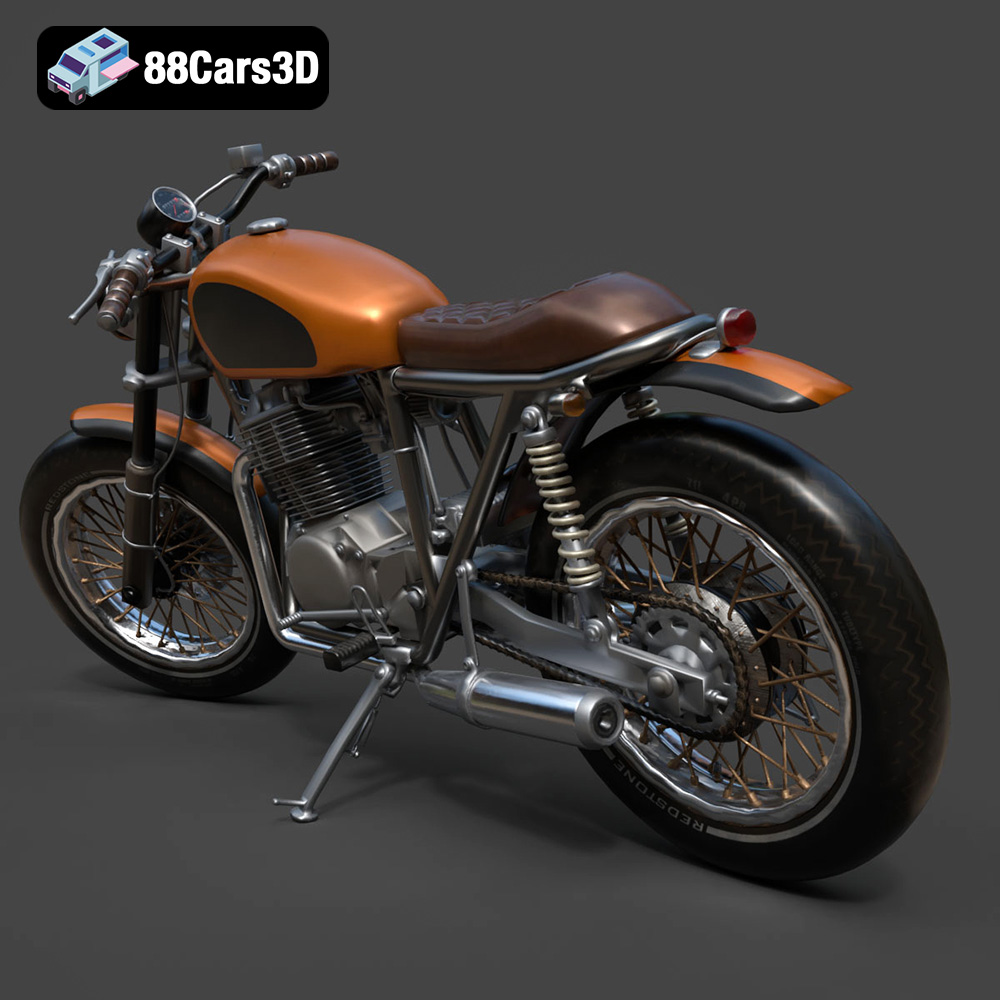
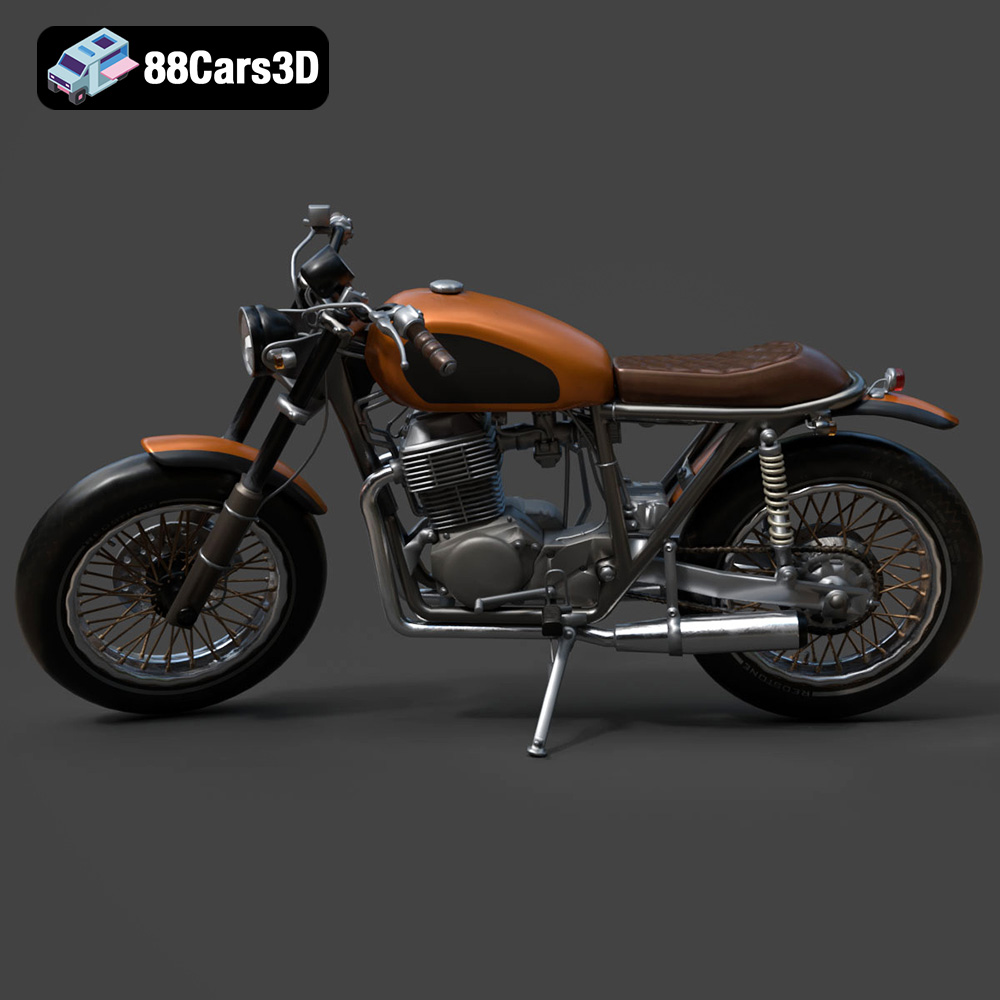
The Custom_Motorcycle 3D Model is a high-detail digital recreation of a bespoke, one-of-a-kind two-wheeled build. Designed to capture the raw mechanical beauty and rebellious spirit of custom bike culture, this model combines aggressive styling, exposed engine components, and premium aftermarket detailing that reflects top-tier motorcycle craftsmanship.
$9.99
.biker
.blend
.bobber
.chopper
.fbx
.obj
.rendering
.stl
3d printing
cafe-racer
custom-bike
custom-motorcycle
engine-details
game asset
high poly
motorcycle-3d-model
two-wheeler
VR/AR