Get 50% OFF All Premium 3D & STL Models!

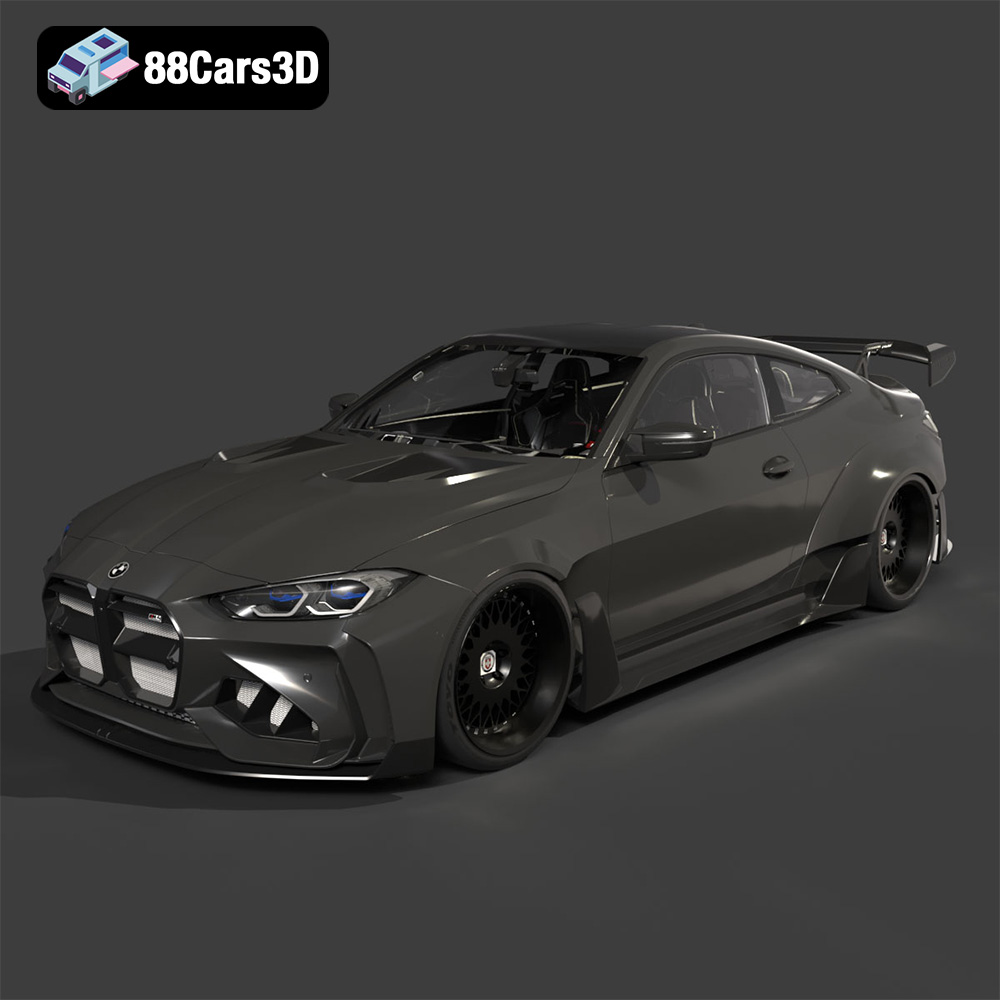
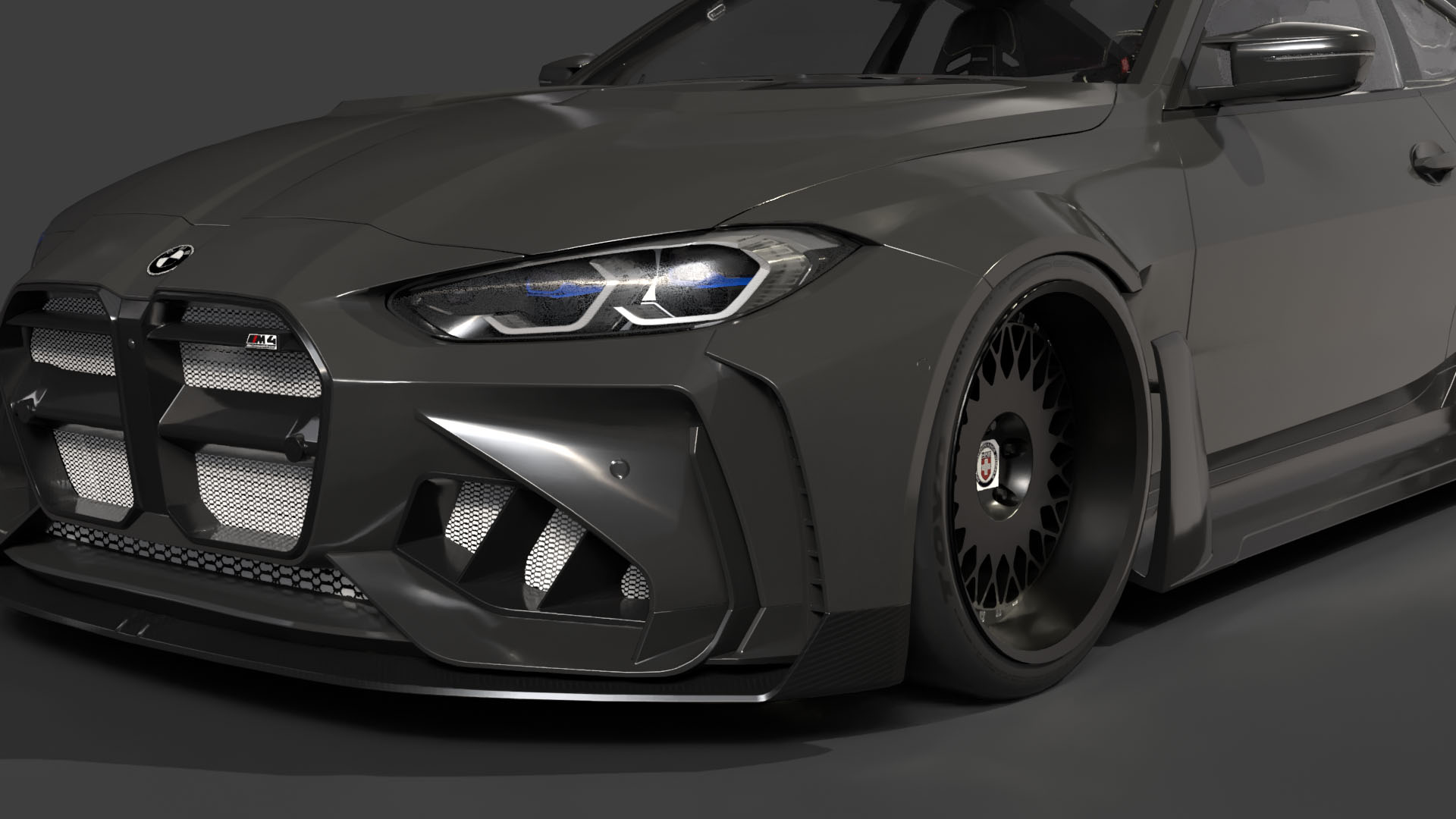
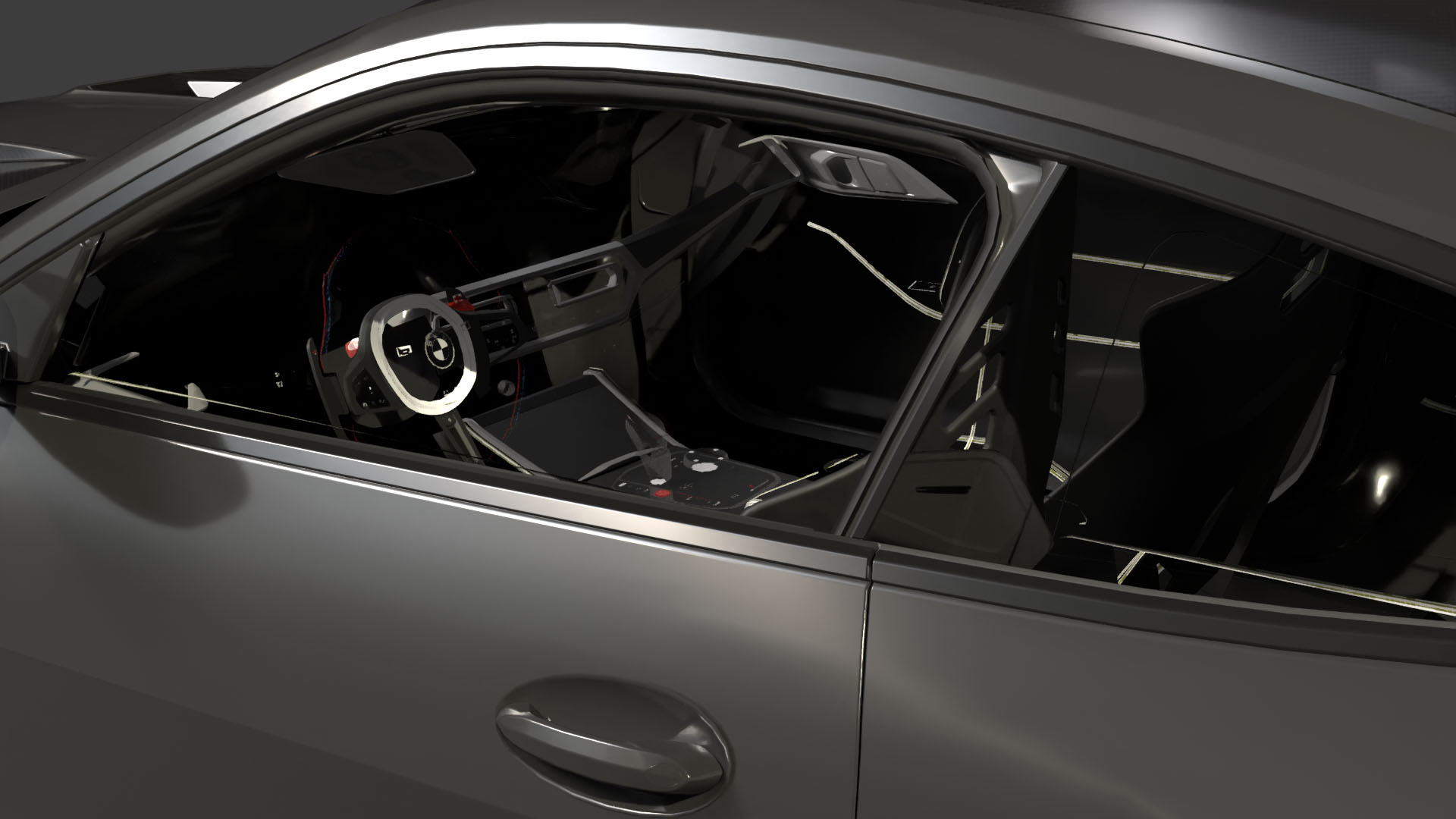
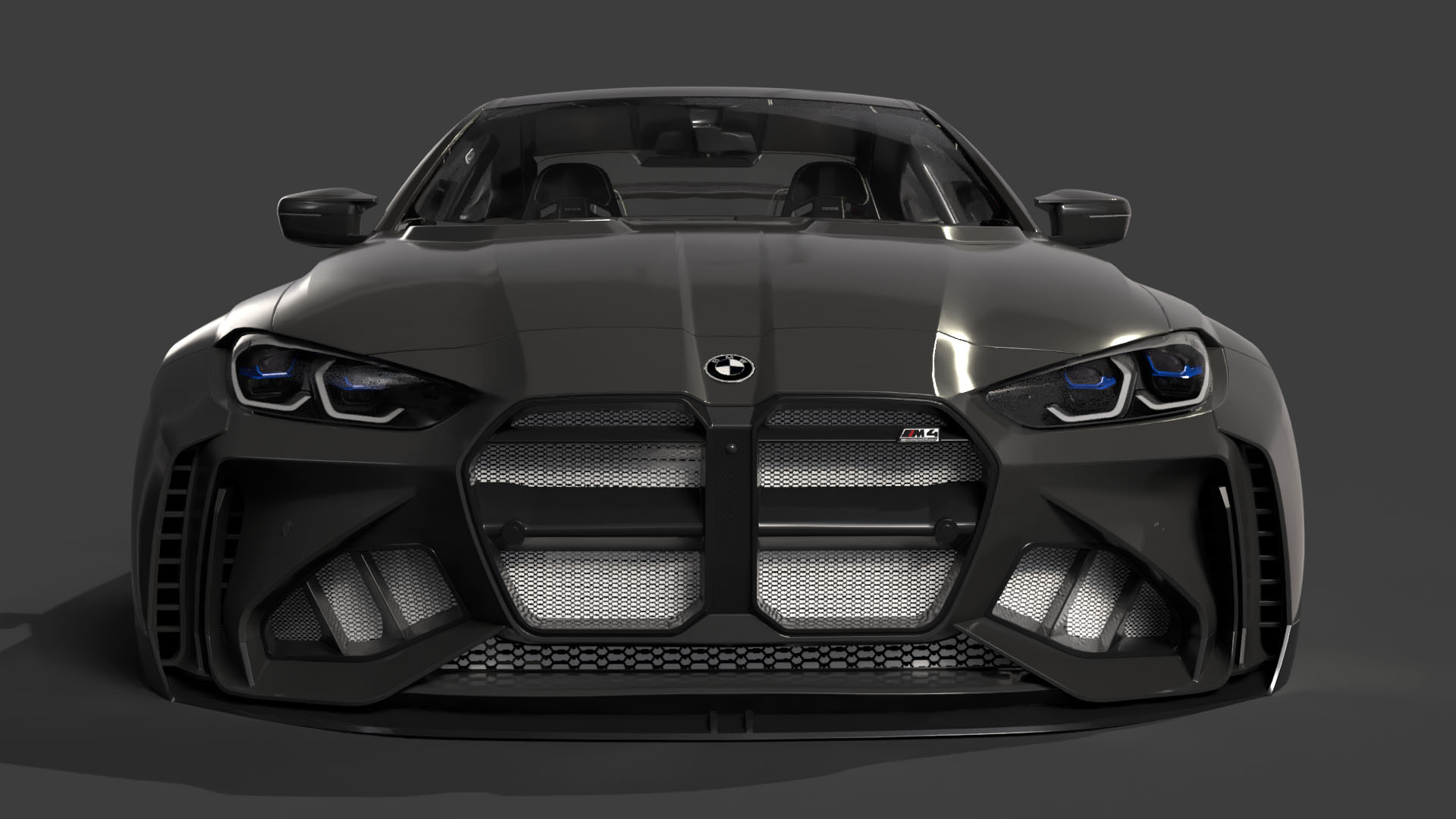
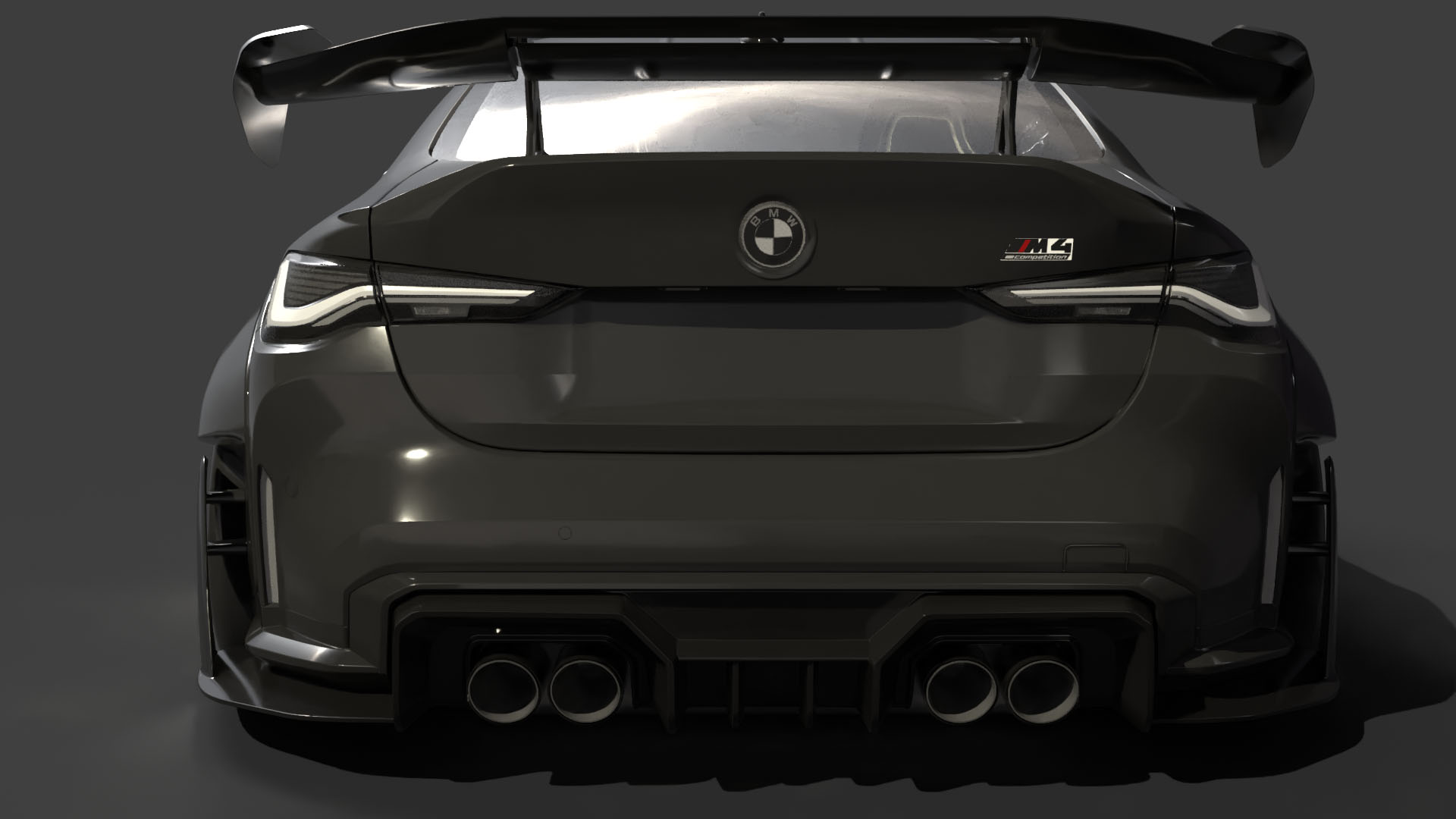
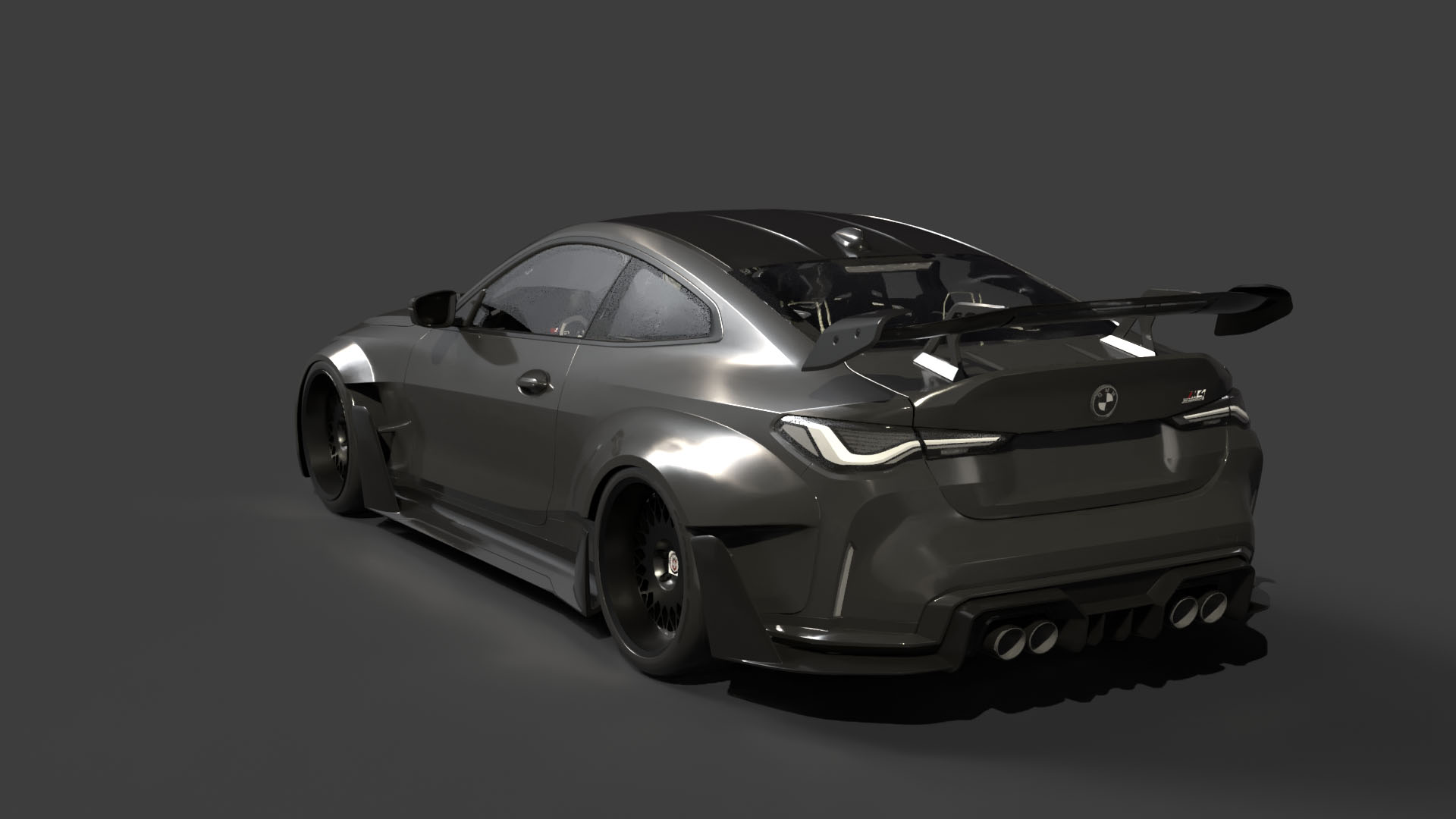
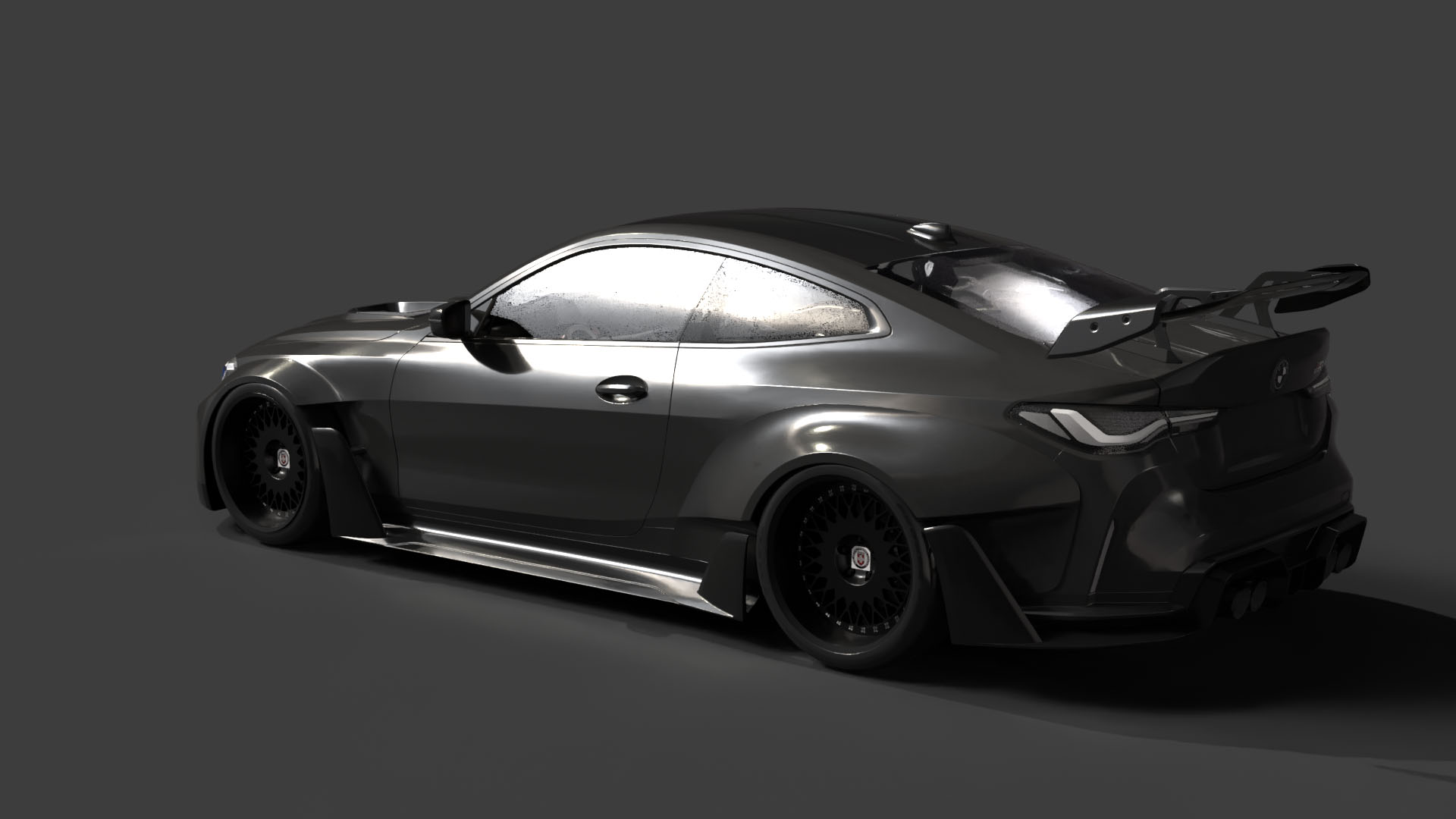
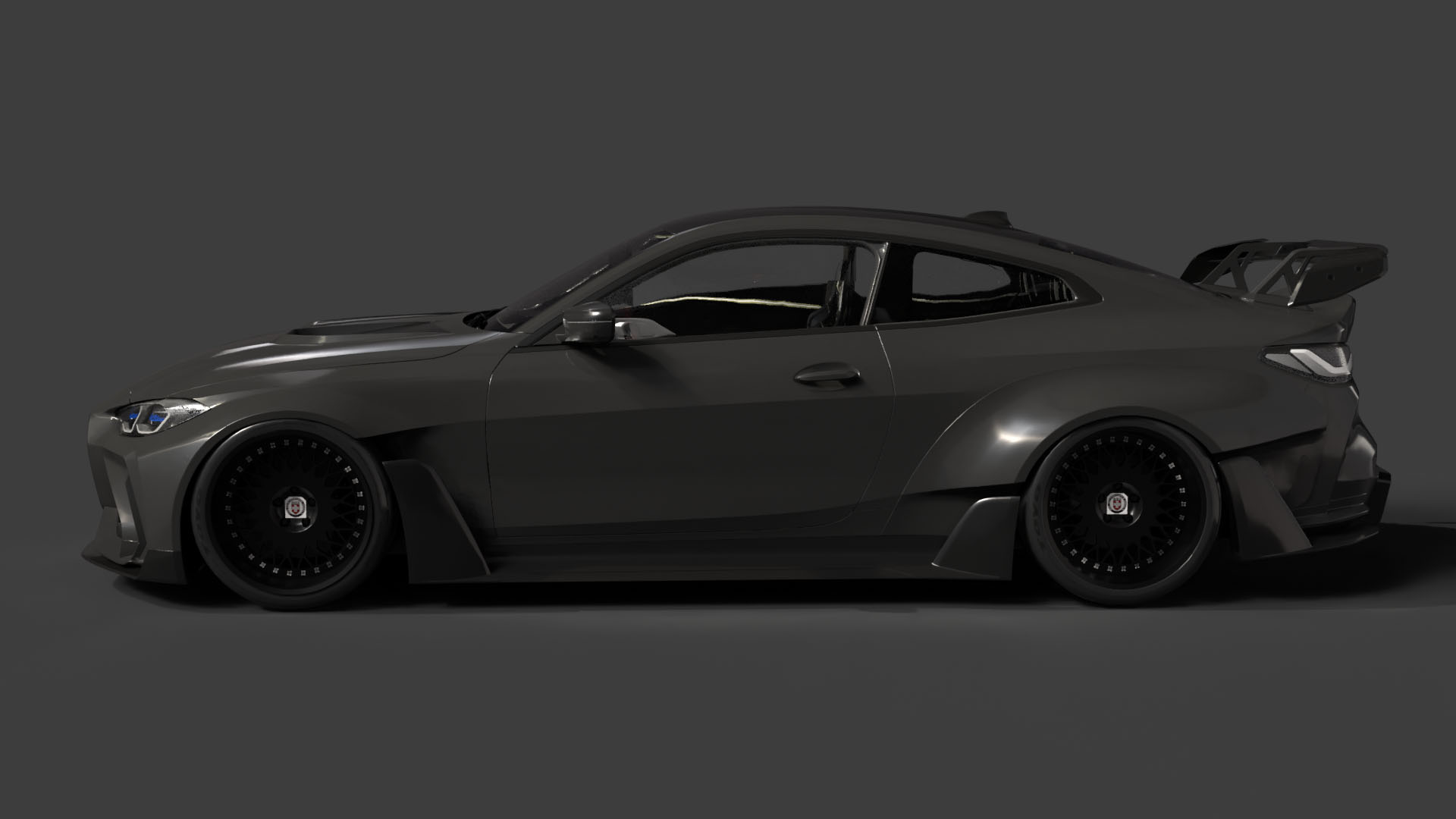
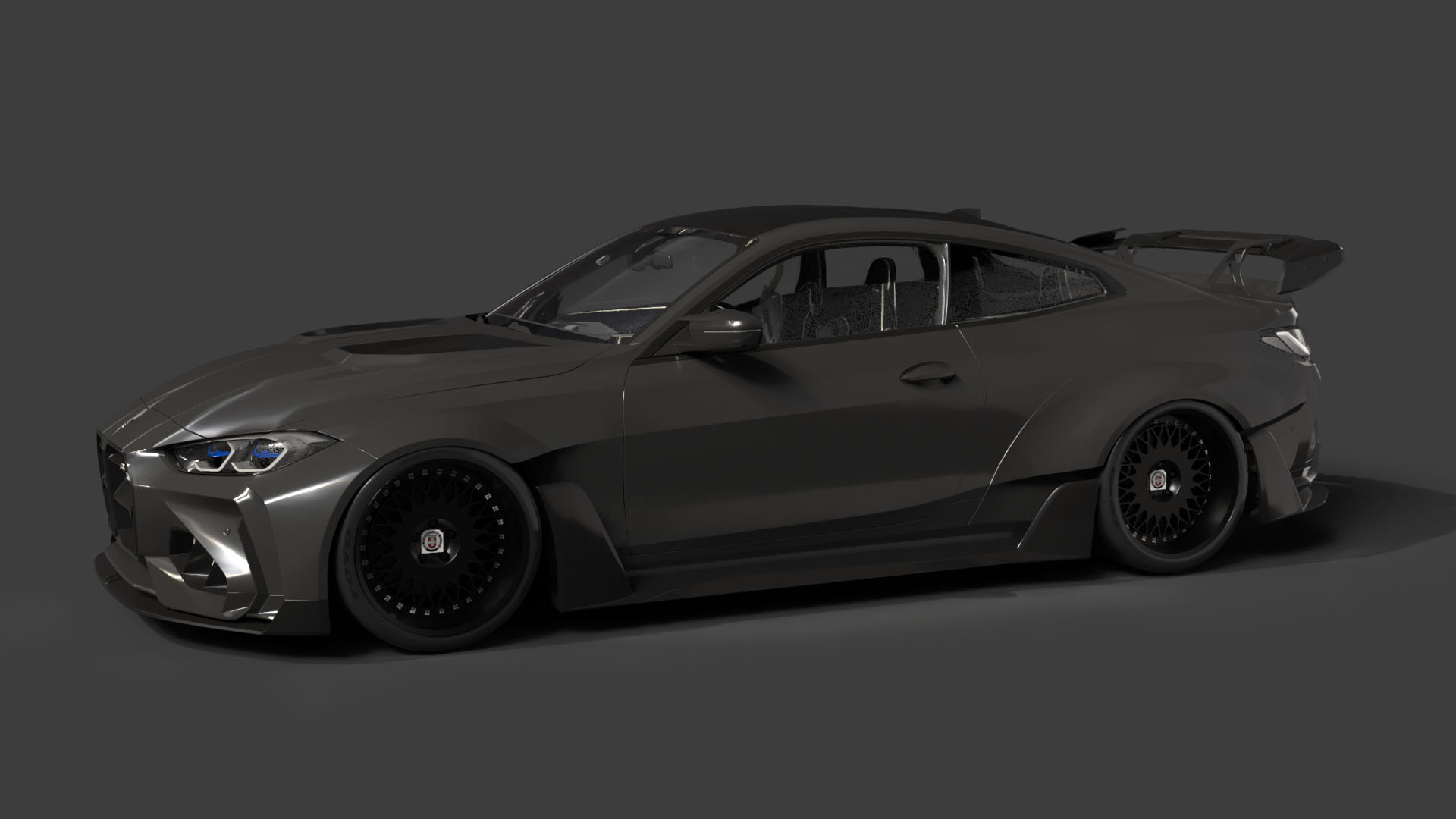
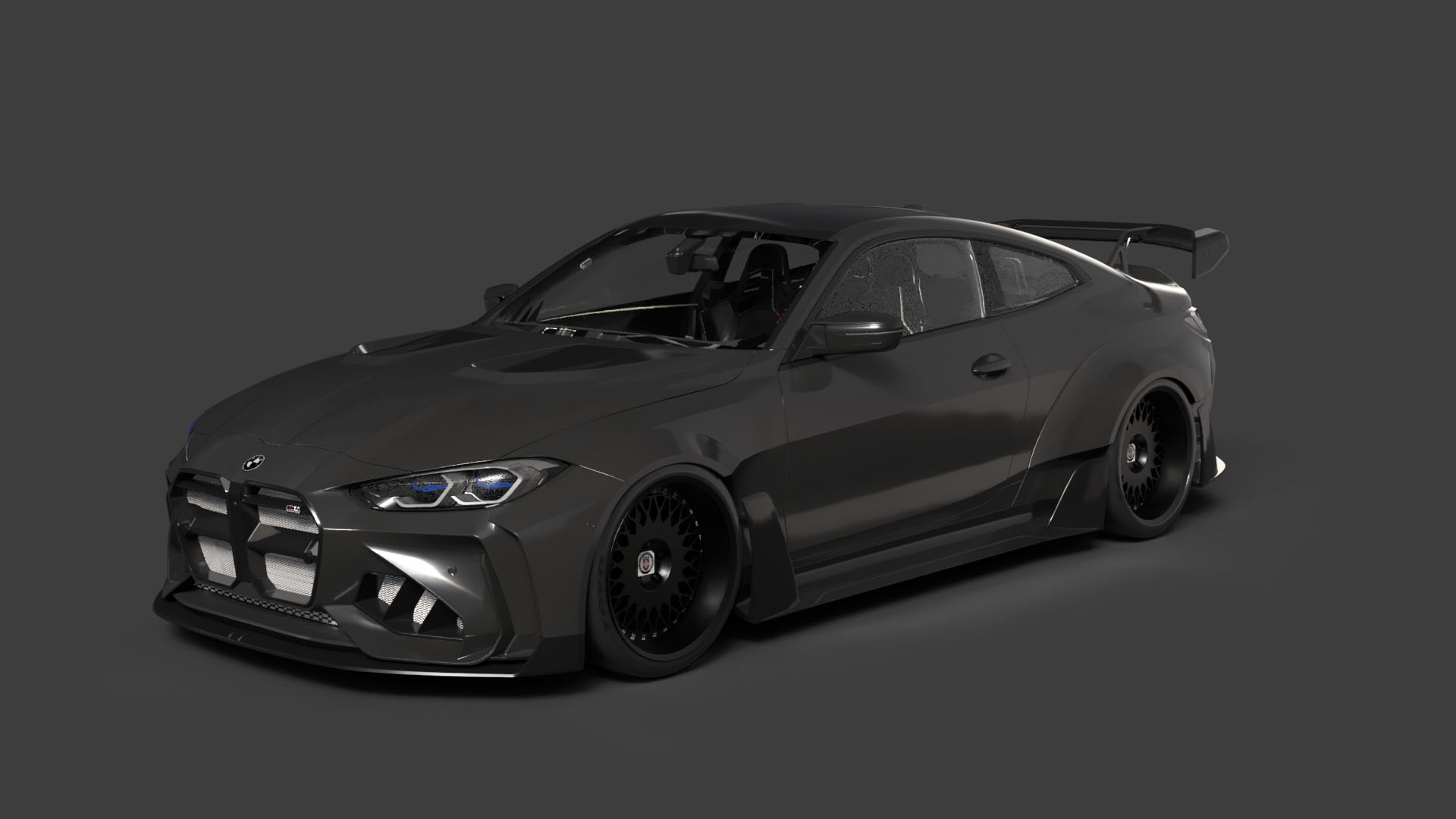
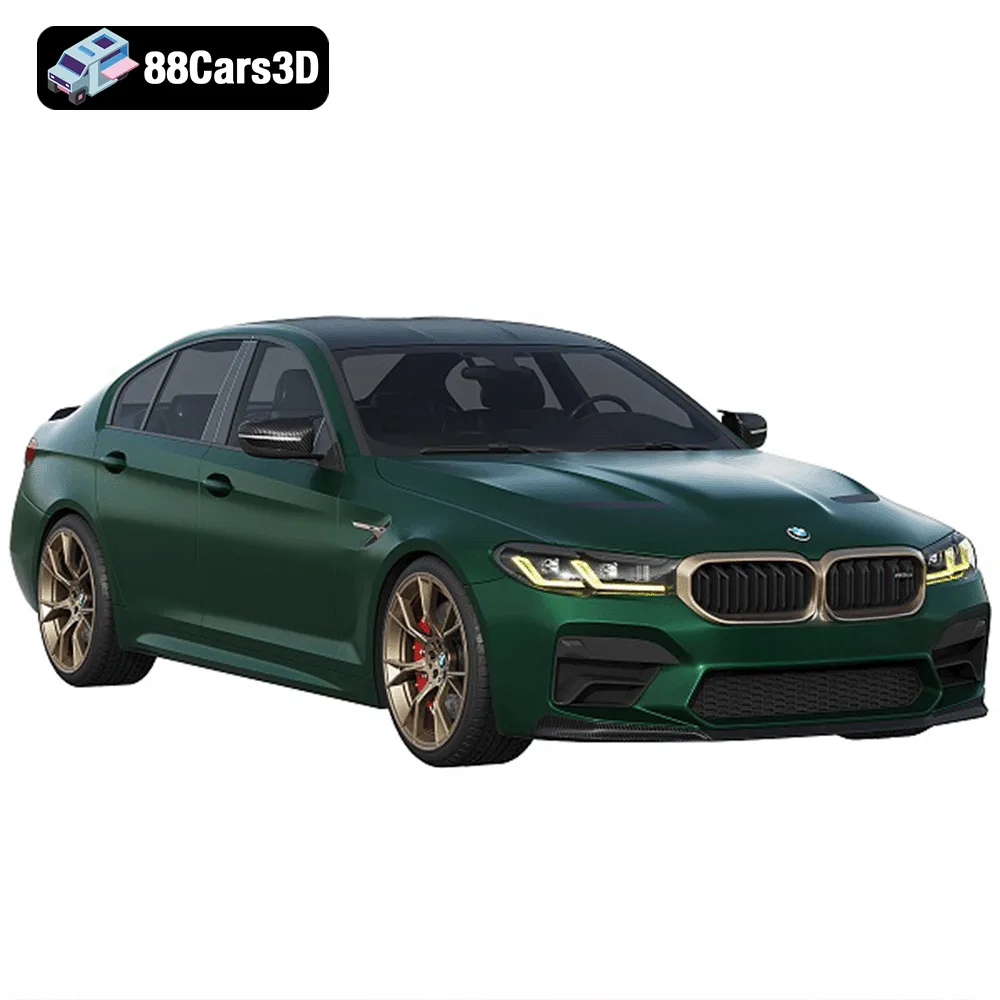
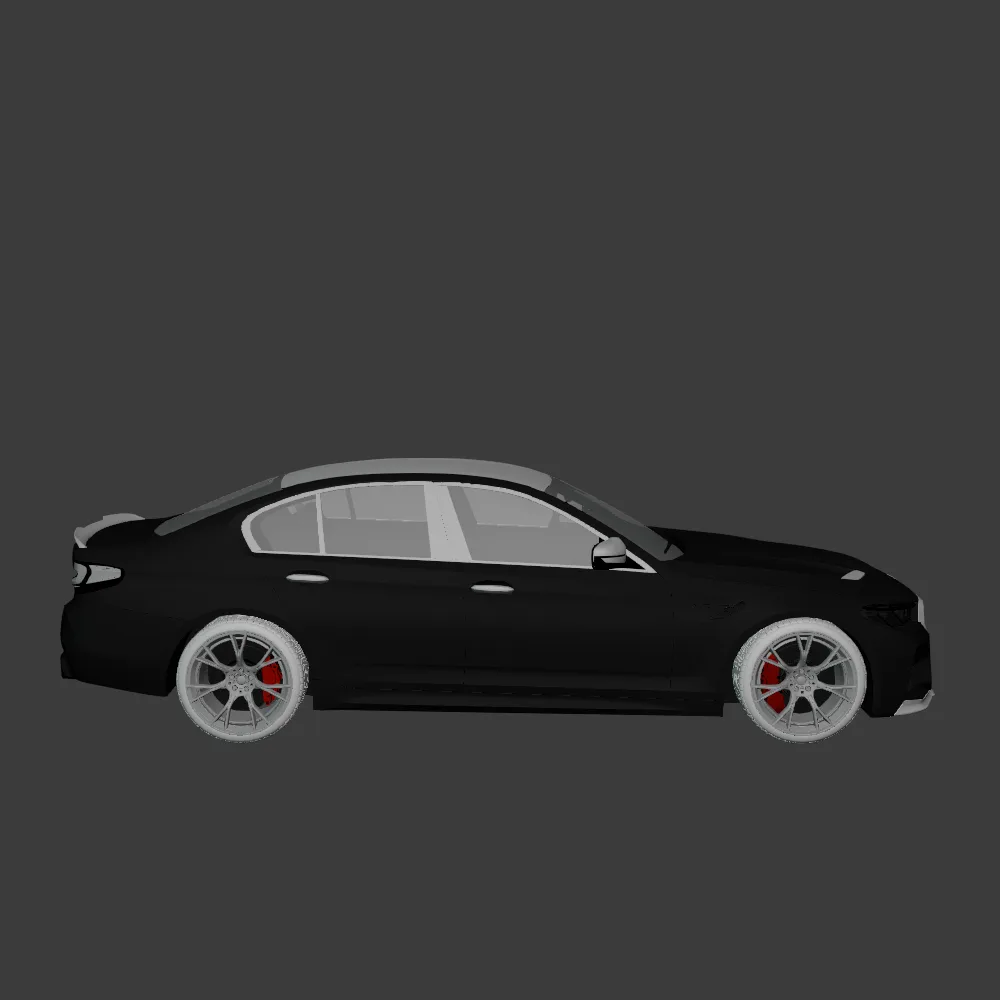
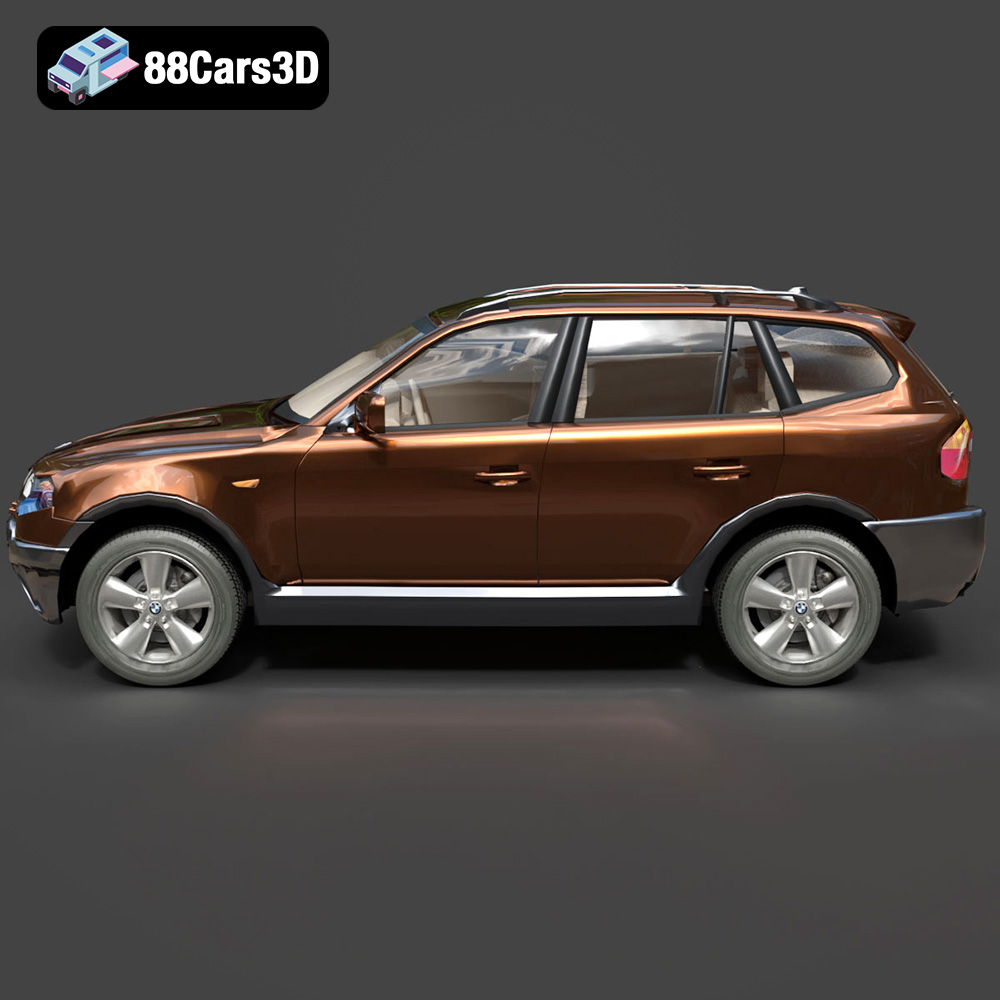
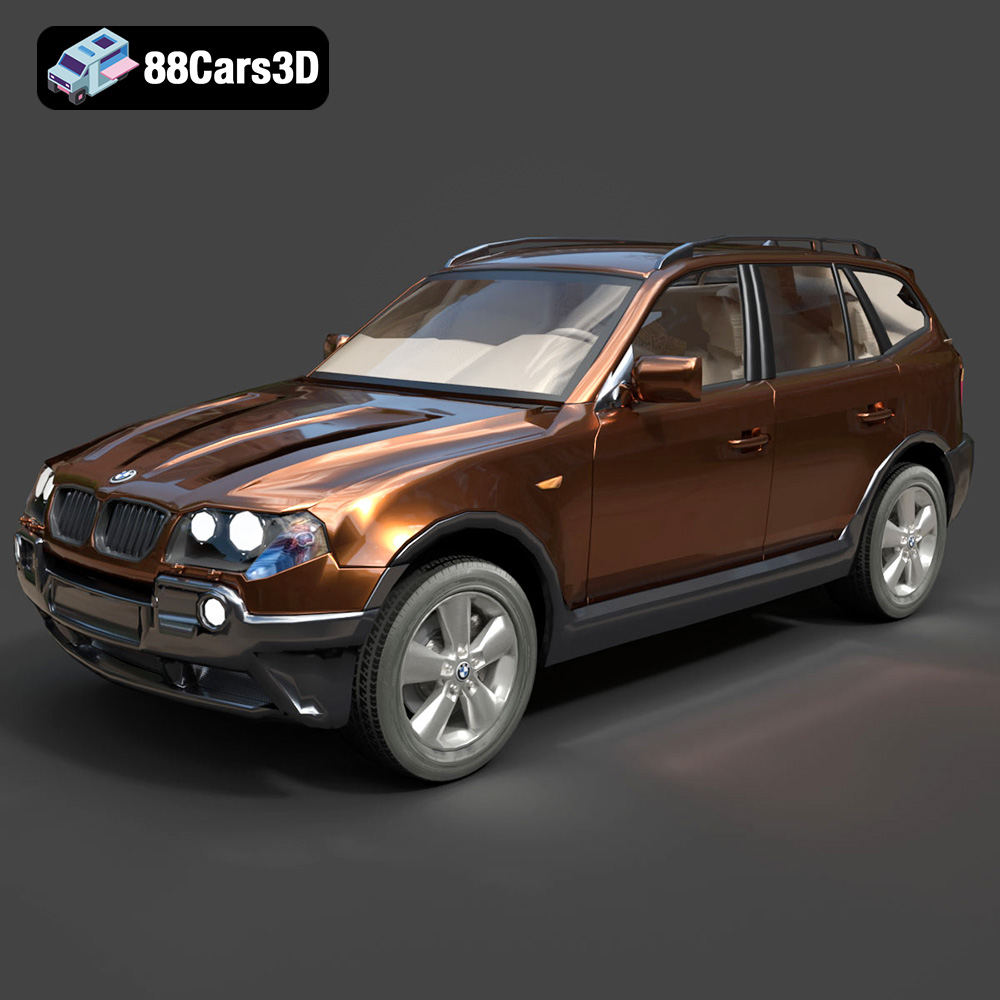
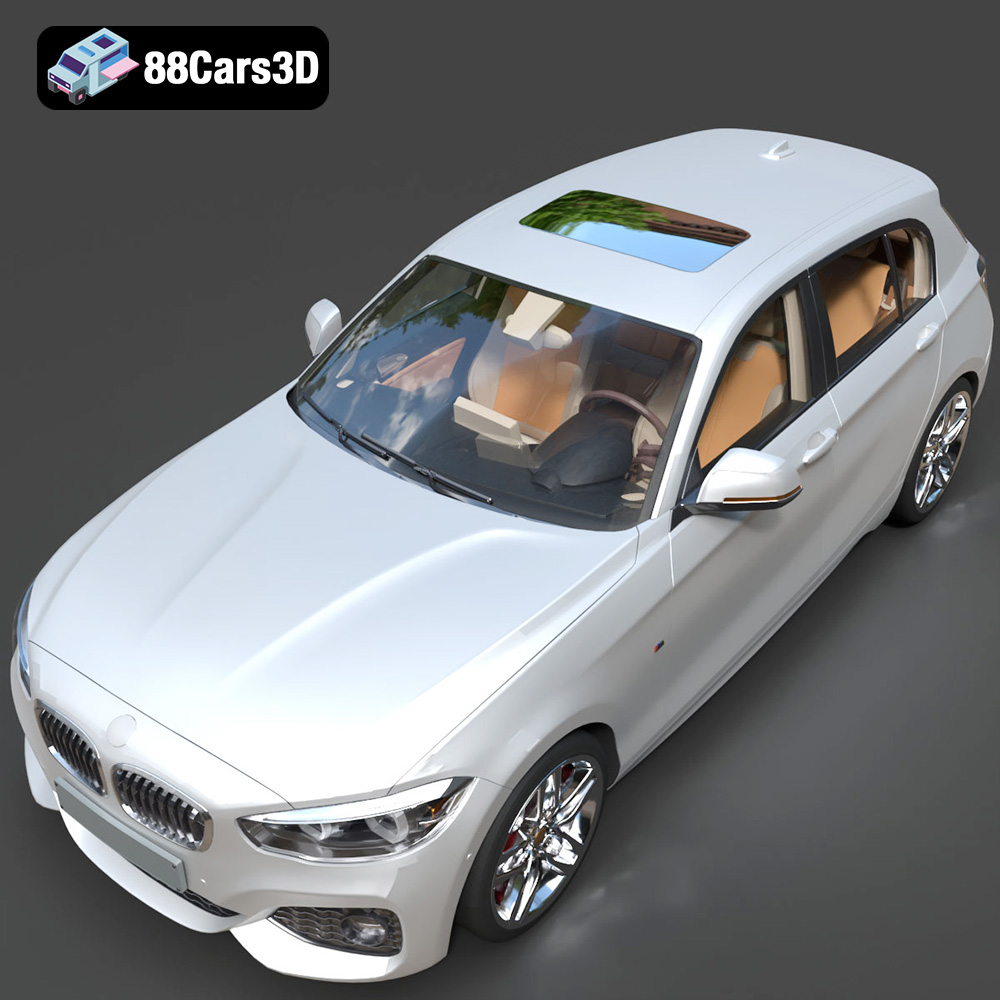
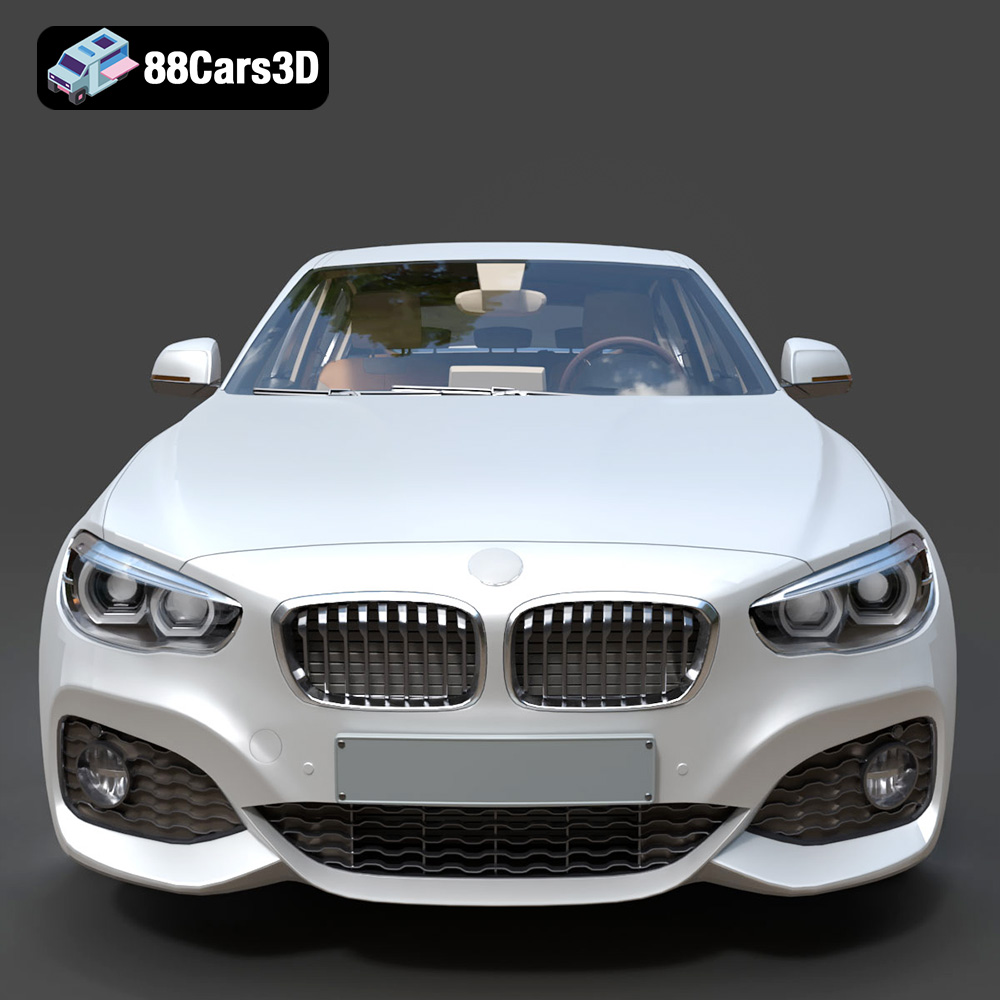
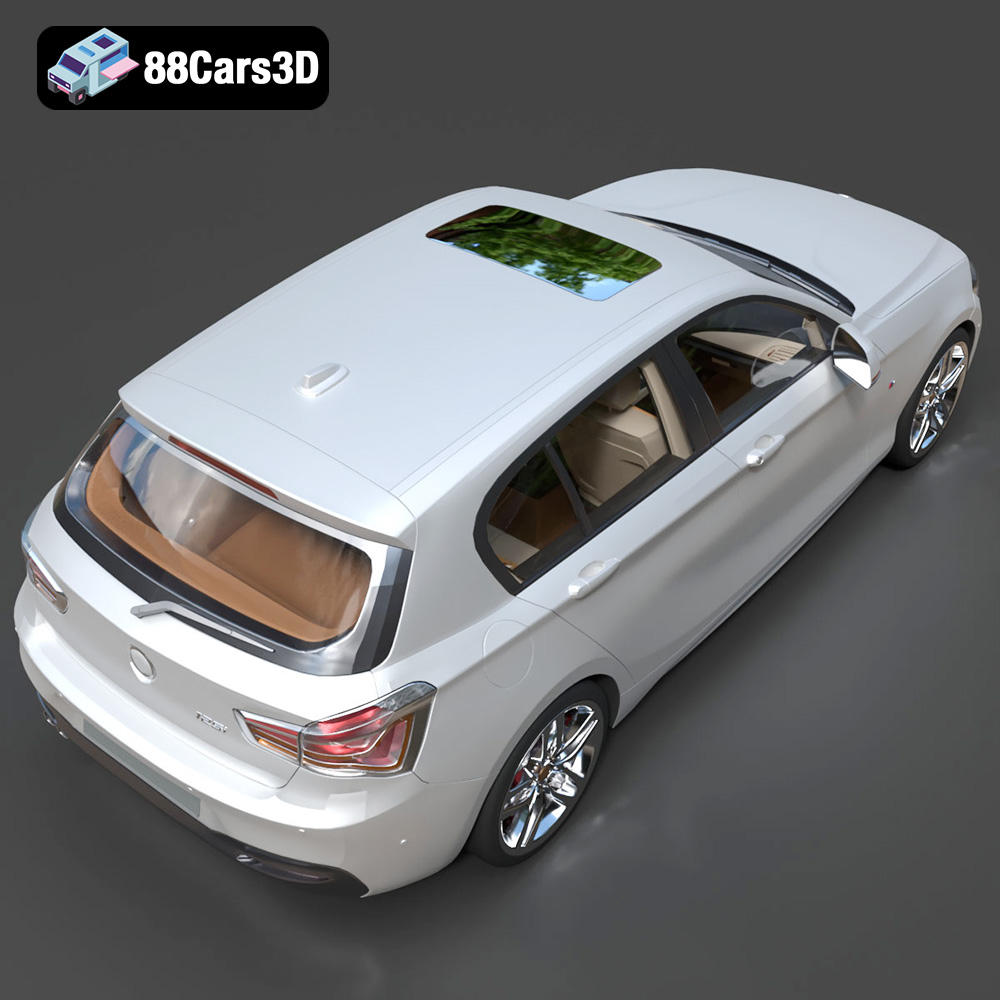
The roar of a finely tuned engine, the sleek lines of a meticulously crafted body – the German automotive industry is synonymous with luxury and performance. Now, thanks to 88cars3d.com, you can bring that prestige to your desktop with the German Luxury & Performance Bundle. This collection of meticulously modeled vehicles, featuring iconic BMW and Mercedes-Benz models, is perfect for 3D printing enthusiasts, hobbyists, and professionals alike. This comprehensive guide will delve into the intricacies of 3D printing this stunning bundle, ensuring you achieve showroom-worthy results.
Before diving into printer settings and material choices, it’s crucial to understand the different file formats included in the German Luxury & Performance Bundle and how they relate to 3D printing. While the bundle includes formats optimized for rendering and game development, the STL format is your primary ally for successful additive manufacturing.
The STL (Stereolithography) file format is the workhorse of 3D printing. It represents the surface geometry of a 3D object as a collection of triangles. This simplicity makes it universally compatible with virtually all 3D printing software and hardware. When you download the German Luxury & Performance Bundle from 88cars3d.com, you’ll receive STL files specifically optimized for 3D printing. These files have been meticulously prepared to ensure a watertight mesh, minimizing potential errors during the slicing process.
The quality of the STL file directly impacts the final print. A poorly generated STL might have gaps, holes, or self-intersecting faces, leading to print failures or a substandard surface finish. The STL files provided by 88cars3d.com are generated with a high polygon count, ensuring that the curves and details of the BMW and Mercedes-Benz models are accurately represented in the 3D printed object.
When importing an STL into your slicing software, pay attention to the import scale. The models are designed to real-world scale, but some slicers might interpret the units incorrectly. Double-check the dimensions after importing and scale accordingly to your desired print size (e.g., 1:24, 1:32, or 1:43 scale).
The OBJ (Object) file format is another common 3D model format. Unlike STL, OBJ can store color and texture information, in addition to geometry. While 3D printing with color is becoming more accessible, it’s still not as widespread as single-color printing. Therefore, OBJ files are more valuable for rendering and visualization purposes than for direct 3D printing with current commonly used consumer-grade 3D printers. For this bundle, the STL will be superior for printing quality.
PLY (Polygon File Format or Stanford Triangle Format) excels in capturing high-detail mesh data. This makes it suitable for scanning and reverse engineering applications where accuracy is paramount. While PLY supports color and texture data, its complex nature can sometimes pose challenges for slicing software, especially on less powerful computers. For printing the car bundle, focus on the STL files.
* **.blend:** This is the native file format for Blender, a popular open-source 3D modeling software. It contains the entire Blender scene, including the model, materials, textures, and lighting setup. You can use .blend files to further customize the models before exporting them as STL files for 3D printing.
* **.fbx:** This is a proprietary file format developed by Autodesk. It’s commonly used for exchanging 3D models between different software applications. The FBX files in the German Luxury & Performance Bundle might contain material information that can be useful for rendering, but it is not typically useful for 3D printing.
* **glb:** GLB is a binary file format representing 3D models, using the glTF (GL Transmission Format) standard. It is often used for transmitting 3D models via the web, or for previewing models in AR applications.
* **max:** This is the native file format for 3ds Max, another popular 3D modeling software package. Like Blender files, .max files contain the entire scene setup.
In summary, while other formats are included, prioritize the STL files for the best 3D printing experience with the German Luxury & Performance Bundle. The STL files are pre-optimized and tested for compatibility with a wide range of 3D printers and slicing software.
The slicing process is where the digital model is translated into instructions your 3D printer can understand. Selecting the right slicing software and configuring it correctly is crucial for achieving optimal results. Popular options include Cura, PrusaSlicer, Simplify3D, and others.
Begin by importing the STL file of your chosen vehicle (e.g., the BMW G82 M4 or the Mercedes-Benz E-Class AMG Line) into your slicing software. As mentioned previously, verify the scale after importing. The models are designed to be accurate representations of the real-world vehicles, so choose a scale that suits your needs and printer capabilities. Common scales for model cars are 1:24, 1:32, and 1:43.
Proper orientation is paramount for minimizing support structures and maximizing surface quality. For the car bodies, printing at an angle (approximately 45 degrees) often yields the best results, reducing the need for supports on the curved surfaces. Wheels should generally be printed separately, either upright or on their side, depending on your printer’s capabilities.
Support structures are essential for printing overhanging features like side mirrors, wheel arches, and rear spoilers. Carefully consider the placement and density of supports to ensure they provide adequate support without being excessively difficult to remove. Some slicers offer automatic support generation, but manual placement often provides more control.
The choice of material significantly impacts the final appearance and durability of your 3D printed car models. Consider the desired level of detail, surface finish, and intended use when selecting a material.
PLA (Polylactic Acid) is a biodegradable thermoplastic known for its ease of use and wide availability. It’s a great choice for beginners and for printing larger parts of the car bodies. PLA offers good detail and a smooth surface finish, but it’s less heat-resistant and more brittle than other materials. This could be a good material to use to test out the print settings.
PETG (Polyethylene Terephthalate Glycol-modified) is a stronger and more heat-resistant alternative to PLA. It’s also more flexible, making it less prone to cracking or breaking. PETG is a good choice for parts that require higher durability, such as wheels and axles.
Resin 3D printing, using technologies like SLA (Stereolithography) or DLP (Digital Light Processing), offers the highest level of detail and surface finish. Resin is ideal for printing small, intricate parts like grilles, emblems, and headlight details. However, resin prints are typically more brittle than FDM (Fused Deposition Modeling) prints and require careful post-processing. Resin printing is highly recommended for the smaller scale details of the German Luxury & Performance Bundle.
Achieving a high-quality 3D print requires carefully configuring your printer settings in the slicing software. These settings will vary depending on your printer, material, and desired level of detail.
Layer height determines the resolution of your print. Lower layer heights (e.g., 0.04-0.12 mm) produce smoother surfaces and finer details, but they also increase print time. Higher layer heights (e.g., 0.2 mm) are faster but result in a less refined surface. A layer height of 0.1mm is a good compromise.
Print speed affects both print time and quality. Slower print speeds generally result in better adhesion between layers and a more accurate representation of the model. Experiment with different speeds to find the optimal balance for your printer and material.
Infill density determines the internal structure of the print. Higher infill densities increase strength and rigidity but also increase material consumption and print time. For car models, an infill density of 15-25% is typically sufficient.
Wall thickness refers to the number of perimeters or shells that make up the outer walls of the print. Thicker walls (e.g., 1.2-2.0 mm) increase strength and improve the surface finish.
Adjust support settings to optimize for both support effectiveness and ease of removal. Consider using a lower support density for easier removal and a higher support density for areas that require more support.
Post-processing is the final stage in the 3D printing process, where you refine the printed parts to achieve the desired appearance and functionality.
Carefully remove support structures using tools like pliers or a hobby knife. Be gentle to avoid damaging the printed parts. After removing supports, sand the surfaces to smooth out any imperfections and remove any remaining support marks. Start with coarse sandpaper and gradually move to finer grits for a smooth finish.
Apply a primer to the sanded parts to create a smooth and uniform surface for painting. Choose a primer that is compatible with your chosen paint. After the primer has dried, apply several thin coats of paint, allowing each coat to dry completely before applying the next. Consider using automotive-grade paints for a durable and realistic finish, like modern Volvo factory colors (e.g., Sage Green, Glacier Silver, or Crystal White) paired with a gloss black roof.
If the model consists of multiple parts (e.g., body, wheels, axles), carefully assemble them using glue or other appropriate adhesives. Ensure that the parts are aligned correctly for a professional-looking finish. Remember that the German Luxury & Performance Bundle separates components such as wheels, steering, and doors for easy rigging and animation, allowing for greater customization in your final display.
Even with careful preparation, 3D printing can sometimes present challenges. Here are some common issues and their solutions:
* **Warping:** Warping occurs when the corners of the print lift off the build plate due to uneven cooling. To prevent warping, ensure that the build plate is properly leveled and heated. Using a brim or raft can also help.
* **Stringing:** Stringing occurs when thin strands of filament are left between different parts of the print. To reduce stringing, decrease the printing temperature, increase retraction distance, and increase travel speed.
* **Layer Separation:** Layer separation occurs when the layers of the print do not adhere properly to each other. To prevent layer separation, increase the printing temperature, decrease the print speed, and ensure that the build plate is properly leveled.
* **Elephant’s Foot:** The “elephant’s foot” effect describes the bottom layers of a print flaring outwards. Decrease initial layer temperature and flow to combat this issue.
The print time and material costs for the German Luxury & Performance Bundle will vary depending on the chosen scale, material, printer settings, and the specific model being printed. However, as a general estimate:
* A 1:24 scale car body printed in PLA with a 0.1 mm layer height could take between 12-24 hours and use approximately 100-200 grams of filament.
* A set of four wheels printed in PETG could take between 4-8 hours and use approximately 50-100 grams of filament.
* Smaller details printed in resin could take between 2-4 hours.
Therefore, the total material cost for printing a single car model from the bundle could range from $10 to $30, depending on the material prices and your print settings.
3D printing the German Luxury & Performance Bundle offers a rewarding and challenging experience for 3D printing enthusiasts. By carefully selecting materials, fine-tuning printer settings, and mastering post-processing techniques, you can create stunningly detailed and realistic replicas of iconic BMW and Mercedes-Benz vehicles. Remember to consult resources like 88cars3d.com for high-quality STL files and inspiration. Happy printing!
The German Luxury & Performance Bundle is a masterfully curated collection of Germany’s most iconic and sought-after vehicles. This bundle brings together the perfect synergy of aggressive sport aesthetics, executive elegance, and everyday versatility. Featuring a selection of industry-leading models from BMW and Mercedes-Benz, this collection is designed specifically for artists who refuse to compromise between high-fidelity detail and engine performance.
$119
.bmw
.bodykit
.e-class
.mercedes
3d-car-bundle
archviz-cars
automotive-design
corona-renderer
game-ready-cars
german-cars
luxury-sedan
m4-g82
m5-cs
SUV
vray-ready