Get 50% OFF All Premium 3D & STL Models!

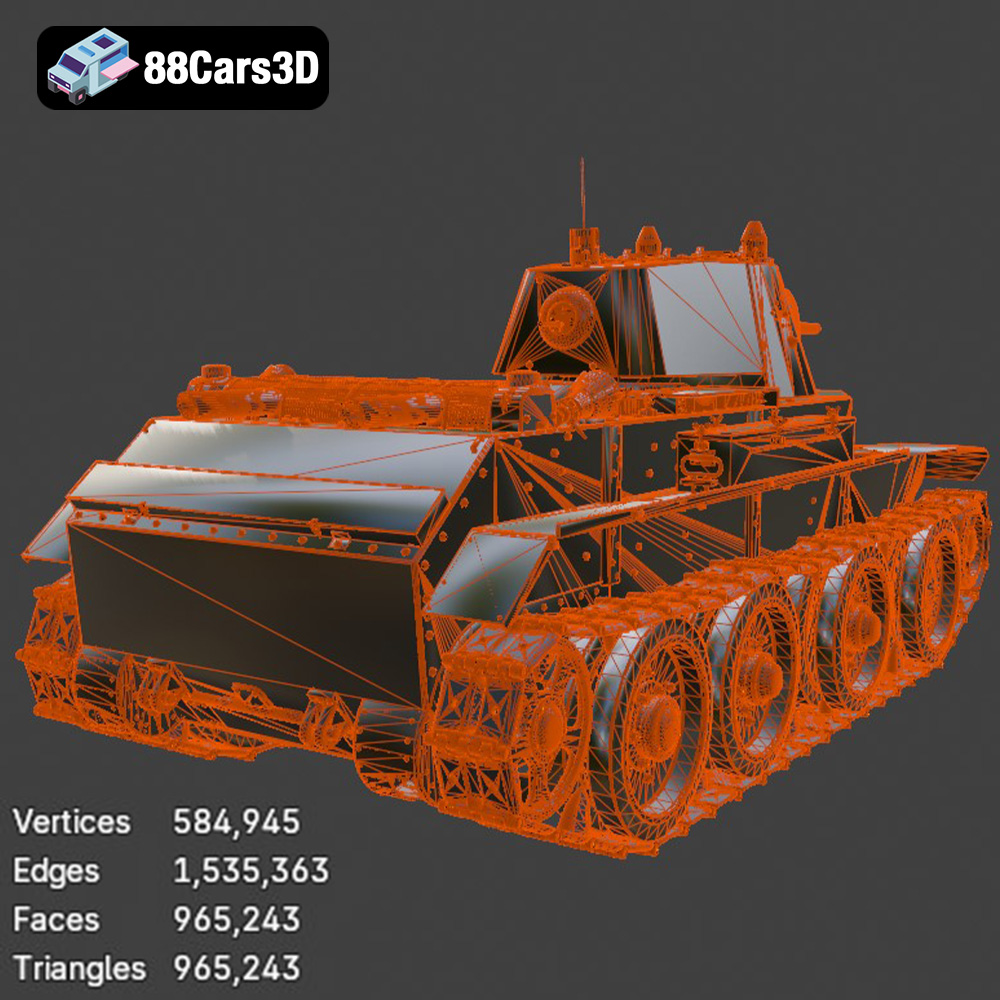
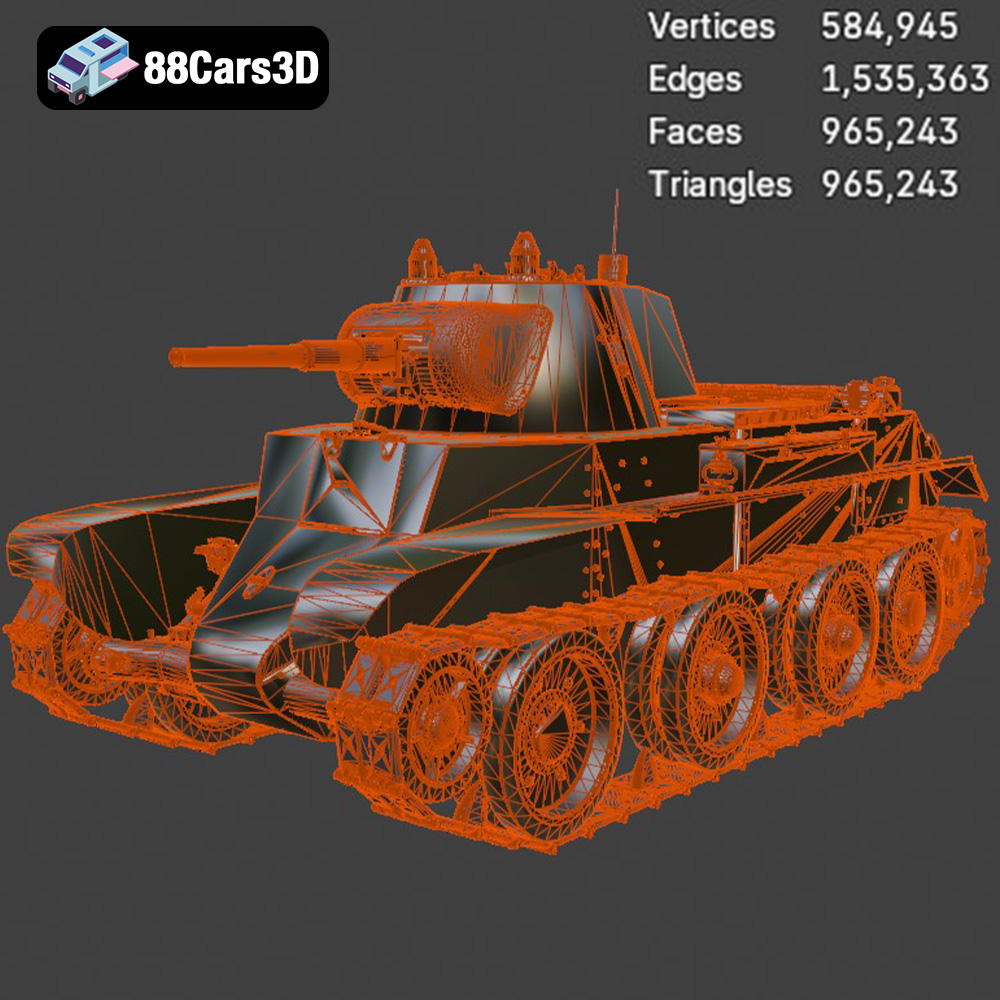
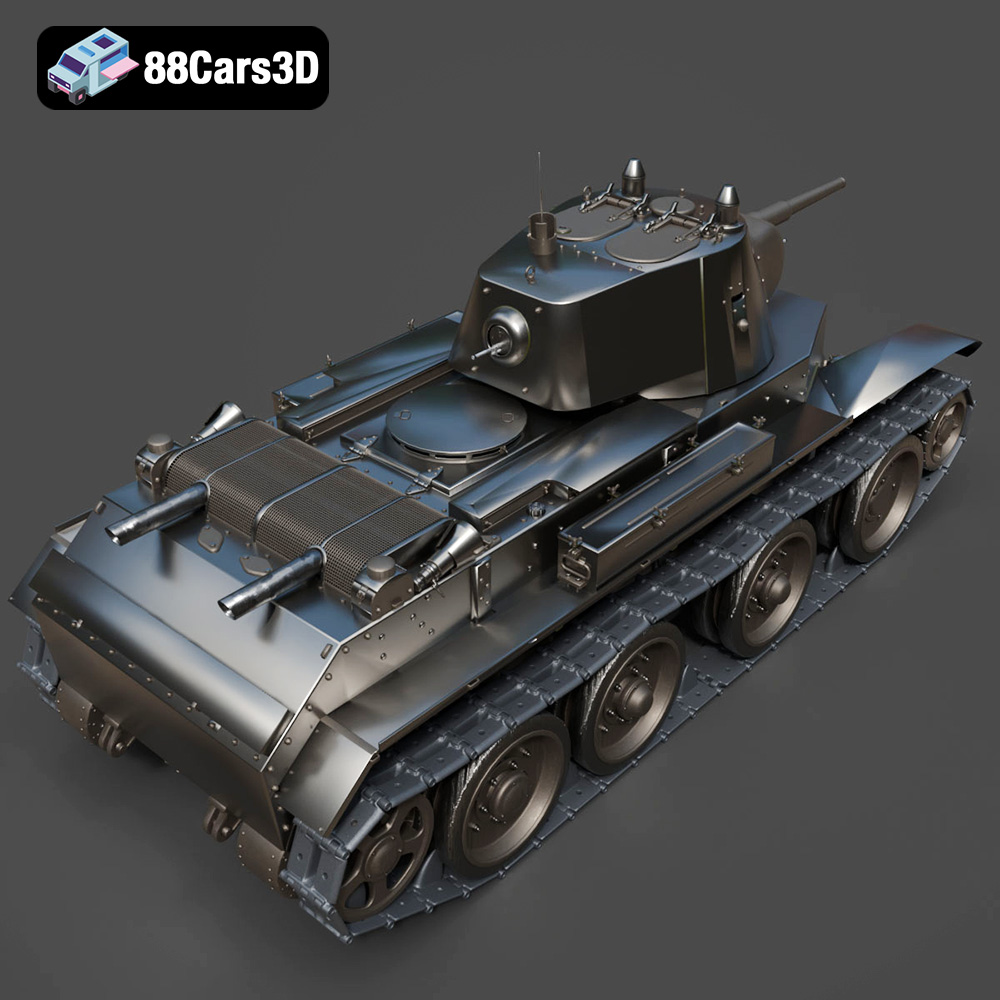
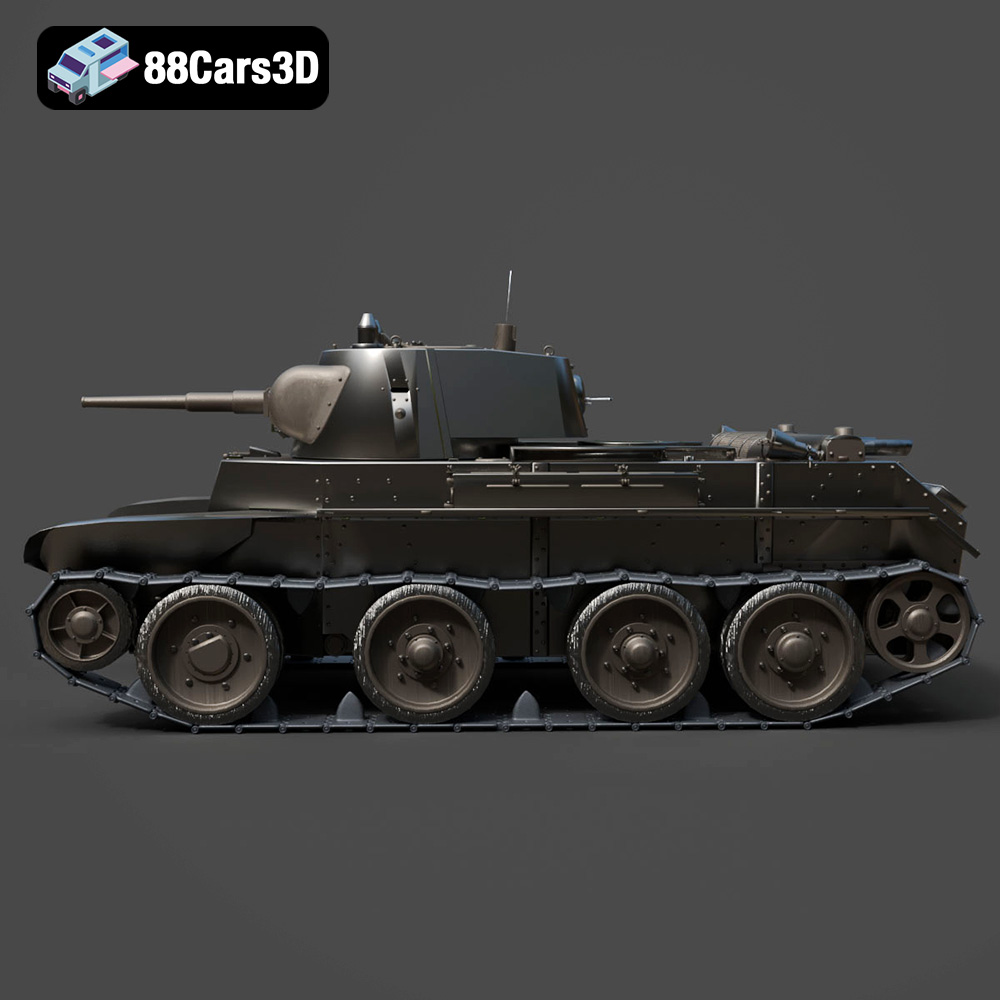
The Heavy Armored Tank 3D Model from 88cars3d.com is a fantastic project for any 3D printing enthusiast interested in military vehicles, scale modeling, or wargaming. This highly detailed model, boasting nearly a million triangles, offers a great balance between visual fidelity and printability. Whether you’re aiming for a display piece, a game asset, or a component for a diorama, this guide will walk you through the process of successfully 3D printing this impressive tank.
The Heavy Armored Tank 3D Model, with its intricate details, can be printed on both FDM (Fused Deposition Modeling) and resin printers. However, the optimal choice depends on the level of detail you want to achieve and the scale of your print.
* **Pros:** FDM printers are generally more affordable and offer a wider range of materials. They are well-suited for larger prints and can handle the overall size of the tank hull effectively.
* **Cons:** FDM printers may struggle with the fine details of the tracks, machine gun mounts, and other small features. Layer lines will also be more visible, requiring more post-processing.
* **Recommendation:** If you’re using an FDM printer, consider printing at a larger scale (1:35 or larger) to better capture the details. A smaller nozzle (0.4mm or smaller) and lower layer height will also improve the results.
* **Pros:** Resin printers excel at producing highly detailed prints with smooth surfaces. They are ideal for capturing the intricate track links, fine weapon details, and overall realism of the Heavy Armored Tank.
* **Cons:** Resin printers typically have a smaller build volume, which may require printing the tank in multiple parts. Resin can also be more expensive than FDM filament, and the printing process requires more post-processing steps like washing and curing.
* **Recommendation:** Resin printing is highly recommended for this model, especially if you’re aiming for a smaller scale (1:72 or smaller) or prioritizing detail.
Before you can start printing the Heavy Armored Tank 3D Model, it’s crucial to understand the various file formats provided and how they impact the 3D printing process. 88cars3d.com provides a comprehensive set of file formats for this model, catering to different applications. Let’s break down the key formats:
The STL (Stereolithography) format is the workhorse of 3D printing. It represents the 3D model’s surface geometry as a collection of triangles. This simplicity makes it universally compatible with virtually all 3D printing slicing software. The STL file included with the Heavy Armored Tank 3D Model is likely the format you’ll use for 3D printing. When working with STL files, pay attention to the mesh quality. A higher triangle count results in a smoother surface but also a larger file size and potentially longer slicing times. The Heavy Armored Tank is provided with a balanced topology which helps mitigates some of the issues around high triangle count files.
OBJ files are more versatile than STL, as they can store color and texture information along with the geometry. While most 3D printers primarily handle single-color prints, OBJ files become relevant if you have a multi-material or full-color 3D printer. If you intend to apply textures or different materials to various parts of the Heavy Armored Tank model, the OBJ format can be a good starting point for editing and preparing the model before converting it to a printable format.
PLY (Polygon File Format) is designed for storing 3D data acquired from 3D scanners. It can handle more complex mesh data than STL and often contains color information. It’s unlikely you’ll use this format directly for printing this model, but it might be useful for importing the model into software for advanced editing or analysis.
The .blend file is the native format for Blender, a free and powerful 3D modeling software. Having access to the .blend file allows you to make extensive modifications to the Heavy Armored Tank model before printing. You can adjust the geometry, add details, split the model into separate parts for easier printing, or optimize it further for your specific printer. If you are familiar with Blender, this is an extremely valuable asset.
FBX (Filmbox) is a popular format for exchanging 3D data between different software packages. It supports geometry, materials, textures, and animations. While not directly used for printing, you might use the FBX file to import the Heavy Armored Tank model into certain slicing software that supports material assignments, allowing you to simulate different materials or colors in the preview.
GLB is a binary file format that is commonly used for transmitting 3D models, especially in web-based applications. It’s efficient and can store textures and animations. This format is mostly for augmented reality (AR) previews to see how the tank would look in a real-world environment before committing to 3D printing.
The .max file is the native format for 3ds Max, a professional 3D modeling and animation software. Similar to the .blend file, having the .max file allows you to extensively customize the Heavy Armored Tank model if you are a 3ds Max user.
For 3D printing, the **STL file** is generally the most suitable. It’s universally compatible and provides the necessary geometric data for slicing. However, if you want to customize the model before printing, using the .blend or .max files in their respective software is recommended, followed by exporting to STL for printing. Always ensure that the mesh quality of your STL file is appropriate for your desired level of detail and printer capabilities. Most slicers can repair minor mesh issues, but for significant problems, editing in Blender or 3ds Max might be necessary.
Before sending the Heavy Armored Tank model to your printer, you need to prepare it using slicing software. This involves setting parameters like layer height, infill density, support structures, and print orientation.
Popular slicing software options include:
* **Cura:** A free and user-friendly option with a wide range of settings.
* **PrusaSlicer:** Another excellent free option known for its advanced features and print quality.
* **Simplify3D:** A paid software with a streamlined interface and advanced customization options.
* **Chitubox/Lychee Slicer:** Specialized slicers for resin printers, offering features like hollowing and support generation optimized for resin printing.
* **Hull:** Printing the hull flat on the print bed is generally recommended for structural integrity. This minimizes the need for supports on the largest surface and provides a stable base.
* **Turret and Barrel:** These parts will likely require supports due to their overhanging features. Consider printing the turret separately from the barrel to optimize support placement. Orient the barrel vertically to minimize the support needed for the gun.
* **Tracks:** The tracks can be challenging to print due to their intricate details. If possible, try printing the tracks in sections to minimize the need for supports within the links.
* **Layer Height:**
* FDM: 0.1mm – 0.2mm for a good balance between detail and print time.
* Resin: 0.025mm – 0.05mm for high detail.
* **Infill Density:** 15-25% infill should be sufficient for most parts. You can increase the infill density for parts that require more strength, such as the hull.
* **Wall Thickness:** 1.2mm – 2.0mm for adequate strength and detail.
* **Support Settings:** Use tree supports or light linear supports to minimize material usage and improve surface finish. Ensure that supports are easily removable without damaging the model.
The choice of material will affect the final appearance, strength, and durability of your 3D printed Heavy Armored Tank model.
* **Pros:** PLA is an easy-to-print, biodegradable material that is suitable for beginners. It offers good detail and is available in a wide range of colors.
* **Cons:** PLA is not very heat-resistant and can become brittle over time. It is also not ideal for parts that will be subjected to stress or impact.
* **Recommendation:** PLA is a good option for a display model that will not be handled frequently.
* **Pros:** PETG is stronger and more heat-resistant than PLA. It is also more flexible, making it less prone to cracking.
* **Cons:** PETG can be more difficult to print than PLA, requiring higher temperatures and careful adjustment of print settings. It may also exhibit stringing.
* **Recommendation:** PETG is a good option for parts that require more durability or heat resistance.
* **Pros:** Resin offers the highest level of detail and smooth surfaces. It is ideal for capturing the intricate features of the Heavy Armored Tank.
* **Cons:** Resin is more expensive than FDM filaments and requires post-processing steps like washing and curing. It can also be brittle and prone to cracking if not handled carefully.
* **Recommendation:** Resin is the best option for achieving the highest level of detail and realism, especially for smaller-scale models.
After printing the individual parts of the Heavy Armored Tank, you’ll need to perform post-processing steps to prepare them for assembly and painting.
Carefully remove the support structures using pliers or a hobby knife. Take your time to avoid damaging the model. For resin prints, soak the parts in warm water to soften the supports before removal.
Sand the surfaces of the parts to remove any imperfections and layer lines. Start with a coarse grit sandpaper (e.g., 220 grit) and gradually move to finer grits (e.g., 400 grit, 600 grit, 800 grit) to achieve a smooth finish. Wet sanding can help to reduce dust and improve the surface finish.
Assemble the individual parts of the Heavy Armored Tank using glue or epoxy. Ensure that the parts are properly aligned before the glue sets. You may need to use clamps or tape to hold the parts together while the glue dries.
Apply a primer coat to the model to provide a smooth surface for painting and improve adhesion. Use spray paints or airbrush paints to apply the desired camouflage or color scheme. Consider using stencils or masking tape to create intricate patterns.
Add weathering effects to the model to enhance its realism. Use washes, dry brushing, and pigments to simulate dirt, rust, and battle damage. Reference real-world images of tanks to guide your weathering techniques.
* **Warping:** Warping can occur with FDM prints, especially on large, flat surfaces. To prevent warping, use a heated bed, apply an adhesive to the print bed, and ensure that the first layer is properly calibrated.
* **Stringing:** Stringing can occur with PETG and other filaments that tend to ooze. To prevent stringing, adjust the retraction settings in your slicing software and ensure that the filament is dry.
* **Layer Separation:** Layer separation can occur if the print temperature is too low or if there is insufficient bed adhesion. Increase the print temperature and ensure that the first layer is properly calibrated.
* **Support Failure:** Support failure can occur if the supports are not strong enough or if they are not properly anchored to the print bed. Increase the support density and ensure that the supports are properly attached to the model.
* **Resin Print Failures:** Common resin printing issues include parts not sticking to the build plate, incomplete layers, or warping. Ensure the build plate is properly leveled, increase exposure times, and use appropriate support structures.
The print time and material cost for the Heavy Armored Tank 3D Model will depend on several factors, including the size of the model, the layer height, the infill density, and the material used.
* **Print Time:** A typical print of the Heavy Armored Tank at 1:35 scale can take anywhere from 20 to 50 hours on an FDM printer and 10 to 30 hours on a resin printer.
* **Material Cost:** The material cost can range from $10 to $30 for an FDM print and $20 to $50 for a resin print, depending on the type of material and the size of the model.
3D printing the Heavy Armored Tank 3D Model from 88cars3d.com is a rewarding project that can result in a stunningly detailed replica. By carefully selecting your printing technology, preparing the model using slicing software, choosing the appropriate materials, and applying post-processing techniques, you can create a museum-quality model that you’ll be proud to display. Remember to troubleshoot any common printing issues that may arise, and don’t be afraid to experiment with different settings and techniques to achieve the best possible results. The detailed design available through 88cars3d.com offers a great foundation for an impressive 3D printing project.
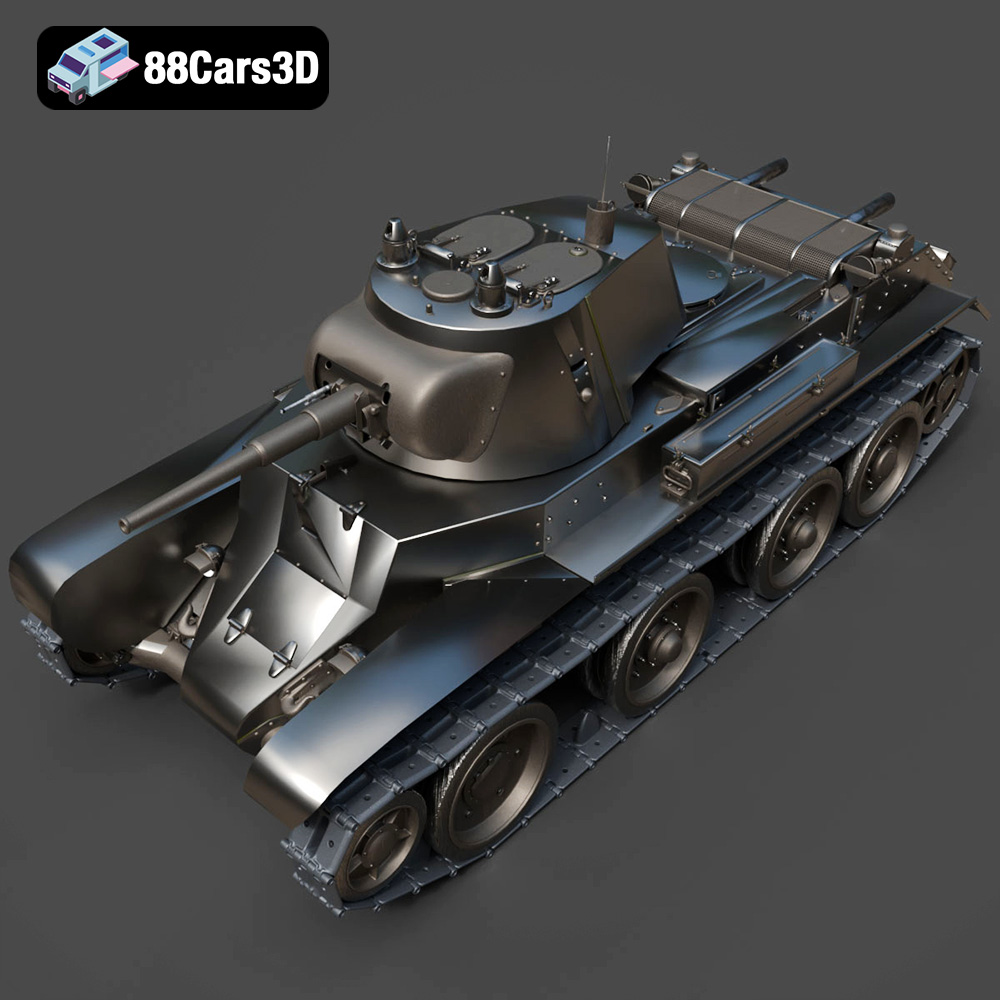
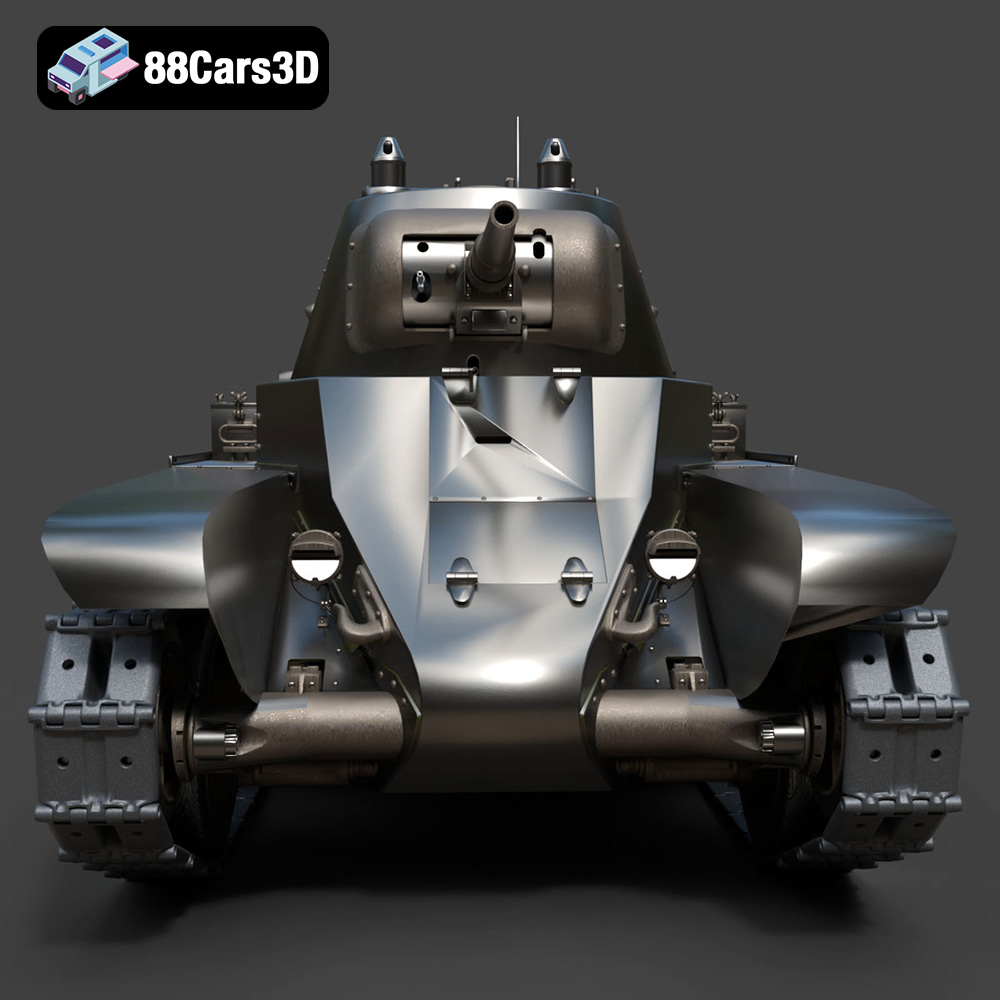
The Heavy Armored Tank 3D Model is a high-detail digital recreation of a formidable tracked combat vehicle. Designed to represent the raw power and tactical dominance of armored warfare, this model features heavy plating, a commanding main gun barrel, a fully articulated turret, and intricate continuous track (caterpillar) systems.
$9.99
.blend
.fbx
.mbt
.military
.obj
.rendering
.stl
.tank
3d printing
armored-vehicle
combat
game asset
main-battle-tank
mid-poly
military-3d-model
tracks
turret
war