Get 50% OFF All Premium 3D & STL Models!

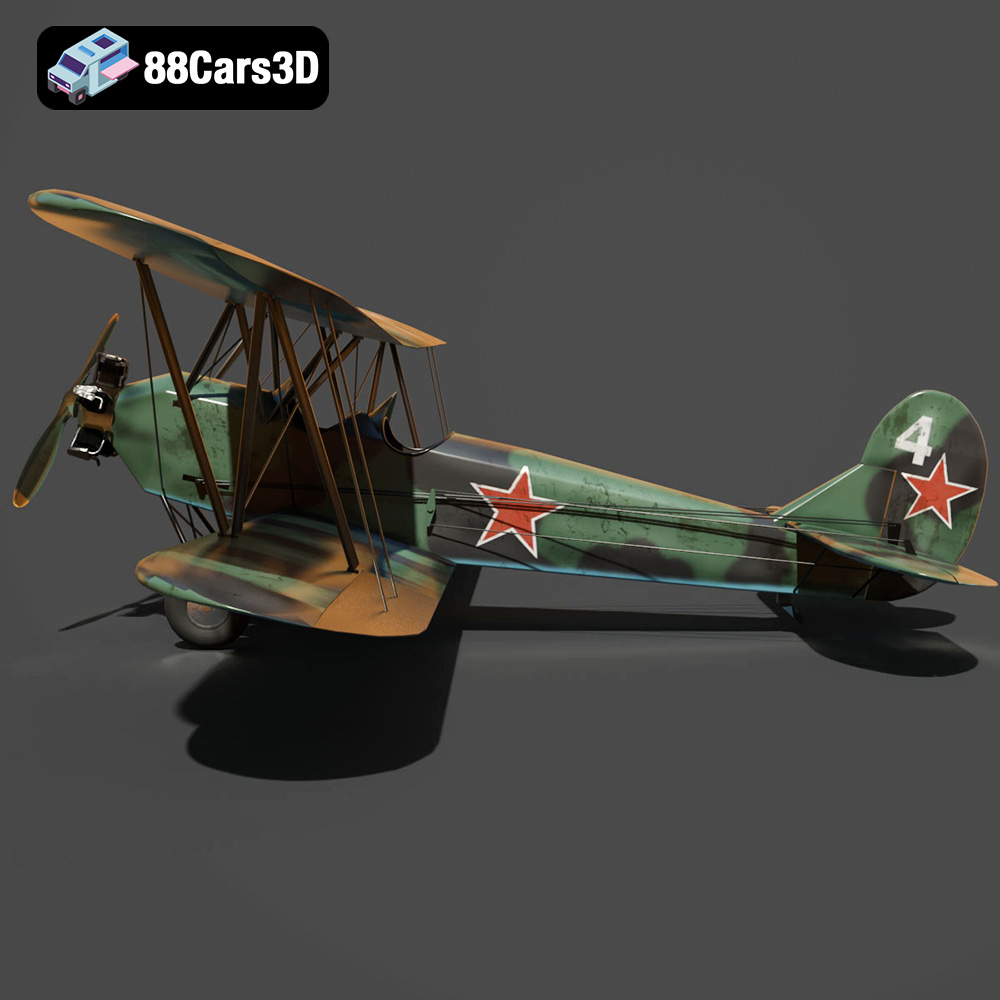
The Polikarpov Po-2, a ubiquitous biplane of the mid-20th century, holds a significant place in aviation history. Its simple design and versatility made it a workhorse for the Soviet Union and other nations. Now, thanks to the power of 3D printing, you can bring this iconic aircraft to life in miniature form. This comprehensive guide will walk you through the process of 3D printing the Polikarpov Po-2 3D model, covering everything from choosing the right materials and settings to post-processing and finishing techniques. Whether you’re a seasoned 3D printing enthusiast or a newcomer to the hobby, this guide will provide the knowledge and insights needed to create a stunning replica of this historic aircraft. With a high-quality 3D model like the one available on 88cars3d.com, the journey from digital file to physical object is within your grasp.
Choosing the right file format is a crucial first step in the 3D printing process. While numerous formats exist, not all are equally suited for additive manufacturing. Understanding the nuances of each format will help you ensure a smooth and successful printing experience. Here’s a breakdown of the most common file formats you might encounter:
The .STL (Stereolithography) file format is the undisputed king of 3D printing. It represents a 3D object’s surface geometry as a collection of triangles. Its simplicity and widespread adoption make it compatible with virtually every slicing software and 3D printer on the market. The Polikarpov Po-2 3D model available at 88cars3d.com includes the STL format, ensuring hassle-free printing.
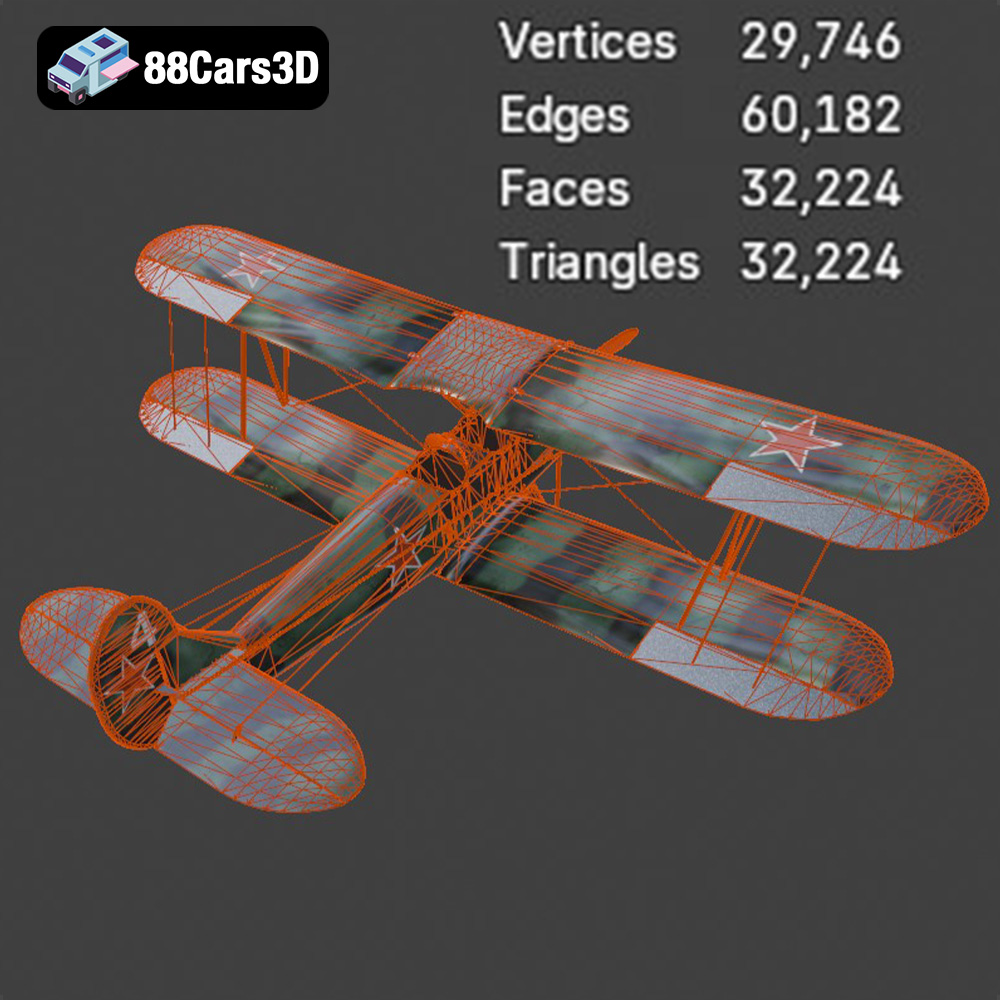
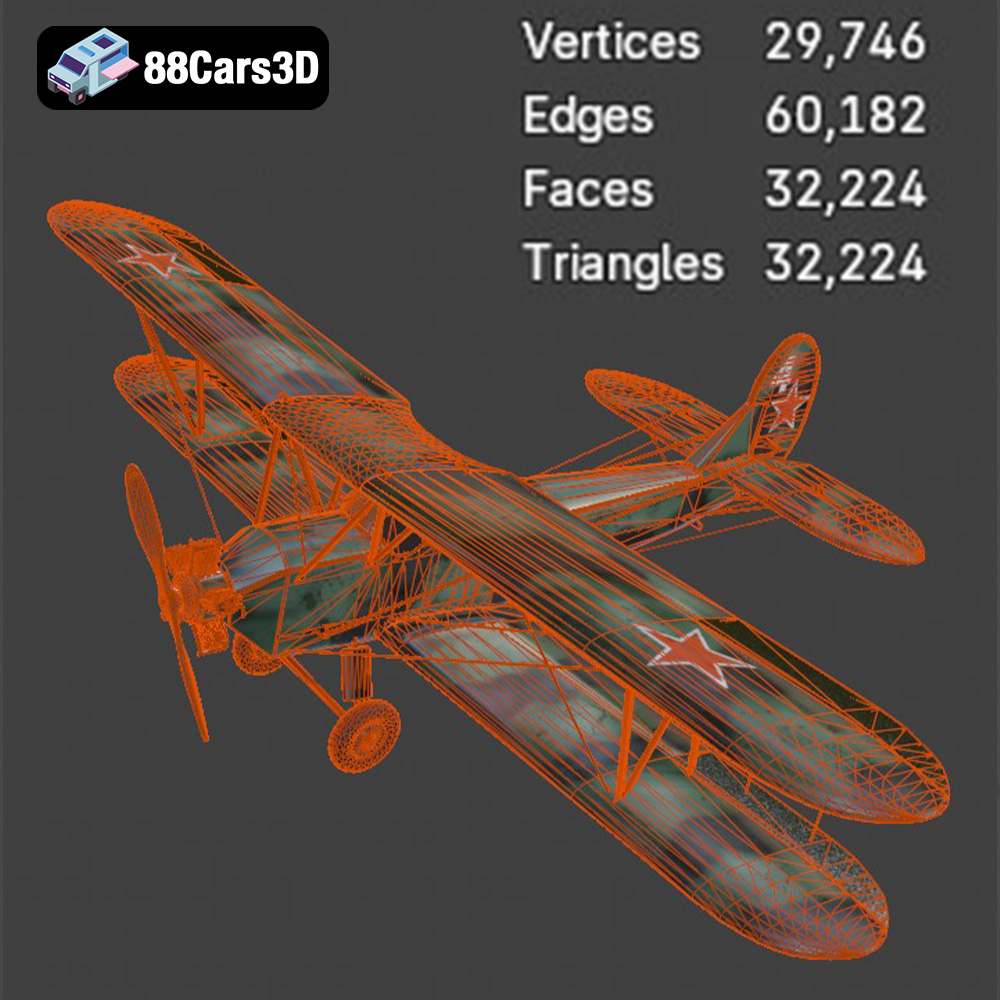
When working with STL files, it’s important to consider the mesh quality. A low-resolution STL will result in a faceted, blocky print, while a high-resolution STL will capture finer details but require more processing power and potentially lead to larger file sizes. Striking a balance is key. For the Po-2 model, a medium to high resolution STL is recommended to preserve the aircraft’s intricate details, such as the wing struts and fabric-covered surfaces. Slicing software will often have settings to adjust the mesh quality during import if needed. STL is the most compatible format for all 3D printing activities.
The .OBJ (Object) format is another popular option, particularly when color and texture information are important. Unlike STL, OBJ can store vertex colors and texture coordinates, allowing for multi-colored 3D prints or the application of textures in rendering software. However, not all 3D printers support color printing, and OBJ files can be significantly larger than STL files. If you plan to paint your 3D printed Po-2 model, the STL format is generally sufficient.
The .PLY (Polygon File Format) is designed to store 3D data acquired from 3D scanners. It supports a wide range of data types, including color, normals, and texture coordinates, making it suitable for high-detail prints. However, PLY files are not as universally supported as STL or OBJ.
Formats like .BLEND (Blender), .FBX (Filmbox), .GLB (GL Transmission Format), and .MAX (3ds Max) are primarily used for 3D modeling, animation, and rendering. While you typically won’t directly 3D print these formats, they are valuable for customizing the model before exporting it as an STL. For instance, you might use Blender to add custom details or modify the Po-2’s livery before generating the final STL file for printing. GLB is useful for previewing the model in augmented reality (AR) applications, allowing you to visualize the finished product in your physical space before committing to the print.
Ultimately, the .STL format remains the most reliable and widely supported choice for 3D printing. It offers a good balance between detail, file size, and compatibility, making it the ideal format for bringing the Polikarpov Po-2 model to life.
Once you have your .STL file, the next step is to prepare it for printing using slicing software. This software converts the 3D model into a series of instructions (G-code) that your 3D printer can understand. Proper slicing is critical for achieving a successful and high-quality print.
Numerous slicing software options are available, each with its own strengths and weaknesses. Popular choices include Cura, PrusaSlicer, Simplify3D, and IdeaMaker. Cura and PrusaSlicer are excellent free options with a wide range of features and user-friendly interfaces. Simplify3D is a commercial software known for its advanced customization options and support for complex print jobs. No matter which software you choose, familiarize yourself with its basic functions and settings.
The orientation of your model on the print bed significantly impacts print quality, support requirements, and overall print time. For the Polikarpov Po-2, printing the fuselage horizontally is generally recommended to minimize the need for supports and achieve a smooth surface finish. However, this orientation may require more support for overhanging features like the cockpit.
The wings should ideally be printed separately, oriented vertically with the leading edge facing upwards. This minimizes the need for supports on the upper surface of the wing, which is critical for achieving a smooth and accurate airfoil shape. The support struts, landing gear, and propeller will undoubtedly need supports. Experiment with different support settings in your slicing software to find the optimal balance between support strength and ease of removal.
The Polikarpov Po-2 3D model description recommends scales of 1:72, 1:48, 1:32, and 1:24. Choose the scale that best suits your needs and printer capabilities. Keep in mind that smaller scales will require finer details and higher resolution settings. The description also recommends a layer height of 0.08-0.16 mm. Lower layer heights result in smoother surfaces and finer details, but they also increase print time. Experiment with different layer heights to find the sweet spot for your printer and desired level of detail.
The choice of material greatly affects the final appearance, strength, and durability of your 3D printed Polikarpov Po-2 model. The most common 3D printing materials are PLA, PETG, and resin, each offering distinct advantages and disadvantages.
PLA (Polylactic Acid) is a biodegradable thermoplastic derived from renewable resources like cornstarch or sugarcane. It’s known for its ease of printing, low odor, and wide availability, making it an excellent choice for beginners. PLA is ideal for models that don’t require high heat resistance or significant flexibility. For the Polikarpov Po-2, PLA is well-suited for printing the fuselage, wings, and other structural components.
PETG (Polyethylene Terephthalate Glycol-modified) is a modified version of PET, the plastic used in water bottles. It offers improved strength, flexibility, and heat resistance compared to PLA. PETG is a good choice for parts that need to withstand some stress or impact, such as the landing gear or propeller. It can be a bit more challenging to print than PLA, requiring higher temperatures and careful calibration.
Resin 3D printing, also known as stereolithography (SLA) or Digital Light Processing (DLP), uses liquid resin cured by UV light to create objects. Resin printing is known for its exceptional detail, smooth surfaces, and ability to produce intricate geometries. It’s an excellent choice for small-scale models or parts with fine details, such as the cockpit instruments or engine components of the Po-2. Resin prints tend to be more brittle than PLA or PETG prints and require careful post-processing, including washing and curing.
Achieving a successful 3D print requires careful attention to print settings. Here are some recommended settings for printing the Polikarpov Po-2 model:
As mentioned earlier, a layer height of 0.08-0.16 mm is recommended for the Po-2. Lower layer heights will result in finer details, while higher layer heights will reduce print time. Print speed should be adjusted based on the material and printer capabilities. A slower print speed generally results in better quality, especially for intricate details. Start with a print speed of 40-60 mm/s and adjust as needed.
Infill density determines the amount of material used inside the model. A higher infill density increases strength and rigidity but also increases print time and material consumption. The product description recommends an infill density of 15-25%. This provides a good balance between strength and weight for the Po-2 model. Wall thickness refers to the number of perimeters or shells printed around the model’s exterior. A wall thickness of 1.2-2 mm is recommended for the Po-2, providing adequate strength and a smooth surface finish.
Printing temperature depends on the material used. Refer to the filament manufacturer’s recommendations for optimal temperature settings. Bed adhesion is crucial for preventing warping and ensuring that the print sticks to the build plate. Use a heated bed (if available) and apply a layer of adhesive, such as glue stick or hairspray, to the build plate.
Once the 3D printing process is complete, post-processing is essential for achieving a professional-looking finish. This typically involves removing supports, sanding, painting, and assembling the various parts.
Carefully remove the supports using pliers, cutters, or a sharp knife. Be patient and avoid damaging the model during this process. Once the supports are removed, use sandpaper to smooth out any rough edges or imperfections. Start with a coarse grit sandpaper (e.g., 220 grit) and gradually move to finer grits (e.g., 400, 600, 800 grit) to achieve a smooth surface.
Painting is a crucial step in bringing the Polikarpov Po-2 model to life. Start by applying a primer to the model to create a smooth and uniform surface for the paint to adhere to. Use acrylic paints or model paints to achieve the desired camouflage or training livery. Consider using stencils or masking tape to create accurate markings and details. The product description recommends a matte military paint finish for an authentic look. Finally, apply a clear coat to protect the paint and add a final touch of realism. Don’t forget to add any historical decals to complete the look.
Once all the parts are painted and detailed, carefully assemble them using glue or small screws. Pay close attention to the alignment of the wings, struts, and landing gear. The Polikarpov Po-2 3D model from 88cars3d.com is designed for easy assembly, ensuring a seamless and enjoyable building experience.
Even with careful planning and preparation, 3D printing can sometimes present challenges. Here are some common issues and their solutions:
Warping occurs when the corners of the print lift off the build plate due to uneven cooling. To prevent warping, ensure that the build plate is properly heated and that the first layer is properly adhered. Using a brim or raft can also improve bed adhesion.
Stringing occurs when thin strands of filament are left between different parts of the print. This is often caused by excessive retraction or too high printing temperatures. Adjusting these settings in your slicing software can help to reduce or eliminate stringing.
Layer separation occurs when the layers of the print fail to adhere properly to each other. This can be caused by insufficient printing temperature, poor bed adhesion, or inadequate cooling. Increasing the printing temperature, improving bed adhesion, and reducing cooling can help to prevent layer separation.
By understanding these common issues and their solutions, you can overcome most 3D printing challenges and achieve stunning results with your Polikarpov Po-2 model.
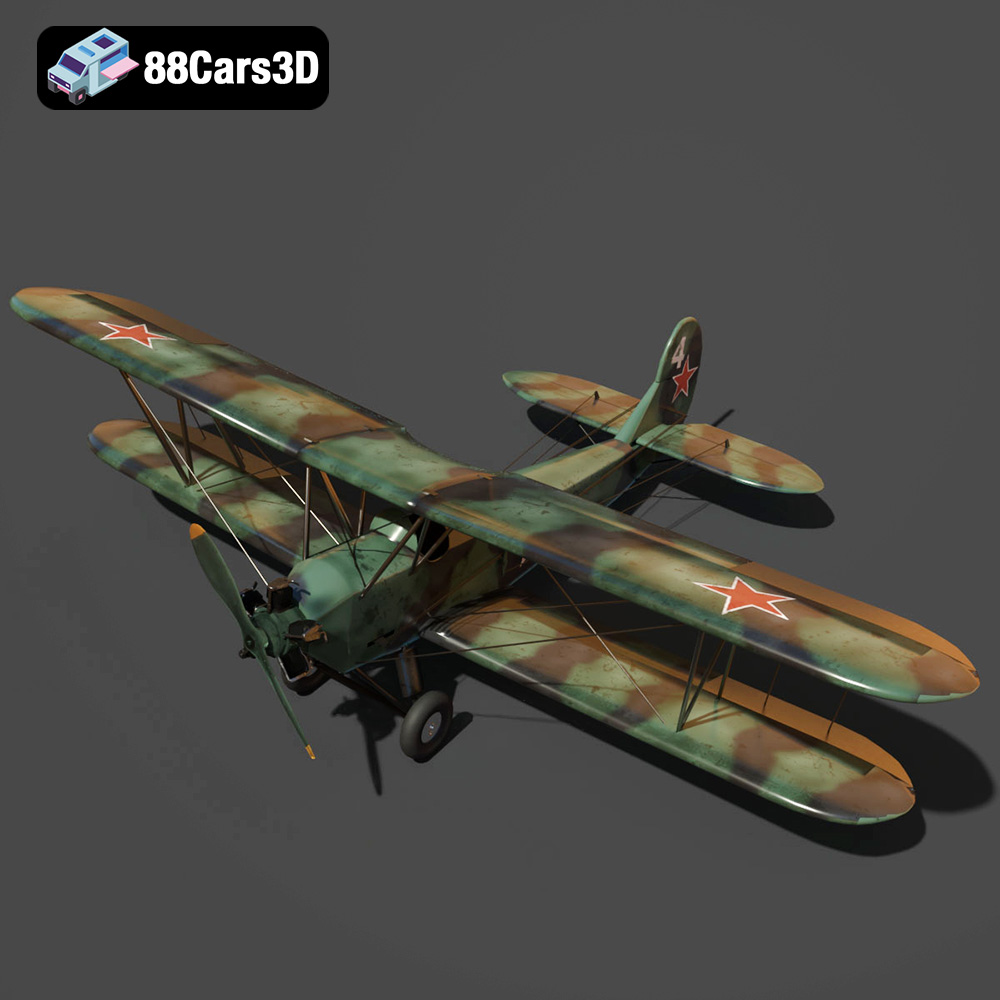
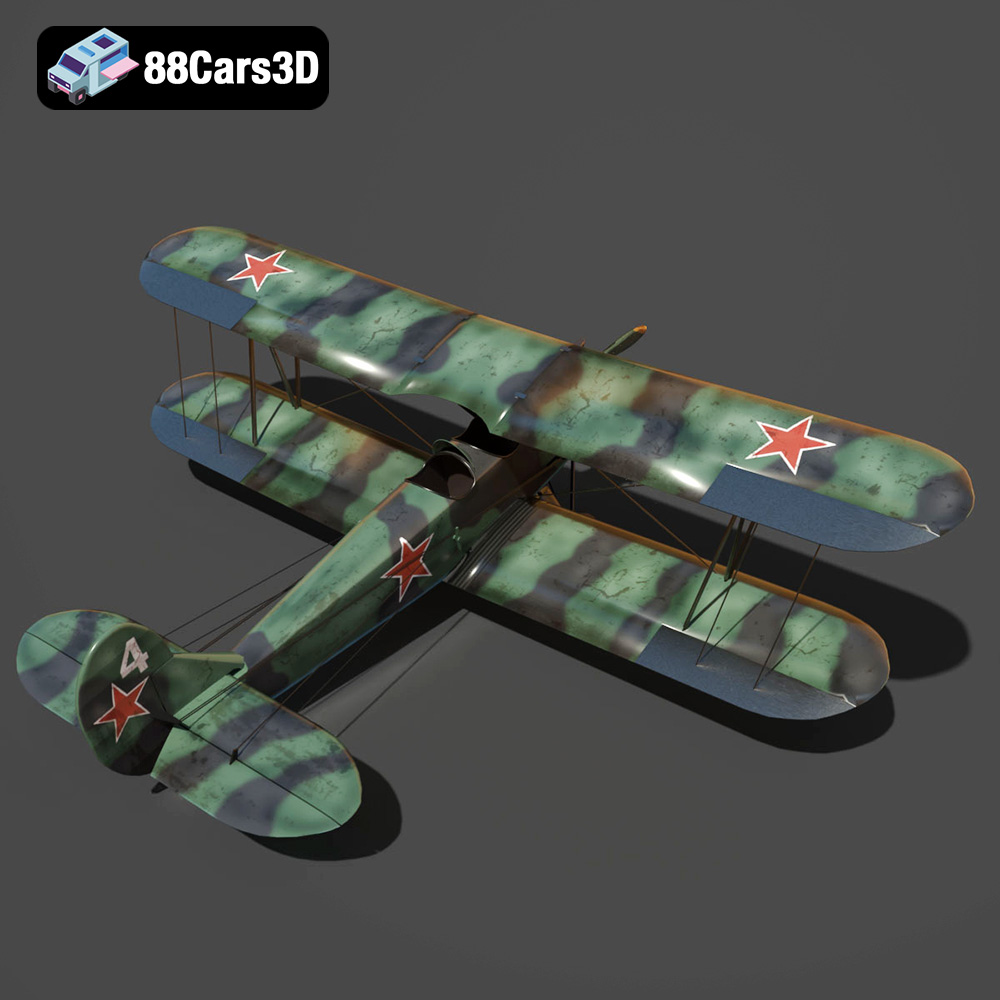
The Polikarpov Po-2 3D Model is a high-detail digital recreation of the legendary Soviet multi-role biplane widely used for training, reconnaissance, and light bombing missions during the mid-20th century. Known for its lightweight wooden structure and fabric-covered wings, the Po-2 became one of the most produced biplanes in aviation history. Includes .blend, .fbx, .obj, .glb, .stl, .ply, .unreal, and .max formats for rendering, simulation, AR/VR, game development, and 3D printing.
$4.99
.aircraft3dmodel
.arvr
.aviation
.biplane
.blend
.fbx
.flightsimulator
.gameasset
.glb
.historicalaircraft
.max
.obj
.ply
.po2
.polikarpov
.rendering
.simulation
.stl
.unreal
.wwiiaircraft