Get 50% OFF All Premium 3D & STL Models!

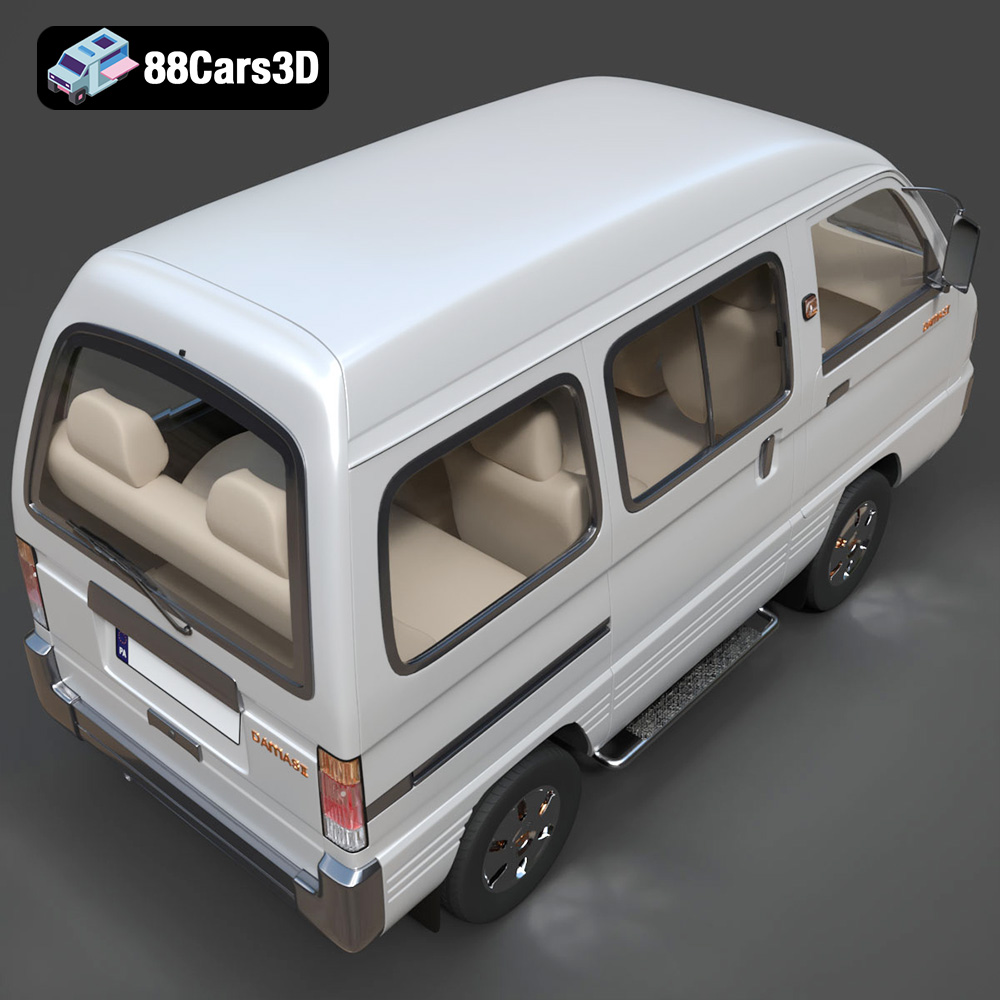
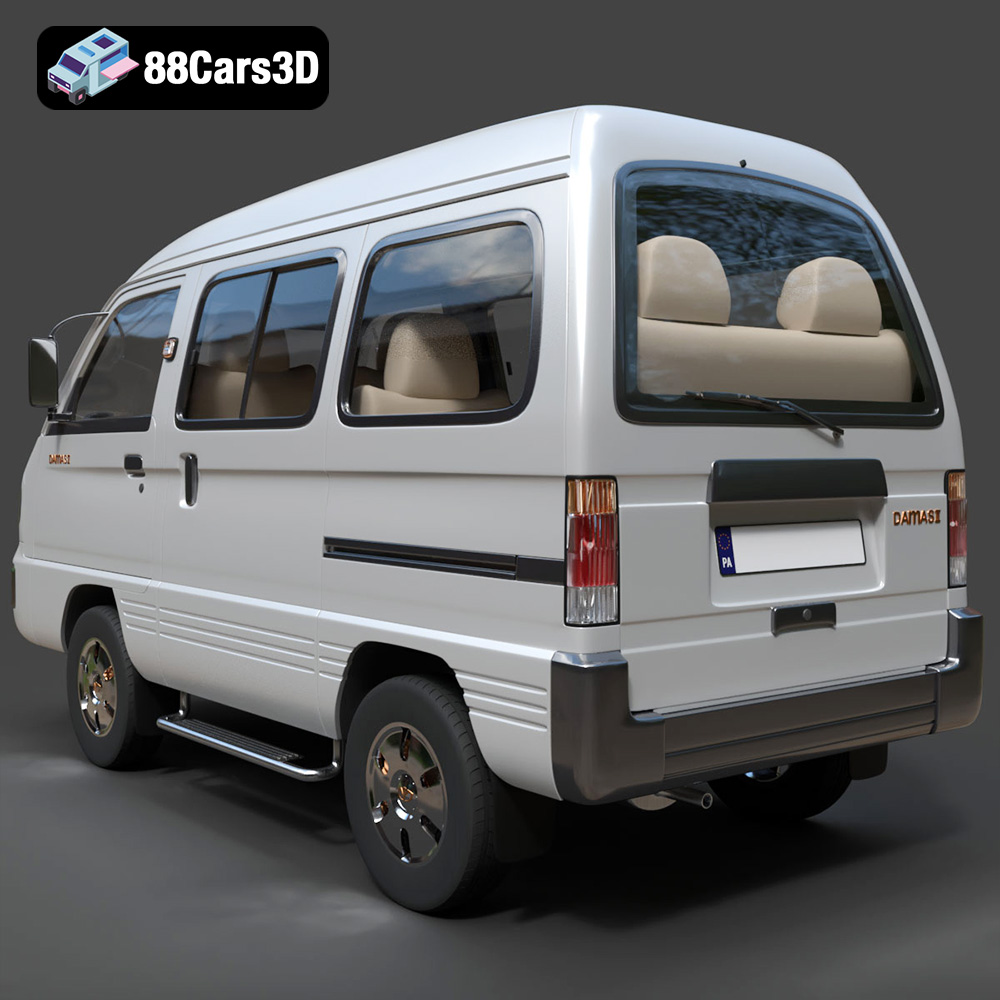
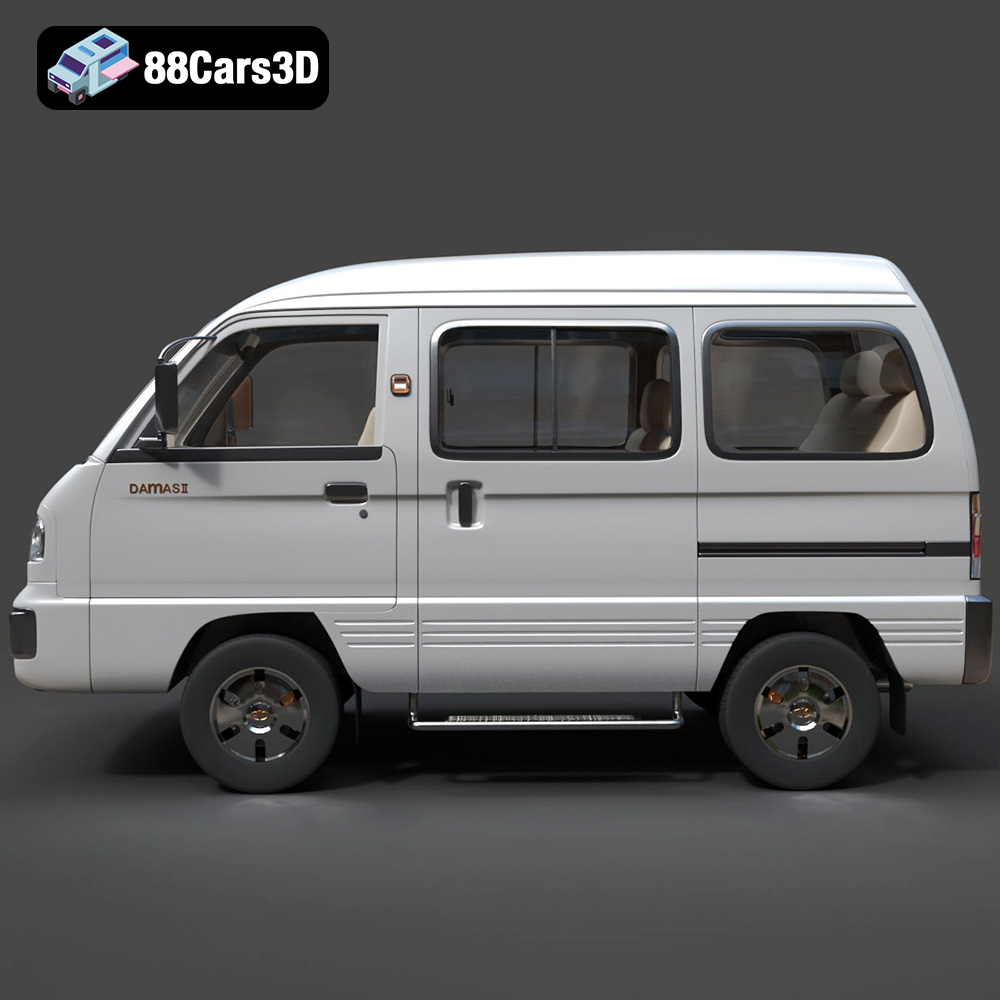
The Daewoo Damas 2 microvan, a symbol of practicality and efficiency, has become a familiar sight in bustling cityscapes across the globe. Now, thanks to 88cars3d.com, you can bring this iconic vehicle to life with the power of 3D printing. This guide provides a comprehensive walkthrough, from initial model preparation to final post-processing, ensuring a successful and rewarding 3D printing experience. We’ll cover everything you need to know to create a stunningly detailed replica of this legendary microvan.
Before diving into the specifics of printing the Daewoo Damas 2, it’s crucial to understand the different file formats you might encounter and which ones are best suited for 3D printing. Several formats are included with the model from 88cars3d.com, each with its own advantages and disadvantages.
The STL (Stereolithography) format is the industry standard for 3D printing. It represents the surface geometry of a 3D object as a collection of triangles. This simplicity makes it universally compatible with slicing software and 3D printers. However, STL files only contain mesh data; they do not store color, texture, or material information. When working with STL files, ensure the mesh is watertight (closed) and doesn’t have any self-intersections or non-manifold edges. Slicing software relies on a clean, error-free mesh to generate accurate toolpaths for the printer. The Daewoo Damas 2 Microvan 3D Model available at 88cars3d.com is provided in STL format, ensuring ease of use and compatibility for 3D printing enthusiasts.
The OBJ format is another popular choice, especially when you want to incorporate color and texture into your 3D prints. Unlike STL, OBJ files can store material properties and UV mapping information, allowing for more visually appealing prints if your printer supports multi-material or full-color printing. However, OBJ files can be larger than STL files and may require more processing power during slicing.
PLY (Polygon File Format) is designed to store 3D data acquired from 3D scanners. It’s known for its ability to represent complex shapes with high precision and detail. While PLY files can be used for 3D printing, they are less common than STL or OBJ, primarily due to larger file sizes and potential compatibility issues with some slicing software.
.blend files are native to Blender, a powerful open-source 3D creation suite. This format is excellent for those who want to modify the Daewoo Damas 2 model before printing. You can easily adjust the geometry, add details, or optimize the model for specific printing requirements within Blender. However, you’ll need to export the model to a 3D printing-friendly format like STL after making your changes.
FBX (Filmbox) is a proprietary format developed by Autodesk, widely used in animation and game development. It supports the transfer of models, textures, and animations between different software packages. While FBX can be imported into some slicing software, its primary purpose is not 3D printing. It’s more useful for transferring the Daewoo Damas 2 model between different design and rendering applications.
GLB is a binary file format representing 3D models in the glTF (Graphics Language Transmission Format). It’s designed for efficient delivery and loading of 3D models, making it ideal for web and mobile applications, especially AR (Augmented Reality) previews. While not directly used for 3D printing, GLB allows you to visualize the Daewoo Damas 2 model in a real-world setting before committing to a print.
.max files are associated with 3ds Max, another popular 3D modeling software. Similar to .blend files, .max files contain the entire project scene, including the model geometry, textures, lighting, and camera settings. If you have access to 3ds Max, you can use .max files to customize the Daewoo Damas 2 model extensively.
For 3D printing the Daewoo Damas 2, the STL format is your best bet. Its widespread compatibility, manageable file size, and focus on geometric data make it the most reliable option. Ensure that the STL file you use is properly prepared and optimized for printing, as outlined in the following sections.
Before you even load the STL file into your slicing software, some crucial pre-print steps can significantly improve the final outcome of your 3D printed Daewoo Damas 2.
The Daewoo Damas 2 model from 88cars3d.com is designed to be high quality, however, it’s always a good practice to inspect the STL file for any potential issues. Use a mesh repair tool like MeshLab, Netfabb, or the built-in repair functions in your slicing software to identify and fix problems such as:
* **Non-manifold edges:** Edges that are connected to more than two faces, creating gaps in the model.
* **Inverted normals:** Faces that are pointing in the wrong direction, causing printing errors.
* **Holes:** Gaps in the mesh that need to be closed for watertight printing.
* **Self-intersections:** Where parts of the model intersect with themselves, leading to printing artifacts.
Addressing these issues upfront will prevent headaches during the printing process and ensure a smooth, accurate final product.
The product description suggests scaling options of 1:32, 1:24, and 1:18. Choose a scale that best suits your printer’s build volume and your desired level of detail. Smaller scales will require finer layer heights and may be more challenging to print successfully. Once you’ve selected your scale, consider the orientation of the model on the build plate.
* **Body:** Printing the body at an angle (approximately 30-45 degrees) can minimize the need for supports on curved surfaces, resulting in a smoother finish. Experiment with different orientations to find the optimal balance between support usage and surface quality.
* **Wheels:** Print the wheels separately. Orient them vertically to ensure the tire treads are printed with good resolution.
* **Mirrors and Other Small Parts:** These parts will almost certainly require supports. Orient them in a way that minimizes the support contact area and allows for easy removal.
Proper orientation is crucial for maximizing print quality and minimizing post-processing effort.
Your slicing software is the bridge between the 3D model and the 3D printer. Configuring the right settings is essential for achieving the desired results.
* **Layer Height:** A layer height of 0.08-0.16mm is recommended for the Daewoo Damas 2. Lower layer heights result in finer details and smoother surfaces but increase print time. Experiment to find the sweet spot for your printer and material.
* **Infill Density:** An infill density of 15-25% provides a good balance between strength and material usage. For purely aesthetic models, you can reduce the infill further, but be mindful of the structural integrity of the print.
* **Wall Thickness:** A wall thickness of 1.2-2.0mm ensures sufficient strength and rigidity for the model. Increase the wall thickness if you plan on sanding or painting the print.
* **Support Structures:** Use support structures for overhangs, side mirrors, wheel arches, and other features that require support. Experiment with different support patterns and densities to minimize material usage and ensure easy removal.
* **Print Speed:** Reduce the print speed for the first layer to improve adhesion to the build plate. Adjust the print speed for other layers based on your printer and material recommendations.
The choice of material significantly impacts the final appearance, strength, and durability of your 3D printed Daewoo Damas 2.
PLA (Polylactic Acid) is a biodegradable thermoplastic polymer derived from renewable resources. It’s easy to print, relatively inexpensive, and produces good results for aesthetic models. PLA is a great starting point for 3D printing the Daewoo Damas 2, especially if you’re new to the hobby. However, PLA is not very heat-resistant and can become brittle over time.
PETG (Polyethylene Terephthalate Glycol-modified) offers a good balance between strength, flexibility, and ease of printing. It’s more heat-resistant and impact-resistant than PLA, making it a suitable choice for parts that need to withstand some wear and tear. PETG is a solid option for printing the Daewoo Damas 2 if you want a more durable model.
For smaller scales and intricate details, resin printing is an excellent choice. Resin printers use liquid photopolymer resins that are cured by UV light. This allows for much higher resolution and finer details than FDM printing. If you want to capture every curve and contour of the Daewoo Damas 2 with exceptional precision, resin printing is the way to go. However, resin printing requires more post-processing, including washing and curing the prints.
* **Strength:** If you plan on handling the Daewoo Damas 2 frequently, choose a material with good strength and impact resistance, such as PETG or ABS (Acrylonitrile Butadiene Styrene).
* **Heat Resistance:** If the model will be exposed to high temperatures, opt for a heat-resistant material like ABS or ASA (Acrylonitrile Styrene Acrylate).
* **Surface Finish:** PLA and resin generally produce smoother surface finishes than PETG or ABS.
Post-processing is the final step in transforming your raw 3D print into a polished, professional-looking model.
Carefully remove the support structures from the 3D printed Daewoo Damas 2. Use pliers, cutters, or a sharp knife to gently detach the supports, being careful not to damage the model. Sand down any remaining support marks with fine-grit sandpaper.
Sanding is essential for smoothing out layer lines and imperfections on the surface of the print. Start with a coarser grit sandpaper (e.g., 220 grit) and gradually move to finer grits (e.g., 400, 600, 800 grit). Wet sanding can help reduce dust and improve the smoothness of the surface.
Apply a primer coat to the sanded model to create a uniform surface for painting. Choose a primer that is compatible with your chosen paint. Once the primer is dry, apply several thin coats of paint, allowing each coat to dry completely before applying the next. Use high-quality model paints for the best results. The product description suggests classic white, light metallic blue, silver, and yellow (for taxi variants) as authentic color options.
If you printed the Daewoo Damas 2 in multiple parts (e.g., body, wheels, mirrors), assemble the parts using glue or screws. Ensure the parts are properly aligned before joining them together.
Even with careful preparation, you may encounter some common 3D printing issues. Here are some tips for troubleshooting:
Warping occurs when the corners of the print lift off the build plate. This can be caused by poor bed adhesion, insufficient bed temperature, or drafts in the printing environment. To prevent warping, ensure the build plate is clean and level, use a heated bed, apply an adhesive like glue stick or hairspray to the build plate, and enclose the printer to maintain a consistent temperature.
Stringing is when thin strands of filament are left between different parts of the print. This can be caused by excessive retraction distance, high printing temperature, or slow travel speed. To reduce stringing, adjust the retraction settings in your slicing software, lower the printing temperature, and increase the travel speed.
Layer delamination occurs when the layers of the print separate from each other. This can be caused by insufficient layer adhesion, low printing temperature, or drafts in the printing environment. To improve layer adhesion, increase the printing temperature, reduce the layer height, and enclose the printer.
Supports can sometimes be difficult to remove or leave behind unsightly marks. To minimize support issues, experiment with different support patterns and densities, use a support interface layer, and carefully remove the supports with sharp tools.
The print time and material cost for the Daewoo Damas 2 will vary depending on the size of the model, the infill density, the layer height, and the chosen material. As a rough estimate, a 1:24 scale model printed with PLA at 20% infill and a 0.15mm layer height could take anywhere from 10-20 hours to print and cost between $5-$15 in material. Resin prints will generally take less time but may be more expensive due to the cost of resin.
Remember that these are just estimates. Always check your slicing software for accurate print time and material usage estimates before starting a print.
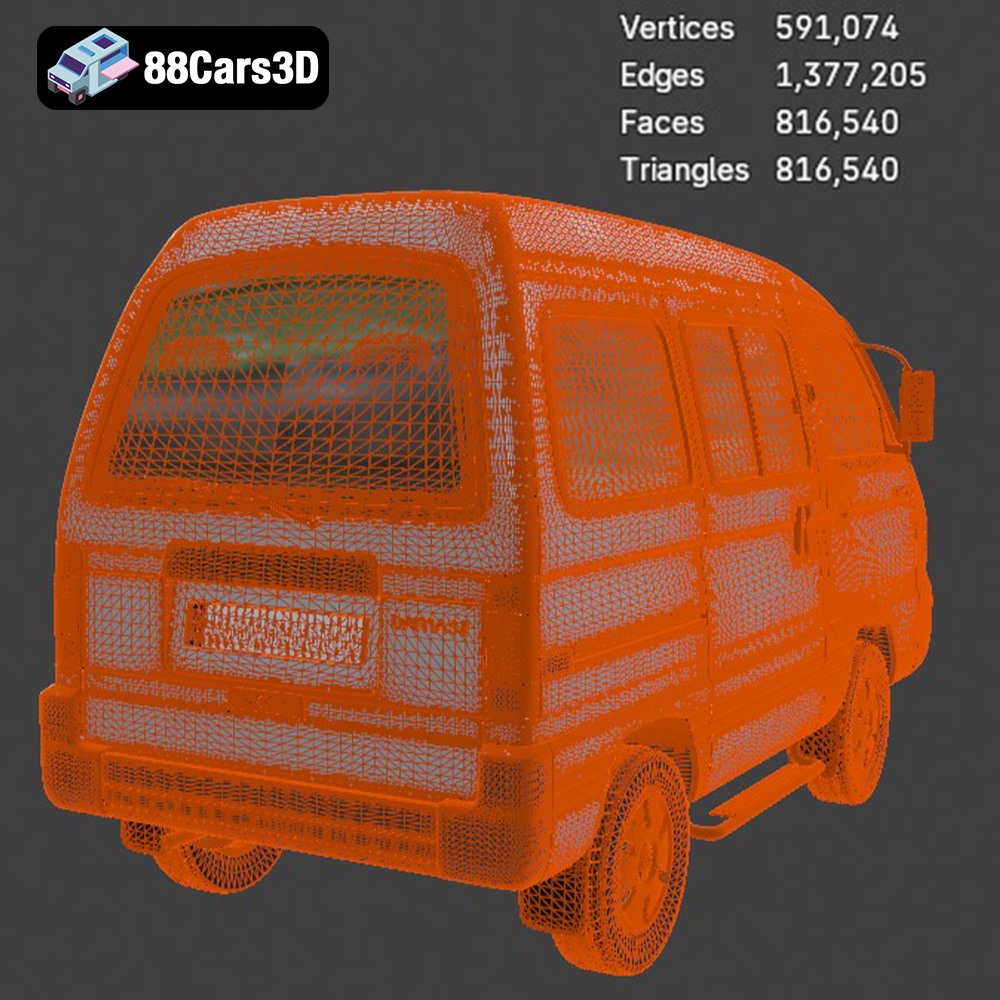
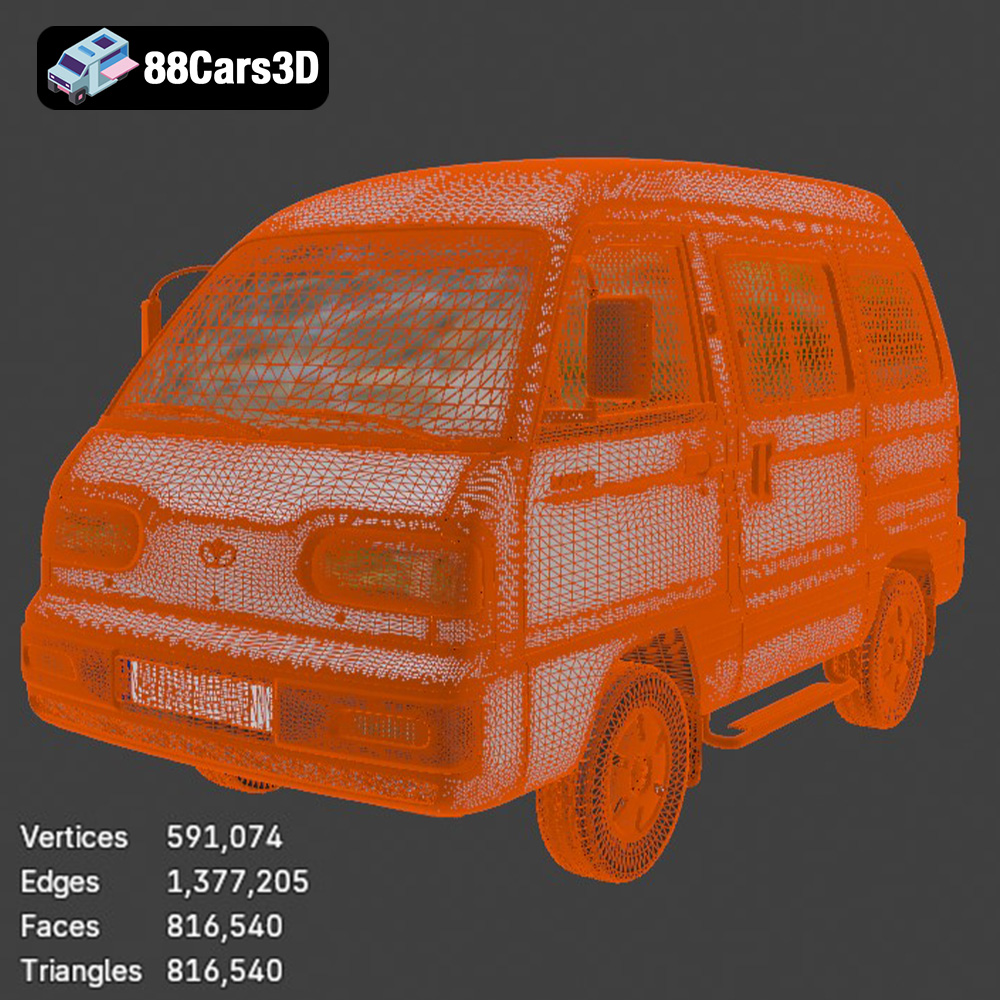
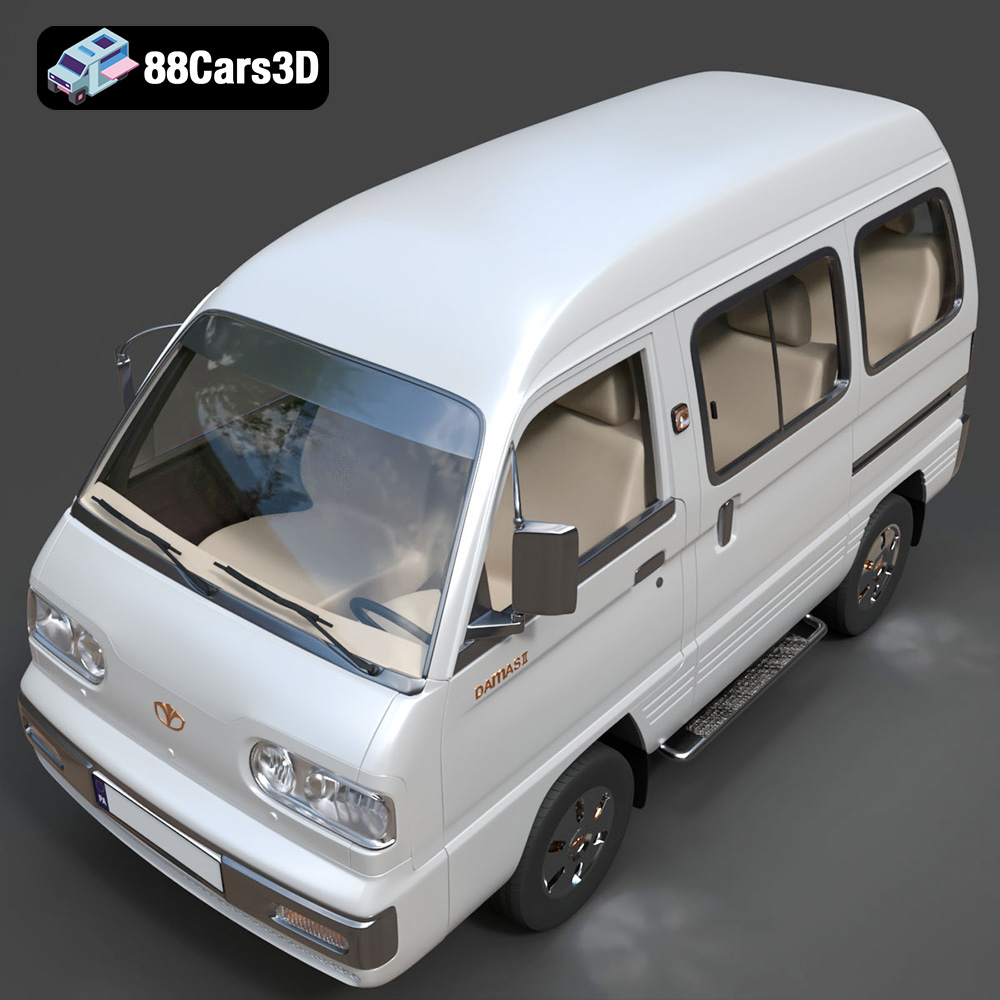
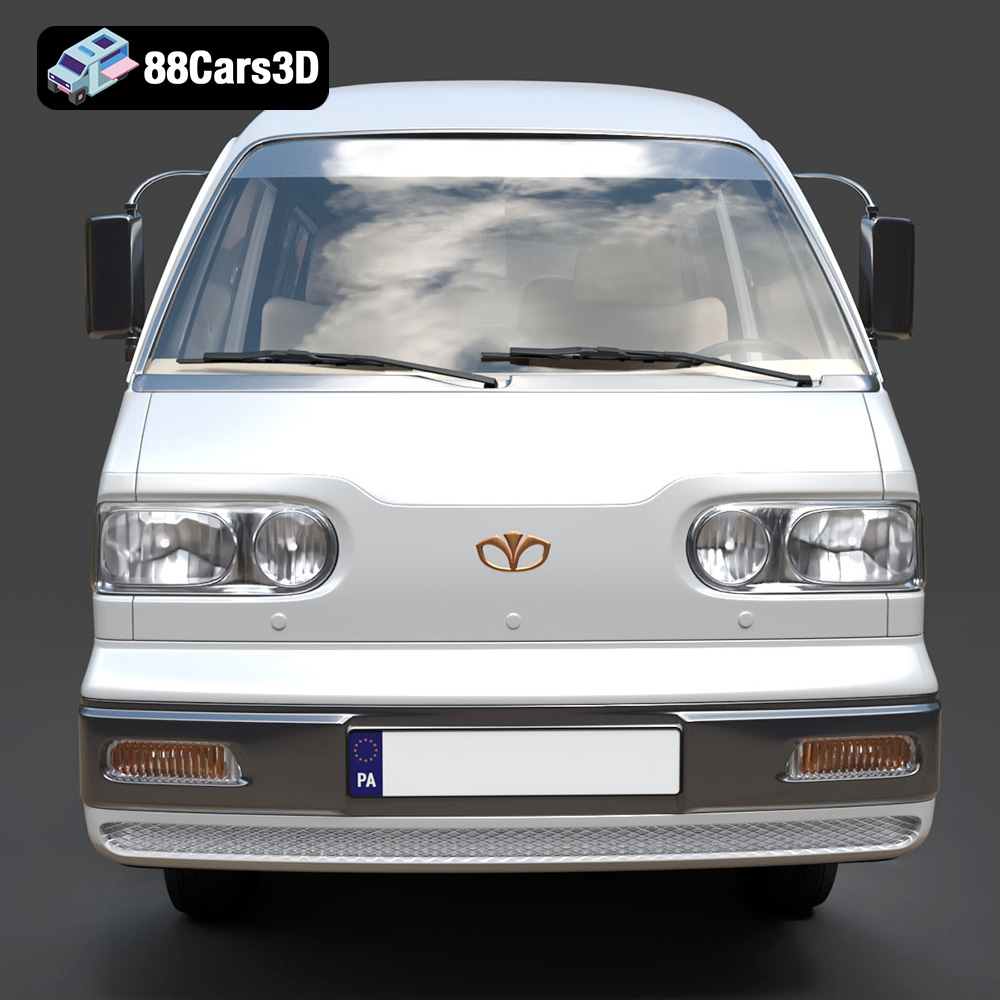
The Daewoo Damas 2 Microvan 3D Model is a highly detailed digital recreation of the ubiquitous and practical compact commercial vehicle. Based heavily on the classic kei-van architecture but refined with a modernized, slightly more rounded front fascia, the Damas 2 became a legendary workhorse across South Korea, Central Asia (particularly Uzbekistan), and Eastern Europe.
$9.99
3D printing the Daewoo Damas 2 Microvan is a rewarding project that combines technical skill with a touch of nostalgia. By carefully preparing the model, selecting the right material, configuring your slicing software correctly, and employing effective post-processing techniques, you can create a stunning replica of this iconic vehicle. Don’t be afraid to experiment with different settings and materials to achieve the best results. Remember to visit 88cars3d.com for a wide selection of high-quality 3D car models ready for additive manufacturing, rendering, and more. Happy printing!
.automotive
.blend
.daewoo
.damas
.fbx
.obj
.rendering
.stl
3d printing
car-3d-model
chevrolet-damas
commercial-vehicle
damas-2
game asset
high poly
kei-van
microvan
utility-van
uzauto