Get 50% OFF All Premium 3D & STL Models!

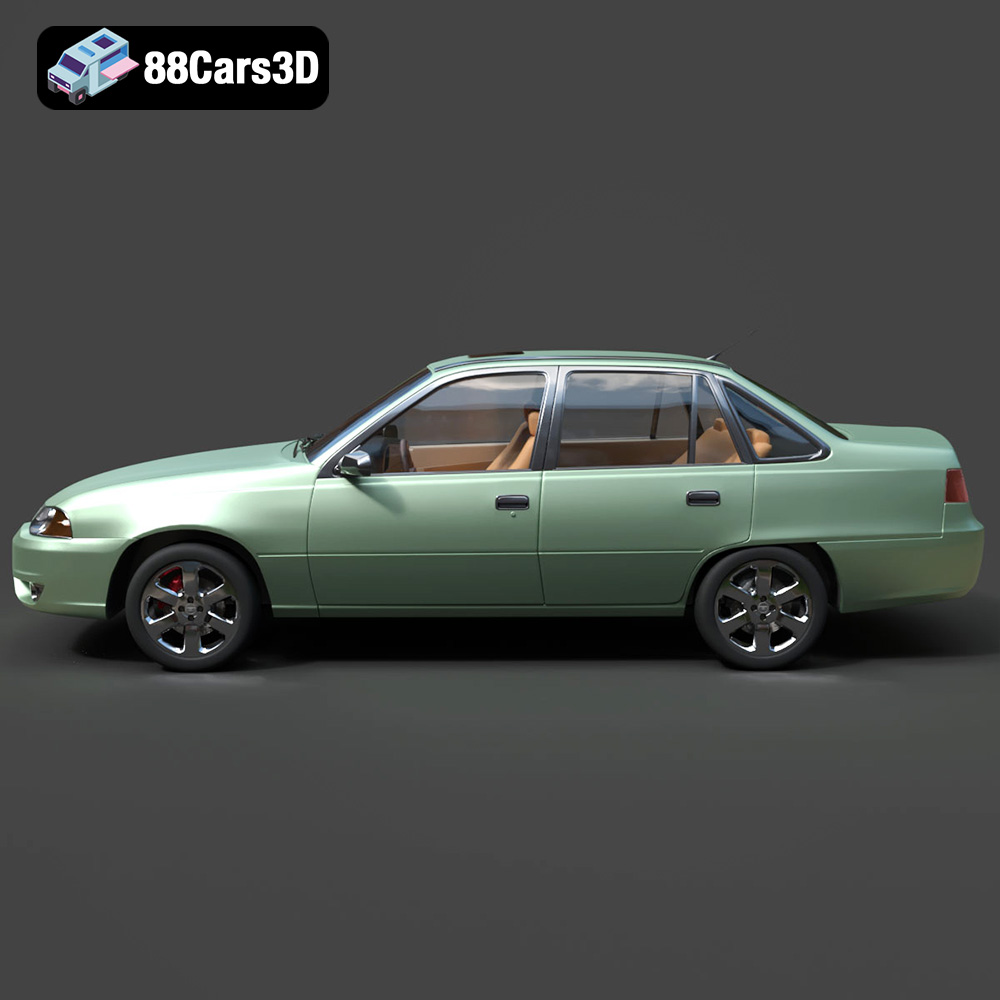
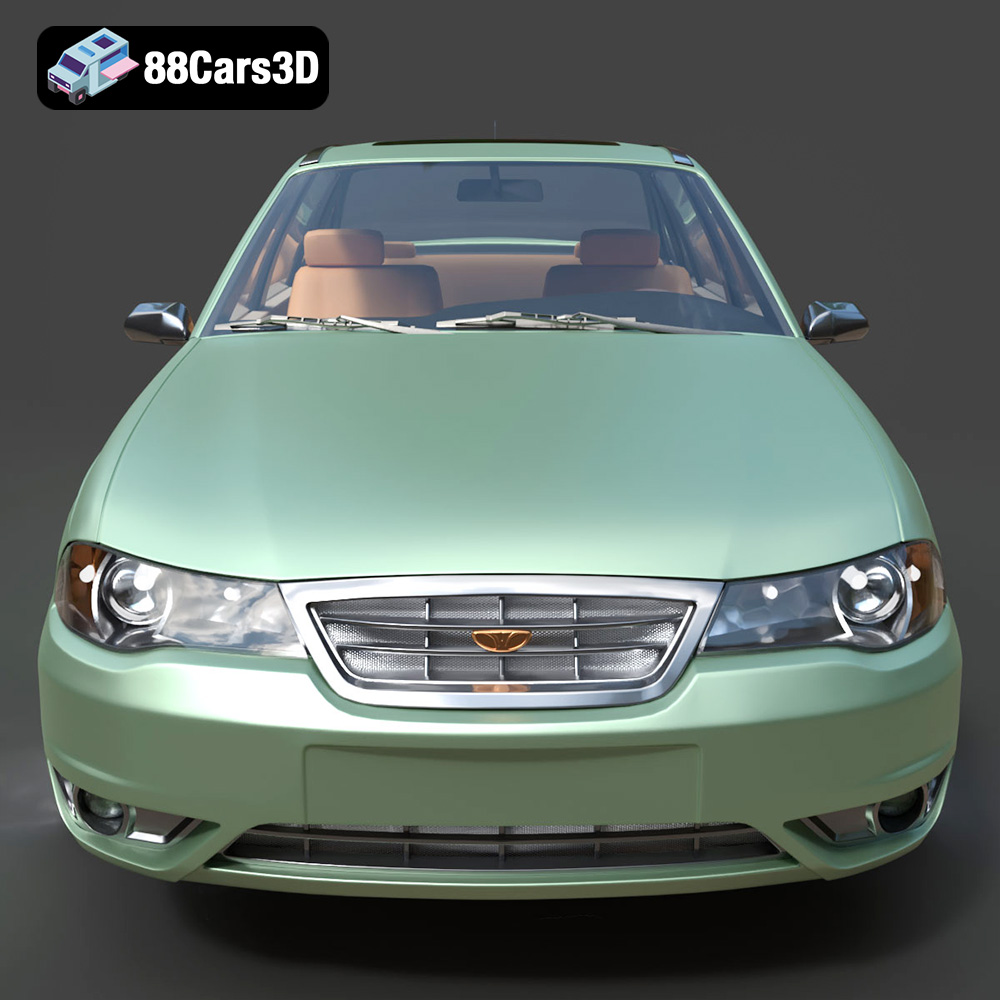
The Daewoo Nexia N100, a ubiquitous sight on roads across Eastern Europe and Central Asia, holds a special place in automotive history. Now, thanks to 88cars3d.com, you can bring this iconic sedan to life through the magic of 3D printing. This guide will walk you through the entire process, from selecting the right materials and settings to post-processing techniques that will make your 3D printed Nexia N100 a true showpiece. We’ll cover everything you need to know to create a detailed and accurate scale model of this classic car.
Choosing the right file format is crucial for a successful 3D printing experience. While 88cars3d.com provides a variety of formats for the Daewoo Nexia N100 model, understanding their strengths and weaknesses is essential. Here’s a breakdown of the most common formats and their suitability for 3D printing:
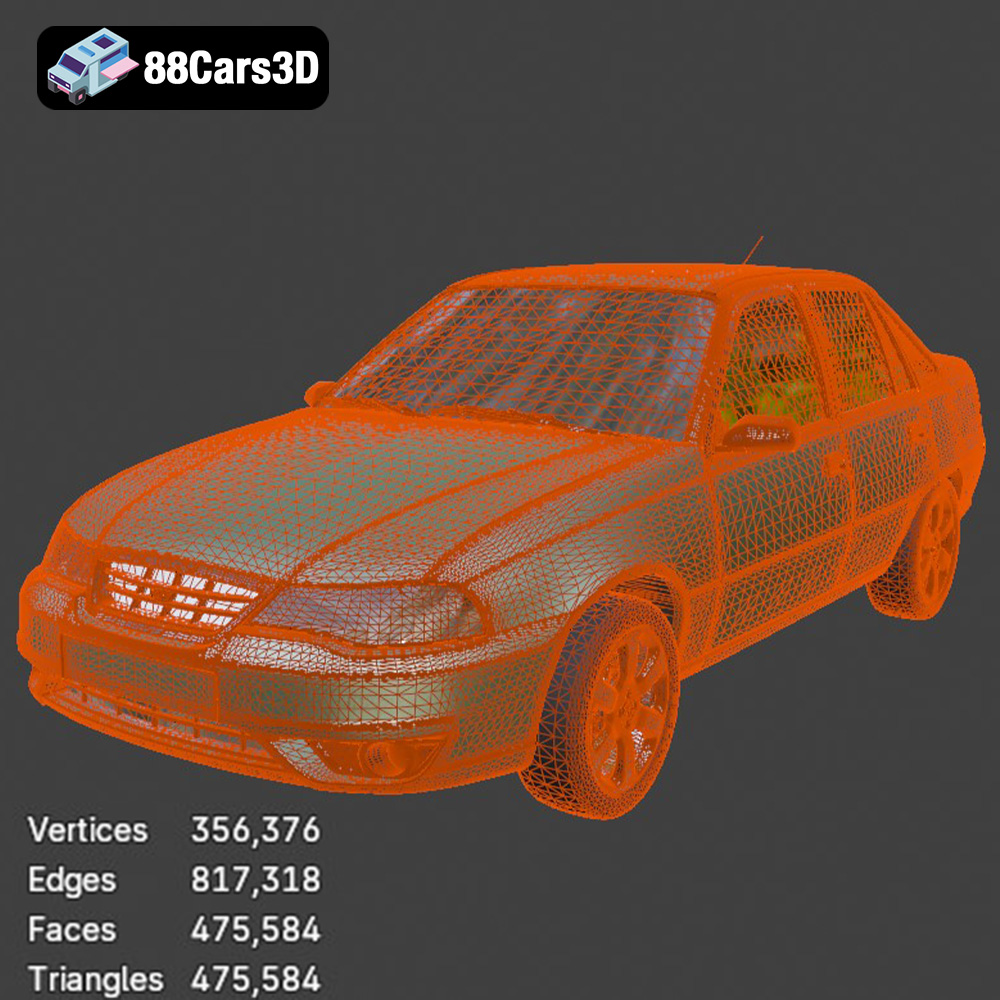
The .stl (Stereolithography) format is the workhorse of 3D printing. It represents the 3D model’s surface geometry as a collection of triangles, forming a mesh. This simplicity makes it universally compatible with virtually all 3D printing software and hardware. The quality of the printed object heavily relies on the resolution of the triangle mesh; a higher number of triangles results in a smoother surface but also a larger file size. For the Daewoo Nexia N100, using an STL file generated with sufficient detail is key to capturing its iconic features. When importing an STL into your slicing software, you can often adjust the tessellation settings to further refine the mesh and improve print quality, particularly for curved surfaces.
The STL format’s simplicity comes with a trade-off: it only stores geometric data and doesn’t support color or texture information. This means your print will be a single color, requiring post-processing for a more realistic finish. Slicing software converts the STL file into a series of instructions (G-code) that the 3D printer can understand, dictating the movement of the print head and the deposition of material.
The .obj (Wavefront Object) format is more versatile than STL, as it can store color and texture information in addition to the geometric data. This makes it suitable for printing multi-colored models, though this requires specialized 3D printers capable of handling multiple filaments or materials. The Daewoo Nexia N100 model from 88cars3d.com likely uses .obj to store material assignments, which are great for rendering and visualization but may not translate directly to a typical single-extrusion 3D printer. If you intend to 3D print in a single color, the .obj file will still work, but the color information will be ignored.
.ply (Polygon File Format) is another mesh-based format designed for storing 3D data acquired from 3D scanners. It can store color, texture, and even surface normals, making it ideal for high-detail models. However, .ply files are often larger than STL files and may not be supported by all slicing software. For the Daewoo Nexia N100, a .ply file could offer a slightly more accurate representation of the original model’s curves and details, but the difference may be negligible compared to a well-optimized STL.
The .blend format is specific to Blender, a popular open-source 3D modeling software. This is incredibly useful if you want to modify the Daewoo Nexia N100 model before printing. You can adjust the geometry, add details, or even split the model into separate parts for easier printing and assembly. However, you’ll need Blender installed to open and edit .blend files. Before 3D printing, you’ll need to export the model from Blender in a printable format like STL.
The .fbx (Filmbox) format is commonly used for exchanging 3D models between different software applications. While it supports materials and animations, it’s primarily useful for importing the Daewoo Nexia N100 model into other 3D software packages for modification or rendering. For 3D printing, it’s best to export the model to STL from your chosen 3D software after making any necessary adjustments.
.glb (GL Transmission Format Binary) is a file format designed for efficient transmission and loading of 3D models, particularly in web and AR/VR applications. While not directly used for 3D printing, it allows you to preview the Daewoo Nexia N100 model in augmented reality before committing to a print. This can be helpful for visualizing the model’s size and appearance in a real-world context.
Best format for 3D printing: For most users, the .stl format is the best choice for 3D printing the Daewoo Nexia N100 model. Its widespread compatibility and simplicity make it the most reliable option. Ensure the STL file is generated with sufficient resolution to capture the car’s details. If you need to modify the model, use the .blend file in Blender and then export it as an STL.
Once you have your .stl file, the next step is to prepare it for 3D printing using slicing software. Popular options include Cura, PrusaSlicer, Simplify3D, and others. These programs convert the 3D model into a series of layers and generate the G-code instructions that your printer will follow.
The orientation of the model on the print bed is critical for achieving the best possible print quality. For the Daewoo Nexia N100, consider printing the body at an angle (approximately 30-45 degrees) to minimize the need for support structures on the visible surfaces. This will result in a smoother finish and reduce post-processing effort. 88cars3d.com recommends supports for the side mirrors, wheel arches, and exhaust pipe, and this is sound advice. Experiment with different support settings in your slicing software to find the optimal balance between support strength and ease of removal.
For the wheels, printing them separately and flat on the bed generally yields the best results. This avoids the need for supports and ensures a clean, circular shape. Consider using a brim or raft to improve adhesion, especially for smaller wheels.
88cars3d.com recommends scales of 1:24, 1:32, or 1:43 for the Daewoo Nexia N100, perfect for urban dioramas. When scaling the model, keep in mind the limitations of your 3D printer. Smaller details, such as the grille and wipers, may not be accurately reproduced at very small scales, especially with FDM printing. Resin printing is generally better suited for these intricate details.
Also, consider the tolerances required for assembly. If you plan to print the wheels separately and attach them to the body, ensure there’s sufficient clearance between the axle and the wheel hub. You may need to adjust the model in Blender or your slicing software to create these clearances.
The choice of material depends on your printer type, desired level of detail, and intended use of the finished model.
PLA is a biodegradable thermoplastic that is easy to print and widely available. It’s a good choice for beginners and for larger-scale models where fine detail isn’t critical. PLA is also relatively inexpensive, making it a budget-friendly option. However, PLA is not very heat-resistant and can become soft or deformed in direct sunlight or high temperatures. If you plan to display your Daewoo Nexia N100 in a hot environment, consider using a more heat-resistant material.
PETG offers a good balance of strength, flexibility, and heat resistance. It’s more durable than PLA and can withstand higher temperatures. PETG is also relatively easy to print, though it may require slightly higher printing temperatures and slower speeds than PLA. It’s an excellent choice if you want a model that can withstand some wear and tear.
Resin 3D printing, using technologies like SLA (Stereolithography) or DLP (Digital Light Processing), offers the highest level of detail and surface finish. Resin printers use liquid resin that is cured by UV light, resulting in incredibly smooth surfaces and the ability to reproduce fine details with great accuracy. If you’re printing the Daewoo Nexia N100 at a smaller scale (1:43 or smaller) or want to capture every detail of the grille and wipers, resin printing is the way to go. However, resin printers are generally more expensive than FDM printers, and resin printing requires more post-processing, including washing and curing the printed parts. Resin can also be brittle and require careful handling. Furthermore, proper ventilation and safety precautions are essential when working with resin.
Achieving a high-quality 3D print requires careful adjustment of printer settings in your slicing software.
88cars3d.com recommends a layer height of 0.04–0.12 mm for resin printing. For FDM printing with PLA or PETG, a layer height of 0.1-0.2mm is a good starting point. Lower layer heights result in smoother surfaces and finer detail, but they also increase print time. Experiment to find the optimal balance for your printer and material.
88cars3d.com suggests an infill density of 15–25%. This provides sufficient strength for the model without adding excessive weight or material. Choose an infill pattern that provides good support, such as grid, gyroid, or honeycomb.
Print speed and temperature depend on the material you’re using. Consult the manufacturer’s recommendations for the optimal settings. Generally, slower print speeds result in better print quality, especially for intricate details.
Proper bed adhesion is crucial for preventing warping and ensuring that the model sticks to the print bed. Use a heated bed and apply an adhesive such as glue stick or hairspray. For PLA, a bed temperature of 60-70°C is typically recommended. For PETG, a bed temperature of 70-80°C is usually ideal. If you’re using a raft or brim, adjust the settings in your slicing software to optimize adhesion.
Once the 3D printing is complete, post-processing is essential to achieve a polished and realistic finish.
Carefully remove the support structures using pliers, a hobby knife, or specialized support removal tools. Take your time to avoid damaging the model. If you used a raft or brim, carefully peel it away from the bottom of the model.
Sanding is essential for smoothing out layer lines and imperfections. Start with coarse sandpaper (e.g., 220 grit) and gradually move to finer grits (e.g., 400, 600, 800 grit). For hard-to-reach areas, use small sanding sponges or files. If you want an exceptionally smooth finish, consider using automotive body filler or primer to fill in any remaining imperfections.
Priming the model is crucial for creating a smooth and uniform surface for painting. Use a spray primer designed for plastic models. Apply several thin coats, allowing each coat to dry completely before applying the next. Once the primer is dry, you can paint the model using acrylic paints or spray paints. 88cars3d.com suggests using classic 90s factory colors like Metallic Silver, Cherry Red, or Navy Blue to replicate the original Daewoo Nexia N100 look. Apply multiple thin coats of paint for the best results. Consider using masking tape to create sharp lines and separate different colors. Add details such as window trim, door handles, and emblems using fine-tipped paintbrushes or markers.
If you printed the wheels separately, attach them to the body using glue or small screws. Ensure the wheels are properly aligned and can rotate freely. If necessary, use sandpaper or files to adjust the fit.
Even with careful planning, 3D printing can sometimes present challenges. Here are some common issues and their solutions:
Warping occurs when the corners of the model lift off the print bed. This is often caused by poor bed adhesion or temperature fluctuations. To prevent warping, ensure your bed is properly leveled and heated, use an adhesive such as glue stick or hairspray, and consider using a raft or brim.
Stringing occurs when thin strands of filament are left between different parts of the model. This is often caused by excessive retraction distance or printing temperature. To reduce stringing, adjust the retraction settings in your slicing software and lower the printing temperature.
Layer shifting occurs when the printer head suddenly shifts position during printing, resulting in misaligned layers. This can be caused by loose belts, a clogged nozzle, or excessive print speed. To prevent layer shifting, tighten the belts, clean the nozzle, and reduce the print speed.
Under-extrusion occurs when the printer doesn’t extrude enough material, resulting in gaps or thin layers. Over-extrusion occurs when the printer extrudes too much material, resulting in blobs or rough surfaces. To correct under-extrusion or over-extrusion, adjust the flow rate or extrusion multiplier in your slicing software.
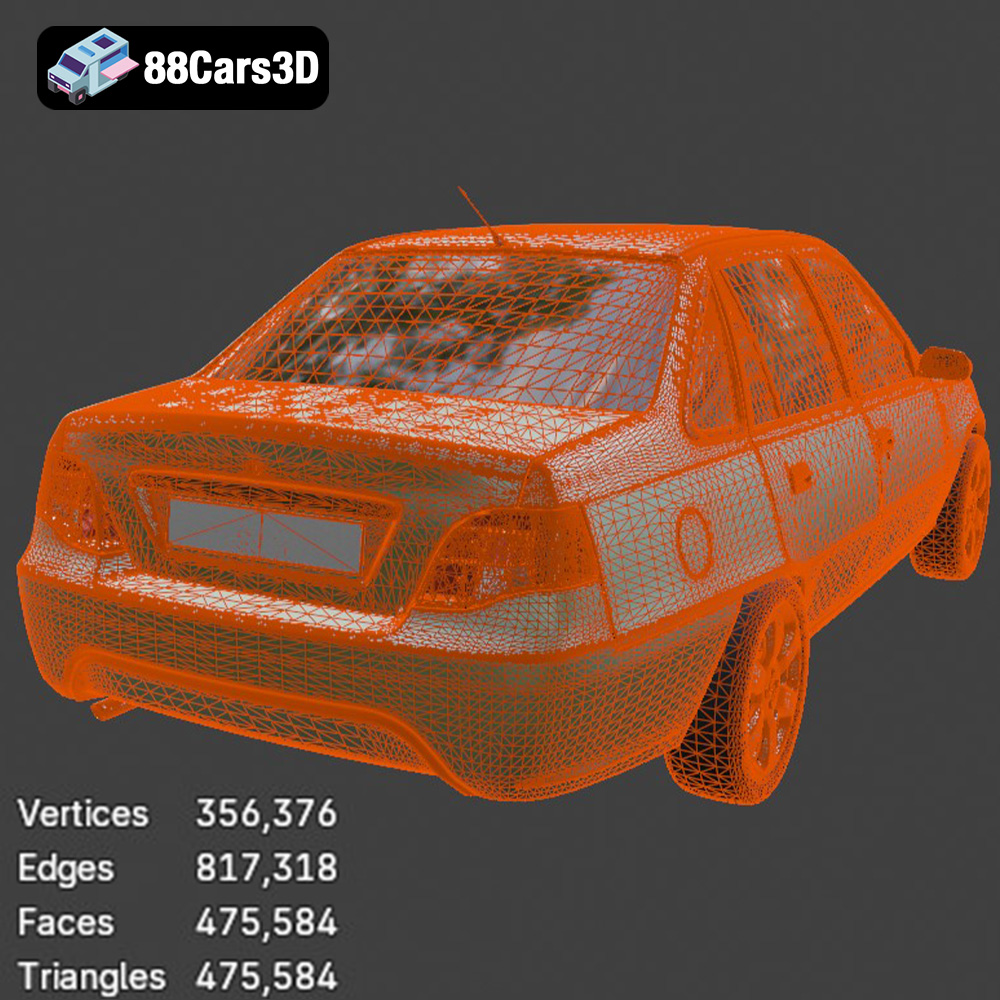
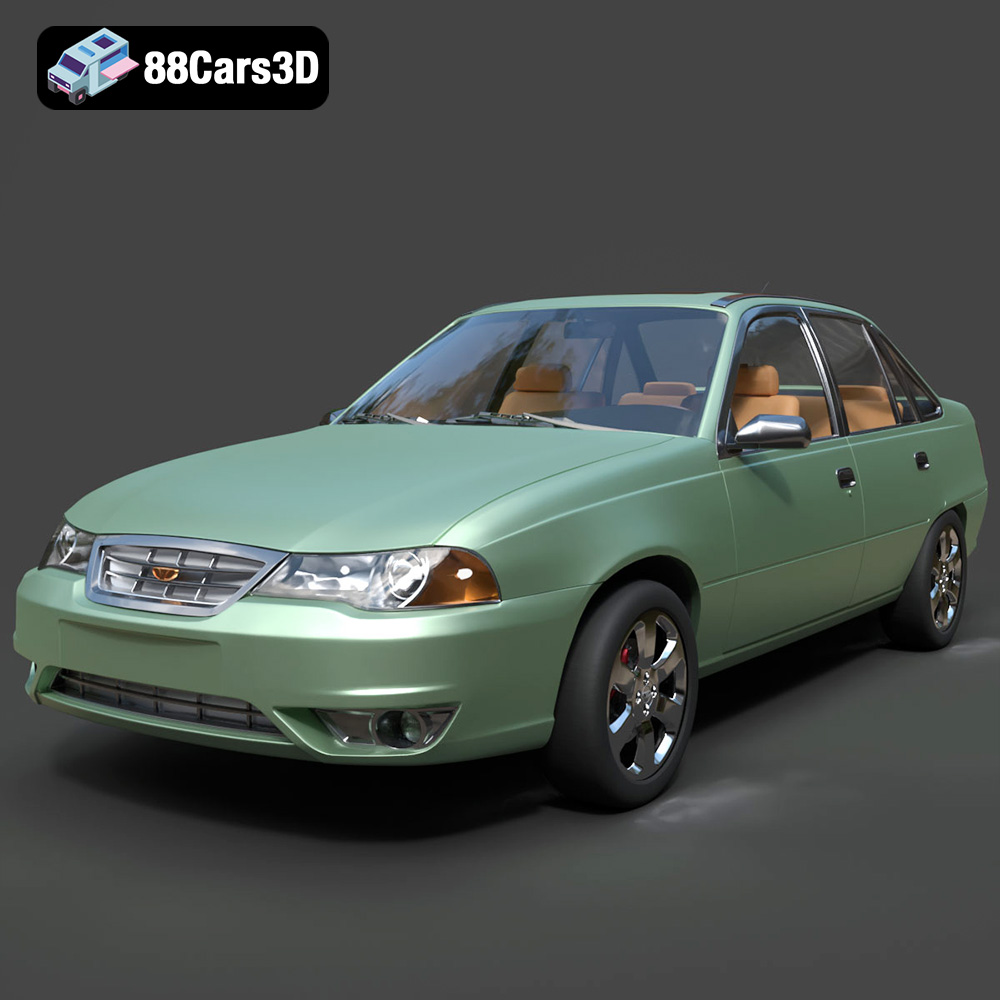
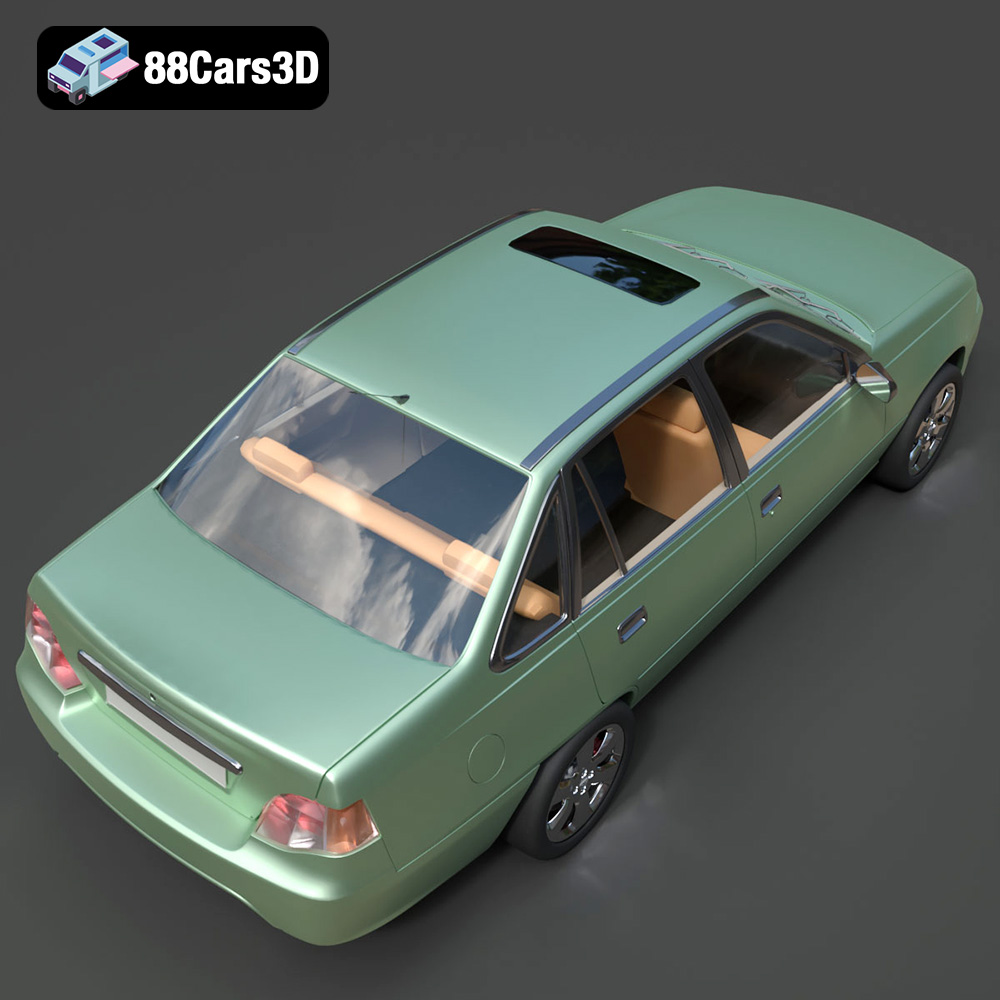
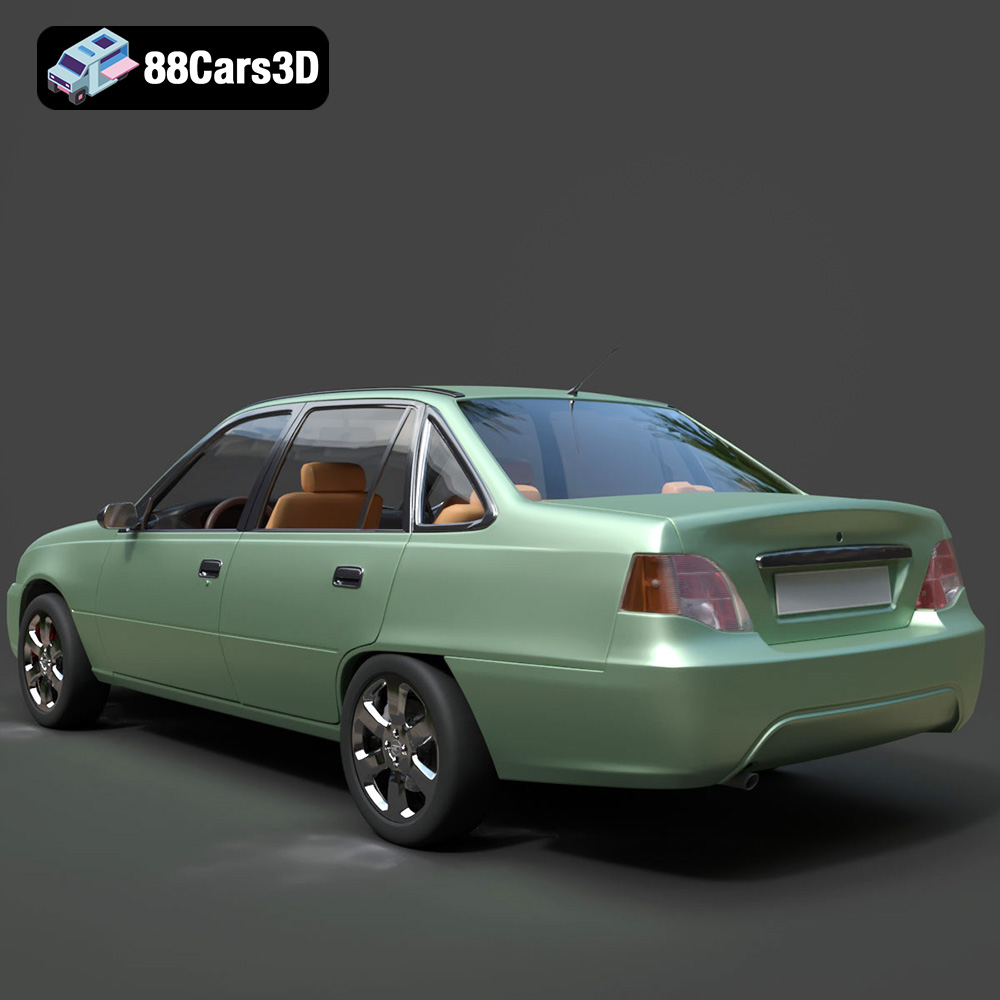
The Daewoo Nexia N100 3D Model is a highly accurate digital recreation of the classic 1990s budget sedan that became a global phenomenon. Built with an incredibly clean and well-balanced mid-to-high polygon topology, it provides excellent visual fidelity for close-up automotive rendering while remaining highly optimized for background traffic in modern game engines and simulations.
$9.99
3D printing the Daewoo Nexia N100 model from 88cars3d.com offers a rewarding experience for automotive enthusiasts and scale model hobbyists alike. By carefully selecting the right materials, adjusting printer settings, and employing proper post-processing techniques, you can create a stunning replica of this classic sedan. Remember that the .STL format is your primary choice for printing, and that resin printing generally provides the highest level of detail, especially for smaller scales. Don’t be afraid to experiment with different settings and techniques to achieve the best possible results. With a little patience and effort, you’ll have a unique and eye-catching 3D printed model to display and enjoy.