Get 50% OFF All Premium 3D & STL Models!

The Ford F-250 Super Duty is a true icon of American engineering, known for its ruggedness and capability. Now, thanks to 3D printing and the detailed model available at 88cars3d.com, you can bring this beast of a truck to life in miniature form. This article will guide you through the entire process of 3D printing the Ford F-250 Super Duty Super Cab XLT 2015 3D model, covering everything from file preparation to post-processing to achieve a stunning, accurate replica.
Before diving into printer settings and materials, it’s crucial to understand the various file formats available for 3D models, particularly those offered by 88cars3d.com. Choosing the right format can significantly impact the print quality and ease of use. While several formats exist, the .stl format remains the cornerstone of 3D printing.
The .stl (stereolithography) file format is the most widely used and accepted format for 3D printing. It represents the surface geometry of a 3D object as a collection of triangles. This simplicity makes it highly compatible with virtually all slicing software and 3D printers. However, .stl files only contain information about the shape and do not include color, texture, or material properties. When working with .stl files, ensure the mesh is “watertight” (closed and without holes) and that the normals are correctly oriented. Incorrect normals can lead to printing errors.
The .obj (object) format is another popular option, particularly when dealing with models that incorporate textures or color information. Unlike .stl, .obj files can store vertex colors and texture coordinates, allowing for more visually appealing prints if your printer supports multi-material or color printing. Slicing software typically handles .obj files without issue, but it’s essential to ensure the accompanying texture files (usually .mtl) are correctly linked.
The .ply (polygon) format is designed for storing 3D data acquired from 3D scanners. It’s a more flexible format than .stl, capable of storing color, transparency, surface normals, and other properties on a per-vertex basis. While less common in general 3D printing, .ply can be useful for reproducing highly detailed scans. However, it’s crucial to confirm compatibility with your slicing software before using .ply files.
The .blend file is the native format for Blender, a popular open-source 3D creation suite. It encapsulates the entire Blender scene, including the model, materials, textures, lighting, and animations. While you cannot directly 3D print a .blend file, it provides a powerful platform for customizing the Ford F-250 model before exporting it to a printable format like .stl. This allows for modifications such as splitting the model into parts for easier printing or adding custom details.
The .fbx (Filmbox) format is a proprietary format developed by Autodesk. It’s widely used in the game development and animation industries for exchanging 3D data between different software packages. .fbx files can contain mesh data, textures, materials, and animations. While many slicing programs support importing .fbx files, the primary use case is for transferring the model with its material definitions into the slicing software, assuming the slicing software supports color or multi-material printing.
The .glb (GL Transmission Format Binary) format is designed for efficient transmission and loading of 3D models in applications like augmented reality (AR) and web-based viewers. It packages the 3D model and its textures into a single binary file, making it easy to share and display. While not directly used for 3D printing, .glb files can be helpful for previewing the Ford F-250 model in AR on your phone or tablet before committing to a print. This gives you a sense of the scale and appearance of the model in the real world.
The .max file is the native format for 3ds Max, another professional 3D modeling, animation, and rendering software. Similar to .blend files, .max files contain the entire scene setup, allowing for extensive customization of the model before exporting it for 3D printing. If you have access to 3ds Max, you can use the .max file to modify the Ford F-250 model, add details, or optimize it for printing.
For 3D printing, the .stl format is generally the most reliable and widely supported option. Ensure that the .stl file you use is properly prepared, with a closed mesh and correct normals, to avoid printing issues. If you want to incorporate color or textures into your print (assuming your printer supports it), the .obj format can be a viable alternative, but be sure to handle the associated texture files correctly. Before printing, always inspect the 3D model in your slicing software to ensure it looks as expected and that no errors are present.
Before sending the Ford F-250 Super Duty model to your 3D printer, thorough preparation is essential. This involves using slicing software to convert the 3D model into instructions your printer can understand and optimizing the model for printability.
Slicing software is the bridge between your 3D model and your 3D printer. Popular options include Cura, PrusaSlicer, Simplify3D, and IdeaMaker. Each slicer has its strengths and weaknesses, so experiment to find one that suits your needs and printer capabilities. Consider factors like user-friendliness, advanced features, and support for your specific printer model.
* **Importing and Orienting:** Import the Ford F-250 Super Duty STL file into your chosen slicing software. Carefully orient the model to minimize the need for supports and optimize surface finish. For example, printing the truck cab at a slight angle can reduce the staircase effect on curved surfaces.
* **Scaling:** The product description recommends scales of 1:24, 1:18, or 1:10. Choose a scale that suits your printer’s build volume and desired level of detail. Remember that scaling up the model will increase print time and material consumption.
Even high-quality 3D models can have imperfections that hinder 3D printing. Check for non-manifold geometry, flipped normals, and holes in the mesh. Many slicing programs have built-in repair tools. For more complex repairs, consider using software like MeshMixer or Netfabb.
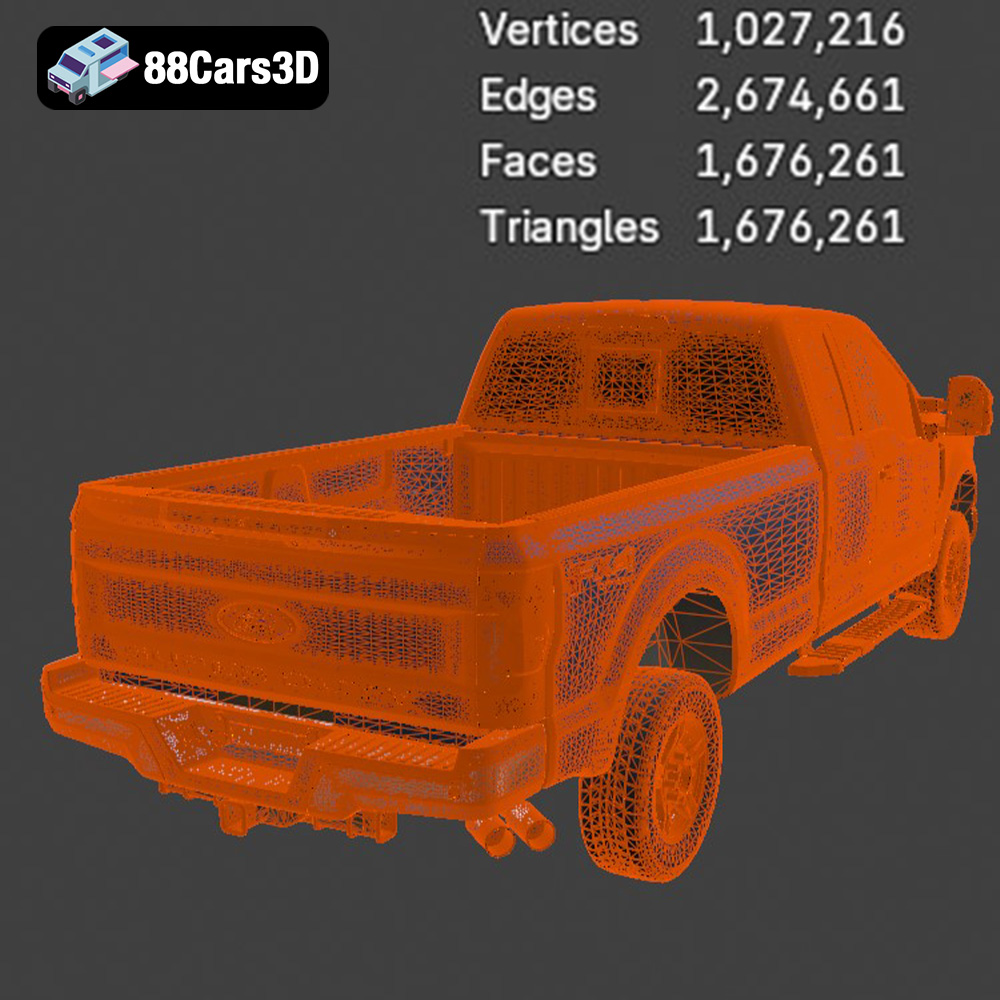
* **Mesh Density:** The Ford F-250 Super Duty model from 88cars3d.com boasts a high polygon count (over 1.6 million). While this ensures detail, it can also strain your printer and slicer. Consider using mesh simplification tools in your 3D modeling software to reduce the polygon count without significantly sacrificing detail, especially if printing at a smaller scale.
The choice of material significantly impacts the final appearance, strength, and durability of your 3D printed Ford F-250 Super Duty. Consider the following options:
For Fused Deposition Modeling (FDM) printers, the most common materials are PLA, PETG, and ABS.
* **PLA (Polylactic Acid):** PLA is biodegradable, easy to print, and produces excellent surface finish. It’s a great choice for non-functional parts or display models. However, PLA has low heat resistance and can become brittle over time.
* **PETG (Polyethylene Terephthalate Glycol-modified):** PETG offers a good balance of strength, flexibility, and ease of printing. It has better heat resistance than PLA and is more durable. PETG is a versatile choice for parts that require some degree of functionality.
* **ABS (Acrylonitrile Butadiene Styrene):** ABS is known for its high strength, heat resistance, and impact resistance. It’s often used for functional parts that need to withstand stress. However, ABS is more challenging to print than PLA or PETG, requiring a heated bed and enclosure to prevent warping.
For Stereolithography (SLA) or Digital Light Processing (DLP) printers, resin is the material of choice.
* **Standard Resin:** Standard resin offers excellent detail and smooth surface finish. It’s suitable for display models and prototypes.
* **Tough Resin:** Tough resin is formulated to be more durable and impact-resistant than standard resin. It’s a good choice for parts that need to withstand some stress.
* **Flexible Resin:** Flexible resin allows you to print parts with rubber-like properties. This can be useful for tires or other flexible components of the Ford F-250 model.
Given the intended uses of the model, here are some specific material recommendations:
* **Display Model:** PLA or standard resin for excellent surface finish and detail.
* **RC Truck Body:** PETG or ABS for FDM, or tough resin for SLA/DLP, to withstand impacts and stress.
The right printer settings are crucial for achieving a successful 3D print. These settings vary depending on your printer, material, and desired outcome.
Layer height determines the resolution of your print. Lower layer heights result in smoother surfaces and finer details, but also increase print time.
* **FDM:** A layer height of 0.1-0.2 mm is a good starting point. For finer details, you can go down to 0.08 mm.
* **Resin:** Layer heights of 0.025-0.05 mm are typical for resin printing.
Infill density affects the strength and weight of your print. Higher infill densities result in stronger but heavier prints. The infill pattern also plays a role.
* **Density:** The product description recommends 15-25% infill. For an RC truck body, consider increasing the infill to 30-40% for added strength.
* **Pattern:** Rectilinear, grid, or gyroid infill patterns are suitable for most applications. Gyroid infill offers a good balance of strength and print time.
Supports are necessary to print overhanging features. The Ford F-250 Super Duty model will likely require supports for the tow mirrors, wheel arches, exhaust system, and undercarriage details.
* **Placement:** Use your slicing software to automatically generate supports, or manually add them for more control.
* **Type:** Tree supports are often easier to remove than linear supports.
* **Density:** Adjust the support density to balance support strength with ease of removal.
Print speed affects both print time and print quality. Lower print speeds generally result in better quality prints.
* **FDM:** A print speed of 40-60 mm/s is a good starting point.
* **Resin:** Follow the manufacturer’s recommendations for your resin and printer.
Ensuring good bed adhesion is crucial to prevent warping or detachment during printing.
* **FDM:** Use a heated bed, bed adhesive (e.g., glue stick or hairspray), or brim.
* **Resin:** Ensure your build plate is properly leveled and that the first layer exposure time is sufficient.
Post-processing is the final step in bringing your 3D printed Ford F-250 Super Duty to life. This involves removing supports, sanding surfaces, painting, and assembling the various parts.
Carefully remove supports using pliers, cutters, or a sharp knife. Take your time to avoid damaging the model.
Sand the surfaces of the model to smooth out any imperfections and layer lines. Start with coarse sandpaper (e.g., 220 grit) and gradually move to finer grits (e.g., 400, 600, 800 grit) for a smooth finish. Wet sanding can help to reduce dust and improve the surface finish.
Apply a primer to the model to create a uniform surface for painting. Primer also helps to fill in any remaining imperfections.
Paint the model using acrylic paints or spray paints. The product description suggests using standard Ford factory colors like Oxford White, Blue Jeans Metallic, or Ingot Silver. Consider using masking tape to create clean lines and separate different colors. Use a silver metalizer for the chrome accents.
Assemble the various parts of the model using glue or screws. The product description mentions that the wheels, steering components, doors, and tailgate are separate, allowing for animation.
Even with careful preparation, 3D printing can be challenging. Here are some common issues and their solutions:
Warping occurs when the corners of the print lift off the build plate.
* **Solution:** Ensure proper bed adhesion, use a heated bed (for FDM), enclose the printer (for ABS), or add a brim.
Layer shifting occurs when the layers of the print are misaligned.
* **Solution:** Check belt tension, ensure the printer is stable, and reduce print speed.
Stringing occurs when thin strands of filament are left between different parts of the print.
* **Solution:** Adjust retraction settings, reduce print temperature, and increase travel speed.
Elephant’s foot occurs when the first few layers of the print are wider than the rest.
* **Solution:** Adjust the initial layer height, reduce bed temperature, or use a raft.
By following these guidelines and carefully troubleshooting any issues that arise, you can successfully 3D print a stunning replica of the Ford F-250 Super Duty Super Cab XLT 2015 from 88cars3d.com. Remember to be patient, experiment with different settings, and enjoy the process of bringing this iconic truck to life!
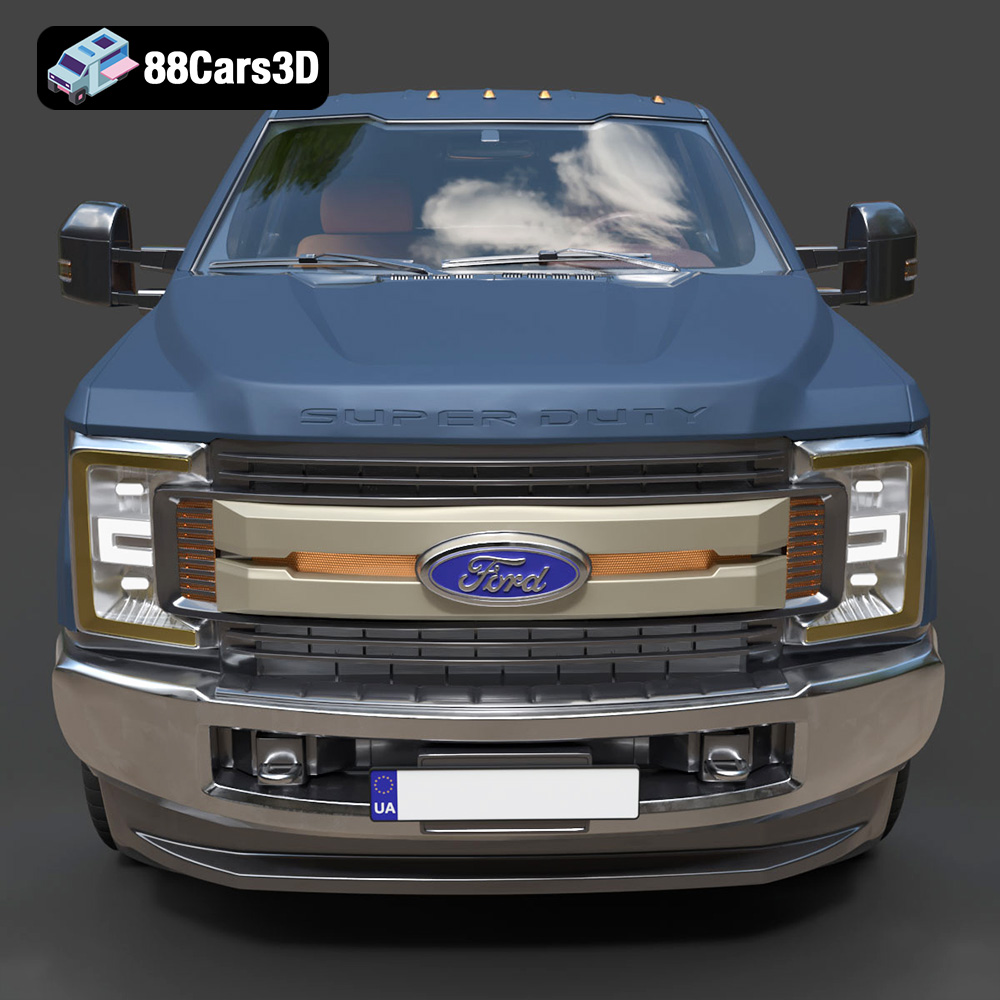
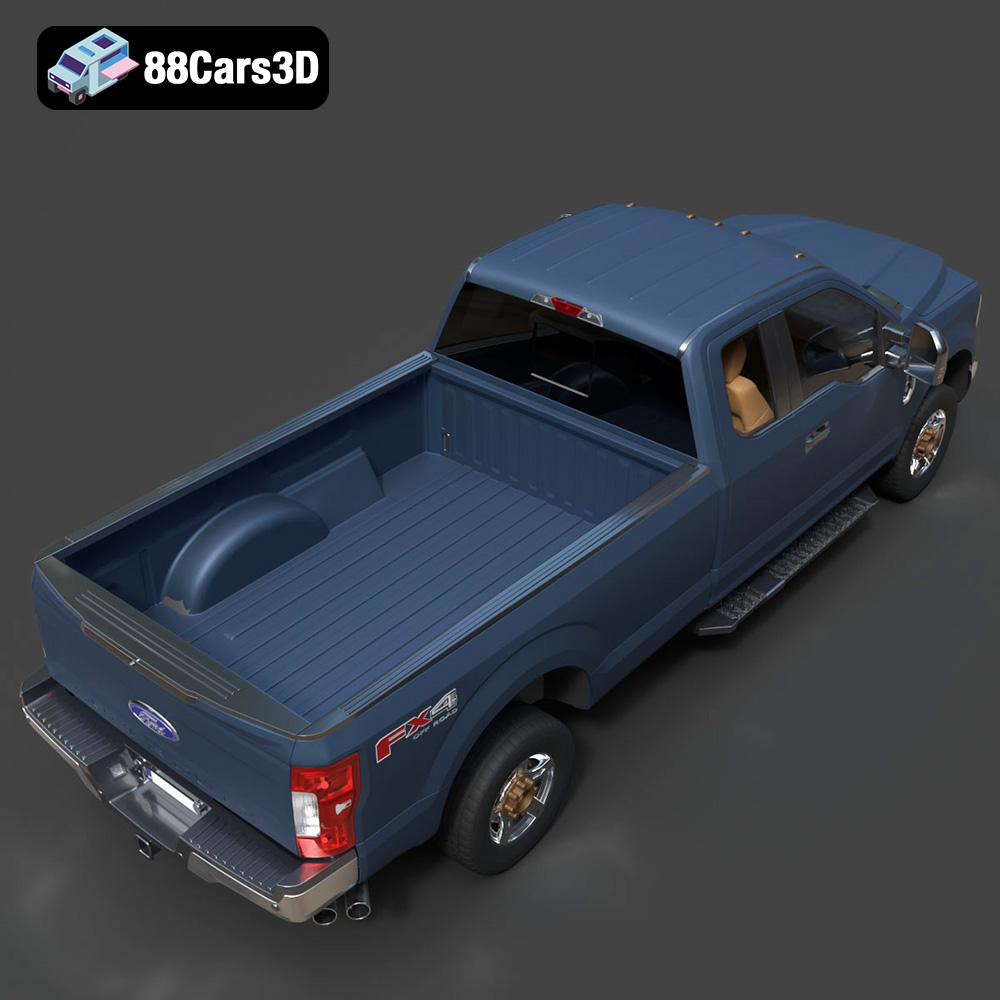
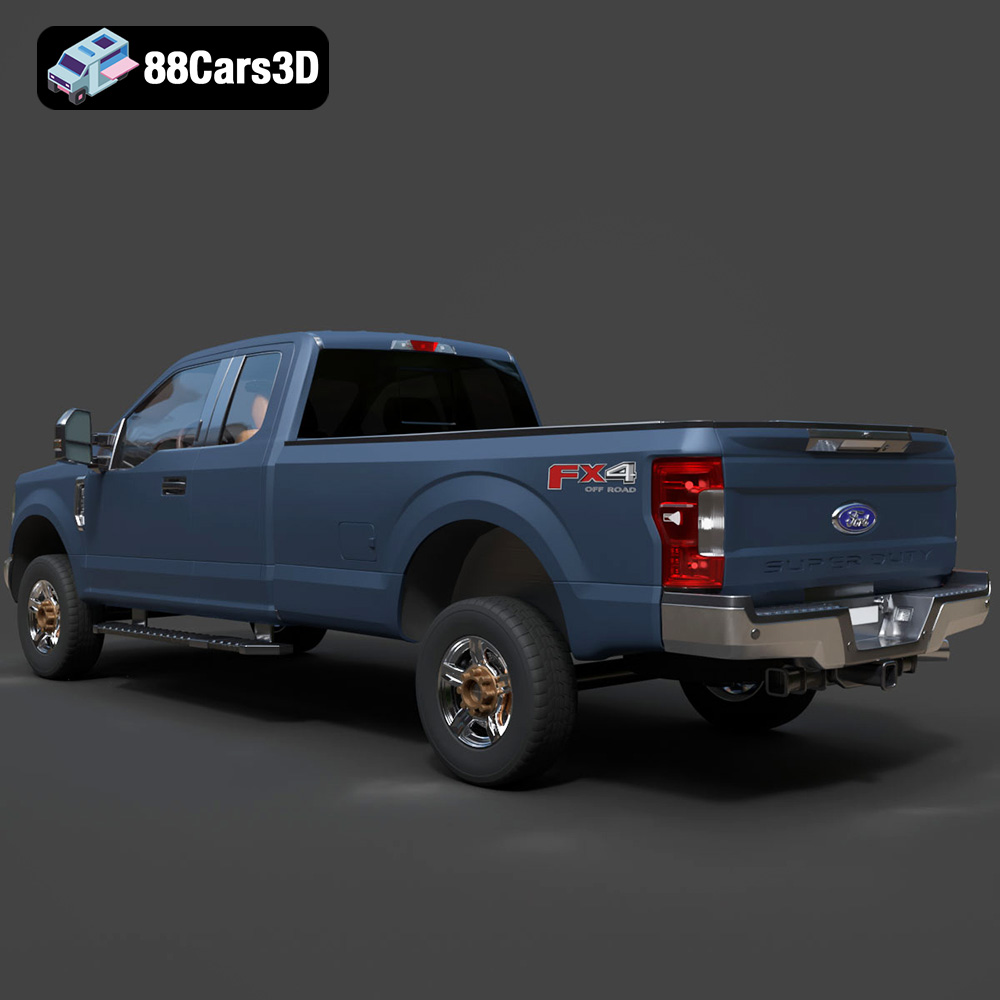
The Ford F-250 Super Duty Super Cab XLT 2015 3D Model is a premium, high-detail digital recreation of America’s iconic heavy-duty work truck. Representing the final iteration of the legendary steel-body generation, this 2015 model captures the imposing, muscular stance that makes the F-250 a favorite for towing, off-roading, and commercial fleets.
$9.99
.automotive
.blend
.fbx
.ford
.obj
.rendering
.stl
.xlt
2015-ford
3d printing
car-3d-model
f-250
heavy-duty
high poly
pickup-truck
super-cab
super-duty