Get 50% OFF All Premium 3D & STL Models!

The Genesis G70 2018 marked a turning point for the Korean automaker, establishing them as a serious contender in the luxury sports sedan market. Its blend of aggressive styling, refined elegance, and powerful performance made it an instant classic. Now, thanks to 88cars3d.com, you can bring this iconic vehicle to life in your own home with a detailed 3D printed model. This article will guide you through the process of successfully 3D printing the Genesis G70 2018 3D model, covering everything from pre-print preparation to post-processing techniques.
Choosing the right file format is crucial for a successful 3D printing experience. The Genesis G70 2018 model from 88cars3d.com is provided in several formats, each with its own strengths and weaknesses. Understanding these differences is key to selecting the optimal format for your needs.
The .stl (Stereolithography) format is the industry standard for 3D printing. It represents the 3D model’s surface geometry as a collection of triangles, forming a mesh. This simplicity makes it universally compatible with slicing software and 3D printers. The .stl format only stores the surface geometry and does not include any color or texture information. For the Genesis G70, the STL file provides the foundational shape for printing. When working with STL files, it’s essential to check for errors such as non-manifold geometry (where edges are shared by more than two faces) or holes in the mesh. These errors can cause issues during slicing and printing. Mesh repair tools in software like MeshMixer or Netfabb can be used to fix these problems before printing.
The .obj (Wavefront Object) format is another widely used 3D model format. Unlike .stl, .obj can store color and texture information, in addition to the mesh geometry. This makes it suitable for applications where color is important, although it’s less commonly used for direct 3D printing unless you have a multi-material or color 3D printer. While the Genesis G70 STL file is excellent for a foundational print, the OBJ format would become useful when adding further cosmetic features.
The .ply (Polygon File Format) is designed to store 3D data acquired from 3D scanners. It’s known for its ability to represent high-detail meshes accurately. While suitable for 3D printing, it’s not as universally supported as .stl. Its use with the Genesis G70 model will require compatible slicing software.
The .blend file is the native format for Blender, a popular open-source 3D creation suite. This format contains the entire Blender scene, including the model, materials, lighting, and other scene elements. The .blend format is not directly compatible with 3D printers. However, having the .blend file for the Genesis G70 model allows for extensive customization and modification before exporting to a printable format like .stl.
The .fbx (Filmbox) format is a proprietary format developed by Autodesk. It’s designed for interoperability between different 3D software packages and can store complex scene data, including geometry, materials, textures, and animations. While .fbx can be imported into some slicing software, it’s primarily used for transferring models between different stages of the 3D production pipeline. The use of this format for printing the Genesis G70 may require converting the model to an STL first.
The .glb (GL Transmission Format Binary) is a binary file format that represents 3D models in a compact and efficient way. It’s commonly used for displaying 3D models in web browsers and augmented reality (AR) applications. While not directly used for 3D printing, the .glb format can be useful for previewing the Genesis G70 model in AR before committing to a print.
The .max file is the native format for 3ds Max, another industry-standard 3D modeling software. Similar to .blend, it contains the entire project, allowing for extensive modifications. However, it’s not directly printable and requires exporting to a compatible format like .stl first. Use this format to modify the Genesis G70 if you have access to 3ds Max.
For 3D printing the Genesis G70 2018 model, the .stl format is the most suitable option due to its widespread compatibility and simplicity. Ensure that the mesh quality is high enough to capture the intricate details of the car. You may need to adjust the export settings in Blender or 3ds Max to optimize the mesh density for 3D printing.
Before you can start 3D printing your Genesis G70 model, you need to prepare the STL file using slicing software. This software converts the 3D model into a series of instructions (G-code) that the 3D printer can understand.
Several excellent slicing software options are available, both free and paid. Popular choices include Cura, PrusaSlicer, Simplify3D, and IdeaMaker. Cura and PrusaSlicer are excellent free options with a wide range of features and a large community for support. Simplify3D is a paid option that offers more advanced control over printing parameters. IdeaMaker is another free option with a user-friendly interface and good support for dual extrusion printers. The choice depends on your experience level, printer capabilities, and desired level of control. For the Genesis G70, any of these slicers will work well.
The orientation of the model on the print bed is critical for print quality and support requirements. For the Genesis G70, printing the body at an angle (around 45 degrees) can help minimize the need for supports on the curved surfaces. This will result in a smoother surface finish and reduce post-processing time. However, this orientation will likely require more supports overall. Ensure that supports are generated in areas like the side mirrors, door handles, exhaust tips, and bumper overhangs, as recommended in the model description. Experiment with different support settings, such as support density and support interface layers, to find the optimal balance between support strength and ease of removal. Some slicers offer tree supports, which can be a good option for complex models like the G70 as they use less material and are easier to remove than traditional linear supports.
The Genesis G70 model is designed to be printed at scales like 1:24, 1:18, or 1:12. Choose the scale that best suits your printer’s build volume and your desired level of detail. Before slicing, it’s essential to inspect the STL file for any errors, such as non-manifold geometry or holes in the mesh. Use mesh repair tools within your slicing software or dedicated software like MeshMixer to fix these issues. Even minor errors can lead to print failures. Verify that the model is watertight (i.e., has no holes) and that all surfaces are properly oriented. Small details, like the grille or headlight details, might require additional attention and potentially manual refinement in a 3D modeling software if the printing resolution is pushed to its limits.
The choice of material significantly impacts the final appearance and durability of your 3D printed Genesis G70.
PLA (Polylactic Acid) is a popular thermoplastic known for its ease of use and biodegradability. It’s a great choice for beginners due to its low printing temperature, minimal warping, and wide availability. PLA is suitable for the Genesis G70 if you prioritize ease of printing and a good surface finish. However, PLA is not very heat-resistant and can become brittle over time, especially in direct sunlight. It’s also more susceptible to damage from impacts compared to other materials.
PETG (Polyethylene Terephthalate Glycol-modified) offers a good balance between strength, flexibility, and ease of printing. It’s more durable and heat-resistant than PLA, making it a better choice for parts that need to withstand some stress or exposure to higher temperatures. PETG is also less prone to warping than ABS. It is the most recommendable material for the Genesis G70. PETG can be a good option for the Genesis G70, offering improved durability compared to PLA while still being relatively easy to print.
Resin 3D printing (SLA or DLP) offers the highest level of detail and surface finish. Resin printers use liquid resin that is cured by UV light, allowing for much finer layer heights and intricate details compared to FDM printers. If you want to capture every curve and line of the Genesis G70 with maximum precision, resin printing is the way to go. However, resin printing is more complex than FDM printing and requires more post-processing, including washing and curing the printed parts. Resins can also be more expensive and require more careful handling due to their toxicity. If you plan on printing at a smaller scale (1:43 or smaller), resin printing is highly recommended to capture the intricate details.
Consider using different materials for different parts of the Genesis G70 model. For example, you could print the body in PETG for durability, the wheels in TPU (Thermoplastic Polyurethane) for a more realistic tire feel, and small details like the side mirrors in resin for maximum detail. Experimenting with different materials can enhance the overall look and feel of your 3D printed model.
Fine-tuning your printer settings is crucial for achieving a high-quality 3D printed Genesis G70.
Layer height determines the vertical resolution of your print. Lower layer heights (e.g., 0.08-0.12 mm) result in smoother surfaces and finer details, but they also increase print time. Higher layer heights (e.g., 0.16-0.2 mm) print faster but sacrifice some surface quality. For the Genesis G70, a layer height of 0.1-0.15 mm is a good starting point, balancing detail and print time. For resin printing, layer heights can be even lower (e.g., 0.025-0.05 mm) to achieve exceptional detail.
Infill density determines the amount of material used inside the model. Higher infill densities increase strength and rigidity but also increase print time and material consumption. For a static display model like the Genesis G70, an infill density of 15-25% is generally sufficient. As for the infill pattern, consider using gyroid, cubic, or honeycomb patterns for a good balance of strength and material efficiency. Concentric infill can also be used to create a visually interesting effect if the infill is visible through openings in the model.
Print speed and temperature are material-dependent. Refer to the material manufacturer’s recommendations for optimal settings. Generally, slower print speeds result in better print quality, especially for intricate details. For PLA, a printing temperature of 200-220°C and a bed temperature of 60-70°C is usually recommended. For PETG, a printing temperature of 230-250°C and a bed temperature of 70-80°C is common. Experiment with these settings to find what works best for your printer and material. Too high or too low temperatures can lead to extrusion issues, warping, and poor layer adhesion.
Proper bed adhesion is essential to prevent warping and ensure that the print sticks to the bed throughout the printing process. Use a clean and level print bed, and consider applying a bed adhesion aid, such as hairspray or glue stick. For larger prints, a brim (a single-layer outline around the base of the model) can significantly improve bed adhesion. Adjust the brim width based on the size and complexity of the model.
Post-processing is the final stage in the 3D printing process, where you refine the printed parts to achieve the desired look and feel.
Carefully remove the supports from the printed Genesis G70 model. Use pliers, cutters, or a sharp knife to gently detach the supports from the model’s surface. Take your time to avoid damaging the model. Once the supports are removed, use sandpaper to smooth out any rough spots or support scars. Start with a coarse grit sandpaper (e.g., 220 grit) and gradually move to finer grits (e.g., 400, 600, 800 grit) to achieve a smooth surface. Wet sanding can help reduce dust and improve the sanding process.
Priming is an essential step before painting, as it helps to create a smooth and uniform surface for the paint to adhere to. Apply several thin coats of primer, allowing each coat to dry completely before applying the next. After the primer has dried, use fine-grit sandpaper to smooth out any imperfections. Then, apply your chosen paint colors. Consider using automotive paints for a realistic finish. Apply multiple thin coats of paint, allowing each coat to dry completely. Once the paint has dried, you can apply a clear coat to protect the paint and add a glossy finish. Consider the factory color options for the Genesis G70, such as Siberian Ice, Mallorca Blue, or Havana Red, for an authentic look.
The Genesis G70 model may consist of multiple parts that need to be assembled after printing. Use glue or other adhesives to join the parts together. Pay attention to the alignment of the parts to ensure a seamless fit. Add final details, such as chrome accents, window decals, and interior details, to enhance the realism of the model. Consider using masking tape to protect areas that you don’t want to paint.
Even with careful preparation, you may encounter some issues during the 3D printing process.
Warping occurs when the printed part detaches from the print bed due to uneven cooling. To prevent warping, ensure that your print bed is clean and level, use a bed adhesion aid, and consider using a brim. You can also try increasing the bed temperature or reducing the printing temperature.
Stringing occurs when the printer extrudes material while moving between different parts of the print, leaving thin strands of plastic behind. To reduce stringing, try decreasing the printing temperature, increasing the retraction distance, or increasing the travel speed.
Layer separation occurs when the layers of the print do not adhere properly to each other. To prevent layer separation, ensure that your printing temperature is high enough, that your bed is level, and that your cooling fan is not set too high.
Elephant’s foot is a phenomenon where the first layer of the print is wider than the subsequent layers. To prevent elephant’s foot, ensure that your bed is properly leveled and that your initial layer height is not set too high. You can also try reducing the bed temperature for the first layer.
The print time and material cost for the Genesis G70 model will vary depending on the size, infill density, layer height, and material used. A rough estimate for a 1:24 scale model printed in PLA with 20% infill and a 0.15 mm layer height is 20-30 hours and $5-10 worth of material. Resin prints will be significantly shorter but the resin might cost more.
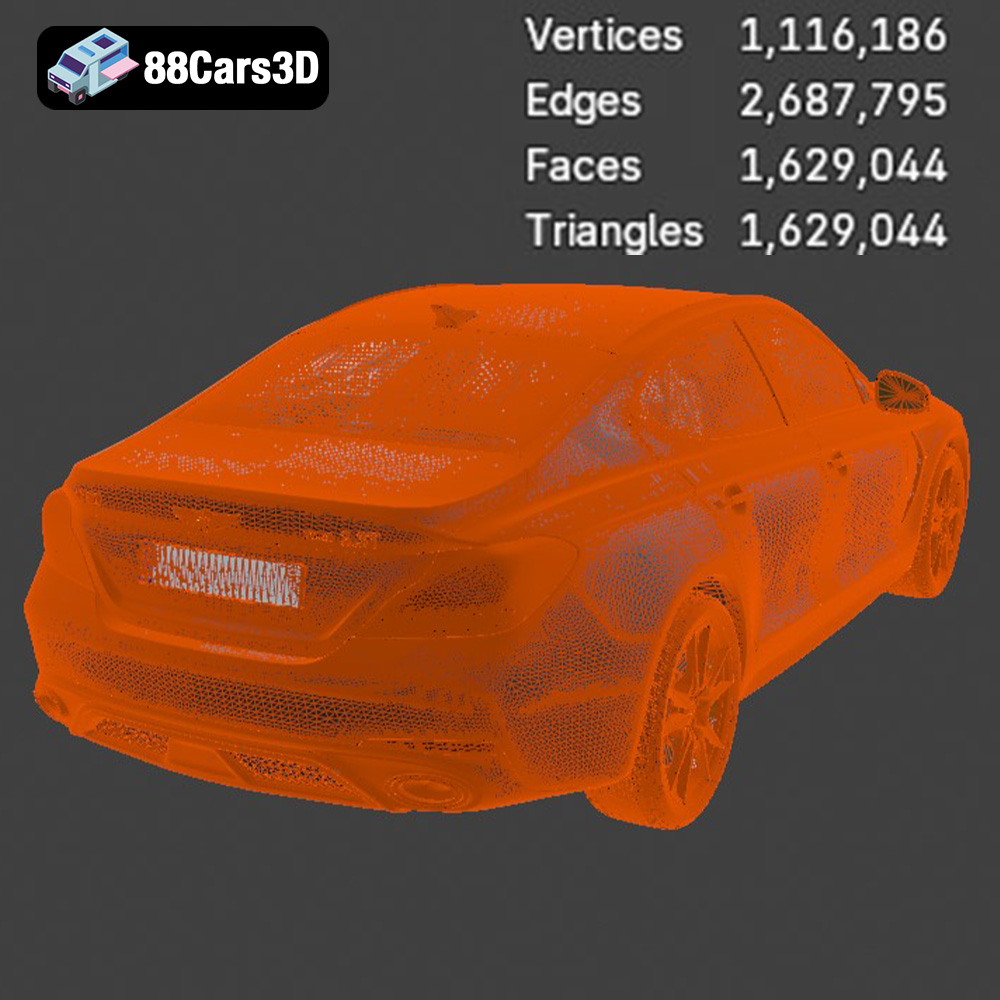
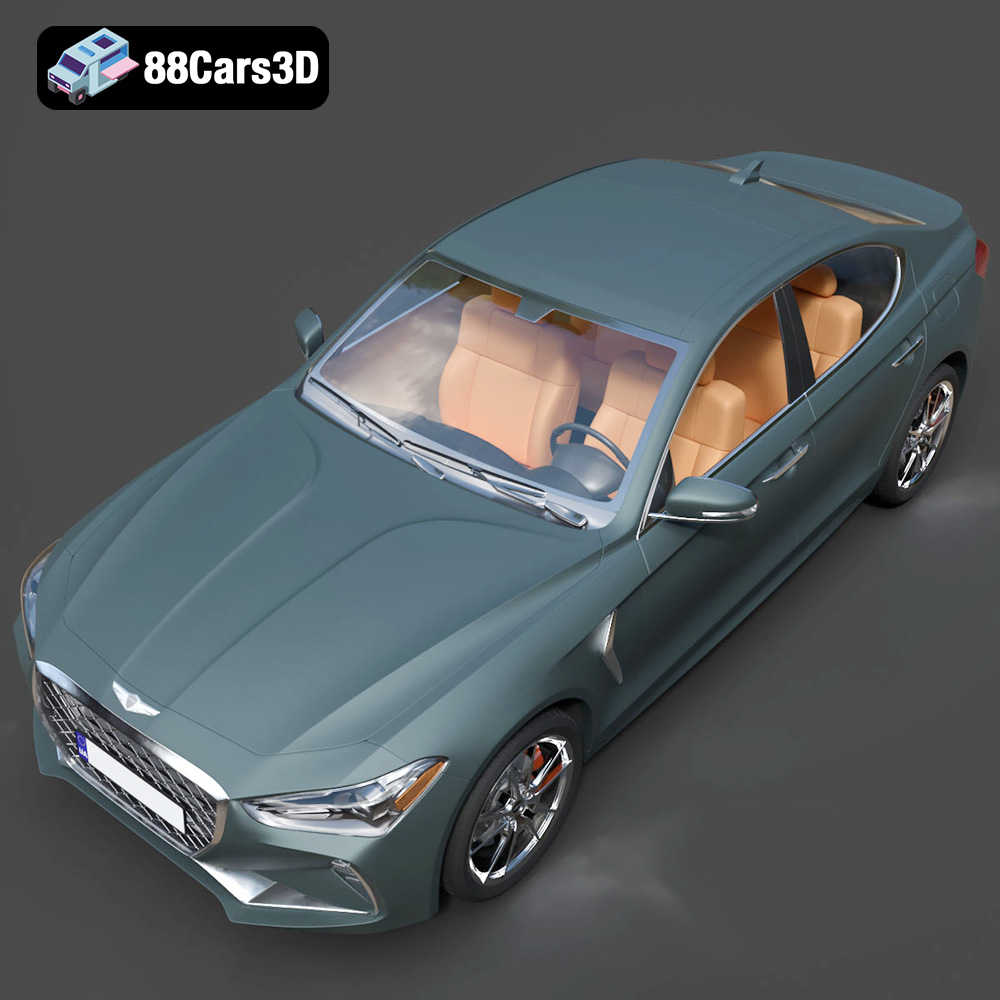
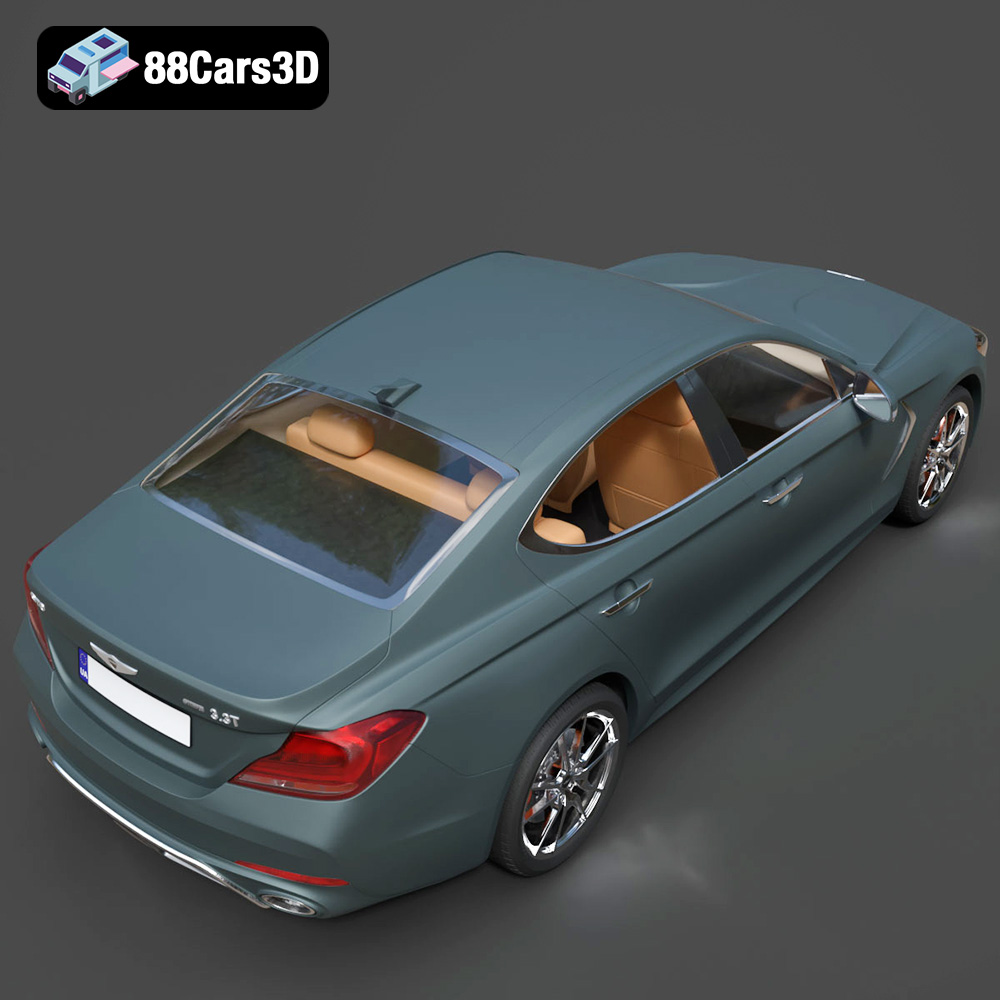
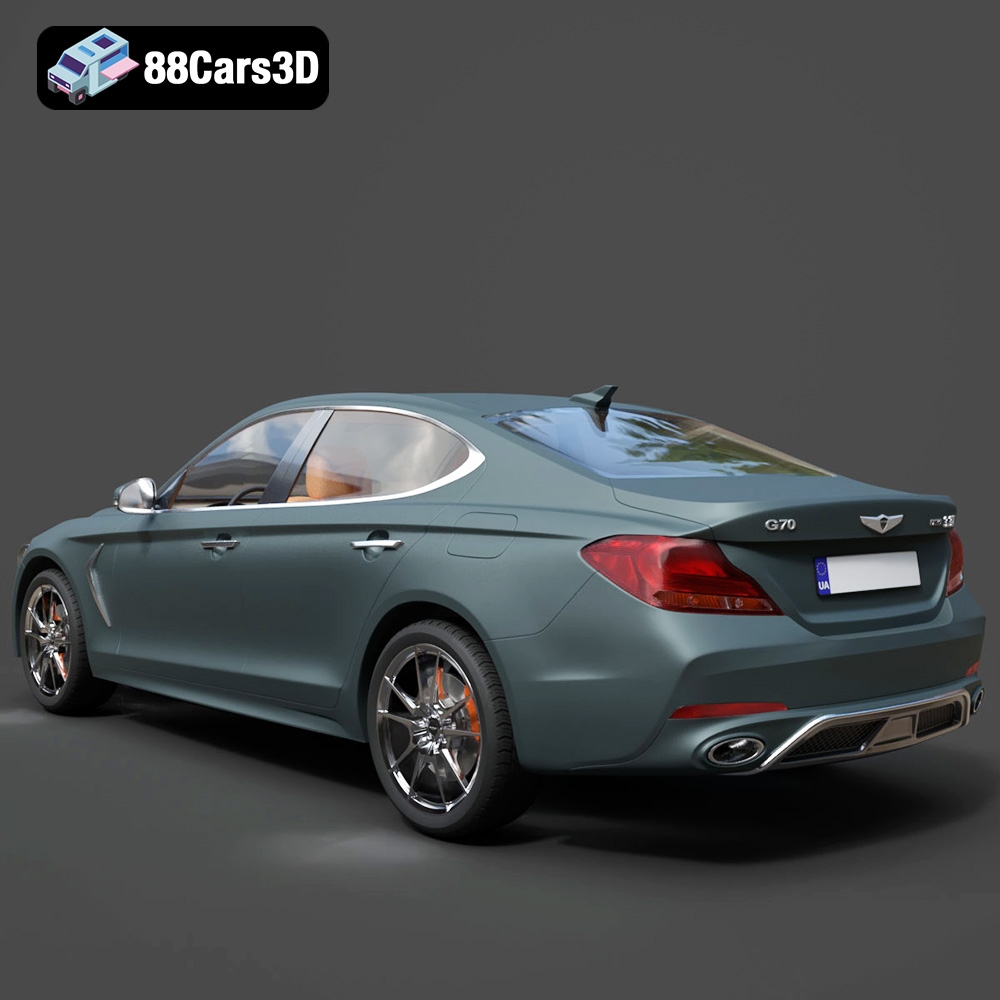
The Genesis G70 2018 3D Model is a premium, high-detail digital recreation of the acclaimed Korean luxury sports sedan. As the vehicle that firmly established Genesis as a serious competitor in the compact executive segment, the 2018 G70 combines an aggressive, athletic stance with refined elegance and world-class luxury design.
$9.99
3D printing the Genesis G70 2018 model is a rewarding project that allows you to create a stunning replica of this iconic vehicle. By carefully preparing the model, selecting the right materials, optimizing your printer settings, and mastering post-processing techniques, you can achieve exceptional results. Remember to consult the documentation provided by 88cars3d.com and experiment with different settings to find what works best for your printer and desired outcome. With patience and attention to detail, you can bring the elegance and performance of the Genesis G70 to life in your own home through the power of additive manufacturing. Happy printing!
.automotive
.blend
.fbx
.g70
.genesis
.obj
.rendering
.stl
2018-g70
3d printing
car-3d-model
compact-executive
high poly
korean-auto
luxury car
sports-sedan