Get 50% OFF All Premium 3D & STL Models!

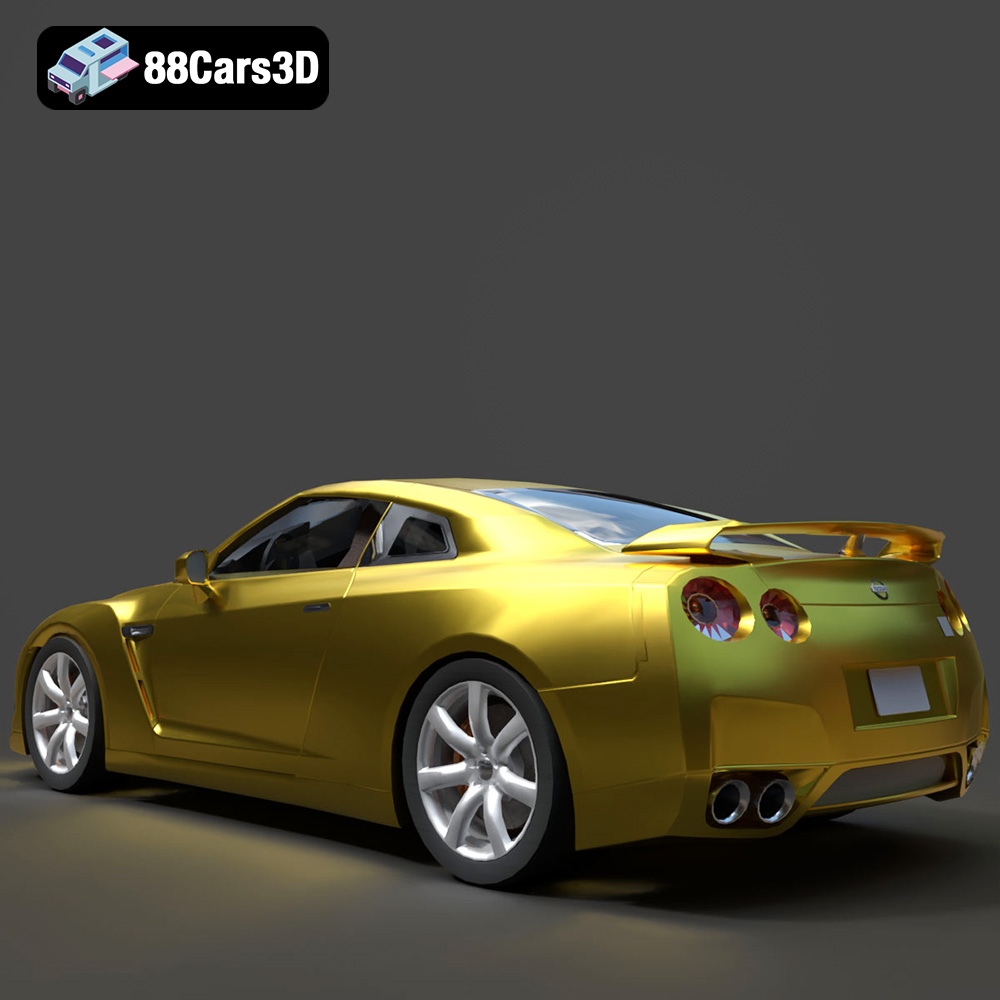
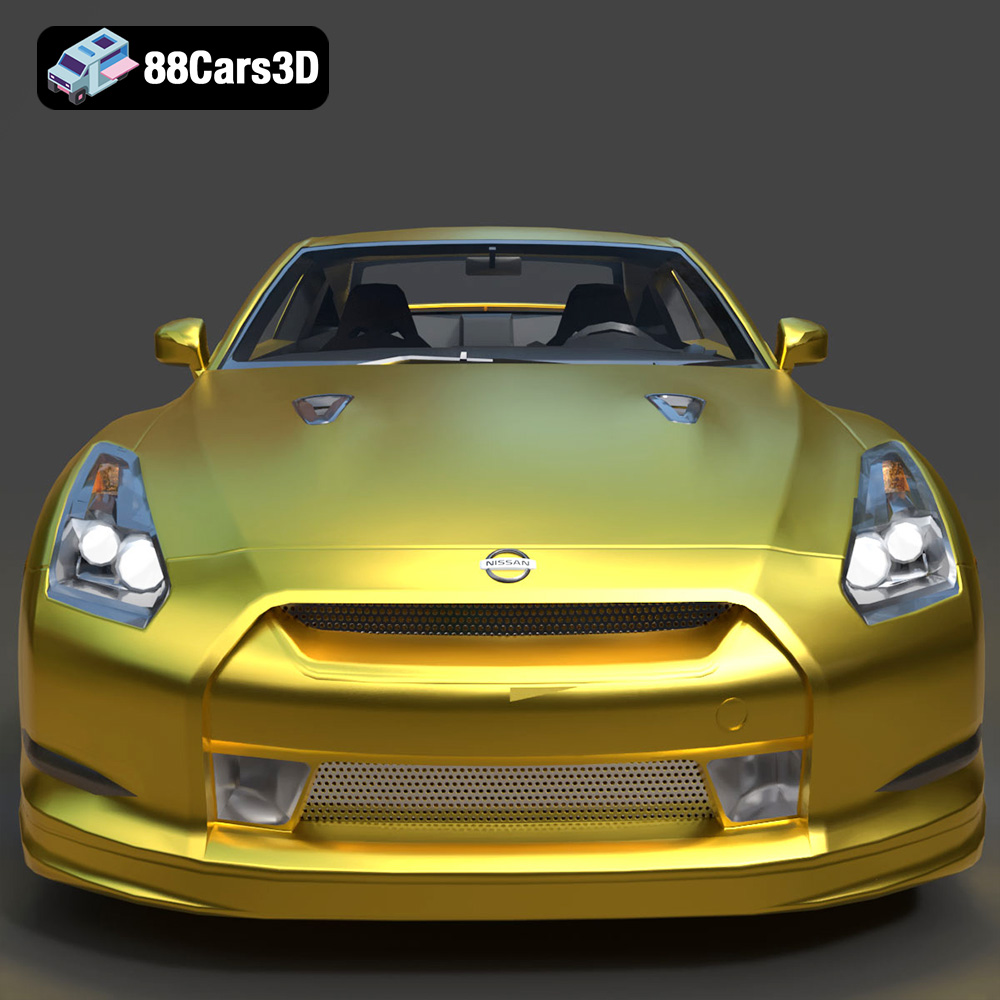
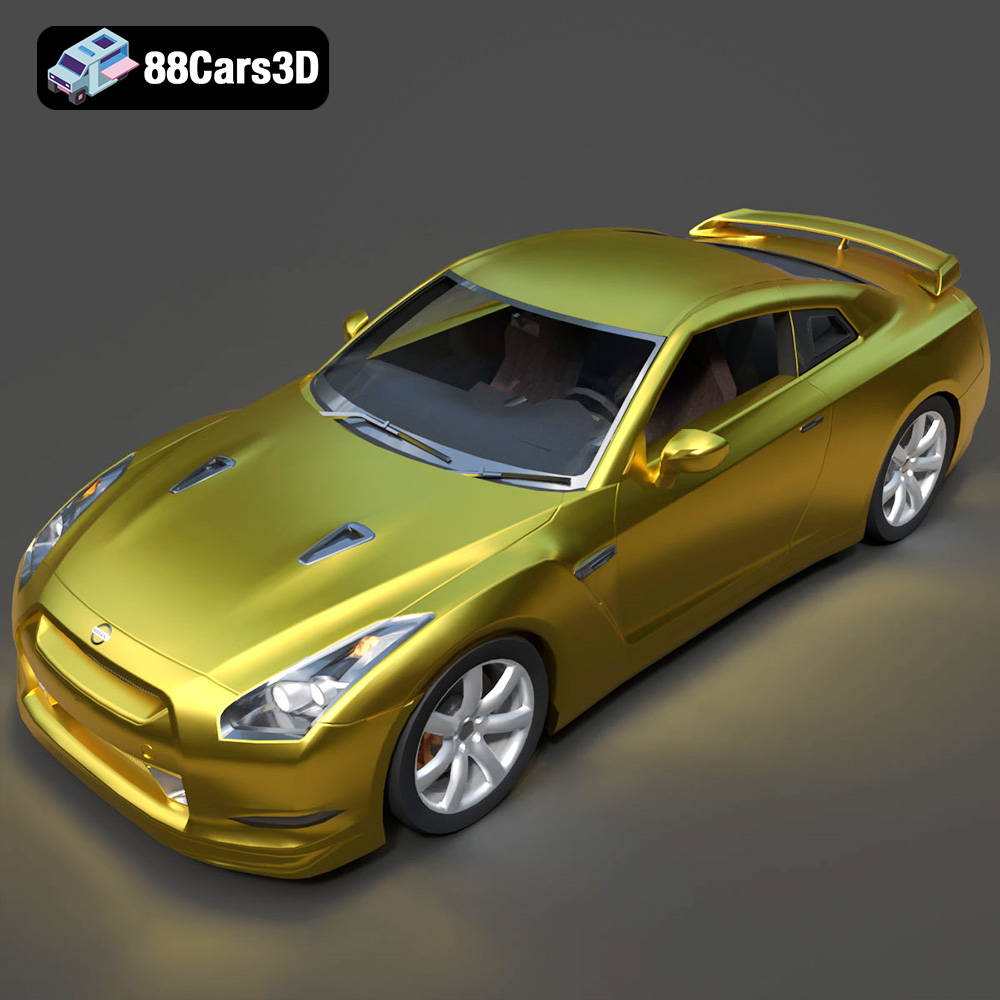
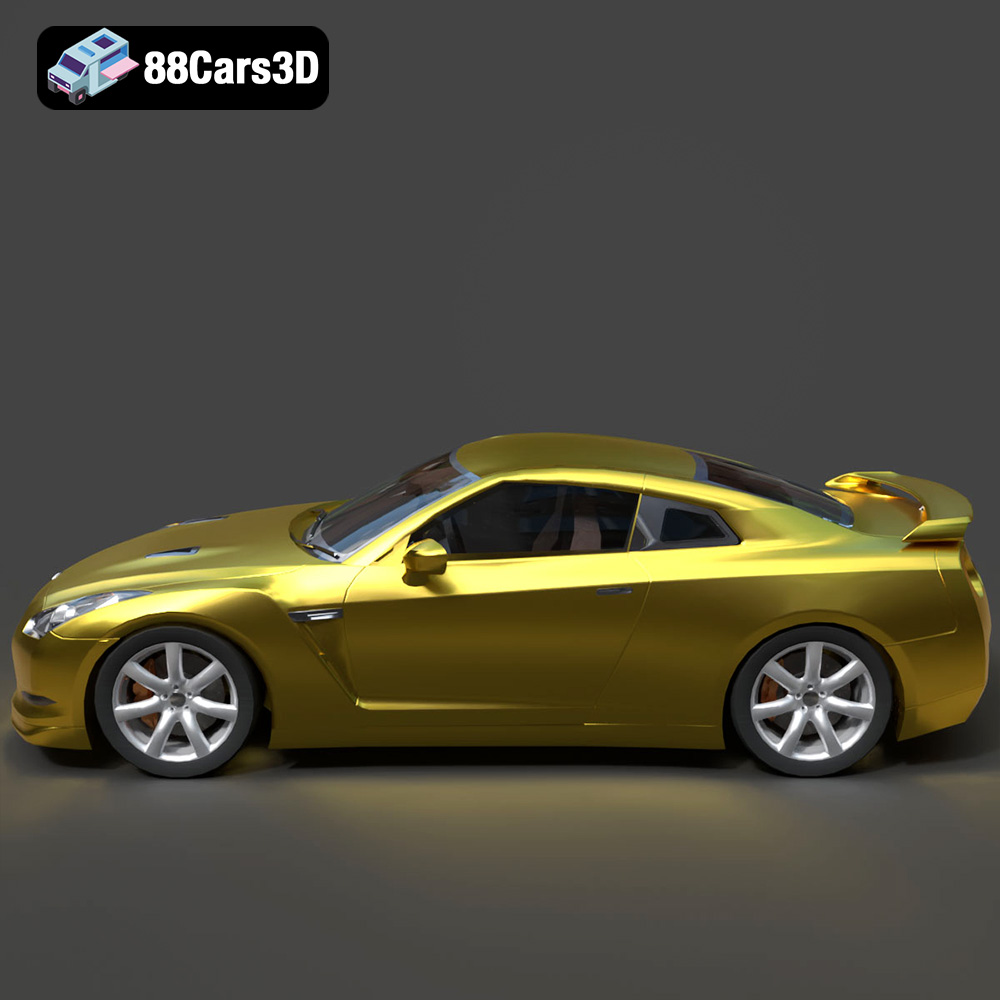
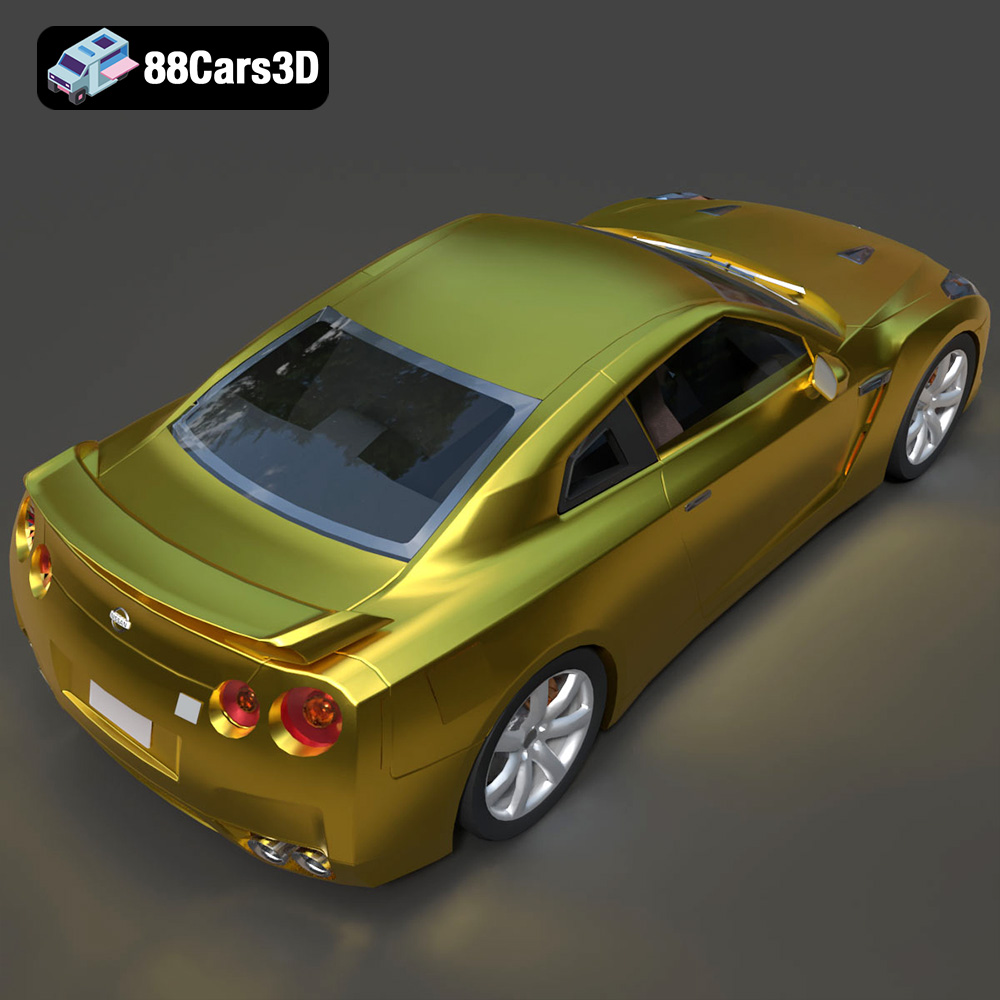
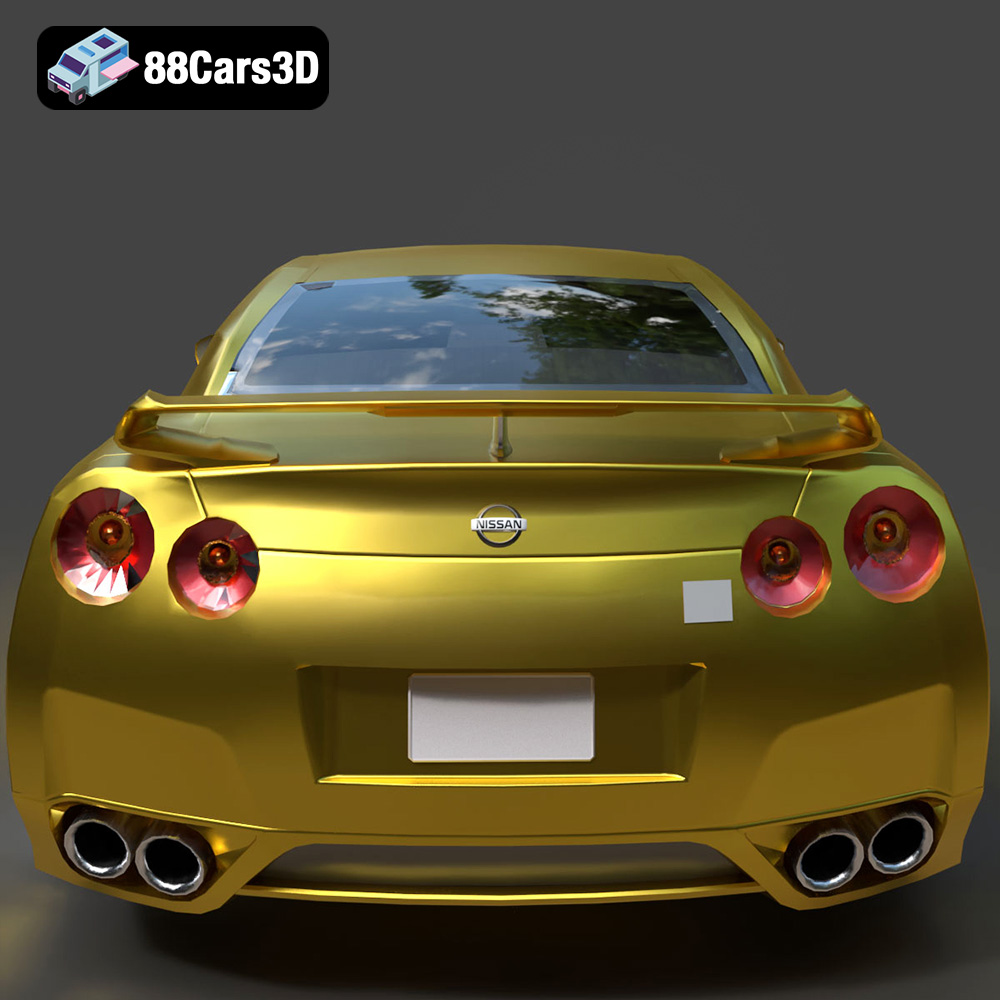
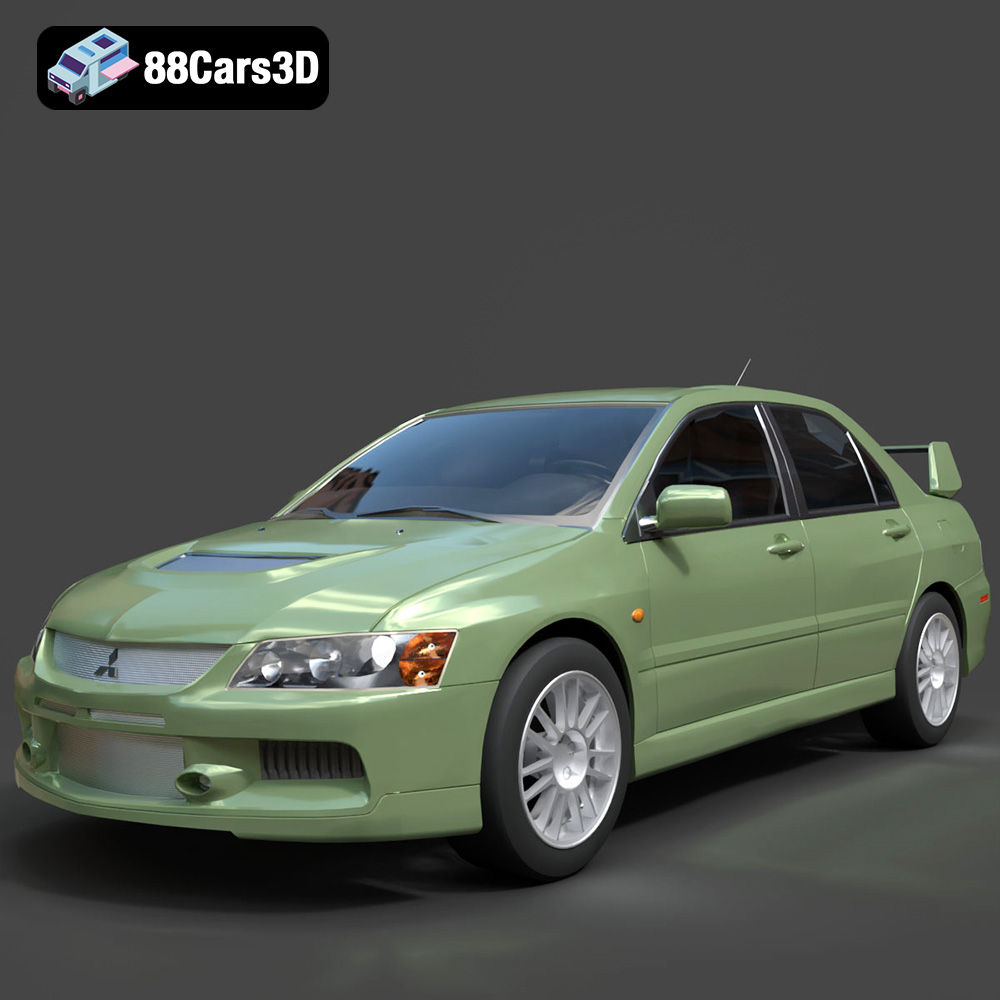
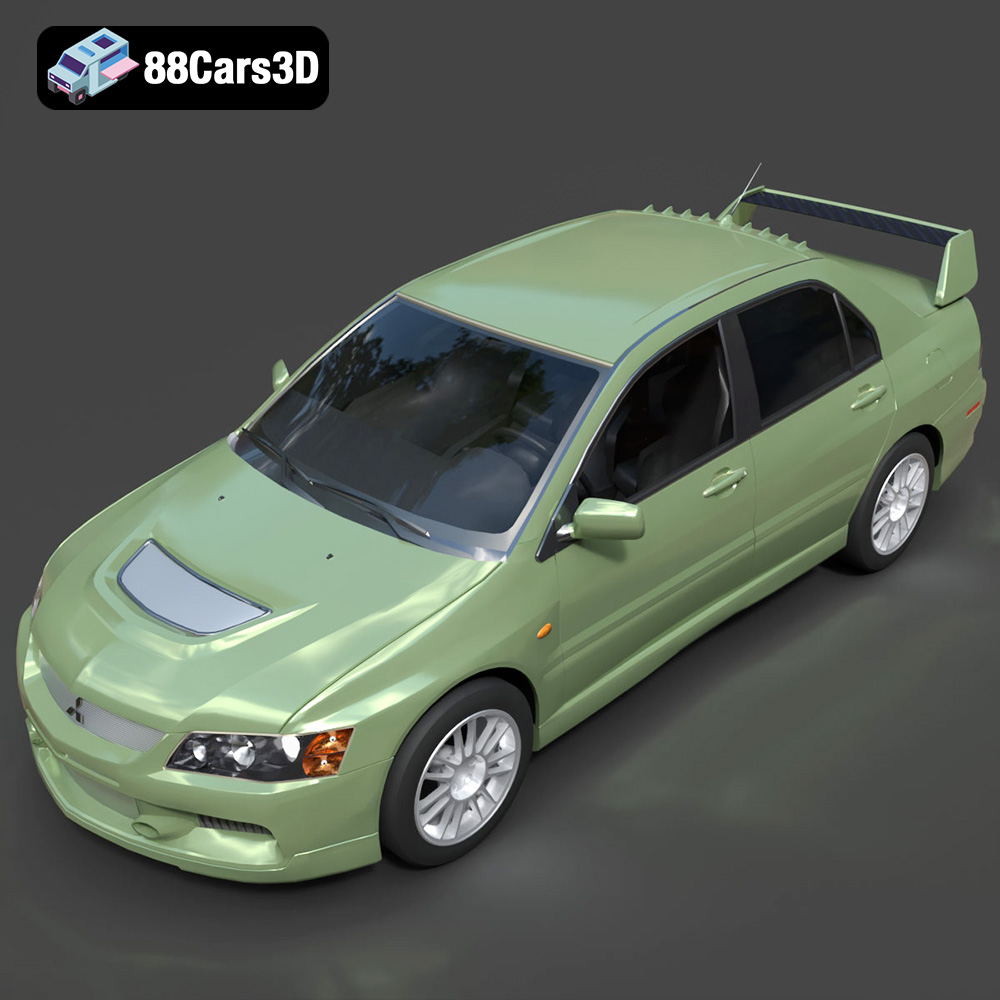
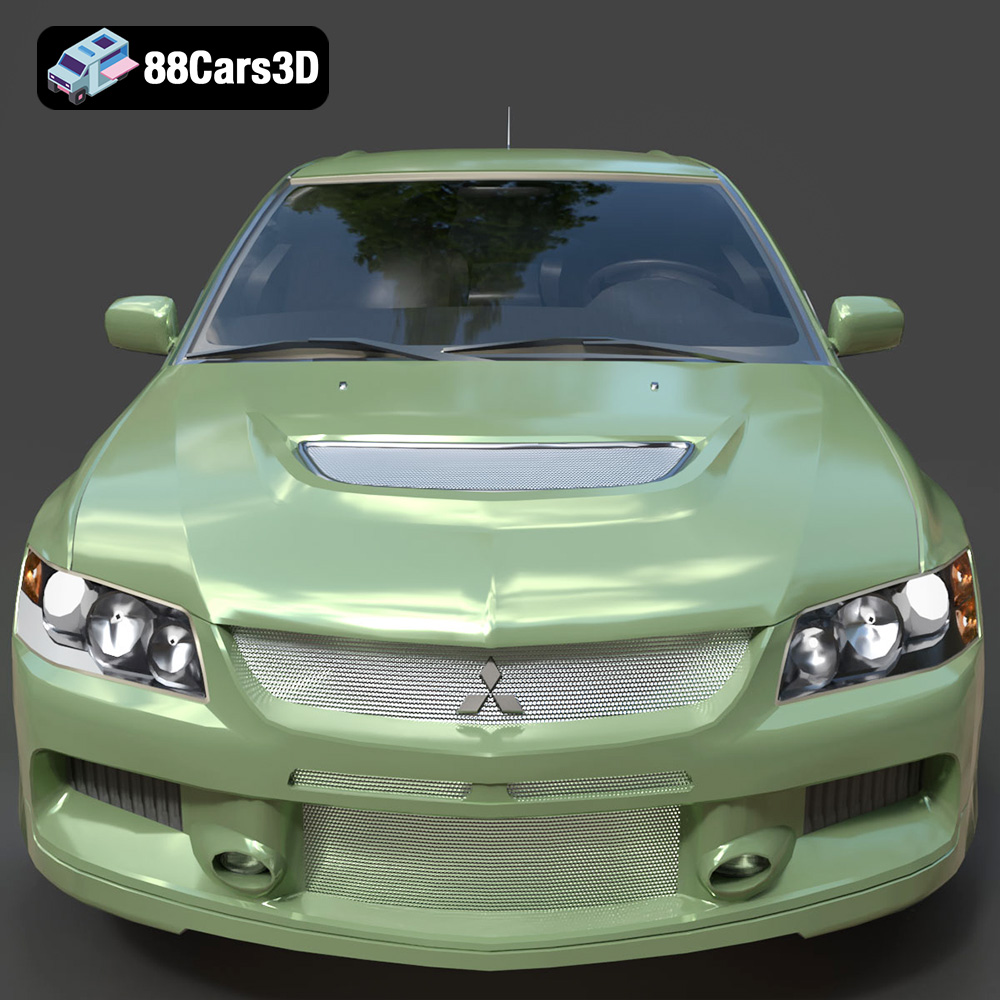
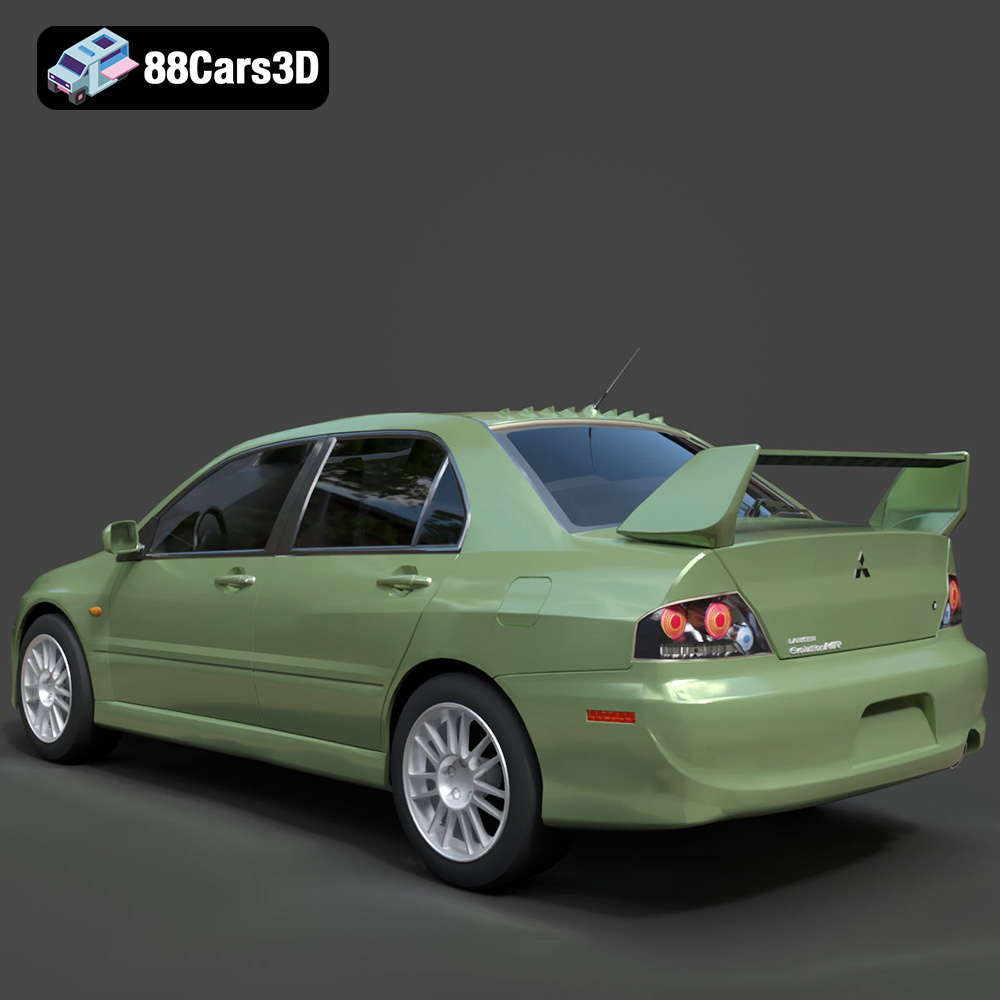
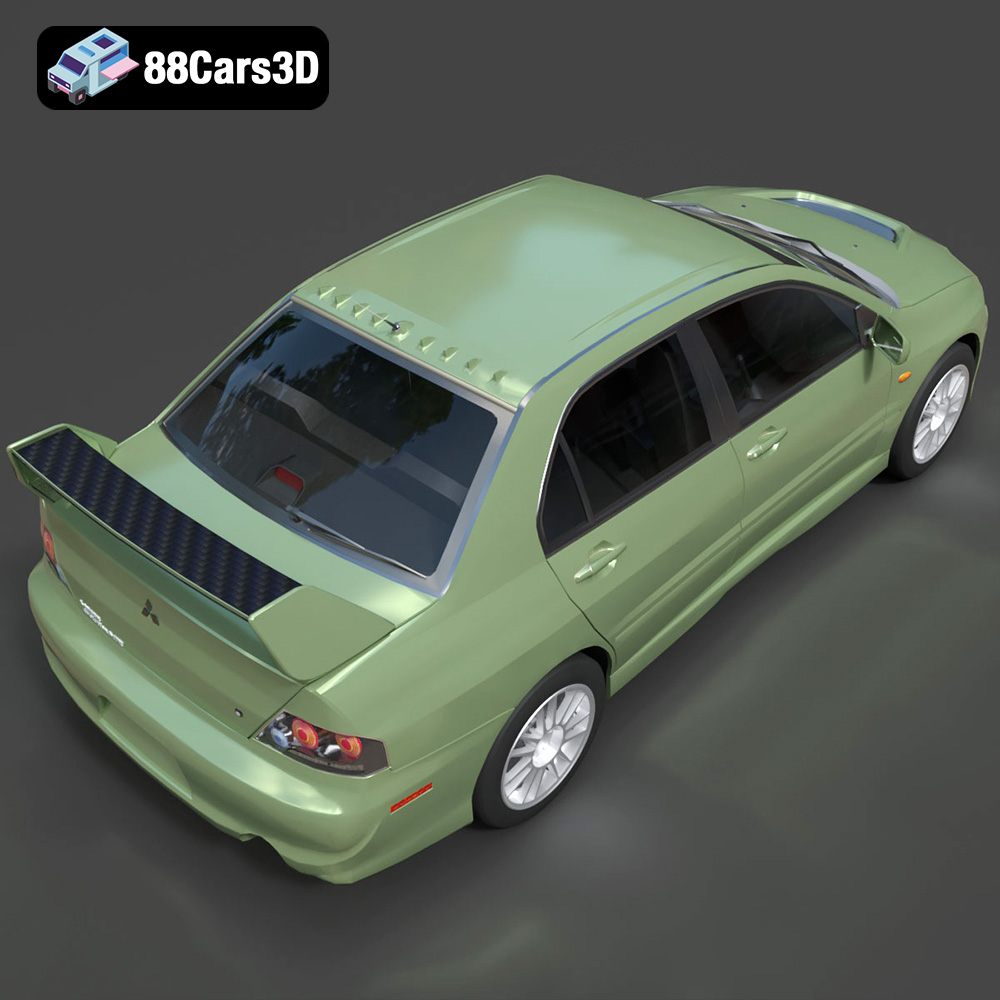
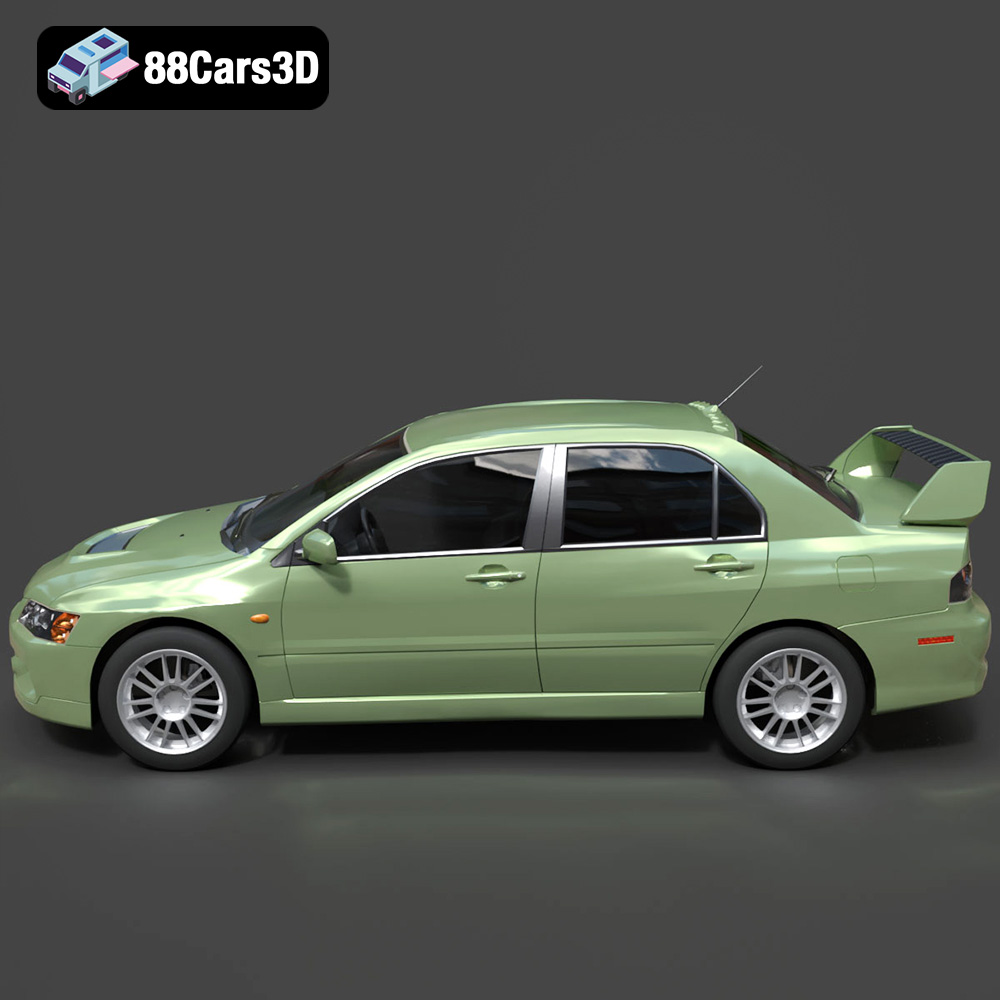
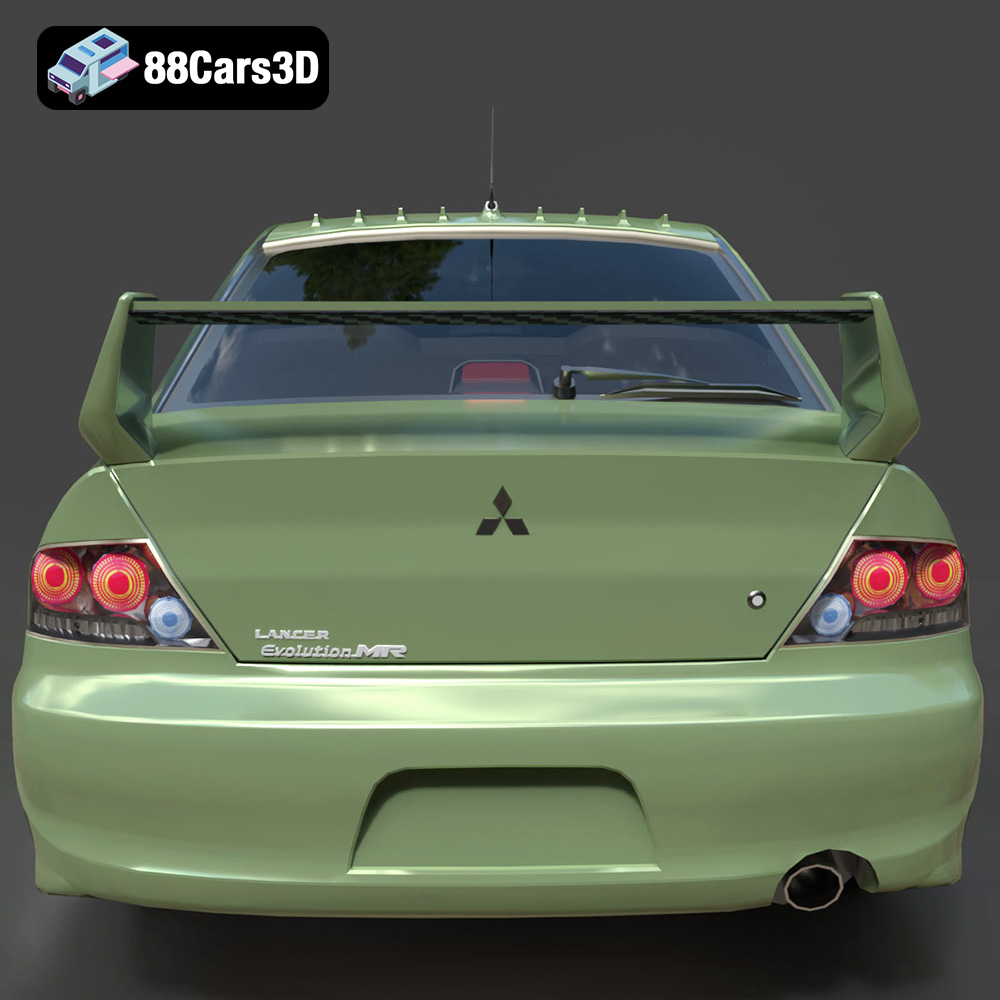
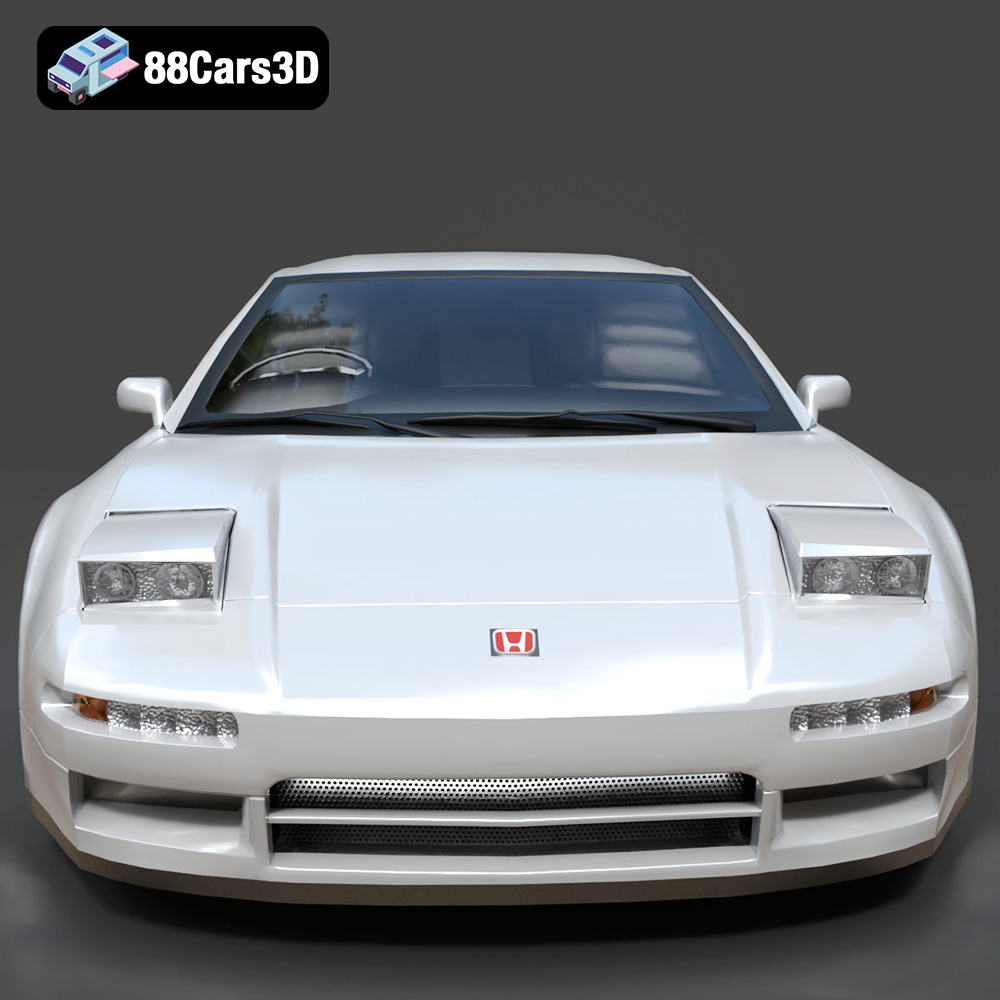
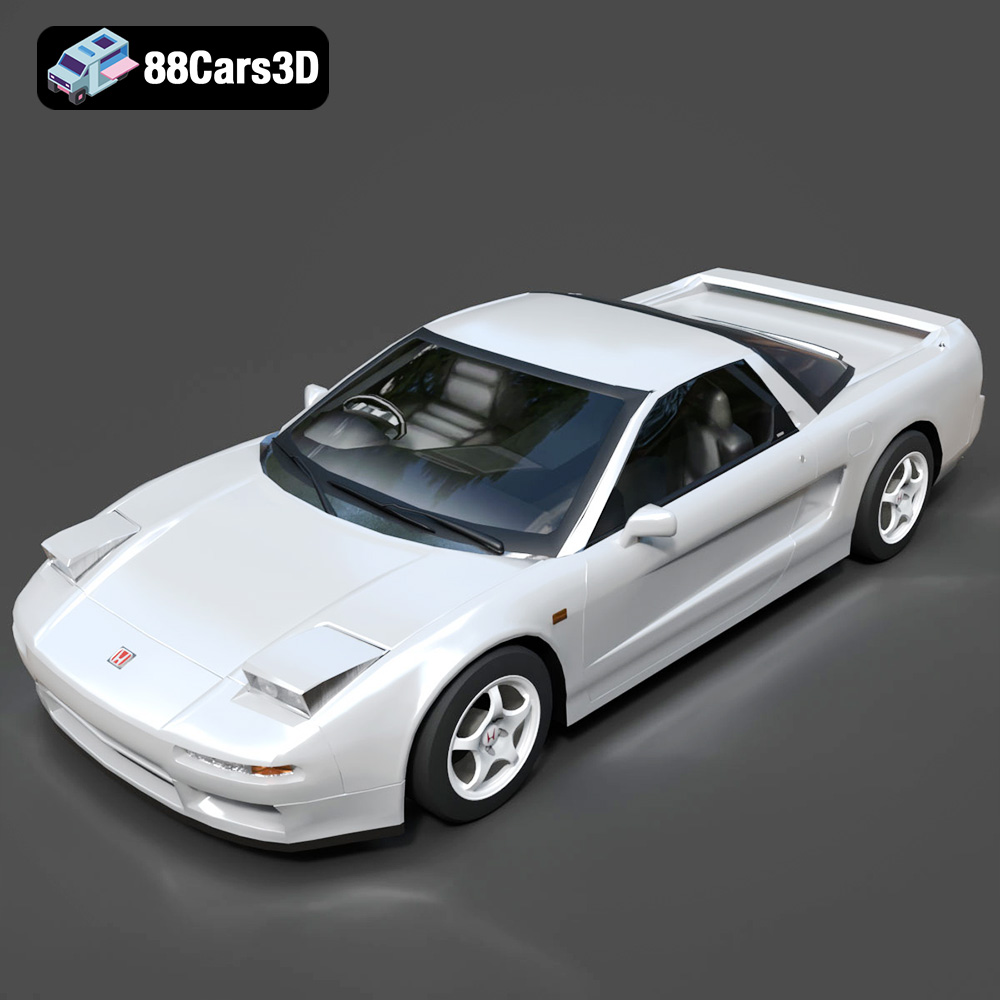
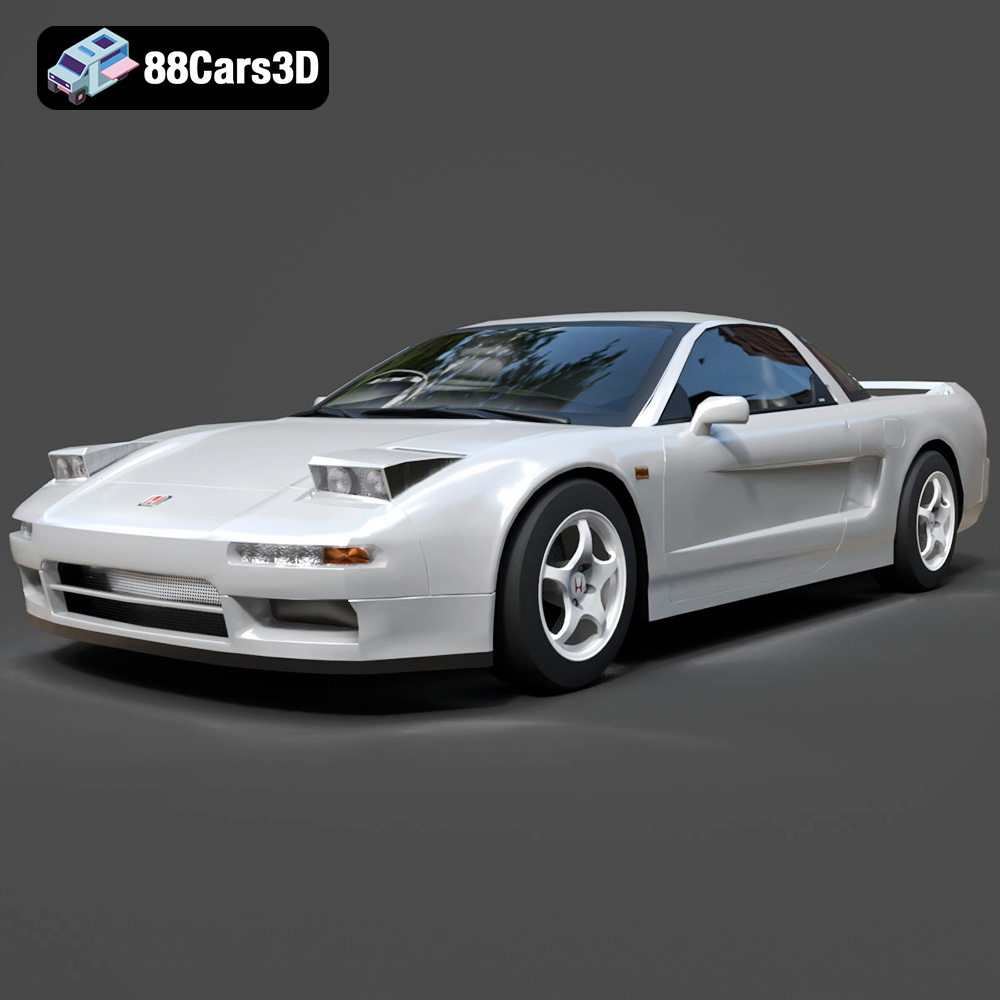
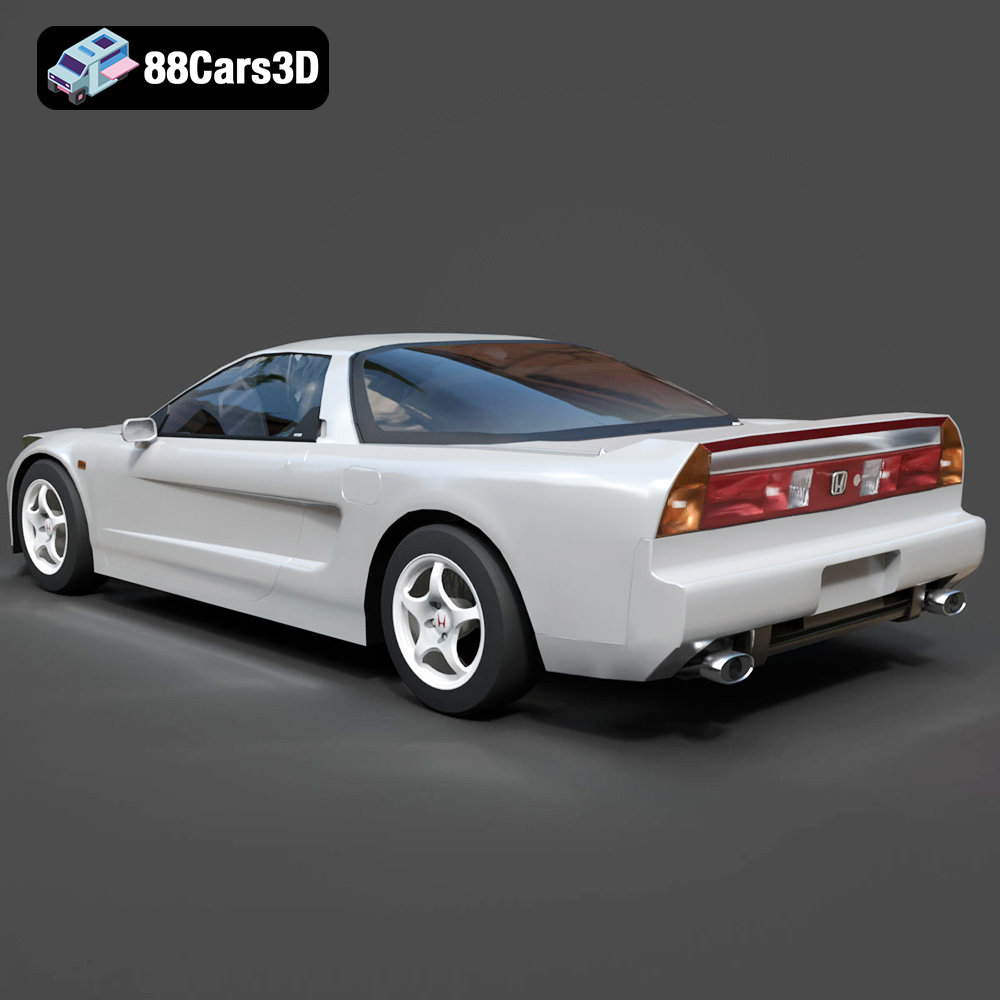
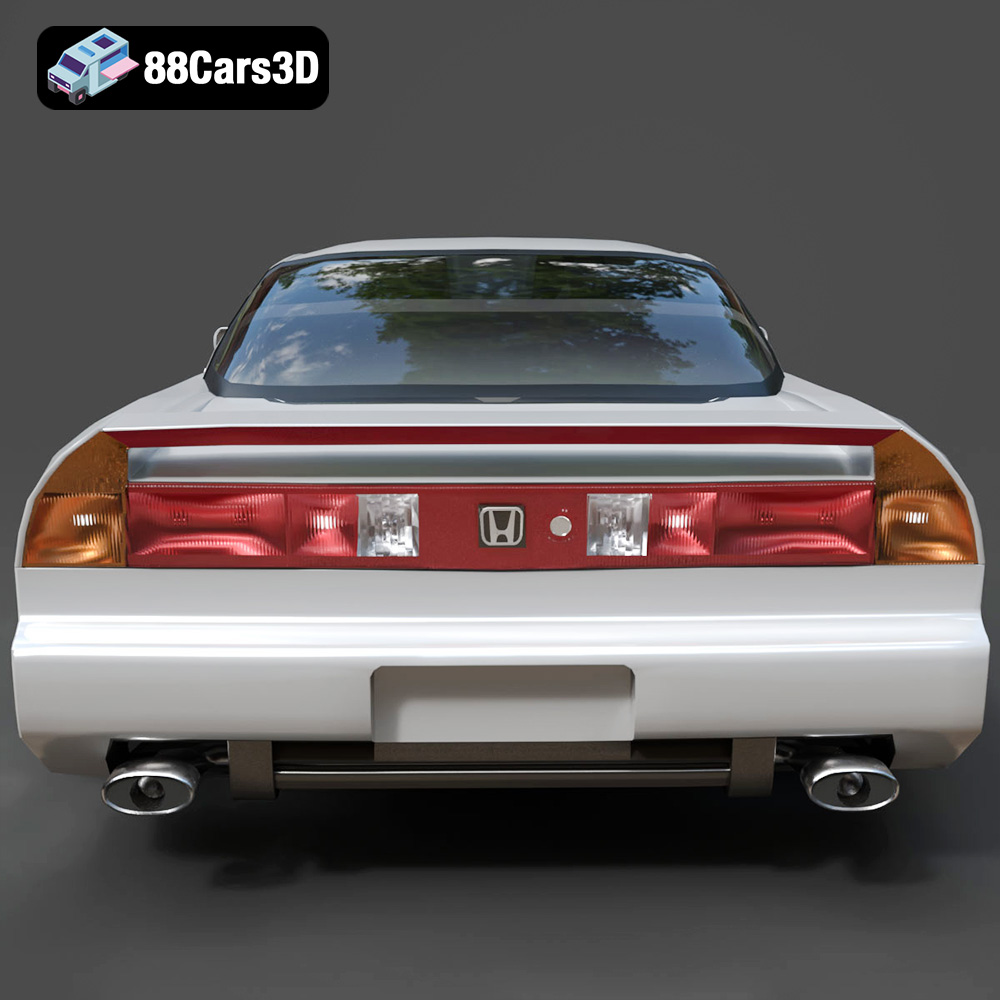
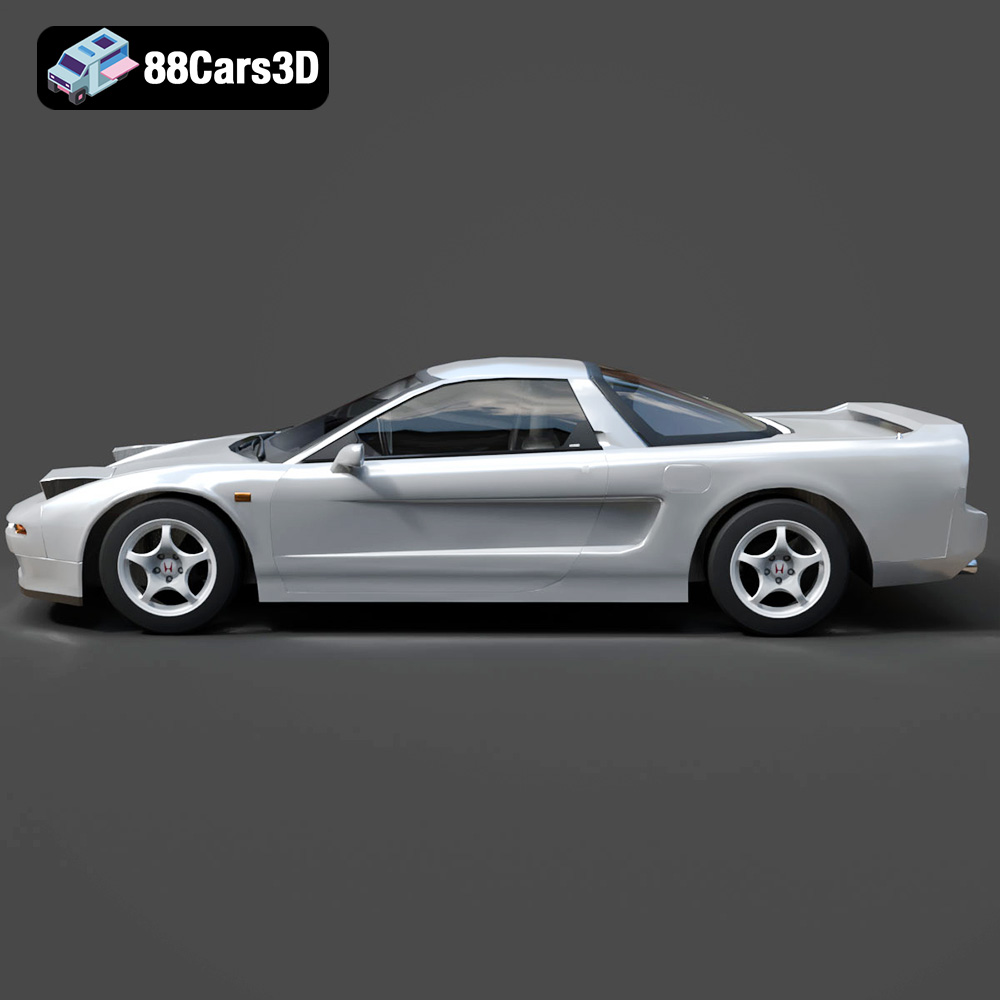
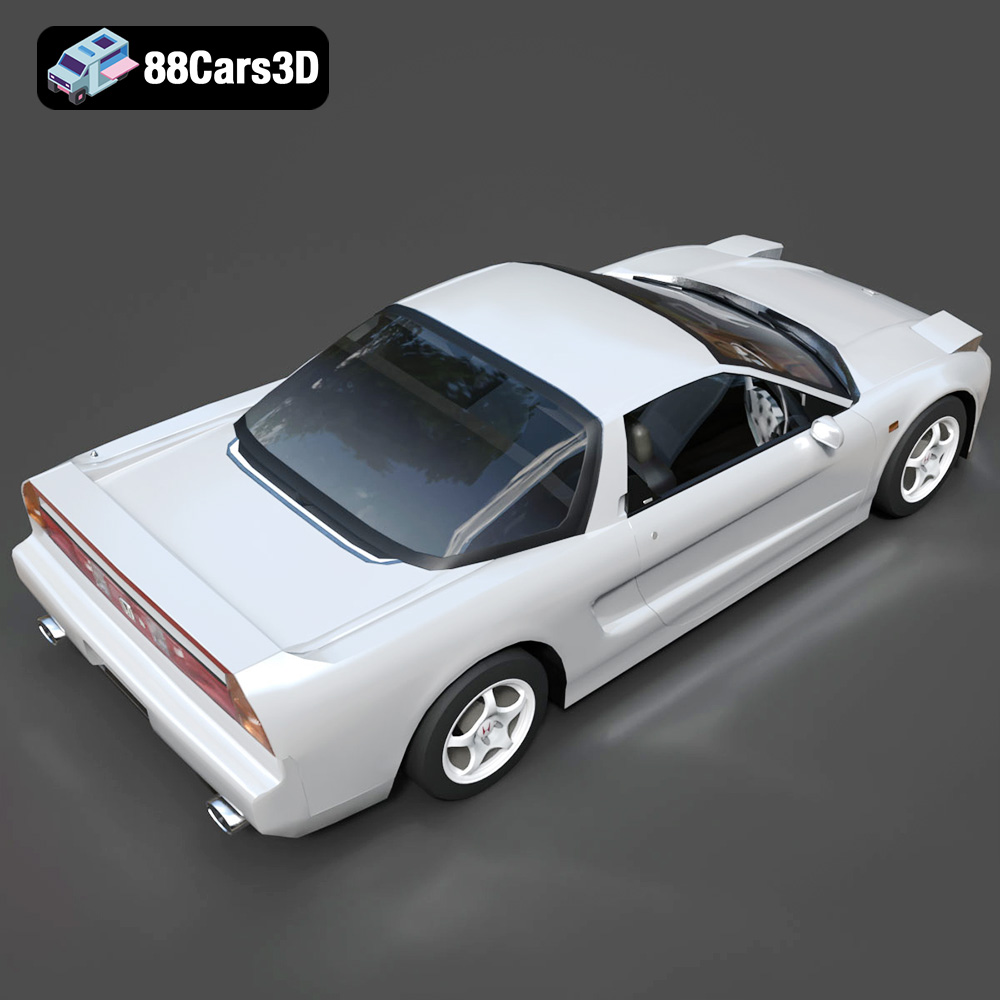
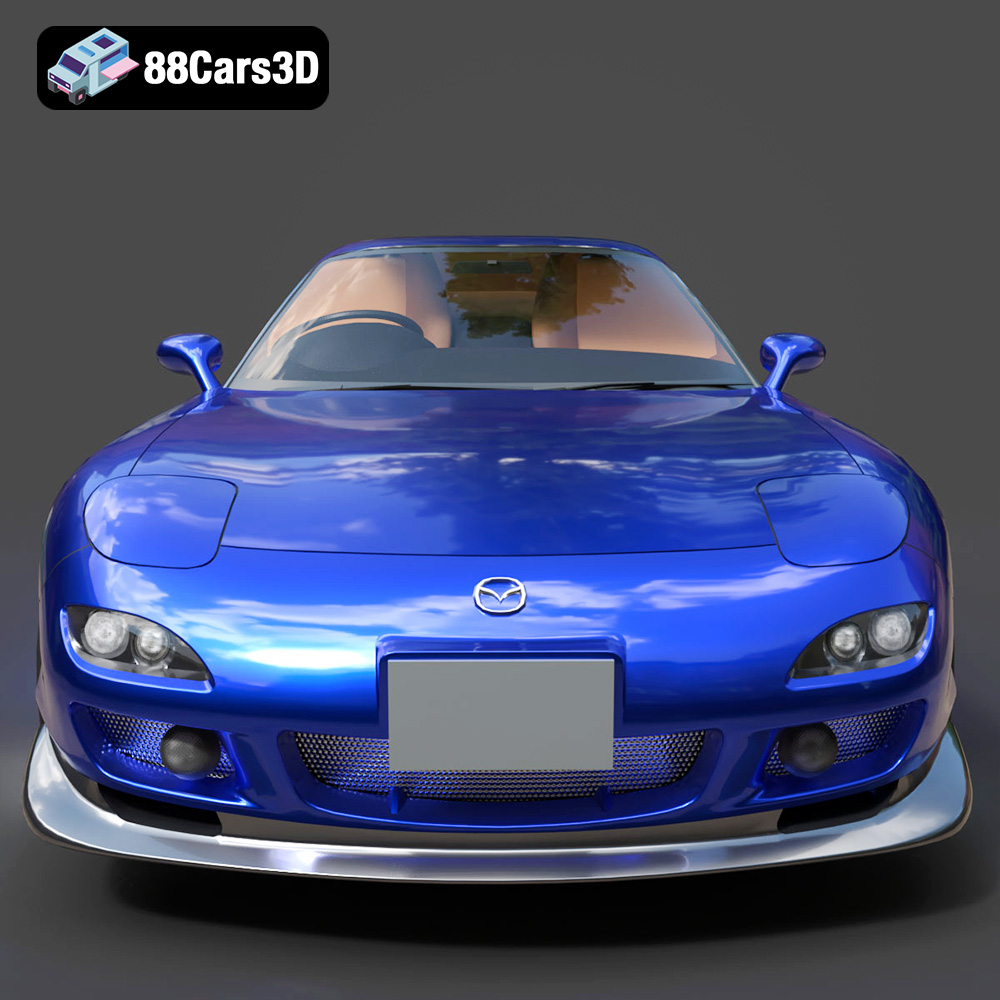
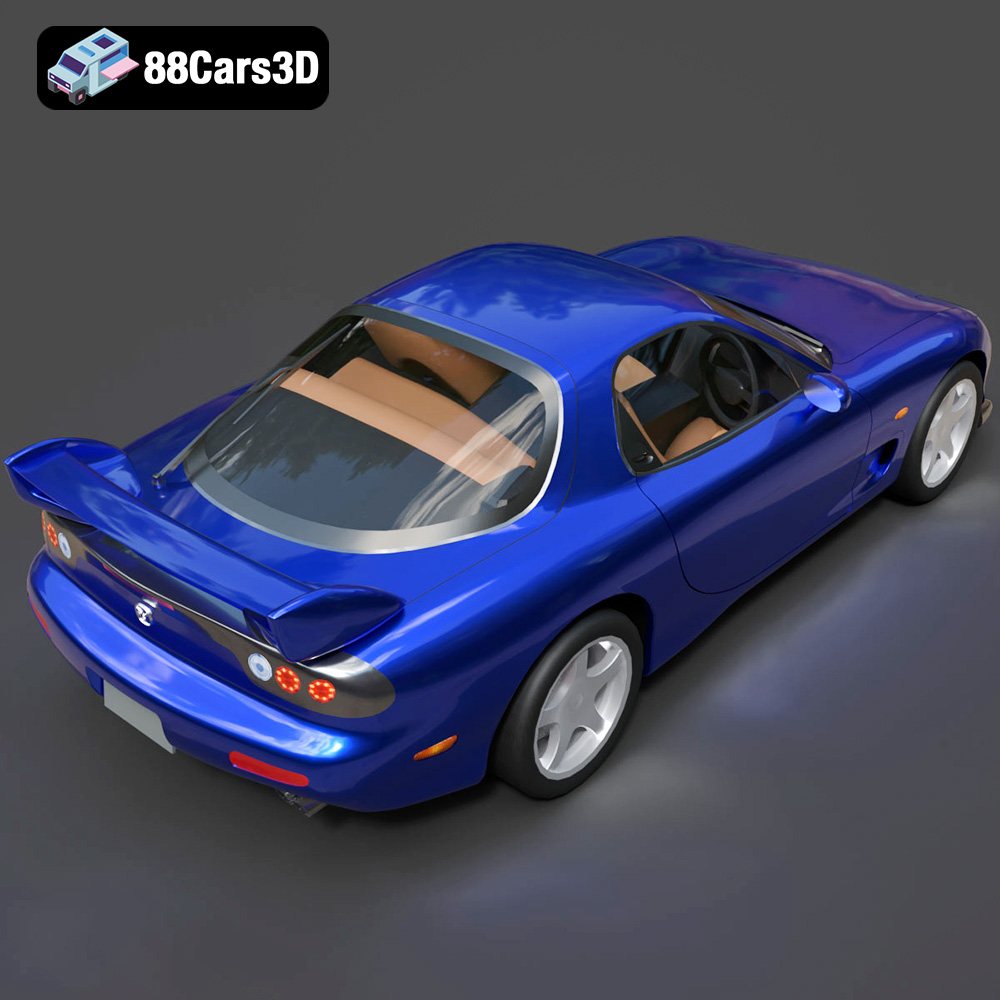
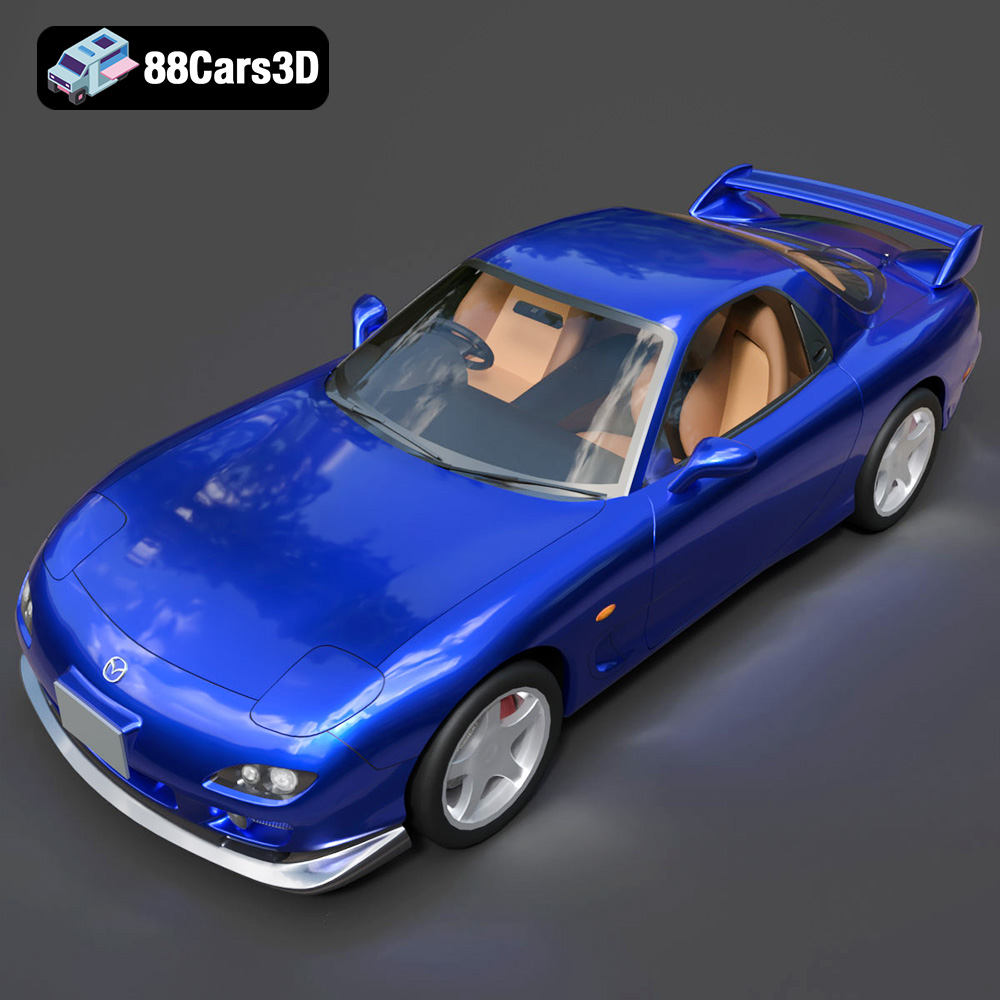
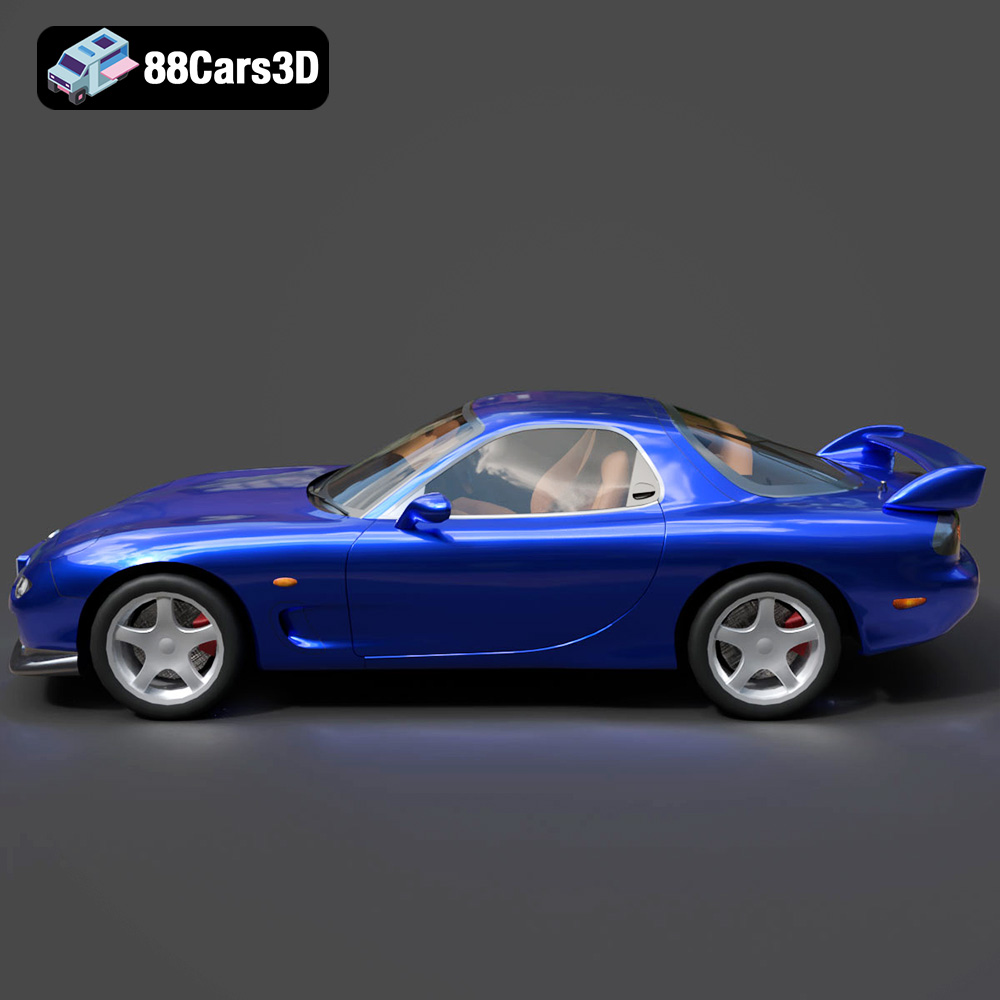
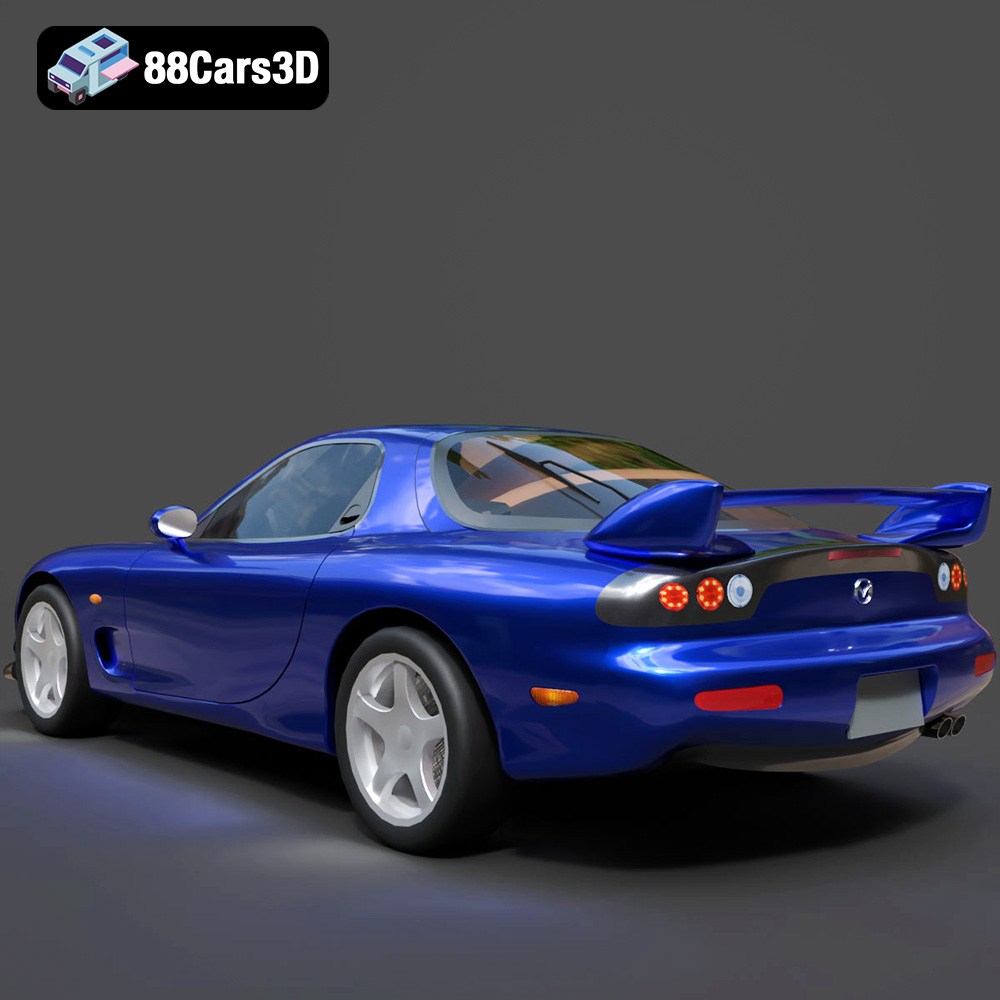
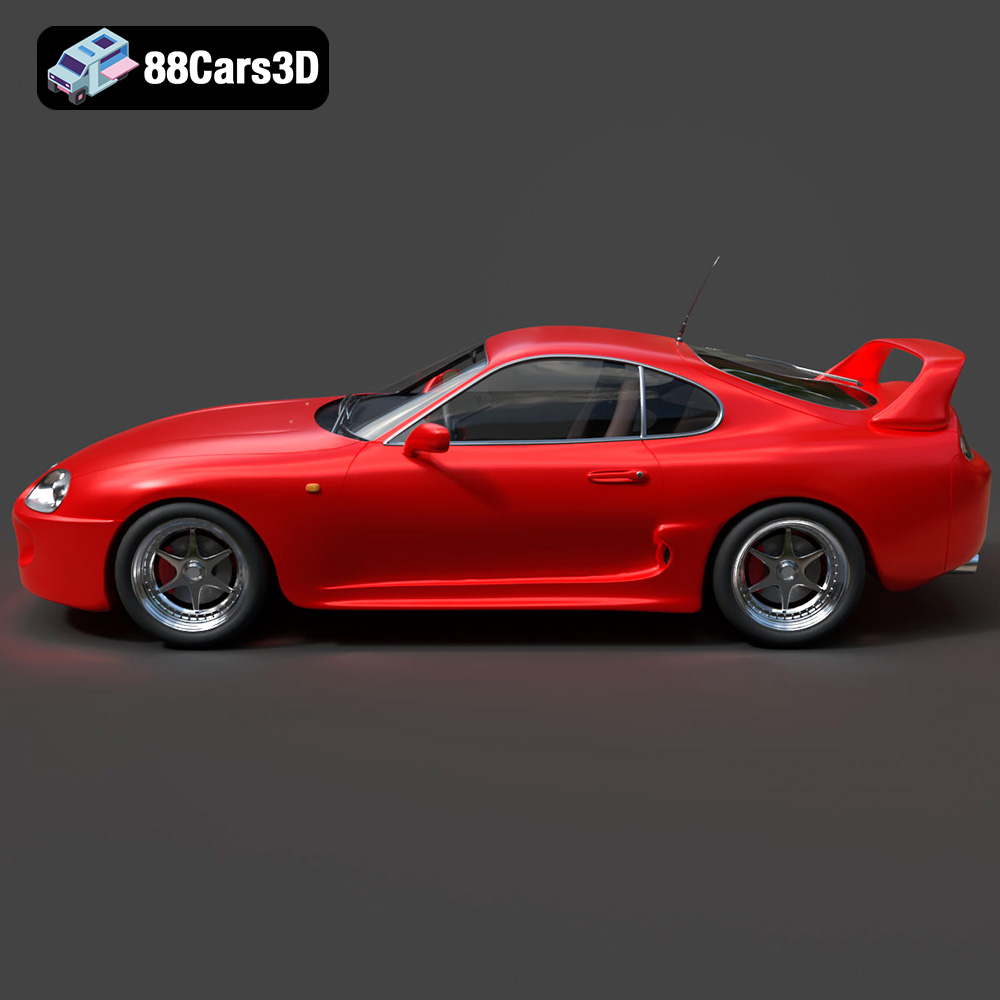
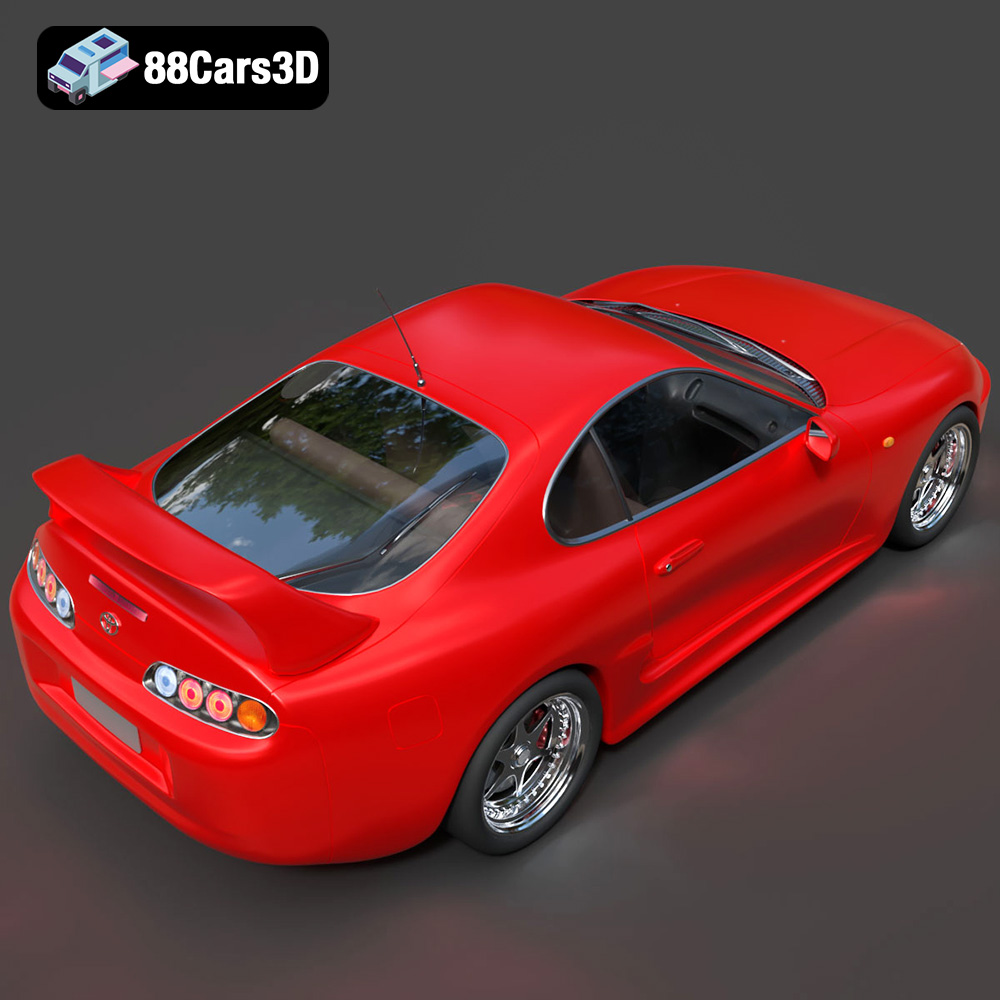
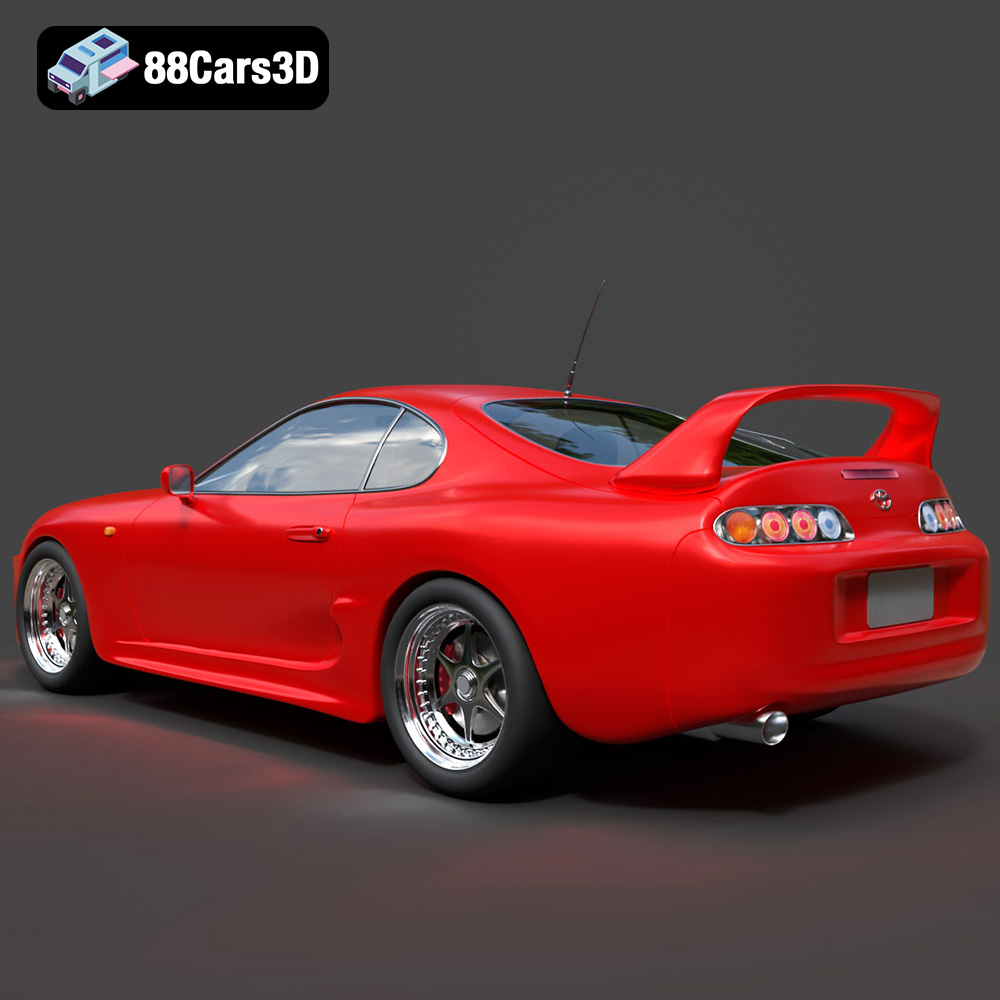
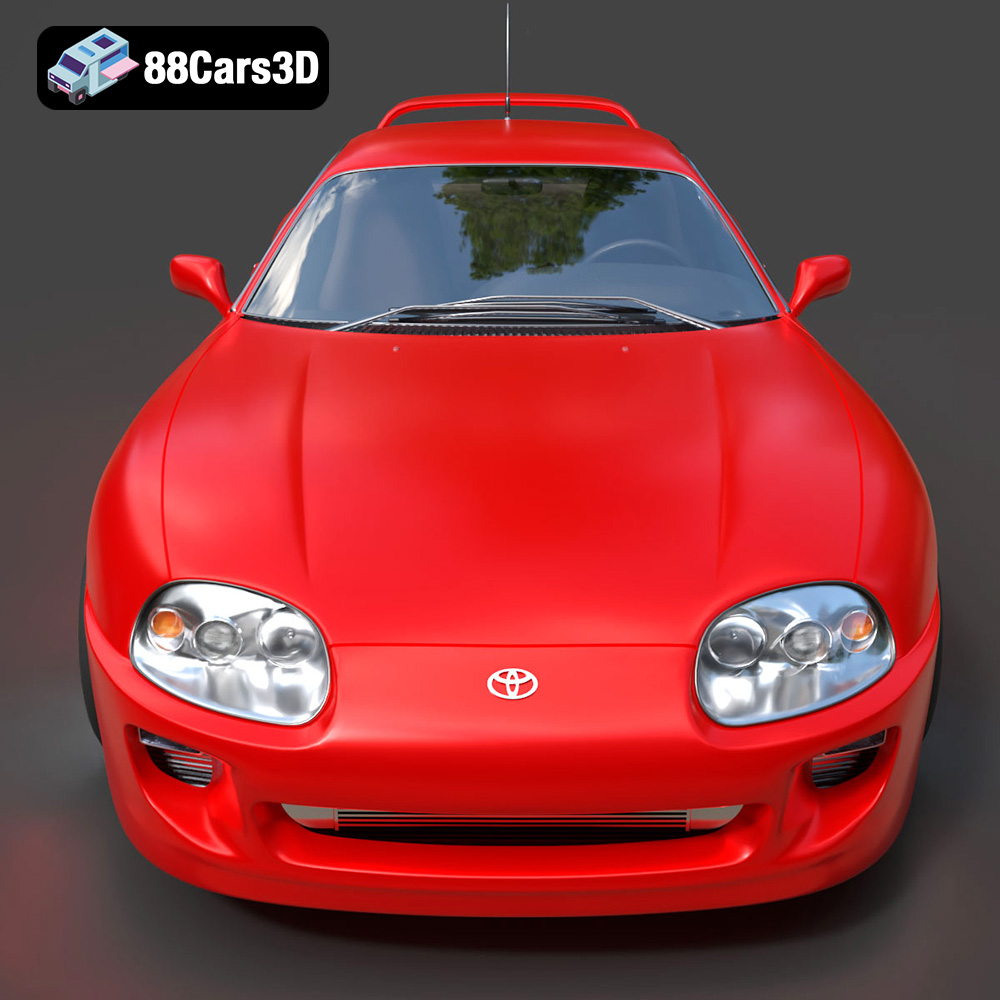
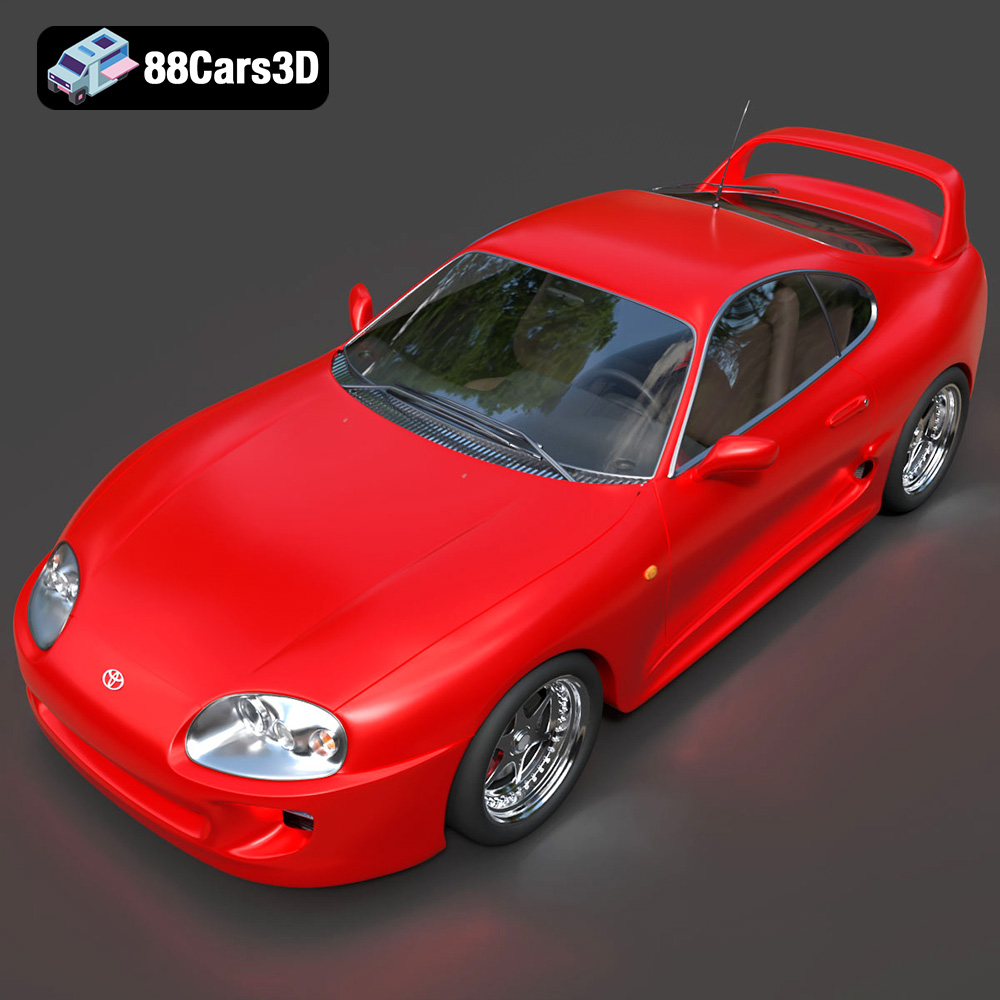
The roar of a finely tuned engine, the squeal of tires drifting around a tight corner, the unmistakable style of JDM (Japanese Domestic Market) cars – these are the elements that fuel the passion of car enthusiasts worldwide. Now, thanks to the power of 3D printing and the meticulously crafted models available at 88cars3d.com, you can bring these automotive icons to life right in your own home. The Japanese Legends: JDM Street Racing 3D Models Bundle is a fantastic collection of five legendary vehicles perfect for 3D printing. This article dives deep into the process of successfully 3D printing these models, covering everything from pre-print preparation to post-processing techniques. Whether you’re a seasoned 3D printing veteran or just starting out, this guide will help you achieve stunning results with your Nissan GT-R, Mitsubishi Lancer Evolution IX, Honda NSX-R, Mazda RX-7, and Toyota Supra 2020.
Before diving into the specifics of printing the Japanese Legends JDM Street Racing bundle, it’s crucial to understand the different file formats commonly used in 3D modeling and how they relate to the 3D printing process. Choosing the right file format can significantly impact the success of your print.
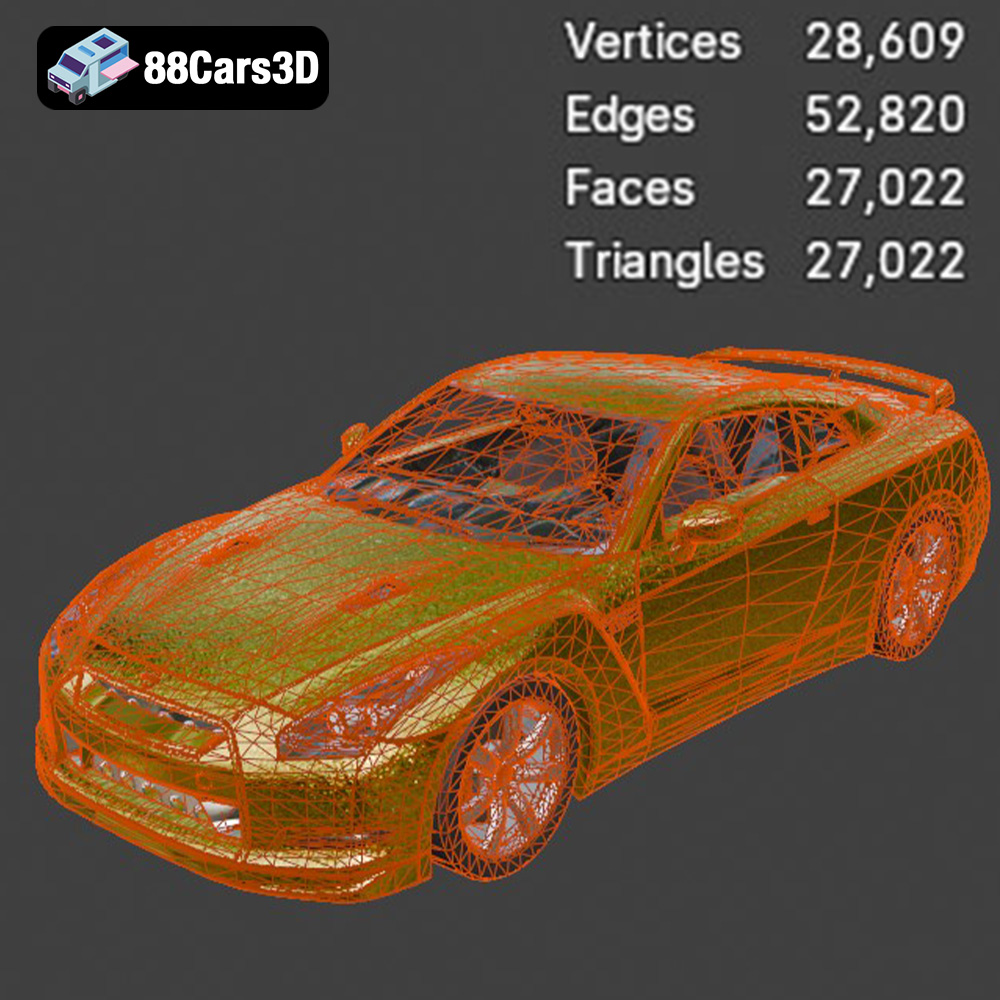
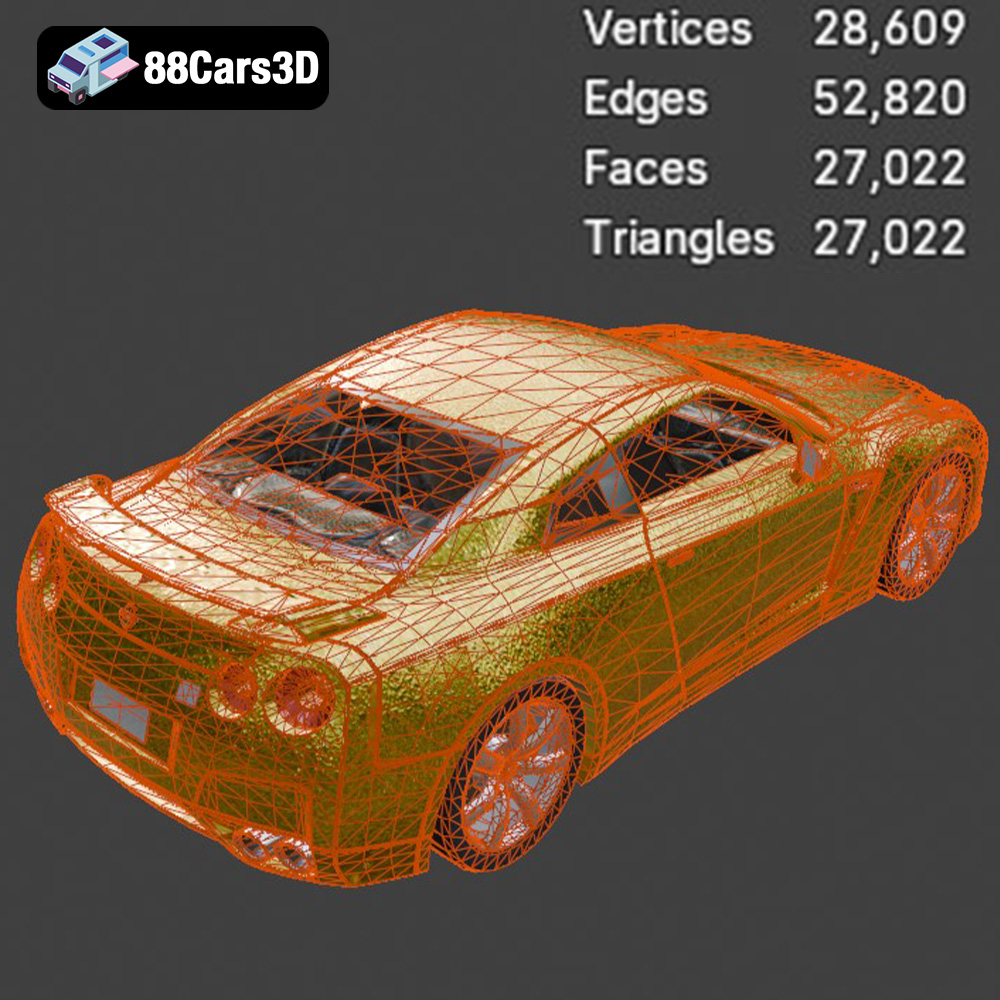
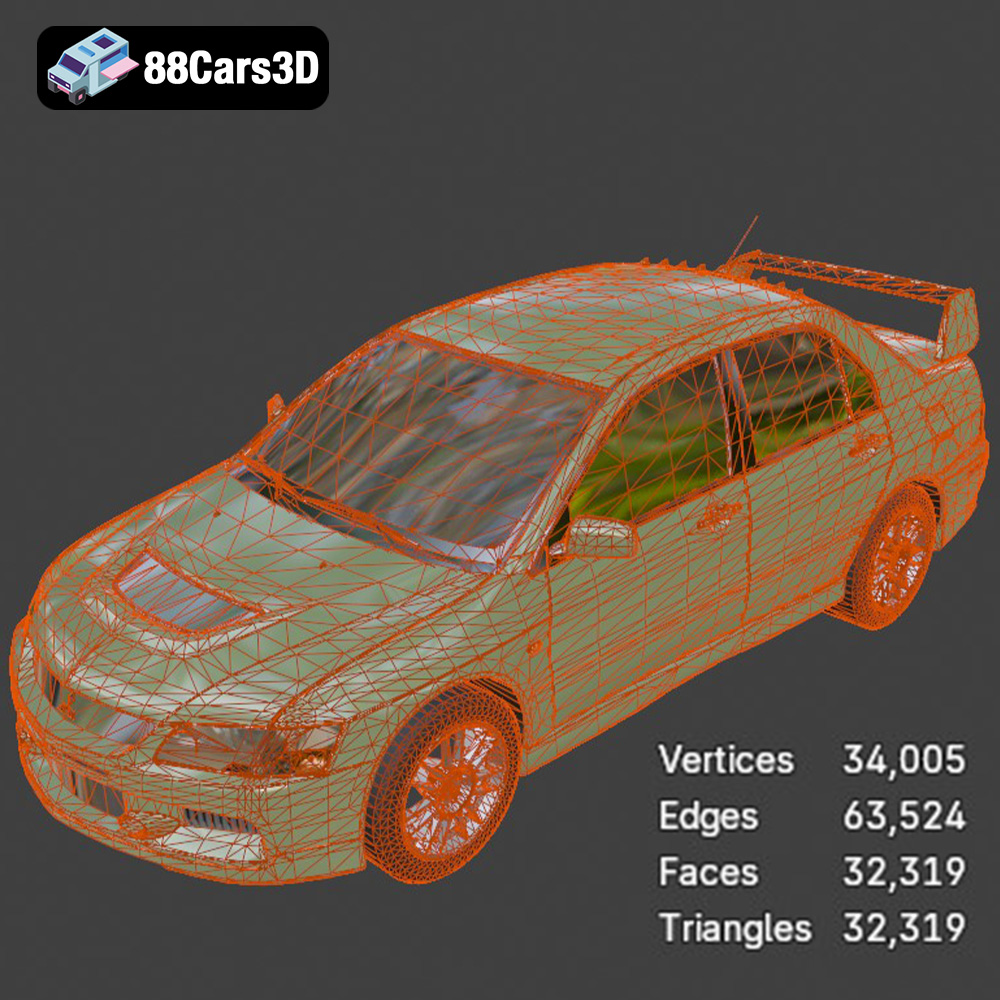
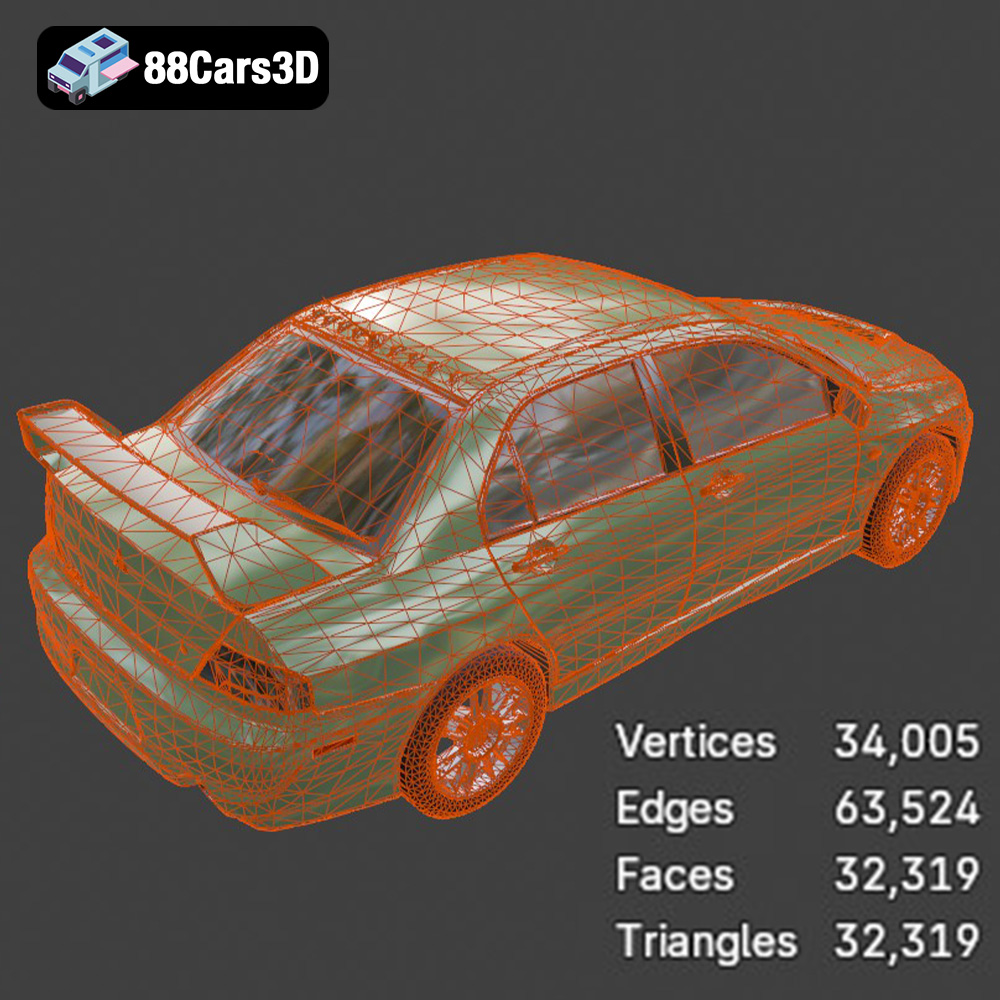
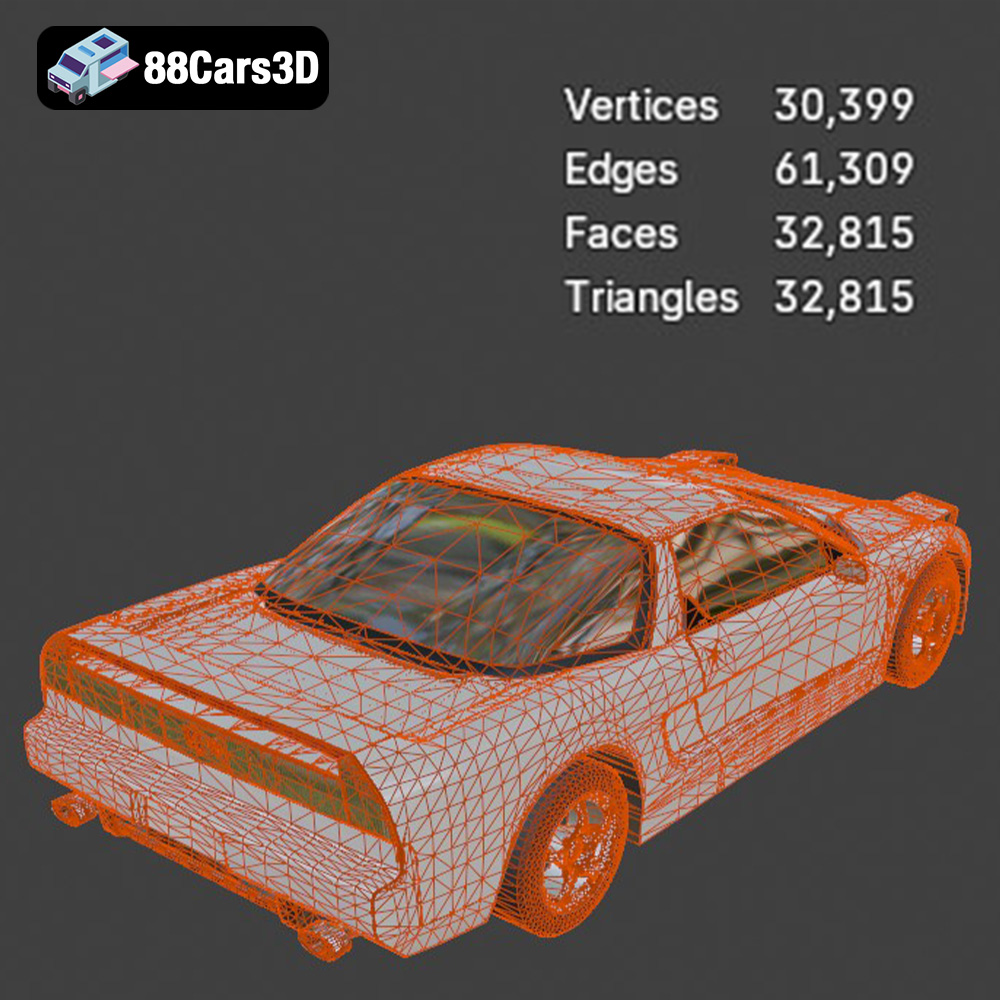
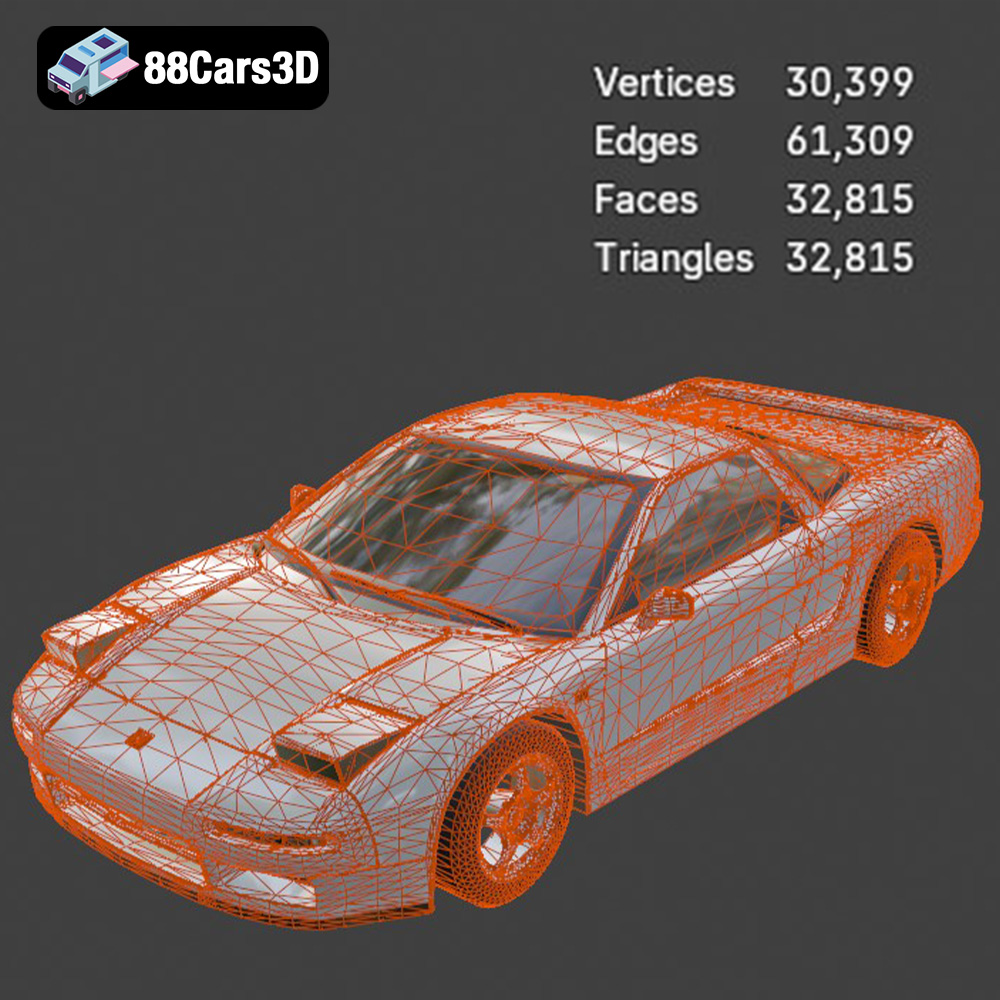
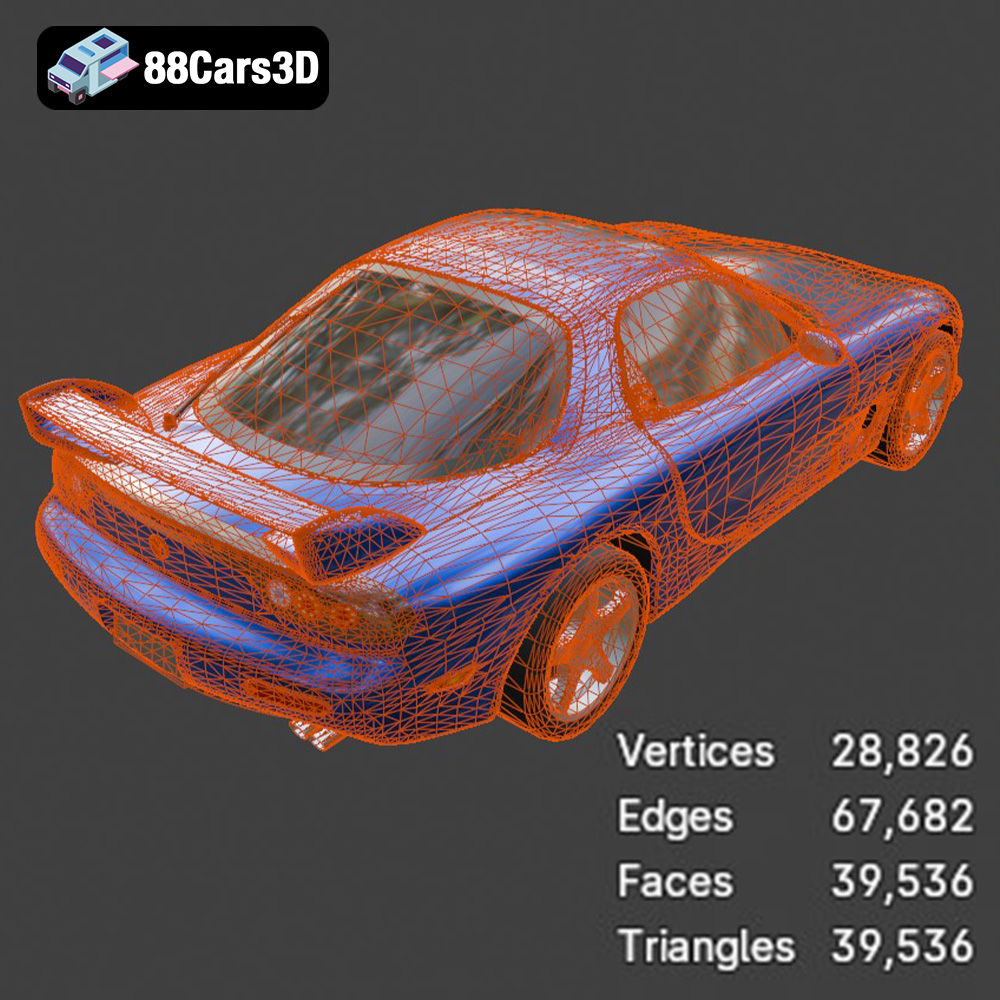
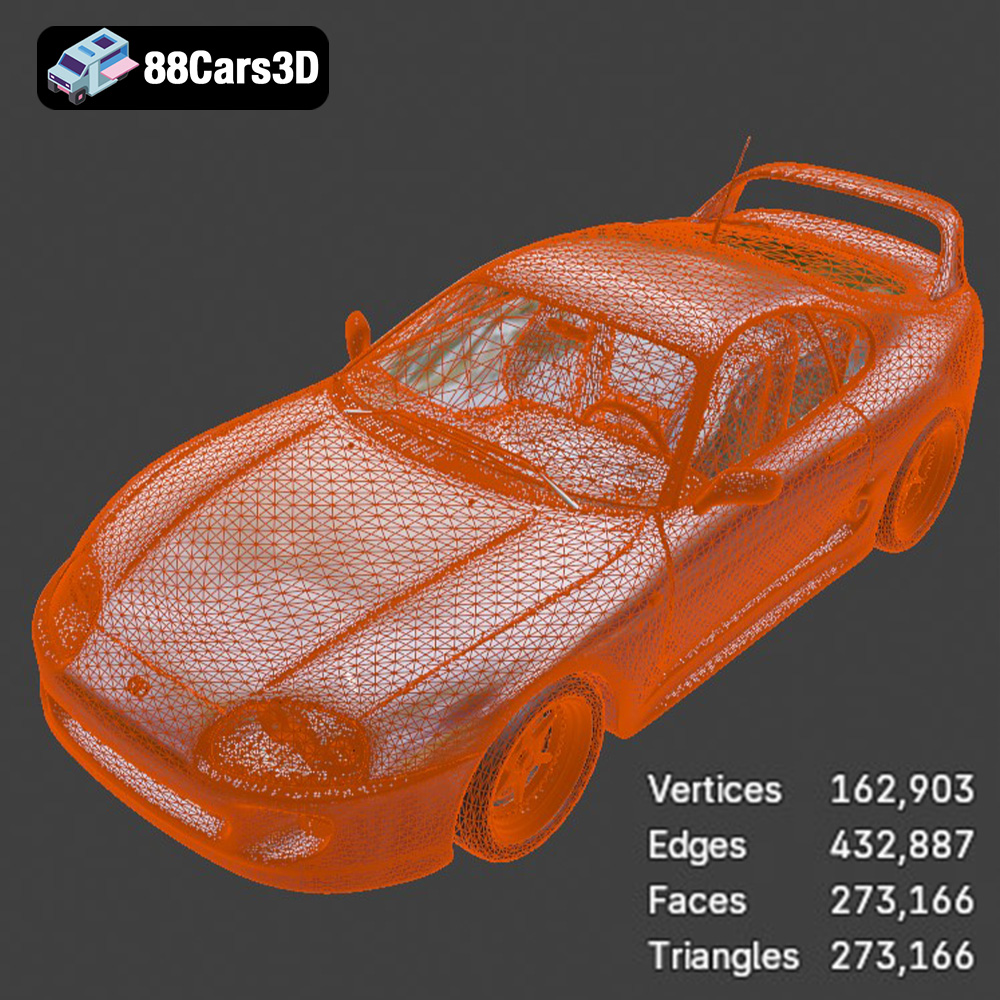
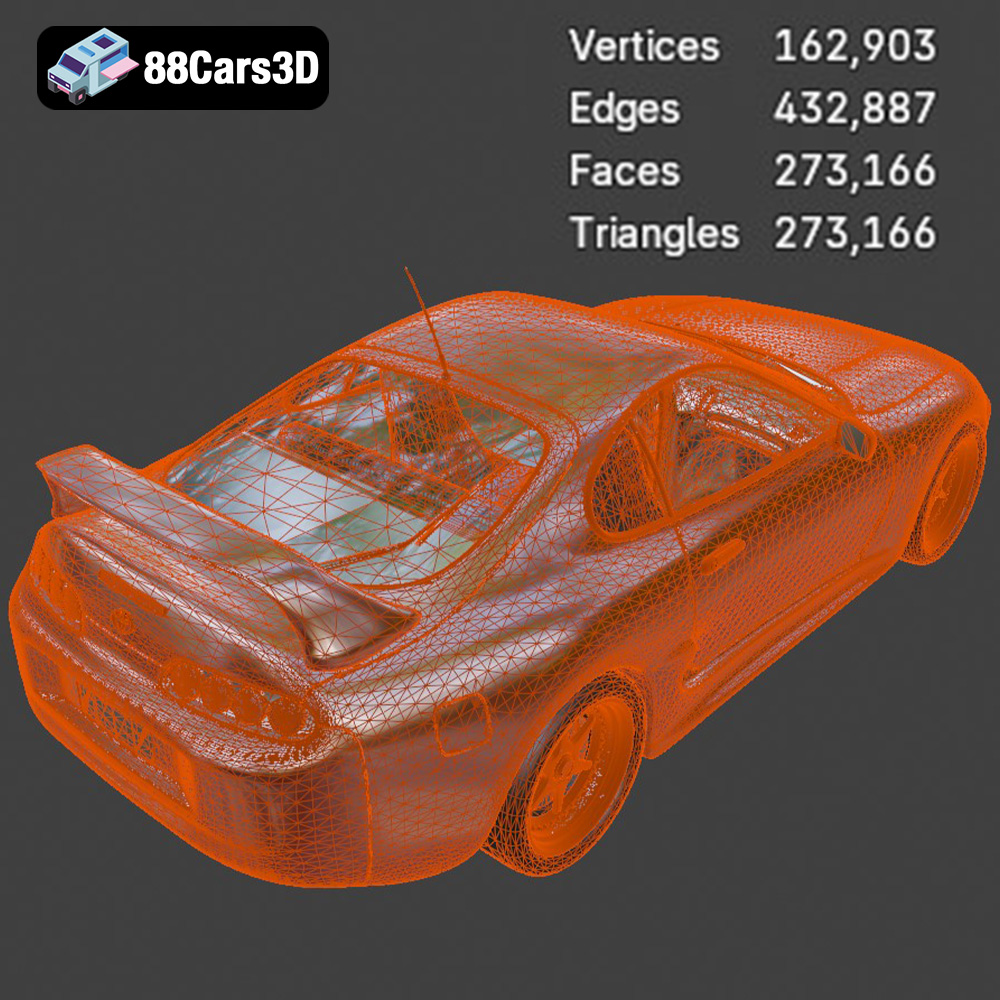
The STL (Stereolithography) file format is the workhorse of 3D printing. It represents the surface geometry of a 3D object using a mesh of triangles. STL files are widely supported by slicing software and 3D printers, making them the most universal format for 3D printing. Because it only contains mesh data, STL files cannot store color or texture information. This makes them ideal for single-color prints. The models available on 88cars3d.com include the STL format to ensure compatibility with virtually any 3D printer. When working with STL files, pay close attention to mesh quality. A low-resolution mesh will result in a faceted, blocky print, while an overly dense mesh can be difficult for your slicer to process. Finding the right balance is key to achieving a smooth, detailed 3D print.
OBJ files, unlike STL files, can store color and texture information along with the 3D geometry. This makes them suitable for 3D printing models with multiple colors or textures, although this typically requires specialized 3D printers capable of multi-material or full-color printing. While OBJ files are compatible with many slicing software programs, they are less universally supported than STL files for 3D printing specifically. You might need to convert an OBJ file to STL if your slicer or printer has limited OBJ support.
PLY (Polygon File Format) is another format that can store color and texture data, and it’s often used for capturing high-resolution 3D scans. It’s known for its ability to represent complex geometries with greater precision than STL files. This makes it useful for 3D printing highly detailed models, but it also means that PLY files can be significantly larger than STL files. As with OBJ files, compatibility with slicing software and 3D printers can be more limited compared to STL.
.blend files are the native file format for Blender, a popular open-source 3D modeling software. This format contains the entire Blender scene, including the 3D model, materials, textures, lighting, and camera settings. While you can’t directly 3D print a .blend file, it’s invaluable for customizing the model before exporting it to a printable format like STL. If you want to modify the Japanese Legends JDM models, adding custom body kits or other modifications, the .blend file is a great starting point.
FBX (Filmbox) is a proprietary file format developed by Autodesk. It’s commonly used for exchanging 3D data between different software applications, including 3D modeling programs, game engines, and animation software. FBX files can store geometry, materials, textures, animation data, and other scene information. While some advanced slicing software programs can import FBX files, their primary use is not for direct 3D printing. It’s more common to use FBX as an intermediate format for transferring models between applications before exporting to STL for printing.
GLB is a binary file format that represents 3D models in the glTF (GL Transmission Format) standard. GLTF is designed for efficient transmission and loading of 3D scenes and models, particularly in web and mobile applications. GLB files can store geometry, textures, and animations, and they are commonly used for displaying 3D models in augmented reality (AR) applications. While not directly used for 3D printing, GLB files allow you to preview the Japanese Legends JDM models in AR, giving you a sense of their scale and appearance before committing to a print.
Ultimately, for 3D printing the Japanese Legends JDM Street Racing bundle, the STL format is the ideal choice due to its widespread compatibility and suitability for representing the surface geometry of the cars. The other formats offer valuable options for customization, rendering, and previewing, but STL is the format you’ll use to bring these iconic cars into the physical world.
Selecting the appropriate 3D printing technology is paramount to achieving the desired level of detail and accuracy for your Japanese Legends JDM Street Racing models. Two primary technologies stand out as suitable options: Fused Deposition Modeling (FDM) and Stereolithography (SLA) or Resin printing.
FDM 3D printing works by extruding a thermoplastic filament, such as PLA or PETG, layer by layer to build a 3D object. FDM printers are generally more affordable and easier to use than resin printers, making them a popular choice for hobbyists and beginners.
* **Material Recommendations:** For the JDM car models, PLA is a good starting point due to its ease of use and biodegradability. PETG offers increased strength and temperature resistance, making it suitable for models that might be exposed to heat.
* **Printer Settings:**
* **Layer Height:** 0.1mm – 0.2mm. Lower layer heights produce finer details, but increase print time.
* **Infill:** 15-25%. A higher infill provides more structural support, especially for larger models.
* **Supports:** Necessary for overhanging features like spoilers, mirrors, and complex body shapes. Use a support interface for easier removal.
* **Print Speed:** 40-60 mm/s. Reducing print speed can improve print quality, especially for intricate details.
Resin 3D printing, specifically SLA and DLP, utilizes liquid resin that is cured by UV light to create 3D objects. Resin printers are capable of producing incredibly detailed and smooth prints, making them ideal for scale models and miniatures. The 3D Print Setting recommendations from 88cars3d.com lean towards resin printing for optimal results, especially with the smaller 1:24 scale mentioned in the product description.
* **Material Recommendations:** Standard resin is suitable for most applications, offering a good balance of strength and detail. Tough resin provides increased durability and impact resistance, while flexible resin can be used for parts that require some flexibility, like tires.
* **Printer Settings:**
* **Layer Height:** 0.04mm – 0.05mm. This is crucial for capturing the fine details of the JDM car models.
* **Exposure Time:** Follow the resin manufacturer’s recommendations. Proper exposure is essential for successful printing.
* **Supports:** Essential for all resin prints. Pay close attention to support placement to avoid damaging the model during removal. Use a slicer with auto support generation or manually place supports for optimal results.
* **Hollowing:** Hollow out the larger parts of the model to reduce resin consumption and prevent warping. Ensure proper drainage holes are included to remove uncured resin.
While FDM can be used to print the JDM car models, resin printing offers several advantages:
* **Superior Detail:** Resin printers can capture the intricate details and smooth curves of the cars with greater accuracy.
* **Smoother Surface Finish:** Resin prints have a much smoother surface finish than FDM prints, reducing the amount of post-processing required.
* **Smaller Scale Prints:** Resin printers are better suited for printing smaller scale models, such as the recommended 1:24 scale.
However, resin printing also has some drawbacks:
* **Higher Cost:** Resin printers and resin materials are generally more expensive than FDM printers and filaments.
* **Post-Processing:** Resin prints require more post-processing, including washing, curing, and support removal.
* **Safety Precautions:** Resin materials can be harmful, so it’s important to wear gloves and eye protection when handling them.
Once you’ve chosen your 3D printing technology, the next step is to prepare the models for printing. This involves slicing the models, scaling them to the desired size, and repairing any potential issues with the STL files.
Slicing software converts the 3D model into a series of instructions that the 3D printer can understand. Popular slicing software options include Cura (free), PrusaSlicer (free), Simplify3D (paid), and Chitubox (free for resin printers).
* **Importing the STL Files:** Import the STL files for the Nissan GT-R, Mitsubishi Lancer Evolution IX, Honda NSX-R, Mazda RX-7, and Toyota Supra 2020 into your chosen slicing software.
* **Adjusting Print Settings:** Configure the print settings according to your chosen 3D printing technology and material recommendations (as discussed in the previous section).
* **Support Generation:** Generate supports for overhanging features. Experiment with different support settings to optimize support placement and minimize material usage.
* **Slicing and G-Code Export:** Slice the model and export the G-code file, which contains the instructions for your 3D printer.
The product description recommends a 1:24 scale for the JDM car models, which is the standard scale for Japanese model car kits. However, you can adjust the scale to suit your preferences and the capabilities of your 3D printer.
* **Scaling in Slicing Software:** Most slicing software programs allow you to scale the model uniformly or non-uniformly along each axis.
* **Consider Printer Bed Size:** Ensure that the scaled model fits within the build volume of your 3D printer.
* **Impact on Detail:** Scaling down the model can make it more challenging to print fine details, especially with FDM printing.
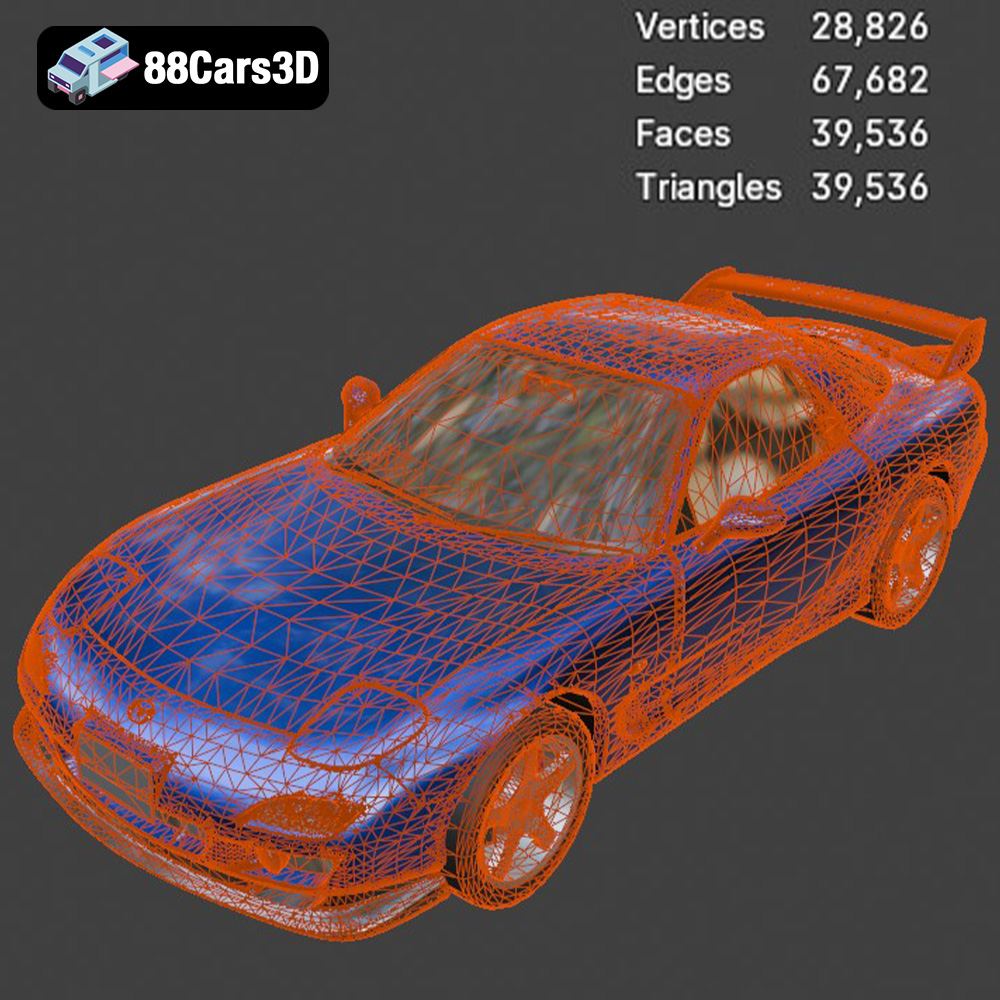
Sometimes, STL files can contain errors that can lead to printing problems. These errors can include non-manifold geometry, holes, and self-intersections.
* **Mesh Analysis:** Use your slicing software or a dedicated mesh analysis tool (like MeshLab or Netfabb) to identify any errors in the STL files.
* **Automatic Repair:** Many slicing software programs have built-in automatic repair tools that can fix common errors.
* **Manual Repair:** For more complex errors, you may need to manually repair the model using 3D modeling software like Blender or Meshmixer.
The orientation of the model on the print bed and the placement of supports are critical factors that influence print quality and success. Careful planning in these areas can minimize warping, improve surface finish, and reduce material consumption.
The orientation of the model on the print bed affects the surface finish, the amount of support material required, and the overall strength of the printed part.
* **Minimizing Overhangs:** Orient the model to minimize the number of overhanging features, which require support.
* **Surface Finish:** Orient the model to place critical surfaces (like the car’s body) facing upwards, as these surfaces will typically have a smoother finish. The product description suggests printing bodies at a 45-degree angle to improve surface smoothness.
* **Strength:** Consider the direction of stress on the printed part. Orient the model so that the layers are aligned with the direction of the force.
Supports are necessary for printing overhanging features, but they can also leave marks on the surface of the printed part. Strategic support placement can minimize these marks and make support removal easier.
* **Automatic Support Generation:** Most slicing software programs have automatic support generation features, but it’s often necessary to manually adjust the support placement for optimal results.
* **Support Density:** Increase support density for critical areas, but reduce it for less important areas to save material and reduce support removal effort.
* **Support Interface:** Use a support interface layer between the supports and the model for easier removal.
* **Avoid Critical Surfaces:** Avoid placing supports on critical surfaces, if possible.
Once the printing is complete, the next step is post-processing. This involves removing supports, sanding the surface to smooth out any imperfections, painting the model to achieve the desired finish, and assembling the various parts.
Removing supports can be a delicate operation, especially with resin prints.
* **Tools:** Use sharp tools, such as hobby knives, pliers, and sandpaper, to carefully remove the supports.
* **Technique:** Start by removing the larger supports, then move on to the smaller, more delicate supports.
* **Resin Prints:** Soak resin prints in warm water to soften the supports before removal.
Sanding is essential for achieving a smooth surface finish, especially with FDM prints.
* **Sandpaper Grades:** Start with a coarse sandpaper (e.g., 220 grit) to remove any major imperfections, then gradually move to finer sandpaper grades (e.g., 400 grit, 600 grit, 800 grit) to smooth the surface.
* **Wet Sanding:** Wet sanding can help to reduce friction and prevent the sandpaper from clogging.
* **Resin Prints:** Resin prints typically require less sanding than FDM prints due to their smoother surface finish.
Painting is the final step in bringing the JDM car models to life.
* **Primer:** Apply a primer coat to prepare the surface for painting.
* **Paint Types:** Use acrylic paints or enamel paints for painting the models. Acrylic paints are water-based and easy to clean up, while enamel paints provide a more durable finish. The product description suggests modern Volvo factory colors paired with a gloss black roof.
* **Painting Techniques:** Use spray paint or a brush to apply the paint. Apply thin, even coats to avoid drips and runs.
* **Clear Coat:** Apply a clear coat to protect the paint and provide a glossy finish.
The JDM car models from 88cars3d.com have separated parts, such as wheels and doors, which need to be assembled after painting.
* **Adhesive:** Use super glue or epoxy to glue the parts together.
* **Alignment:** Pay close attention to alignment when assembling the parts.
* **Moving Parts:** Consider using small hinges or pins to allow the doors and other parts to open and close.
Even with careful planning and preparation, 3D printing can sometimes present challenges. Here are some common issues and their solutions:
* **Warping:** This occurs when the printed part detaches from the print bed. Ensure that the print bed is properly leveled and heated. Use a brim or raft to improve adhesion.
* **Layer Separation:** This occurs when the layers of the printed part do not adhere properly. Increase the printing temperature and reduce the printing speed.
* **Stringing:** This occurs when the printer extrudes filament while moving between different parts of the model. Reduce the printing temperature and retraction distance.
* **Support Issues:** Supports may fail to print properly, or they may be difficult to remove. Adjust the support settings and ensure that the supports are properly anchored to the print bed.
* **Resin Printing Failures:** Common issues include parts sticking to the FEP film instead of the build plate, or incomplete layers. Increase exposure time, level the build plate carefully, and ensure the resin is well mixed.
The Japanese Legends: JDM Street Racing 3D Models Bundle is the ultimate digital garage for automotive artists, game developers, and drifting enthusiasts. Japanese Domestic Market (JDM) cars have created a massive, devoted culture worldwide. Whether you are creating an underground street racing game, a neon-lit Tokyo cinematic animation, or custom tuning renders, this pack gives you the most iconic Japanese sports cars ever built.
$129.99
3D printing the Japanese Legends JDM Street Racing bundle from 88cars3d.com is a rewarding experience that allows you to create your own collection of iconic JDM cars. By carefully selecting your 3D printing technology, preparing the models correctly, optimizing print settings, and mastering post-processing techniques, you can achieve stunning results. Remember that resin printing offers superior detail and surface finish compared to FDM, making it the preferred choice for scale models. Experiment with different materials, paint schemes, and assembly techniques to personalize your models and create a truly unique collection. With patience, practice, and a passion for JDM cars, you can bring these legends to life with the power of 3D printing. The meticulously designed STL files ensure that even novice 3D printers can achieve incredible results, allowing them to add a touch of Japanese automotive artistry to their homes.
car-bundle
game-ready-cars
honda-nsx
jdm-3d-model
lancer-evo
mazda-rx7
nissan-gtr-3d
street-racing-cars
tokyo-drift
toyota-supra-3d
tuning-cars