Get 50% OFF All Premium 3D & STL Models!

The Suzuki Super Carry 1000 Microvan, a symbol of practicality and efficiency from the 80s and 90s, has captured the hearts of many. Now, thanks to 88cars3d.com, you can bring this legendary vehicle to life through the magic of 3D printing. This guide will walk you through the entire process, from pre-print preparation to post-processing, ensuring you create a stunning replica of this classic microvan. This comprehensive guide will help you navigate the challenges and achieve a fantastic final product.
Before diving into the specifics of 3D printing the Suzuki Super Carry, it’s crucial to understand the different file formats commonly used in the 3D printing world. Each format has its own strengths and weaknesses, and choosing the right one can significantly impact the final result.
The .stl (Stereolithography) file format is the workhorse of 3D printing. It represents the surface geometry of a 3D object as a collection of triangles. It’s a simple, widely supported format, making it compatible with almost all 3D printers and slicing software. The key advantage of STL files is their universality. However, they only store information about the shape of the object, not its color or texture. When working with STL files, pay attention to the mesh quality. A high-resolution mesh will result in a smoother 3D print, but it will also increase the file size and processing time. It’s vital to ensure the STL file is “watertight,” meaning it has no holes or gaps in the mesh, to prevent slicing errors.
The .obj (Object) file format is another popular choice, especially when color and texture information is important. Unlike STL, OBJ files can store data about the object’s color, material properties, and texture coordinates. This makes it suitable for printing models with multiple colors or intricate surface details, although that’s not always possible on all 3D printers.
The .ply (Polygon File Format) is designed for storing 3D data acquired from 3D scanners. It’s capable of representing complex geometries with high precision, making it ideal for capturing fine details. However, PLY files can be quite large, and not all slicing software supports them natively.
The .blend file is the native format for Blender, a popular open-source 3D modeling software. It contains the entire Blender scene, including the object’s geometry, textures, materials, lighting, and animation data. While you can’t directly 3D print a .blend file, it offers the greatest flexibility for customization before exporting to a printable format like STL. If you want to modify the Suzuki Super Carry model, the .blend file provides the most control.
The .fbx (Filmbox) format is widely used in the game development and animation industries. It supports storing complex scene data, including geometry, textures, materials, animations, and camera information. Some advanced slicing software can import FBX files and retain material assignments, which can be useful for multi-material 3D printing, where available.
The .glb (GL Transmission Format Binary) is designed for efficient transmission and loading of 3D models in web and mobile applications. It’s often used for Augmented Reality (AR) applications, allowing users to preview the model in their real-world environment before printing. While not directly used for 3D printing, the GLB format provides a convenient way to visualize the Suzuki Super Carry model before committing to a print.
Similar to .blend, .max is the native format for 3ds Max, another professional 3D modeling software. It offers comprehensive editing capabilities, allowing you to make intricate changes to the model before exporting it to a printable format.
For 3D printing, the **.stl format remains the most reliable and widely supported**. Ensure that the STL file you use is clean, watertight, and has sufficient resolution to capture the details of the Suzuki Super Carry model. Most slicing software packages will offer tools to repair minor errors in STL files, such as MeshMixer or Netfabb.
Before you even think about hitting that “print” button, careful preparation is key to a successful 3D printing experience. This involves inspecting the 3D model, choosing the right settings in your slicing software, and ensuring your printer is ready for the task.
* **Visual Inspection:** Open the STL file of the Suzuki Super Carry 1000 in a 3D viewing software. Rotate the model and zoom in to check for any obvious errors, such as missing faces, holes, or self-intersections.
* **Mesh Analysis:** Use software like MeshMixer or Netfabb Basic to analyze the mesh for non-manifold edges, flipped normals, and other potential issues. These tools often have automatic repair functions that can fix common problems.
* **Watertight Check:** Ensure the model is “watertight,” meaning it has no holes or gaps in the surface. This is crucial for slicing software to generate a proper toolpath.
* **Software Selection:** Choose a slicing software that you are familiar with and that is compatible with your 3D printer. Popular options include Cura, Simplify3D, and PrusaSlicer.
* **Import and Orientation:** Import the STL file into your slicing software. Carefully consider the orientation of the model on the build plate. For the Suzuki Super Carry, printing the body angled can improve the surface finish, especially on the roof and hood.
* **Scaling:** The original model is designed with real-world accuracy, but 88cars3d.com recommends scaling the model to 1:32, 1:24 or 1:18. Choose the scale that best suits your needs and the size of your 3D printer. Ensure uniform scaling to maintain proportions.
The choice of material significantly impacts the final look, feel, and durability of your 3D printed Suzuki Super Carry. Here’s a breakdown of common materials and their suitability for this project.
* **Pros:** PLA is biodegradable, easy to print, and produces excellent surface detail. It’s a great choice for beginners and for models that prioritize aesthetics.
* **Cons:** PLA is not very heat-resistant and can become brittle over time. It’s not ideal for parts that will be exposed to direct sunlight or high temperatures.
* **Recommendation:** PLA is a good option for the body of the Suzuki Super Carry, especially if you plan to paint it.
* **Pros:** PETG offers a good balance of strength, flexibility, and heat resistance. It’s more durable than PLA and can withstand higher temperatures.
* **Cons:** PETG can be more challenging to print than PLA, requiring careful temperature and retraction settings to avoid stringing. Surface finish may not be as smooth as PLA.
* **Recommendation:** PETG is a solid all-around choice for the entire model, offering increased durability.
* **Pros:** Resin 3D printing offers exceptional detail and smooth surfaces, making it ideal for small, intricate parts. It’s particularly well-suited for models at a 1:32 scale or smaller.
* **Cons:** Resin printing requires post-processing, including washing and curing. Resins can be brittle, and larger prints can be prone to warping. It also typically costs more than filament-based 3D printing.
* **Recommendation:** Resin printing is highly recommended for printing the wheels, mirrors, and other fine details of the Suzuki Super Carry.
Achieving the best results requires fine-tuning your 3D printer settings. Here’s a breakdown of key parameters and recommended values for printing the Suzuki Super Carry 1000.
* **Recommended:** 0.08–0.16 mm for FDM printing. 0.04-0.12mm for resin printing, essential for smaller scale prints.
* **Explanation:** Lower layer heights produce smoother surfaces and capture finer details, but they also increase print time.
* **Recommended:** 15–25%
* **Explanation:** Infill provides internal support and strength. A higher infill density increases strength but also increases print time and material usage. For a display model, a lower infill is usually sufficient.
* **Recommended:** 1.2–2.0 mm (3-5 perimeters with a 0.4mm nozzle)
* **Explanation:** Wall thickness affects the strength and rigidity of the model. Thicker walls provide more support and are less prone to warping.
* **Recommended:** Required for side mirrors, bumpers, wheel arches, and potentially the rear roof spoiler.
* **Explanation:** Support structures provide temporary support for overhanging features. Choose a support pattern that is easy to remove without damaging the model. Consider using dissolvable support material for complex areas.
* **Recommended:** 40-60 mm/s
* **Explanation:** Slower print speeds generally result in better surface quality and fewer errors.
* **Recommended:** Follow the manufacturer’s recommendations for the chosen material.
* **Explanation:** Temperature settings vary depending on the material. Too high a temperature can cause stringing or warping, while too low a temperature can lead to poor layer adhesion.
Once the printing is complete, the real fun begins! Post-processing is where you refine the model, remove imperfections, and bring it to life with paint and other finishing touches.
* **Technique:** Carefully remove support structures using pliers, cutters, or a sharp knife. Be patient and avoid applying excessive force, which can damage the model.
* **Technique:** Sand the model with progressively finer grits of sandpaper to smooth out layer lines and imperfections. Start with a coarse grit (e.g., 220) and gradually move to finer grits (e.g., 400, 600, 800). Wet sanding can help reduce dust and improve the surface finish.
* **Technique:** Apply a thin, even coat of primer to the model. Primer helps to fill in small imperfections and provides a better surface for paint to adhere to.
* **Technique:** Choose paints that are compatible with your chosen material. Acrylic paints are a popular choice for 3D printed models. Apply multiple thin coats of paint, allowing each coat to dry completely before applying the next. For the Suzuki Super Carry, consider classic factory colors like Commercial White, Pastel Blue, Forest Green, or Bright Red.
* **Finishing:** Apply a clear coat to protect the paint and add a glossy or matte finish.
* **Technique:** If you printed the wheels separately, carefully attach them to the body using glue or friction fit. Ensure proper alignment and secure attachment.
Even with careful preparation, 3D printing can sometimes present challenges. Here are some common issues and their solutions.
* **Cause:** Warping occurs when the first layer of the print does not adhere properly to the build plate, causing it to lift and distort.
* **Solution:** Ensure the build plate is clean and level. Use a heated build plate and increase the bed temperature. Apply an adhesive like hairspray or blue painter’s tape to the build plate.
* **Cause:** Stringing occurs when molten filament oozes out of the nozzle during travel moves, leaving thin strands of plastic between parts of the model.
* **Solution:** Increase retraction distance and speed. Lower the printing temperature. Ensure the filament is dry.
* **Cause:** Layer separation occurs when the layers of the print do not adhere properly to each other, resulting in cracks or gaps in the model.
* **Solution:** Increase the printing temperature. Decrease the print speed. Ensure the filament is dry.
* **Cause:** The elephant’s foot effect happens when the initial layers of a print are squished outwards due to the weight of the upper layers and heat from the build plate.
* **Solution:** Decrease the initial layer printing temperature. Adjust the Z-offset to be slightly higher.
By carefully following these steps and troubleshooting any issues that arise, you can successfully 3D print a stunning replica of the Suzuki Super Carry 1000 Microvan. Remember to take your time, experiment with different settings, and enjoy the process of bringing this classic vehicle to life. 88cars3d.com offers a fantastic model; your patience and dedication will be rewarded with a beautiful and unique piece.
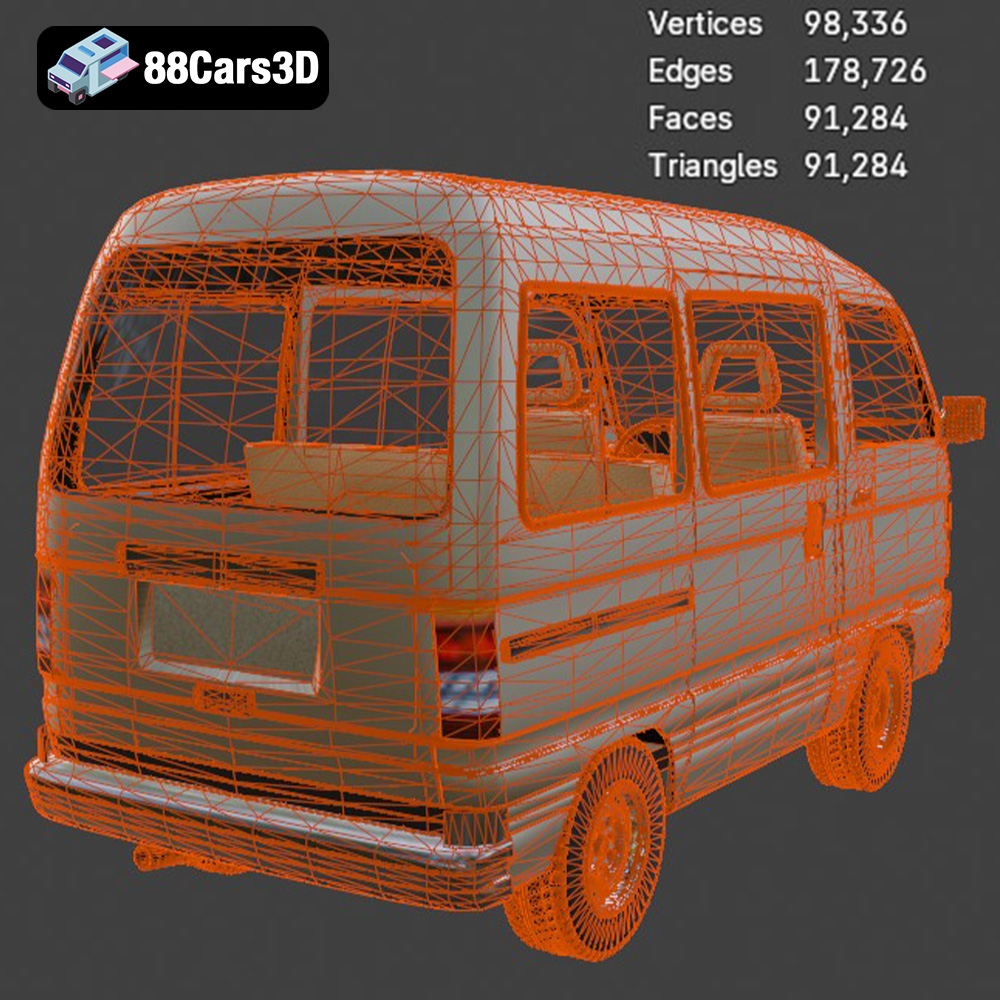
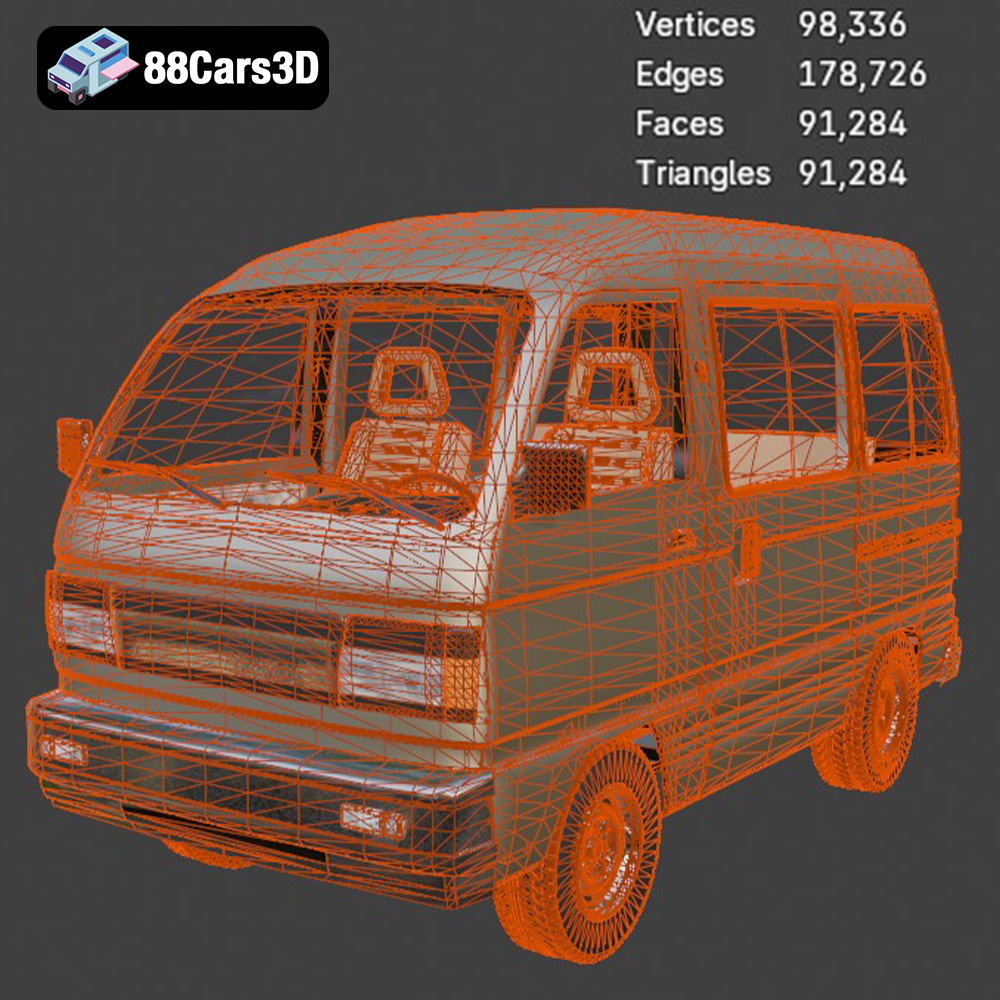
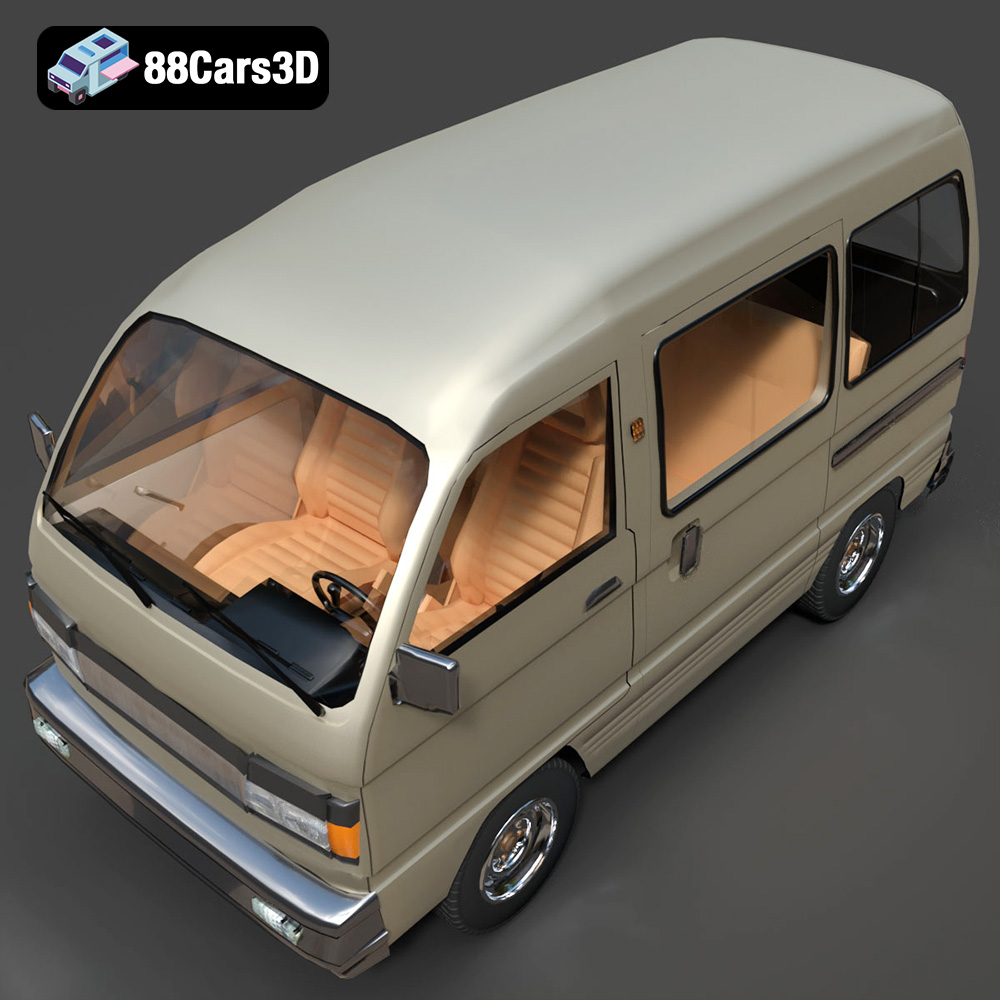
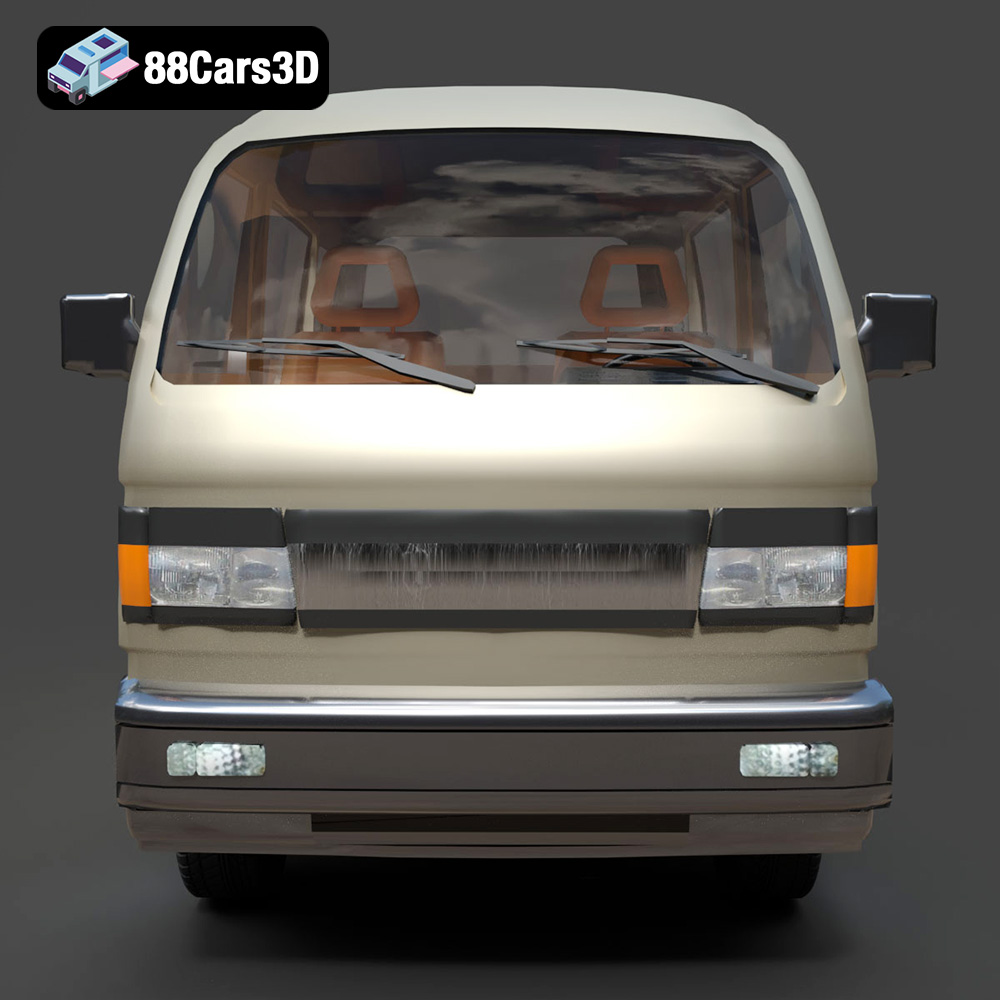
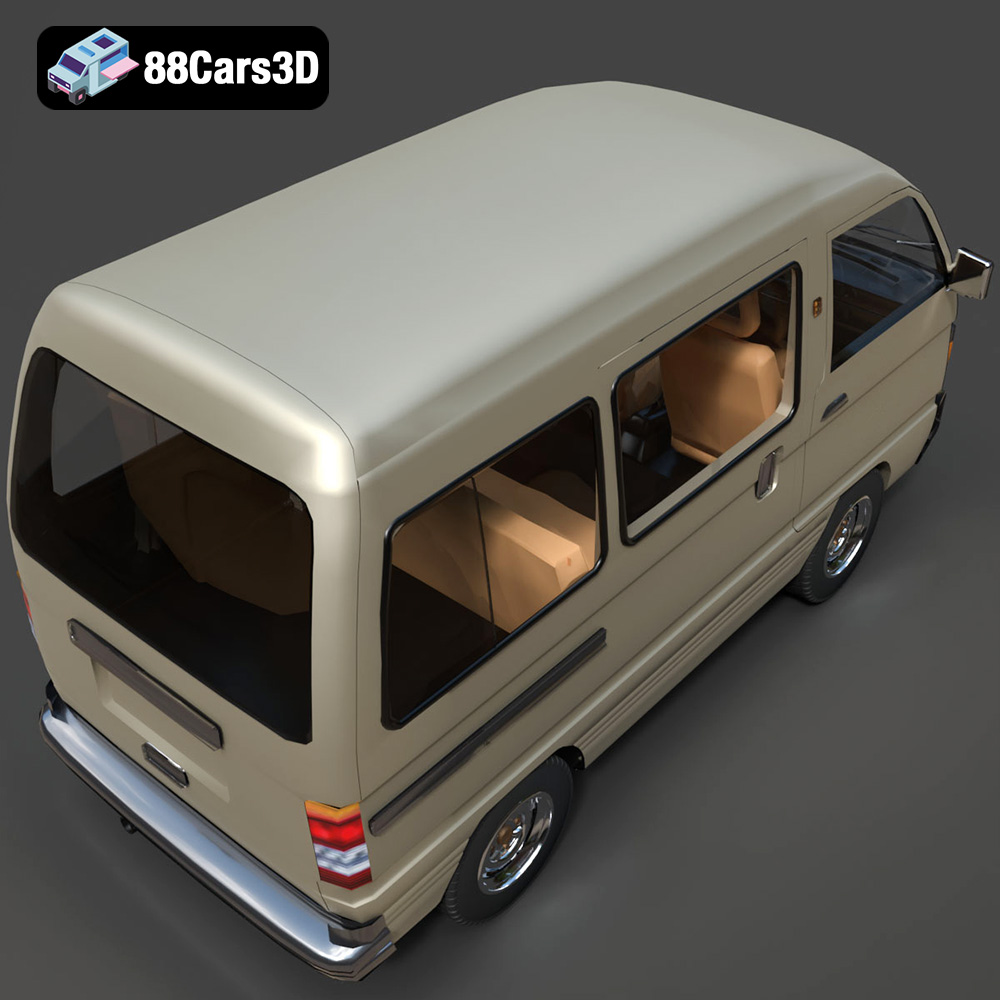
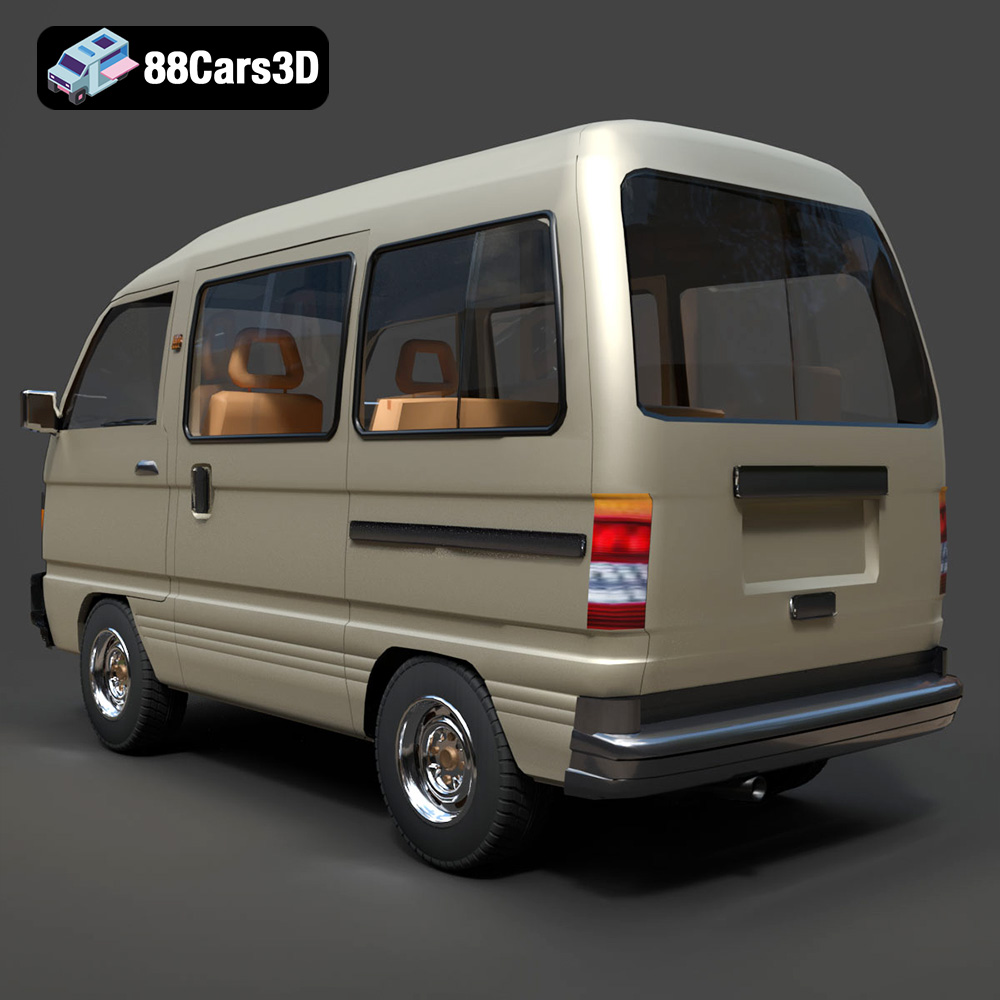
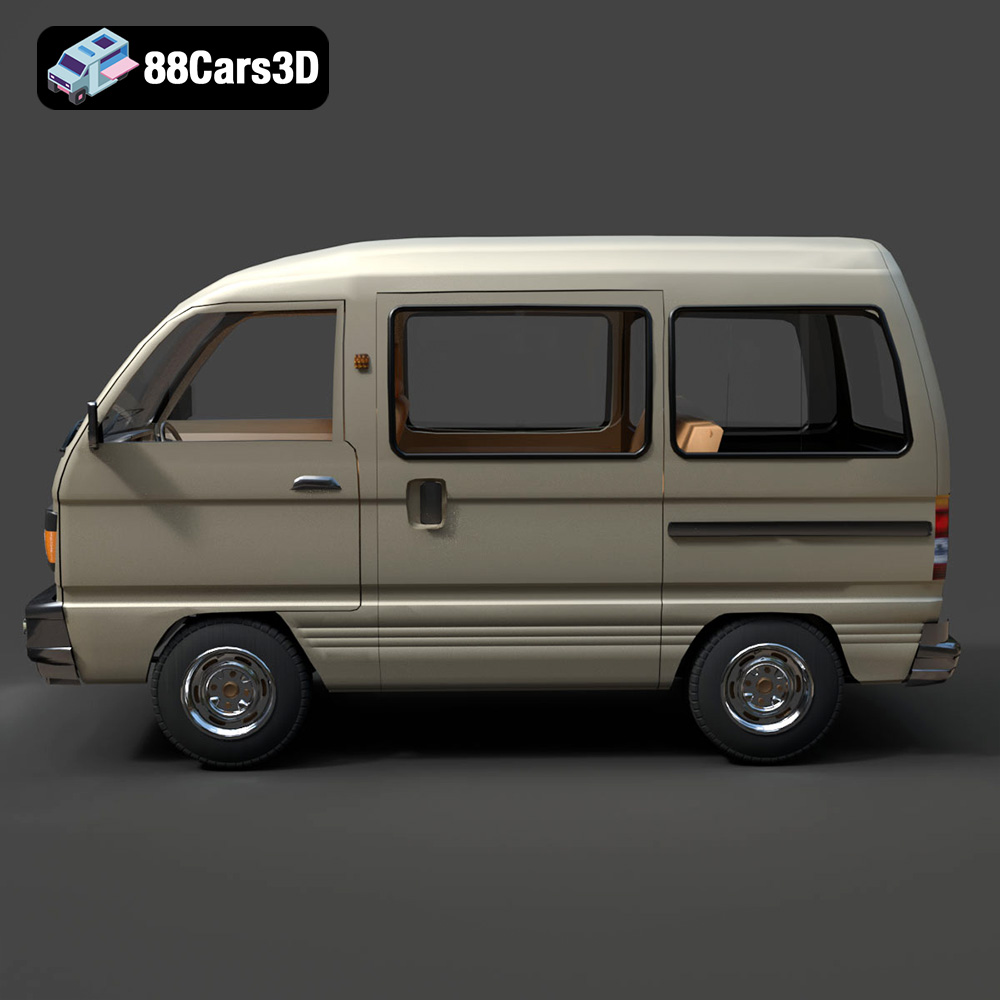
The Suzuki Super Carry 1000 Microvan 3D Model is a high-detail digital recreation of the legendary compact utilitarian workhorse from the 1980s and 1990s. Known for its incredible space efficiency and rugged simplicity, the Super Carry (often associated with the SK410 generation) combines a classic cabover design with highly practical proportions, making it a global icon of urban logistics and everyday transport.
$9.99
.automotive
.blend
.cabover
.fbx
.obj
.rendering
.stl
.suzuki
1000cc
3d printing
car-3d-model
game asset
high poly
kei-van
microvan
retro-van
super-carry
utility-vehicle