Get 50% OFF All Premium 3D & STL Models!

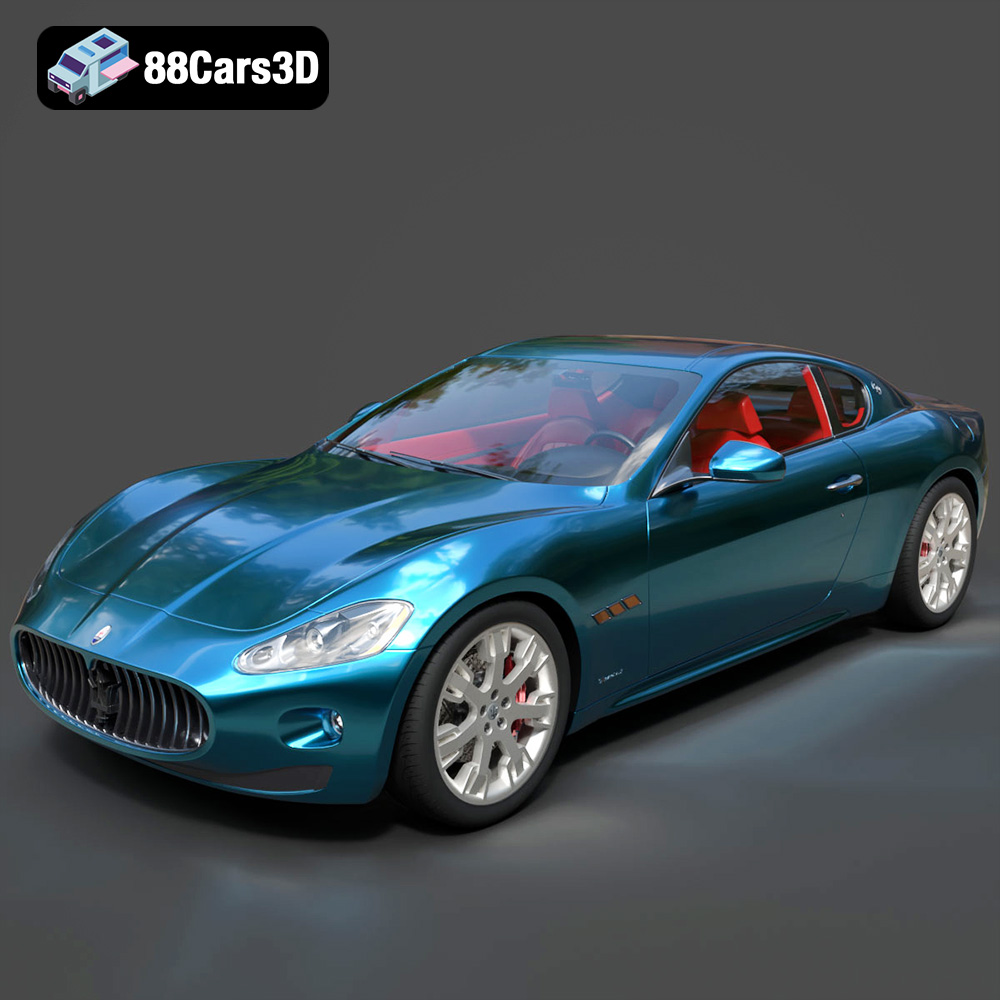
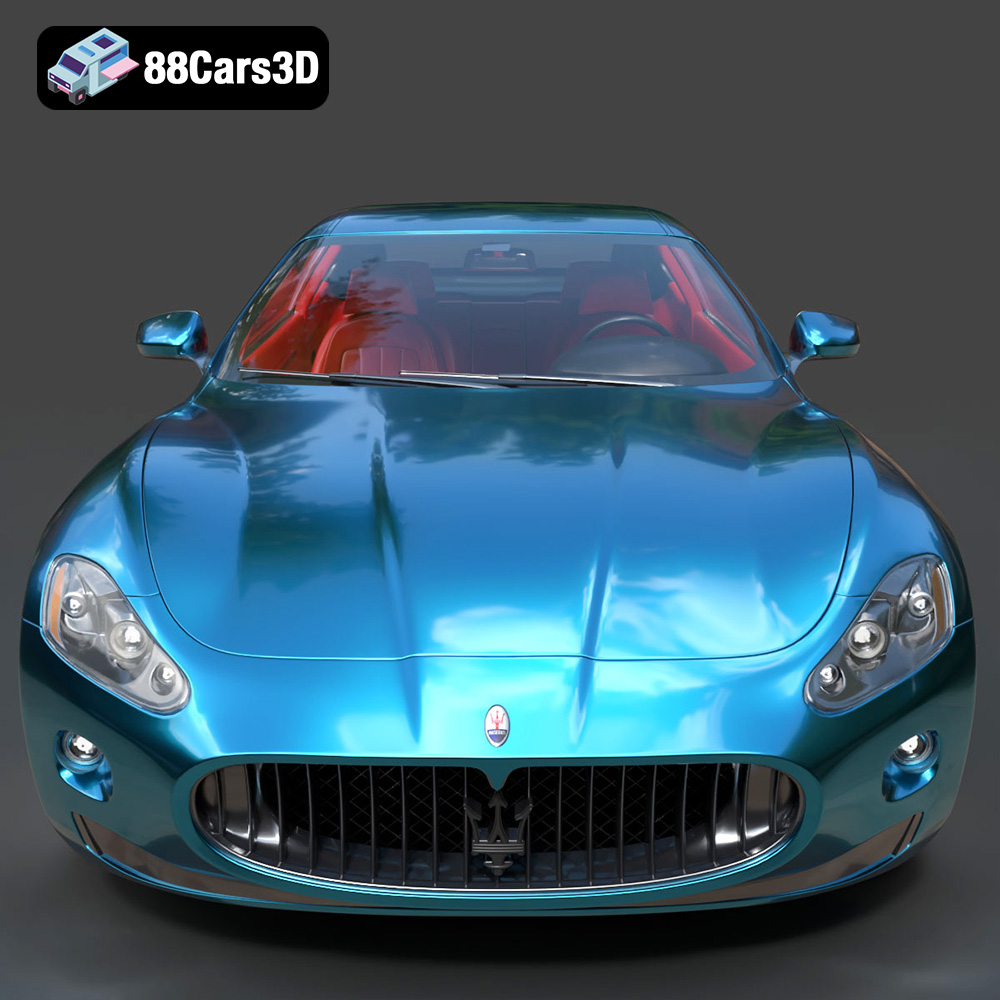
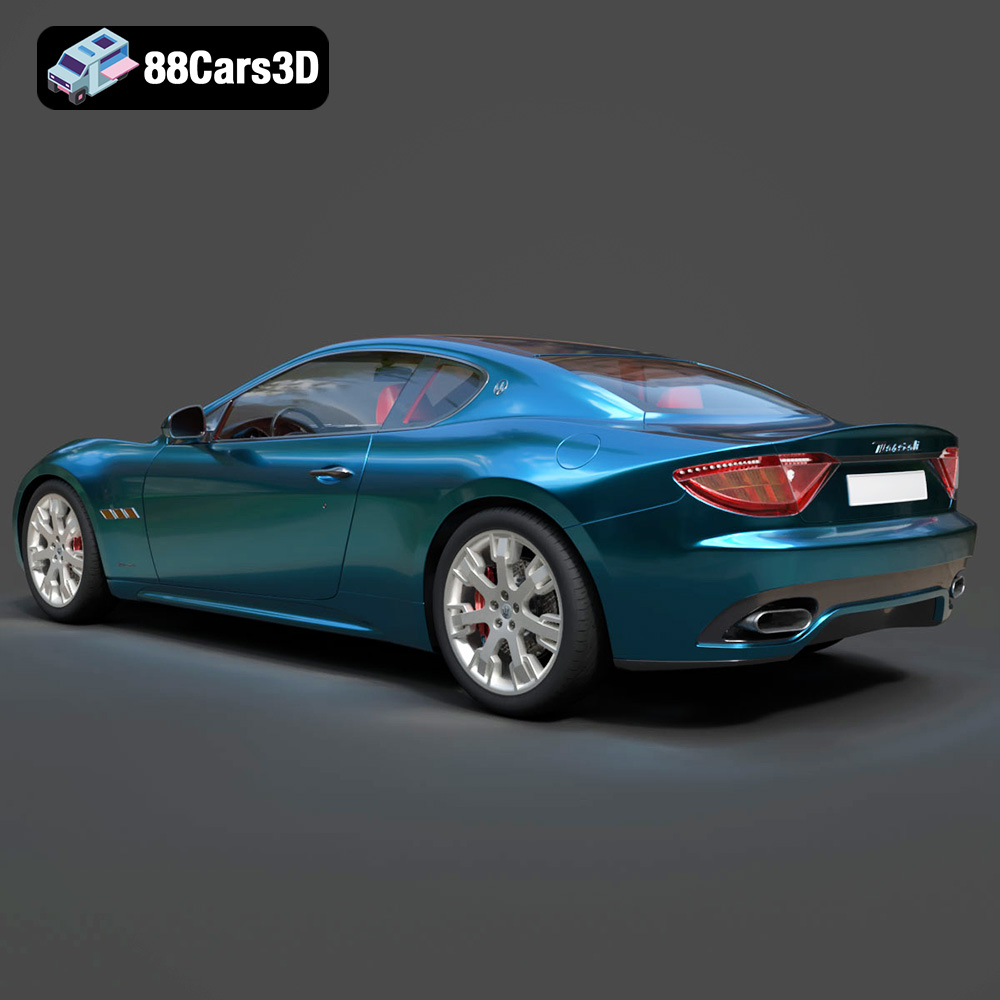
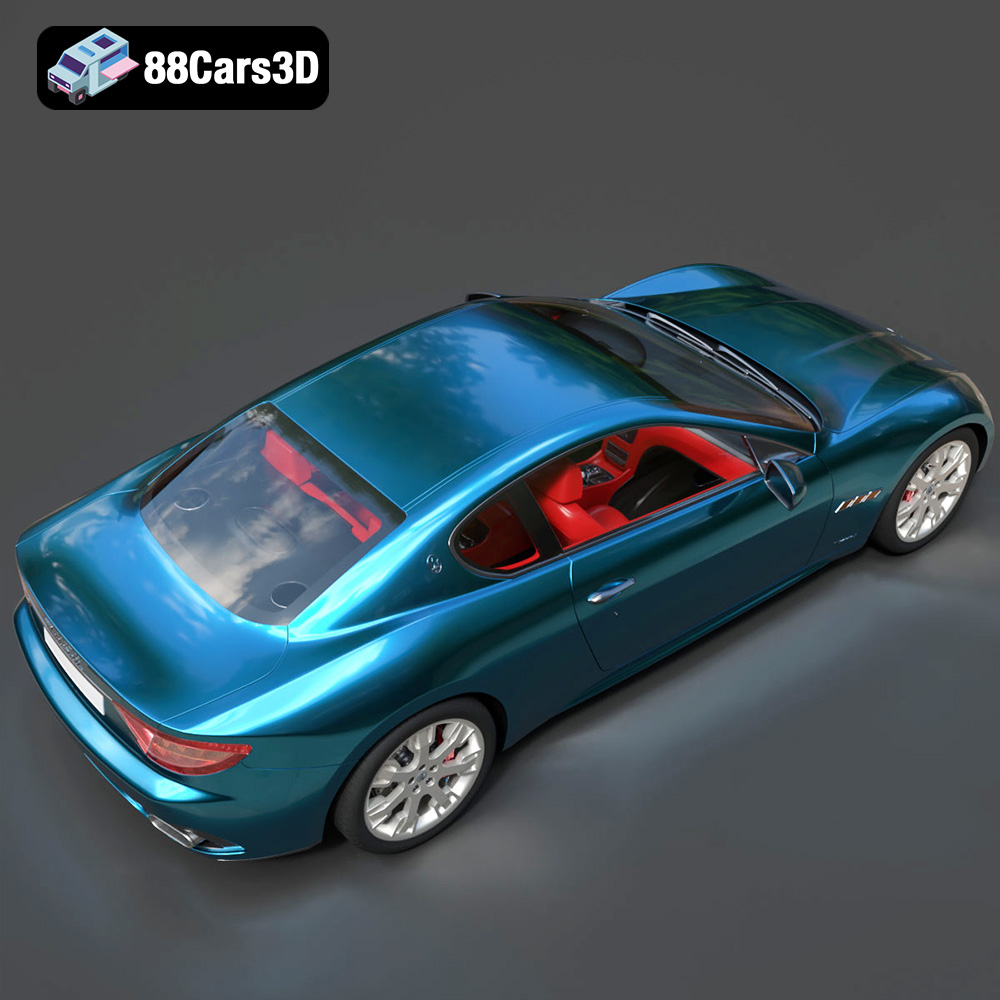
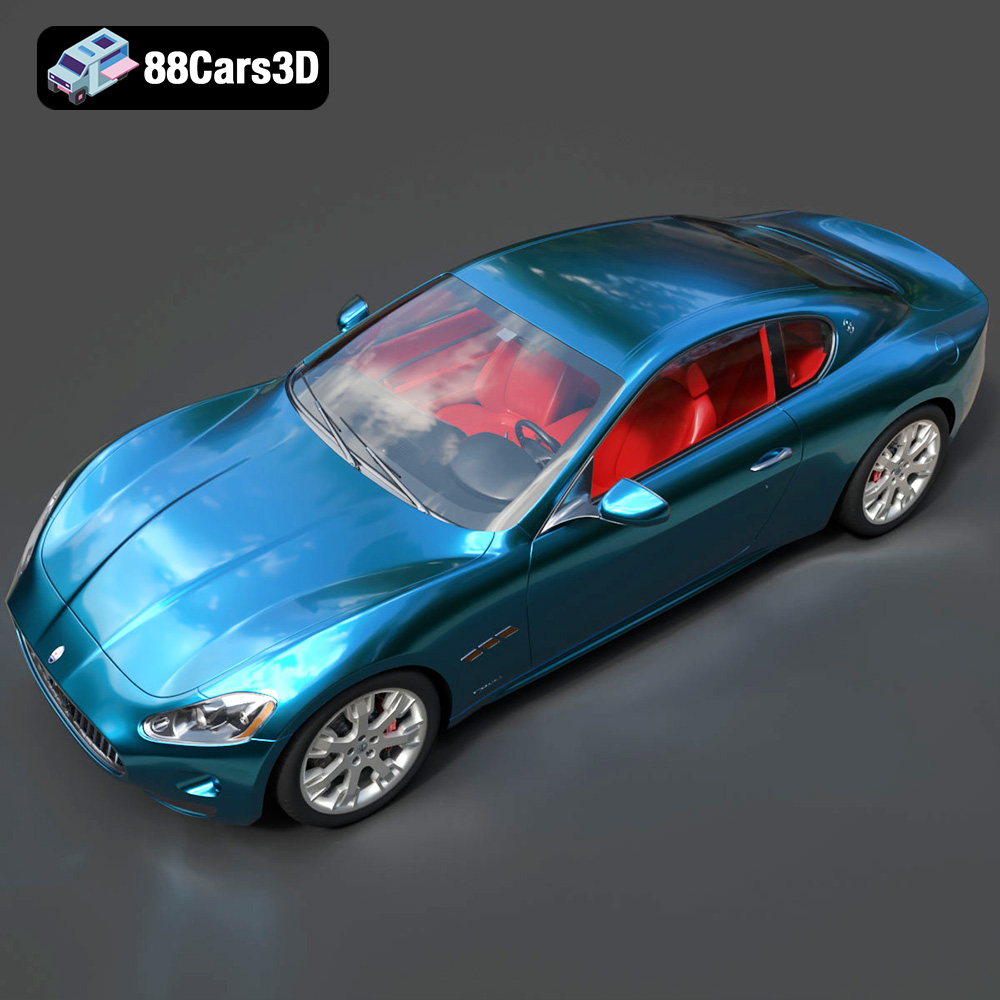
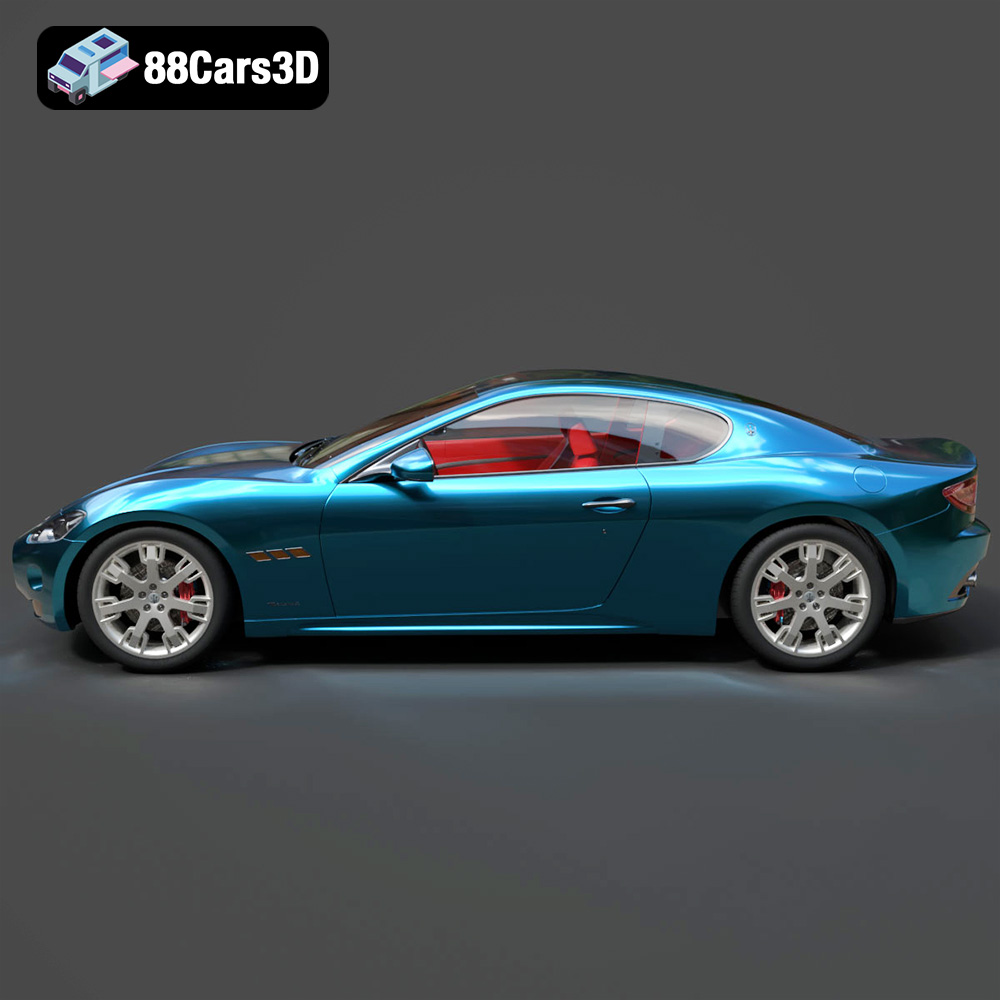
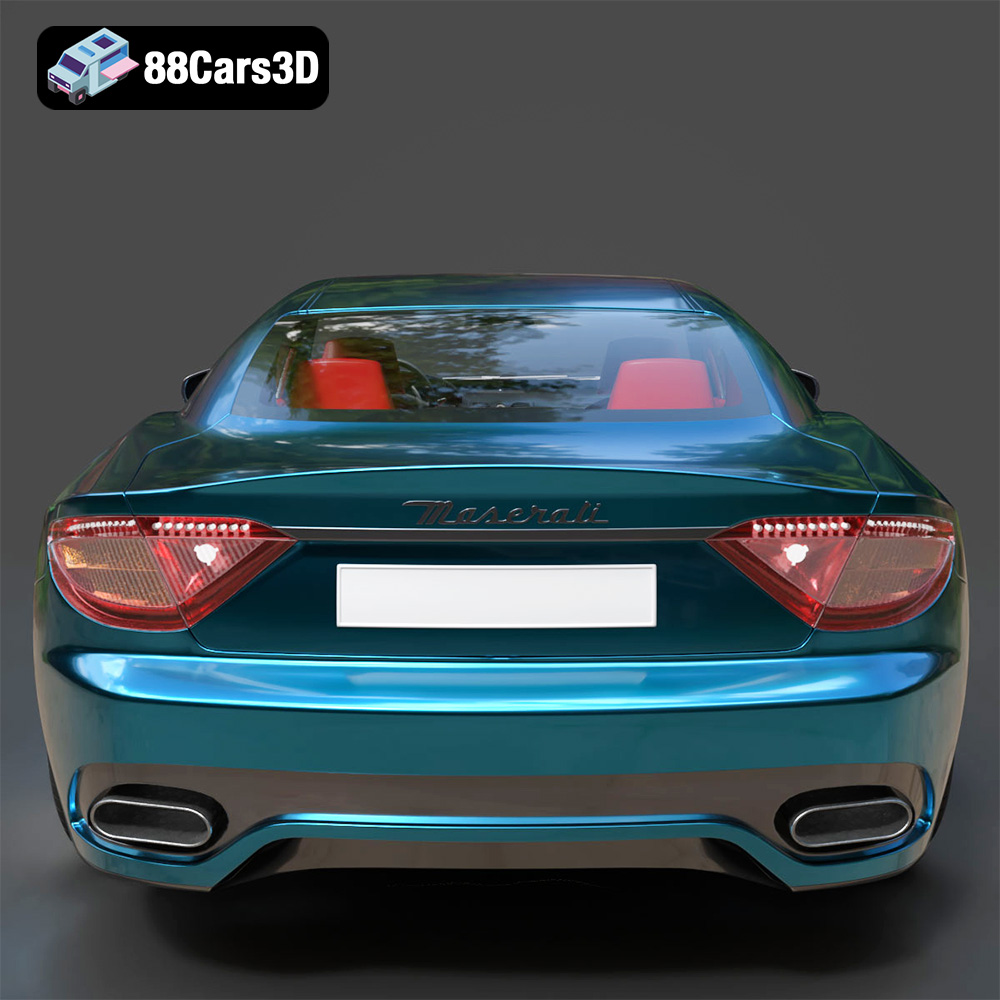
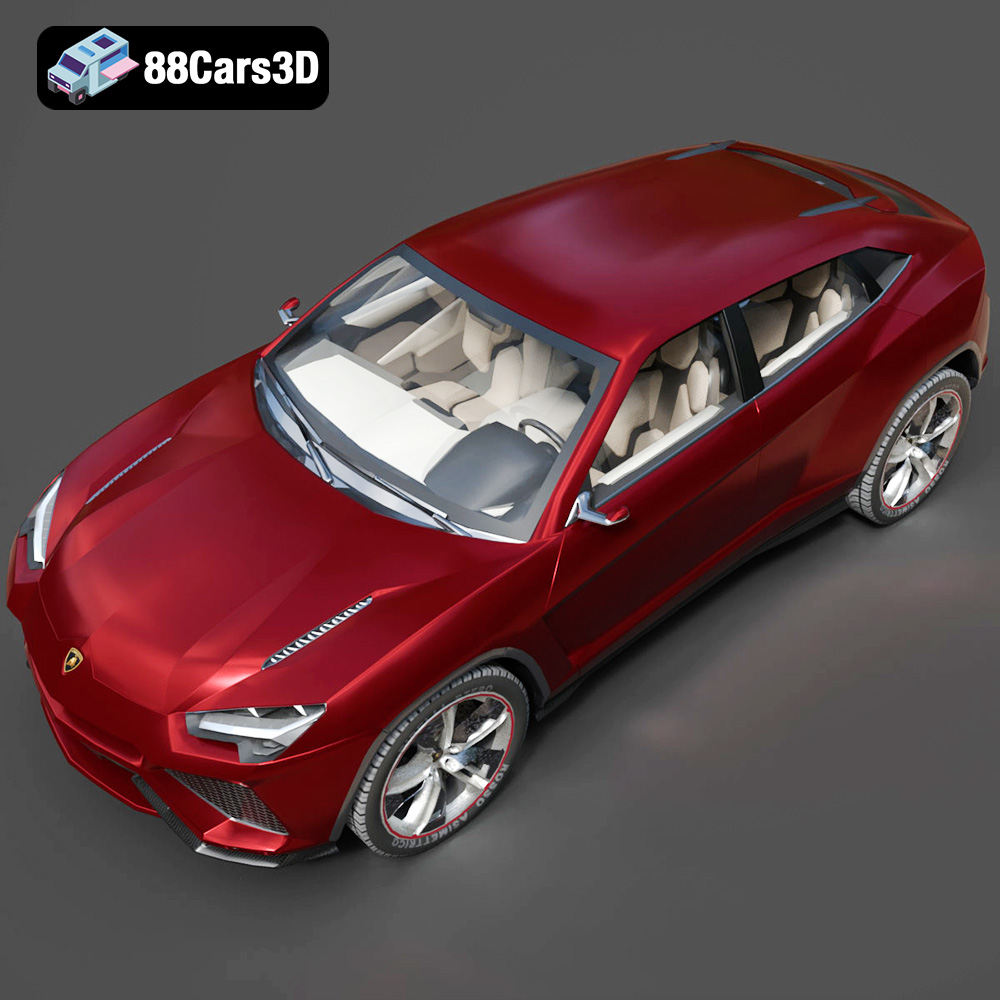
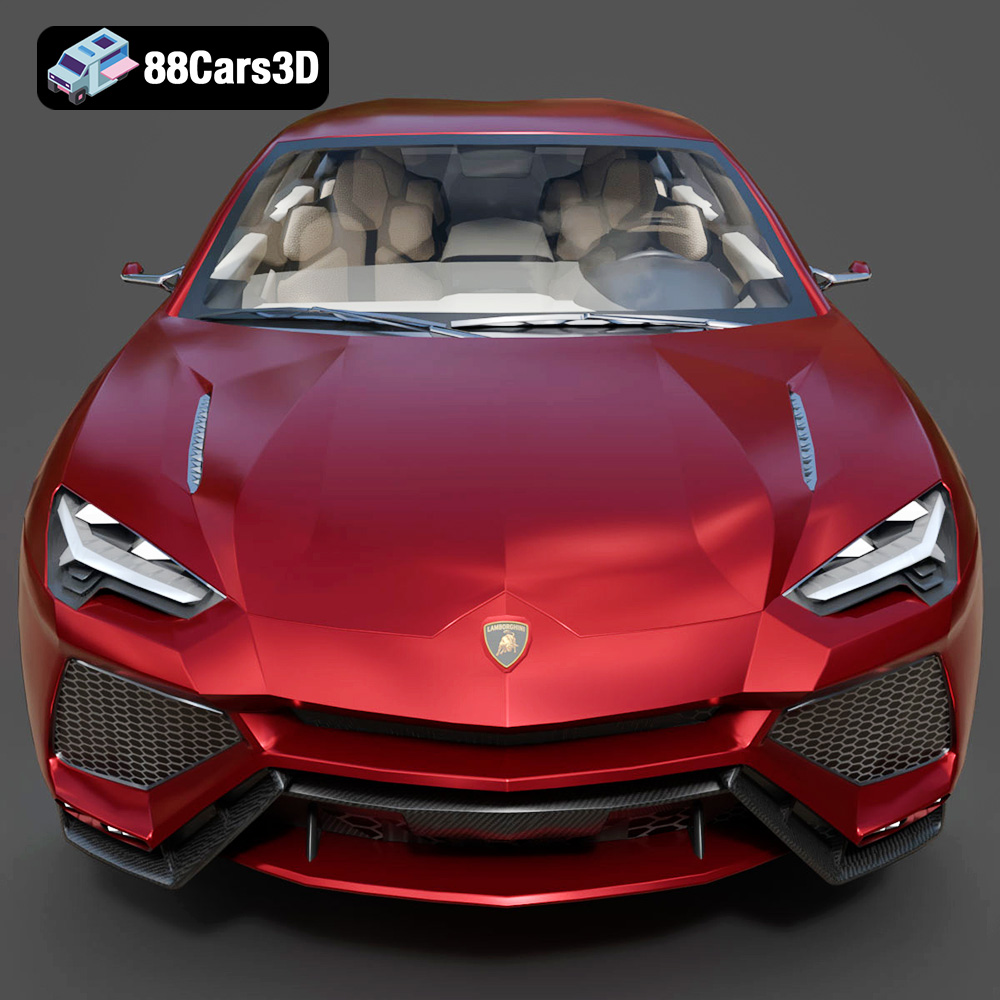
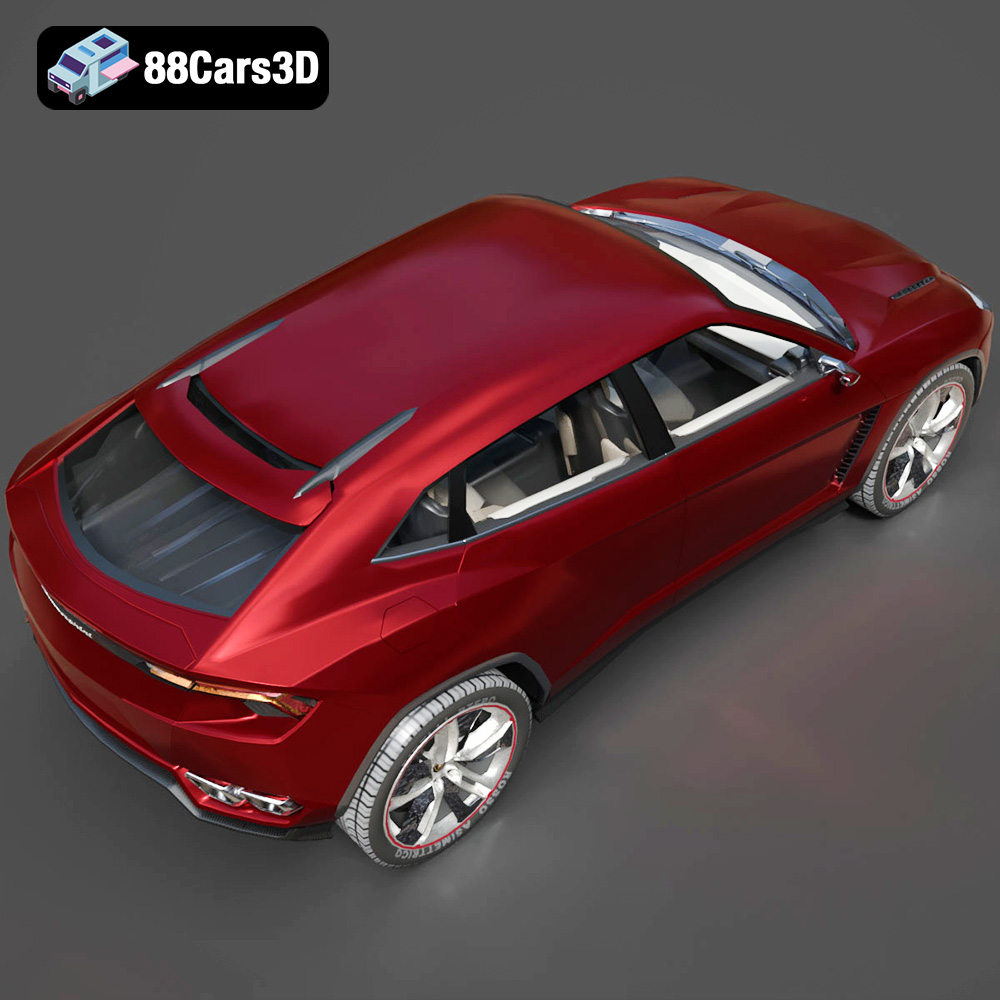
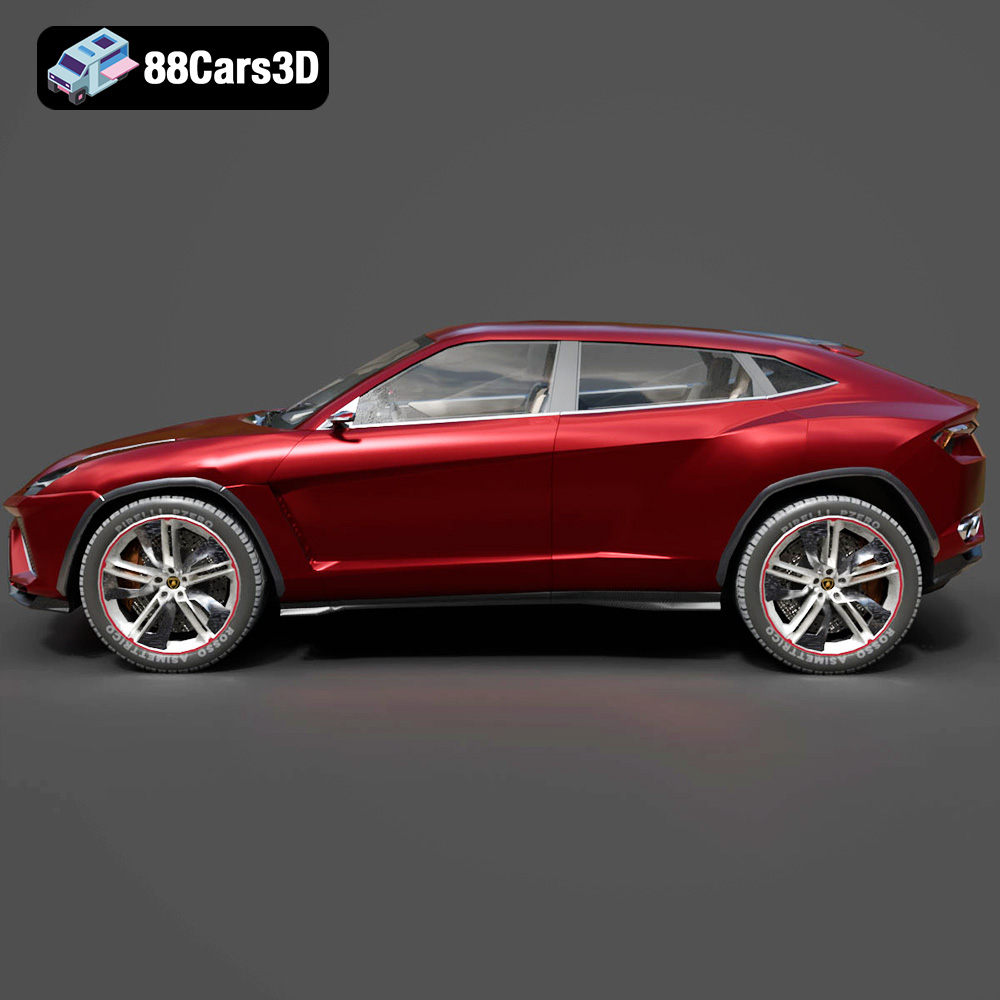
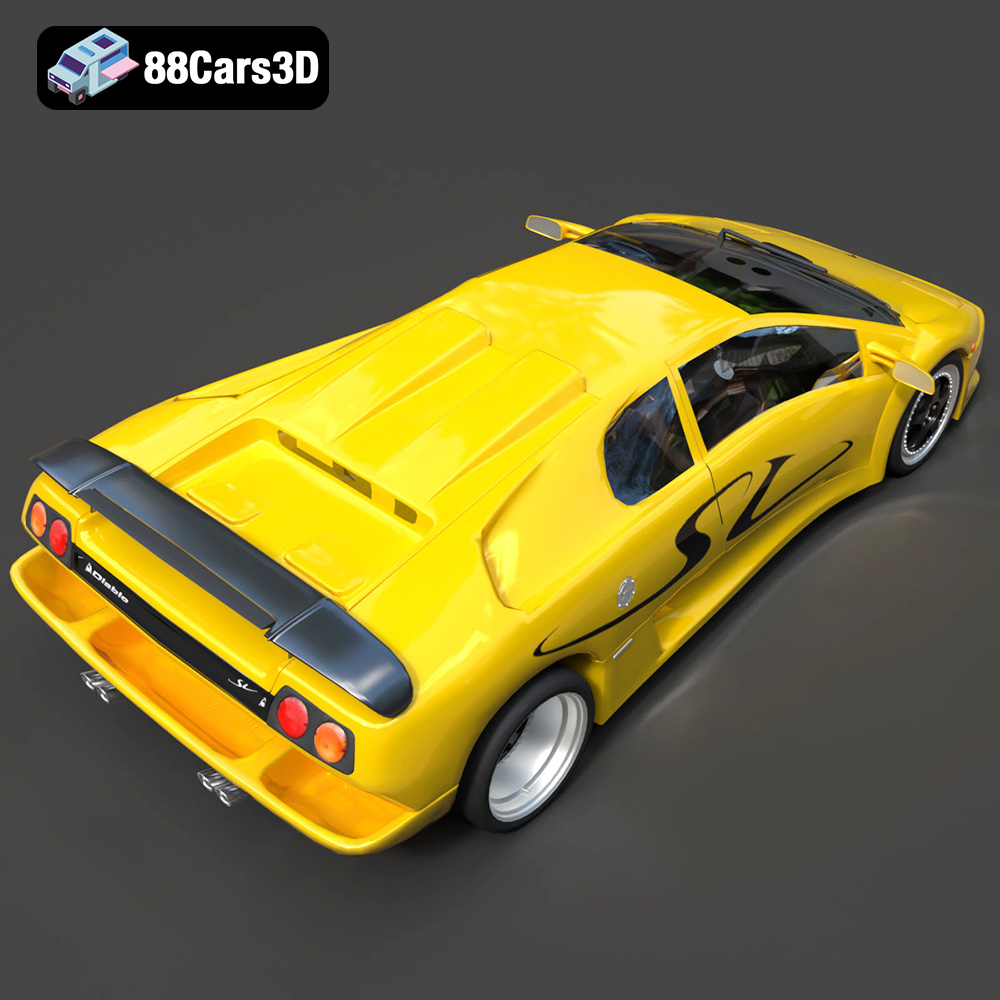
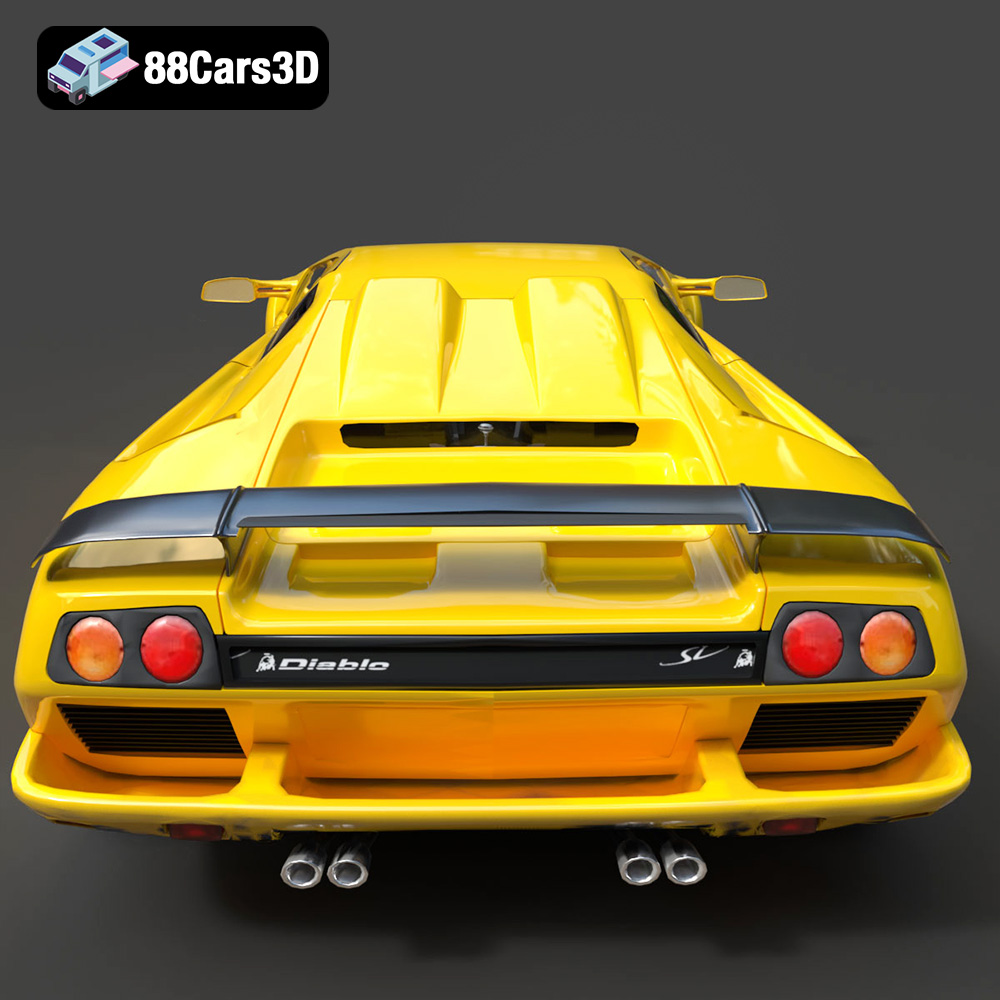
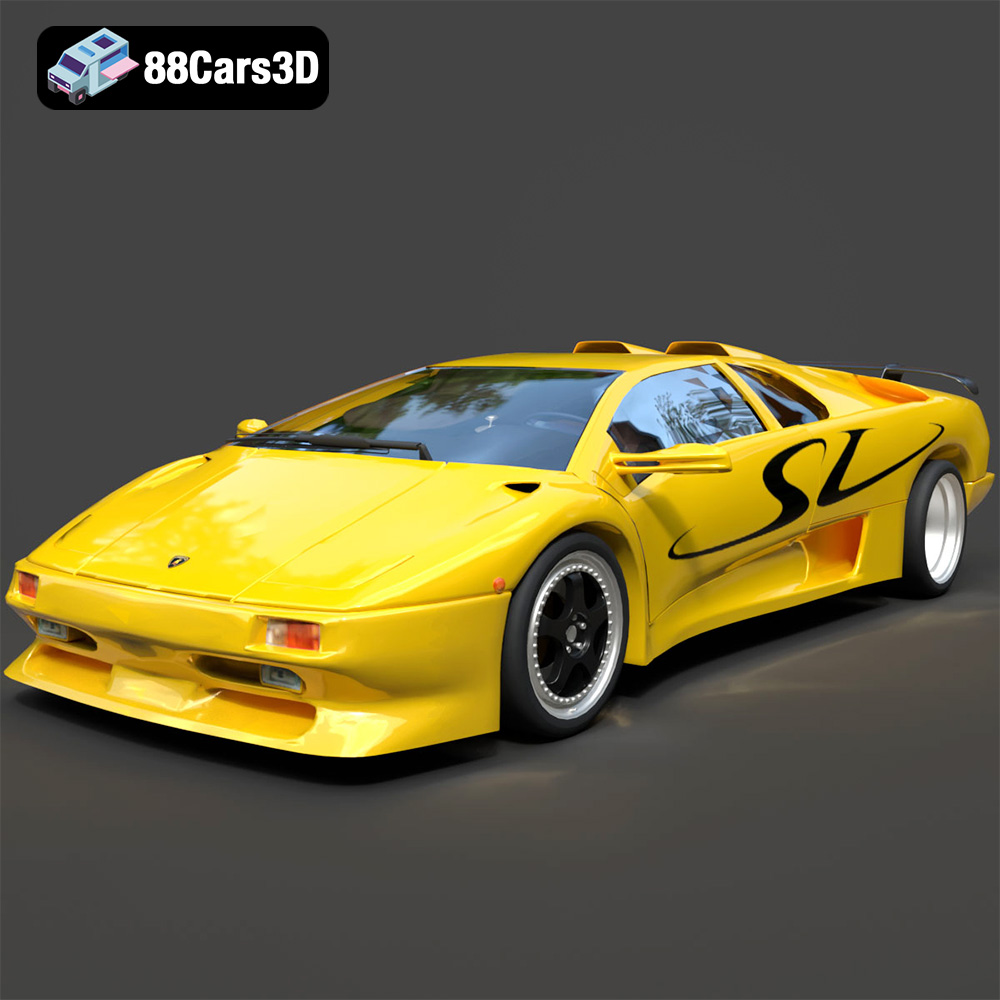
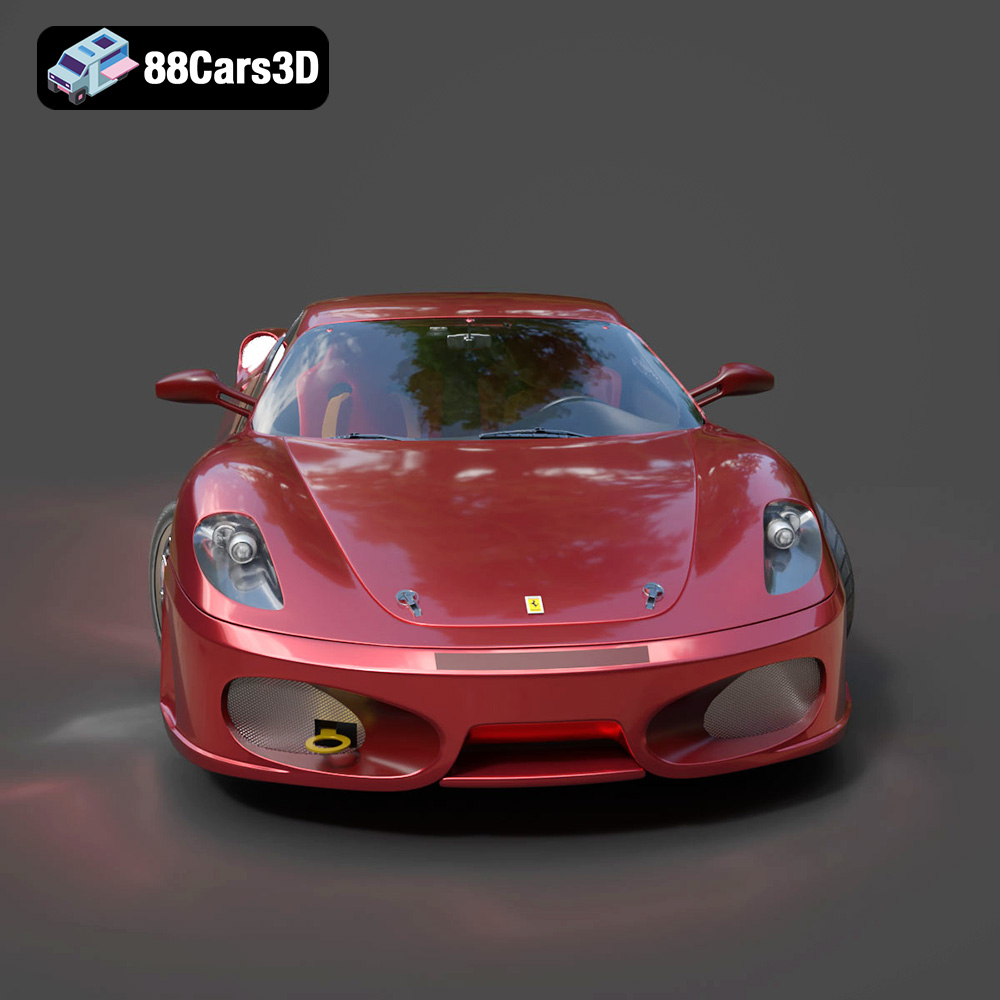
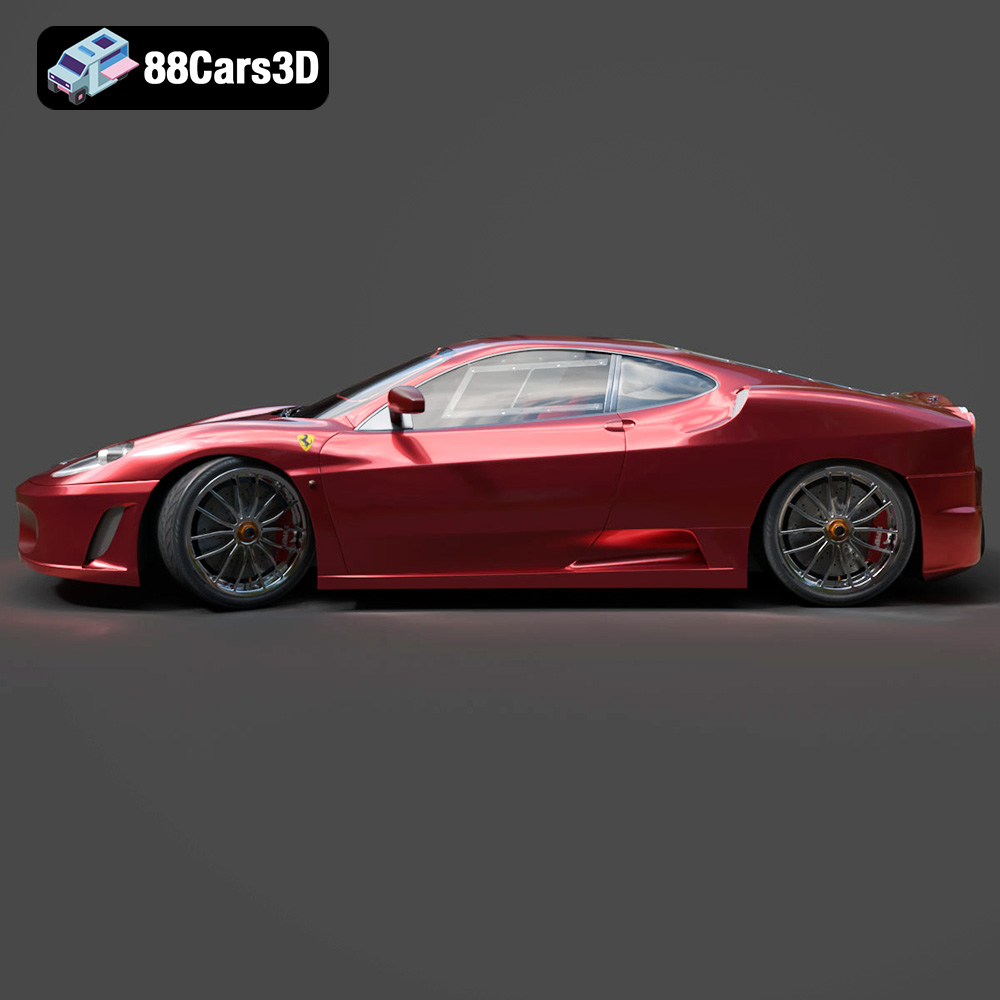
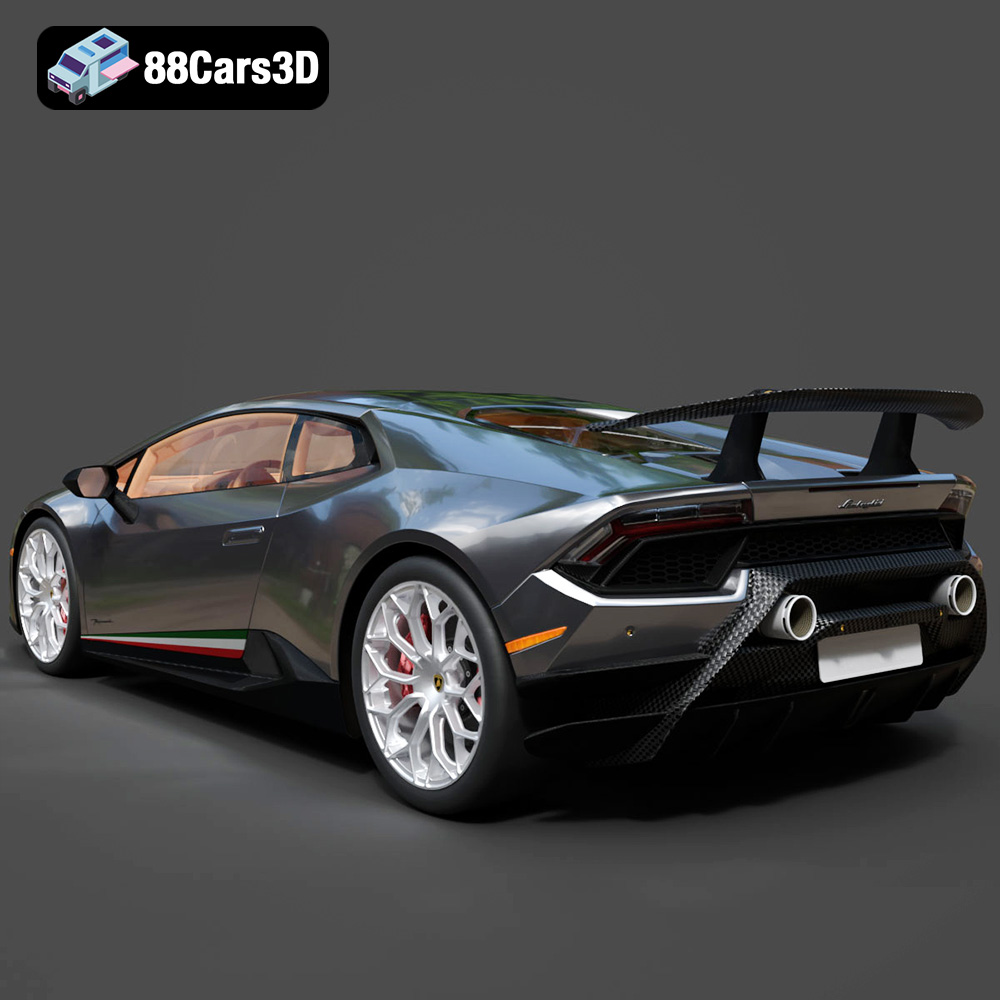
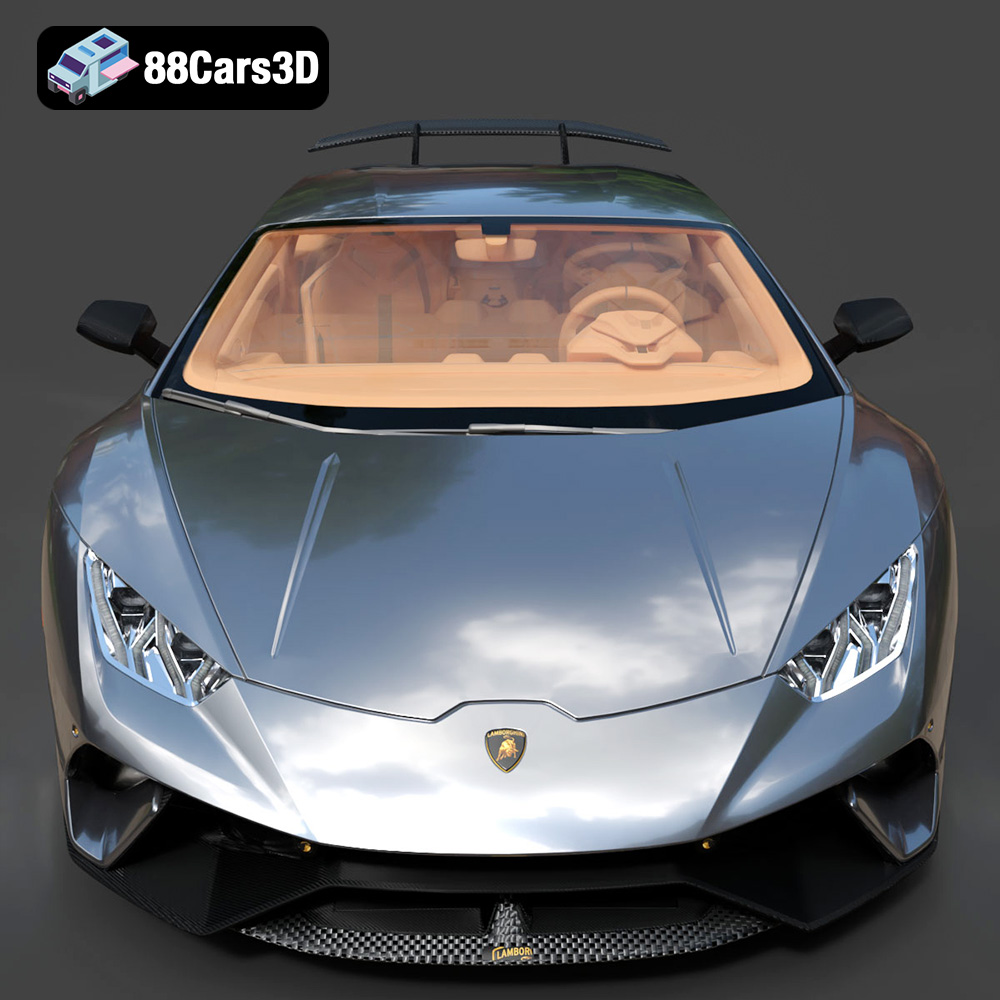
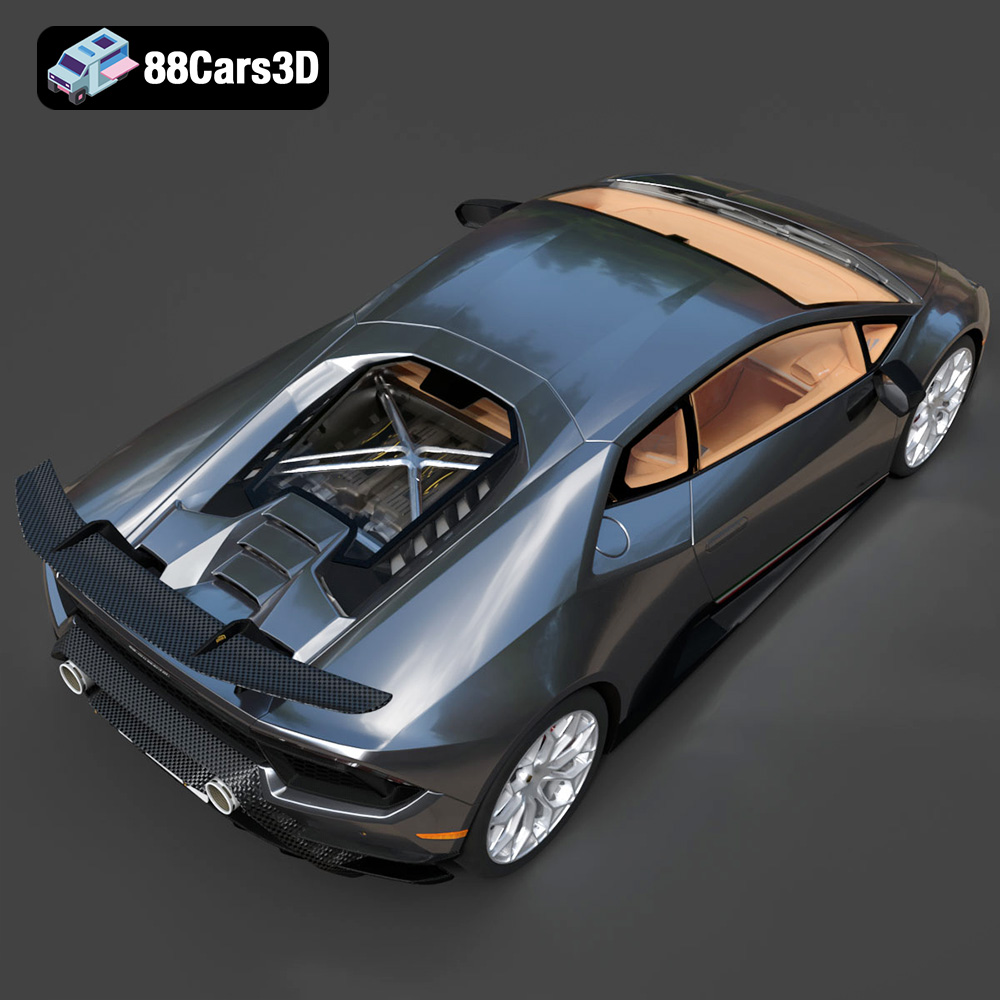
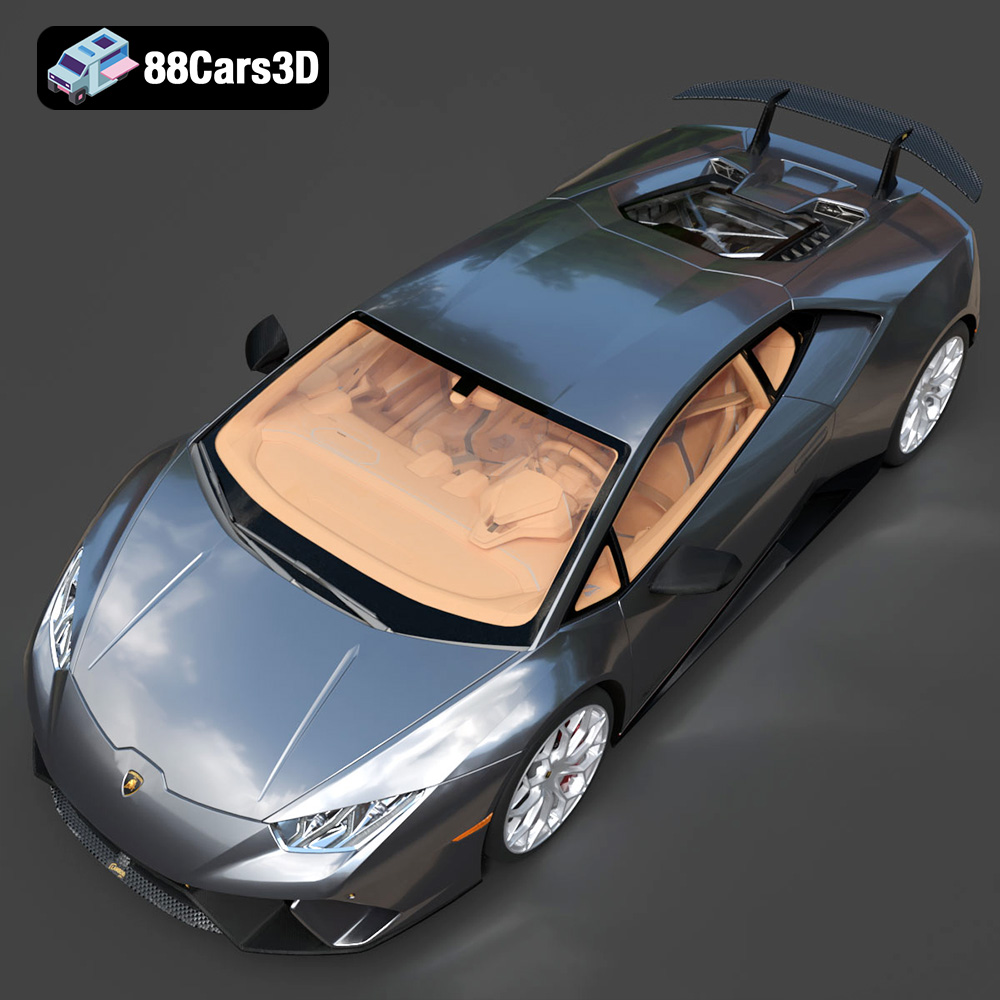
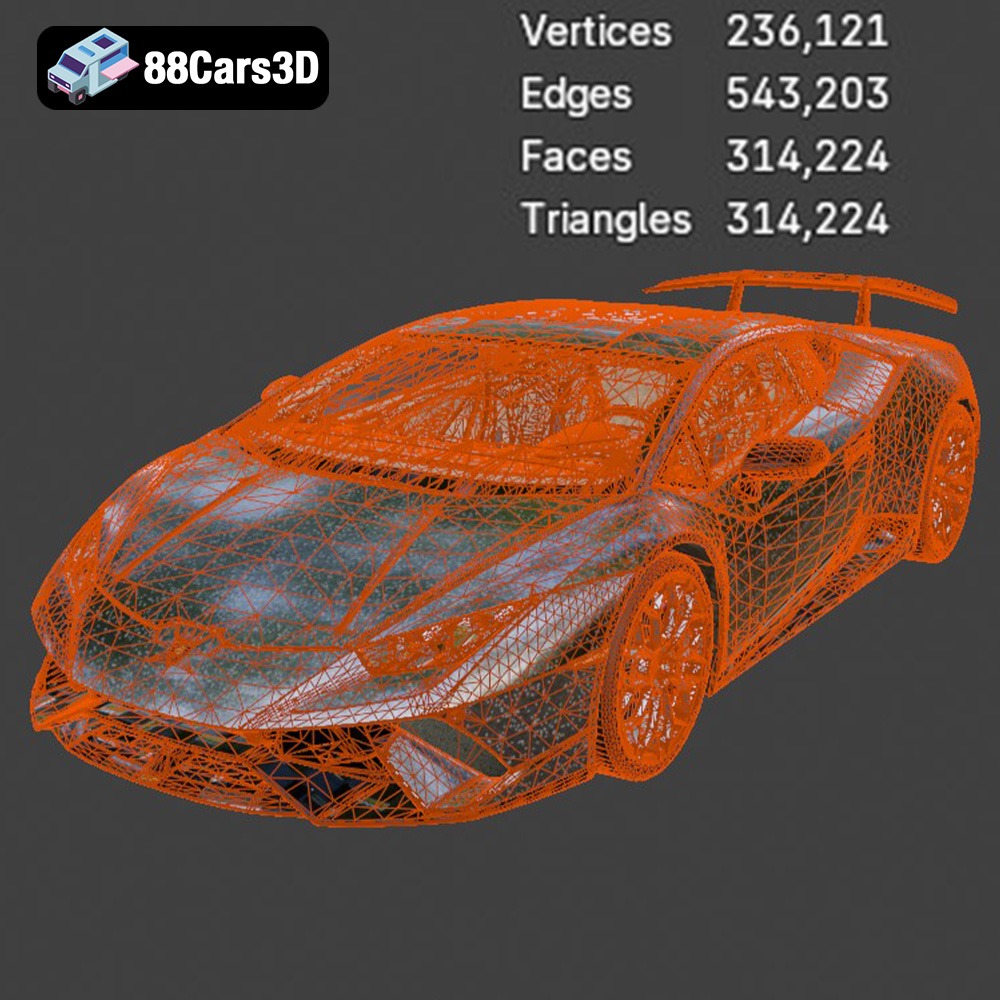
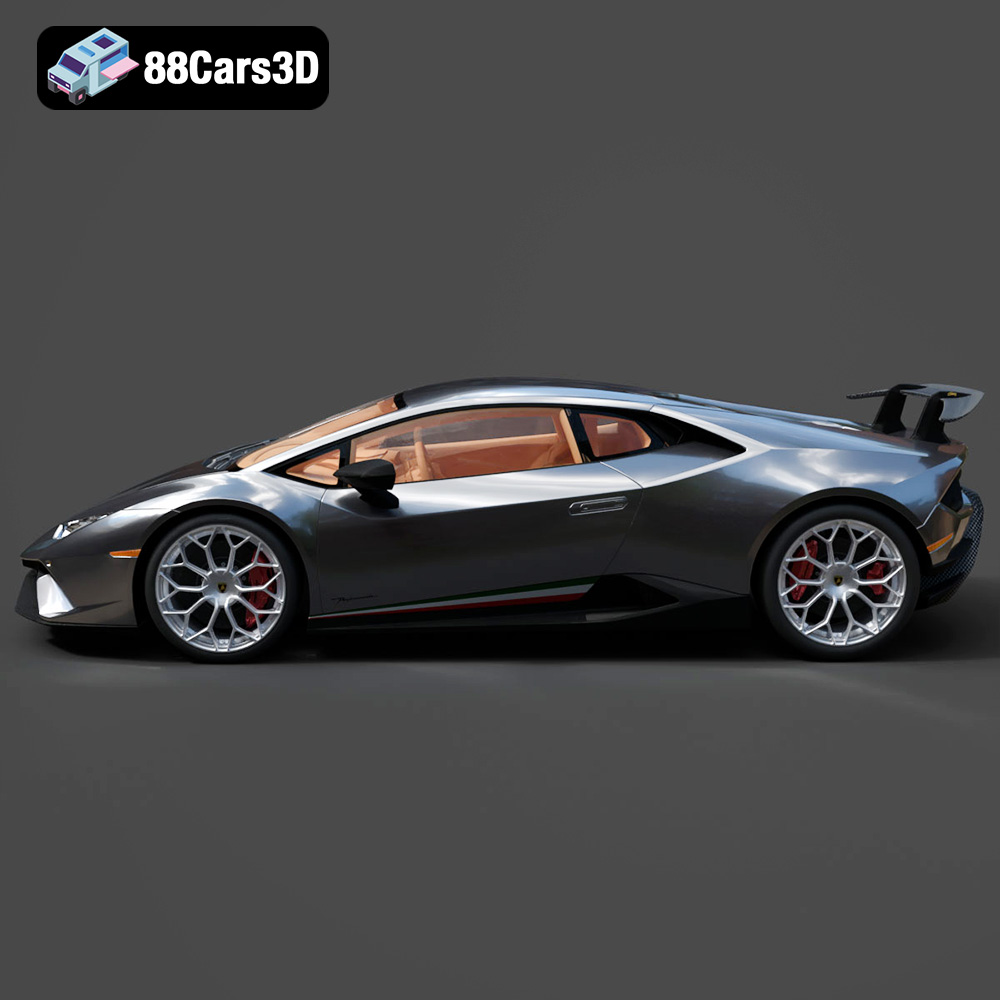
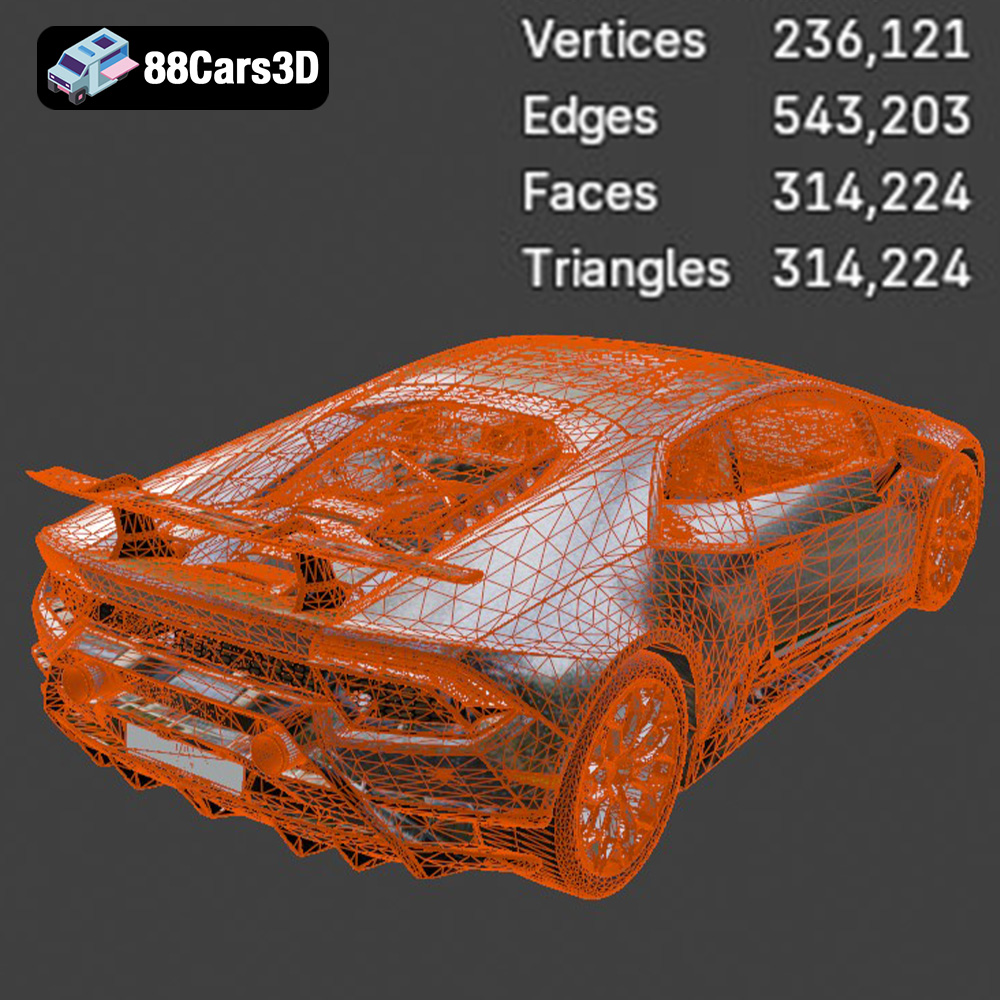
The roar of a Lamborghini V10, the sleek lines of a Ferrari, the luxurious elegance of a Maserati – the Italian automotive industry is renowned for its passion, performance, and design. Now, you can bring these iconic vehicles to life with the Italian Legends Bundle from 88cars3d.com. This collection of five meticulously crafted 3D models, including the Lamborghini Huracán Performante, Ferrari 458 Italia, Lamborghini Urus, Diablo SV, and Maserati GranTurismo, is optimized for a variety of applications, but especially shines when it comes to 3D printing. This article delves into the intricacies of 3D printing these automotive masterpieces, guiding you through the process from initial file preparation to the final, polished product.
Before diving into the specifics of 3D printing, let’s examine the features of the Italian Legends Bundle that make it ideal for additive manufacturing. These aren’t just generic car models; they’re designed with 3D printing in mind. Key features include:
The level of detail in the Italian Legends Bundle allows for diverse 3D printing projects. Consider your goals:
The bundle’s real-world accuracy makes scale modeling a breeze. Common scales for car models include 1:12, 1:18, 1:24, and 1:43. The choice depends on your printer’s build volume and desired level of detail. For example, printing a 1:12 scale Lamborghini Huracán Performante will require a larger build volume than a 1:43 scale model.
Choosing the right file format is crucial for a successful 3D printing project. The Italian Legends Bundle from 88cars3d.com includes several formats, but understanding their nuances is essential.
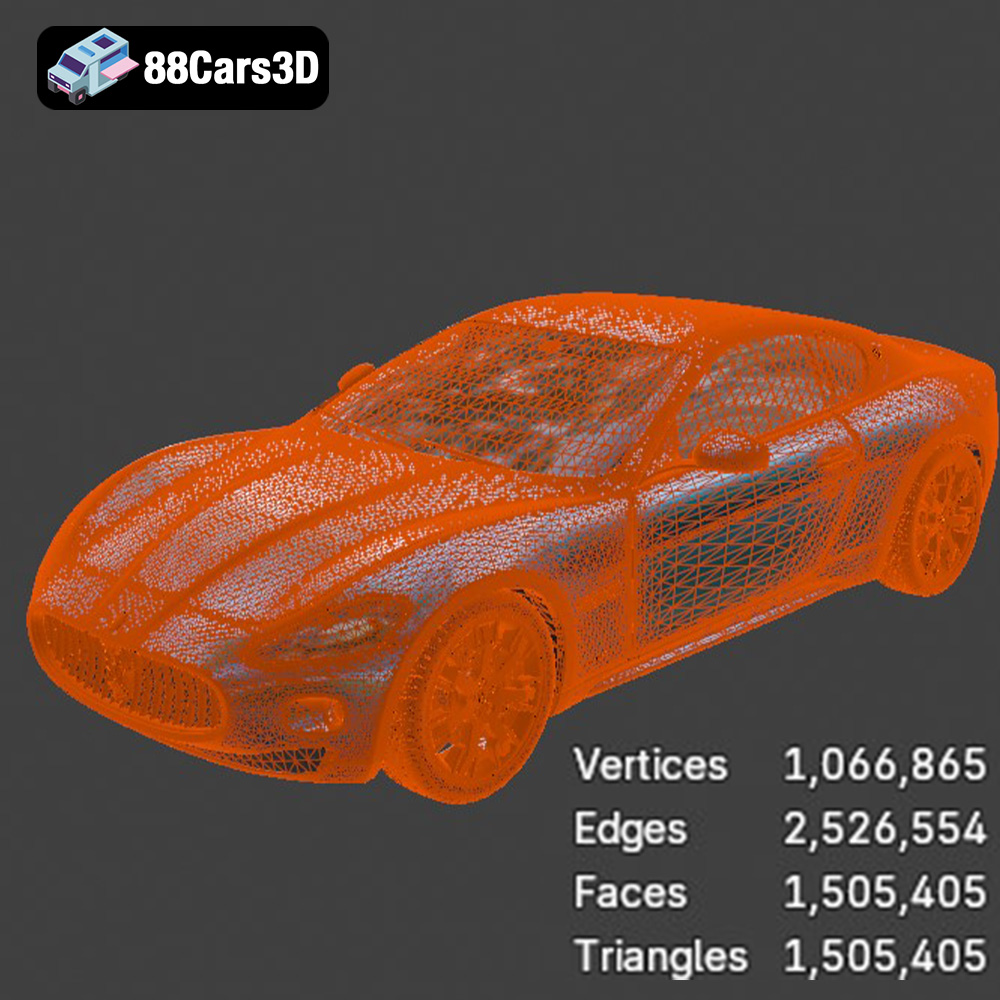
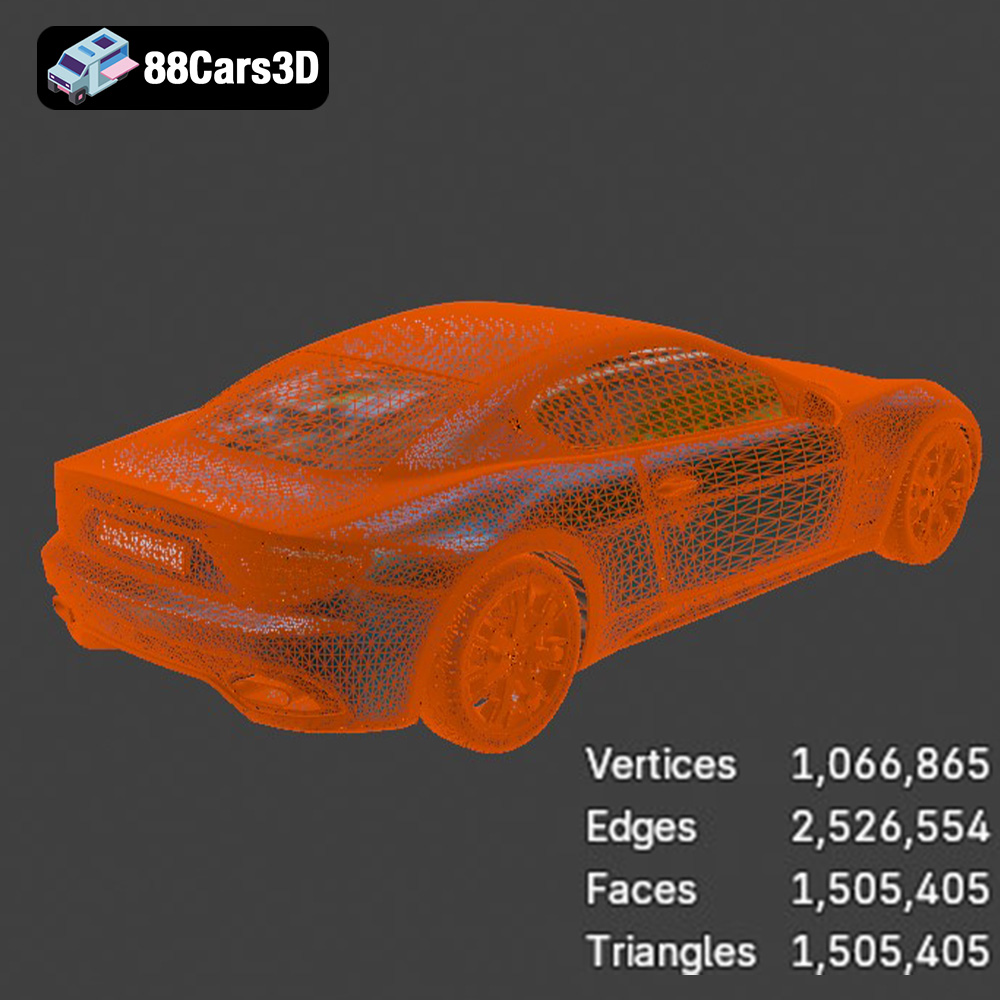
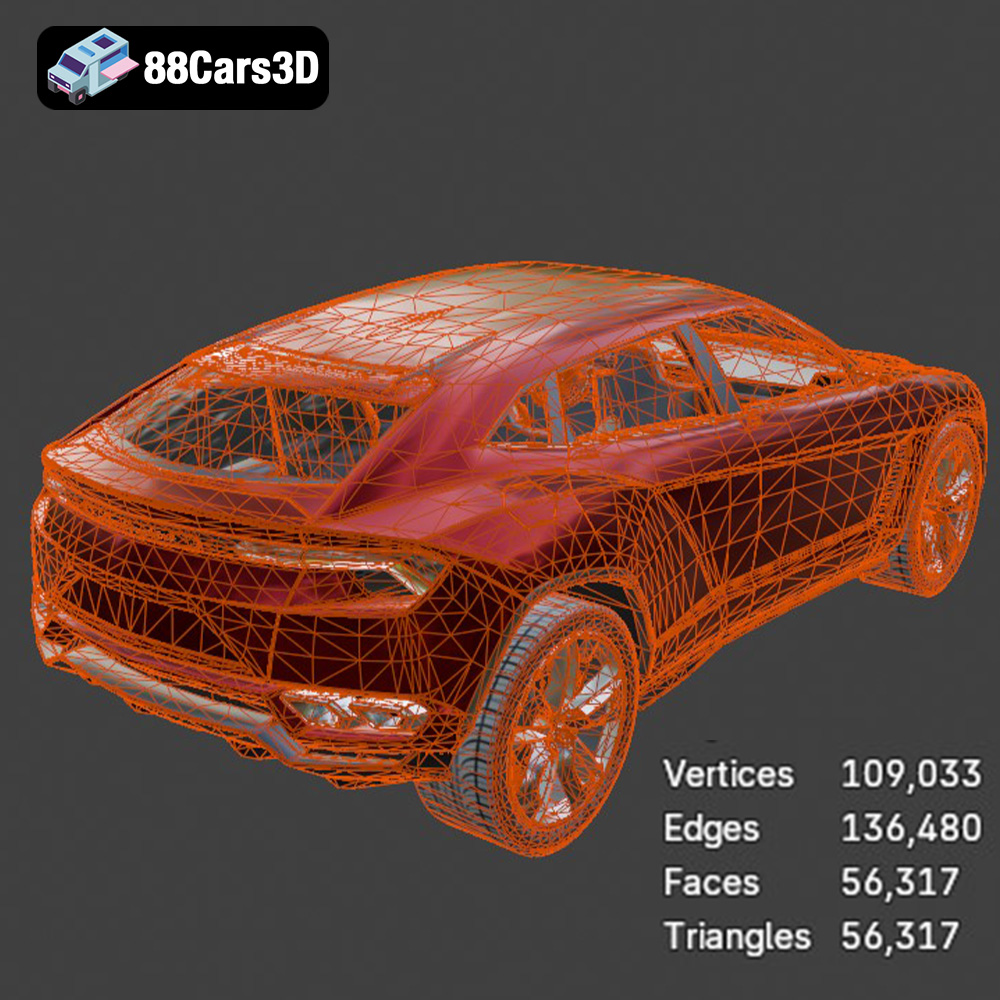
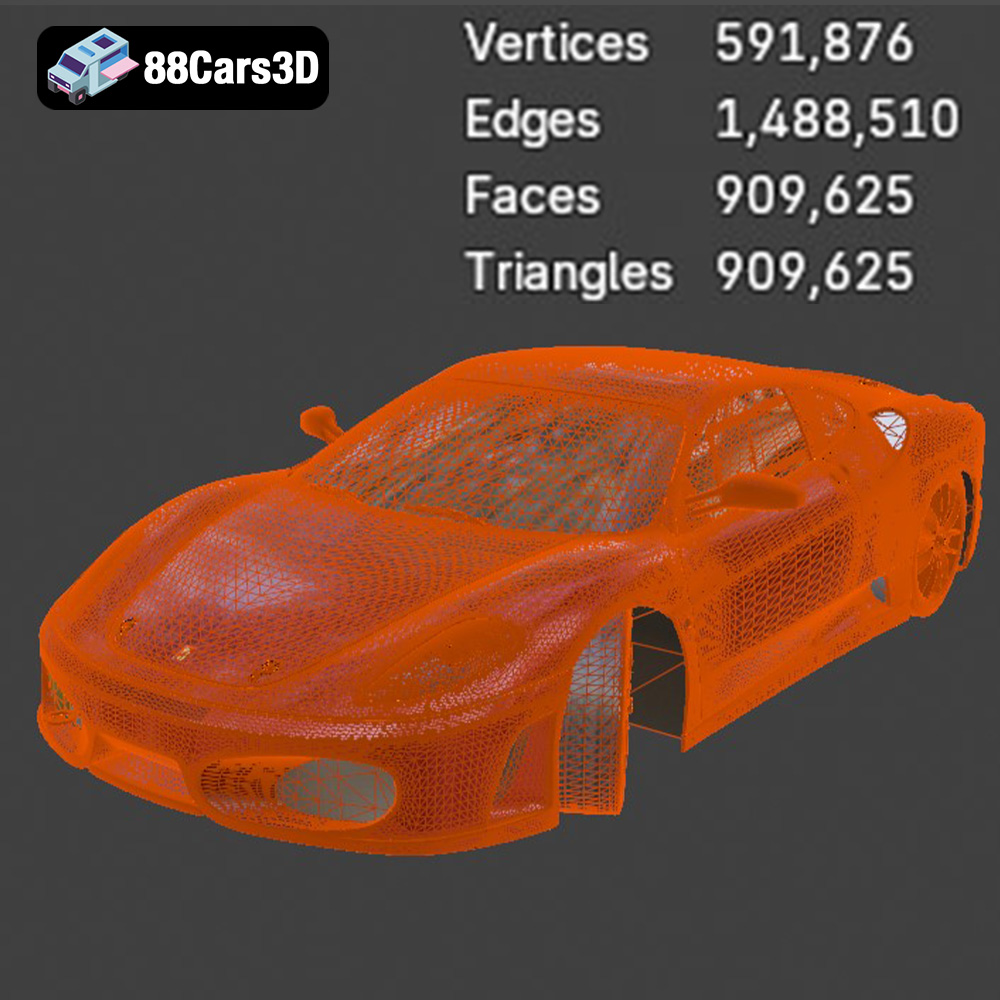
The .stl (Stereolithography) format is the undisputed industry standard for 3D printing. It represents the surface geometry of a 3D object as a collection of triangles. This simplicity makes it universally compatible with slicing software and 3D printers. However, STL files only store information about the shape of the object; they don’t contain data about color, texture, or materials. The quality of an STL file is determined by the number of triangles used to represent the surface. A higher triangle count results in a smoother, more detailed model but also increases the file size and processing time. The STL files provided with the Italian Legends Bundle are meticulously optimized to balance detail and printability.
The .obj format is a more versatile format that, unlike STL, can store color and texture information. This makes it suitable for applications where visual appearance is paramount, such as rendering or game development. While some advanced 3D printers can print in multiple colors using .obj files, this is not the primary use case for printing the Italian Legends models. The .obj format can also be imported into slicing software, but it’s often converted to STL for the actual printing process.
The .ply (Polygon File Format) is designed for storing 3D data acquired from scanning devices. It’s capable of capturing very high levels of detail, including color and texture. While .ply files can be used for 3D printing, their large file sizes and complexity can sometimes pose challenges for slicing software and printers, especially with models as intricate as those in the Italian Legends Bundle. It is less commonly used compared to STL for 3D printing.
The .blend format is the native file format for Blender, a powerful and free 3D modeling software. Including .blend files allows you to directly edit and customize the 3D models before exporting them for 3D printing. You can modify the geometry, add details, or split the model into smaller parts for easier printing. Before printing, you would typically export your modified model from Blender as an STL file. It is advised to be proficient with Blender to properly use this file format.
The .fbx (Filmbox) format is used primarily for importing models into various 3D software packages, including slicing software. This format retains information about materials, textures, and animations which can be useful for advanced slicing software that supports such features. However, for the basic act of 3D printing, these extra features are not required. The model will typically be converted to an STL during the slicing process.
The .glb format is designed for use in augmented reality (AR) applications, allowing you to preview the 3D model in a real-world environment before printing. This can be helpful for visualizing the size and appearance of the finished product. The .glb itself is not directly used for 3D printing but provides a helpful preview before committing to the print process.
For the Italian Legends Bundle, the .stl format is the recommended choice for 3D printing. It offers the best balance of compatibility, simplicity, and print quality. The included STL files have already been optimized for 3D printing, ensuring a smooth and efficient workflow. If you wish to customize the models, you can use the .blend files in Blender and then export them as STL files for printing.
Once you’ve chosen your model and file format, the next step is preparing the model for printing using slicing software. Popular options include Cura, PrusaSlicer, Simplify3D, and Chitubox (for resin printing). The slicing software converts the 3D model into a series of instructions (G-code) that the 3D printer can understand.
The orientation of the model on the build plate significantly impacts print quality, support requirements, and print time. For car models, printing with the body tilted at an angle, with the roof facing upwards, can often minimize the need for supports on the exterior surfaces. However, this may increase the print time and material usage. Carefully consider the geometry of each model in the Italian Legends Bundle to determine the optimal orientation.
Support structures are essential for printing overhanging features, such as the spoilers on the Lamborghini Huracán Performante or the side mirrors on the Ferrari 458 Italia. Choose a support structure type that is easy to remove and minimizes scarring on the printed surface. Tree supports are often a good option for complex geometries.
While the Italian Legends Bundle models are designed to be error-free, it’s always a good practice to run them through a mesh repair tool in your slicing software. This can fix minor issues, such as non-manifold edges or flipped normals, which can cause printing problems. If you’re scaling the models, ensure that you maintain the aspect ratio to avoid distortion. Larger scale models will naturally require more material and time to print.
The choice of material depends on the 3D printing technology (FDM or resin) and the desired properties of the finished product.
For FDM (Fused Deposition Modeling) printing, PLA (Polylactic Acid) is a popular choice due to its ease of use, low cost, and wide availability. It’s suitable for display models and prototypes. However, PLA is not very heat resistant and can become brittle over time. PETG (Polyethylene Terephthalate Glycol-modified) offers improved durability, heat resistance, and flexibility compared to PLA. It’s a good option for RC car bodies and functional parts. ABS (Acrylonitrile Butadiene Styrene) is another option, known for its high strength and heat resistance. However, it can be more challenging to print than PLA or PETG due to its tendency to warp.
For resin (SLA or DLP) printing, you’ll need to choose a resin that is compatible with your printer. Standard resins are suitable for display models, while tougher resins are better for functional parts. Resin printing offers exceptional detail and smooth surfaces, making it ideal for intricate models like those in the Italian Legends Bundle. However, resin prints are typically more brittle than FDM prints and require post-curing to achieve their final properties.
Achieving a high-quality 3D print requires careful adjustment of printer settings. These settings will vary depending on your printer, material, and desired level of detail.
Layer height determines the resolution of the print. Lower layer heights result in smoother surfaces and finer details, but also increase print time. For FDM printing, a layer height of 0.1mm to 0.2mm is a good starting point for the Italian Legends models. For resin printing, layer heights can be even lower, down to 0.025mm or even 0.01mm for exceptional detail.
Infill density affects the strength and weight of the print. For display models, a low infill density (10-20%) is sufficient. For functional parts or RC car bodies, a higher infill density (50-100%) is recommended. The infill pattern also affects the strength and stiffness of the print. Gyroid and honeycomb patterns are popular choices for their strength and efficient material usage.
Printing speed affects both print time and print quality. Slower speeds generally result in better quality, especially for complex geometries. Experiment with different speeds to find the optimal balance. Temperature settings depend on the material being used. Refer to the manufacturer’s recommendations for optimal nozzle and bed temperatures.
Post-processing is often necessary to achieve a professional-looking finish. This can include removing support structures, sanding the surface, and painting the model.
Carefully remove support structures using pliers or a sharp knife. Be careful not to damage the printed surface. Sanding the surface with progressively finer grits of sandpaper can smooth out layer lines and imperfections. Start with a coarse grit (e.g., 220 grit) and gradually move to finer grits (e.g., 400, 600, 800, 1000 grit).
Painting can bring your 3D printed Italian Legends models to life. Apply a primer coat to the sanded surface to improve paint adhesion. Use acrylic paints or automotive spray paints for a durable and realistic finish. Consider using stencils or masking tape to create intricate details, such as racing stripes or logos.
If the model consists of multiple parts, assemble them using glue or screws. Add any final details, such as decals or clear coat, to complete the project.
Even with careful preparation, 3D printing can sometimes present challenges. Here are some common issues and their solutions:
Warping occurs when the printed part detaches from the build plate due to uneven cooling. Ensure that the build plate is clean and level. Use a build plate adhesive, such as glue stick or hairspray, to improve adhesion. Enclosing the printer can help to maintain a consistent temperature and reduce warping.
Stringing occurs when the printer extrudes filament while moving between different parts of the model. Reduce the printing temperature and increase retraction settings to minimize stringing. Blobs are caused by excess filament being deposited on the printed surface. Adjust the flow rate and coasting settings to prevent blobs.
Layer shifting occurs when the printer’s axes move out of alignment. Check the belts and pulleys to ensure that they are tight and properly aligned. Under-extrusion occurs when the printer is not extruding enough filament. Increase the flow rate and check for clogs in the nozzle.
The print time and material cost for the Italian Legends Bundle will vary depending on the size of the model, the printer settings, and the material used. However, here are some general estimates:
These are just estimates, and the actual values may vary. Experiment with different settings to optimize print time and material usage.
3D printing the Italian Legends Bundle from 88cars3d.com is a rewarding experience that allows you to bring these iconic vehicles to life. By understanding the nuances of 3D model file formats, carefully preparing your models, selecting the right materials, and optimizing your printer settings, you can achieve stunning results. Remember to take your time, experiment with different techniques, and don’t be afraid to learn from your mistakes. With a little patience and perseverance, you’ll be able to create a collection of 3D printed Italian masterpieces that you can be proud of.
The Italian Thoroughbreds Bundle is an elite, curated collection representing the pinnacle of Italian automotive soul, speed, and sculptural design. This bundle brings together the aggressive track-focused aerodynamics of Lamborghini and Ferrari with the grand-touring elegance of Maserati. Designed for creators, collectors, and 3D printing enthusiasts, this collection offers a diverse range of vehicles—from 90s icons to modern-day engineering marvels.
$199.99
Ferrari & Maserati STL Collection
Italian Supercar 3D Models Bundle – Lamborghini