Get 50% OFF All Premium 3D & STL Models!

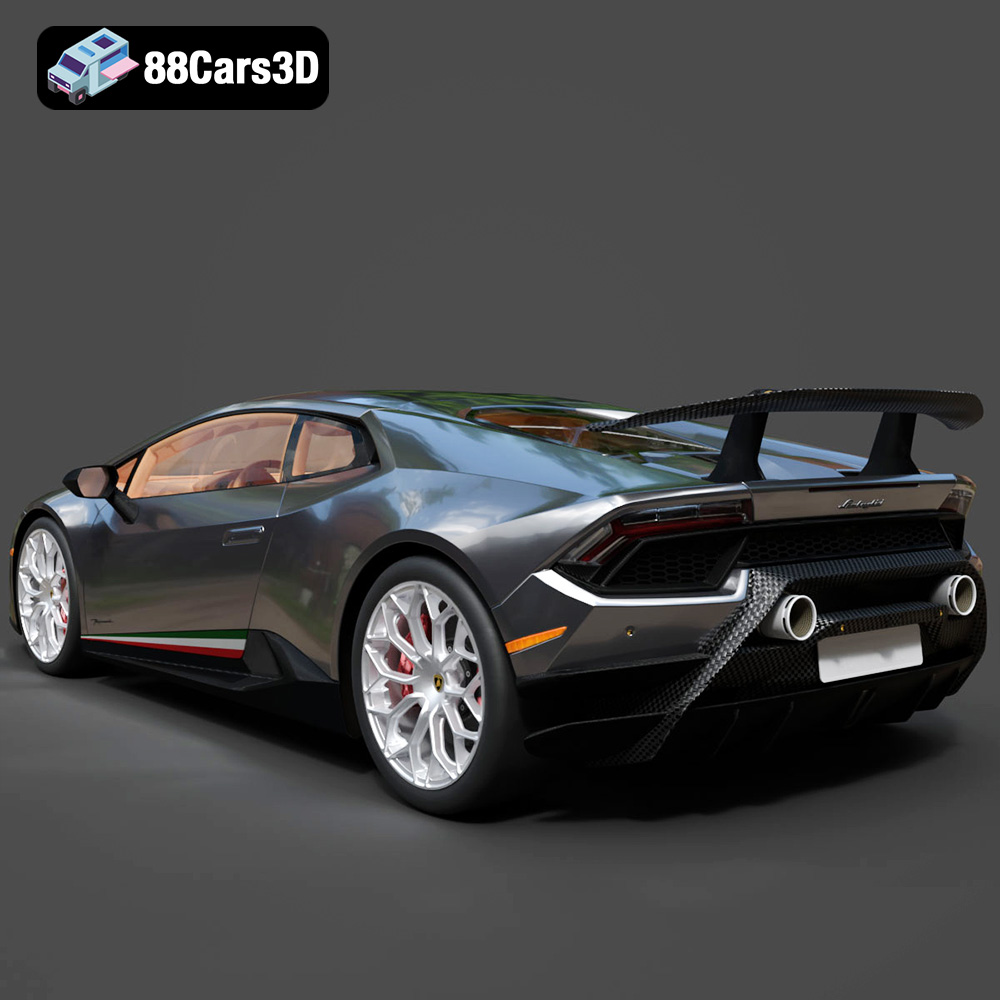
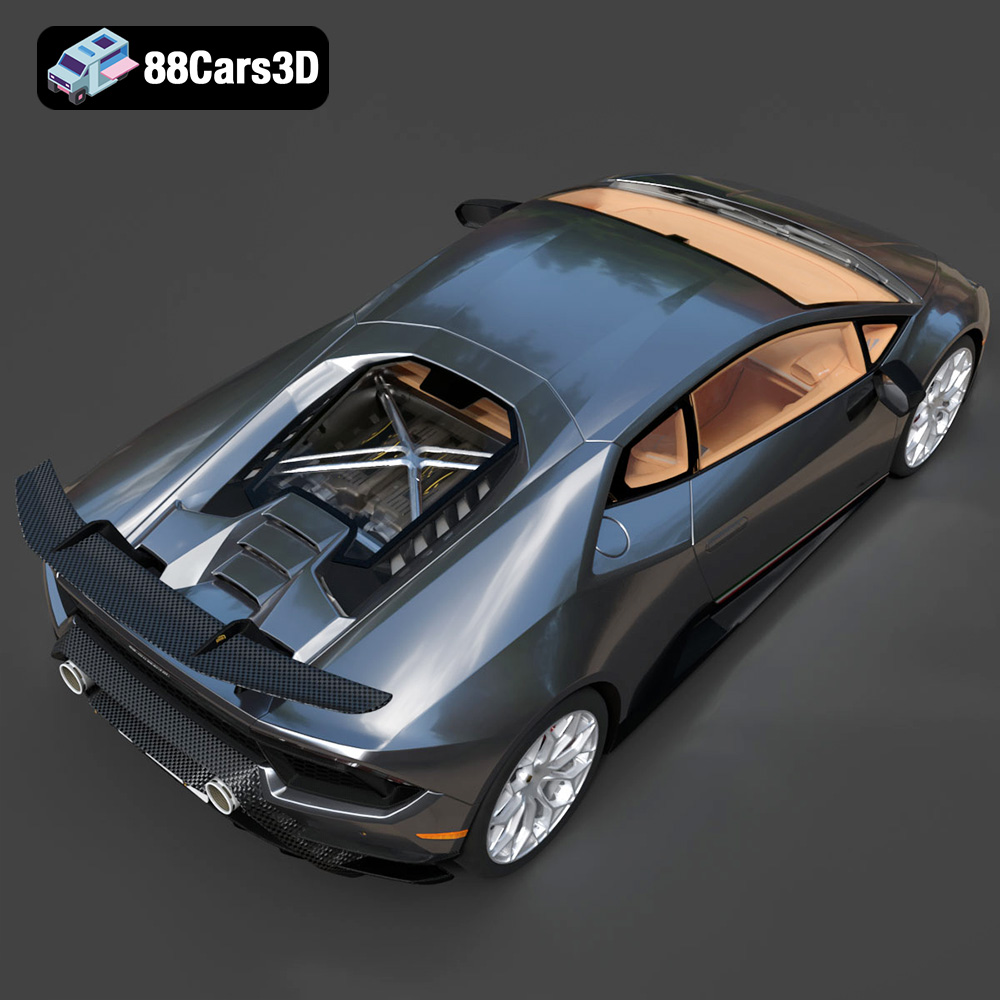
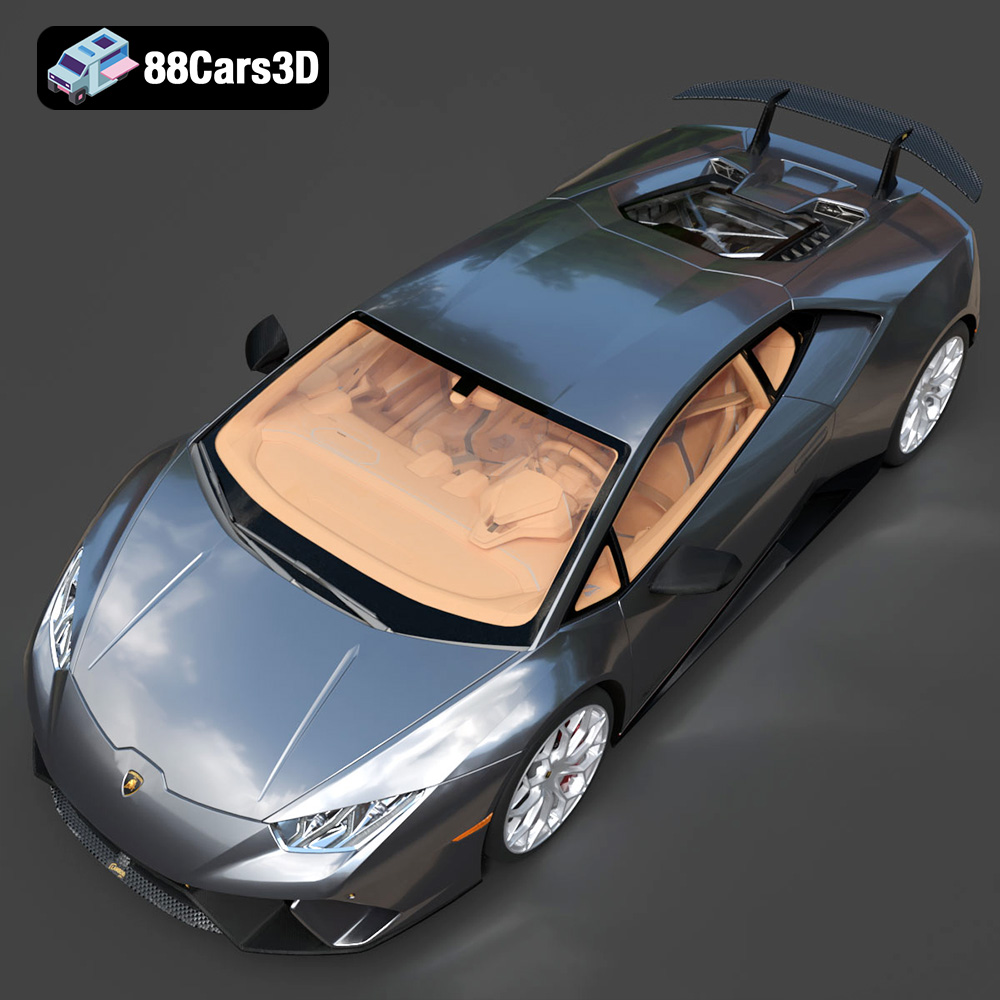
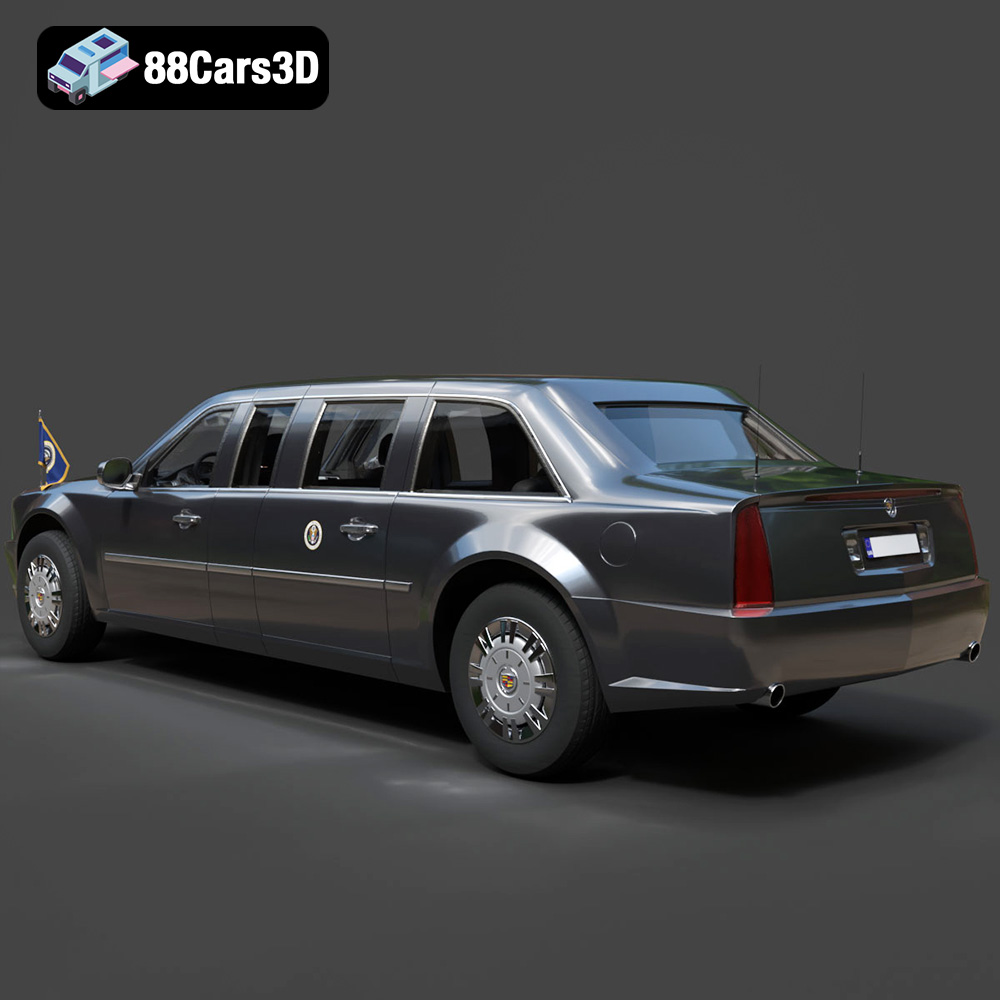
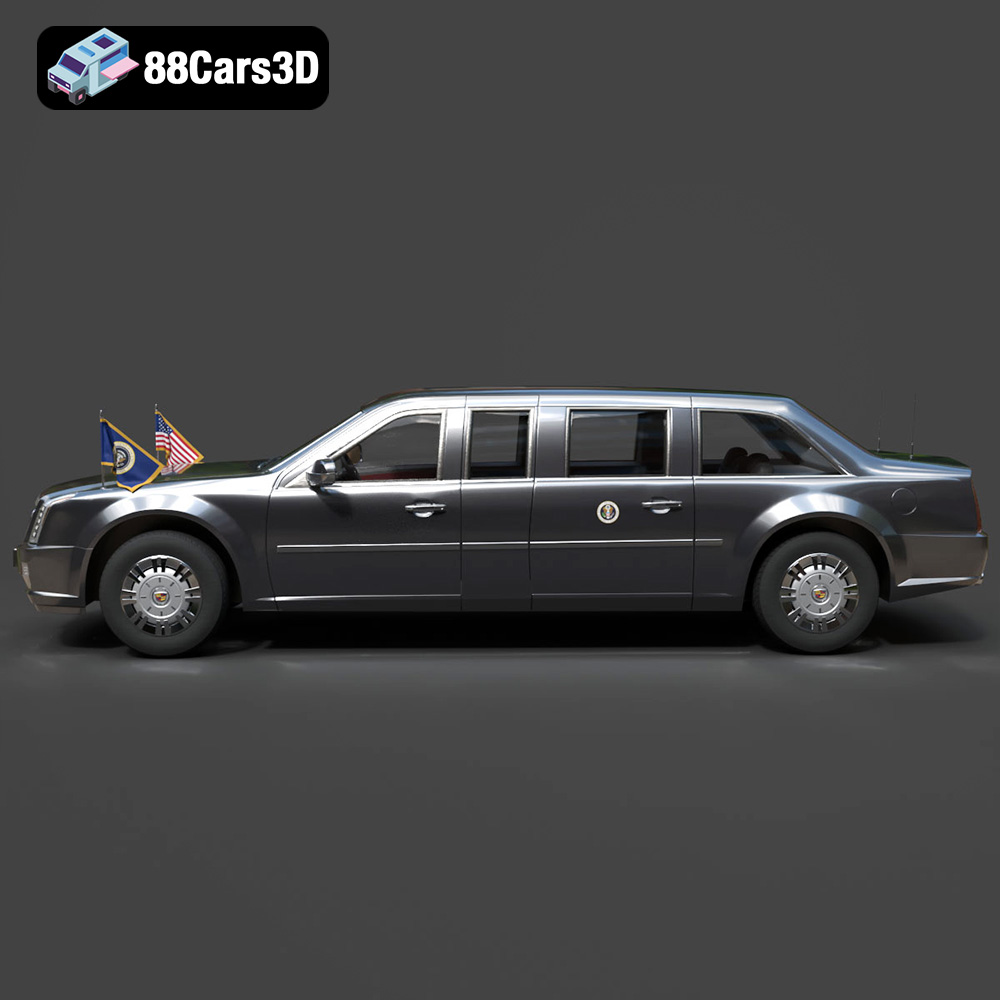
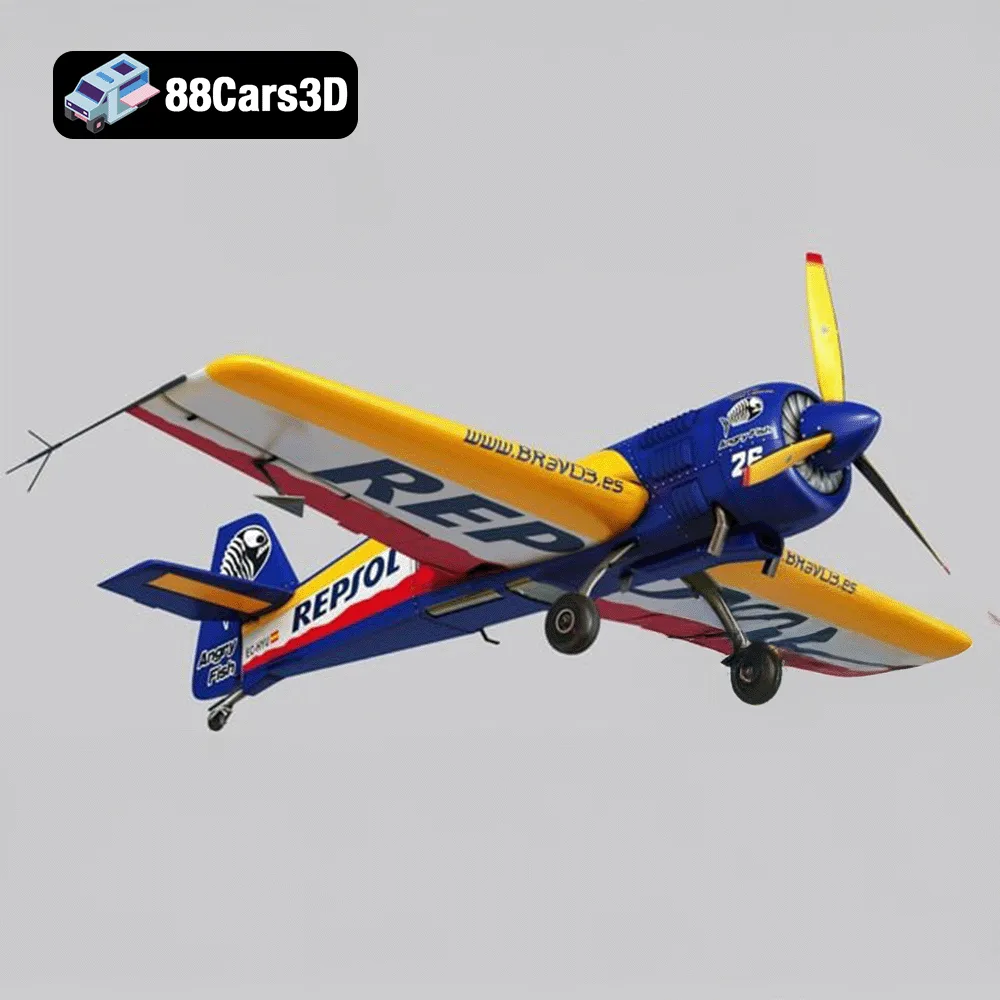
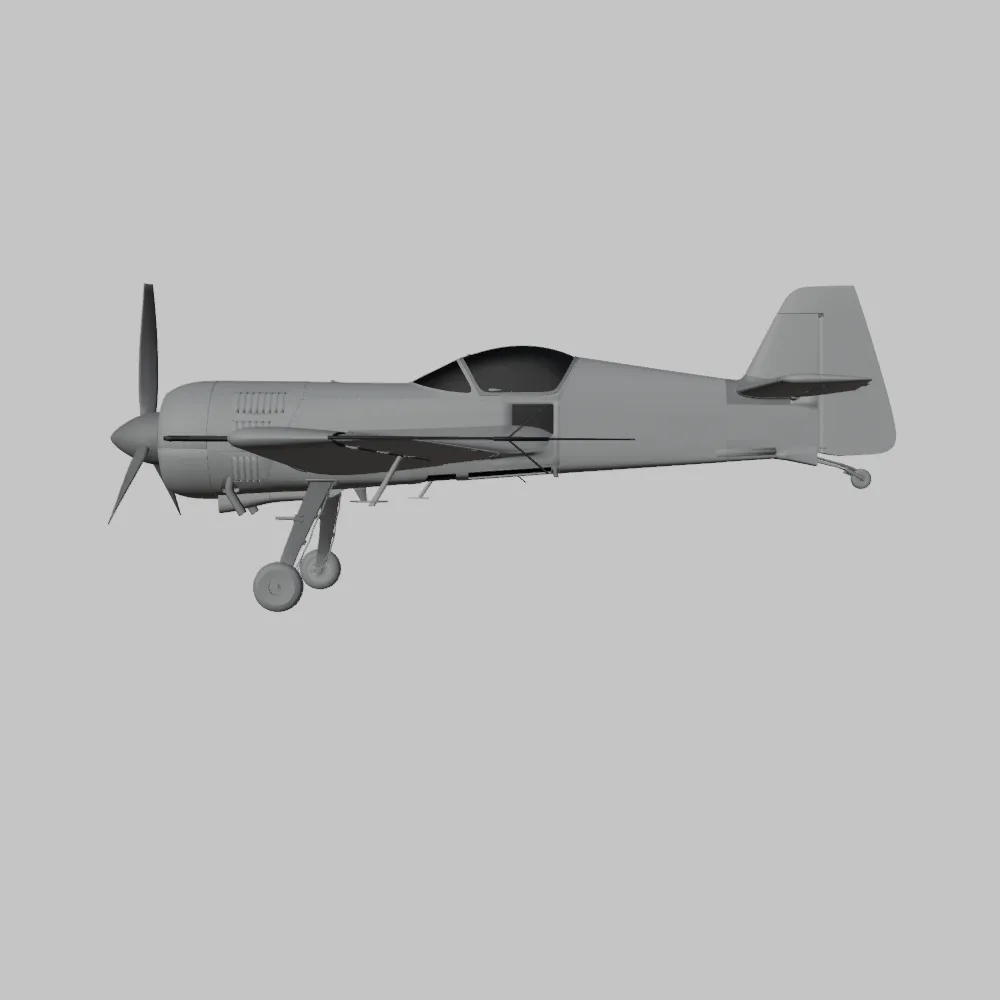
The Ultimate Creators’ Showcase Aero Concept Performance Bundle from 88cars3d.com is a treasure trove for 3D printing enthusiasts. This bundle packs five diverse and highly detailed models, ranging from the sleek Lamborghini Huracan Performante to the quirky Daewoo Damas microvan and the futuristic ZAV Concept Motorcycle. The inclusion of aircraft like the Sukhoi SU-26 and even the Presidential Limousine makes this a uniquely diverse collection. Whether you’re a seasoned 3D printing veteran or just starting, this guide will provide the technical insights needed to successfully bring these models to life. We’ll cover everything from choosing the right materials and printer settings to post-processing and troubleshooting, ensuring you get the best possible results from your 3D printer.
One of the most crucial aspects of successful 3D printing is understanding the different file formats your 3D models come in. The Ultimate Creators’ Showcase Bundle includes several formats, but some are better suited for 3D printing than others. Let’s break down the most common file formats and their relevance to additive manufacturing.
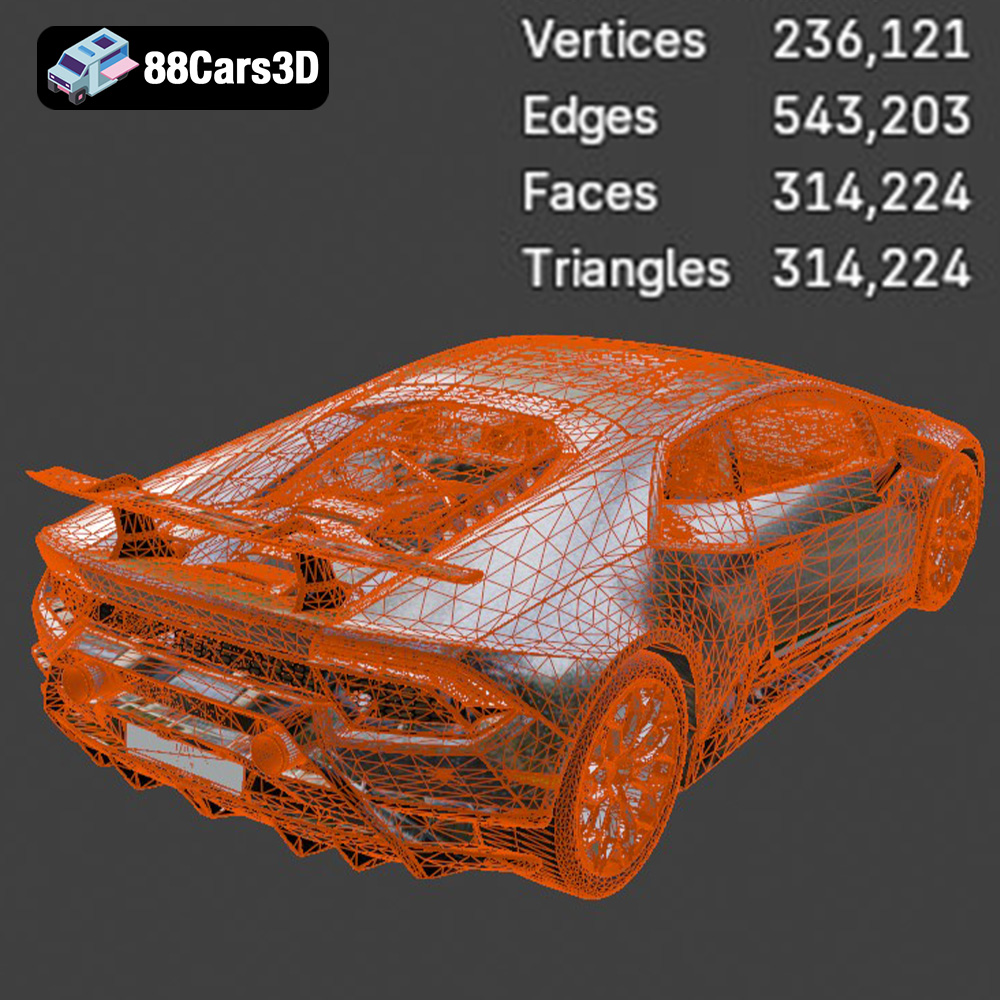
The .stl (stereolithography) format is the undisputed king of 3D printing. It represents the surface geometry of a 3D object as a collection of triangles. Because it’s a mesh-only format (lacking color or texture information), it focuses solely on the shape. This simplicity is its strength, making it universally compatible with virtually all slicing software and 3D printers. For the models within the Ultimate Creators’ Showcase Bundle, the .stl files are specifically optimized for 3D printing, meaning they should be watertight (no holes in the mesh) and properly oriented for minimal support material.
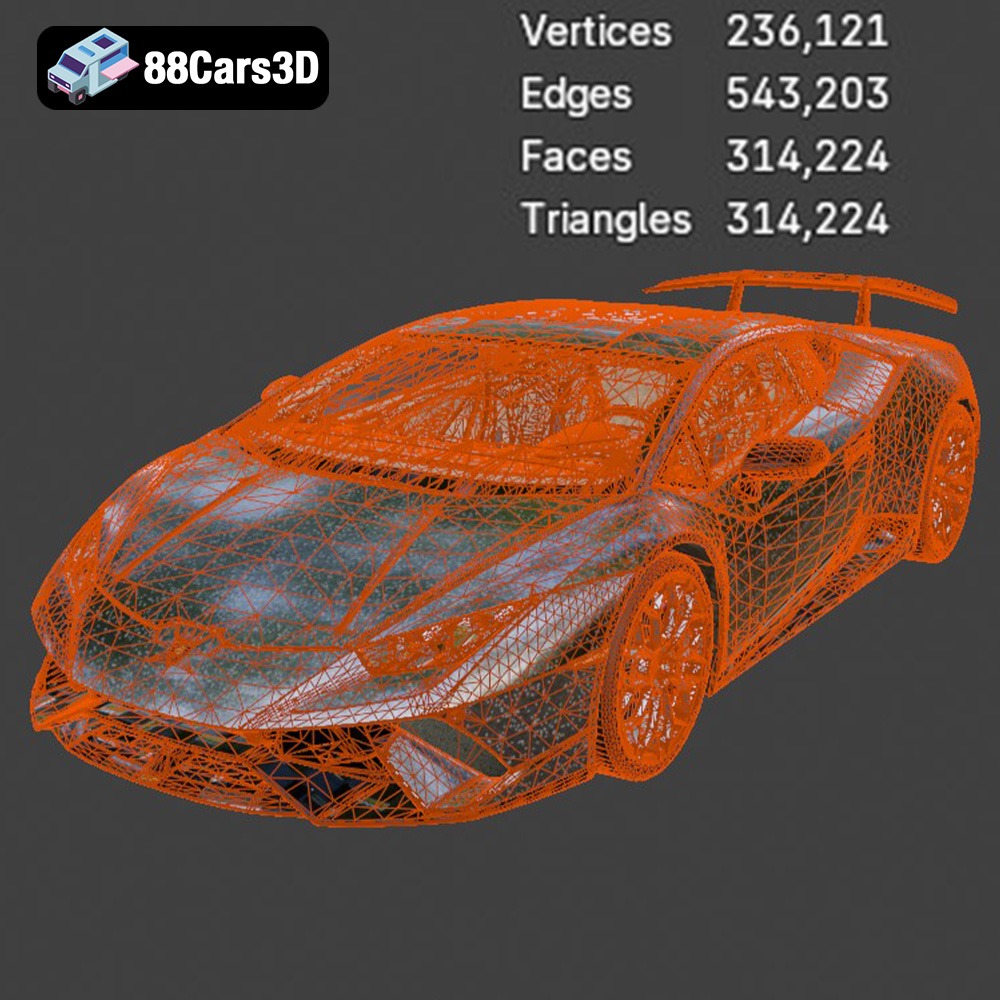
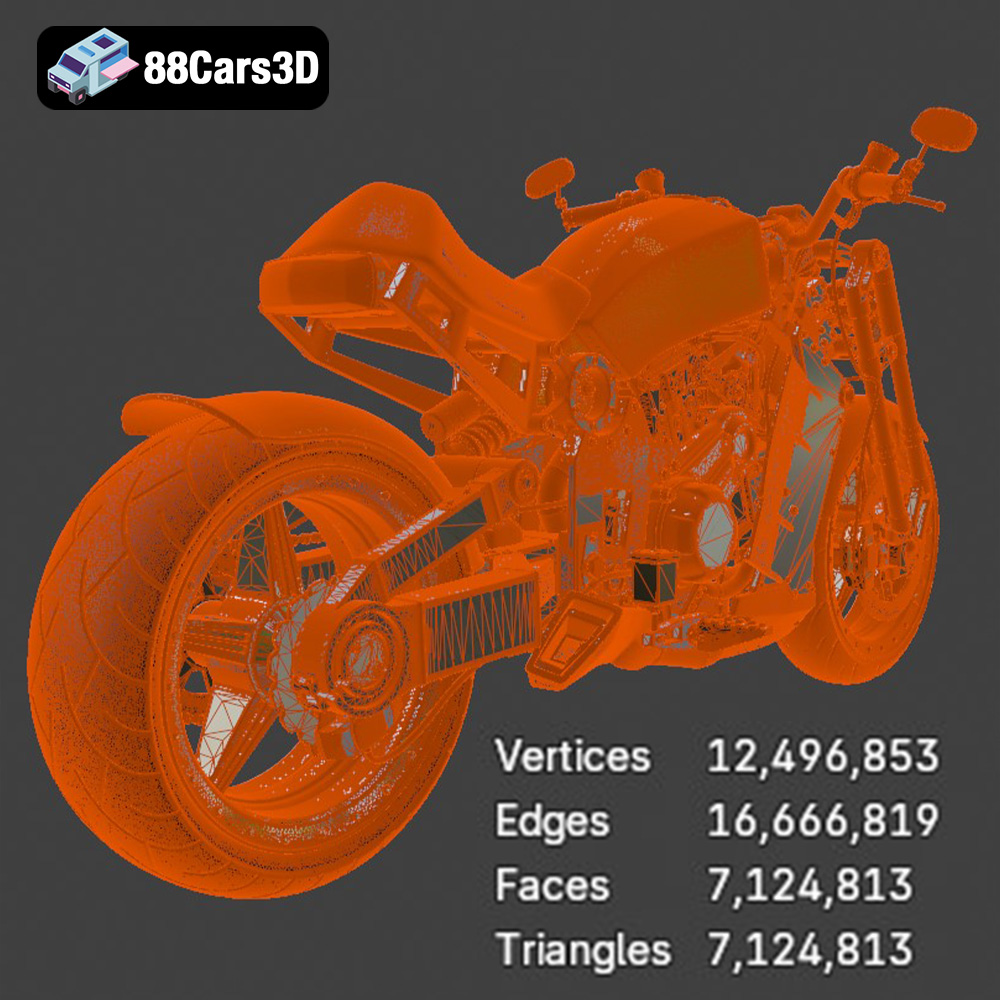
When working with .stl files, it’s essential to check the mesh quality. A low-resolution mesh will result in a faceted, blocky print, especially on curved surfaces. Conversely, an excessively high-resolution mesh can lead to large file sizes and slow slicing times. The key is to find a balance. Many slicing programs offer mesh repair tools that can automatically fix common issues like non-manifold edges or inverted normals, ensuring a successful print. The models from 88cars3d.com are designed to minimize these issues, but it’s always good practice to inspect the .stl file before sending it to the printer.
The .obj (Wavefront Object) format is another widely used format for 3D models. Unlike .stl, .obj files can store color and texture information, making them suitable for colored 3D prints (if your printer supports it). However, for the primary purpose of 3D printing the structural integrity of the models in the Ultimate Creators’ Showcase Bundle, .stl remains the preferred choice. Slicing software typically handles .obj files without issue, but it’s still essential to ensure the mesh is watertight and optimized for printing.
The .ply (Polygon File Format) format is known for its ability to store high-detail mesh data. It’s often used in 3D scanning and reverse engineering applications. While .ply files can be used for 3D printing, they’re less common than .stl or .obj. The high level of detail can sometimes lead to very large file sizes, which can strain the resources of your slicing software and printer.
The .blend format is specific to Blender, a popular open-source 3D modeling software. This format allows you to directly edit the 3D models before exporting them for printing. You could, for instance, make modifications to the Sukhoi SU-26’s wings or adjust the ride height of the Lamborghini Huracan.
The .fbx (Filmbox) format is commonly used for exchanging 3D models between different software applications. It supports materials, textures, and animations. While you can import .fbx files into some slicing software, the primary focus is usually on geometry. Ensure you convert the model to .stl after any edits or modifications in the .fbx file.
The .glb (GL Transmission Format Binary) is a relatively new format designed for efficient transmission and loading of 3D models, particularly in web and AR/VR applications. It’s useful for previewing the models in the Ultimate Creators’ Showcase Bundle in augmented reality before committing to a print.
Similar to .blend for Blender, the .max format is specific to 3ds Max, another professional 3D modeling software. It allows for direct editing and customization of the models before exporting to a printable format like STL.
The Ultimate Creators’ Showcase Bundle is designed to be compatible with both FDM (Fused Deposition Modeling) and Resin (SLA/DLP) 3D printers, though the optimal choice depends on the specific model and desired level of detail.
FDM printers are the most common type of 3D printer. They work by extruding molten plastic filament layer by layer. FDM is generally more affordable than resin printing and offers a wider range of material options, including PLA, PETG, ABS, and more exotic filaments like carbon fiber-reinforced plastics.
* **Pros:** Affordable, wide range of materials, larger build volumes.
* **Cons:** Lower resolution compared to resin, visible layer lines.
For larger models like the Presidential Limousine or the Sukhoi SU-26, FDM printing is a great option due to the larger build volumes typically offered by FDM printers. To minimize layer lines, use a smaller layer height (0.1mm – 0.2mm) and consider post-processing techniques like sanding and painting.
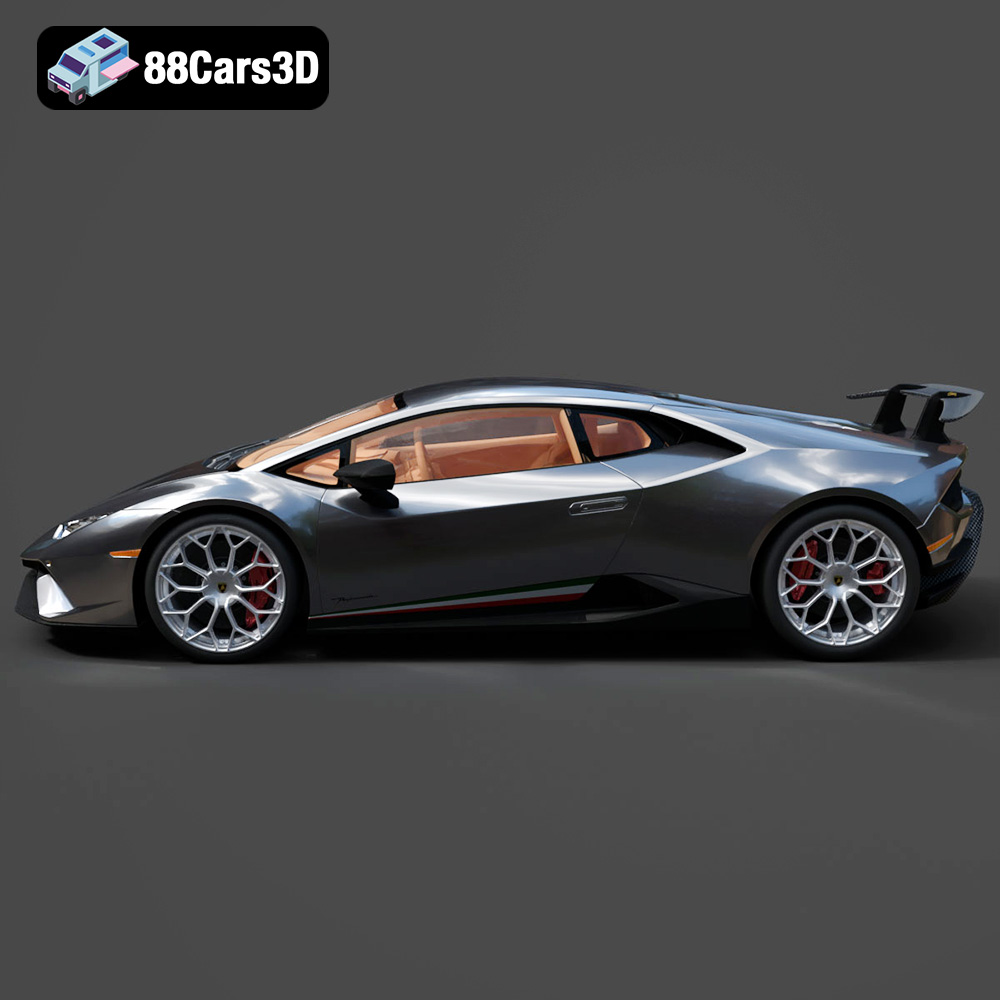
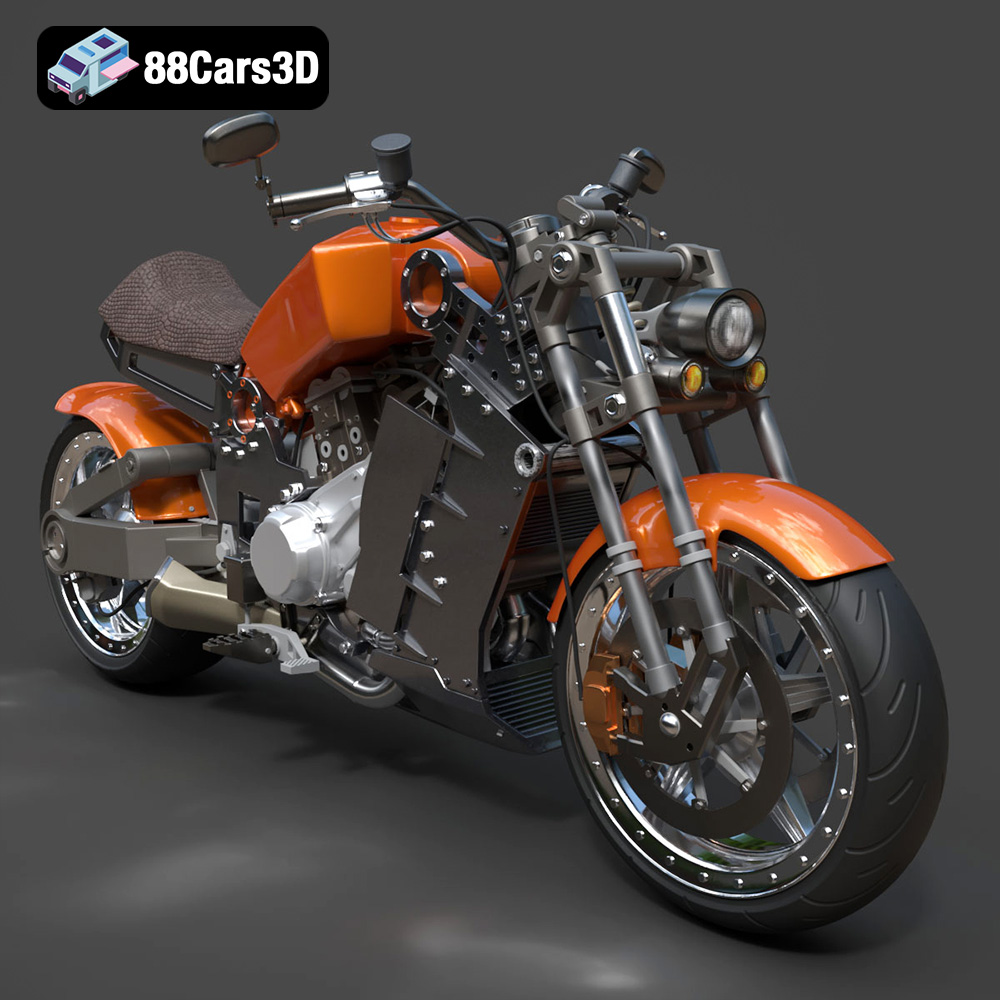
Resin printers use liquid resin that is cured by UV light. This technology allows for much higher resolution and finer details compared to FDM printing, making it ideal for intricate models like the ZAV Concept Motorcycle or the Lamborghini Huracan Performante, where capturing fine details like the aerodynamic elements is crucial.
* **Pros:** High resolution, exceptional detail, smooth surfaces.
* **Cons:** More expensive, smaller build volumes, requires post-curing.
When resin printing, it’s crucial to properly support the model to prevent warping or failure. Use a support generation software and choose appropriate support settings based on the resin you’re using. Post-curing is essential to fully harden the resin and achieve optimal mechanical properties.
Before you can start printing, you need to prepare your 3D model using slicing software. This software converts the 3D model into a series of instructions (G-code) that the printer can understand.
Popular slicing software options include Cura, PrusaSlicer, Simplify3D, and Chitubox (for resin printing). Each software has its own strengths and weaknesses, so experiment to find the one that works best for you. Key settings to adjust in your slicing software include:
* **Layer Height:** Smaller layer heights result in smoother surfaces but increase print time.
* **Infill Density:** Controls the internal density of the print. Higher infill increases strength but also increases material usage and print time. For most of the models in this bundle, a 15-20% infill is sufficient.
* **Support Structures:** Necessary for overhangs and complex geometries. Choose appropriate support settings based on the model and printing technology.
* **Print Speed:** Affects print quality and print time. Slower speeds generally result in better quality.
* **Temperature:** Adjust the nozzle and bed temperature according to the material you’re using.
The orientation of your model on the build plate can significantly impact the print quality, strength, and the amount of support material required. For example, when printing the Sukhoi SU-26, orienting the wings vertically will minimize the need for support structures on the wing surfaces, resulting in a smoother finish. However, this orientation may require more supports at the base. Experiment with different orientations to find the optimal balance.
For the Lamborghini Huracan Performante, orienting the car at a slight angle can help to minimize the staircase effect on curved surfaces like the roof and fenders. This is especially important when FDM printing.
The choice of material depends on the specific model, the desired properties of the finished print, and the printing technology you’re using.
PLA (Polylactic Acid) is a biodegradable thermoplastic derived from renewable resources like corn starch or sugarcane. It’s easy to print with, doesn’t require a heated bed (although it helps), and produces minimal warping. PLA is a great choice for models like the Daewoo Damas or the Presidential Limousine, where high strength is not a primary concern.
PETG (Polyethylene Terephthalate Glycol-modified) is a stronger and more durable alternative to PLA. It’s also more heat-resistant. PETG is a good choice for models that will be subjected to stress or outdoor use, such as the Lamborghini Huracan Performante or the ZAV Concept Motorcycle.
ABS (Acrylonitrile Butadiene Styrene) is a strong and heat-resistant thermoplastic commonly used in automotive and engineering applications. It requires a heated bed and good ventilation due to the fumes it produces during printing. ABS is a good choice for models that require high strength and durability, such as structural components of the Sukhoi SU-26.
For resin printing, there are various types of resin available, including standard resin, tough resin, and flexible resin. Choose the resin based on the desired properties of the finished print. Standard resin is suitable for most models, while tough resin is more impact-resistant, and flexible resin is suitable for parts that need to bend or flex.
Post-processing is the final step in the 3D printing process and involves cleaning up, finishing, and assembling your prints.
Carefully remove support structures using pliers, cutters, or a sharp knife. Take your time and avoid damaging the model. For resin prints, you may need to soak the model in isopropyl alcohol to remove any uncured resin.
Sanding is essential for smoothing out layer lines and imperfections. Start with coarse sandpaper and gradually move to finer grits. For a glossy finish, you can use polishing compounds.
Painting can enhance the appearance of your 3D prints and add realism. Use acrylic paints or spray paints designed for plastics. Apply multiple thin coats for best results. Consider using masking tape to create clean lines and details.
Some models may consist of multiple parts that need to be assembled. Use glue or screws to join the parts together. Ensure proper alignment and fit.
Even with careful planning and preparation, 3D printing can sometimes be challenging. Here are some common issues and their solutions:
* **Warping:** Occurs when the first layer of the print doesn’t adhere properly to the build plate. Use a heated bed, apply an adhesive like glue stick or hairspray, and ensure the bed is properly leveled.
* **Stringing:** Occurs when the printer extrudes filament while moving between different parts of the print. Increase retraction settings and lower the nozzle temperature.
* **Layer Shifting:** Occurs when the print head shifts during printing. Check the belt tension and ensure the printer is stable.
* **Under-Extrusion:** Occurs when the printer doesn’t extrude enough filament. Increase the flow rate and check for clogs in the nozzle.
* **Over-Extrusion:** Occurs when the printer extrudes too much filament. Decrease the flow rate and calibrate the extruder.
Let’s dive into specific considerations for printing each model in the Ultimate Creators’ Showcase Bundle.
* **Sukhoi SU-26:** Consider printing the wings separately and attaching them to the fuselage. This allows for optimal orientation for each part and minimizes support material. Lightweight PLA or foamed PLA is ideal for achieving a lighter final weight, especially if you intend to use it as a radio-controlled model.
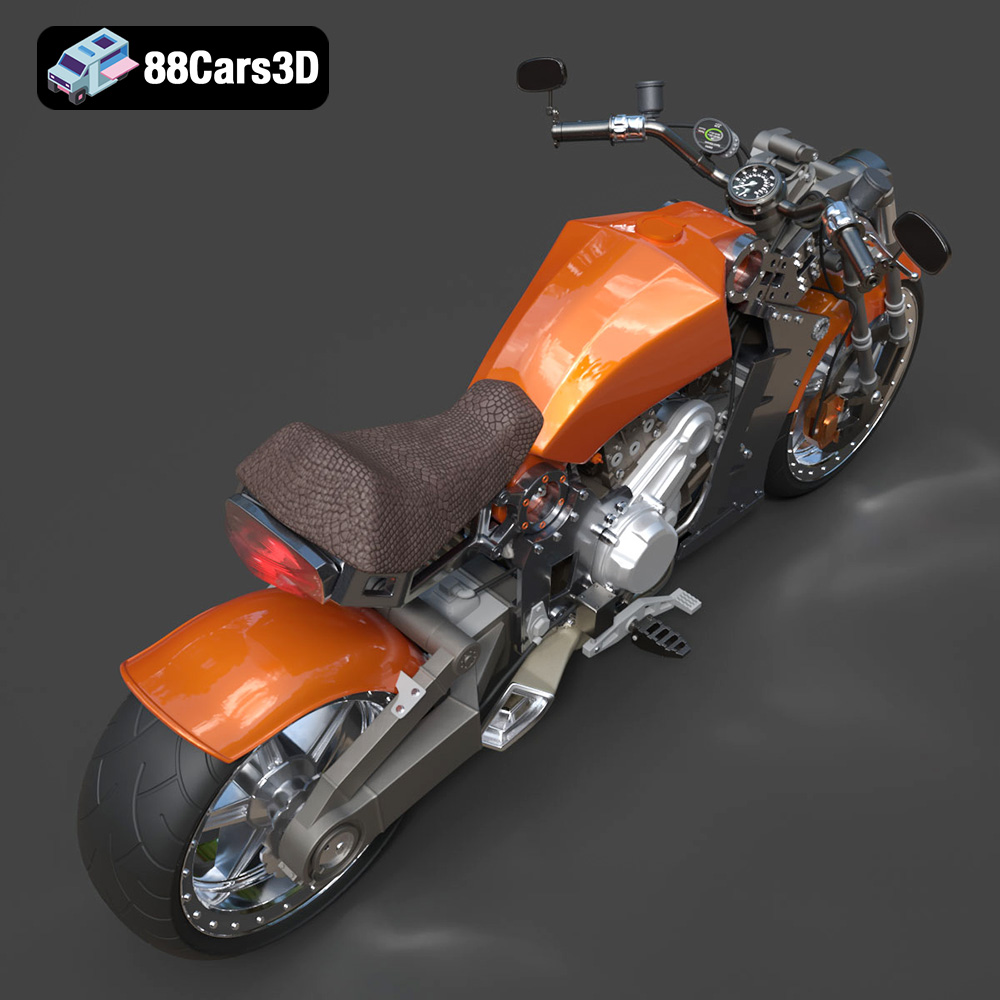
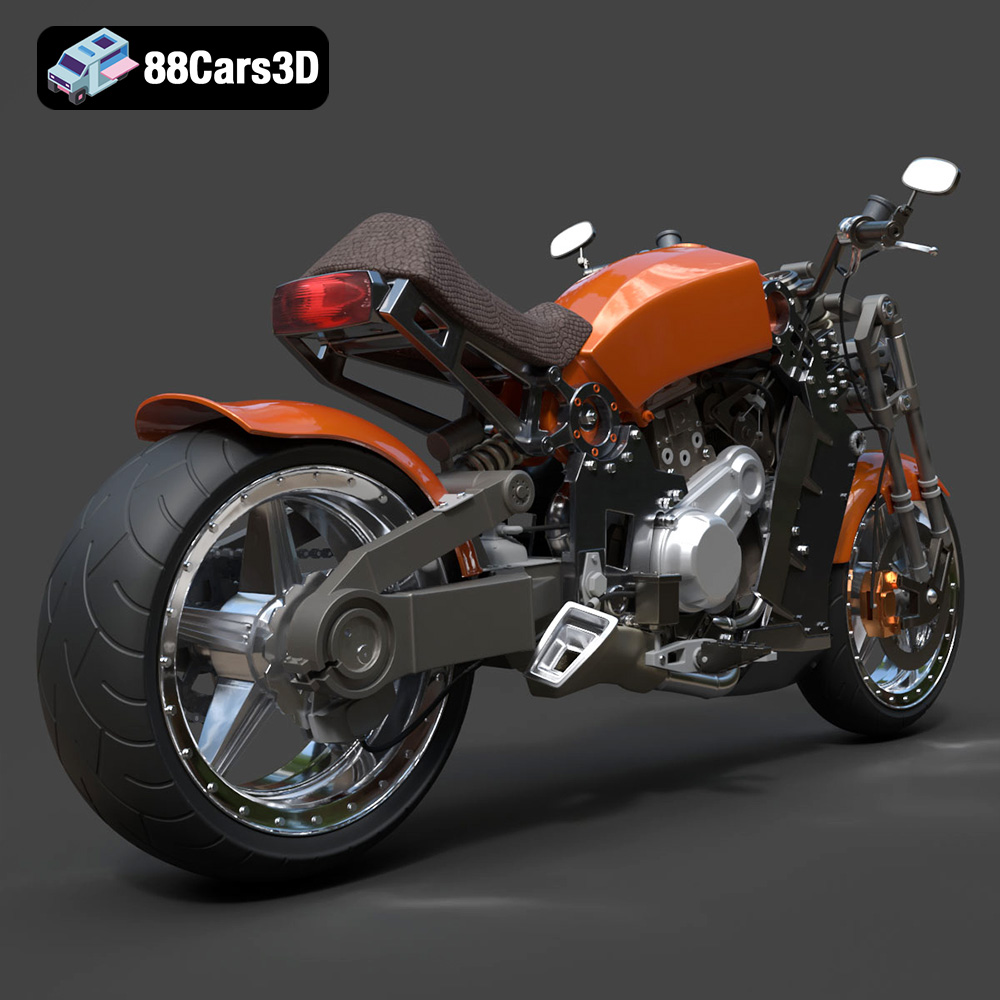
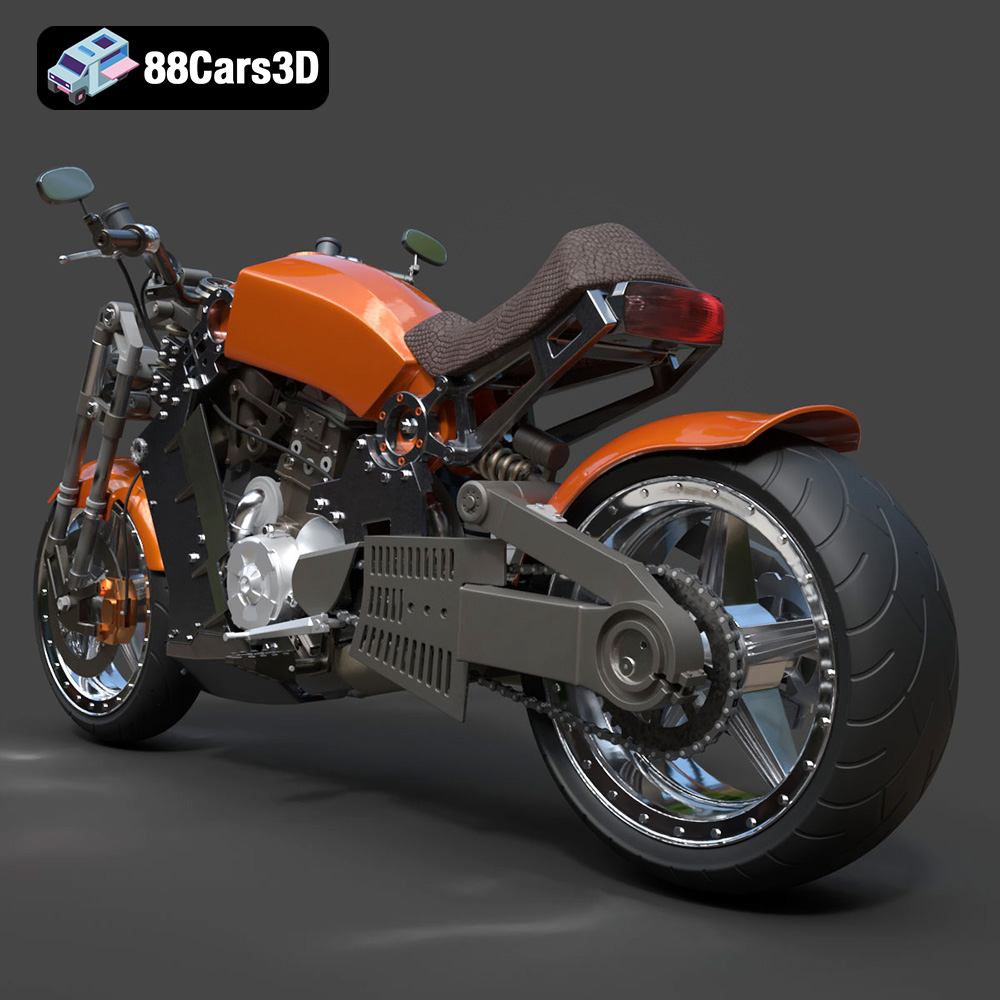
* **ZAV Concept Motorcycle:** This model benefits greatly from resin printing due to the intricate mechanical details. Use a tough resin to ensure the delicate parts are durable. Pay close attention to support placement to avoid damaging the fine details.
* **Lamborghini Huracan Performante:** Achieving a smooth finish on the Huracan’s curves is key. Use a small layer height and consider sanding and polishing the final print. Separating the wheels allows for easier painting and detailing.
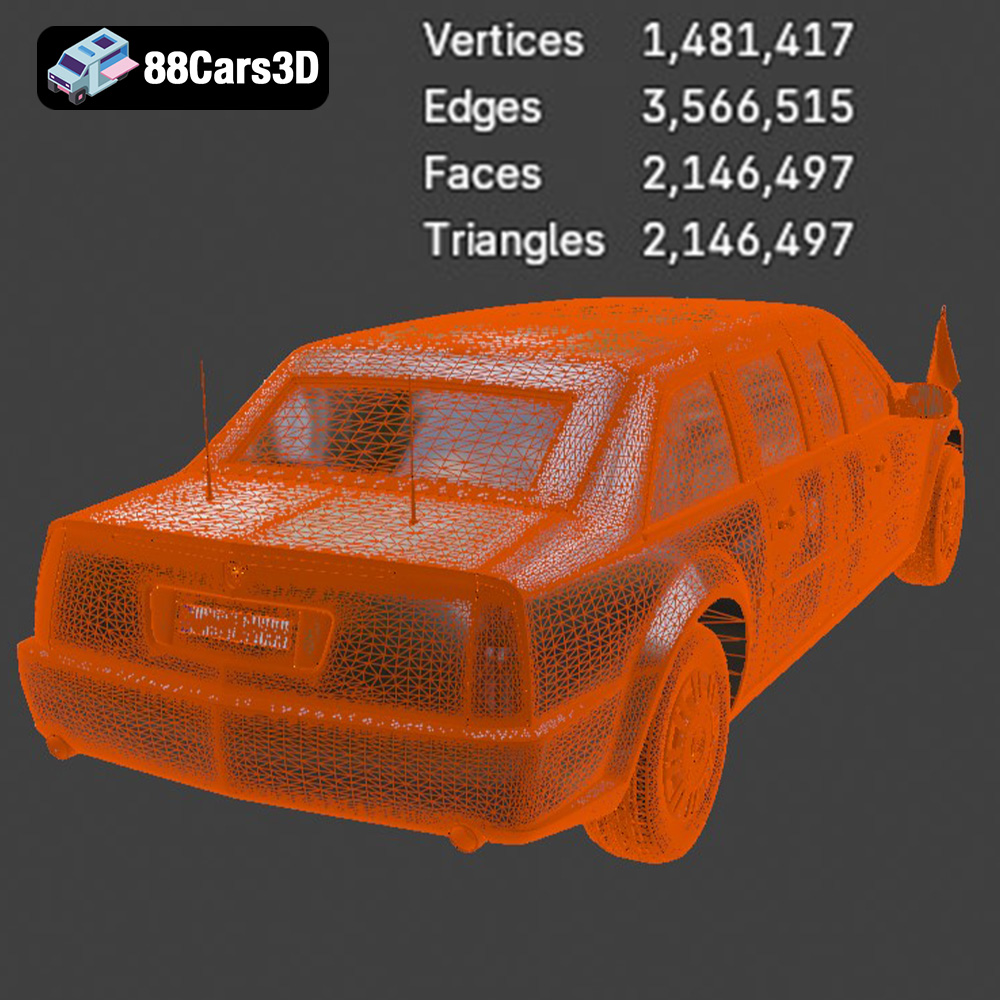
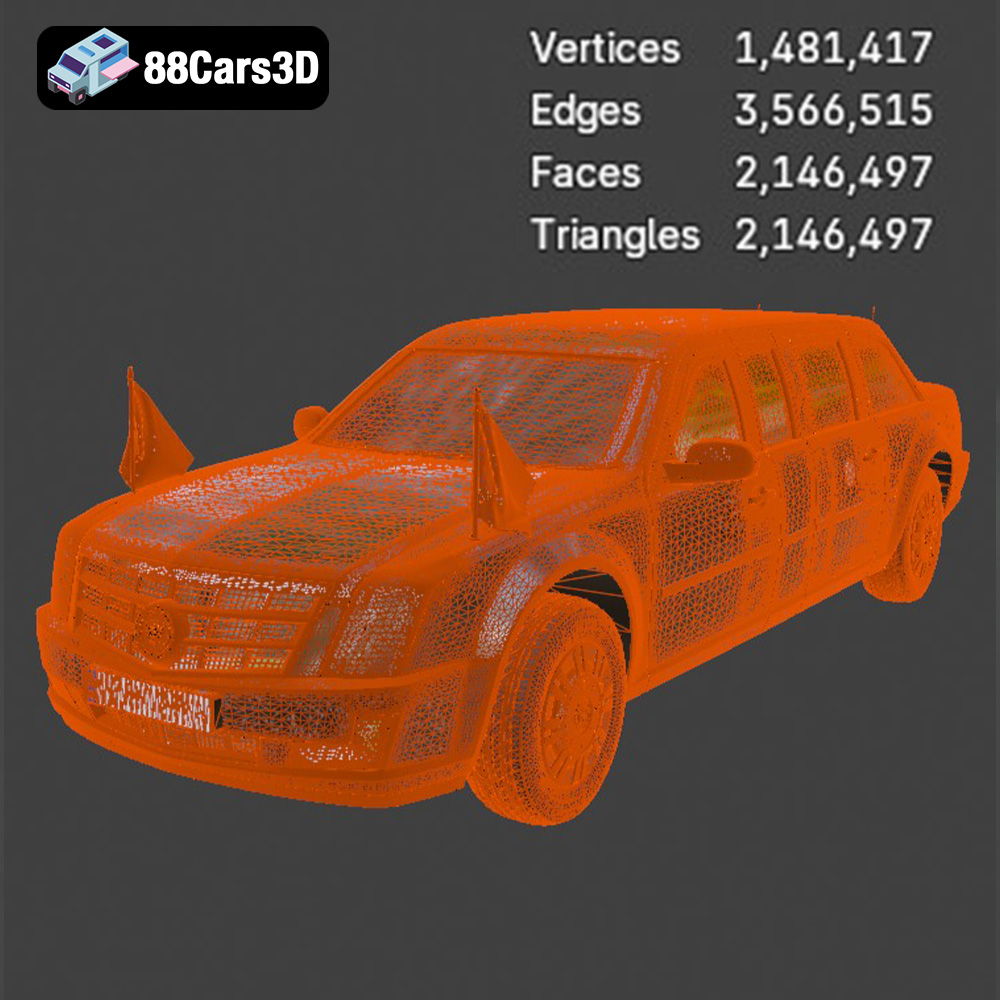
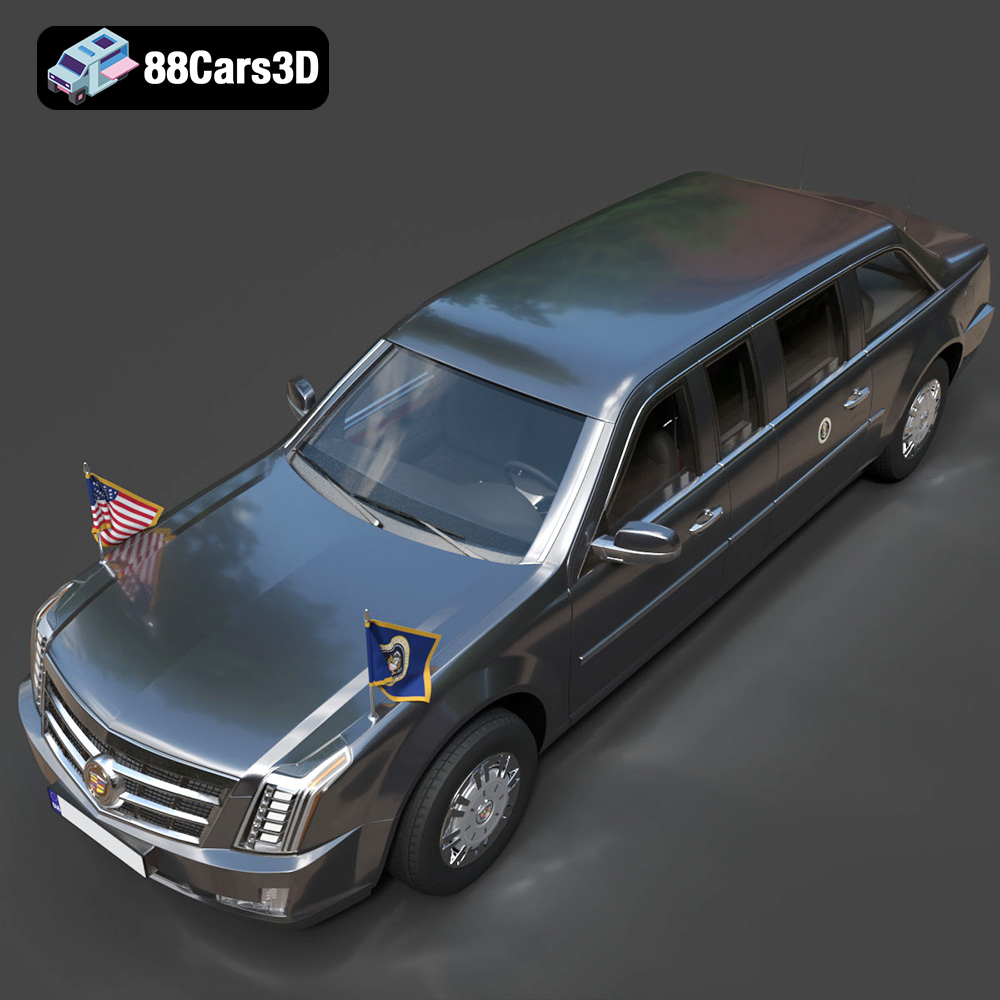
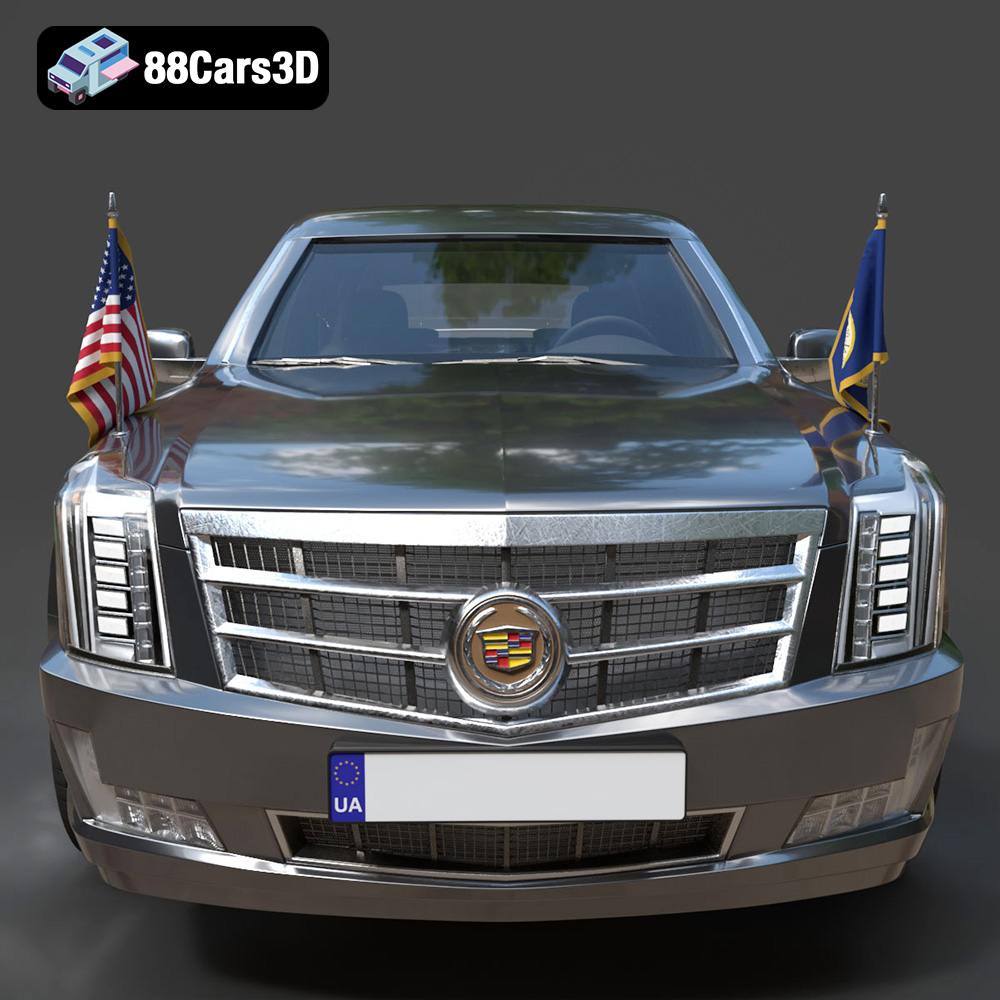
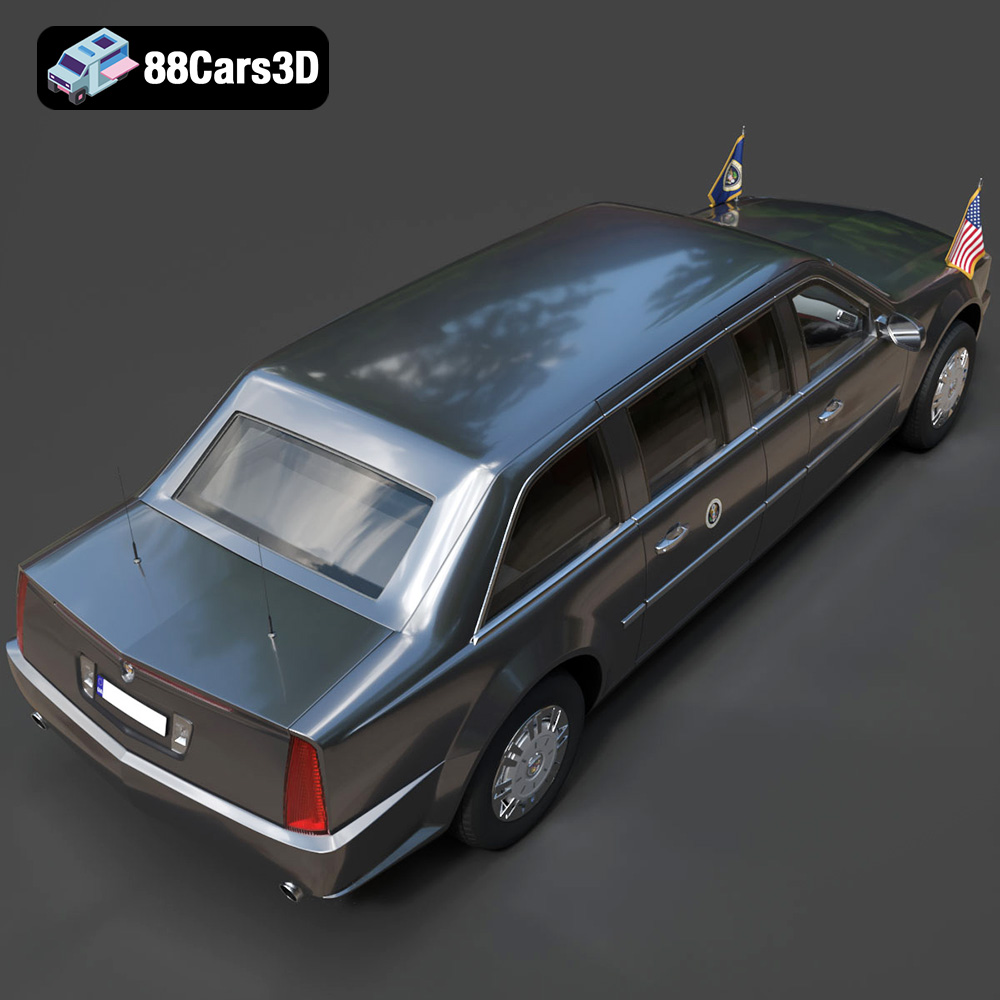
* **Presidential Limousine:** This model can be printed in multiple parts for easier assembly and painting. Consider using a translucent filament for the windows and adding LED lighting for a realistic effect.
* **Daewoo Damas:** This quirky microvan is perfect for adding character to dioramas. Print it in a bright color and add details like license plates and decals for a realistic touch. PLA is a suitable material for this model.
By following these guidelines and experimenting with different settings and materials, you can successfully 3D print the entire Ultimate Creators’ Showcase Bundle and bring these incredible models to life. Remember to visit 88cars3d.com for even more amazing 3D models optimized for printing and rendering.
The Ultimate Creators’ Showcase is an exclusive, masterfully curated master-portfolio bundle designed for artists, collectors, and 3D printing enthusiasts who demand unparalleled variety without compromising on extreme detail. Unlike traditional brand-specific collections, this unique bundle bridges the gap between high-altitude aerospace engineering, cyberpunk conceptual design, elite track performance, VIP luxury, and highly sought-after urban utility.
$99.99
3d bundle
3d print ready
3d printable bundle
archviz-assets
cg models
concept-bike
cyberpunk-vehicle
daewoo damas
high poly cars
lamborghini huracan
luxury car
presidential limousine
rc plane stl
sci-fi motorcycle
stl collection
sukhoi airplane
supercar 3d model
urban van
vehicle pack
vfx assets