Get 50% OFF All Premium 3D & STL Models!

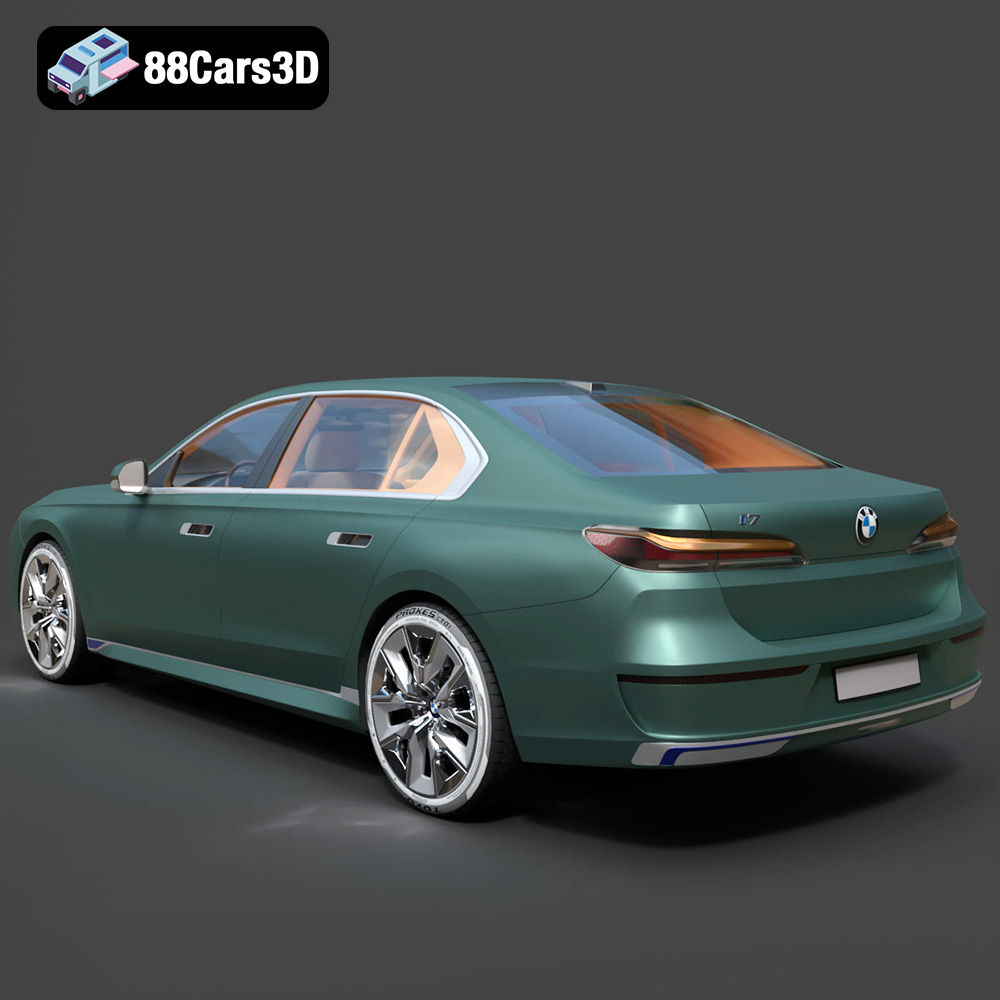
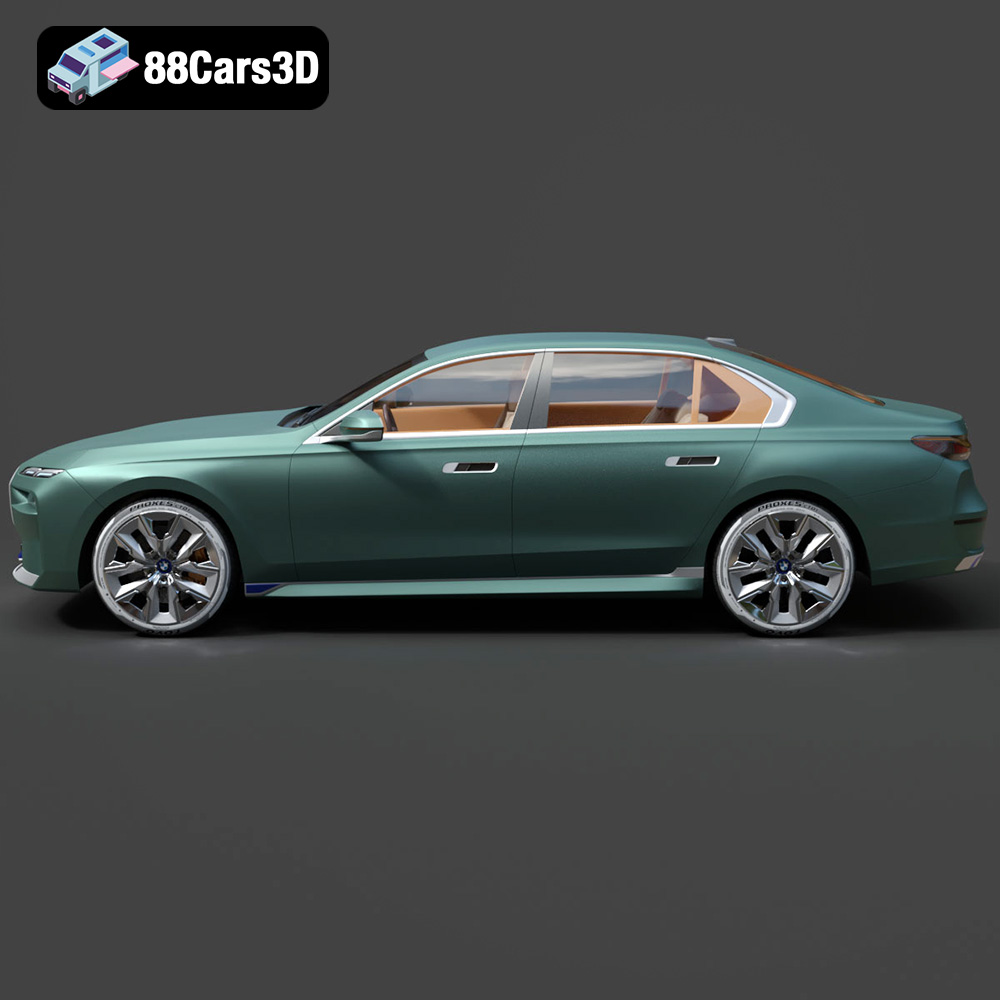
The BMW i7 xDrive60 2023 isn’t just a car; it’s a statement. It represents the pinnacle of luxury electric vehicles, blending groundbreaking design with cutting-edge technology. Now, thanks to advancements in 3D printing, you can bring this automotive masterpiece to life in miniature. This article provides a comprehensive guide to 3D printing the BMW i7 xDrive60 2023 ultra-high-poly 3D model, covering everything from printer settings and material selection to post-processing and troubleshooting. Whether you’re a seasoned 3D printing enthusiast or a newcomer to the world of additive manufacturing, this guide will equip you with the knowledge to create a stunning replica of this iconic vehicle. The high-poly 3D car models available at 88cars3d.com, like this BMW i7, offer incredible detail perfect for 3D printing.
Before diving into the specifics of printing the BMW i7, it’s crucial to understand the various file formats available and their suitability for 3D printing. The right file format can significantly impact the print quality and overall success of your project.
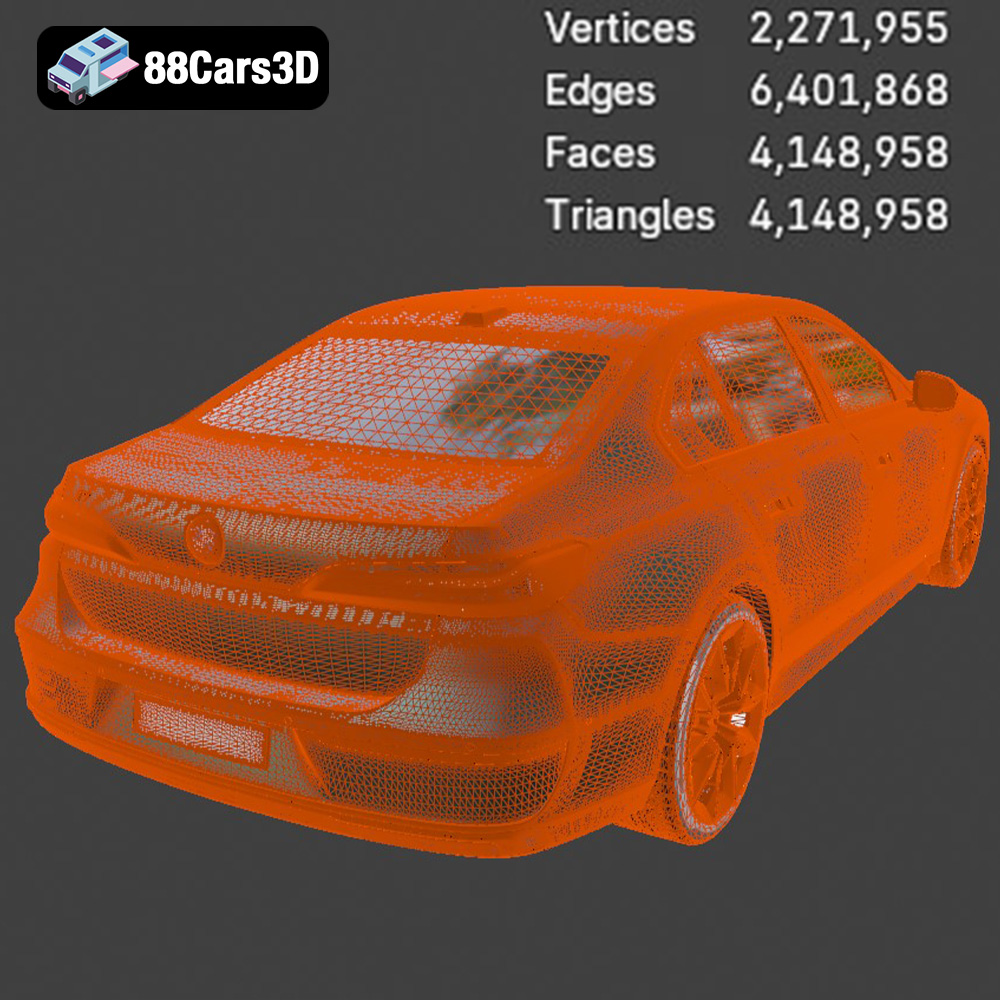
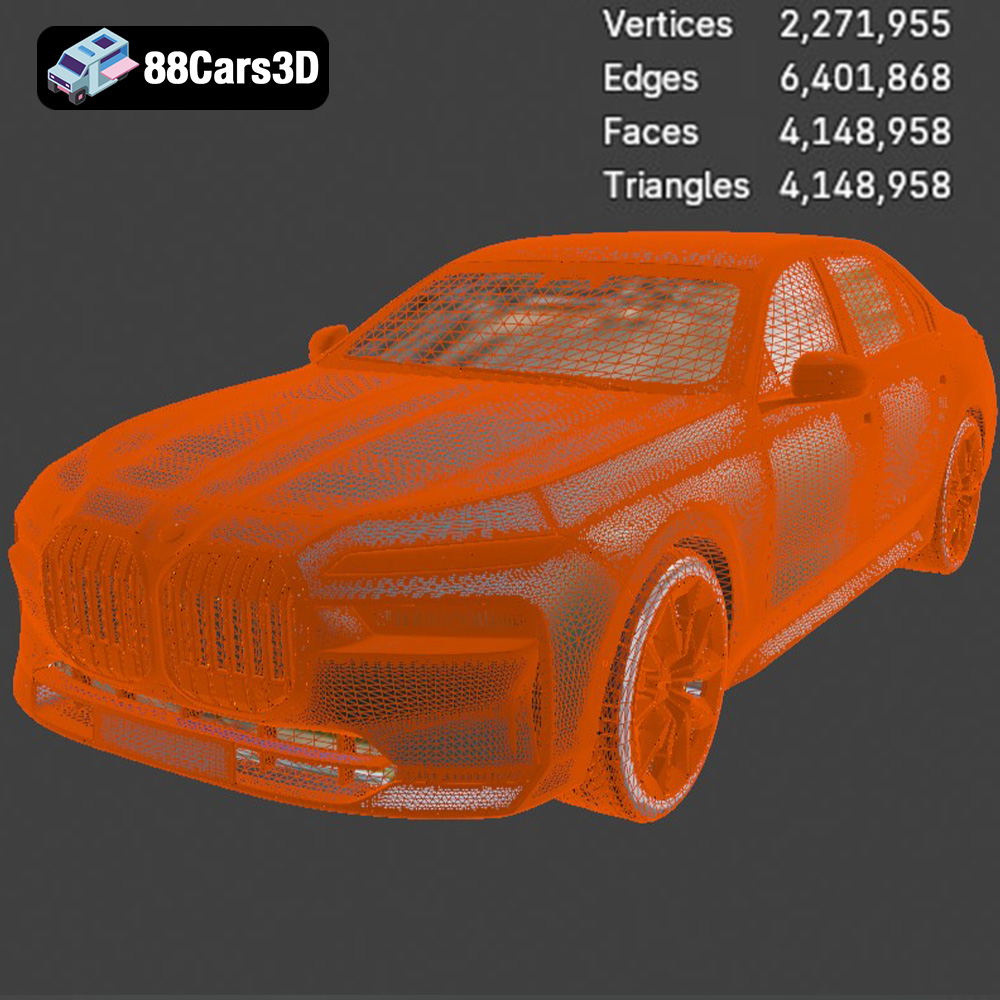
The STL (Stereolithography) file format is the workhorse of 3D printing. It represents the surface geometry of a 3D object as a collection of triangles. This simplicity makes it universally compatible with almost all 3D printers and slicing software. For the BMW i7 model, the STL file contains the intricate details of the exterior and interior, translated into a mesh of interconnected triangles. While STL is widely supported, it only stores the geometry and doesn’t include color or texture information. Therefore, if you’re aiming for a multi-colored print, you might need to explore alternative formats or apply painting techniques after printing. When working with STL files, ensure the mesh quality is high enough to capture fine details without creating an excessively large file. The high-poly nature of the BMW i7 model from 88cars3d.com requires careful consideration of mesh density in your chosen slicing software.
OBJ files are more versatile than STL, as they can store color and texture information along with the 3D geometry. This is particularly useful if the 3D model has pre-defined textures that you want to preserve. However, not all 3D printers can utilize the color information embedded in OBJ files. You’ll need a printer capable of multi-material or multi-color printing.
PLY (Polygon File Format) is designed to store 3D data acquired from 3D scanners. It’s capable of capturing highly detailed mesh data, making it suitable for complex models like the BMW i7. PLY files can also store color information, but compatibility with slicing software and 3D printers can be more limited compared to STL or OBJ.
BLEND files are native to Blender, a popular open-source 3D modeling software. This format allows you to directly modify the 3D model before exporting it to a printable format. If you want to customize the BMW i7, for example, by adding personalized details or simplifying certain areas for easier printing, the BLEND file provides the most flexibility.
FBX (Filmbox) is a proprietary file format developed by Autodesk. It’s commonly used for exchanging 3D data between different software applications. FBX files can contain geometry, materials, textures, and animations. While FBX isn’t directly used for 3D printing, it can be imported into some slicing software to retain material information, which can then be used to guide multi-material printing.
GLB (GL Transmission Format Binary) is a file format designed for efficient transmission and loading of 3D models in web and augmented reality (AR) applications. It’s a binary format that includes geometry, textures, and animations in a single file. While GLB isn’t primarily for 3D printing, it’s useful for previewing the model in AR to get a sense of its size and appearance before committing to a print.
MAX files are native to 3ds Max, another professional 3D modeling software. Similar to BLEND files, MAX files allow for extensive customization and modification of the 3D model before exporting it to a printable format.
For 3D printing the BMW i7, STL is the recommended format due to its wide compatibility and ease of use. However, if you intend to customize the model, the BLEND or MAX files offer the most flexibility. Before printing, always import the STL file into your slicing software to check for errors and optimize the mesh for your chosen printer. Be sure to check that the mesh is manifold (watertight), meaning it has no holes or gaps, which can cause printing issues.
Once you’ve chosen your file format, the next step is preparing the model for 3D printing. This involves using slicing software to convert the 3D model into a set of instructions that your printer can understand. This is where you define crucial parameters like layer height, infill density, and support structures.
Choosing the right slicing software is essential for achieving optimal print quality. Popular options include Cura, PrusaSlicer, Simplify3D, and IdeaMaker. Each software offers a range of features and settings, so experiment to find the one that best suits your needs and printer capabilities. For the BMW i7, which has a high level of detail, consider using software that allows for fine-tuning of support structures and precise control over layer height.
The orientation of the model on the print bed significantly impacts print quality and the amount of support material required. For the BMW i7, printing the body at an angle can minimize the need for supports on the curved surfaces, resulting in a smoother finish. However, this might require more support material for the overhangs. Wheels and smaller parts should generally be printed separately to optimize their individual print settings. Consider using adaptive layer height settings to optimize print time without sacrificing detail in critical areas like the iconic glow grille.
Depending on the size you want to print the BMW i7, you might need to scale the model in your slicing software. Remember that scaling up increases print time and material usage, while scaling down can make it difficult to capture fine details. For resin printing, consider hollowing the model to reduce resin consumption and prevent warping. When hollowing, ensure you add drainage holes to allow the resin to escape.
The material you choose for 3D printing the BMW i7 will influence its appearance, durability, and cost. Different materials offer different properties, so select one that aligns with your desired outcome.
PLA (Polylactic Acid) is a biodegradable thermoplastic polymer derived from renewable resources. It’s easy to print with, making it a popular choice for beginners. PLA is suitable for creating display models of the BMW i7, but it’s not as durable or heat-resistant as other materials.
PETG (Polyethylene Terephthalate Glycol-modified) offers a good balance of strength, flexibility, and heat resistance. It’s more durable than PLA and can withstand higher temperatures, making it a suitable option for parts that might be exposed to sunlight or stress.
Resin printing, using technologies like SLA (Stereolithography) or DLP (Digital Light Processing), is ideal for capturing the intricate details of the BMW i7. Resin printers offer high resolution and can produce models with smooth surfaces and fine features, such as the Swarovski crystal daytime running lights. However, resin prints tend to be more brittle than filament-based prints. Resin is highly recommended to capture the microscopic details of the crystal headlights and interior screens.
* **Body:** Resin (for detail) or PETG (for durability)
* **Wheels:** TPU (for flexibility and grip) or ABS (for strength)
* **Grille and Lights:** Clear or translucent resin (for light transmission)
The right printer settings are crucial for achieving a high-quality 3D print of the BMW i7. These settings will vary depending on your printer, material, and slicing software, but here are some general guidelines.
For FDM (Fused Deposition Modeling) printing, a layer height of 0.1mm to 0.2mm is a good starting point. For resin printing, aim for a layer height of 0.025mm to 0.05mm to capture the fine details of the BMW i7. Lower layer heights result in smoother surfaces but increase print time.
Infill density affects the strength and weight of the print. For a display model, an infill density of 15% to 25% is usually sufficient. Choose an infill pattern that provides good support without adding excessive weight. Gyroid or honeycomb patterns are good options.
Print speed and temperature settings depend on the material you’re using. Consult the material manufacturer’s recommendations for optimal settings. Generally, slower print speeds result in better quality, especially for intricate details. Ensure proper bed adhesion to prevent warping or detachment during printing.
Adequate support structures are essential for printing overhangs and complex geometries. Use tree supports or manually placed supports to minimize material usage and improve surface finish. For FDM printing, use a heated bed and bed adhesion aids like glue stick or hairspray to prevent warping. For resin printing, ensure proper exposure times to ensure the model adheres to the build plate. Supports are required for the side mirrors, wheels, and grille overhangs.
Post-processing is the final stage in the 3D printing process. It involves cleaning, sanding, painting, and assembling the printed parts to create a finished model.
Carefully remove support structures using pliers, cutters, or a sharp knife. Be gentle to avoid damaging the model. Clean the model with soap and water to remove any residue or support material. For resin prints, rinse the model with isopropyl alcohol (IPA) to remove uncured resin.
Sanding smooths out the surfaces of the print and removes layer lines. Start with coarse sandpaper and gradually move to finer grits. Apply a primer to the model to fill in any remaining imperfections and provide a smooth surface for painting.
Use automotive paints or model paints to achieve a realistic finish. Apply multiple thin coats of paint for best results. Use masking tape to create clean lines and details. Consider adding decals or custom graphics to further enhance the model’s appearance. Applying BMW’s bespoke Two-Tone exterior paint schemes, like Liquid Copper over Black Sapphire, can significantly enhance the model’s realism.
Assemble the printed parts using glue or screws. Ensure proper alignment and fit. Add any final details, such as windows, mirrors, or interior components.
Even with careful preparation and the right settings, 3D printing can sometimes present challenges. Here are some common issues and their solutions.
Warping occurs when the corners of the print lift off the build plate due to uneven cooling. To prevent warping, use a heated bed, improve bed adhesion, and reduce print speed.
Stringing is when thin strands of filament are left between different parts of the print. To reduce stringing, adjust retraction settings, lower print temperature, and increase travel speed.
Layer shifting occurs when the print head suddenly shifts position, resulting in misaligned layers. Check belt tension, stepper motor drivers, and ensure the printer is stable.
If supports fail during printing, the overhangs they’re meant to support will collapse. Increase support density, adjust support angles, and ensure proper bed adhesion.
Common issues with resin printing include poor adhesion to the build plate, incomplete curing, and warped parts. Ensure proper exposure times, level the build plate correctly, and hollow the model to reduce resin consumption.
3D printing the BMW i7 xDrive60 2023 is a rewarding project that allows you to create a stunning replica of this iconic vehicle. By following the tips and techniques outlined in this guide, you can achieve high-quality prints with exceptional detail. Remember to experiment with different materials, settings, and post-processing techniques to find what works best for you. With patience and persistence, you can bring the future of luxury electric vehicles to life on your 3D printer.
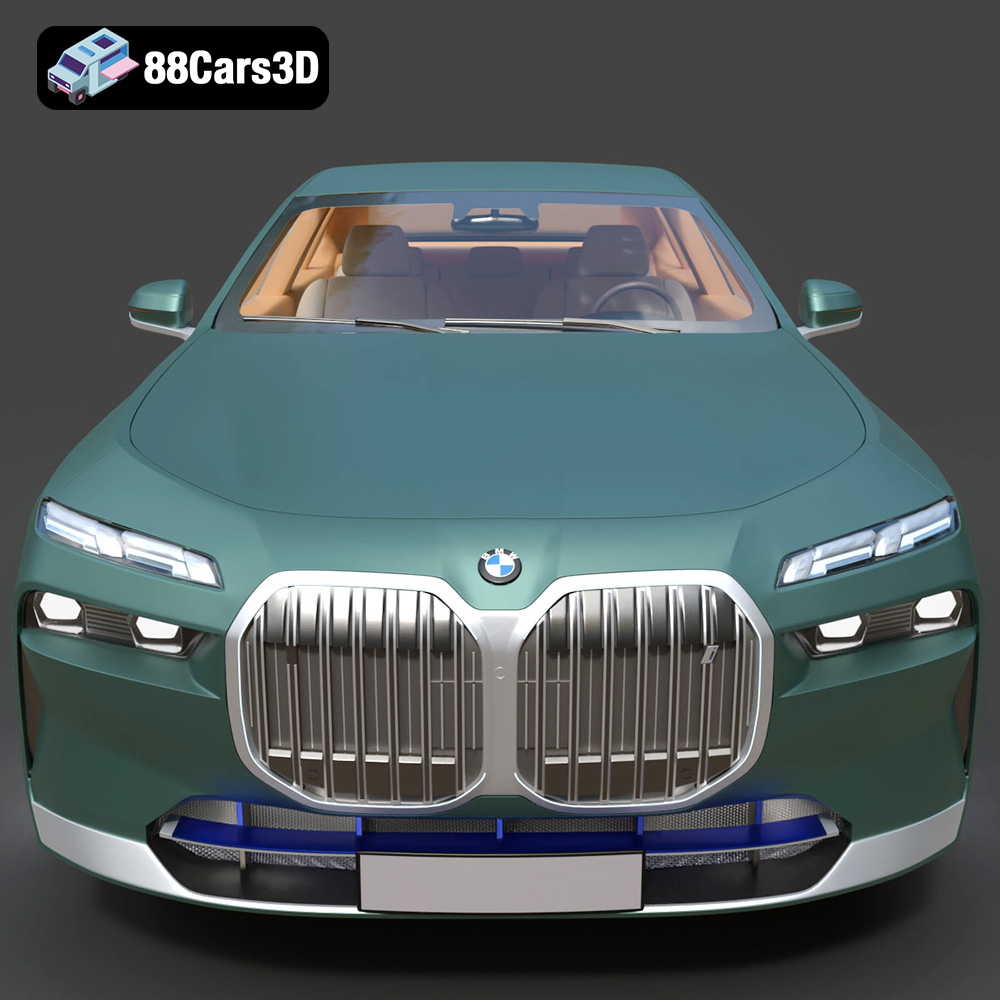
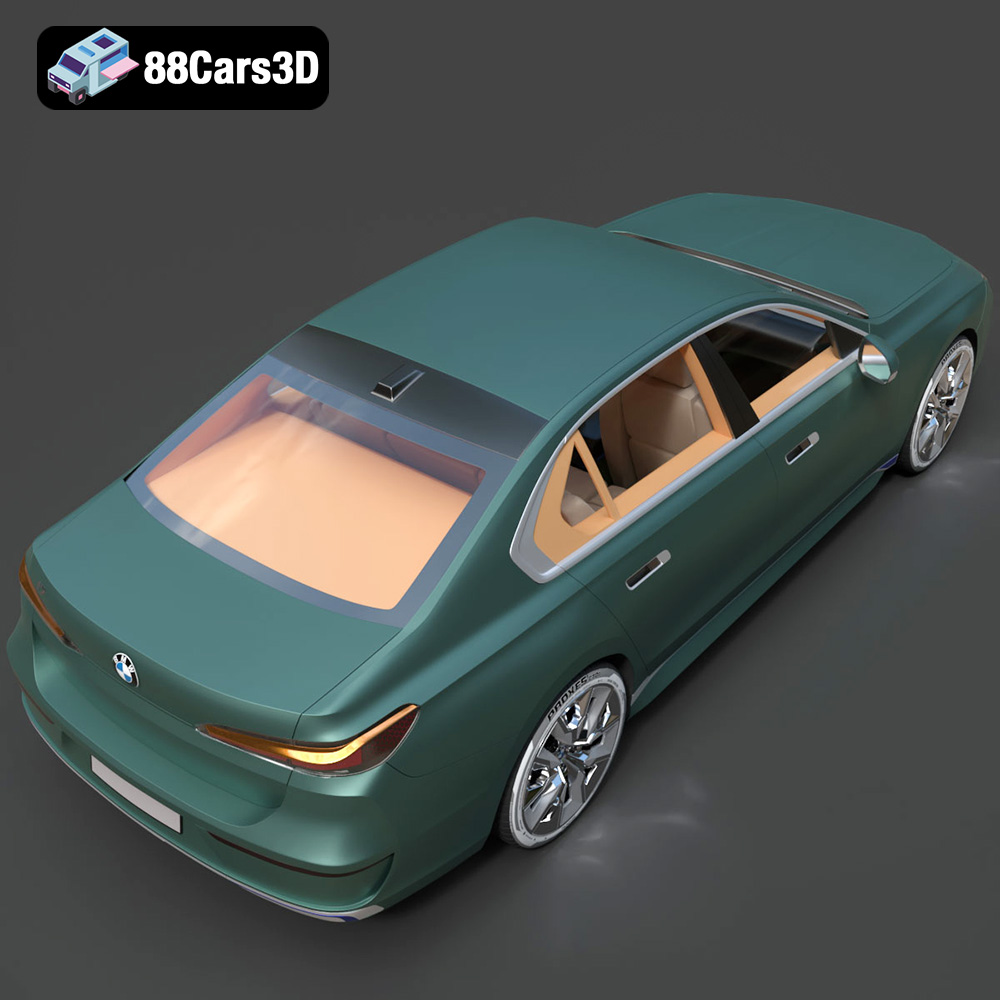
The BMW i7 (2023) 3D Model is an uncompromising, ultra-high-detail digital recreation of the Bavarian automaker’s all-electric flagship luxury sedan. Representing the groundbreaking G70 generation, the i7 redefines the modern luxury segment by combining progressive, monolithic design language with next-generation electric mobility and uncompromised digital innovation. Perfect for ultra-luxury ArchViz driveways, cinematic automotive showcases, high-end commercial VFX, and premium virtual showrooms.
$19.99
.archviz
.automotive
.blend
.bmw
.ev
.fbx
.g70
.i7
.obj
.rendering
2023-bmw
bmw-i7
car-3d-model
electric-vehicle
hero-car
high poly
luxury-sedan
vfx